Free AI Photo Enhancer
Instantly enhance your images with Fotor AI photo enhancer. Improve clarity, sharpen details, and boost resolution in one click — free and no sign-up required.
99%
Image Quality Improvement
8x
High-Resolution Enhancement
80%
Cost Savings
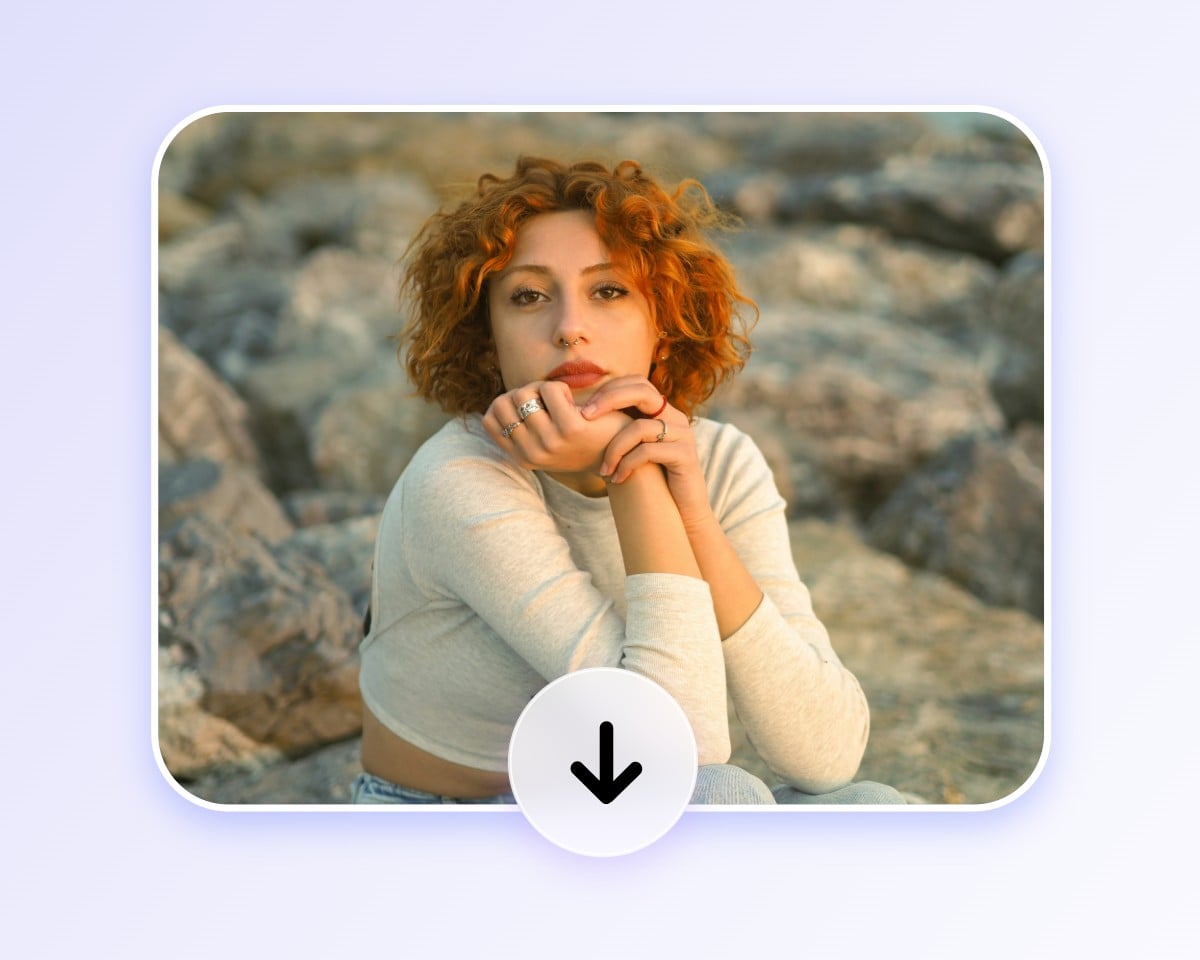
How to Enhance Photo Quality in Simple Steps
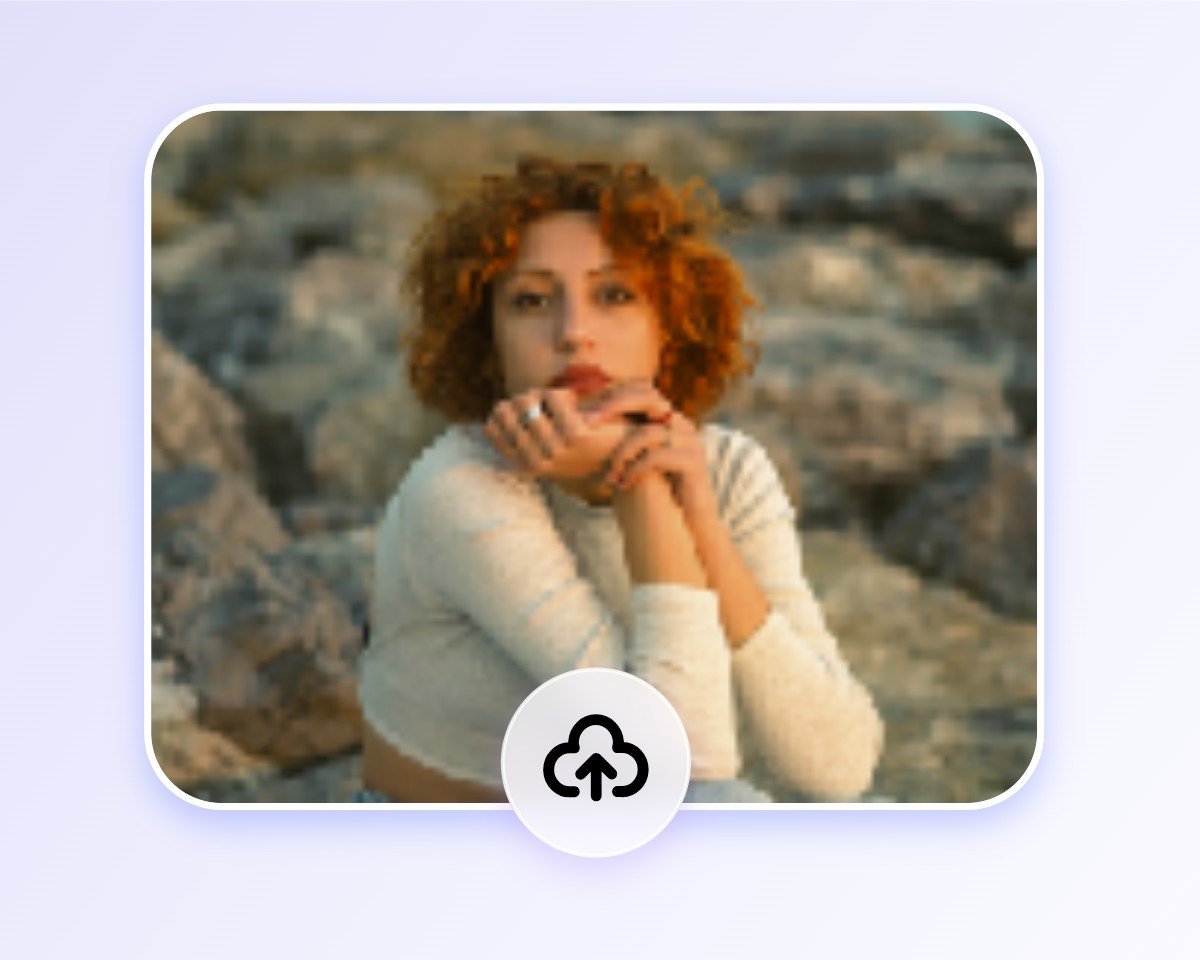
Upload Your Photo
Click the “Upload Image” button on this page, or drag and drop your photo into the widget.
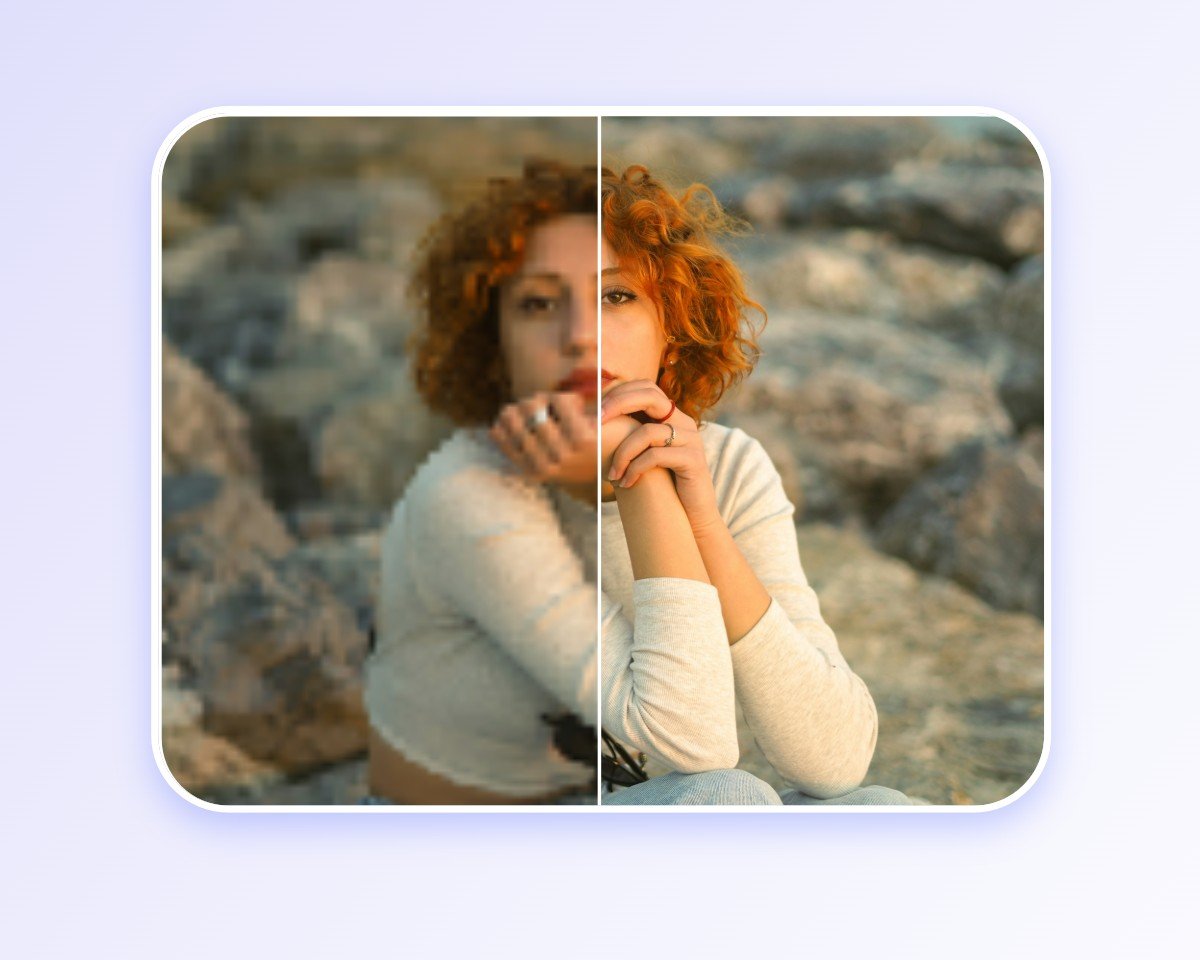
Let AI Enhance It
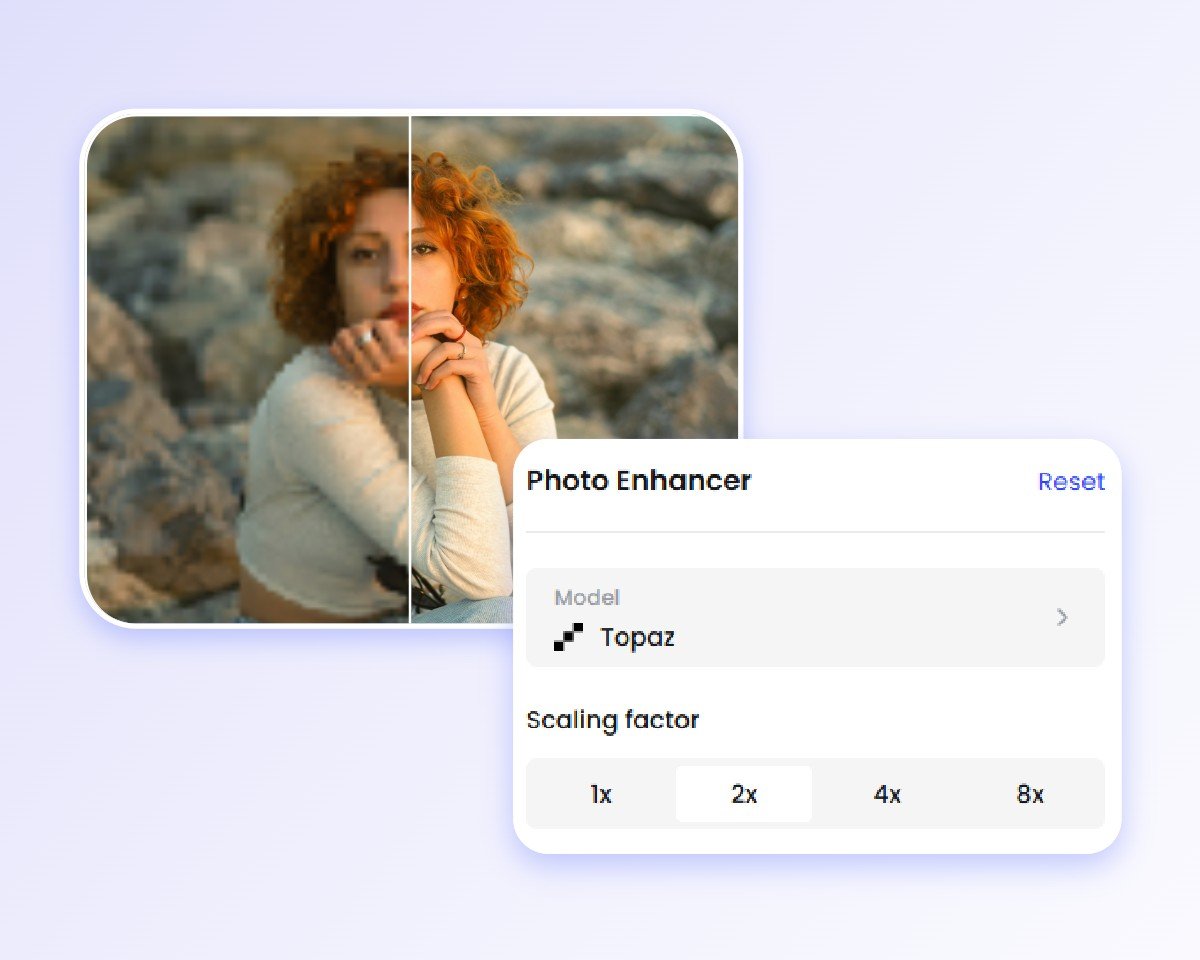
Adjust the Pro Settings
Preview and Download
Everything You Need to Enhance Image Quality with AI
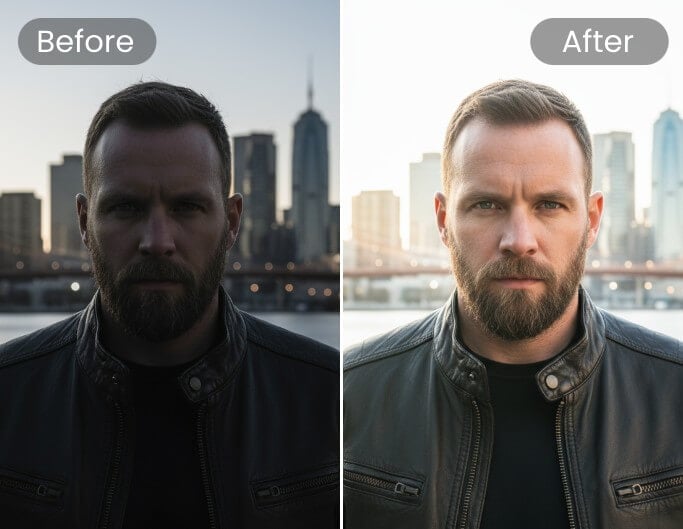
Adjust Brightness & Exposure
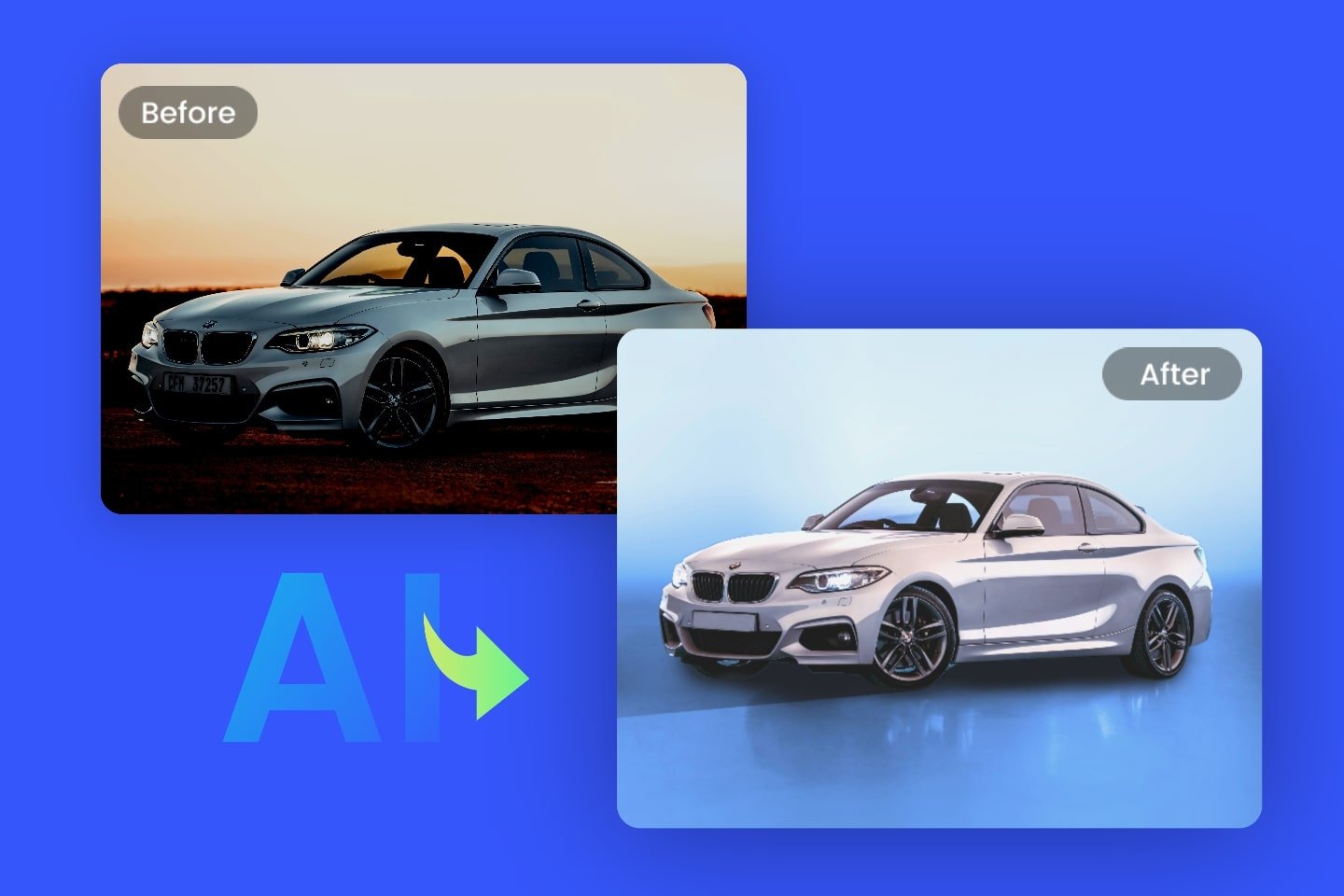
Fix photos that are too dark or too bright in one click. Automatically balance light and exposure to create a more natural, true-to-life look.
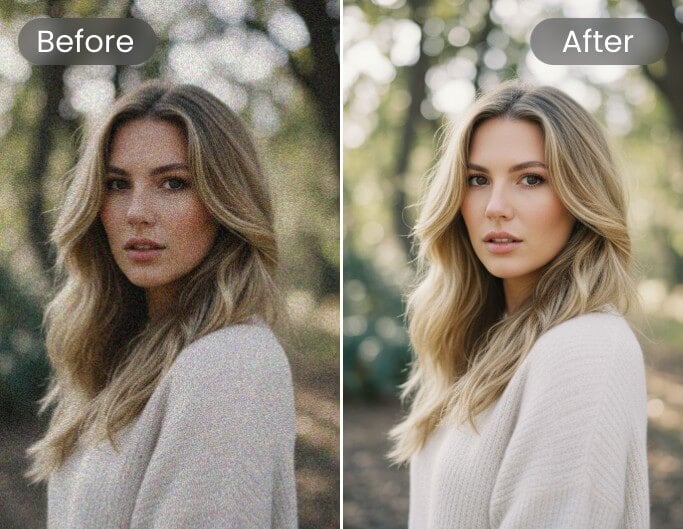
Remove Noise
Clean up grainy photos while keeping important details sharp. Perfect for night shots, low-light images, or high ISO pictures.
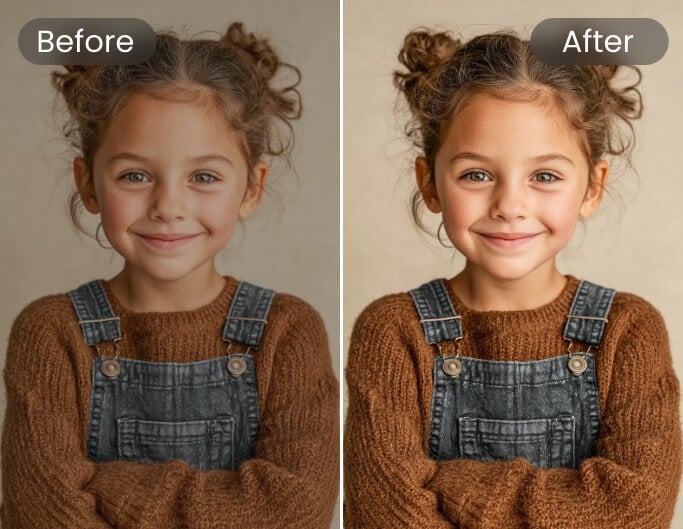
Sharpen Details
Make blurry or slightly out-of-focus photos cleaner by enhancing edges and fine details for a crisp finish.
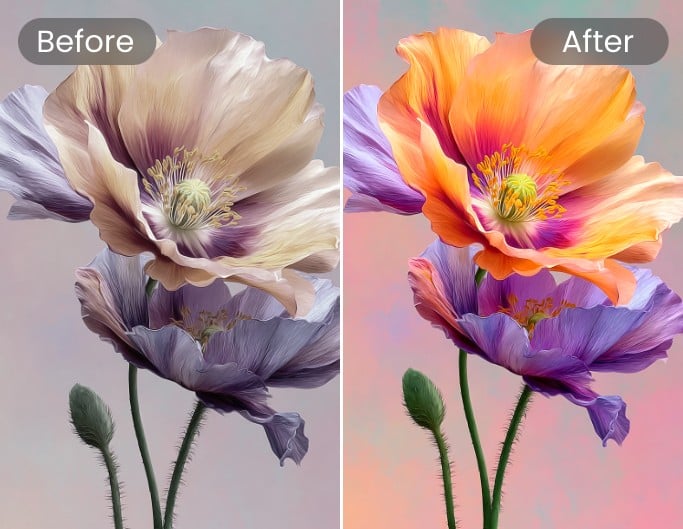
Enhance Color & Contrast
Boost colors and improve contrast to make your images more vibrant, balanced, and visually striking.
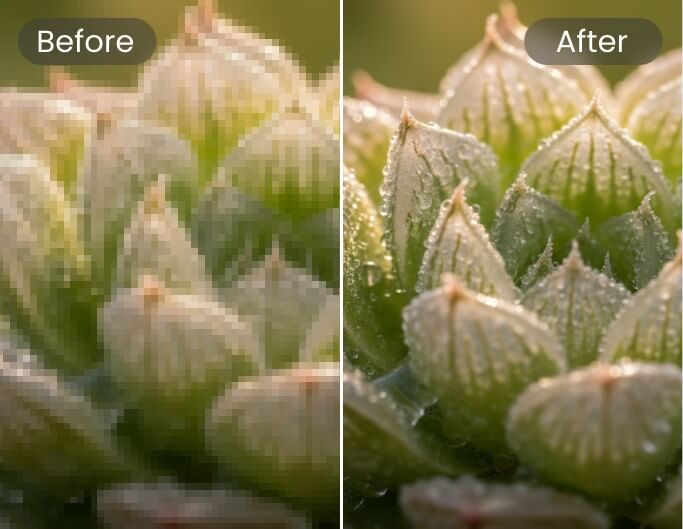
Fix Pixelated Images
Turn blocky, low-resolution photos into smoother, clearer images with improved detail and texture.
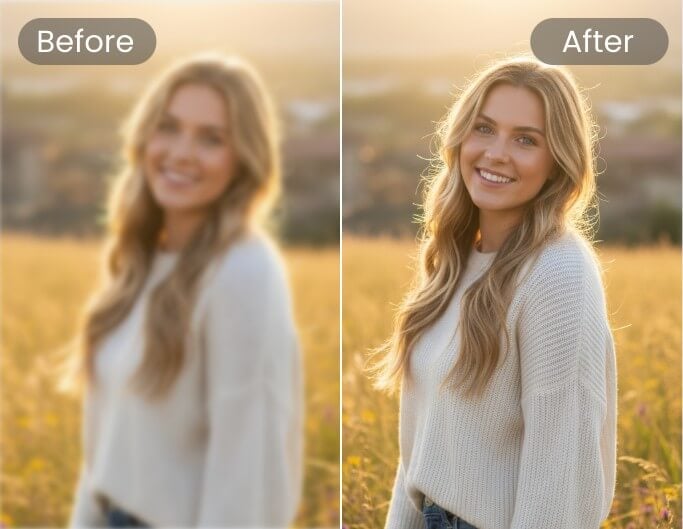
Remove Blur
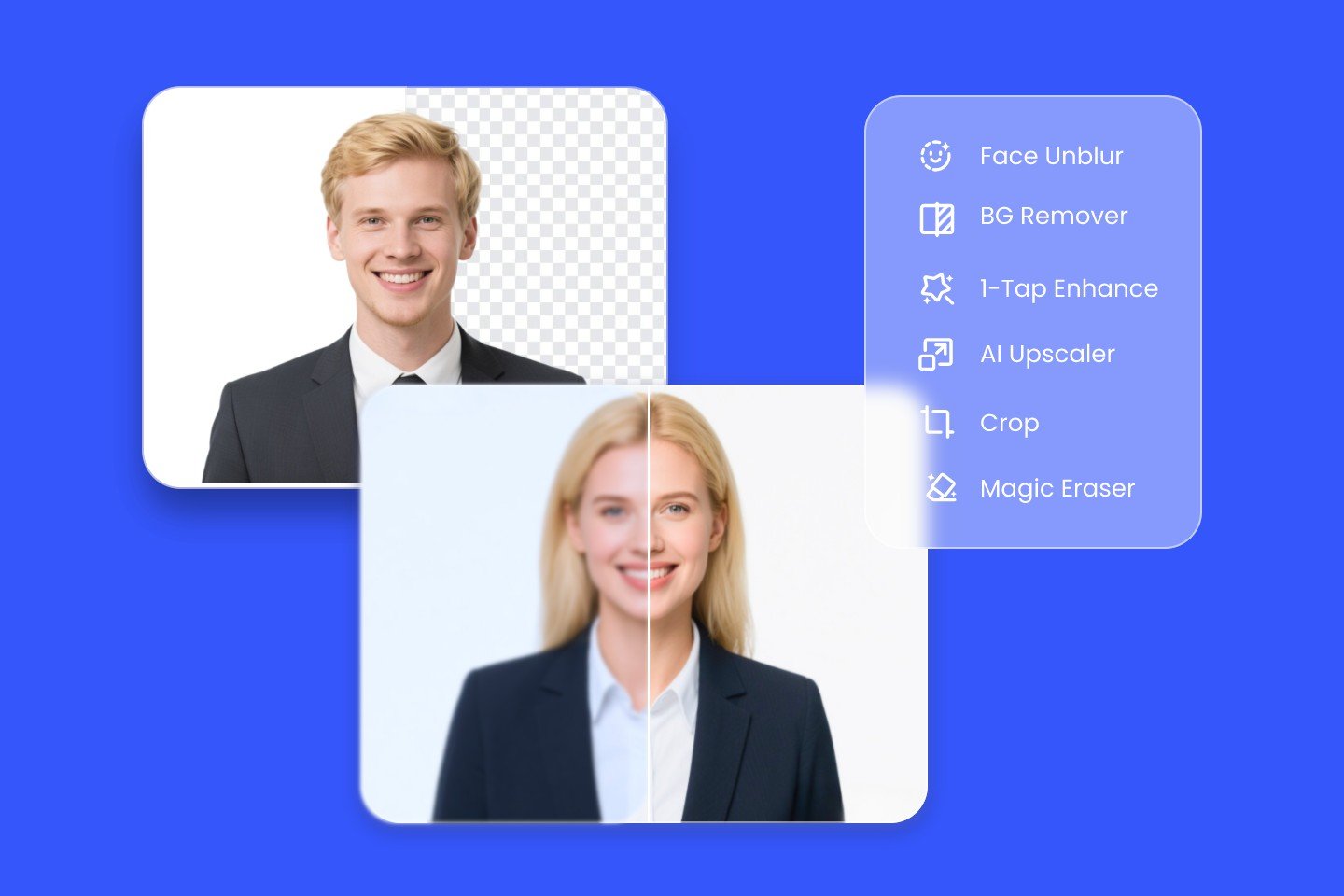
Unblur images and text in one click. Fix motion and focus blur, restore sharpness, and make photos and documents clear and easy to read again.
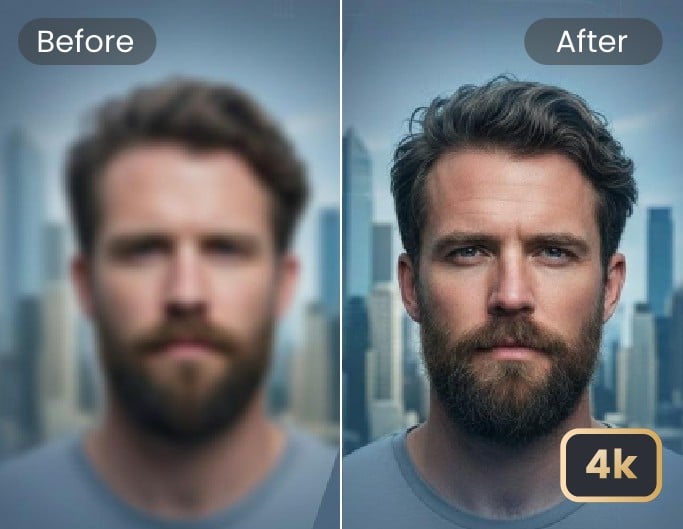
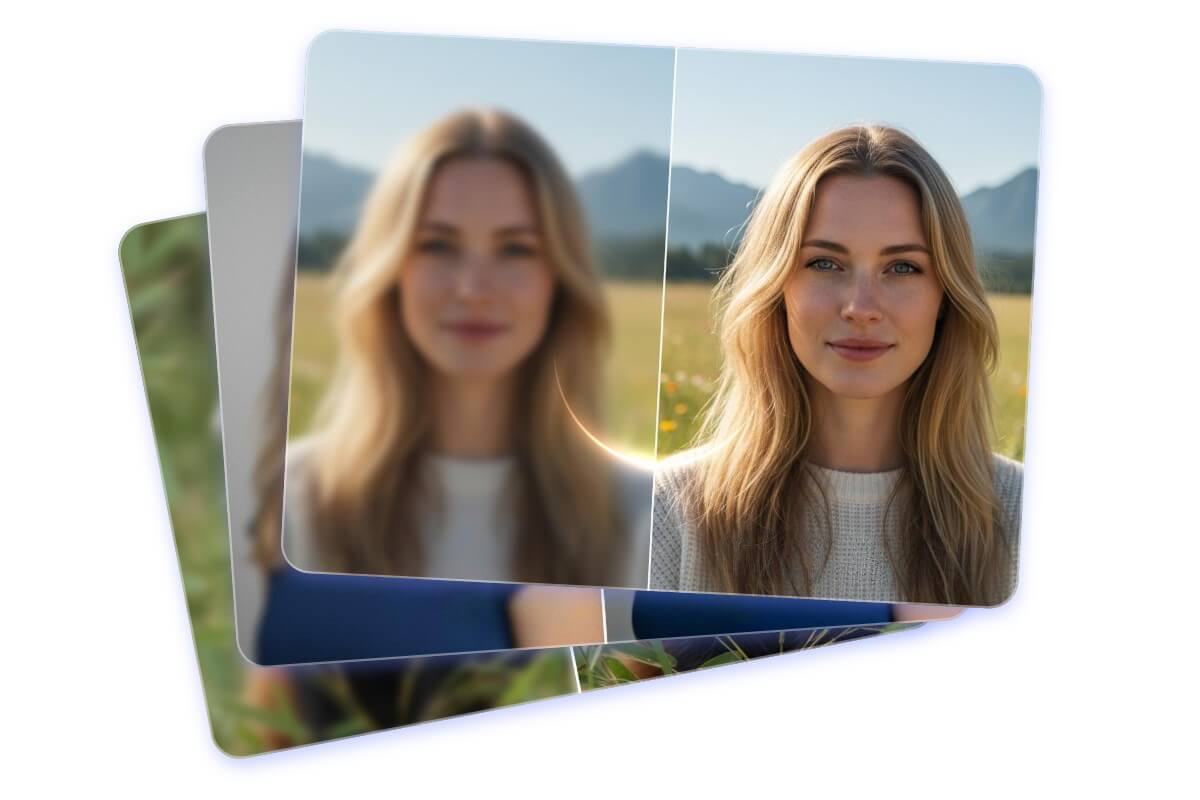
Batch Enhance Multiple Images at Once
Upgrade up to 50 images in one click with powerful batch enhancement. Save time by processing multiple photos at once while maintaining sharp details, balanced colors, and consistent quality across every image. Streamline your workflow and get professional, high-quality results faster — without repetitive manual edits. Try AI photo editing and experience its power yourself.
Integrate the Fotor Photo Enhancer API
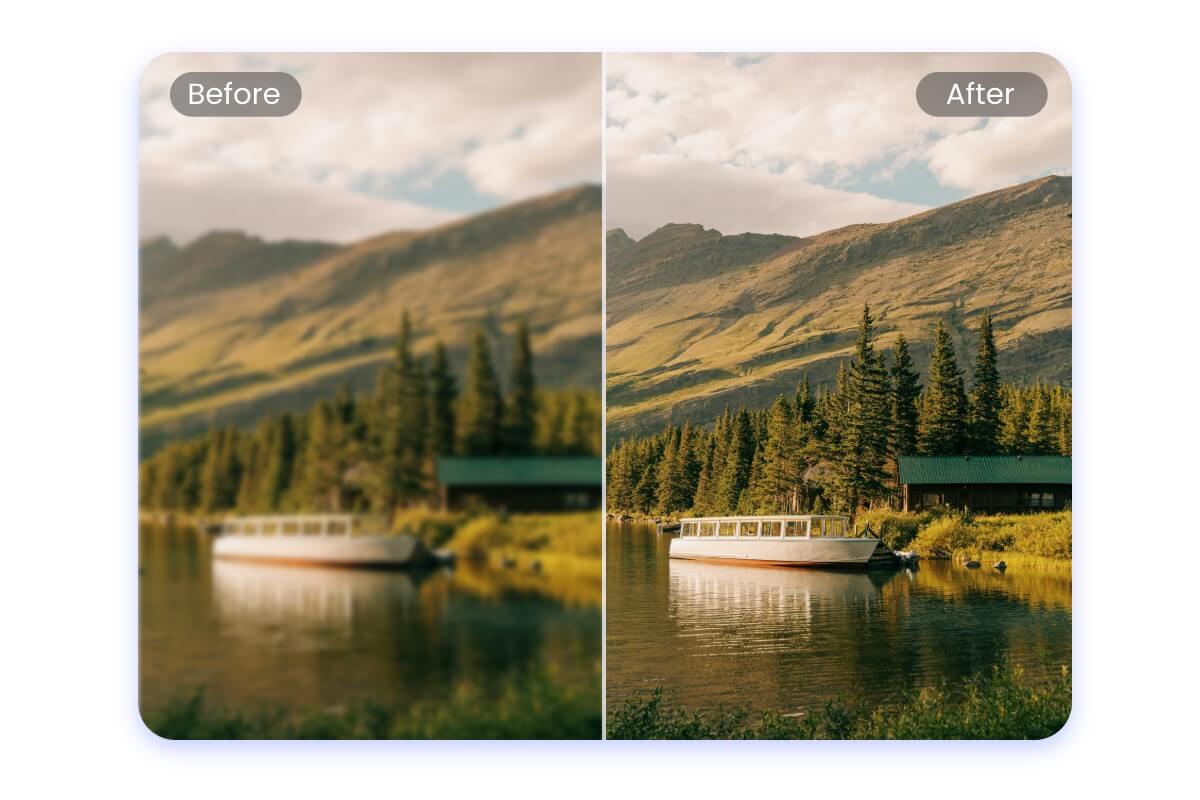
Powered by advanced AI super-resolution technology, Fotor AI Image Enhancer doesn’t just upscale images — it reconstructs lost details for sharper, more natural results. Continuously improved, including our January 2026 upgrade, the model delivers higher accuracy, finer textures, and consistently refined output. Integrate via Fotor AI image enhancer API with flexible pricing: start with a subscription, scale with pay-per-use, no minimums, and volume discounts.
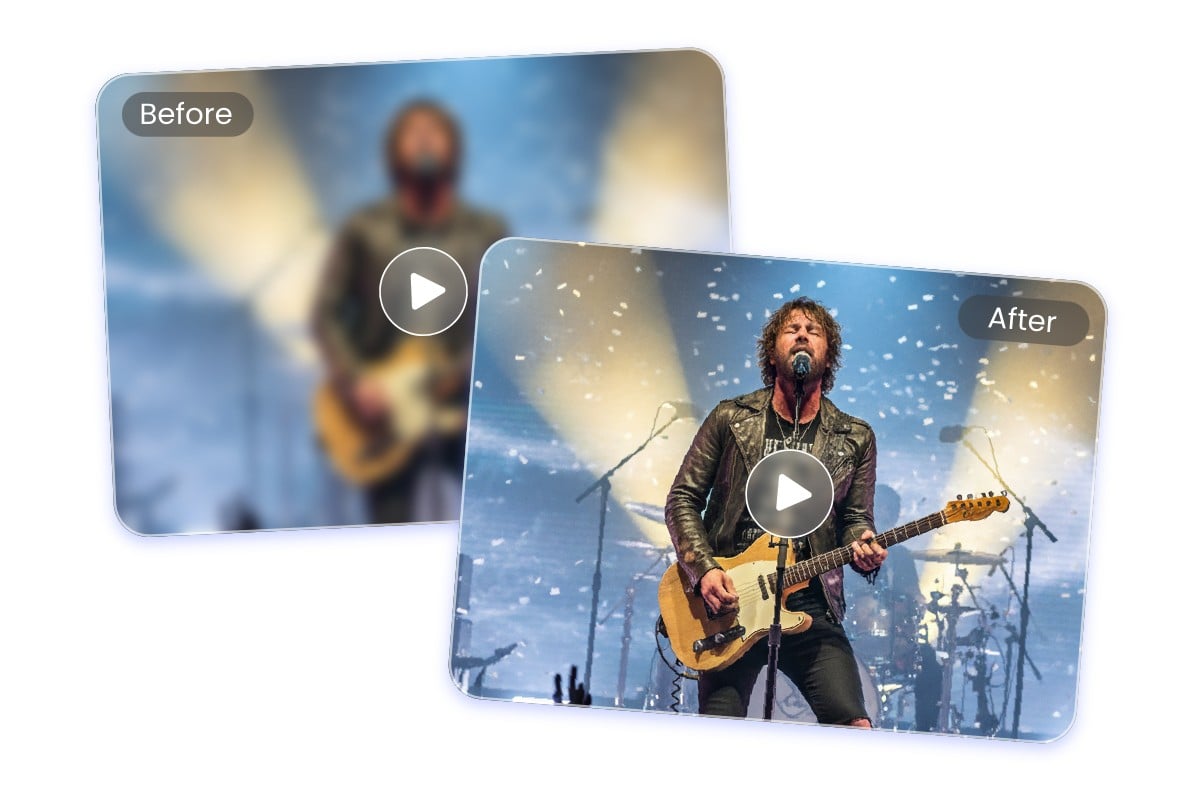
Improve Video Quality for Sharper Results
Enhance your videos in just one click. Fotor improves clarity, sharpens details, reduces noise, and can even upscale footage to 4K—turning blurry or low-resolution clips into clean, professional-looking results.
Best AI Image Enhancer for Any Purpose
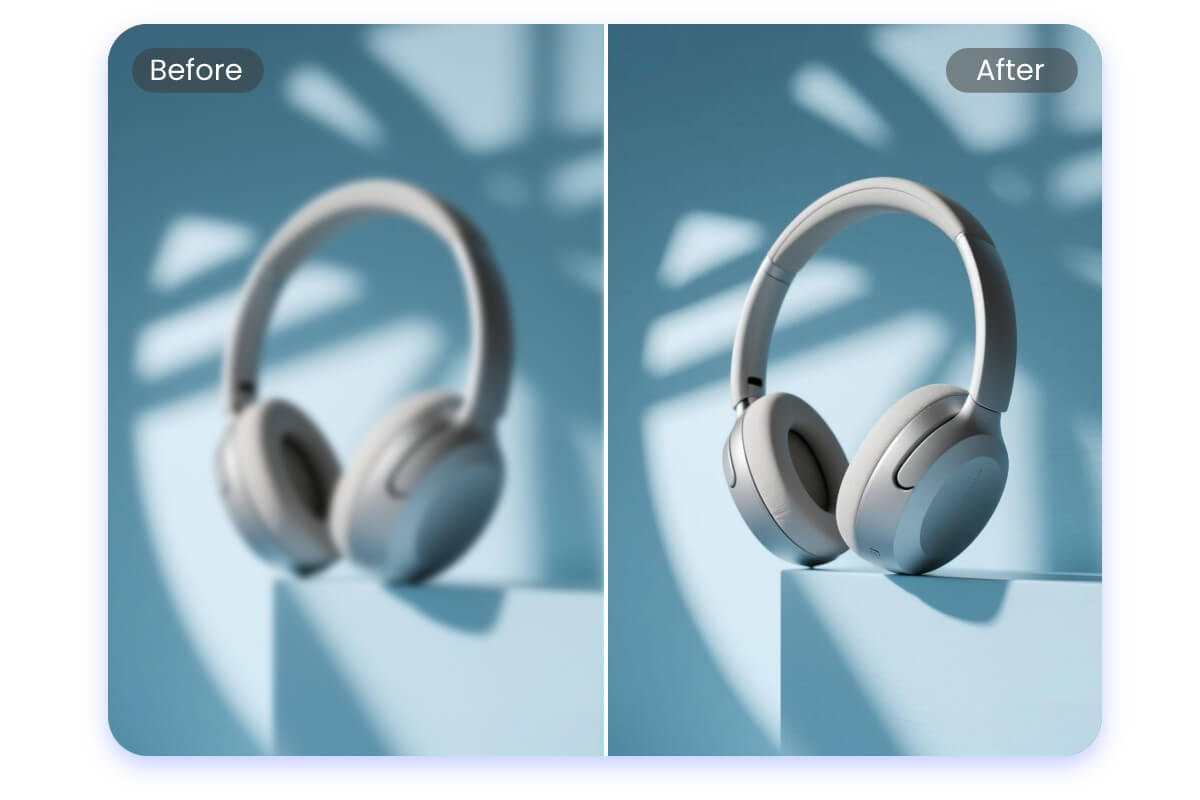
Enhance Product Photos for E-commerce
High-quality product images help attract attention and build customer trust. Improve clarity, refine colors, and bring out fine details so your products look polished and professional, meeting marketplace standards and encouraging more clicks and purchases.

Make Social Media Photos Stand Out
Blurry or dull photos can ruin a great moment. Enhance your images in just one click to make them crisp, vibrant, and ready to share on any platform, keeping your feed looking clean and professional.
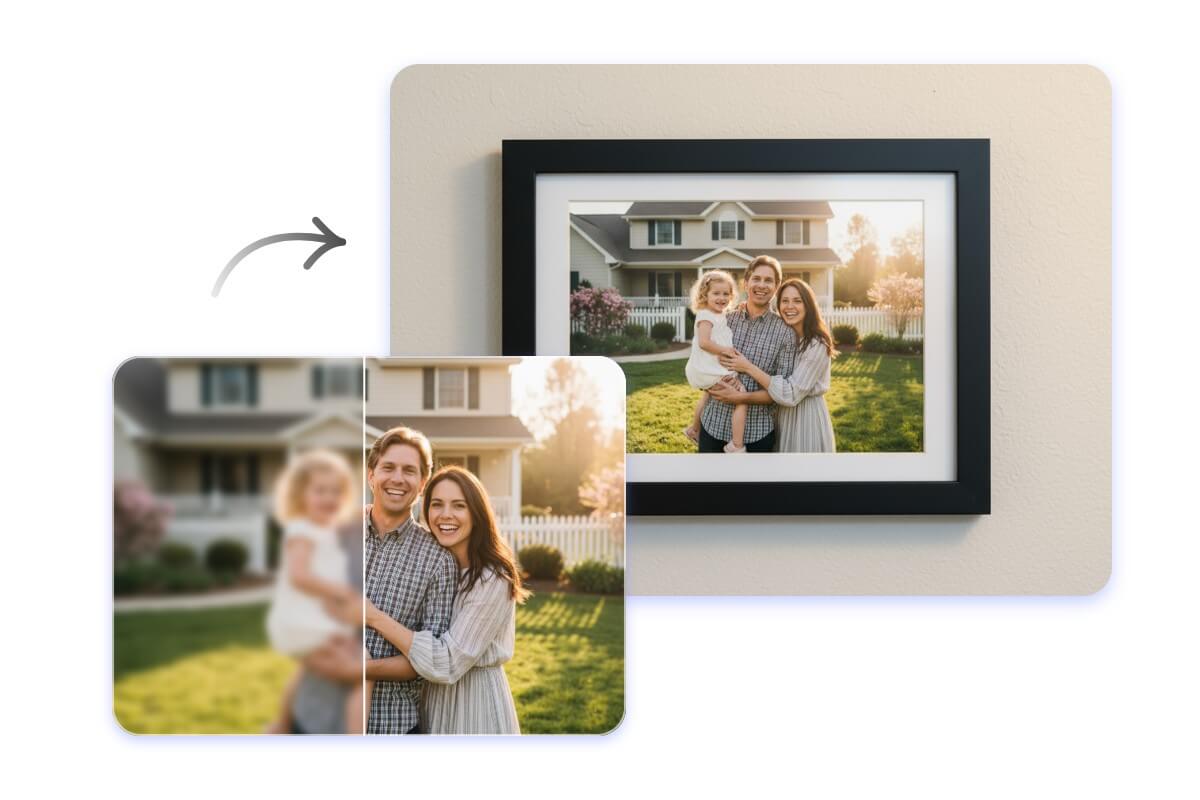
Prepare Photos for Printing
Printing requires sharp detail and balanced tones. Upscale and refine your images so they remain clear and natural, whether you’re printing family memories, travel photos, artwork, or professional projects.
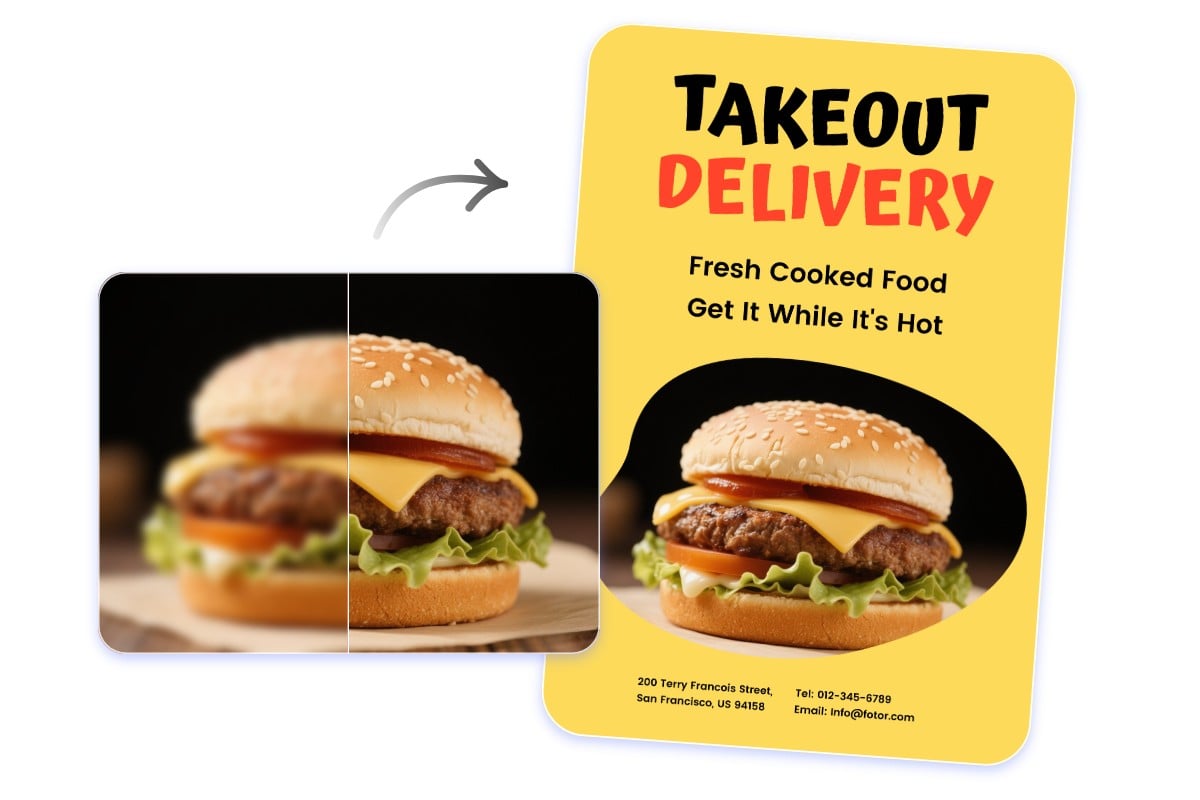
Elevate Images for Brand Marketing
Strong visuals strengthen your brand presence. Enhance resolution and clarity to make your ads, posters, and campaign materials more polished, eye-catching, and impactful.
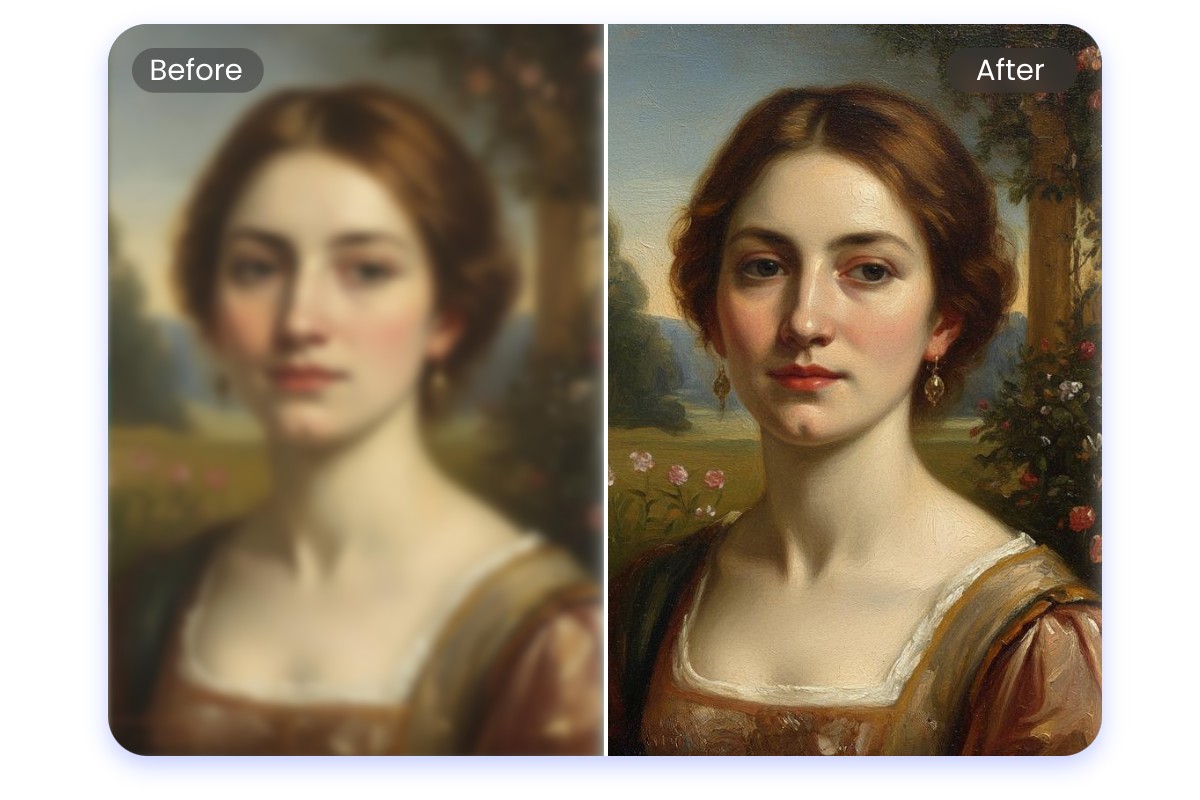
Restore and Preserve Portrait Details
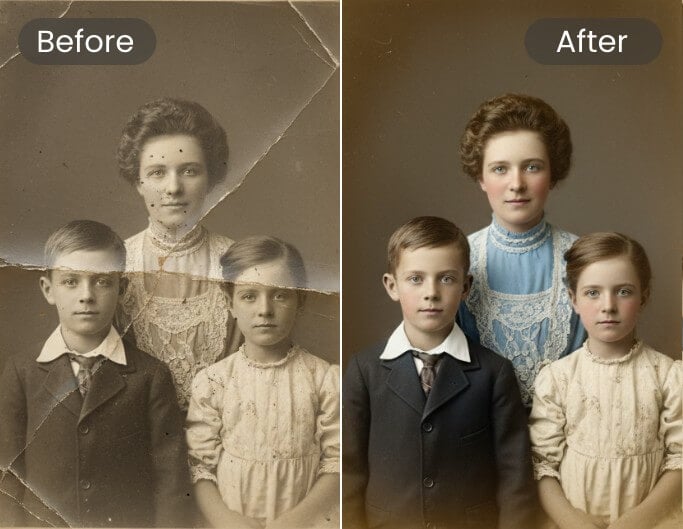
Old or damaged photos deserve careful restoration. Recover details, improve clarity, and refresh faded images so valuable memories and historical materials remain clear and meaningful.
What People Say about Fotor AI Image Enhancer



As one of the best AI image enhancer tools for beginners, Fotor's AI image enhancer is designed to make professional-grade image restoration and enhancement accessible to everyone, leveraging cutting-edge deep learning to transform blurry or low-quality images into high-definition masterpieces in seconds.

Why Choose Fotor to Increase Photo Quality?

HD Quality Enhancement
Our advanced AI HD & 4K photo maker analyzes images and enhances every pixel. Convert low-resolution photos to HD or 4K, 8K, 16K resolution.

Privacy & Security
Enhance photos safely and privately. All photos are processed in real-time and automatically deleted within 24 hours.

No Watermark
Enhance pictures does not add any watermark to your images, allowing you to enjoy a clean and uninterrupted picture quality enhancement for free.