HD Photo Converter
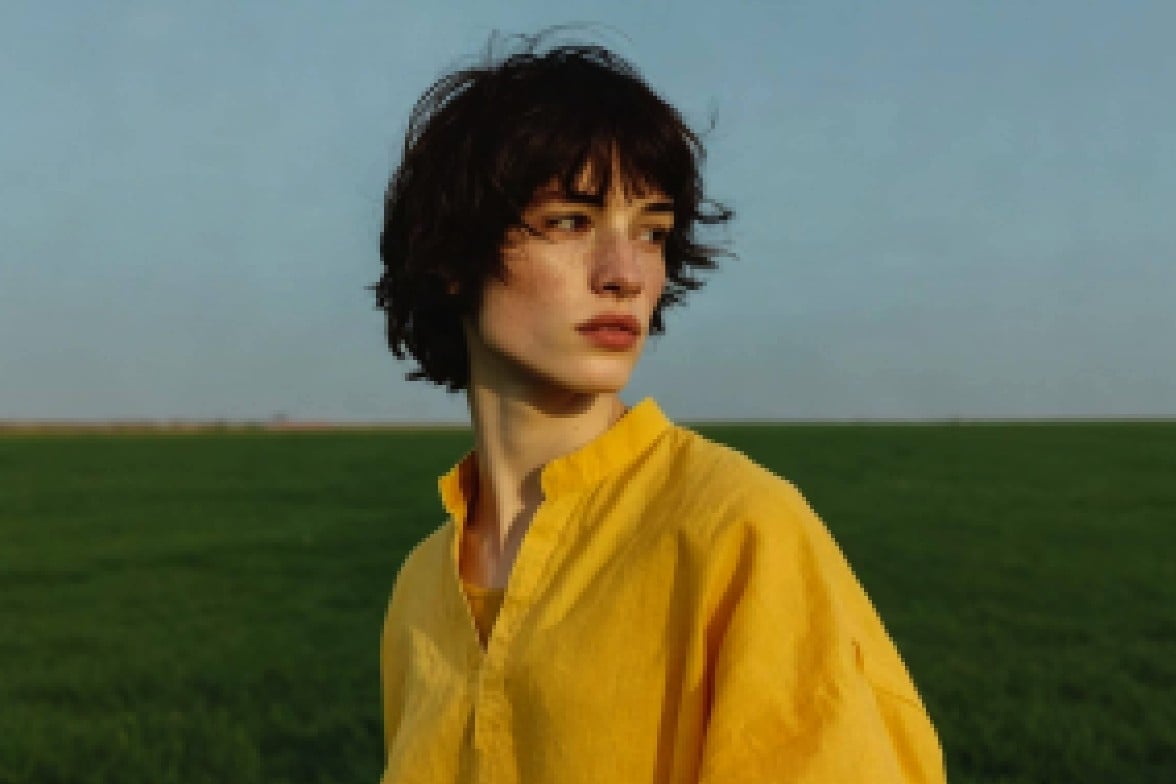
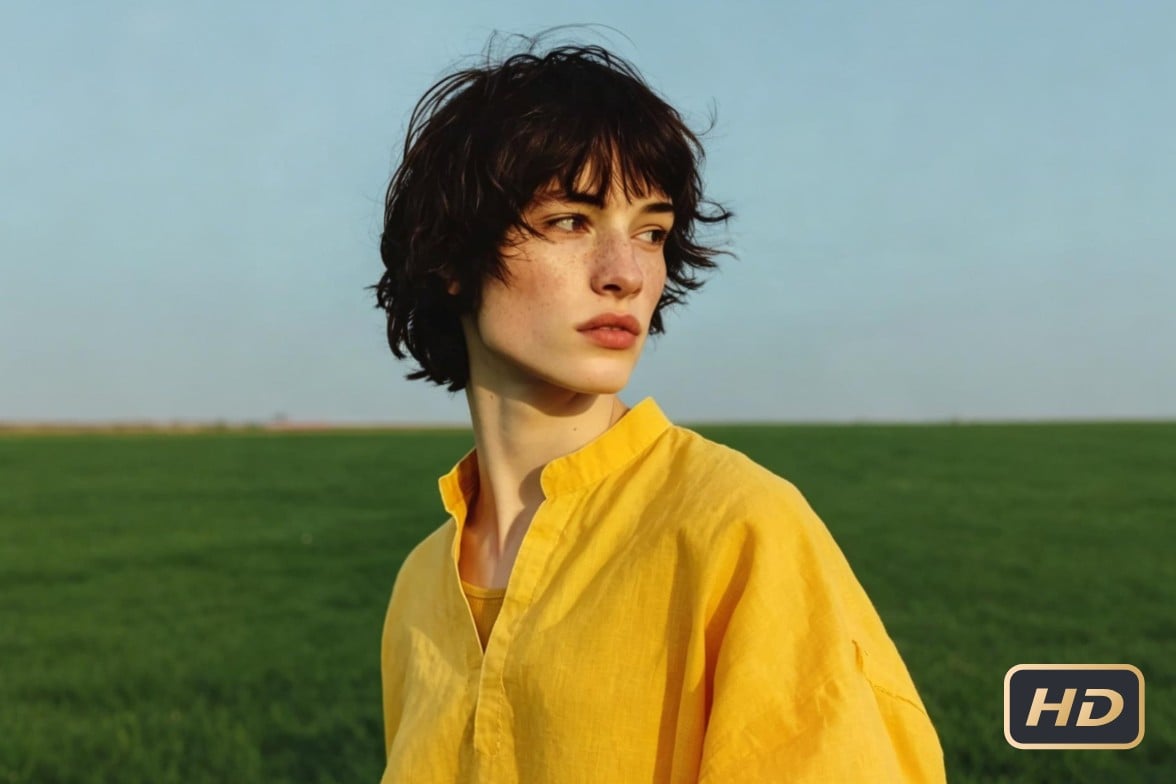
Convert low-quality images to HD, 1080p online for free in Fotor’s HD Photo Converter. Simply upload your photo and get a clearer, sharper HD image in seconds for social media, e-commerce listings, or printing. Try our Standard mode to make image HD for free.
Drag your photo here or click to upload
Drag your photo here or click to upload


4.5★
on Capterra
4.7★
on App Store
4.5★
on Softwareadvice
![batch black background removal icon]()
High-Quality Images, No Effort
Turn photos into sharper, higher-resolution HD images in just one click.
![Top AI image models]()
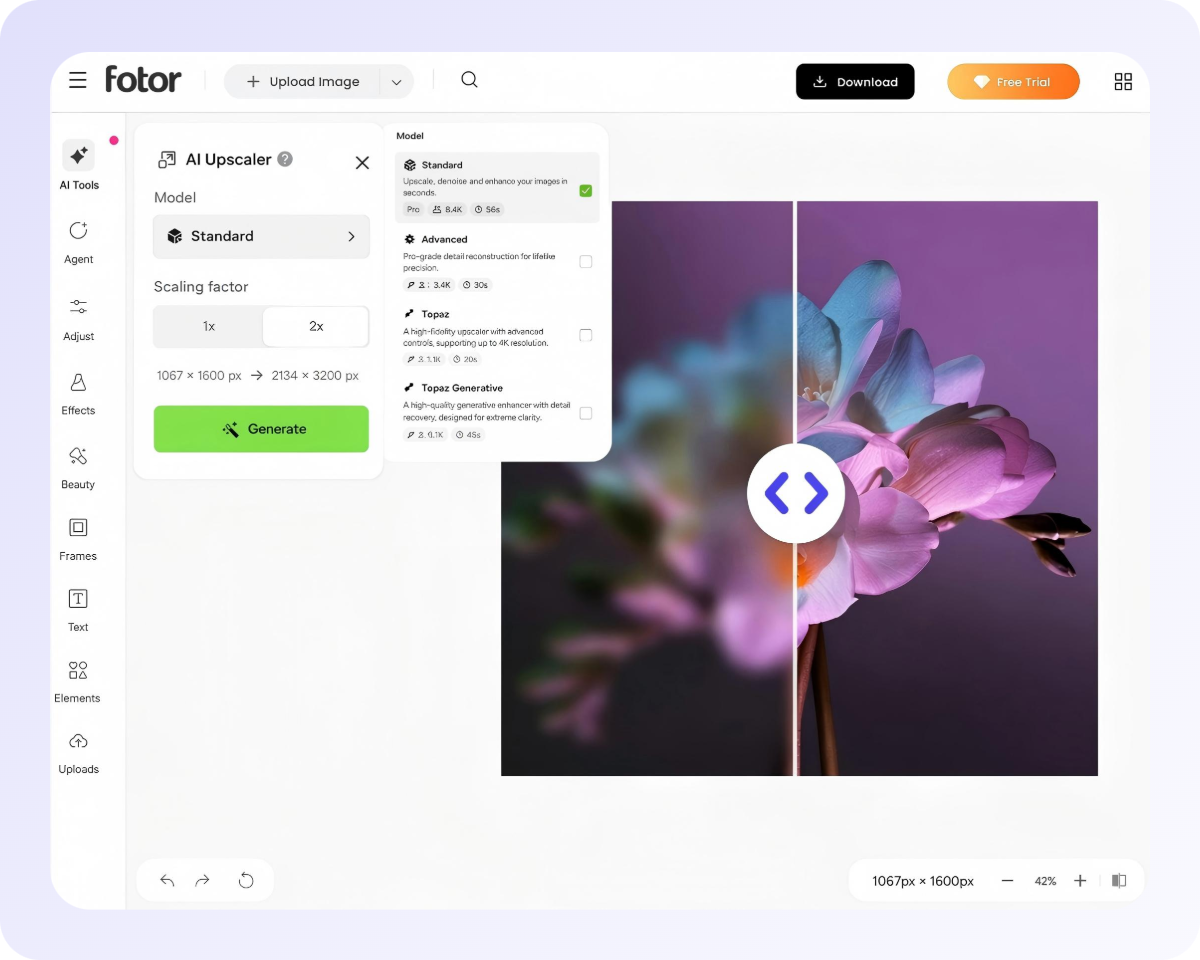
4 HD Conversion Modes
Convert photos to HD in seconds with the right model for clearer, sharper and more natural results.
![Custom icon]()
Supports Multiple Image Formats
Transform JPG, PNG, WebP and other image files into clear HD photos.



Custom HD Conversion Models
Find the most suitable HD photo conversion model for yourself.
Standard
Advanced
Best for: 2x and 4x Pro-grade detail reconstruction for lifelike precision and natural AI enhancement
Model T
Model TG
How to Convert Normal Photos to HD Photos?
Upload a Photo
Drag, drop, or paste your image into Fotor’s online HD pic converter. Supports JPG, PNG, WebP, HEIC, and more.
Automatic HD Conversion
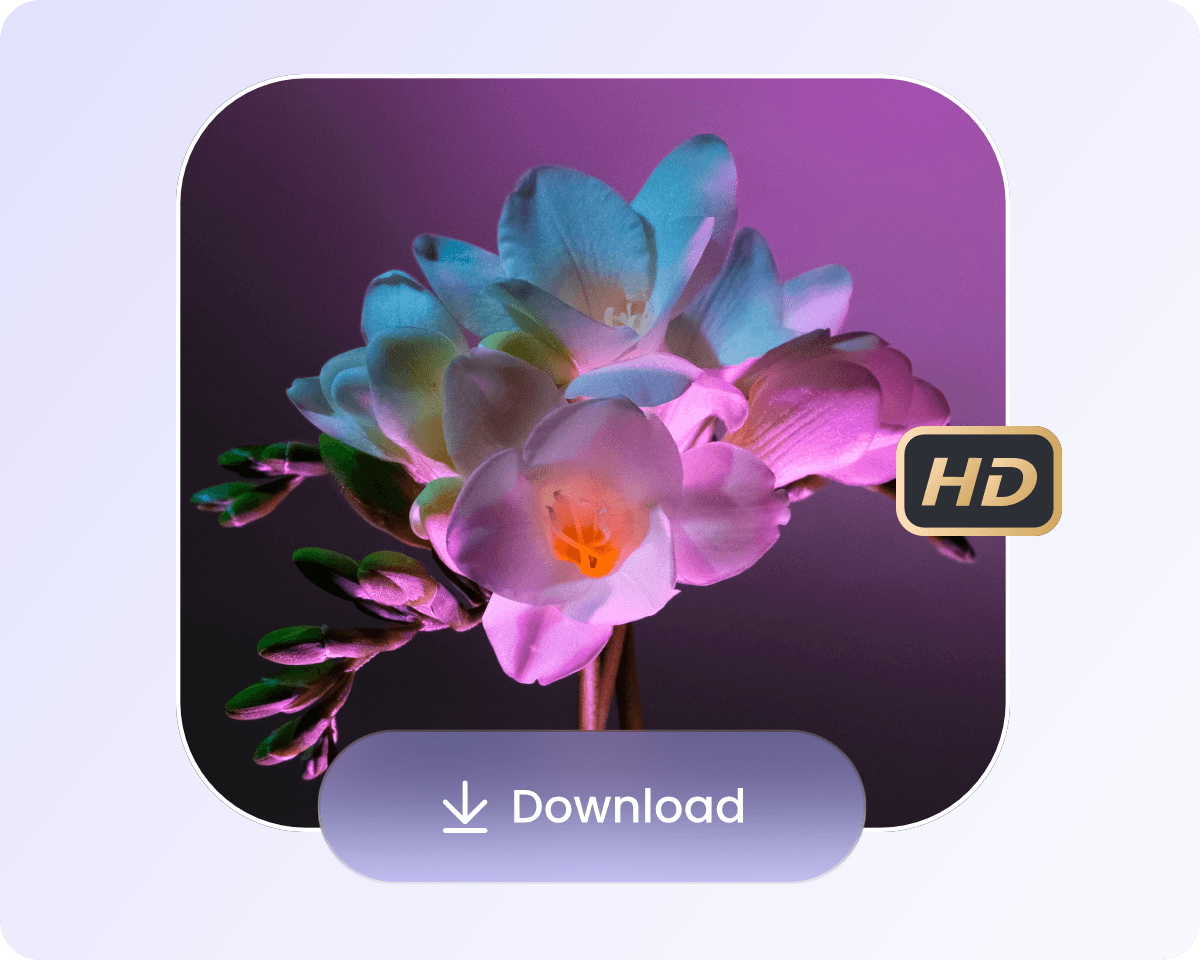
Download and Share
Fast HD Photo Conversion Without Hassle
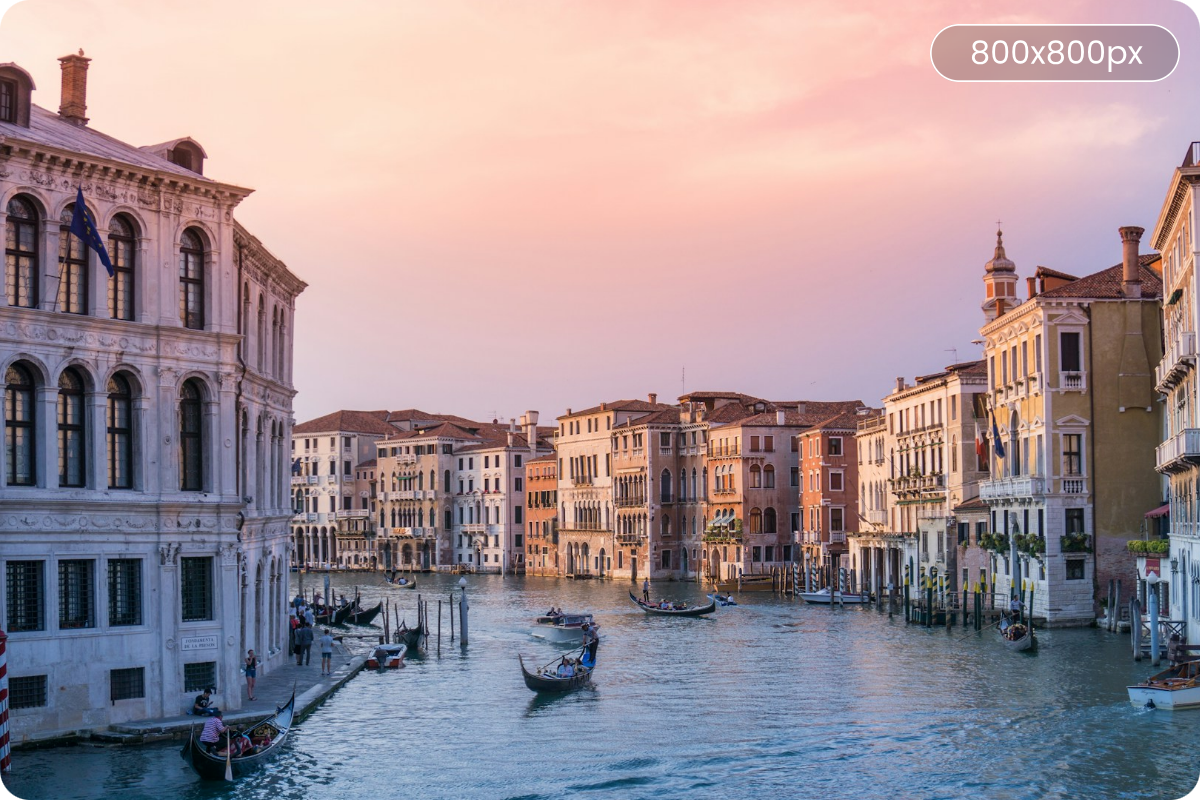
Looking for a fast way to convert images to HD quality? Fotor’s AI-powered HD Photo Converter makes it easy to turn low-quality photos into crystal-clear images in seconds. Improve clarity, sharpness and upscale to 4K resolution with just one click. No editing skills required.
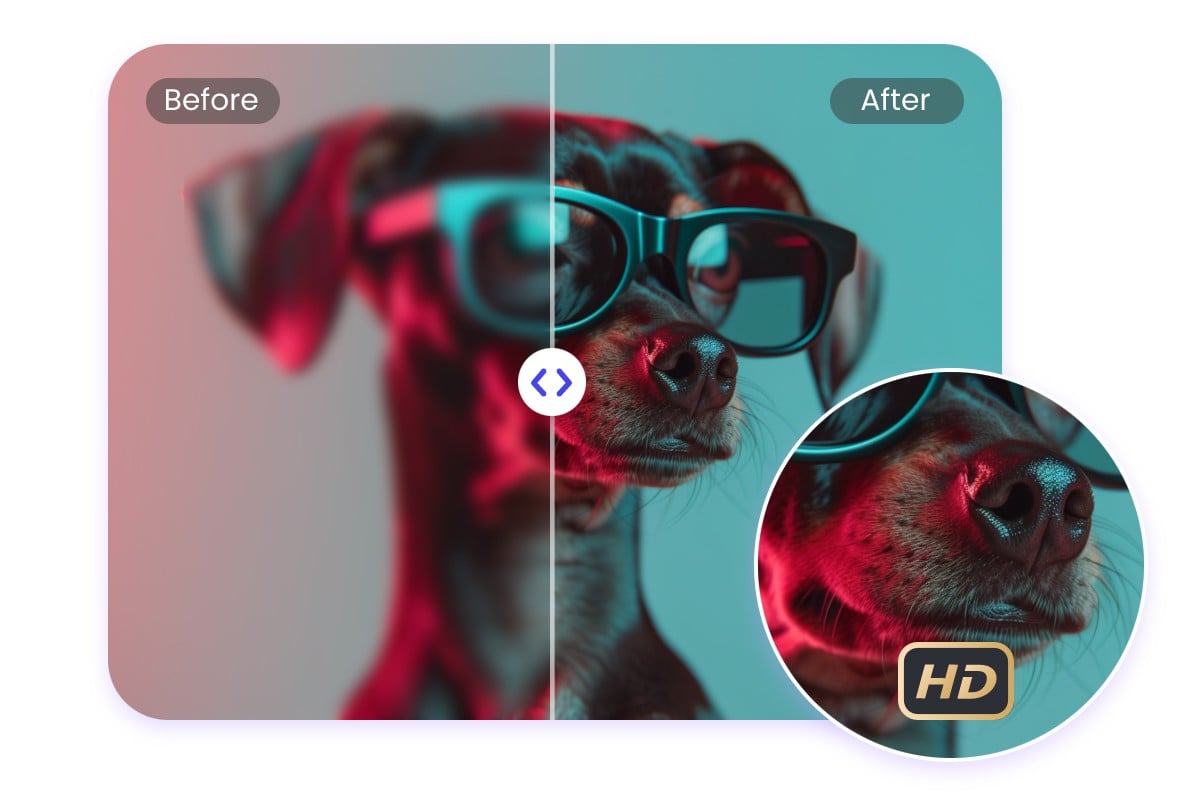
Convert Blurry Images to HD With Improved Clarity
Have a blurry, pixelated, faded, or timeworn photo that looks unclear? Fotor’s photo HD converter quickly changes it to HD without compromising quality. Improve clarity, texture, and definition to create a clearer, sharper HD image in seconds, whether you want to restore old photos, upgrade everyday pictures for social media or make scanned images or screenshots easier to view and share.
Unlike tools that simply stretch pixels, Fotor's AI infers and enhances likely details so the result looks naturally sharp, not artificially processed.
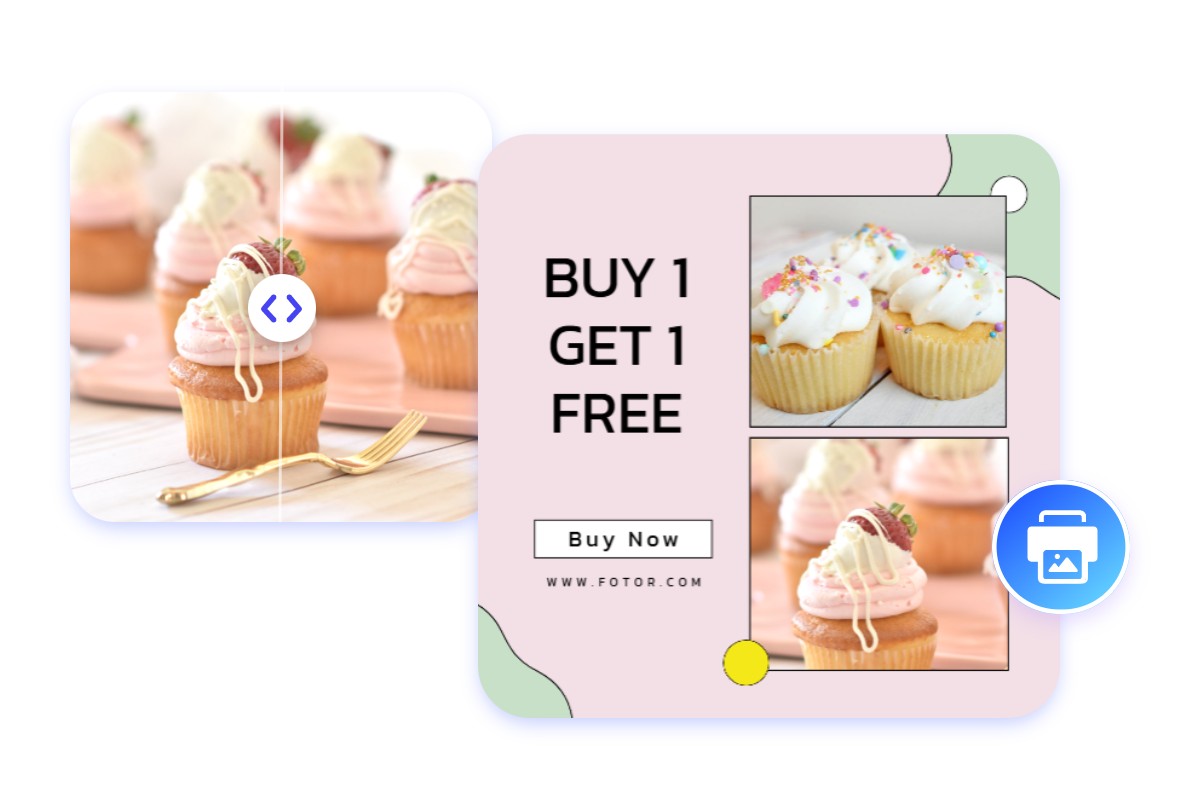
Upgrade Low Quality Photos for High Resolution Printing
Annoyed at the pixelated prints? Our HD picture converter turns low-quality files into high-quality assets for crisp, large-format printing. By enhancing images for higher resolution and improved details and clarity, we help designers or photographers achieve professional-quality results suitable for HD printing, such as posters, albums, custom gifts or marketing materials. If you've ever had a print come out blurry because the original file was too small, this is the tool that fixes that issue before you send it to the printer.
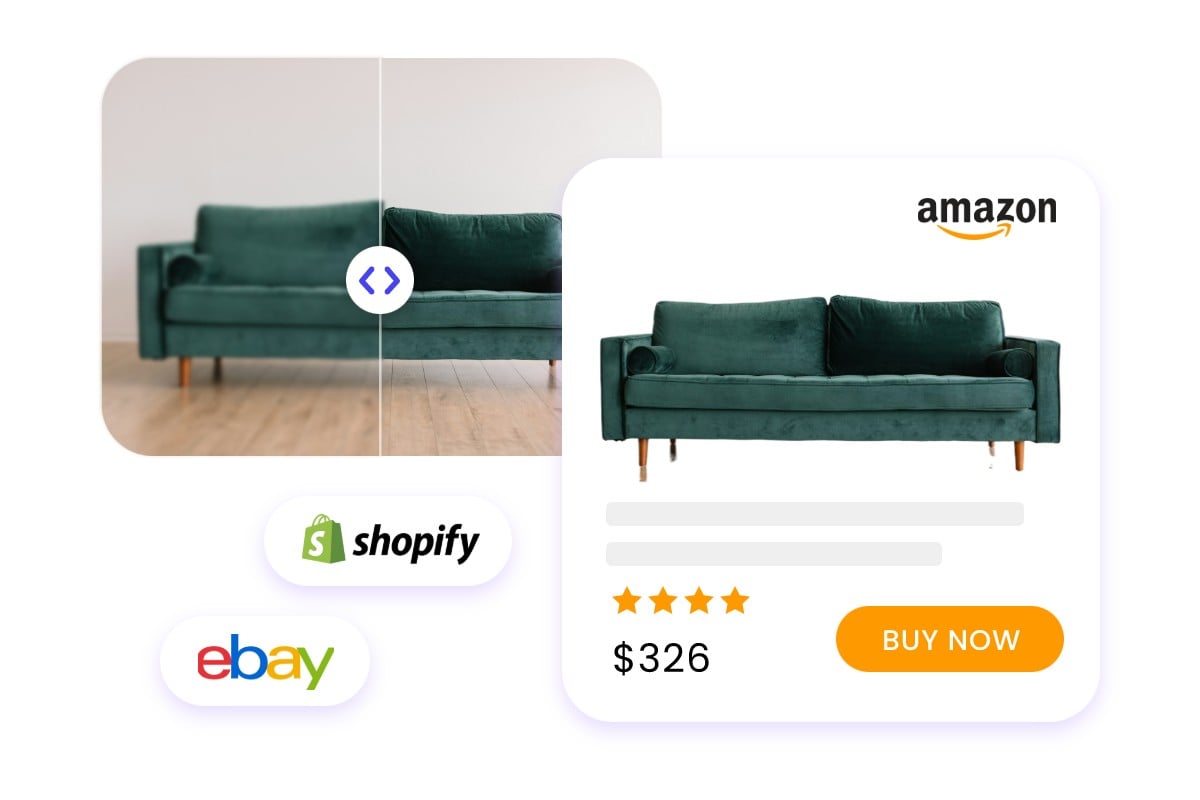
Elevate Your E-commerce Visuals with High-Quality Product Photos
Need high-resolution product images to attract customers? Use our HD image converter to upgrade SD product photos to HD with just one click, expecting sharper edges, better surface textures and clearer text or logos. We help e-commerce sellers or marketers create professional-grade product visuals for any online marketplace. However, too small text or logo may be distorted and please review this part carefully after HD conversion.
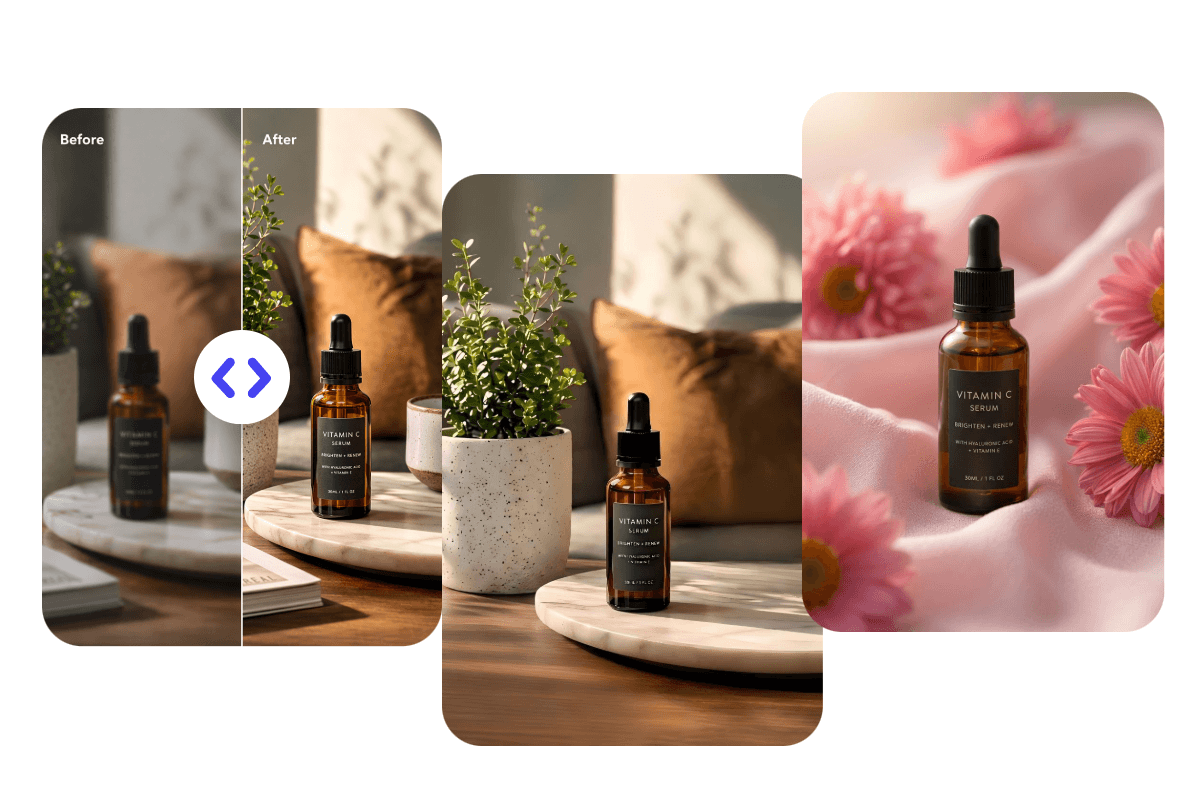
Refine Your HD Photos Further
Take your HD photos beyond clarity with Fotor’s AI photo editor. After converting your image to HD, remove or change unwanted backgrounds, erase distracting objects, retouch portraits and clean up small imperfections. Make your HD photo look more refined, complete and ready to use.
Why Choose Our HD Quality Photo Converter?
![AI HD image converter icon]()
Instant Image Conversion
Conveniently convert photos to 1080p or HD quality online in seconds. No Photoshop skills are needed to get professional results instantly.
![Increase image resolution & quality icon]()
Increase Image Resolution & Quality
Convert images to high resolution while improving clarity and overall quality. Convert normal pic to HD for printing, e-commerce, or social media without hassle.
![Multiple image file formats supported icon]()
Multiple Format Support
Our HD pic converter supports a variety of image formats, including PNG, JPG, JPEG, WebP, HEIC, and more. Meet the most HD photo conversion needs in your life.
![Multi-device icon]()
HD Photo Converter App
AI enhance your photos anywhere with our HD photo resolution app. Seamlessly fix low-res shots or screenshots on both iOS and Android devices.
![AI photo editing tools]()
Cutting-Edge AI Technology
Our HD photo converter is equipped with progressive AI upscaling technology, enhancing image resolution while intelligently preserving fine details, textures, and natural structure. You will get HD outputs with sharper edges and improved clarity.
![Data secure icon]()
Secure and Private
All images are processed with advanced encryption. Your data remains private and is automatically deleted within 24 hours after processing.