

Video to Cartoon Converter Free Online
Convert video to cartoon online for free with Fotor's AI video to cartoon converter. Upload a video to Fotor AI cartoonizer, pick a cartoon video filter, and effortlessly turn the video into Studio Ghibli, 3D animation, or American comics style.
Drag video here or click to upload
Drag video here or click to upload
Fotor trusted and loved by





Learn about Fotor's upload formats and requirements. See how we use your content in our Privacy Policy.
How to Convert Video to Cartoon Online for Free?
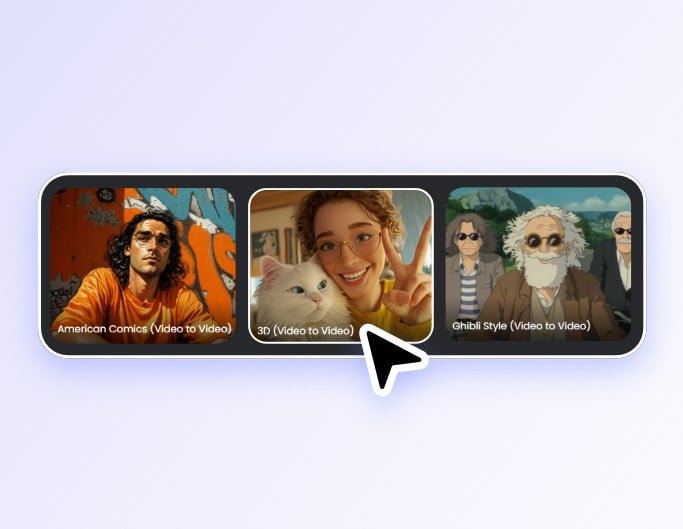
1. Choose a Cartoon Video Style
Select a cartoon video filter from Fotor video-to-video templates to start your AI video style transfer.
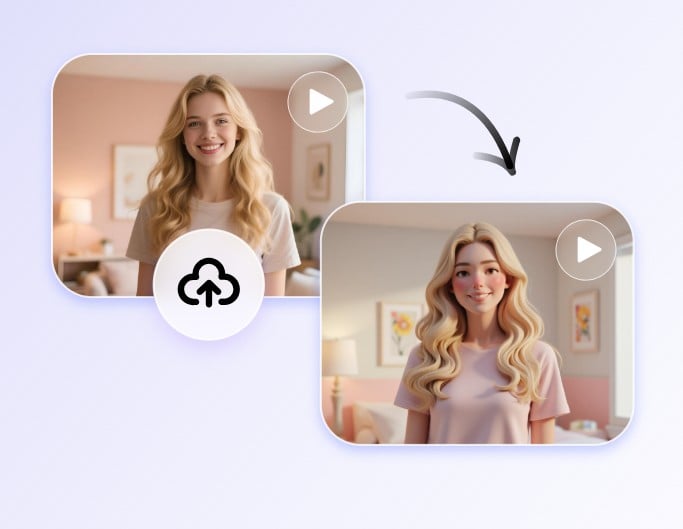
2. Upload a Video & Generate
Upload a video file to our AI video cartoonizer and press Generate to start the conversion.
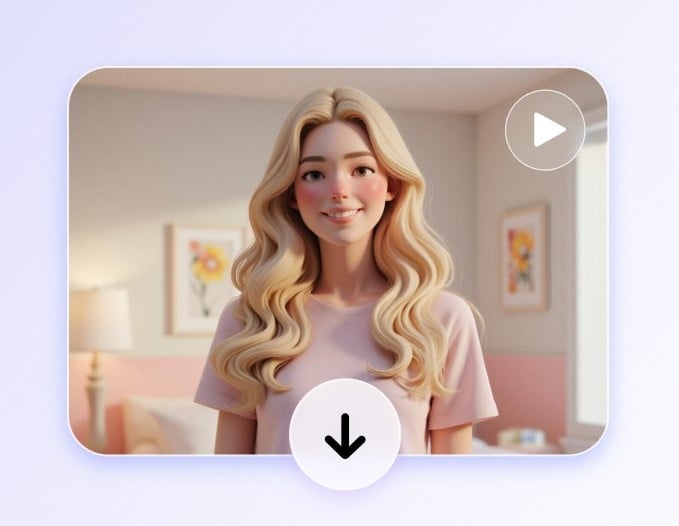
3. Free Download without Watermarks
Download the animated video for free without watermarks from our cartoon video maker.
800M
Users
4.5★
on Capterra
1B+
Image, videos processing
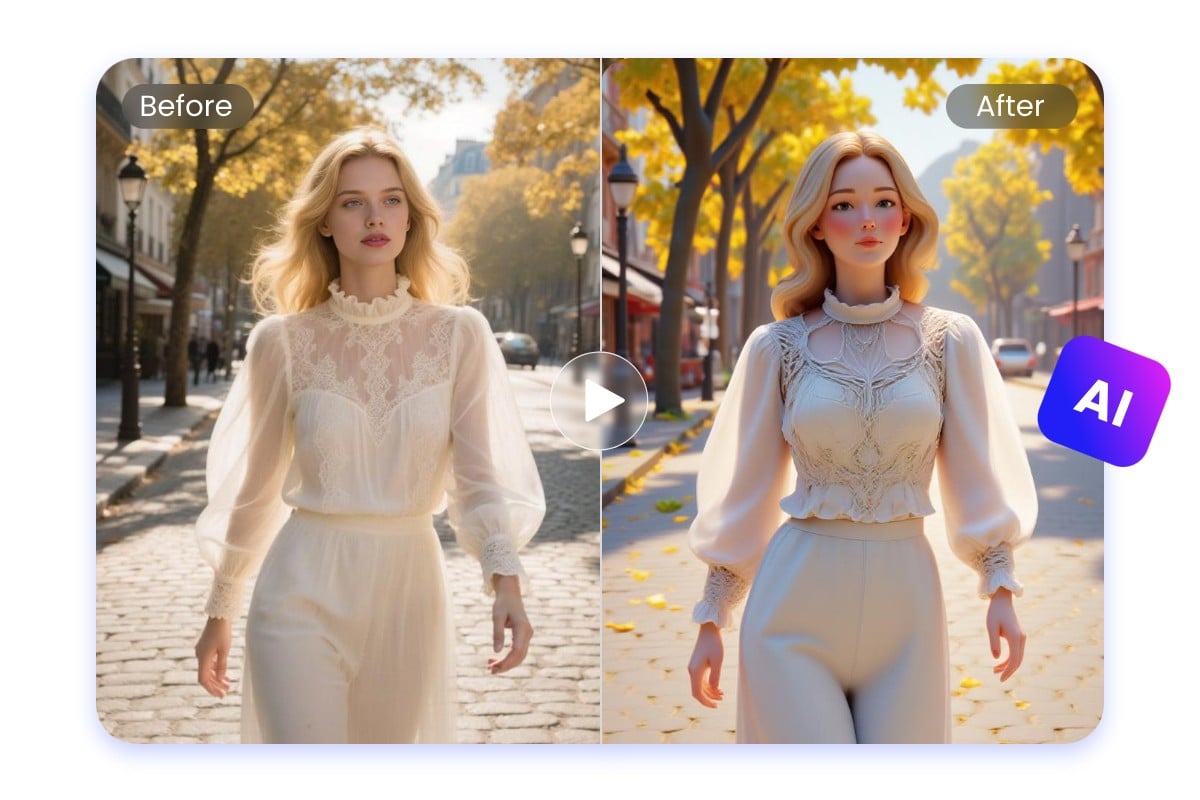
How Does Fotor AI Video Cartoonizer Work?
Powered by advanced deep learning models, our video-to-video AI tool analyzes your video content and applies stylized filters and visual transformations to each frame. It will maintain style consistency and original motion with smooth and natural effects among different frames. So, it is suitable for you to cartoonize videos for fun or professional use.
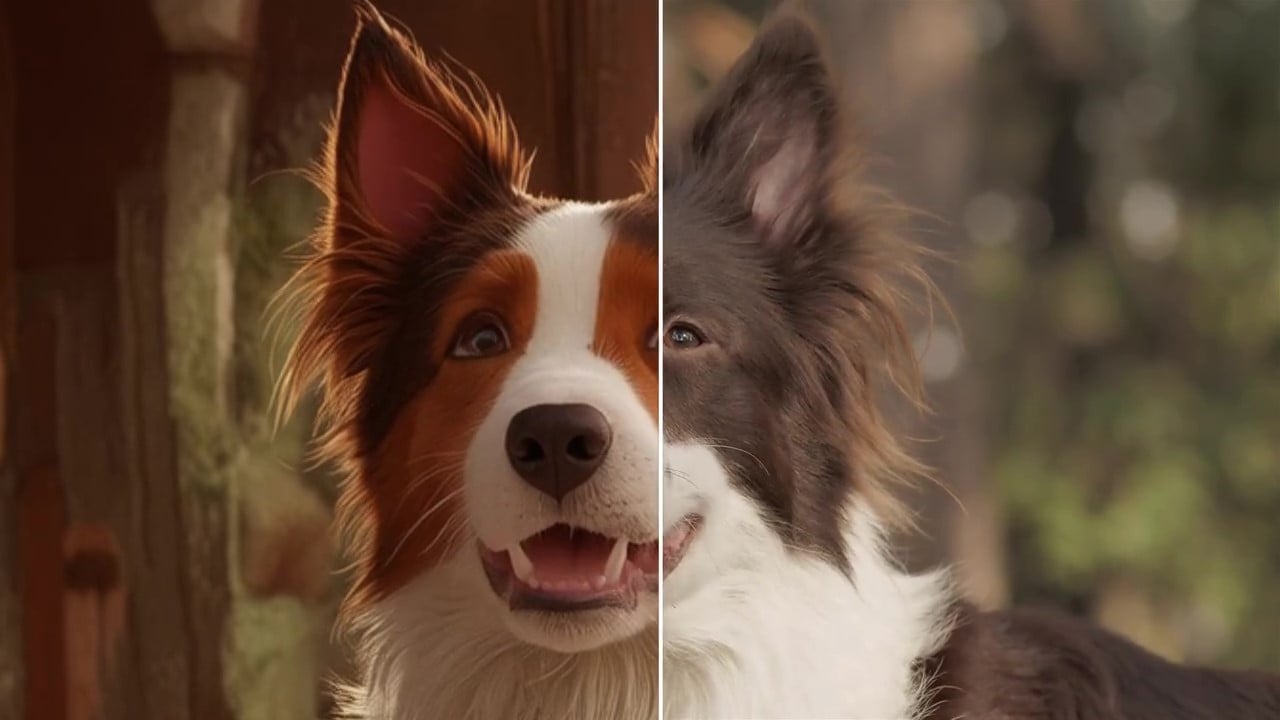
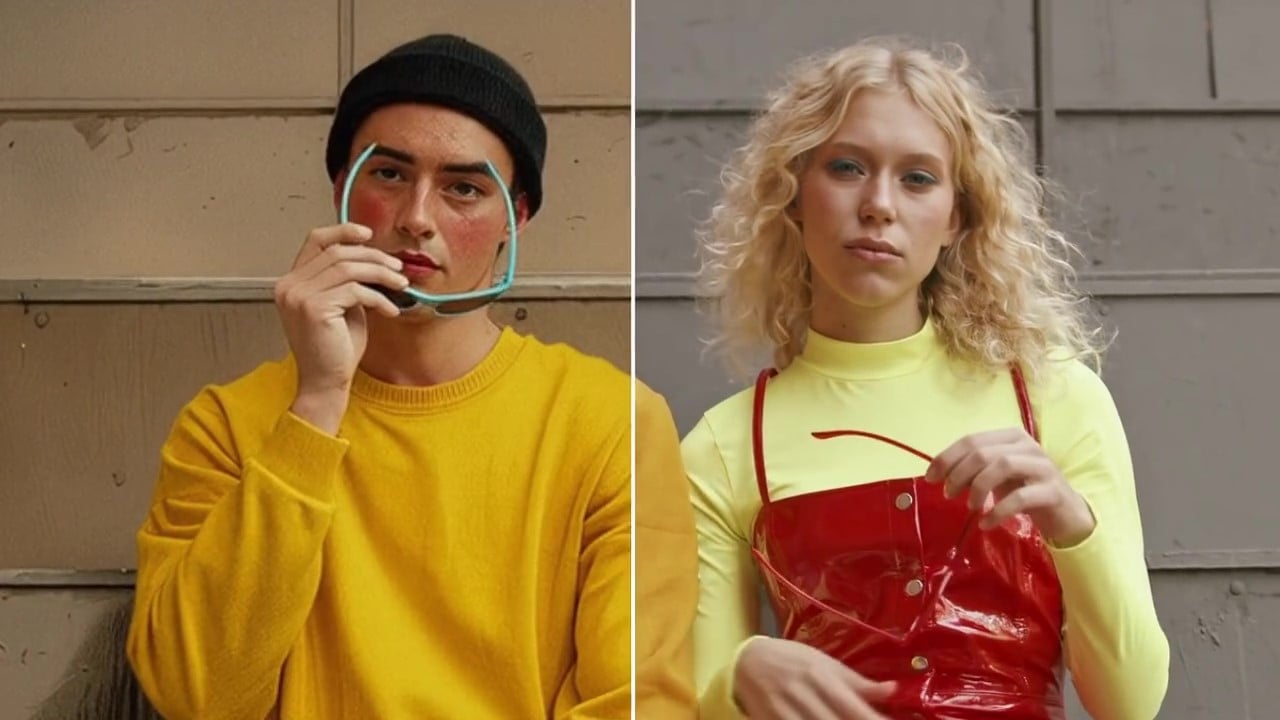
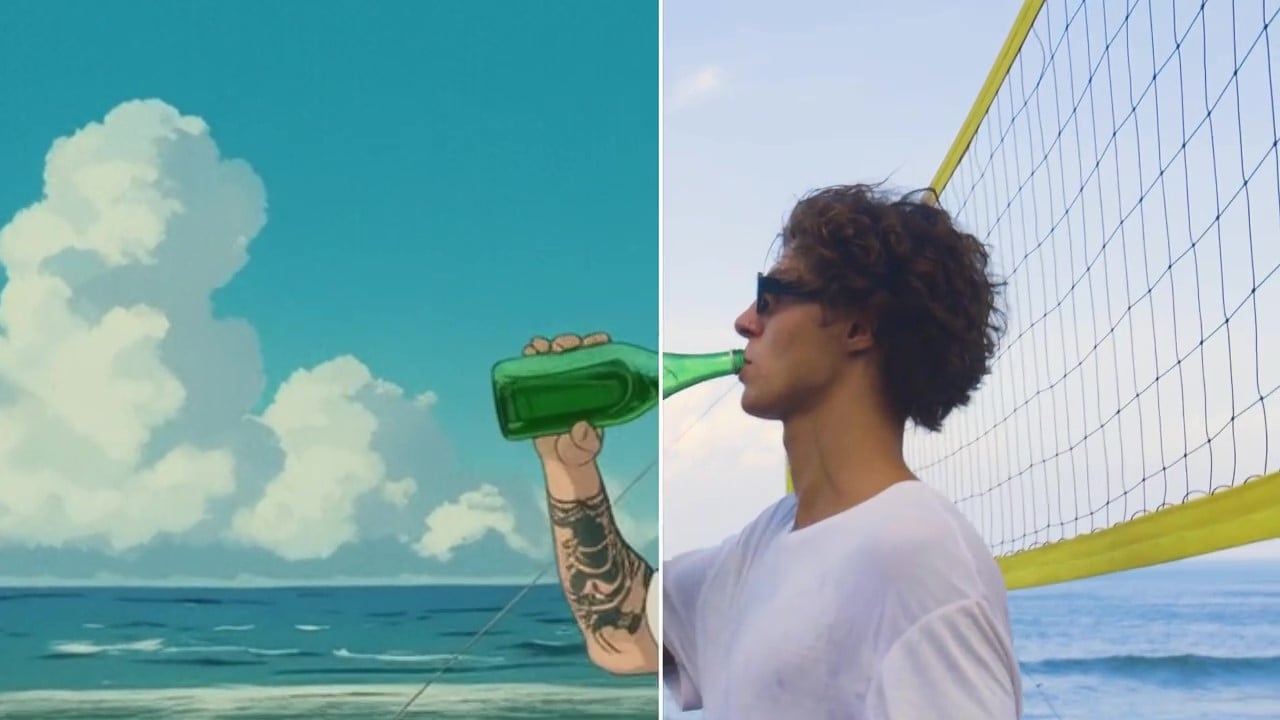
Cartoonize Anything with Stunning Results
Whether you want to turn real-life actors into anime heroes, give your landscape footage a dreamy aesthetic, convert a city street to a 3D environment, or bring your pets and objects to stylized animation, our AI video to cartoon converter helps you transform any video into a unique piece of art.
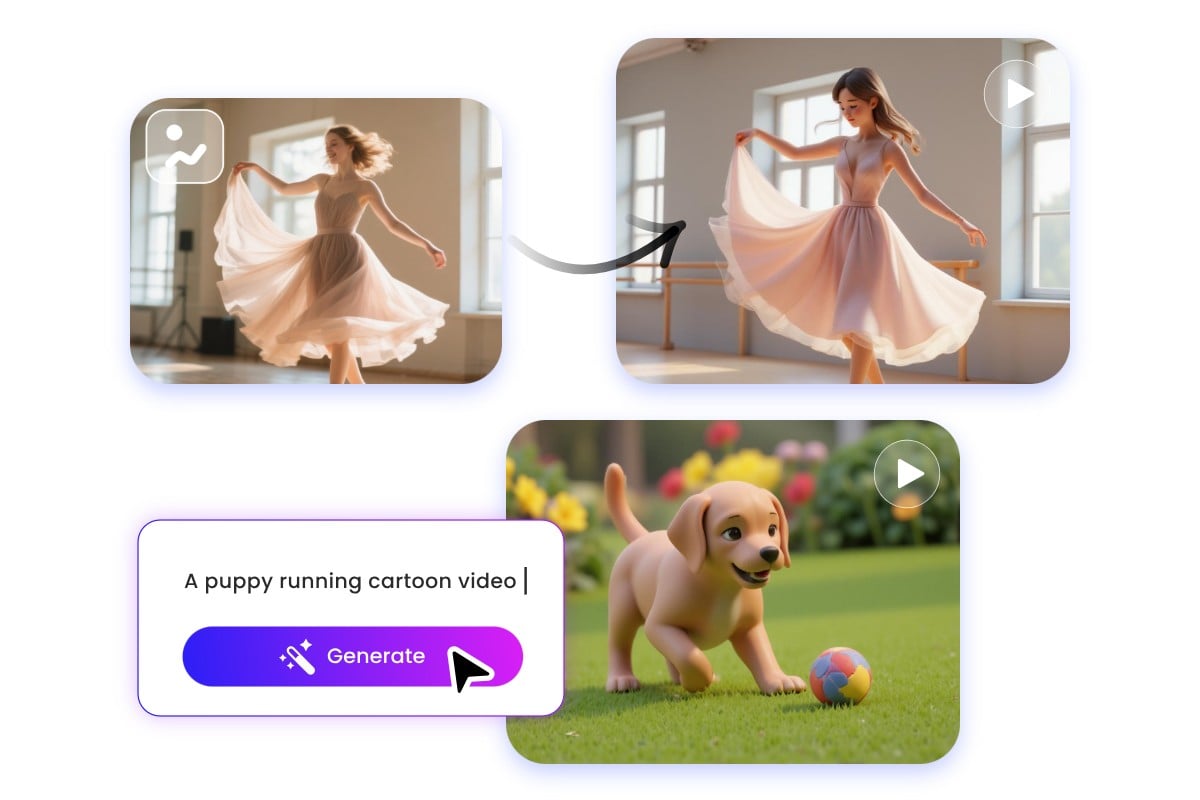
Cartoon Video Maker from Text and Image
In addition to AI video style transfer, you can also generate cartoon-style videos from text and images using our AI video generator. Turn your creative ideas into magical cartoons by entering text prompts, or convert images to videos in cartoon styles ranging from Japanese anime and modern mini-figure art to realistic game art and futurist styles.
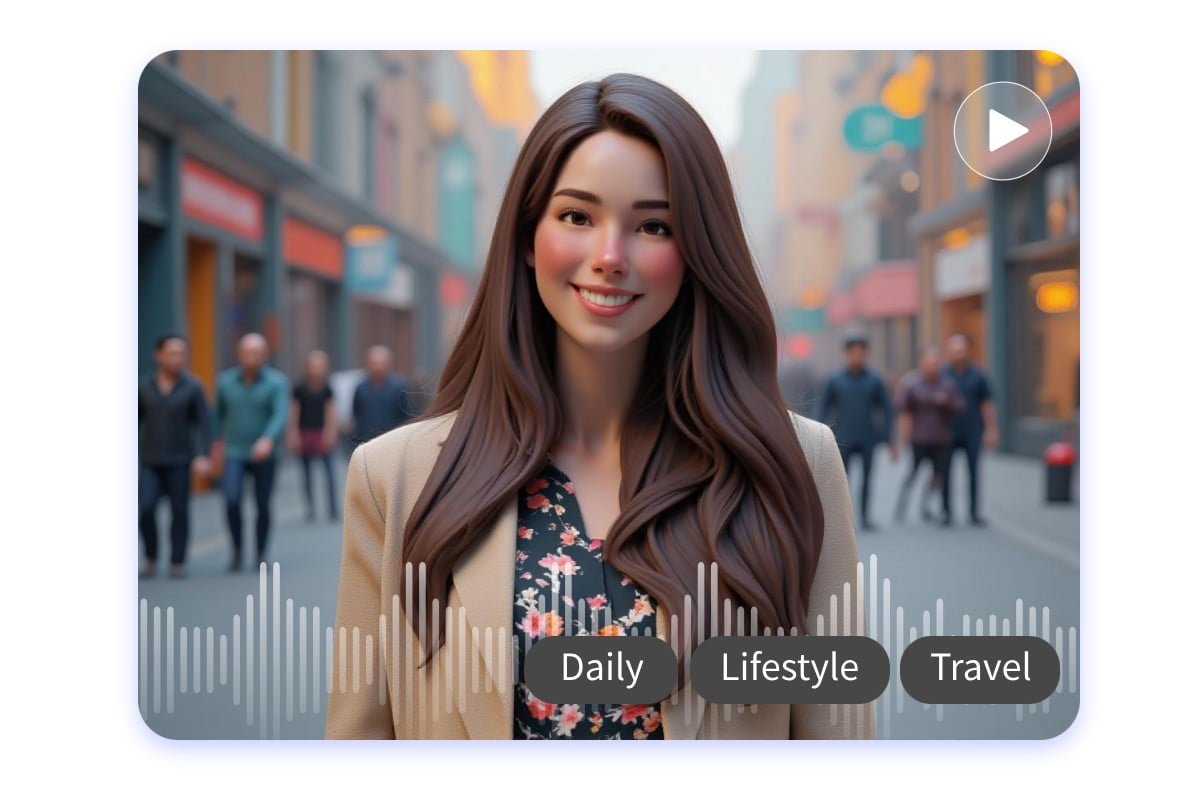
Add Custom Soundtracks to Cartoon Videos
Create custom soundtracks to add immersive feelings to your video. Powered by advanced algorithms, our AI video filter tool enables you to create realistic ambience sounds for animated cartoon clips, quickly getting unique soundtracks based on the footage or make sounds of specific scenes, genres, or emotions.
Cartoon Video Style Transfer for Every Moments
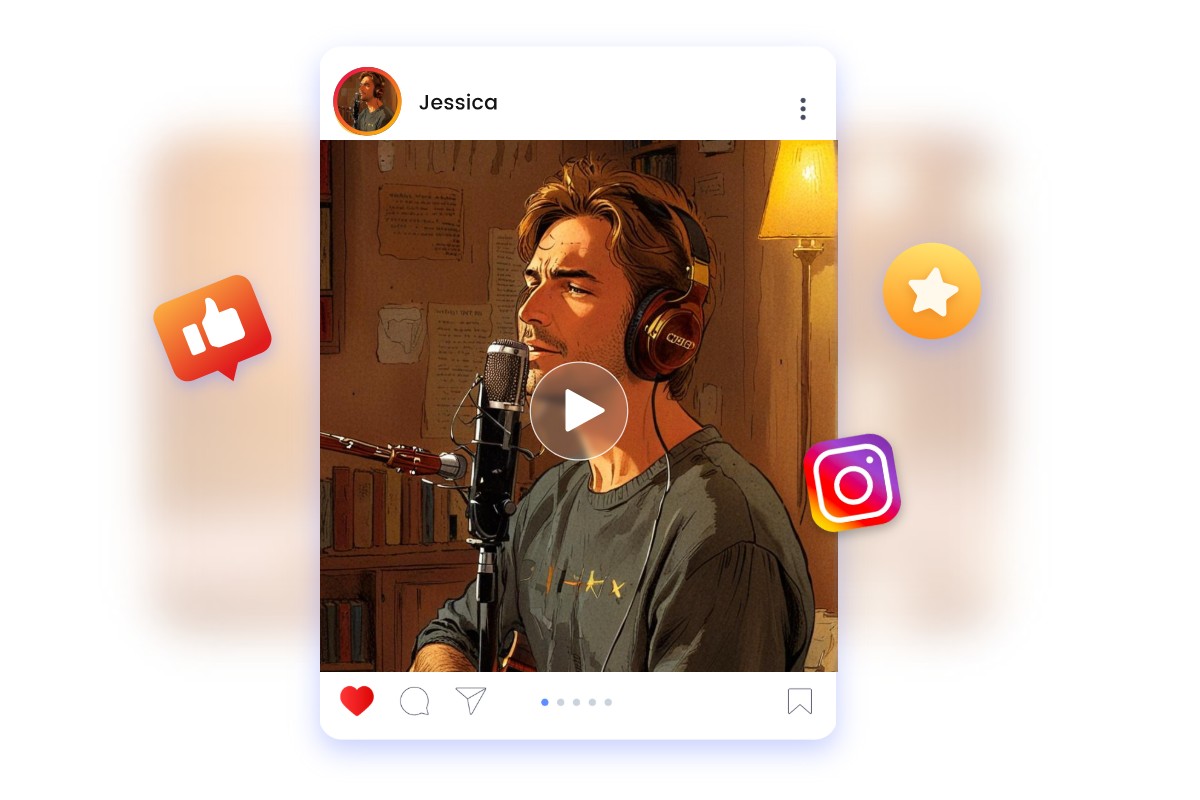
Create Viral Animated Videos for Social Media
Stand out by creating unique, viral cartoon shorts from real footage, such as trending memes, famous celebrities or even your daily vlogs. Our AI video to cartoon converter helps you effectively capture attention and creatively engage your followers on your TikTok, YouTube Shorts and Instagram Reels.
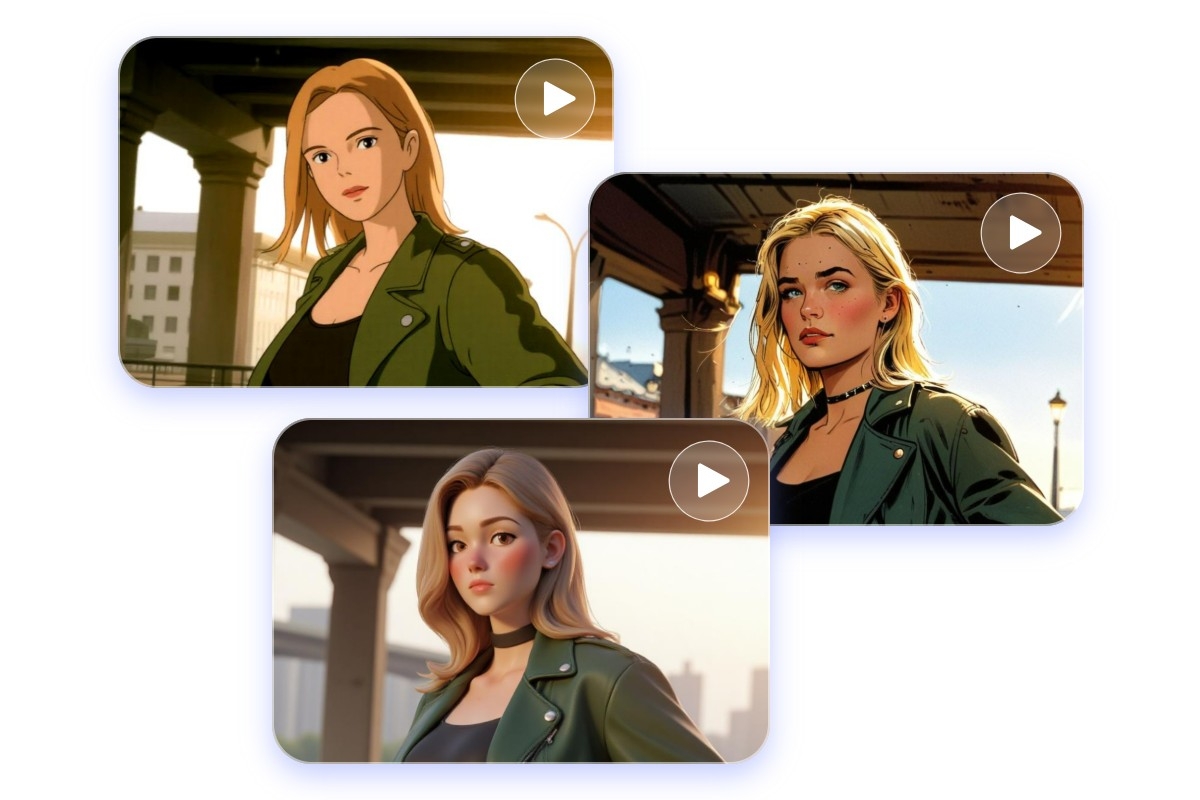
Give a New Look to Your Memories
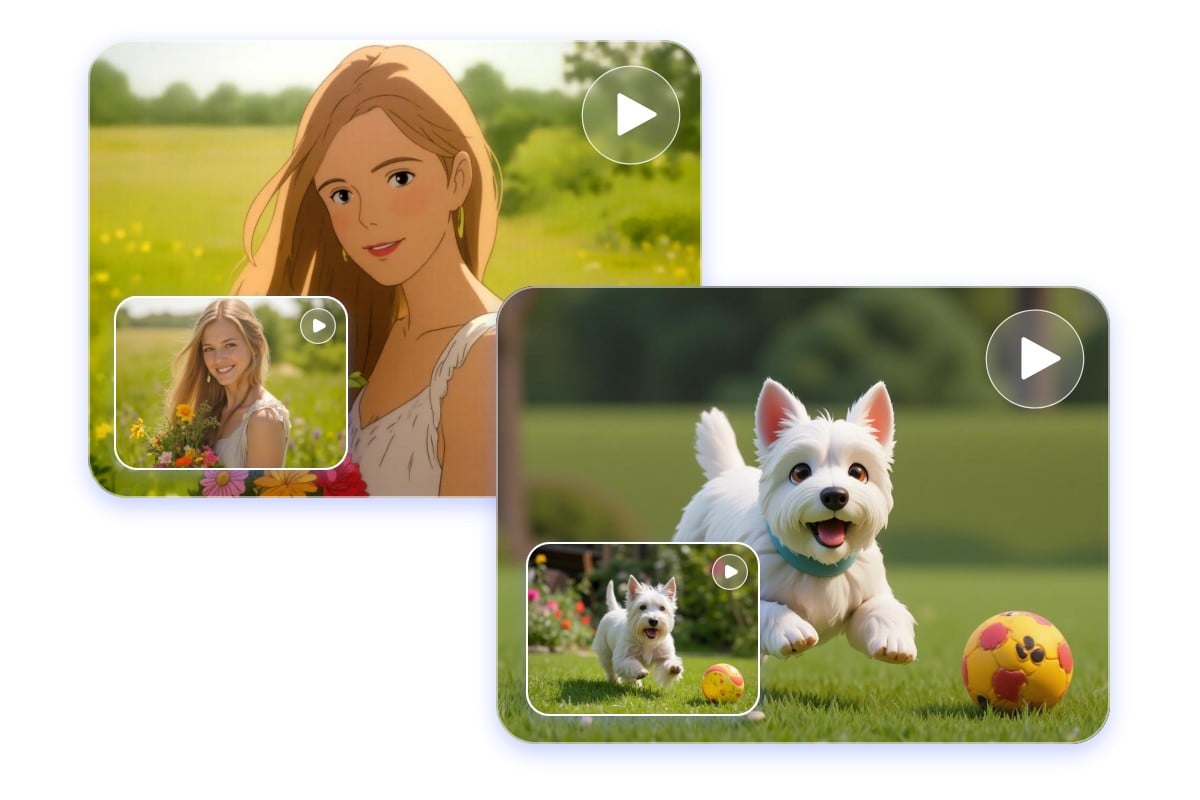
Cartoonize your favorite characters, bring your family and pet videos to life as 3D animated cartoons. Turn stunning landscape footage from your travels into a captivating animated film, or give your self-portraits an anime-inspired artistic touch with a cartoon filter.
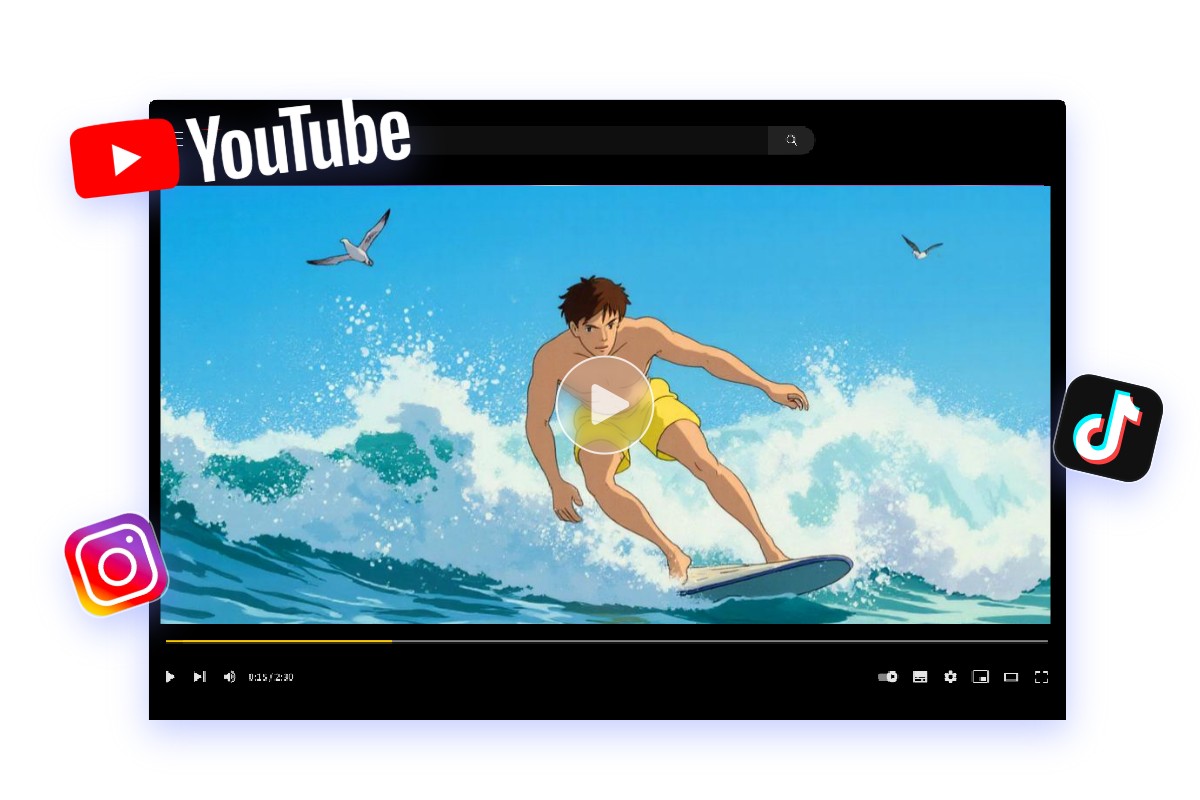
Visualize Your Content Creation Ideas
From product showcases to explainer videos and professional animated shorts, our AI video cartoonizer helps you easily transform complex or ordinary concepts into simple, engaging animated content. Elevate your brand's presence and enhance the visual impact by giving all your videos a distinct and memorable animated style.
Why Cartoonize Videos with Fotor?
![high-quality result icon]()
High-res Cartoon Effects
Ensure the AI-converted video stays crisp and clear. The better the quality of your original video, the more precise the output.
![No watermarks icon]()
Watermark-free Download
Turn video into cartoon for free without any watermarks, even though you are free-trial users.
![Realistic icon]()
Superb Style Transfer Stability
Powered by advanced models, Fotor's video-to-cartoon converter app offers higher fidelity and greater stability in conversions.
![Fast icon]()
Fast Video to Cartoon Conversion
Create cartoon characters in three clicks within minutes! Select a style, upload your video, generate, and done!
![Online icon]()
Online Browser-Based
Access our AI video cartoonizer and animate your realistic video clips anytime and anywhere as you need.
![Background editing]()
Edit Cartoon Videos Online
Explore a range of tools from video editing to AI to enhance the video storytelling and capture your audience.






More AI Video Tools Online
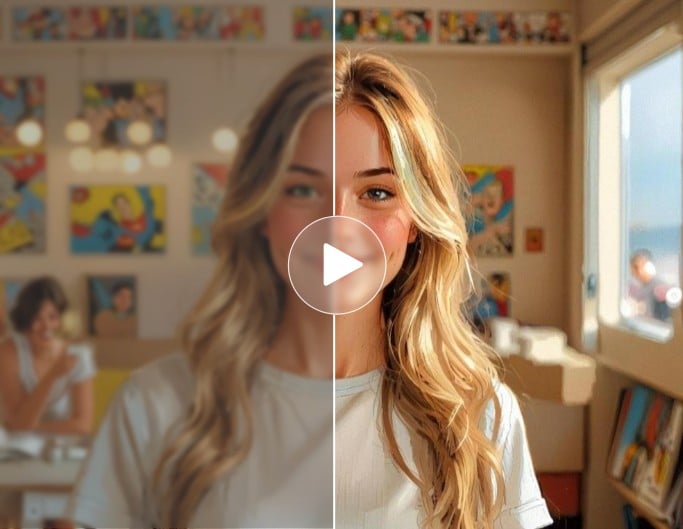
AI Video Enhancer
Enhance your animated video clips to 4K level, with improved clarity and color balance.
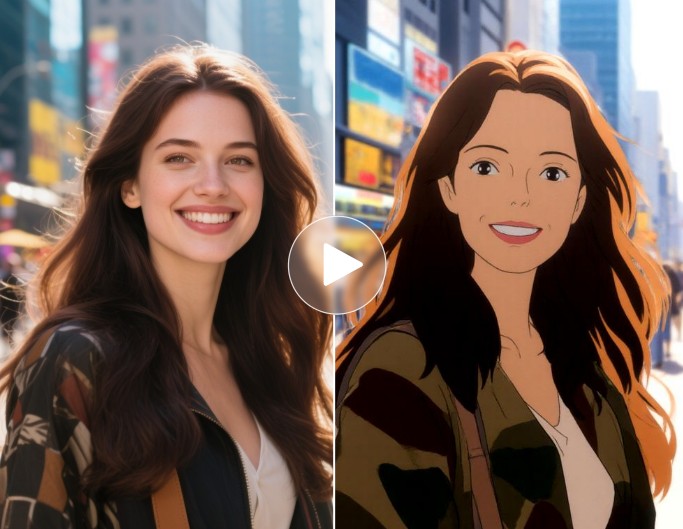
AI Video to Anime Converter
Convert video to Japanese anime styles in minutes with fluid, dreamy effects.
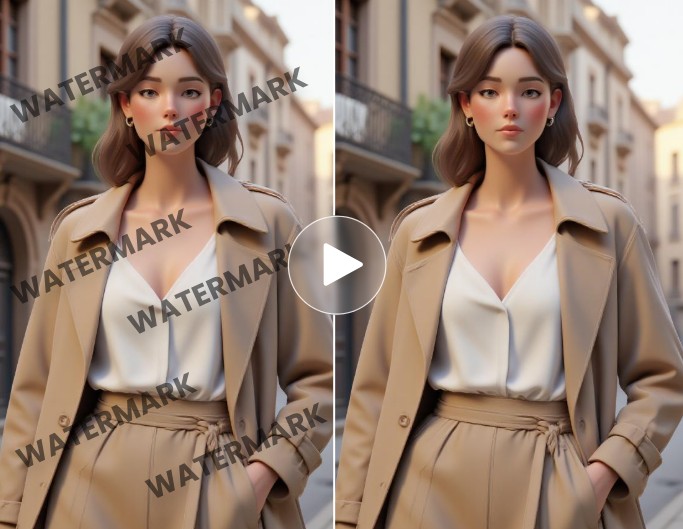
AI Video Watermark Remover
Remove watermarks from your footage, from still stamps to moving watermarks.