Kling 3.0 AI Video Generator Online Free
Introduce Fotor’s new AI video generator powered by Kuaishou’s Kling 3.0. No video production skills are required to generate and enjoy professional-grade, 4K video results with smoother motion, camera movement, character consistency and realistic results.
*Create consistent videos from first and end-frame photos
*Blend multiple pictures into one video with different camera angles
*4K cinematic videos with realistic effects
*Natural and synced sound effects and soundtracks
Fotor trusted and loved by





Learn about Fotor's upload formats and requirements. See how we use your content in our Privacy Policy.
What is Kling 3.0?
The Definition
Kling AI is a generative AI tool developed by Kuaishou Technology, a major Chinese short-form video and social media platform company. Its core ability is AI 4K video generation from text prompts or images, which is supported by its latest Kling AI 3.0 video model.
Key Features
Kling 3.0 AI highlights the ability to generate up to six shots with different camera angles and improved character consistency and AI video creation from first and end frames. Besides, it now supports longer video duration (15s), multiple aspect ratios and 4K export, making it usable across different platforms.
How to Use Fotor’s Kling AI Video Maker?
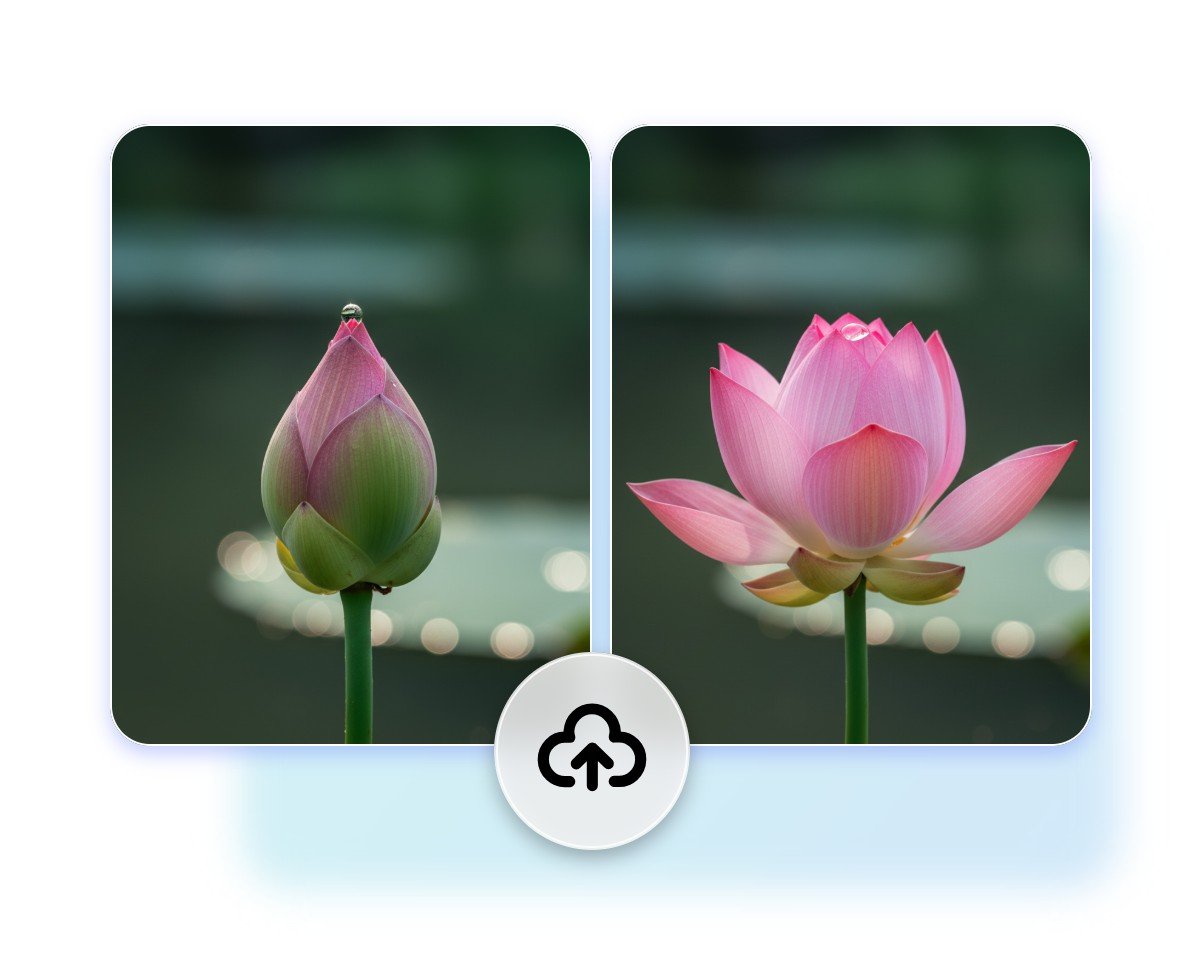
Step 1. Upload Images
Access our Kling AI video creator and then upload your two photos to the sections of “first frame” and “end frame” respectively.
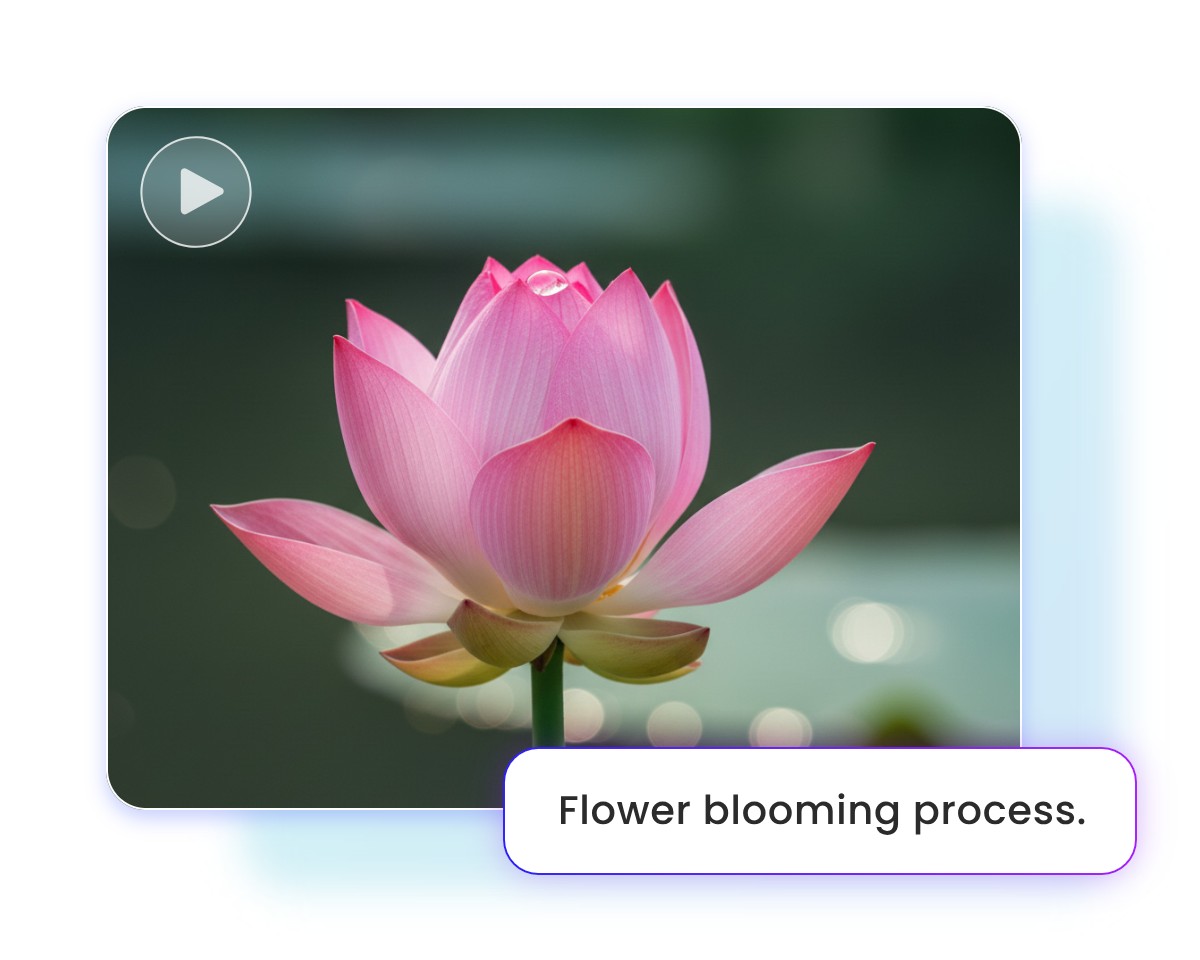
Step 2. Input Text
Enter your prompts to describe the desired story or movement, and then select the preferred aspect ratio.
Step 3. Generate and Download
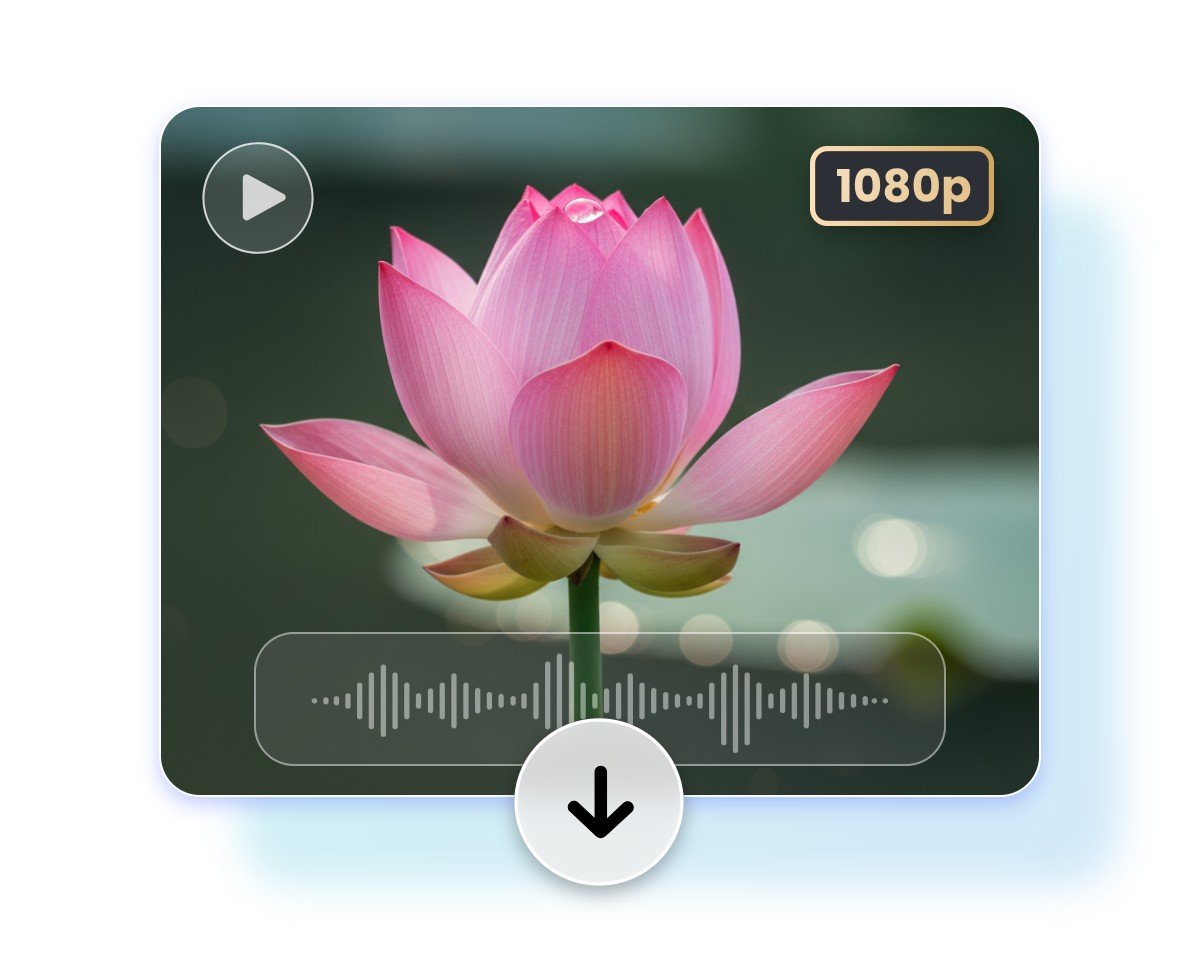
Click “Generate” to start the creation workflow, preview the video result and then tap “Download” to save it.
800M
Users
4.5★
on Capterra
1B+
Image, videos processing
Easy and Fast AI Video Generator Powered by Kling AI
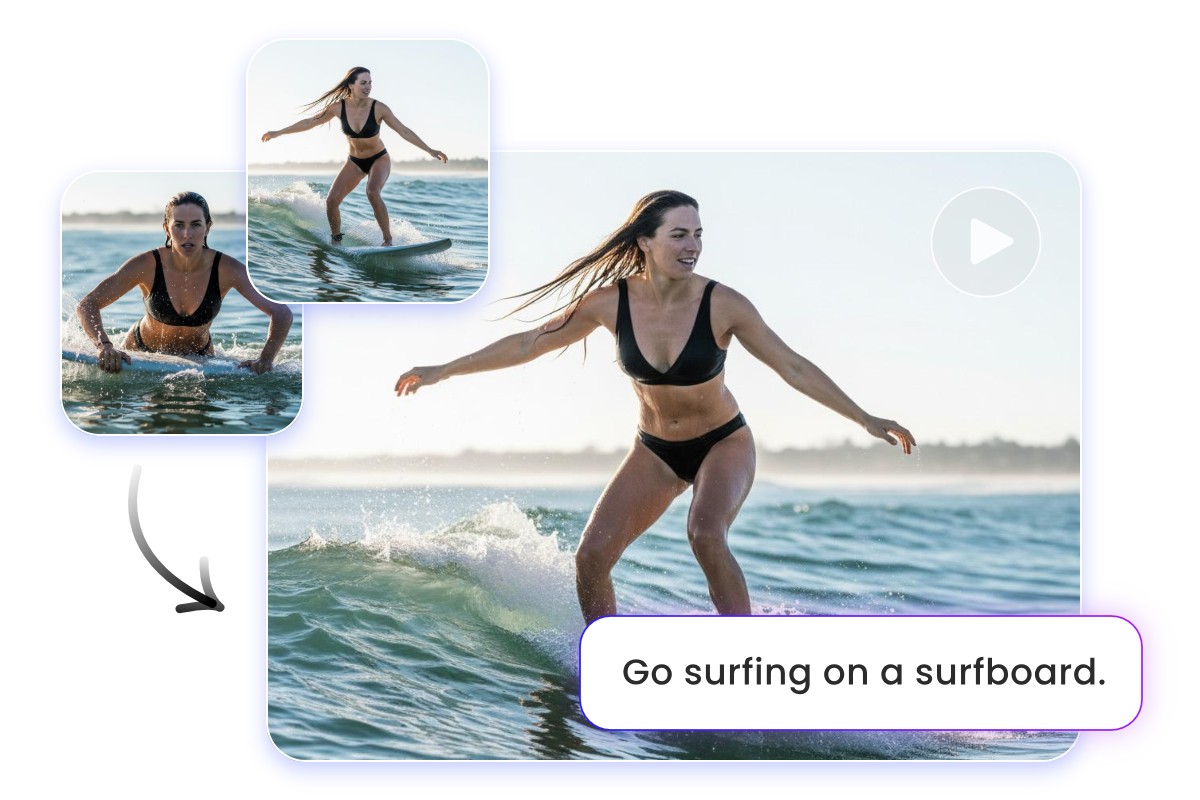
Fotor’s new AI video generator, powered by Kling AI 3.0 video model, is your shortcut to professional-grade, HD AI videos. With no learning curve, it helps users of all levels turn simple prompts, scripts or static images into cinematic videos with smooth animation, natural motion, and synced sound effects. Simply upload your photos, enter your prompts to describe the desired scenes or movements and then click “Generate” to get super HD videos with customizable styles, audio, backgrounds and effects at lightning speed.
Precise Video Creation from First and End Frames
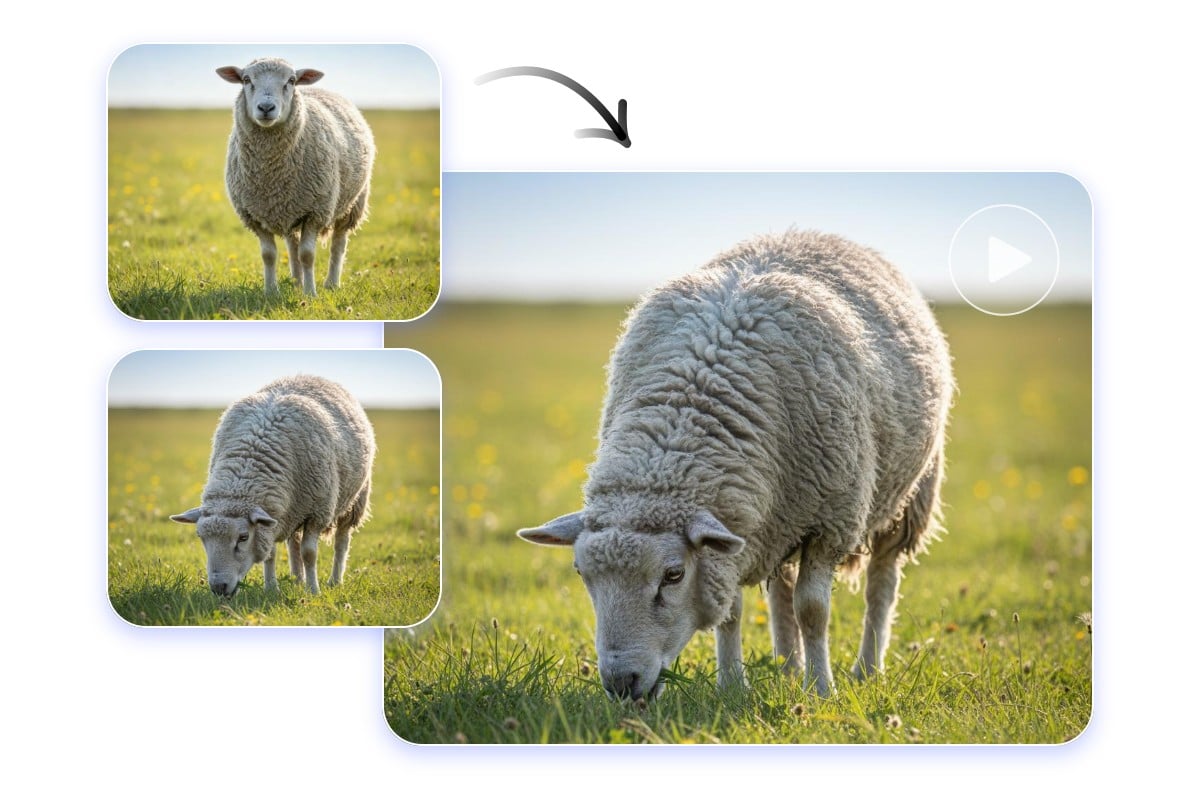
Experience accurate storyboard-level direction with our Kling AI video creator, which boasts revolutionary first and end frame control. Uploading your photos to the “first frame” and “end frame” sections, you can easily make intro/outro sequences for short content and expect a smooth, cinematic video with natural and coherent transitions between your imported visuals.
Export Audio-Visual Videos with Smoother Motion and Camera Movement
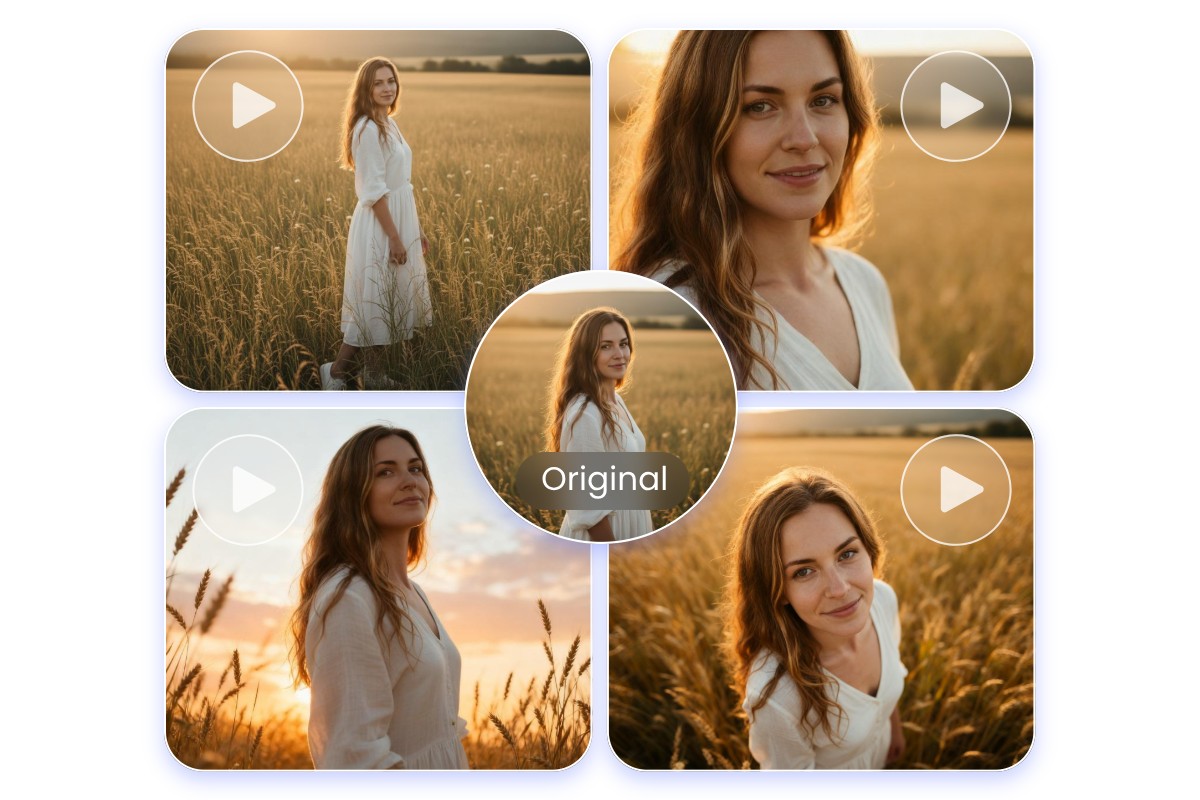
Equipped with advanced motion prediction and stabilization technology, our Kling AI video generator is adept at handling moving scenes and able to create smooth and natural camera movement like pan, zoom, tilt, track, push, pull and more. Whether you need a cinematic zoom-in on a portrait face, a slow pan across a futuristic cityscape at sunset, or an orbit effect around a dancing figure, our tool can present you with a satisfactory result.
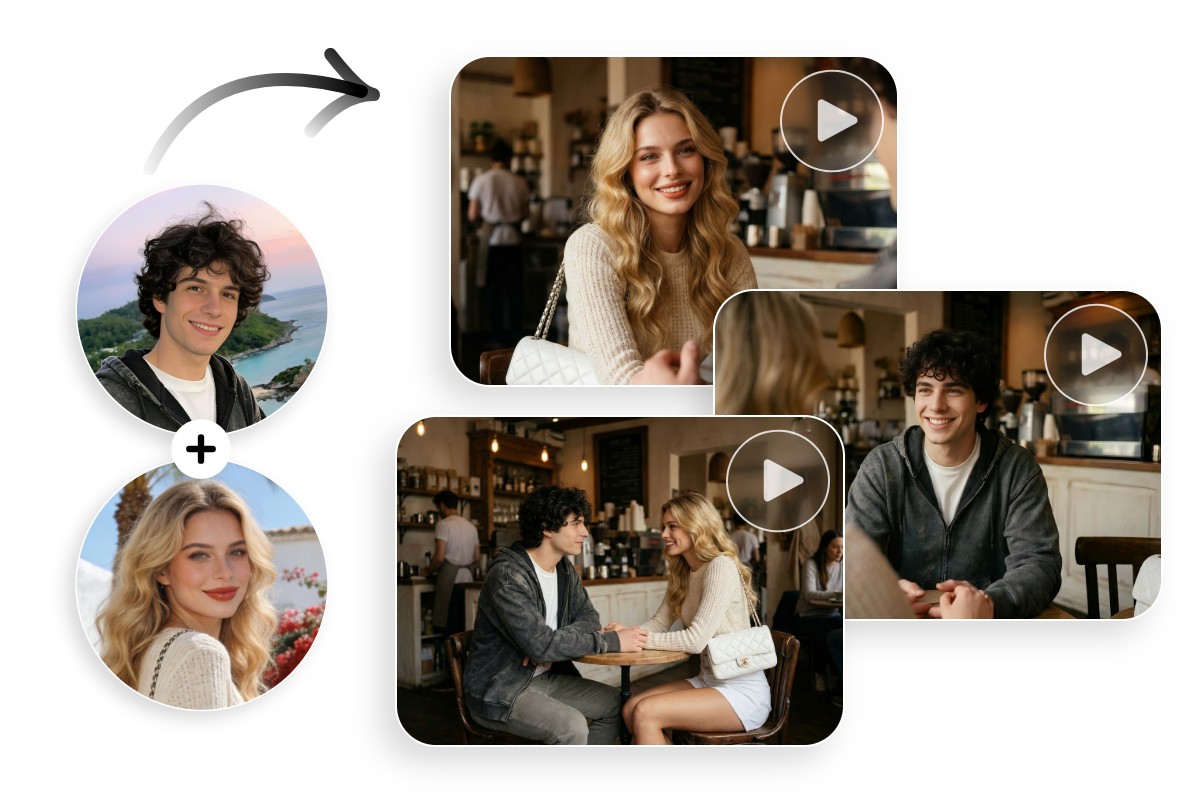
Experience Multi-Shot Switching and Custom Storyboarding
More than generating a single continuous clip, you can rely on our Kling 3.0 to plan multiple shots in sequence as you like through your natural-language prompts and create a real storyboard, each with its own camera angle, framing and action. With multi-shot switching, you get up to six different shots in one video for clearer creative direction, better visual consistency and professional storytelling that feels intentional, polished and cinematic.
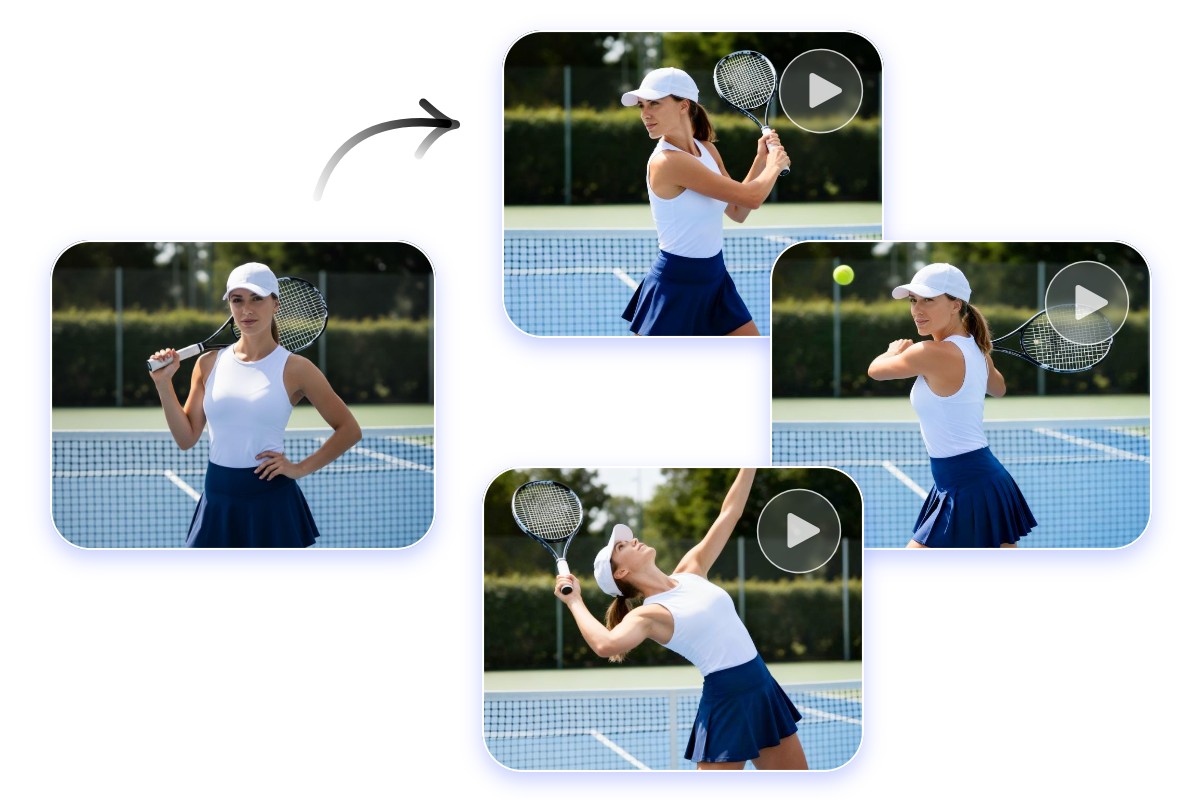
Improved Scene, Character & Text Consistency Across Frames
Character Consistency
Armed with advanced frame-by-frame consistency algorithms, our powerful Kling 3.0 AI eliminates visual drift and style mismatches, maintaining visual coherence and every detail in your multi-scene or multi-character video clips, from lighting and background tone to facial features and outfit design.
Text Consistency
When converting your text-imposed images to videos, our tool will effectively preserve the text consistency across every frame, whether it is a slogan, caption or reminder. The text will never disappear unexpectedly and no distortion will be expected.
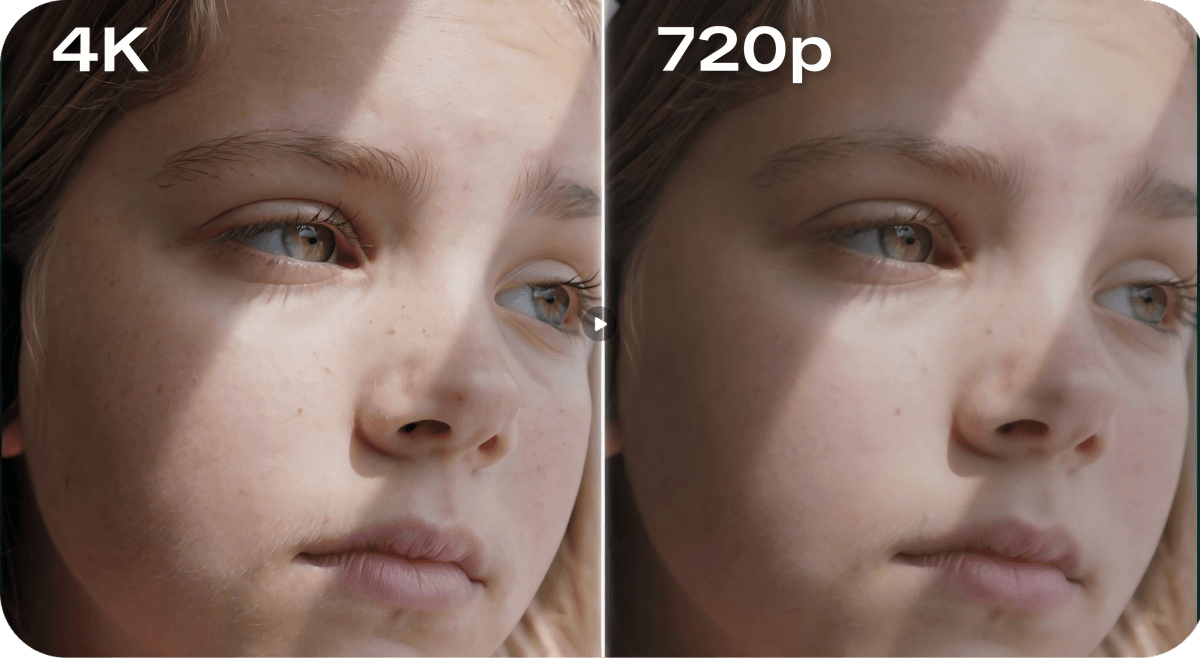
Expect 4K Videos with Hyper-Realistic Effects
Our Kling AI video maker, powered by Kling AI 3.0, can help you conveniently get 4K videos featuring cinema-level clarity with highly detailed, true-to-life visuals. The video will be presented with richer color depth, smoother transitions and improved capture of fine details, such as natural skin texture and lifelike facial expressions. Effortlessly get videos optimized for high-quality viewing on large screens, HD devices and professional production workflows without complex software and editing skills.

Get Natural and Synced Sound Effects and Soundtracks Automatically
Our Kling AI video creator saves you the trouble of adding a sound effect or soundtrack to your AI-generated video manually. By activating the relevant feature, our intelligent tool will analyze the mood, pacing and theme of your video to generate fitting background music and realistic sound effects automatically. Also, an ASMR effect is available to enhance the sound detail and give you the audio effect that makes your AI scene more immersive.

Generate Fascinating AI Videos in Various Styles
Our Kling AI video generator gives you full control over how your AI dynamic visual is presented through your prompts. Simply describe the wanted style, from animated or retro to futuristic or artistic, and our tool will deliver high-quality videos in the style tailored to your vision. So, rely on Fotor to customize the effects and styles, and convert your still photos into visually stylish videos that grab attention and boost engagement.
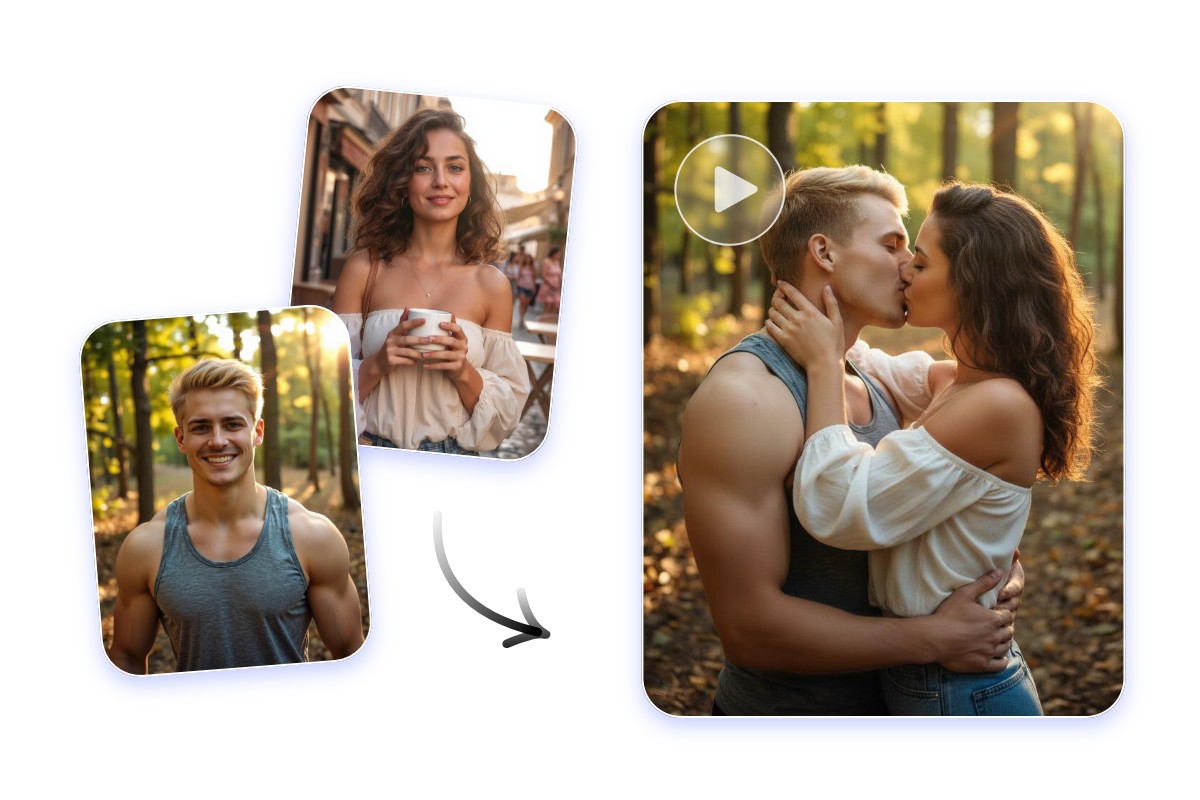
Creatively Blend Multiple Images into One Video
Our Kling AI video creator can conveniently merge the core elements of all your imported photos into one video. Just upload a series of images, and our tool, with a precise understanding of your prompts, will seamlessly blend all of them with smooth transitions, consistent lighting and natural depth for a cinematic flow. Use Fotor now to get a video featuring two completely irrelevant people or characters magically interacting in a single video.
Create AI Videos Through Our Kling AI for Various Projects
Get cinematic and professional-quality AI visuals in motion with our Kling AI video generator and apply them to your creative projects to make them stand out and impressive.
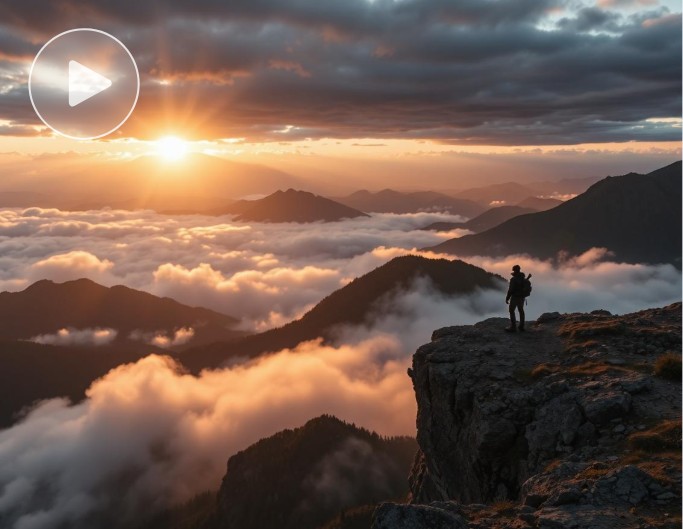
Cinematic Videos
Upload two photos as your first and end frames and turn them into a complete cinematic video with the desired animated effects.
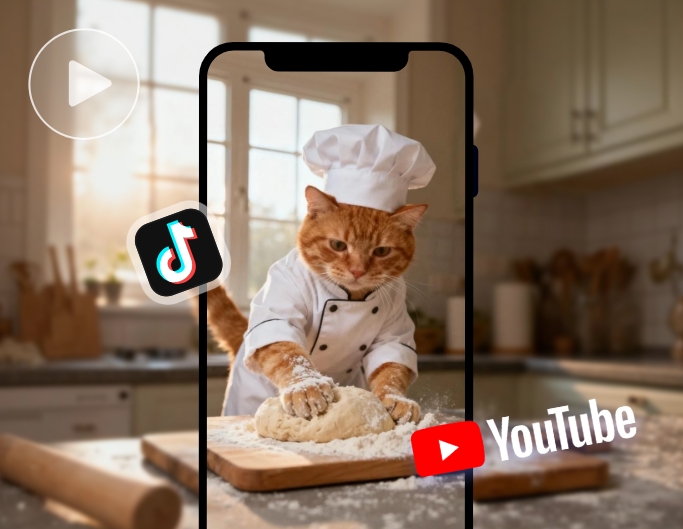
Social media Videos
Generate unique short films from your existing still visuals and share them on your TikTok, YouTube Shorts, Instagram Reels and more to make a lasting impression.
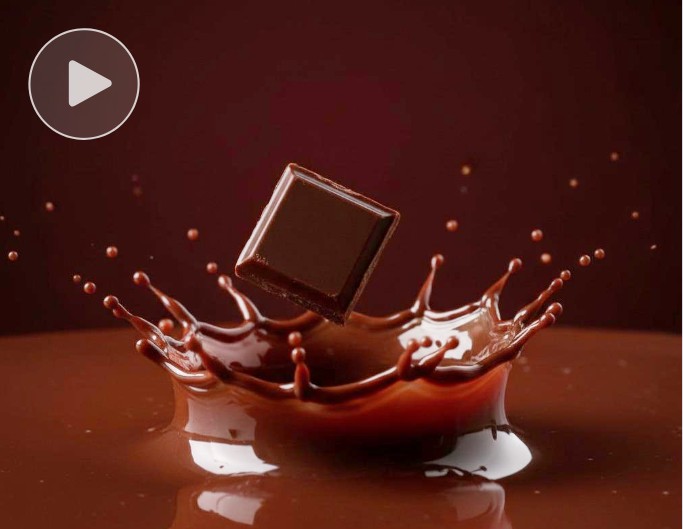
Creative Ads
Blend your exquisitely designed marketing visuals into an exclusive, professional-quality short ad to captivate both your target and random audiences.
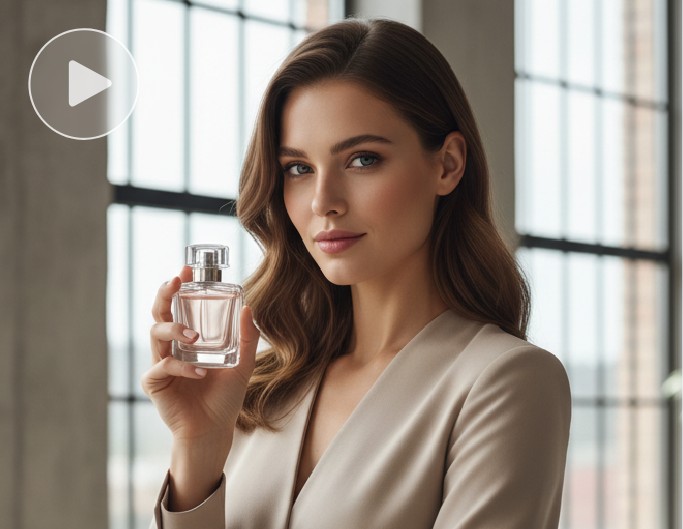
Product Promo Videos
Turn your static product photos into mind-gripping, HD product promo videos to present distinct marketing campaign materials.
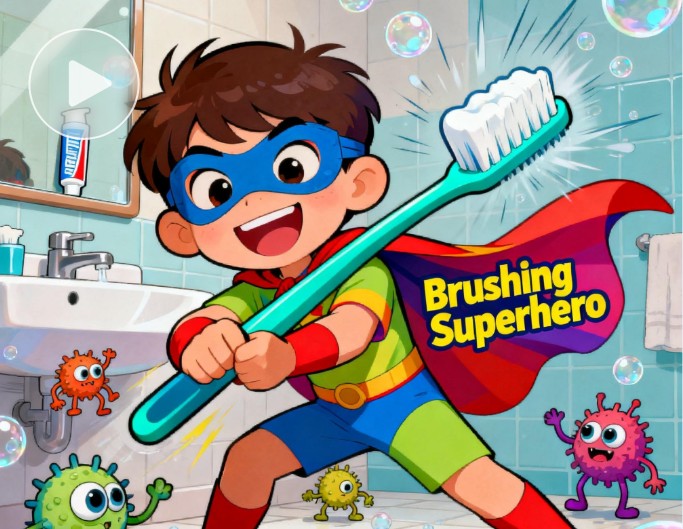
Educational Content
Create special educational or instructional videos from still visuals to make your lessons more engaging and interesting.
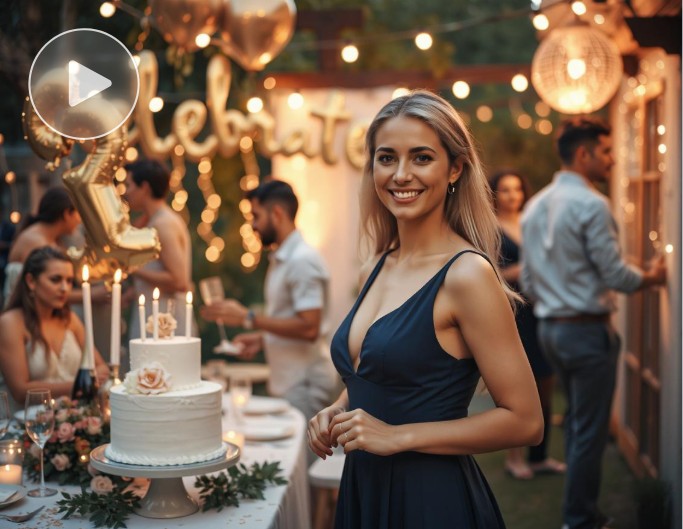
Invitation Videos
Transform your portrait photo into a vivid, dynamic video as your birthday party invitation video or animate a Santa Claus visual to send unique seasonal greetings to your friends or family.
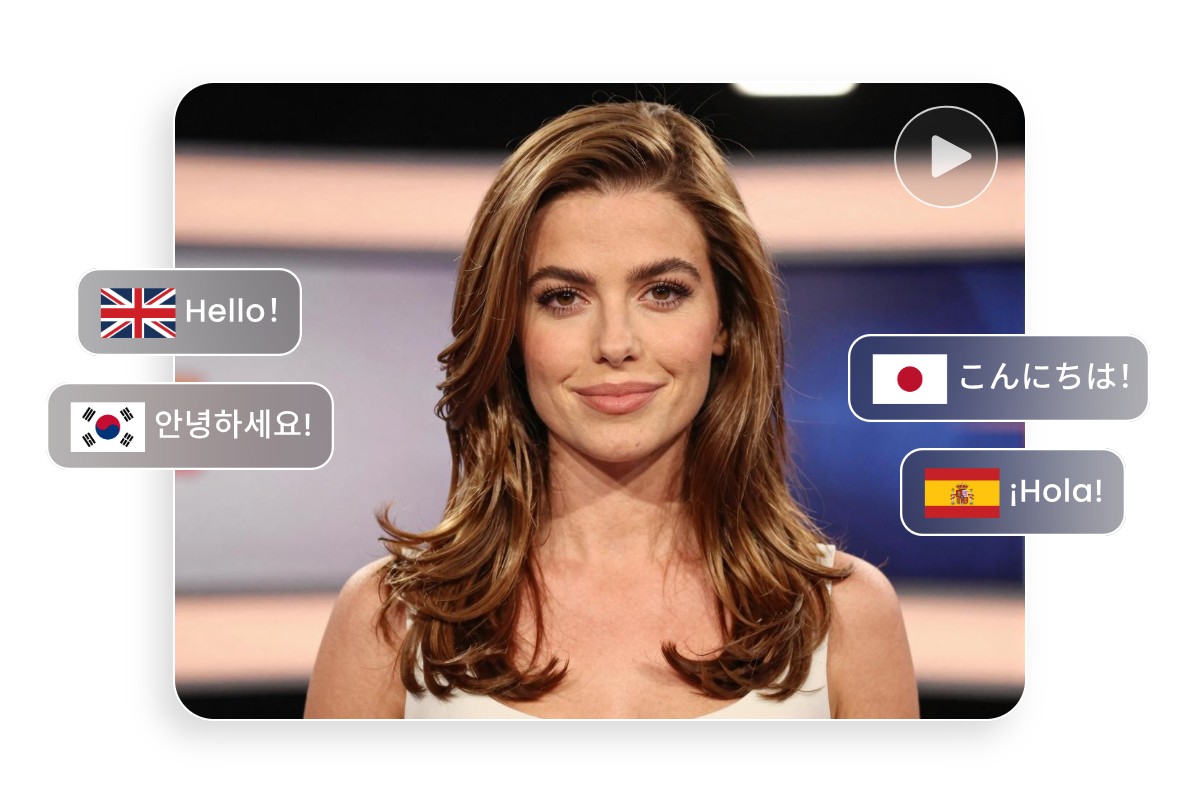
Support More Languages for Your AI-Generated Videos
In addition to English, Fotor, equipped with progressive Kling 3.0, now supports AI videos in more than four languages, including Spanish, Chinese, Japanese and Korean. With its help, you can create multi-lingual content with your simple words and reach more audience in different regions.
Highlights of Fotor Kling AI Video Generator
![instant results]()
Easy to Use
Our Kling AI video maker features an intuitive interface with minimal settings, allowing users to create vivid AI videos in just a few steps. So, even beginners will find it effortless to operate.
![advanced ai video tool icon]()
Smooth Camera Movement
Expect professional-standard camera movement, such as pan, zoom, track, push, pull and more, in your AI-generated video clip. No professional video photography is needed.
![Diverse video style icon]()
4K Video Results
You can create 4K dynamic visuals without watermarks and download them in 4K MP4s for any of your creative projects.
![cross device support icon]()
Multiple Aspect Ratios
You can expect a custom aspect ratio for your AI video, from vertical (9:16) to horizontal (16:9) and even square (1:1). So, you will find a satisfactory video resolution for different digital platforms.