AI-Powered Video Clearer
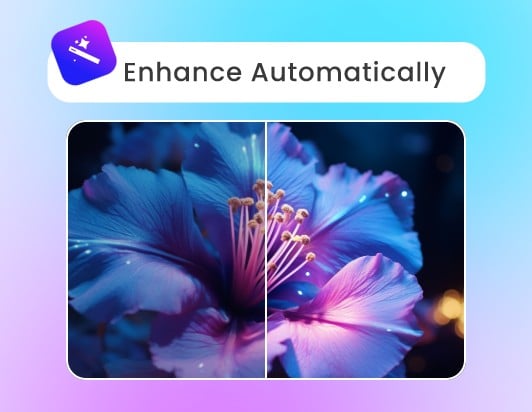
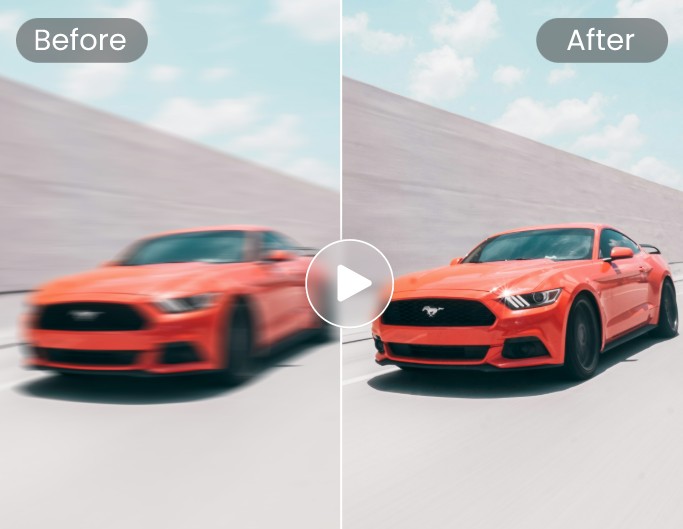
Fotor’s video clearer uses advanced AI to analyze video frames, detect blur, and automatically restore video clarity.


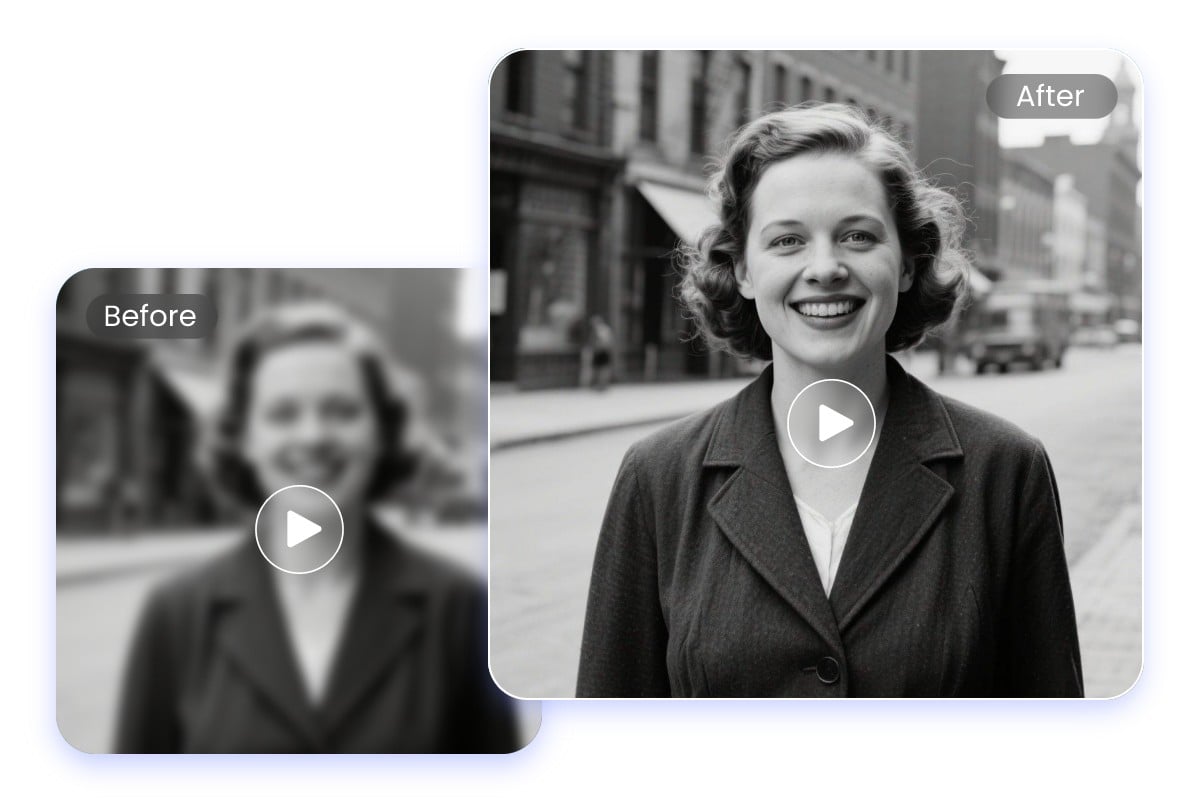
Fotor’s AI video blur remover helps you remove blur from video in seconds. Easily fix focus errors, camera shake, and low-light blur to turn blur video to clear video without complex editing skills.
⭐ Fix Blurry & Out-of-Focus Videos ⭐ Restore Lost Edges & Details ⭐ Unblur Videos Directly Online
Private & secure. Files auto-deleted within 24 hours.

Private & secure. Files auto-deleted within 24 hours.
Fotor’s video clearer uses advanced AI to analyze video frames, detect blur, and automatically restore video clarity.
Removes blur while upscaling video resolution to HD 1080p and 4K for maximum crispness.
Fixes motion blur, camera shake, out-of-focus shots, and low-light video artifacts in one tool.
Sharpens blurry videos without losing original texture, face features, or video content quality.







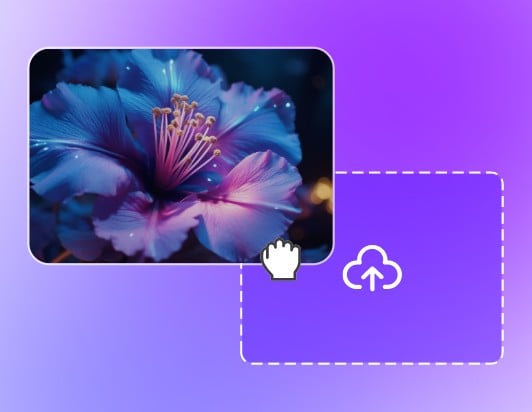
Upload or drag and drop your video file (MP4, MOV, AVI, WebM, and more) into Fotor’s video clearer.
Say goodbye to manual video editing. Powered by advanced artificial intelligence, our video clear AI analyzes each frame to detect motion blur, focus errors, or compression artifacts. Instead of applying a general filter, it targets only blurry areas to unblur the video accurately while preserving critical textures without overprocessing.
Blurry videos often lose fine edges and visible details, leaving faces, objects, and text hard to recognize. Powered by multi-frame technology, Fotor’s video blur remover reconstructs missing visual details from surrounding frames to remove blur and increase video clarity up to HD or even 4K resolution—all while keeping the original structure completely intact.
For videos affected by camera shake or rapid movement, Fotor’s AI video clearer automatically reduces motion blur. By analyzing movement patterns across frames, it corrects unstable visuals to turn blur video to clear video—making handheld recordings, action clips, and travel footage smooth, sharp, and easy to watch.
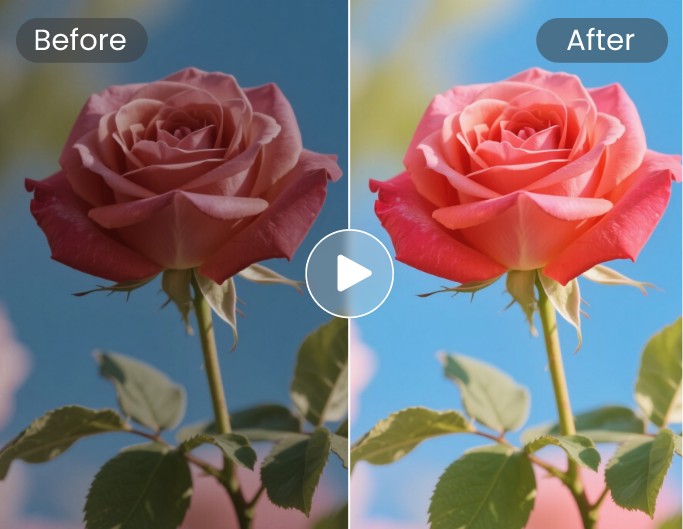
Powered by advanced AI algorithms, our smart video blur remover helps you unblur videos online free without creating unnatural distortion or pixelation—preserving facial features, fine textures, and natural grain. Beyond fixing focus and motion issues to make video clearer, it enhances overall video quality to deliver professional-grade quality.
Shaky or moving footage that looks unstable or hard to see clearly.
Videos where the subject is unclear or out of focus.
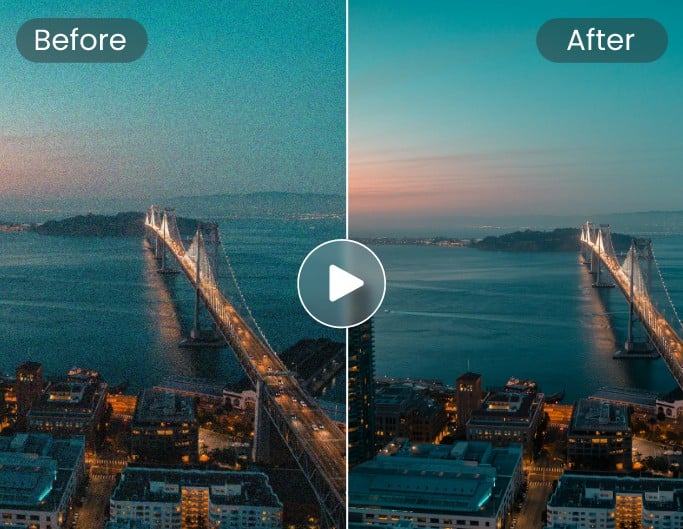
Reduce video noise and fix grainy footage, restoring clarity.
No technical skills required. Our AI video blur remover automatically removes blur from your video in seconds.
Your data is 100% safe. All uploaded files are encrypted and automatically deleted within 24 hours.
Access seamlessly anywhere. Unblur videos online for free directly in your browser on both mobile and desktop.
Export clean, high-definition videos with zero forced watermarks ruining your content.

Founded in 2009, Fotor has established itself as a leader in image-processing, now serves 600 million users worldwide as of July 2024. The Company delivers innovative image editing and design tools to over 200 countries and regions, including the U.S., Europe, Southeast Asia, and India.

"Fotor Photo Editor enhances the creation of my visual projects"
From the first use I liked the AI tools that besides simplifying photo editing also allow me to generate beautiful and professional looking images (it has a preview before finishing any project to adjust details). I like how interactive Fotor Photo Editor is by having implemented a daily incentive dynamic that motivates me to interact with the community and participate in different activities.

"A Versatile and User-Friendly Photo Editing Tool"
What I like best about Fotor Photo Editor is its user-friendly interface and extensive range of features. It provides powerful editing tools, a variety of filters, and seamless integration across different devices, making it convenient for both beginners and experienced users.
Fotor’s AI video clearer is an automated online tool designed to fix blurry, shaky, or low-resolution footage. Powered by intelligent AI algorithms, it detects and restores missing details, sharpens edges, and removes noise in seconds without requiring any editing skills.
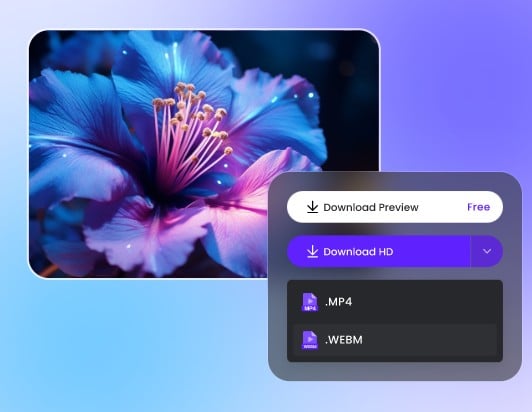
Fotor’s video blur remover offers a free trial that generates a 3-second preview so you can check the enhanced quality before exporting. Processing full-length videos requires credits. Free users can easily earn credits through daily check-ins, registration, or community sharing, or upgrade to a premium plan for full access and extra credits.
Simply upload your video to Fotor, and the AI will automatically remove blur and restore clarity in just a few seconds. The Standard model supports up to 2K resolution, while the Advanced model supports up to 4K enhancement.
As a Fotor product team, we see this usually happens when the original footage has very low resolution or heavy compression. AI can improve clarity, but it cannot fully recreate details that were never captured in the original video. In most cases, adjusting strength slightly lower and reprocessing helps achieve a more natural result.
This is typically caused by over-processing on low-quality facial details. When the AI tries to rebuild missing information, aggressive settings may create artifacts. We recommend using a moderate enhancement level and avoiding maximum strength for face-heavy videos.
Motion blur is one of the hardest types to correct because it comes from camera exposure during movement. Fotor reduces it by analyzing frame transitions, but extremely fast motion or low shutter footage may still retain slight blur for visual stability.
This is often related to compression after export or platform re-encoding (such as social media platforms). Even if the processed video is clear, uploading it again can reduce quality. We recommend exporting in higher bitrate when possible.
AI can improve visibility and restore partial details, especially edges and shapes. However, if the video is extremely low resolution or damaged, the result is an enhancement of clarity rather than a full restoration. We aim for “more readable,” not artificially reconstructed footage.
Low-light footage often contains grain, which can be amplified during sharpening. In such cases, noise reduction and blur removal need to work together. We recommend using balanced settings to avoid over-sharpening grainy areas.
Over-sharpening can create halos or artificial edges around objects. This is a common issue when trying to force clarity on low-quality footage. We suggest lowering enhancement strength for more stable results.
Compression artifacts often distort fine details permanently. While Fotor can reduce blockiness and restore smoother edges, heavily compressed videos may still retain some visual limitations depending on original quality.