



Easy & Fast Upscaling
Upscale videos in seconds with AI without manual adjustments or complex editing skills. Anyone can enhance video resolution with just a few clicks.


Upscale low-res videos—from phone clips and compressed social footage to old recordings—to HD or 4K with Fotor's AI video upscaler free. Get crisp, high-quality video for any screen.
Private & secure. Files auto-deleted within 24 hours.

Private & secure. Files auto-deleted within 24 hours.
Click "Upload Video" to import your low-resolution file directly from your device or browser.
Don't let low resolution ruin your footage. Use our video upscaler free to convert 480p and 720p videos to HD 1080p or stunning 4K, making every frame look sharper and more detailed on everything from phones to large displays. For further video quality improvements, explore our video enhancer.
Traditional video upscaling simply stretches frames, often resulting in blur and pixelation. Our AI video upscaling tool analyzes your footage frame by frame to reconstruct missing pixels, refine textures, and produce sharper, more natural-looking videos instead of enlarged, blurry footage.
Video upscaling requires consistent motion across every frame. Our video upscaler tracks movement between consecutive frames to reduce jitter and flicker, delivering smooth, natural motion even in fast-moving scenes.
Low bitrates and aggressive encoding often leave videos with blocky artifacts and visible noise. Our AI video upscale tool intelligently removes these compression flaws before increasing video resolution, delivering cleaner visuals without amplifying unwanted artifacts.


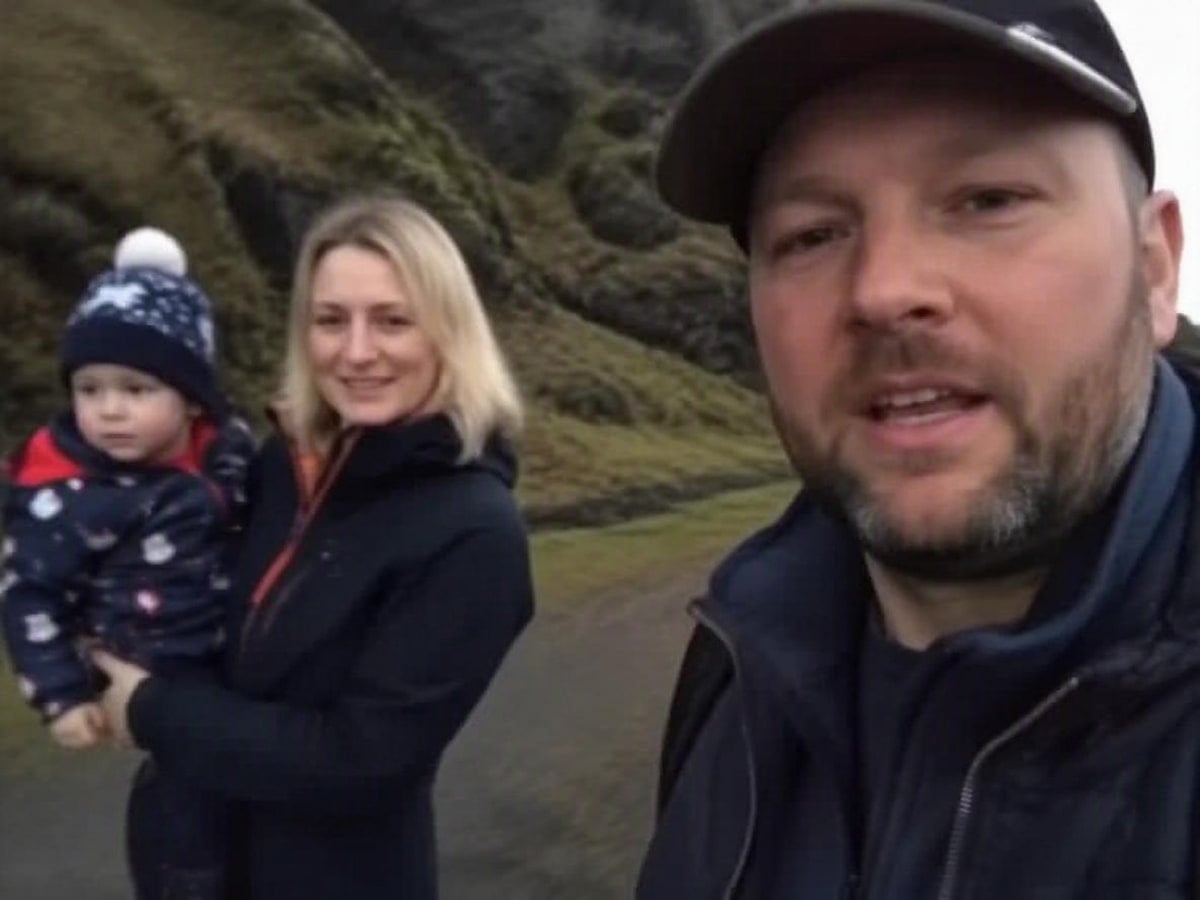
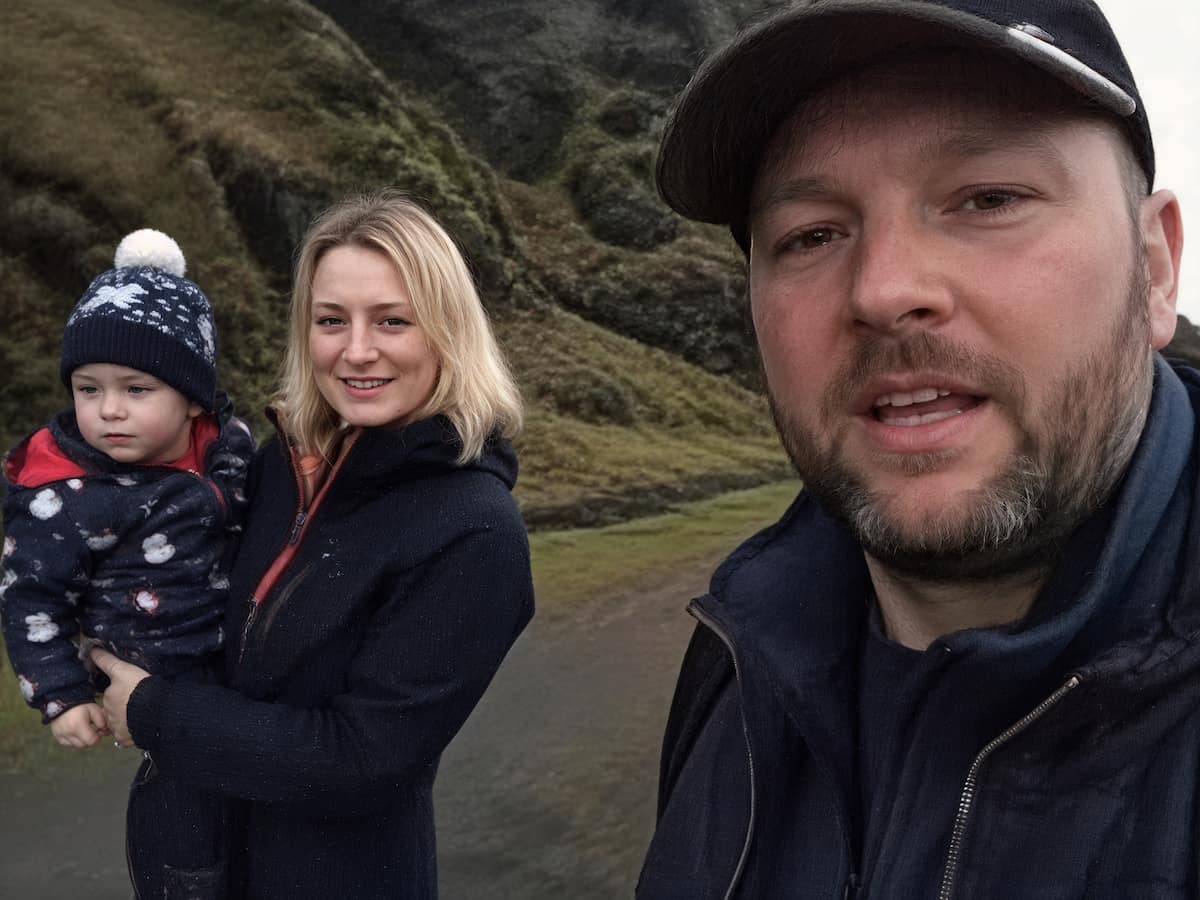




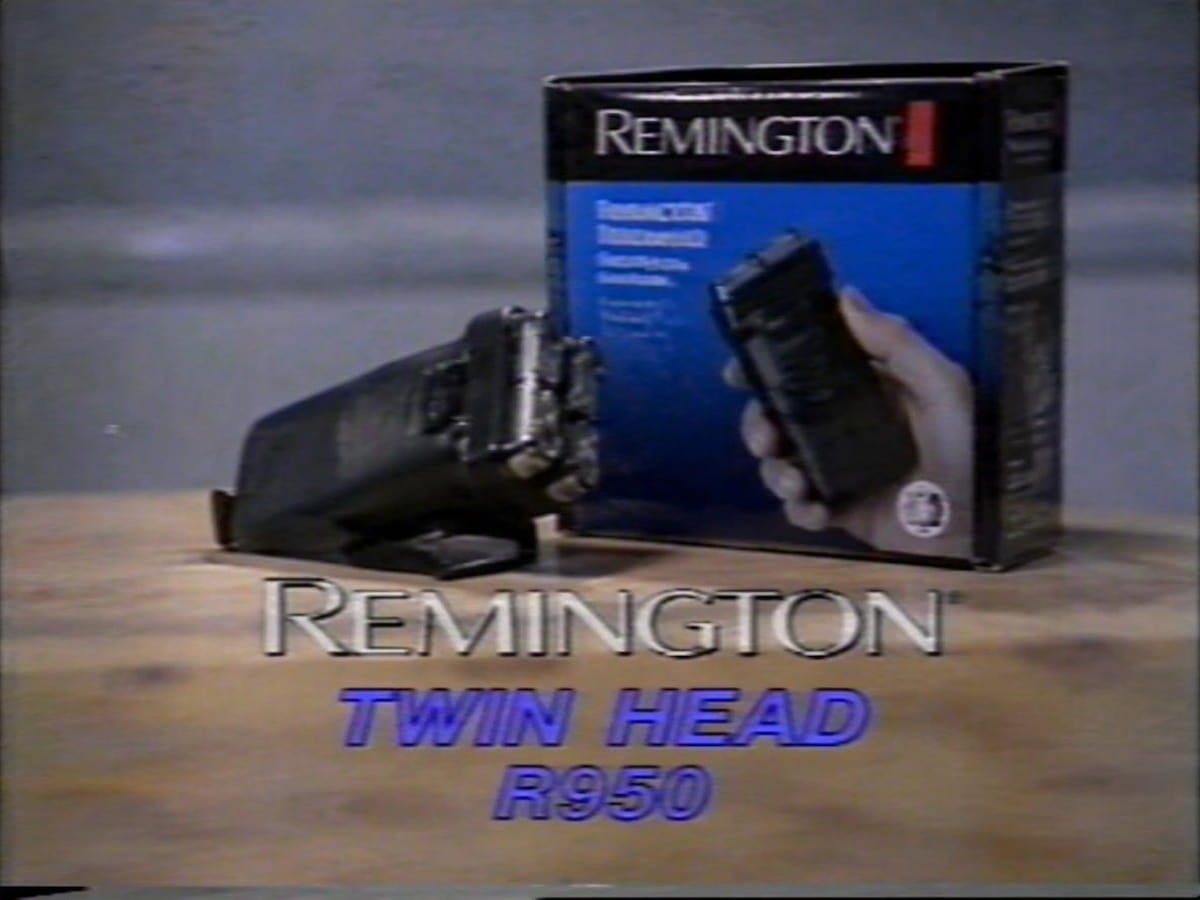
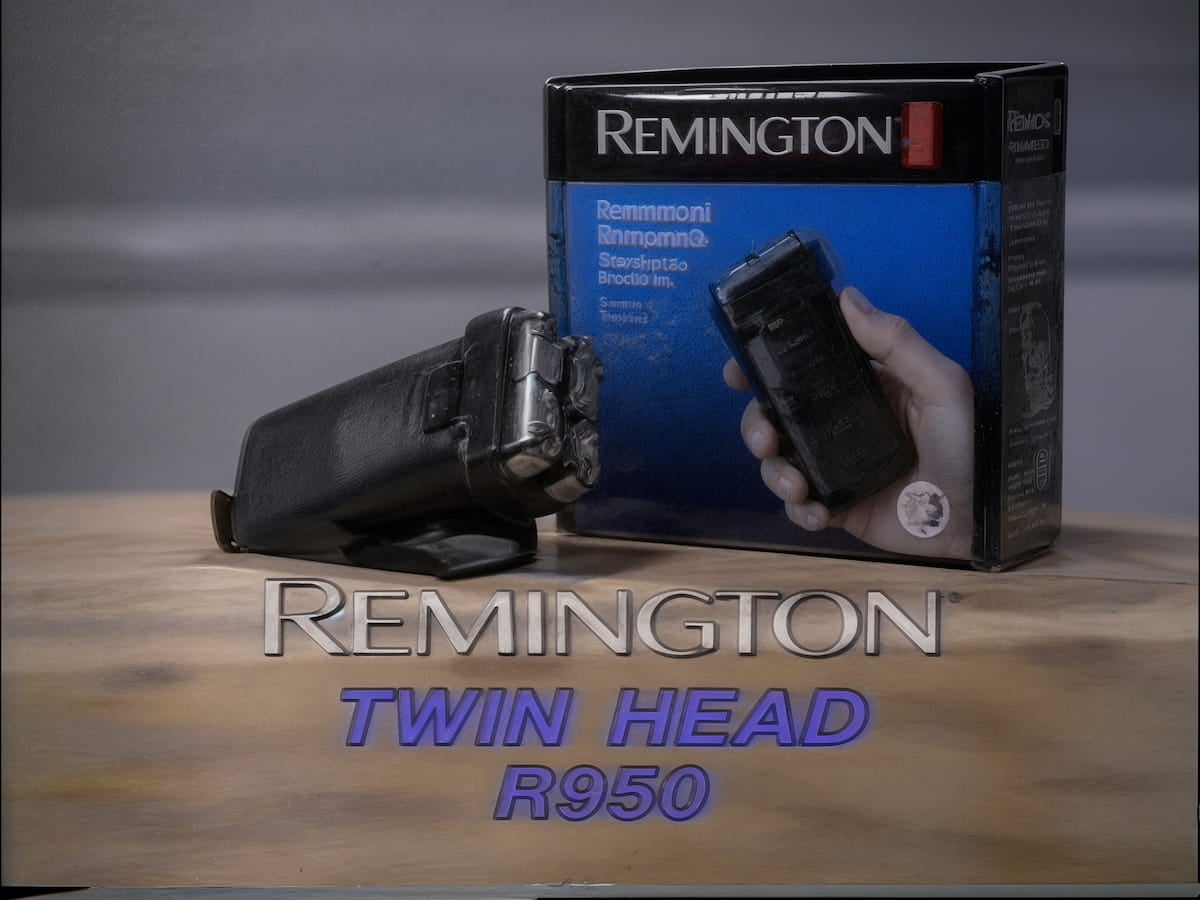


Upscale videos in seconds with AI without manual adjustments or complex editing skills. Anyone can enhance video resolution with just a few clicks.
Your uploaded videos are processed securely to help protect your files and personal information throughout the upscaling process.
Download your upscaled videos without watermarks and freely share or use them for different personal and commercial needs.
Use Fotor's AI video upscaler directly in your browser on any device without installing software. Upscale videos anytime, anywhere.
Fotor's AI video upscaler uses AI to analyze video frames, reconstruct missing details, and increase video resolution to HD or 4K. Instead of simply stretching pixels, it intelligently enhances textures, edges, and visual clarity while maintaining smooth motion across frames.
Yes. You can create a free 3-second preview video to test the upscaling effect before downloading. To export longer videos or access more advanced features, credits or a Fotor membership may be required.
Fotor's free AI video upscaler supports common video formats, including MP4, MOV, and WebM, making it easy to upscale videos from different devices and platforms.
Our AI video upscale tool can help improve videos for different purposes, such as restoring old family recordings, preparing phone videos for larger screens, improving compressed social media clips, enhancing anime or animation videos, and upgrading product videos for marketing or presentations.
This usually happens when the original video contains limited details, heavy compression, or significant noise. AI upscaling predicts missing information, but extremely low-quality footage may sometimes produce unnatural textures or excessive sharpness.
Fotor applies balanced AI enhancement to improve clarity while avoiding overly aggressive processing, but the final result still depends on the quality of the original video.
Flickering can happen when each video frame is enhanced without enough consistency between frames, especially in scenes with fast movement or frequent changes.
Fotor's AI video upscaling tool considers frame-to-frame continuity to help maintain smoother motion and more consistent results throughout the video.