

Free Online AI Portrait Generator
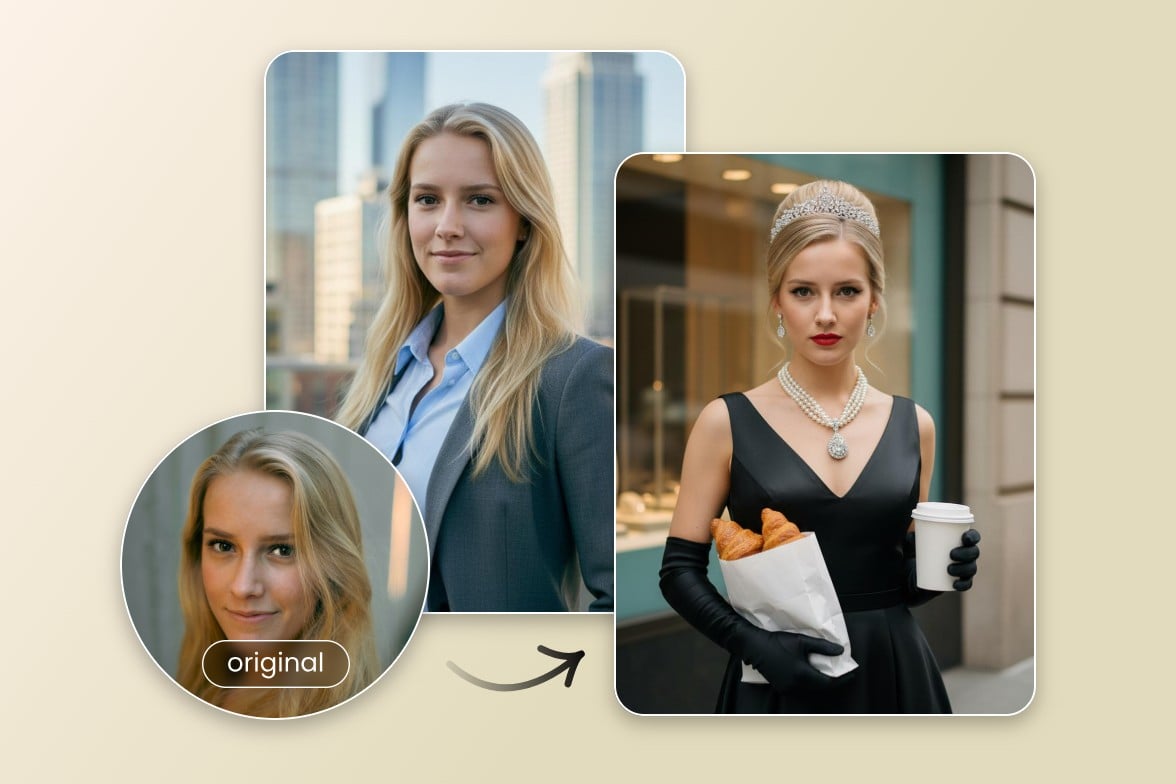
Turn your selfies or other photos into high-quality AI portraits for professional or creative use with one click. Upload your image, choose the desired style and generate multiple AI portrait variations that truly represent you in seconds. Text-to-portrait generation is also supported.
Drag image here or click to upload
Drag image here or click to upload


800M
Users
4.5★
on Capterra
1B+
Image, videos processing
Great AI Portrait Generator for Various Scenarios
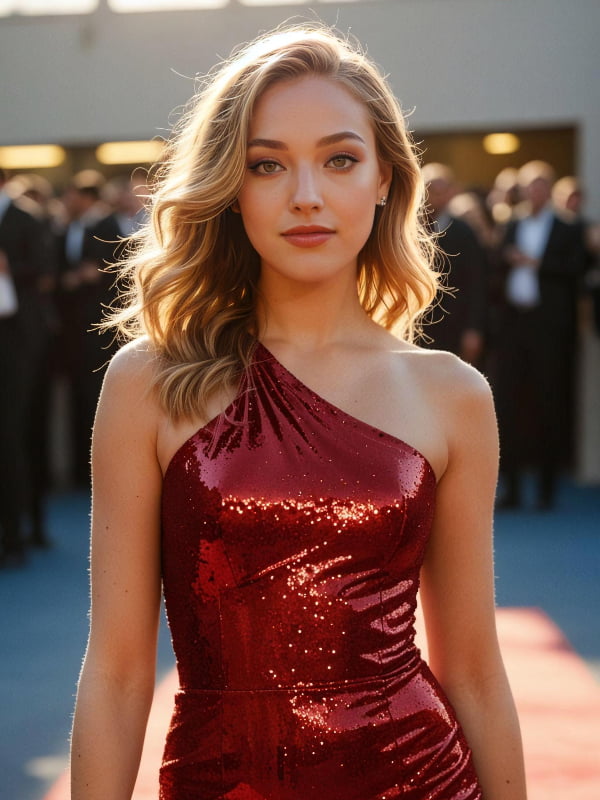
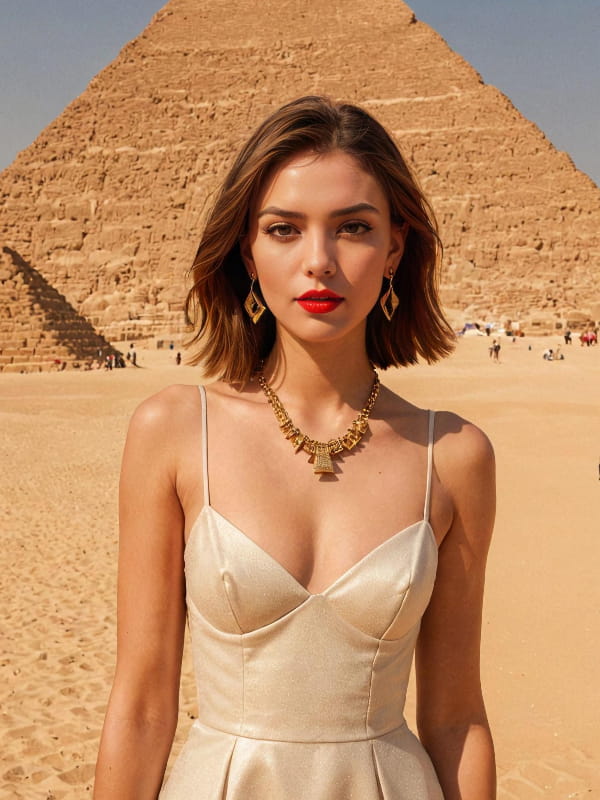
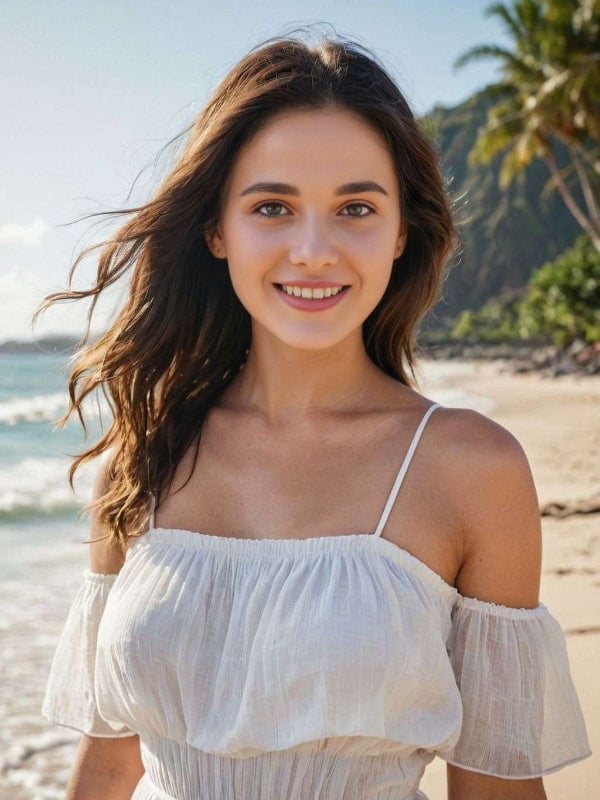
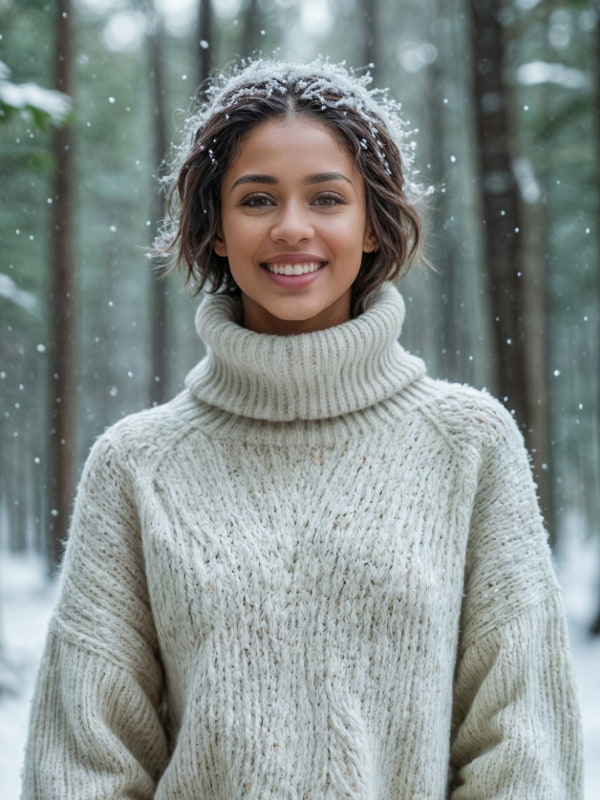
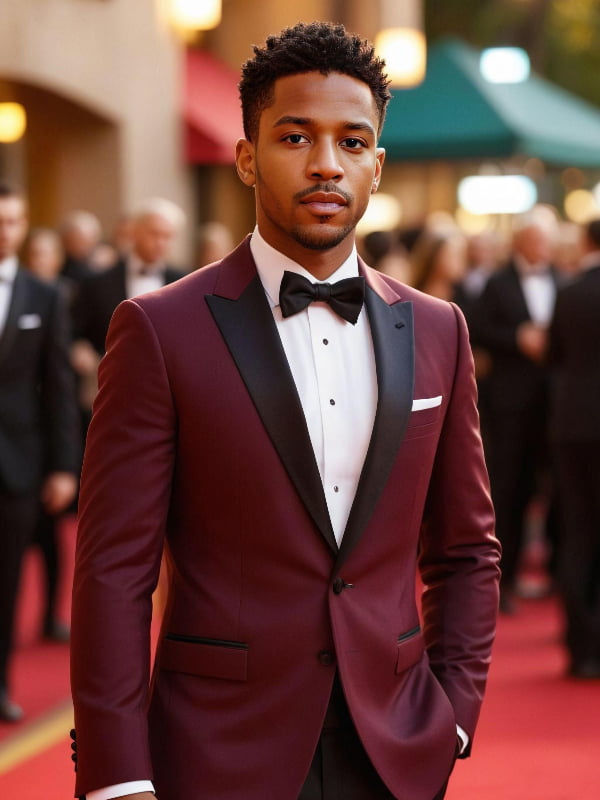
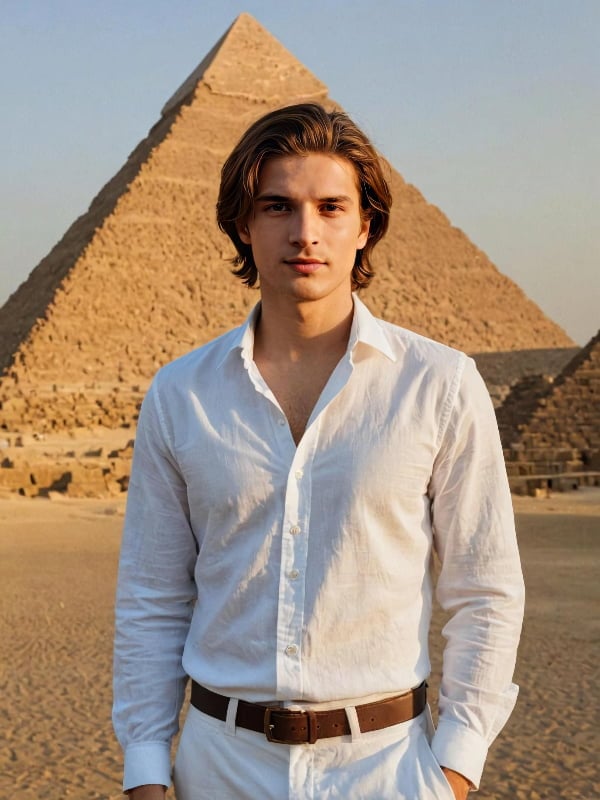
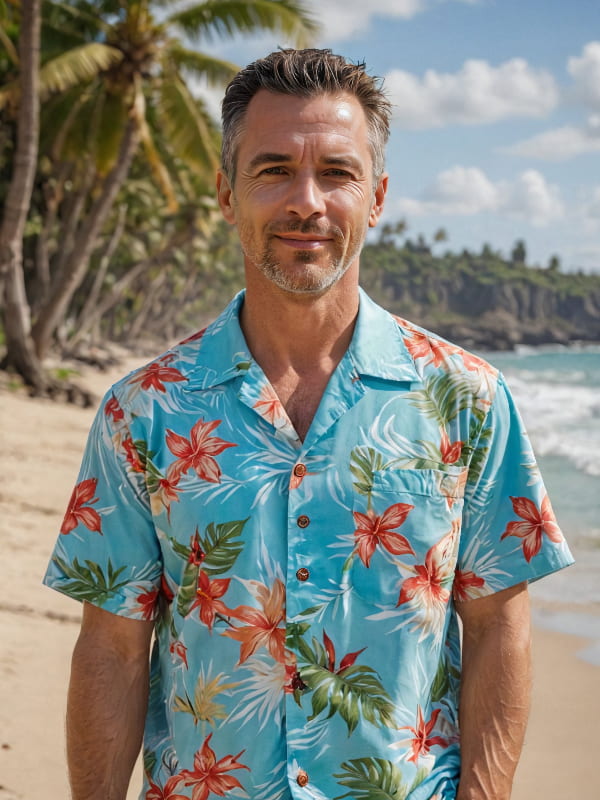
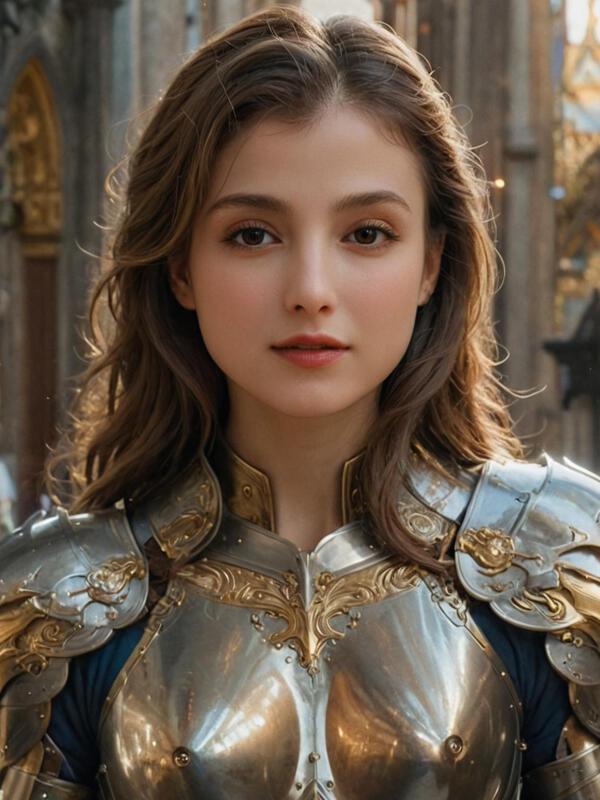
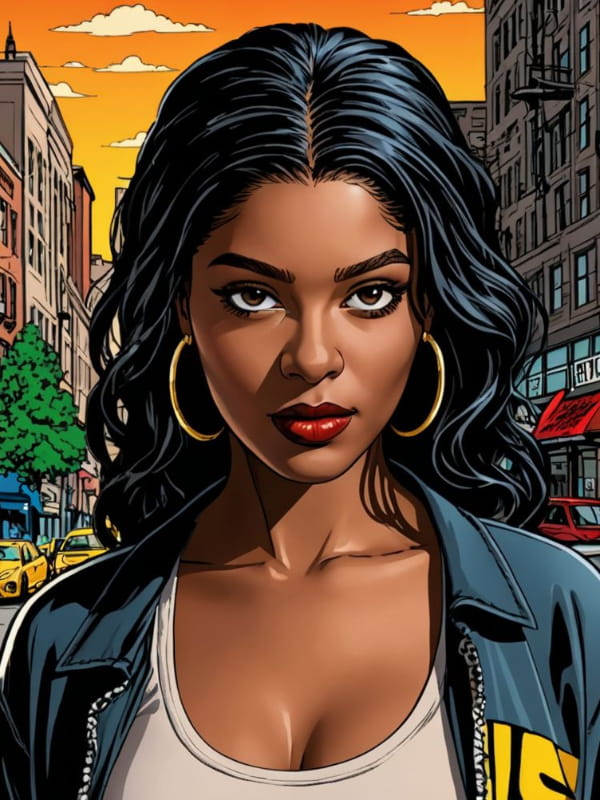
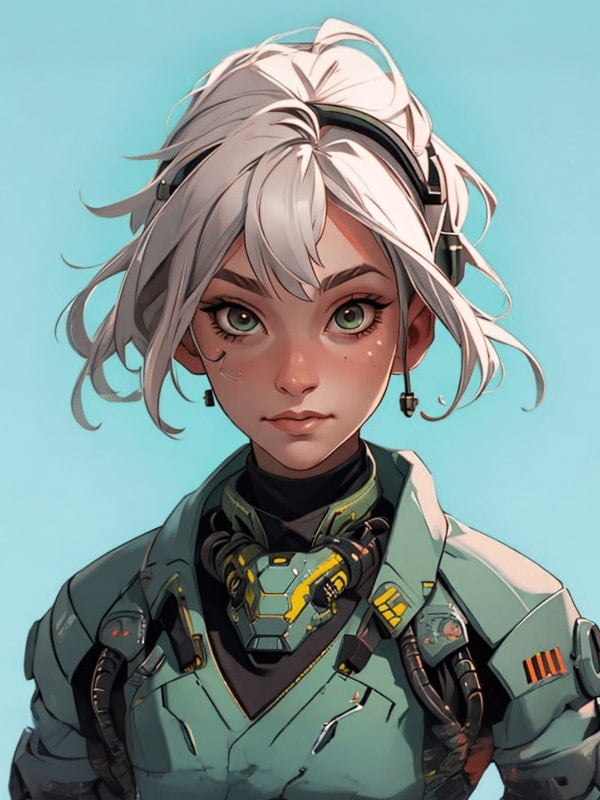
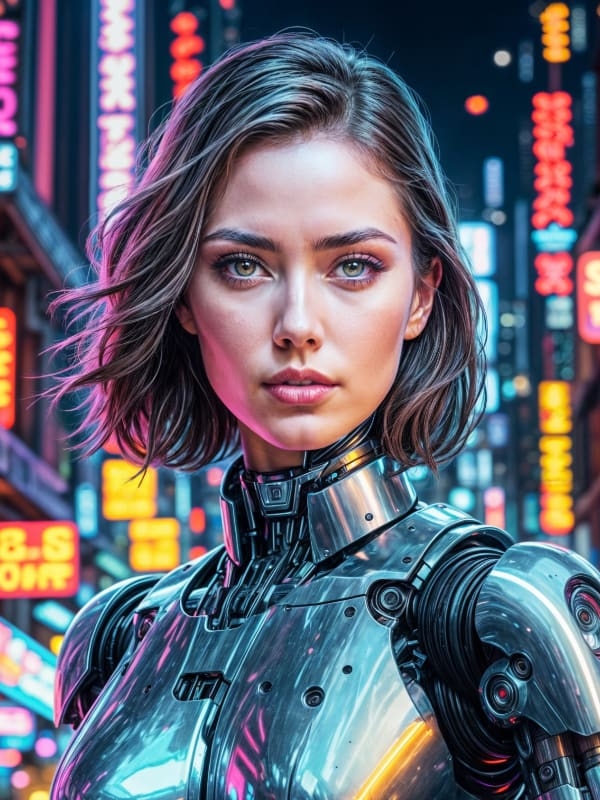
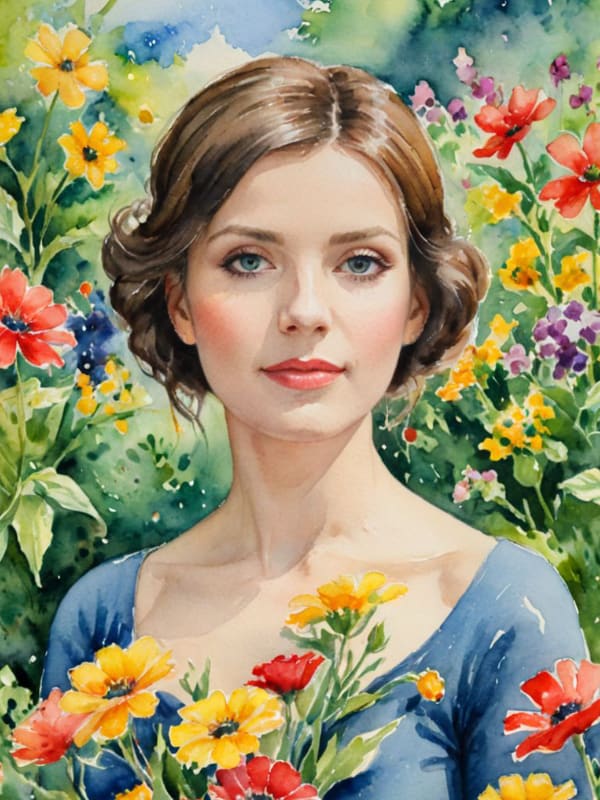
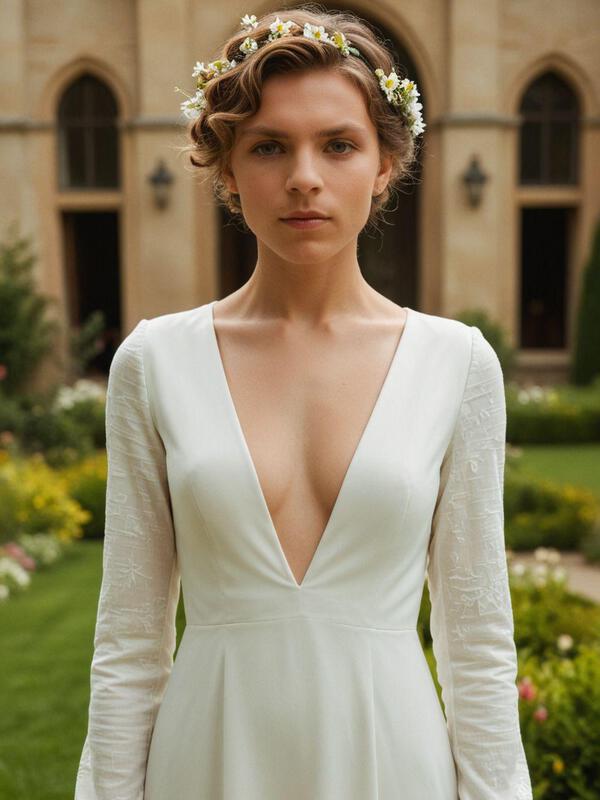
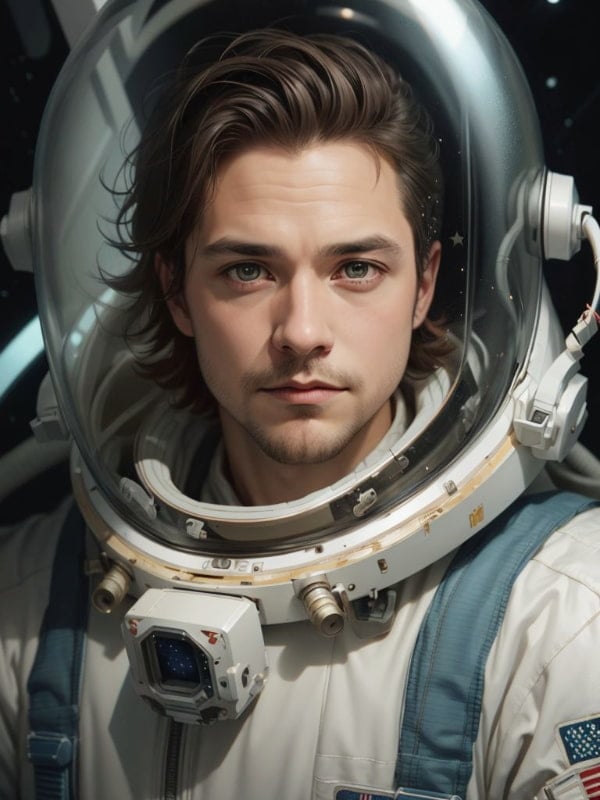
With Fotor's AI self-portrait generator, you can easily get AI-generated images of yourself in a variety of scenes and styles: professional, photorealism, black and white, fantasy, comic, game character and royal member.


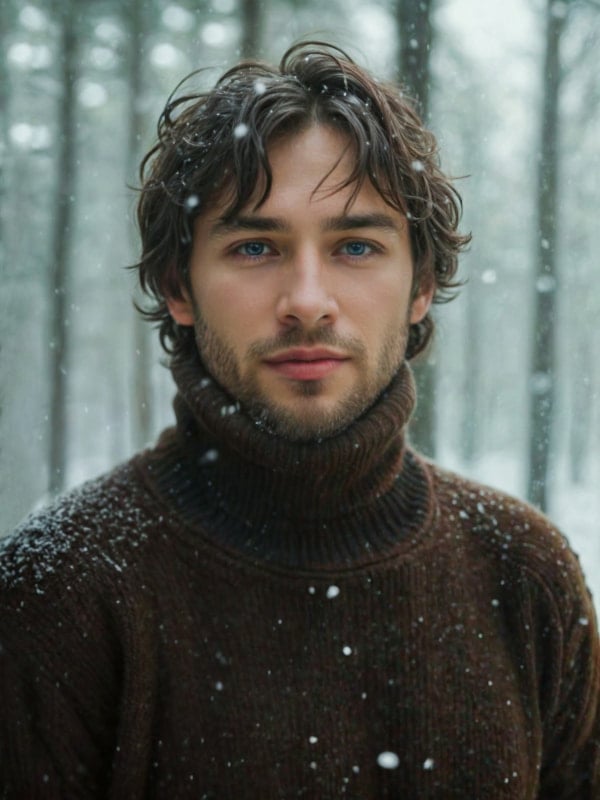



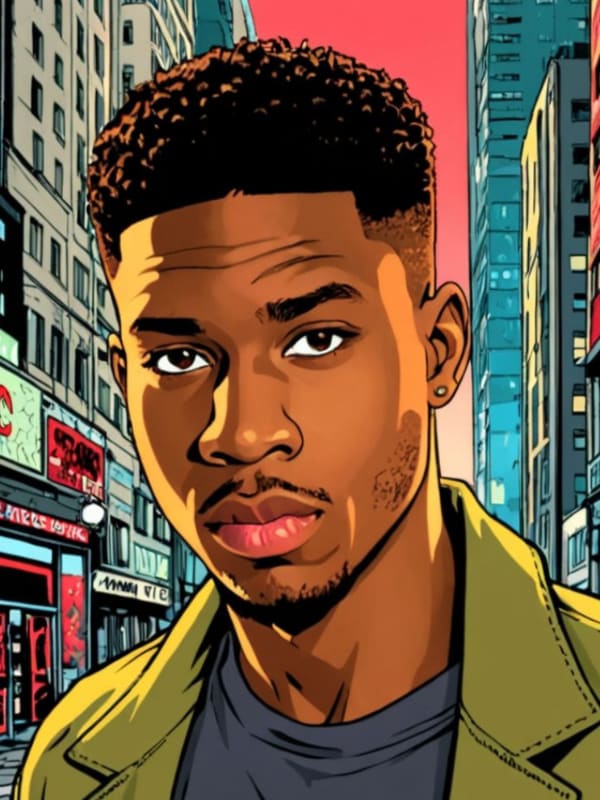
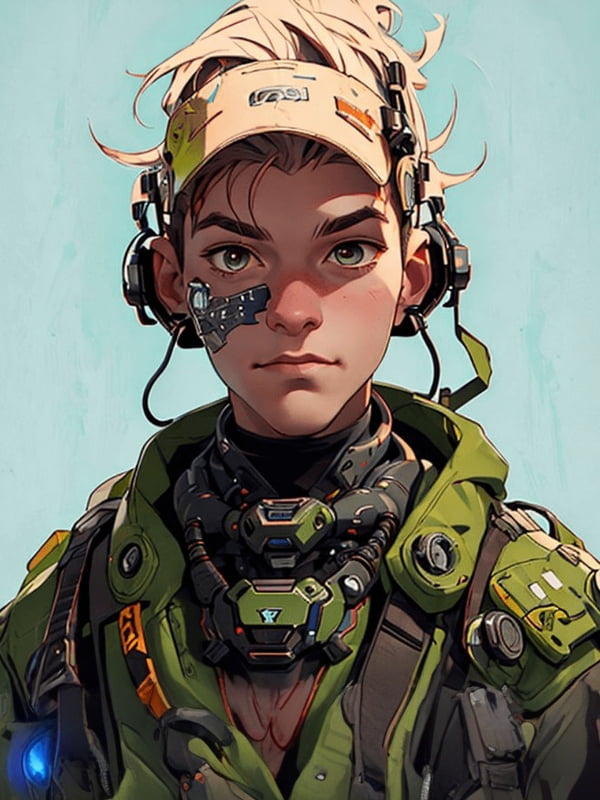
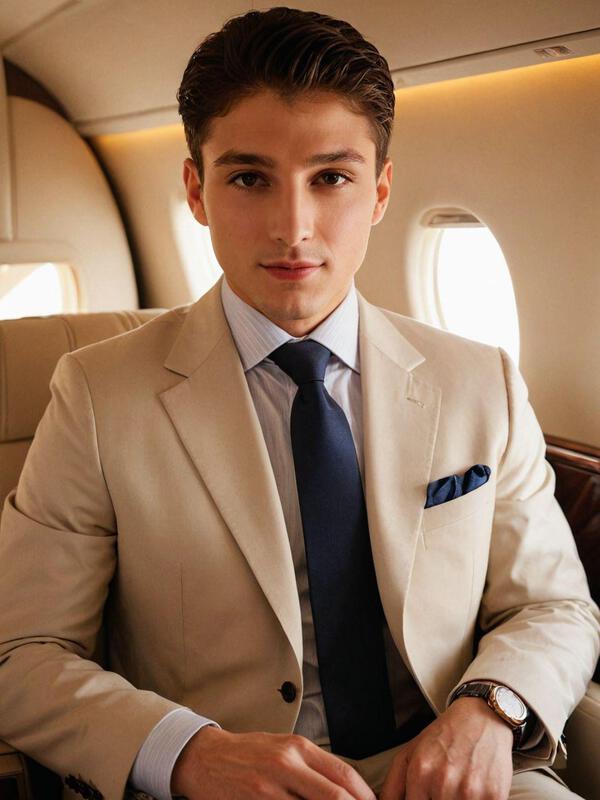
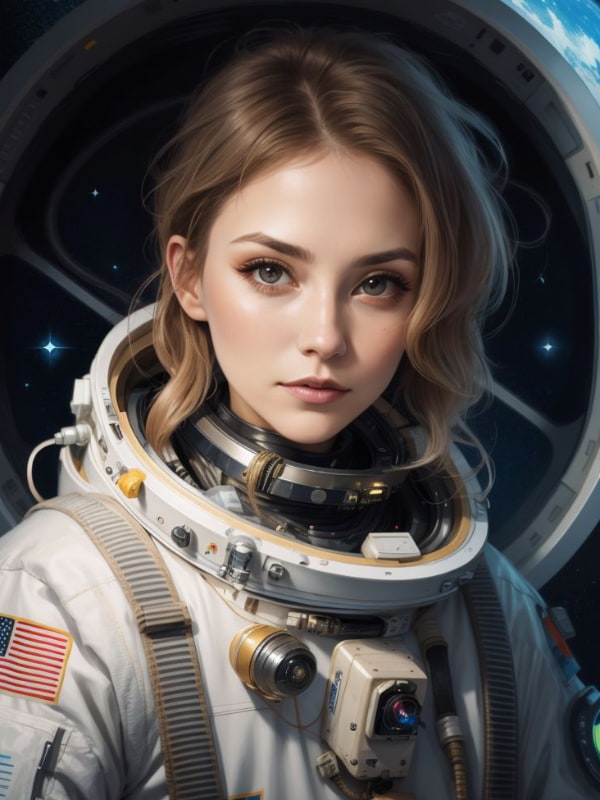
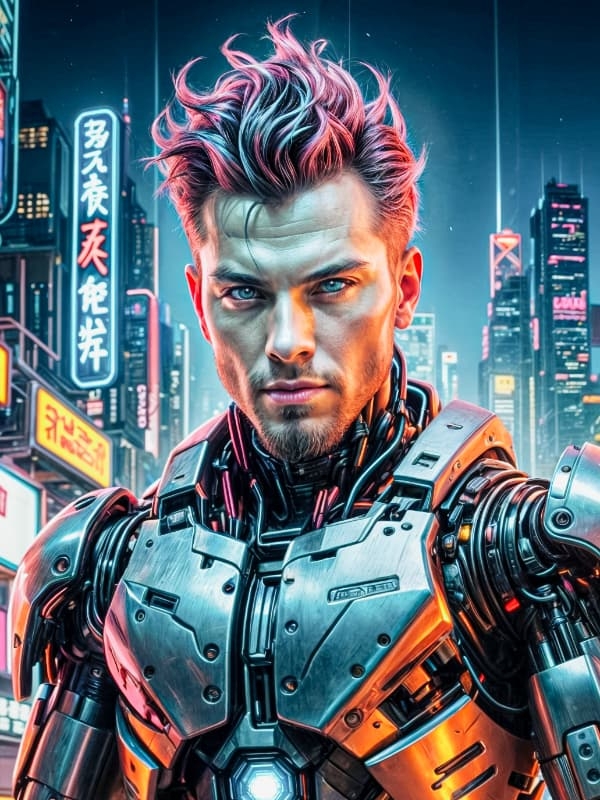
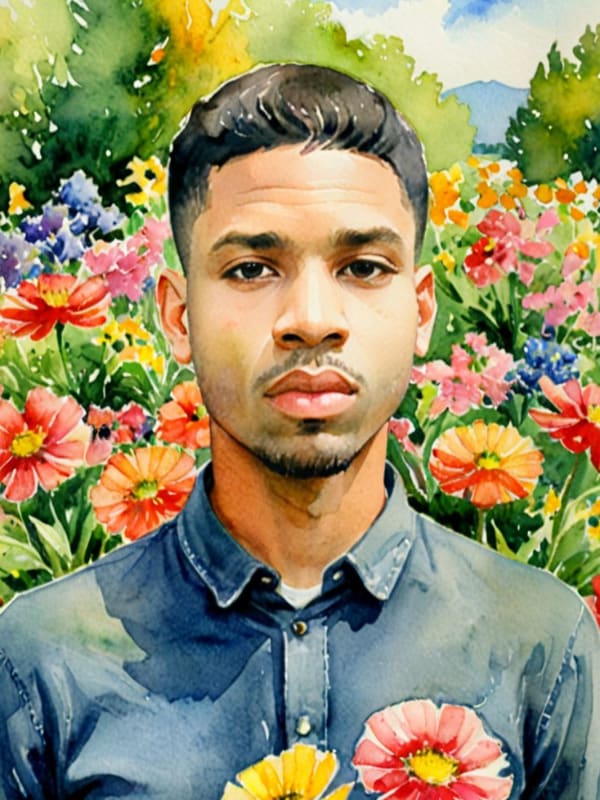
How to Create an AI Portrait Online with Fotor?
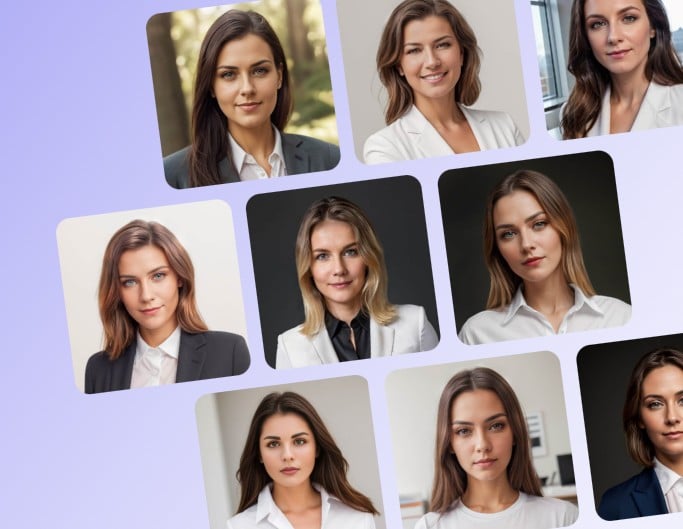
1. Select Your Unique Styles
Click any button to access our AI portrait maker. Then, select the gender and pick at least three styles.
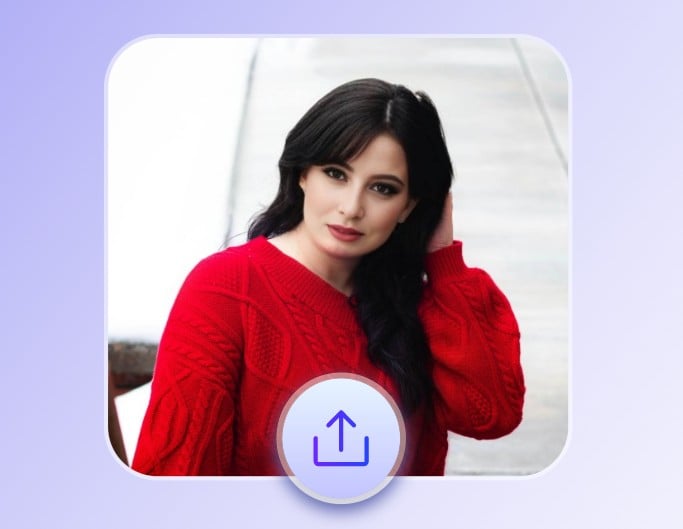
2. Upload a Photo
Upload a front-facing, well-lit portrait image with clear facial features. Your uploaded photo will be deleted within 24 hours.
3. Create AI Portraits
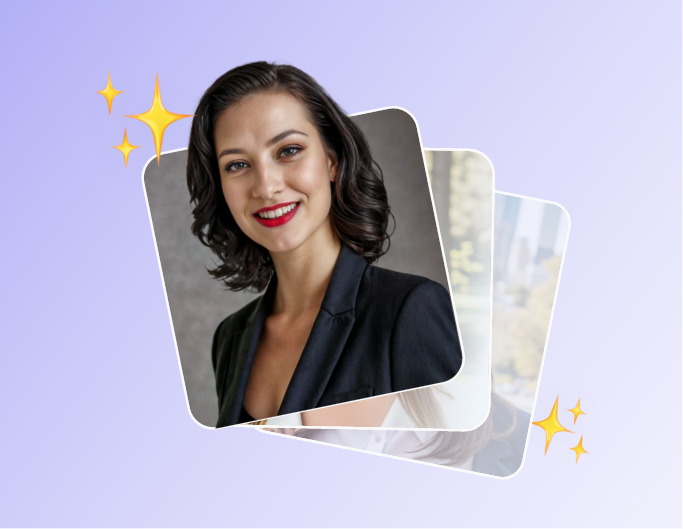
Fotor will automatically detect the details of your face and generate realistic and natural-looking AI portrait variations based on your needs.
Turn Your Photos or Selfies into Realistic Professional Portraits
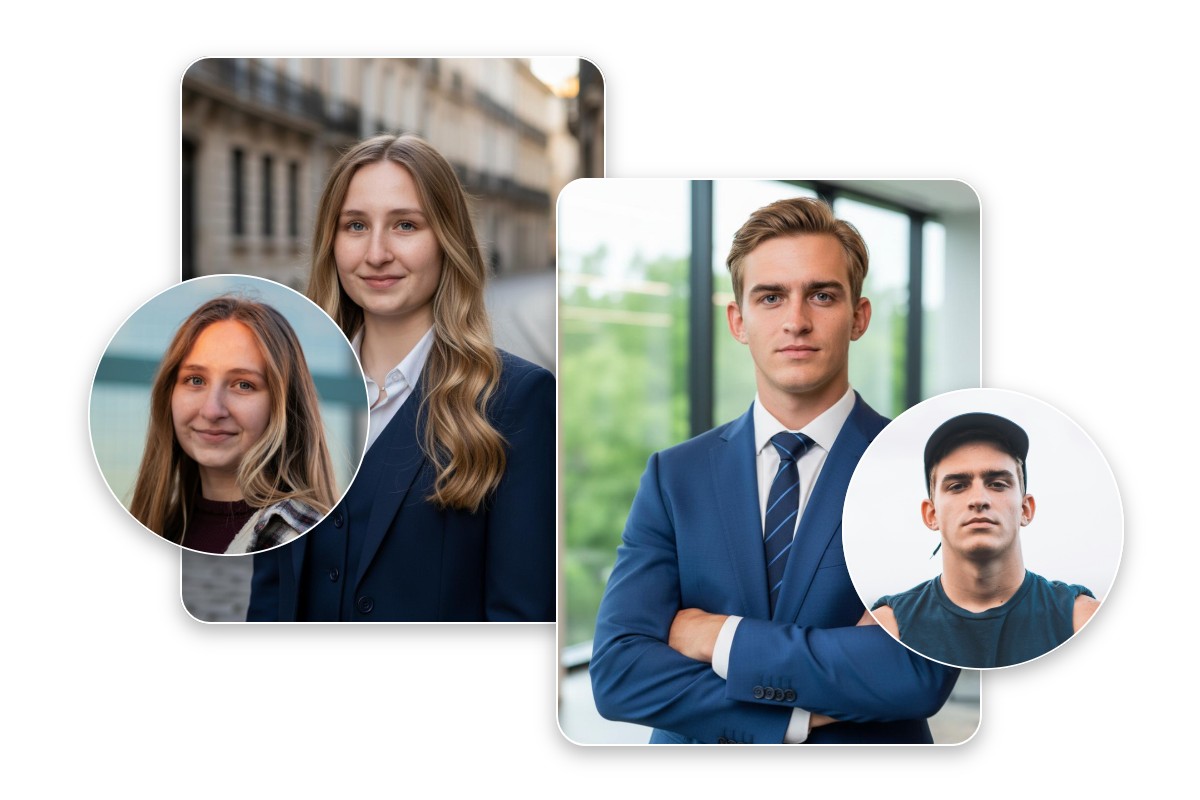
Fotor’s AI headshot generator, powered by advanced AI technology, will smartly detect the key facial features and combine them with your chosen professional headshot styles, converting your casual selfies or ordinary photos to clean, studio-style and natural-looking professional portraits instantly. Whether male or female, you can make AI pictures of yourself and get professional social media profile pictures, resume photos and more without visiting a professional photography studio.
Get More Creative AI Portraits with Fotor
In addition to a professional headshot, you can generate various creative AI portraits with our AI portrait creator. Explore different looks of yourself without seeing facial inaccuracy and unnatural details.
AI Kids Headshot Generator for Eye-Catching Yearbook Presence
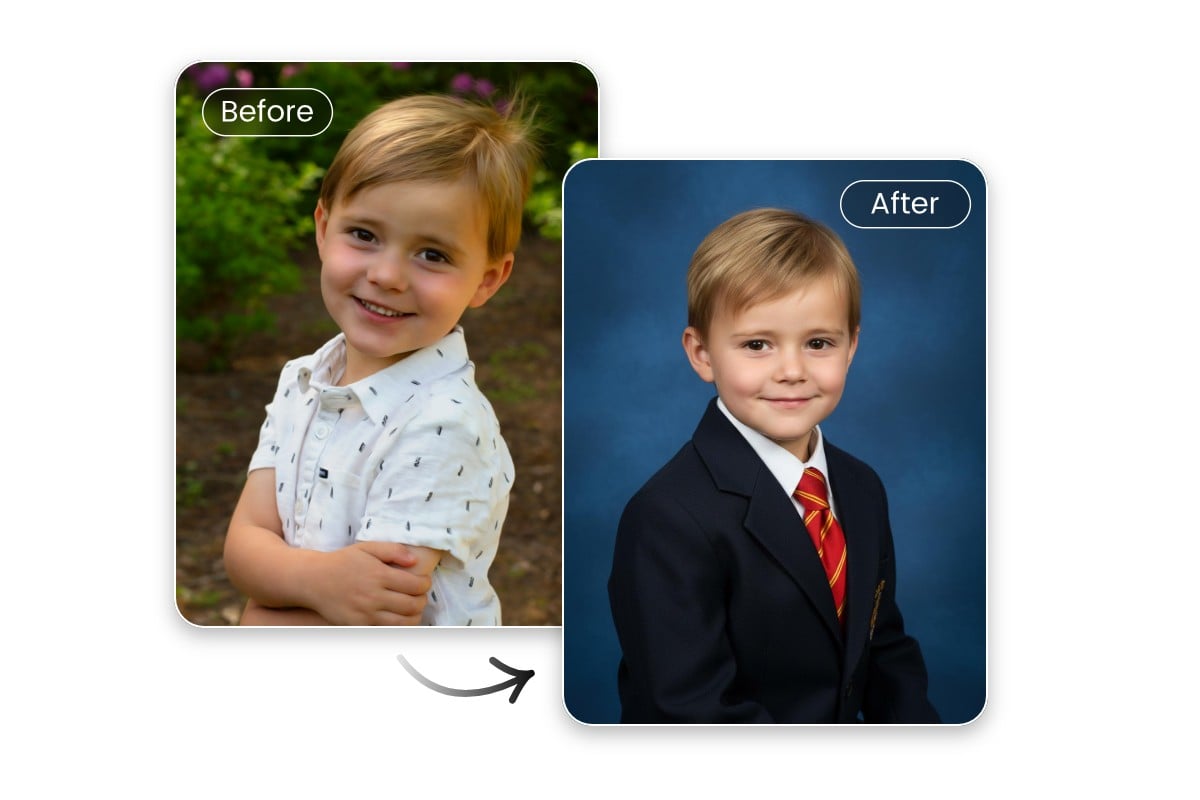
Our AI self-portrait generator also works for kids' photos. It will automatically give your child’s picture a professional look with a clean studio-style backdrop, a school-friendly outfit, a well-composed face and balanced color tones, while keeping the expression natural and age-appropriate. So, Fotor ensures each child looks confident and authentic, making them shine in their yearbooks.
AI Fantasy Portrait Generator for Stylish Portrait Photos
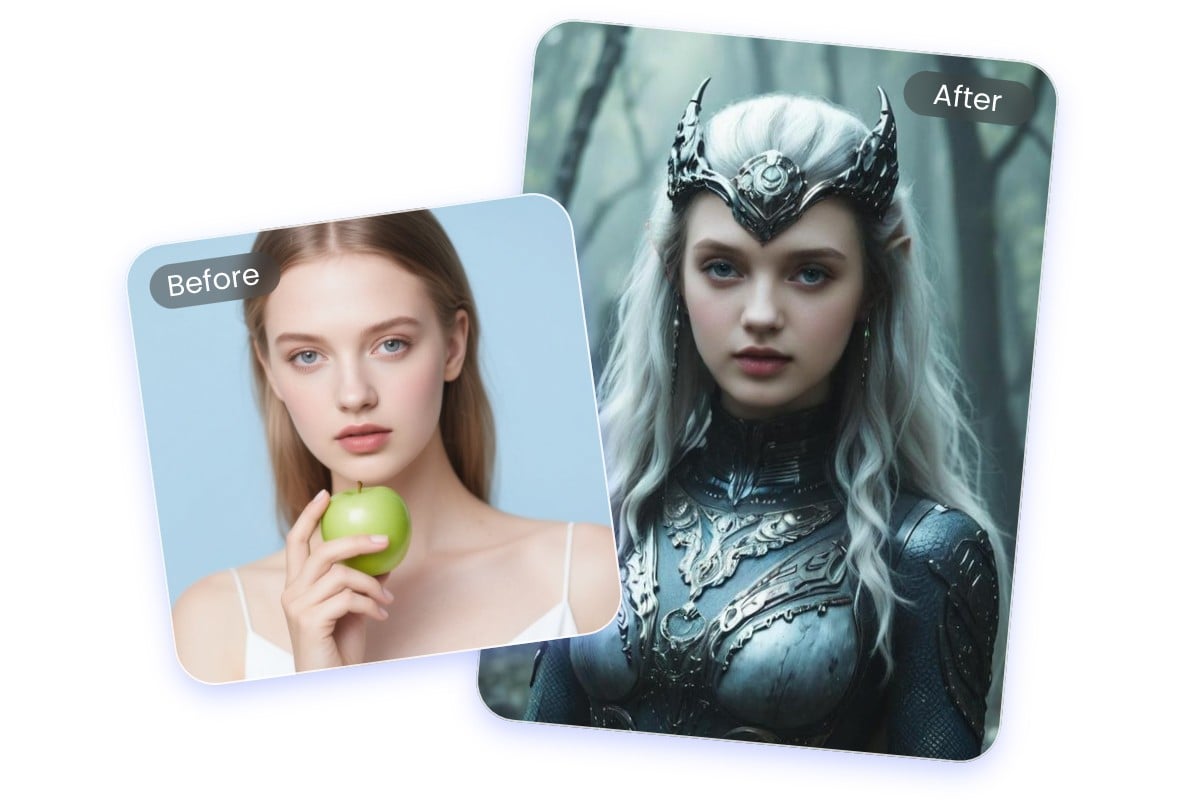
Our AI image portrait generator provides several fantasy portrait styles to apply detailed costumes, atmospheric lighting, and immersive backgrounds while preserving your facial identity and natural features. Use one click to see your photos or selfies become characters from a medieval legend, fairy tale, royal family or magical realm.

Useful AI Anime Portrait Generator for Everyone
Our AI photo portrait maker can transform your portrait photos into vibrant, expressive anime characters. You will expect high-resolution anime portraits with clean line work, balanced colors and consistent facial features without losing your identity.
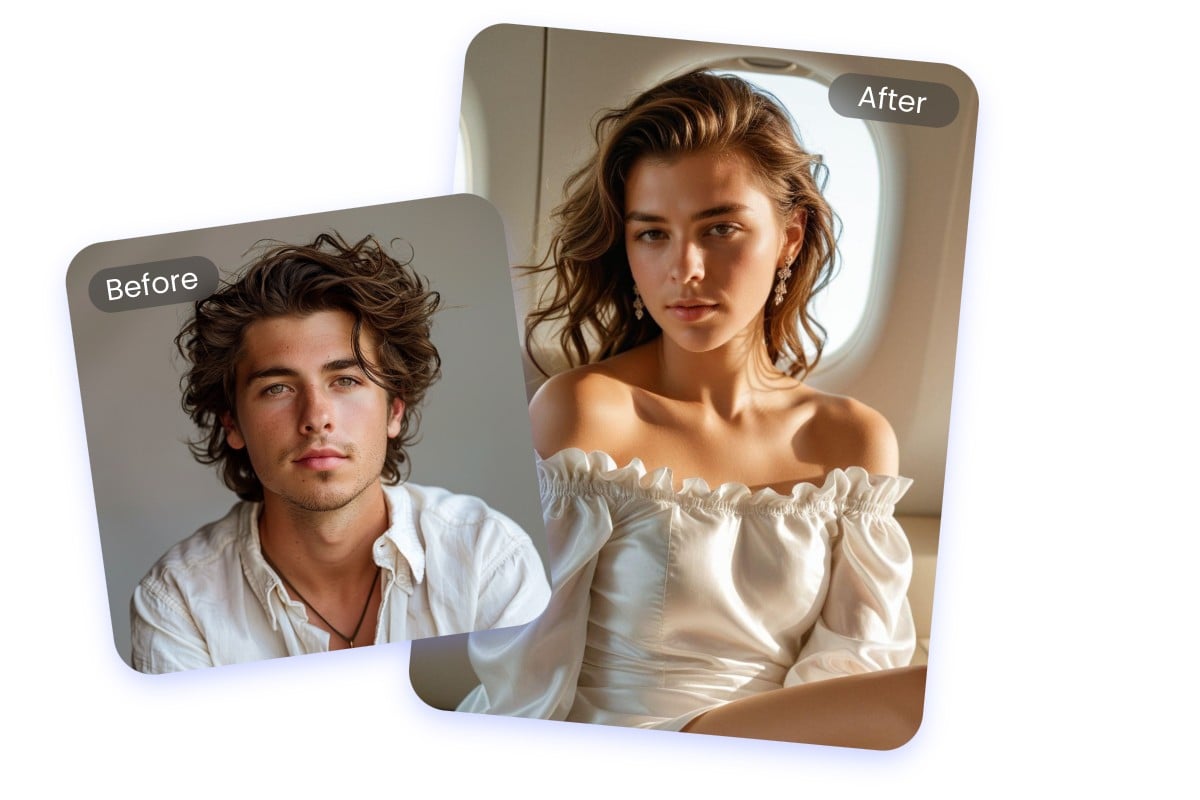
Create Non-Binary AI Portraits to Show Your Individuality and Pride
Fotor offers inclusive design options that go beyond traditional gender norms, allowing users to generate eye-catching AI non-binary portraits. Each result will properly reflect your identity while maintaining natural proportions and visual harmony. So, if you identify yourself as non-binary, you can now proudly show your identification and personality and celebrate your uniqueness.
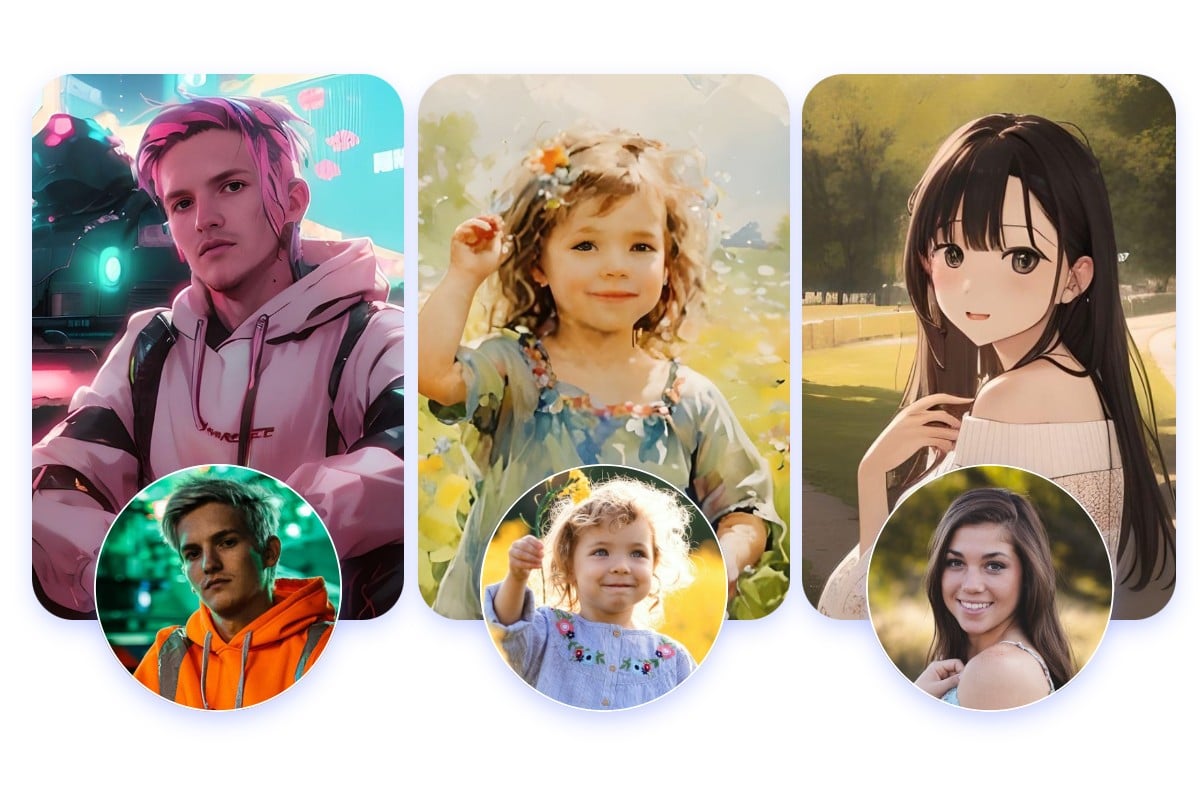
More Preset Styles for Your AI Portrait with Character Consistency
Need more styles for your AI-generated portrait? Try our photo-to-painting generator to see more stylish effects like portrait illustration, Studio Ghibli, oil painting, cyberpunk, sketch, pixel art, holiday vibe and tons more. So, upload your selfie and explore our different AI filters to generate mind-blowing AI versions of you in one click. Also, your key features will be effectively kept so that your AI self-portrait will look quite close to you.
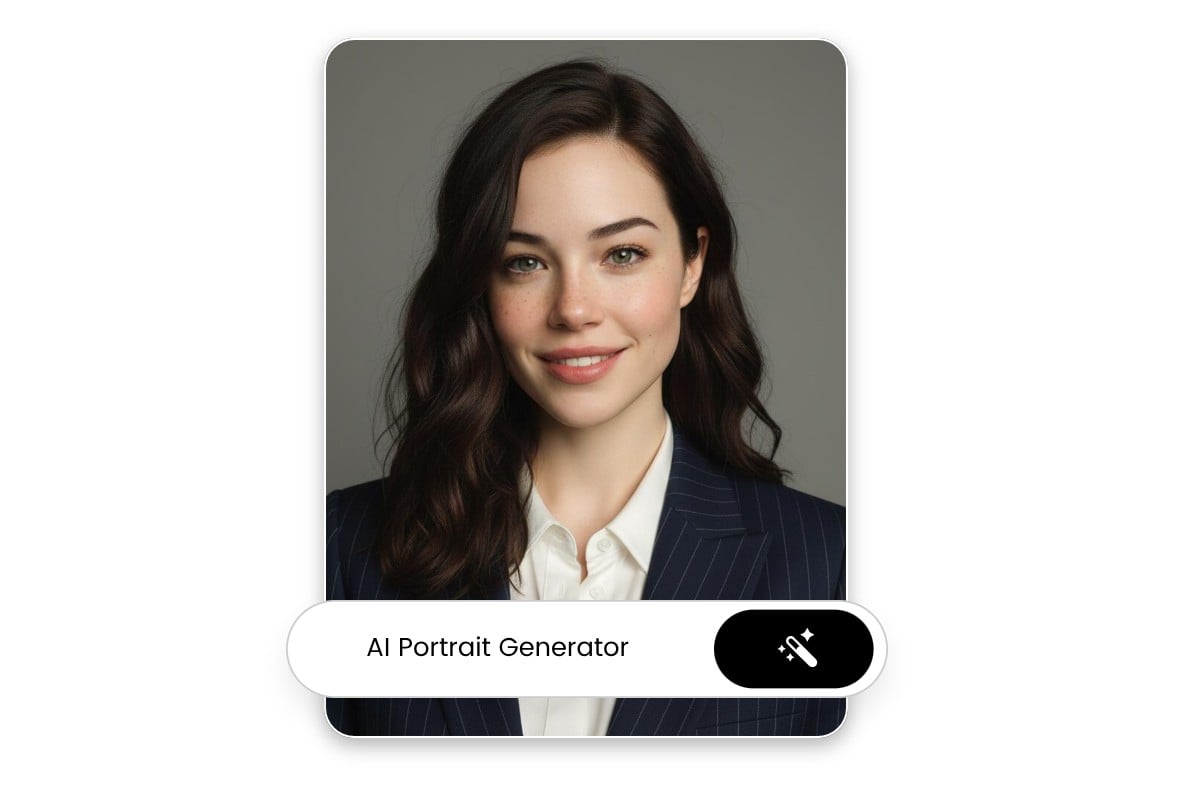
Also a Custom AI Portrait Generator from Text
Powered by advanced AI models like Nano Banana, Seedream and Kling O3, Fotor AI image generator can help to change your portrait ideas into personalized visuals with precision and creative control. Simply describe your portrait concept (gender, age, skin tone, hairstyle, clothing, style, mood, lighting and background) in natural language, and Fotor will generate a high-quality portrait that matches your vision.
AI Text-to-Portrait Generator for Unique Portrait Art
In addition to AI face, you can generate more one-of-a-kind portrait art directly from your imagination. Get a satisfactory portrait result that reflects your vision and stands out visually.
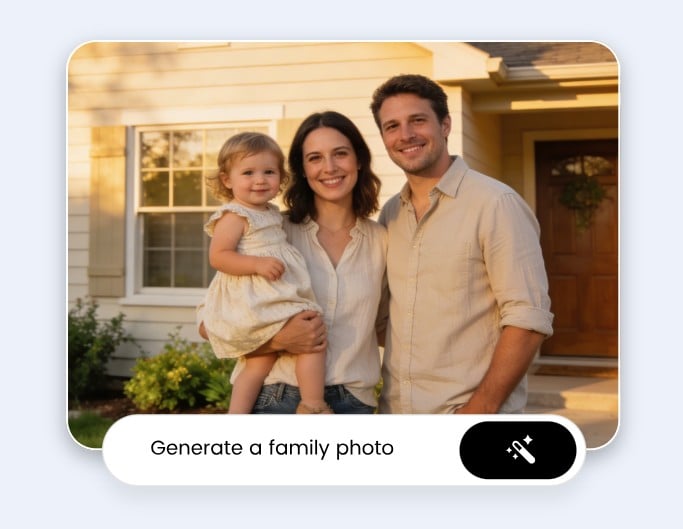
AI Family Portraits
Fotor is your practical AI family portrait generator, helping you create natural-looking, cozy family portraits with simple descriptions. From vintage to cinematic, you can control how they will look.
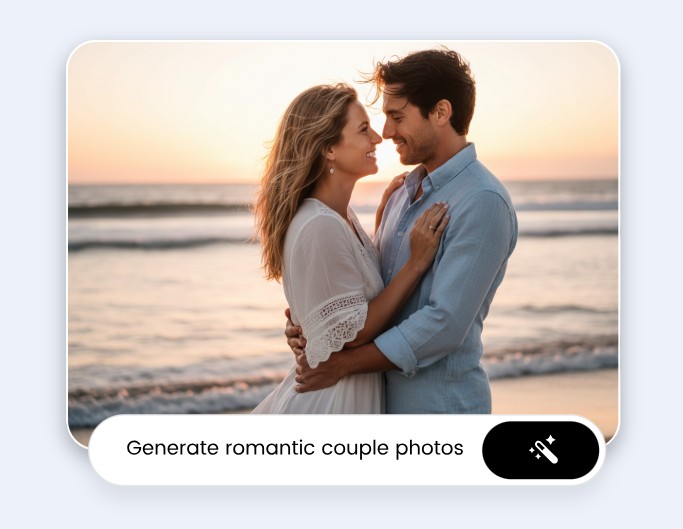
AI Couple Portraits
Visualize your imaginative couple photos in your desired styles, such as ink art, 3D cartoon, action figure, pixel art, clay version and more.
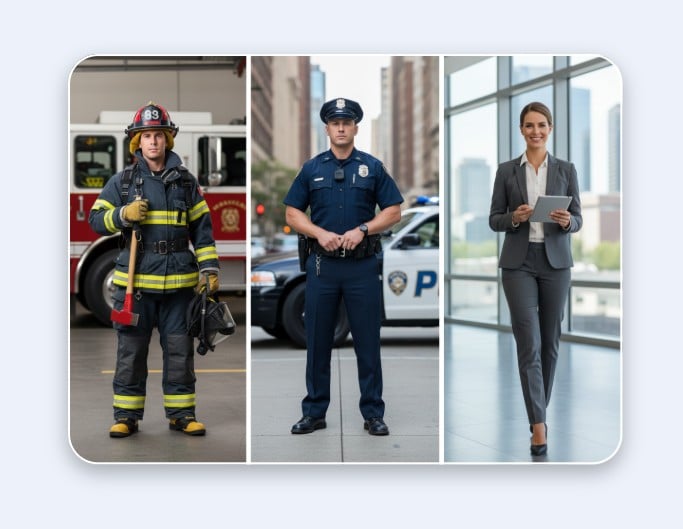
Full-Body Portraits
Our AI text portrait generator can turn your simple words into realistic full-body portrait images. Also, add the specific profession to get a fantastic result in a uniform, such as a doctor, firefighter, police officer, lawyer and more.
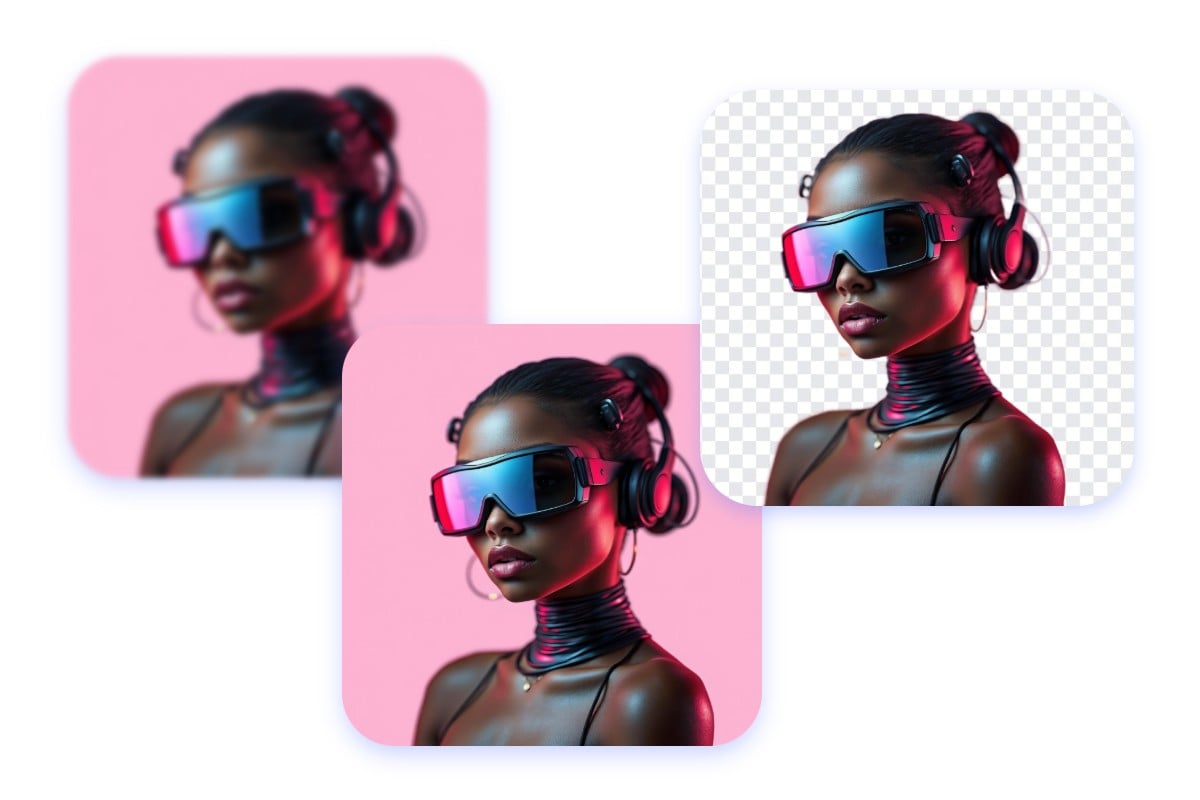
Polish and Design AI-Created Portraits with Editing and AI Tools
Fotor offers a built-in online photo editor that enables you to edit the details and elevate the quality of your AI-generated portraits in seconds with one click. A comprehensive suite of image editing tools are at your disposal to remove and change background, add text, apply photo effects, retouch faces and more, which will ensure your AI avatar art can achieve the best result.
What Can You Do With Your AI Self Portrait?
Bring your portrait concepts to life with our AI self-image generator and explore endless possibilities with your AI portrait images.
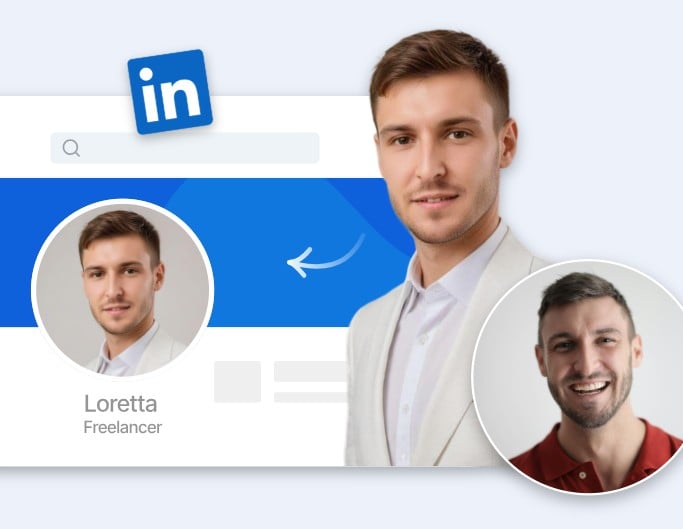
Professional PFP
Transform ordinary selfies into polished professional headshots for your LinkedIn or other social media profile without booking a photoshoot.
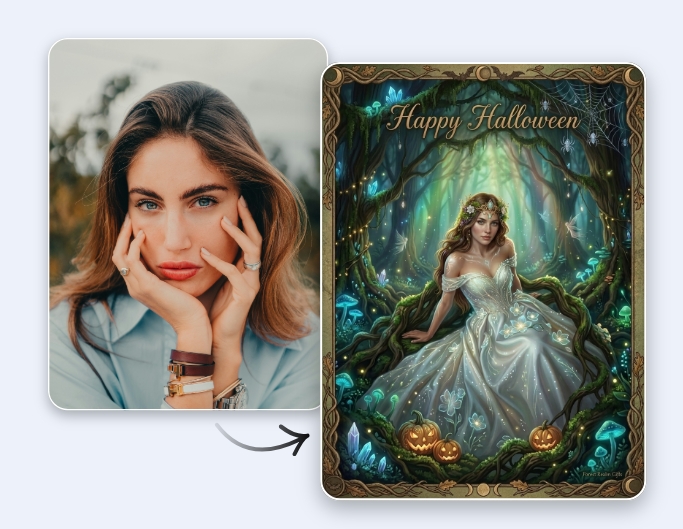
Personal Gift
AI yourself with a fantasy or an anime style and make a creative design as a special gift (cards) from the result.
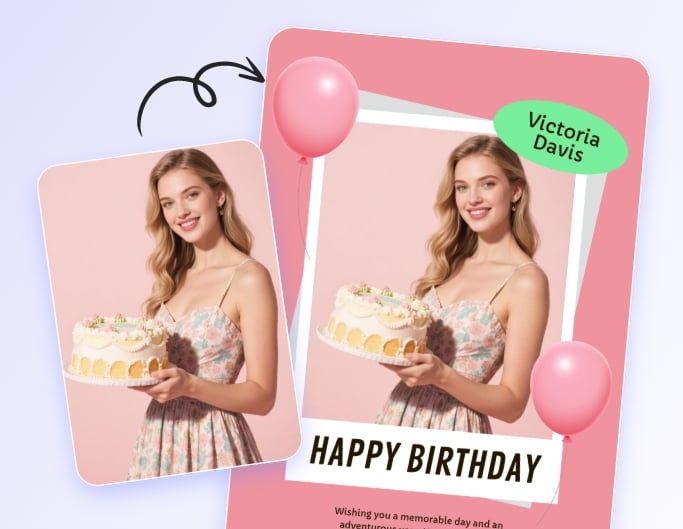
Marketing Campaigns
Make royalty-free, consistent AI portrait photos and add them to your digital marketing designs like posters, flyers, banners, etc.
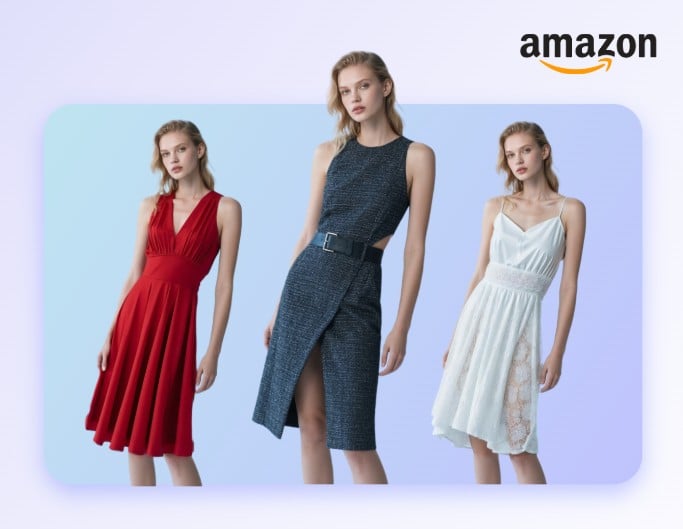
E-Commerce
Generate copyright-free AI portraits without hiring professional models, have them virtually try on your products and use these photos for e-commerce listings.
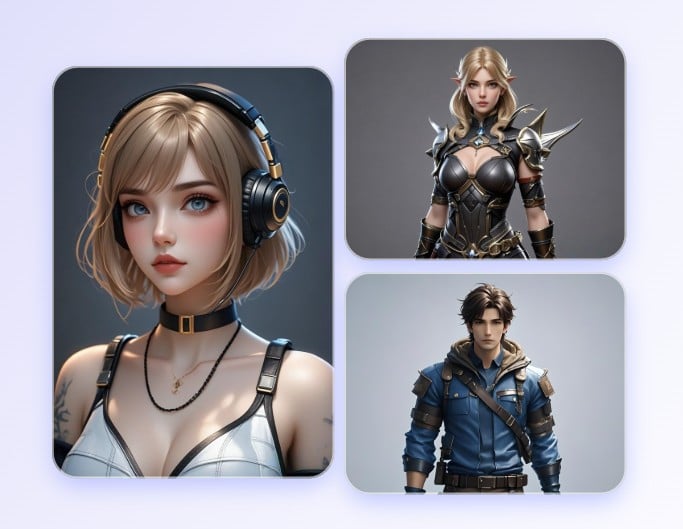
Game Development
Generate unique AI portraits and find inspiration for the NPC development of your game project.
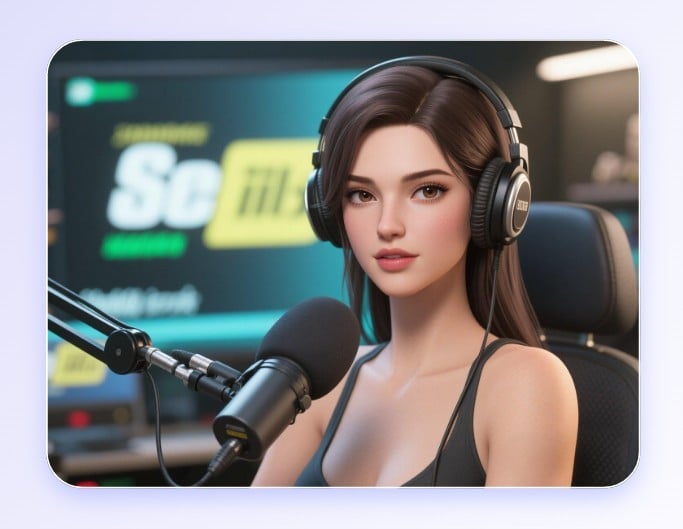
VTuber
Make your stylized AI portrait and apply it as a virtual presenter for your social media channel like YouTube or TikTok.
Why Choose Fotor's AI Portrait Generator?
![Fast Generation]()
Instant Generation
No need for a photographer or troublesome shooting process; you can create professional AI headshots or artistic portrait photos in a few clicks anywhere and anytime at home without waiting.
![All in one AI editing tools]()
Powerful AI Technology
Our powerful AI technology can intelligently detect your key facial features and match them with your chosen styles seamlessly. So, you can get natural-looking AI portrait variations that look quite close to you.
![Custom icon]()
Personalized Generation
With various style preferences, Fotor can create exclusive and stylistic AI portraits based on the facial features in your photos.
![High quality icon]()
High-Quality Portraits
You can get high-quality portrait results in terms of details, lighting conditions and color accuracy that compare to professional photography.
![One platform editing icon]()
All-in-One Solutions
More than an AI portrait maker, Fotor also appear as an all-around photo editor packed with many valuable editing and AI features that are helpful to edit and design your AI-generated portrait pictures.
![Mobile app icon]()
AI Portrait Generator App
Fotor also offers a mobile app for Android and iOS users. With its help, you can enjoy convenient and smooth AI portrait generation on the go.





What Our Partners Say About Fotor?


I love that Fotor has multiple AI image generators, including both text-to-image and image-to-image generators with styles such as photography, tattoos, icons, and logos.

It’s fun to create totally unique custom images for your blog posts based on text prompts using AI. I also use it to occasionally give me fun things to share on Instagram.
With a user-friendly interface that is a much easier way for users to generate images. This can greatly help users save time and have fun at the same time.