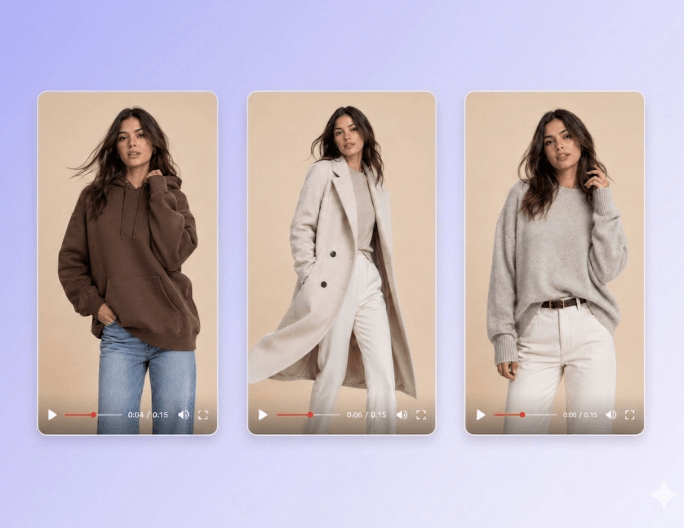
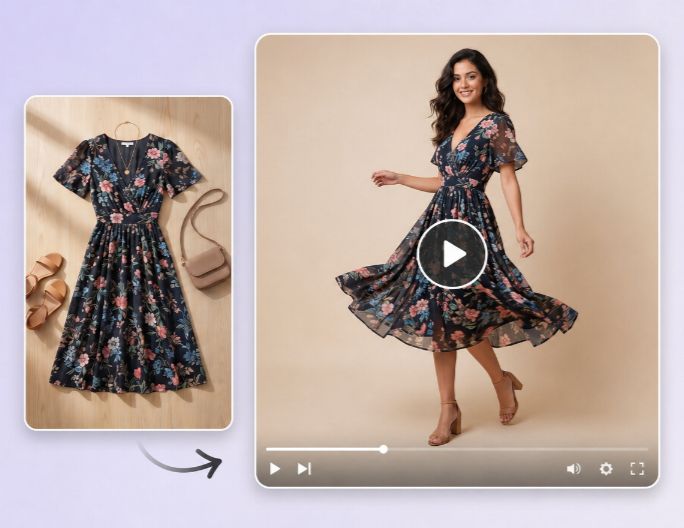

Easy and Fast
Our product video maker AI boasts an intuitive interface without complex settings and enables users of all levels to generate exquisite AI product videos in minutes. No learning curve is required.


Try our AI product video generator to turn product photos, product links or short text prompts into professional, HD AI product video ads for e-commerce or social media. No filming and video production skills are required to generate your own product demo, mockup, ad, promotion and review videos.
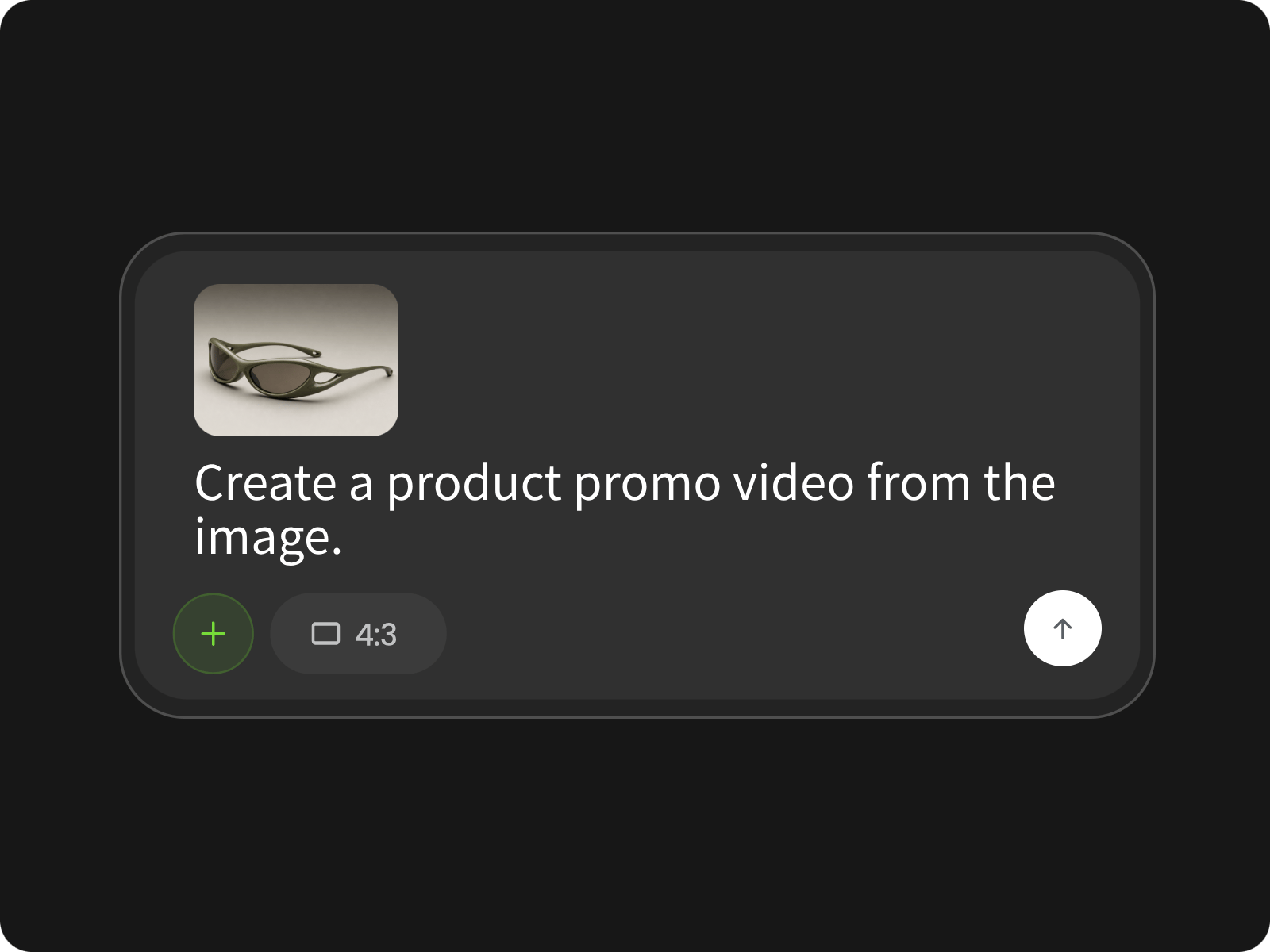
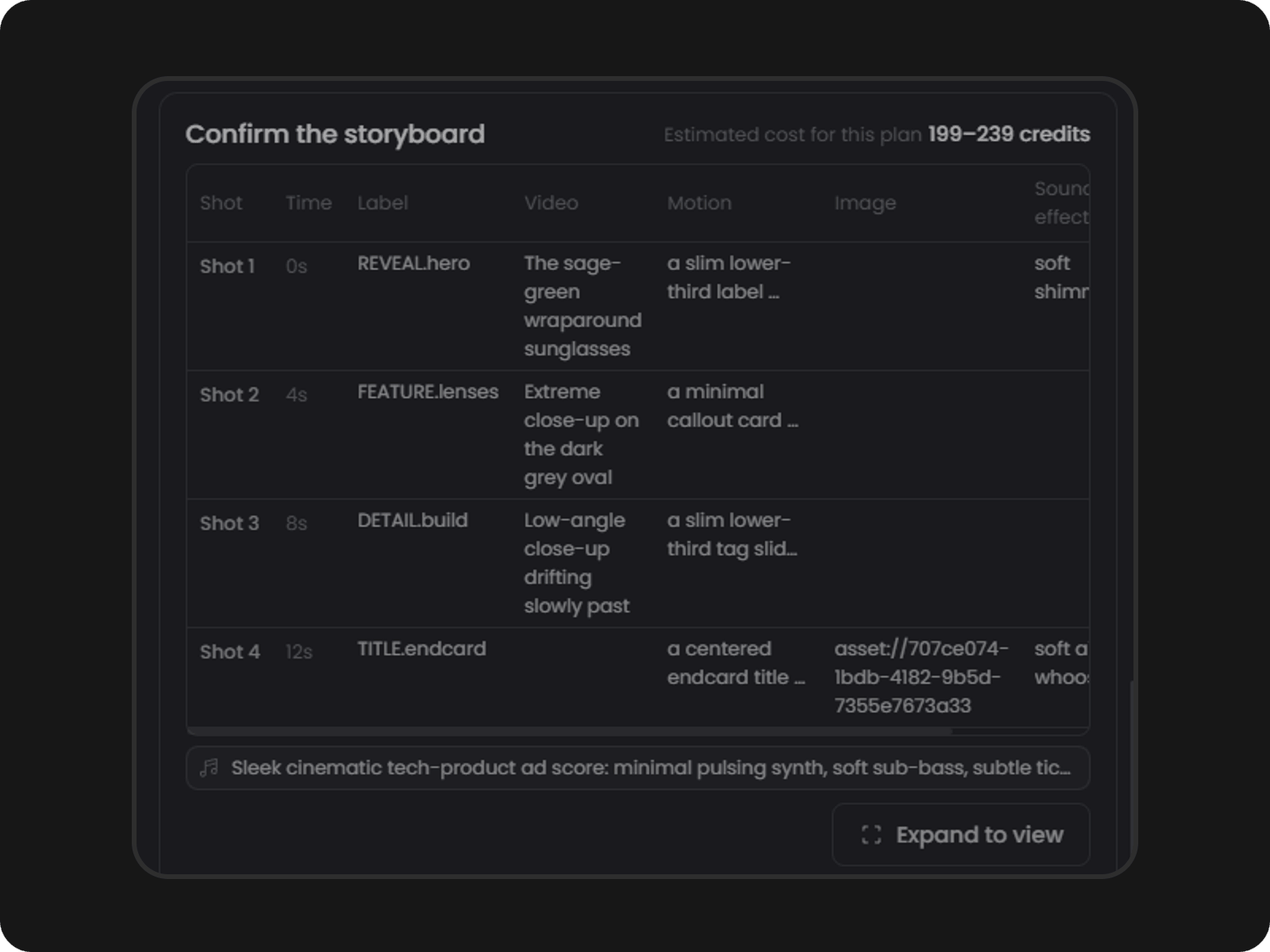
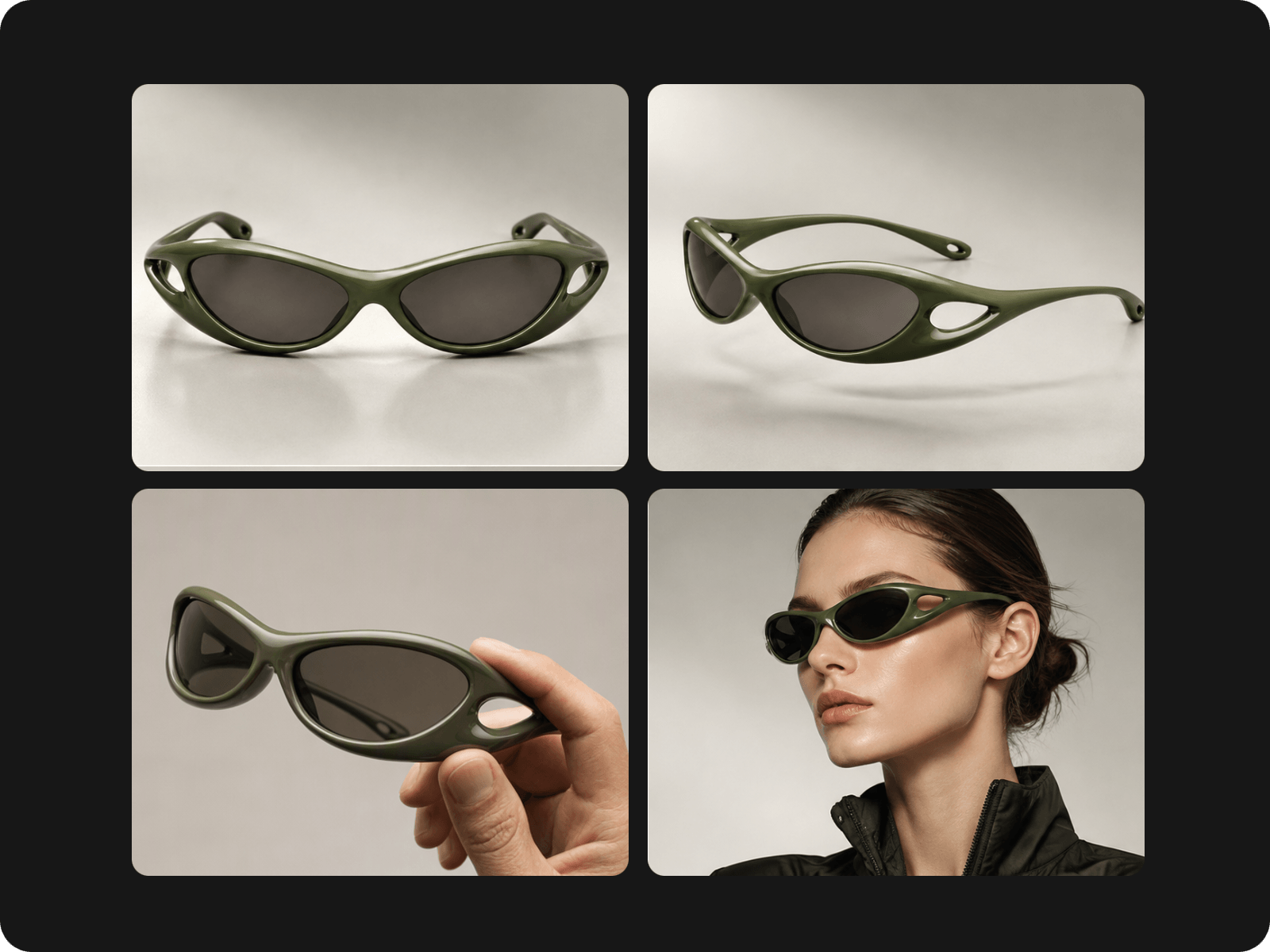
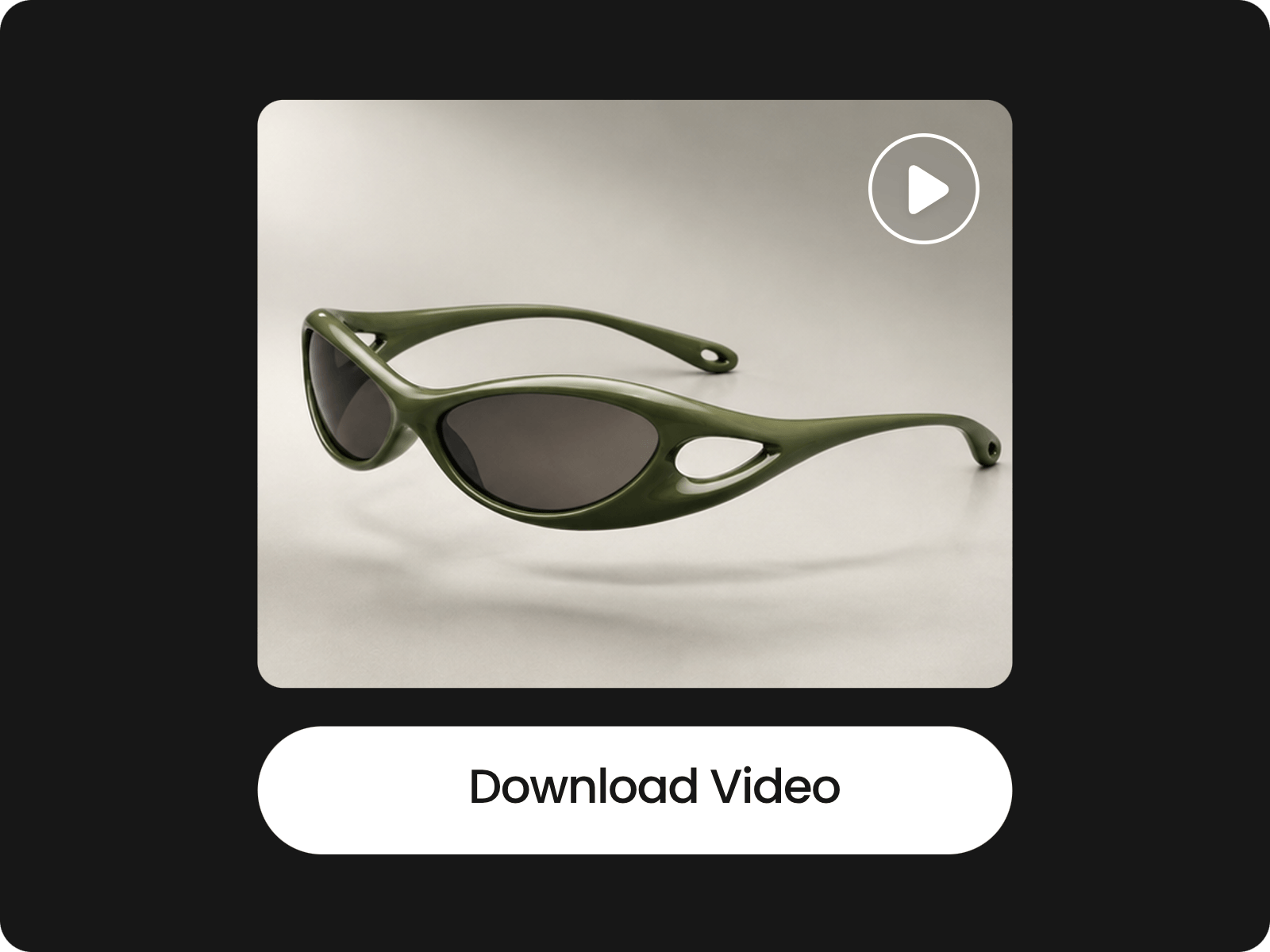
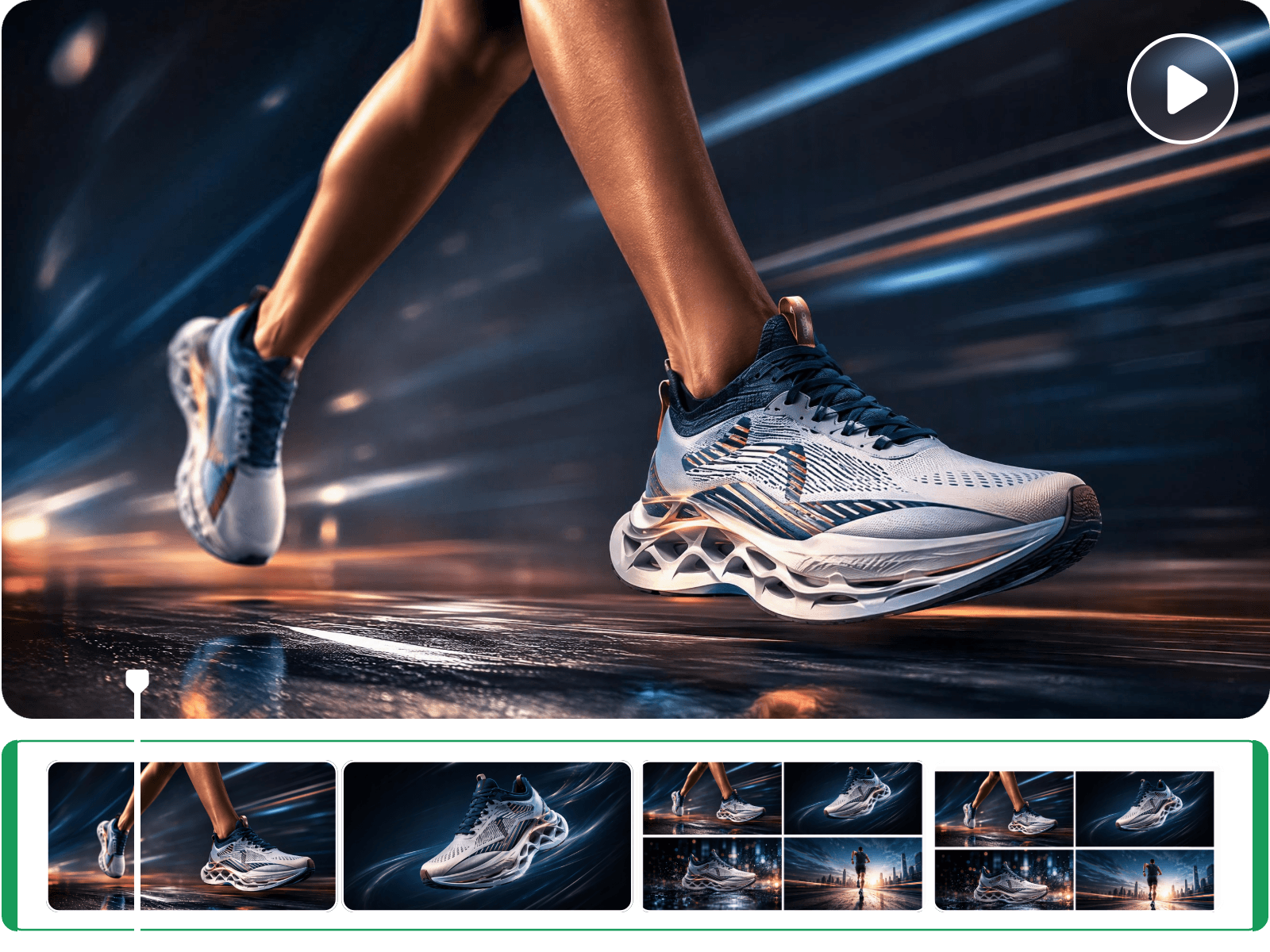
Our product video AI tool, powered by our video agent, can turn static product photos into polished, studio-level product videos. Upload your picture and type your video concept. Then, our tool can help you understand and analyze your inputs and intelligently build an AI script to suggest better ideas for your product footage. Once it is confirmed, you will automatically get a video with natural motion, dynamic camera angles, realistic lighting and engaging scenes that showcase key features and details. Save time and cost in producing great product videos from your visuals.
Our AI product video generator enables you to create professional AI product videos from your product descriptions or briefs. Once you enter your product ideas in natural language or upload your brief to our video agent, our tool can smartly read and analyze the content and present a script to specify the detailed scenes based on your input. Then, it will automatically generate your product video when you confirm the script. Bring your raw product ideas to life without complex video production skills.
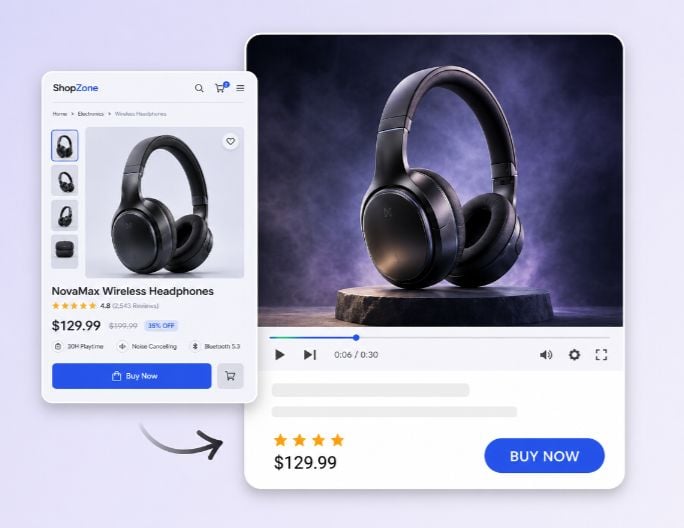
Fotor lets you generate engaging video content from your product listings on mainstream eCommerce sites like Amazon, Shopify, eBay, Shopee, etc. Simply paste a product link into our URL-to-video feature, and our tool will automatically extract images, descriptions and key details to generate a polished video with scenes, transitions, captions and audio. With various preset video templates, you can expect all kinds of product videos, from product unboxing and detail showcase to customer review and storytelling ad.
Access our product video AI generator and then enter your prompts to describe your AI product video ideas, paste your product link or upload your product visual
Easily and quickly create unique AI product videos or AI ads from your product photos, product briefs and even your product URL to drive traffic and boost engagement and conversion.
Make AI product videos feel more complete with natural audio, relevant B-roll, and perfectly timed captions. Our AI product video maker analyzes your product and ideas to add natural-sounding voiceovers, visuals that support key features and highlight product benefits, and captions that keep every message easy to follow. Also, you will get vivid B-roll that demonstrates use cases and eventually create a more engaging viewing experience for your audience without manually syncing every element.
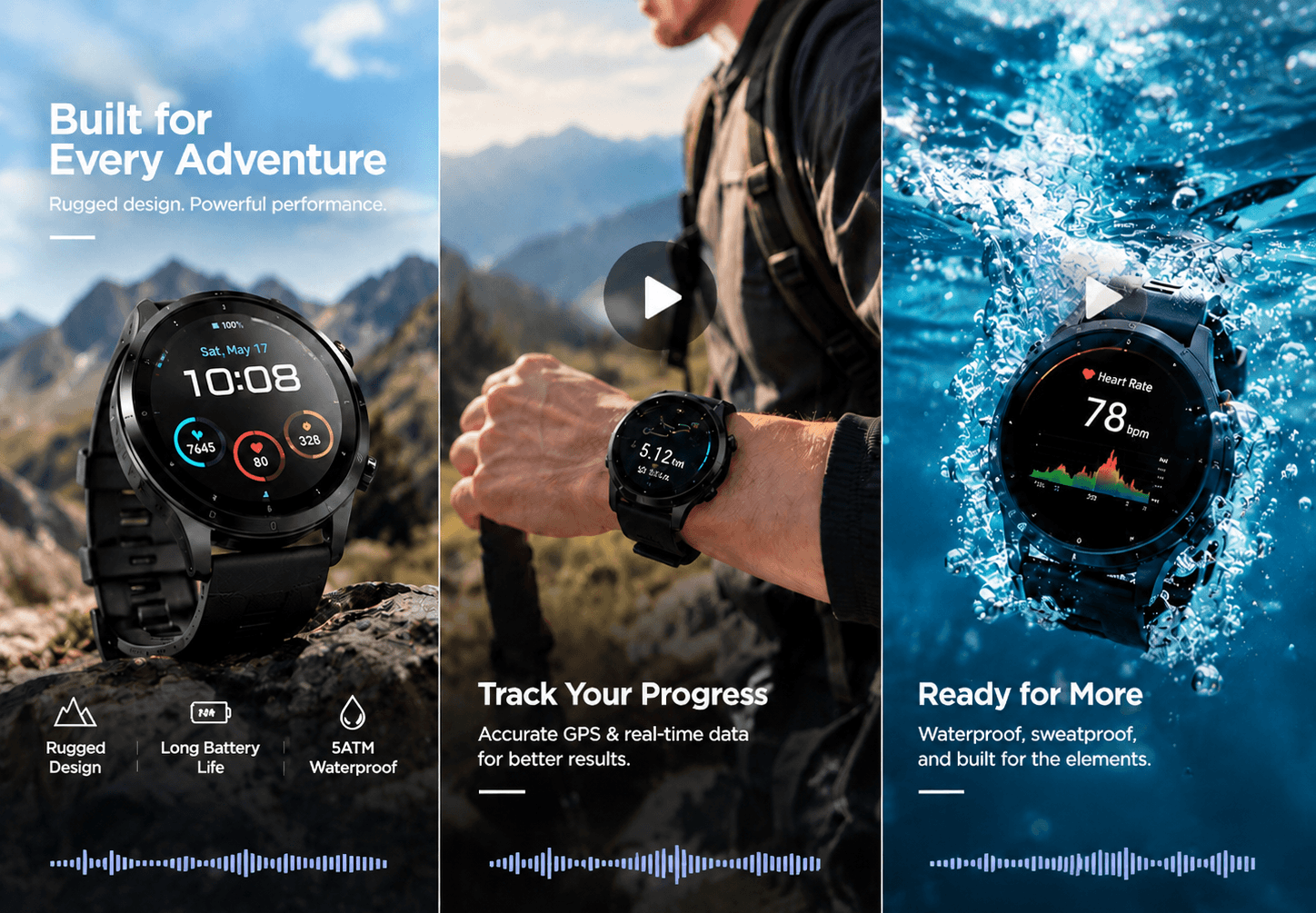
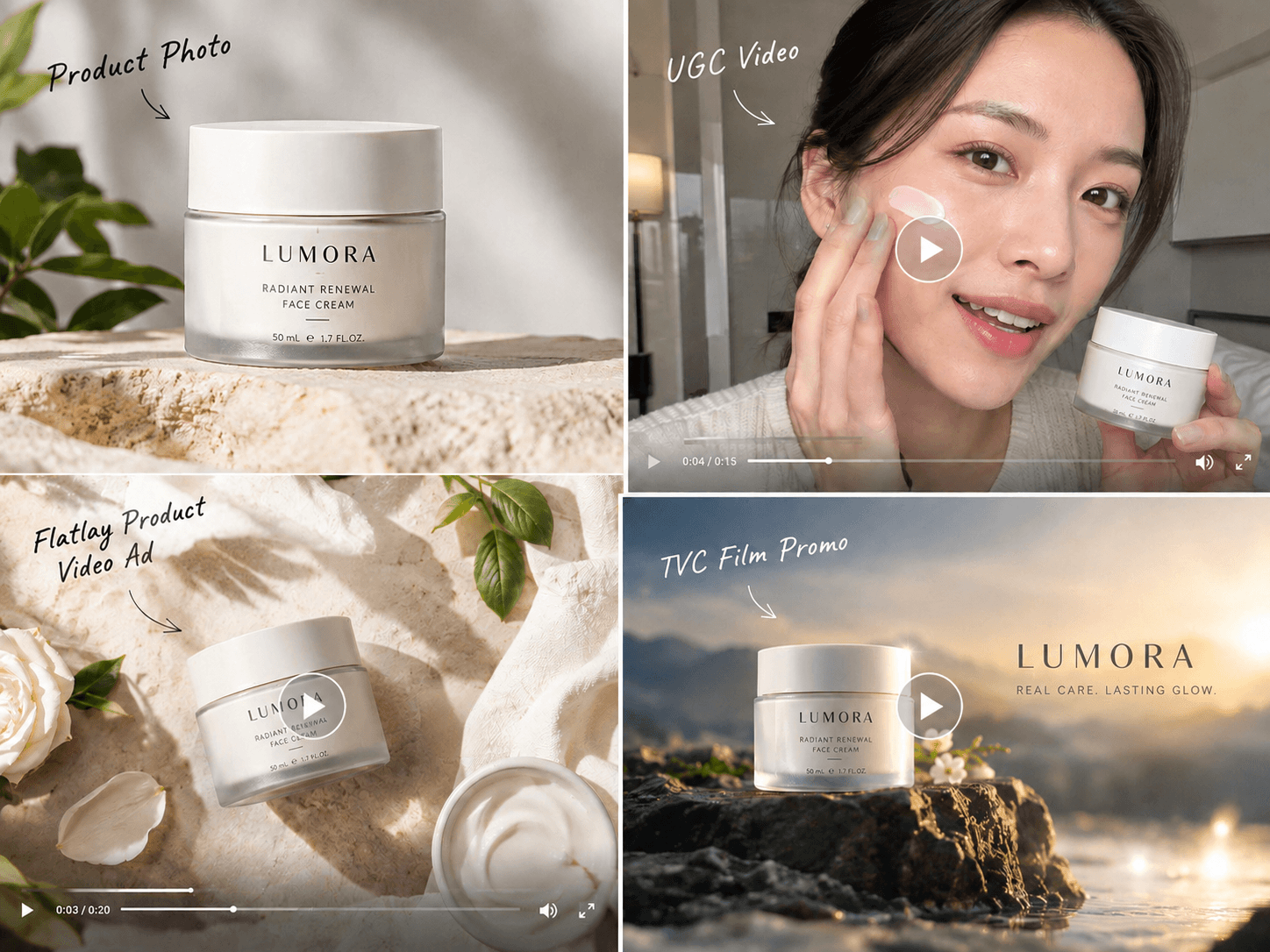
Start with a single product photo or link and let our AI product video creator bring it to life in different video forms tailored to different audiences or platforms. Whether you need a product ad for your Amazon channel, a UGC video clip for your Instagram Reels or a product showcase video displayed on your personal website, you can just rely on this one tool to visualize them without a time-consuming and costly workflow. Keep your product visual identity and branding consistent while testing more creative directions, producing content at scale and getting more value from every product asset.
Can I edit my finished product video? The answer is yes. With Fotor, you can expect a complete product video shown in our built-in AI video editor with useful basic editing features. For example, you can conveniently trim and crop it to your liking, add custom background music and more stylish text, adjust its playback speed and more. Besides, feel free to try all our practical AI features to fine-tune your AI product video, such as our AI video translator to help you translate the original version into 100+ other languages.
Our tool is built for people who need to turn product information, images or links into short video ads that actually help sell.
Our product video maker AI boasts an intuitive interface without complex settings and enables users of all levels to generate exquisite AI product videos in minutes. No learning curve is required.
Our product video generator is powered by avant-garde AI technology that enables you to create exquisite AI product videos from multiple inputs to meet your different needs, such as text, images and product URLs.
Conveniently customize the aspect ratio and duration for your AI product video. Also, use your natural-language prompt to adjust its style, camera movement and specific motion as you like.
Expect your AI product video results to be high quality and download them as high-res MP4s without watermarks, which can be directly used in your creative projects.

This app's A.I. is on point every time... It's like using a work of art, but one that's also insanely functional for video content.

My go-to AI tool for making content videos. It gets better every week... and is very good value for the money compared to others.

The second one I tried was Fotor, mainly because I already had it for photo editing. Honestly surprised me. Their Wan 2.6 model does this cinematic multi-shot thing with synced audio that actually works well. Kling 3.0 handles realistic physical motion better than I expected—director-style shots without looking janky.
An AI product video generator is a digital tool that uses artificial intelligence technology to turn your product descriptions or images into polished product videos automatically. Some tools even allow you to add natural audio to your marketing video without additional manual editing.
A product video that sells should do more than showcase your product. It should quickly explain what the product does, how it solves a problem, and why customers should choose it. Follow these steps to create an effective product video:
1. Start with a strong hook: Grab viewers’ attention in the first few seconds by highlighting a common problem, key benefit, or compelling product feature.
2. Show the product in action: Use clear visuals to demonstrate how the product works and how customers can use it in real situations.
3. Focus on benefits, not just features: Explain how each feature helps customers save time, solve a problem, improve results, or make their lives easier.
4. Keep the message simple: Use short, clear sentences and avoid unnecessary information. A focused product video is easier to understand and remember.
5. Use high-quality visuals and B-roll: Product close-ups, demonstrations, lifestyle scenes, and relevant B-roll can make your video more engaging and help viewers visualize the product.
6. Build trust: Include customer reviews, real-world results, product details, or other proof points when relevant.
7. End with a clear call to action: Tell viewers exactly what to do next, such as Shop Now, Try It Free, Learn More, or Get Started.
The best product videos combine a clear message, strong visuals, product benefits, and a compelling call to action to turn viewers’ attention into action.
Fotor can be the best free AI product video generator available online. It provides a user-friendly interface without complex settings and supports transforming both text and image into stunning AI product videos for various purposes. Besides, you can configure the settings, such as aspect ratio, duration and even video resolution, to get more custom results. Also, feel free to personalize their styles through your natural-language prompts and expect HD, realistic AI product showcases for your personal or professional projects.
Yes. Fotor’s AI product video maker lets you create videos directly from both product images and descriptions.
Just upload your product image or type your descriptions in the designated column.
Click "Generate" to let our tool smartly read and analyze your input and automatically generate a script to suggest scenes.
Once your script is confirmed, our tool will create relevant scenes for you and organize them into a complete, coherent product video.
Preview your finished product video, directly edit it if necessary and then press "Download" to save it.
Yes. Fotor can help you create ultra-HD product videos with the help of our advanced models like Veo 3.1. These royalty-free clips can be perfect for professional marketing campaigns.
However, AI-generated product videos can't replace high-end commercial shoots and are not ideal for complex storytelling or cinematic ads for now.
Our AI product video generation tool, armed with advanced AI models (like Veo 3.1 etc.), will normally provide you with realistic, professional product video ads. However, realism depends on the quality of your uploaded image and the accuracy of your prompt.
Your AI-generated product videos will be highly realistic if you upload high-resolution photos with clean backgrounds, which guarantees the most accurate textures, reflections and proportions.
Please be noted that extremely complex shapes or reflective surfaces may still show minor artifacts while AI can simulate 3D depth.
Yes. Our AI product video generator lets you do the following customization:
Yes. Our AI product video maker supports multiple aspect ratios, including:
This ensures your product video fits perfectly on most mainstream platforms.
Yes. You can add model or hand descriptions to your prompt and our tool can generate a professional product video featuring a realistic human model or hand.
Our video agent supports up to 1080p video results. As for the duration, you can create a video as long as you can, which depends on the credits you have. The longest duration exported with us is one hour for now.
Yes. Fotor allows you to use AI-generated product videos commercially, such as ads, e‑commerce listings, social media content and marketing campaigns. However, always refer to local copyright laws and AI-disclousre requirements before applying them to commercial circumstances.
Yes. Fotor values every user’s data and information. Our tool is armed with the latest encryption technology to safeguard your data privacy and information security. So, nobody but you will have full access to your uploaded data.
Fotor will offer every new user 30-100 free credits, which are sufficient for you to create a short clip at no cost. However, you should purchase more credits or become a paid subscriber if you intend to create a longer video. Meanwhile, you can earn more free credits by completing the daily tasks on the "Credit Reward" page.
You need to upload a high-quality, clear product visual with a simple background. Also, you can upload a series of product photos with multiple angles when available. Then, use a specific prompt to describe your video ideas.
You can make as many variations as you can with our AI product video generator. Simply upload your product visual or paste your product link, enter your prompt to specify your video concept, such as product ads, review videos, UGC clips, demos and more, and our tool can bring any of them to life. You can test your ad creatives and scale your content with great convenience.
You use your AI product videos in many channels, for instance,
Here are some AI product video prompt examples for your reference:
Product Demo
Create a clean 10-second product demo showing the bottle opening, the texture being applied, and the product in use. Use soft natural lighting and close-up shots. Keep the packaging, logo, color and proportions consistent with the reference image.
TikTok Product Ad
Create a fast-paced 9:16 product ad with a strong opening hook, close-up product shots, a lifestyle scene and a short CTA.
Luxury Product Video
Create a premium cinematic product showcase with slow camera movement, dramatic lighting and elegant background elements. Keep the product shape and packaging unchanged.