

99.9%
Visual Consistency
4.6★
Rating on Capterra
100%
Commercial Use
Grok Imagine Object Editing for Precise Video Control
With Grok Imagine-style video generation, users can modify individual objects inside a scene without breaking motion or visual consistency. This enables advanced Grok AI video generation capabilities, allowing creators to add, replace, or remove objects while maintaining cinematic realism. It significantly extends traditional Grok video generator workflows by introducing granular scene-level control for professional content production.
Edit Product Visuals for Ecommerce-Ready Videos
This feature enhances Grok Image to video workflows by enabling precise control over product attributes such as color, material, and texture. Built for ecommerce creators, it transforms static Grok AI image generation outputs into high-performing Grok image video assets. It is especially useful for product video marketing, catalog videos, and advertising creatives where accuracy directly impacts conversion performance.
Environment Control for Dynamic Scene Changes
Grok AI video generation models allow creators to instantly modify environmental conditions such as lighting, weather, and seasonal atmosphere. Users can switch between golden hour, fog, snow, autumn landscapes, or cinematic sunset scenes. This expands Grok video generation beyond static outputs and improves storytelling flexibility for marketing, branding, and social media content creation.
Grok Imagine Style Transfer for Creative Content
Grok imagine video capabilities include instant video filter transformation, enabling users to convert footage into cyberpunk, cartoon, sketch, or artistic visual styles. This enhances grok ai image generator and grok images workflows by extending static visuals into dynamic styled video content. It supports creators exploring grok imagine creative styles, brand aesthetics, and experimental storytelling formats.
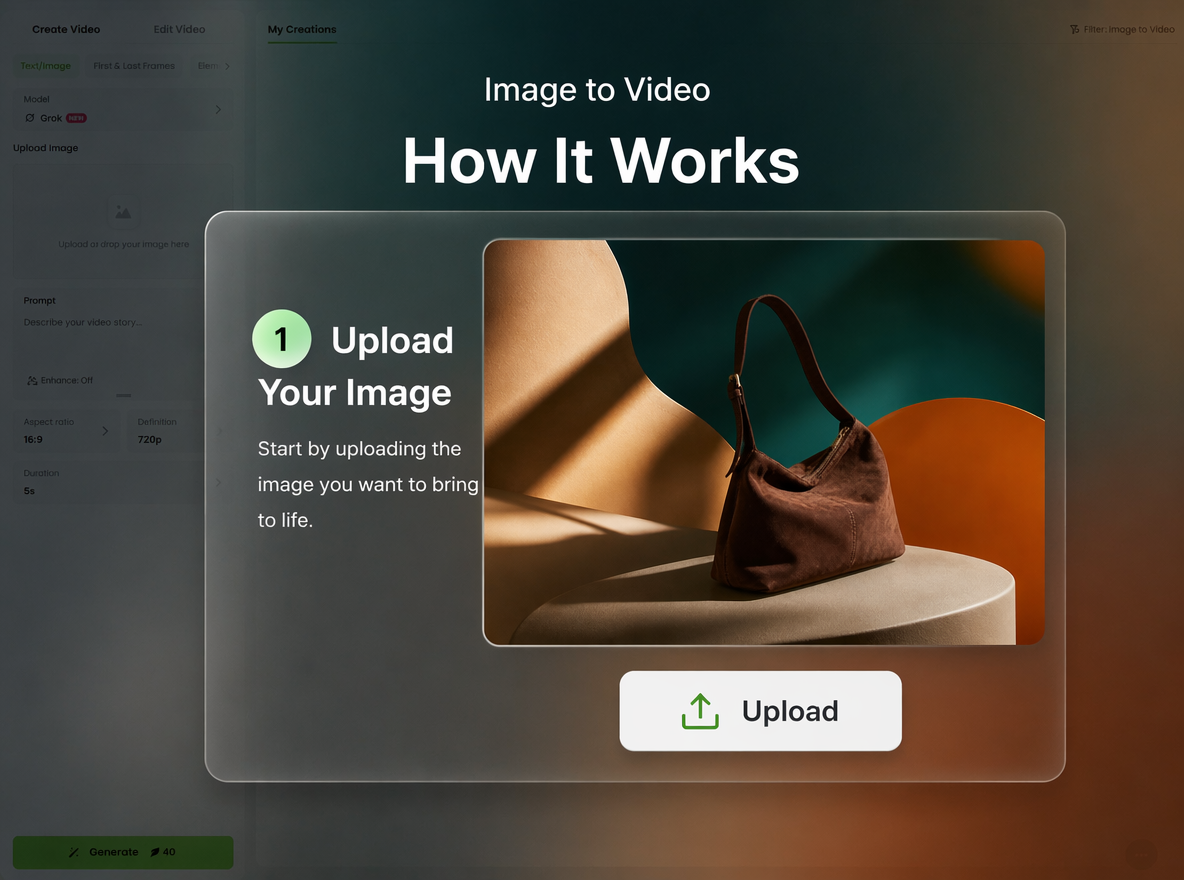
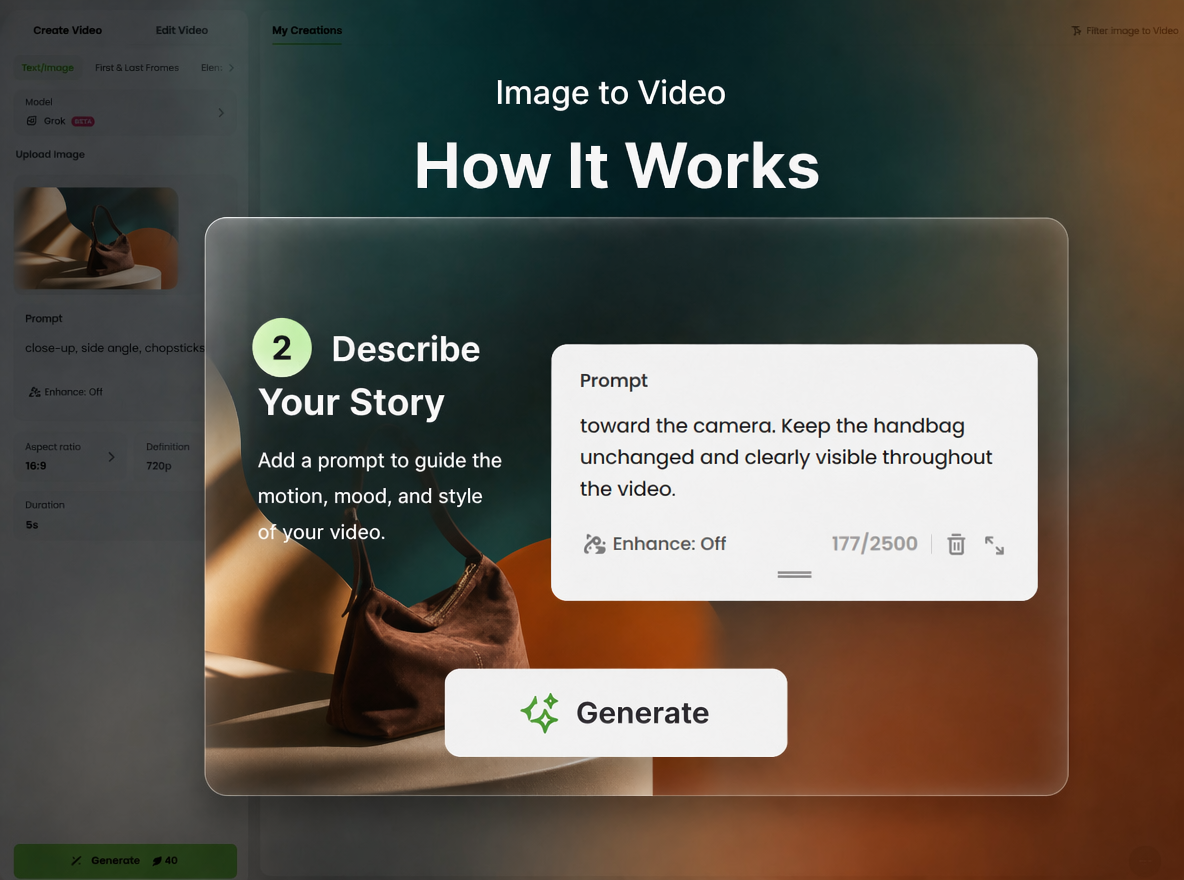
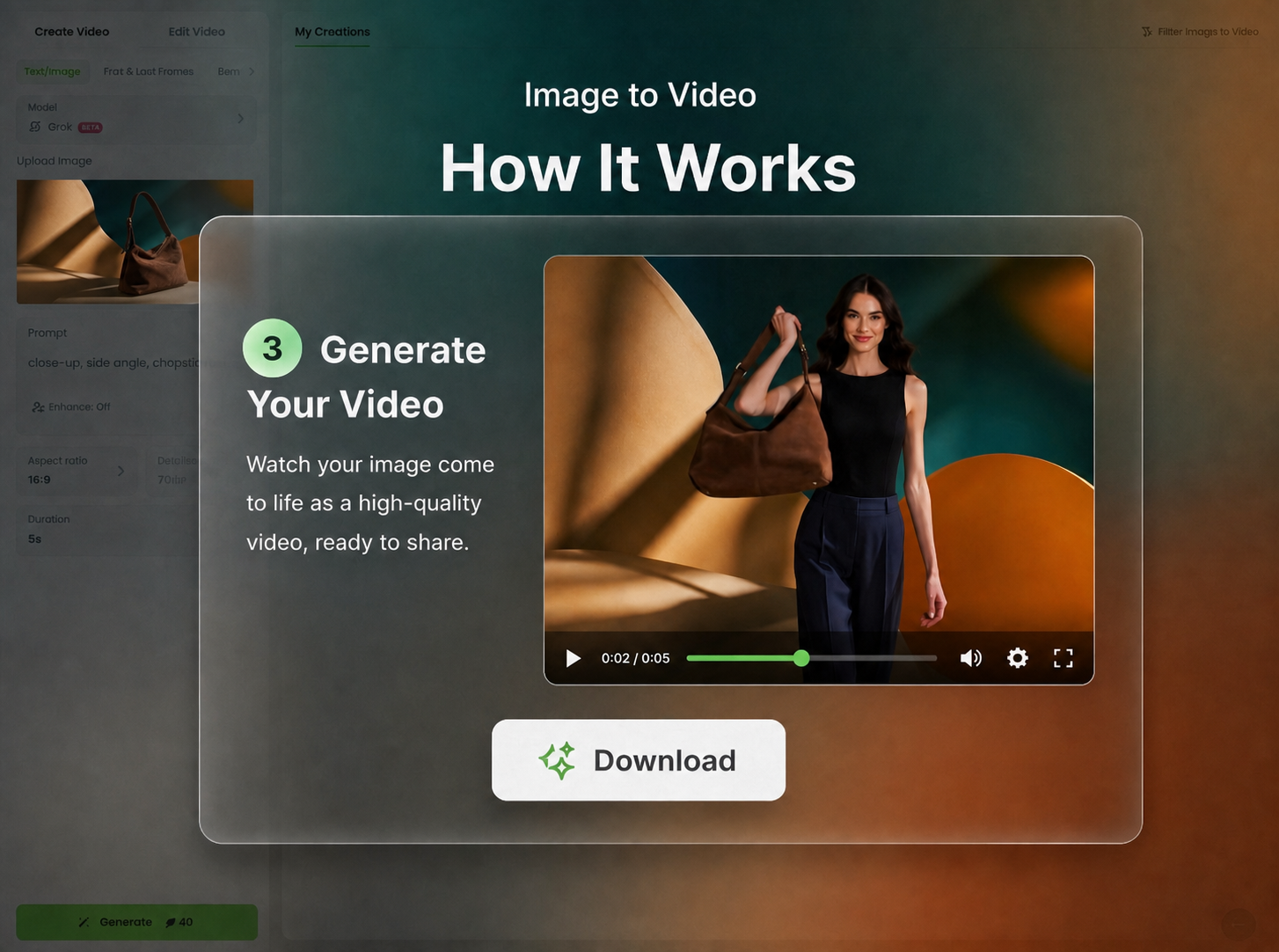
Create Grok Imagine Videos in 3 Simple Steps
Upload a Reference Image
Start to upload an image as creative reference.
Enter Prompt and Generate
Generate and Preview Video Output
Why Use Grok Imagine Video Generator?
![AI auto deblur]()
Simple Creation Workflow
Turn prompts into videos instantly with minimal setup.
![Custom image generation based on prompt icon]()
Flexible Generation Input
Use images or text to start video generation easily.
![Icon for fast and easy to create images with AI]()
Rapid AI Video Speed
Generate multiple variations for faster creative testing.

Fotor AI Video Generator Reviewed By


Video creation is often a complex and professional process, but Fotor simplifies the steps. You simply need to describe your creative ideas in written form and select your preferred style. AI will automatically analyze and generate a video you’ll be satisfied with.

Fotor’s AI video generator is a tool designed to transform users’ text descriptions or imported photos into short video clips. This tool gives users an intuitive interface with easy-to-spot settings. With its help, you don’t need to be tech-savvy to create your own short videos. You can effortlessly expect a high-quality video with lifelike movements based on your text prompts.

Fotor AI video generator is a powerful tool to create high-quality videos without any skills. All you have to do is select whether you want to make a video from the command prompt or an image. It will take only a few minutes, and your video will be ready to download. You can redefine the video with Fotor’s built-in video editing feature.