

Remove Watermark from Video
Enjoy the power of AI to remove watermark from video. Effortlessly remove text, date stamps, and more.
⭐️No editing skills required, clean results, videos without blur.⭐️
Drag your video here or click to upload
Drag your video here or click to upload
99.9%
Seamless Watermark Removal
4.5★
on Capterra
100%
Easy Workflow
What Types of Video Watermarks Can Be Removed?
Remove different types of watermarks depending on their size, position, and movement. Results may vary based on video complexity, but it will save you time on video editing.

Static Text & Subtitles
Helps remove text from video, including subtitles or captions, with slight smoothing on complex scenes.

Stickers & Overlays
Removes stickers, and overlays from videos, rebuilding backgrounds with minor softness in detailed areas.
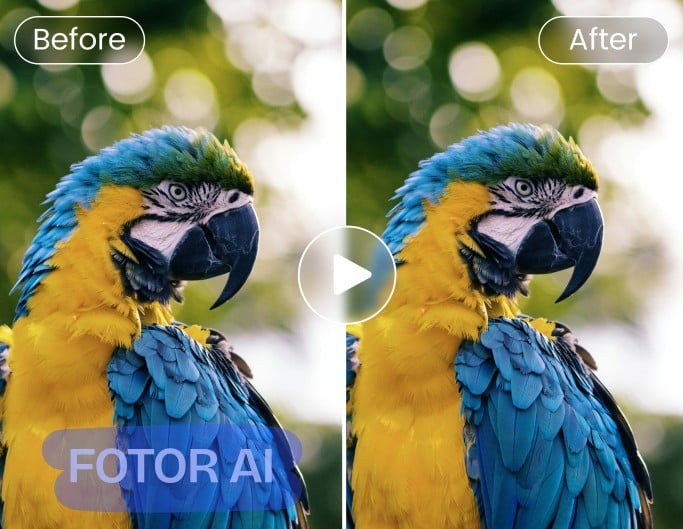
AI Watermark
Eliminate unwanted watermarks from AI-generated videos, such as Sora, Kling, Seedance and more, and add them to creative projects.
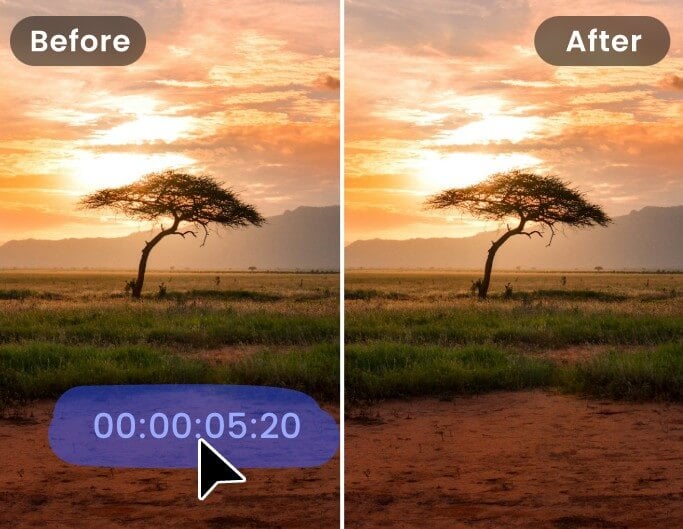
Date & Time Stamps
Removes timestamps from videos effectively, especially when watermarks stay fixed in low-detail regions.

Remove People From Video
No need to reshoot videos. Quickly remove passersby from your video clips, saving time and effort.

Remove Unwanted Objects From Video
Effectively remove unwanted objects from videos as if they were never there.



How to Remove Watermark from Video Online?
Upload Your Watermarked Video
Upload your video file to our watermark video remover. Larger files may take longer to process depending on size. Supported formats: MP4, MOV, WebM and M4V.
Select and Remove the Watermark
Preview and Download the Result
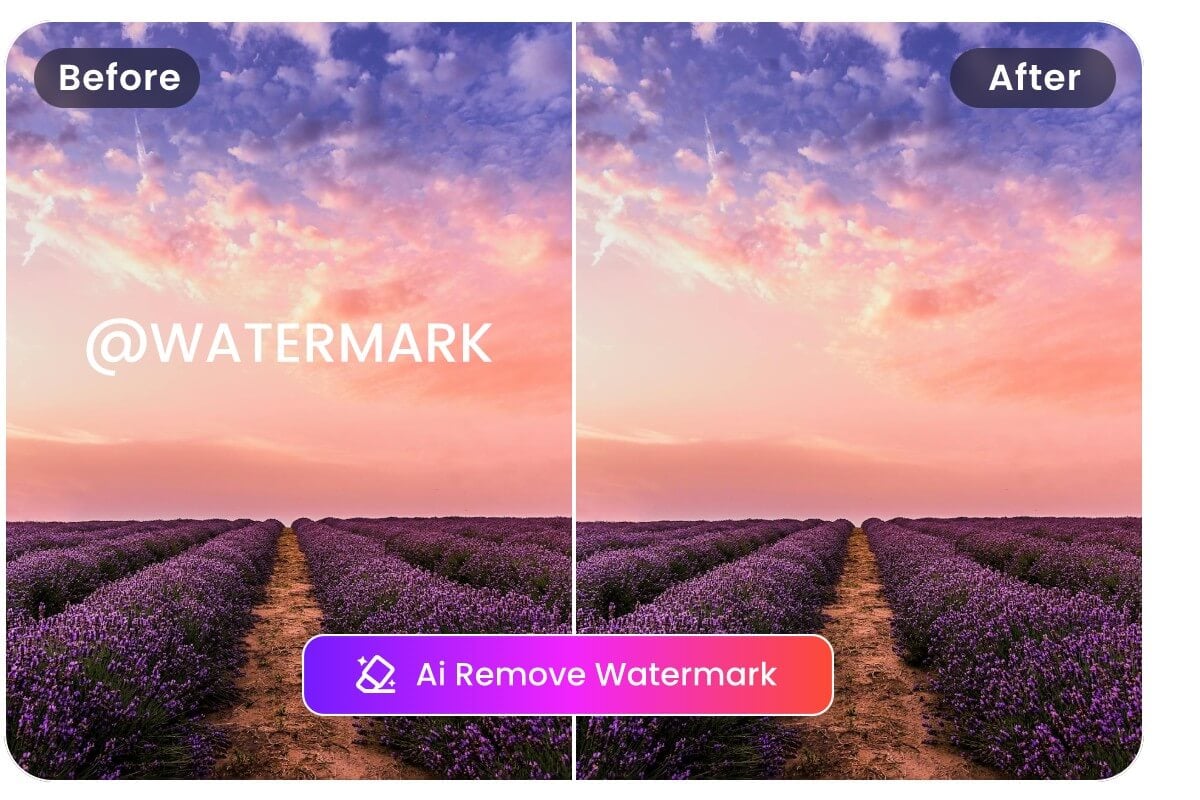
Clean Results Without Heavy Manual Editing
Simply highlight the watermark area, and the AI automatically removes it across video frames with consistent processing.
No complex timeline editing, masking, or advanced skills required, making it easy to remove watermarks from videos online, even for beginners working with short clips or social media content.

Remove Watermark from Video Without Blur & Lost Quality
Powered by progressive AI technology, our video watermark remover can intelligently analyze the pixel details behind and surrounding the watermark across frames and reconstruct the removed area with its strong AI inpainting technique to keep your video looking natural after watermark removal.
Real Use Scenarios for Removing Watermarks from Videos
Use an AI video watermark remover in situations where re-editing the original file is not possible. Results depend on watermark size, position, and video complexity.

Repurpose Videos Without Platform Logos
Remove TikTok watermarks or platform logos from exported videos to reuse content across different channels.
Works best when logos appear in corners or remain static throughout the clip, helping you republish videos without visible branding distractions.

Update Branding in Existing Videos
Remove outdated watermark from product demos or marketing videos after a rebrand.
Instead of recreating content, you can clean up old overlays and prepare videos for reuse, although complex backgrounds may require multiple adjustments.

Clean Up Recorded or Archived Footage
Remove timestamps or fixed text overlays from screen recordings or old video files.
Effective for simple backgrounds, but results may vary if the watermark overlaps faces, motion, or detailed textures.
Online Video Watermark Remover Feature Highlights
![AI icon]()
AI Smart Detection
Detect and remove watermarks from videos and photos using AI-assisted frame-by-frame processing.
![Fast to use icon]()
Fast Watermark Removal
Quickly remove watermarks online without installing software or needing editing experience.
![studio quality icon]()
High-Quality Output
Keep videos HD and visually consistent after watermark removal, with minimal quality loss.
![Multi format support icon]()
Multi-Format Support
Supports common video formats like MP4, MOV, WebM and M4V for more compatible processing.
![Secure icon]()
Private & Secure
Uploaded files are automatically deleted after 24 hours to protect your privacy.
![Cross devices icon]()
Cross-Devices
Our online AI watermark remover works seamlessly on desktop, mobile and tablet devices.






Global Trusted Creators' Reviews


Founded in 2009, Fotor has established itself as a leader in image-processing, now serves 600 million users worldwide as of July 2024. The Company delivers innovative image editing and design tools to over 200 countries and regions, including the U.S., Europe, Southeast Asia, and India.

"Fotor Photo Editor enhances the creation of my visual projects"
From the first use I liked the AI tools that besides simplifying photo editing also allow me to generate beautiful and professional looking images (it has a preview before finishing any project to adjust details). I like how interactive Fotor Photo Editor is by having implemented a daily incentive dynamic that motivates me to interact with the community and participate in different activities.

"A Versatile and User-Friendly Photo Editing Tool"
What I like best about Fotor Photo Editor is its user-friendly interface and extensive range of features. It provides powerful editing tools, a variety of filters, and seamless integration across different devices, making it convenient for both beginners and experienced users.