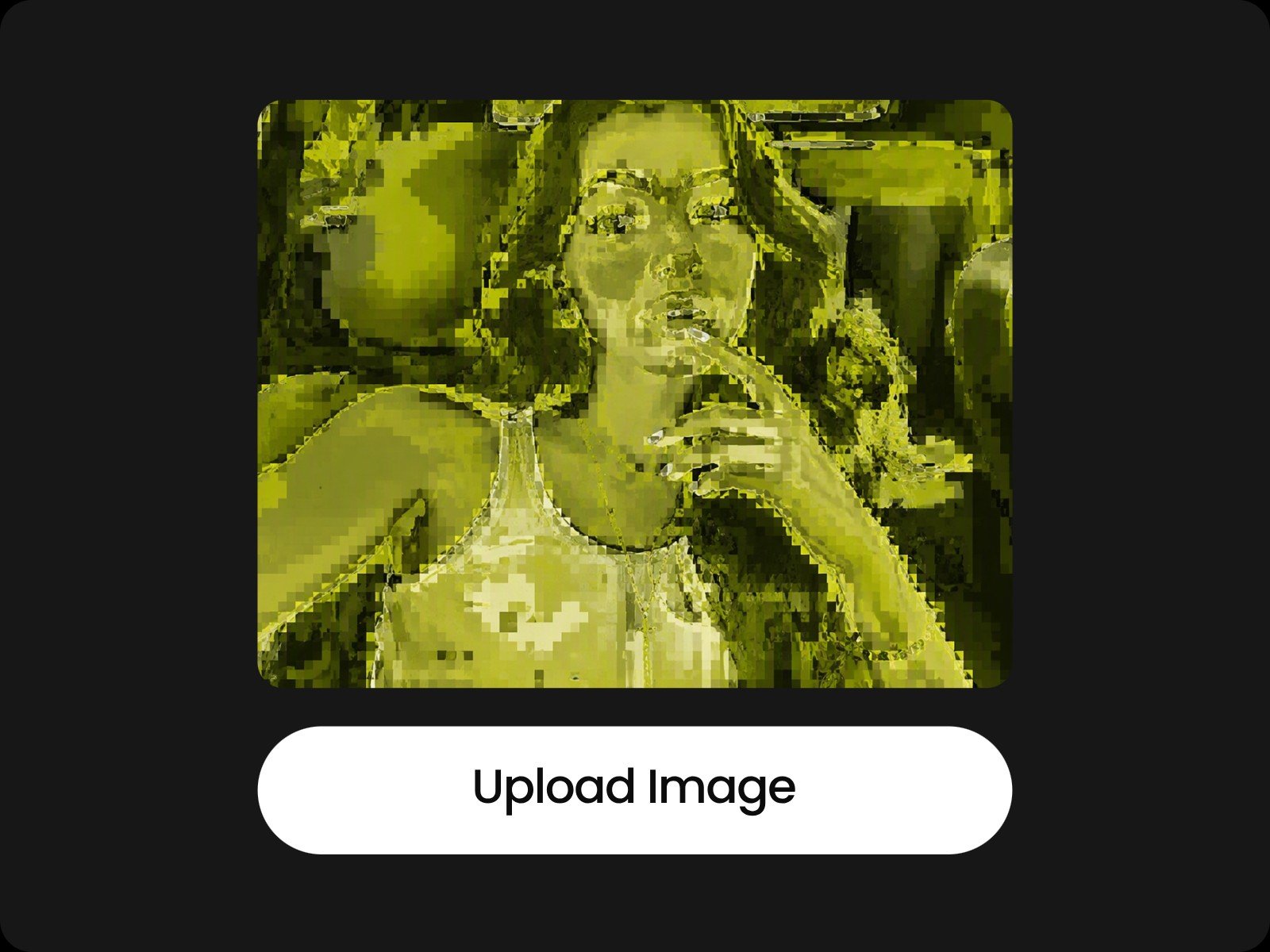
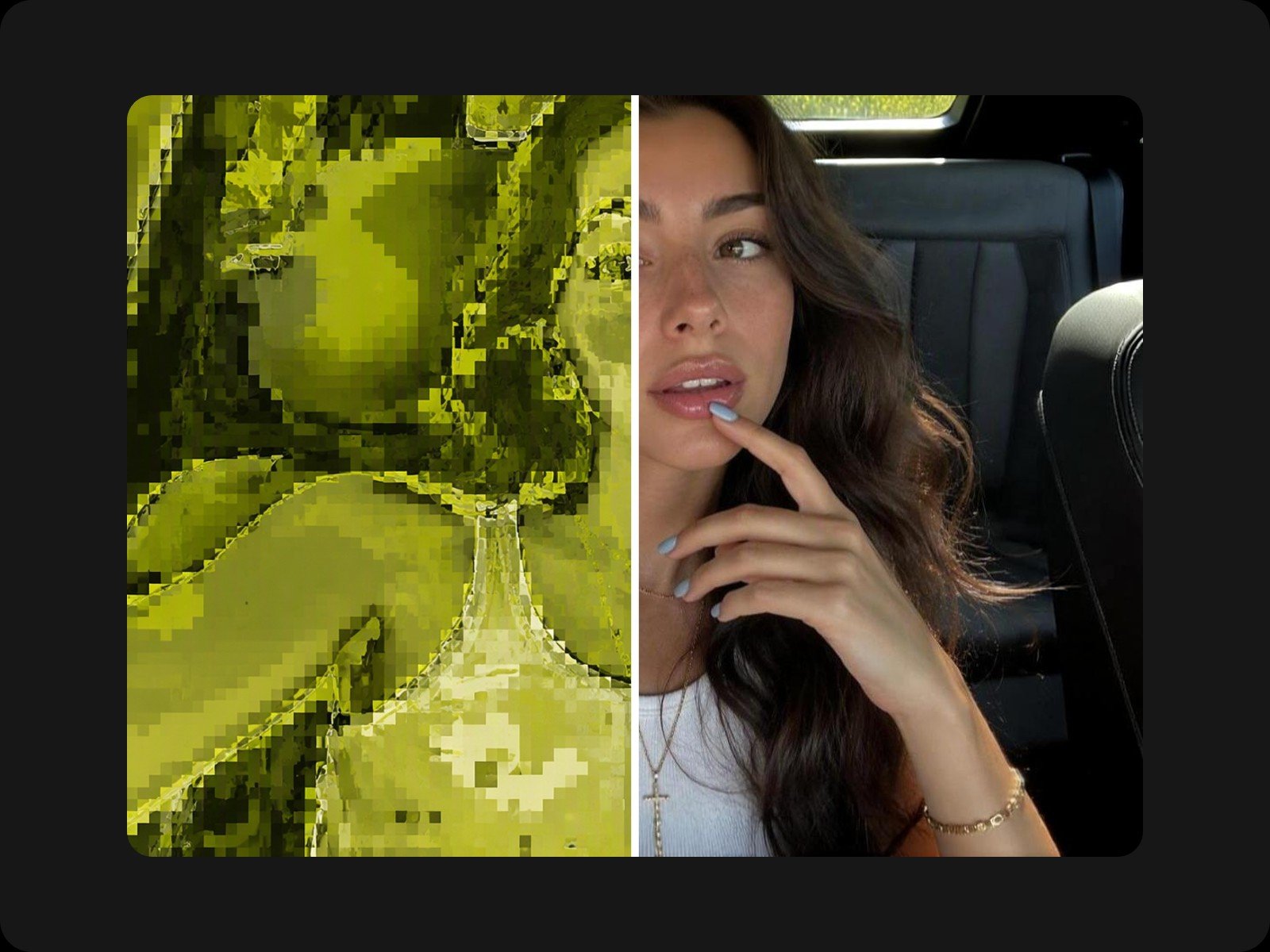
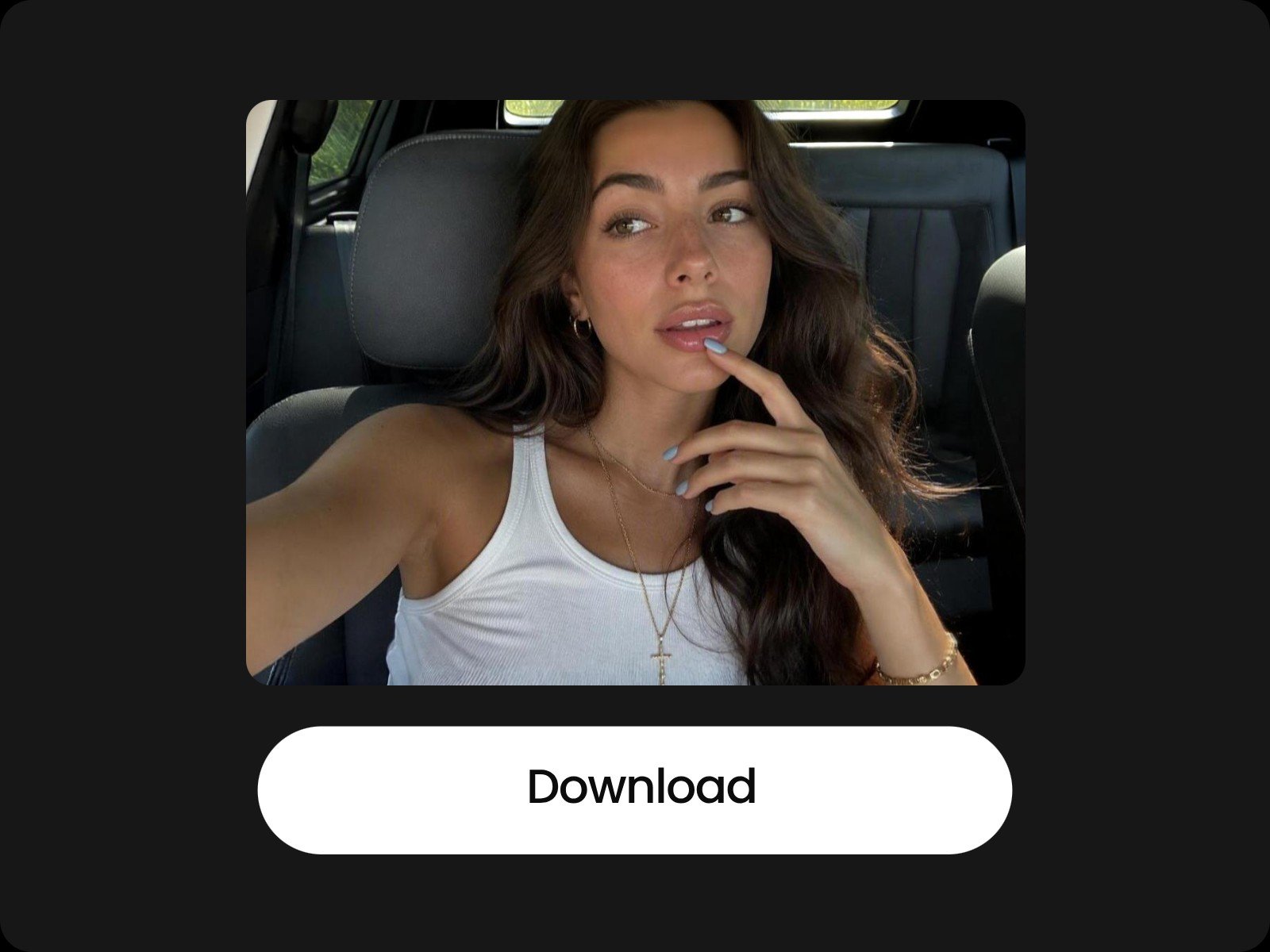
Easy and Quick
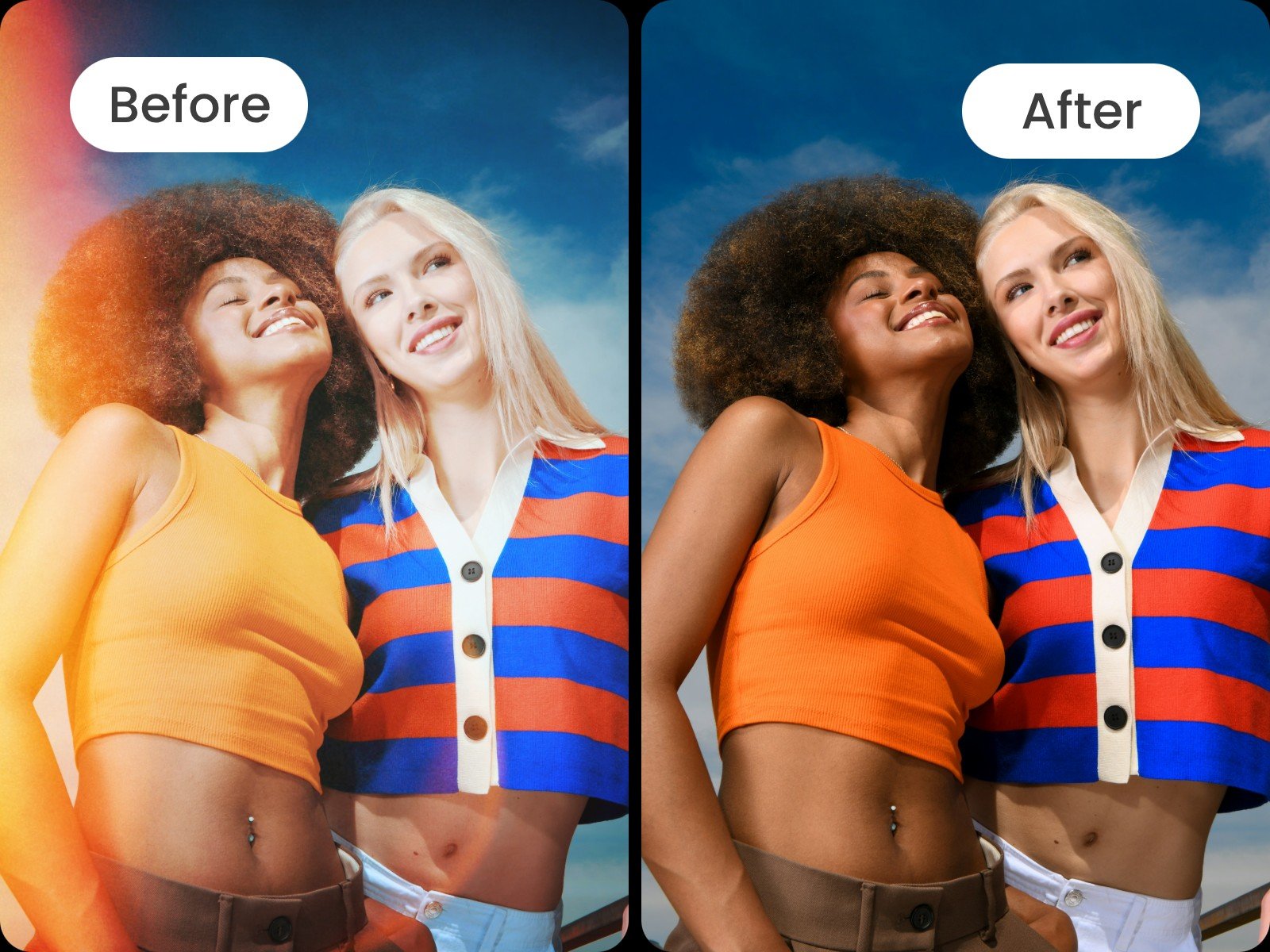
Our photo filter remover provides a user-friendly interface without complex settings, allowing users to get rid of filters from images in seconds.


Remove filter from photo conveniently with Fotor's filter remover. Upload your image and let our tool bring authenticity back to life without complex editing skills.
Our photo filter remover provides a user-friendly interface without complex settings, allowing users to get rid of filters from images in seconds.
No identity or facial details will be damaged during filter removal in Fotor if you upload a clear photo
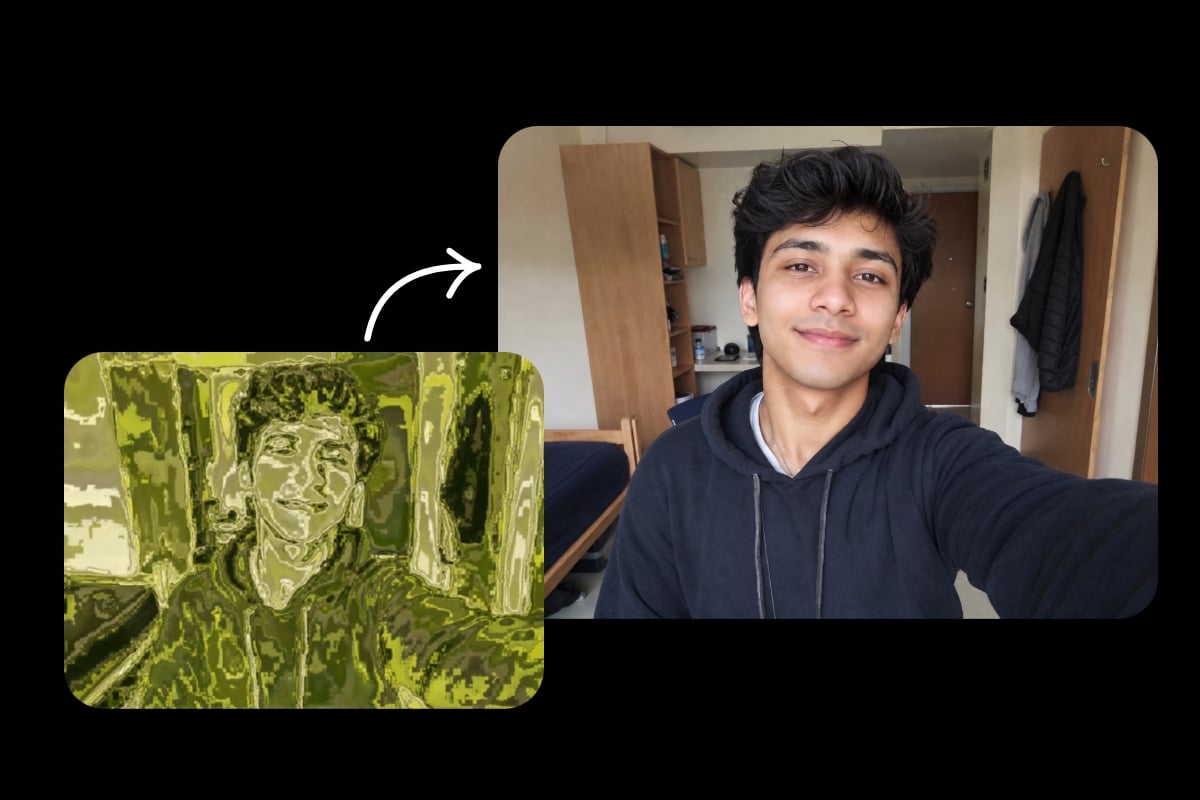
Powered by advanced AI technology, our tool can naturally restore the removed area and lets users download the filter-free results in high-quality JPGs or PNGs.


Here with Fotor's filter eraser, you can remove filters easily. Just upload your images to our object remover, and our AI tool will automatically remove filters from photos after a few clicks. Click the button to erase filter from images now!
With many images with various photo effects and filters, your fans may be bored of that. Why not remove filter from photo to bring back authenticity to your images? And our filter remover can help you remove unwanted filters from pictures for you to further edit them until you are satisfied.
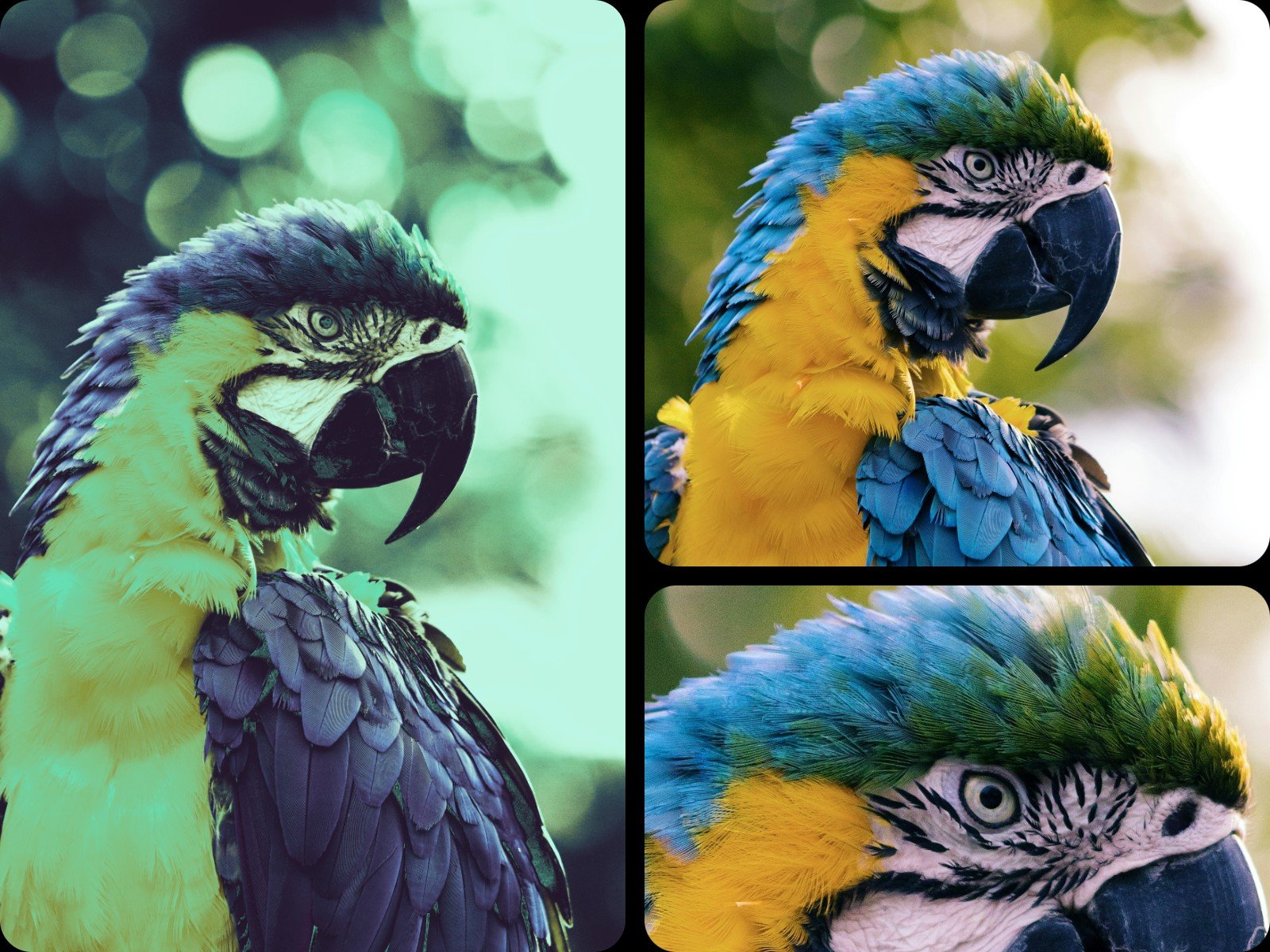
Sometimes, extra photo filters and effects may damage the photo details, such as color, texture, and substance. If you want to present the details accurately, you can remove filters from images to restore the image details in Fotor’s filter remover AI. Our photo effect remover tool will help you remove extra color from image immediately. Give our remover a try to remove filters in no time!
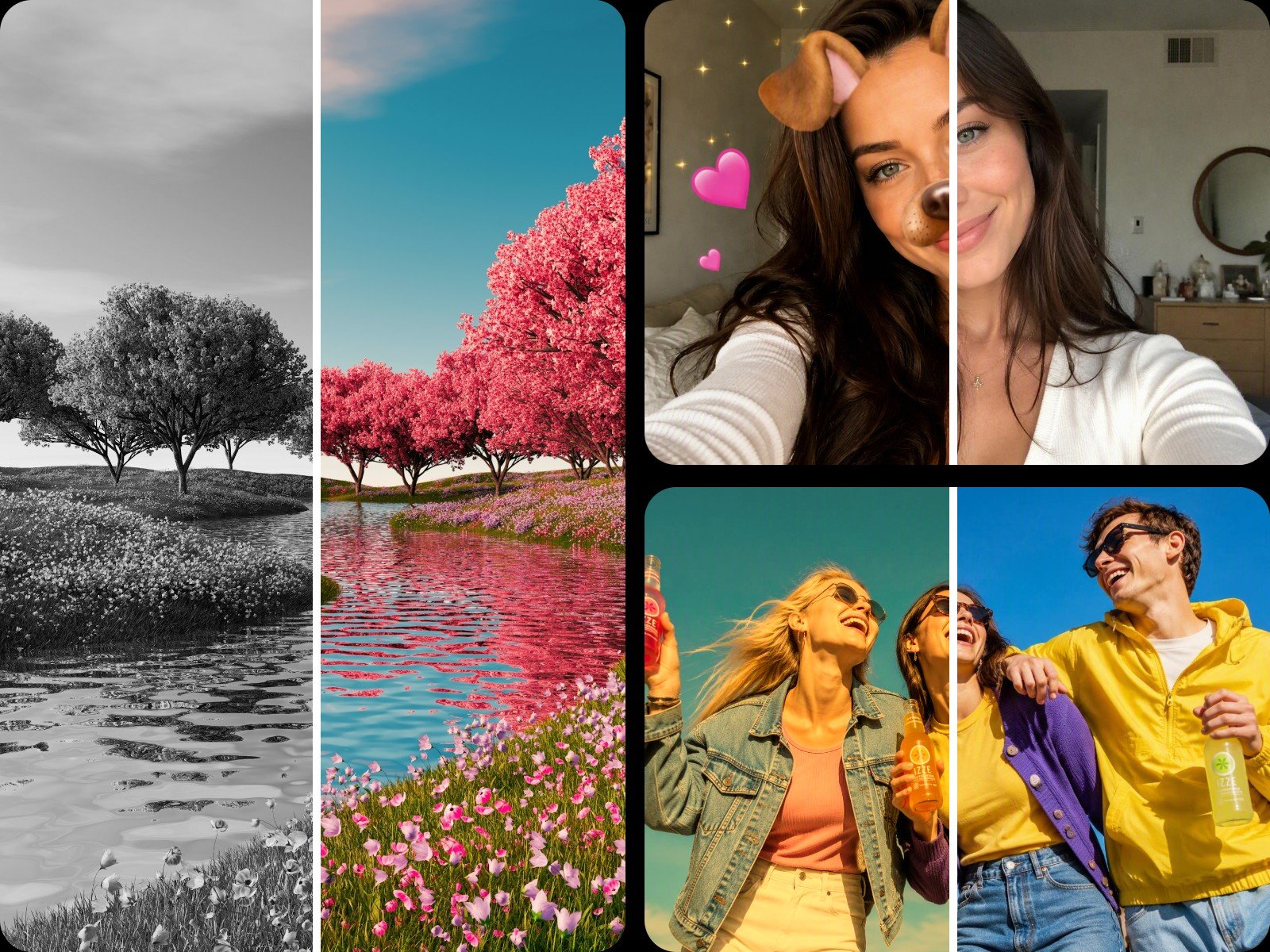
Our filter works well for common color effects and overlays. For heavily edited or filtered photos, you can try AI image restoration. For instance, whether you intend to delete social media filters, such as Snapchat or Instagram, vintage filters, beauty filters and more, just type your description and Fotor will intelligently get them eliminated without compromising the original quality and damaging backgrounds.
Curious about what a portrait looks like behind a matcha filter? Why not take a screenshot of the TikTok video and upload it to Fotor? Our filter removal tool can help you conveniently remove matcha filter from your TikTok video to reveal the true identity without quality loss. Its powerful AI technique can effectively reverse the filter's color grading and visual effects to restore a clean, authentic look. Try Fotor now to remove matcha effect and other trending filters from photos.
Upload your images with filters, and use our filter eraser to brush over the image.
If the filter on the saved image is stickers or some simple overlays, you can use Fotor's image filter remover to get rid of them.
However, if it is a flattened filtered file with overwritten pixels, such as a black and white filter, face filter and more, you'd better resort to Fotor's AI image restoration tool to "undo" the filter of your saved image due to the power of AI inpainting technique to neutralize color tints, re-adjust exposure and approximate the photo's natural look.
Fotor's AI filter remover is your ideal online app to remove a Snapchat or TikTok filter from a picture.
Just upload your image and use our brush to mark floating stickers, text overlays or AR face elements to clean it up.
Well, Fotor's AI filter eraser is a possible way to remove beauty or face-morphing filters. You just type a detailed description of how you want to remove the filter and our tool can try to bring back the original face by adjusting lighting, shadows and natural textures based on its understanding of real-world logic.
Also, you can rely on our AI face editor to manually "revert" the beauty filter. For example, correct its color, adjust facial proportions and more.
Attention: If the beauty filter is too heavy, it can be difficult to peel it back to reveal the exact original face. No tools in the world can now realize this goal.
The easiest way is to use our AI filter remover to remove an AI "warmth" or "yellow/piss" tint from an image.
Simply upload your photo and enter a prompt that includes words like "remove warmth tint or vintage filter from this image." Our tool will intelligently restore its original look.
Meanwhile, you can make use of our AI photo editor to manually neutralize warmth or vintage colors. For example,
Yes. You can try Fotor to convert a black and white photo to color with just one click.
After uploading your B&W image, you just pick your desired model and then click "Generate" to bring natural and logical color to your photo with a black and white filter.
Our AI filter eraser allows you to effortlessly and instantly remove matcha filter from your photo. For example, if you truly want to see how a person looks without a mocha filter on TikTok, here is what you should do:
Attention: You can only remove matcha filter for personal entertainment. Any commercial use of the filter-free visuals without the owners' permission will result in a violation of copyright laws and several legal consequences.
Simply choose our object remover to remove an emoji, sticker or text overlay attached to a filter.
Use our content-aware fill brush to highlight the emoji or text block, and our tool will replace it by inpainting matching background textures.
When an image is exported as a standard image file, pixels are permanently altered. Applying a filter is a destructive process; for instance, changing a red shirt to dark gray discards the "red" color information entirely. A photo editor could guess what was there before using AI, but it cannot read destroyed data.
Not automatically. If your original photo is blurry or full of noise, removing a filter does not restore details and sharpness.
However, you can try our AI image enhancer to automatically enhance the quality of your filter-free visuals. It helps to intelligently correct its color, remove blurriness, sharpen edges and reduce visual noise.
Fotor is equipped with the latest encryption technology to safeguard your data privacy. So, only you can have full access to all your files. Besides, your files will normally be removed in 24 hours and definitely won't be used for AI training.
Fotor will award every new user free credits to try this tool. Also, you can try our filter remover and preview its effect even if you have no credits at all.
However, you will be charged if you want to export the result or when free credits run out. You can earn more credits by completing the daily tasks on our "Credit Reward" page.
For input formats, we support JPG, PNG, HEIC and WebP.
For output formats, you can save your results as high-res JPGs and PNGs.