

Instant Shadow Removal
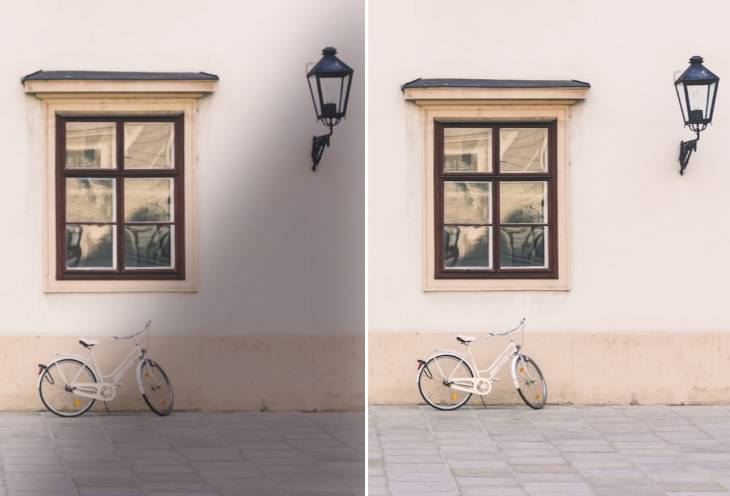
Remove shadow from image automatically within 5 seconds. No skills are needed at all.


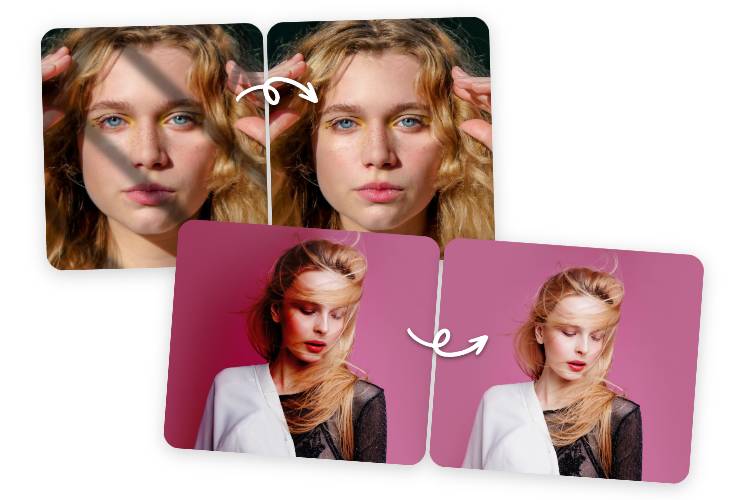
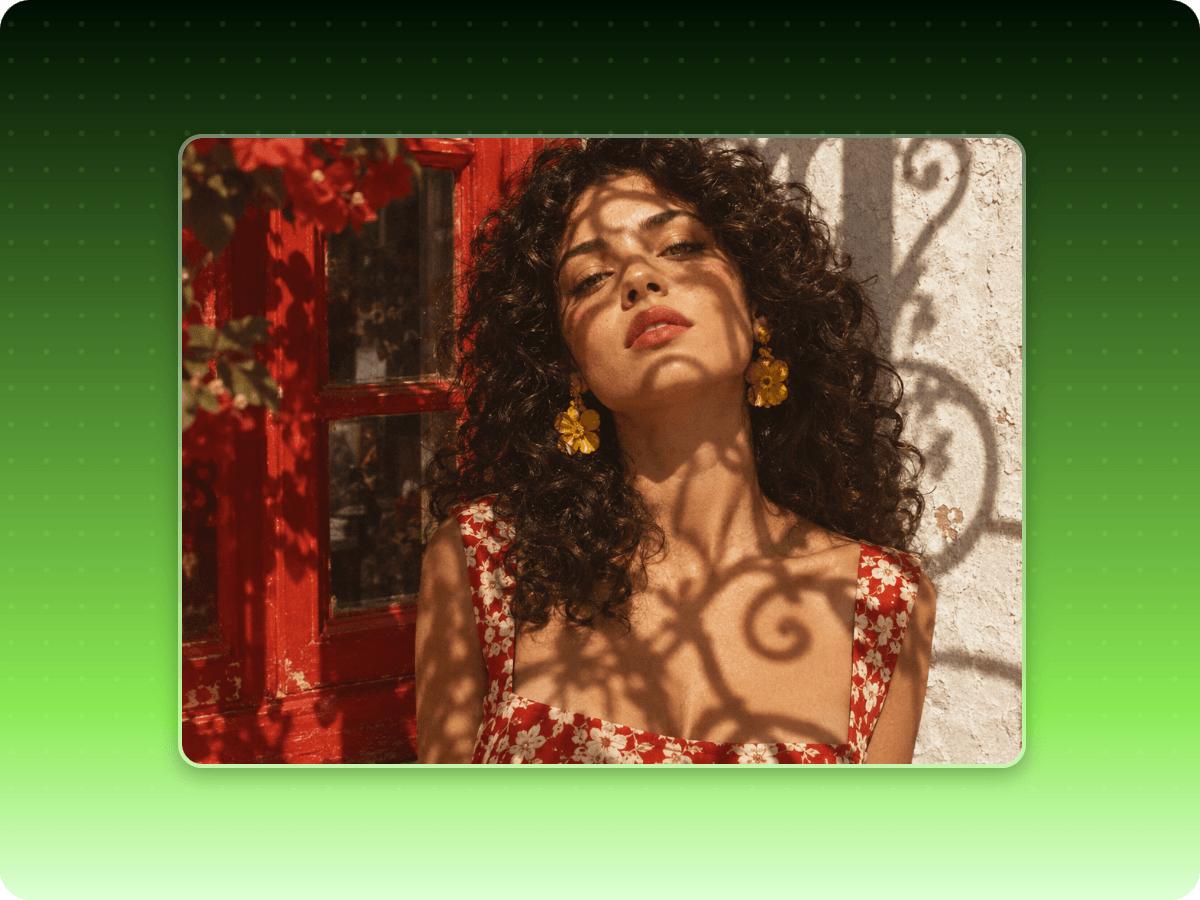
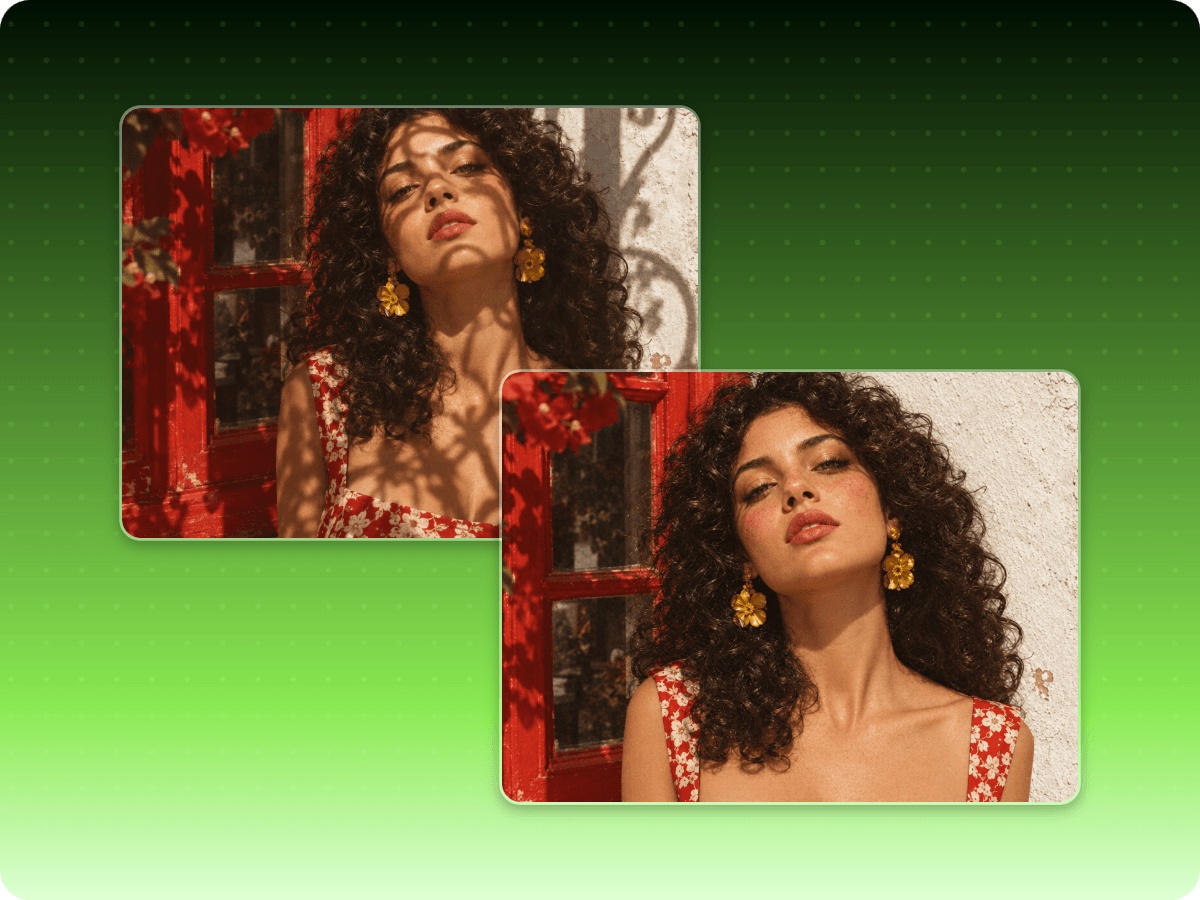
Fotor's free online photo shadow remover helps you remove shadows from photos in just seconds, such as black shades, reflections, dark edges, etc. Don't let any distracting shadow ruin your shot again.
Have no idea how to edit shadows out of a picture in Photoshop? You don’t have to! With our AI picture shadow remover, you can effortlessly remove unwanted shadows from images in just a few clicks. Whether shadows come from poor lighting, harsh light, or overhead objects, Fotor can handle it all. Enjoy a hassle-free shadow removal experience with Fotor today.
Powered by advanced artificial intelligence algorithms, our shadow remover for photos tool delivers natural and authentic results. Moreover, you can further fine-tune the shadow removal outcome. With adjustable settings for exposure, highlights, shadows, and curves, you can easily refine the image and bring out its best features. In just seconds, you'll get a stunning, shadow-free photo that is ready for sharing across all your favorite platforms.
From portraits to landscapes, our AI shadow remover works seamlessly on various types of images. Enhance photos and achieve flawless photos effortlessly.
Upload your image to our photo shadow remover.
Our shadow remover not only allows you to remove shadow from images easily, but also you can use it to remove any unwated objects online for free. You can remove people from photos, remove scratches to restore photos, and even remove image background. Take advantage of Fotor to bring the best in your photos!
Remove shadow from image automatically within 5 seconds. No skills are needed at all.
Our shadow remover is equipped with advanced AI technology to allow you to get rid of any shadow in your photo while preserving the main features.
Our cutting-edge AI algorithms ensure accurate and seamless people removal. Achieve visually pleasing, people-free photos with ease.
Fotor offers a practical mobile app to remove shadow from picture anywhere and anytime. Enjoy convenient photo editing on the go.
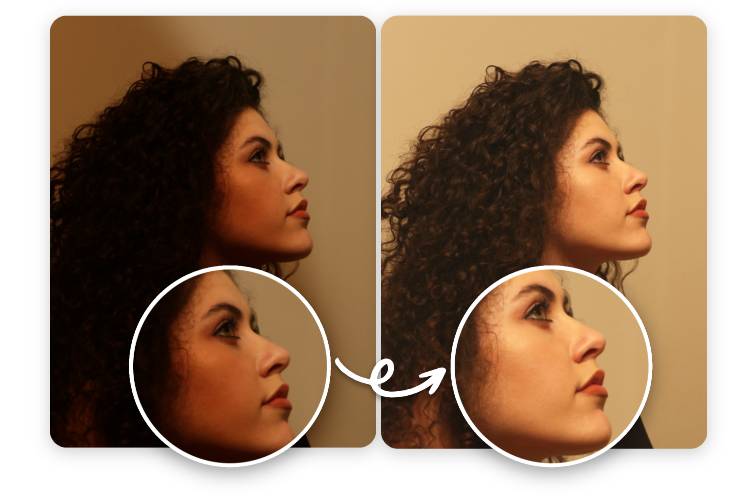
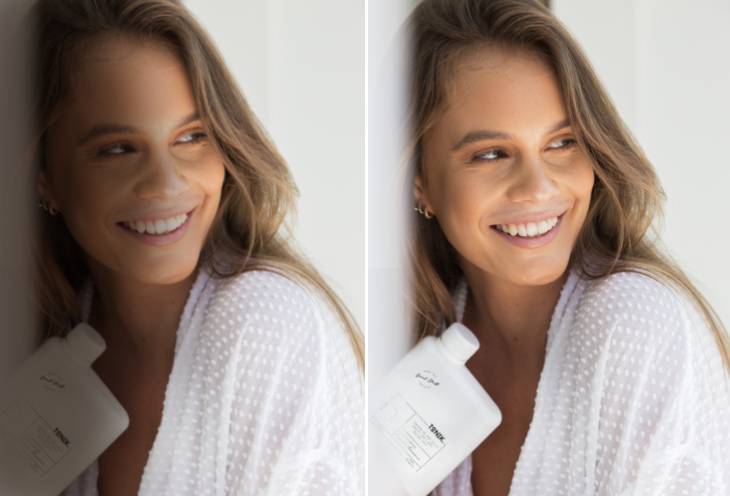
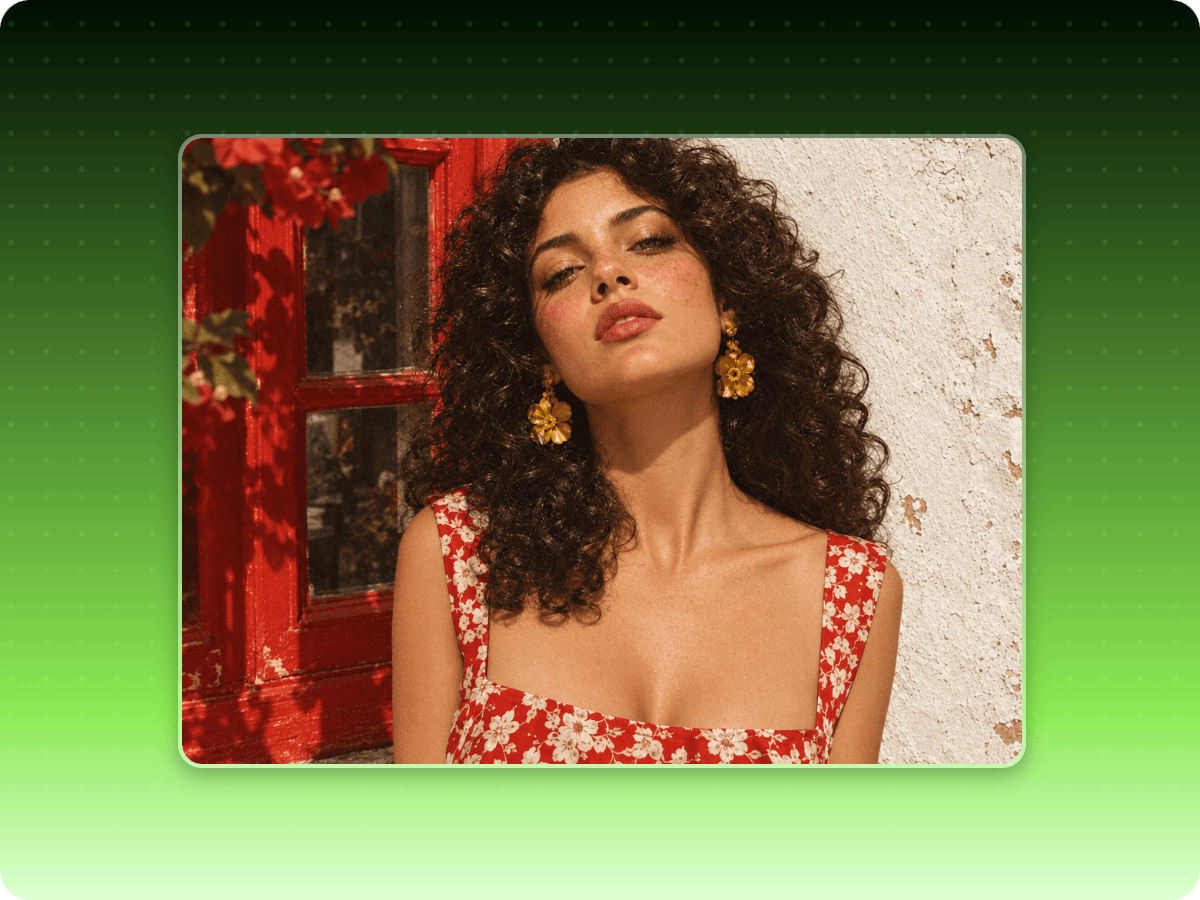
To remove a shadow from a face photo, you can use Fotor's shadow remover to realize this goal. Upload a clear portrait and enter your prompt to focus the edit on the shadowed area, such as under the eyes, across the cheeks, or along the jawline. You will get a shadow-free portrait image with preserved skin texture, facial features and natural highlights.
You can remove a phone or camera shadow from a photo with our AI shadow remover. Upload the original image and use your prompt to specify the shadow you intend to move. Our tool will automatically delete it without damaging the main subject and the background behind it.
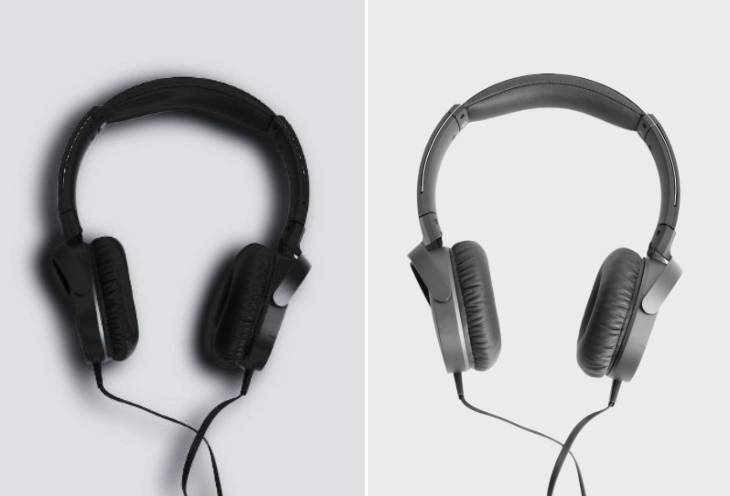
Yes. Fotor's picture shadow remover can help remove shadows from product photos while aiming to preserve the product's original shape, color, texture, and details. This is useful for e-commerce listings, online stores, and product catalogs.
However, removing every shadow may make a product look flat or unnatural. Review the final image carefully and keep subtle contact shadows when they help communicate the product's shape and position.
Fotor's image shadow remover is equipped with advanced AI technology. It will read and analyze the facial features or the background surrounding the shadow, and intelligently restore the texture and details when removing the shadows. So, usually, no blurriness or damaged background will be expected.
However, you should upload a clear image, or the result may be disappointing.
You don't always need to remove every shadow. Natural shadows add depth, define shapes, and help objects look grounded in a scene. When you remove unwanted shadows from photos, focus on distracting or overly dark areas while preserving subtle shadows that support the image's lighting and composition. This is especially important for product photography, portraits, and lifestyle images where completely flat lighting can make the result look artificial.
A high-resolution photo with clear details and visible surrounding textures usually works best for AI shadow removal. Images with simple backgrounds and moderately dark shadows are often easier to edit than photos with complex patterns or areas where the shadow completely obscures important details. For better results, use the original image, avoid excessive compression and check the final photo for unnatural transitions, blur, or changes to the subject.
Fotor offers every new user free credits to try the service. However, if the credits run out, you can come back to Fotor every day to visit our "Credit Reward" page to claim free credits or become a paid subscriber.