How Pavel creates client visuals and products for sale with Fotor
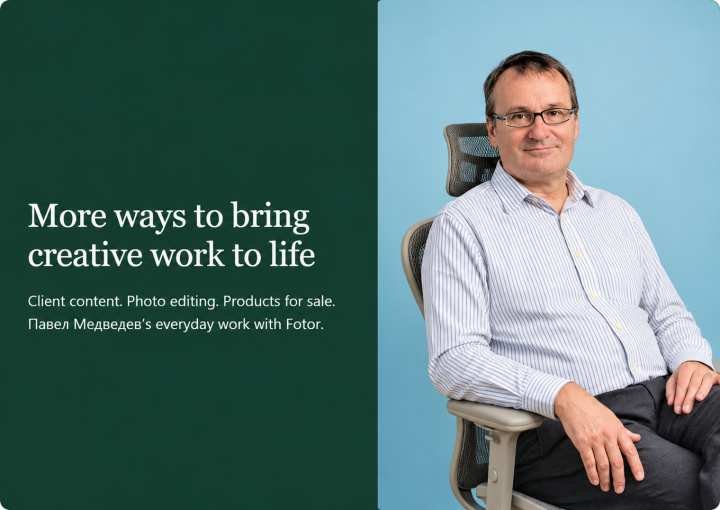
Discover how freelance creator Pavel Medvedev uses Fotor to turn article text into illustrations, edit photos with prompts, and create designs for printed products.
Create for FreeVisual work across a freelance practice
For about 15 years, Pavel has created and promoted websites. Viktonstroy is one of more than 30 clients he has worked with through longer-term engagements. His work combines written content with the visuals that accompany it.
Fotor fits into several parts of that practice: illustrating articles, preparing photographs, exploring design concepts, and creating designs for printed goods. He uses AI image generation, the Photo Editor, and the Graphic Design Editor, and finds tablet access convenient.
Before Fotor
Searching and manual retouching
Free stock libraries offered limited choices for specific article topics. Manual retouching was the most difficult part of his visual work.
With Fotor
Visuals built around the project
Article passages become image prompts, photo changes can be described in words, and designs can be prepared for different uses.
From article text to relevant illustrations
Viktonstroy manufactures windows, frames, and doors for customers in Moscow and the surrounding region. Its home-focused blog is an ongoing client project where Pavel’s written content and Fotor-created illustrations work together.
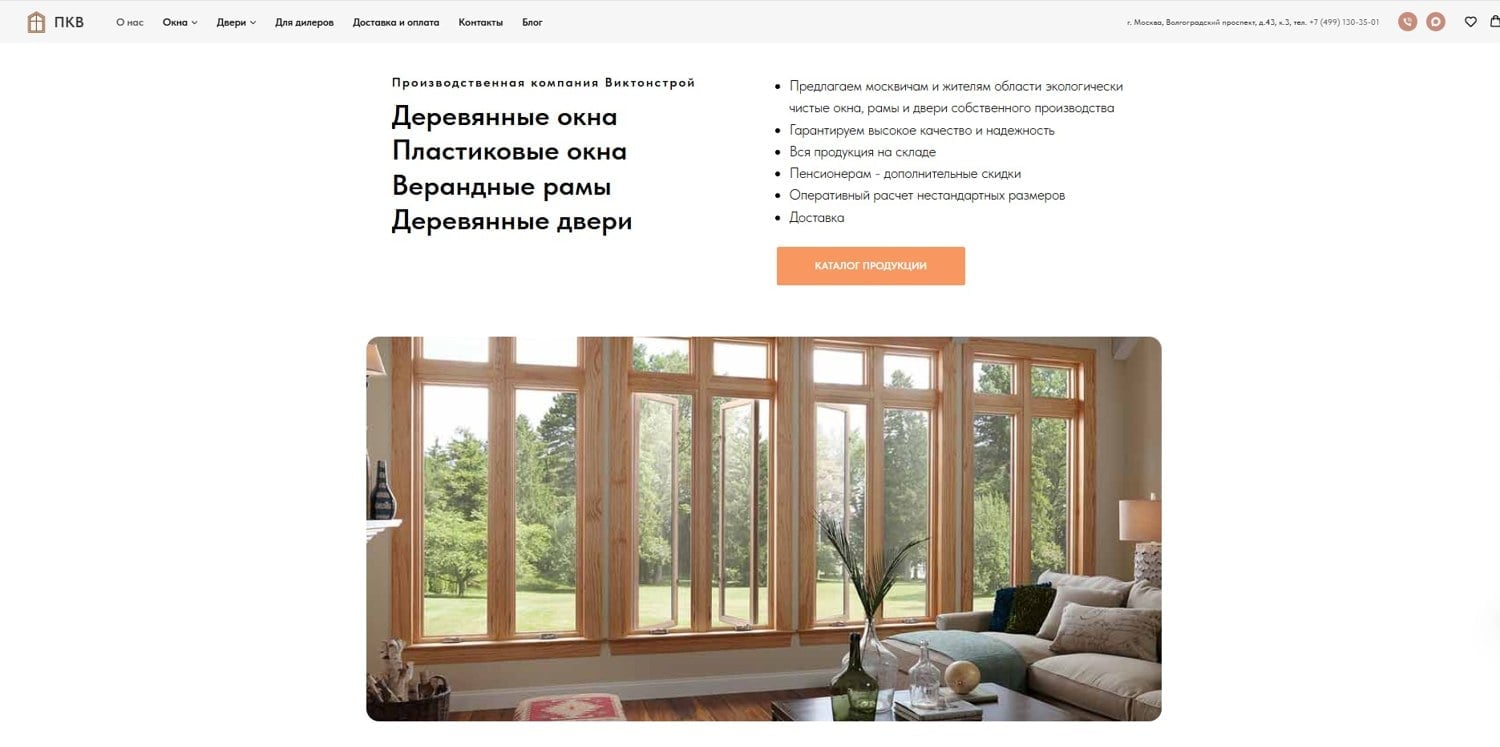
Pavel plans topics monthly with AI assistance, then creates illustrations after writing the articles. Previously, he searched free photo libraries. The limited selection made it harder to find images for specific subjects.
Using Nano Banana within Fotor’s AI image generator, he can paste a passage from a completed article in place of a separate image description. If the image may include text, he specifies the language it should use.
“Usually, in 90% of cases, the image is immediately generated to suit the article.” — Павел Медведев (Pavel Medvedev) · Describing his own article illustration workflow
For an article about septic systems, he used a cover prompt along the lines of “Installing a plastic septic tank, viewed from the house.” He says he used the generated image without making changes. Two additional illustrations started from article paragraphs about concrete filtering tanks and plastic storage tanks.
He reported 15 illustrated articles on the client’s blog, plus at least six SEO articles per month on third-party sites, each with a supporting image. He sees this publishing work as part of a sustained website promotion strategy.
Explore the client blog ↗Making targeted photo edits through words
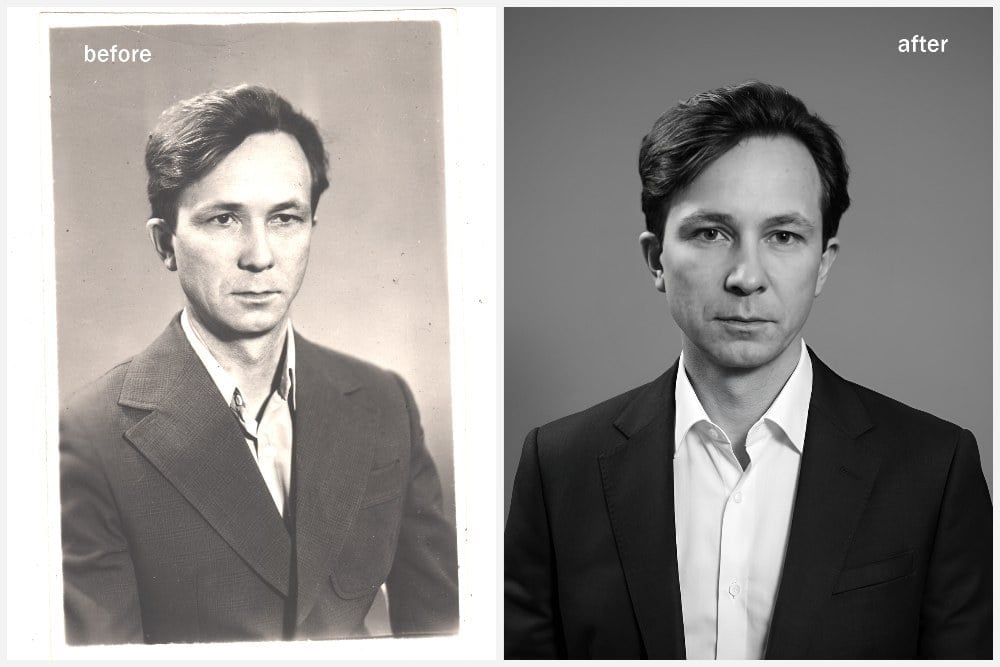
“The most difficult part before using Fotor was manual retouching; now it’s enough to describe in words what I want to do with the image.” — Павел Медведев (Pavel Medvedev)
In the custom retouching example he supplied, Pavel used Nano Banana within Fotor to adjust the subject’s body orientation, open an eye that was squinting in the original, change clothes, and improve the image overall.
Creating designs that become products for sale
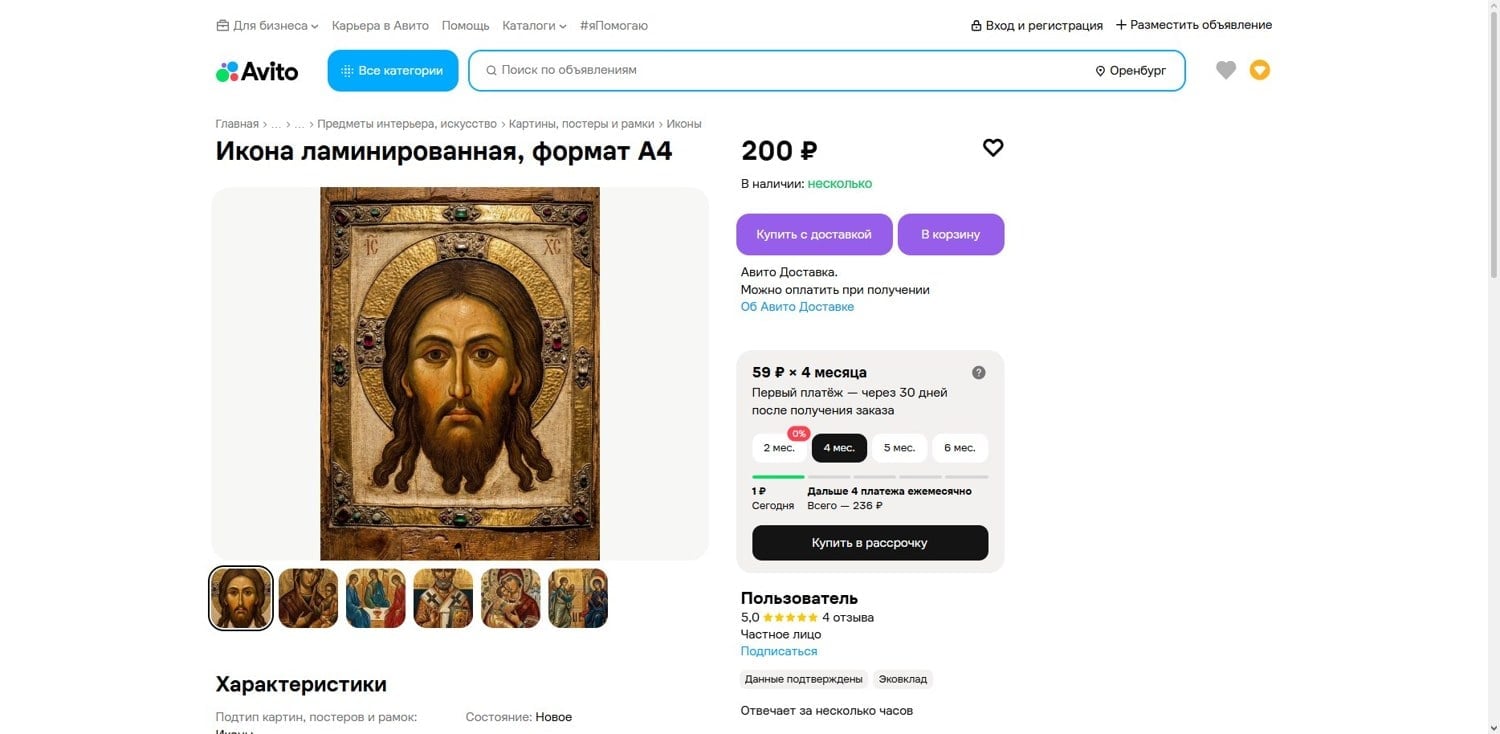
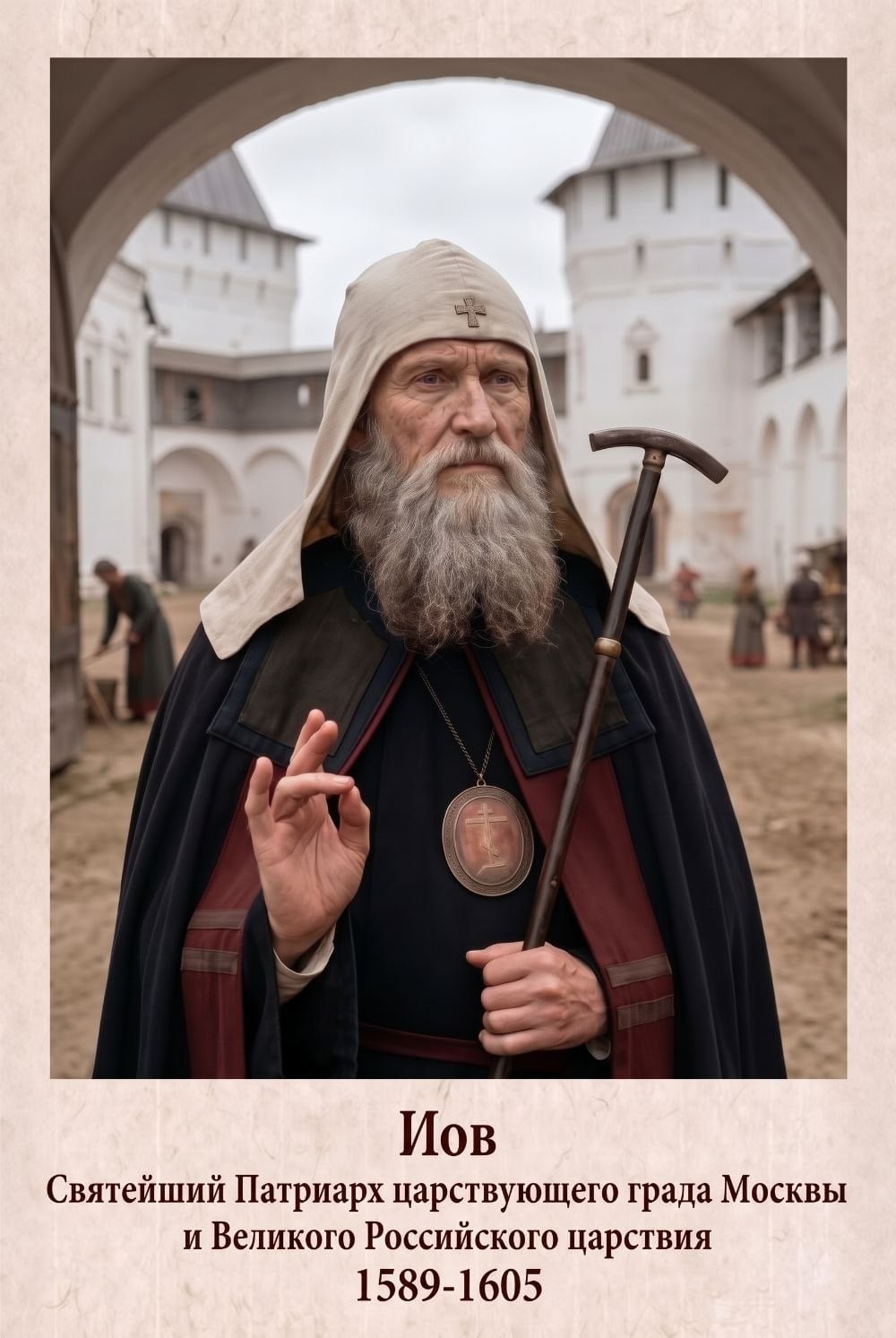
Some of Pavel’s images become standalone products. He creates information signs, house numbers, art posters, and religious icons, then prints and laminates designs for sale. He reported seven types of Fotor-made products listed on Avito.
He previously listed these products on Ozon for about a year and reported sales and positive reviews. He now focuses those product listings on Avito, while his Ozon store offers custom printing services.
Exploring advertising and design concepts
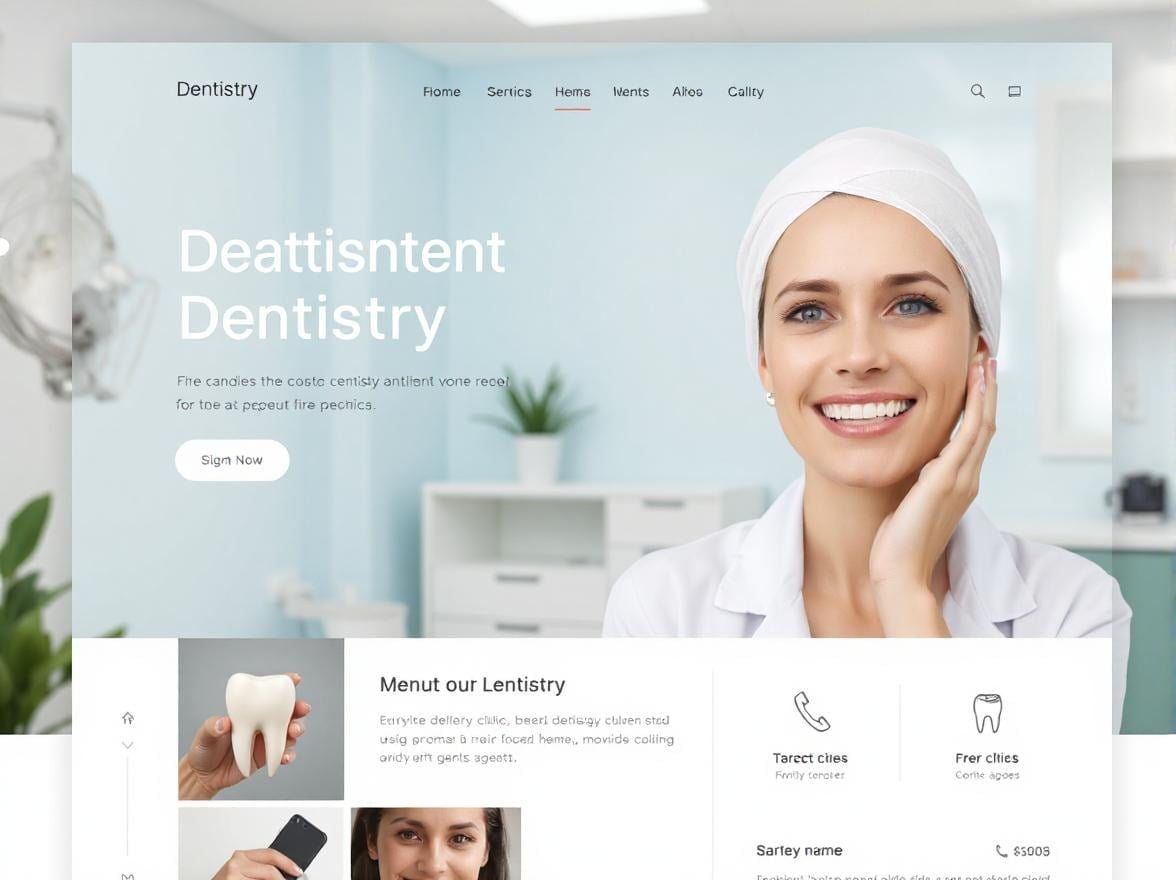
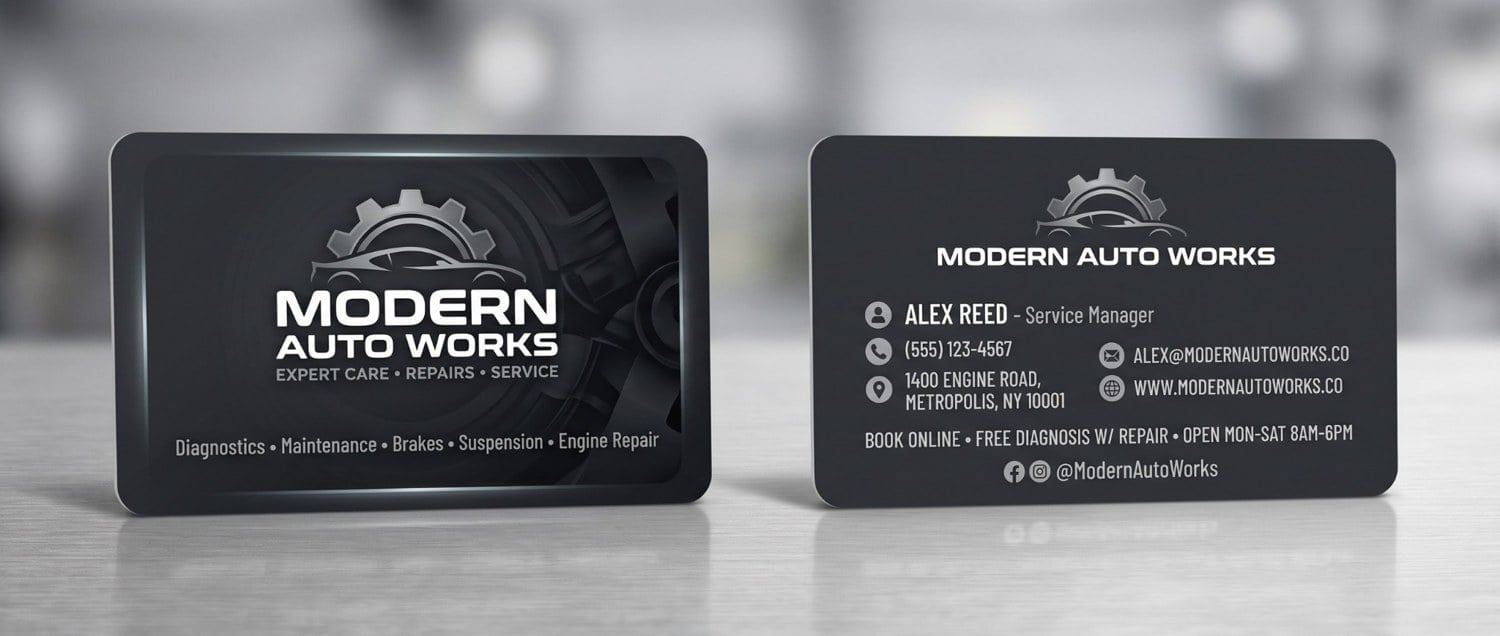
Alongside published content and items offered for sale, Pavel uses Fotor to explore what an idea could look like. His examples include a dental website hero-section prototype and a business card prototype for Modern Auto Works.
One toolkit for more of his everyday work
For Pavel, the value is in having several tools in one place. He can generate an illustration, resize an image for a web page, remove a background, replace an element, expand an image, or prepare a design for printing.
“Now I can offer more qualified services on freelance platforms.” — Павел Медведев (Pavel Medvedev)
His experience connects those capabilities to tangible work: articles illustrated, photographs edited, and designs prepared for sale. Fotor helps him create visuals around the needs of each project.
Explore Pavel’s Fotor profile ↗Note
Based on Pavel’s interview and the examples he supplied. Quotes and figures reflect his own experience at the time of the interview. Images include AI-generated artwork, edited photos, screenshots, and design prototypes, as identified in the captions.