Remove BG Like a Pro in Seconds
No tracing or manual editing needed. Upload your photos and let AI remove image backgrounds automatically with professional-looking results.


Remove background from any image online in seconds with Fotor AI background remover. Download clean, high-quality transparent PNGs for product photos, portraits, logos, and more.
✅️Free HD Download ✅️No Watermarks ✅️No Sign-Up Required

Upload or drop your image here

No tracing or manual editing needed. Upload your photos and let AI remove image backgrounds automatically with professional-looking results.
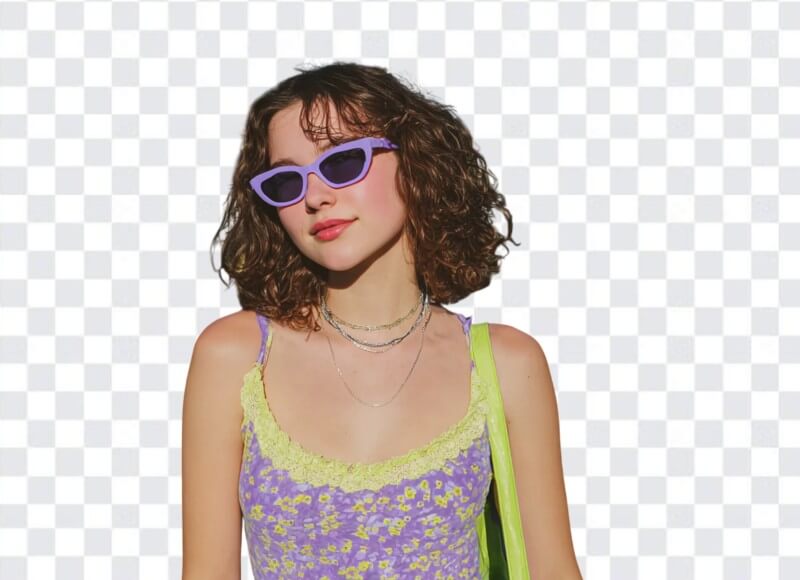
Accurately separate fine hair, fur, and transparent objects from the background. Get clean, accurate cutouts without losing quality or detail.
Create transparent PNGs, change backgrounds, and add text and effects to design professional visuals in one seamless editor.
Erase backgrounds from any type of image effortlessly. Fotor's AI photo background remover is designed to meet diverse personal and business needs. See it in action.
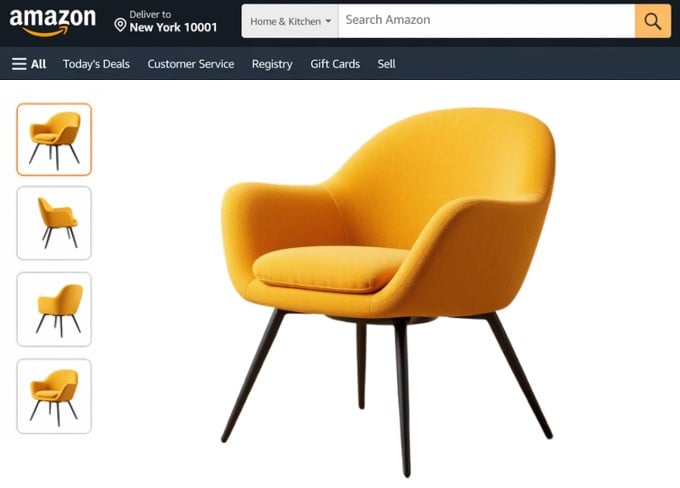
Selling on Amazon, eBay, or Shopify but don’t have the budget, time, or energy for professional product photos? Upload your raw product shots to remove backgrounds instantly. Add a white background to create clean listing photos with the main product clearly displayed for marketplace listings. Ideal for eCommerce sellers and online store owners. The fastest way to turn a product photo into a listing-ready image.
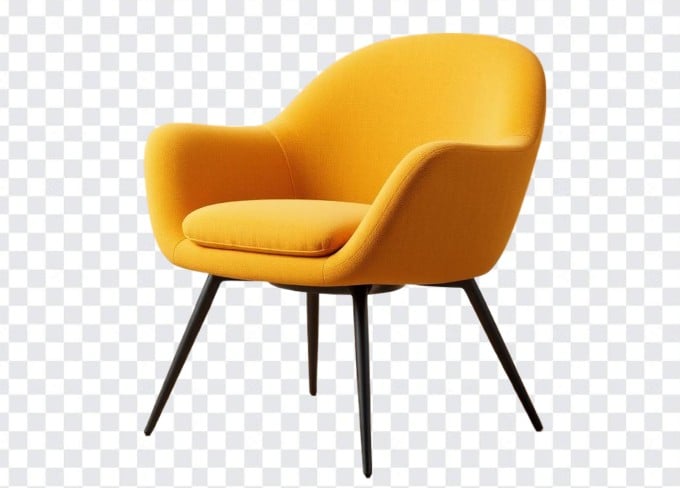
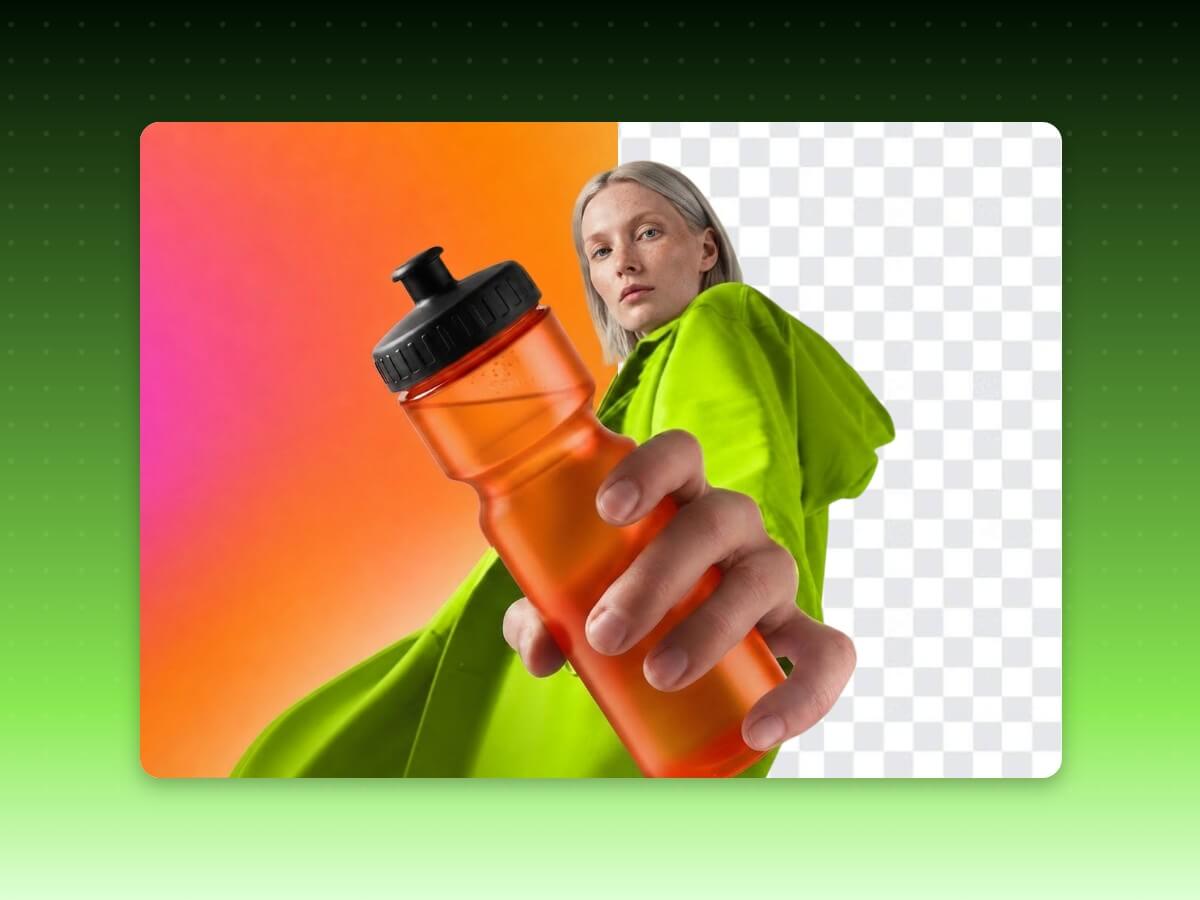
Gone are the days of manually cutting out backgrounds. Our free background remover automates the process entirely. Simply upload your image, and the AI automatically detects the main subjects and removes the background in seconds. You’ll get a high-quality, transparent PNG image with a clear background to use anywhere. No tracing or masking required. Replace repetitive manual editing and remove backgrounds efficiently with AI.
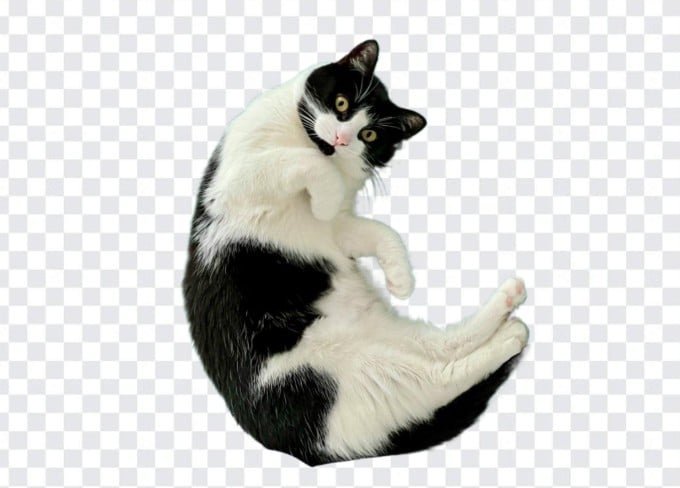
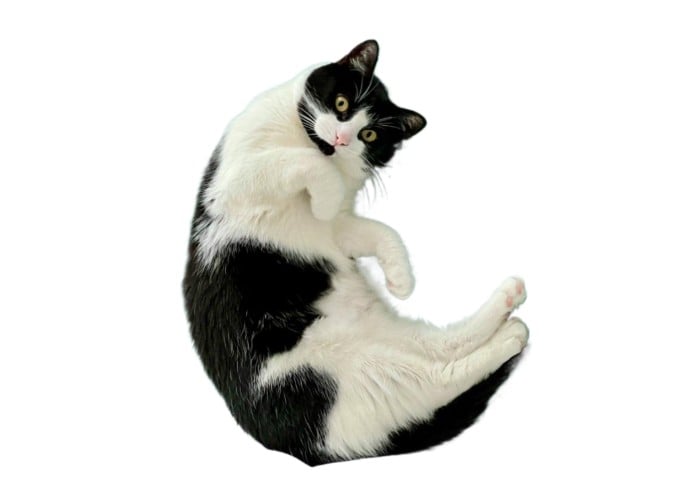
Tried cutting out a photo of your dog but ended up with a fuzzy halo around the fur? No more jagged edges or blurry results. Built on deep neural networks trained with millions of images, Fotor bg remover can handle various tricky scenarios with precision. From fine animal fur and flyaway hair to semi-transparent fabric, subjects with similar colors to the backgrounds, and more. If you want to fine-tune anything, use the intuitive magic brush tool to easily erase or add back elements with pixel-level precision. Get flawless photo cutting without the hassle.
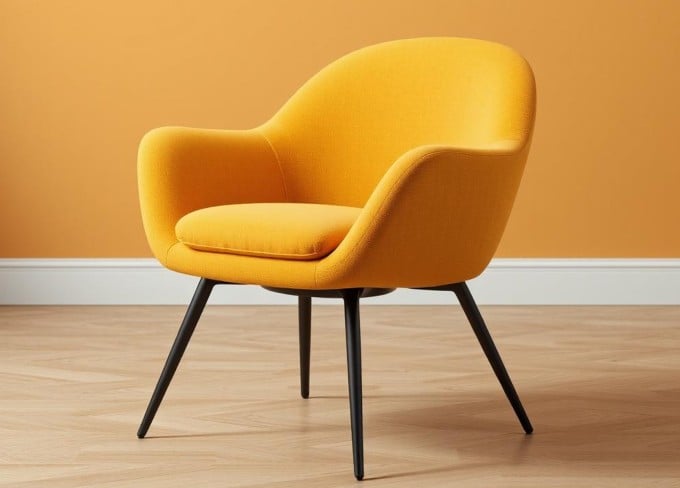
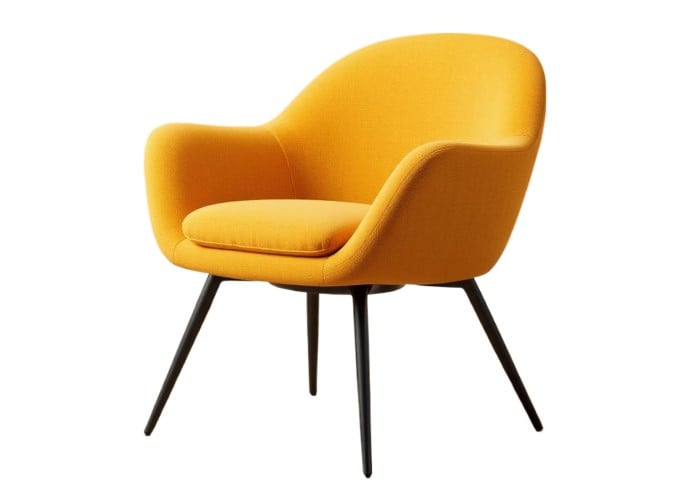
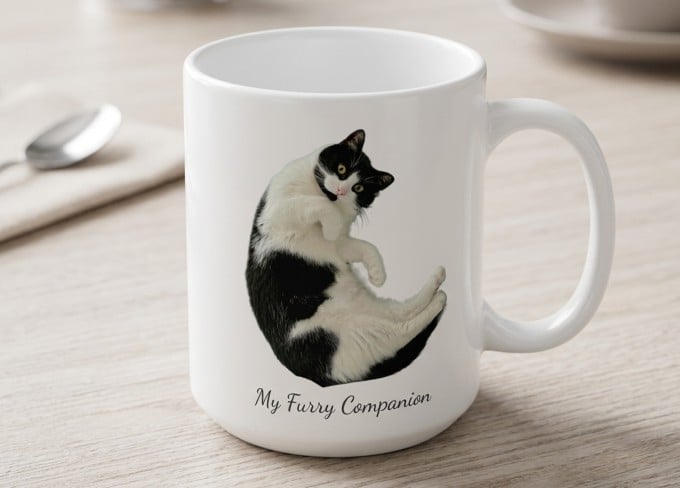
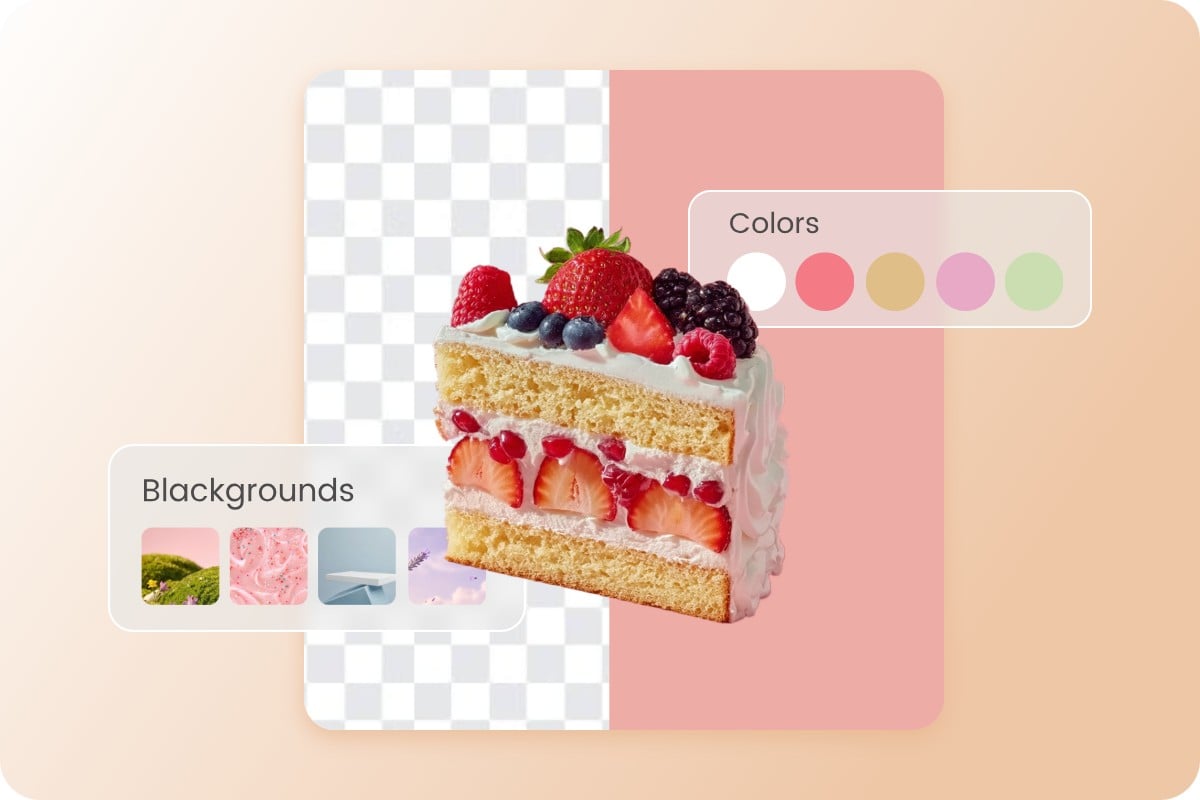
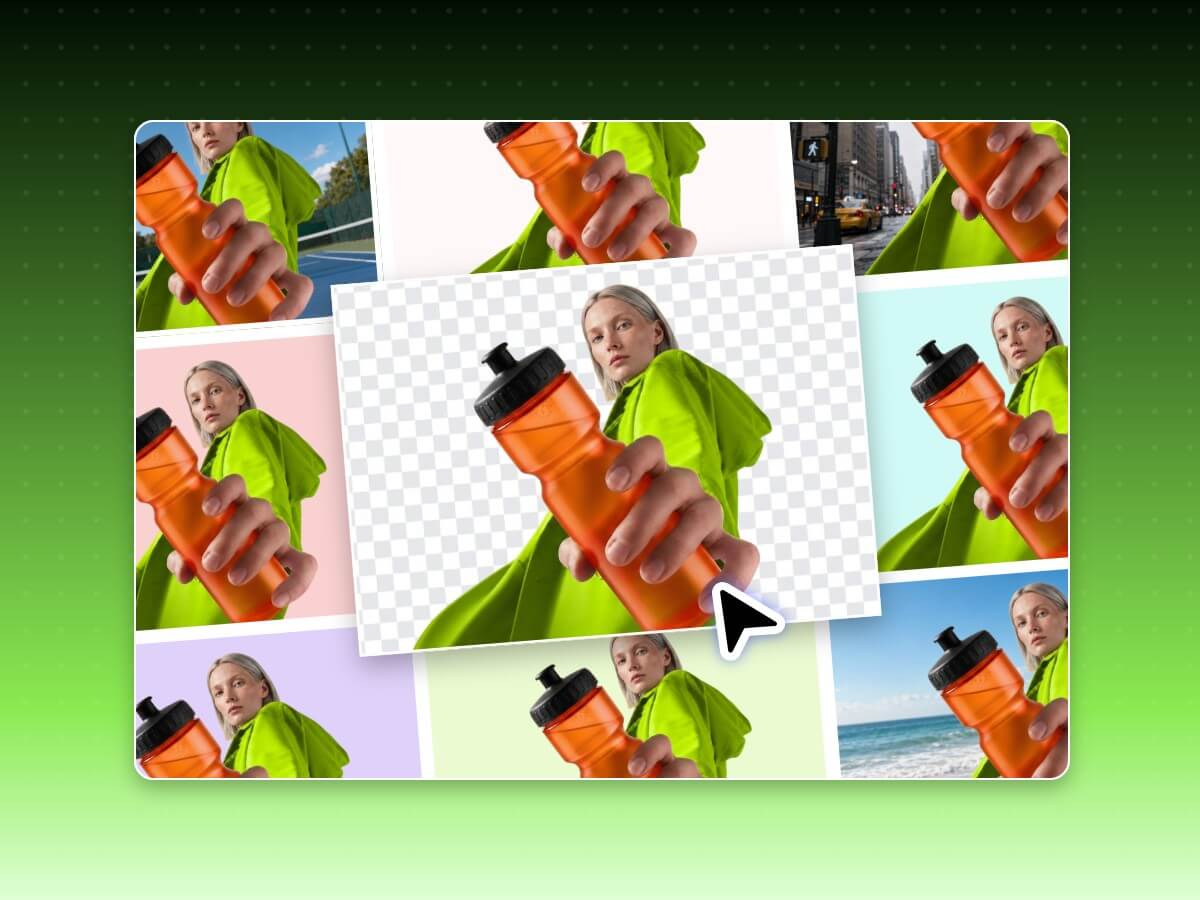
Do more than just make backgrounds transparent with Fotor. After deleting backgrounds, customize the image background exactly how you want it. Export as a transparent PNG for flexible design use. Add a white background for online marketplaces. Or change the photo background with your custom backdrop. You can even describe a scene to create realistic, high-context AI backgrounds, such as a marble studio, lifestyle living room, or a funny outdoor setting. Explore endless possibilities with our image background remover.
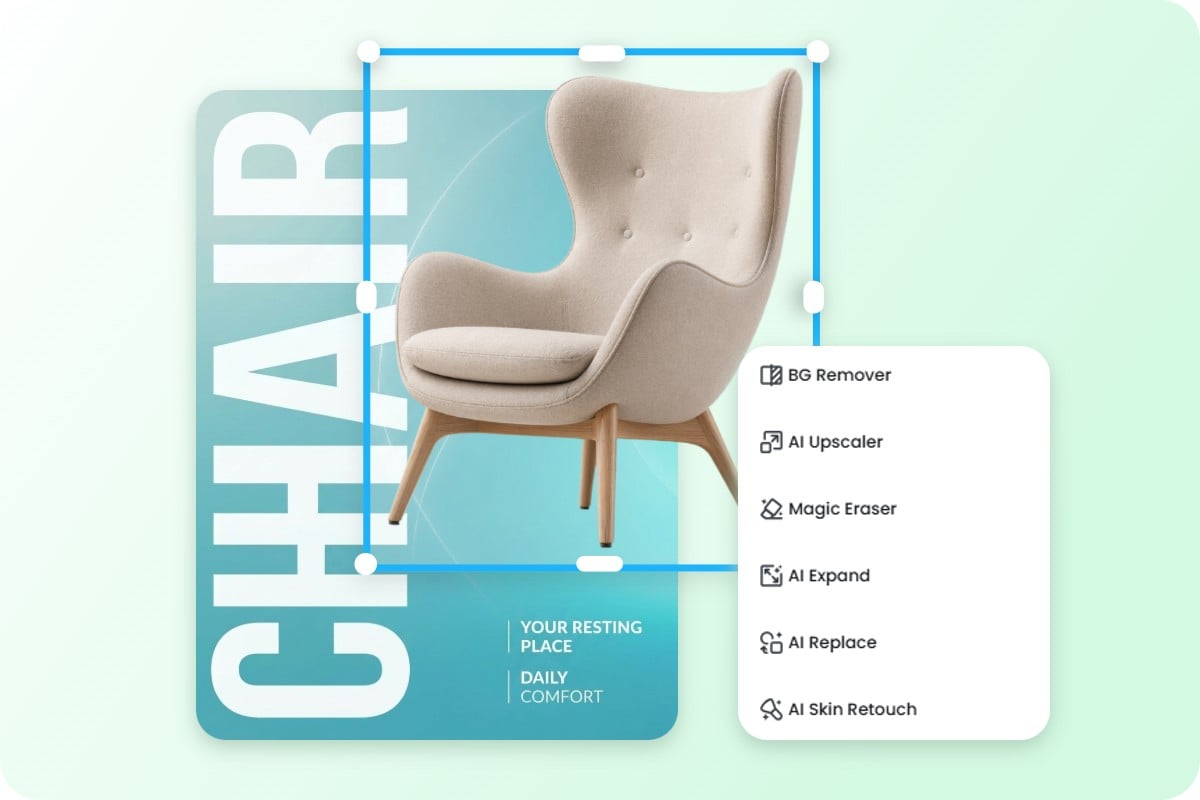
Why stop after removing the background? Fotor offers a comprehensive editing experience. Instantly add borders and outlines to turn your cutout into a die-cut sticker, add custom backgrounds, text, filters, and overlays to create a product poster faster with preset poster templates, or enhance image quality and upscale resolution for printing—all in one place. No need to export files or switch between multiple tools. Everything you need to create professional visuals in one seamless workflow.
Managing an e-commerce store or running a creative agency that needs to remove image backgrounds in bulk? Upload your entire catalog, and our AI removes backgrounds from up to 50 images per batch. Instantly apply the same background setting—transparent, white, or custom—across your entire set. For developers and businesses, integrate our background remover API directly into your own workflow to process hundreds of images at once. Streamline your e-commerce and creative workflows.
Upload any image from your device to get started. Fotor image background remover supports JPG, JPEG, PNG, WebP, HEIC, and HEIF files up to 40 MB.

Best in category software for editing background. I use it to remove background or for changing it.
The AI background removal is a fantastic feature that allows me to easily remove and change backgrounds, saving me time and making my edits more creative.
It helps in editing the photo in few clicks and has online editing with background remover. I like editing my pics in the tool.
Easily remove backgrounds from images on desktop, tablet, or mobile. Try our desktop application or background remover app to edit anytime, anywhere.
Remove backgrounds from photos online for free without sacrificing image quality or fine details.
Your images are processed securely and never shared with any other party. Stay private and secure from upload to download.
Yes, Fotor image background remover is free to use with no sign up needed. Simply upload your photo, and let Fotor work its magic. You'll have a clean and polished transparent image in no time.
Fotor background remover supports almost all major image formats, including JPG, JPEG, PNG, WebP, HEIC, and HEIF images. You can upload files up to 40 MB with a maximum resolution of 8192 × 8192 pixels.
Yes, you can remove backgrounds directly from your phone using Fotor in your browser or with our background remover app. Enjoy the flexibility to remove the background of a picture on iPhone, Android, and tablet devices.
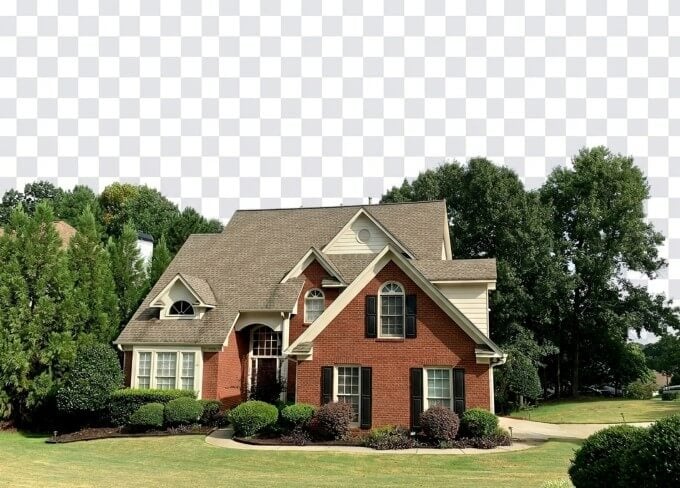
Our background remover is versatile and works on a diverse range of images. From portraits and animals to cars, logos, real estate, product photos, and digital art, our tool ensures seamless background removal across various subjects and creative projects.
It’s easy to remove backgrounds for passport photos. Upload your photo and Fotor's AI will intelligently recognize your portrait and remove the background automatically, with clean edges around hair and facial features. You can then add a plain white or solid-color background to meet most passport, visa, and ID photo requirements.
No. Fotor preserves the original image quality during background removal. No blur, compression, or detail loss. If your original photo is low-quality, you can use the built-in AI photo enhancer to improve and upscale the image to a higher resolution.
Making an image transparent using Fotor background remover is a straightforward process.
1. Upload the image you want to make transparent.
2. Fotor background remover will automatically detect the subject in your image and separate it from the background with a transparent background.
3. After removing the background, click on the "Download" button to download your transparent image as a PNG file.
That’s it! Making image backgrounds transparent can be used for various applications, such as creating transparent logos, product images, or overlaying images on different backgrounds.
Fotor simplifies the process of removing white backgrounds from images. Just upload your picture, and within moments, Fotor automatically detects and removes the white background. No manual editing needed. You can get clean, transparent images for your projects instantly.
With Fotor background remover, you can seamlessly change the background of a photo in just a few clicks. Simply upload your image, and let Fotor remove the existing image background automatically. After removal, choose a new background from Fotor’s library or upload your custom backdrop from your computer. If you’re satisfied with the result, click “Download” to save your photo with the updated background to your device.
Yes. Fotor supports batch background removal. You can remove backgrounds from up to 50 images at once. It's perfect for eCommerce sellers, photographers, agencies, and businesses.