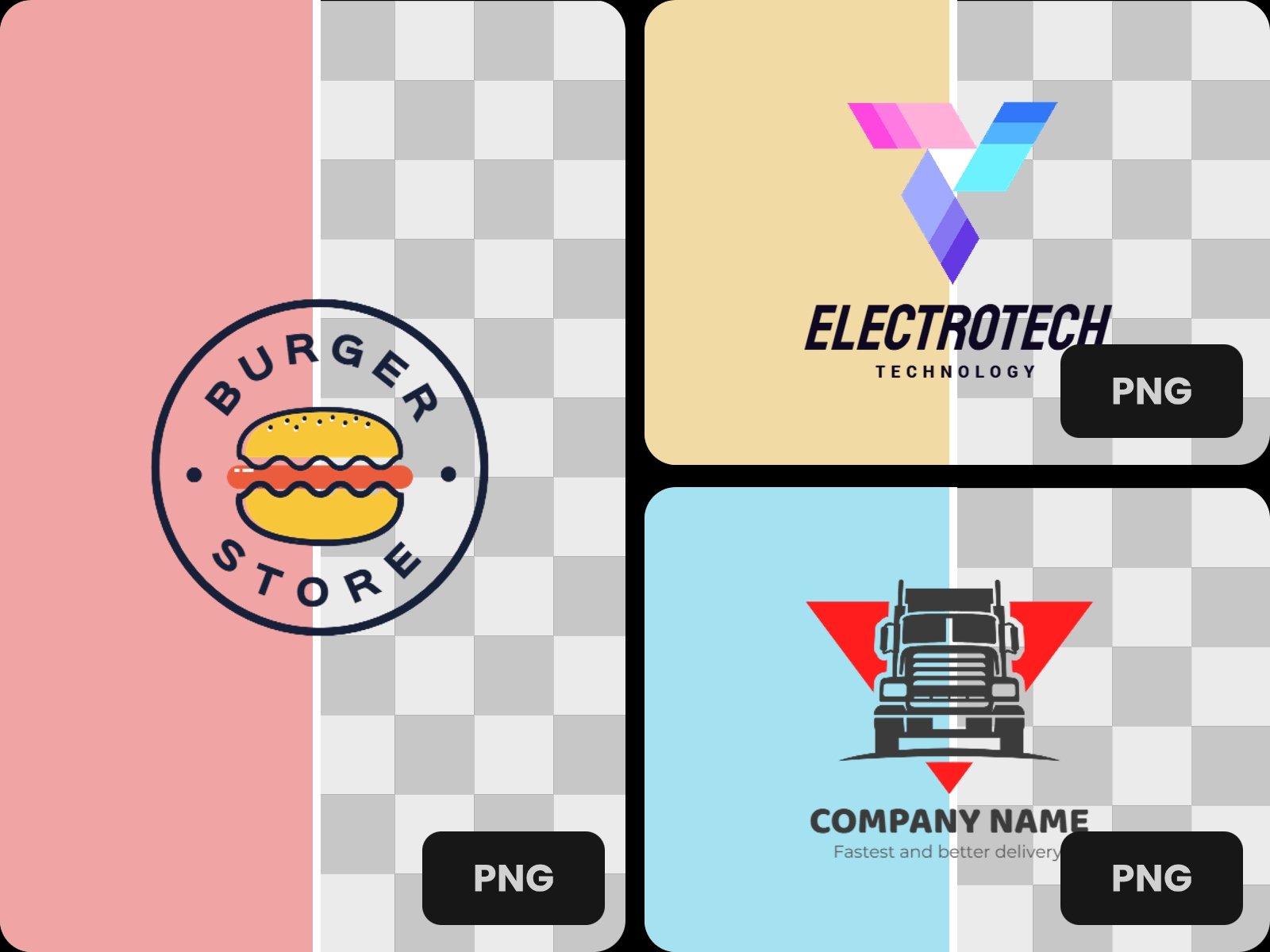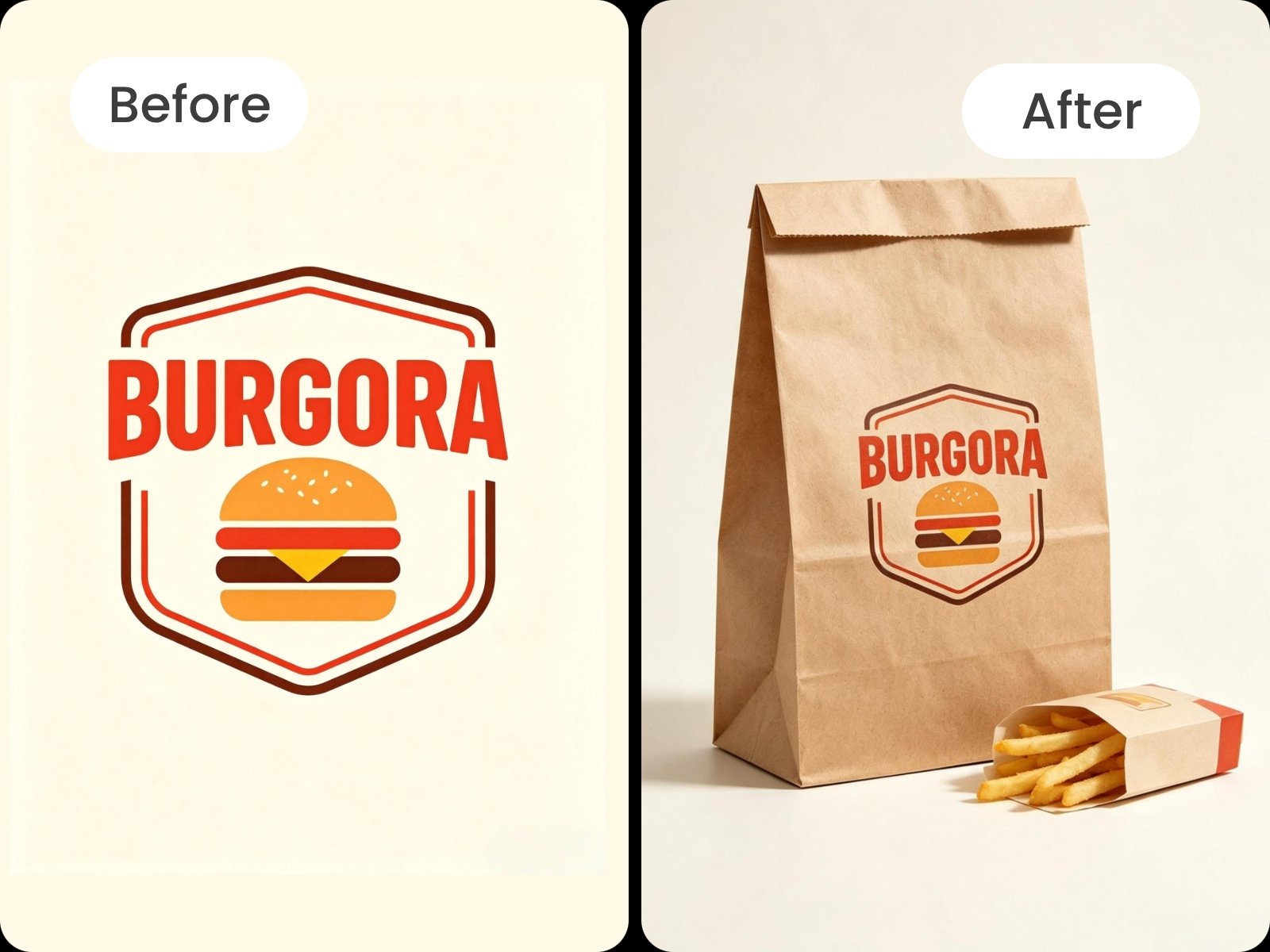


No Manual Tracing Needed
Use Fotor's free logo background remover to remove background from logo images automatically—no tracing or manual editing required.


Remove the background from your logo and make it transparent in seconds for free. Upload your image to create a clean logo with a transparent background, ready for websites and designs, with no sign-up required.

Upload files up to 60 MB and 8192 × 8192 px

Upload files up to 60 MB and 8192 × 8192 px
Use Fotor's free logo background remover to remove background from logo images automatically—no tracing or manual editing required.
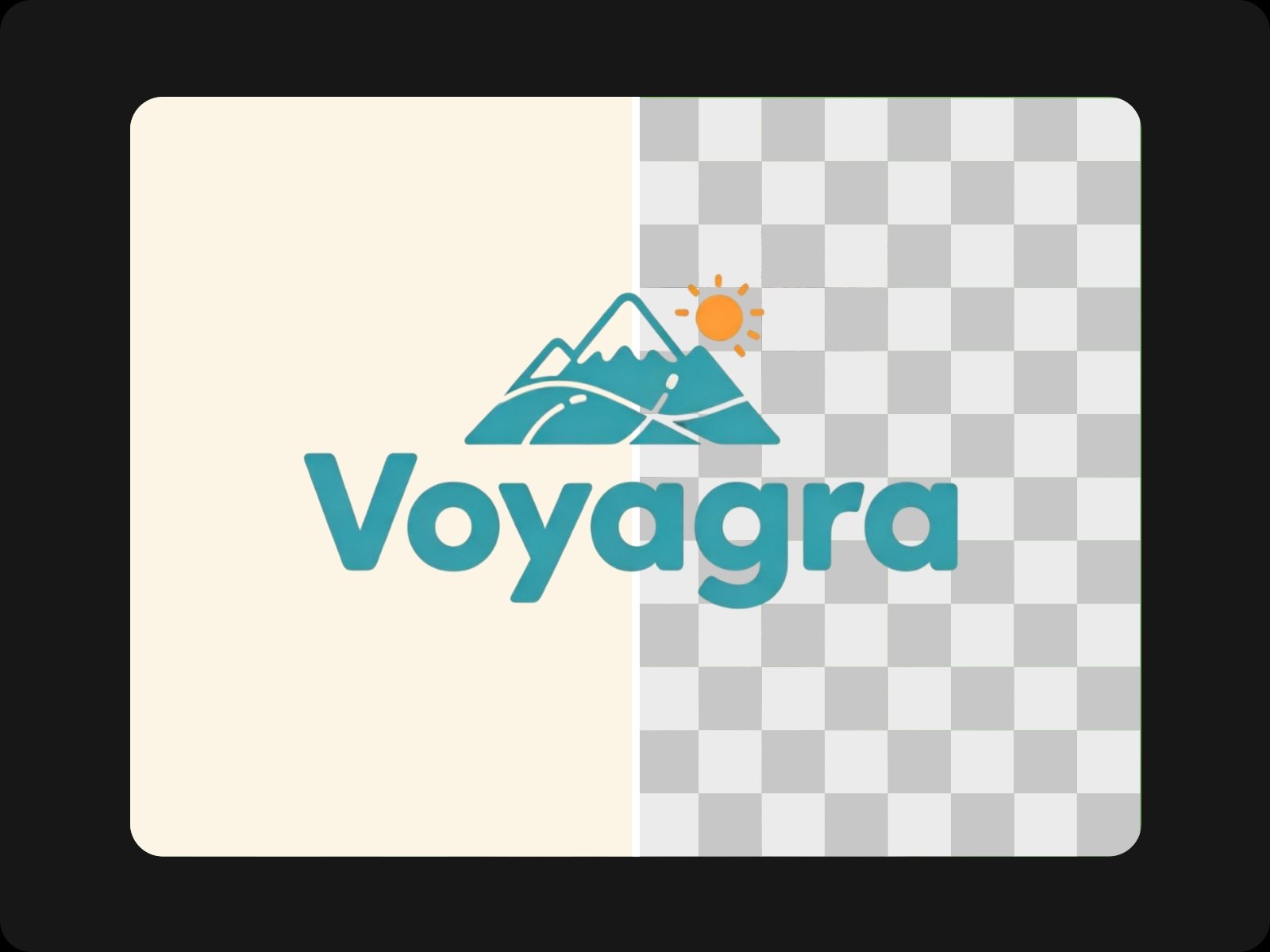
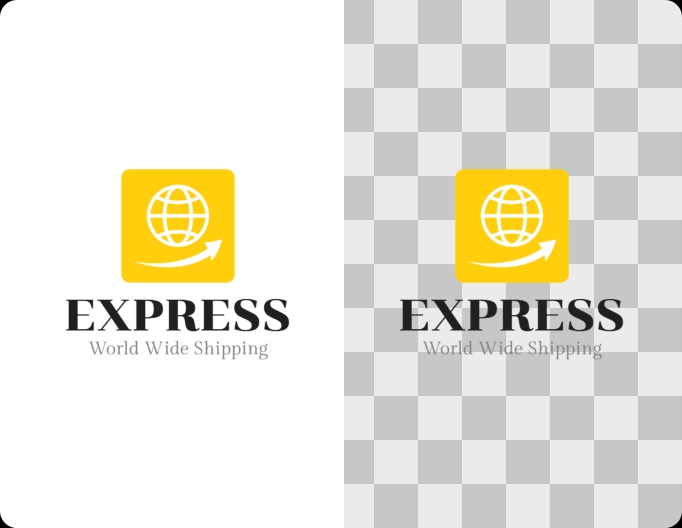
Remove white or unwanted backgrounds while keeping your logo text, icons, and edges clean.
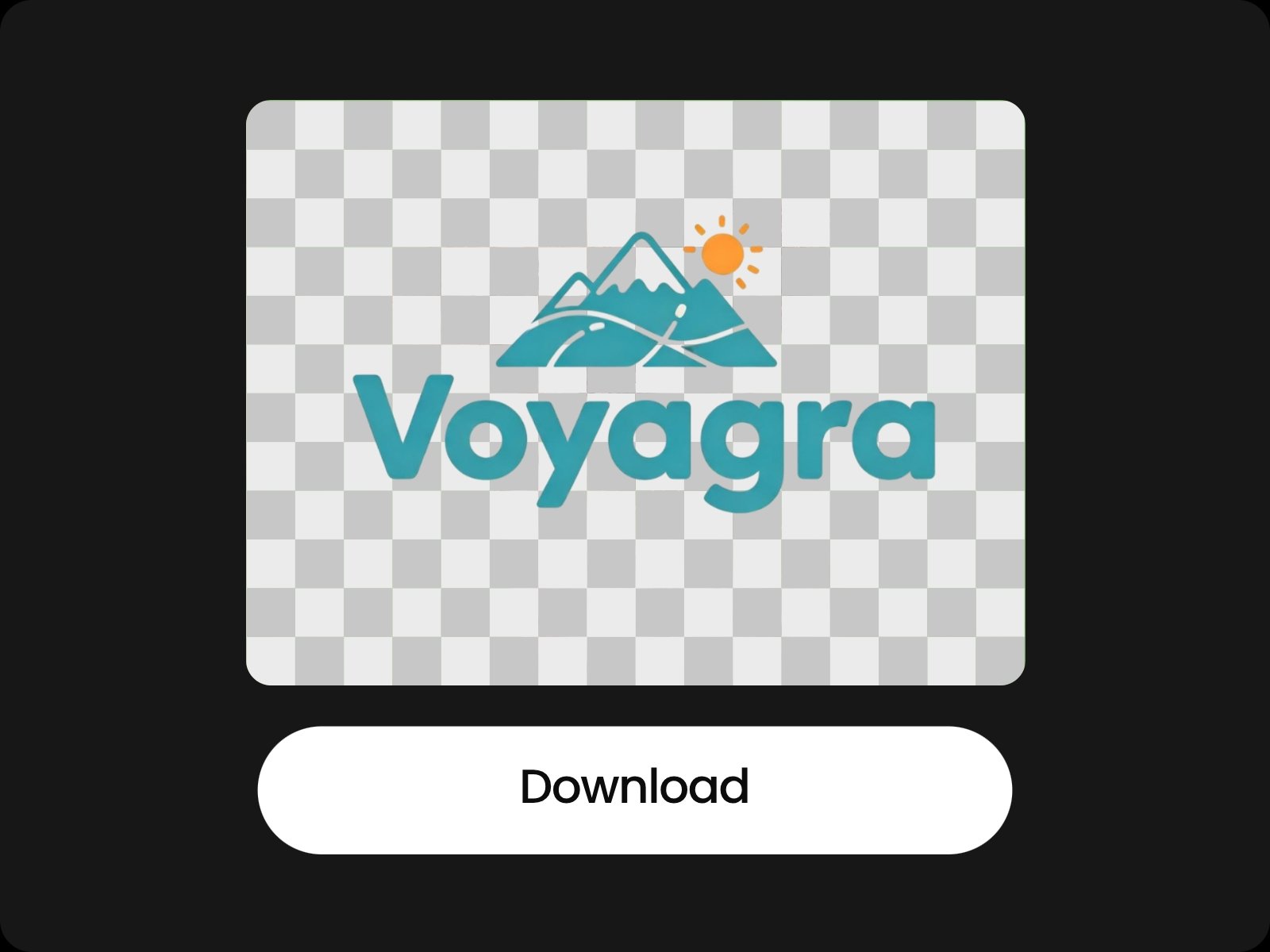
Make your logo transparent and download it as a PNG with no background, ready to use in any design.
Upload the logo image you want to remove the background from.
Remove backgrounds from logo files, solid colors, or other unwanted backgrounds without manually cutting out the design. Whether you need to remove a white background from a logo, change the background color of logo images, or cut out a logo from a picture, Fotor free logo background remover helps you create a clean logo cutout while keeping the original design.
Remove the picture background for free without manually tracing around the design. Fotor’s logo background remover can clear the surrounding background and leave you with a logo without background. It works well when you need to remove a logo from a picture, extract a logo from an image, or create a transparent logo for further editing, with no sign-up required.
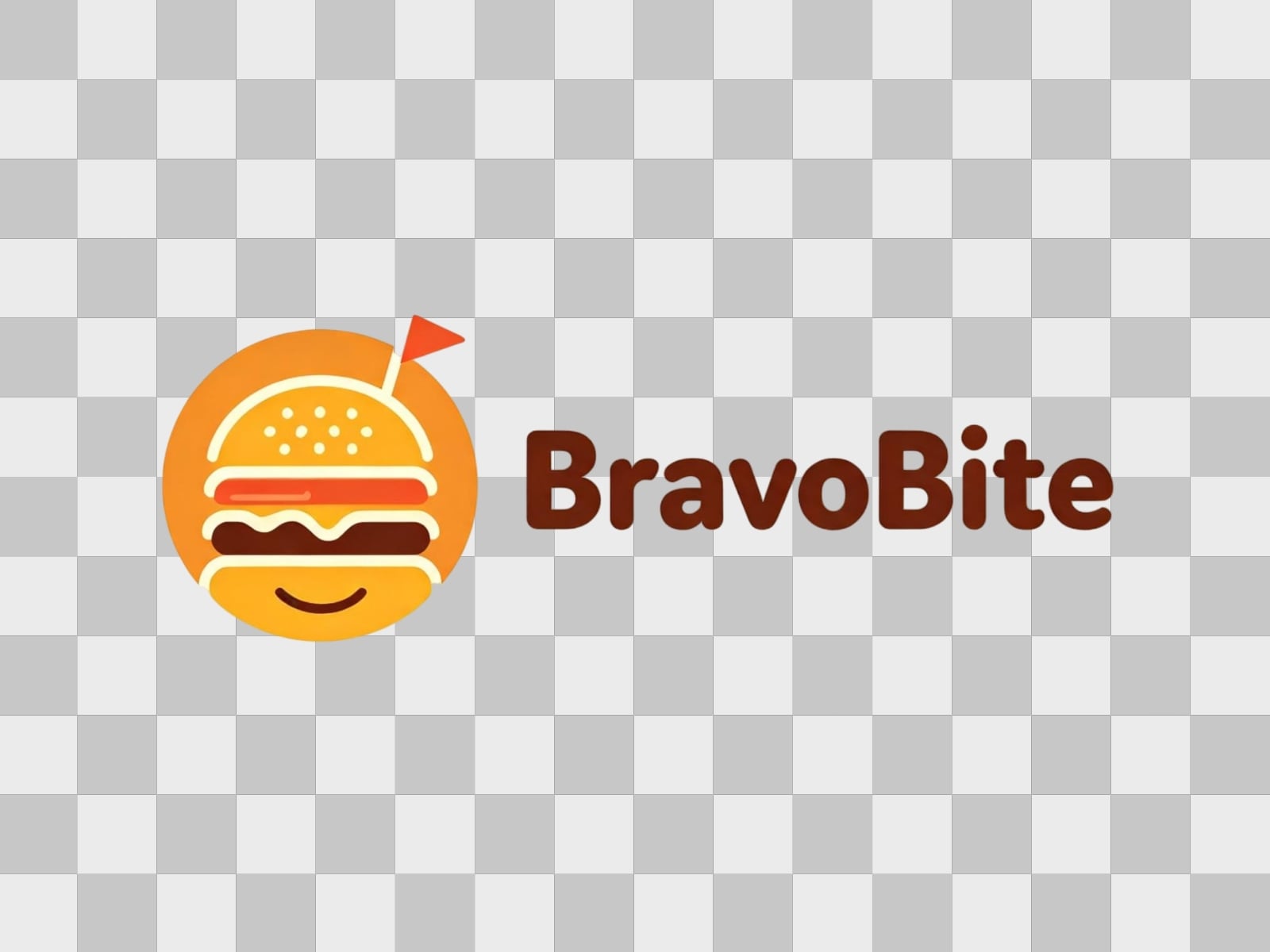
Turn a logo with a background into a transparent PNG that is easier to use across different designs. After removing the background from your logo, download a logo with transparent background instead of a solid white or colored box. PNG transparency makes it simple to add your logo to websites, images, documents, and other digital assets.
Use your logo without a background across websites, product images, social posts, presentations, business cards, and other marketing materials. Once you remove the background from a logo, you can place the transparent logo over different colors and images without a visible box. This makes transparent background assets easier to reuse across your marketing content.

Best in category software for editing background. I use it to remove background or for changing it.
The AI background removal is a fantastic feature that allows me to easily remove and change backgrounds, saving me time and making my edits more creative.
It helps in editing the photo in few clicks and has online editing with background remover. I like editing my pics in the tool.
Yes. You can use Fotor's logo background remover for free directly on this page without sign-up. Upload your logo and remove the background without being redirected to another page or required to log in.
A white box usually means the original background is still part of the image. Make sure you are using the background-removed result rather than the original logo file, and download it as a PNG to preserve transparency.
Transparent logos can reveal light edges, shadows, or background colors that were not obvious on a white canvas. Check the logo against both light and dark backgrounds before using it in your final design.
Use PNG when you need a transparent logo. JPG does not support transparent backgrounds, so saving a logo as JPG will add a solid background instead of keeping the transparent areas.
Yes. A transparent PNG logo can be placed over a website header, hero image, colored section, or other background without showing a white or colored box around the logo.
A transparent PNG can work for some digital and basic print materials, but professional printing often requires a vector logo such as SVG, EPS, or PDF. Keep the original vector file when you need to scale the logo for large-format printing.
You can remove the background from a low-resolution logo, but background removal does not automatically recreate missing logo details or turn a blurry image into a true vector file. For the cleanest result, start with the highest-quality logo image available.
You can use the screenshot as the source image and remove the surrounding background. For better results, crop out unnecessary parts of the screenshot first and use the highest-resolution version available.