

Free AI Image to Video Generator
Turn photos into dynamic videos online with Fotor’s free AI image to video generator. Bring your images to life in seconds, creating engaging and shareable videos for memories, social media, business promotion, and creative projects—no editing skills required.

This site is protected by reCAPTCHA and the Google Privacy Policy and Terms of Service apply.
Brands That Trust Fotor





Why Choose Fotor’s Image to Video AI Generator
![High quality and natural video icon]()
High-Quality & Natural
Powered by advanced AI algorithms, our tool transforms images into high-quality, natural-looking videos with smooth and realistic motion.
![Advanced AI generation models]()
Multiple AI Models
Multiple advanced AI models support different image-to-video generation needs, giving you greater creative flexibility.
![auto audio generation icon]()
Auto Audio Generation
Auto audio generation is supported by most AI models, adding voiceover to your videos. You can also create custom video music with Fotor’s AI music generator.
![Easy to use]()
Easy to Use
No video editing skills required—anyone can easily turn images into videos with our image to video AI generator.
![cross device support icon]()
Cross-Device Support
Create videos from images anytime, anywhere—on browser, desktop, or Fotor’s mobile app.
![Secure icon]()
Privacy & Security
We ensure secure processing of your images and videos with strict privacy protection and no data sharing.






Turn an Image into a Video with AI
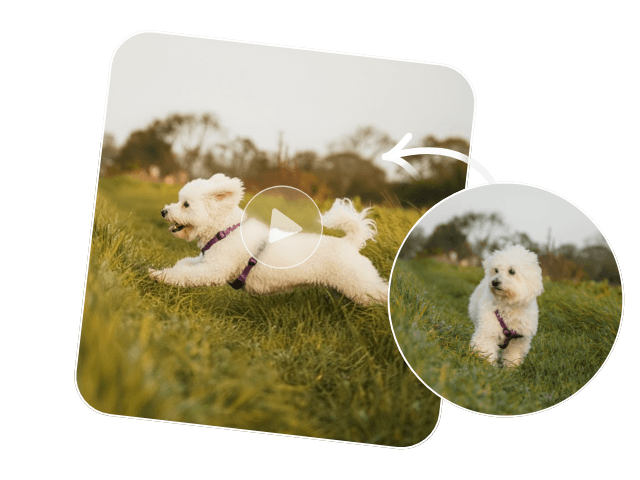
Want to turn your photos into stunning videos? Just upload an image and describe your idea—our AI image to video generator will turn it into a smooth, dynamic video in seconds.
Some AI models support keyframe generation, allowing you to set a first and last frame to create a smooth transition video with greater creative control and storytelling power.
Create a Video from Multiple Photos
A set of photos can also be turned into a complete video story. You can use 1–7 images, including people, scenes, props, and other elements, and add a prompt for each image. Our AI photo to video generator will intelligently organize them into a coherent video with smooth camera movement, changing perspectives, and consistent scene transitions.
Animate Images using AI Video Templates
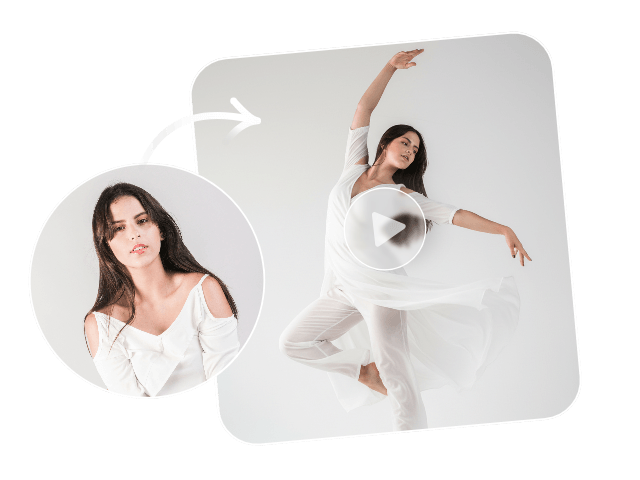
There are many ways to animate images, and Fotor’s AI video generator provides a wide range of trendy and viral AI video templates. For example, dance, outfit change, hairstyle change, cinematic effects, brand showcases, style transfers, and more. Simply choose a template you like and upload your photo—our tool will automatically animate it into a dynamic video.
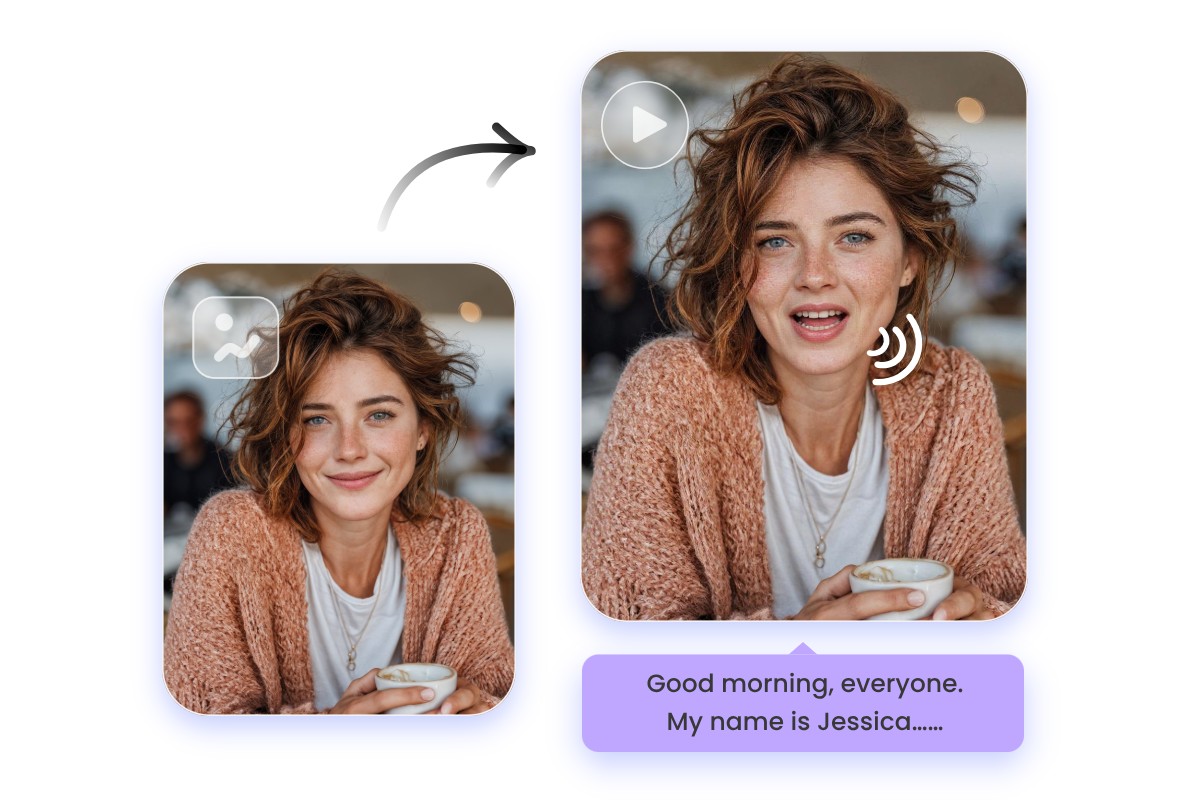
Make Lip-Sync Talking Video from Photo
Our AI image to video tool also supports various ways to bring images to life. You can easily create a talking photo or generate a lip-sync video with natural voice and realistic mouth movements. For more advanced motion, you can also try the magic sync feature to make the person in your image follow the actions from a reference video.
Bring Your Photos to Life for Any Use
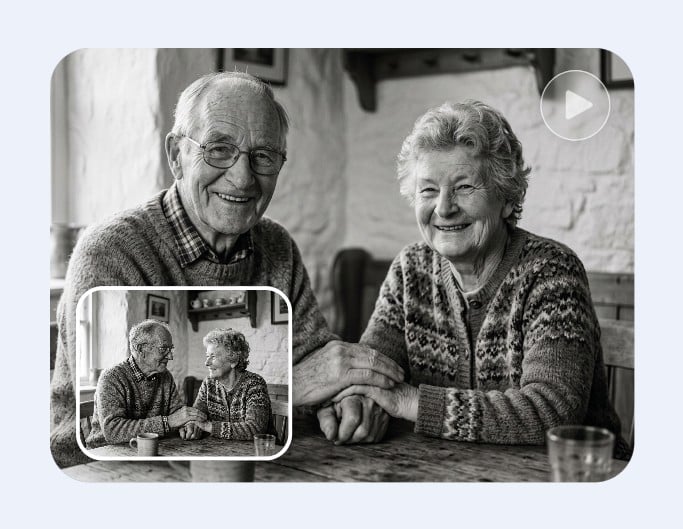
Revive Memory
Bring your old photos to life by animating them into short, flowing videos—perfect for reliving family moments or special memories.
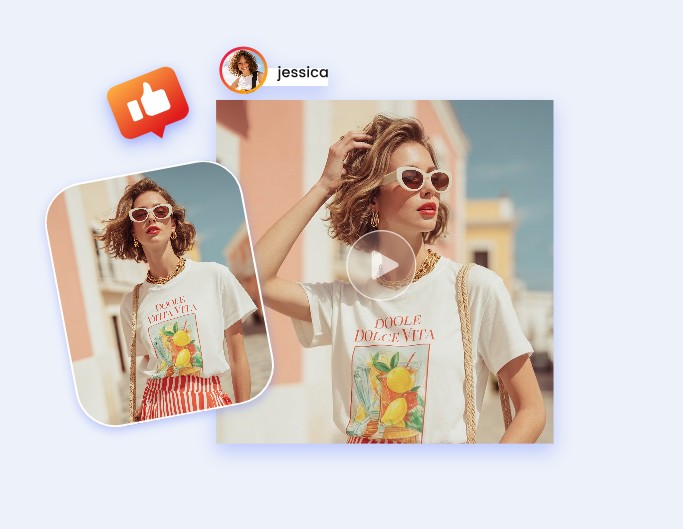
Social Media Share
Animate photos into playful GIFs or meme-style videos that are perfect for sharing humor or reactions online.
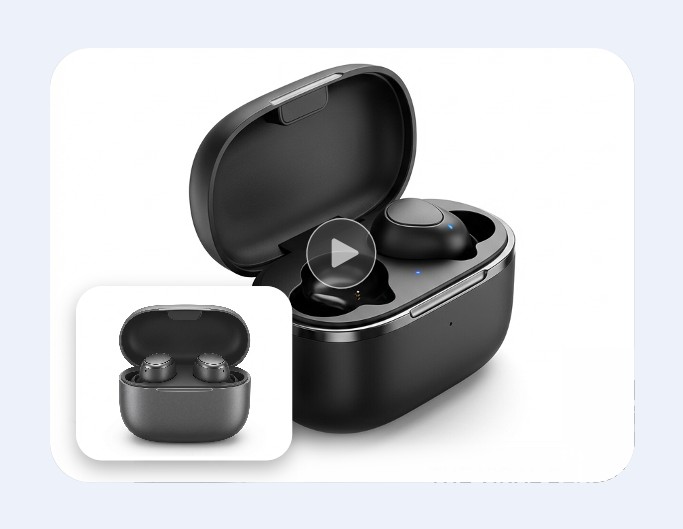
Promotion Video
Turn product images or brand visuals into dynamic clips that highlight features, promotions, or campaigns in an engaging way.
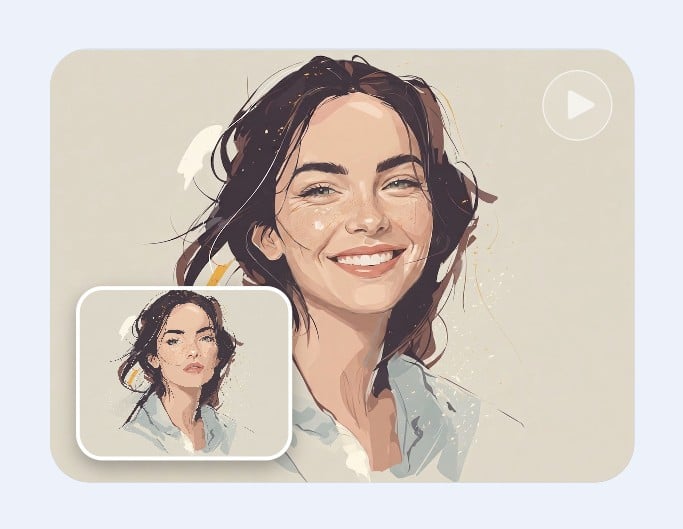
Creative Project
Transform any image into artistic videos for personal projects, storytelling, or experimental visual creations. You can even use our draw to video tool to bring sketches to life.
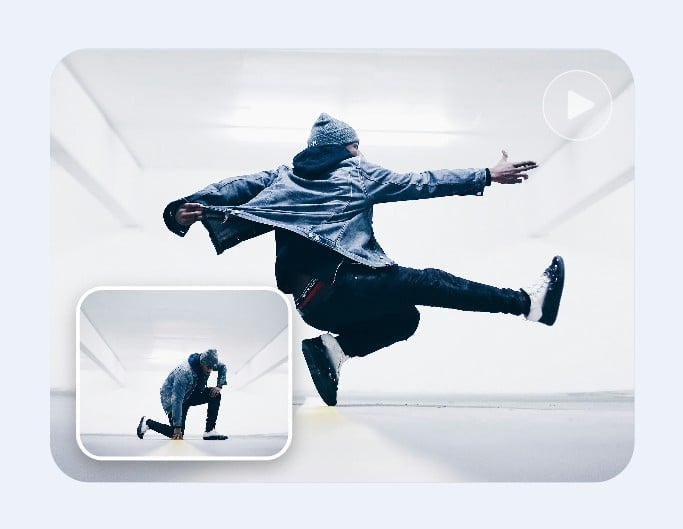
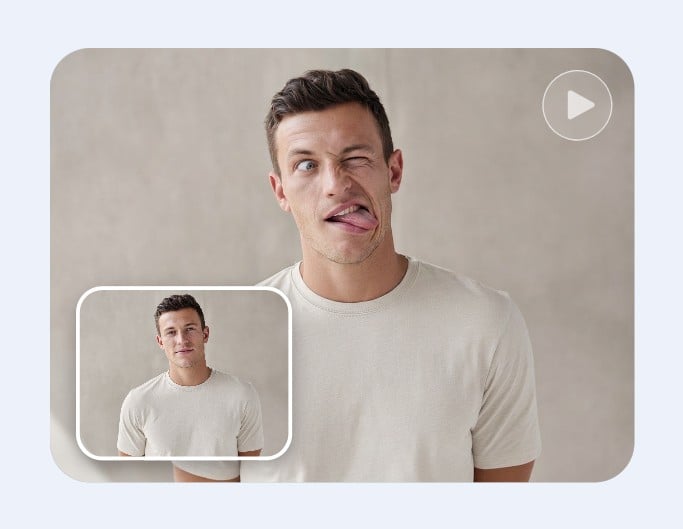
GIF & Meme
Animate photos into playful GIFs or meme-style videos that are perfect for sharing humor or reactions online.
How to Create Video from Image using AI
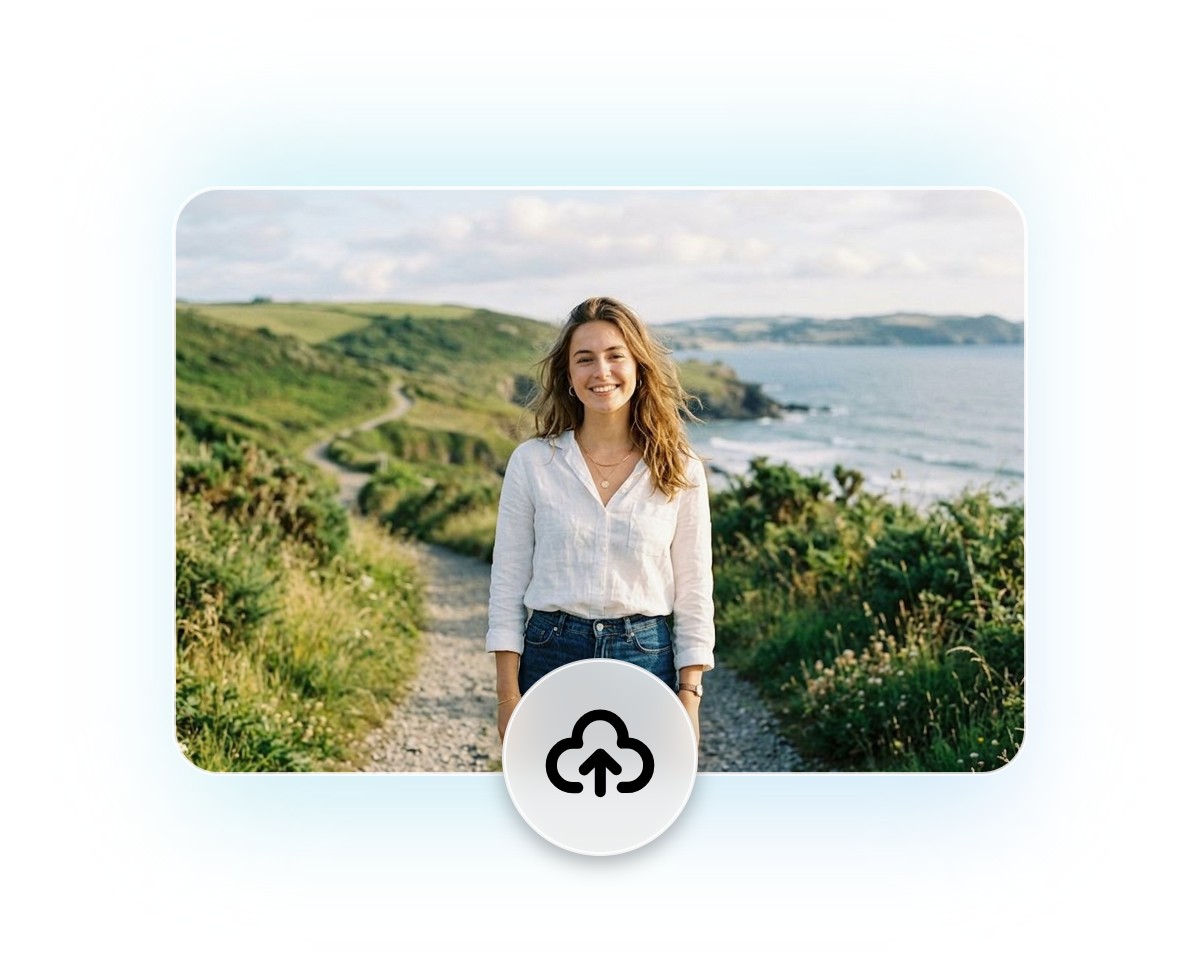
Upload Your Image
Upload your image to our AI image to video generator. Then, continue in Image to Video mode to start creating your video.
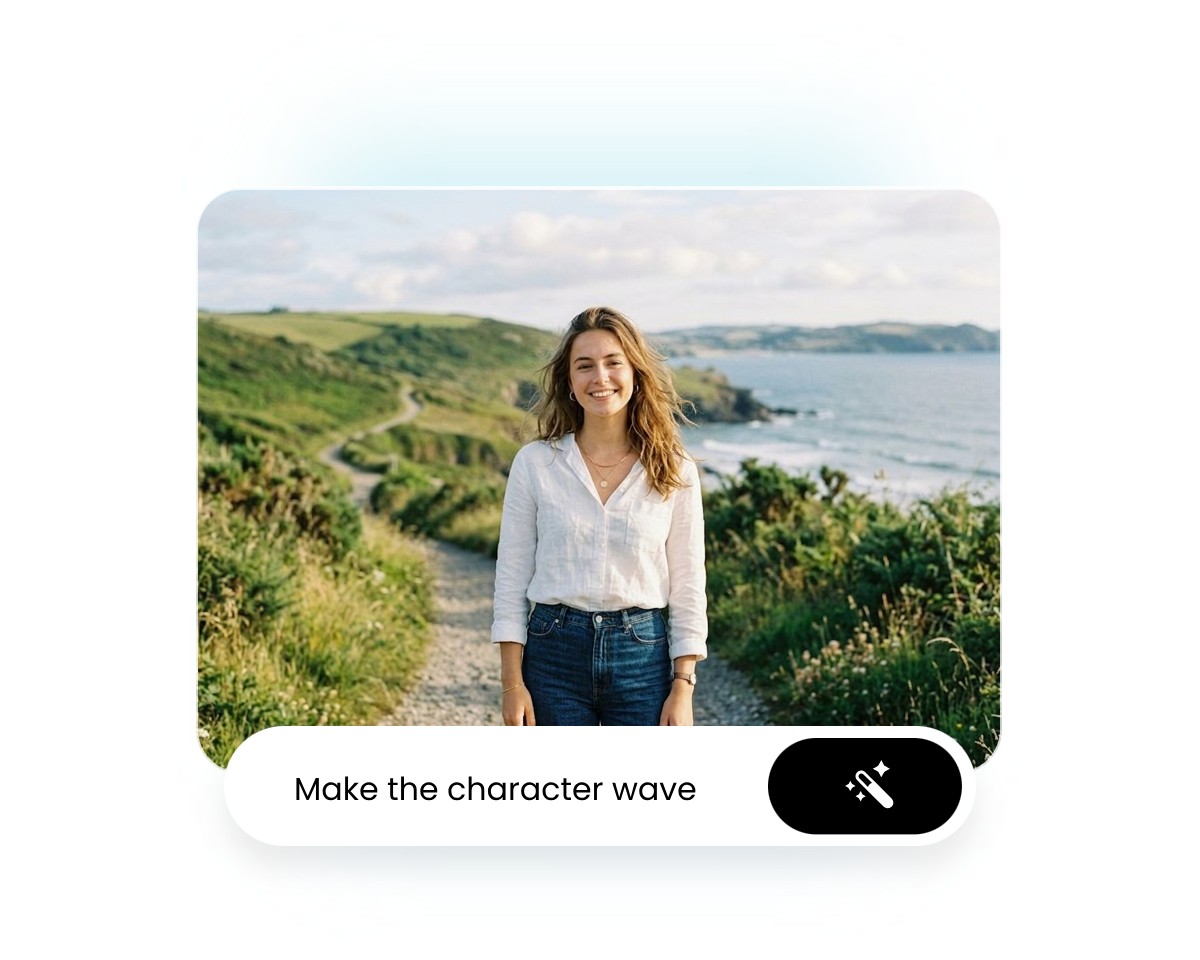
Describe Your Idea
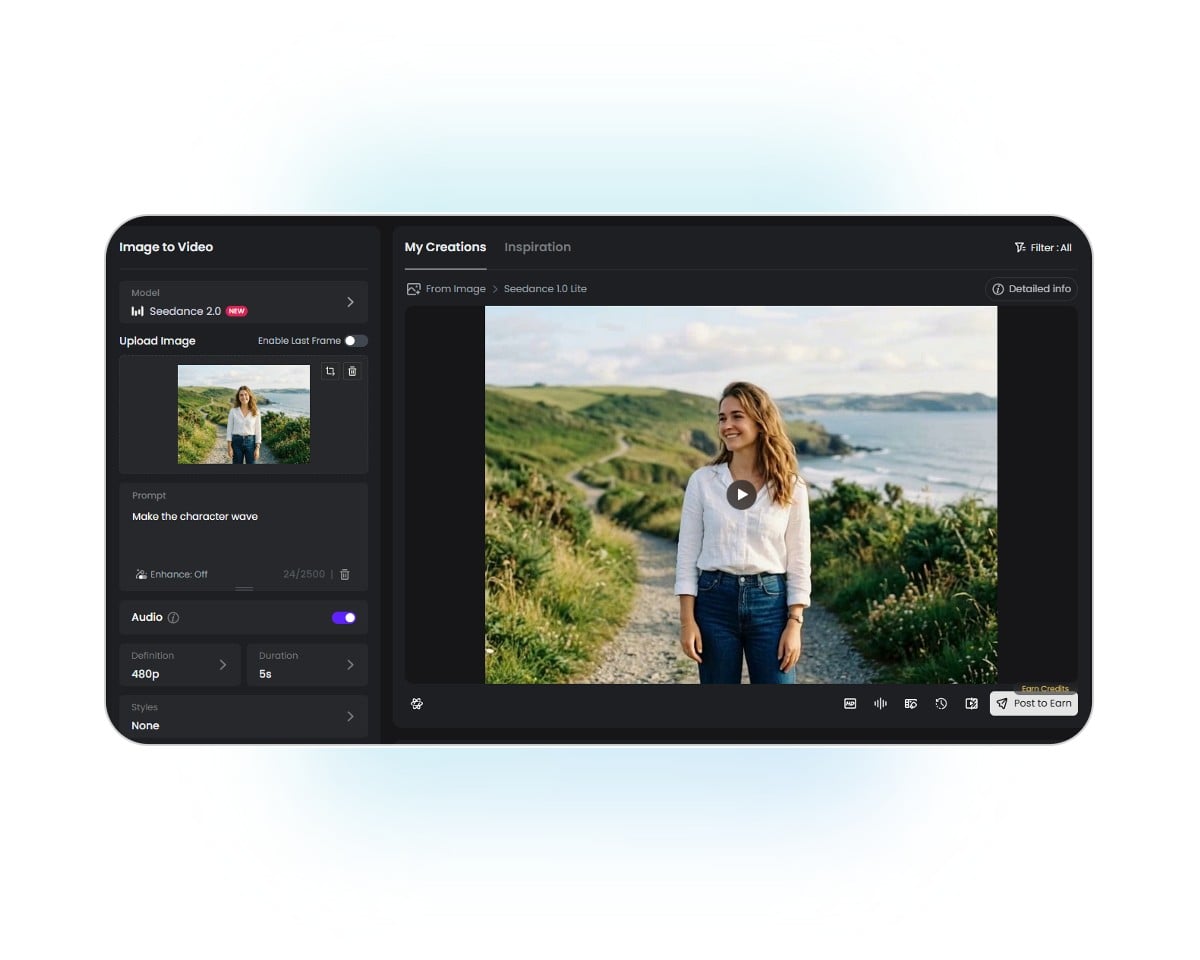
Customize Settings
Generate & Download
Fotor AI Image to Video Generator Reviewed By


Video creation is often a complex and professional process, but Fotor simplifies the steps. You simply need to describe your creative ideas in written form and select your preferred style. AI will automatically analyze and generate a video you’ll be satisfied with.

Fotor’s AI video generator is a tool designed to transform users’ text descriptions or imported photos into short video clips. This tool gives users an intuitive interface with easy-to-spot settings. With its help, you don’t need to be tech-savvy to create your own short videos. You can effortlessly expect a high-quality video with lifelike movements based on your text prompts.

Fotor AI video generator is a powerful tool to create high-quality videos without any skills. All you have to do is select whether you want to make a video from the command prompt or an image. It will take only a few minutes, and your video will be ready to download. You can redefine the video with Fotor’s built-in video editing feature.