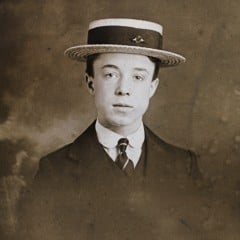

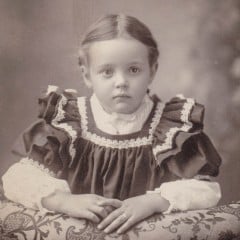
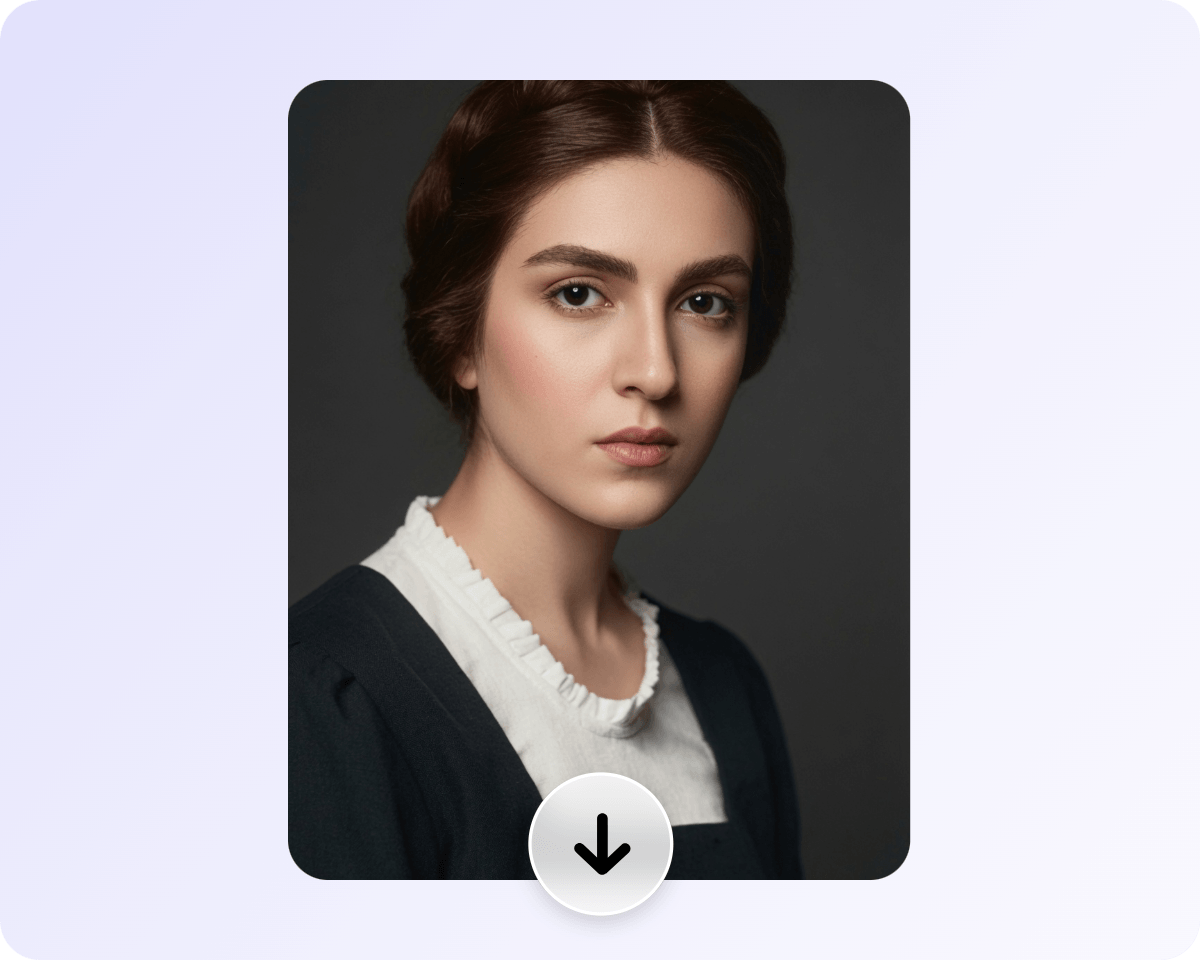

Advanced AI Colorize
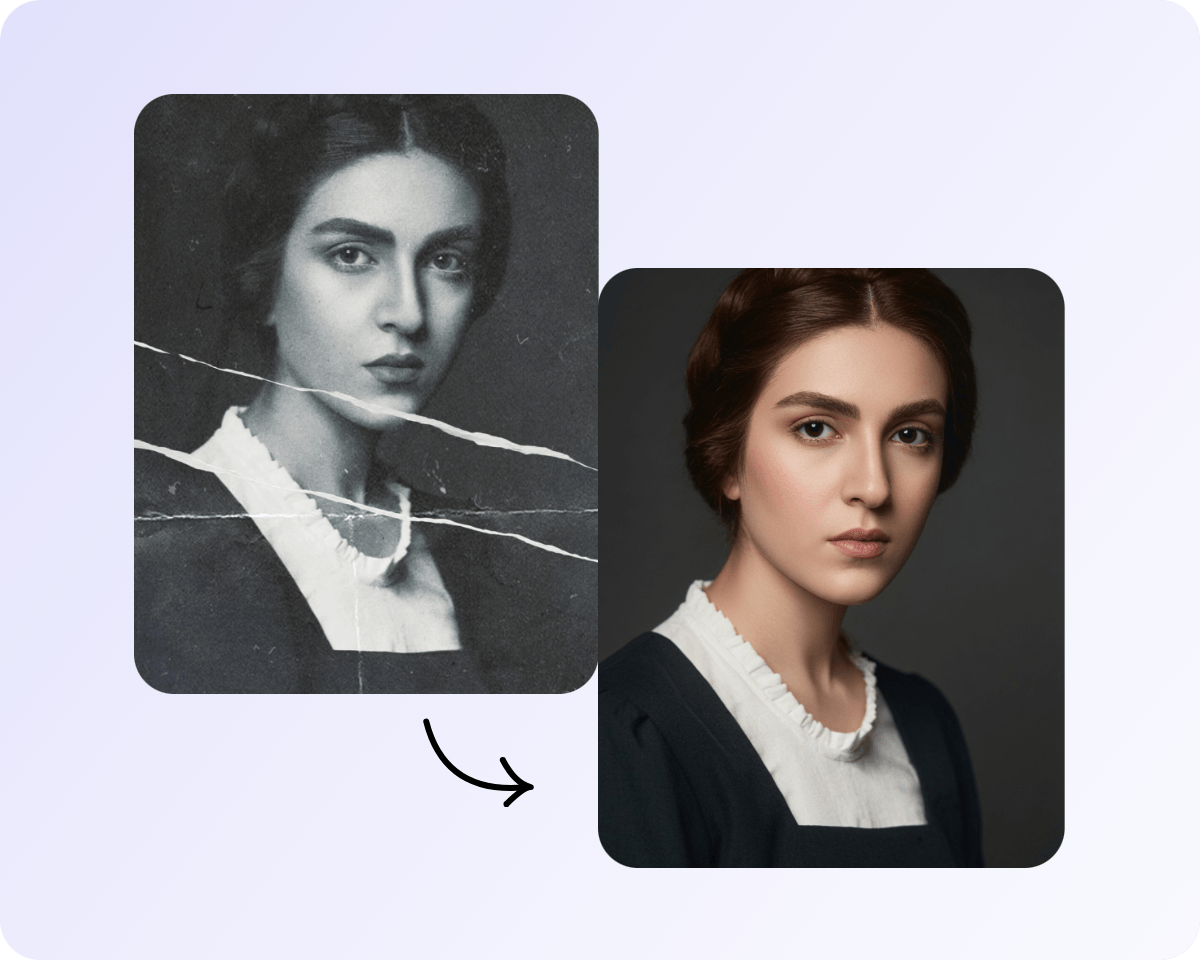
Powered by advanced AI technology, our photo colorizer intelligently analyzes image details and lighting to automatically colorize your images.


Turn any black and white photo into color with Fotor's free AI photo colorizer. Colorize old photos, family memories, and more to bring the past back to life. No editing skills required.
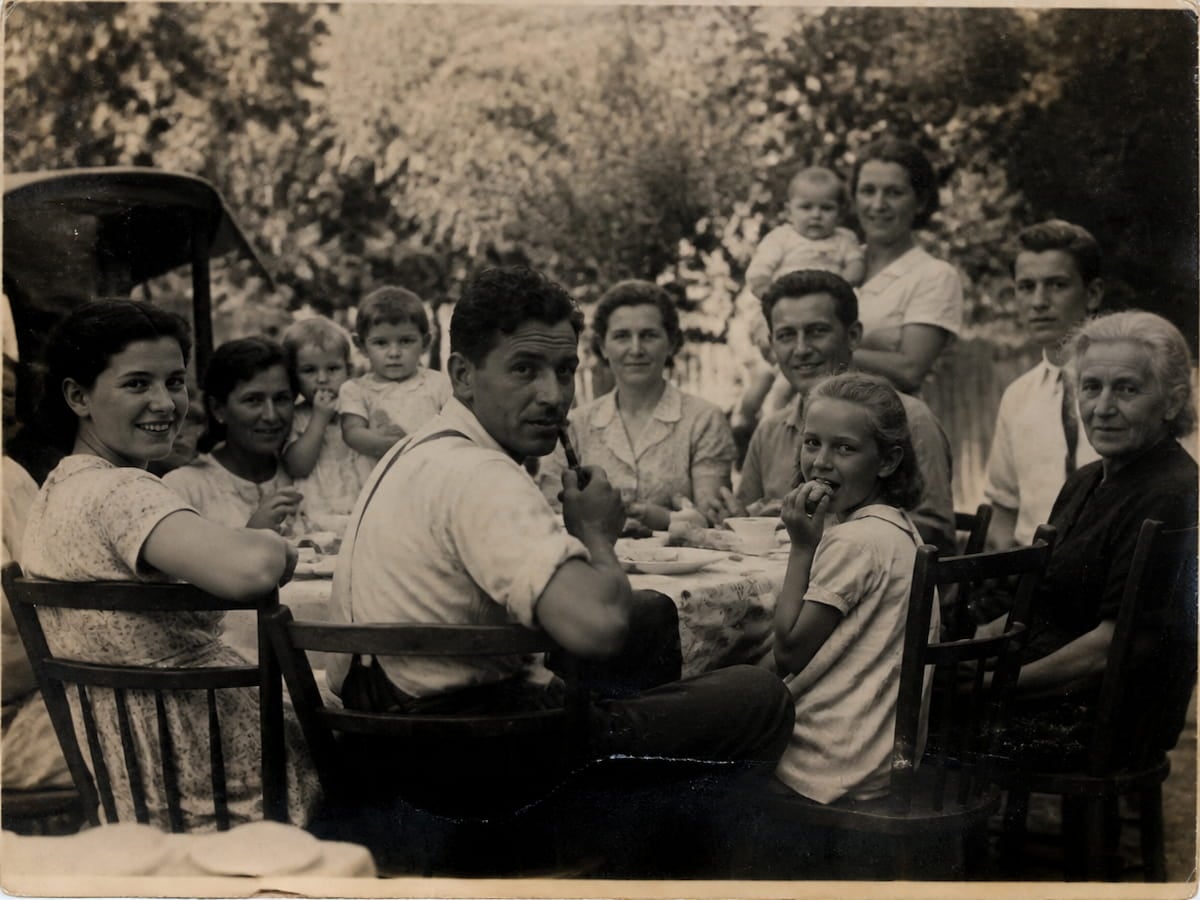
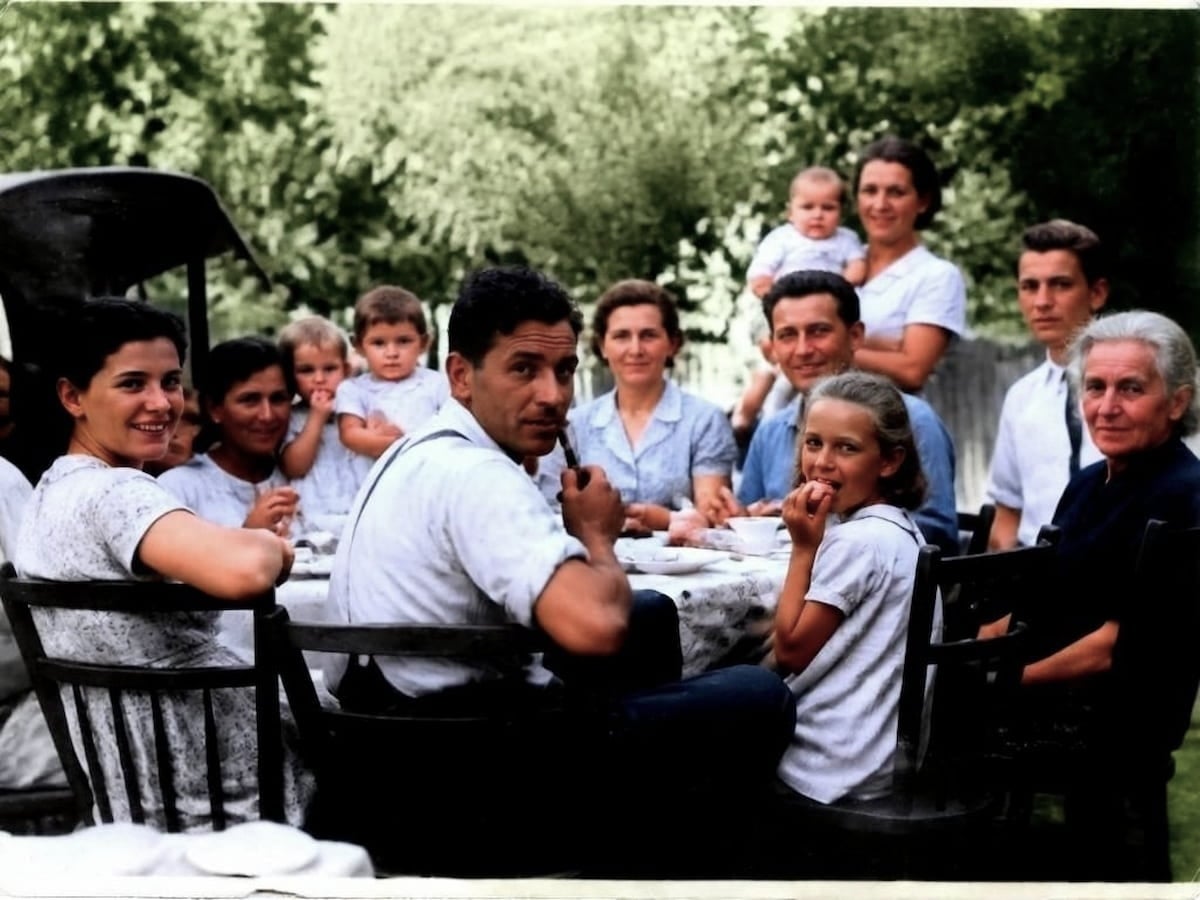
Drag image here or click to upload

Drag image here or click to upload
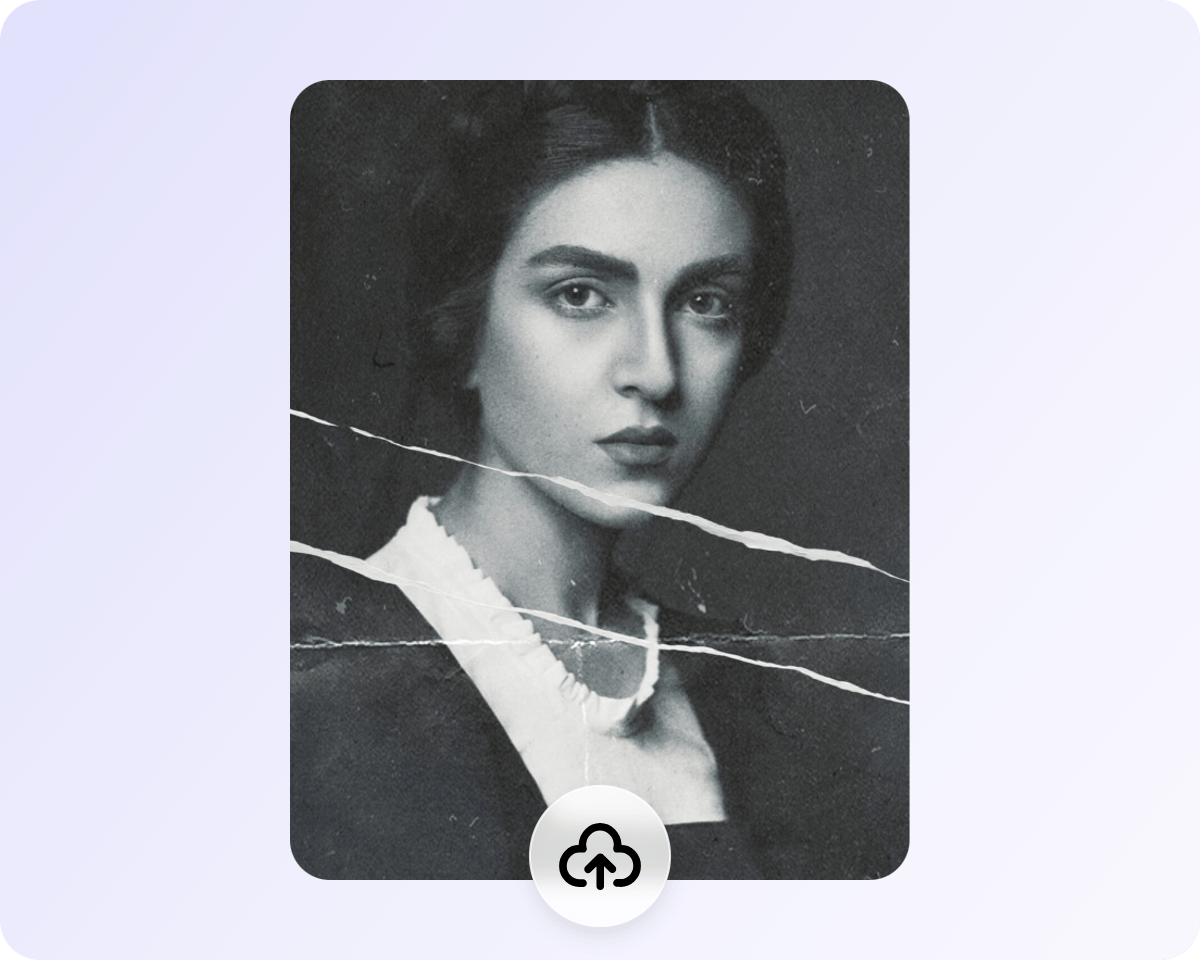
Click "Upload Image" or drag and drop your B&W, faded, yellowed, or vintage pictures directly into Fotor's AI image colorizer to get started.
Powered by advanced AI technology, our photo colorizer intelligently analyzes image details and lighting to automatically colorize your images.
Infuse your black-and-white photos with vibrant, natural colors based on intelligent, real-world context and logic.
Our AI intelligently identifies clothing, skin tones, and backgrounds to apply accurate, context-aware colors.
Colorize your photos while restoring photo quality, authentic details, and fine textures for a stunning vintage revival.
With our smart black and white to color converter, you can instantly breathe new life into any B&W, faded, or yellowed photo with stunning, brilliant colors.
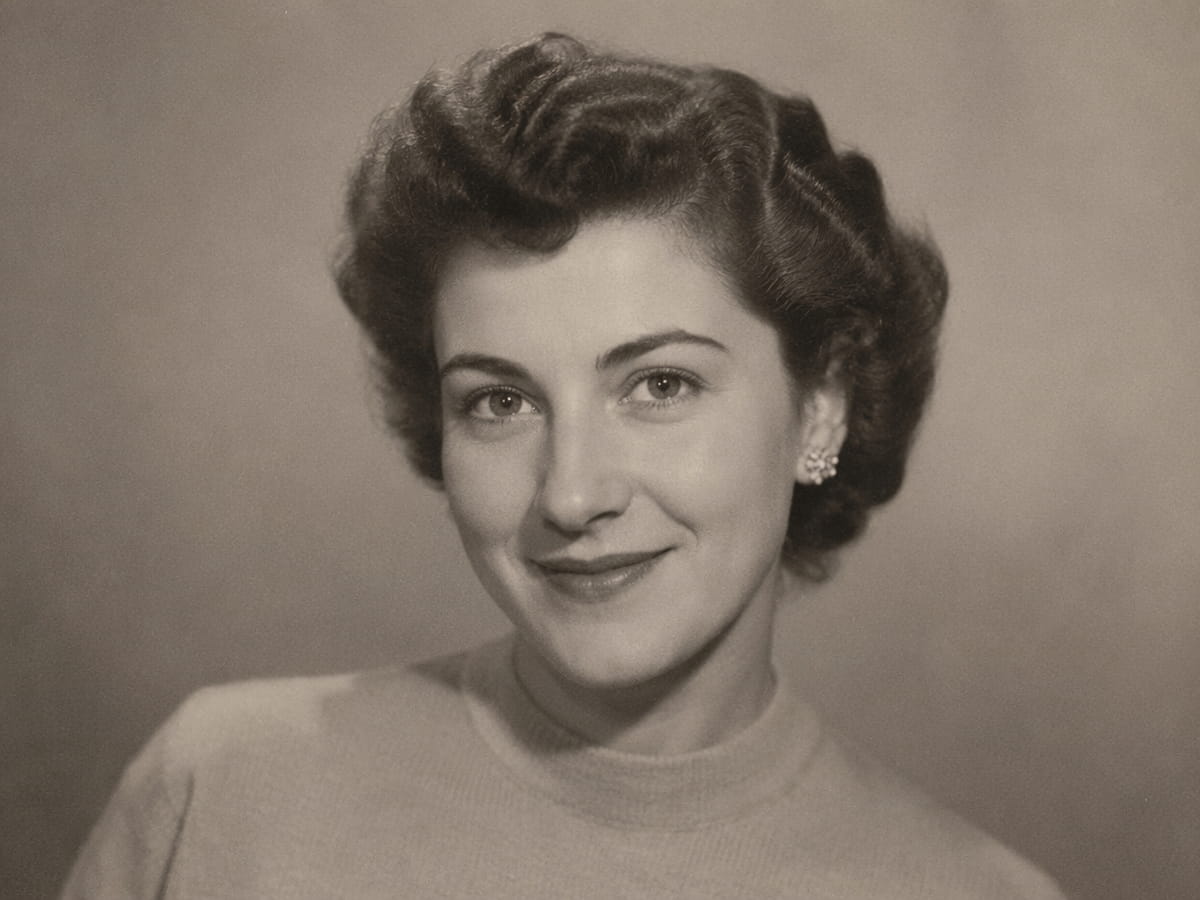
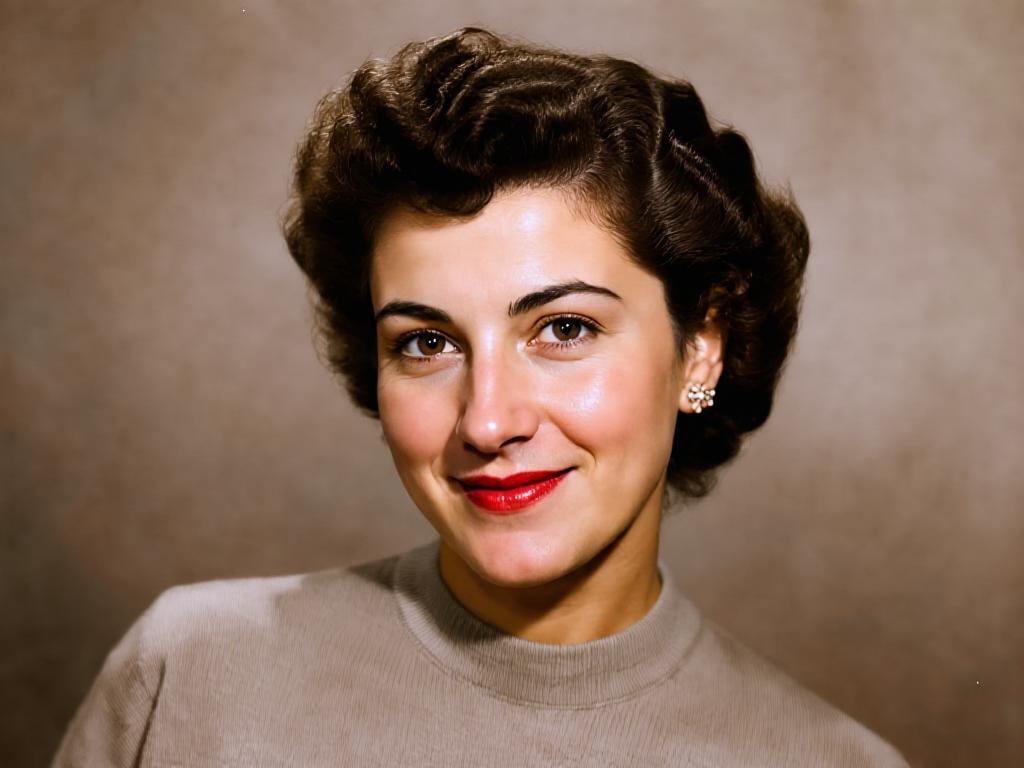
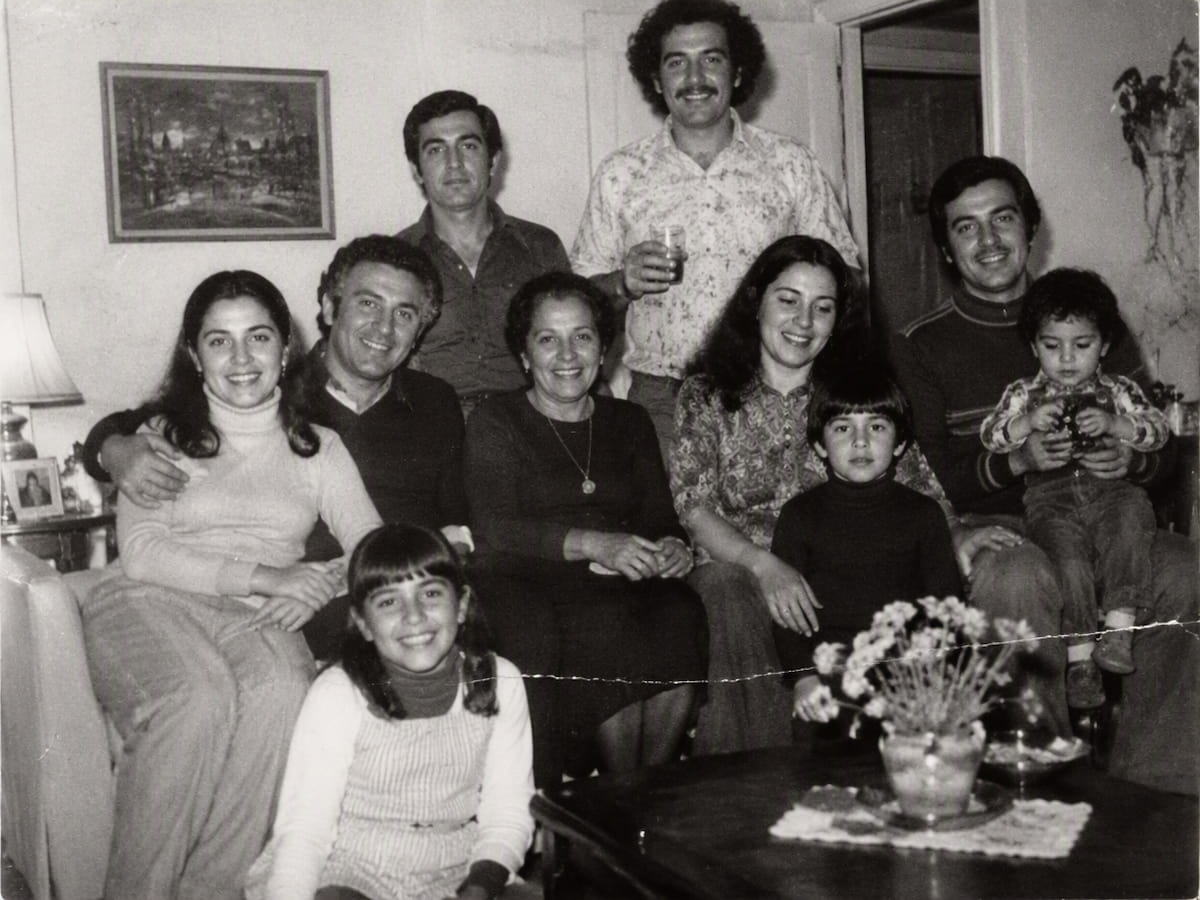
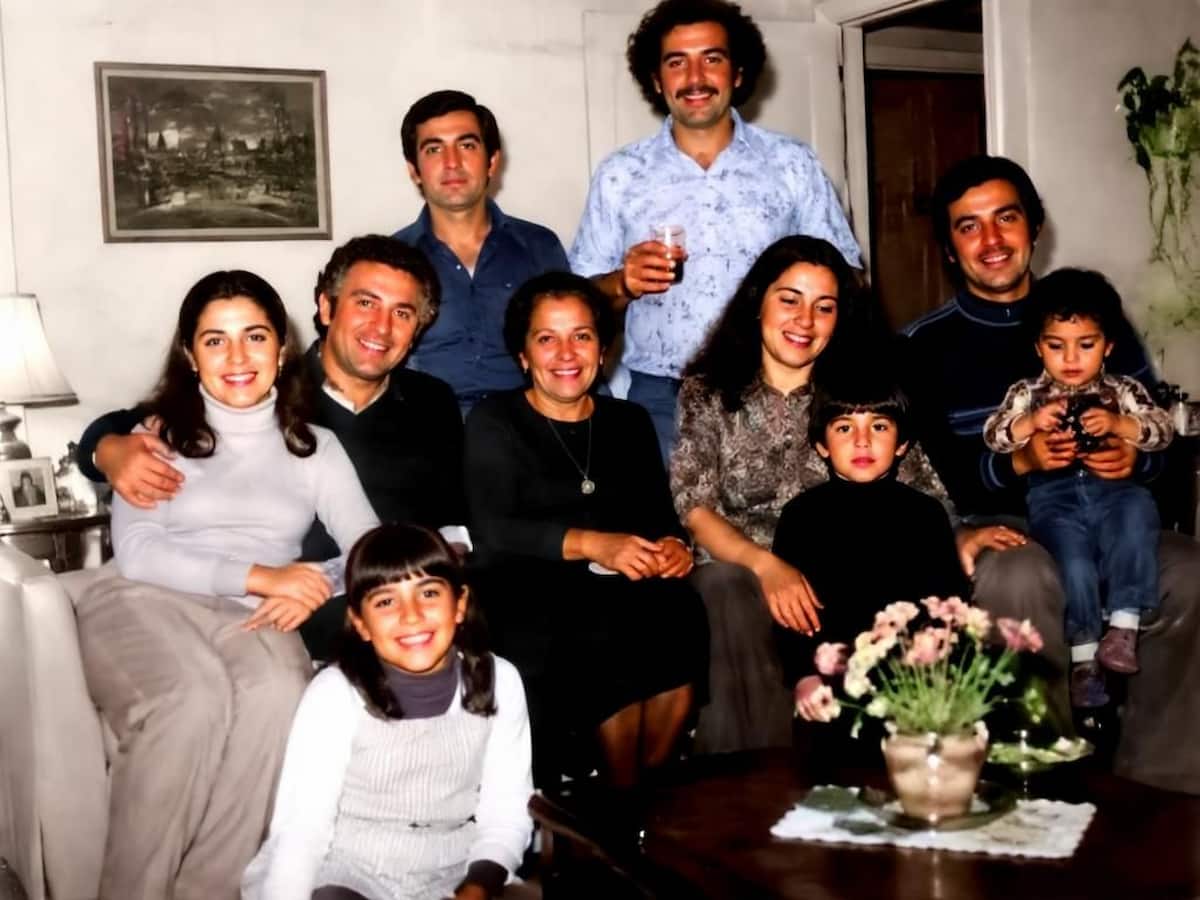
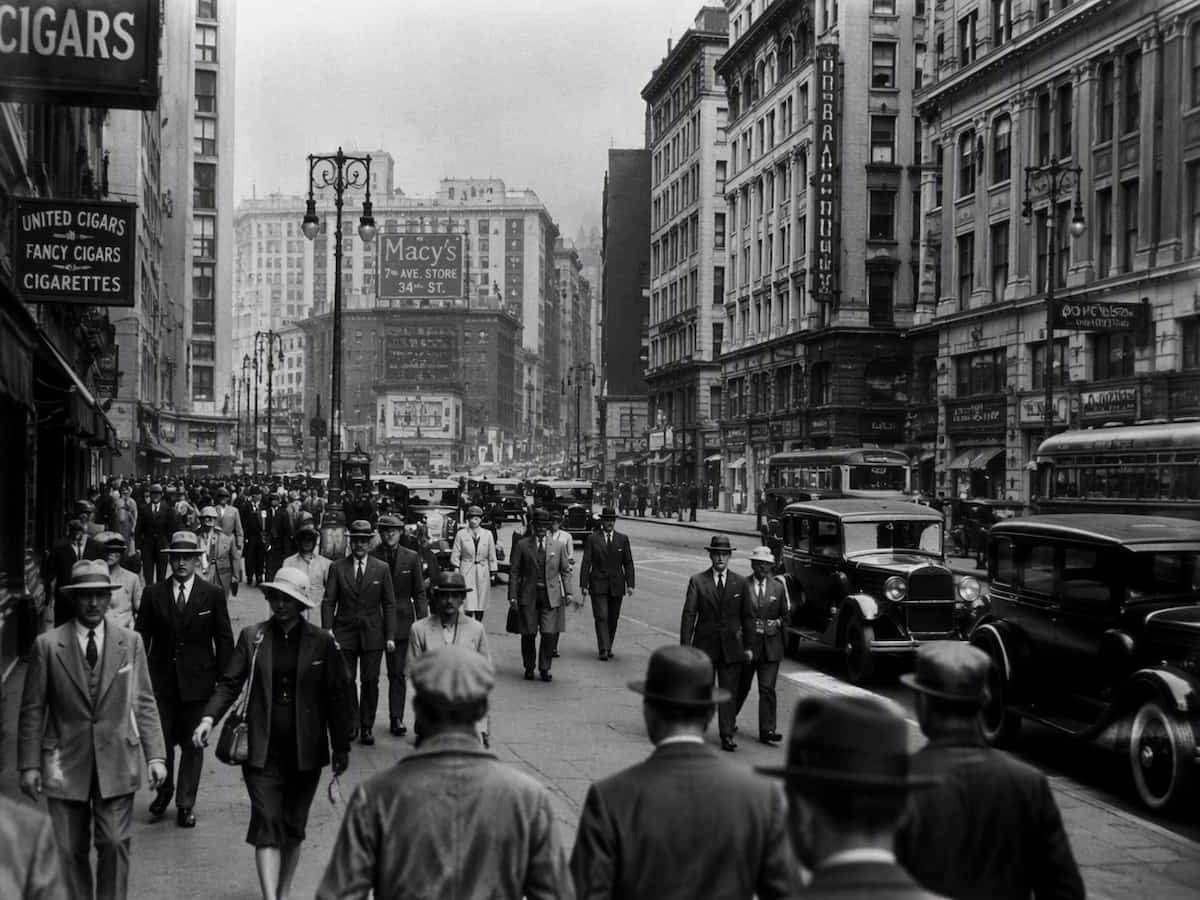
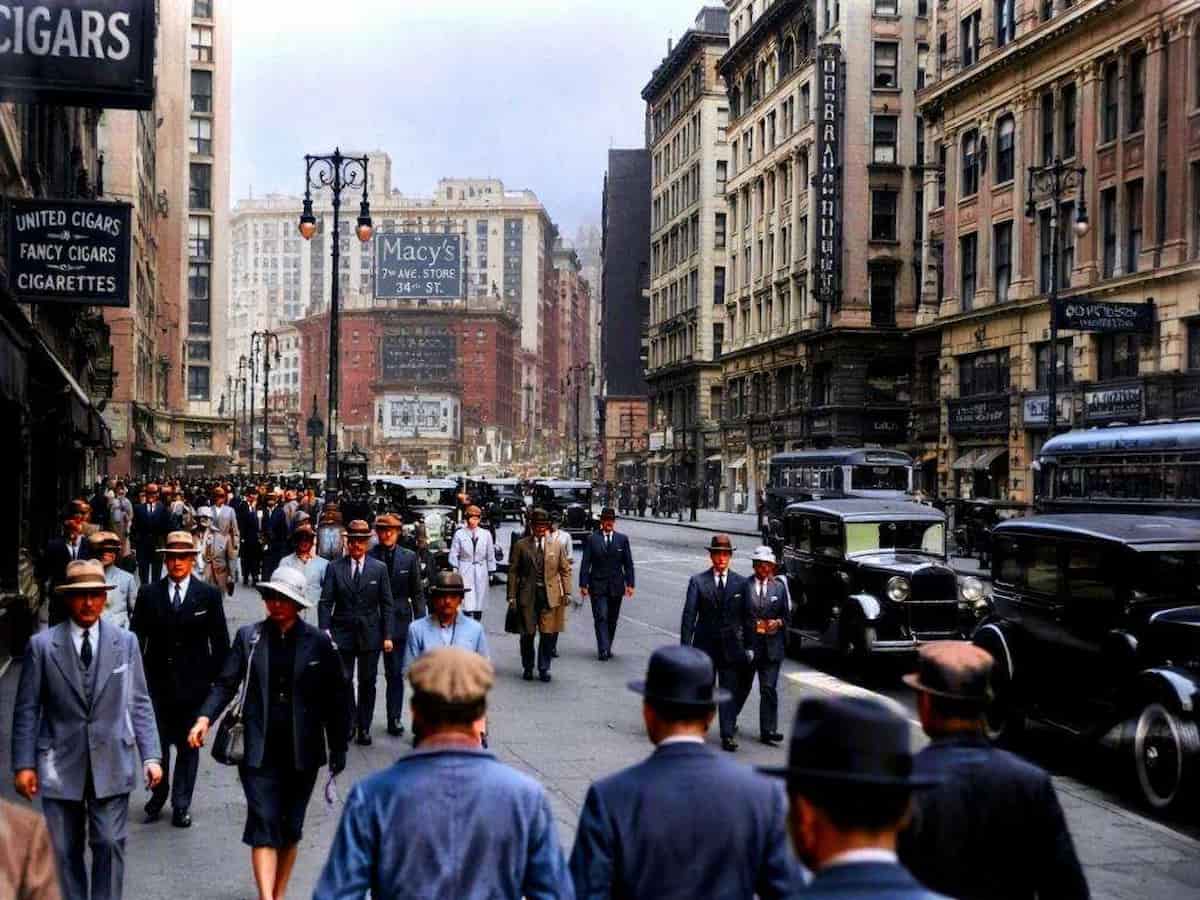
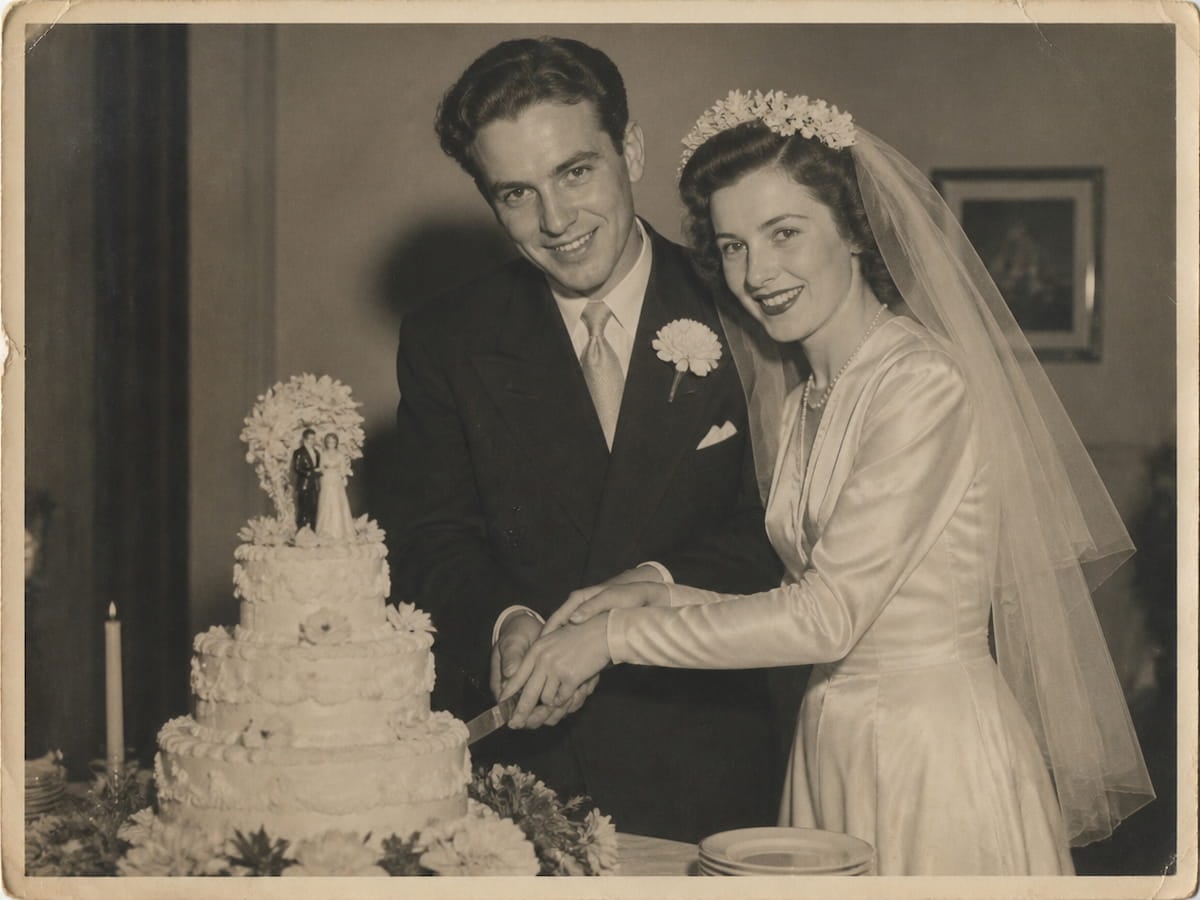
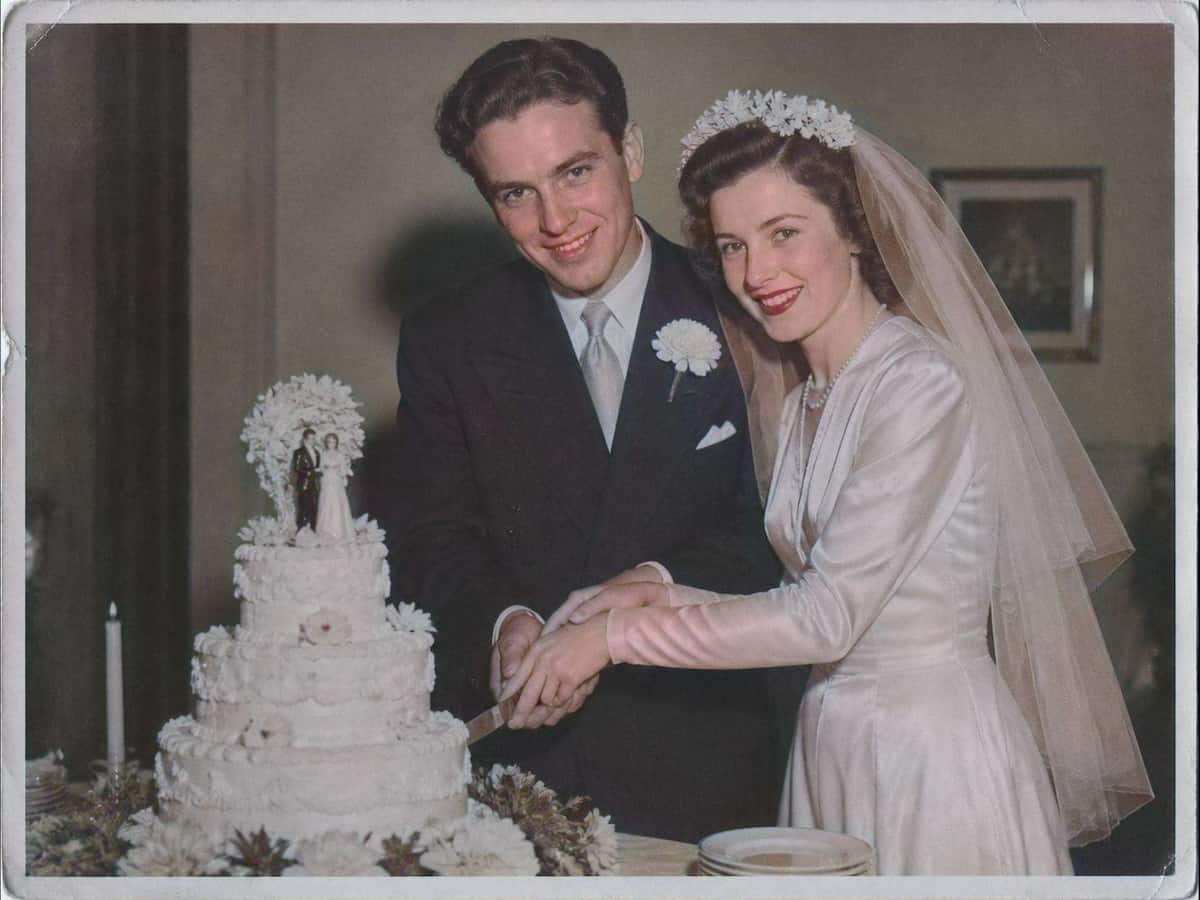
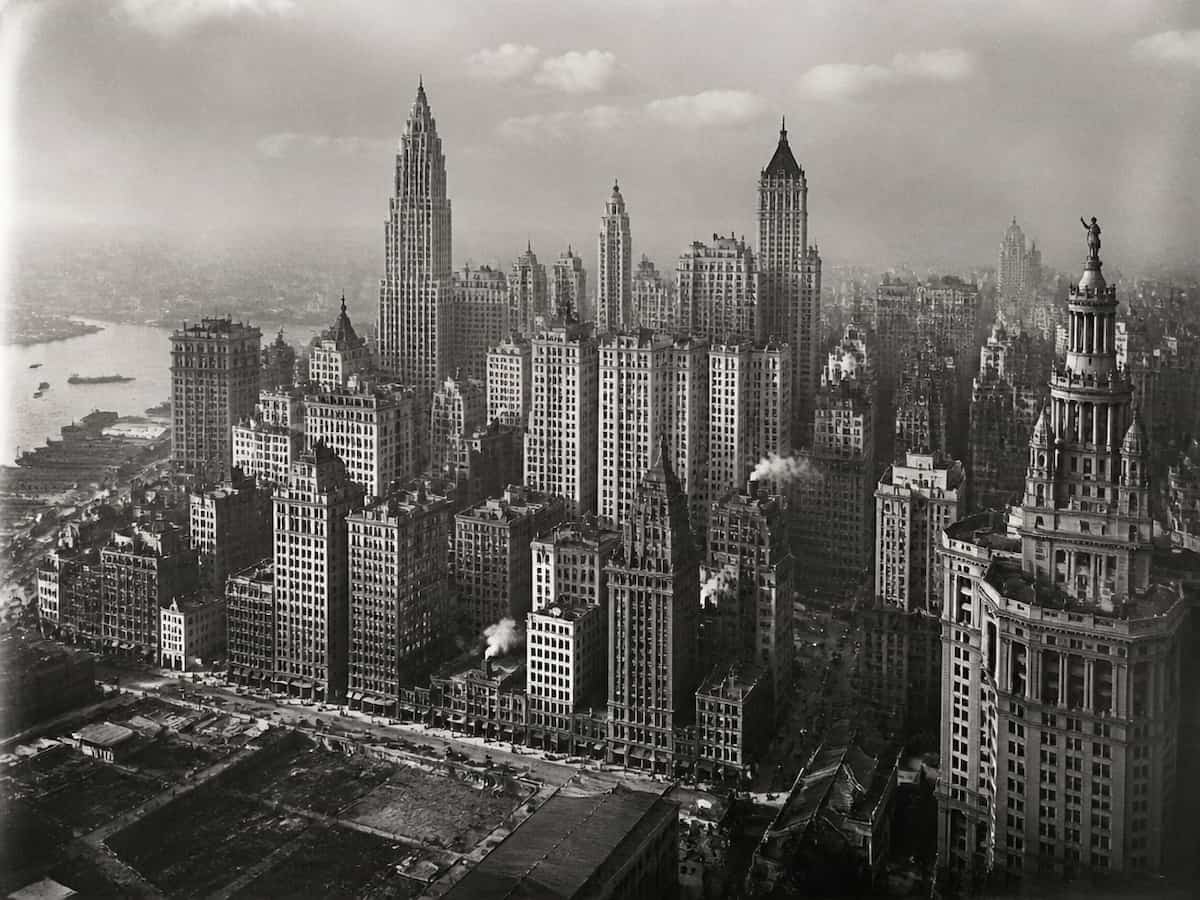
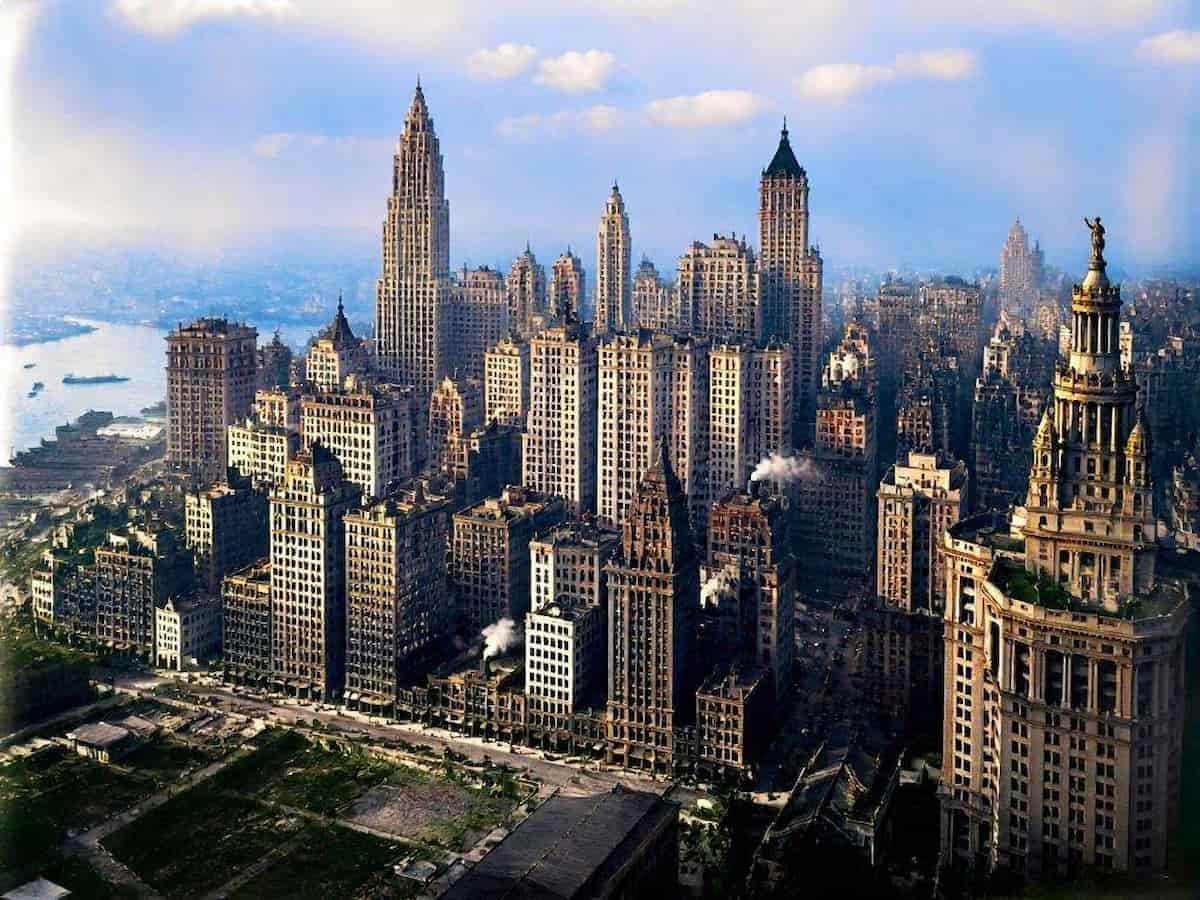
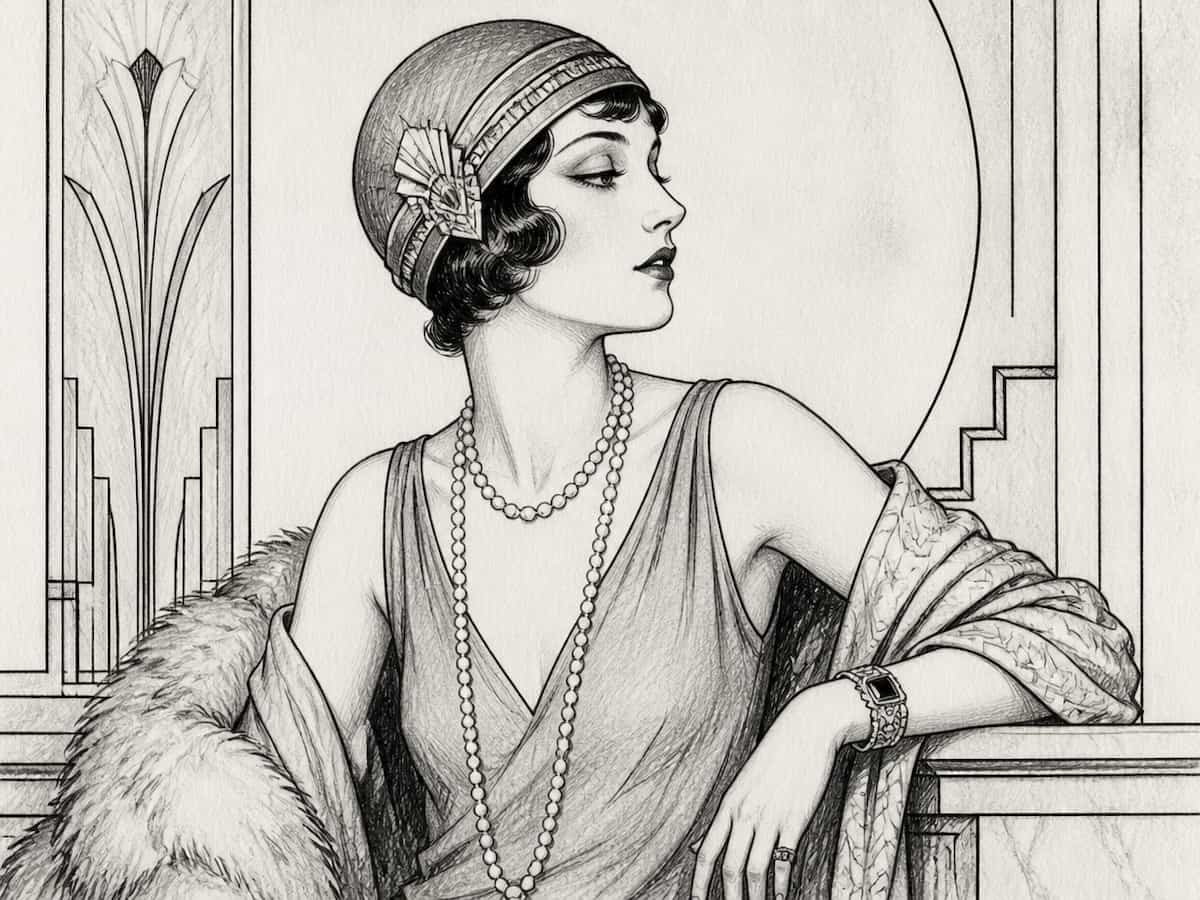
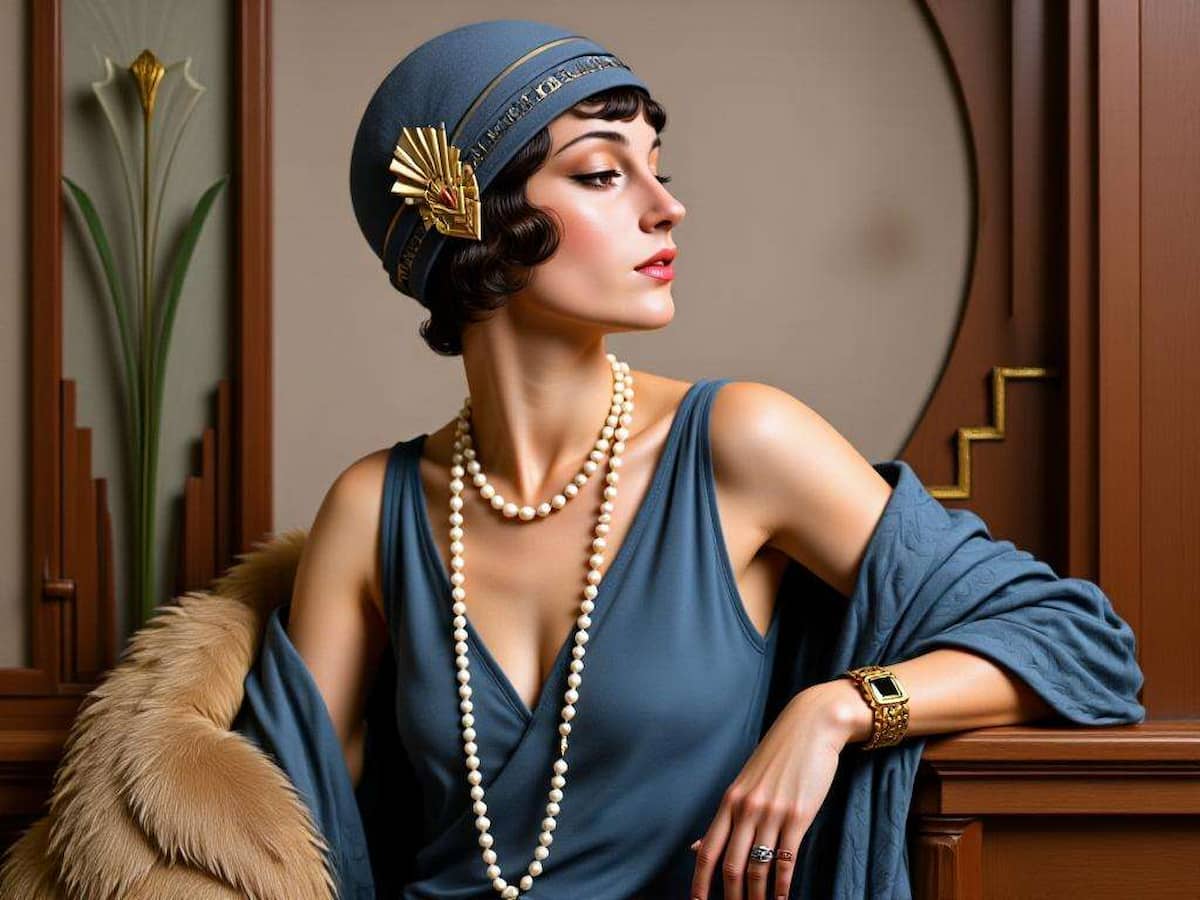
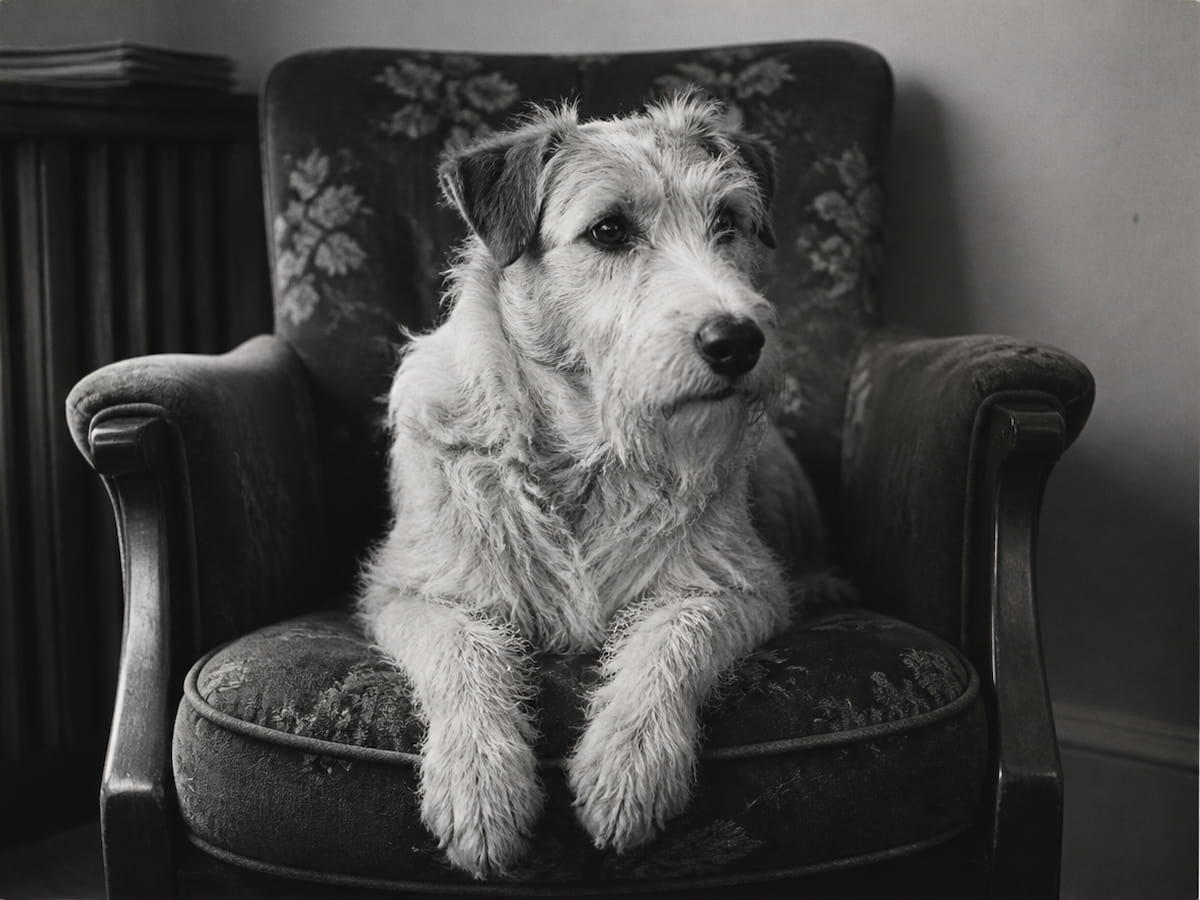
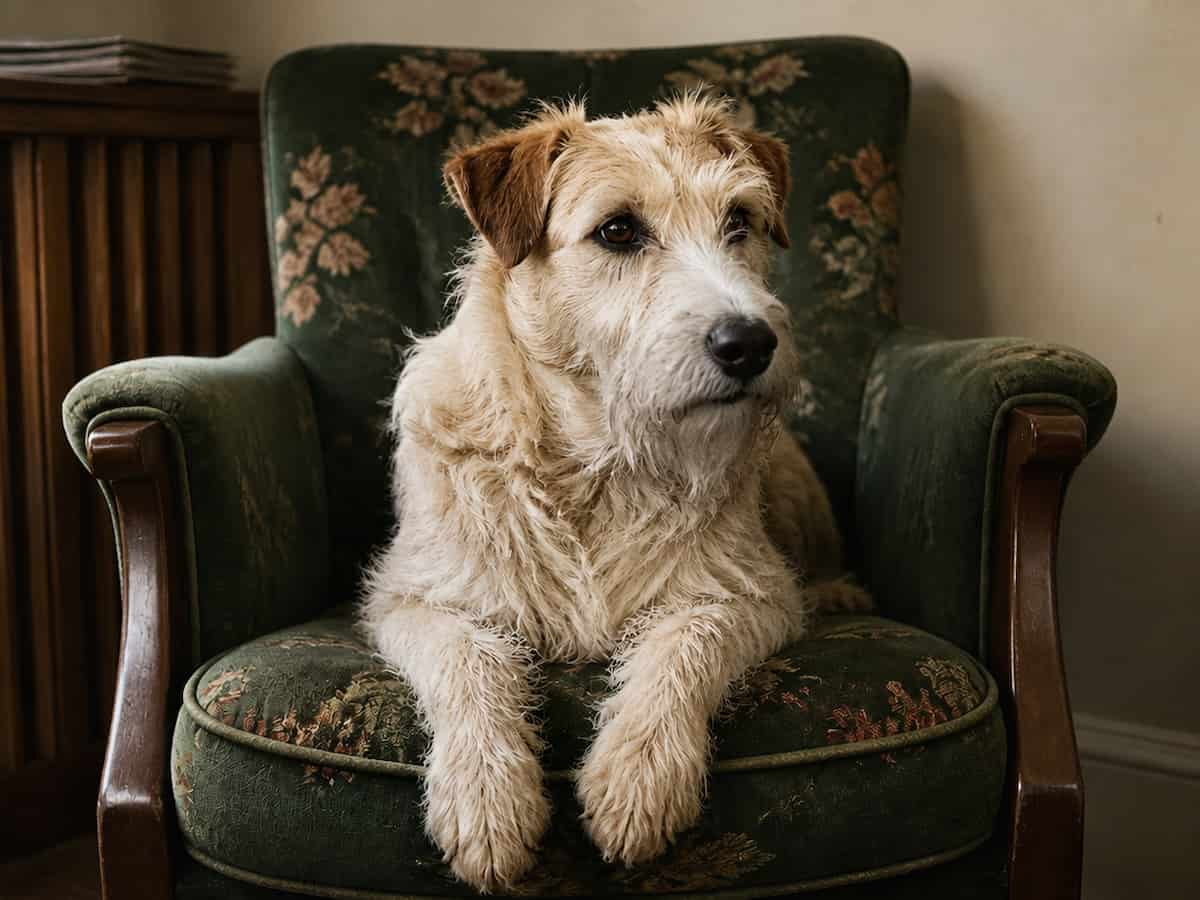
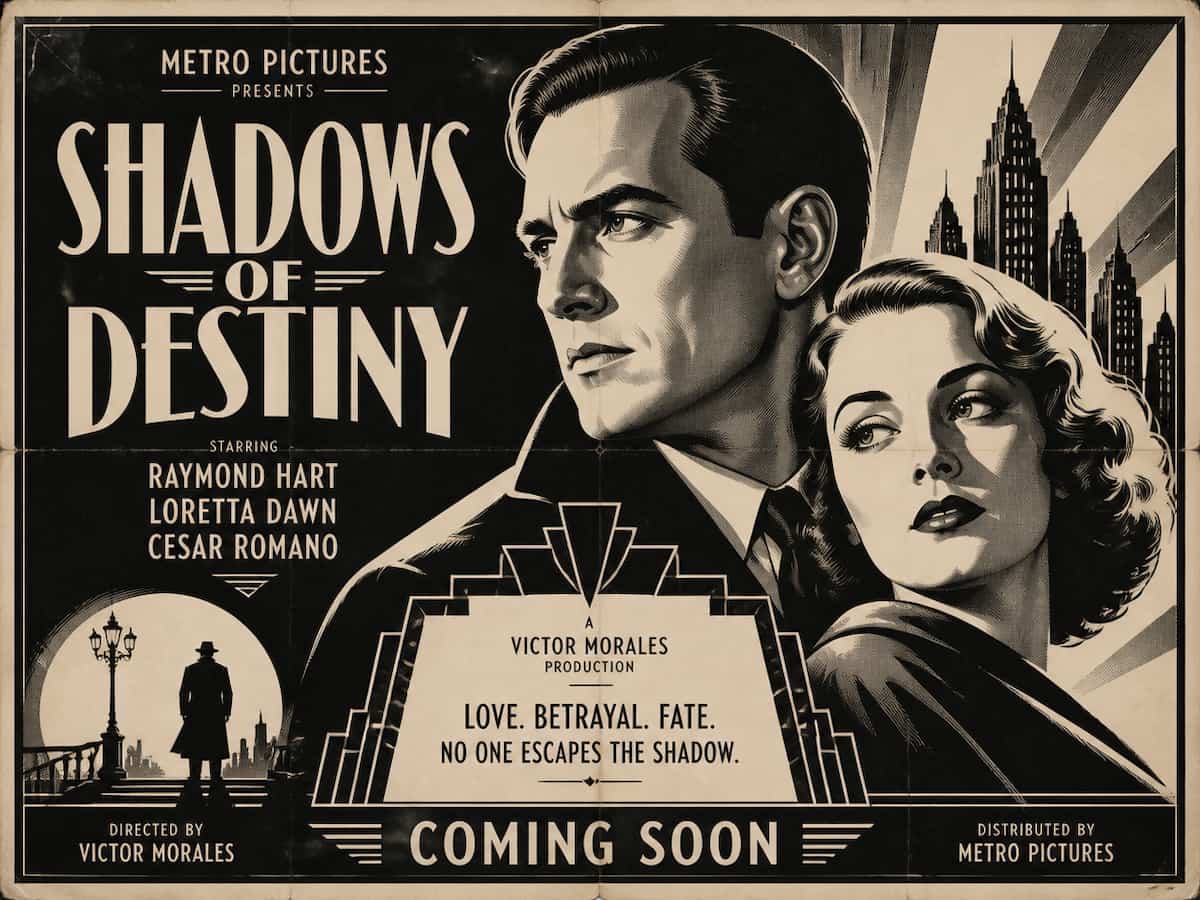
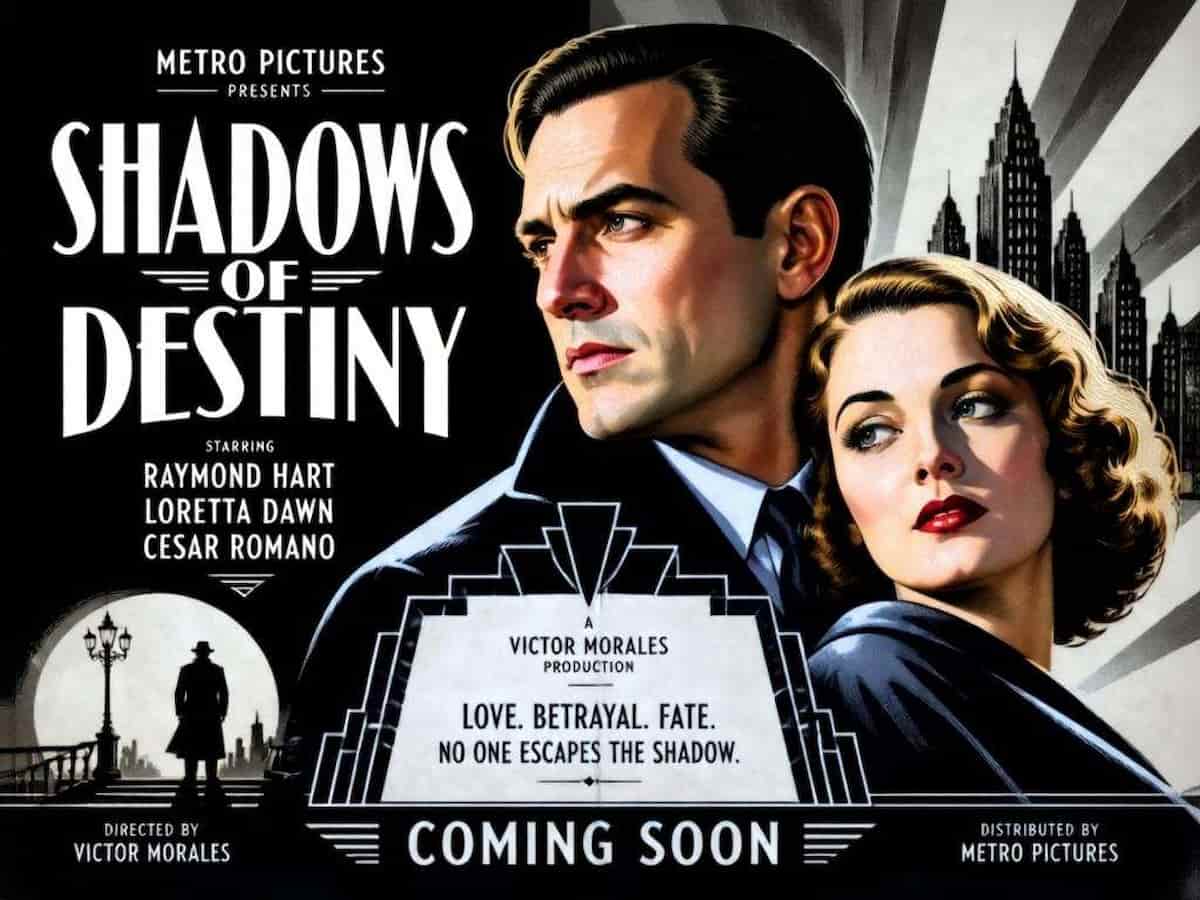
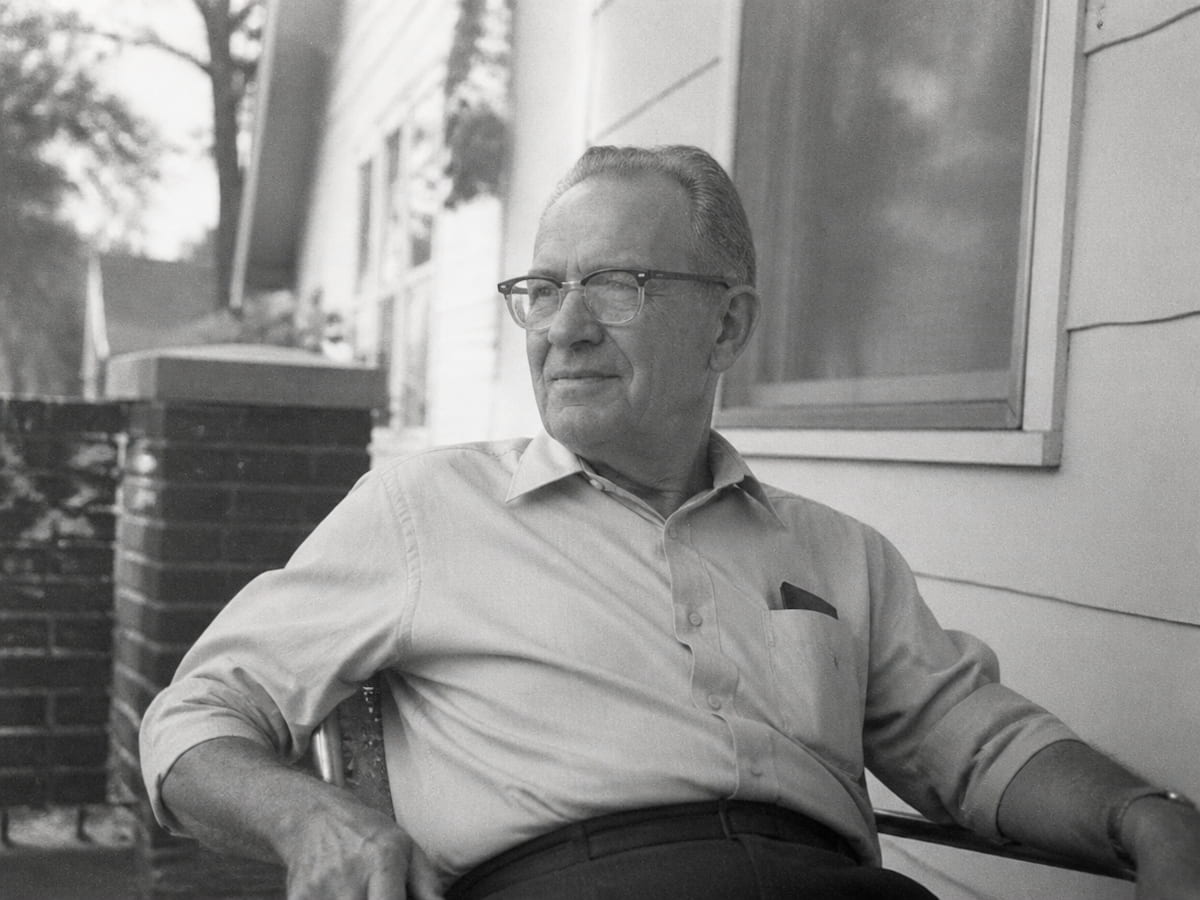
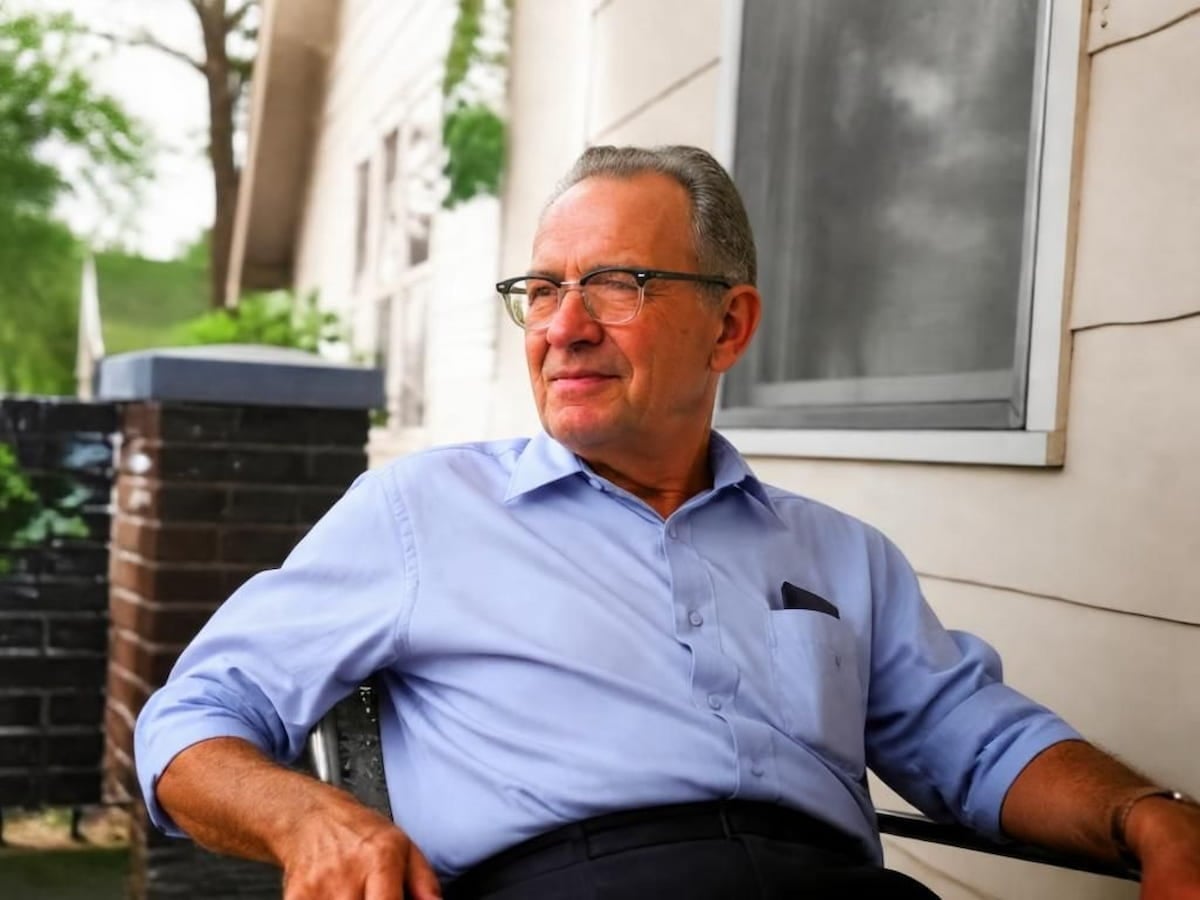
Powered by advanced deep learning and semantic recognition, our AI intelligently decodes visual contexts and lighting logic to automatically colorize your images without any manual painting. Whether you want to restore family memories, save vintage pictures digitally, or share them on social media, it converts monochrome snapshots into vibrant, true-to-life photos.
Want to take your creativity further? You can also upload your image to our AI image generator and use custom text prompts to colorize it.
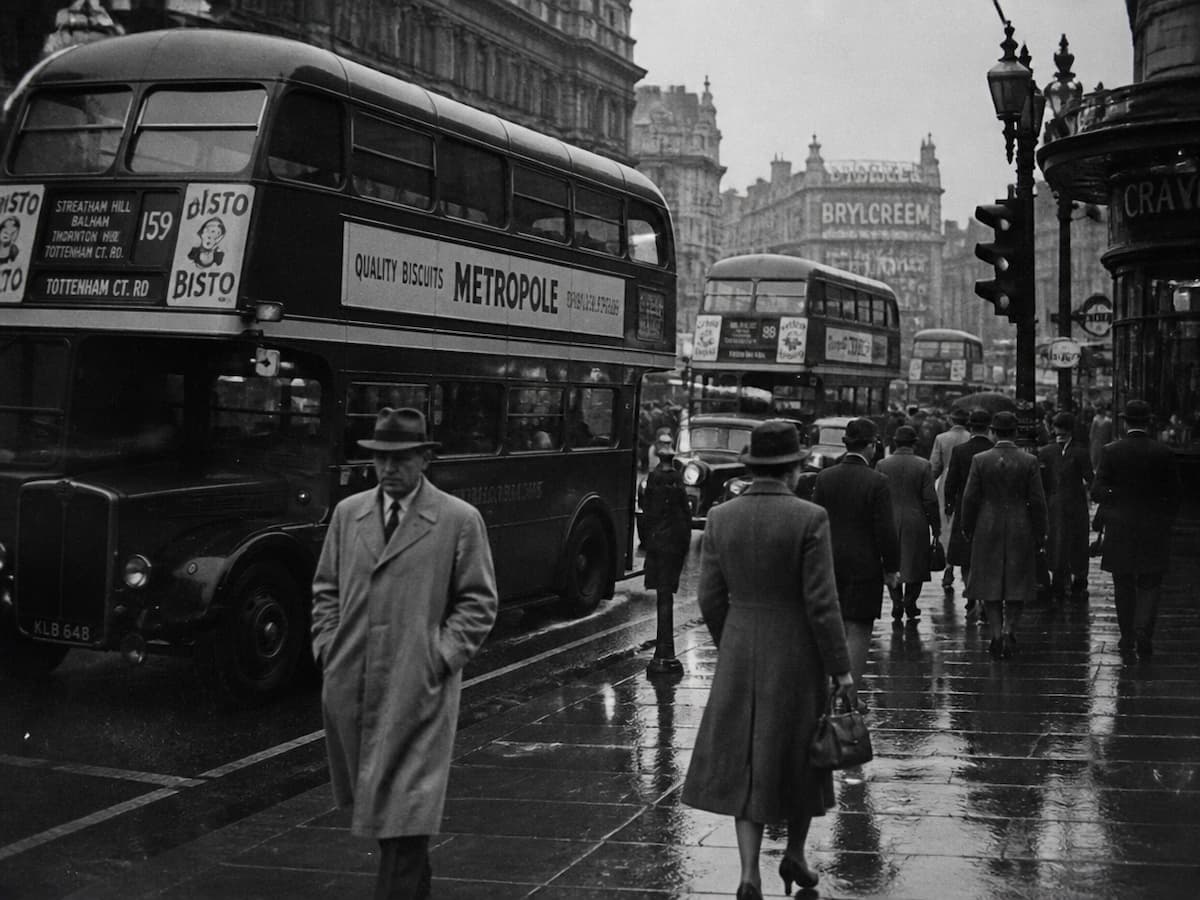
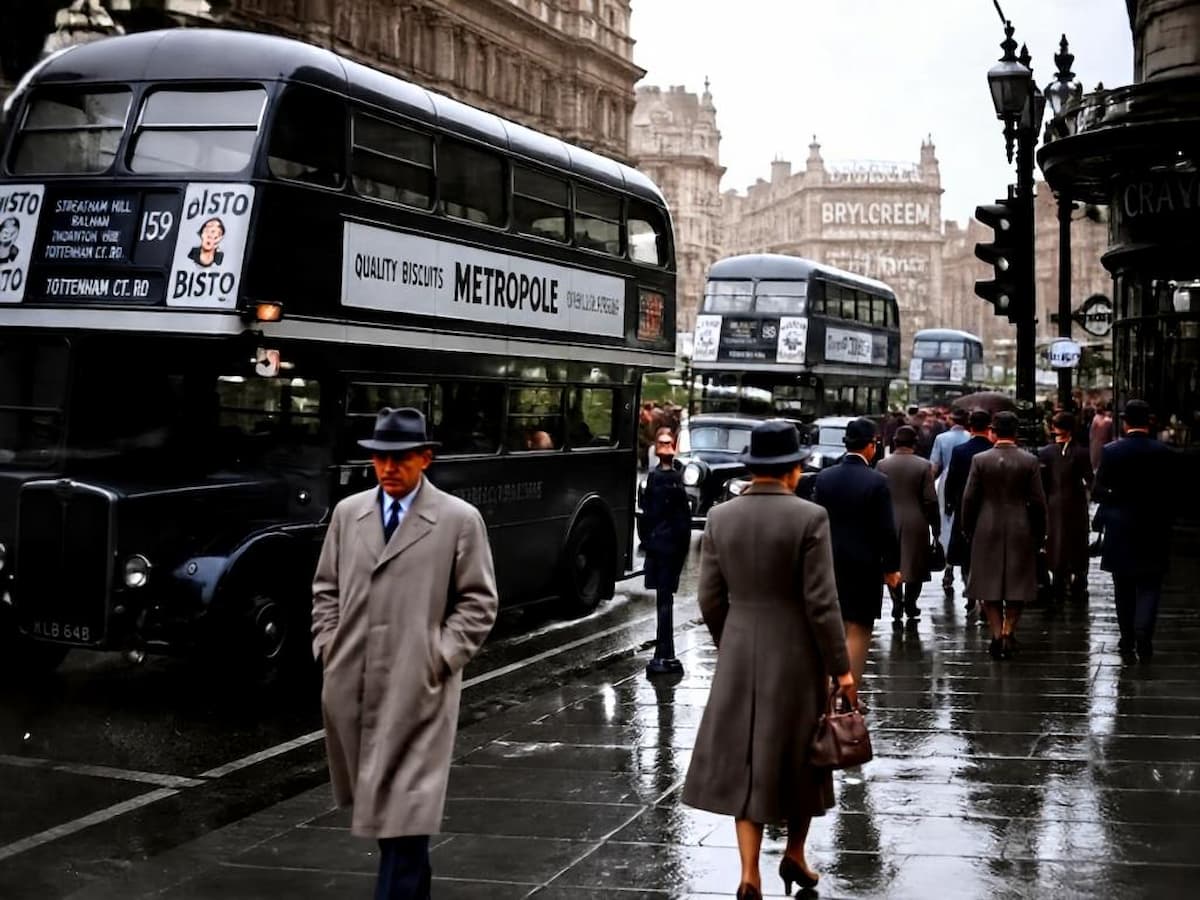
Powered by advanced chromatic mapping, our black and white to color converter accurately restores natural skin tones, lighting, and environmental hues to black-and-white pictures, delivering authentic, true-to-life results without artificial oversaturation.
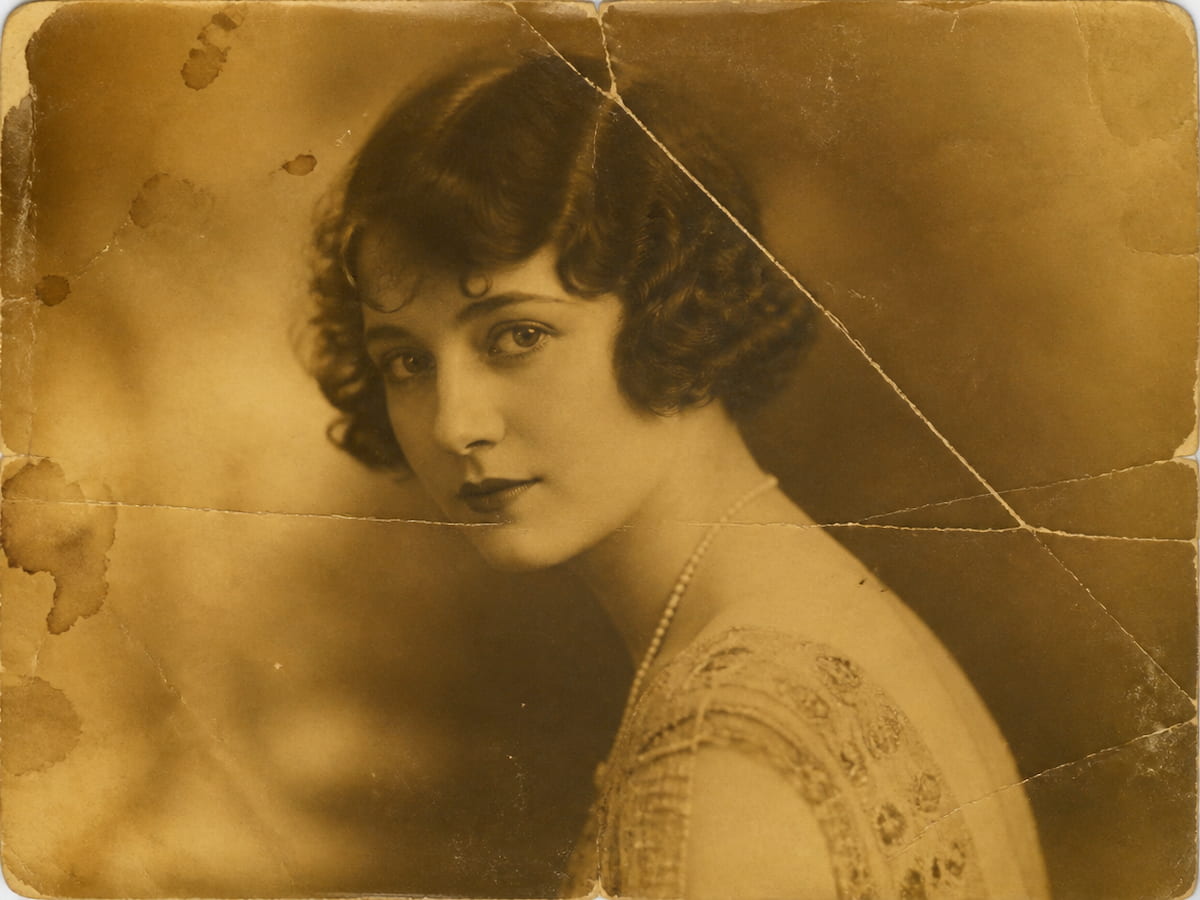
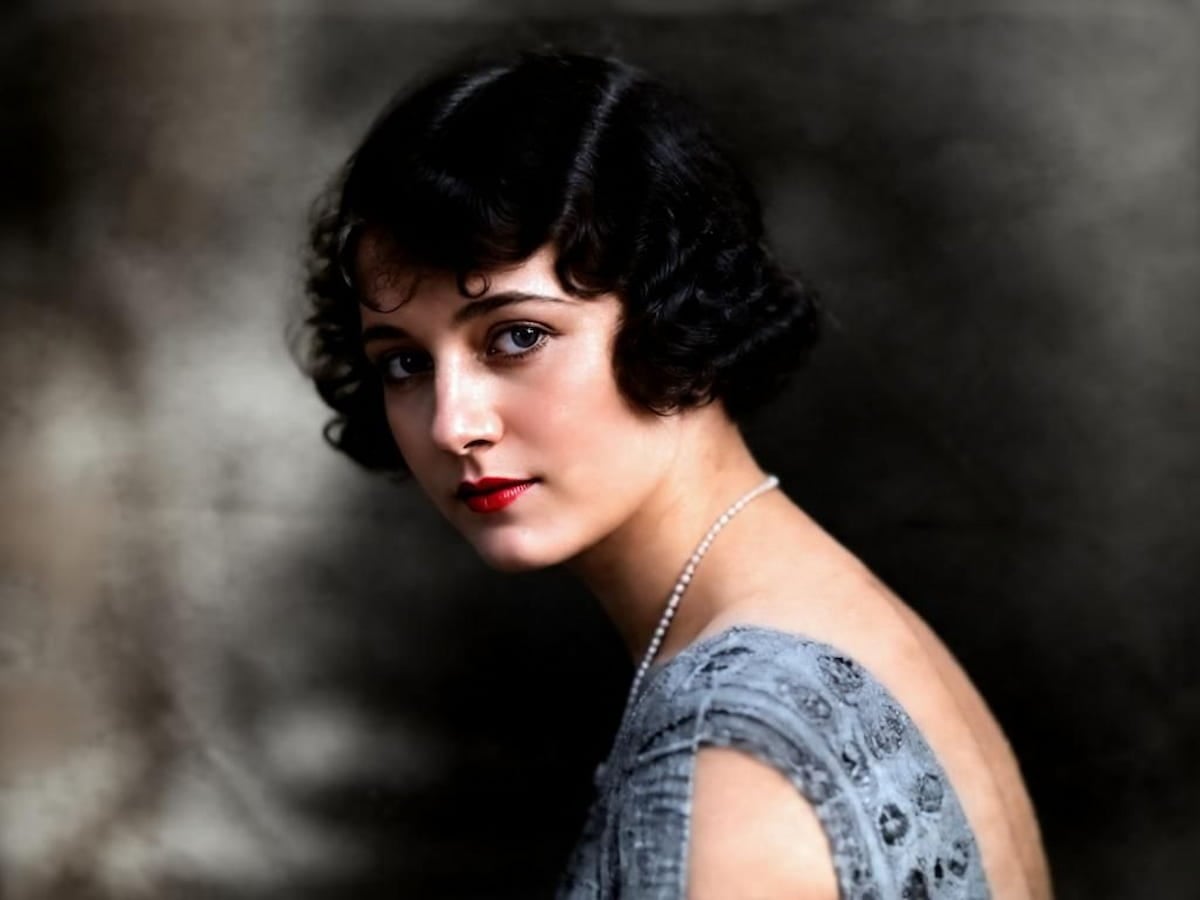
Our AI colorizer does more than just convert black and white photos to color; it also restores textures, sharp contours, and fine details while colorizing, revealing the authentic look of aged photos.
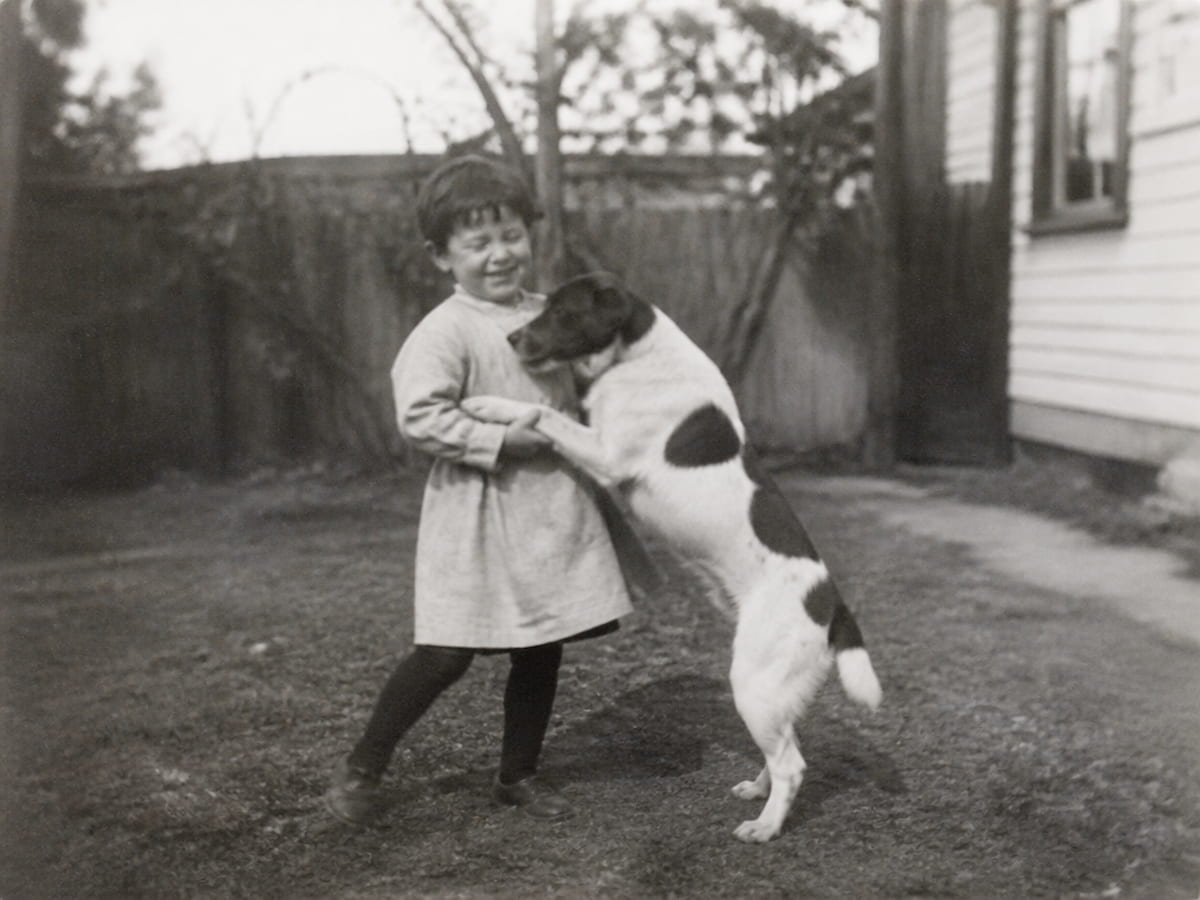
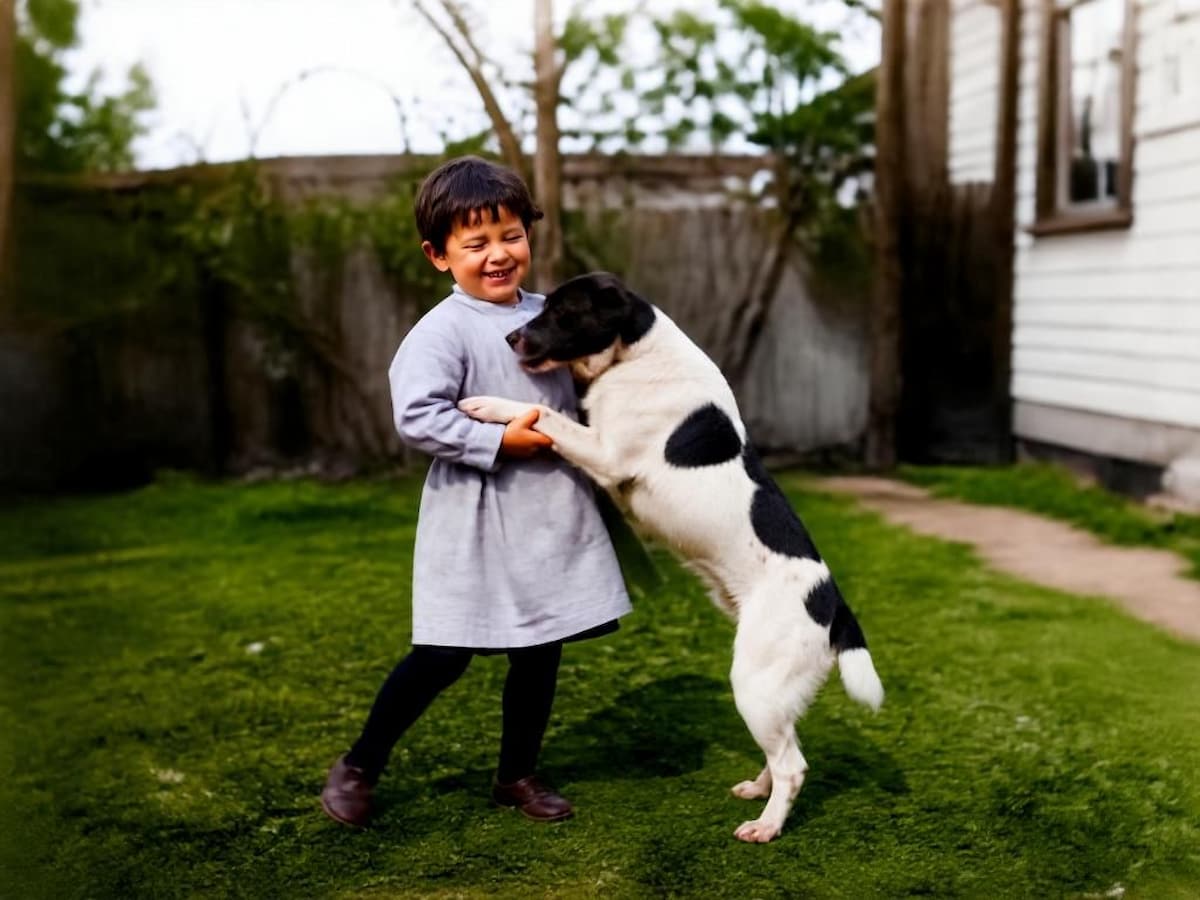
Our color converter goes beyond turning black and white photos into color online free. You can also utilize Fotor’s photo enhancer to comprehensively boost image clarity and detail while colorizing, resulting in sharp, professionally polished visuals.
No professional editing skills are needed. Anyone can turn black-and-white photos into vibrant colors in just a few seconds.
Your personal data is fully protected. Fotor keeps your uploaded photos completely safe and confidential throughout the process.
Our batch photo editor allows you to colorize up to 50 images at once, significantly boosting your workflow efficiency.
Download images completely free of watermarks for both personal projects and commercial use.

We were planning a memorial ceremony for my grandfather and wanted to restore some black and white, very old pictures. I saw a good review on this app so I downloaded and used it. OMG, it brought precious moments back to color in a very fast way. Worth every penny since it restores and does a whole lot more.

Fotor is another one of my top programs for colorizing old photos, as it delivers incredibly smooth results. Additionally, it offers a wide range of filters and effects, which let me get creative while preparing my family photos. I decided to add subtle scratches and slightly overexposed areas to the images for a vintage touch.

Very fast results. Colorful photos, useable for my film photo story board, attractive to the actors and crew.
Powered by advanced deep learning and convolutional neural networks, Fotor's AI photo colorizer automatically analyzes grayscale tones, lighting, and objects in black-and-white photos to apply realistic colors in seconds.
Unlike basic colorizers that only add flat colors, Fotor's tool goes a step further by simultaneously repairing damaged details, fixing scratches, and enhancing overall image clarity for a pristine restoration.
Simply upload your photo to Fotor's black and white to color converter, select either the Standard mode (where colorization and restoration are separate steps) or the Advanced mode (an integrated all-in-one workflow for superior results), and click "Generate" to colorize your photo.
Yes, Fotor offers free credits for new users to try the tool. Once those are used up, you can upgrade to a paid subscription or earn more credits through platform tasks.
Yes, you can easily colorize old photos anytime and anywhere directly through your mobile web browser without downloading any apps.
The tool can handle black-and-white, yellowed, faded, or dull old photos of all kinds, including personal portraits, family archives, historical documents, vintage postcards, and pet photos.
Powered by advanced AI algorithms, Fotor delivers high-level accuracy, ensuring that the applied colors appear natural, realistic, and contextually appropriate for your photos.
Fotor's AI image colorizer supports common image formats including JPG, JPEG, PNG, HEIC, HEIF, and WebP.
Yes. Beyond old photos, you can upload sketches, line drawings, and monochrome illustrations to apply smooth color rendering. You can also use our sketch to image converter to colorize images with AI filters.