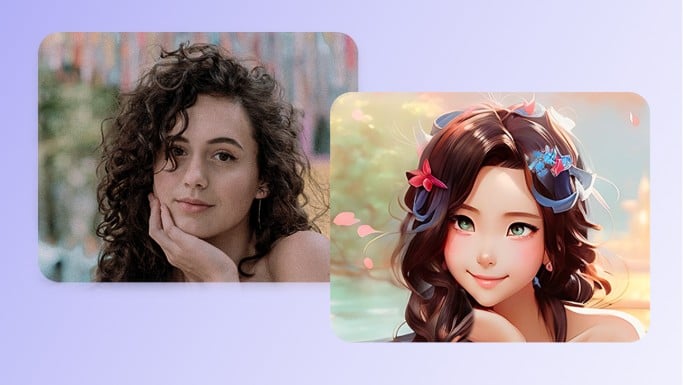
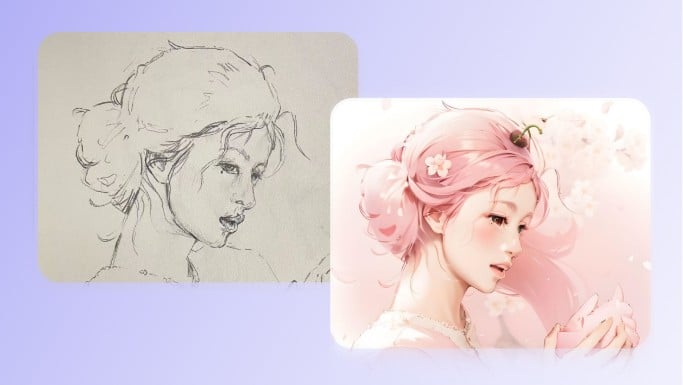
Free to Use
Turn photos into line drawings for free with Fotor's online stencil maker using available credits.


Instantly turn your photo into line drawing online for free. From portraits to landscapes to product shots, Fotor line art generator makes realistic line arts fast and easy.
Upload files up to 60 MB and 8192 × 8192 px
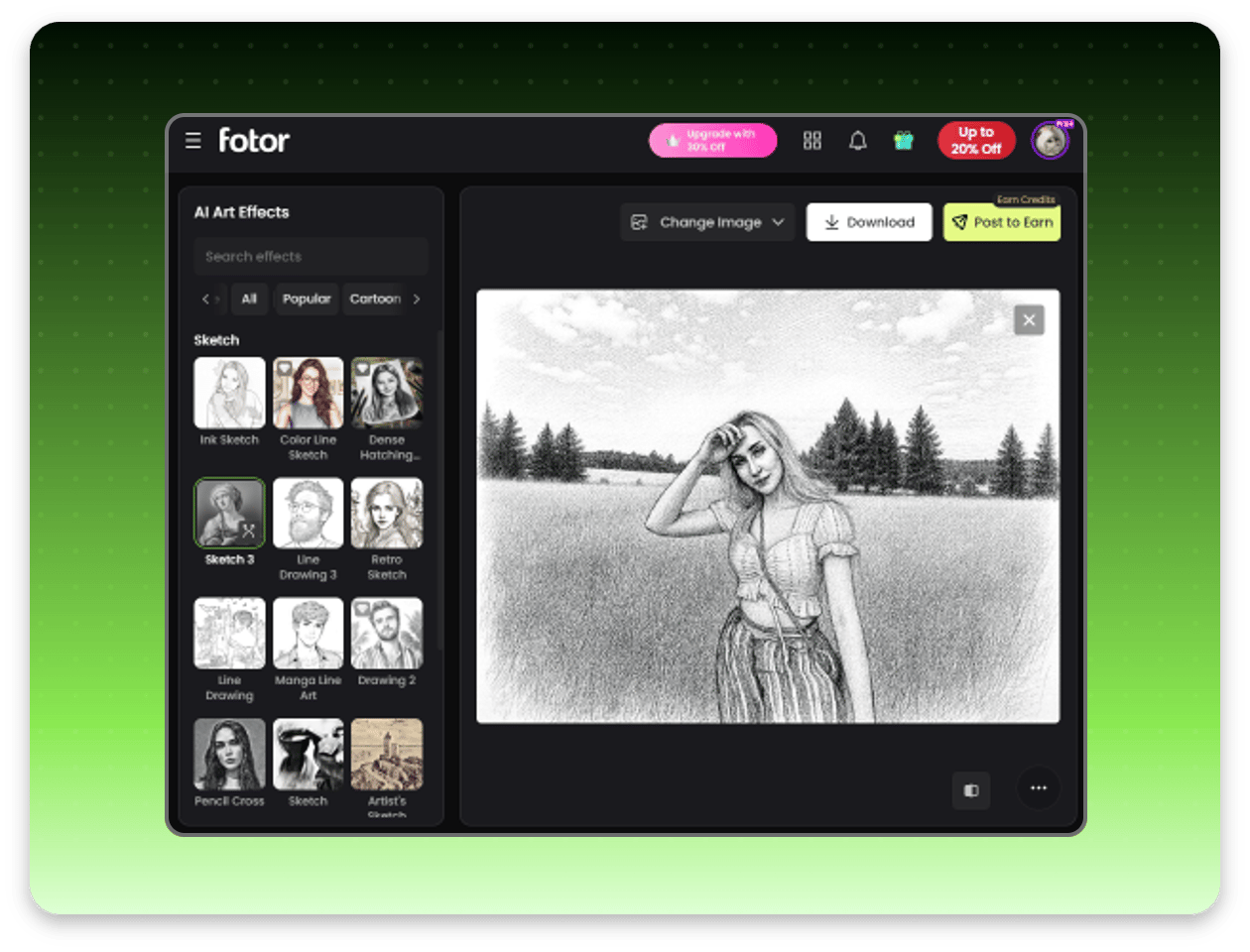
Try Fotor AI line art generator to create line art, stencil drawings, sketches, ink art, and pencil drawings. Simply upload your image, open the sketch filter menu, and choose a line art filter to create your minimalist line drawing. It's never been easier to create art with AI.
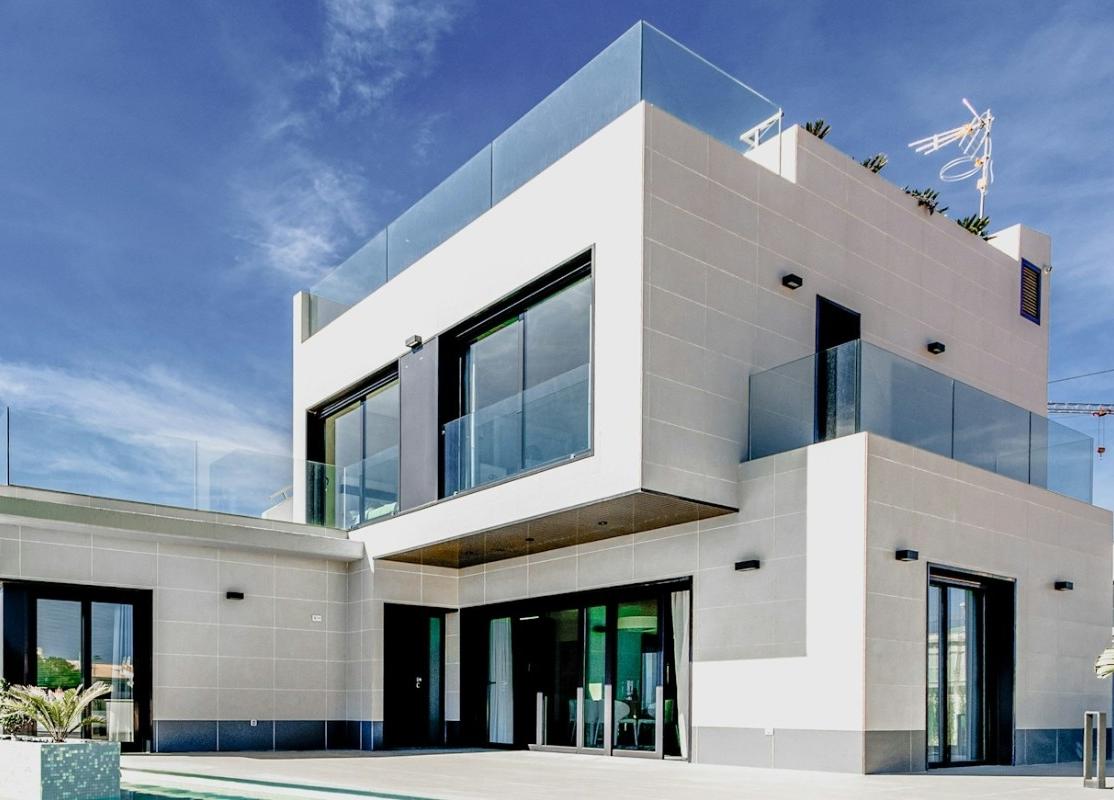
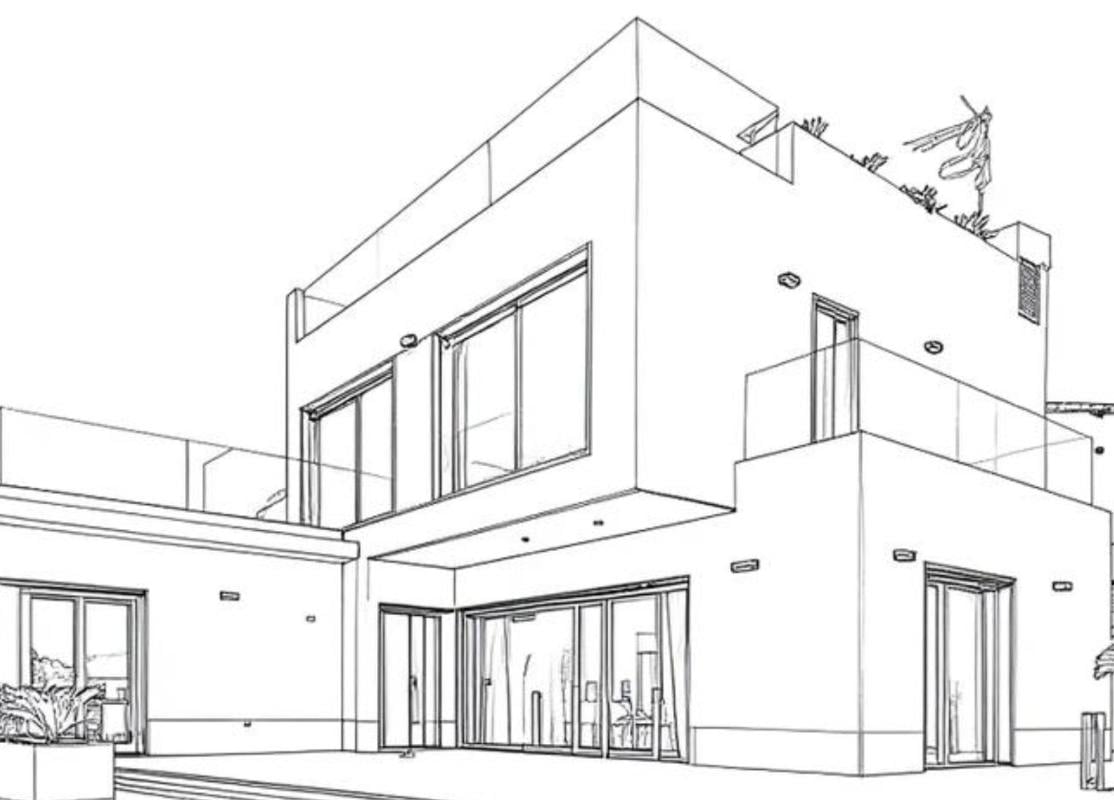
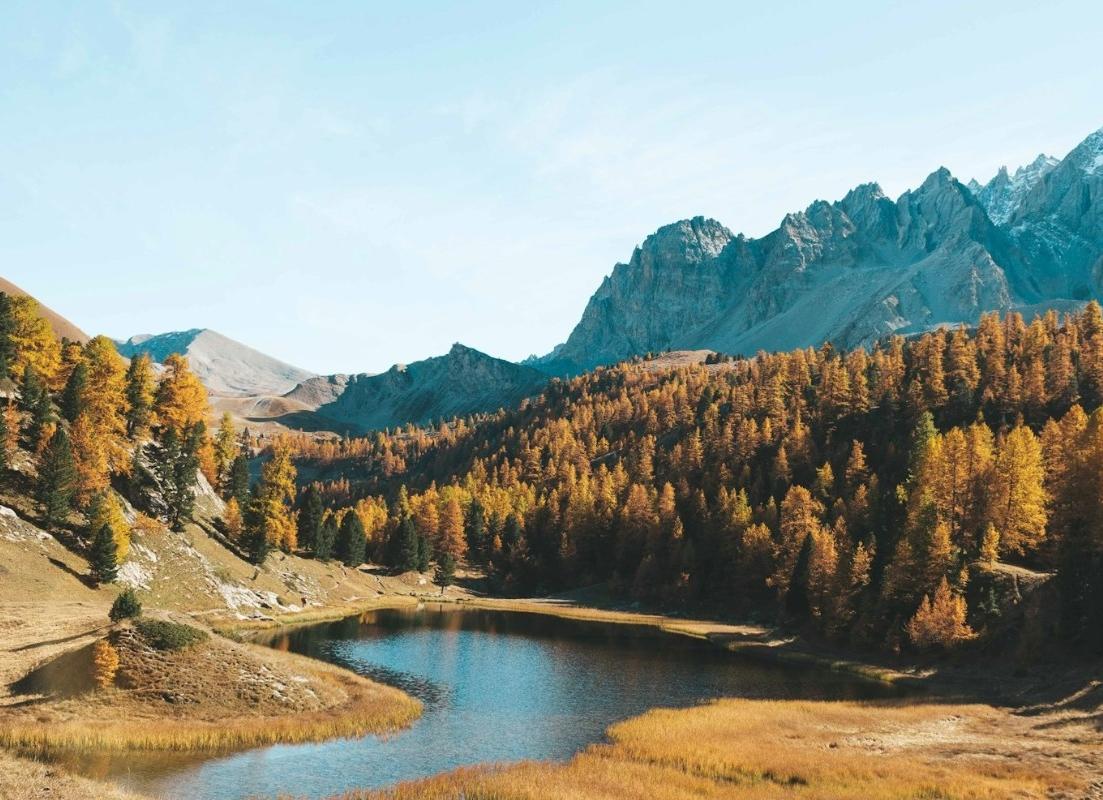
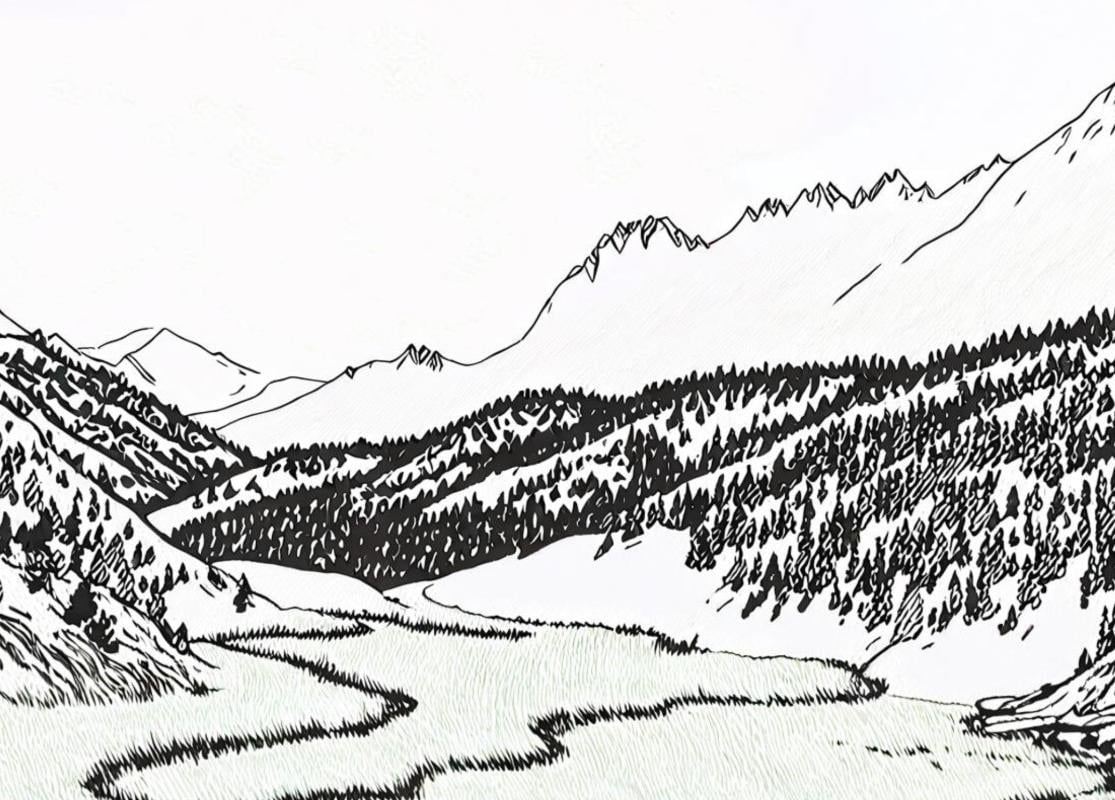
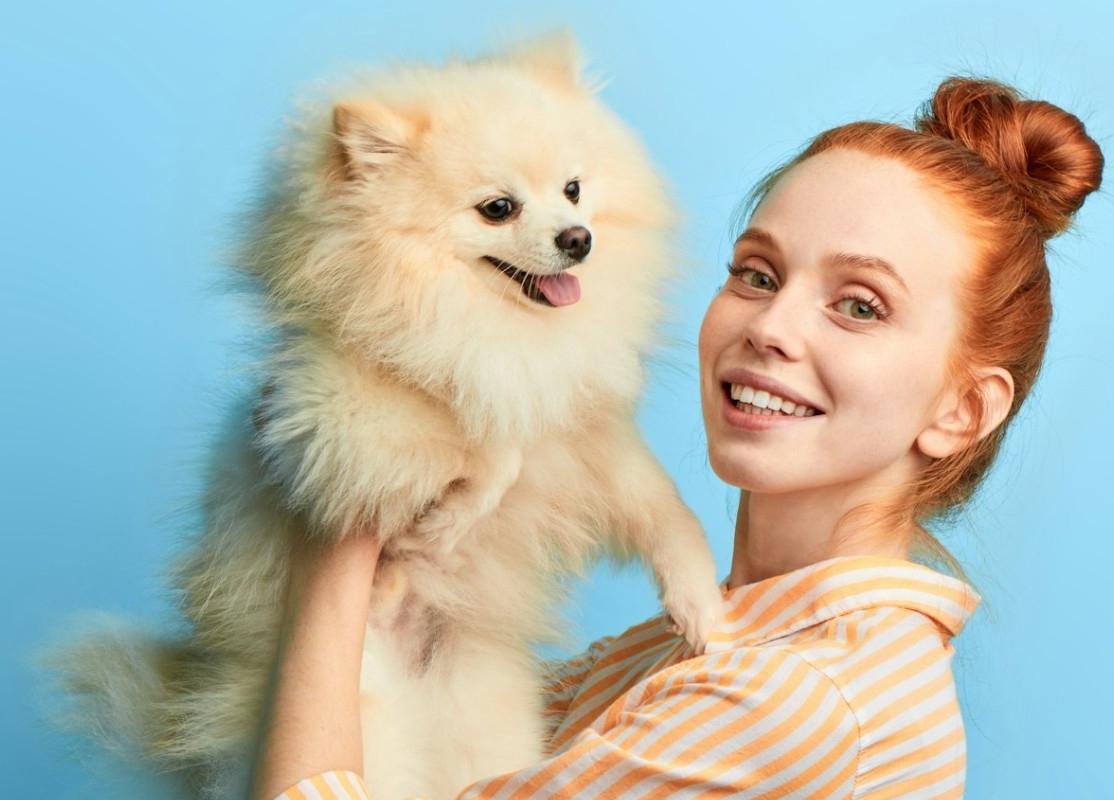
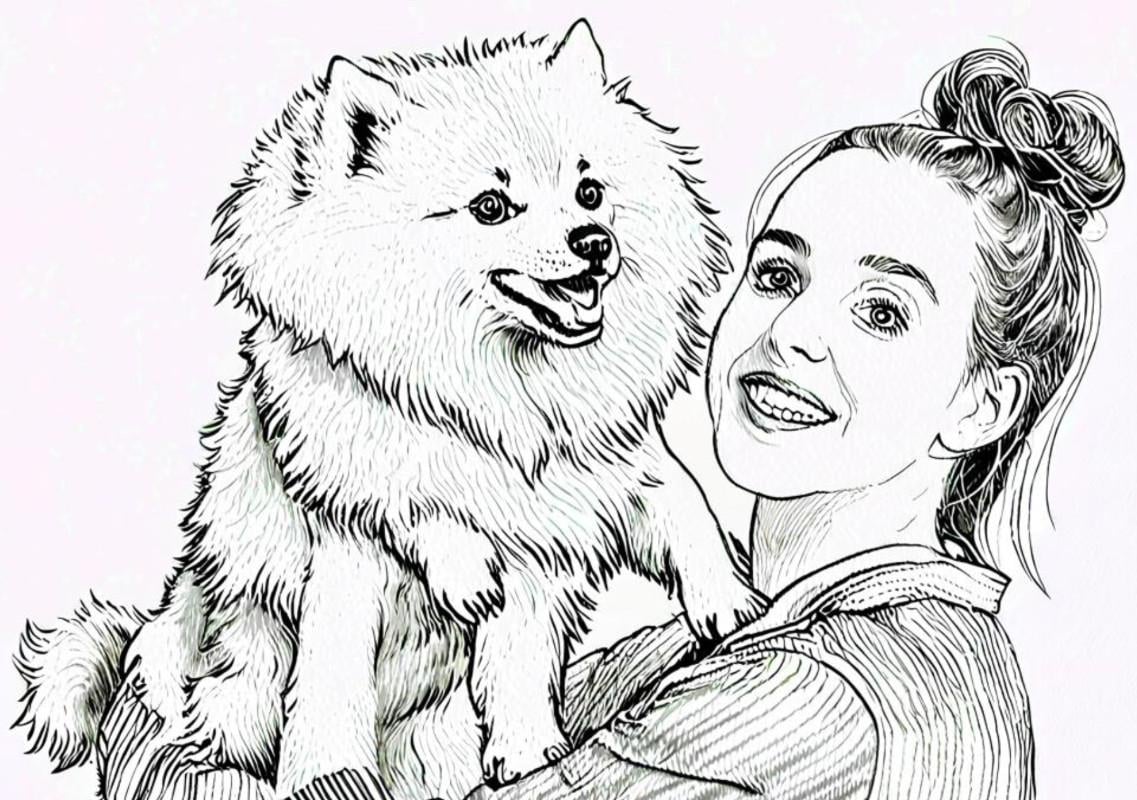
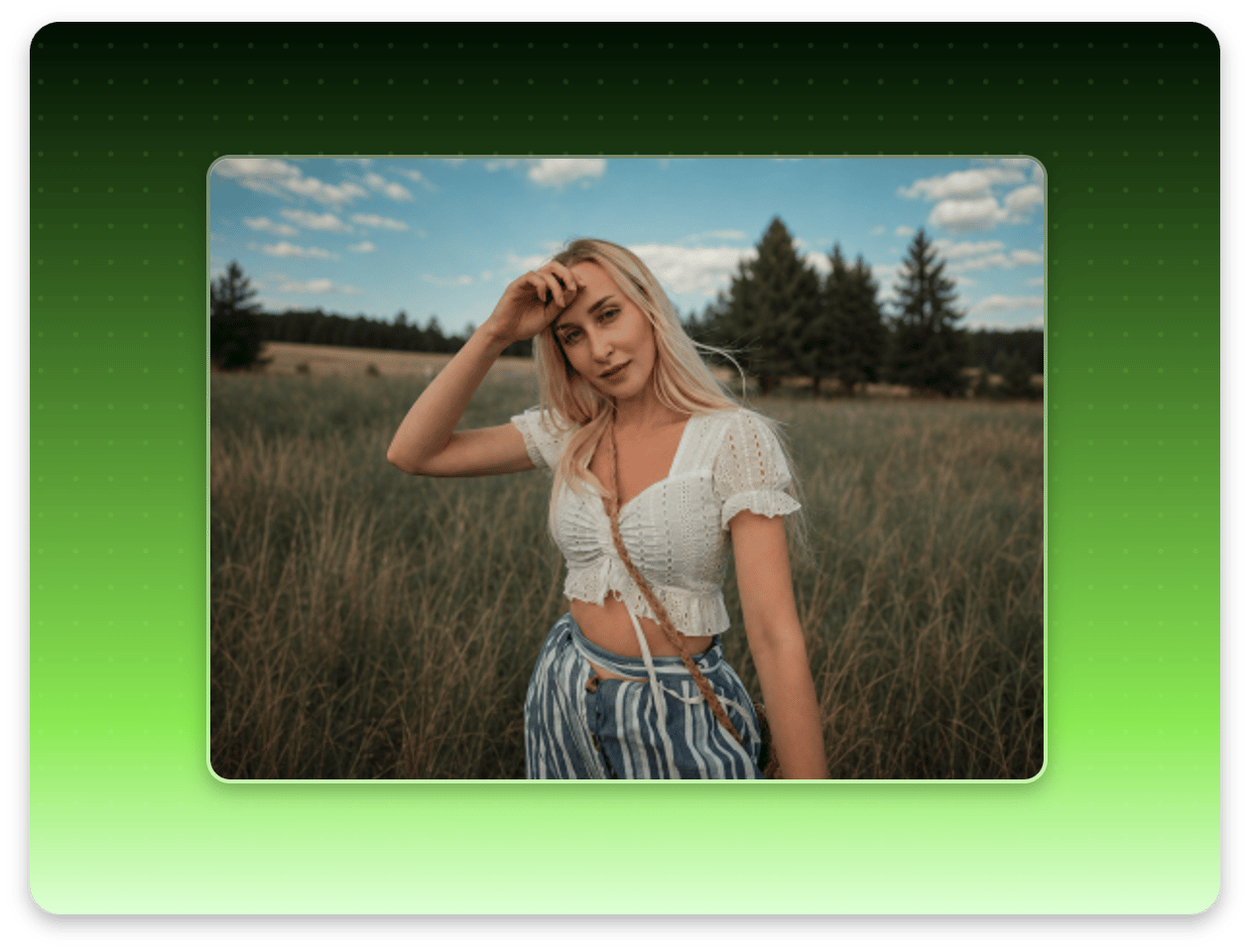
Upload a photo to Fotor free stencil maker. You can use a portrait, landscape, pet photo, or other image.
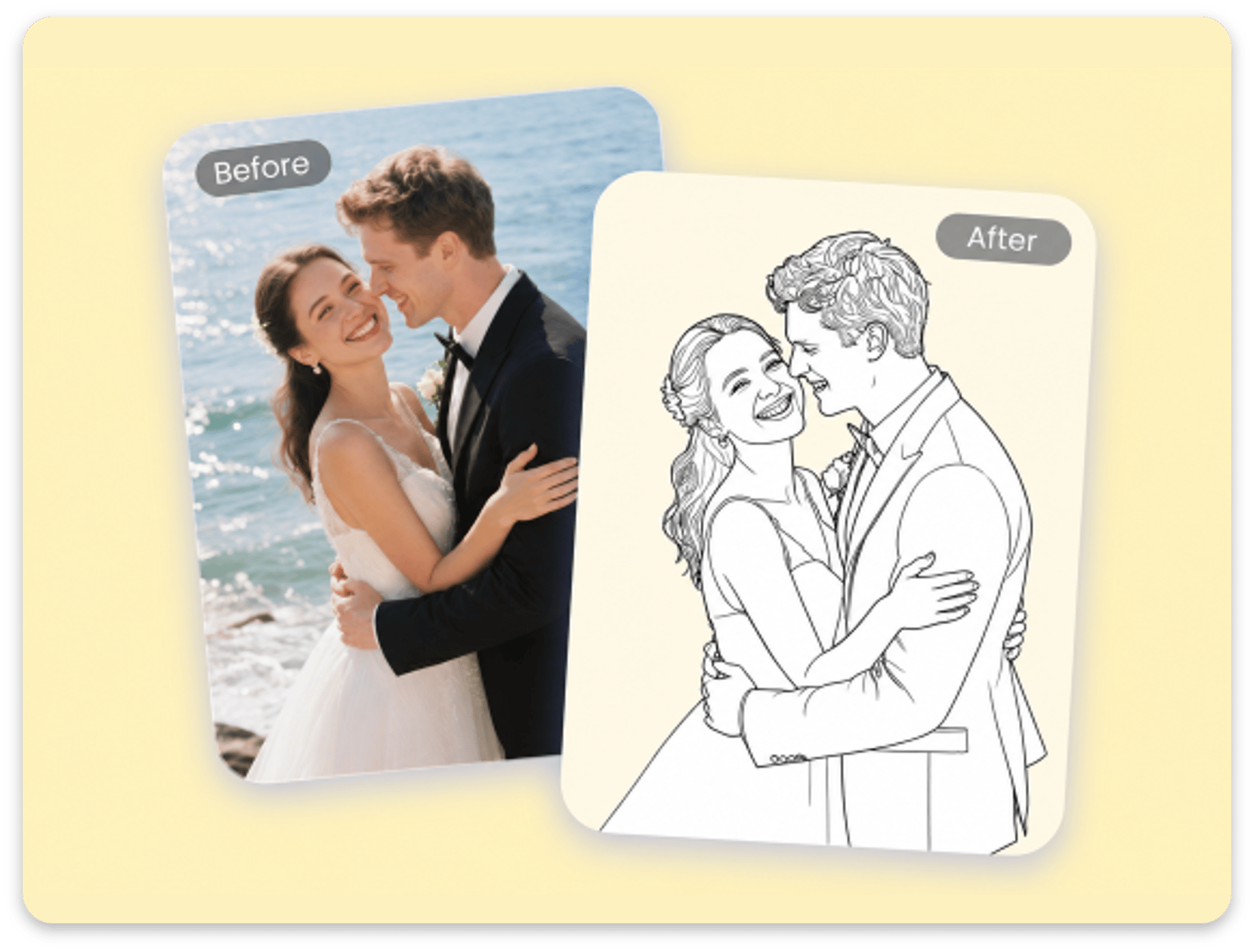
Converting your selfies or family pictures into line drawings can be a fun creative project. Instead of hiring a professional or spending hours drawing by hand, Fotor's free line drawing converter makes the process easier.
You can turn a photo into a line drawing with clear, black-and-white lines. The one-click stencil maker can convert portraits, landscapes, pets, or favorite movie characters into crisp line art, while helping retain key details and create stencil-ready outlines.
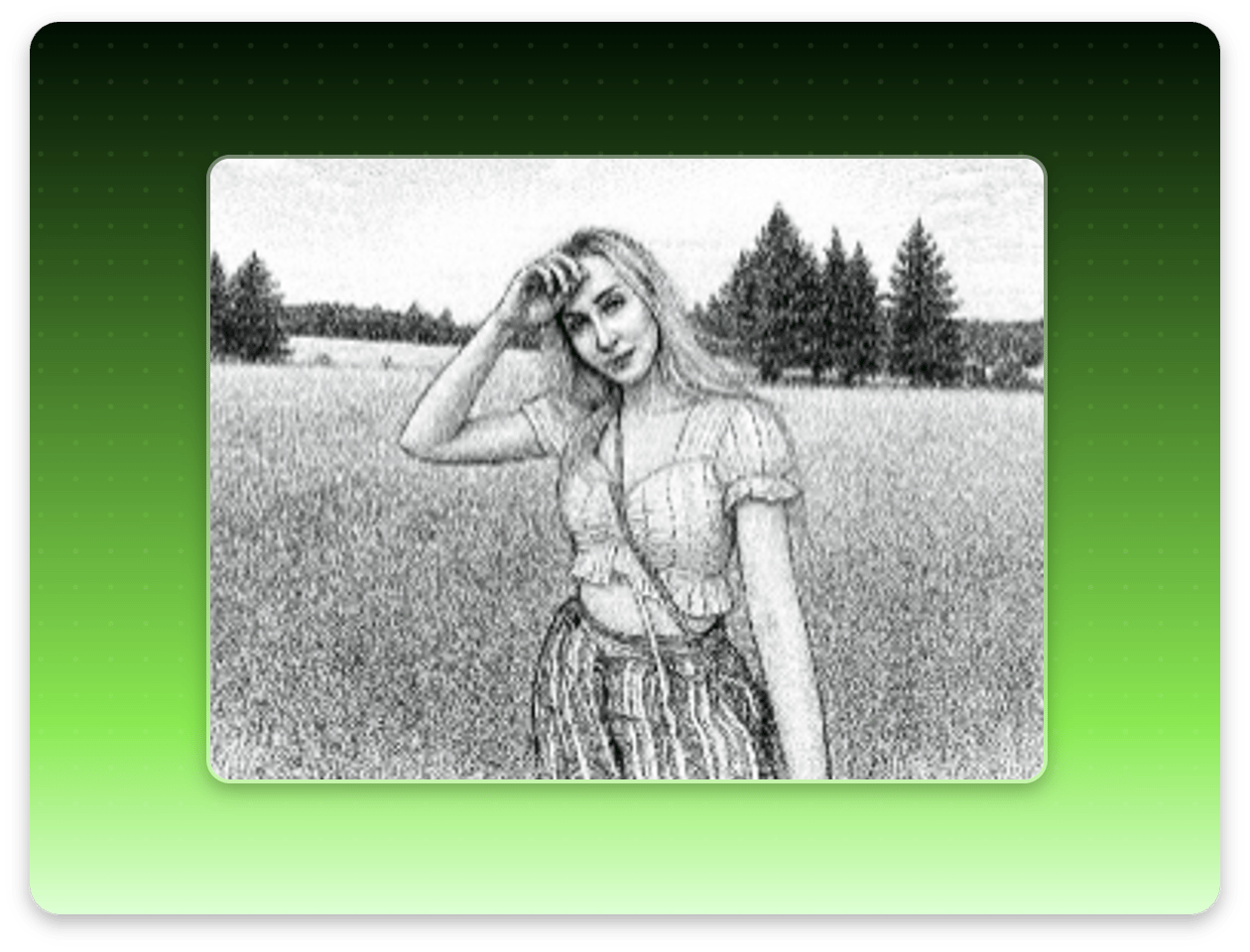
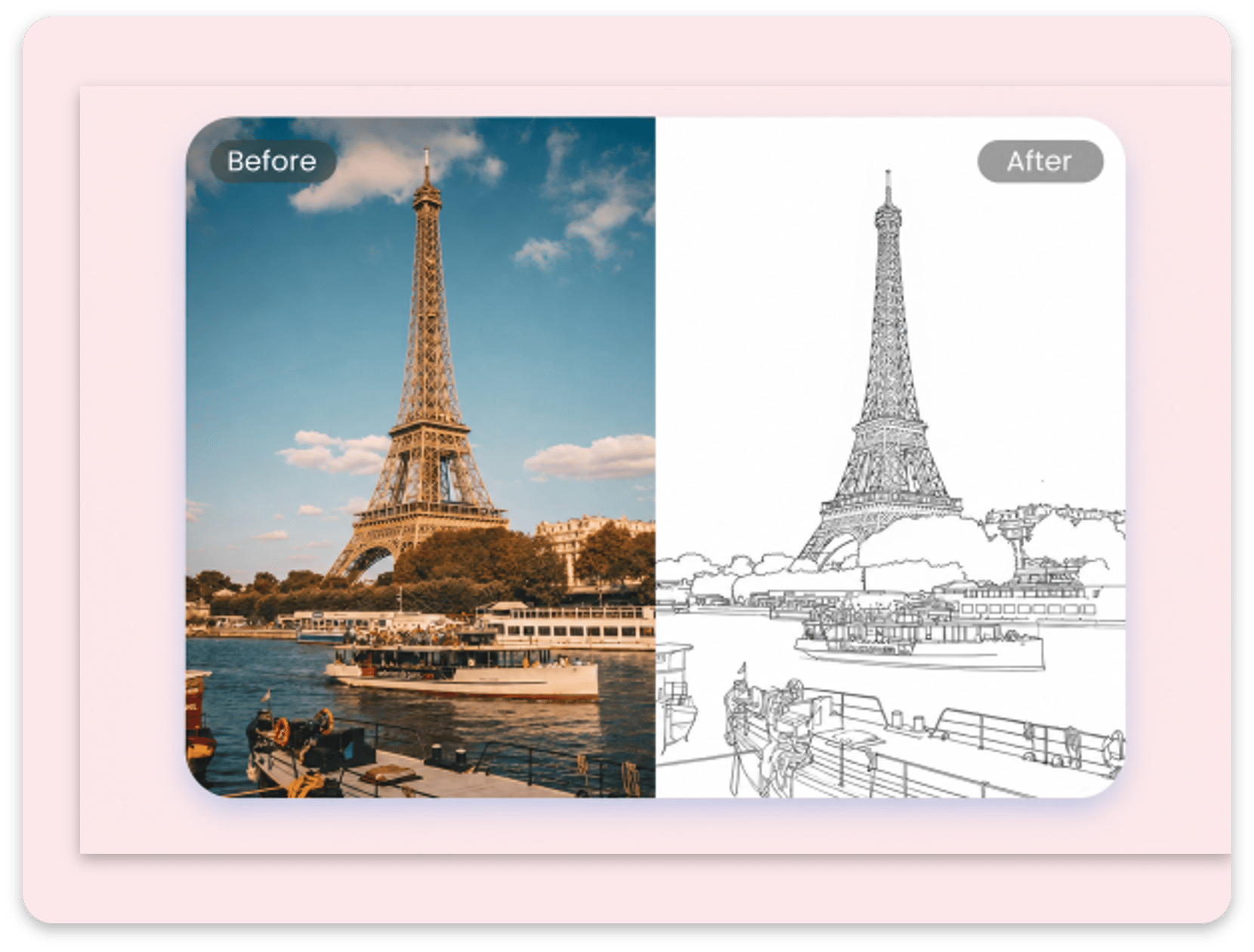
Upload a landscape photo to Fotor's online stencil maker to convert it into line art. This AI line art generator automatically adjusts line intensity to create a balanced result.
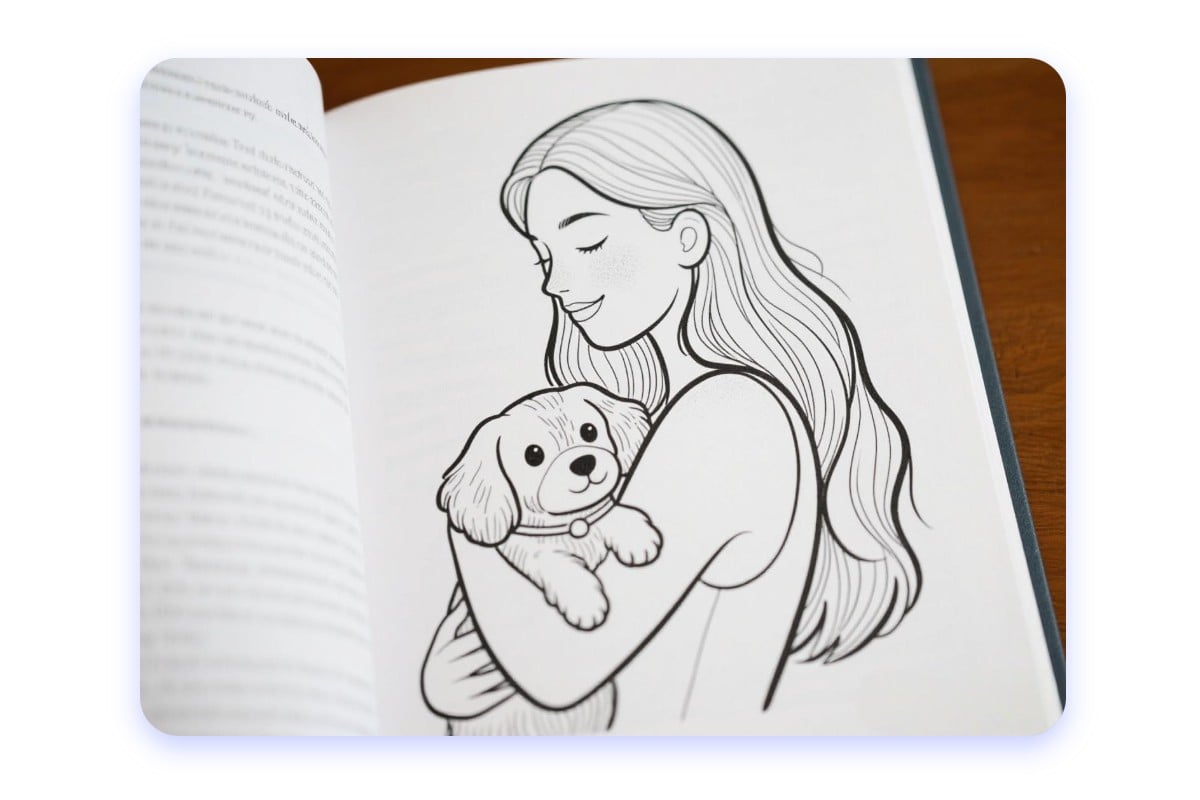
Use our free photo-to-outline converter to create sketches from landscape photos. The black-and-white outlines and photo-to-stencil texture are useful for creative projects, DIY coloring pages, or outline illustrations.
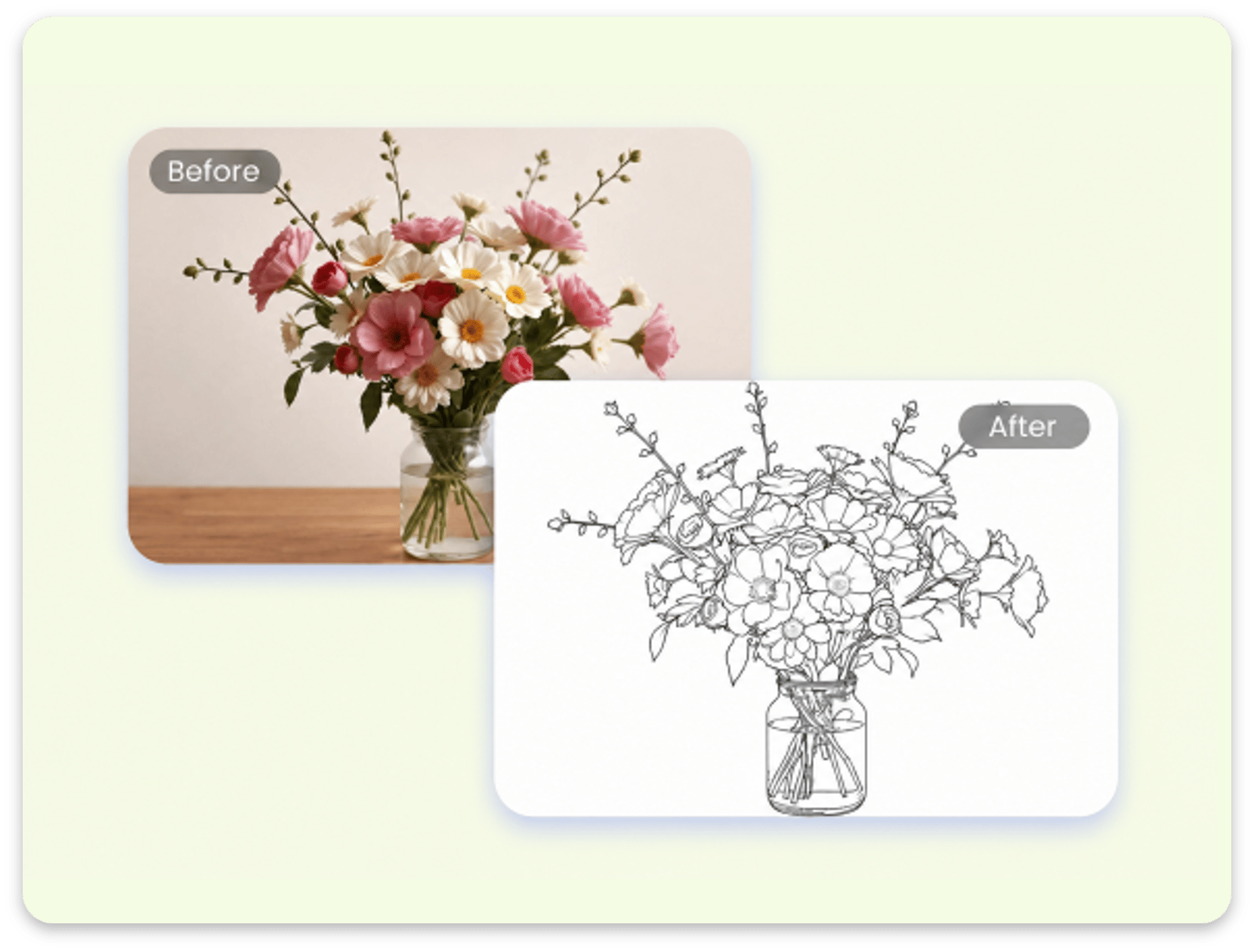
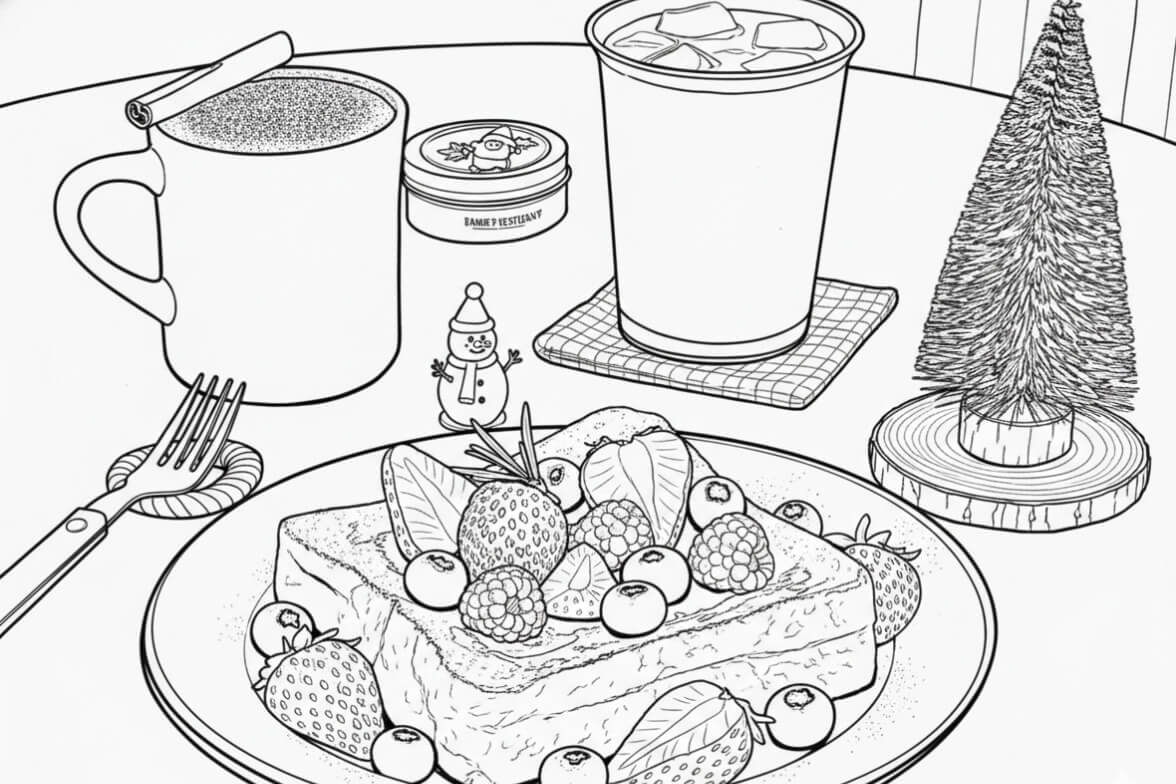
Fotor's line art generator makes it easy to convert still-life photos into outline pictures. Use our line-drawing converter to turn a photo into a pencil drawing and explore a different look for everyday objects and arrangements.
Choose a line drawing filter, apply it to your image, and preview the generated result. See how your still-life photo becomes an outline drawing with a different visual style.
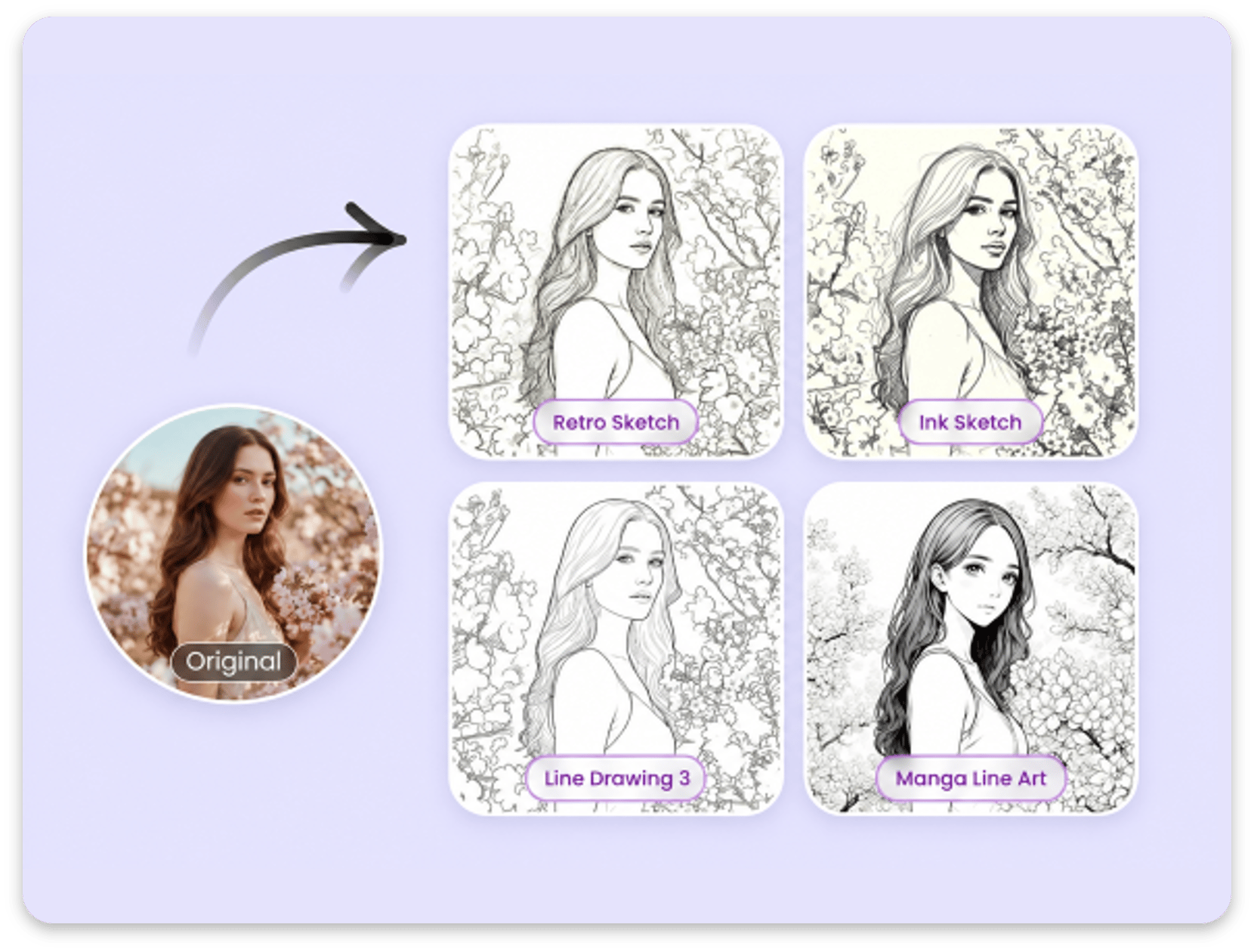
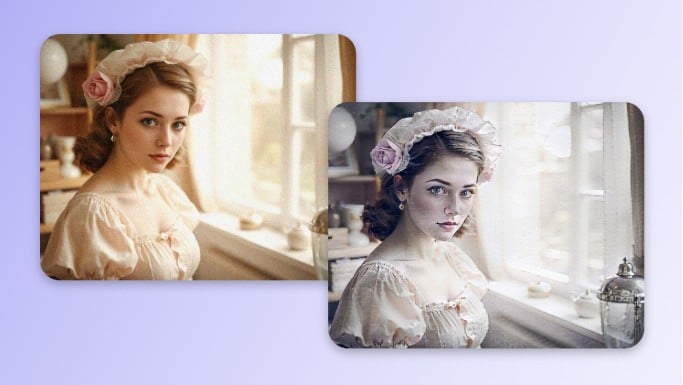
Want to create line art in various styles? Fotor's AI filter offers a wide variety of sketch effects. Our free AI outline photo maker lets you create coloring pages, pencil sketches, AI sketch drawing effects, and manga line art from your photos.
Explore the line art filter to discover different sketch styles and find one that suits your image.
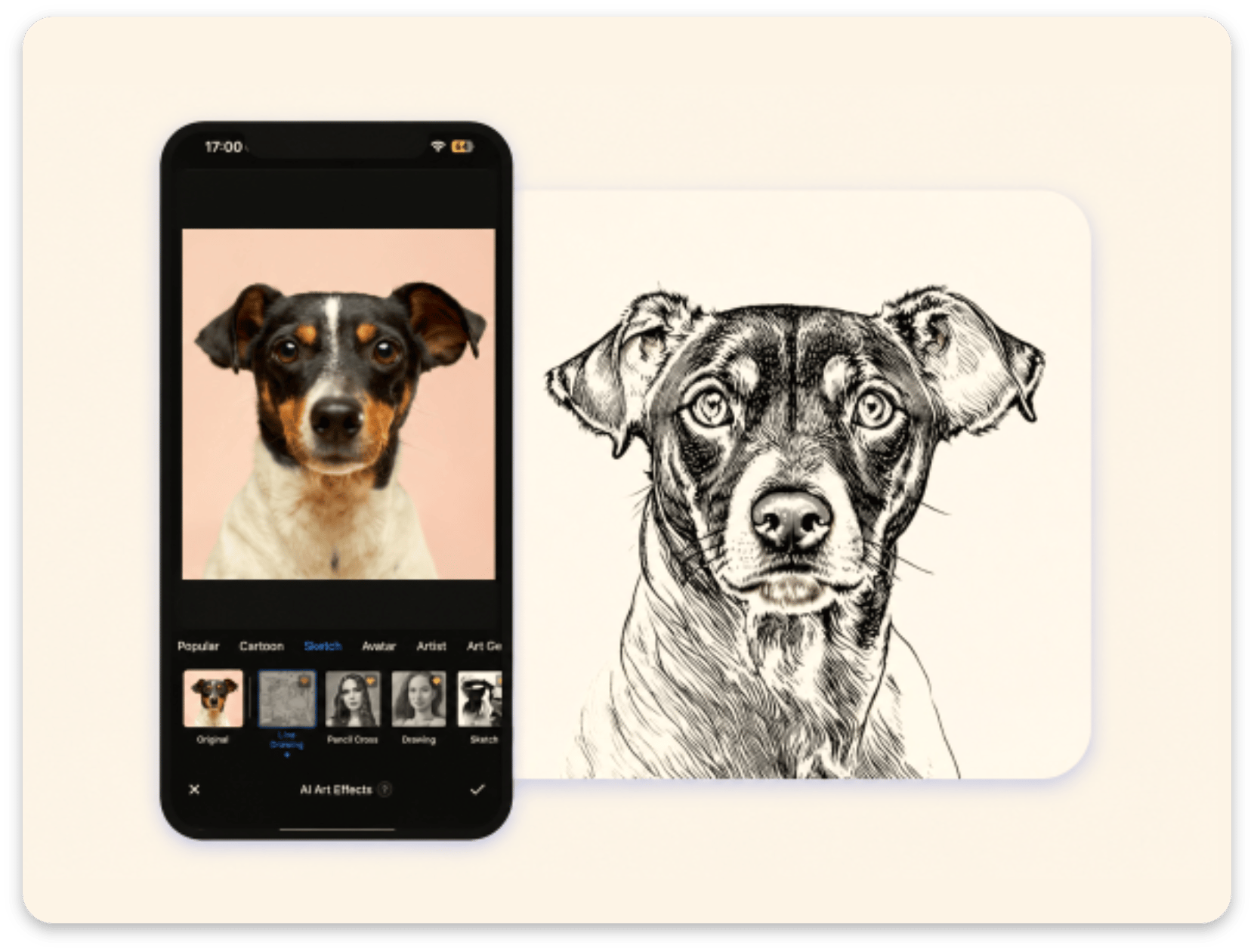
Fotor's free photo-to-line-drawing app lets you turn photos into line drawings on iOS and Android. The image-to-outline converter is available as a free app download.
With the app, you can create line art from your photos while you're on the go, whether you're traveling, commuting, or relaxing at home. The mobile-friendly stencil maker can help you create outline photos for custom stencils or sketch-style art wherever you are.
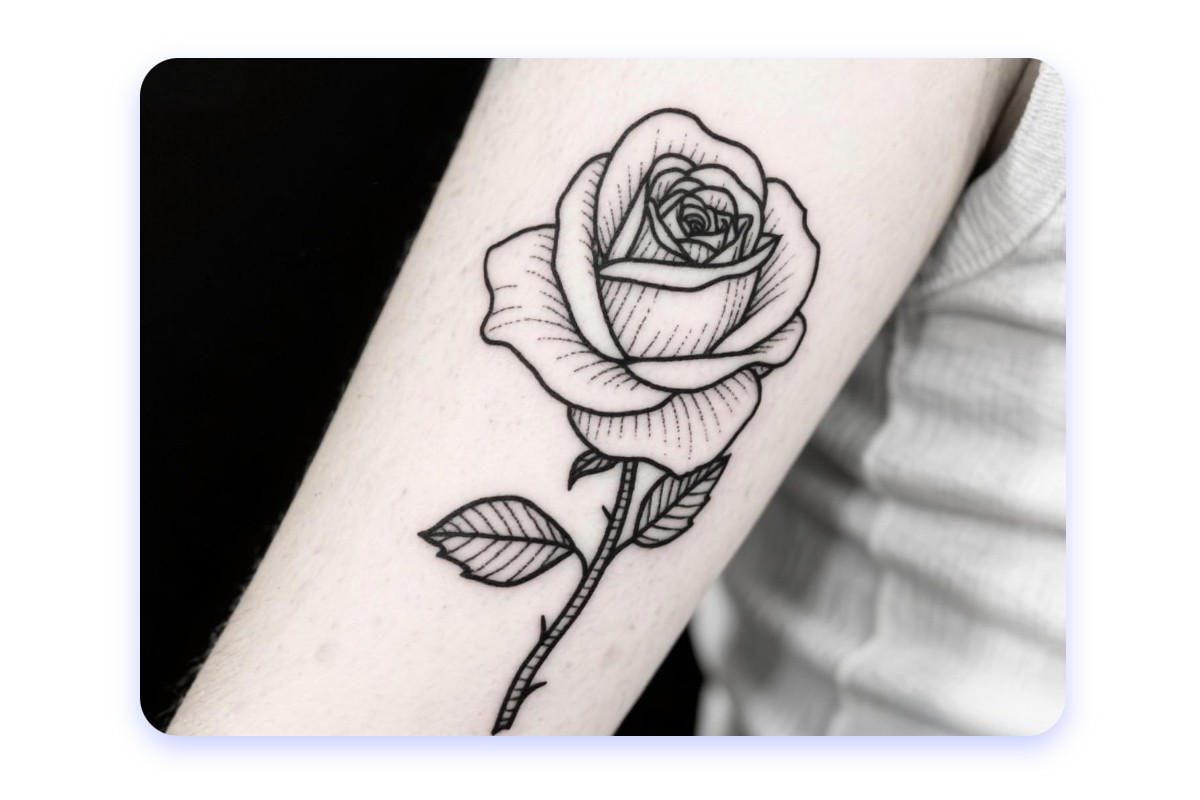
Use our AI-powered outline drawing generator to turn photos into line drawings for social media, creative projects, tattoo designs, and product visuals.
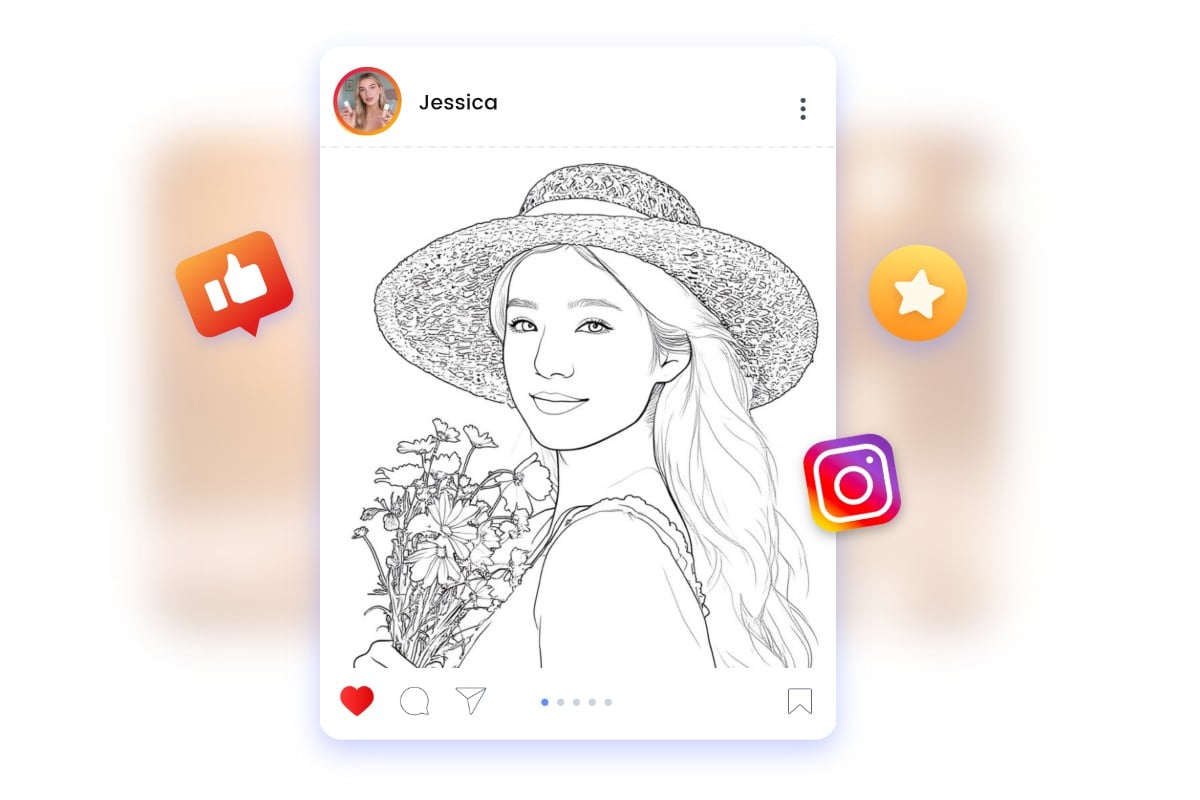
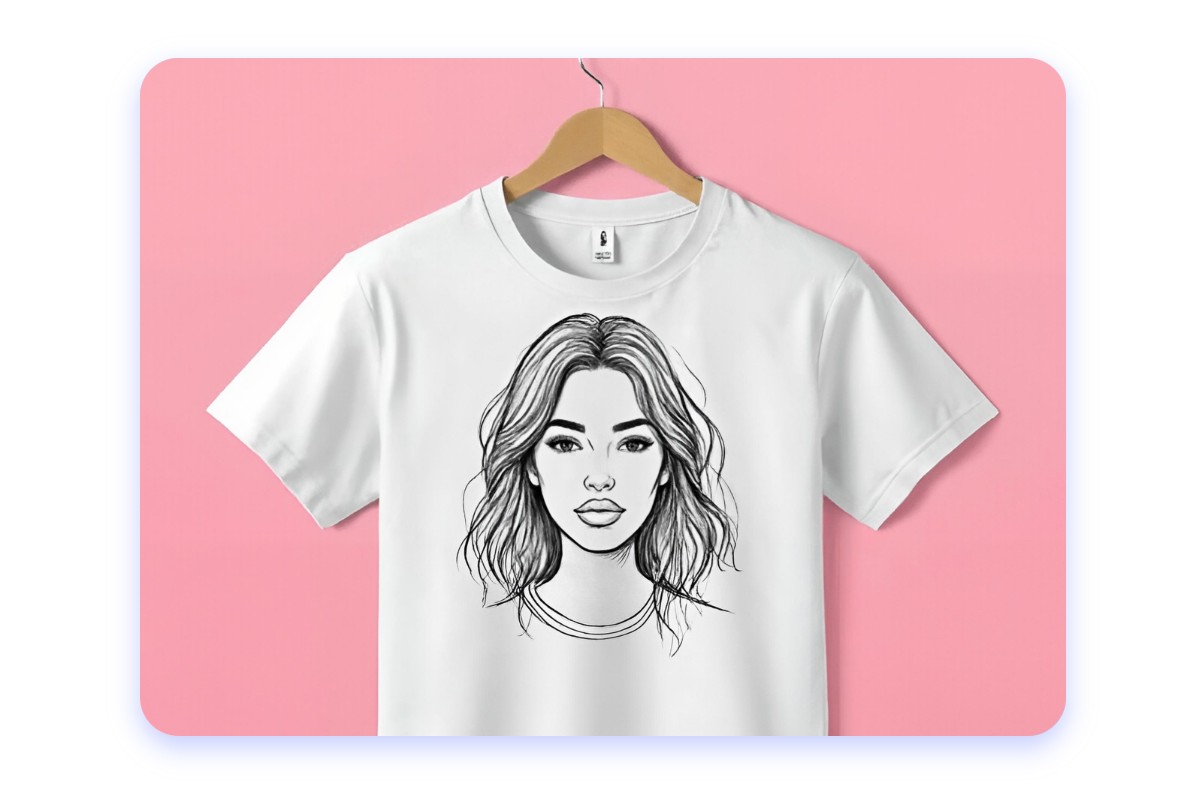
Transform everyday photos into line art for social media posts. With a few clicks, you can turn selfies, lifestyle shots, or brand images into line drawings for posts and other creative content.
Use these visuals on Instagram, TikTok, or Pinterest to give your content a different look and add variety to your social media feed.
Turn photos into line drawings for free with Fotor's online stencil maker using available credits.
Convert images into line art in your browser without downloading or installing any additional software.
Explore Pencil Drawing, Ink Art, Artist's Sketch, and Pencil Cross for different line-art effects.
Fotor's AI image-to-outline maker automatically converts photos into line drawings, highlighting key shapes and details.
Upload a picture and create line art in a few steps, no drawing skills needed.
Download your generated line art without watermarks for easy sharing, printing, and posting across platforms.
Clear, well-lit photos with a distinct subject and good contrast usually produce cleaner outlines. Photos with simple backgrounds can also help keep the main shapes easy to recognize. Blurry images, low contrast, and busy scenes may produce uneven or cluttered lines.
Detailed backgrounds can introduce extra lines from trees, buildings, textures, and other objects. Try cropping the image around the main subject or removing distracting background elements before conversion. Fotor's Background Remover can help isolate the subject before you create line art.
The result depends on the source photo and the line art effect you select. Fotor's current workflow focuses on choosing a filter for automatic conversion and does not document separate manual controls for line thickness. Try another available effect if you prefer a simpler outline or a more detailed drawing.
Fotor's current line drawing instructions list JPG and PNG as download formats, but do not advertise native SVG or editable vector-path export. If you need scalable vector artwork for further editing, you'll need a separate vectorization tool to convert the downloaded image.
Fotor's line drawing output can serve as a visual reference for craft and stencil projects. However, JPG and PNG downloads are raster images rather than ready-to-cut vector paths. Before using an image with Cricut, Silhouette, or a laser cutter, convert it to a suitable vector format and check that the outlines and small details are appropriate for your material and cutting method.
The current line drawing workflow offers JPG and PNG downloads but does not explicitly confirm a transparent-background export option. A PNG file is not necessarily transparent. If you need transparent artwork, check the downloaded image and remove the background with a suitable transparency tool if needed.
Fotor's Privacy Policy states that AIGC inputs are generally stored on its servers and remain accessible until you delete them. It also describes a community-sharing default for certain unsubscribed users using gift credits, with an opt-out option. Review the current policy and your account settings before uploading sensitive or confidential images.
Commercial use depends on the rights to your original photo, the intended use, and applicable terms and laws. Fotor's current Terms of Service make users responsible for their generated content and do not provide a blanket guarantee of copyright status or commercial-use rights. Before using line art in products, advertising, or client projects, verify that you have the necessary rights and review the applicable terms.
Use Fotor's free AI line art generator to turn photos into line drawings and stencil-style outlines.