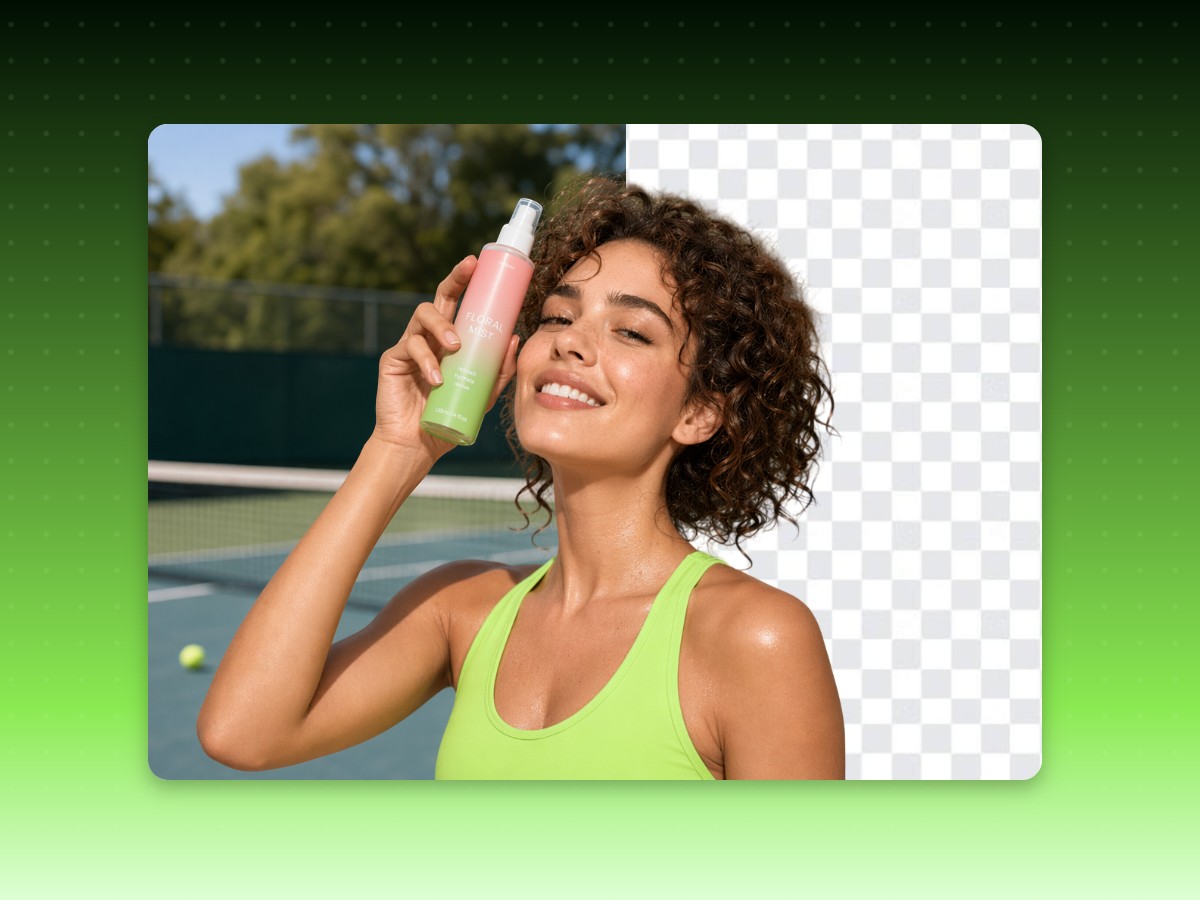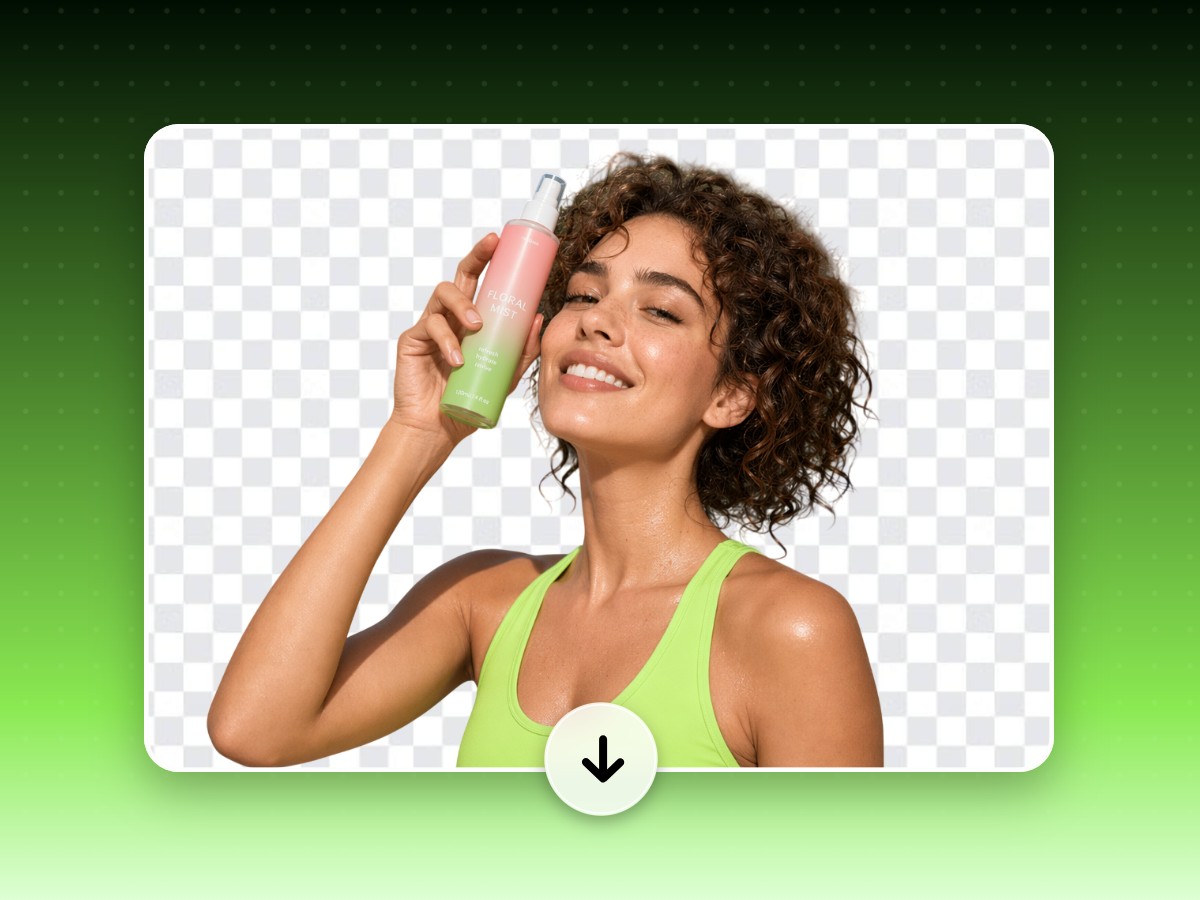



Instant Tranparent BG Processing
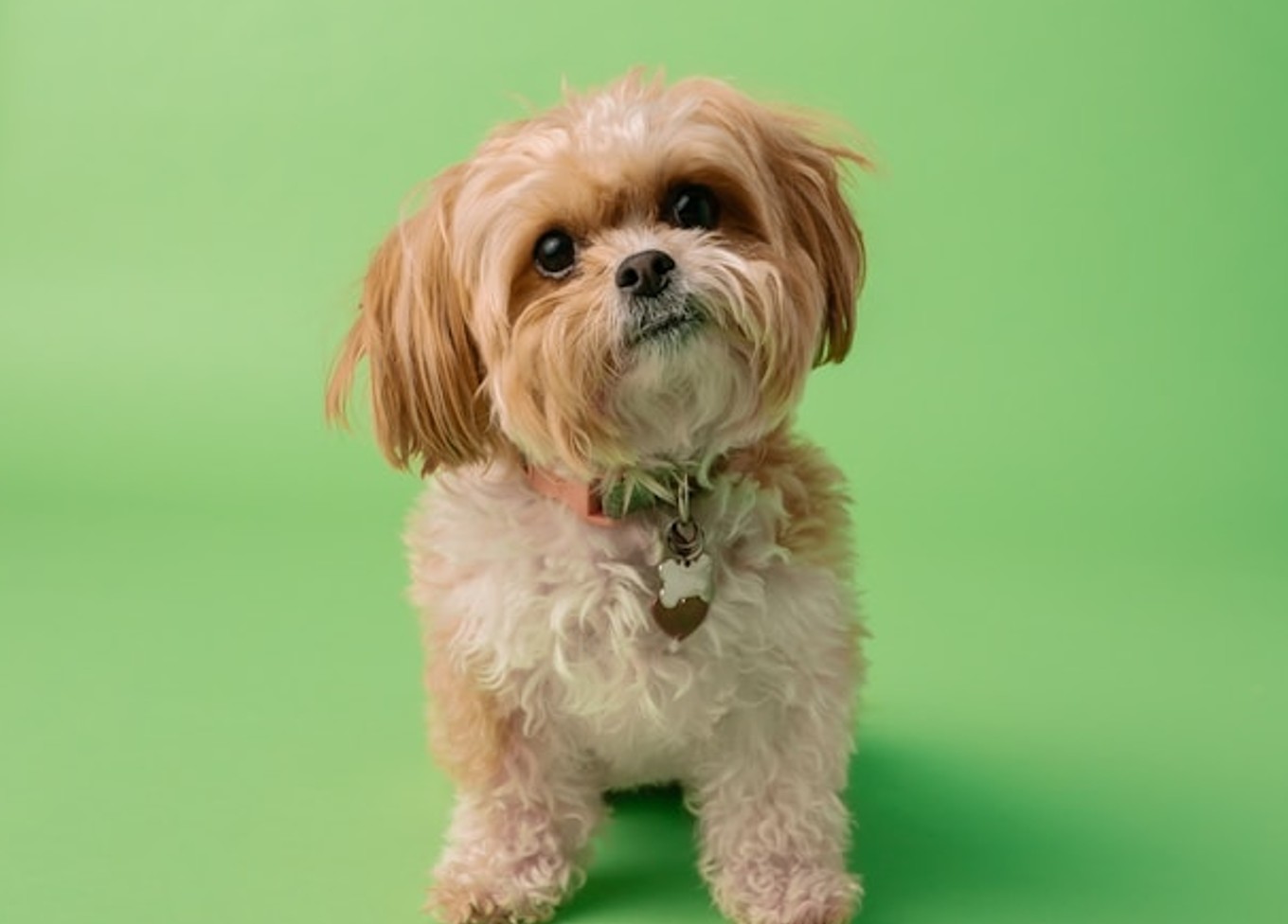
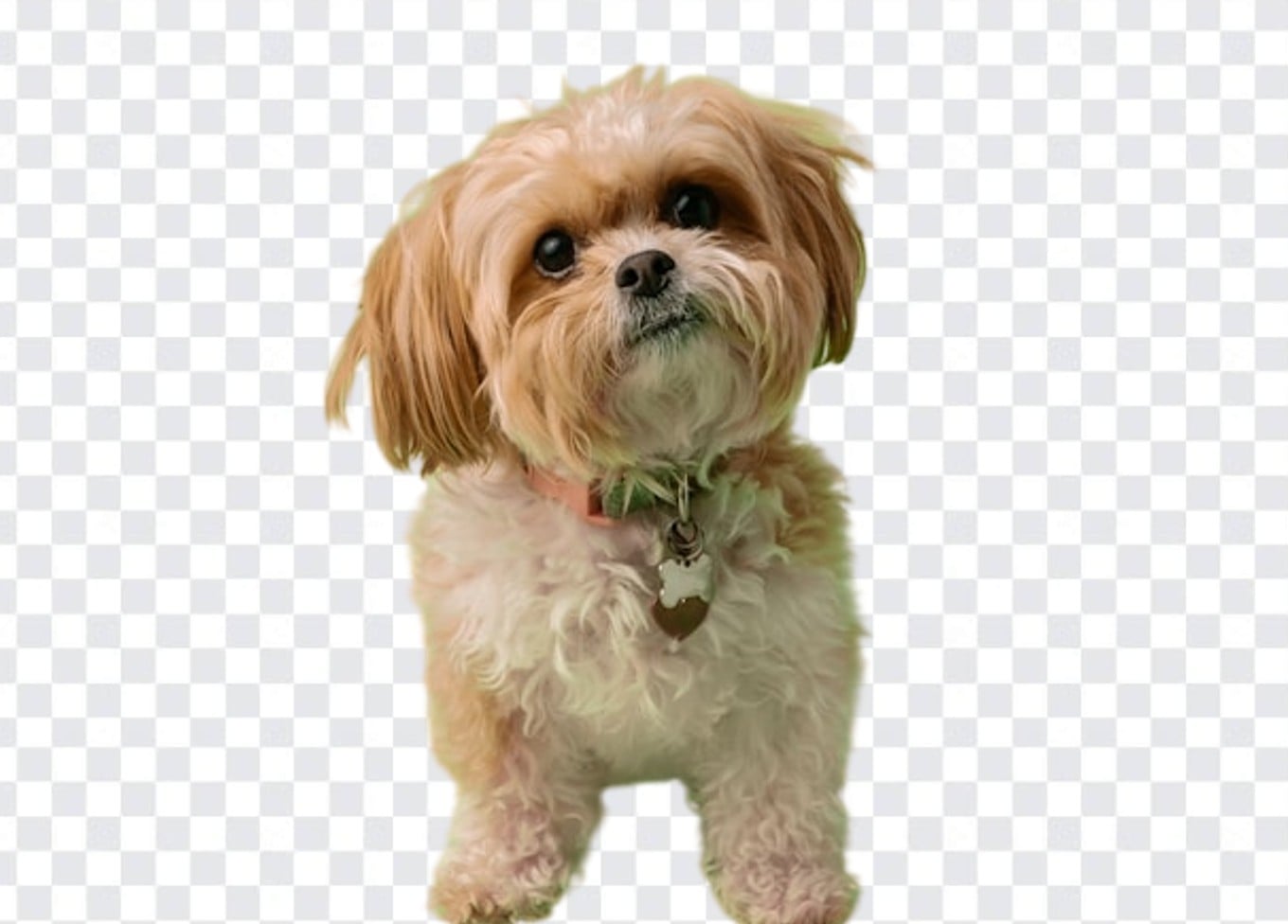
No tracing or manual editing needed. Upload your photos and let AI remove image backgrounds automatically with professional-looking results.


Upload an image and instantly turn it into a clean transparent PNG with Fotor transparent background maker, ready for product listings, branding, and social content without manual editing.
✅️Easy HD Download ✅️No Watermarks ✅️Instant Transparent Background
Upload or drop your image here

Upload or drop your image here
No tracing or manual editing needed. Upload your photos and let AI remove image backgrounds automatically with professional-looking results.
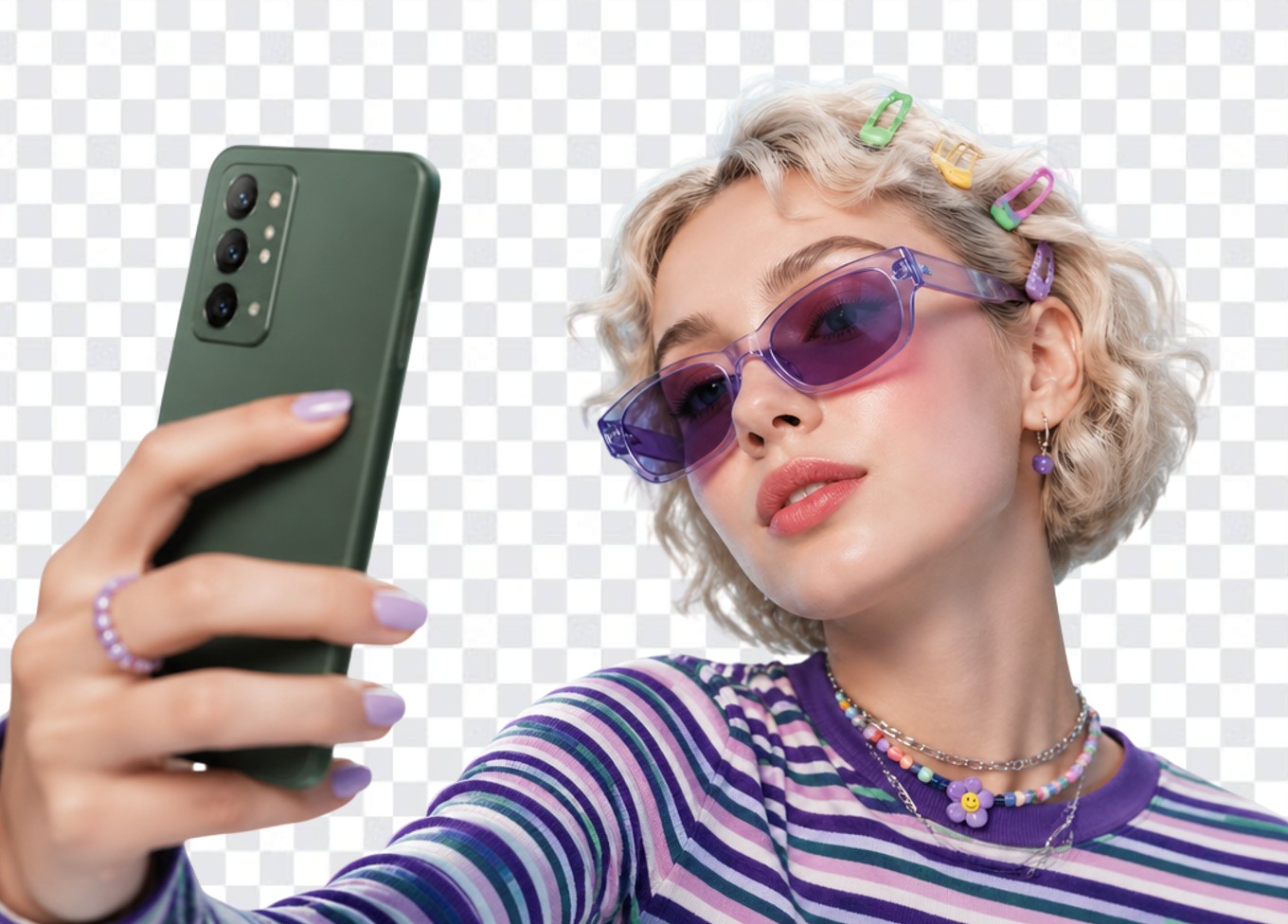
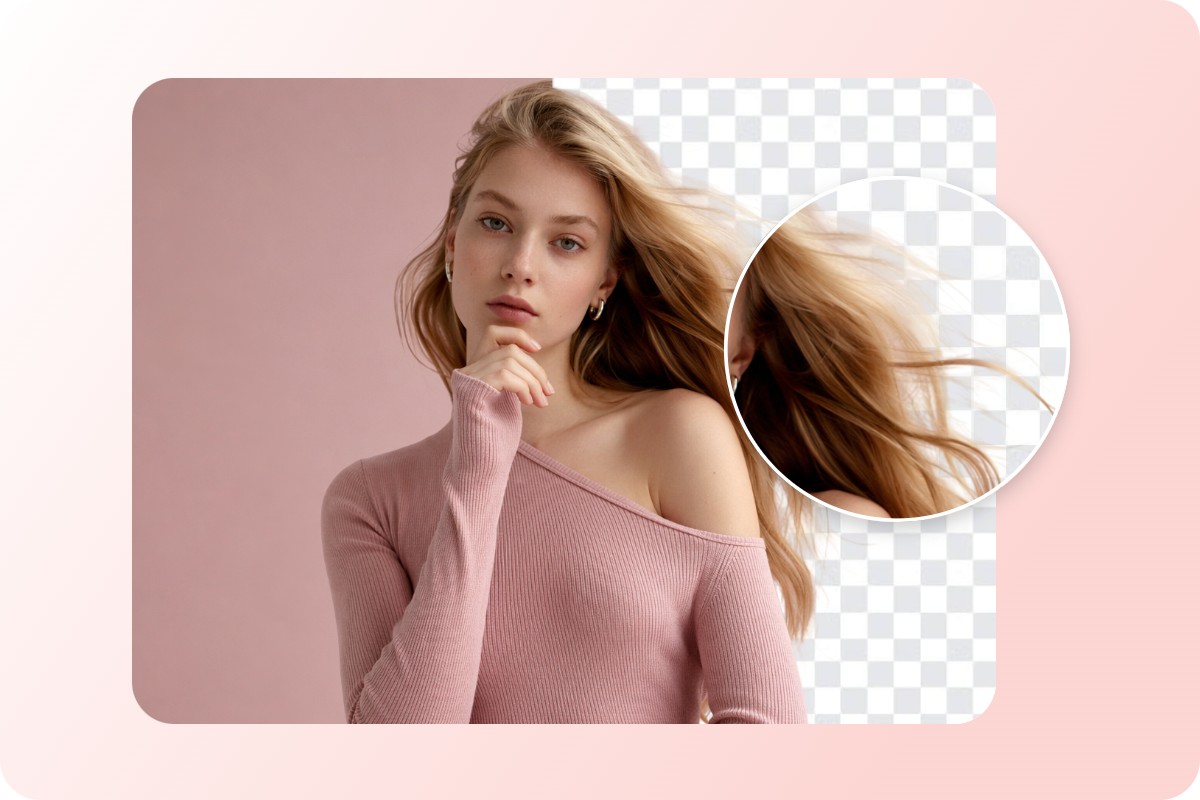
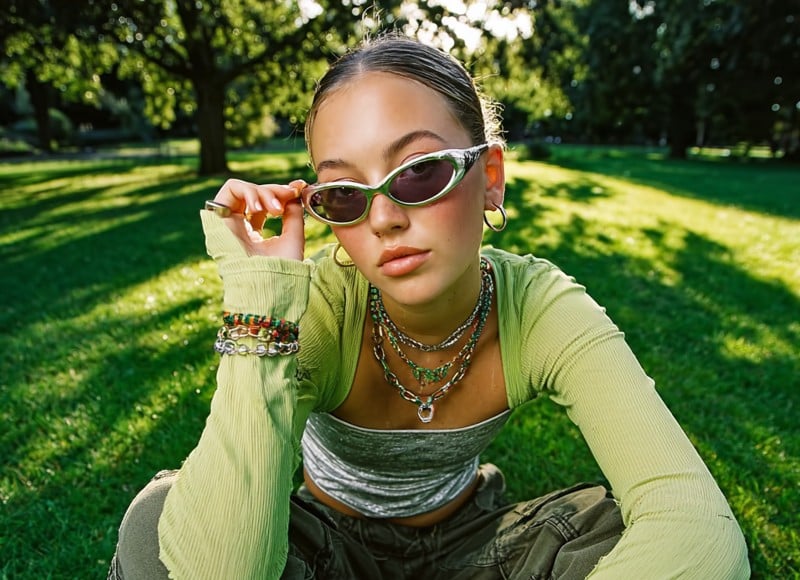
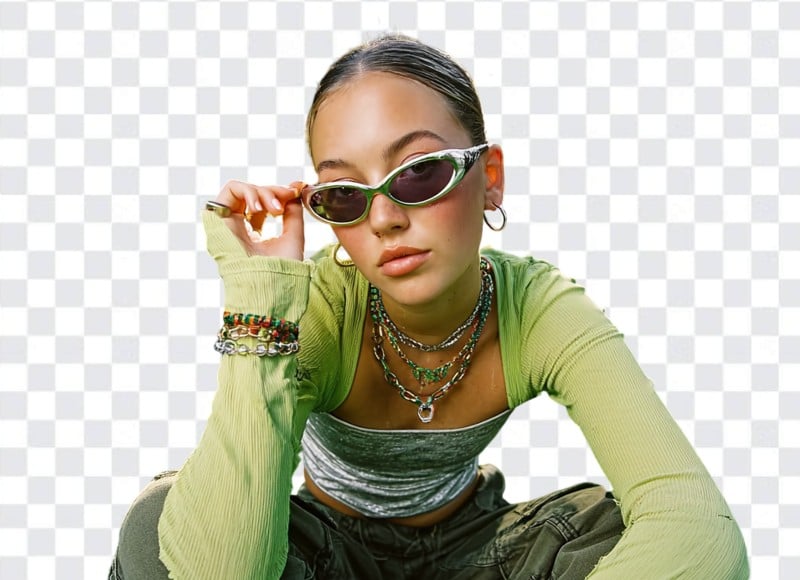
Delivers precise edge detection and clean cutouts, preserving fine details like hair, product contours, and complex backgrounds.
Exports clean transparent PNG images without watermarks, ready for commercial use in e-commerce, marketing, and design.
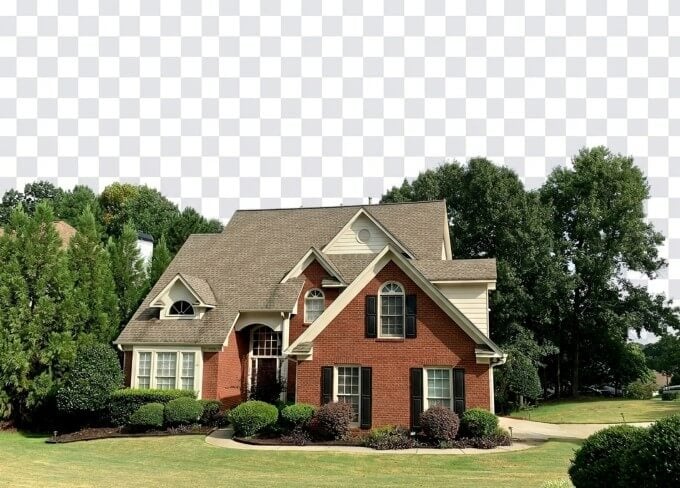
From product photos to personal portraits, instantly turn any image into a clean transparent background that’s ready for design, marketing, and online use.
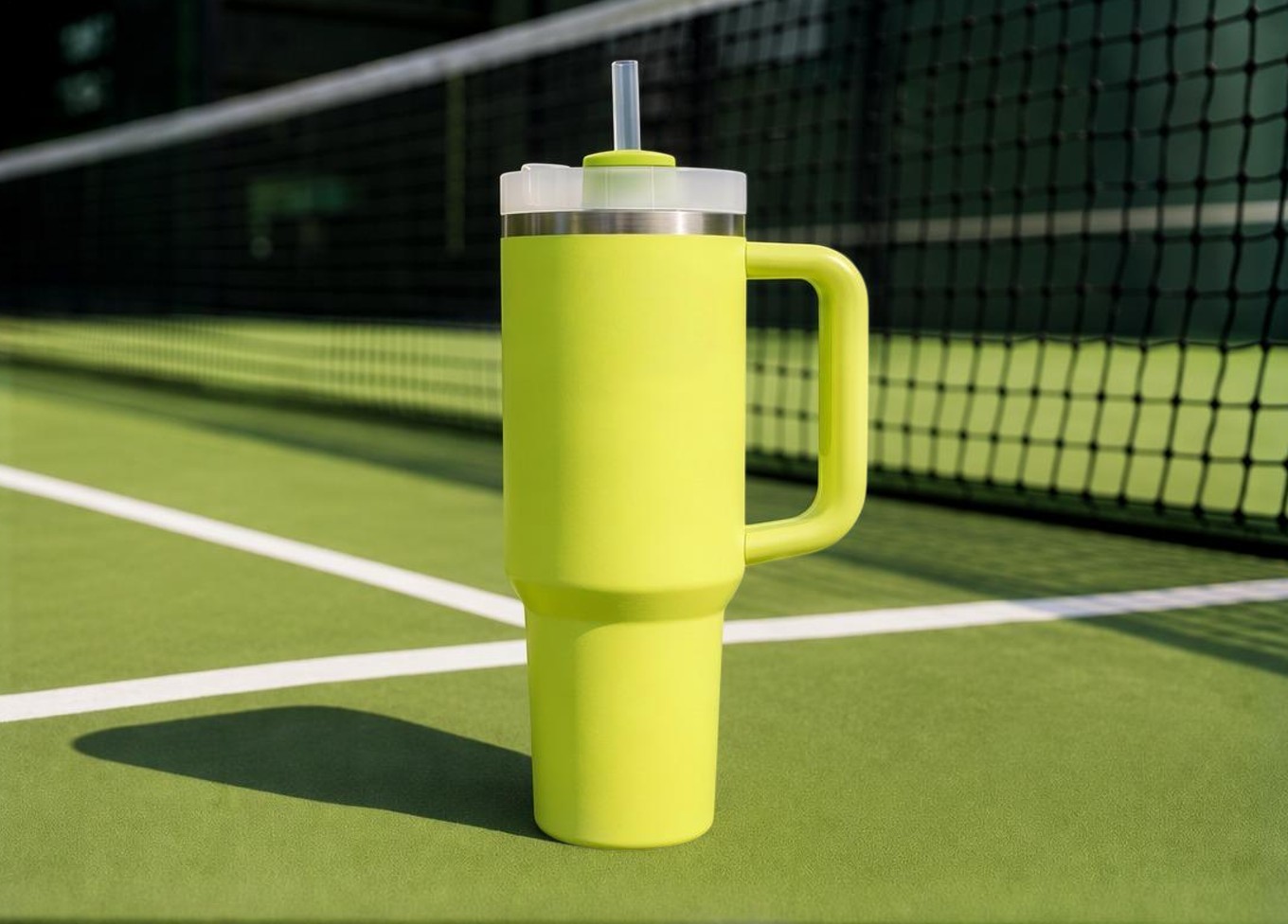
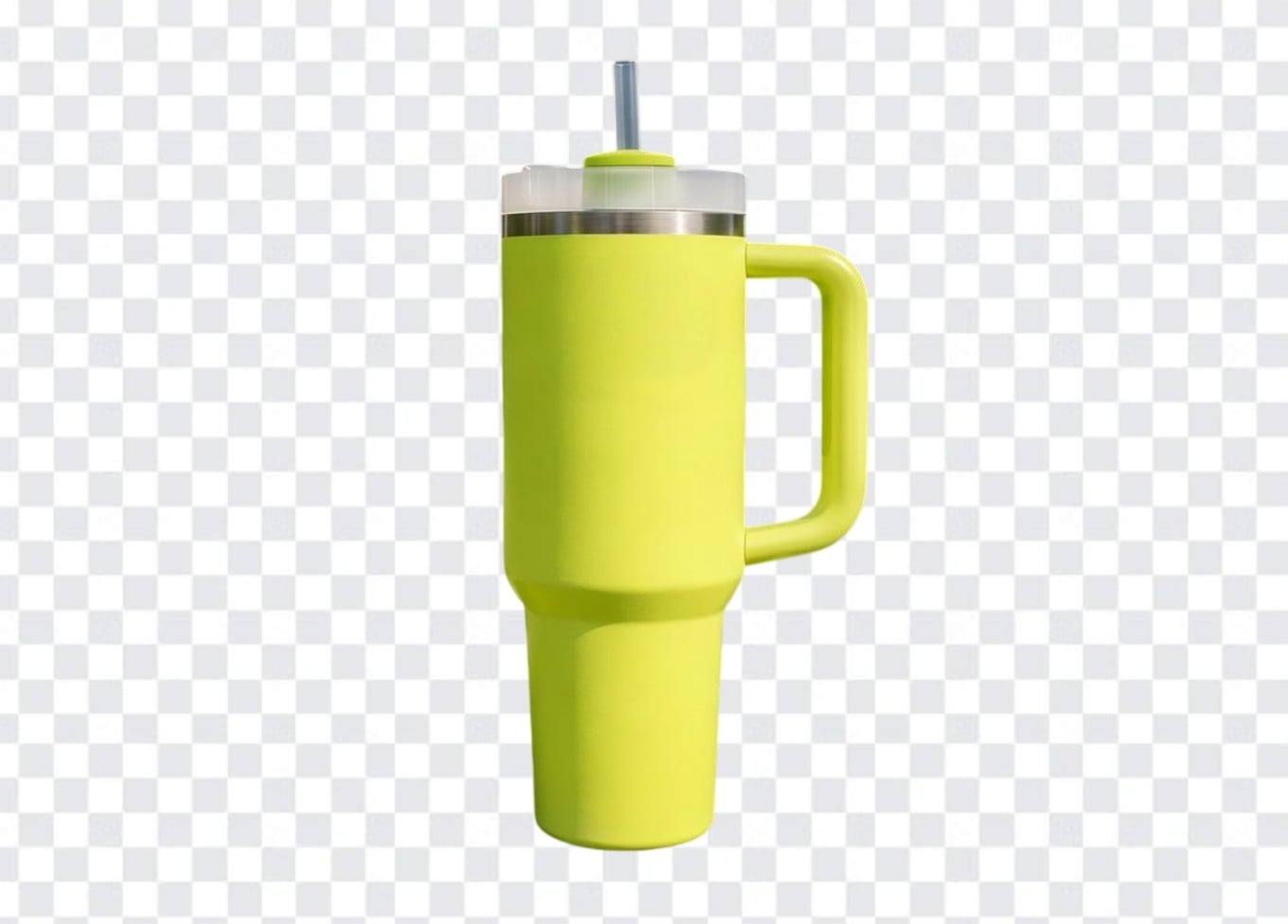
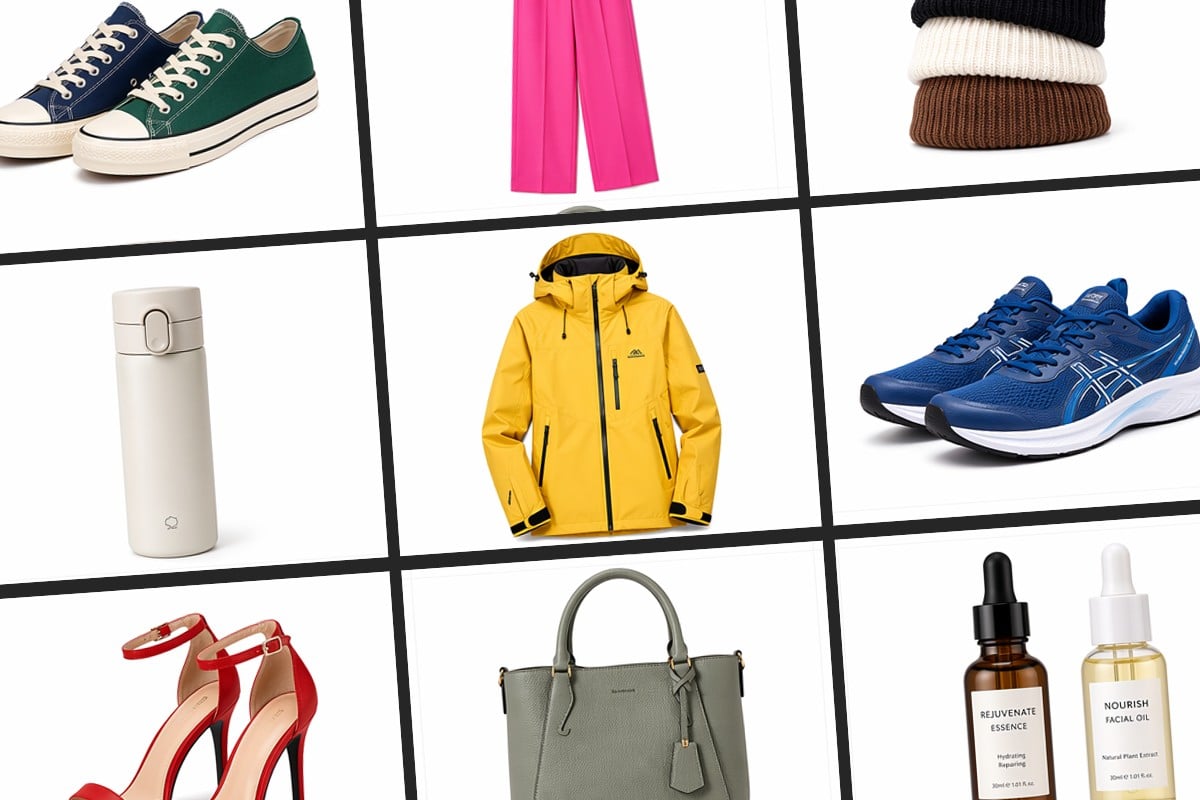
Create clean product images with transparent backgrounds, perfect for e-commerce listings, ads, and catalogs.
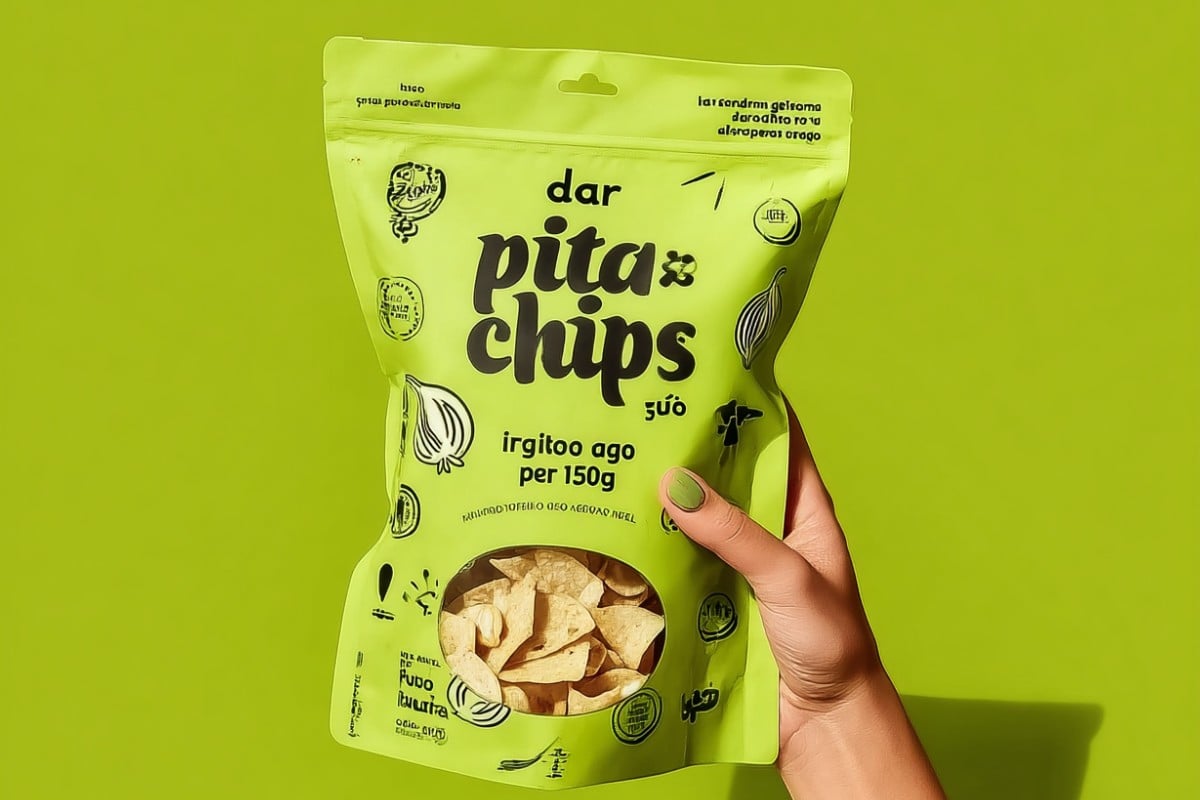
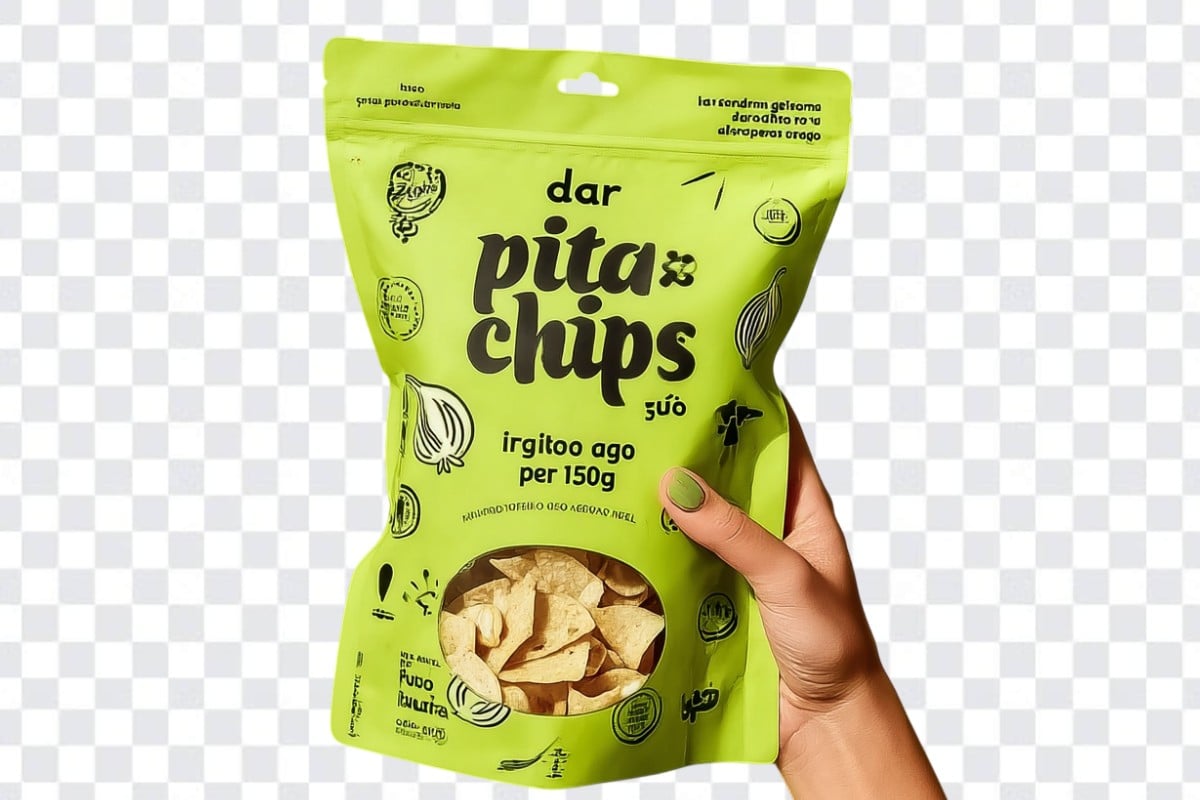
Turn any image into a transparent background in a single step with a streamlined creation process. Simply upload a photo and convert it into a transparent PNG without manual adjustments or editing steps. The tool is designed to remove the background with minimal interaction, supporting efficient image processing at scale.
The tool generates transparent PNG images with a focus on edge accuracy and subject integrity. Fine details such as hair strands, fabric textures, and complex outlines are preserved to maintain a natural and realistic result. The output is optimized for clarity, ensuring that subjects remain visually clean and well-defined after background conversion.
Transparent images can be directly used across product listings, advertising creatives, social media posts, promotional banners, logo applications, and digital design materials. They are structured to integrate easily into different visual layouts without background interference, supporting a wide range of commercial and branding use cases.
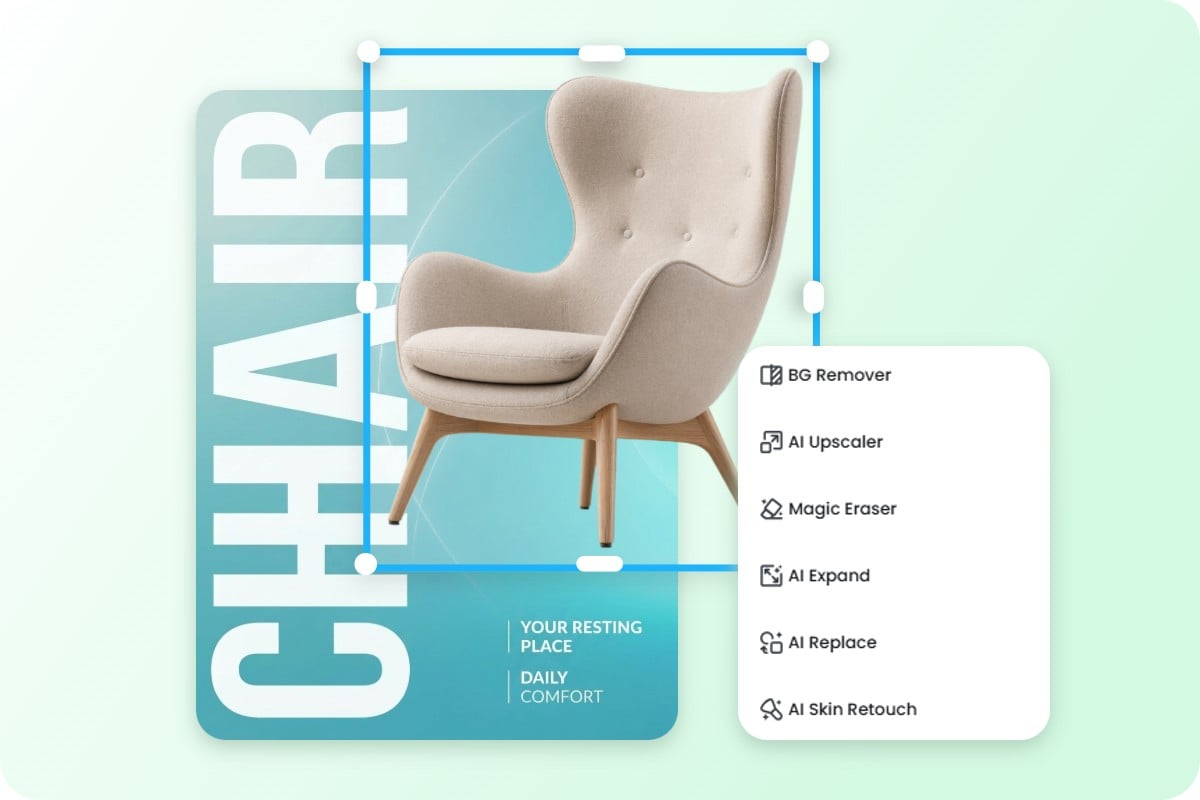
A transparent image is designed as a reusable asset that can be incorporated into different stages of content production. After creation, it can be changed the photo background, adapted into new compositions, combined with design elements, or resized images for platform-specific formats. This supports a continuous workflow from asset generation to final creative output.
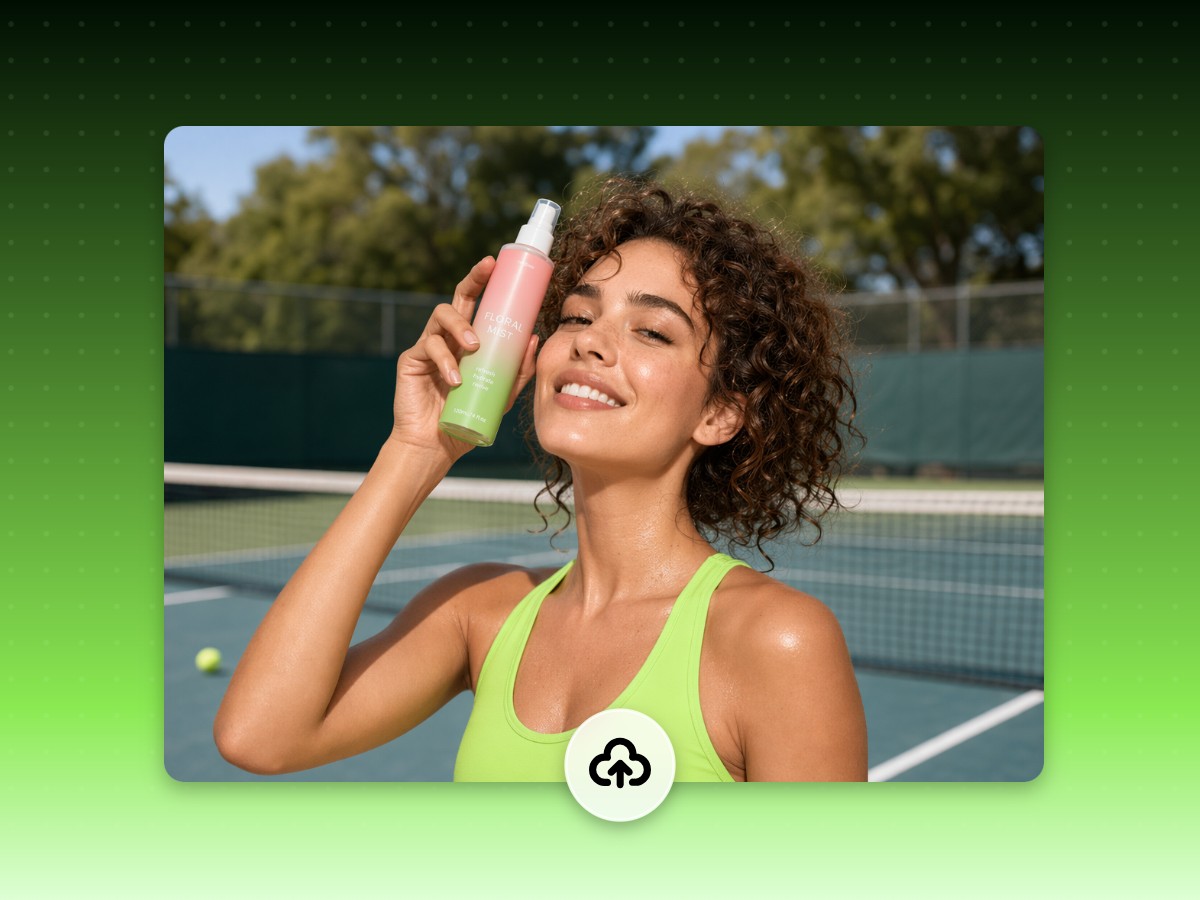
Upload any image from your device to start creating a transparent background instantly.

Features are good. The ai enhancer, background remover, and ai enlarger are very good. One of the best I've seen.
We can easily remove or add a background color to the image.
The AI background removal is a fantastic feature that allows me to easily remove and change backgrounds, saving me time and making my edits more creative.
This usually happens when the original image resolution is low or heavily compressed before upload. We recommend using high-resolution product photos so the tool can preserve edge clarity and maintain a sharp transparent output suitable for e-commerce listings and advertising use.
For best results, use images with clear contrast between the subject and background. Our tool is designed to preserve complex edges such as hair, fur, and soft outlines, but image quality at upload stage plays a key role in how accurately those details are retained.
Some platforms do not display transparency correctly and automatically replace it with a white background. The file itself remains transparent. You can verify it by placing the image over a colored layer or checking it in a design tool that supports alpha channels.
Yes. Transparent images are widely used in e-commerce workflows for platforms like Amazon, Shopify, and Etsy. They allow products to be placed on clean layouts or custom backgrounds without manual editing, helping maintain consistency across listings.
This typically happens when the object blends too closely with the background. Try uploading an image with better lighting or higher contrast. If needed, re-capture the photo with more separation between the subject and background for improved accuracy.
Yes, but results depend on image complexity. Group photos with overlapping subjects may require clearer separation for optimal cutout accuracy. For best results, ensure all subjects are fully visible and not heavily overlapping.
Yes. Transparent images are commonly used in marketing workflows for ad creatives, banners, and social media content. They allow teams to quickly adapt visuals into different layouts without re-shooting or manual background editing.
This is usually due to how different apps render transparency. Some mobile viewers replace transparency with a default background color, while design tools preserve it correctly. The file itself remains unchanged and fully usable.