



Photo EditorAI ImageAI VideoDesignVibe MarketingAppsPricing
Enhance & Adjust
Remove & Replace
Effects & Style

Fotor vs remove.bg: Background Removal and Editing Workflow Comparison

Not sure which AI background remover is right for you? This comparison breaks down how Fotor and remove.bg differ in background removal quality, editing flexibility, batch processing, and overall image creation experience. Find out which tool better fits your needs, whether you're looking for a simple background remover or a complete solution for creating polished visuals.

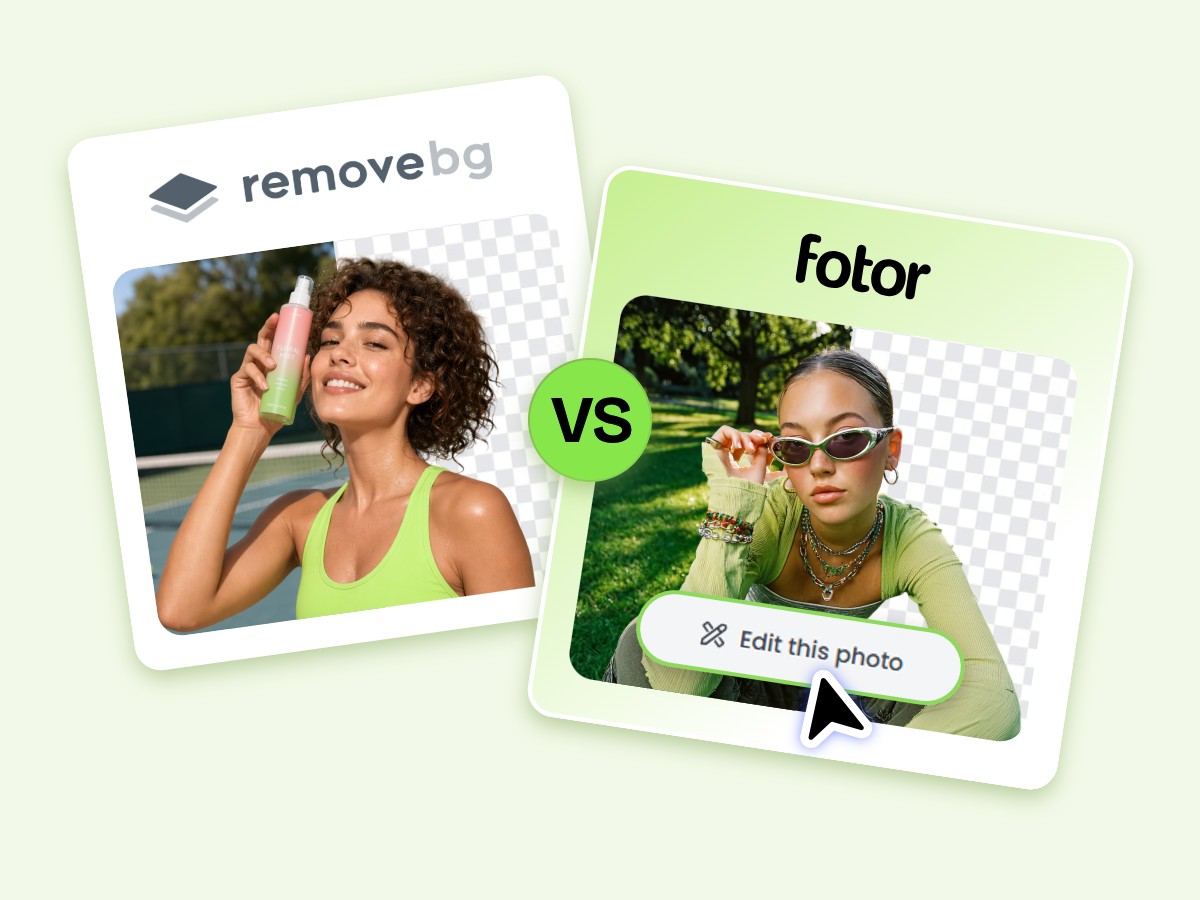
Banner image for Fotor background remover vs remove bg
Fotor background remover vs remove bg
Selection Examples
Product image sample
Female portrait sample image
Animal image sample

Upload or drop your image here

Supported formats: JPG/JPEG/PNG/HEIF/HEIC/WEBP
add-img
Supported formats:
JPG/JPEG/PNG/HEIF/HEIC/WEBP
Or try it
Selection Examples
Product image sample
Female portrait sample image
Animal image sample

Why Fotor Stands Out from remove.bg

  • Top AI image models

    Edit Images After Background Removal in One Place

    Remove backgrounds, replace scenes, enhance quality, and add creative elements without switching between tools.

  • AI enhancement icon

    Clean Cutouts with Accurate Edge Details

    Get precise background removal with clean edges, even for challenging details like hair, fur, and fine objects.

  • Precise controlled AI image editing capability

    Batch Remove Backgrounds in Seconds

    Process up to 50 images at once and save time when creating product photos, marketing visuals, and more.

Fotor vs remove.bg Quick Comparison

Feature Fotor Background Remover remove.bg
Edge Accuracy ⭐⭐⭐⭐⭐High ⭐⭐⭐⭐High
Background Replacement AI-generated scenes, templates, image uploads, and color backgrounds templates, image uploads, and color backgrounds
Blur Background ✅️Yes ✅️Yes
Batch Processing ✅️Yes (up to 50 images) ❌️No
Background Removal Speed Fast AI-powered removal Fast AI-powered removal
Supported Image Format ⭐⭐⭐⭐⭐JPG, PNG, JPEG, HEIF, HEIC, WEBP, SVG ⭐⭐⭐Only JPG, PNG and WebP images are supported.
Image Editing Tools ⭐⭐⭐⭐⭐Complete editing toolkit (resize, enhance, dedign, and more) ⭐⭐Fewer editing tools
Export Limitation ⭐⭐⭐⭐⭐Free high-resolution cutout exports ⭐⭐⭐Low-resolution exports on the free plan; higher-resolution exports on paid plans
Workflow Type Complete image creation workflow Focused background removal tool
Free Trial Yes Yes
API Access Yes Yes
Pricing Value Subscription with multiple creative tools included Credit-based pricing model
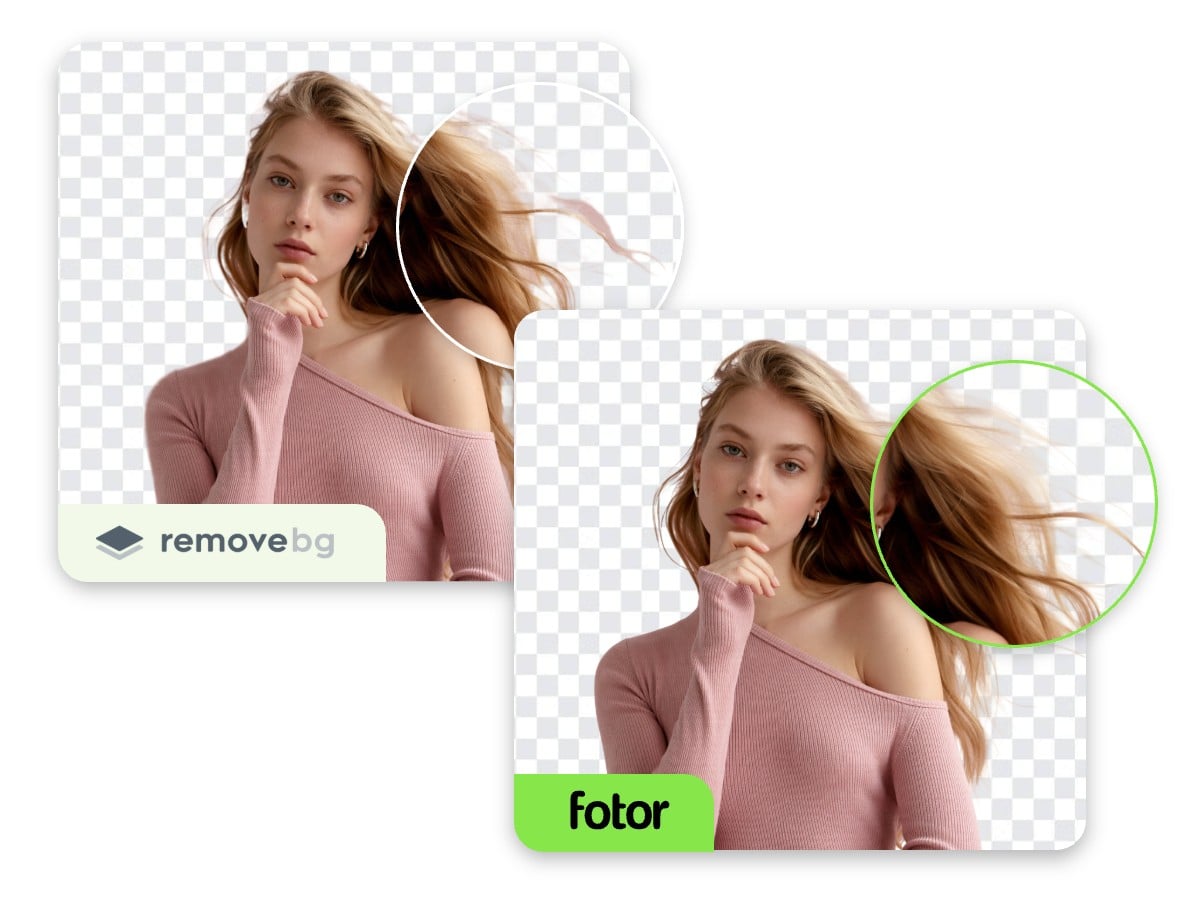
Fotor free background remover preserves more details and creates cleaner cutouts

Get Cleaner Cutouts with More Accurate Edge Details

Not all background removers handle complex images equally well. Fine details like loose hair, fur, and delicate edges often make the biggest difference between an average cutout and a polished result.

Using the same challenging image, Fotor's free background remover and remove.bg show noticeable differences in edge accuracy. Fotor preserves more details and creates cleaner cutouts, helping you get professional-looking results without extra editing.

Imgi 25 Change and edit background of a man walking photo using Fotor background changer

Go Beyond Background Removal with Built-in Editing Tools

A background-free image is only the beginning. Fotor helps you transform simple cutouts into polished visuals with a complete set of editing tools. After removing a background, you can:

⭐Create new scenes with AI backgrounds, preset backgrounds, or your uploaded images

Add text, stickers, and creative elements

⭐Apply YouTube thumbnail templates

Unlike standalone background removers, Fotor keeps your entire editing workflow in one place, from removing backgrounds to creating finished visuals.

Remove backgrounds from images in bulk for e Commerce product catalog use

Remove Image Backgrounds in Bulk with Seconds

Need to remove backgrounds from dozens of images at once? Fotor makes bulk background removal faster and easier with batch processing support for up to 50 images.

Instead of editing files one by one, you can process multiple images simultaneously and speed up your workflow. For businesses and teams handling large volumes of visuals, Fotor also provides API access to automate background removal at scale.

Whether you’re preparing product photos, updating image libraries, or creating marketing assets, Fotor helps you save time and get more done with less manual work.

FAQs

Is Fotor better than remove.bg?

Can Fotor remove backgrounds in bulk?

Can I use Fotor's background remover for free?

Will removing the background reduce image quality?

Which is better for product images, Fotor or remove.bg?

Does Fotor offer more than background removal?

How to change the background of a photo?