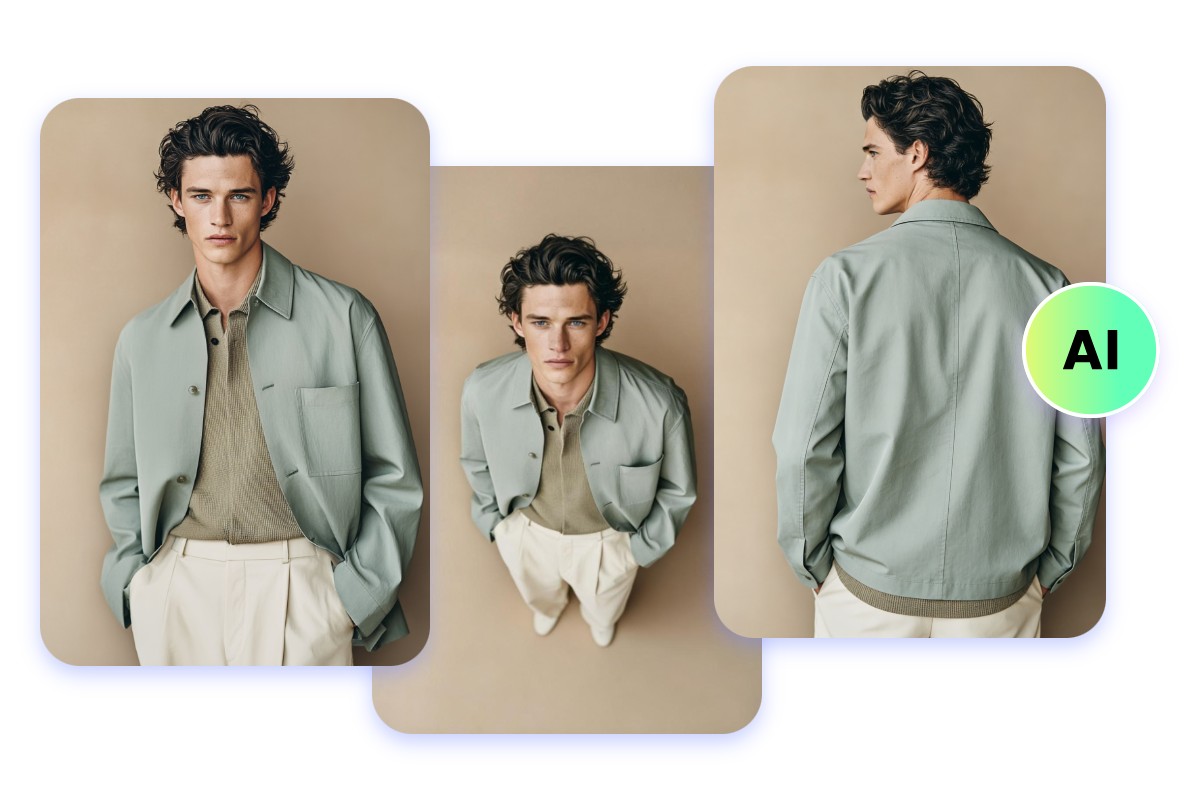
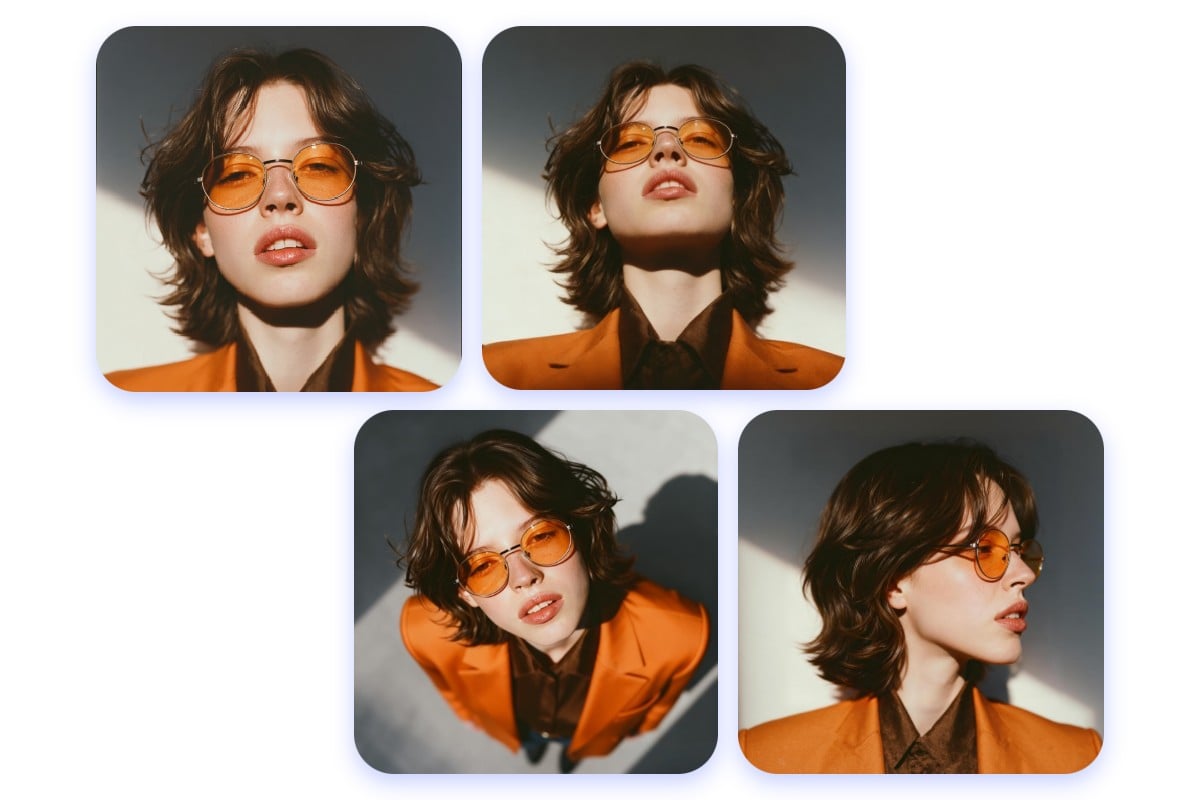
Effortlessly and instantly change image perspective through your natural language prompt with our photo angle change AI. Conveniently generate new, realistic camera angles for the same photo without reshoot or 3D modeling. Try Fotor now to flexibly change photo angle with AI.
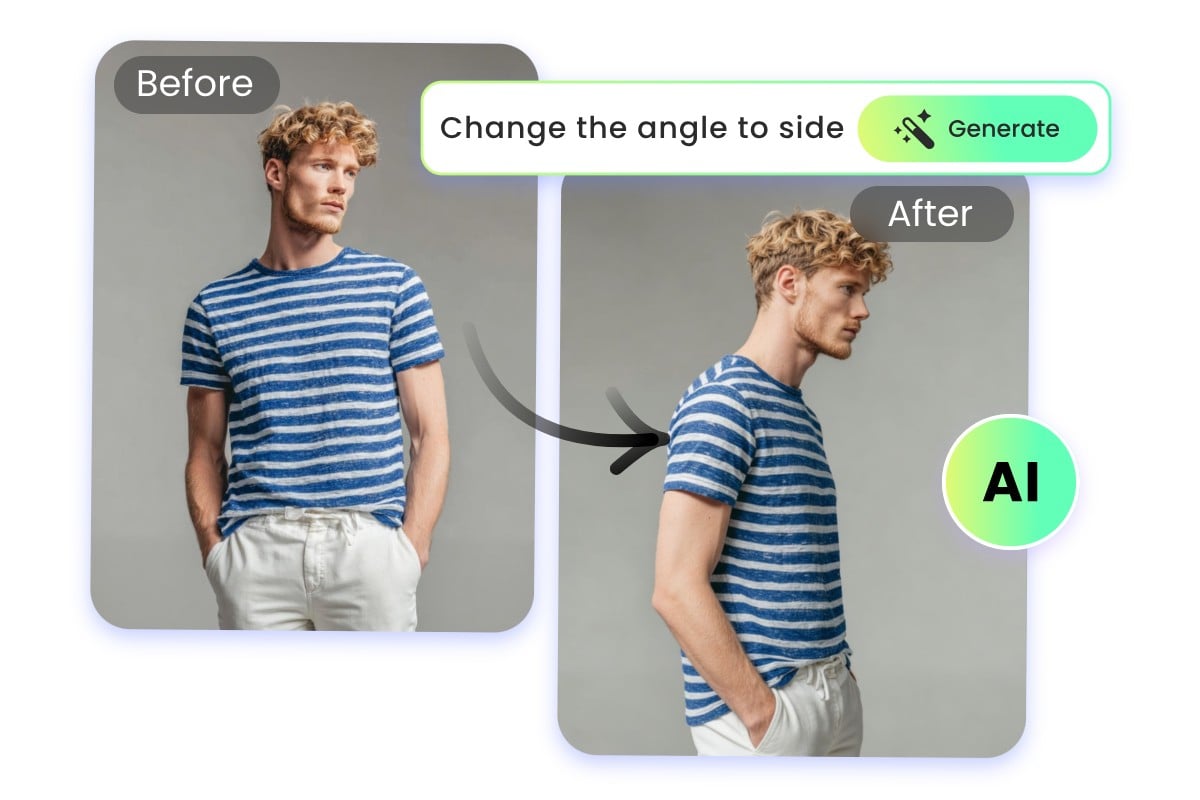
Without the need for cumbersome reshoot and even a prompt, our AI photo angle editor makes it possible to do flexible camera angle control, allowing you to adjust the camera angles of your photos in a few clicks.
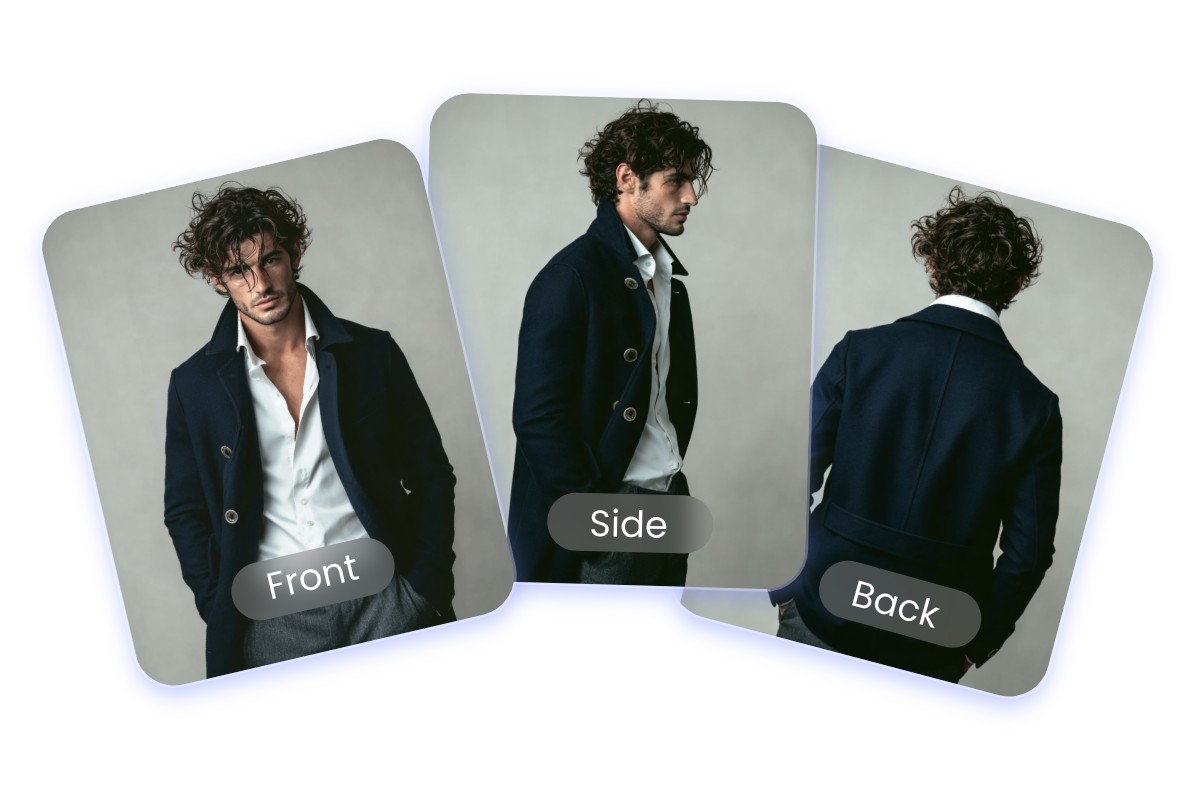
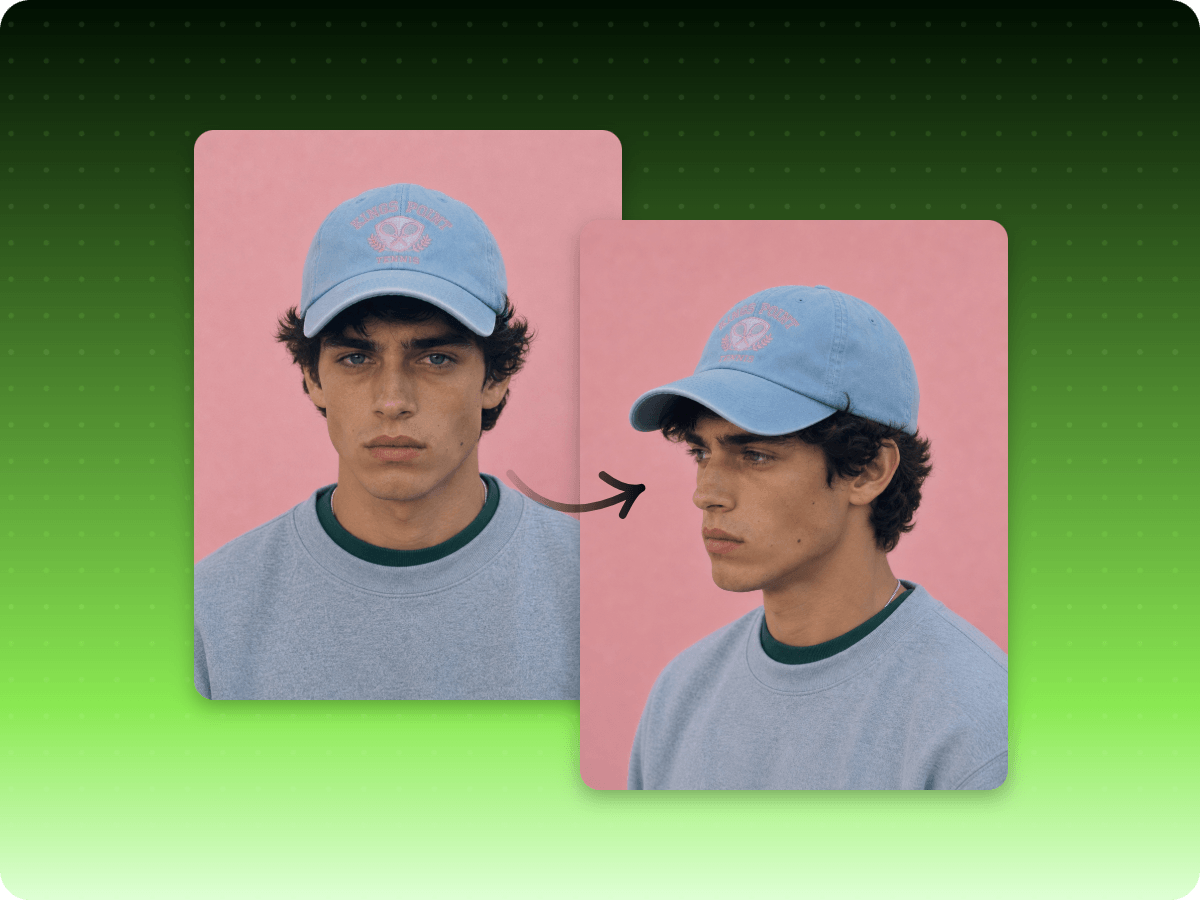
Our AI image perspective changer can help you with easy and convenient camera perspective control of a single image. Rely on it to generate new viewpoints, like front, side, back, three-quarter, close-up shots or tilted angles, while preserving identity consistency and visual realism.
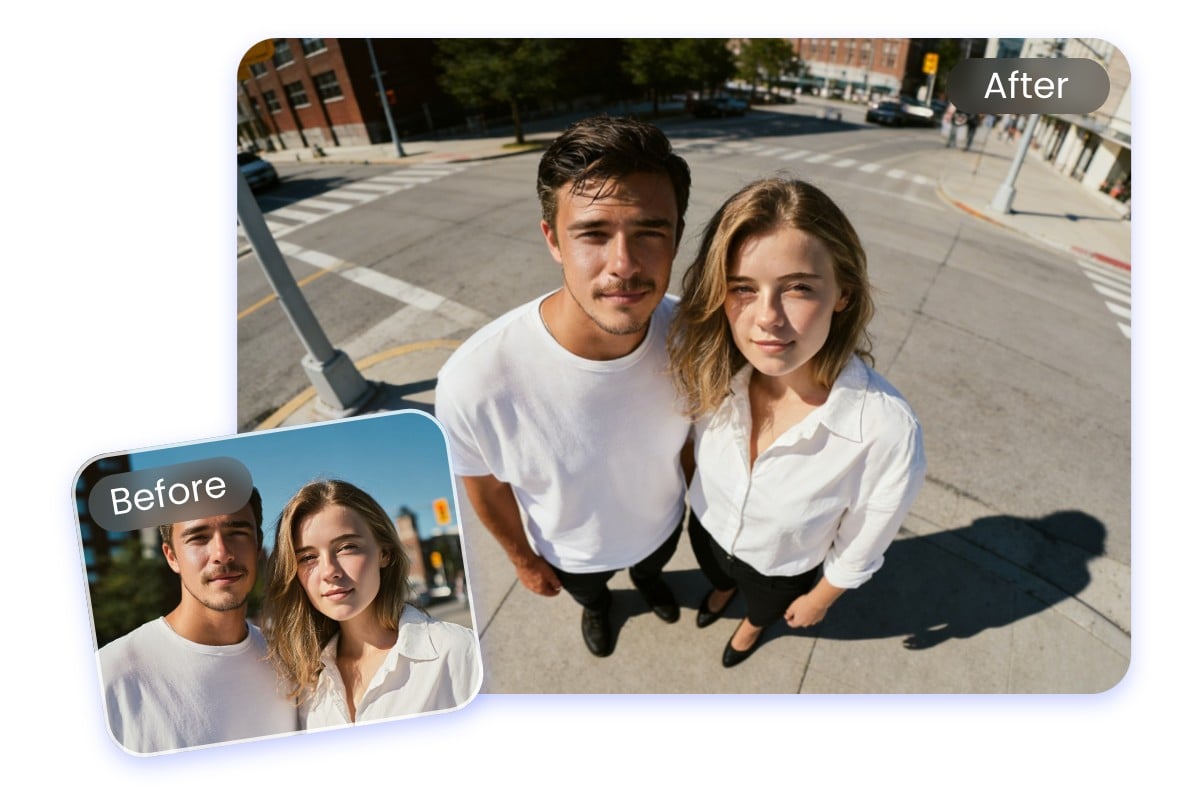
Our AI camera angle generator can smartly change the angles of group subjects. In just a few clicks, our tool will accurately understand the depth, spatial relationships and individual identities in a single image and automatically rotate faces and bodies without damaging character consistency and natural interactions between subjects.
Our AI image viewpoint changer, powered by advanced AI technology, can smartly reconstruct the scene or accurately fill the missing details with changed angles, maintaining exceptional realism, including subject identity, shadows and highlights, by its understanding of the full photo context.
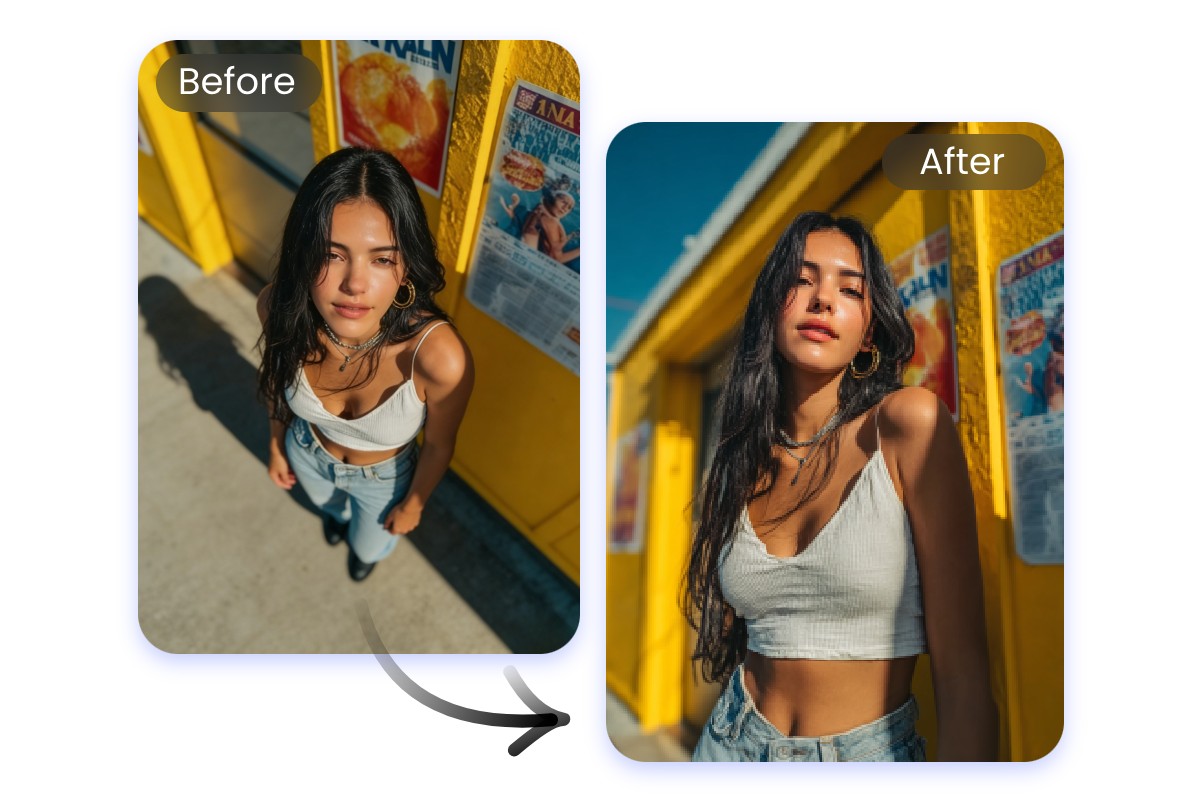
Our AI image angle changer can rotate the photo angle realistically and naturally. So, whether a face looks distorted, a body appears unbalanced or the framing feels off, our tool changes image perspective and reconstructs the scene to the wanted angle with natural proportions, consistent lighting and realistic depth.
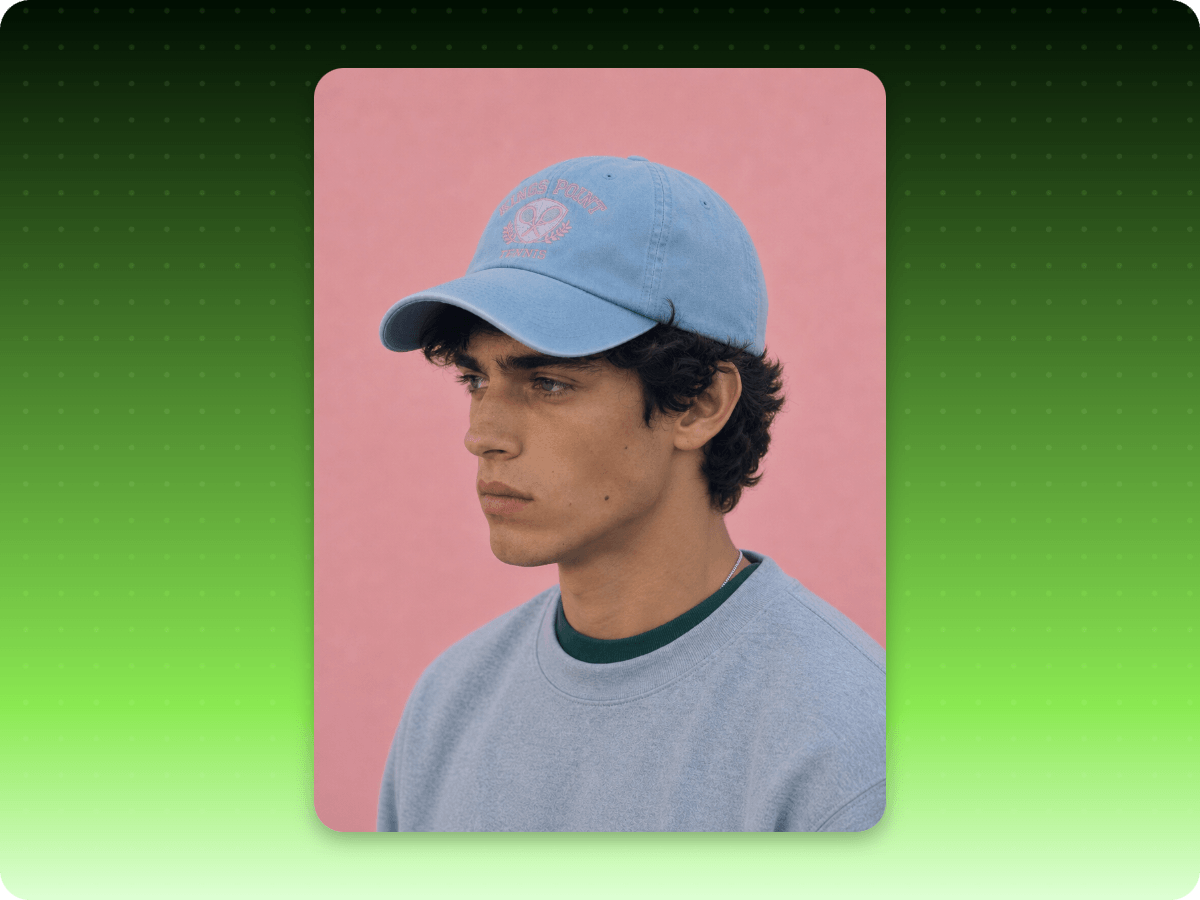
Upload your portrait photo and our AI portrait angle changer can recreate different viewpoints, such as frontal, side, back, close-up or three-quarter angles, by accurately rebuilding facial contours, depth and lighting. The original identity, skin texture, and proportions will be perfectly preserved to ensure natural and undistorted results.
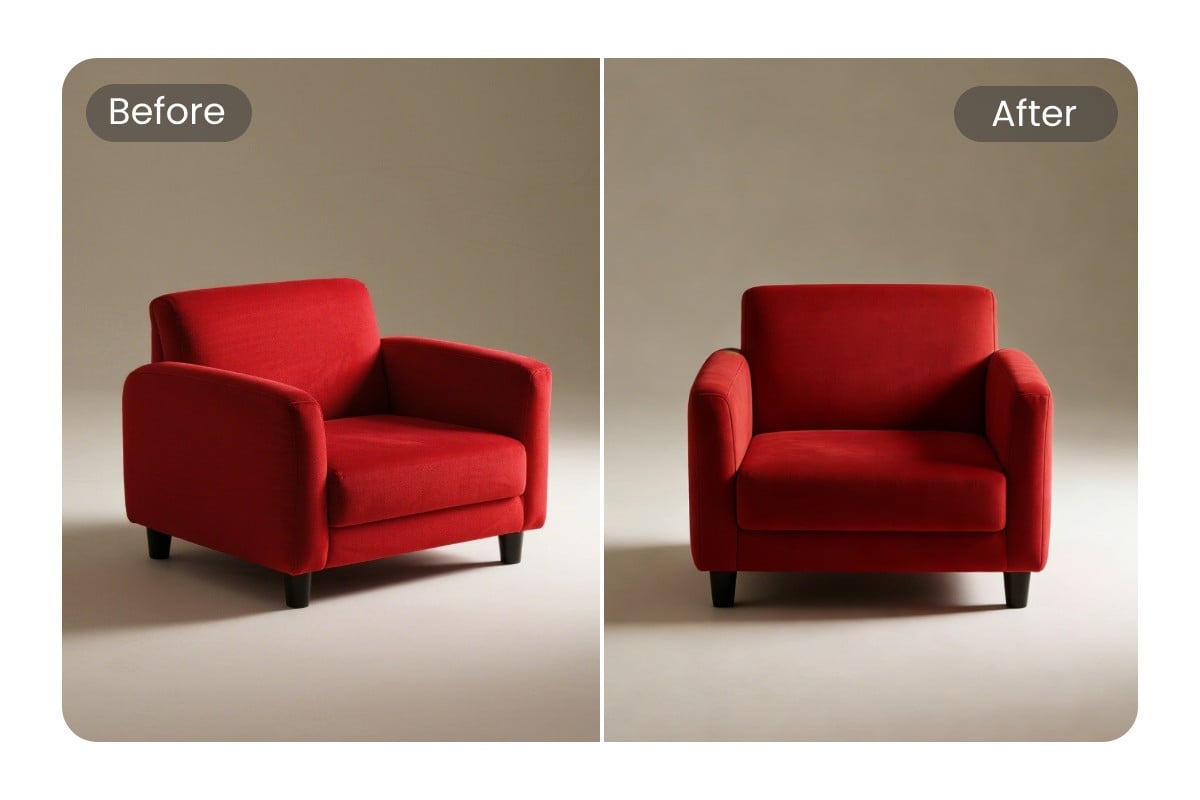
Our AI product photo angle changer helps you get new perspectives for your product pictures without reshooting or 3D modeling. Our tool intelligently reconstructs depth, edges and lighting to create realistic angle variations while preserving accurate proportions, shadow and surface details.
Access our photo angle editor and then upload your photo.

In our digital arts classes, Fotor has become an incredible teaching partner. Students can input text descriptions to rapidly concept storyboard frames, and use the structural AI features to experiment with wide-angle versus close-up camera perspectives instantly

The automated background handling, perspective alignment adjustments, and preset cropping grids for main social networks allow non-technical teams to maintain an active visual presence without bottlenecks.
Fotor effectively lowers the barriers to entry for modern digital composition. Its structural filters, perspective balance tools, and rapid generative workflows give it distinct advantages for fast, iterative creative design.
A photo angle change AI is a digital tool that uses progressive artificial intelligence technology to let users change the angles of their pictures seamlessly and naturally, without reshoot or 3D modeling.
Yes. AI, like Fotor’s photo angle adjuster, can easily and conveniently change the angle of a photo, ensuring realistic and natural angle adjustment, such as front, back, side or close-up views.
Yes. Our photo angle change AI can generate completely new angles from a single photo. Whether a long-shot view or a Dutch angle, our tool ensures the subject appears naturally in your desired new viewpoint.
Yes. Our AI photo angle changer works for portrait, product and architecture. Depend on it to change the angles of any of your images with minimal effort. Even beginners will find it less challenging to operate.
You can rely on Fotor’s AI image perspective adjuster to change the angle of a picture.
You can expect a number of camera-angle types, including front, side, back, high angle, elevated, eye level, low angle, close-up, medium shot and wide shot.
Fotor offers free credits for every new user to try this tool for free. However, once they run out, you either need to become a paid subscriber or earn more free credits by completing the tasks given on the “Credit Reward” page.
Yes. Fotor is equipped with the latest encryption technology to safeguard your data privacy. So, nobody but you can have full access to your uploads. Also, all your files will be automatically removed within 24 hours and won’t be used for AI training.