

Flatlay to Model AI Generator Online Free
Try our flatlay-to-model AI generator to convert your product images to realistic and professional model photos in seconds. Display your products better on realistic AI fashion models for E-commerce or marketing scenarios. No photoshoot and a costly budget required.
Drag image here or click to upload
Drag image here or click to upload


Fotor trusted and loved by





Learn about Fotor's upload formats and requirements. See how we use your content in our Privacy Policy.
Get Professional AI Virtual Model Photography from Any Product Image
Use our AI virtual model generator to create studio-level on-model photos from any of your product pictures, such as clothes, pants, shoes, accessories, watches and more. Give them a better display and attract your potential customers with Fotor.
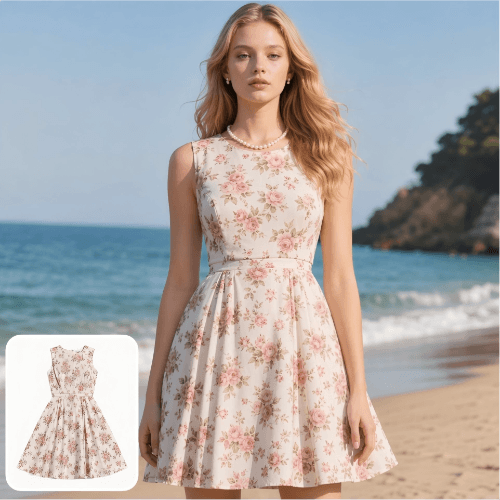
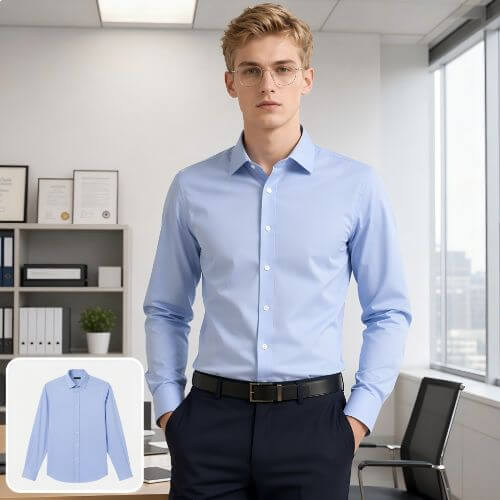
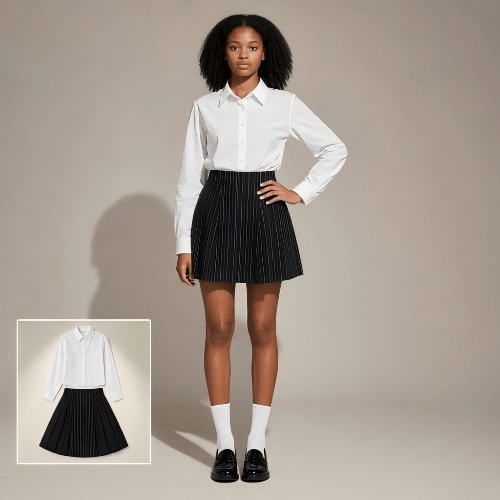
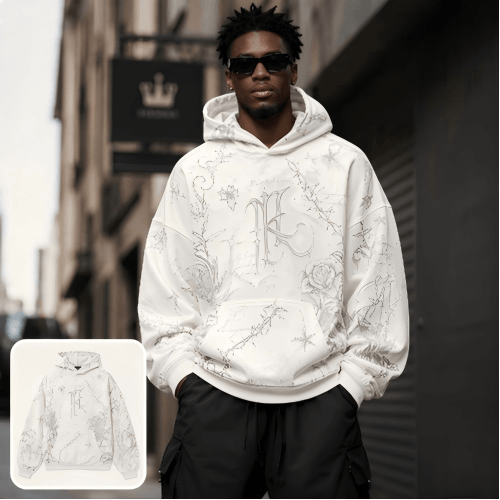
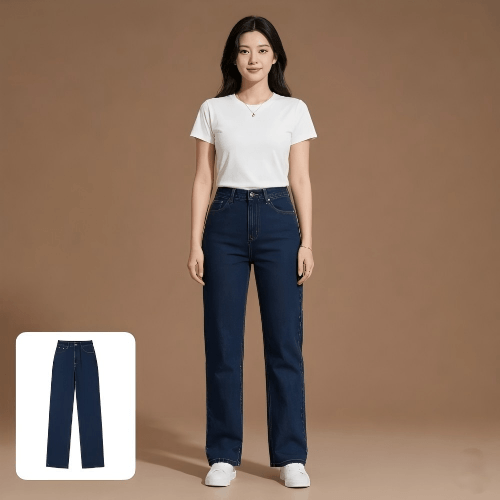
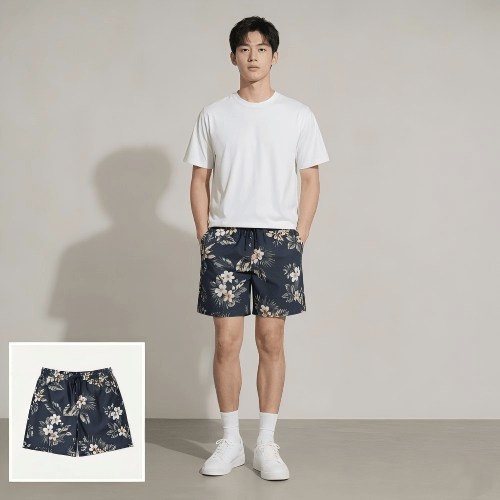
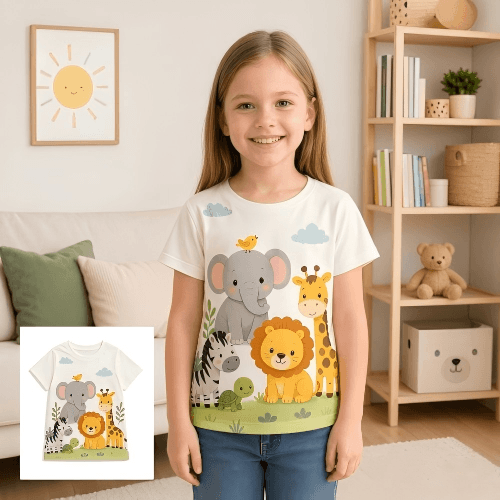
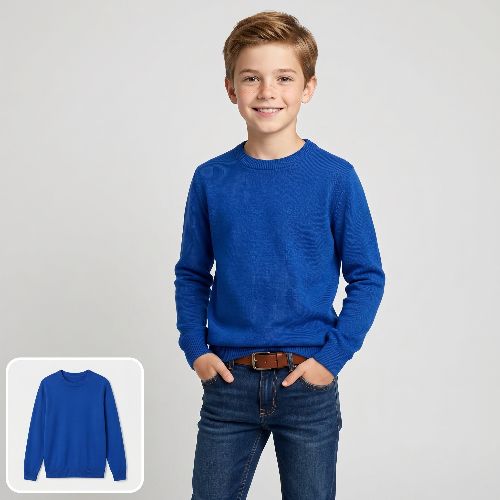
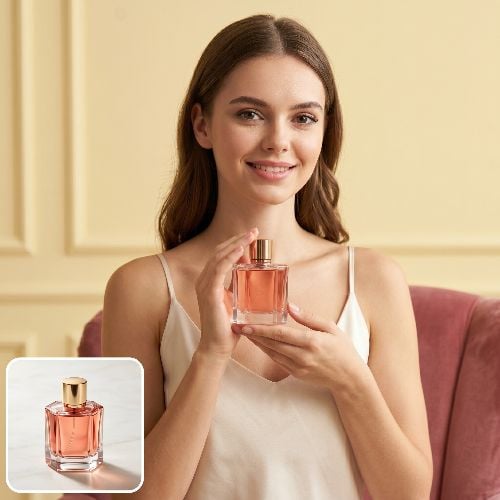
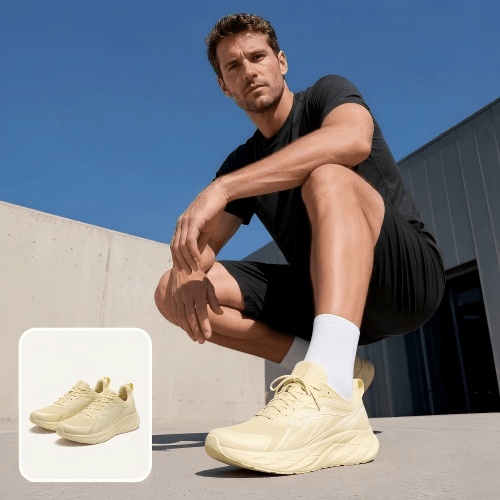
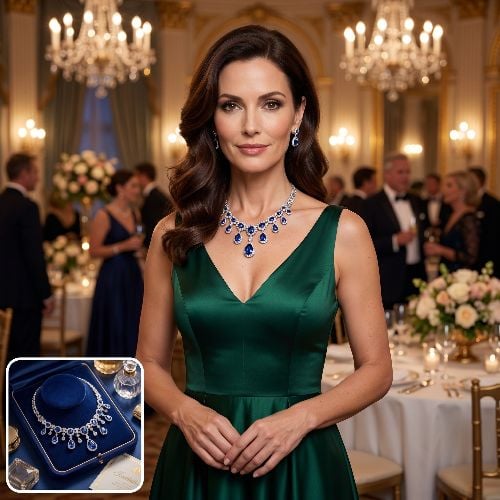
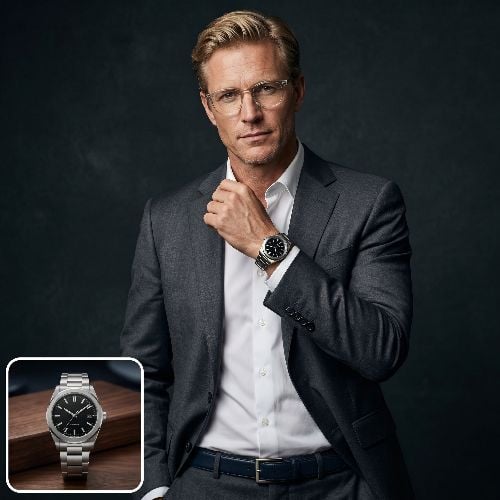
How to Create Model Photos from Flatlay Images with Fotor?
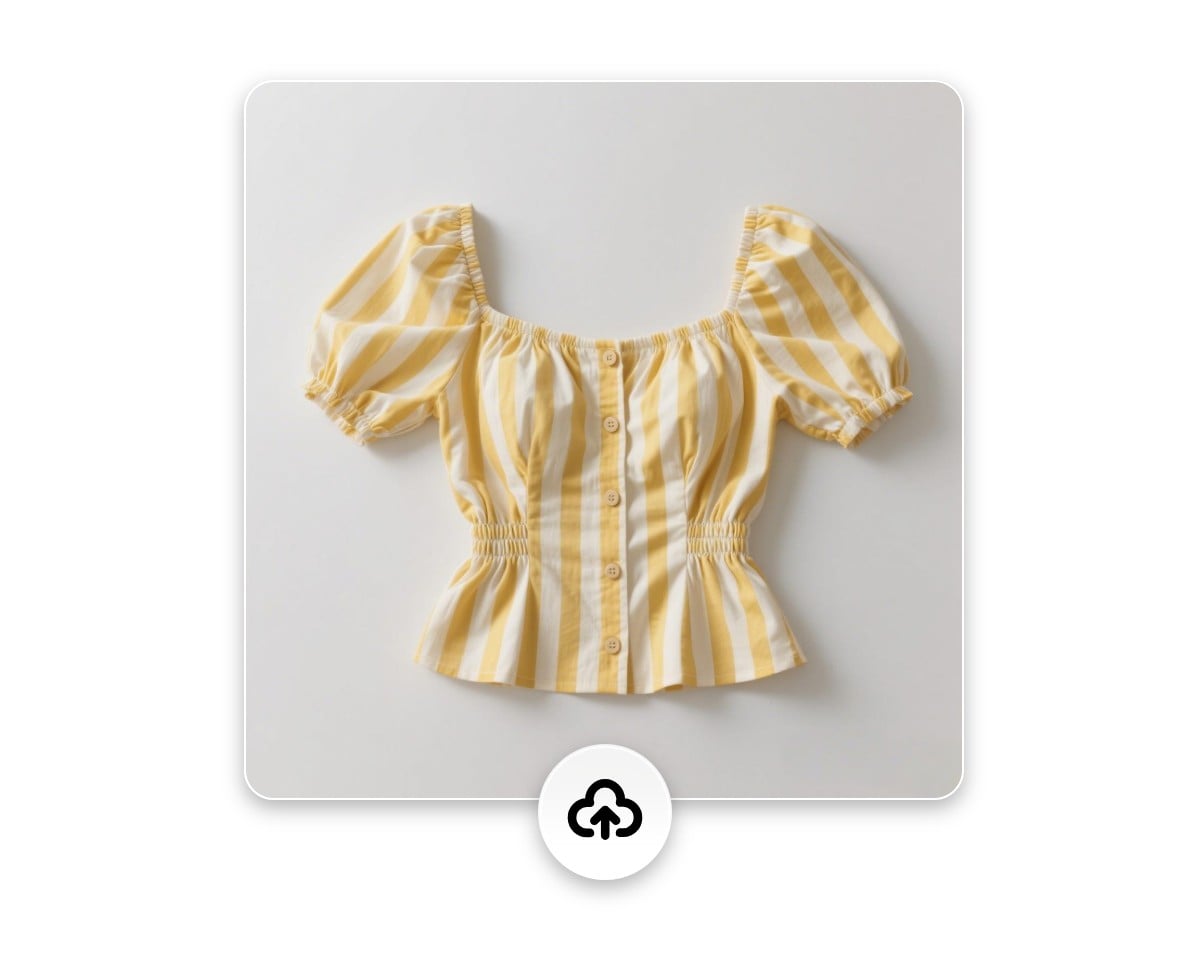
Upload Product Image
Access our product-to-model AI tool and then upload your product picture.
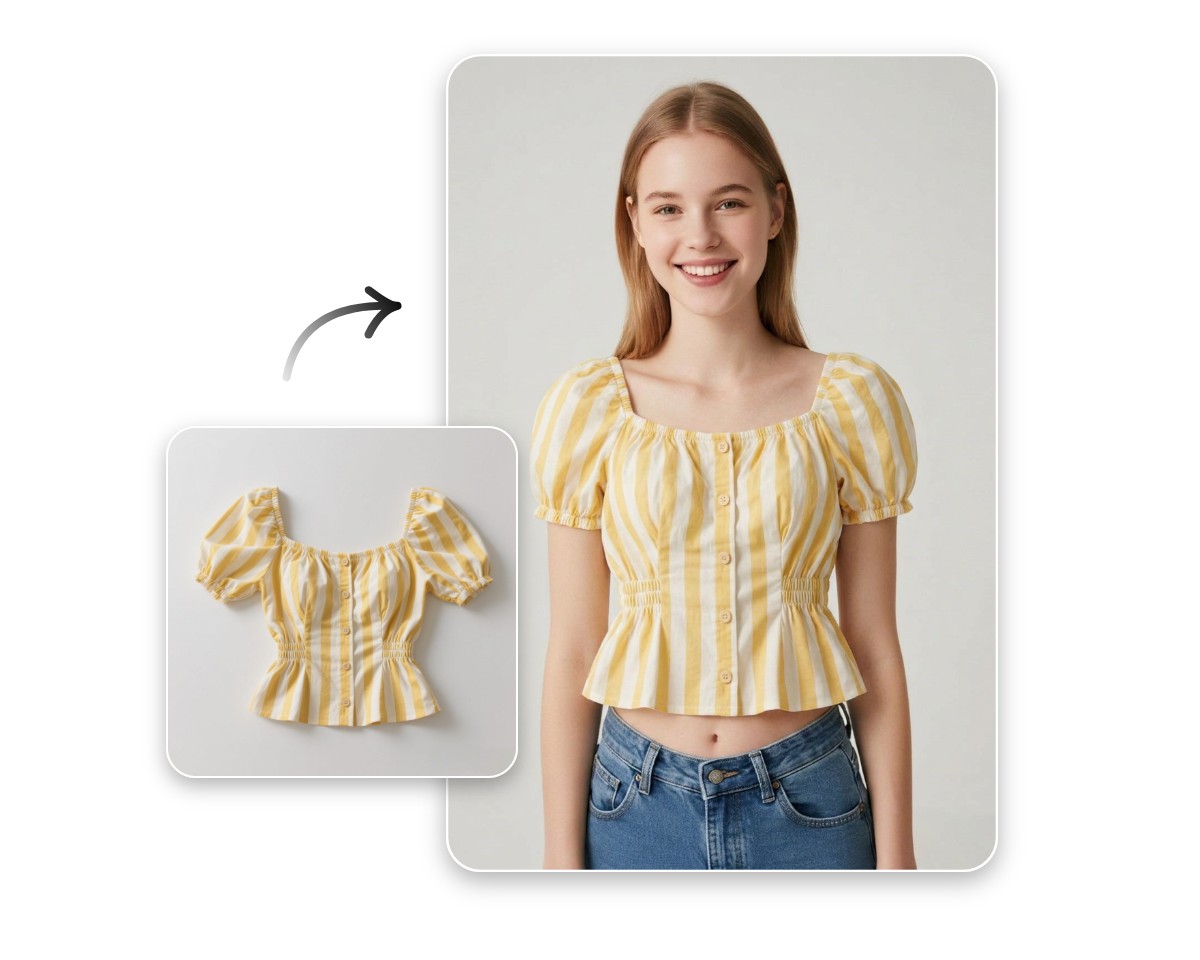
Generate On-Model Photo
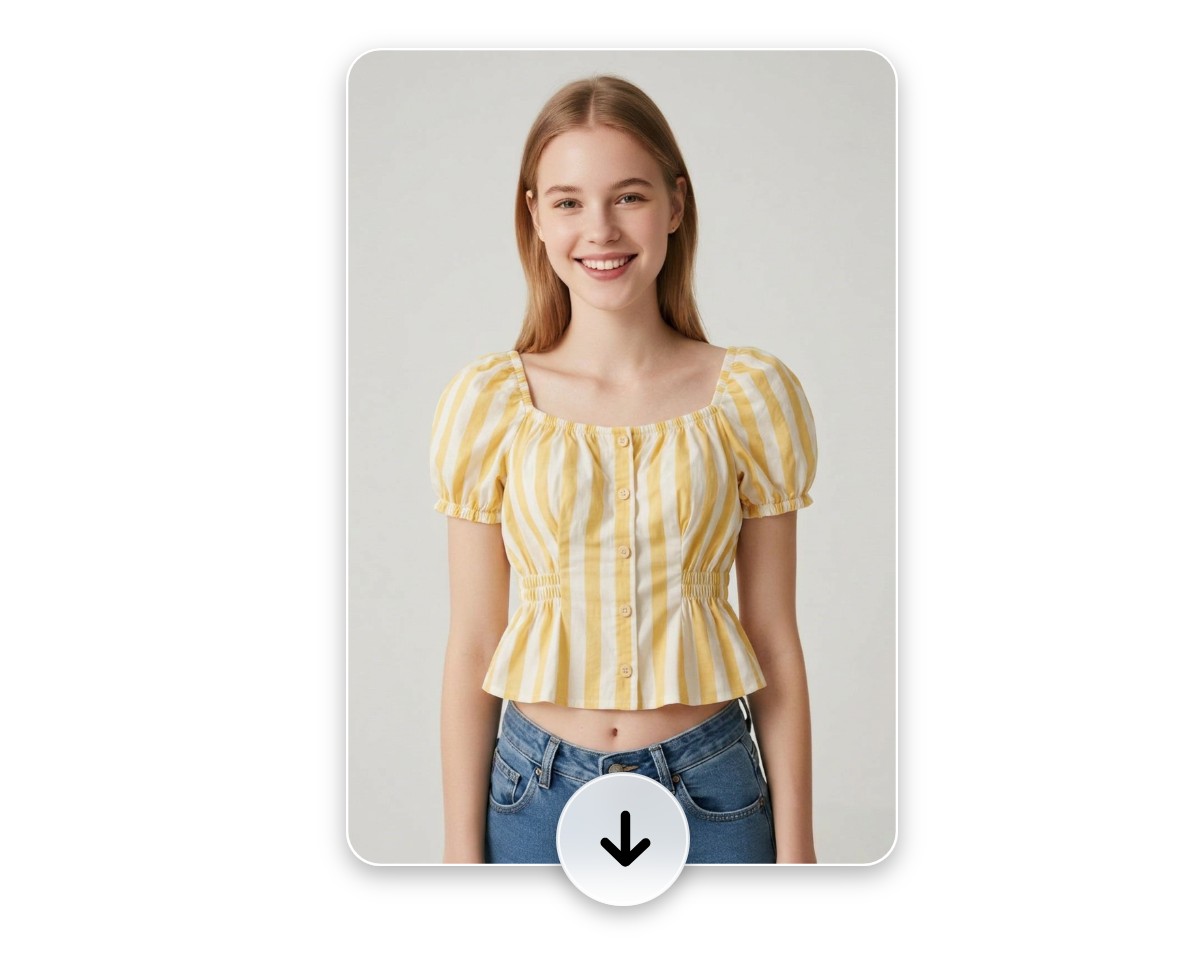
Preview and Download
90%
Reduction in Model Photo Creation
4.5★
on Capterra
4x
Faster for Marketing Worflow
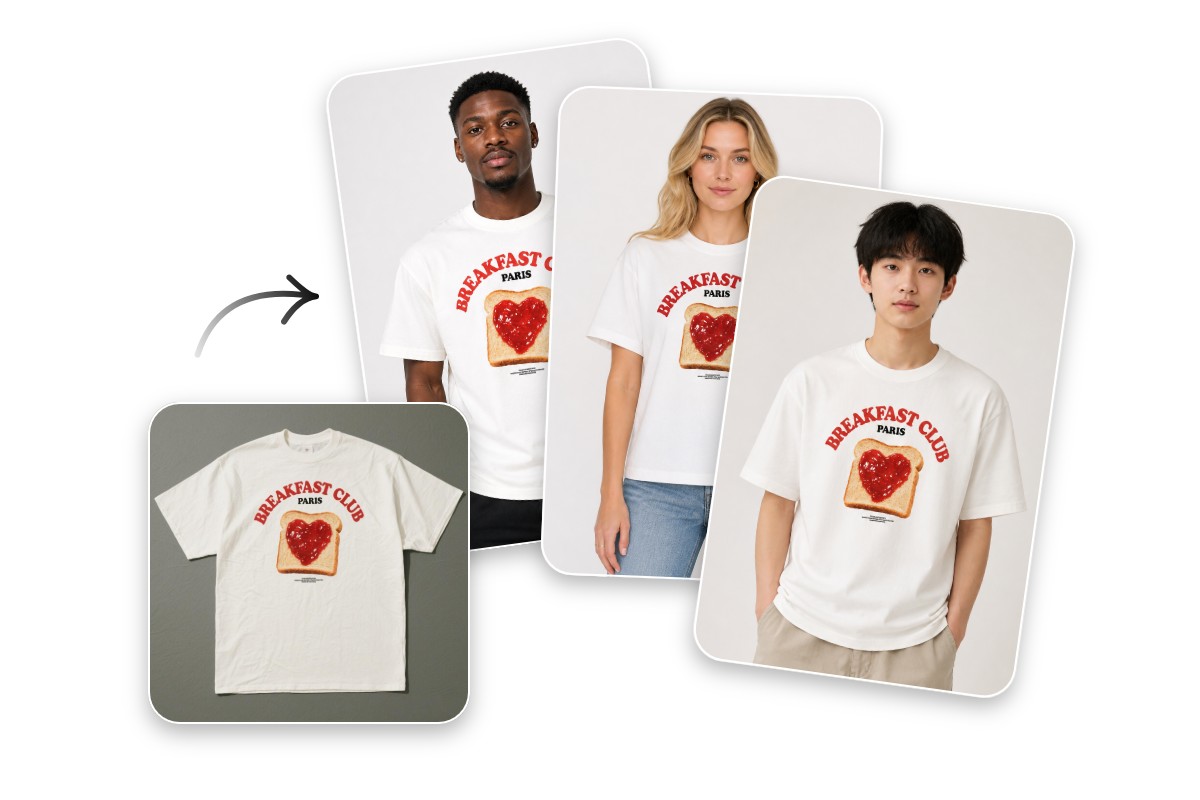
Diverse Realistic AI Virtual Models for Your Flatlay Visuals
Fotor offers various types of preset AI virtual models, from female to male, from teen and adult to senior, from slim to full-figured and from white to black. You can choose the desired one and transform simple product images into professional model visuals to better showcase how they look on people in real life withput photoshoot and effectively match your target audience and campaign goals to help customers visualize the wearing experience.
Display Your Products on Your Own Models
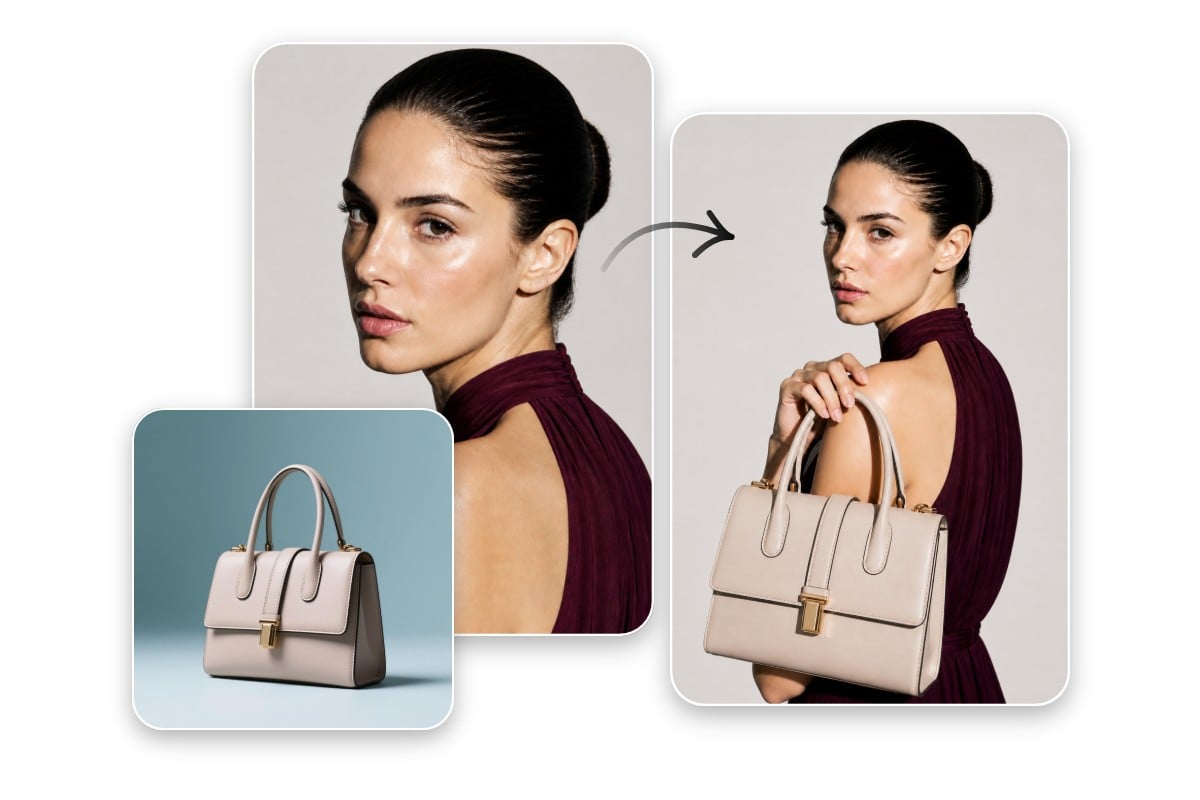
Our virtual model AI tool allows you to upload your own model photo and have him or her wearing or displaying your target product, whether it is your collection, accessory, watch or bag. Expect your own fashion model to give clothing fit, drape and fabric details a more personal demonstration, while keeping visuals realistic and on-brand.
Maintain Good Visual Consistency for Your Brand
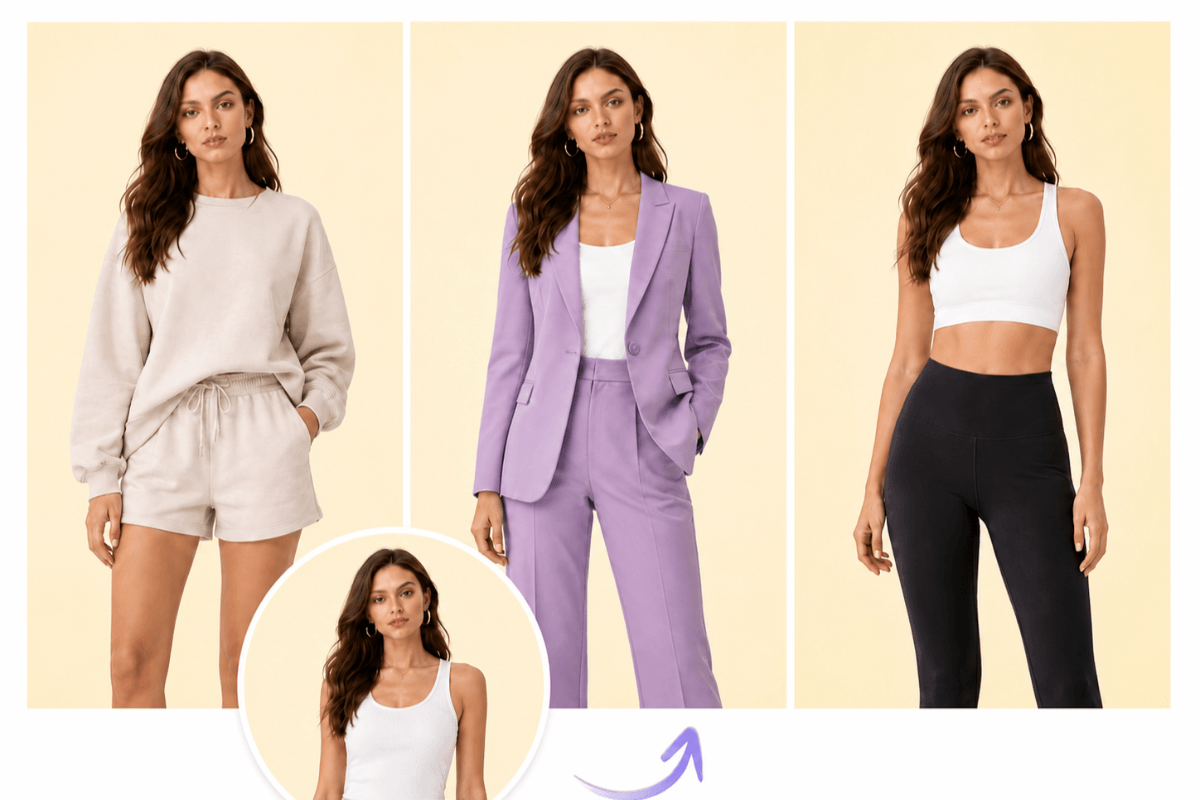
Annoyed at inconsistent visuals across collections? Try our AI fashion model generator to create consistent on-model images from flat lay photos. With its help, you can simply map your entire product catalog onto the same model to create instantly recognizable, consistent visuals that strengthen brand identity and boost conversion across all channels.
Flexible Model Pose and Camera Angle Control
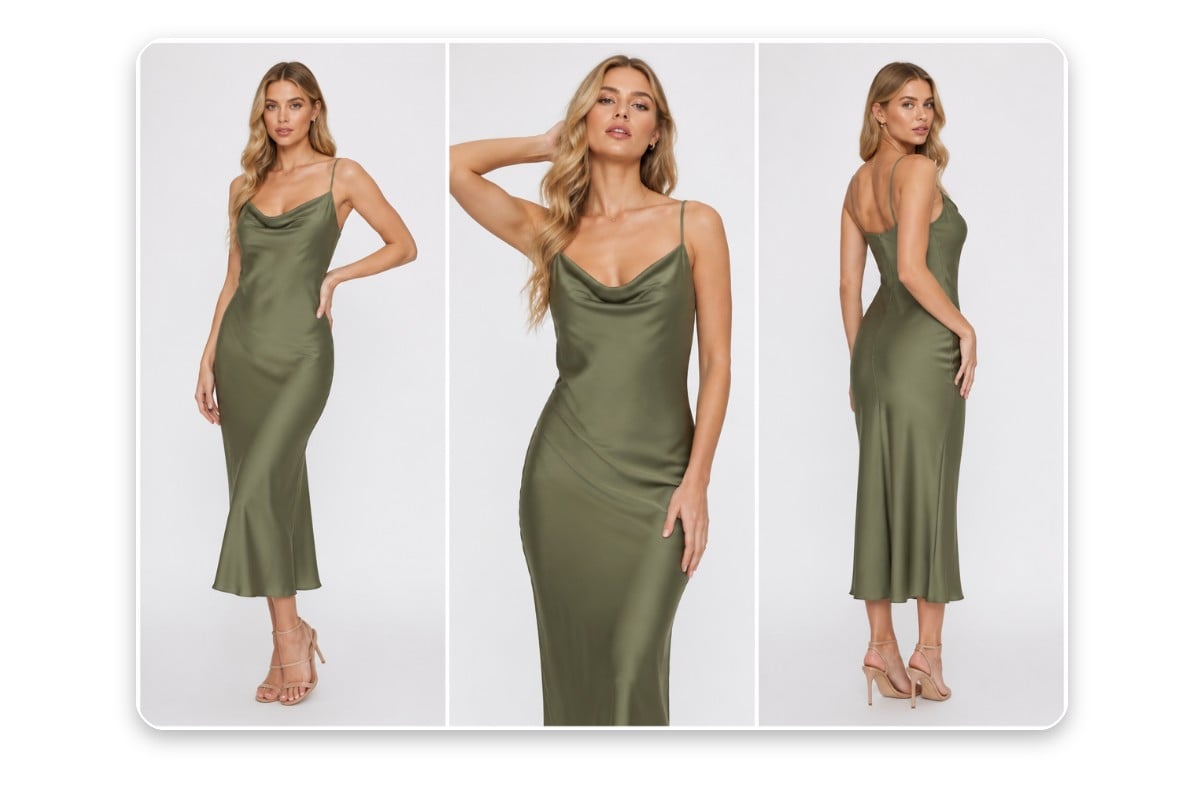
Choose from our pose templates to get the desired body posture, gestures and positioning for your model. Additionally, add an existing fashion model photo to transfer the pose to him or her. Also, give your model visuals the preferred camera perspective through your prompt, such as close-up, mid-shot, wide shot, etc. Unsatisfied with the current photo angle after generation? Conveniently adjust it in one click via our “Change Angle” option.
Preset and Custom Backgrounds & Lifestyle Scenes
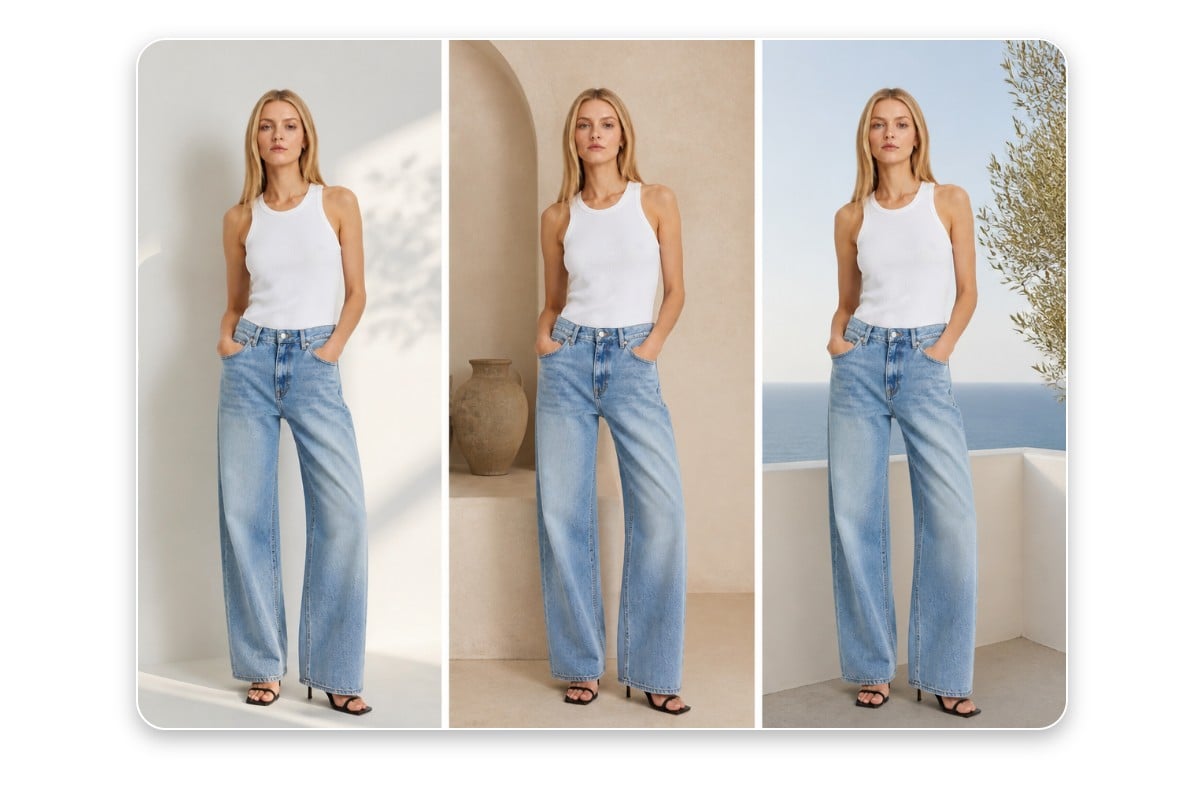
Explore our various ready-made scenes, from a photography studio to indoor and outdoor lifestyle scenarios, to place your on-model visual in the suitable environment without a physical photoshoot. Meanwhile, you can upload the prepared image as your fully customized background that matches your brand’s vibe and context.
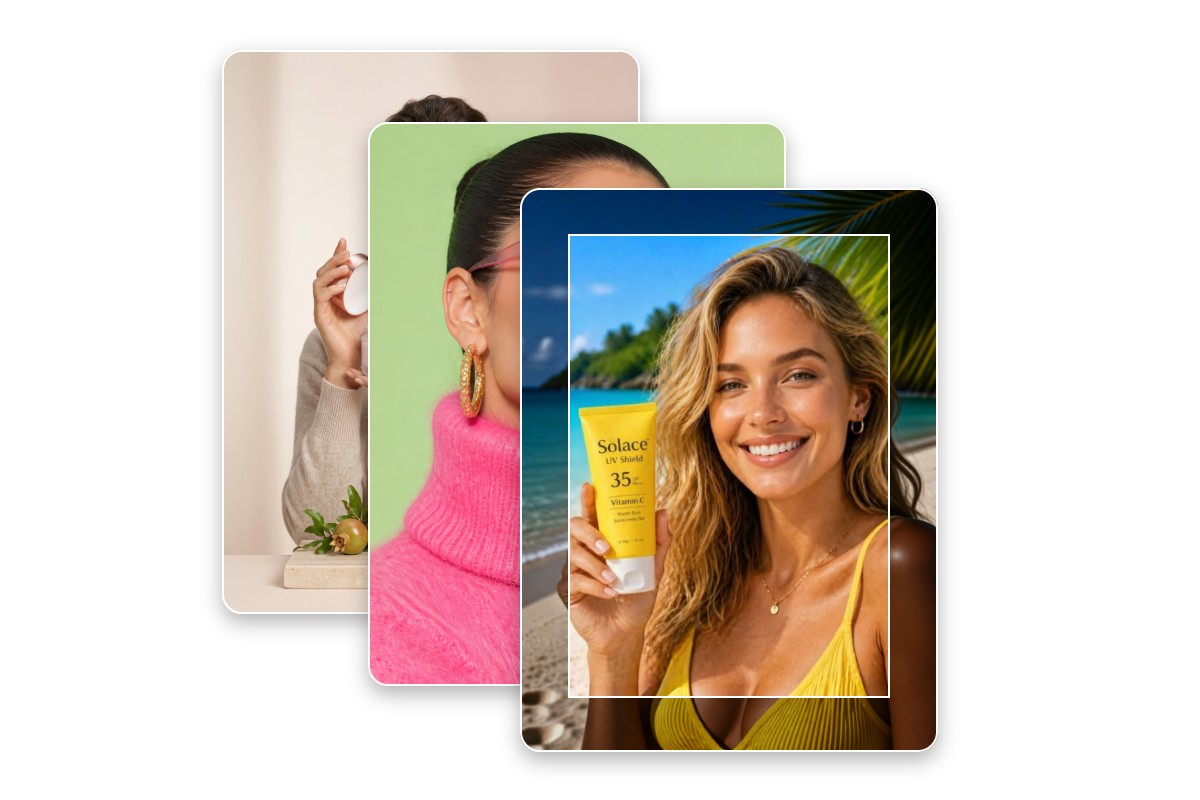
Fine-Tune Your On-Model Visuals in Bulk
In addition to seamless background change in our product-to-model AI tool, you can conveniently edit multiple model photos in batches. Upload your visuals to our batch photo editor, and you can resize, upscale, convert, compress and apply filters to them with one click. Say goodbye to the trouble of one-by-one editing workflows.
What You Can Do with Our Flatlay-to-Model AI?
Transform simple product images into realistic, on-model visuals that feel natural, styled, and commercially ready. Use them to create e-commerce product photos, fashion lookbooks, social media ads and campaign visuals in a snap.
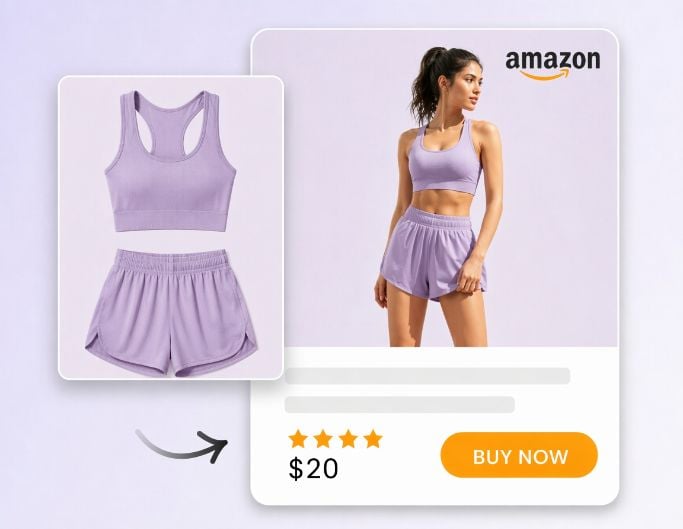
Product listings
Convert basic product shots to professional, conversion-optimized on-model visuals and use them as unique product listings for your e-commerce store.
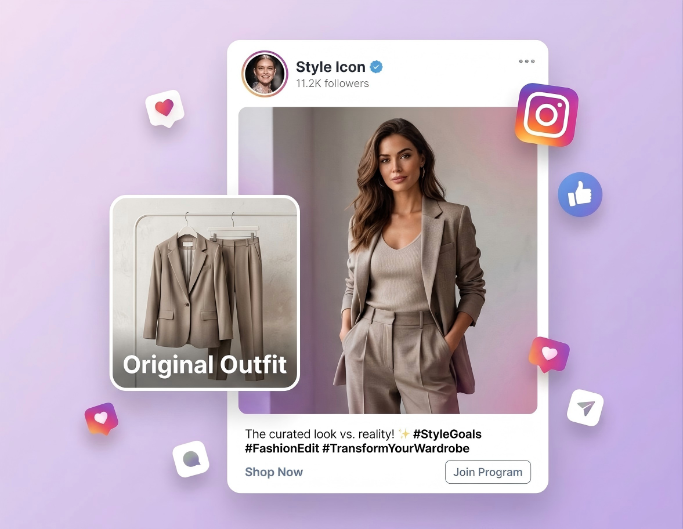
Social Media Campaign
Create custom, scroll-stopping model visuals from your product images and share them on your social media like X, Instagram, Pinterest, etc.
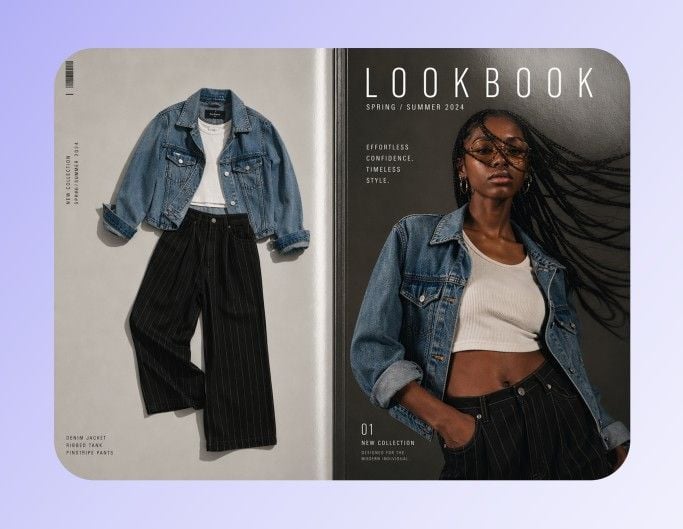
Lookbook Creation
Quickly change your product pictures to fashion model visuals and create your collection look faster without time-consuming photoshoot and editing.
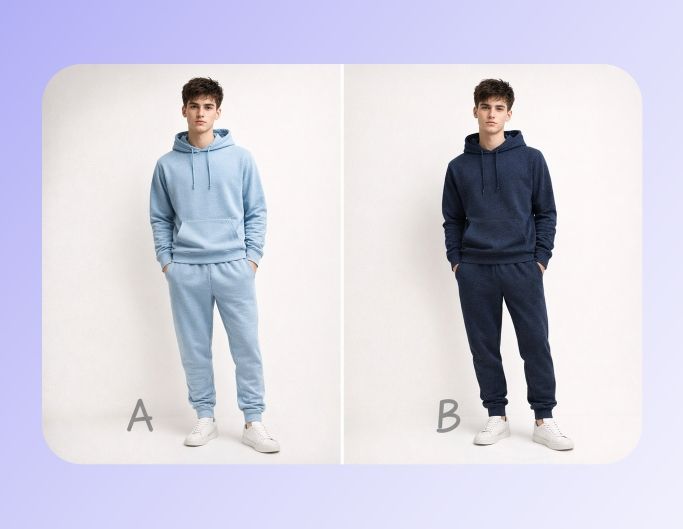
A/B Testing
Generate different on-model photos and instantly experiment with diverse fashion styles to find the perfect fashion ideas or inspiration.
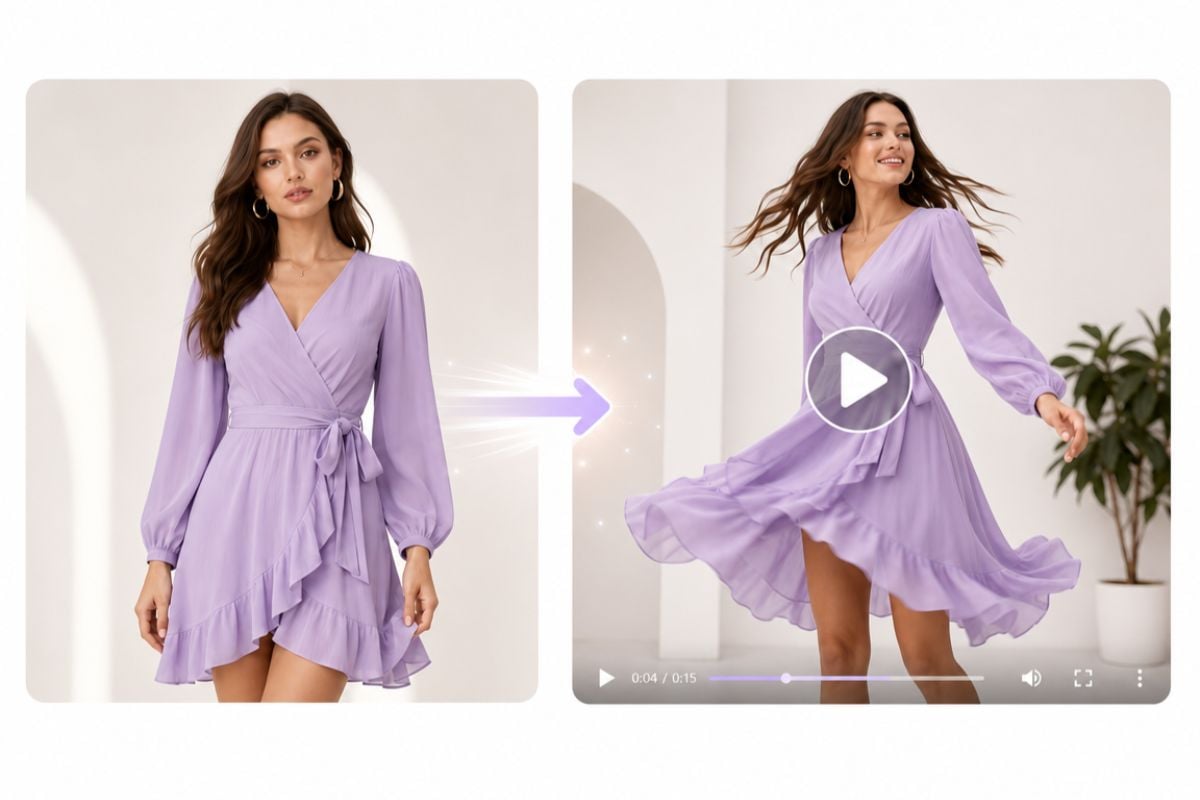
Turn Still Model Photos into Dynamic Model Ads
Fotor, also a practical AI video generator with advanced models like Kling O3, can transform static virtual model photos into short ads without video shooting and editing. You will expect vivid product videos with subtle movements, such as natural poses, camera motion, lighting shifts or fabric flow, creating a more immersive and eye-catching experience for your online clothing store or website.
Why Pick Fotor’s Flatlay-to-Model AI Creator?
![Superior unblur quality]()
One-Click Conversion
No photoshoot and editing trouble. Just upload your product visual and choose the desired model. Then, our tool can turn it into a professional, on-model photo in one click.
![Customize icon]()
Model Customization
Explore our preset model options with different genders, ages, body shapes and skin colors, and pick the preferred one to match your brand vibe or product style.
![Setting icon]()
Flexible Editing
Conveniently personalize the pose and camera angle of your chosen model and polish the details your model visuals in bulk with our built-in batch photo editor.
![HD photo editor]()
HD, Realistic Results
Expect studio-level visuals with realistic virtual models and download them in high-resolution JPGs or PNGs, which are suitable for e-commerce and marketing use.
![easy to use icon]()
Affordable Transformation
No more costly budget for a professional photography team and fashion models. Spend less to get more HD on-model photos from your product images conveniently.
![Various use cases]()
More E-Commerce Solutions
Fotor, now a one-stop e-commerce solution, offers various tools to facilitate your product visual creation, editing and listing, such as smart AI listing, URL to video ad and brand kits.






Acclaims from Our Partners and Customers


What I like best about Fotor Photo Editor is its powerful yet easy-to-use AI tools. The AI photo enhancer improves image quality in one click, and the background remover works in seconds. I also find the batch editing feature very helpful for saving time. The biggest upside is that it works entirely online in my browser, so I don't need to install any software or learn complex editing like Photoshop.

Ideal for Amazon sellers to instantly remove backgrounds and for marketers to design ad creatives in seconds. It’s a creative assistant that blends power and simplicity.

Fotor has quick commands and pre-built optimization and editing templates that are useful for a bunch of standard for-web image situations... It can be super helpful for web designers. Considering it's free, it has a ton of features.