Copy the Fotor Connector URL
You’ll paste this URL into Claude in the next step.
AI Photo Editing, Image & Video Generation, and Marketing Workflows inside Any MCP Agent.
You’ll paste this URL into Claude in the next step.
In the Claude app or on claude.ai, go to Settings → Connectors and select Add custom connector.
Click Add → Connect, sign in to your Fotor account, and authorize access. If prompted, select Always Allow. Once connected, ask Claude to create and edit images, enhance visuals, or generate videos with Fotor.
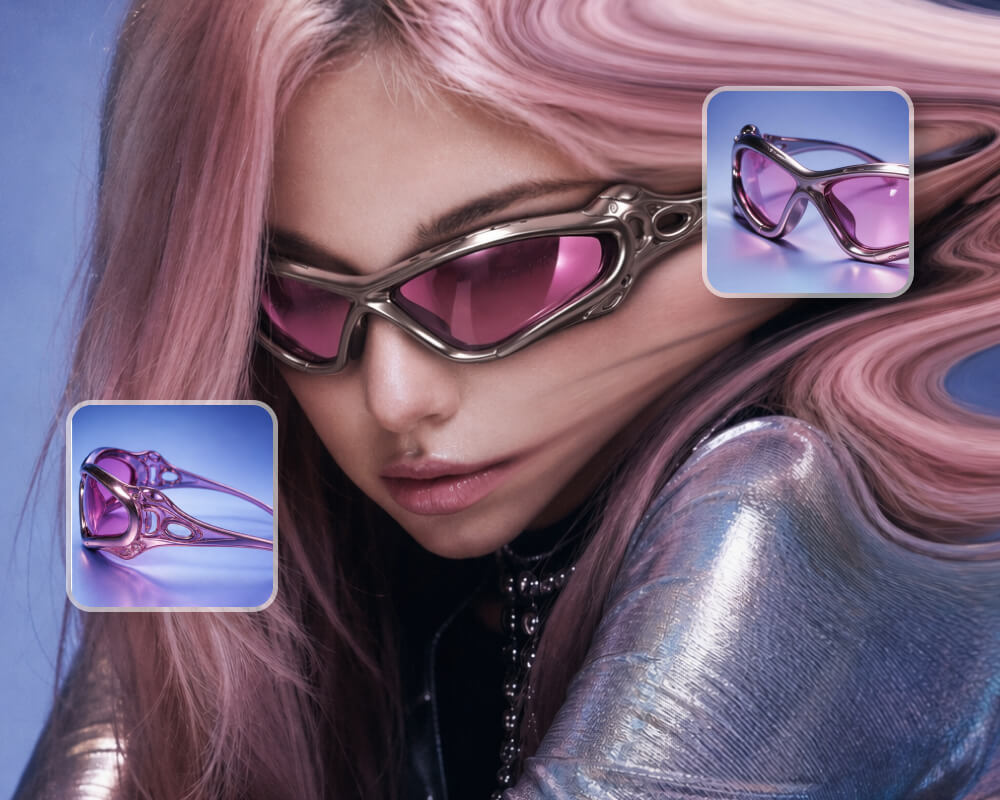
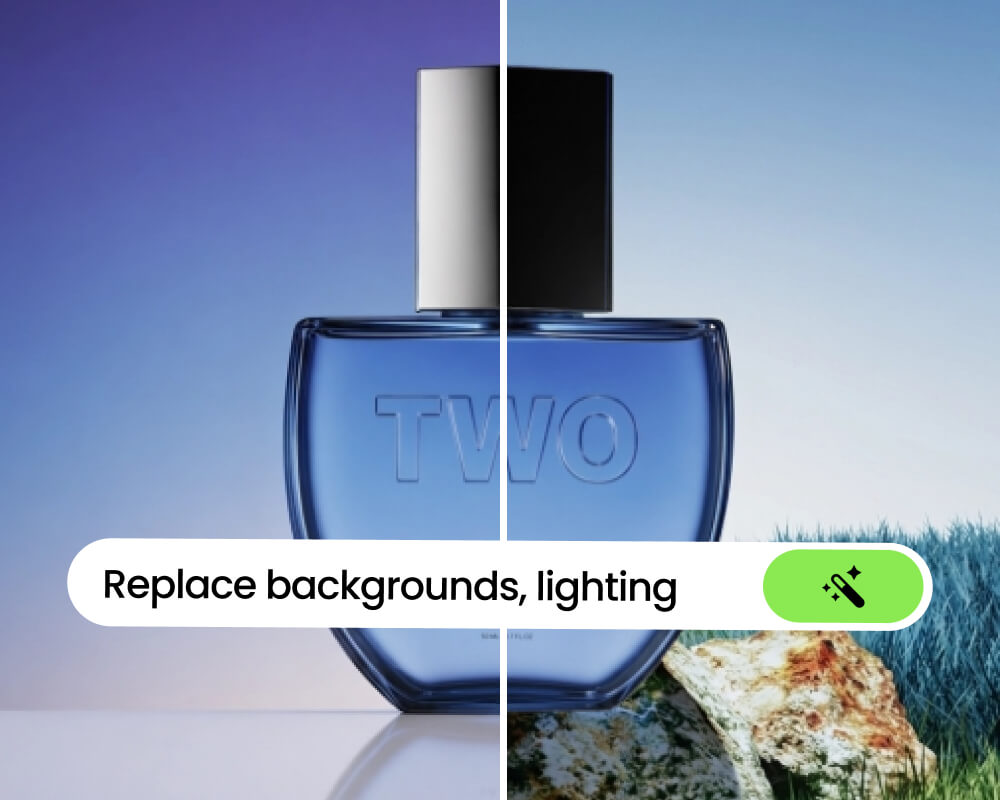
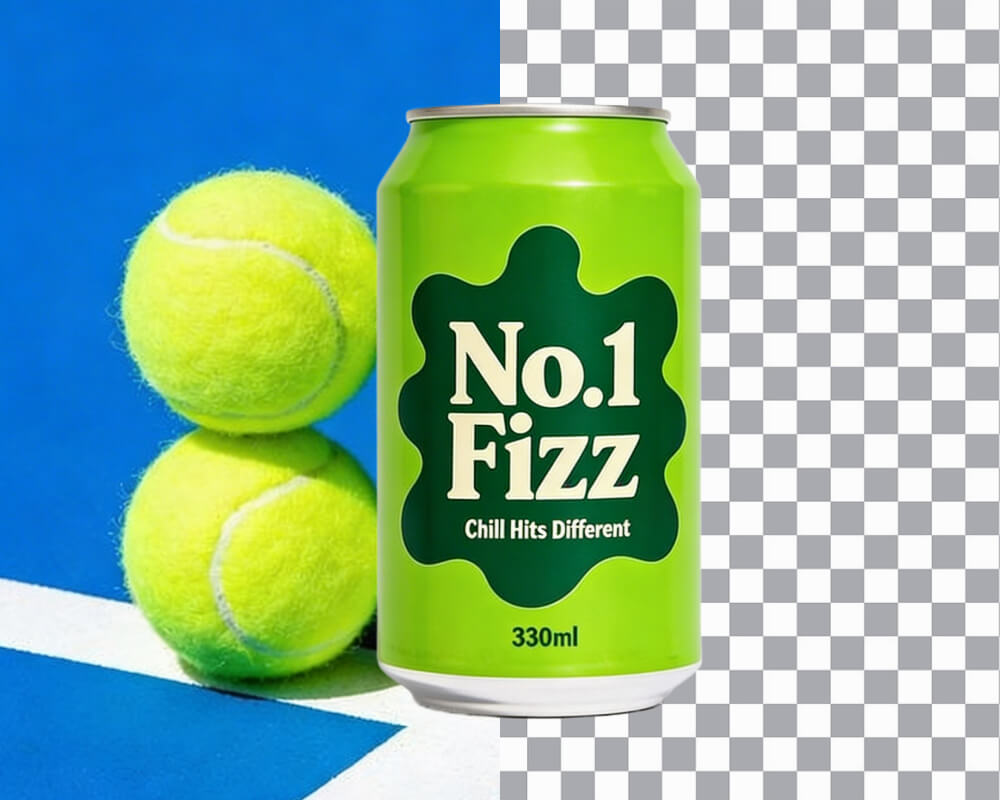
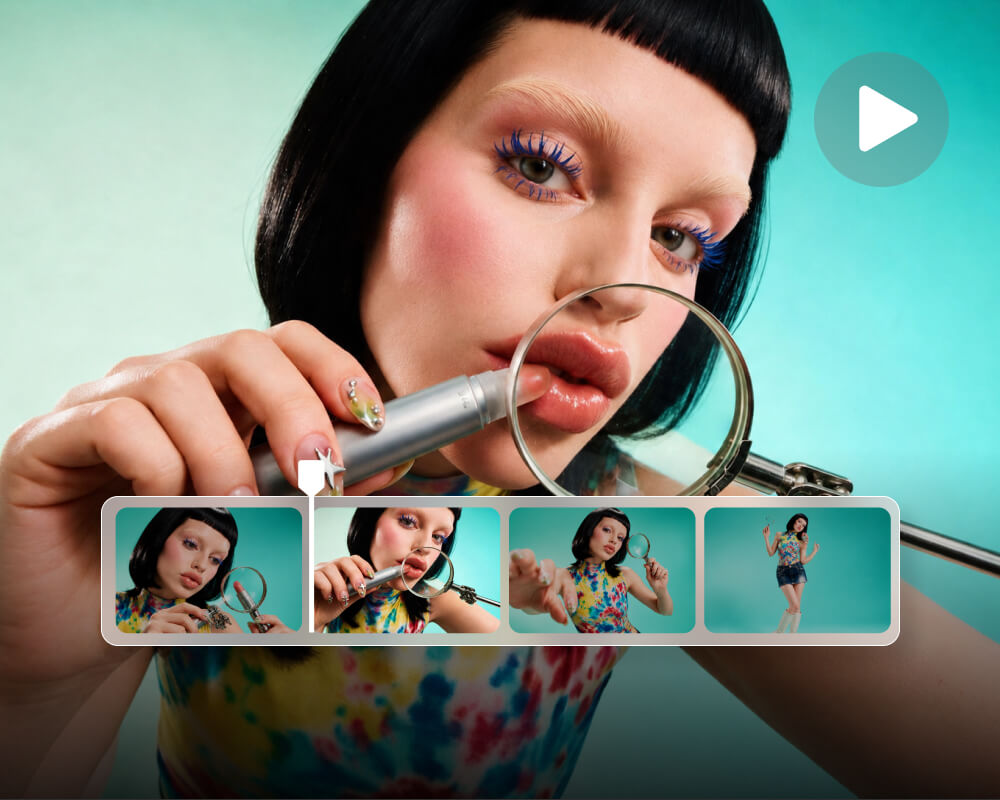
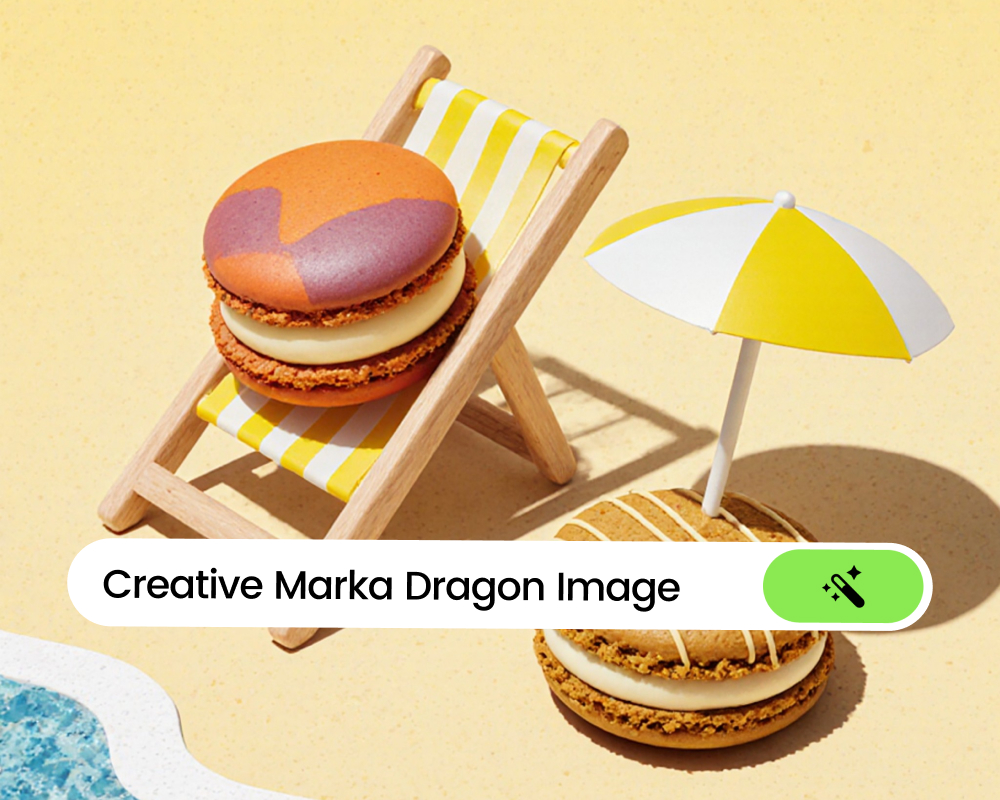
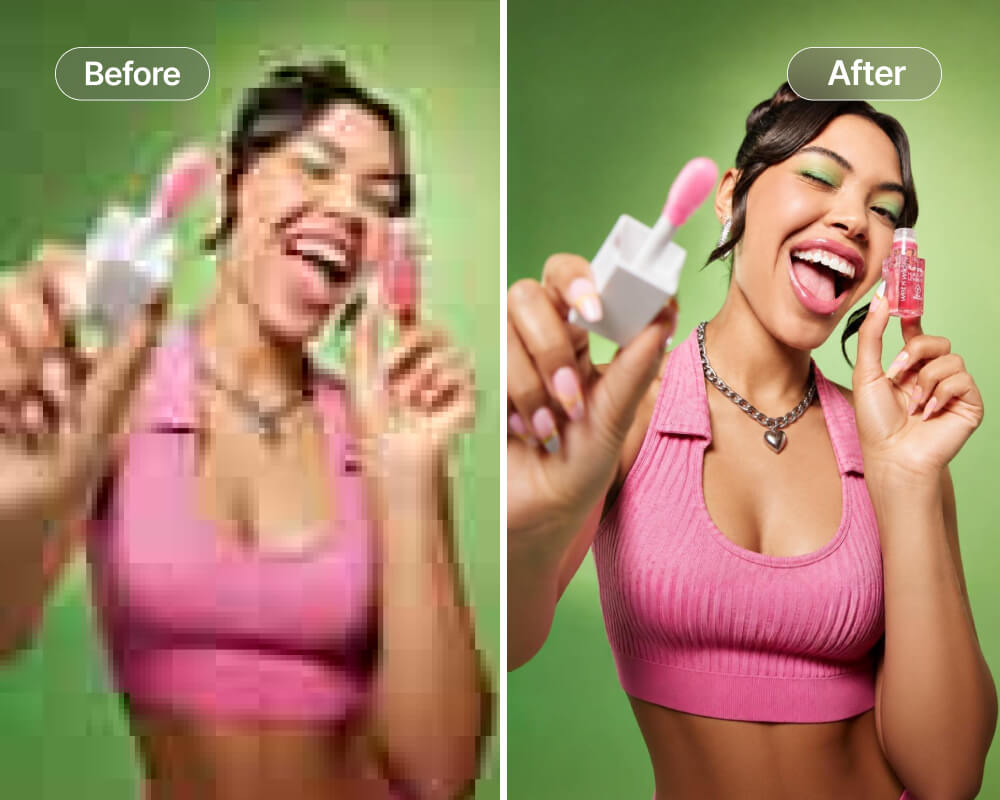
Transform your brand visuals instantly. Let your AI agent craft high-converting product suites, lifelike virtual model try-ons, and studio-grade photo restorations in seconds.
Top AI Models & Tools. One Subscription.
- credits/mon
Fixed amount of - credits/mon
Key features:
- credits/mon
Fixed amount of - credits/mon
Key features:
- credits/mon
Fixed amount of - credits/mon
Key features:
Create, enhance, and transform images and videos with Fotor MCP.
Get Started