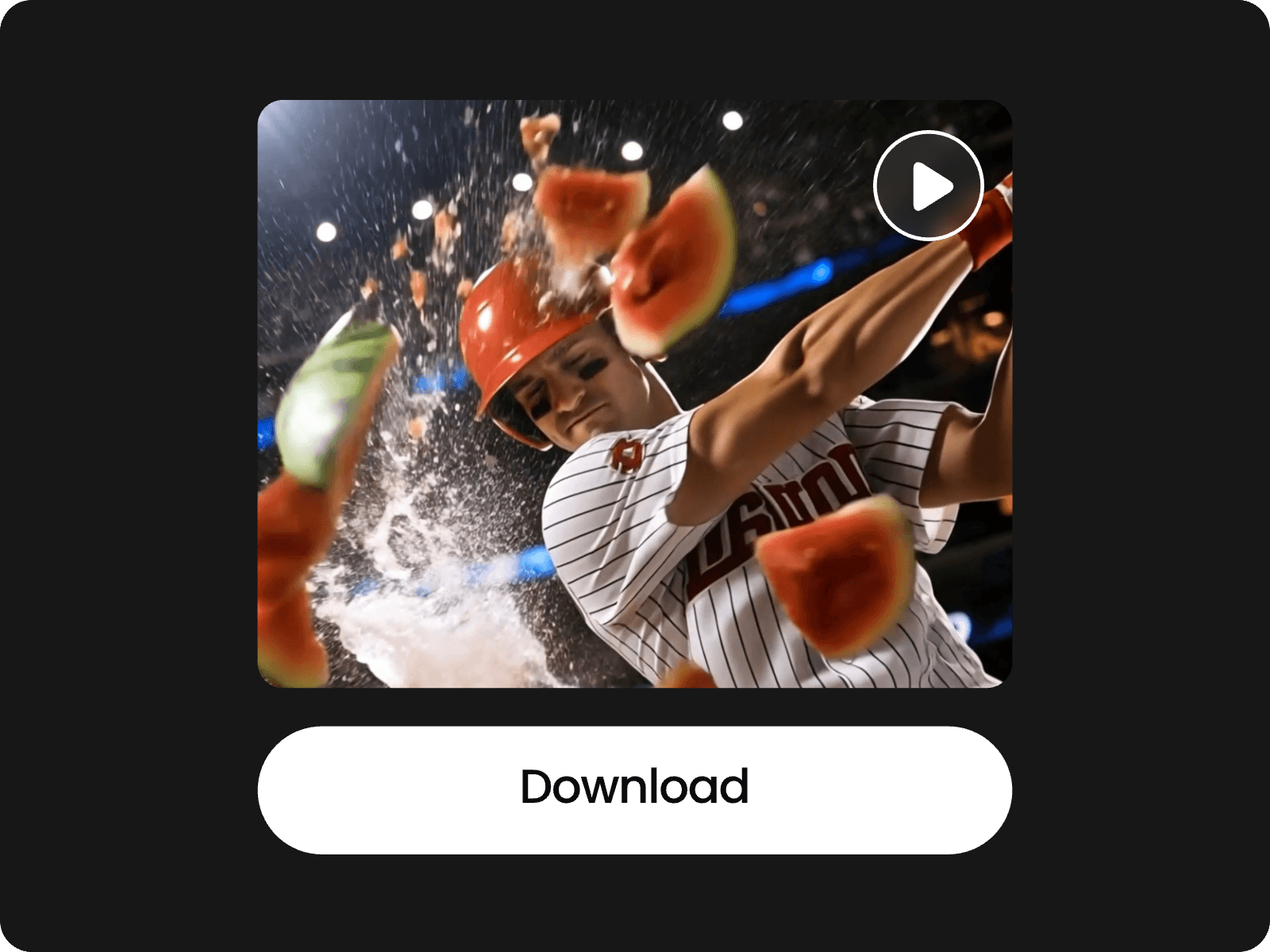
Draw to Video: Control Motion Paths & Animate Sketches
Fotor's draw to video generator lets you guide object motion by drawing paths on a video, and turn sketches, doodles, or line art into animated video clips.
Fotor's draw to video generator lets you guide object motion by drawing paths on a video, and turn sketches, doodles, or line art into animated video clips.
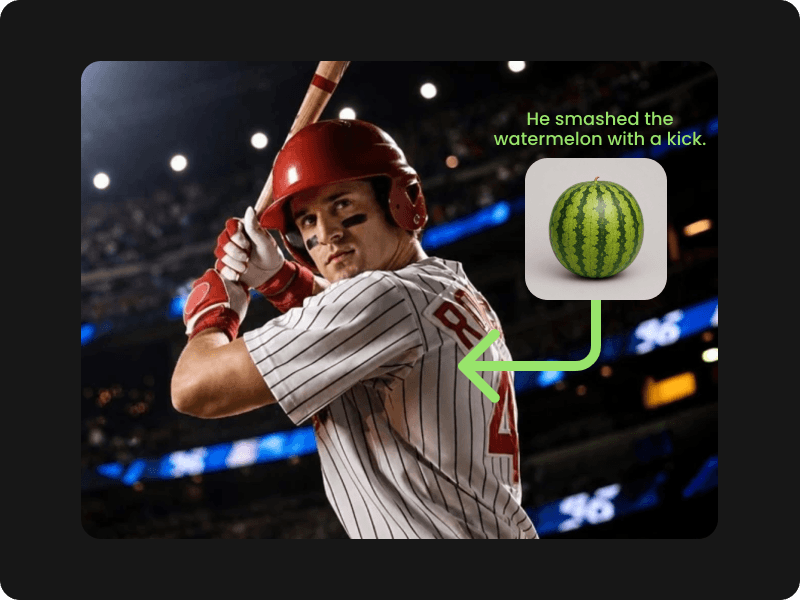
Upload an image to the drawing canvas, overlay reference photos, frame target areas, and add short text descriptions directly on the image. The draw to video generator then animates the original image as you like, blending the references and following your instructions.
Ideal for e-commerce product placement and scene edits. It lets creators insert products, characters, or extra objects with precision and ease, reducing the work of long prompt engineering.
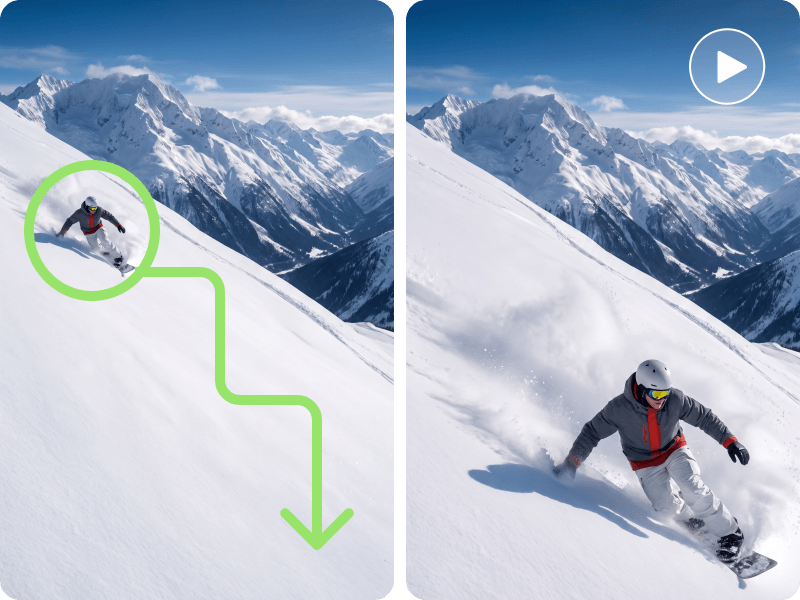
Frame any object in your photo and draw arrows to show where it should go. Motion brush AI reads these lines and interprets your intent to move the subject along your chosen trajectory.
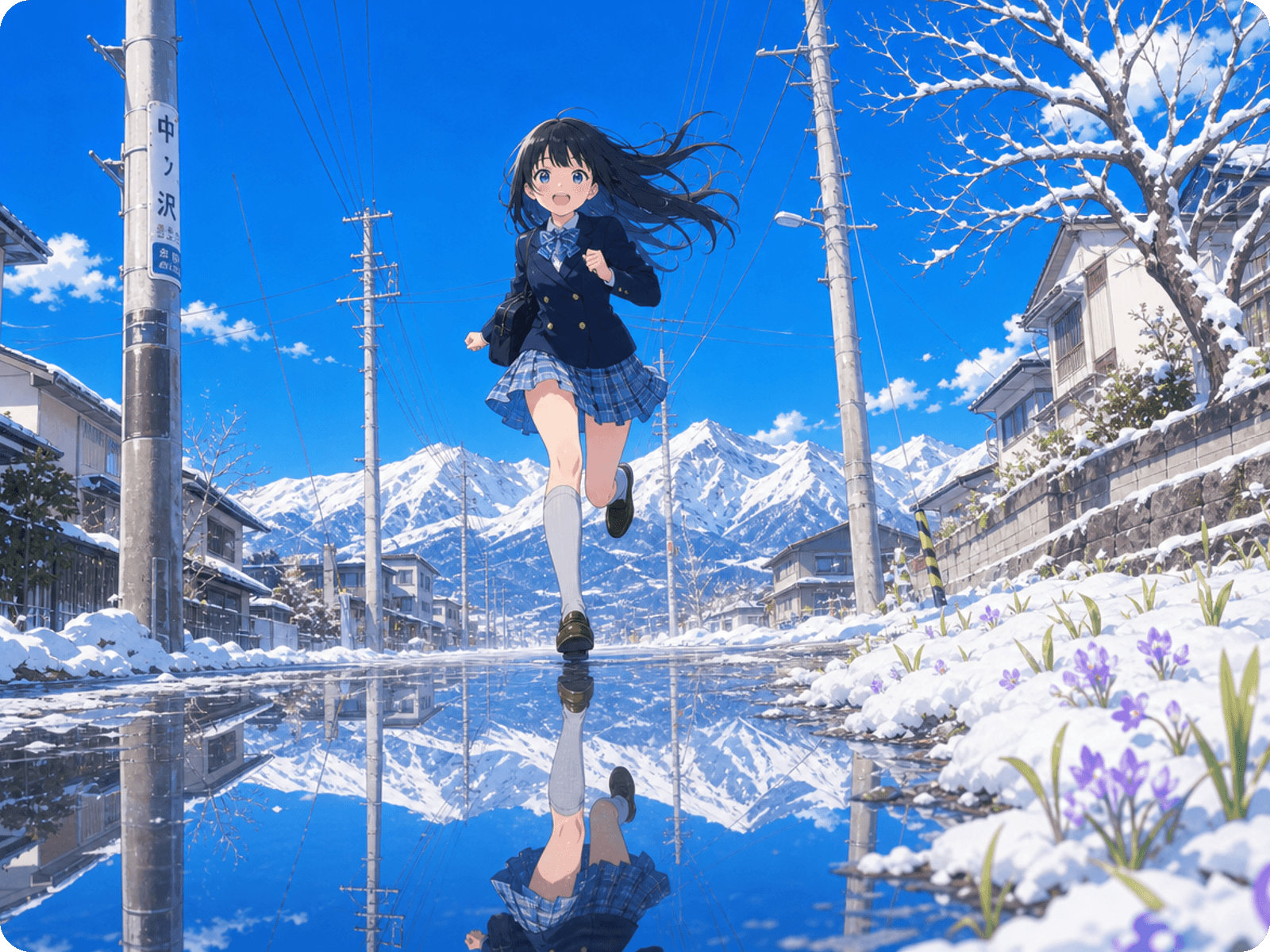
Use this AI tool to animate characters, cars, or even water, turning static storyboards into dynamic videos with realistic physics.
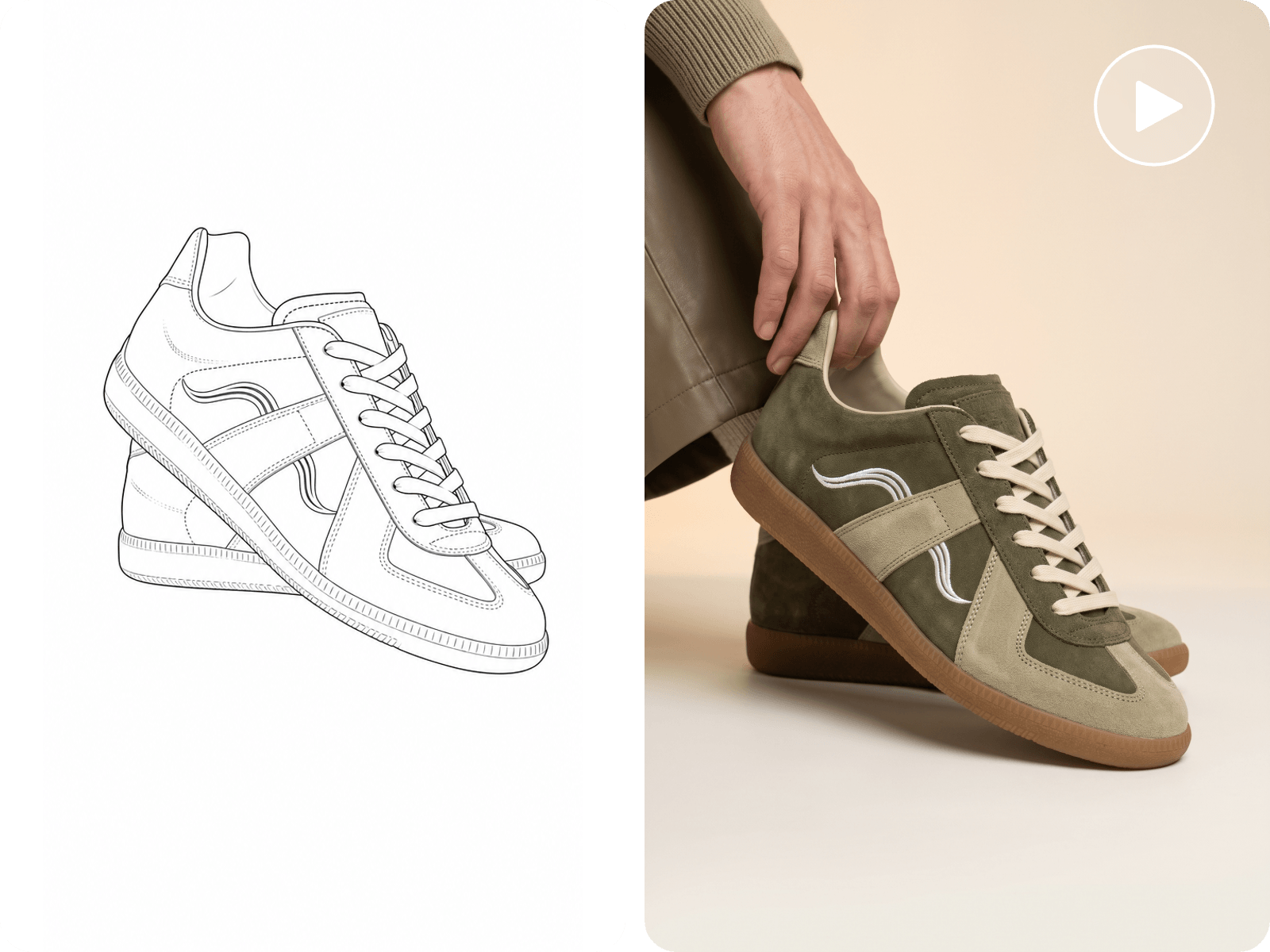
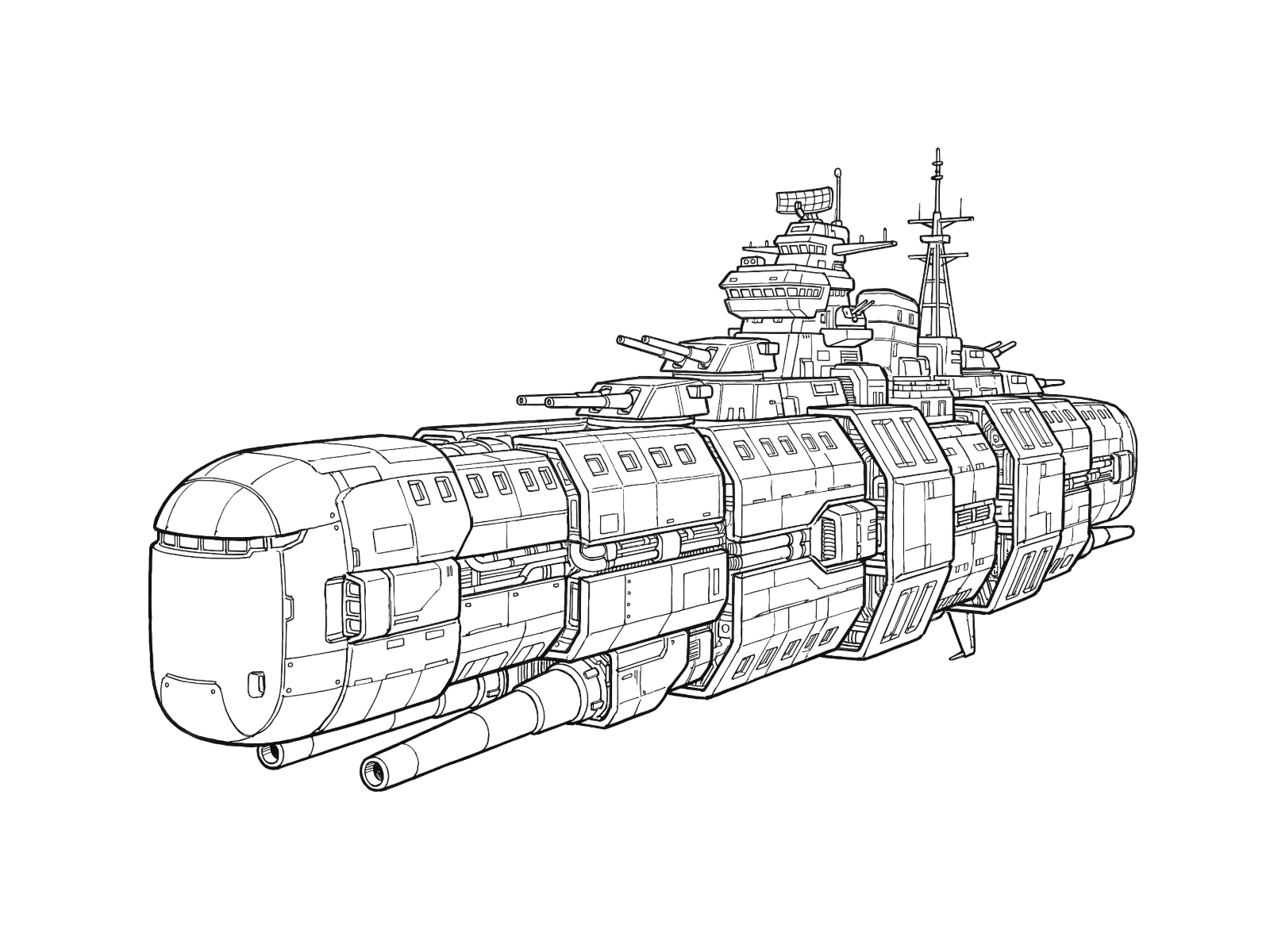
Input rough sketches, doodles, or draw directly on the built-in canvas. The draw to video tool understands your shapes and intent, automatically adding color, depth, texture, and motion.
This feature is designed to transform raw hand-drawn lines into polished video scenes instantly. Ideal for creating commercial product demos and ad creatives.
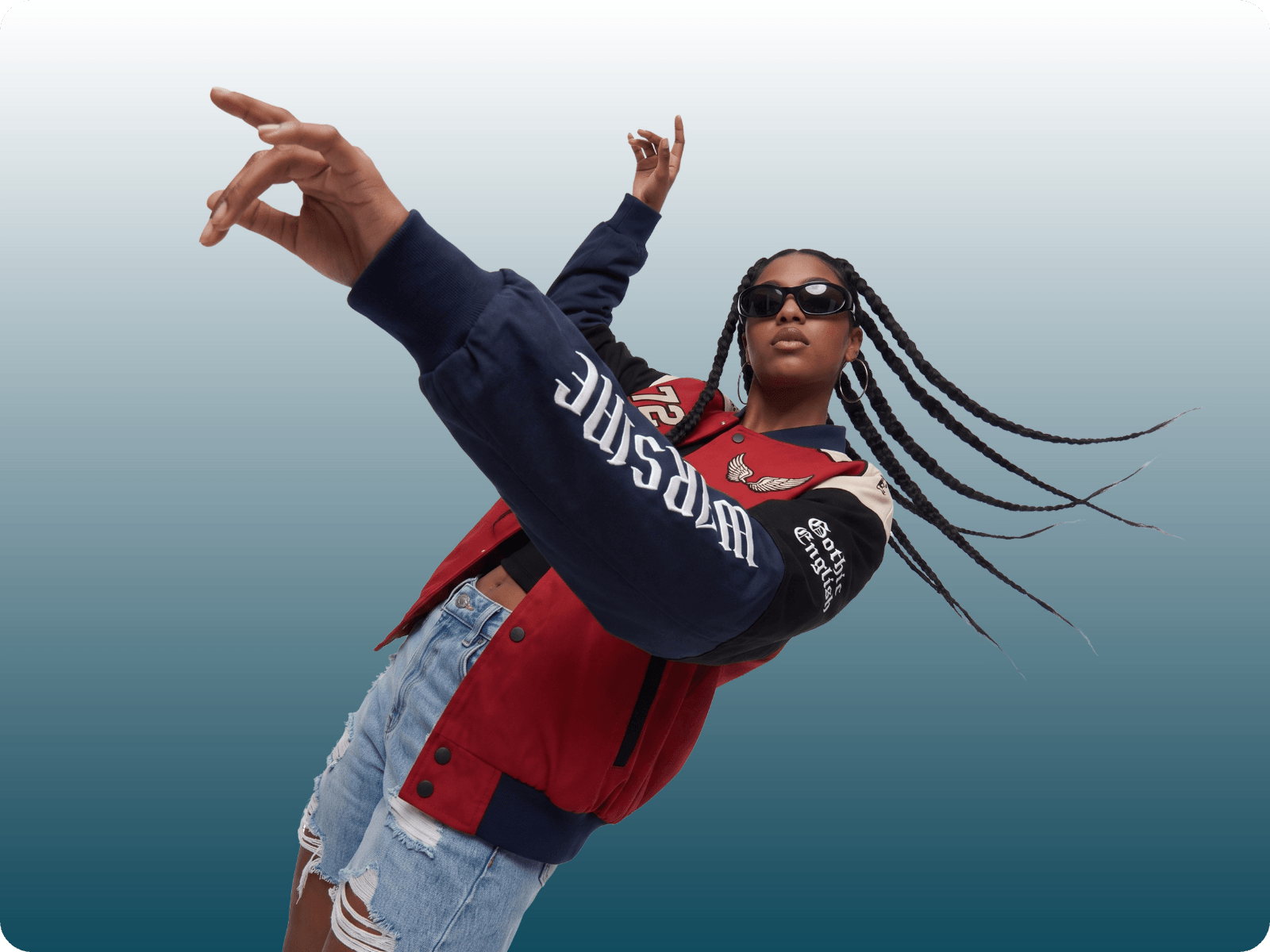
Customize commercial video ads by adding direct visual annotations and text instructions over base images. Marketers can easily swap featured products or change character movements to create AI product videos.
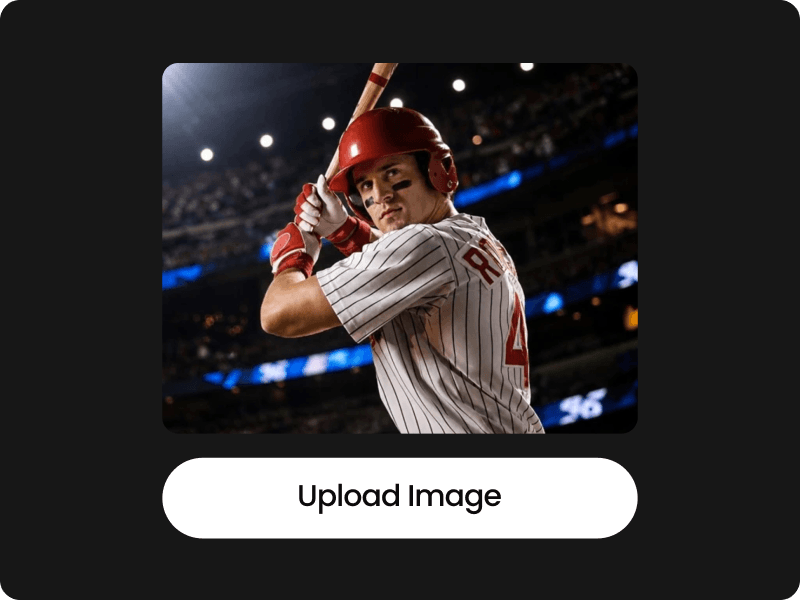
Upload your base photo, doodle, or design draft to the workspace. If you're starting from scratch, simply open the built-in canvas to draw your sketch directly.
No, writing a traditional text prompt is optional. You can generate videos by simply sketching on the built-in drawing canvas, painting over an uploaded image, or placing short text annotations directly onto your image. The AI is designed to understand your visual intent without requiring long, complex text descriptions.
A draw to video generator is an AI-powered tool that transforms hand-drawn lines, rough sketches, and visual annotations into dynamic video scenes. Unlike traditional text-to-video models, it allows creators to visually control the output by drawing motion paths, framing subjects, or adding directional arrows directly onto an image canvas.
Motion brush is an AI editing tool that allows you to animate specific parts of a static image by painting over them. By drawing directional arrows over elements like hair, water, or clouds, you can control exactly which elements move and which direction they go.
High-resolution photos, clean line drawings, and high-contrast sketches work best.
Yes. You can customize the visual style by adding notes directly on the image or by entering text in the prompt box.
Duration: 4~8 seconds
Resolution: 480p, 720p, 1080p
Aspect Ratio: 1:1, 3:4, 4:3, 9:16, 16:9