Beginner-Friendly
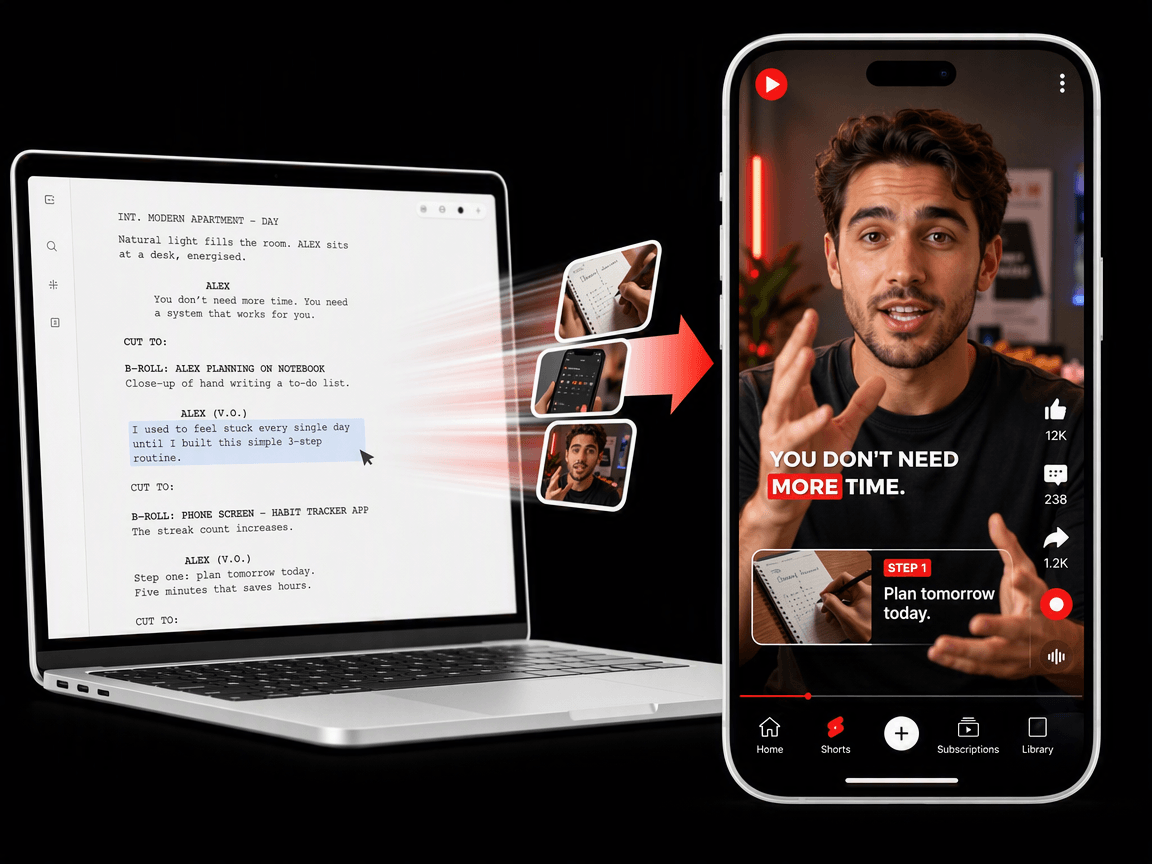
Our B roll creator boasts an intuitive interface with no complex settings. Everyone can enjoy a streamlined workflow and spend less time making professional B roll footage, which is extremely suitable for beginners.


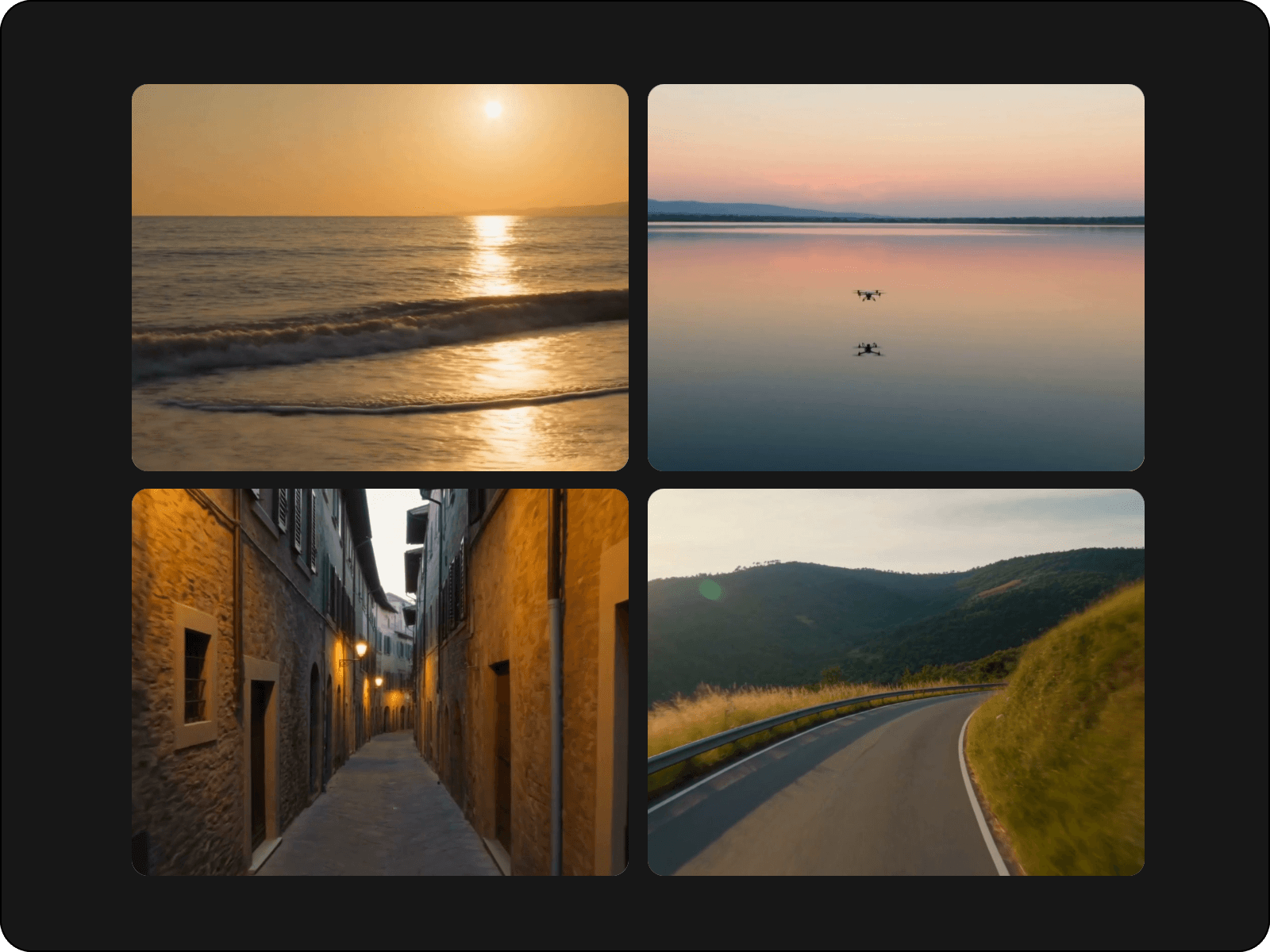
Automatically create contextual B roll footage online with Fotor’s AI B roll generator. Upload your video, script, image or audio and let our tool conveniently bring professional, HD B roll clips for your product, marketing, educational, cinematic, podcast videos and more. No extra film shooting and video production skills required.
Our B roll creator boasts an intuitive interface with no complex settings. Everyone can enjoy a streamlined workflow and spend less time making professional B roll footage, which is extremely suitable for beginners.
Powered by strong AI technology, our tool can smartly read and analyze the content of your original video, understand its context and automatically generate relevant B roll clips.
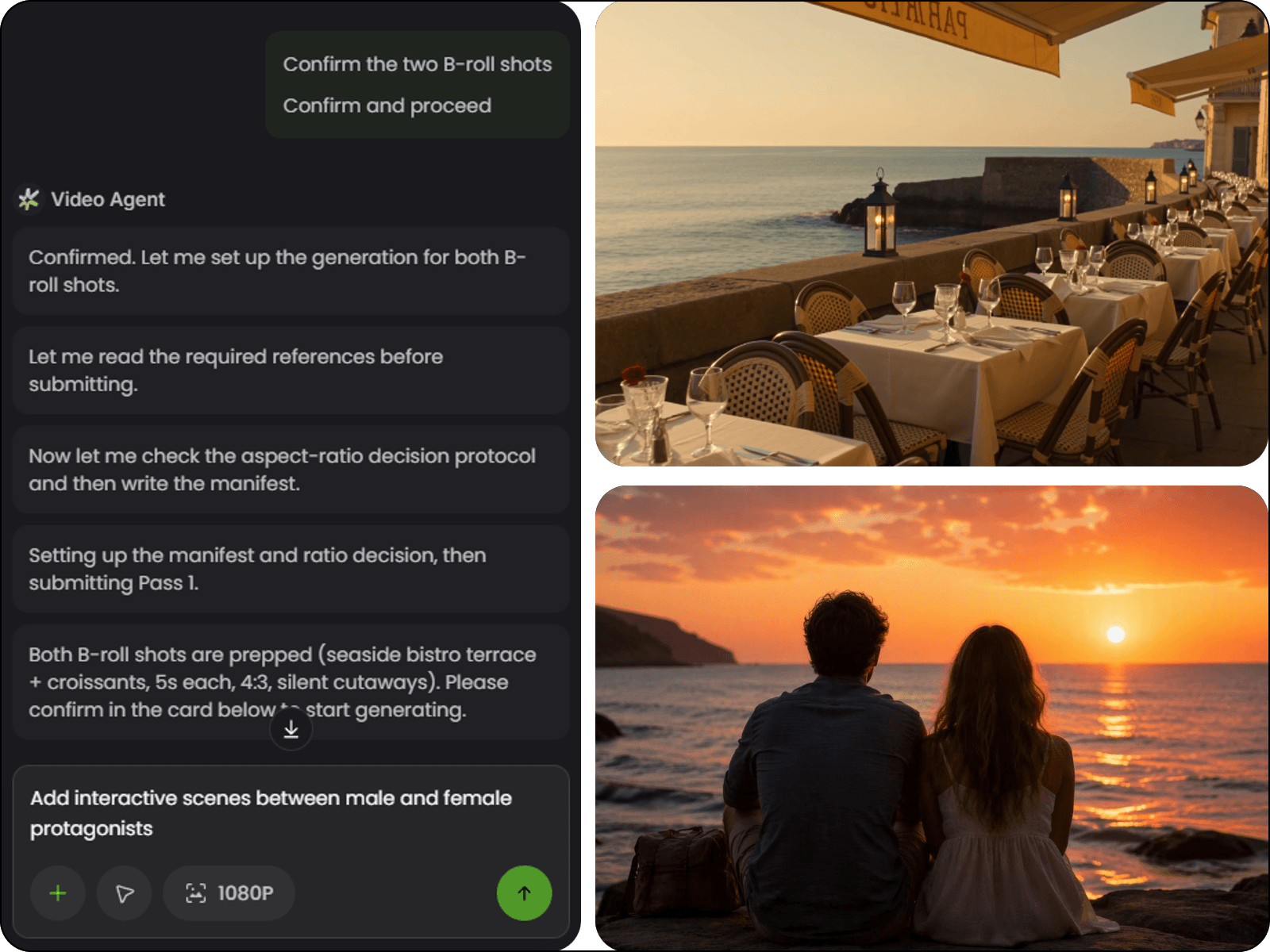
You will get an intelligent video agent to help you with convenient B roll video generation at a low cost, which allows you to produce your B-roll videos within minutes.
Fotor supports video creation from multimodal inputs. Feel free to add your image or use your prompt to customize your B roll videos and get satisfactory results with good consistency.
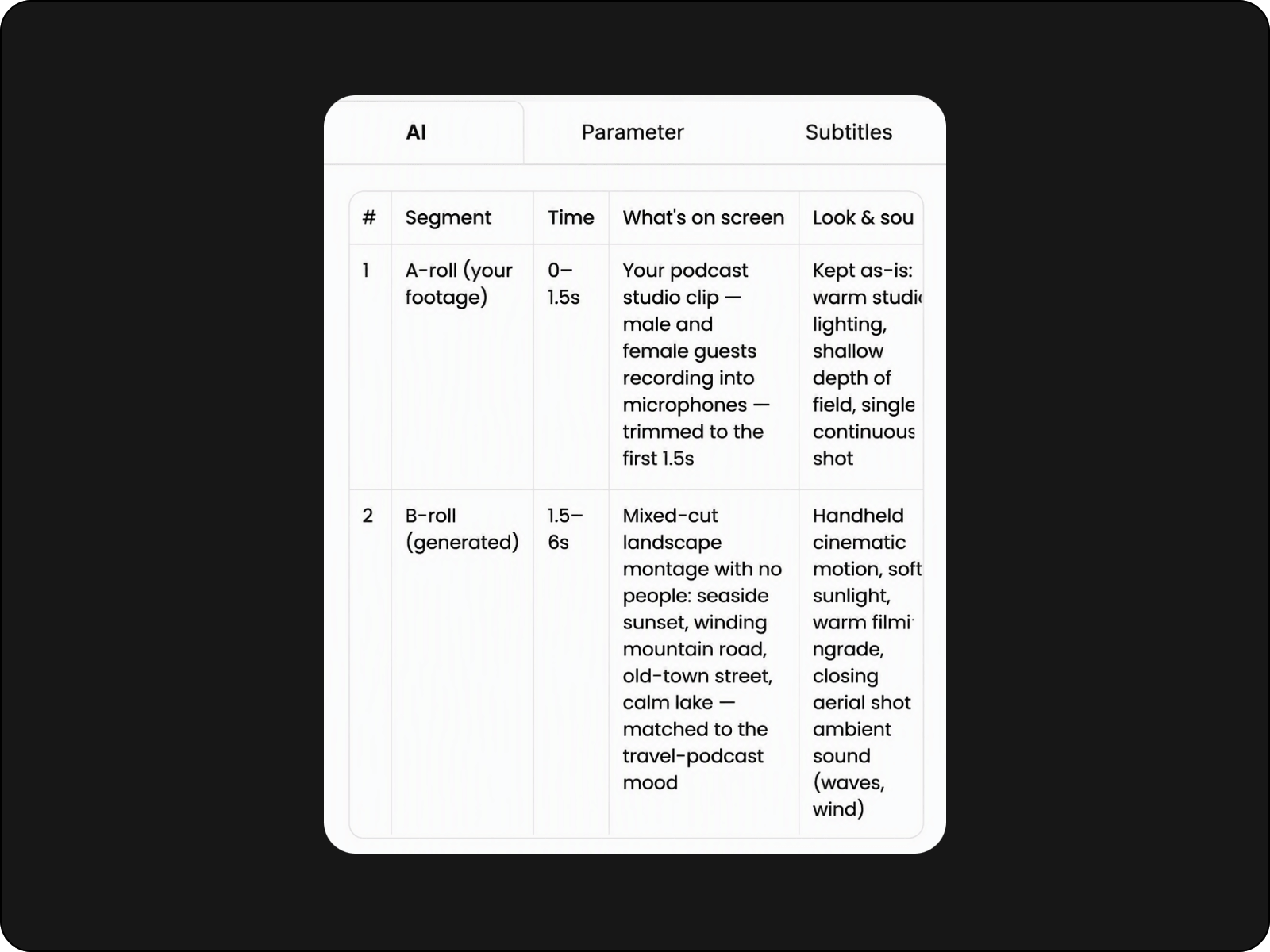
With our AI B roll creator, you don’t need to find a professional video editor to get stunning B roll videos. Equipped with powerful AI technology, our tool can read the content of your uploaded video, intelligently identify key moments, automatically write you a script to suggest relevant B roll and generate the footage that fits your story. Say goodbye to searching stock libraries or filming extra shots and get engaging B roll footage that works for your A roll content with Fotor.
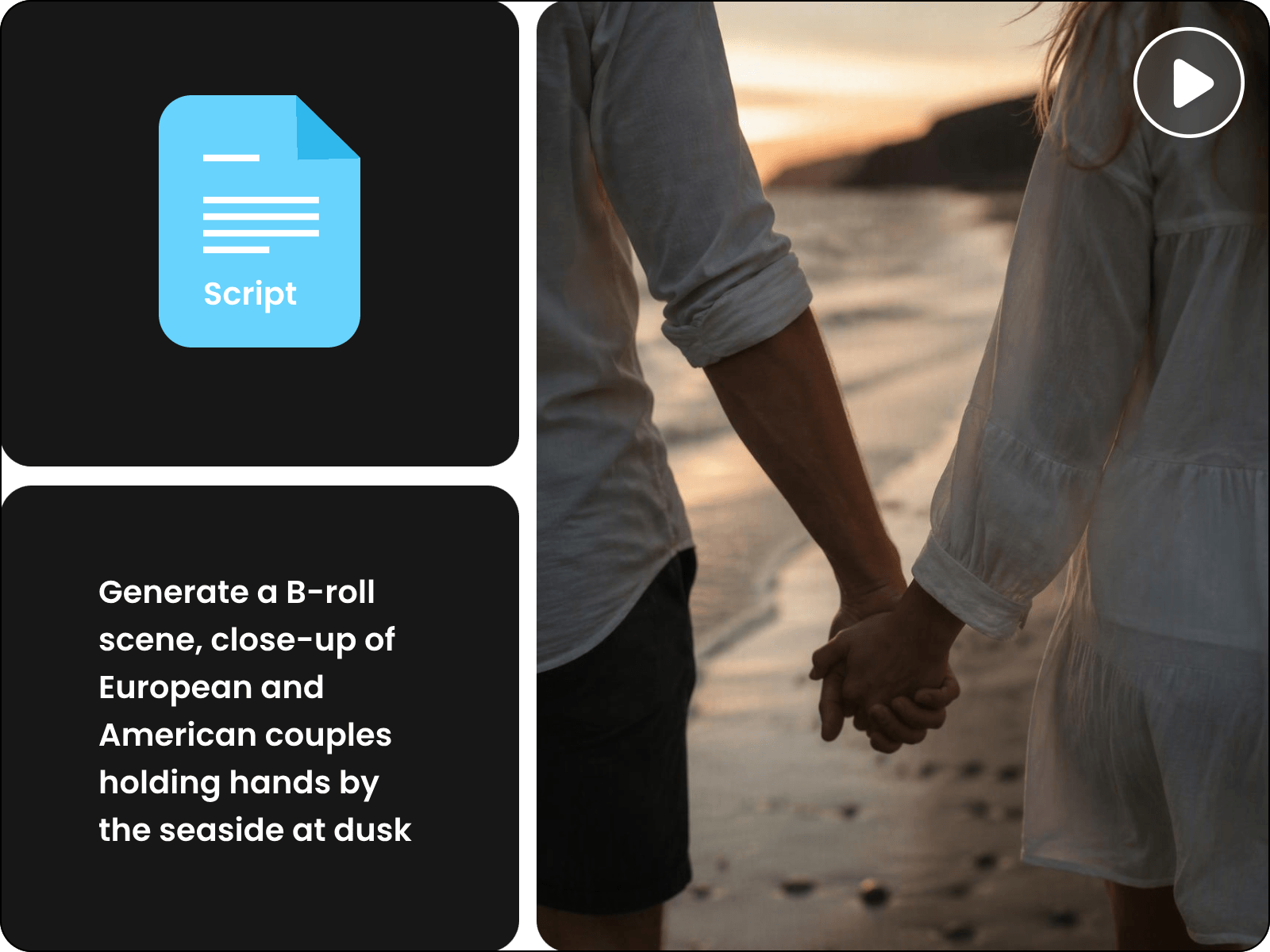
If you have already completed a script for your B roll or video transcript, Fotor is your ideal tool to help you with professional B roll video creation without starting from scratch. Add your script or transcript to our tool. Then, it will smartly analyze the words, understand the critical content and generate contextual B roll with dynamic visuals that naturally match your story, pacing and message. Try Fotor to present captivating B roll that keeps your original tone while visualizing what you intend to deliver.
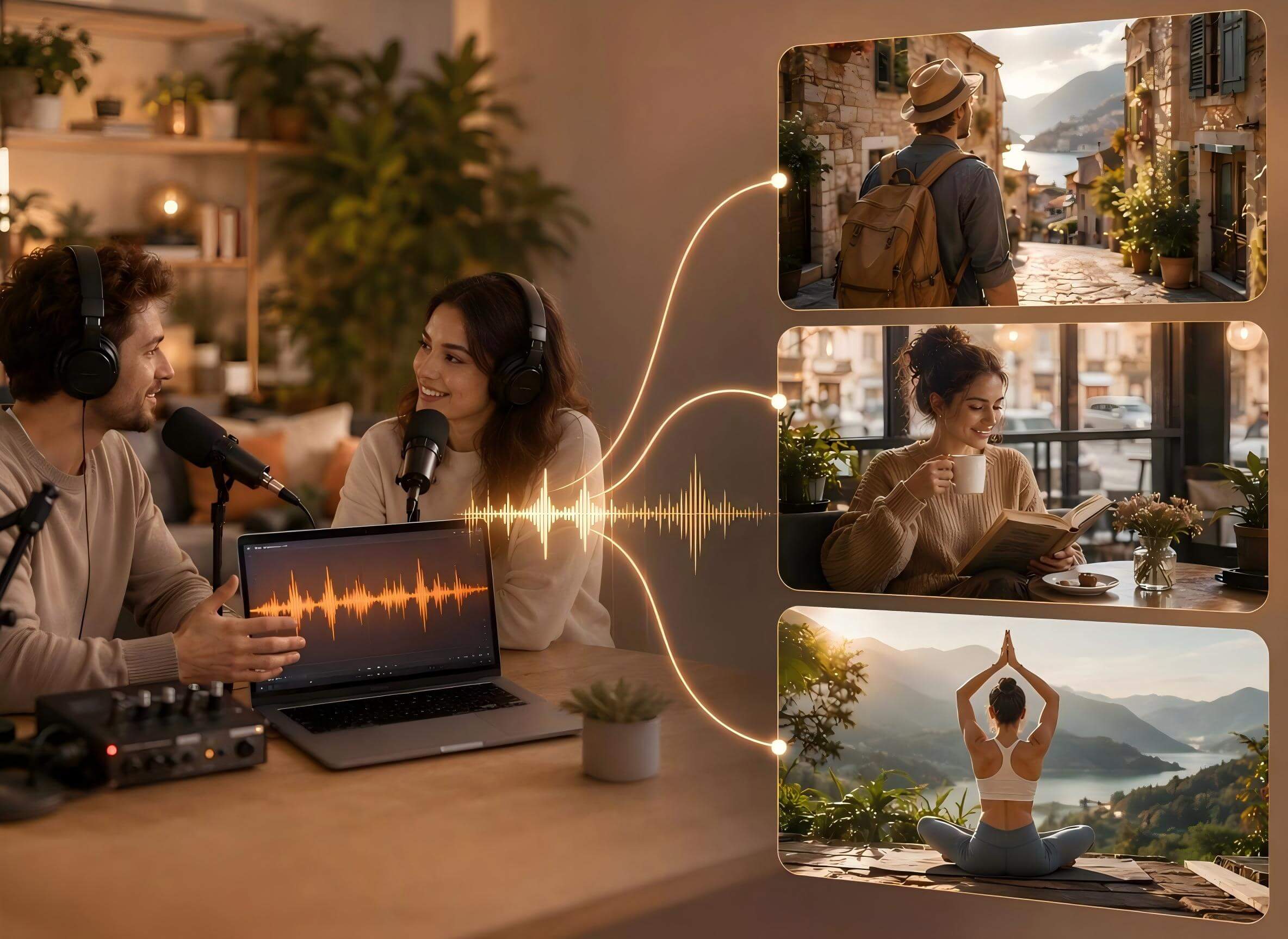
Need any supplementary footage for your podcast video based on the audio episode? Leave the task to Fotor, which can conveniently convert audio to video. Once your audio file is uploaded, our tool smartly listens to your narration, identifies key ideas and turns them into polished B-roll clips that make the important messages in your podcast or training audio easier to watch and remember.
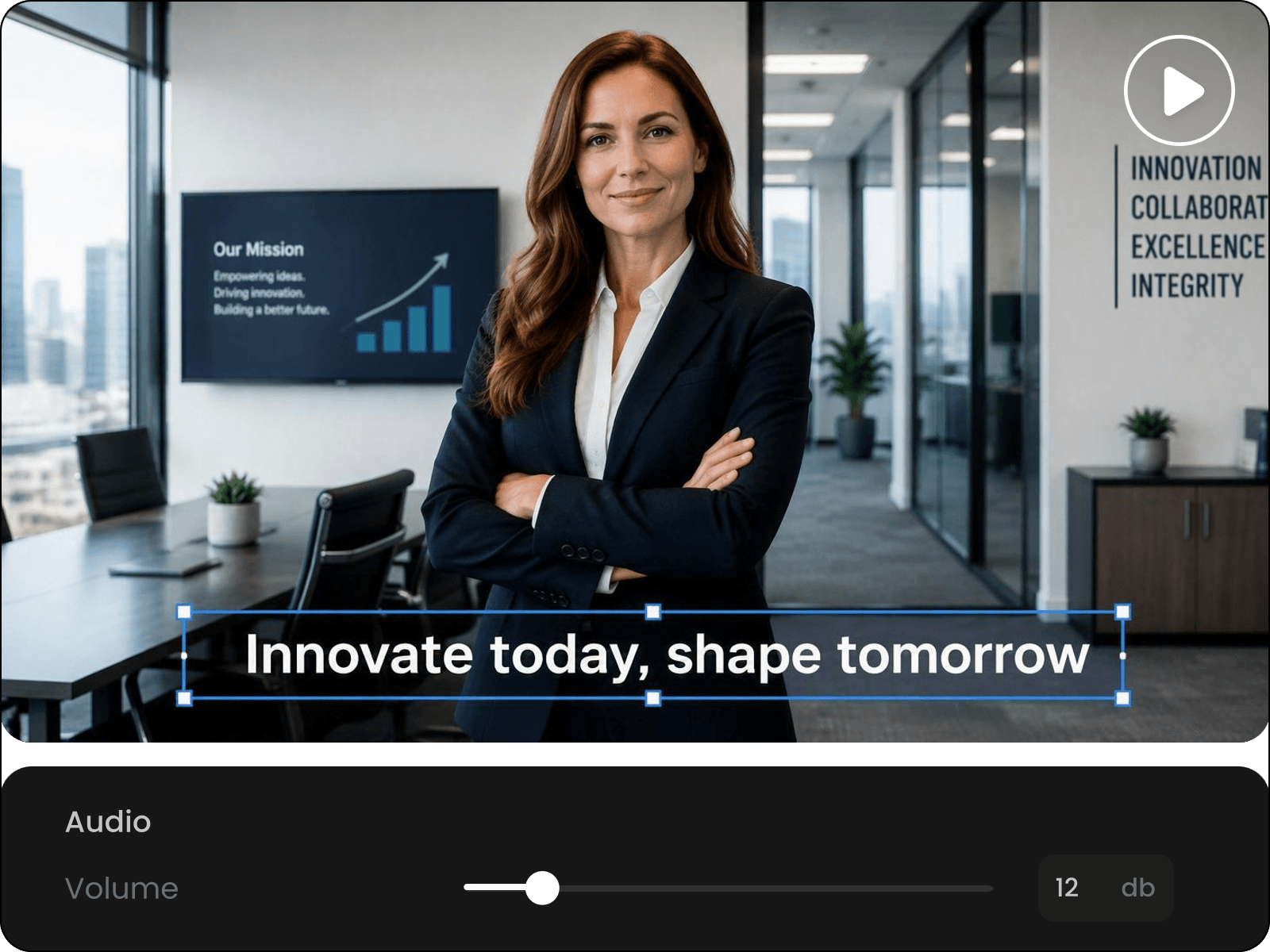
Expect dynamic visuals, natural voiceovers and clear typography in your AI-generated supporting footage with our AI B-roll generator. Also, take full control of these elements without complicated processes. Just select your B-roll scene and chat with our tool to make adjustments, such as changing the text, fine-tuning the layouts, switching the voice, adjusting scene timing and more. With flexible AI-powered controls, you can polish every video your way and deliver professional results that look sharp, sound clear and feel on-brand.
Experience convenient editing of your finished B-roll footage without leaving the current workflow. After generation, your B roll video will be placed in our AI video editor. There, you can easily trim and crop clips, adjust pacing, swap scenes, change playback speed, add stylish subtitles and background music, etc. So, with Fotor, you can align every shot with your personal or brand style, even after your B roll footage is ready. Generate, review, fine-tune and publish professional B-roll faster and with less effort.
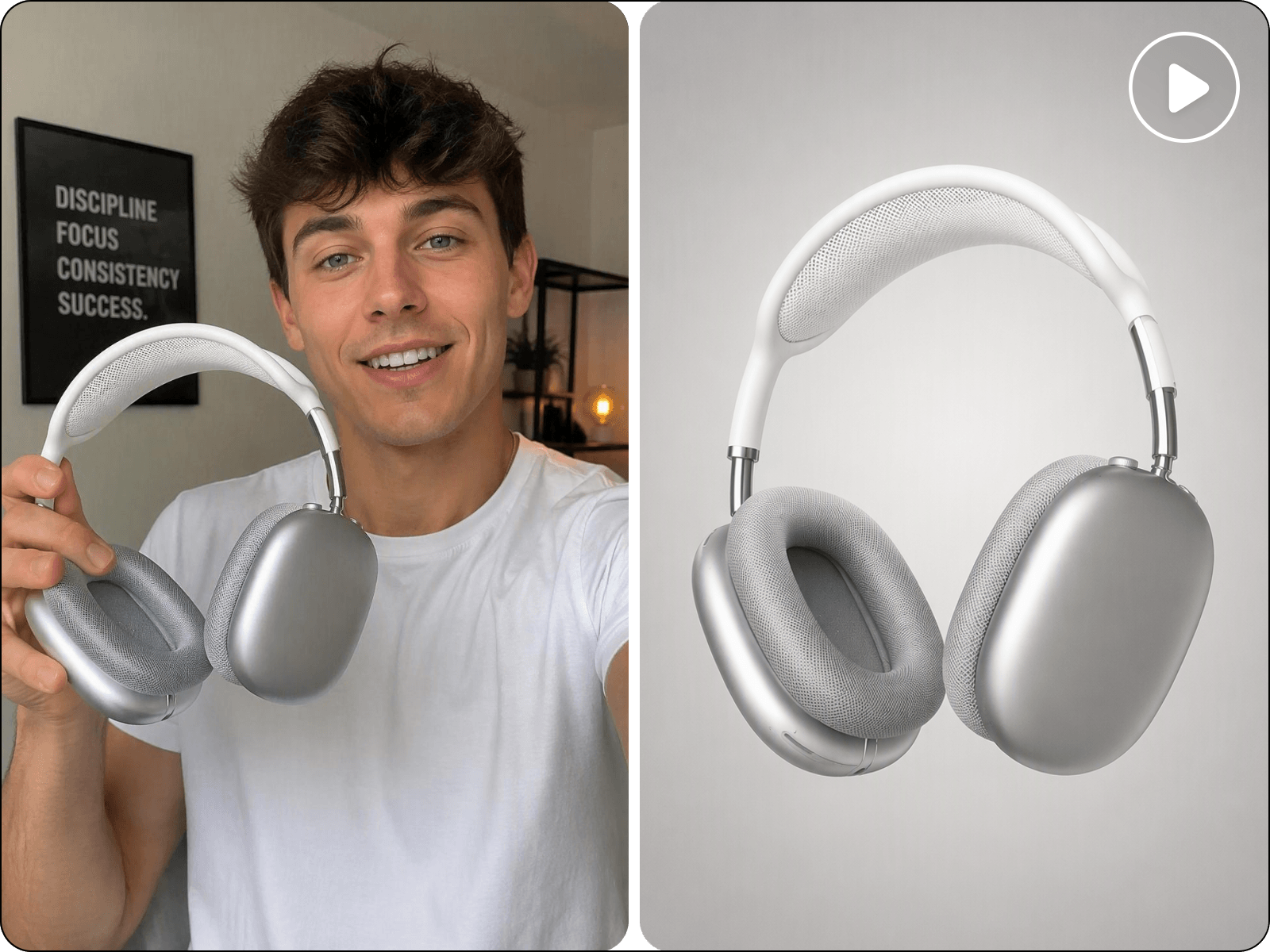
Want to make on-brand or consistent B-roll footage? Fotor has you covered. Simply upload your flatlay or on-model product visual, along with your original video. Then, our AI B roll maker can analyze and understand your visual direction and create smooth, consistent supplementary video clips that match your style, message and brand. So, whether you need B roll footage for product demos, marketing campaigns and service explainers, Fotor can help you get eye-catching supporting clips and make your original video feel complete and professional.
Rely on our AI B roll generator to create professional, AI-generated supplementary footage for any kind of video, from educational and training videos to product, marketing and explainer videos.
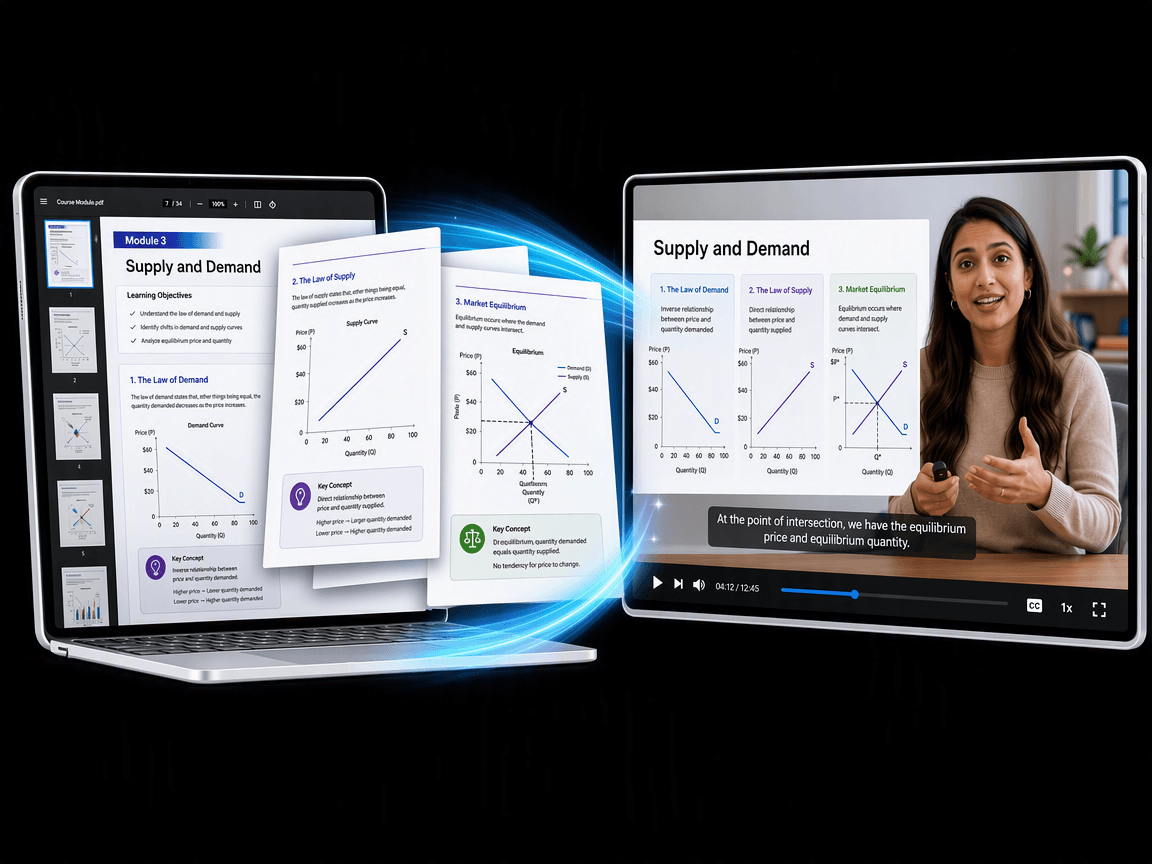
Dull instructional videos will definitely fail to achieve their educational effect. Try Fotor to create exclusive, relevant B roll clips from your information-heavy online course, lecture, tutorial or training videos. Make complex ideas easier to follow, lessons more interesting and educational content more polished and enjoyable to watch, while keeping your original message clear.
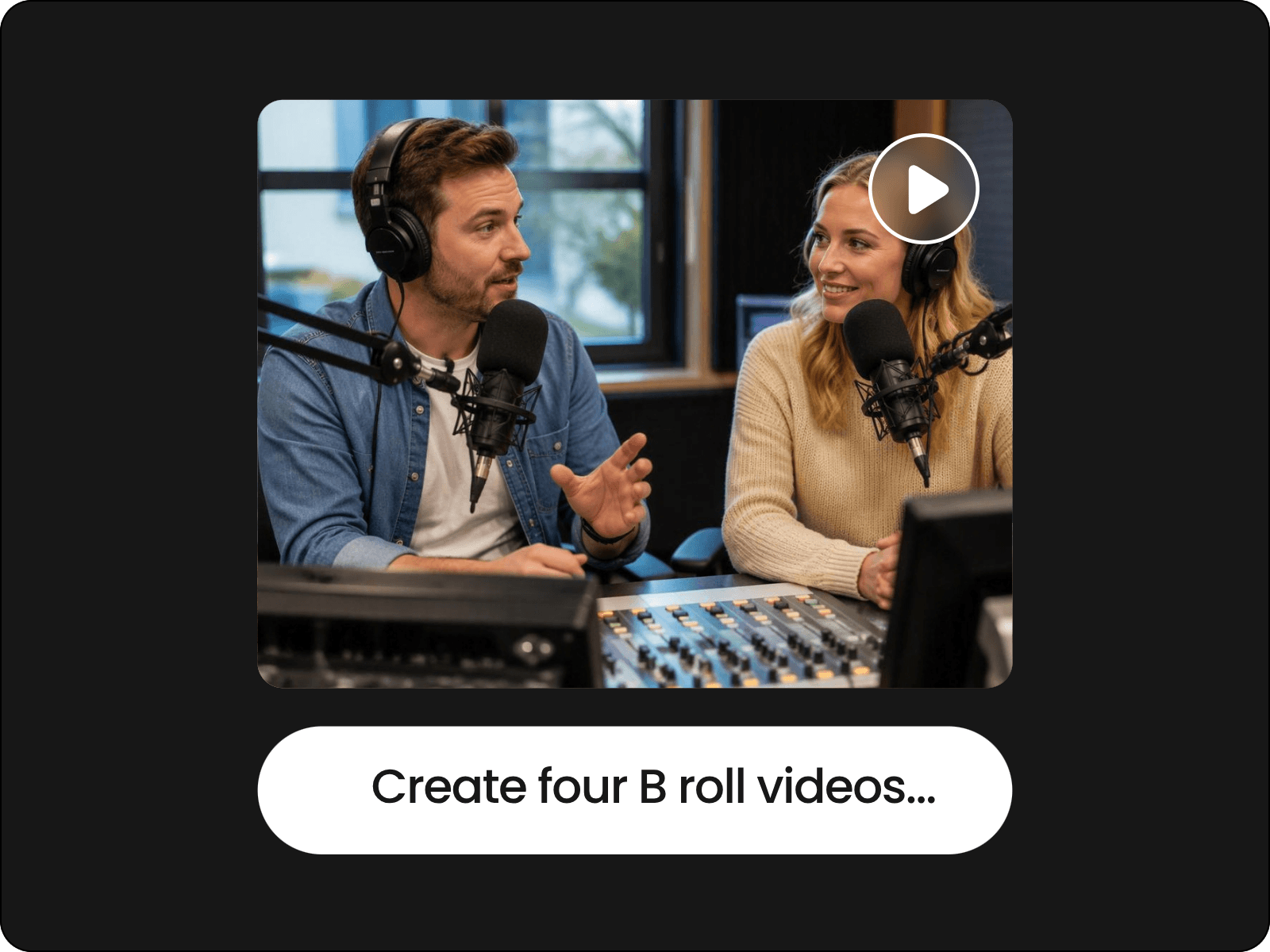
Add your original video clip to Fotor’s AI B roll maker and type your B roll ideas or simply enter the prompt “Create a B roll video based on the content of the uploaded video.”
Fotor, an all-around AI tool, offers a wide range of AI video editing features. Explore them by yourself and make your B roll footage more professional and polished.
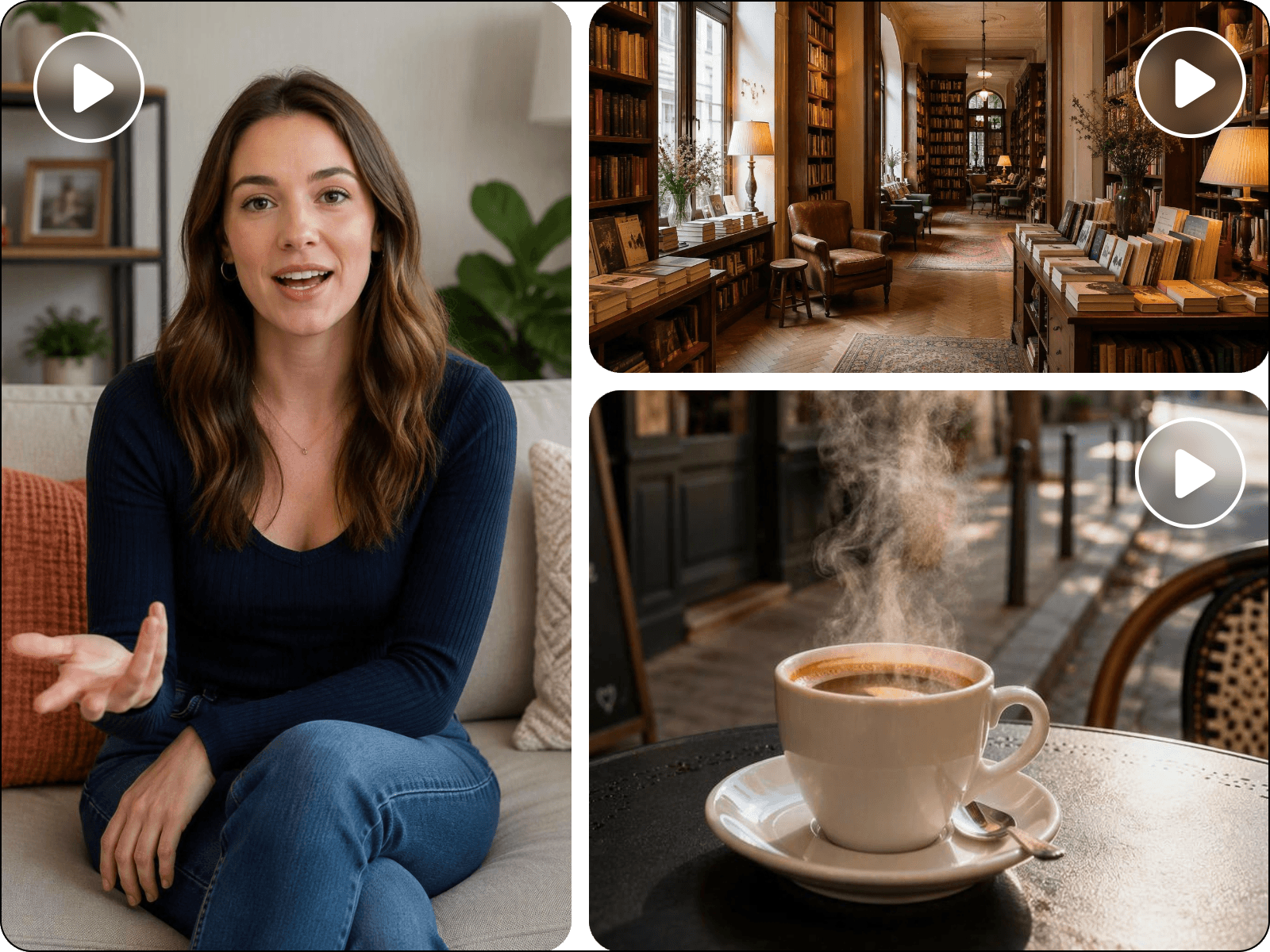
B-roll refers to supplementary video footage used to support the main footage (also called A-roll) in a video. For example, while someone is talking about a product, B-roll might show the product in use, close-up details, screen recordings or related scenes. B-roll helps make videos more engaging, visually appealing and easier to understand by adding context and variety.
An AI B roll generator is a digital tool that uses AI technology to create contextual B roll footage based on your script, transcript, images or video content. It can automatically suggest relevant scenes by creating an AI script, generate dynamic visuals and match the footage to the theme, style and pacing of your video. Such tools help creators produce more engaging videos faster without having to search for every clip manually or arrange extra shots.
Yes. Fotor’s AI B-roll generator can read and analyze your video content, understand the key moments, write an AI script to suggest relevant B-roll footage and generate relevant scenes that align with the topic, style and pacing.
Yes. You can just type your ideas and upload your materials, whether scripts, images, audio or videos. Our tool can read these materials to identify the key information from the narrations or subtitles, analyze your request in the prompt and smartly create contextual B-roll video clips.
To put it simply, AI-generated B-roll refers to new footage created by an AI tool based on its understanding of the video content. AI-matched stock footage is the one that an AI finds from existing footage that fits your content online.
Yes. Fotor allows you to generate B-roll from a script, transcript or voiceover. Simply upload your file and it will intelligently analyze and understand the core messages from the words and narration. You will get relevant B-roll scenes that match your video theme and vibe.
Usually, yes. But you should be aware that the subject in your video should not be a copyrighted character, logo, product or anything similar. If you create a B-roll clip based on these materials and share it on social media for commercial use without the creator’s consent, it will be absolutely illegal.
Yes. You upload your talking head or podcast videos to Fotor’s AI B-roll maker and let it create professional, engaging B-roll scenes. The AI-generated B-roll and your original footage will be displayed in our video editor with a timeline. You can easily apply a picture-to-picture effect to seamlessly insert your B-roll clip into the video and adjust its size to ensure it does not cover the speaker.
Yes. You can replace an AI-generated B-roll clip through your chats with our tool. Since the AI-generated B-roll footage will appear in our video editor, you can conveniently edit it even after it is generated. For instance, you can trim and crop it, adjust its playback speed, increase its volume, add stylish captions and background music and more.
With Fotor, yes. You can rely on it to create contextual B roll footage based on its understanding of your original video content. So, you don’t need to search for existing stock footage, which can be generic or repetitively used by other users or brands.
Every new user will receive free credits from Fotor, which allow you to get an AI script for your B roll footage at no cost. However, you need to become a paid subscriber or purchase more credits to continue B-roll generation.
Fotor is equipped with the latest encryption technology to safeguard your data privacy. So, you are the only person who gains full access to all your files, which won’t be shared with third parties or used for AI training.
We support several input formats, including
For output format, we now only support MP4.