Easy and Convenient
You don’t need to write a script and master complex Premiere skills to create a vivid video from your PDF file. All you need is to upload it to Fotor and type your video ideas. Then, you can expect your video in minutes.


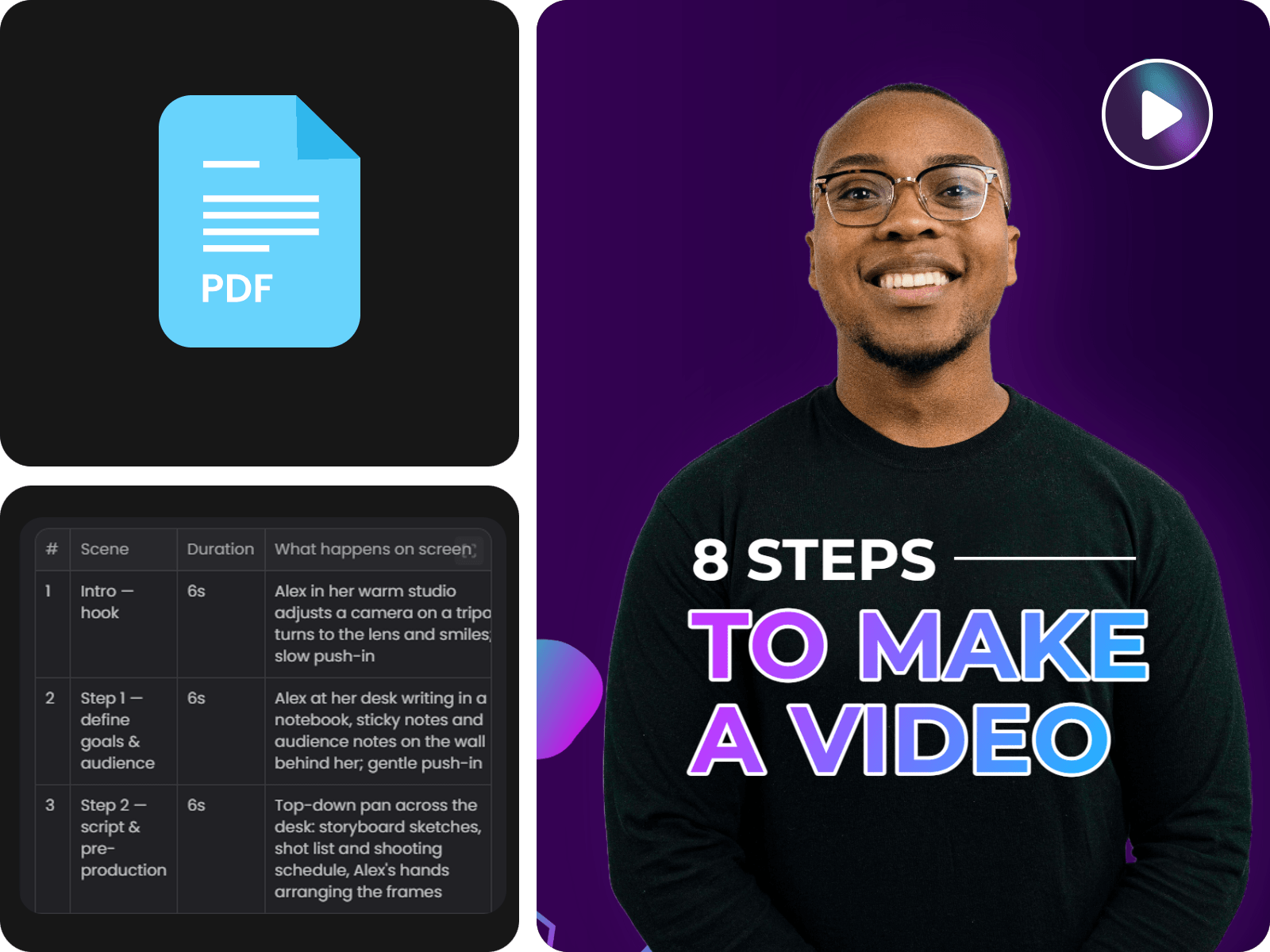
Easily and quickly convert PDF to video online with Fotor’s PDF to video AI tool. Upload your PDF file and watch it turn into a professional educational, marketing, product or presentation video with natural AI voiceover, captions and your desired resolution. No video production skills required.
You don’t need to write a script and master complex Premiere skills to create a vivid video from your PDF file. All you need is to upload it to Fotor and type your video ideas. Then, you can expect your video in minutes.
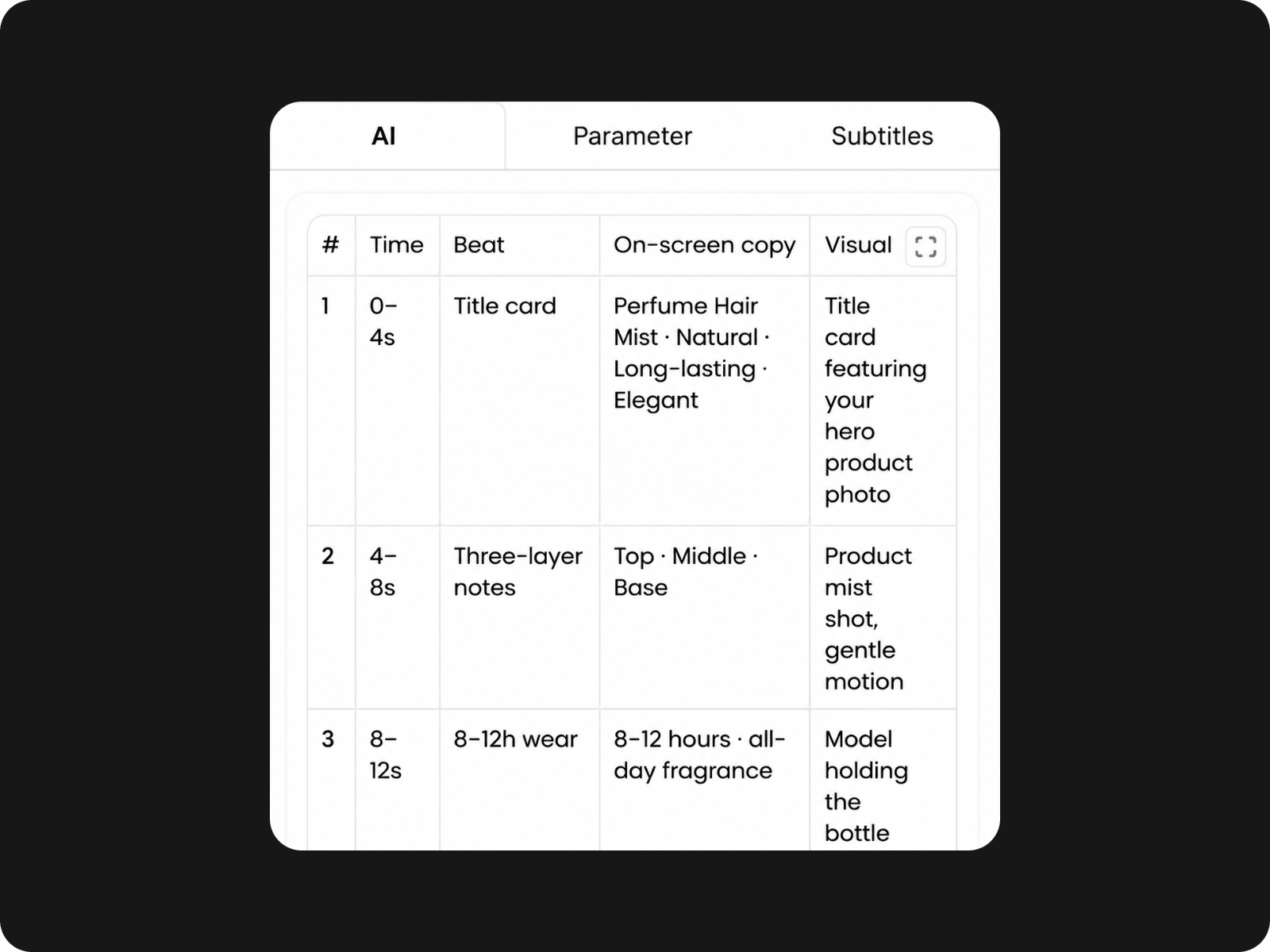
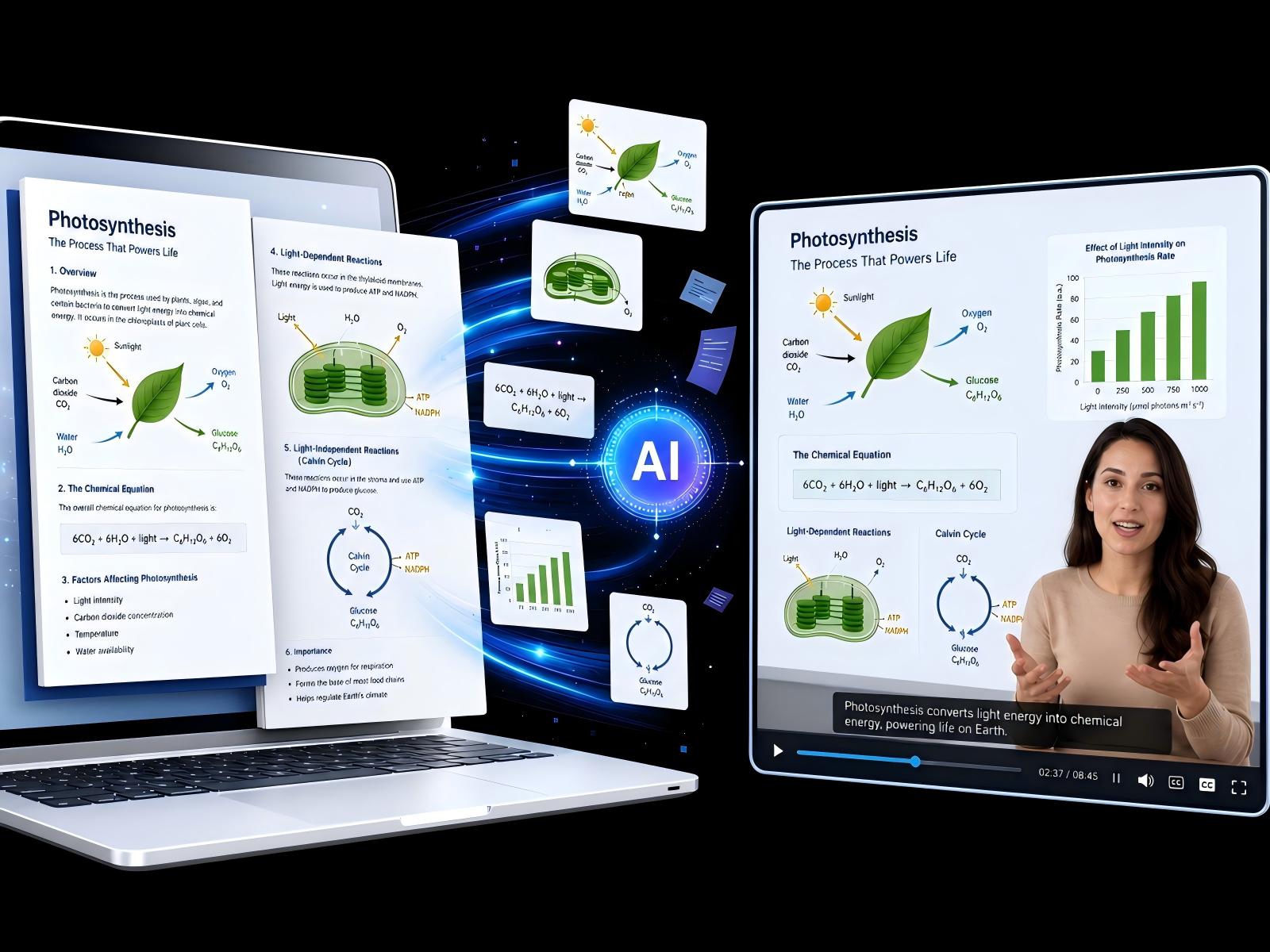
Our PDF to MP4 tool uses advanced AI technology to read your file, extract key points, intelligently complete the AI script and storyboard, and automatically make a full video for you.
Our tool will present a high-quality video and allow you to download it in a high-res MP4 without a watermark, which can be directly applied to your creative project.
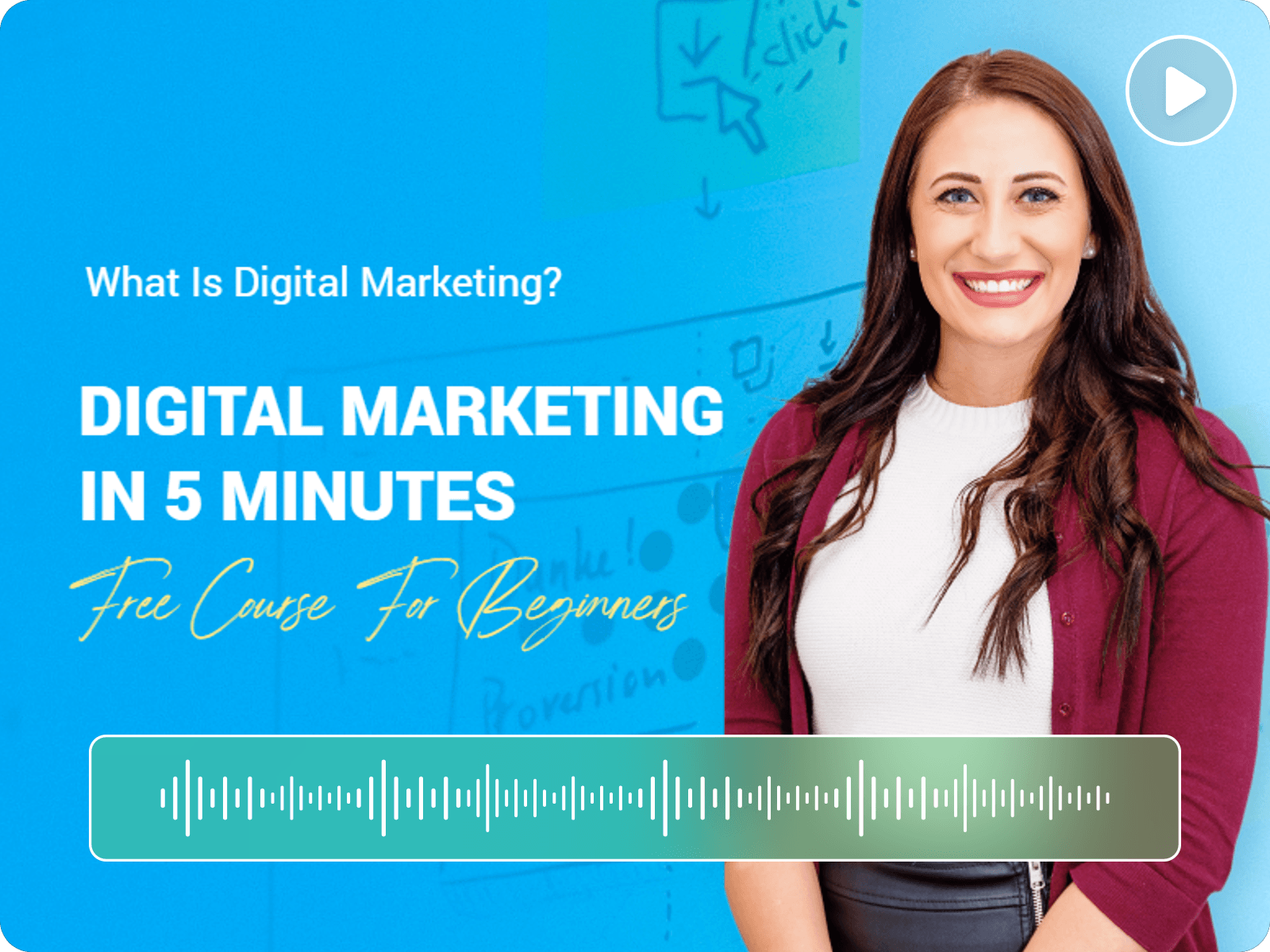
Whether you are an educator, a social media content creator or a marketer, Fotor can help you transform your PDF files into stunning AI videos with dynamic visuals, natural audio and clear subtitles.
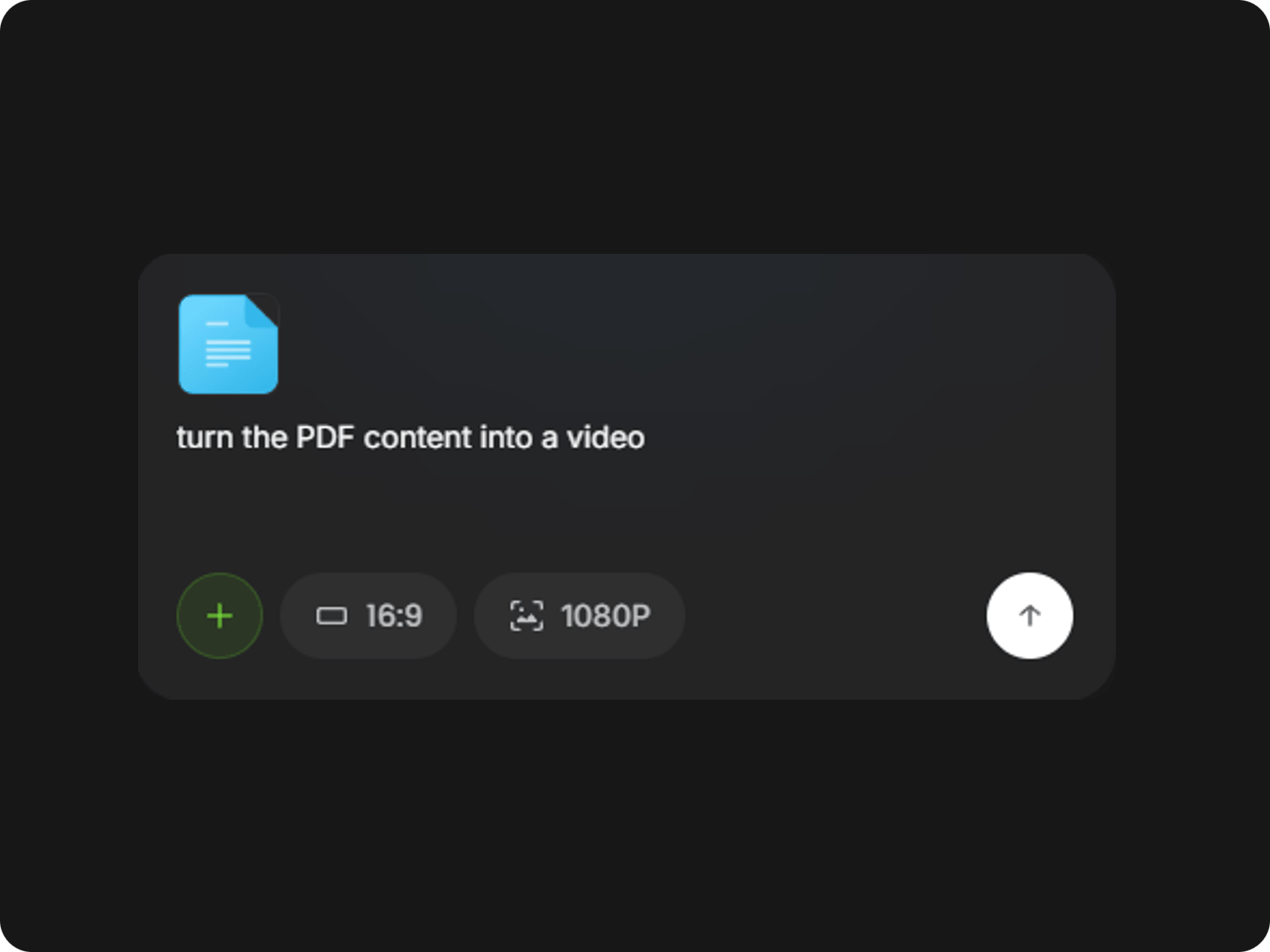
Upload your .pdf file to our PDF to video tool and then type your prompt to describe your video concept or simply enter “Create a xxx video based on the content in the PDF.”
No need to use complex video editing software and master intricate video production skills to get a professional video from your PDF. Rely on Fotor’s AI PDF to video tool to turn static PDFs into engaging videos in minutes without writing a script and making a storyboard by yourself. Just upload your file, type what you want, and let Fotor generate clear, polished video content for demos, training, marketing, or social media. Save time, cut production costs and keep your message consistent across every scene.
Our PDF to MP4 AI can smartly read and analyze your document, understand the transcript and extract the key points. Then, our tool can automatically generate a complete, structured script based on its analysis and transform it into vivid scenes with dynamic visuals that exactly manifest the content in your PDF and prompt. Need to adjust the script or scenes? Just chat with our tool and edit them to get satisfactory results through natural conversations.
Expect a professional, AI-narrated video from a PDF. By precisely understanding and organizing key information from your file, our tool helps you create a clear visual flow and add realistic AI narration that matches the scenes, including content and pacing. Just upload your reports, PDF slideshows, guides, ebooks and other documents and use Fotor to convert them to dynamic, AI-narrated content for video presentations, online courses, social media or marketing campaigns.
Change PDF files to AI videos that look and feel like your brand from the first frame to the final scene. Our PDF to Video creator supports multimodal video generation. Feel free to upload your product visuals, AI avatar, existing voiceover or reference brand videos. Then, our tool can naturally integrate these elements into the video content while keeping the critical information from your PDF, delivering a consistent video that effectively displays your brand image.
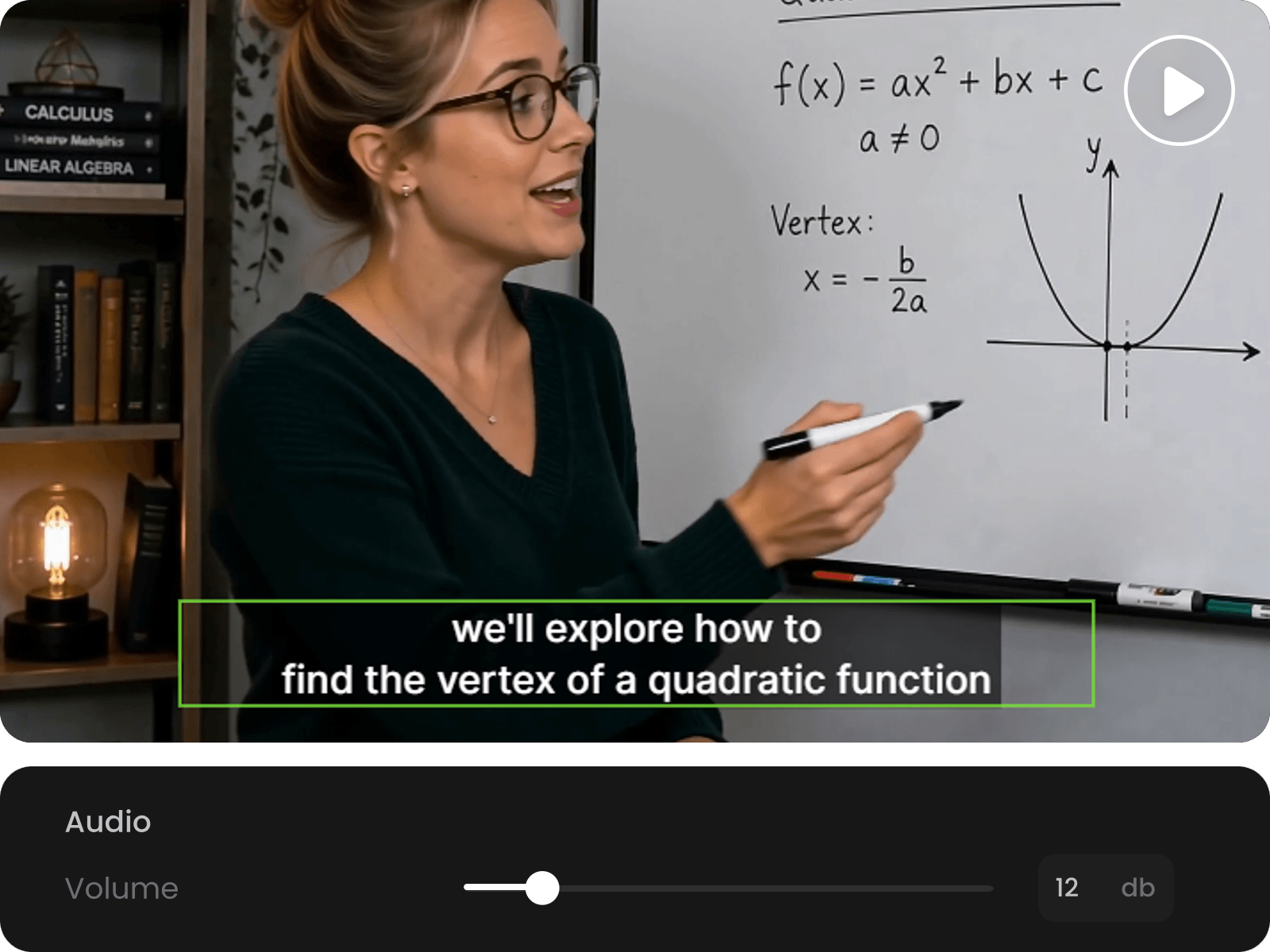
Conveniently personalize your finished video without jumping between tools, since it will be automatically placed in our AI video editor. With our flexible editing workflow, you can effortlessly trim scenes, add custom subtitles and background music, change voiceovers and crop the video resolution to one ready for the desired platform. So, Fotor is simple enough for beginners and powerful enough for marketing teams that need creative control.
Fotor offers a wide range of AI video features to facilitate your video generation and editing. Explore them by yourself and unleash your creativity to build your one-of-a-kind clips.
A PDF to video converter is a digital tool that turns a PDF file into a video format, such as MP4. It can pull out key points from your PDF pages and convert them into professional video scenes, often with natural AI voiceover, captions, background music, animations and timing controls.
PDF to video converters are commonly used to transform static documents into engaging video content for presentations, online courses, social media, marketing videos, tutorials and business reports.
You can rely on Fotor’s PDF to video AI tool to convert a PDF to a video.
Yes. With Fotor’s AI PDF to video tool, you can easily transform PDF pages or content into an MP4 video that you can download and share on YouTube, Instagram, TikTok, LinkedIn, websites, emails, or learning platforms.
No. Fotor is an advanced AI PDF to video converter that can understand the PDF content, summarize key points, create a script and generate relevant scenes with dynamic animations and natural voiceovers. You will get a more polished explainer, training, product or marketing video from your PDF instead of a slideshow.
Yes. Fotor can extract text from your PDF, turn it into a video script and add AI narration to the scenes or make an AI talking presenter based on your prompt. This is useful for course materials, product brochures, reports, manuals, pitch decks and training documents.
It depends on the quality of your scanned PDF. Fotor can read a clearly scanned PDF, recognize the text and understand its content. However, if the scanned PDF file is low quality, the content may be too blurry to read, which may result in unsatisfactory results.
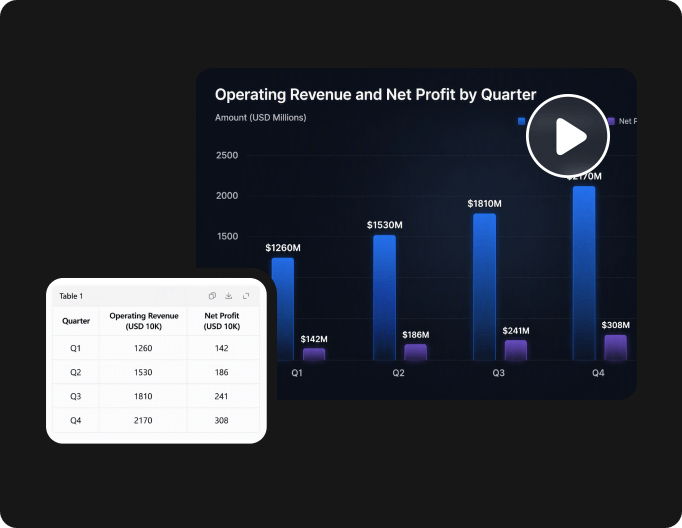
PDFs with clear text, headings, visuals, charts, product images, or structured content usually work best, such as brochures, pitch decks, lesson plans, training manuals, reports, whitepapers, catalogs, step-by-step guides and more.
Yes. If you use Fotor to turn PDF into video, the finished work will automatically be displayed in its AI video editor. There, you can add custom captions, voiceover or background music to this video, trim and crop it, adjust its playback speed and more. Also, Fotor offers a range of AI video features, such as an AI video enhancer, an object remover from video, a video background remover and more, to help you fine-tune your videos.
Yes. You can rely on Fotor to convert your PDF document to multiple scenes for your social media, like YouTube Shorts, TikTok, Instagram Reels, LinkedIn and more. In addition to a relevant video with a natural AI voiceover, you can flexibly customize its aspect ratio, such as 16:9, 9:16 or 1:1.
Fotor is equipped with the latest encryption technology to safeguard your data privacy. Nobody but you can gain full access to all your files.
Fotor offers every new user free credits that can take you to the stage of AI script generation at no cost. However, if you want to continue AI scene generation, you need to become a paid subscriber or purchase more credits.
It depends. If the PDF file is your own work or that you have the copyright to, you can definitely use your AI-generated video commercially.
However, if your PDF file is not your own work and you do not have the creator’s permission to use it, such as an ebook, it is strongly advisable not to use your video in commercial circumstances. Otherwise, you may face severe legal consequences.
So, please use our PDF to video converter responsibly.
Currently, only MP4 is supported by Fotor. We are working hard to make more formats exportable.