Simplify Complex Data Visualization
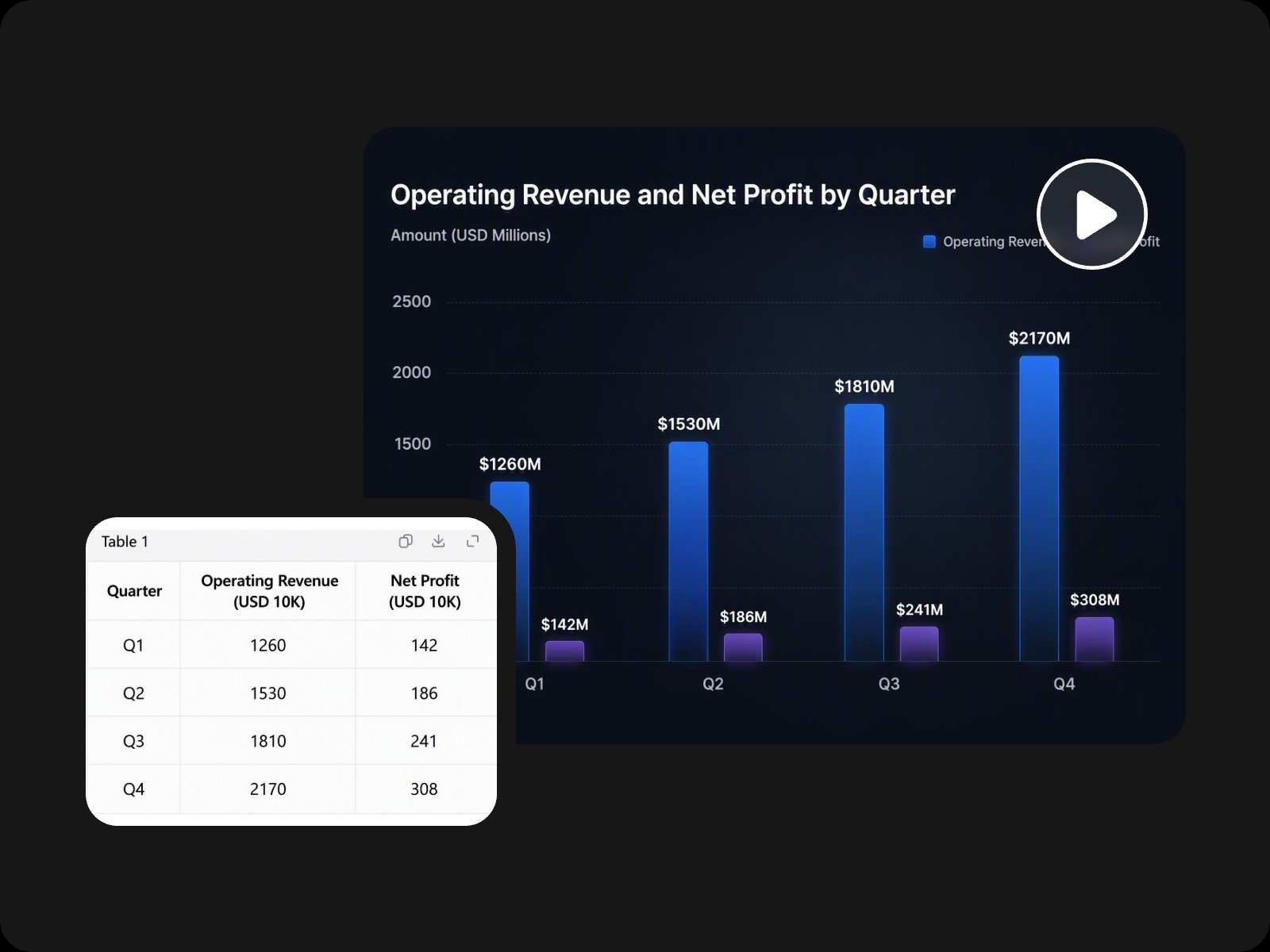
Turn complex spreadsheets, raw numbers, and dense stats into intuitive, auto-animating charts.


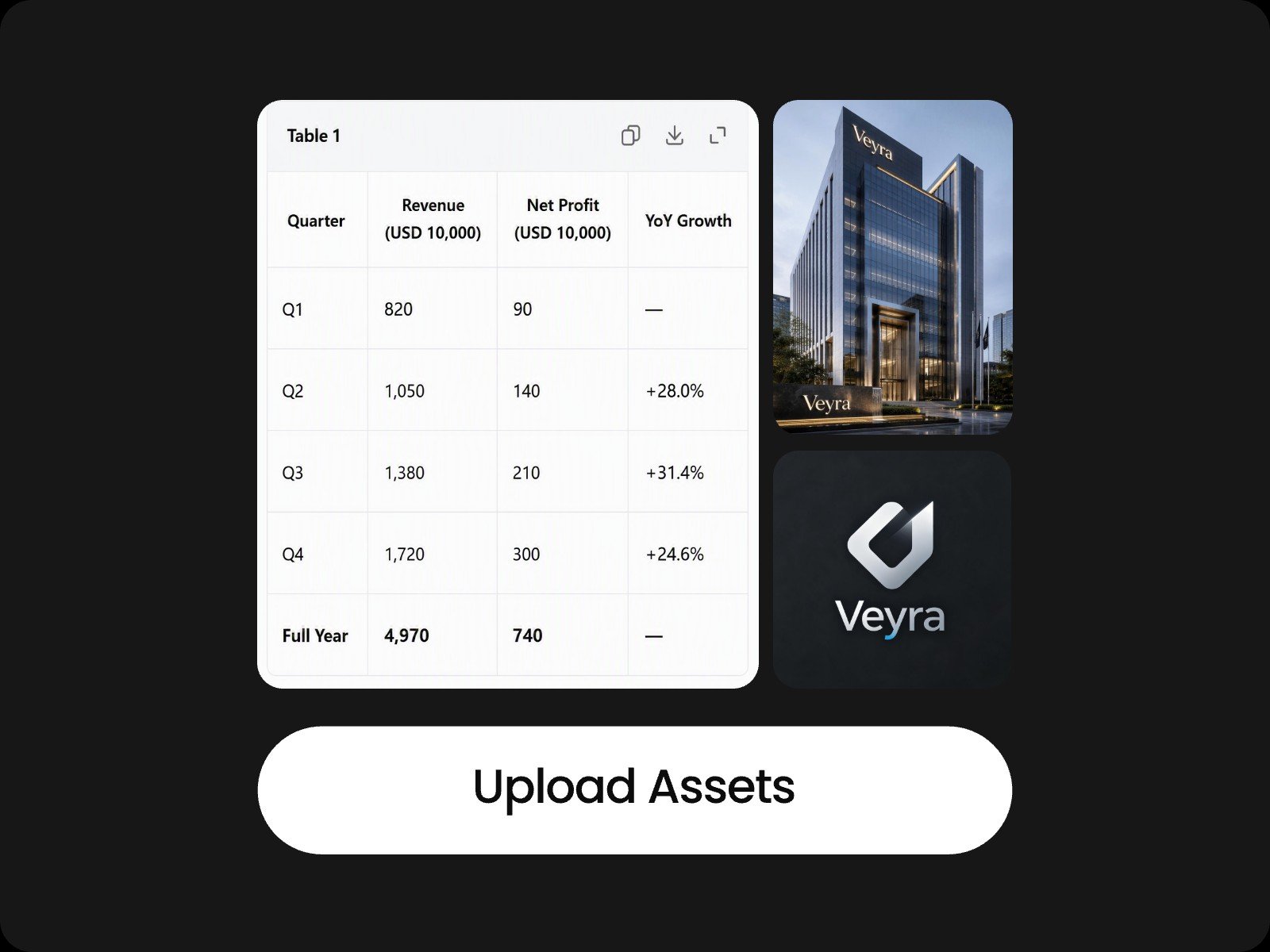
Use Fotor's infographic video maker to bring raw data to life. Upload Excel, CSV, PDF, or Word to let AI create infographic videos with smooth animations. No design skills needed.
Turn complex spreadsheets, raw numbers, and dense stats into intuitive, auto-animating charts.
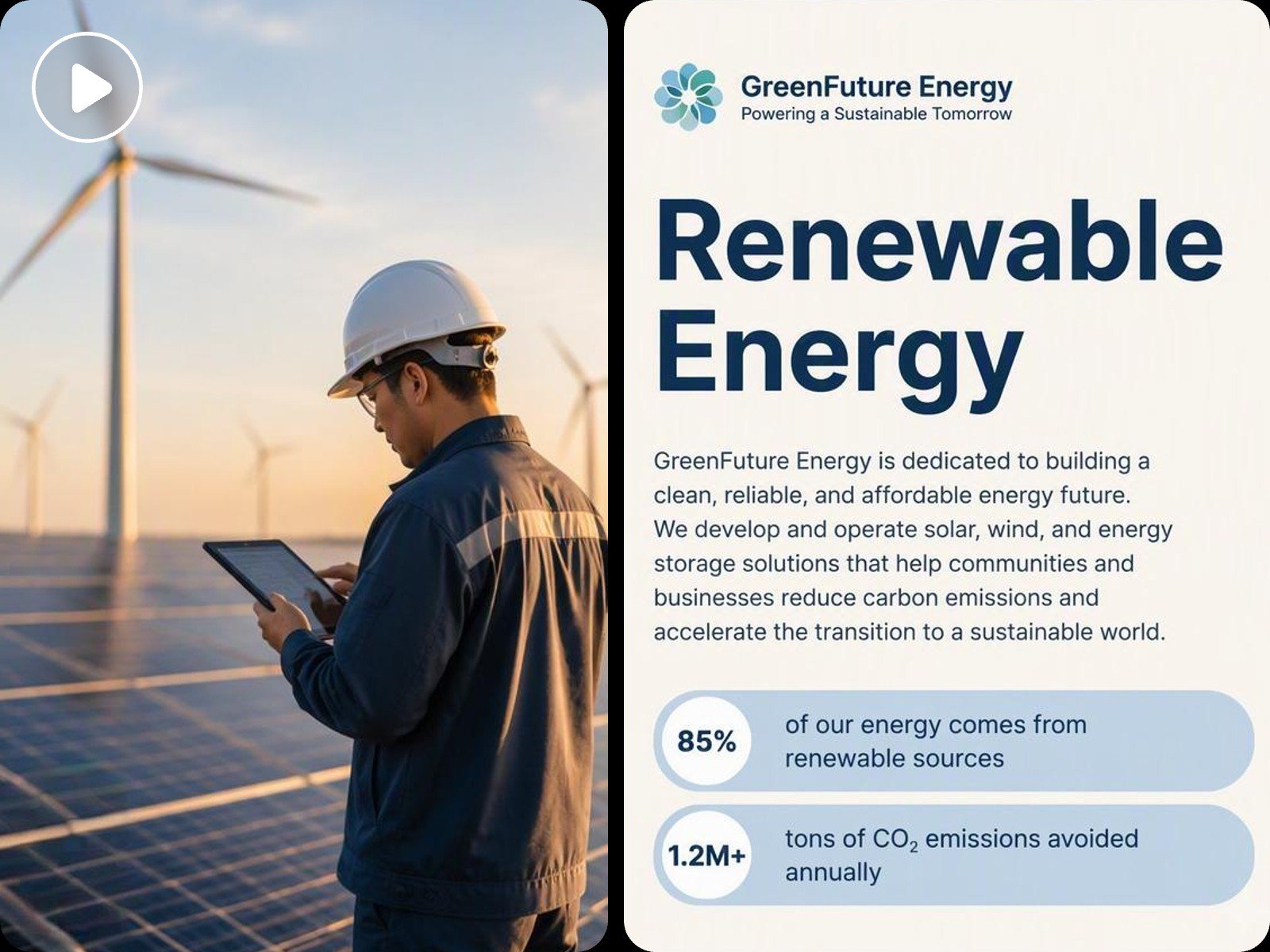
Break down complicated ideas into structured visual scenes so your audience instantly grasps key takeaways.
Capture and hold audience attention with dynamic motion graphics, keeping viewers focused far longer than static slides.
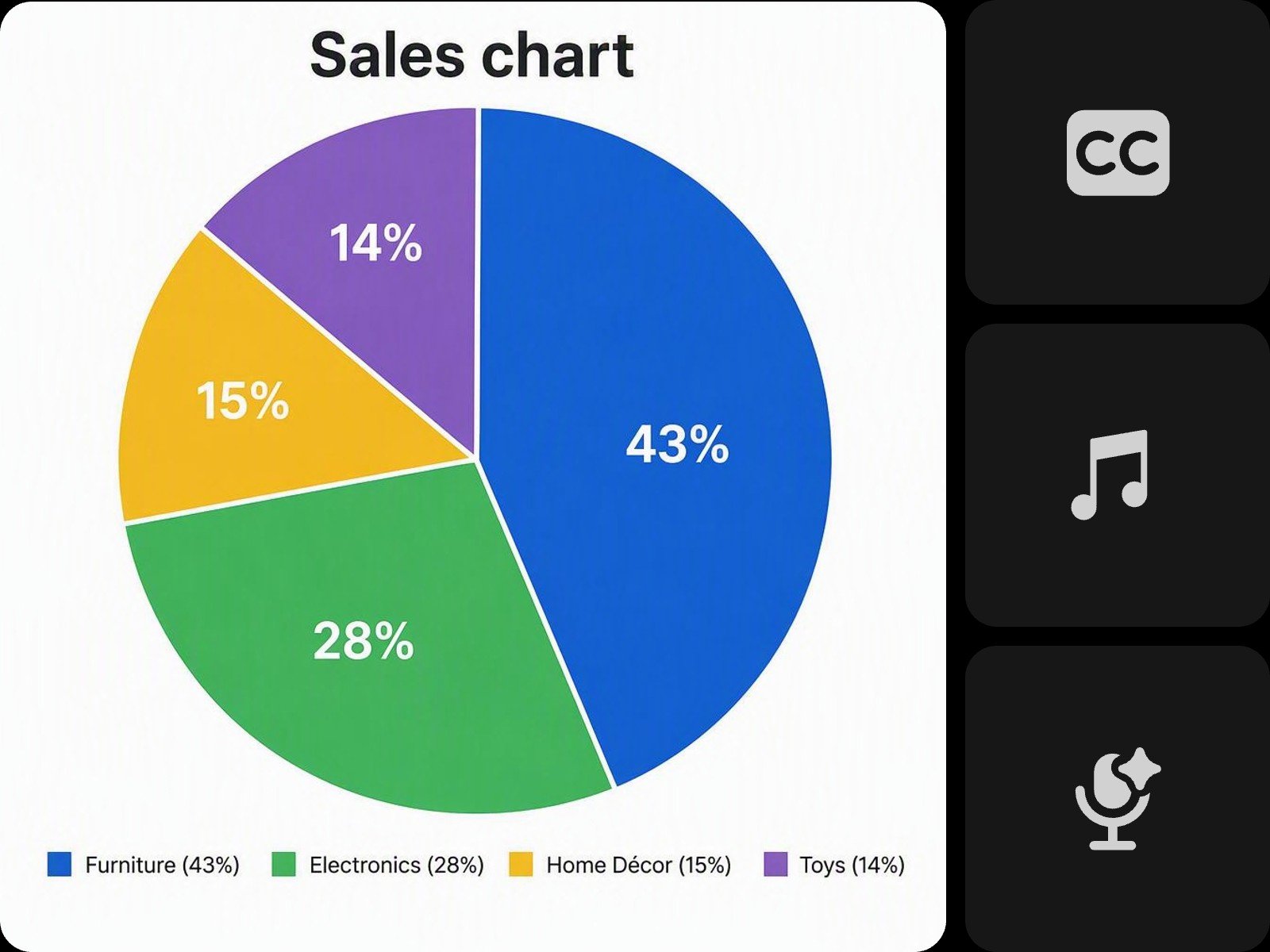
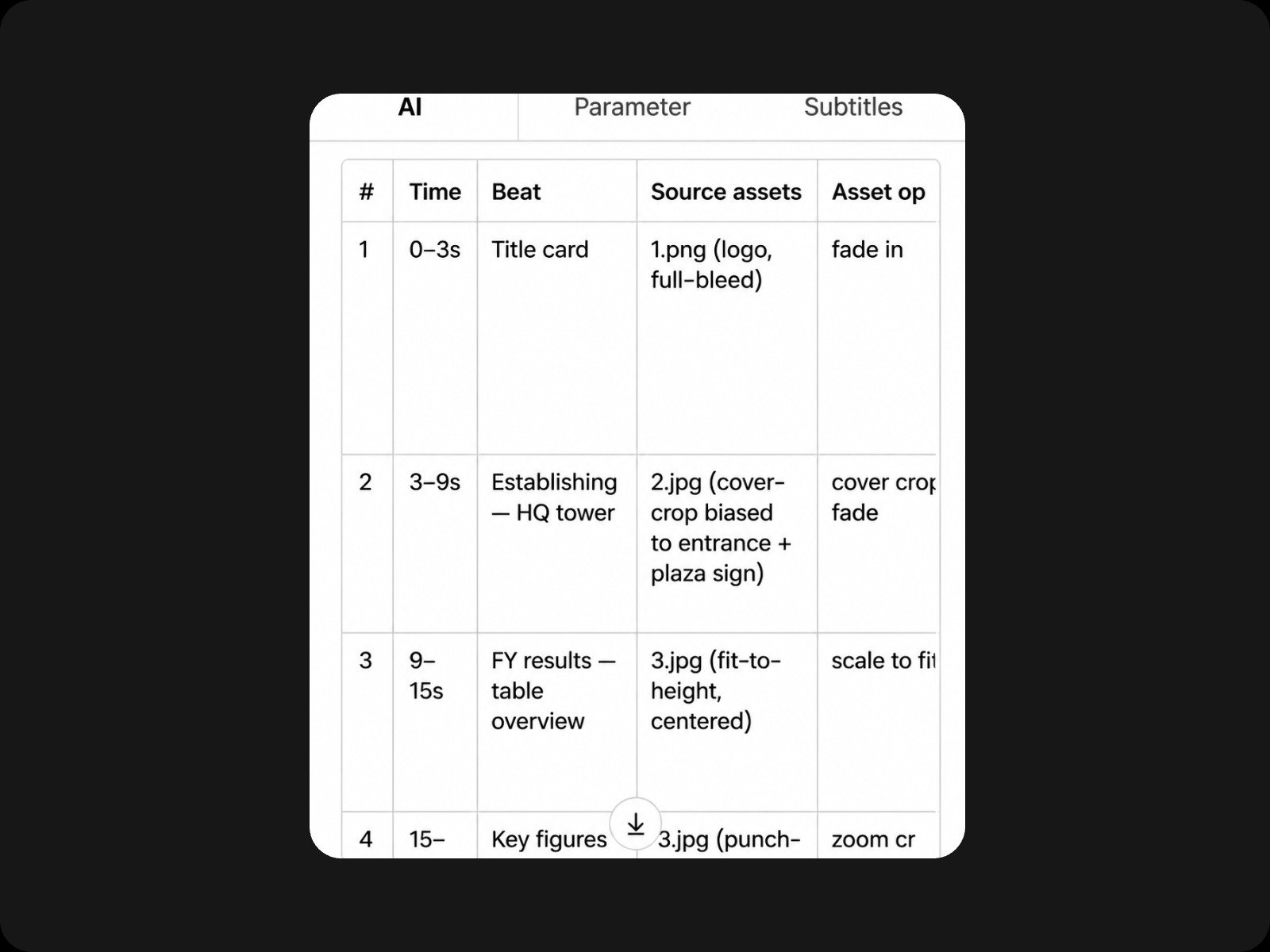
Upload your data sheet and this infographic video maker builds an animated chart with line, bar, or pie styles based on your prompt. Upload several spreadsheets together, and the platform arranges them into one video with charts playing in logical order. You can also drop in Word docs, PDFs, or images. The AI infographic maker pulls out the core insights and turns them into a complete presentation video.
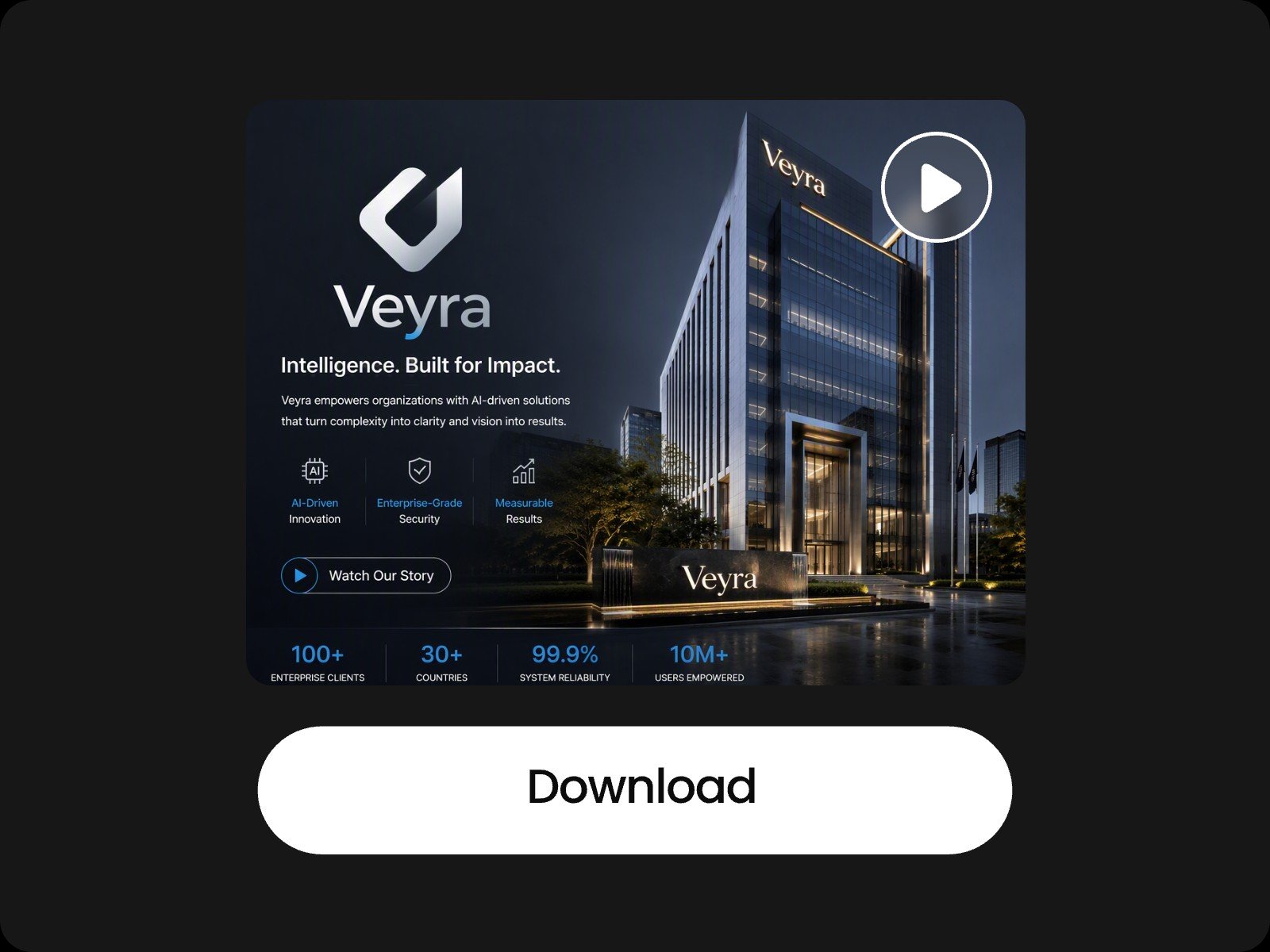
Fotor animated infographic video maker handles motion graphics, layout, and color palettes on its own, producing agency-quality results for you. No design skills are needed. Add your data, and the composition comes together. For brand consistency, upload your logo or full brand kit, and the video infographic maker applies the same colors, fonts, and style across every video you create.
Our infographic video maker AI aligns voiceovers, subtitles, and background music to your video's timing, no manual recording or syncing required. You can upload a script or pick an AI voice to generate narration instantly. Moreover, the infographic video AI offers multilingual voiceovers and subtitles, letting you localize the same video for global markets in just a few clicks.
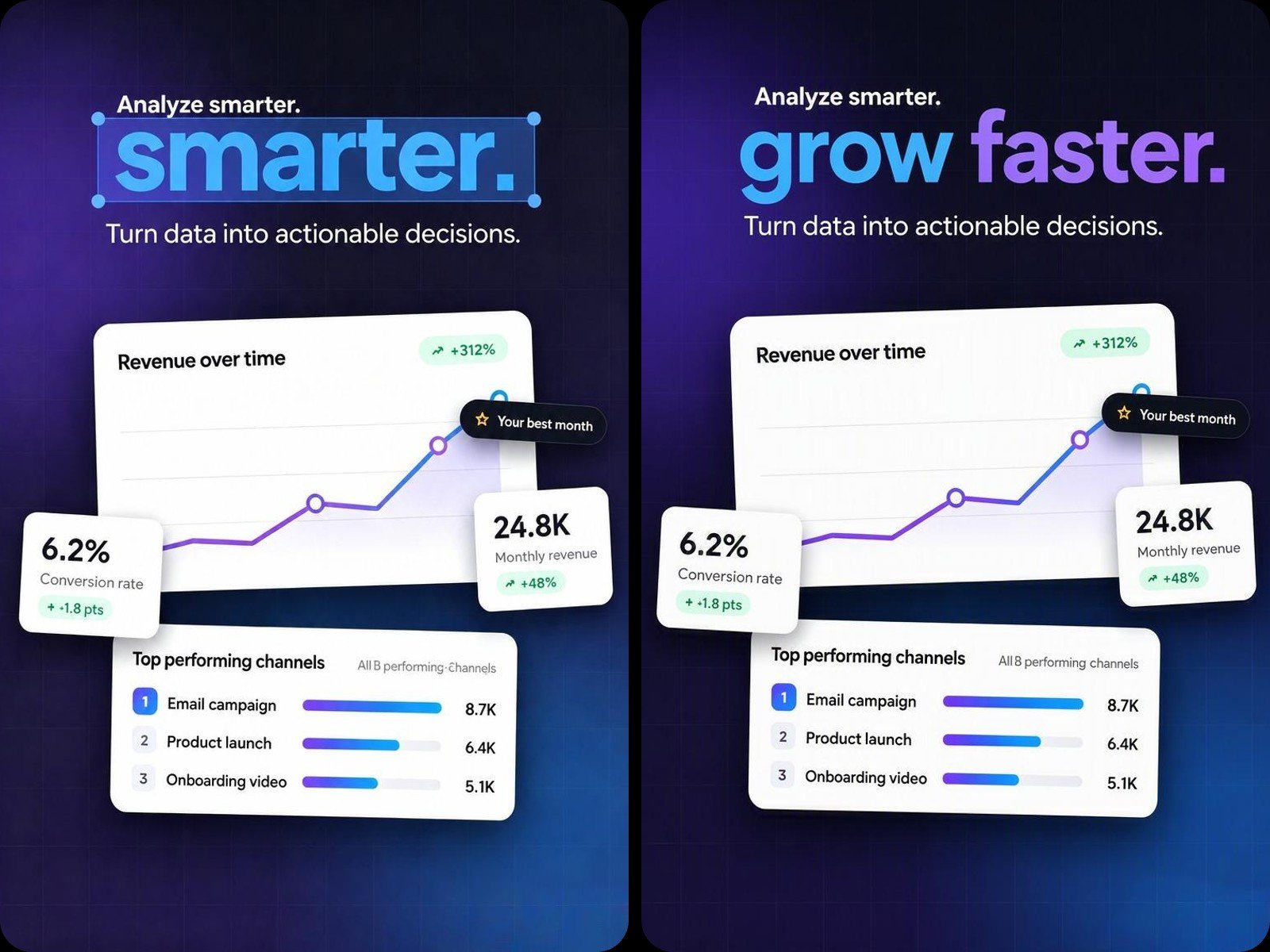
Text, images, and chart animations each sit on their own track, so you can select, drag, resize, or delete elements individually while you create animated infographics. If you want to update one clip, like changing data or text, just regenerate or edit that segment alone, no full re-render needed.
Use Fotor's infographic video template for data presentation, product marketing, branding, and making explainer videos.
Turn sales numbers, real estate listings, or a dense financial report into a clear video infographic with versatile chart types. Cut prep time in half while delivering visuals that actually land in the room.
Upload reference assets like the data sheet, product images, or brand logo. We support uploading Excel, CSV, Word, and PDF. Describe your idea in a simple prompt.
We support a wide range of media and document formats:
Yes. You can upload up to 5GB for a single file, with a 10GB total asset cap per project. Document attachments are limited to 50MB per file. Clear notifications will pop up if you reach these limits.
Yes. All built-in visuals, motion graphics, AI voiceovers, and background music provided by our AI infographic video maker are royalty-free and commercially safe. You can use your videos for marketing, client work, or social media.
Note: Please ensure that any custom assets you upload yourself do not infringe on third-party copyrights.
Yes. Your data is strictly protected on Fotor and will not be shared with any third parties. Check our privacy policy for more details.
An infographic video is a short, animated video that transforms complex data, statistics, and concepts into easy-to-understand visual stories using dynamic charts, motion graphics, and audio narration.
You can create infographic video projects for animated bar/line/pie charts, statistical dashboards, timeline roadmaps, product breakdown summaries, and data-driven corporate presentations.
Converting a single spreadsheet into a video usually takes less than 10 minutes. The exact generation time depends on the size of your uploaded files and the complexity of your creation requirements.
Yes. You can select a preset AI avatar, choose a voice, and input your script to generate a talking head presenter. Alternatively, you can upload a custom headshot photo to animate.
Yes. Our platform runs smoothly in mobile browser in landscape mode. However, for the most comfortable editing experience, we recommend using a desktop browser.
Yes. You can find multiple infographic video templates on our home page and scroll down the page to explore our presets.