Zero Learning Curve
No cluttered interface. You can start creating within three minutes.


Generate fully editable motion graphics from simple prompts in minutes. Powered by a code-to-video engine, Fotor's AI motion graphics generator delivers AE-quality animations at 50x the speed and 1/200th the cost. Zero skills or installations needed.
No cluttered interface. You can start creating within three minutes.
No professional motion skills needed. You bring the idea, AI handles the rest.
Our built-in code-to-video agent makes the generation more precise and controllable.
No installs, no downloads. Just open your browser and create.
Upload a logo or paste your website URL, and the motion graphics generator pulls your color palette, fonts, and visual assets automatically. Every logo animation clip stays on-brand, and you can tweak any parameter using natural language to match your brand's tone. Each video is accompanied by mood-matched music, ready to publish the moment it's done.
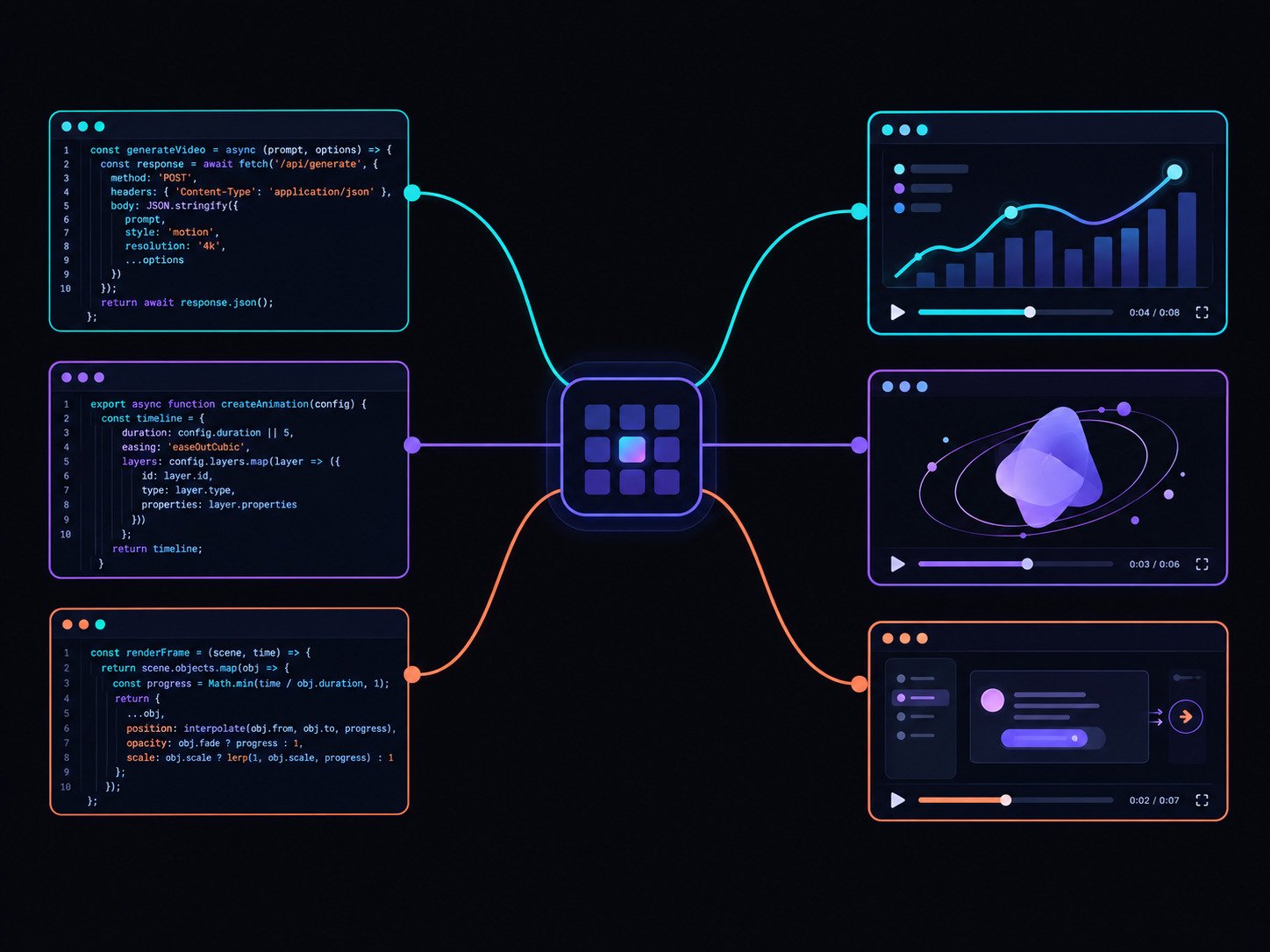
Unlike traditional video generation models, Fotor's Al motion graphics generator uses a code-to-video engine designed for creating precise motion graphics. It helps produce more stable and consistent animations for text, shapes, logos, charts, data visualizations, and other graphic elements.
Behind the scenes, Fotor translates your prompt into code and then into motion graphics. So you don't need any animation or coding skills to create polished animations. Just describe your idea in plain language and leave the rest to us.
Fotor's AI motion designer stands out because it turns code-to-video creation into an automated online workflow. Simply access the tool in your browser, enter a prompt, and your motion graphics video will be ready in minutes.
Try Fotor to skip the complex installation, setup, and cross-platform hassles. Plus, real-time auto-saving ensures your projects are synced to the cloud and ready to pick up anywhere, on any device.
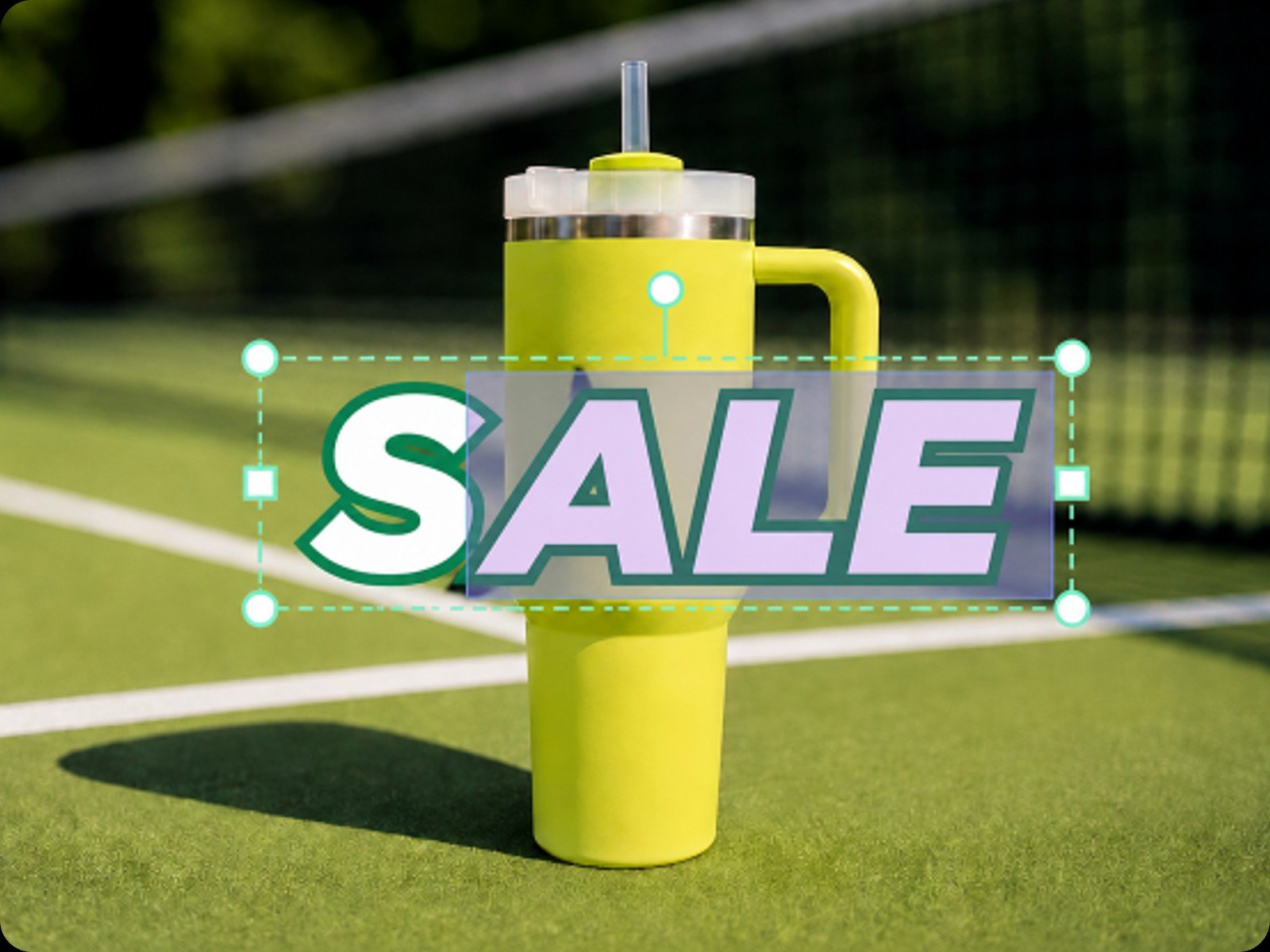
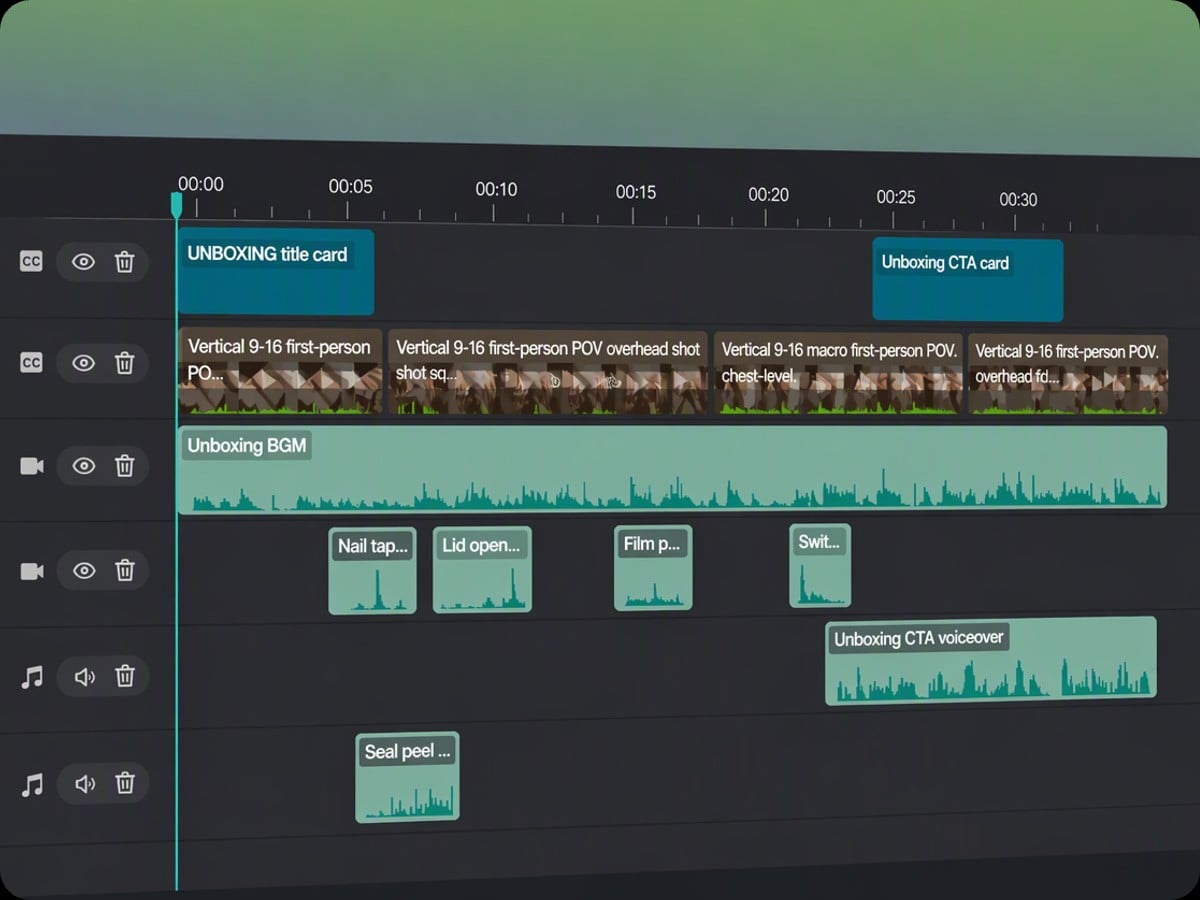
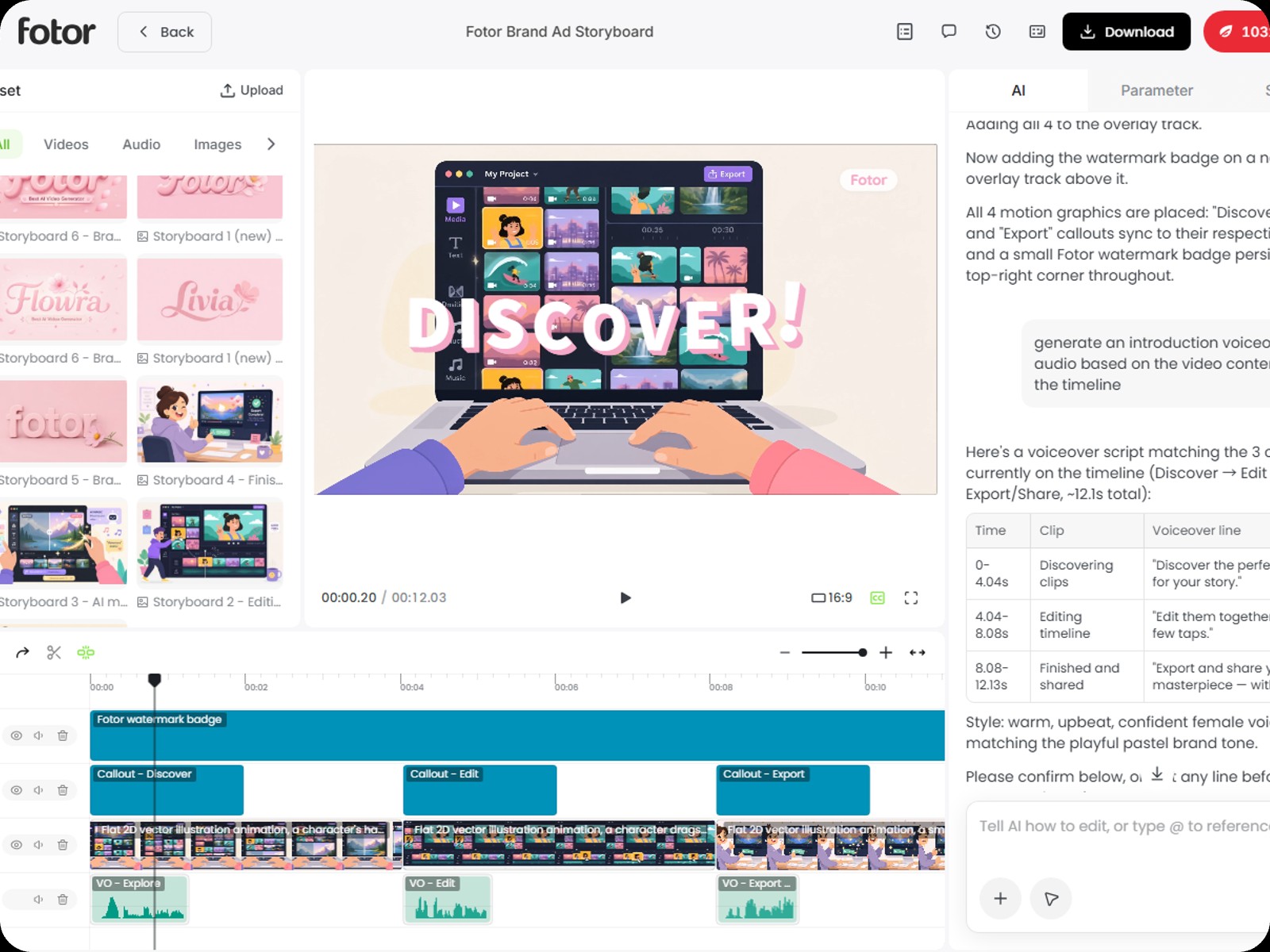
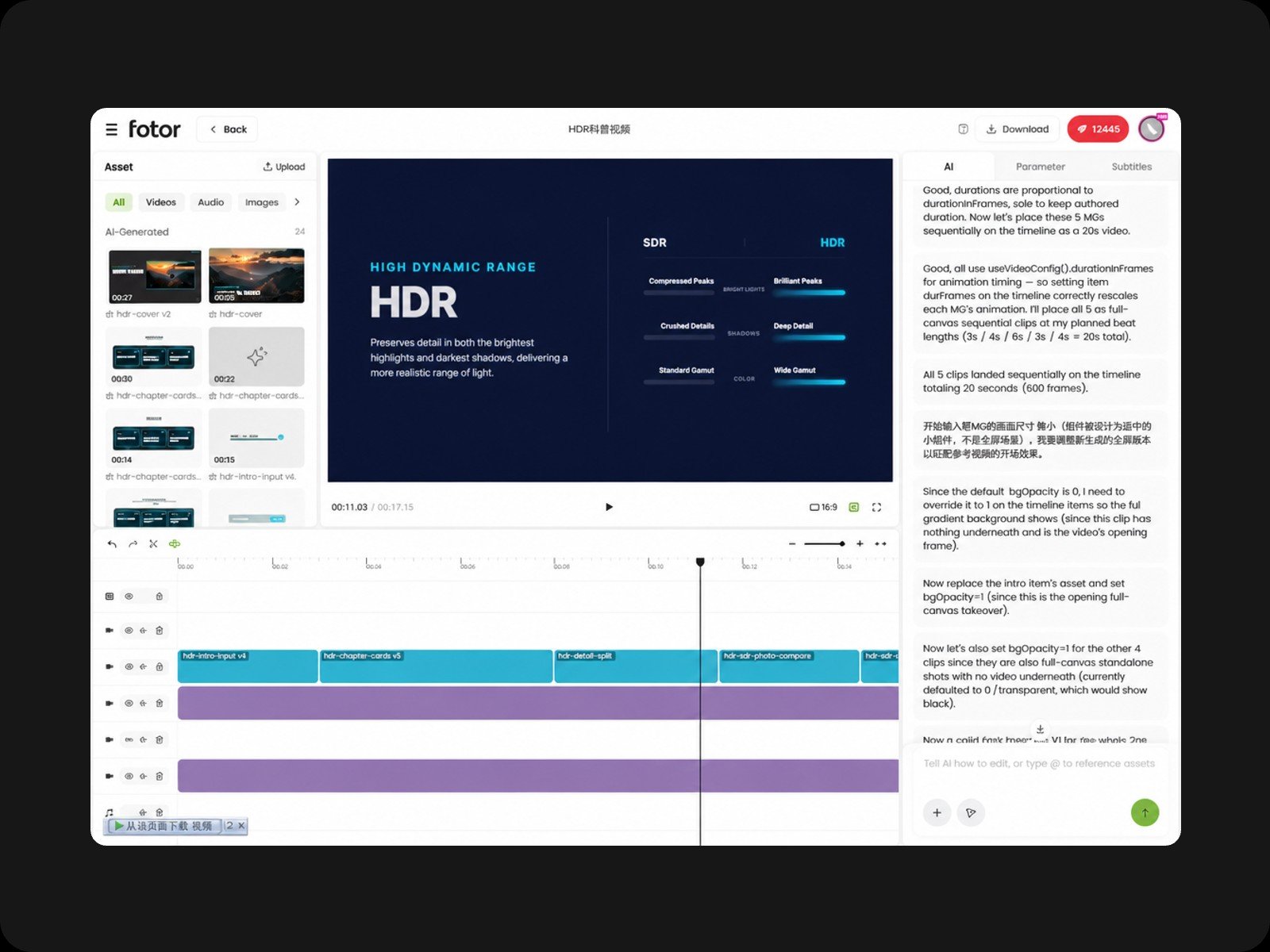
In Fotor's motion graphics software, every motion element sits on separate, editable layers above your footage, allowing you to drag, resize, or reposition any element at any time.
For text layers, you can customize the content, font, size, color, and layout directly on the dashboard. You can also select a specific segment and describe the desired change. The AI edits only that part instead of regenerating the entire video, saving you credits and time.
Fotor's AI motion graphics generator syncs music beats to your animation automatically and generates matching captions. No manual frame-by-frame timing needed.
It also analyzes your video's mood and picks a fitting soundtrack, or you can request a specific style by chat. Created with our built-in AI music generator, all audio is royalty-free, so you can publish or use it for commercial projects without copyright concerns.
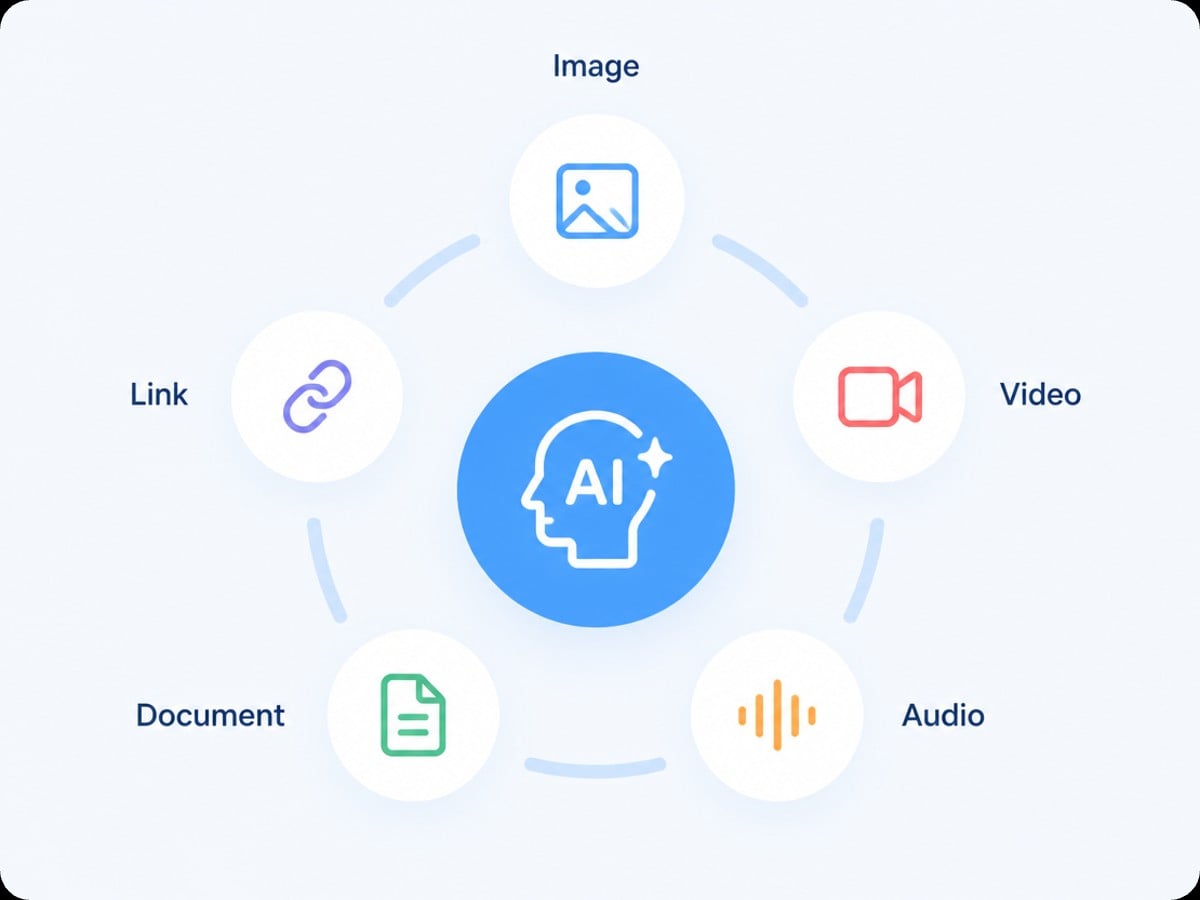
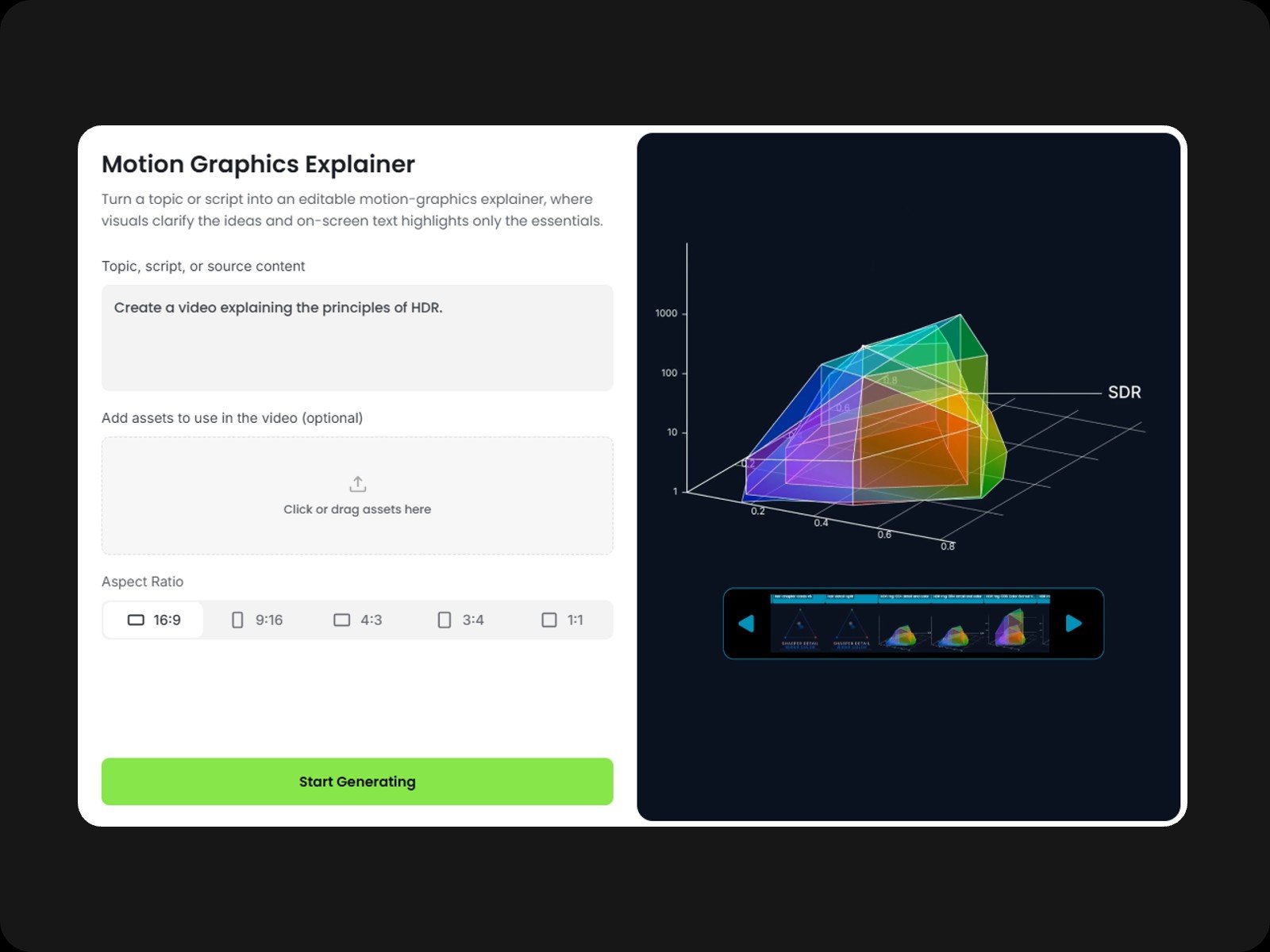
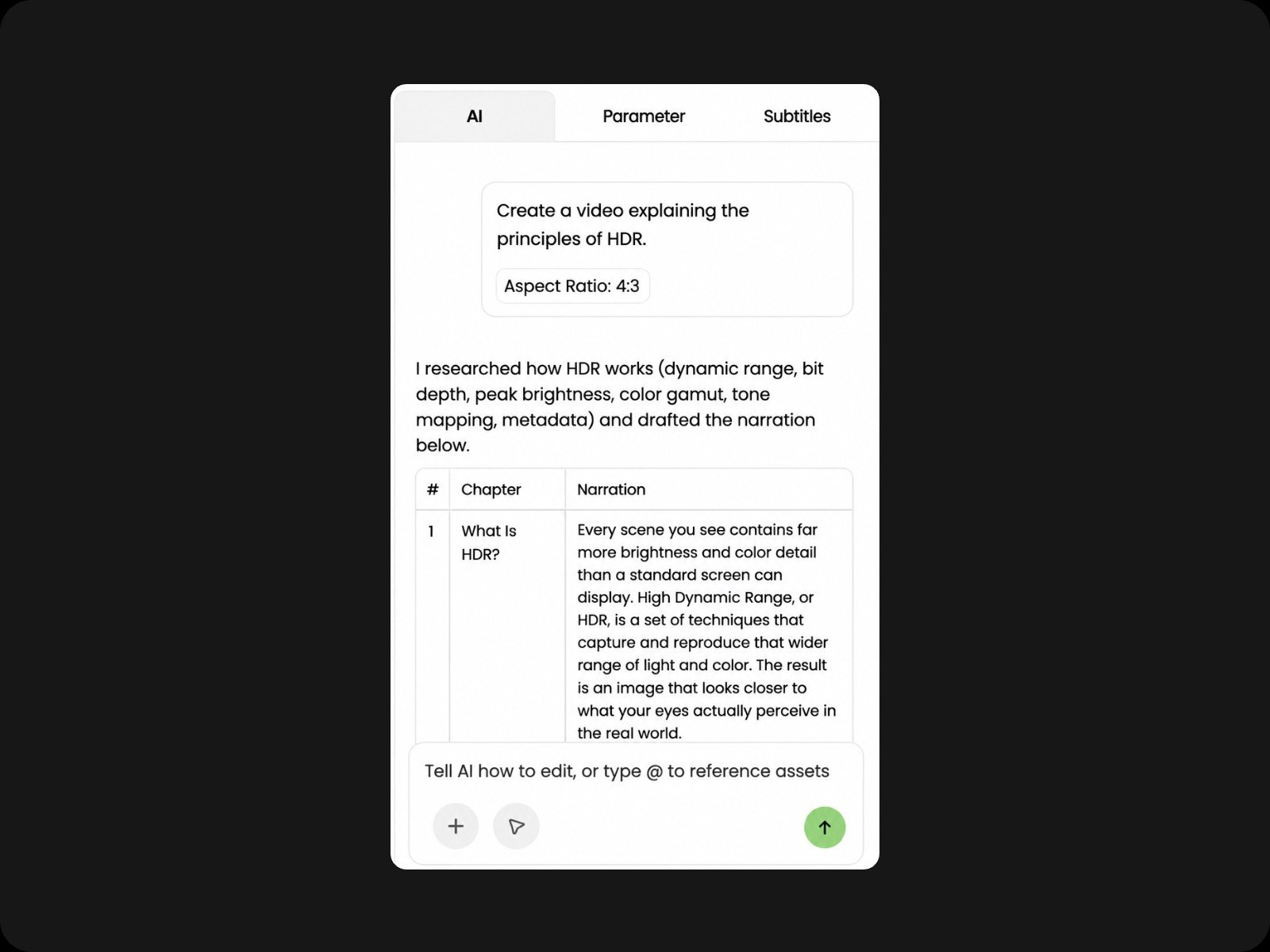
Describe your video idea in plain text and optionally upload materials like images, audio, or videos. Click "Generate" to initialize our chat engine, which interprets your intent and analyzes your input first. Don't worry, this initial phase only analyzes your intent and will not consume heavy credits.
Most generated motion graphics automatically come with separated layers by default. However, if you need even finer, element-level control, simply select the graphic and tell the AI in the chat how you want it split. The AI will break down the component into more detailed sub-layers so you can individually drag, resize, or adjust each part.
While the AI can generate a complete video from a single prompt, taking a step-by-step approach gives you the highest level of creative control and precision.
Recommended 6-Step Workflow:
1. Define your goals & upload assets
2. Generate the main video
3. Add voiceover
4. Add background music
5. Generate captions
6. Preview & export
Avoid All-in-One Prompts:
Try not to bundle everything into one command, such as: "Create a 1-minute video from my assets with voiceover, music, and captions immediately."
Yes. Enabling long-form content creation is one of our core design goals. Unlike traditional tools that produce short, isolated clips requiring manual stitching, our AI video generator lets you create, sequence, and refine an entire long-form video seamlessly on a single, continuous timeline.
Yes. All animations, music, and voiceovers generated by Fotor's AI motion graphics generator are royalty-free and allowed for commercial use. However, you must ensure that any custom assets (like images, videos, or audio) you personally upload do not violate third-party copyright or licensing agreements.
Yes. Find the "Download" button on the top toolbar, select "Motion Graphics", and click to download. Each element will be exported separately in MOV format.
We integrate a multi-model ecosystem to deliver industry-leading output while keeping credit costs low:
> Note: Our underlying model architecture is continuously updated and optimized based on performance and market developments.
Code to video generation is a video rendering method that uses executable programming scripts to define video elements, animations, and timing. The code can be written directly by developers or generated automatically by AI models from natural language inputs. A rendering engine then executes the scripts to produce vector-accurate, fully editable video output.
Yes. While developer frameworks like Remotion require coding skills, Fotor offers an all-in-one browser-based code to video platform for everyone. Fotor embeds an automated code to video workflow into its web interface. It lets users generate professional, editable motion graphics using simple text prompts with zero setup or API configuration.
Fotor's AI motion graphics generator operates through a streamlined code to video workflow: