Static Logo to Motion
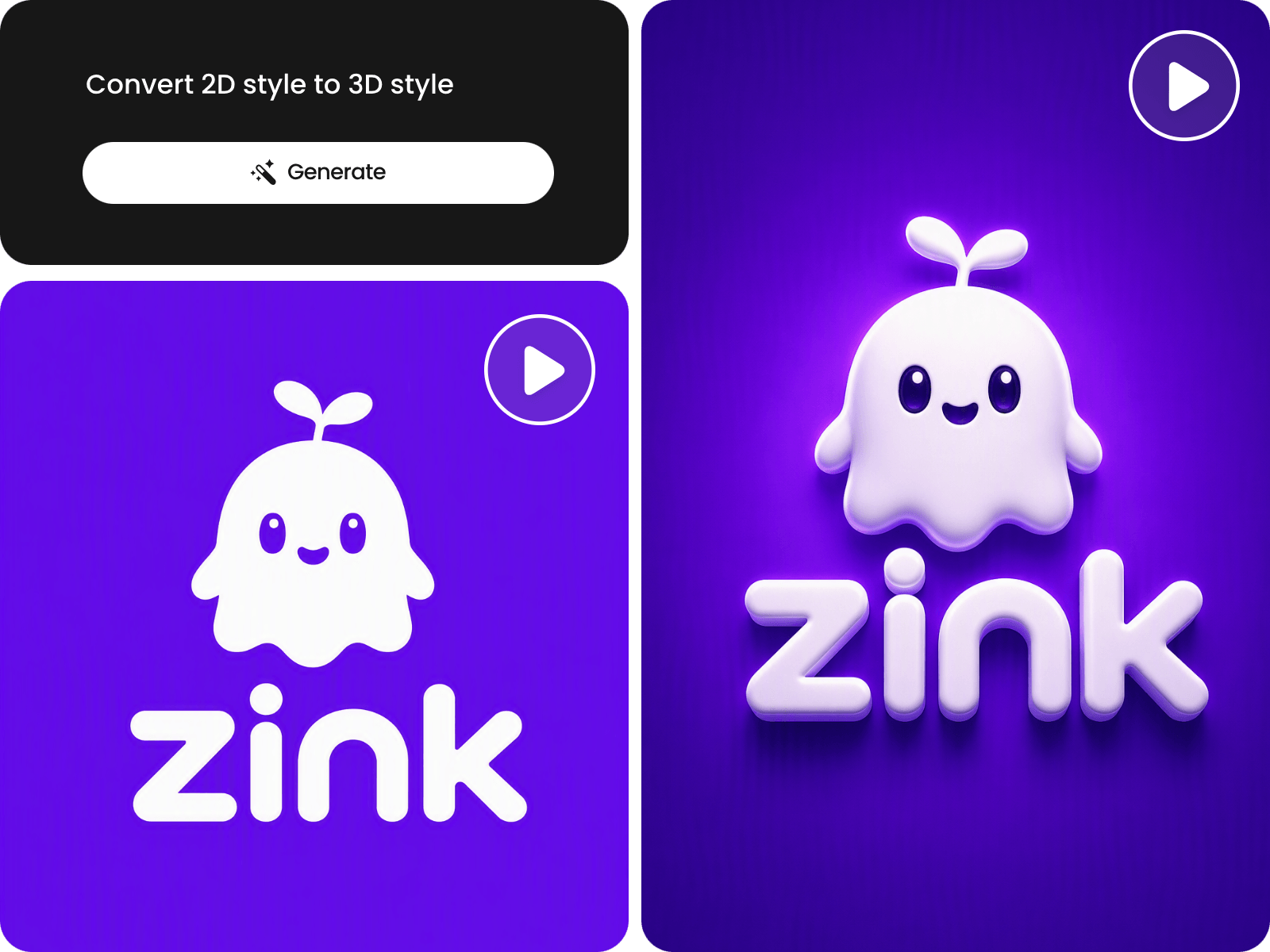
Turn a static logo into an animated logo with AI using a simple text prompt.


Turn a static logo into an animated video with AI for free. Upload your logo, describe the motion or visual effect you want, and generate an animated logo in different styles.
Turn a static logo into an animated logo with AI using a simple text prompt.
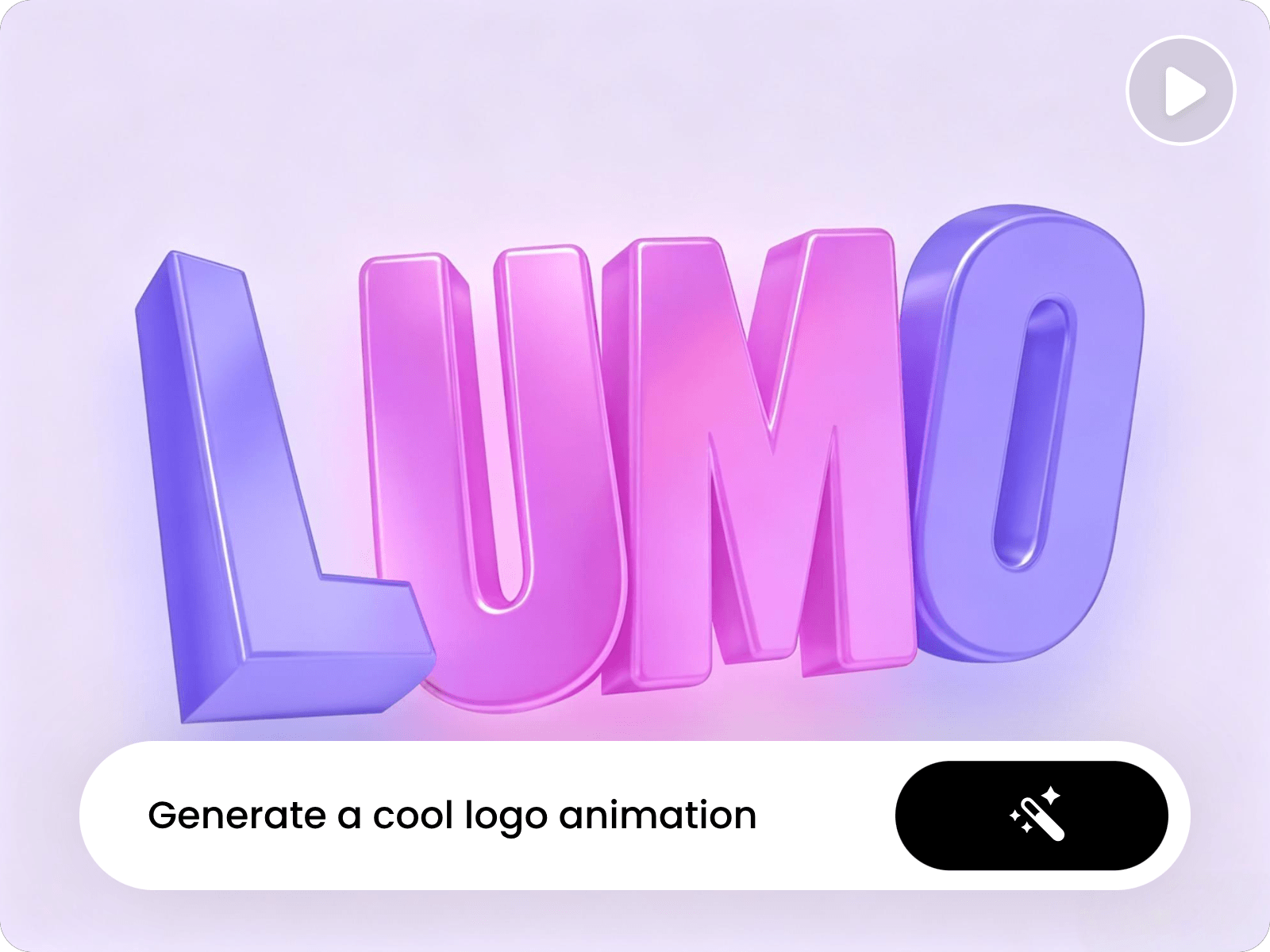
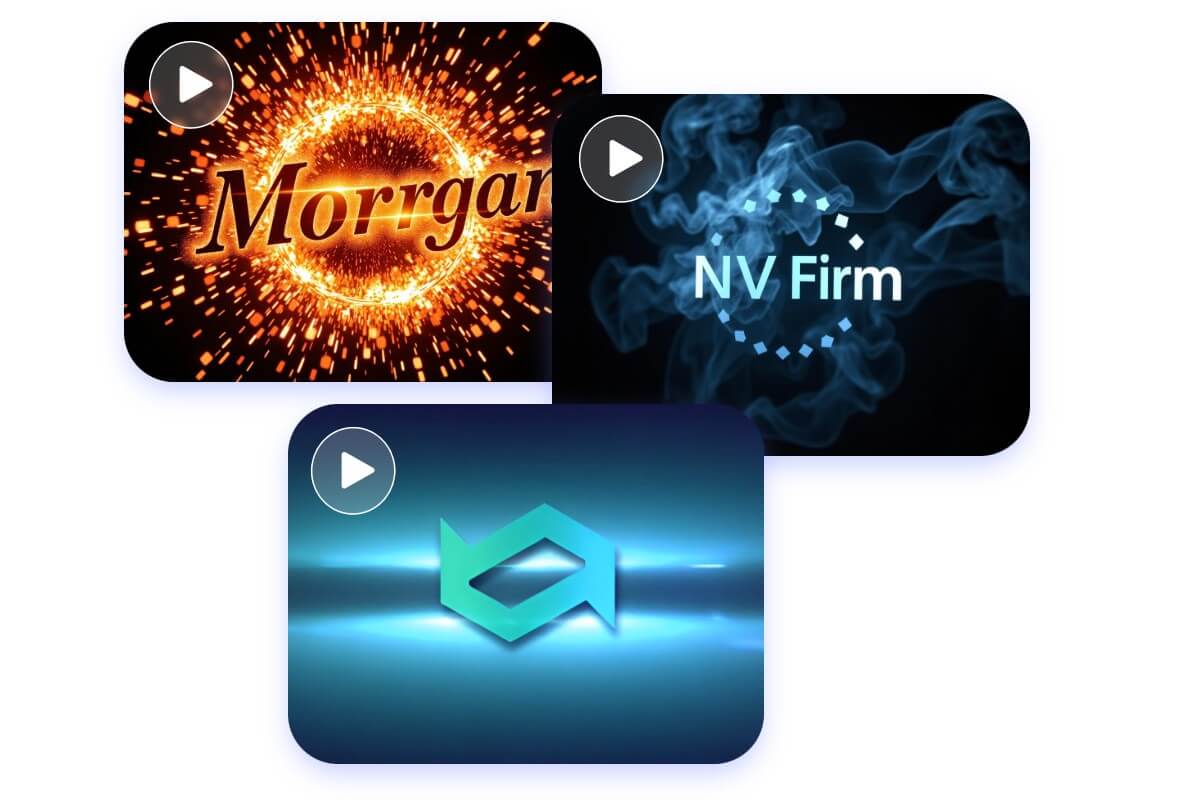
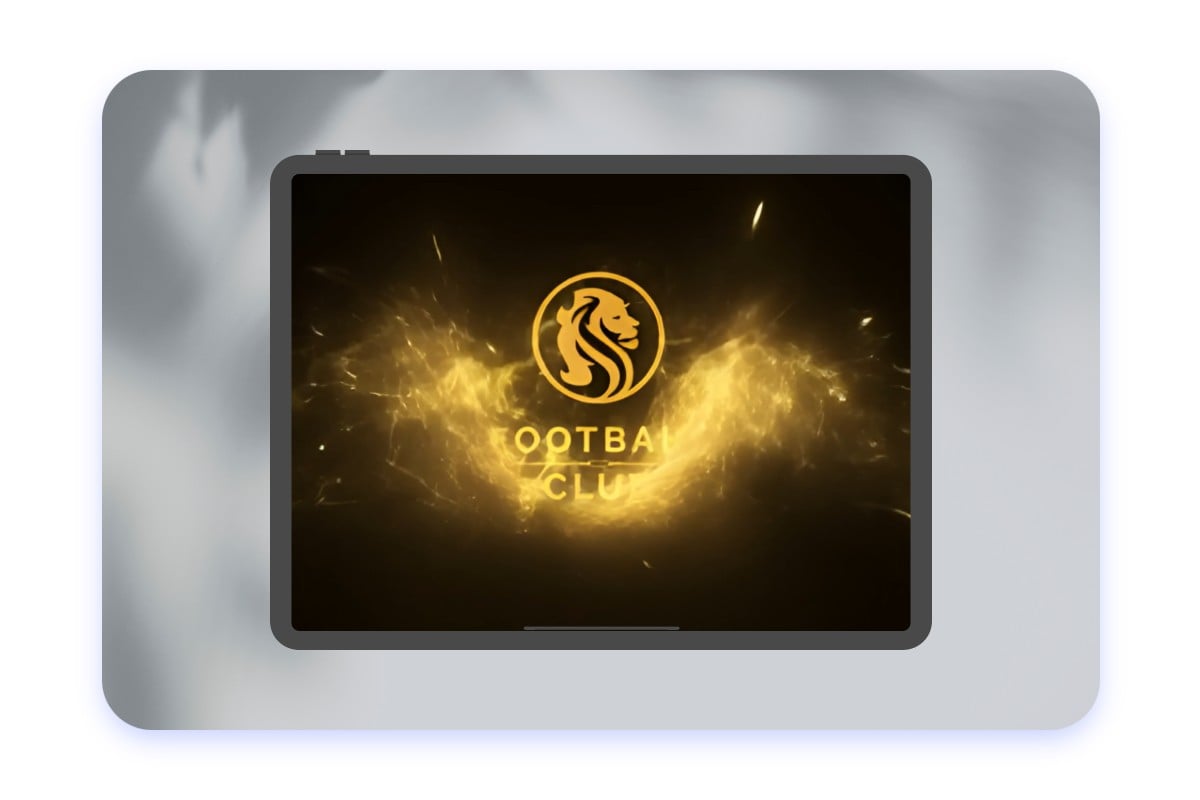
Create logo reveal, 3D, spin, glow, and other logo animation styles with AI.
Animate your existing logo with AI instead of recreating your logo from scratch.
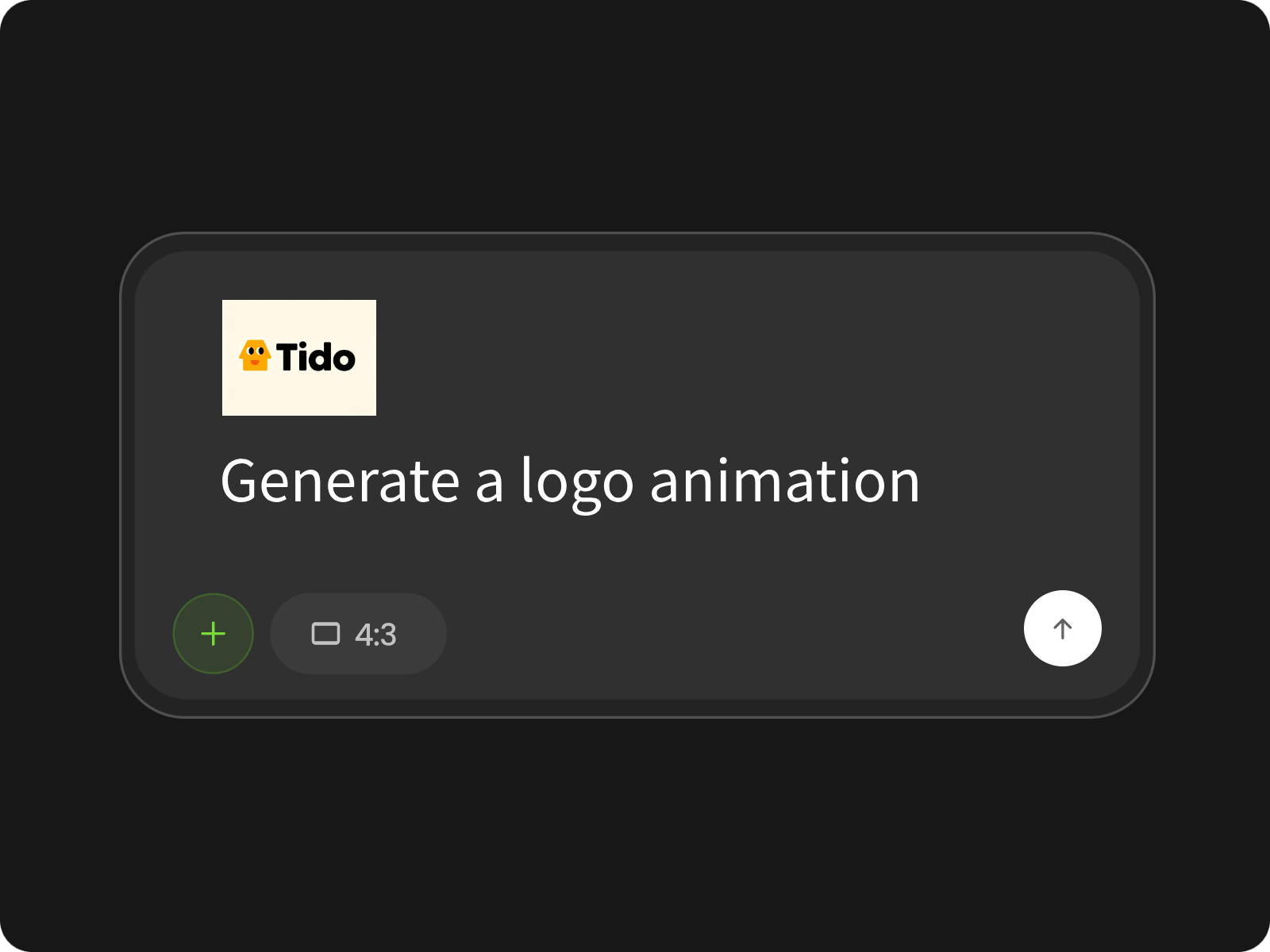
Upload your logo in the prompt box and describe the logo animation you want to create.
Create a variety of logo effects and animation styles to match your brand's personality and tone. From 3D logo animations and spinning logos to logo reveals and more. With our AI logo animation maker, everyone can create professional-grade logo animation effects effortlessly. Try it out now to generate stunning logo animations in seconds, not hours.
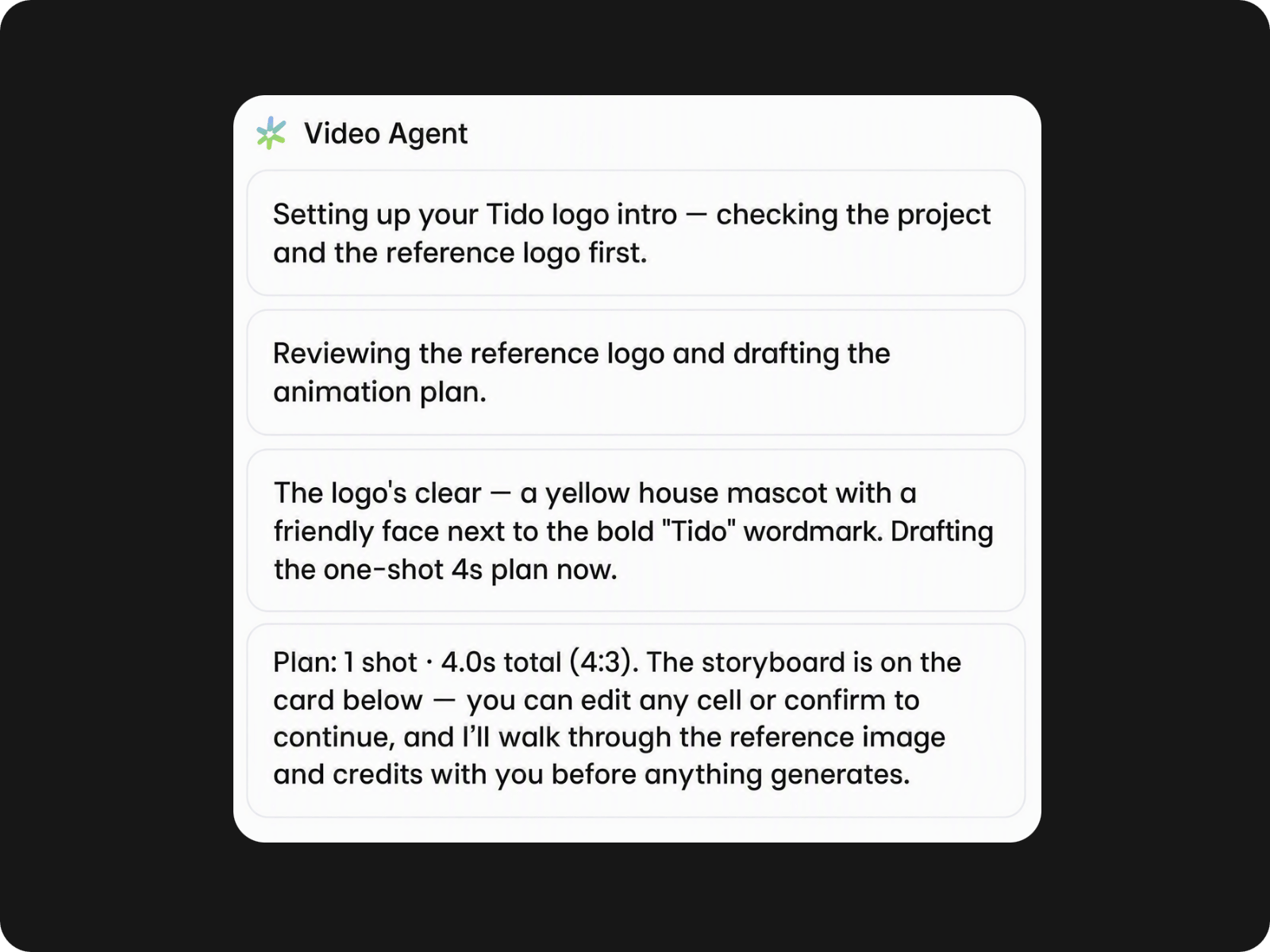
Shape your logo animation around the look and feel of your brand with AI. Describe the motion, visual effects, or overall style you want to achieve, then generate a logo animation suited to your content. Create different motion effects for intros, social videos, promotional content, and other brand assets.
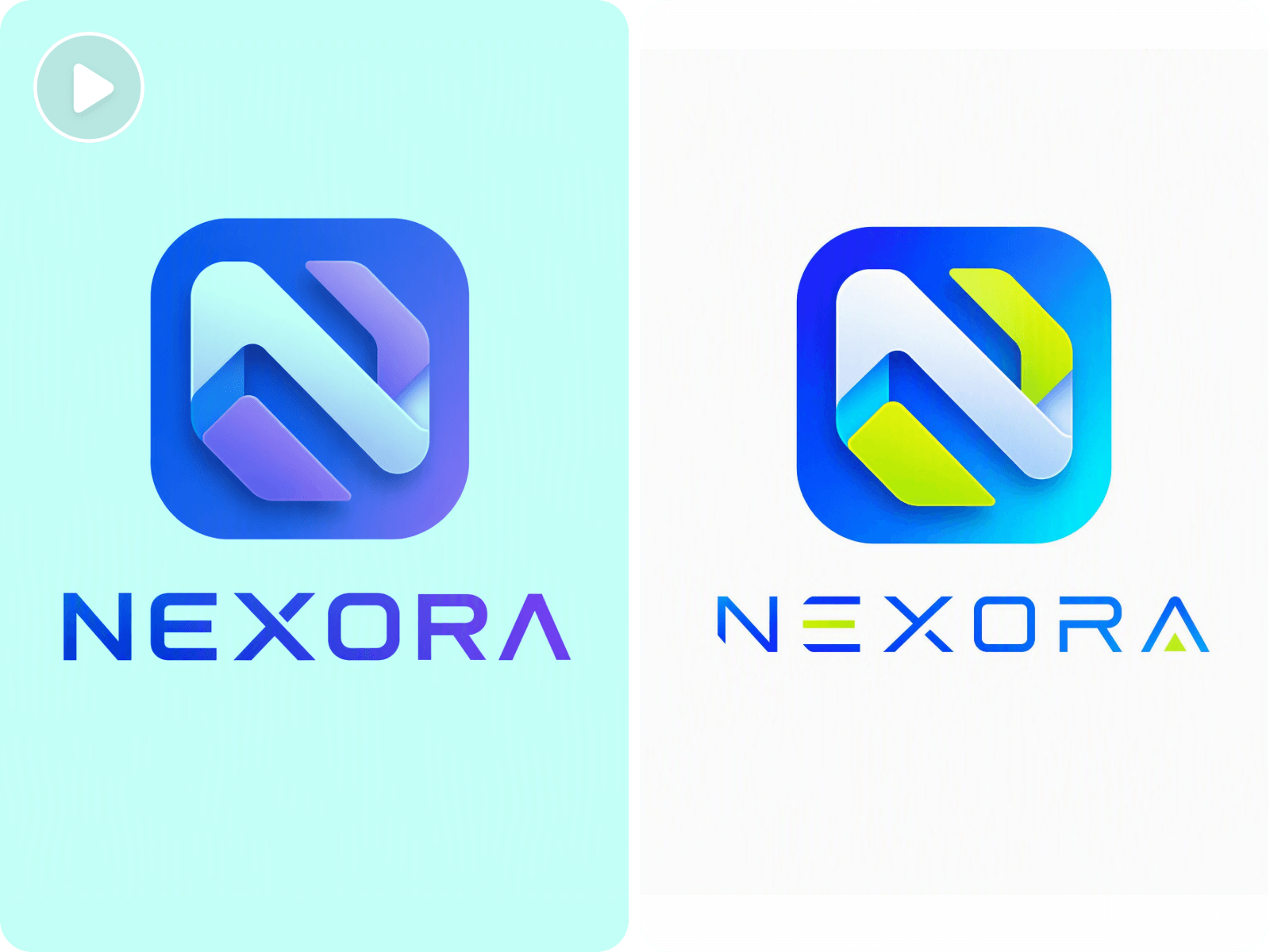
Fine-tune your logo animation video after generation by adjusting playback speed, color tones, fonts, and other available settings. Make precise visual changes to your animated logo and match the final result to your brand style, video format, or creative needs without changing the original animation concept.
Need to make changes after generating your logo animation? Continue editing the existing animated logo video instead of generating it again. Refine its visual details, adjust the video, and make further changes until the animation fits your intended look and content requirements.
Unlock the potential of AI to create animated logos. Whether you’re animating logos for YouTube intros, enhancing your brand materials, or working on design projects, our AI logo animation maker has got you covered.
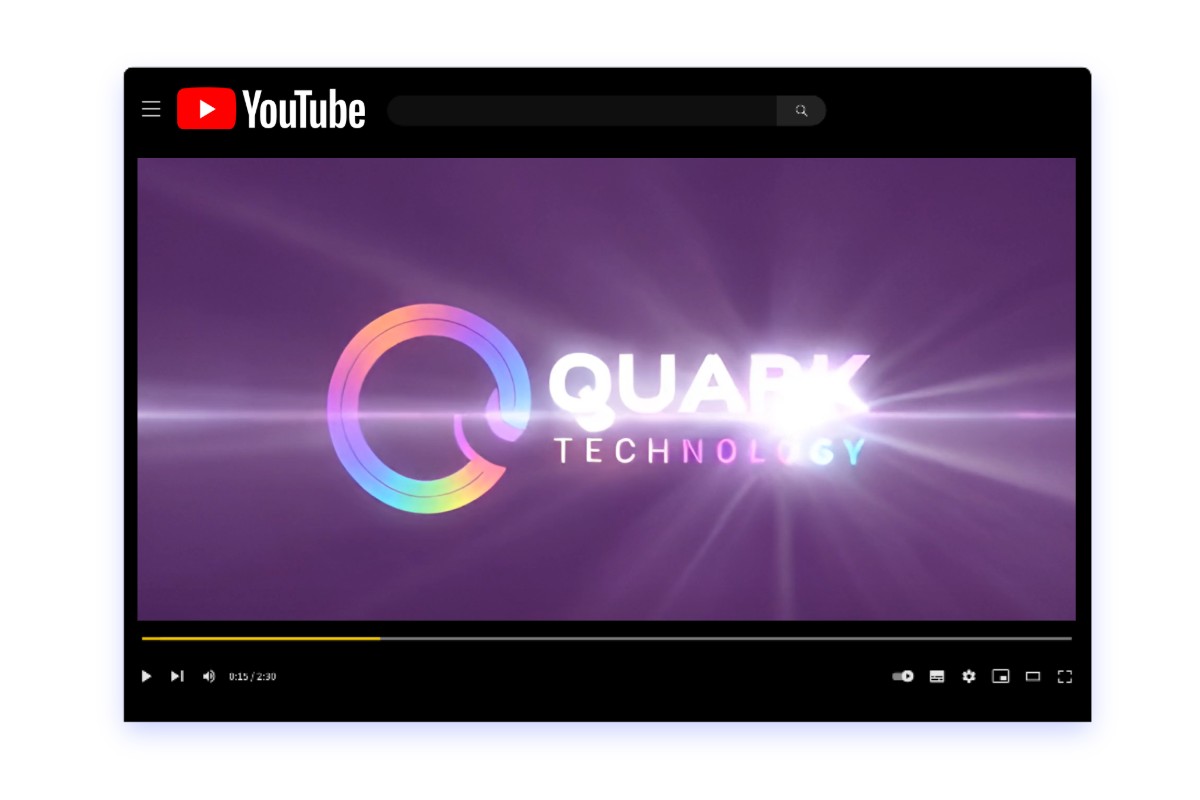
Turn your channel logo into an animated YouTube video intros or outros. Add motion to your brand mark and create a recognizable opening that fits tutorials, reviews, gaming videos, and other channel content.
Yes. Fotor lets you try its AI logo animation maker free. You can create and download logo animations without watermarks.
Fotor uses your uploaded logo as the basis for the animation, but AI-generated motion can sometimes alter fine details. Using a clear, high-resolution logo and specific prompts can help maintain its original appearance.
For more consistent results, use a clear, high-resolution logo with distinct shapes, readable text, and minimal visual clutter. If your source logo is blurry or low-resolution, you can enhance your logo before animating it.
AI video generation may introduce changes to small details such as lettering, edges, proportions, or shapes. A more precise prompt and a clear source logo can help reduce unwanted changes in the generated animation.
Generation time depends on the animation and requested changes. Simple logo animations may finish quickly, while more complex motion or additional refinements can take longer.
Your ability to use an animation commercially depends on the rights to your uploaded logo and Fotor’s applicable usage terms. Make sure you have permission to use any third-party brand assets in your project.
Yes. Logos containing text can be used as inputs for AI animation. For better results, upload a clear logo and describe how you want the lettering or complete wordmark to move in your prompt.
Yes. You can use an animated logo for video content such as YouTube intros, promotional videos, social content, and other branded media. Choose your animation based on where the final video will be used.