

AI Video Editor Online
Use Fotor's AI video editor online to turn scattered assets into ready-to-use videos simply by chatting with AI. Skip manual work. Let AI video editing help you organize short clips into complete footage, turn long videos into shorts, remove filler words, auto-generate subtitles, and more.
From Raw Clips to a Ready-to-Use Video
No more staring at folders of unsorted clips, photos, and audio. Upload these assets and our AI-powered video editor will analyze every asset and auto-generate a video outline. You give the ideas as director, and the AI edit maker handles the heavy assembly, stitching raw material into a coherent first cut that is instantly ready for review.
Turn Long Footage into a Highlight Reel
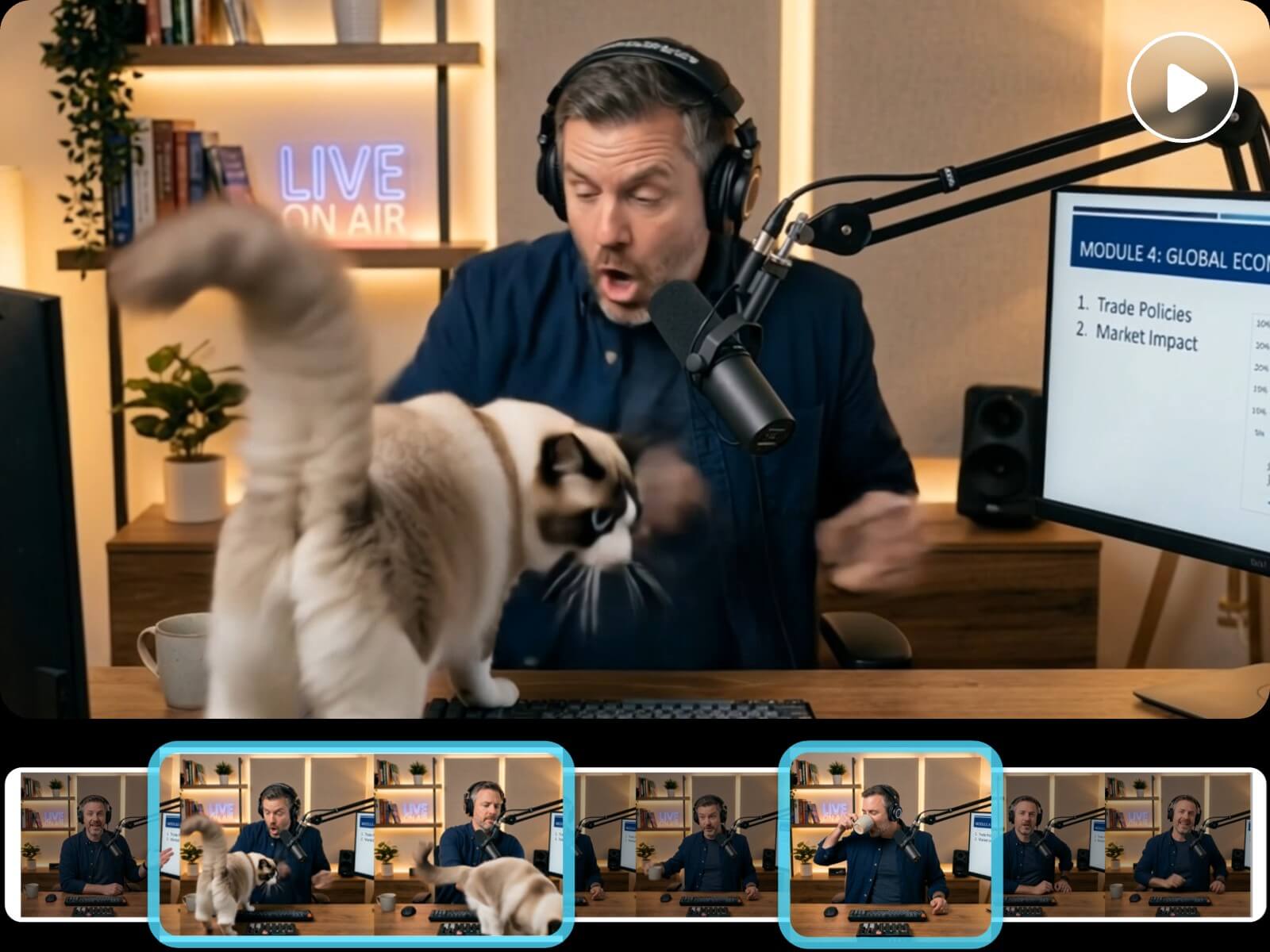
Manually scrubbing hours of long raw footage wastes time. Our automatic video editor turns long video into shorts by cutting silent gaps, capturing video highlights, and assembling them to your target length, whether it's long-form for YouTube or punchy cuts for TikTok.
To give you more control, when trimming and splitting your sequence, the video editor AI confirms with you using the auto-generated transcript first.
Auto-Generate Music, Voiceover & Subtitles
Skip syncing audio by hand or hunting for royalty-free tracks. Fotor's AI for video editing generates soundtrack, adds voiceover, and subtitles for your footage automatically. Adjust music style, voice, language, or caption look with a text prompt by chatting with AI. No manual timeline work required.
Multi-Track Timeline Control Over Every Clip
Unlike typical AI generators, our AI video editing tool isn't a locked-box tool. It offers a multi-track timeline so every clip and AI-generated element sits on its own track, whether it's video, audio, or captions.
Feel free to delete scenes, mute, hide, or drag anything, anytime with a few clicks. Full control, not guesswork.
Edit One Clip Without Re-Rendering Everything
Fixing a single moment shouldn't cost a full re-run. Select any segment or isolate a clip, tell the AI video editor what you want, and the tool will revise it alone. The rest stays locked and untouched. So there's no need to worry about unwanted changes or credit waste that often happen when re-rendering a whole video.
Video Editing AI for Every Use
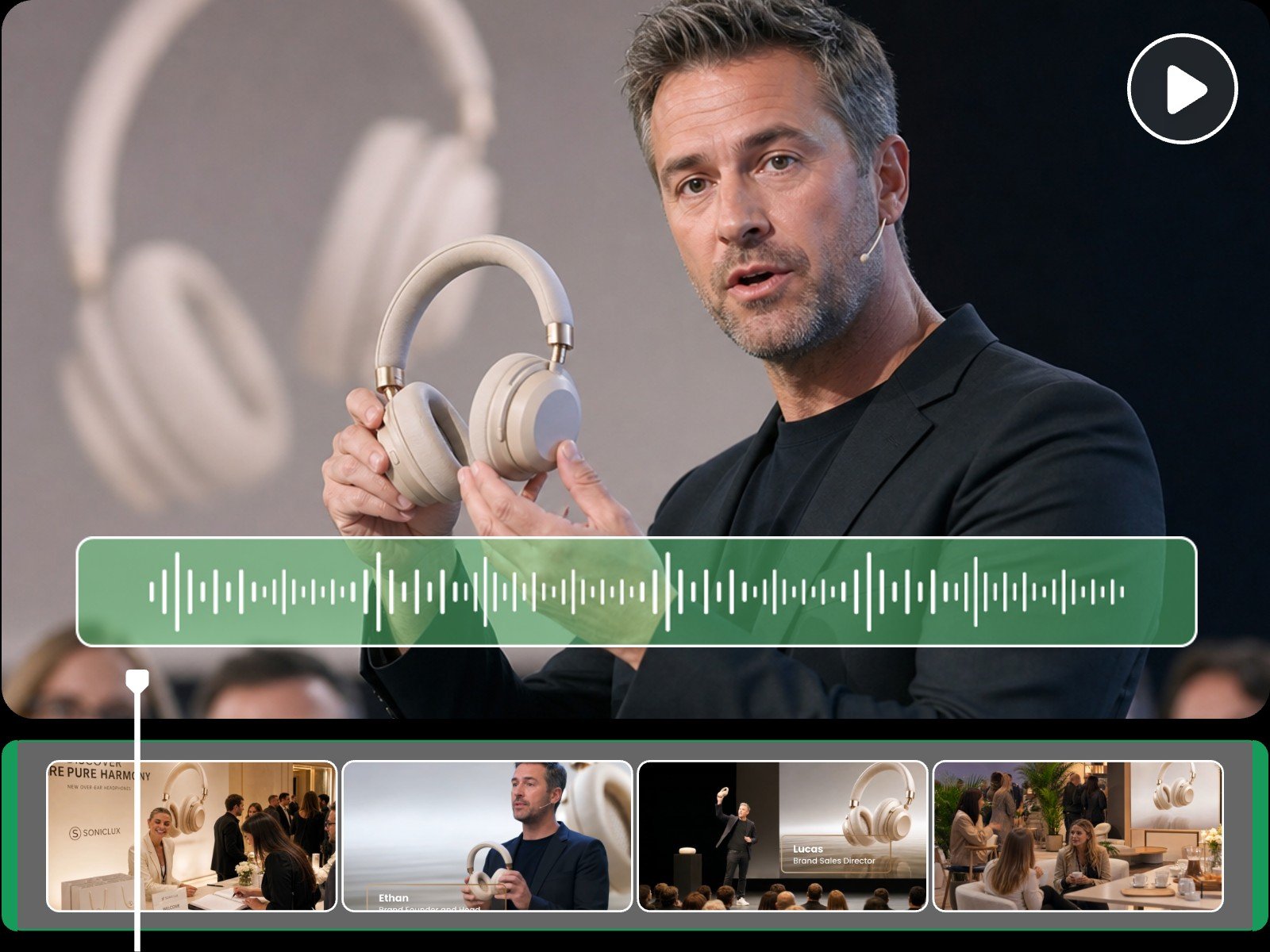
Turn Raw Footage Into Branding Video
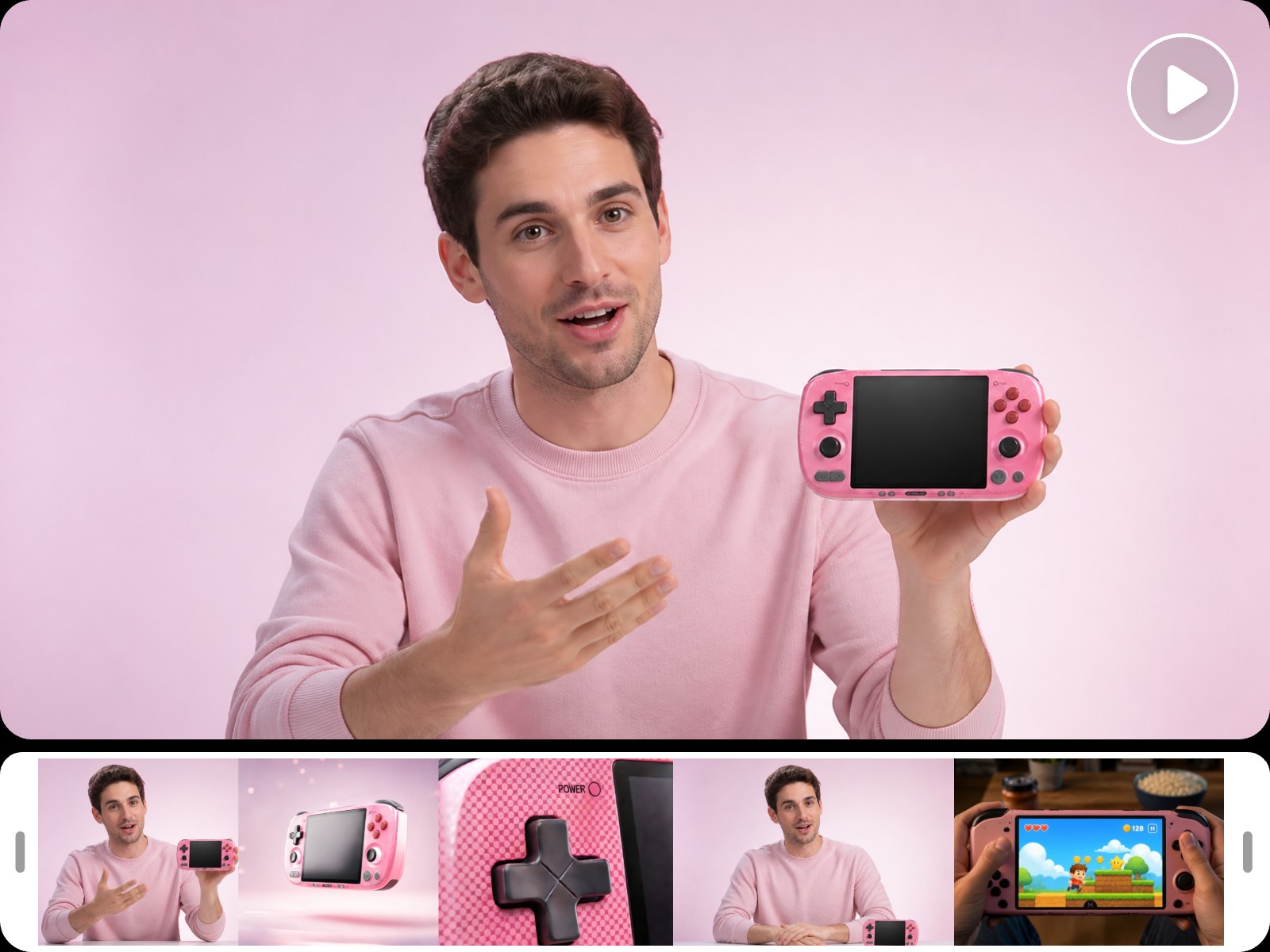
Building a company intro, event promo, or product ad? Just drop in your existing photos and video clips, and this video editing AI extracts the highlights and compses them into an on-brand clip with royalty-free music and voiceover matched to your pace.
You can also upload a logo or paste your website URL, and let the AI read your brand tone to auto-build a custom intro, logo animation, and a consistent visual style throughout. Apply the "Media Montage" preset on the home page for an instant polished cut.
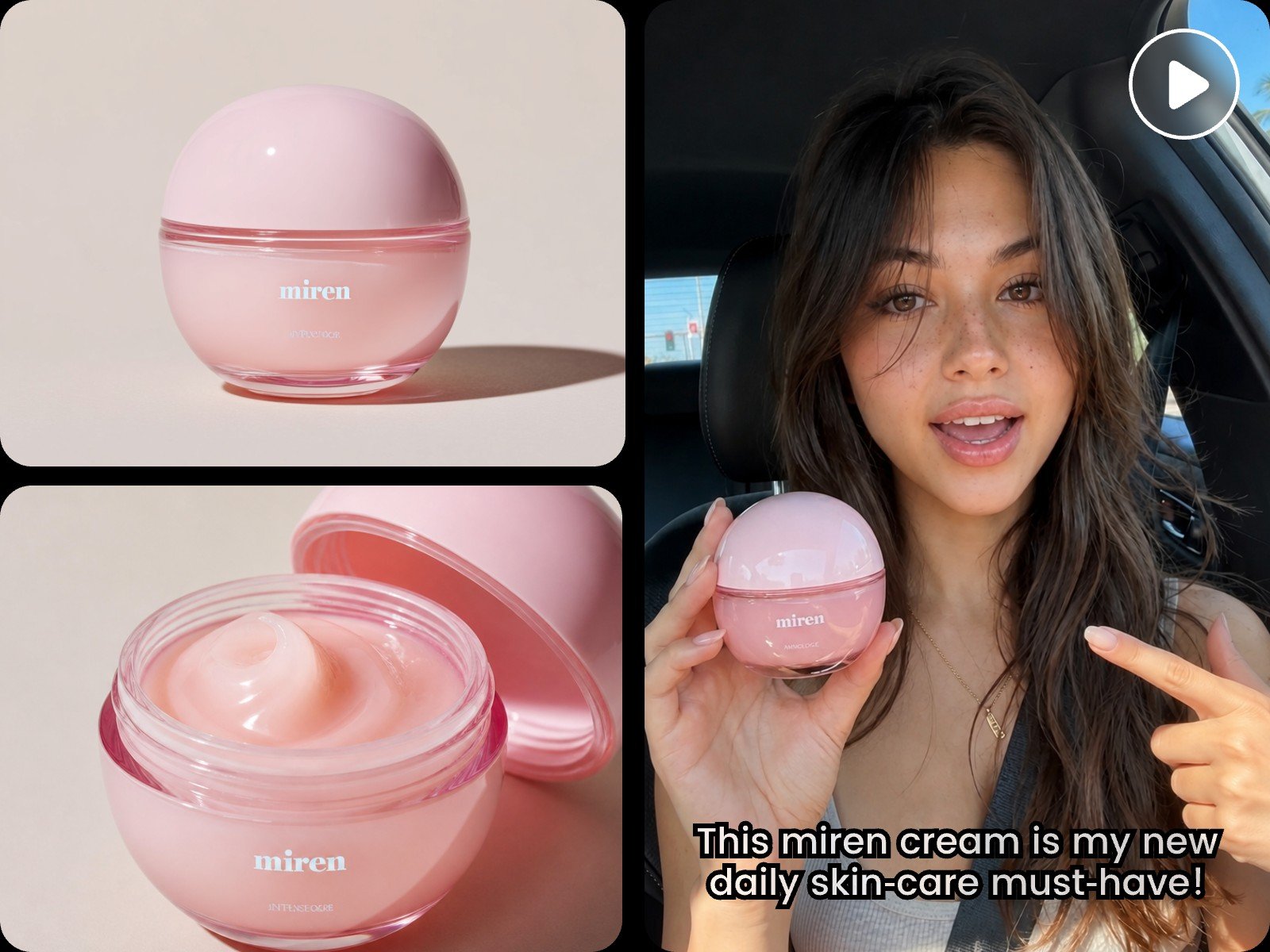
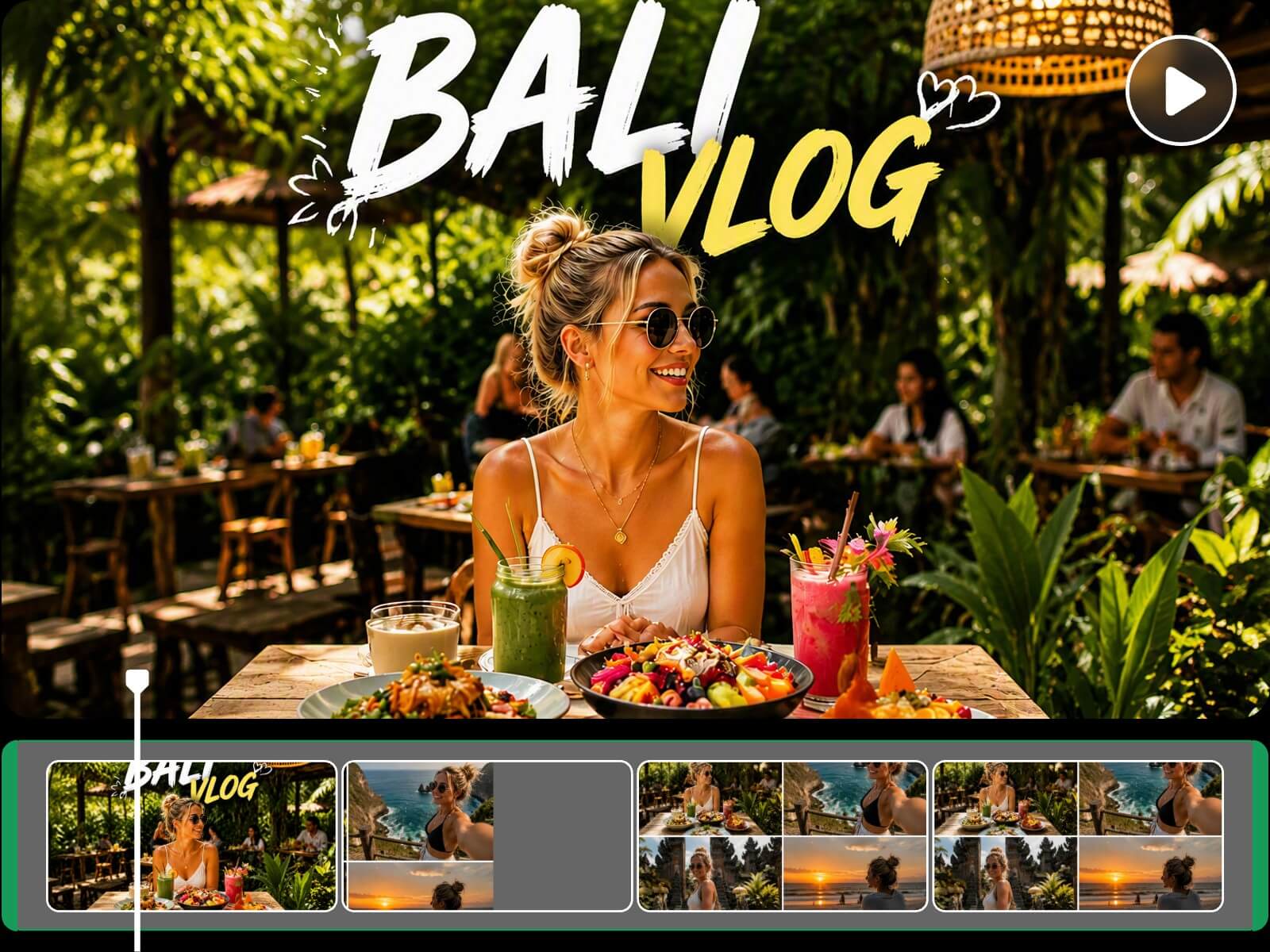
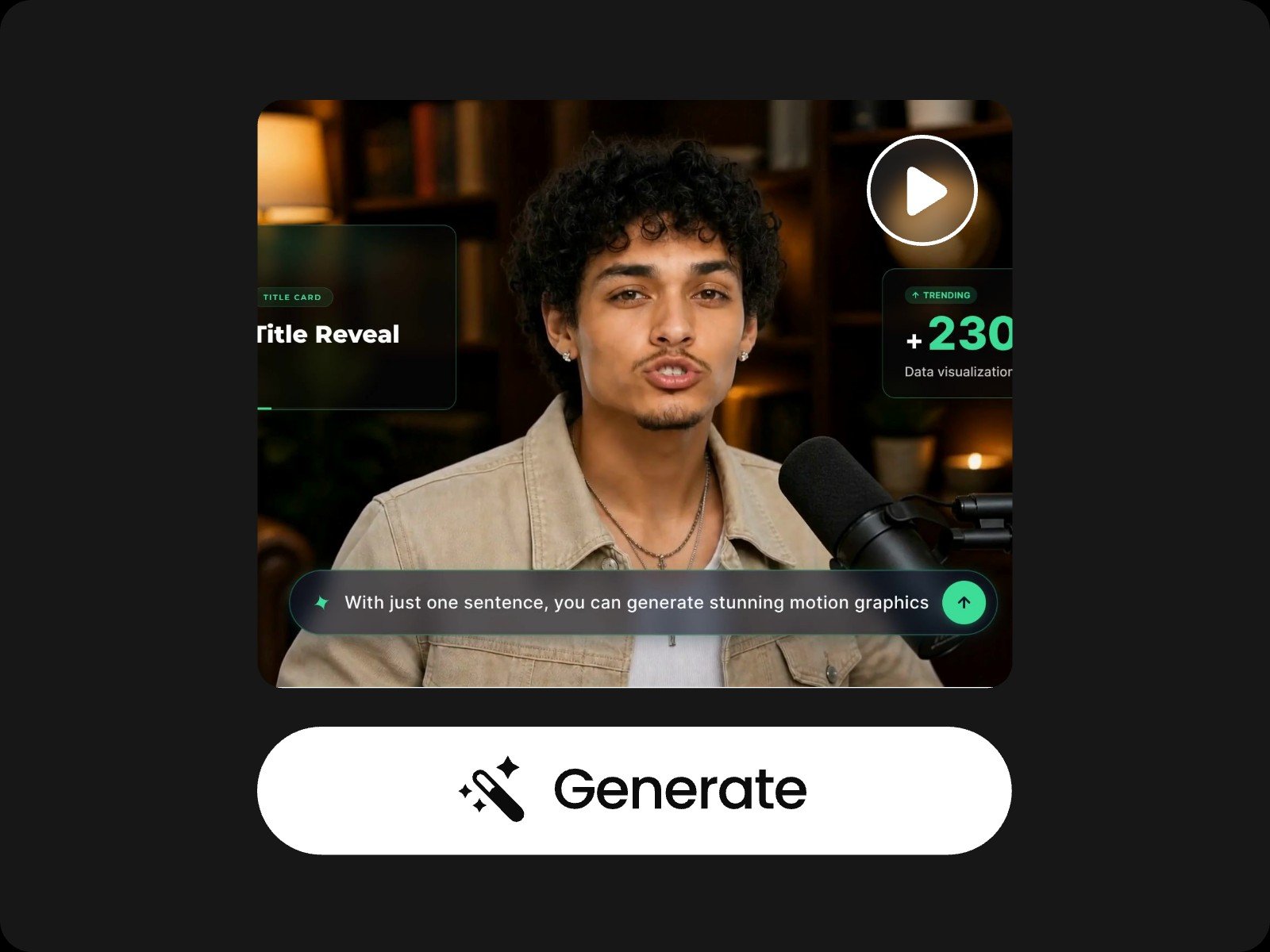
Highlights of Fotor's Video Editor AI
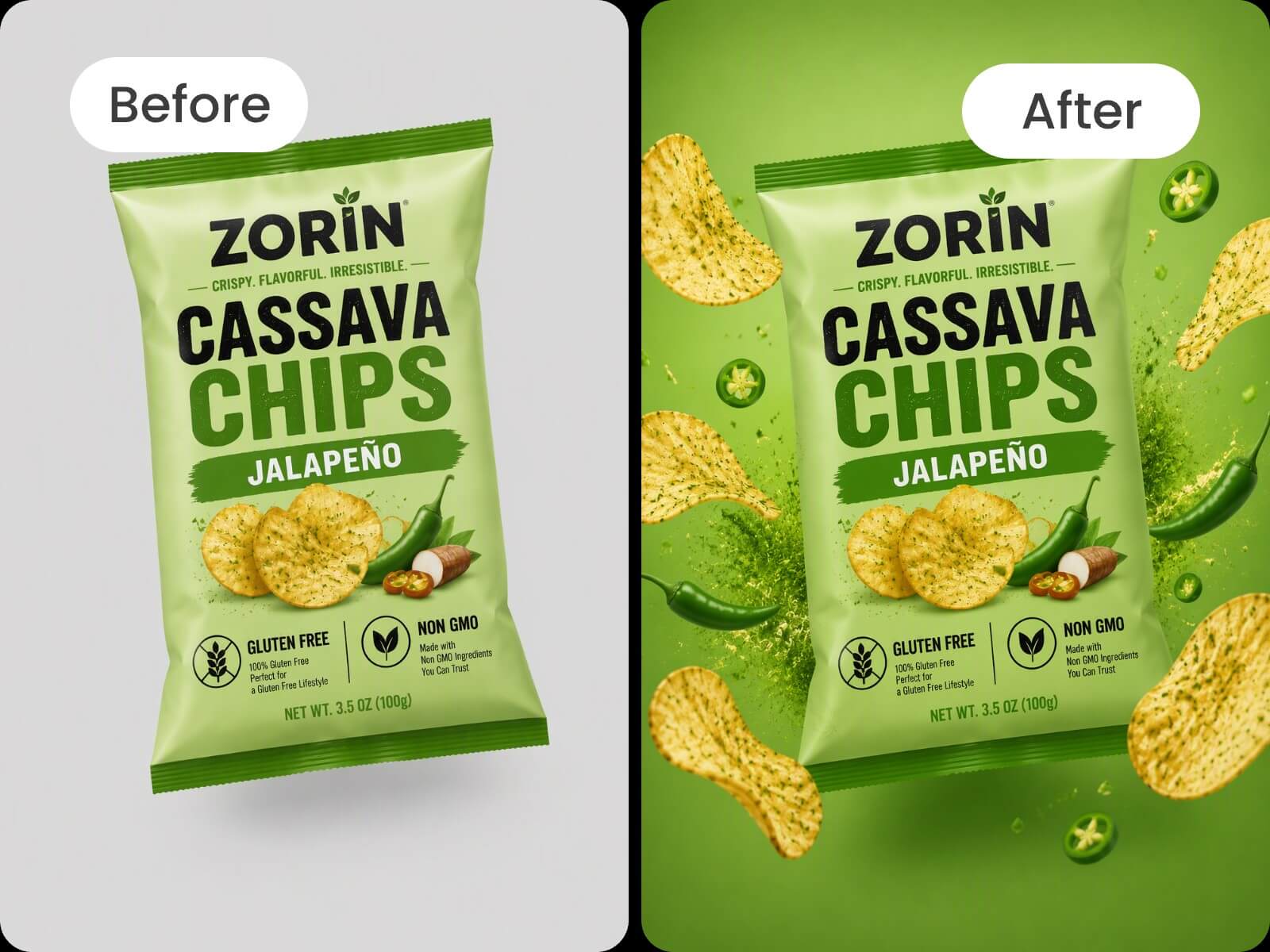
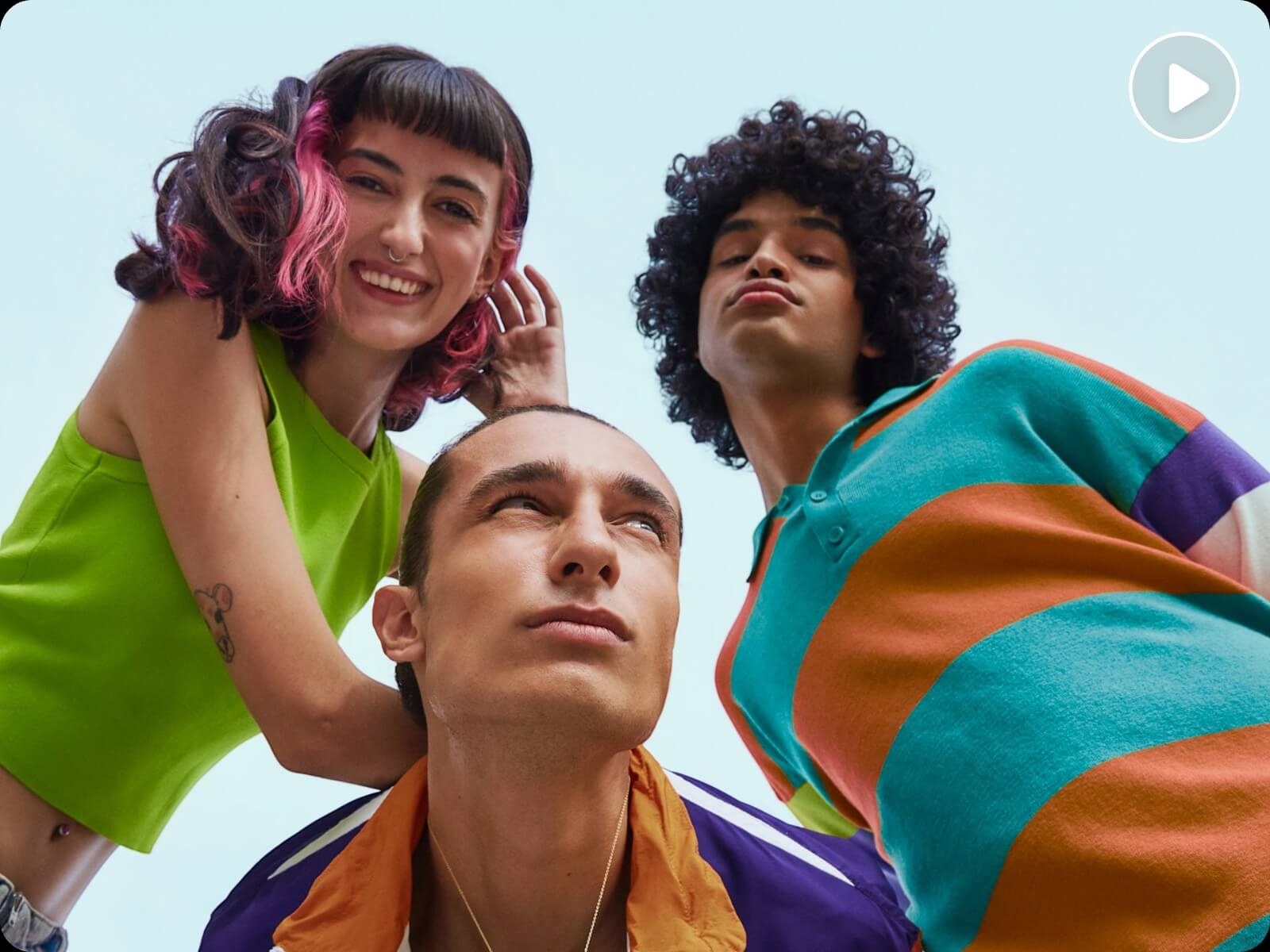
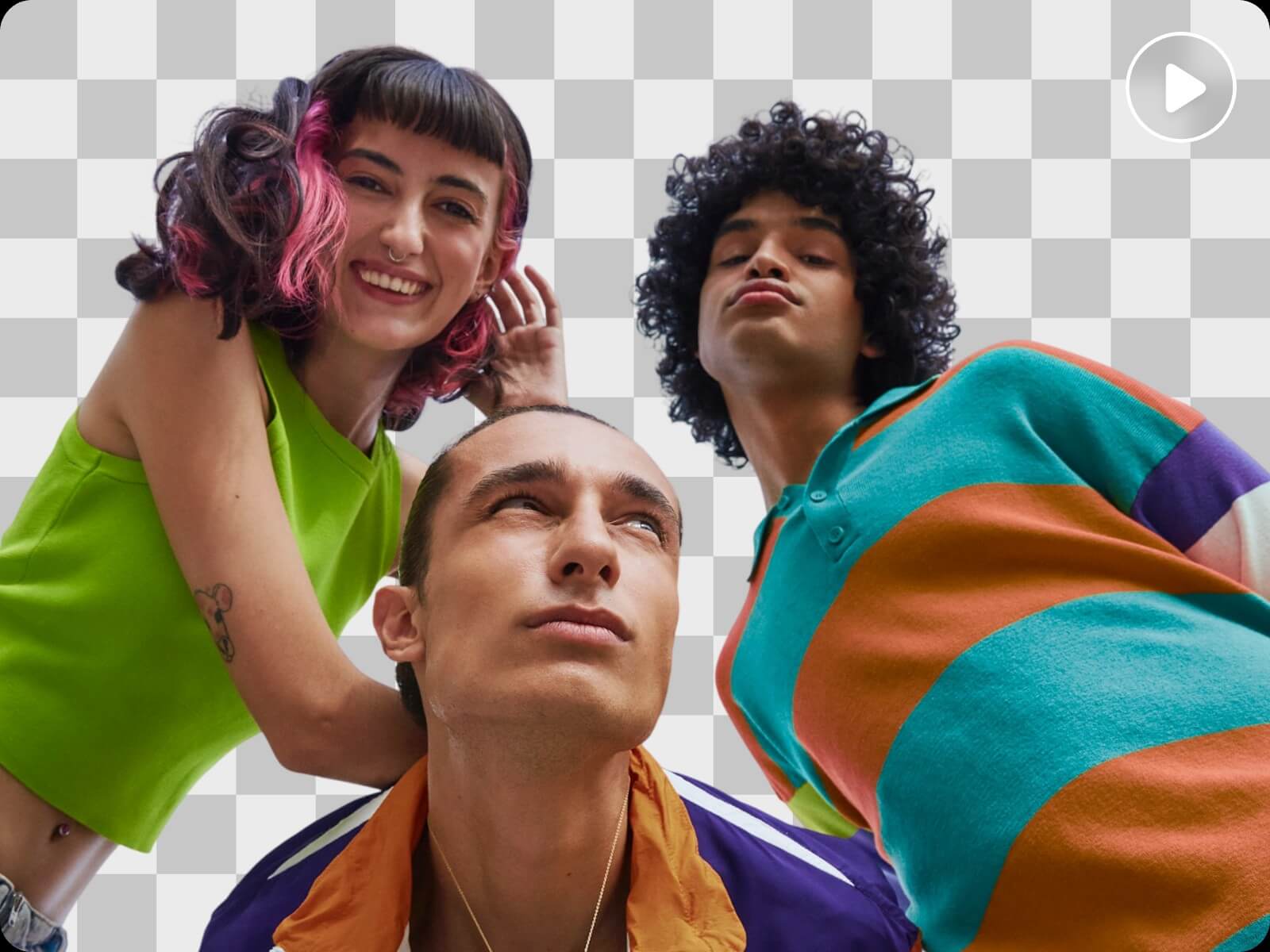
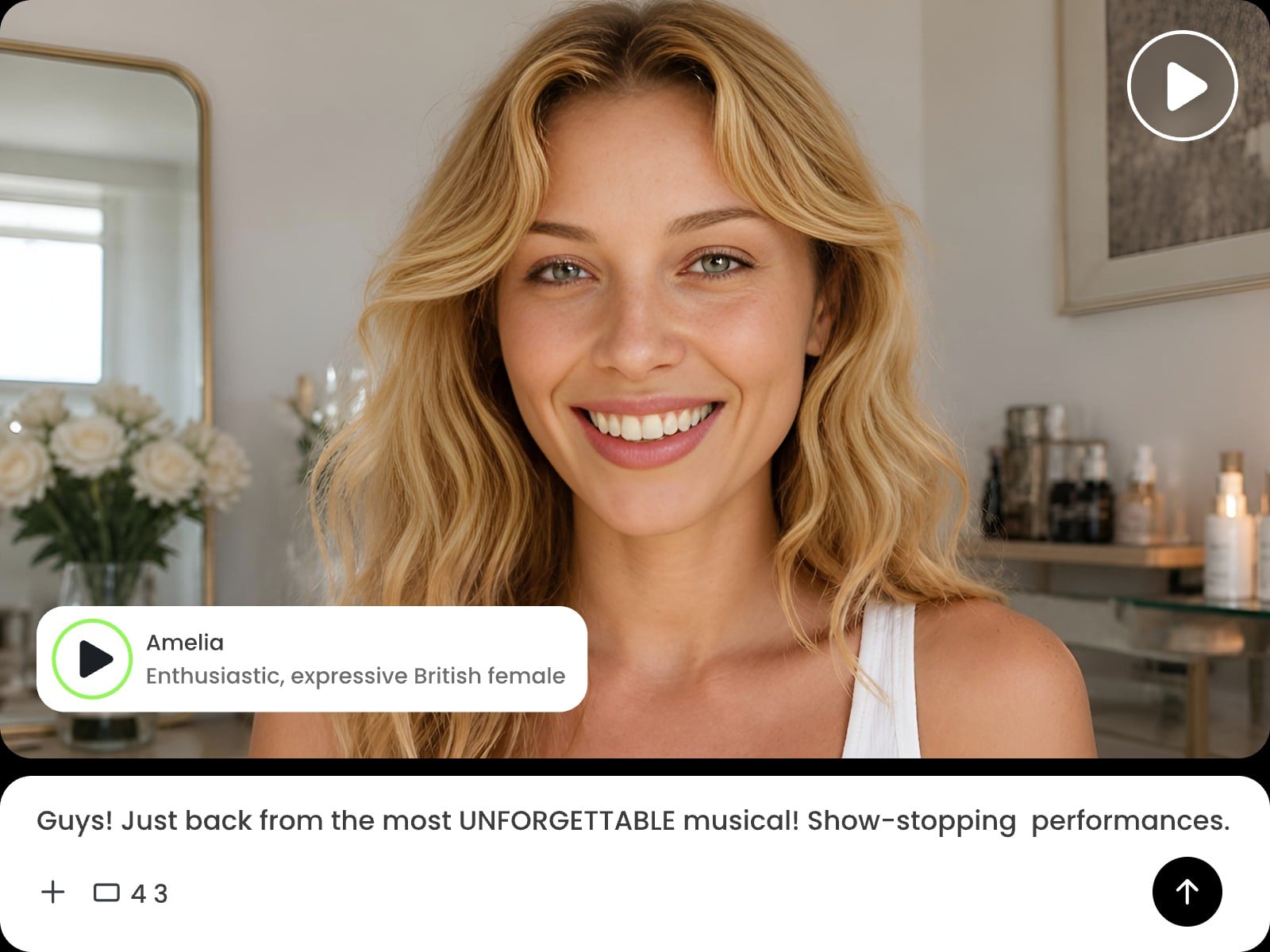
How to Edit Videos with AI on Fotor?
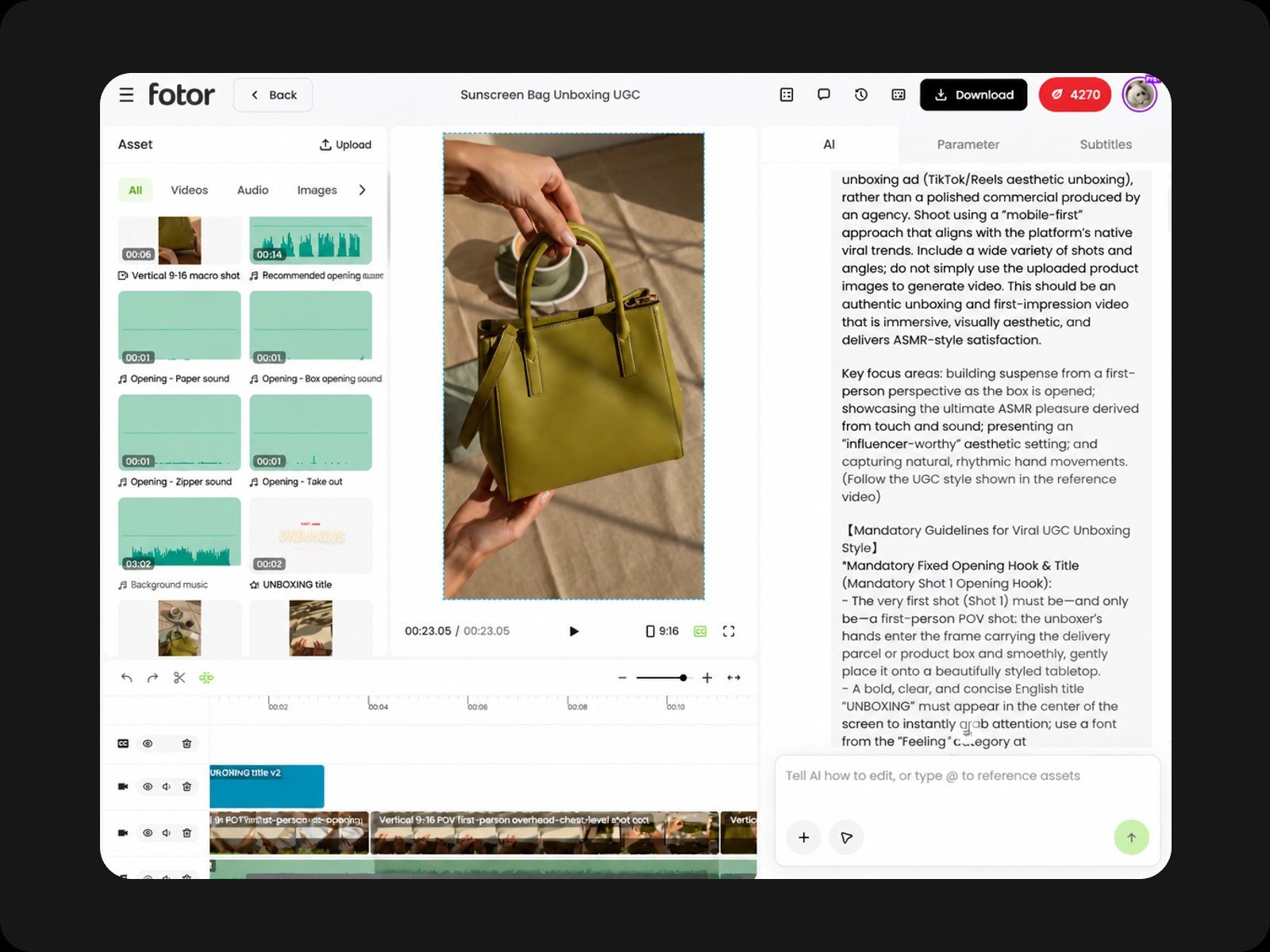
Step 1: Upload & Describe
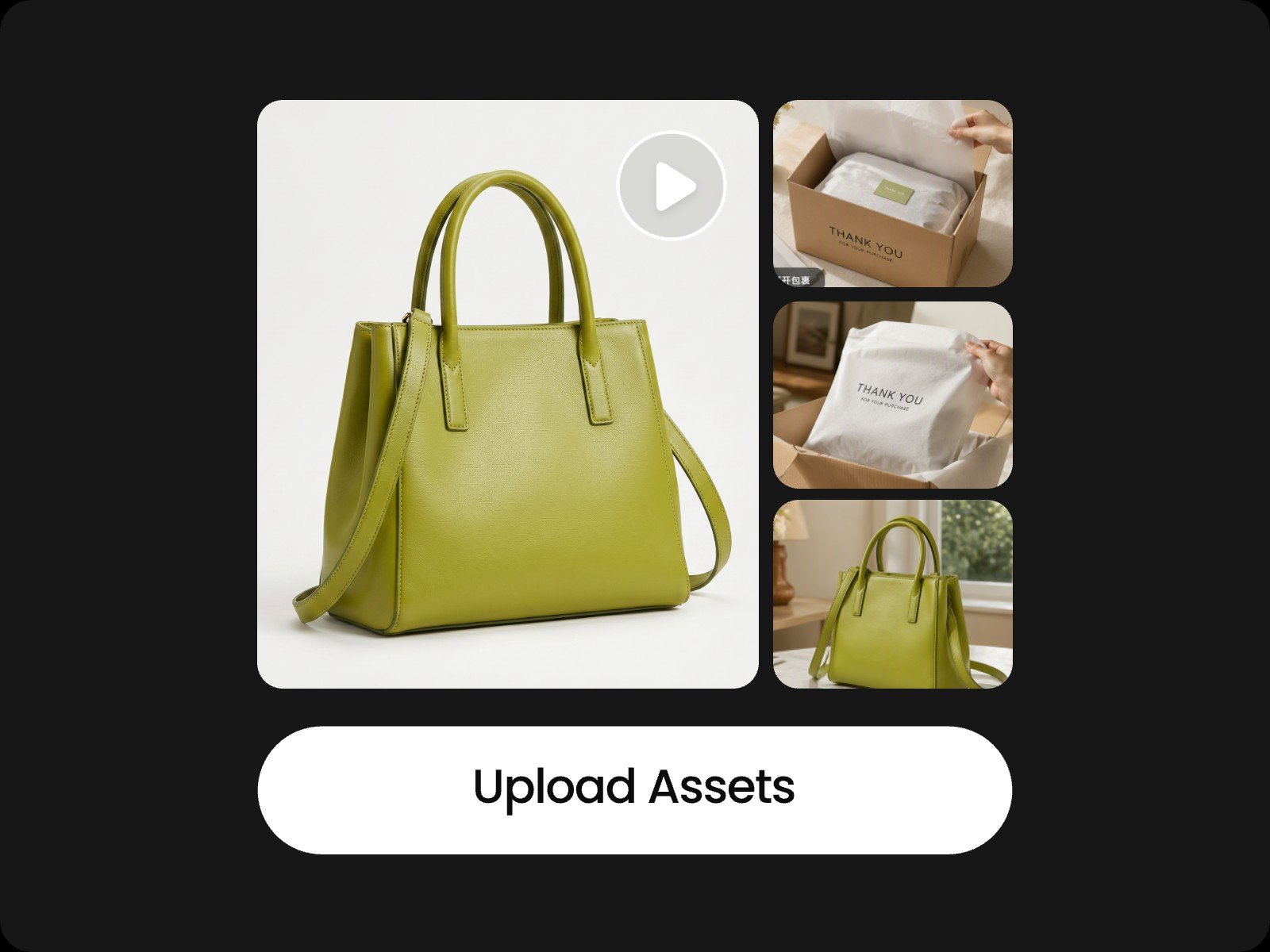
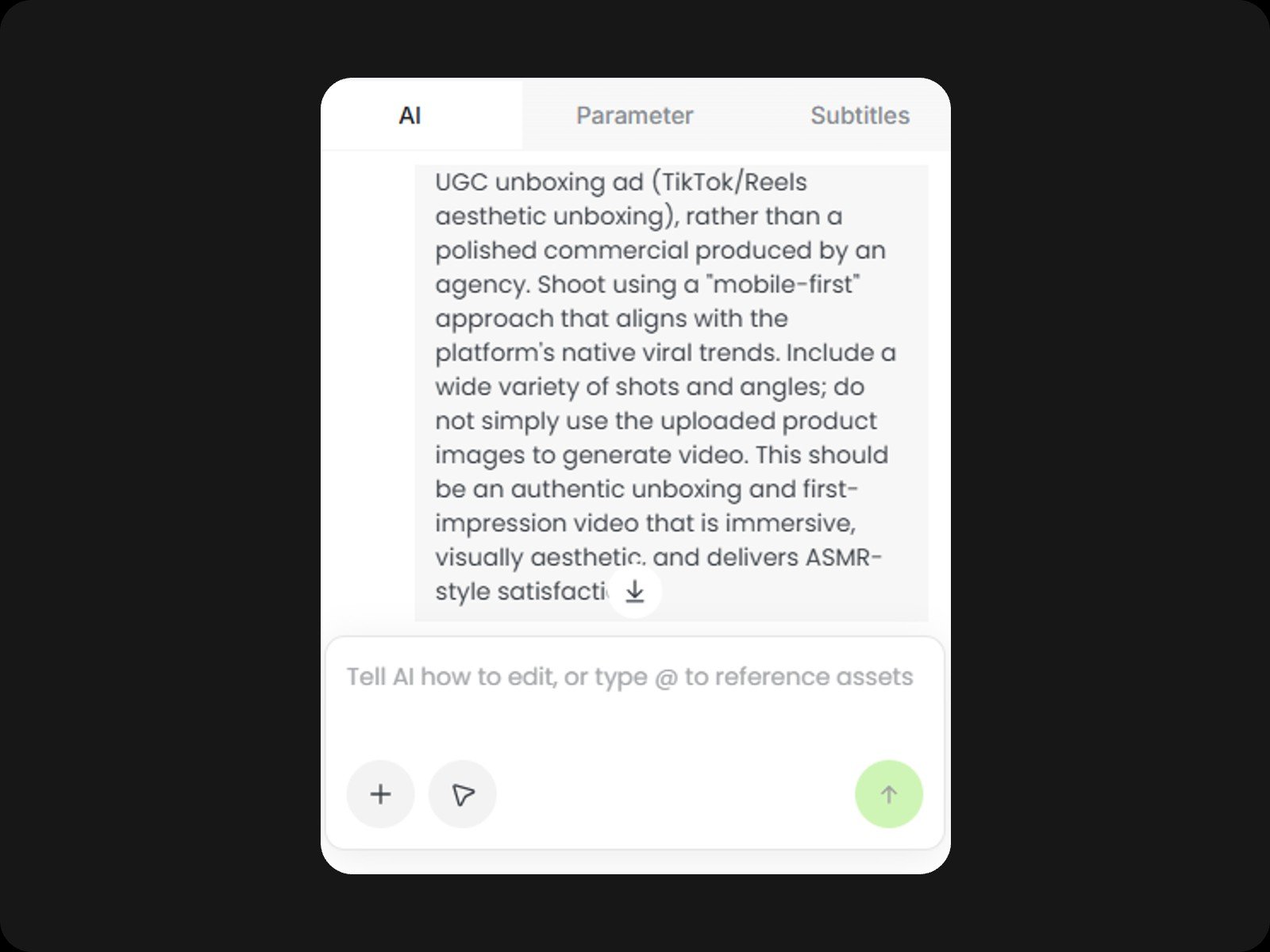
Upload your video, photos, and audio, then describe your idea in plain language. The AI analyzes your assets and instructions, then stands by to confirm the next move with you.
Step 2: Edit With AI, Just by Chatting
Step 3: Fine-Tune & Export
AI Video Edit FAQ
Are videos created on this platform safe for commercial use?
Yes. Every element produced by our AI, including visual animations, audio tracks, and synthesized voices, is royalty-free for commercial campaigns. Just make sure that any personal media files you upload adhere to standard copyright regulations.
How can I get the best results when creating a video with AI?
For maximum precision and creative control, we recommend taking a modular approach rather than relying on a single mega-prompt.
Follow this streamlined 6-step workflow:
- Prep & Upload: Drop in your media and set the core prompt.
- Build the Core Sequence: Let the AI video editor draft your visual foundation.
- Layer the Narration: Add clear voiceovers or personalized audio.
- Drop in BGM: Set the mood with synchronized audio tracks.
- Auto-Generate Subtitles: Apply styled captions and text effects.
- Refine & Export: Polish details before final rendering.
Best Practice: Split complex instructions into distinct phases instead of asking the AI to process visuals, music, and subtitles all in one go.
Can I customize the AI voice for my video?
Yes. When starting with a "Talking Avatar" preset, you can select your preferred voice right before generation. If you're voicing an existing video, simply ask the AI to change the voiceover for you. It will produce a few dynamic voice previews so you can audition and pick the perfect match.
How do I generate and edit video captions?
Just tell the AI to add captions. It automatically transcribes your audio and syncs subtitles frame-by-frame on a dedicated track. To modify wording or styles, simply open the "Subtitles" tab in the right sidebar for instant manual adjustments.
How can I insert B-roll into my project?
If you already have B-roll media, simply upload your clips and prompt the AI. It will analyze your script and automatically cut and insert your footage into the timeline seamlessly.
If you don't have any B-roll footage, ask the AI to create visuals. It identifies key timestamps, generates storyboard image previews for your approval, and then renders the approved frames into final video sequences.
What devices are supported by this platform?
Our AI video editing tools run directly across web browsers with zero downloads required. Mobile browsers are supported in landscape orientation. We recommend desktop computers for the most seamless editing experience.
What are the supported export specs and upload file formats?
- Export Resolution: Up to 1080p.
- Aspect Ratios: 16:9 (Landscape), 9:16 (Vertical / Reels / TikTok), 4:3, 3:4, and 1:1 (Square).
- Supported Upload Formats:
- Images: JPG, JPEG, PNG, WEBP
- Videos: MP4, MOV, AVI
- Audio: MP3
- Documents: TXT, MD, PDF, WORD