

Fotor Trusted by Global Brands
Why Do You Need an AI Audio to Video Generator?
![Easy to use icon]()
Easy and Fast
Our AI audio to video generator boasts an intuitive interface with no complex settings. Upload your audio file, type your ideas and let it present a professional video in minutes. No video editing skills or complex editing software needed.
![Ai icon]()
Powerful AI
Our audio to video AI tool is equipped with powerful AI technology. It can intelligently read and analyse your audio and prompt content, and automatically generate matched visuals based on its analysis.
![Ajdust ai generated scenes from audio through text]()
Flexible Customization
Effortlessly make your changes to the AI-generated script and storyboard conversationally without recreating the entire video.
![Hd icon]()
HD Video Results
Our tool will bring you a high-quality video with the preferred duration. You can download it in high-res MP4 without a watermark for your creative projects.
![Customize clips icon]()
Multiple Resolutions
Fotor offers various aspect ratio options. For example, export a 16:9 video for your YouTube channel while downloading a 9:16 video for your TikTok.
![various Aspect Ratios icon]()
Various Audio Formats
Fotor allows you to create an AI video from the following audio formats: MP3, AAC, WAV, OGG, FLAC and M4A.




How to Convert Audio to Video with AI?
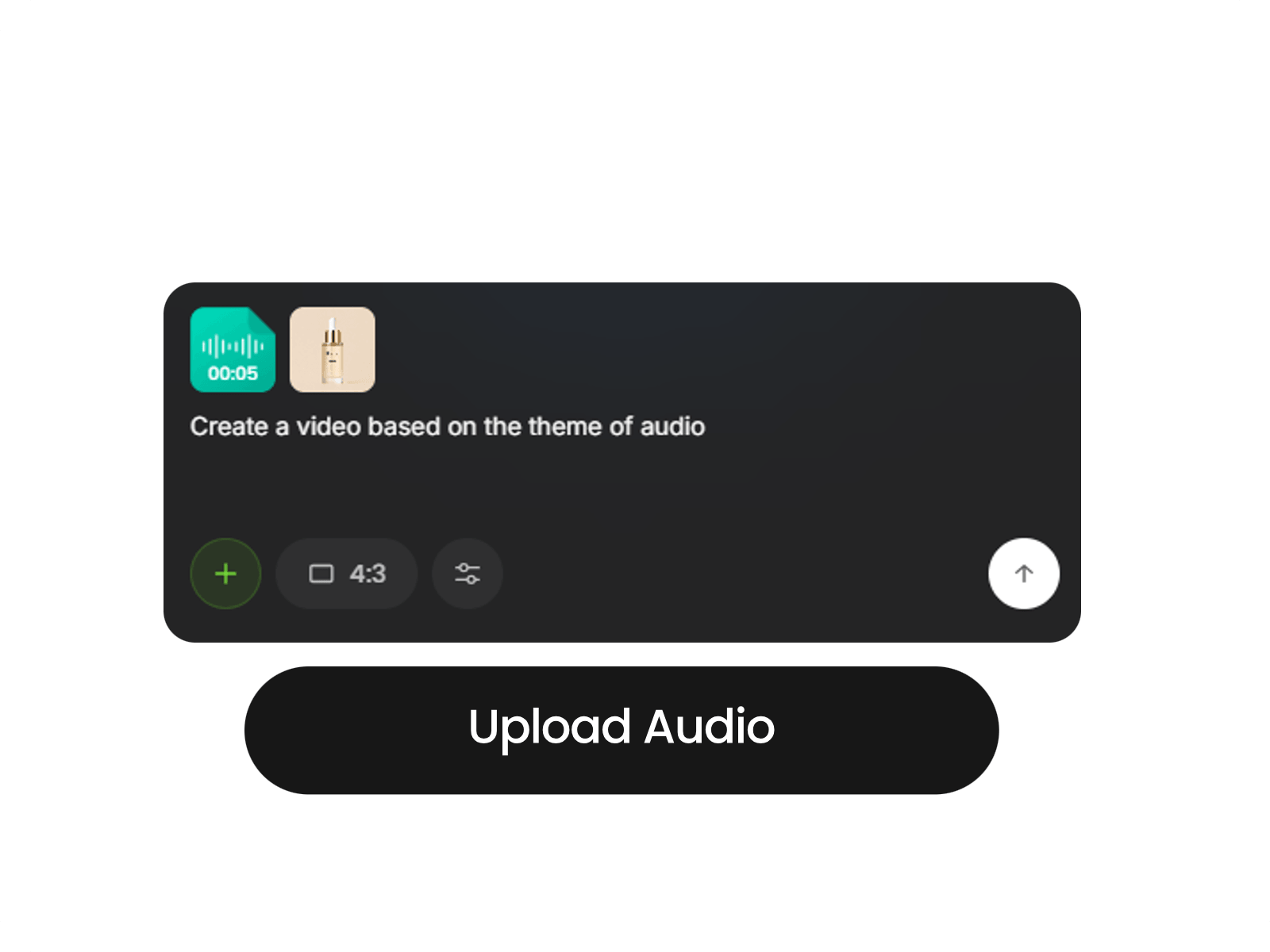
Upload Audio
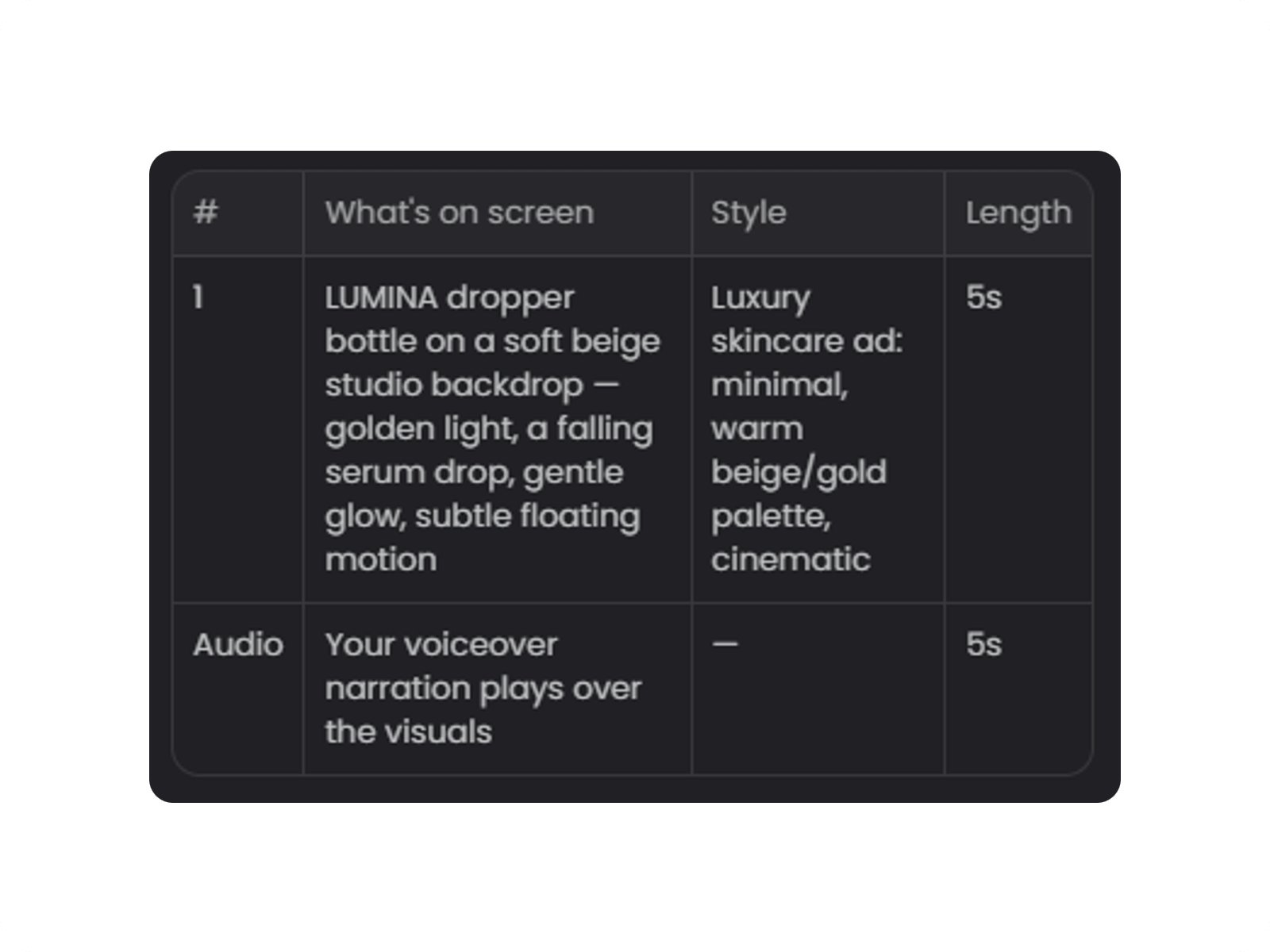
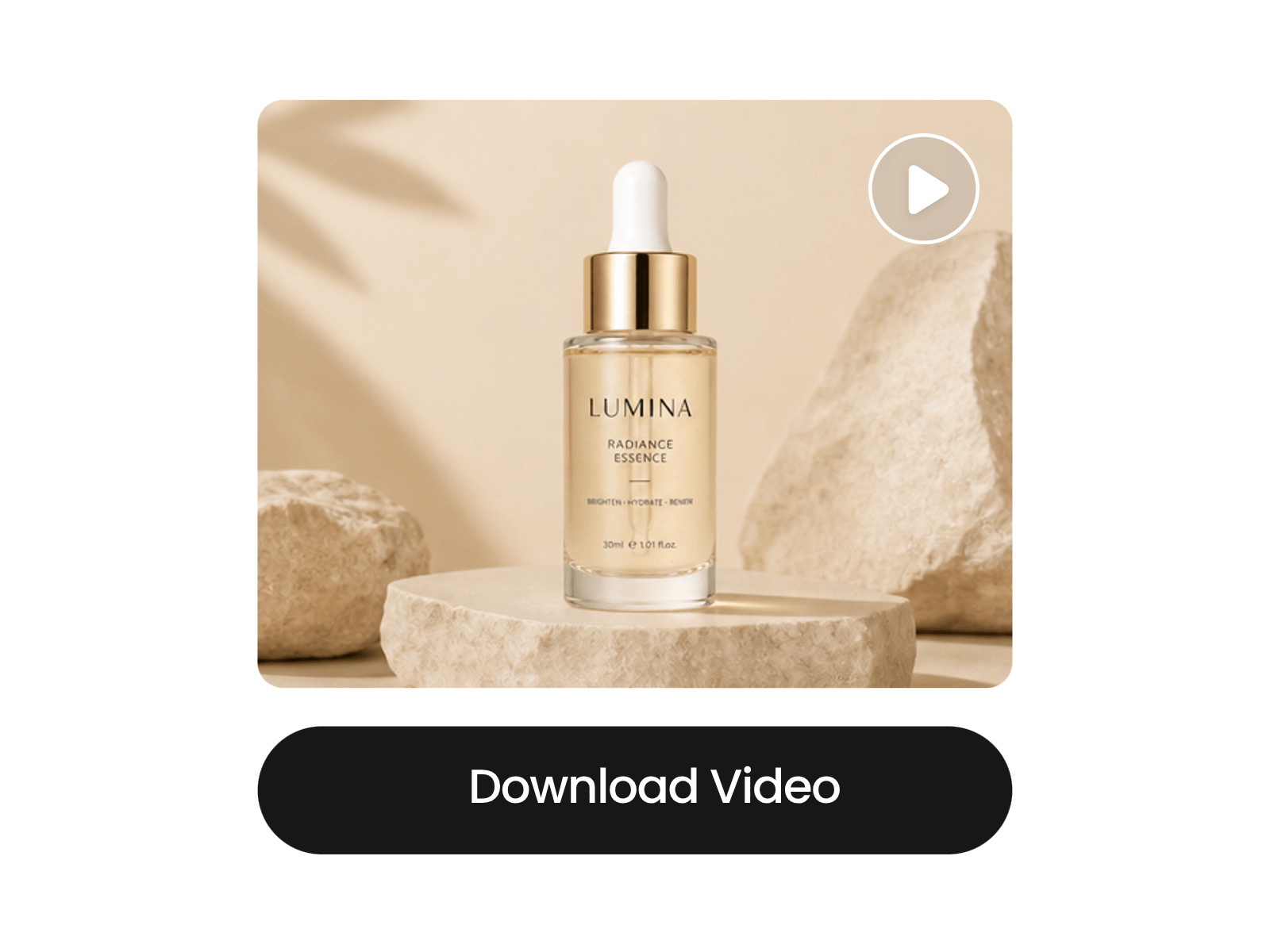
Go to our video agent, upload your audio file and type the idea for your video. Also, feel free to add your image to determine the scene or subject you want in it.
Generate AI Script
Make AI Storyboard
Create and Customize Video
Turn Audio into Video in Minutes with a Simple Prompt
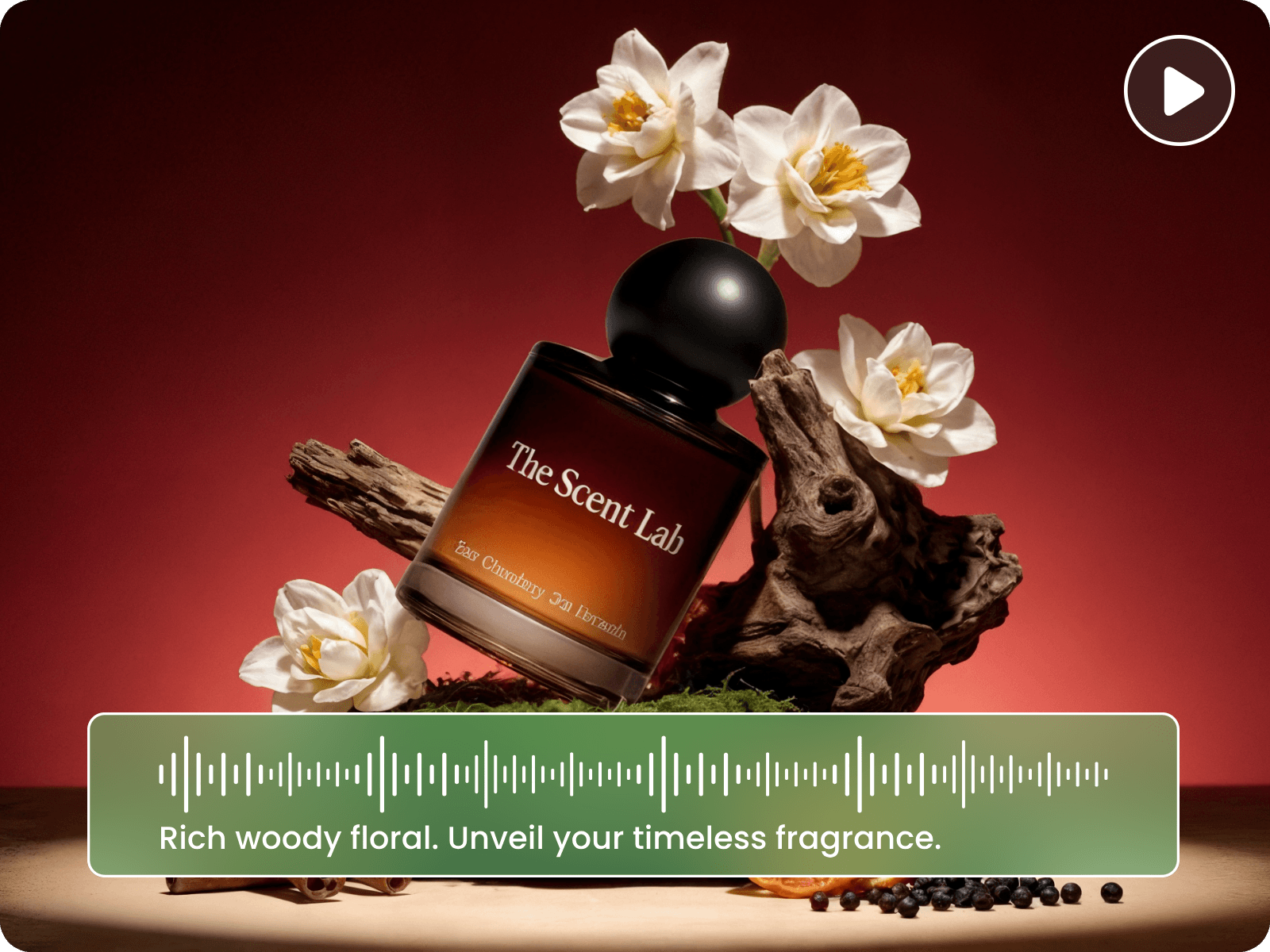
Our AI audio to video converter can turn your audio file into engaging, dynamic visual content with a simple prompt. Just describe the style, topic or audience; our tool can intelligently generate relevant scripts and scenes that match your audio and prompt, and combine them into a complete, professional video. No complex editing timeline or video production experience is required to repurpose your existing audio into polished, compelling videos for various purposes.
Intelligent Speech/Lyrics Recognition & Automatic Script Generation
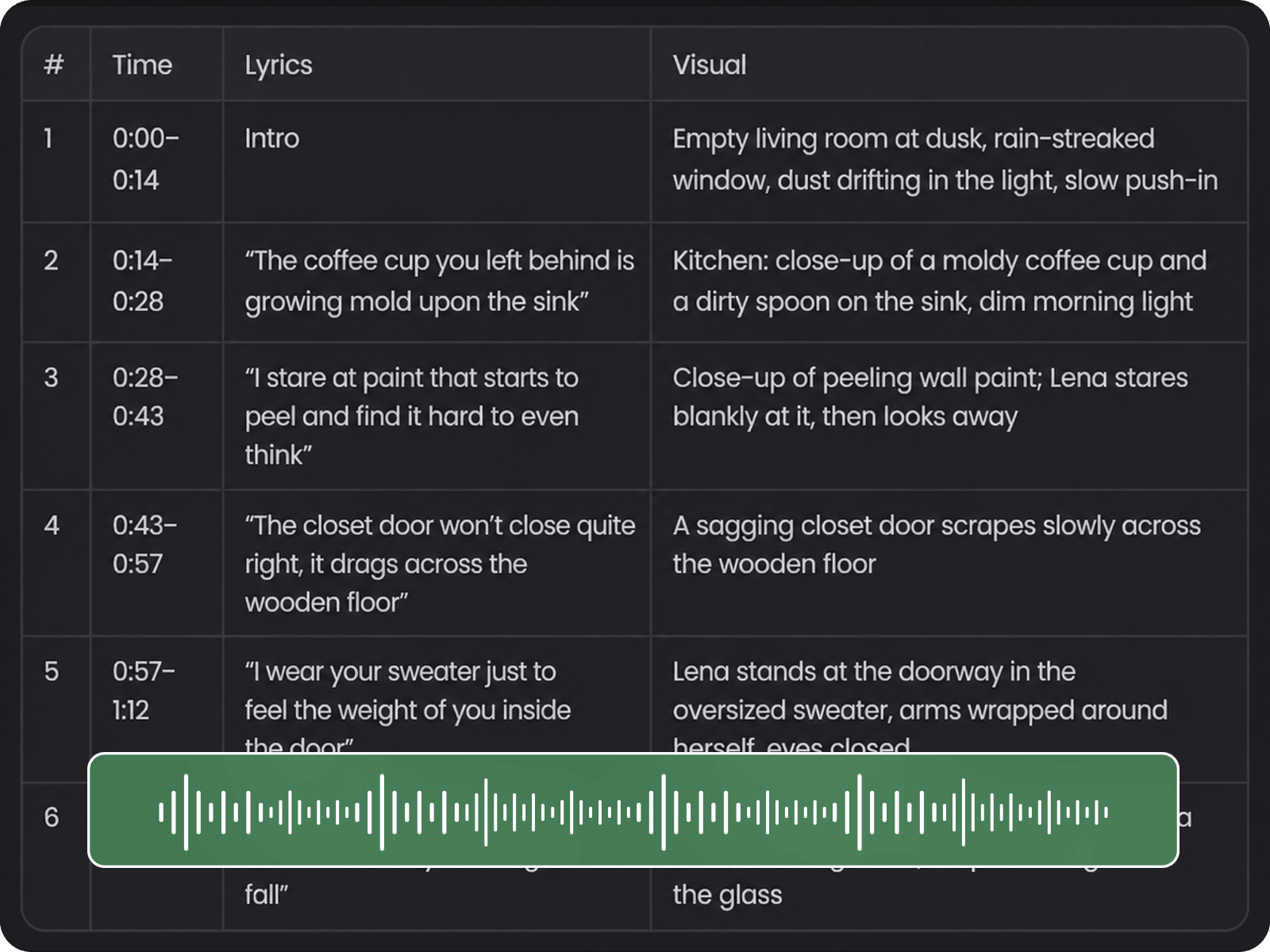
Powered by advanced AI technology, our audio to video AI generator can analyze your audio to identify spoken words, lyrics and key content, and then convert them to structured scripts, along with your given prompts. You can expect storytelling that precisely aligns with your audio, including organized dialogues and captions, and enjoy a faster, more efficient workflow for making a video from audio.
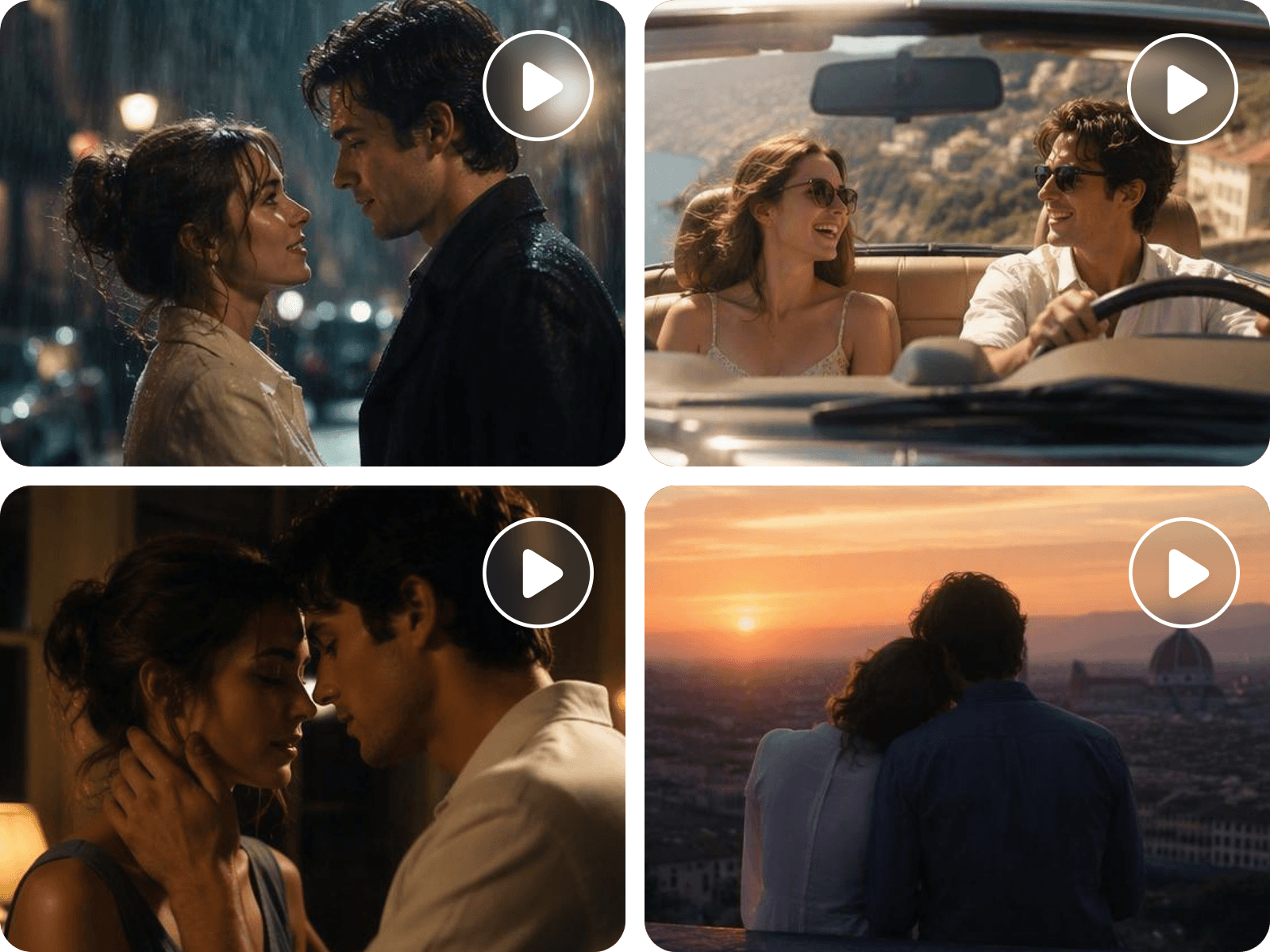
Smart Storyboard Creation with Matched Visuals
When your script is generated and confirmed, our AI audio visualizer can transform it into a coherent visual plan with scenes that match your content. Our tool analyzes your narrative and automatically suggests relevant visual elements, plots, backgrounds and characters for each scene, helping maintain a coherent flow from beginning to end. With Fotor, you can quickly build a complete storyboard and adjust it before video creation.
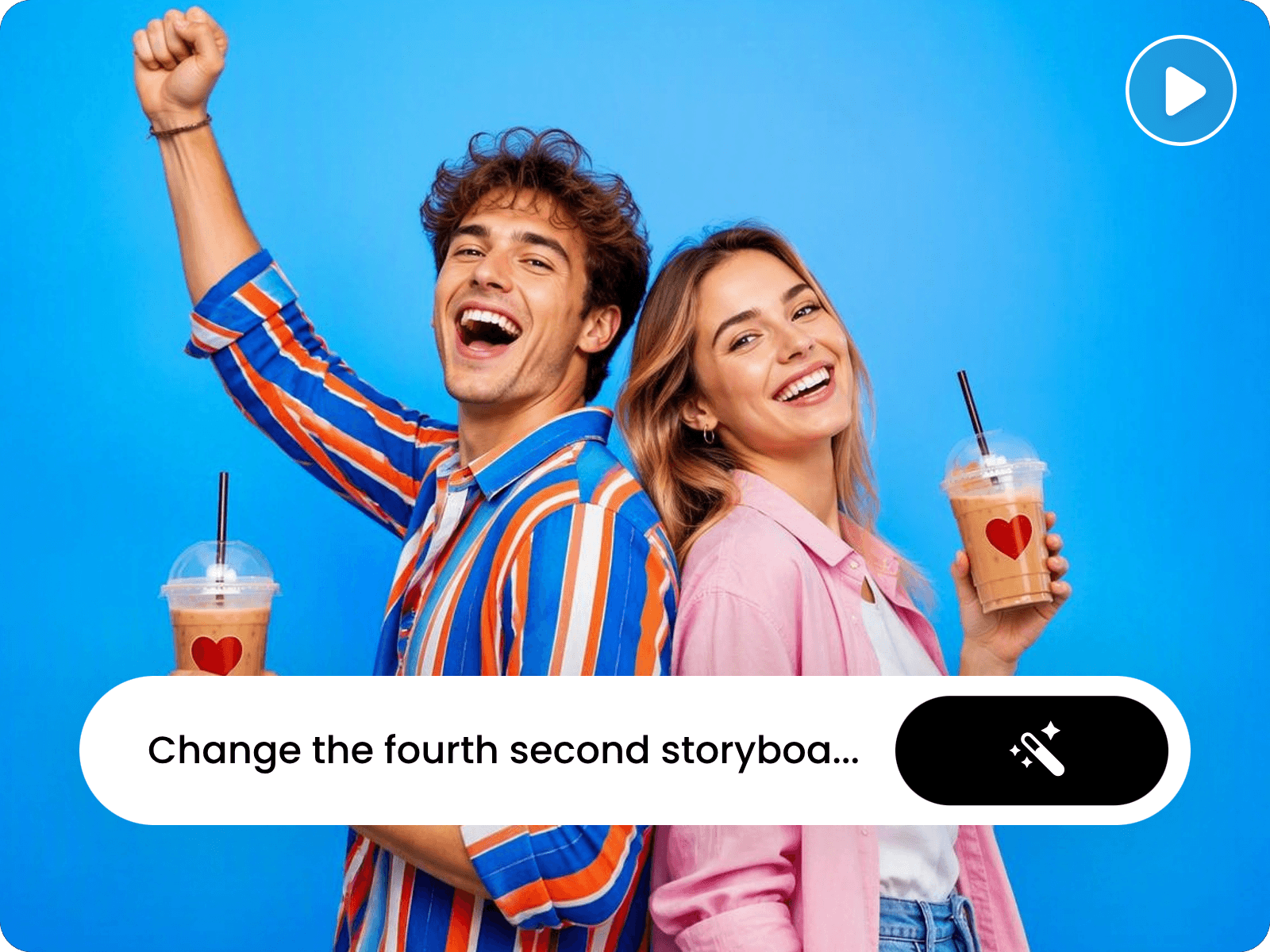
Fine-Tune Your Scene Details Through Your Assets and Chats
Want to edit the AI-generated script or storyboard? No problem. Our AI audio to video generator lets you experience a more flexible visual customization workflow without rebuilding the entire video. Whether refining a script, updating product visuals or adjusting individual scenes, you can conveniently adjust the copy or scenes by uploading your own assets and following simple chat instructions.
Just upload reference images or other creative assets and chat with our tool to specify the changes you want in natural language. It will then adjust scene composition, visual elements, styles and details while keeping your creative direction consistent.
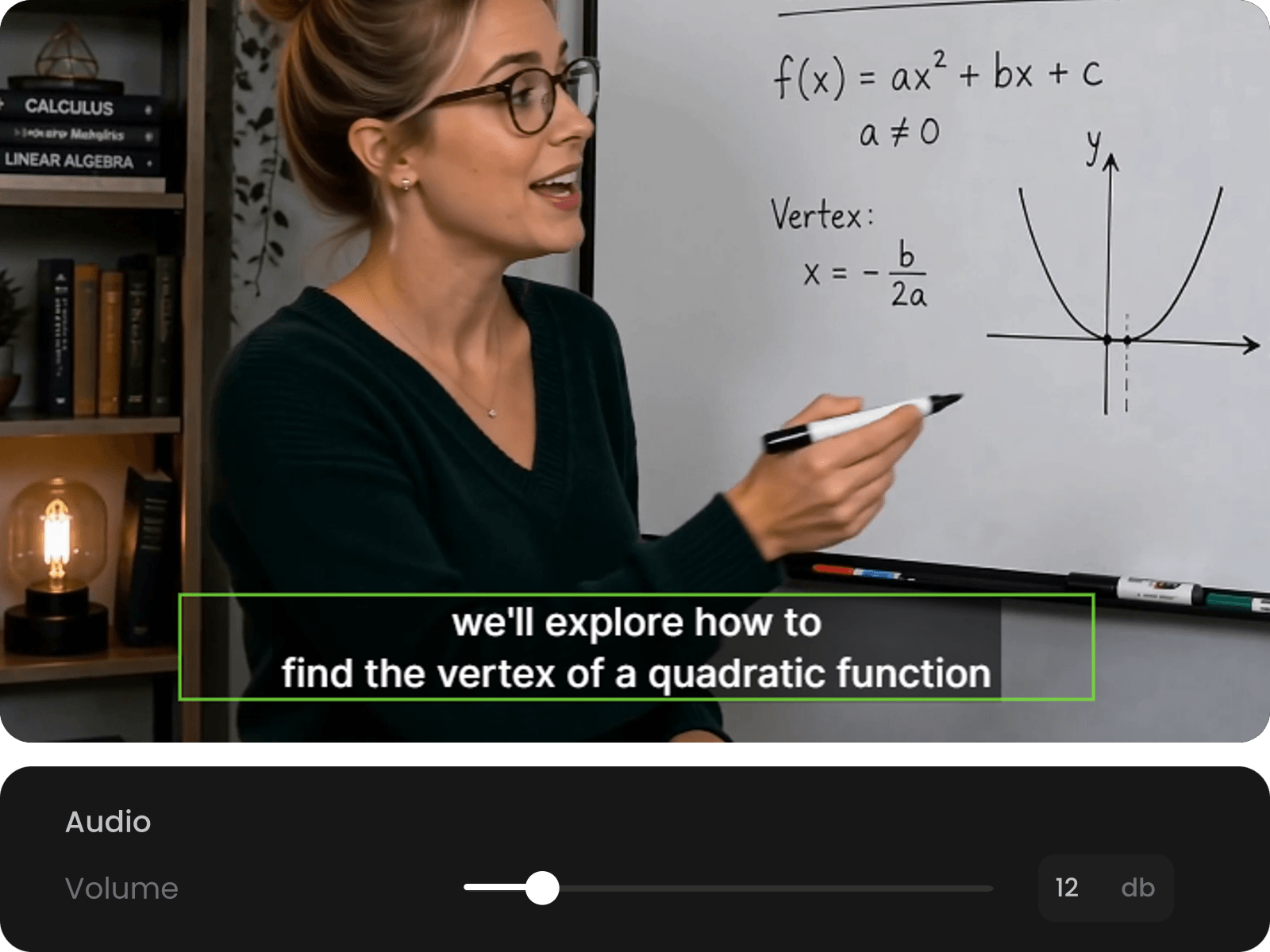
Further Edit Your Video Result in One Single Workflow
When your video is ready, it automatically appears in our built-in video editor with plenty of basic editing features. Without switching between multiple tools, you can conveniently refine every detail, such as trimming and cropping clips, adding stylish captions, changing music and voiceovers, adjusting playback speed, fine-tuning timing and more. With Fotor, you can make final adjustments quickly while keeping your visuals and audio consistent.
More Than AI Audio to Video Converter
Fotor provides a wide variety of AI video tools to facilitate your video generation and editing. Explore our tools to unleash your creativity and be your own director.
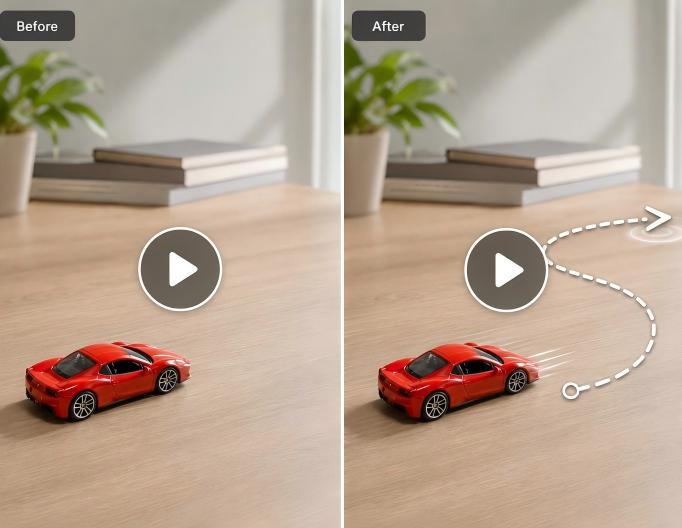
Draw to Video
Draw a path on your video to guide subject motion or turn sketches or doodles into videos with our draw to video tool.
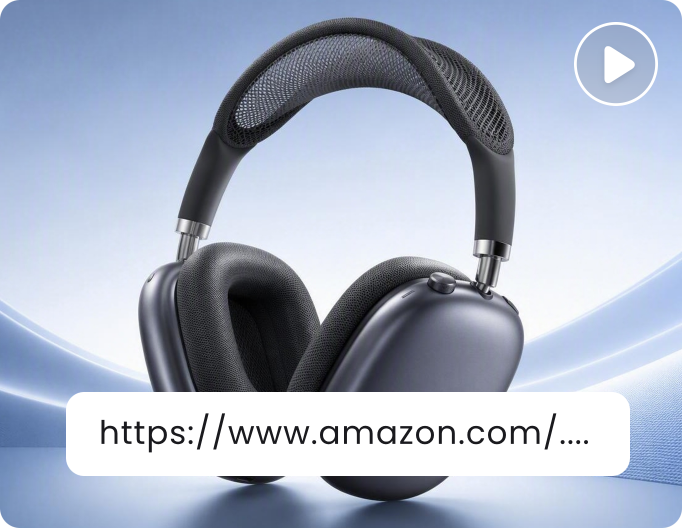
URL to Video
Conveniently convert a product link to a product or marketing video with our URL to video tool.
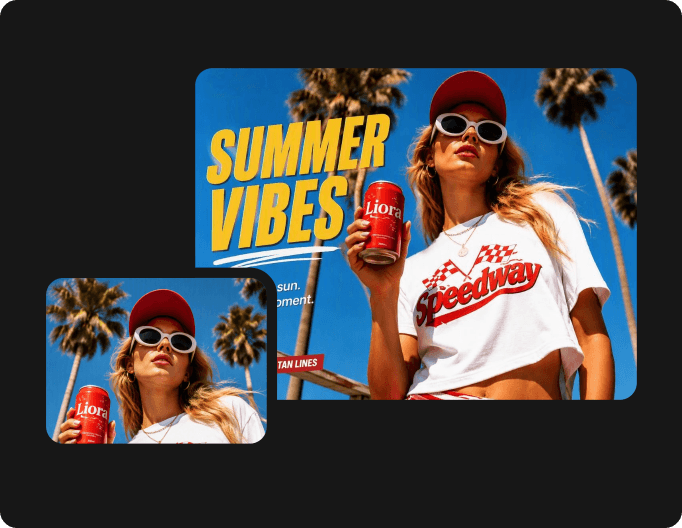
AI Image Generator
Use our AI image generator to convert simple text or raw images to exclusive, stunning AI video covers or album art for your videos made from your podcast episodes or songs.