Review Before You Dub
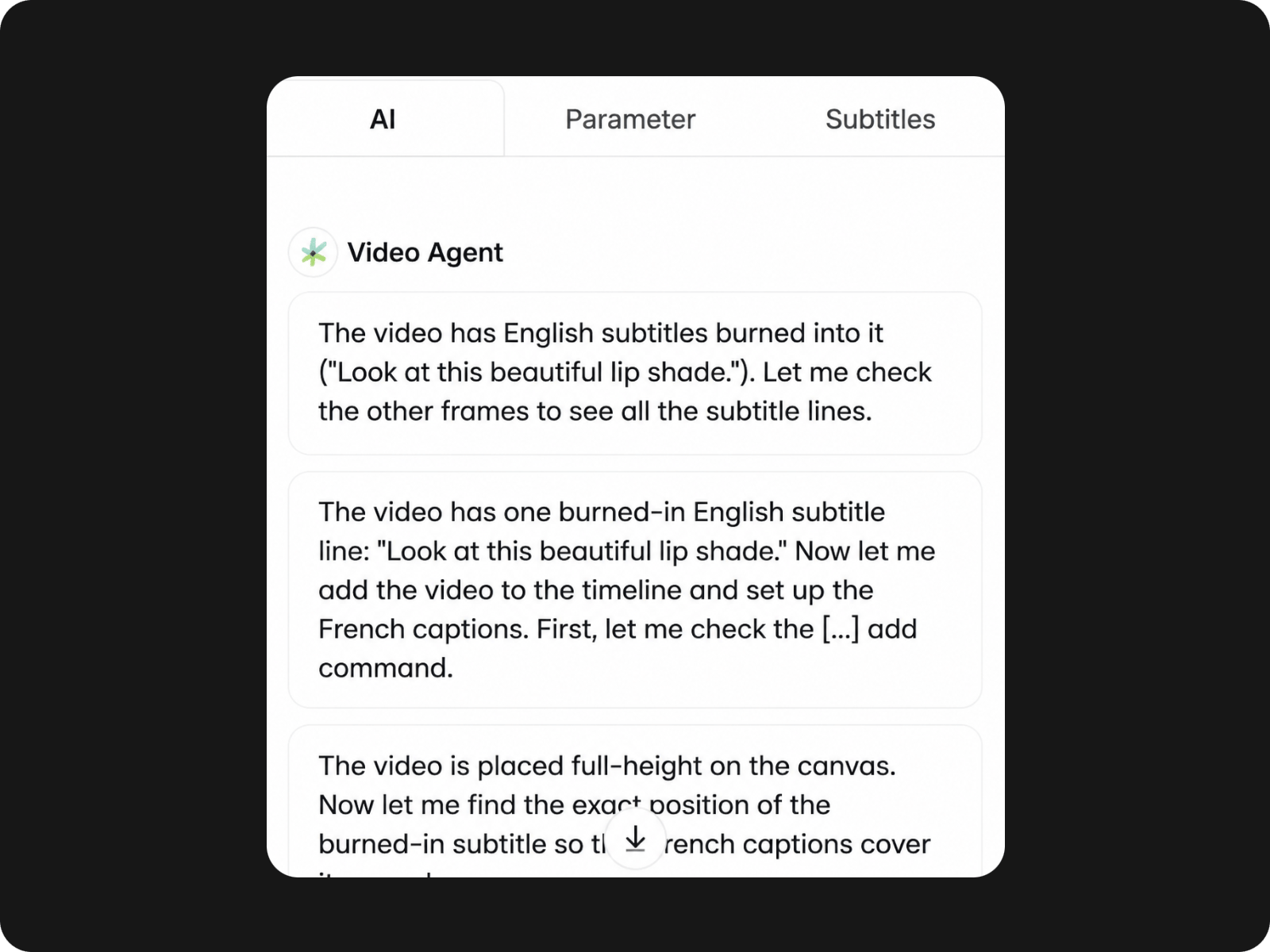
Check and refine your video translation before generating the dubbed audio, so you stay in control of the final result.


Translate your videos into 100+ languages with Fotor Video Agent. Review the translated content, then clone the original voice and sync subtitles for a ready-to-share video.
Check and refine your video translation before generating the dubbed audio, so you stay in control of the final result.
Clone the original speaker’s voice in the target language for more natural AI video dubbing.
Let Fotor handle voice replacement and subtitle timing, so you can create a translated video without tedious timeline edits.
Tell Fotor Video Agent what language you need, and it handles the video translation workflow for you.
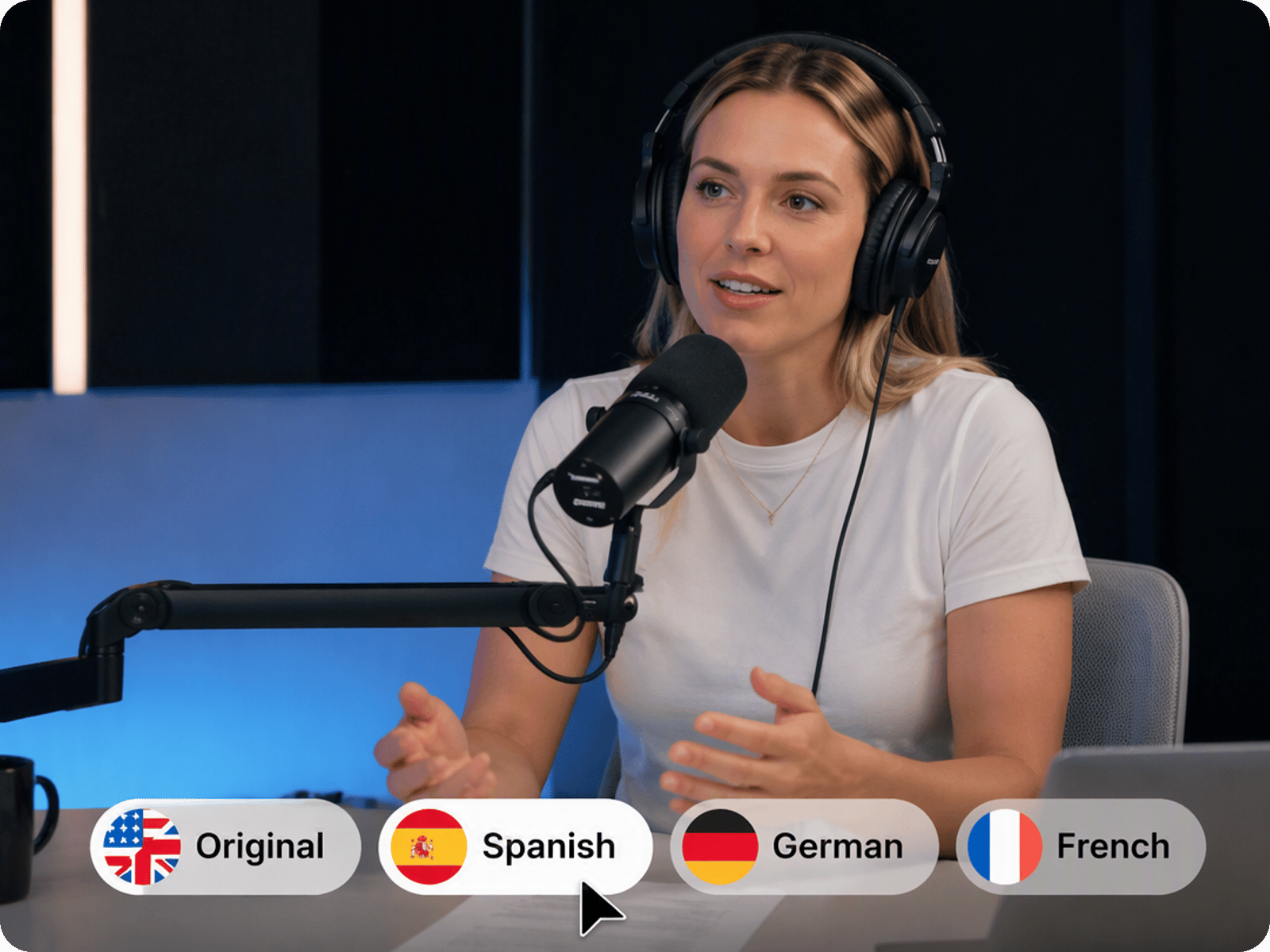
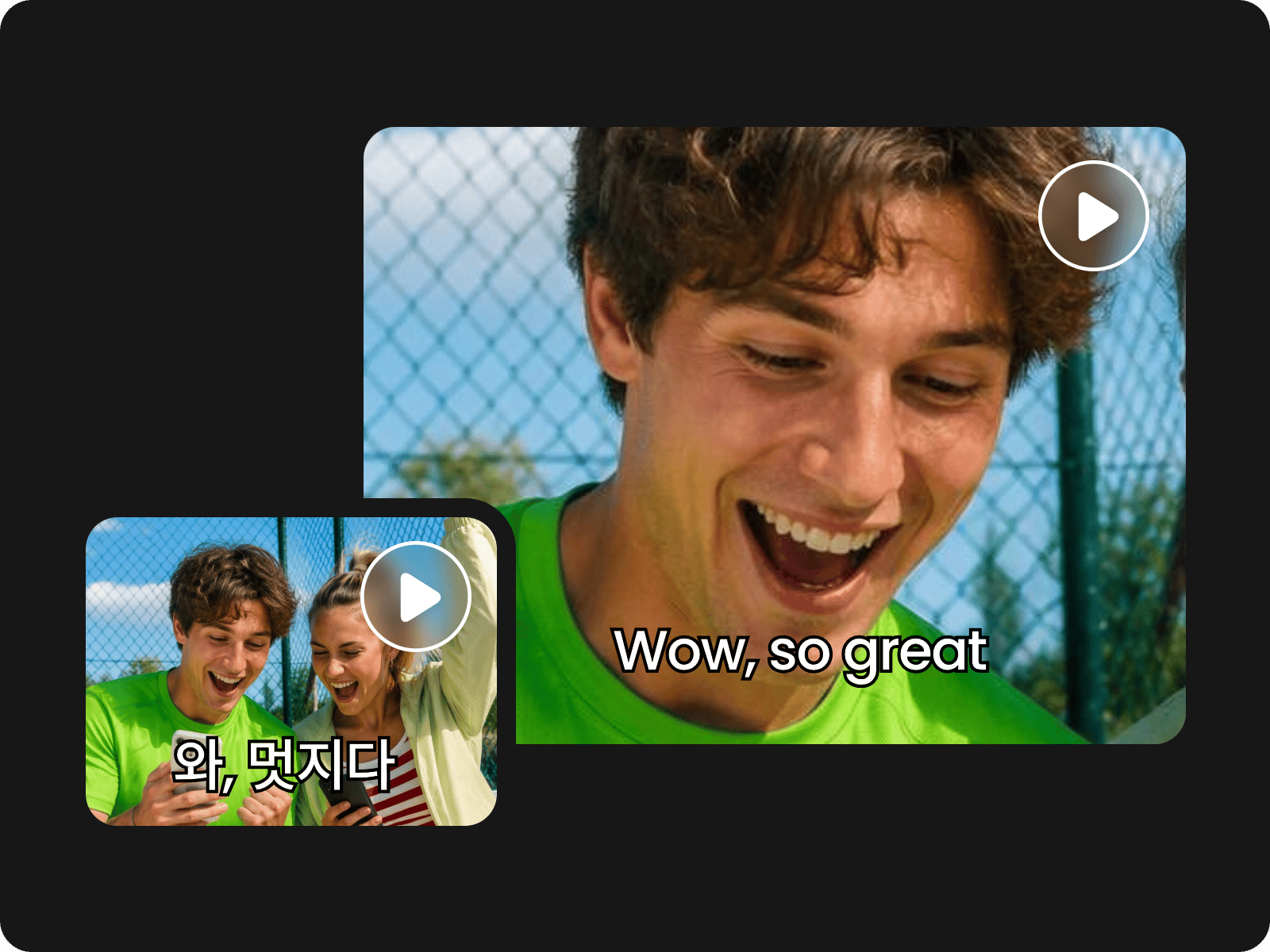
Reach viewers around the world with support for 100+ languages. Translate the spoken content in your videos into the language your audience understands, whether you are localizing a YouTube video, product demo, course, motion graphic clips, or social post. Create different language versions from the same original video without recording everything again from scratch.
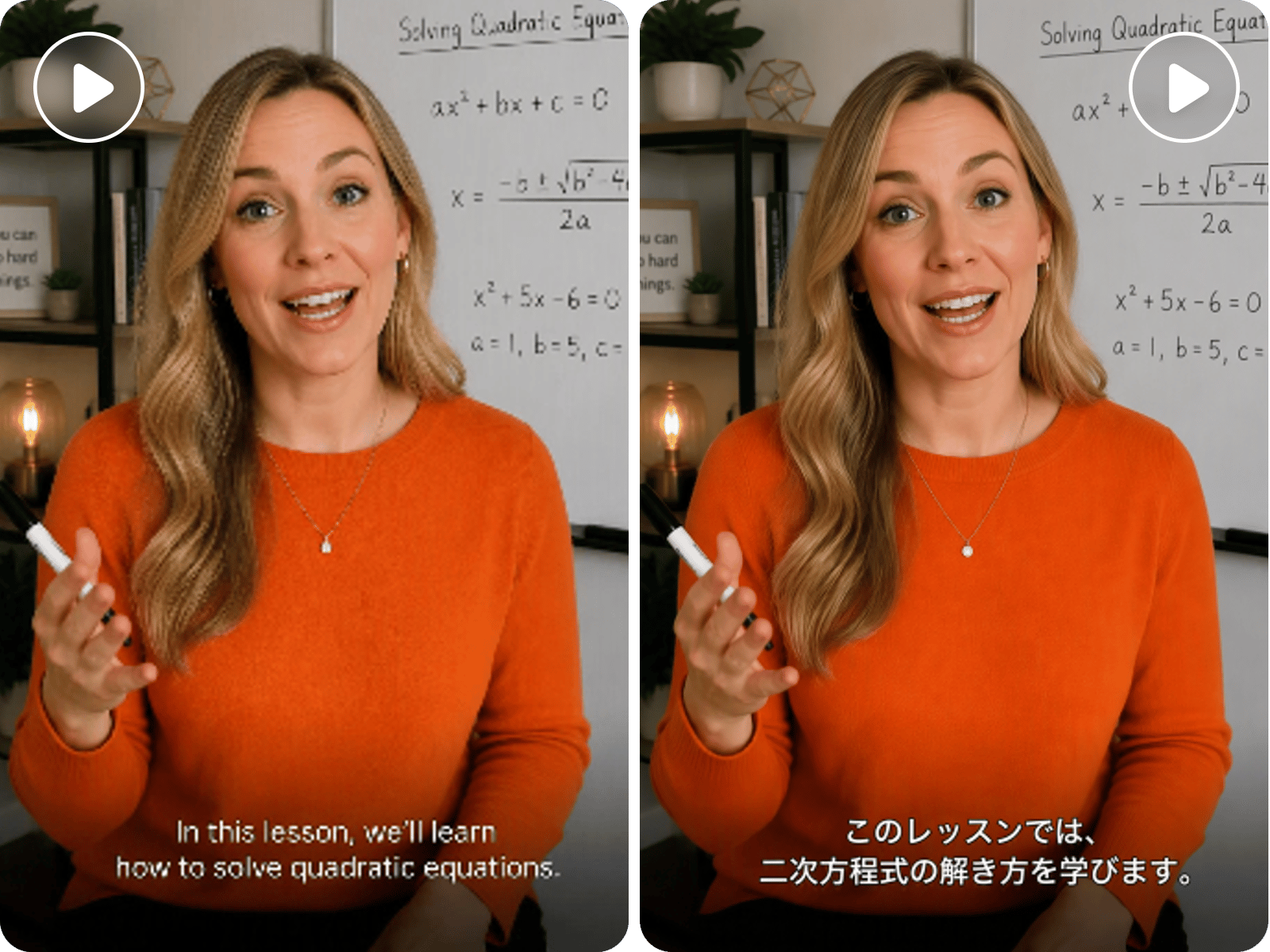
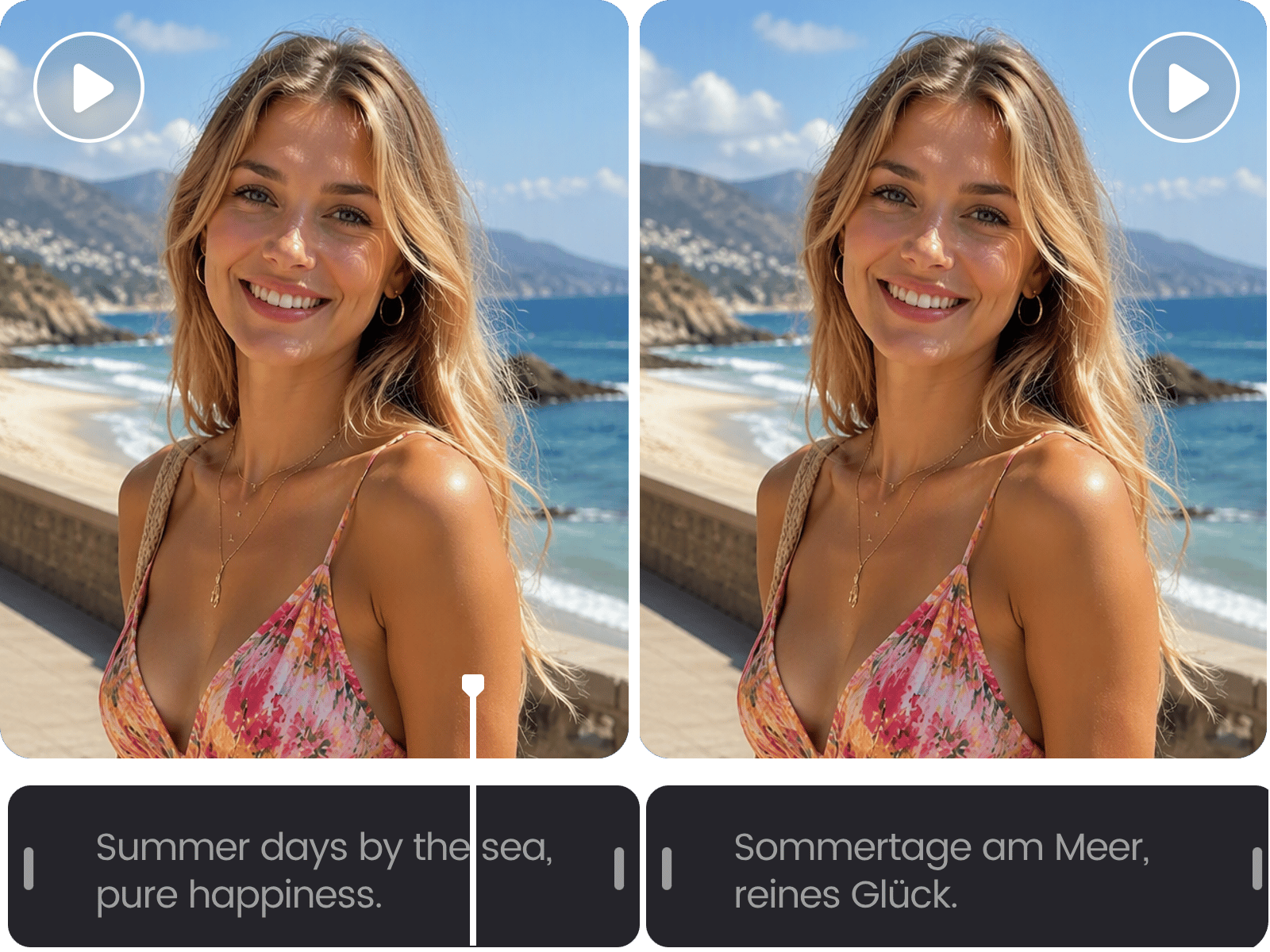
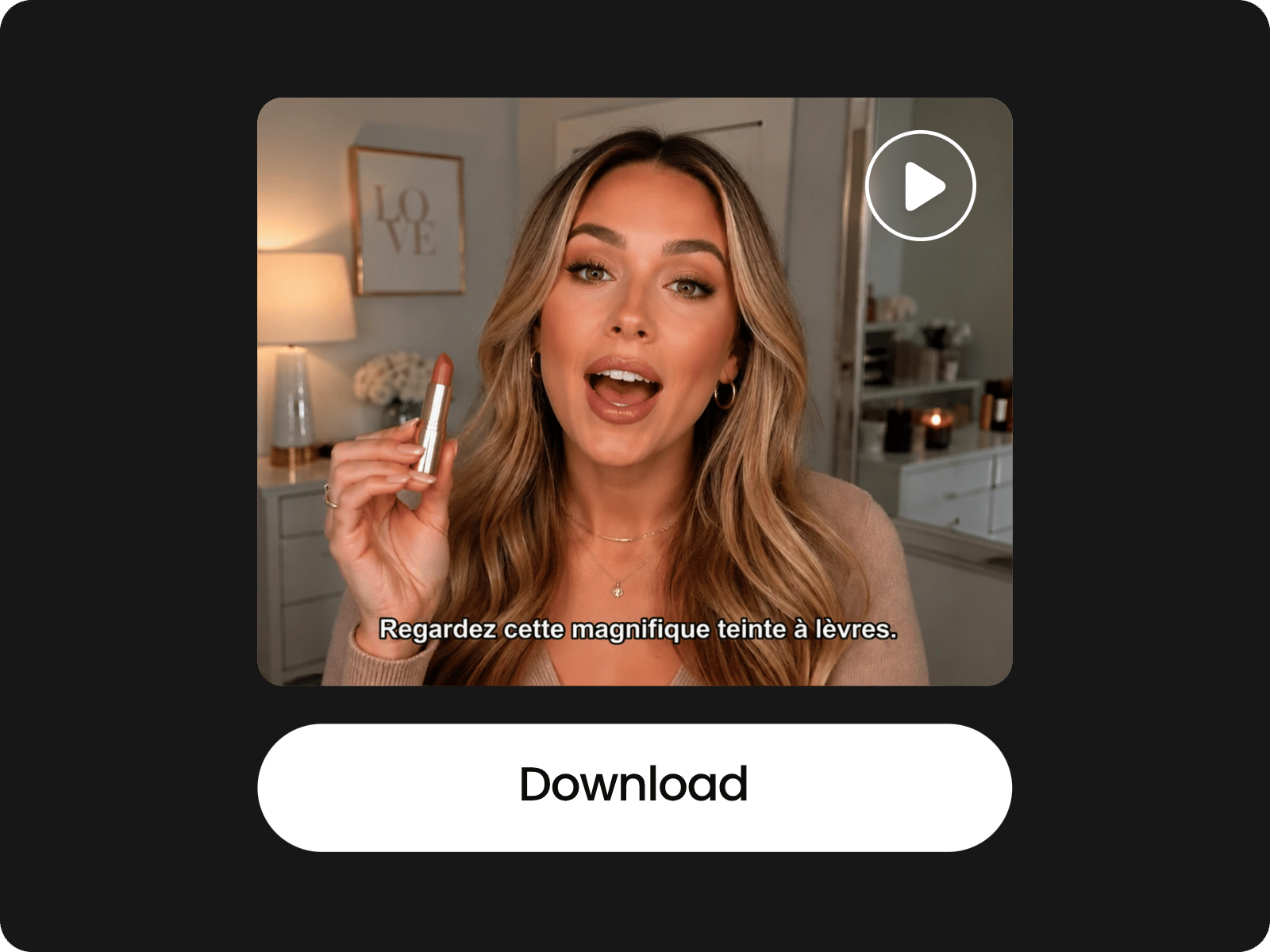
Translate the subtitles in your video and replace the original text with the translated version automatically. Fotor matches the translated subtitles to the corresponding parts of your video, making it easier to create localized content without manually rewriting every line or adjusting each subtitle block on the timeline.
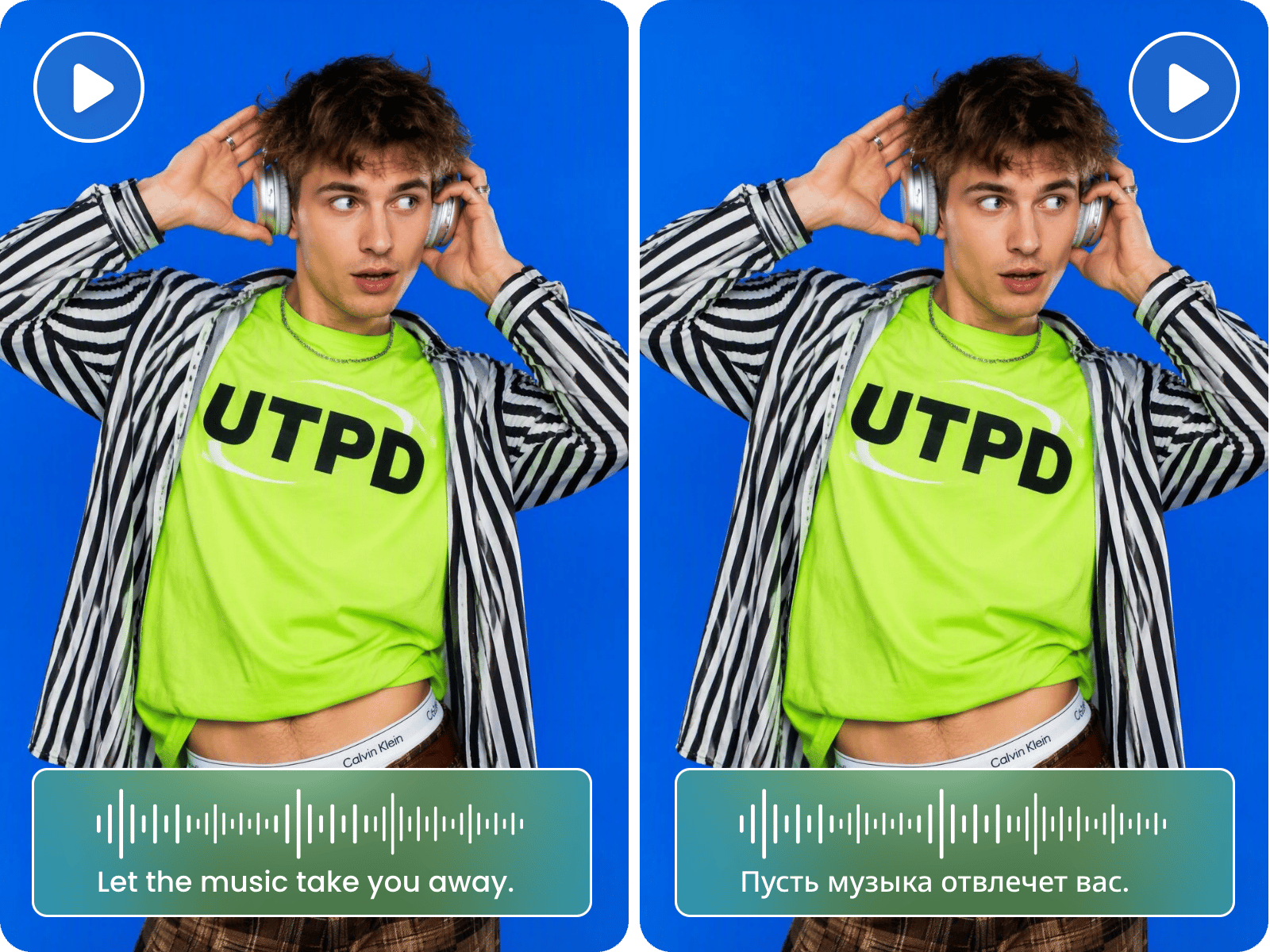
Keep the original speaker’s voice while translating the spoken content into another language. Fotor can clone the source voice and generate a translated voice track, giving you a more consistent result than replacing the speaker with a completely different voice. It is useful for video dubbing, multilingual content, and international audiences.
When the spoken language changes, the timing between the audio and the speaker’s mouth matters. Fotor synchronizes the translated voice with the video so the new dialogue follows the original speech naturally. This helps make AI lip sync video feel less distracting and keeps the translated version closer to the rhythm of the original performance.
Check the translated content before Fotor generates the final audio and subtitles. You can review the wording, correct names or phrases, and make text to speech changes before the translated voice and subtitle track are created. This gives you more control over video translation accuracy instead of relying on a one-click result you cannot review.
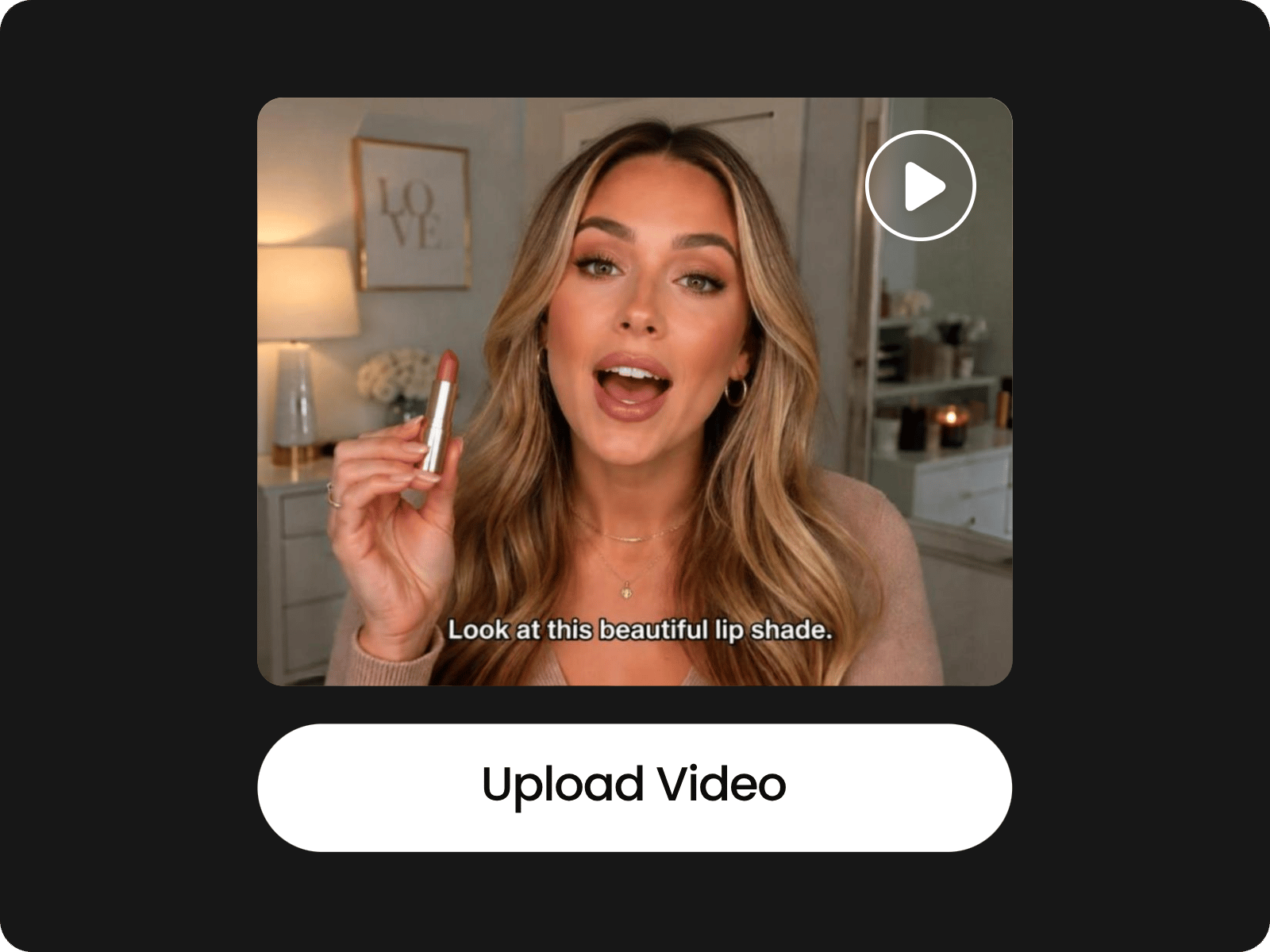
Upload a video with audio and subtitles, then tell Fotor which language to translate it into.
Fotor's AI video translator is not completely free. You need available credits or a paid plan to generate translated videos. Check your current plan and credit balance for the available video translation usage.
Yes. Fotor shows you the translated script before generating the new voice and subtitles. You can review the wording and edit specific words or phrases before applying the translated audio and subtitles. And of course, you can make other changes to frames with the Fotor video editor.
Yes. Fotor can clone the original speaker's voice and generate the translated audio in the target language, so your video can keep the speaker's recognizable voice instead of switching to an unrelated AI voice.
Yes. Fotor can translate and replace the subtitles in your video while keeping the original audio, which is useful when you want viewers to read the translation without changing the spoken language.
Yes. Fotor translates the video's audio and subtitles while keeping your original footage intact, so you can create a localized version without rebuilding the video's visual content.
Yes, you can upload longer video files, but processing time depends on the video's length and complexity. Longer videos may take more time to transcribe, translate, generate the new voice, and update the subtitles.
Yes. After the video translation is complete, you can continue editing the project with Fotor Video Agent, including changing subtitles, adding music, or making other edits through natural-language instructions.
Fotor Video Agent supports common video formats including MP4, WebM, MOV, AVI, MKV, and FLV, so you can upload your existing video directly and start the translation workflow.