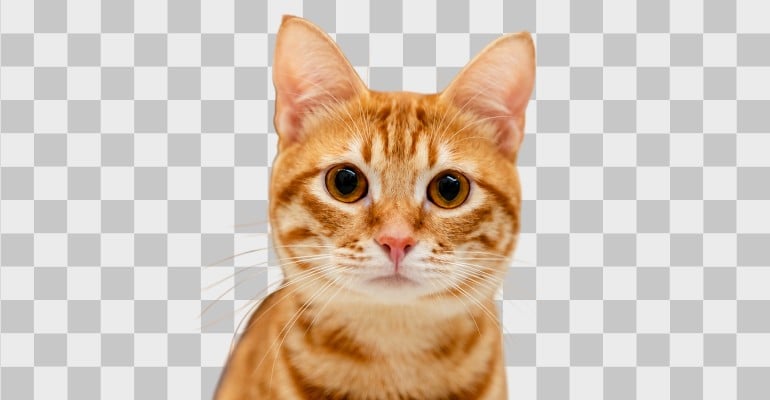
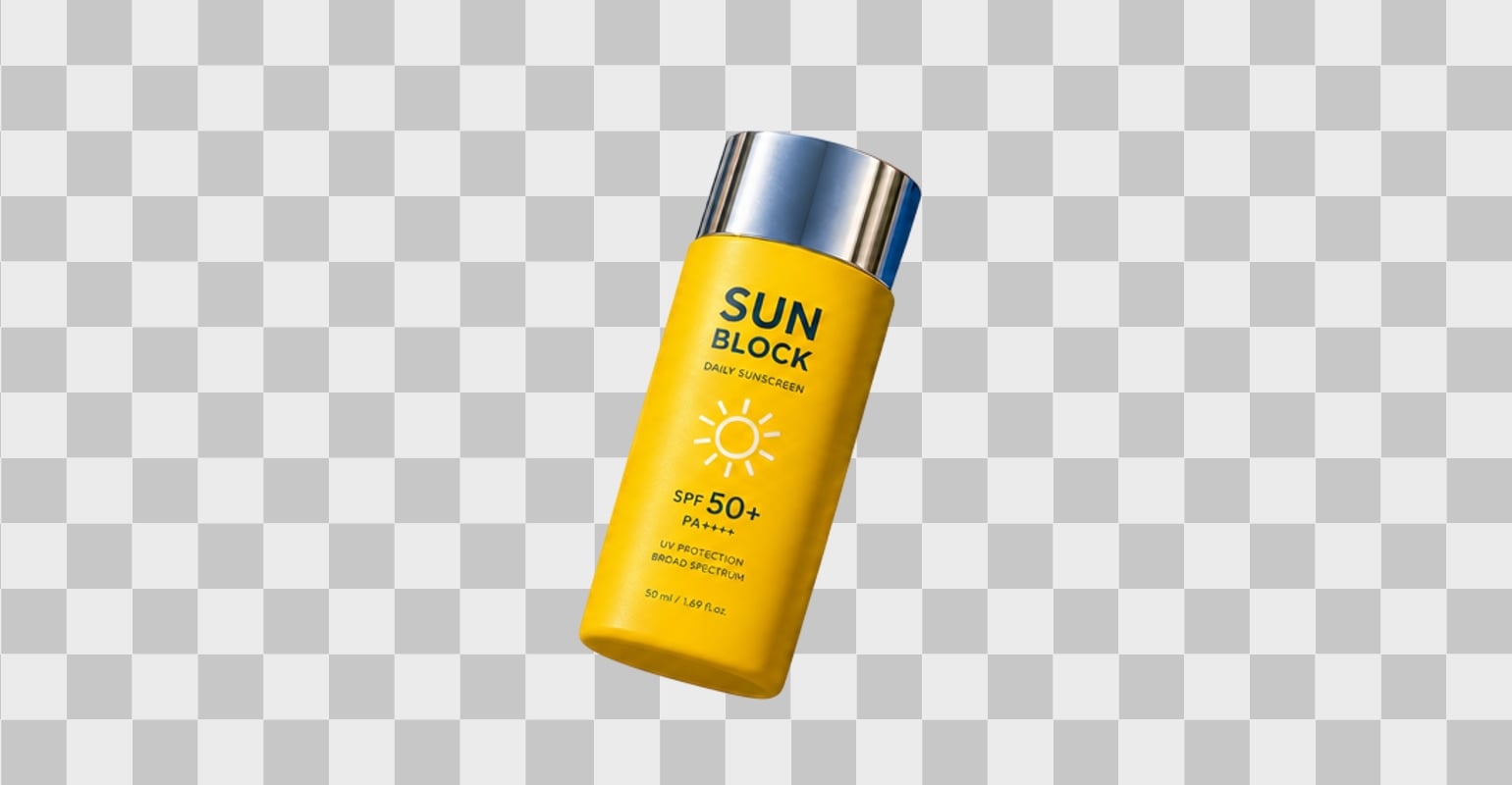

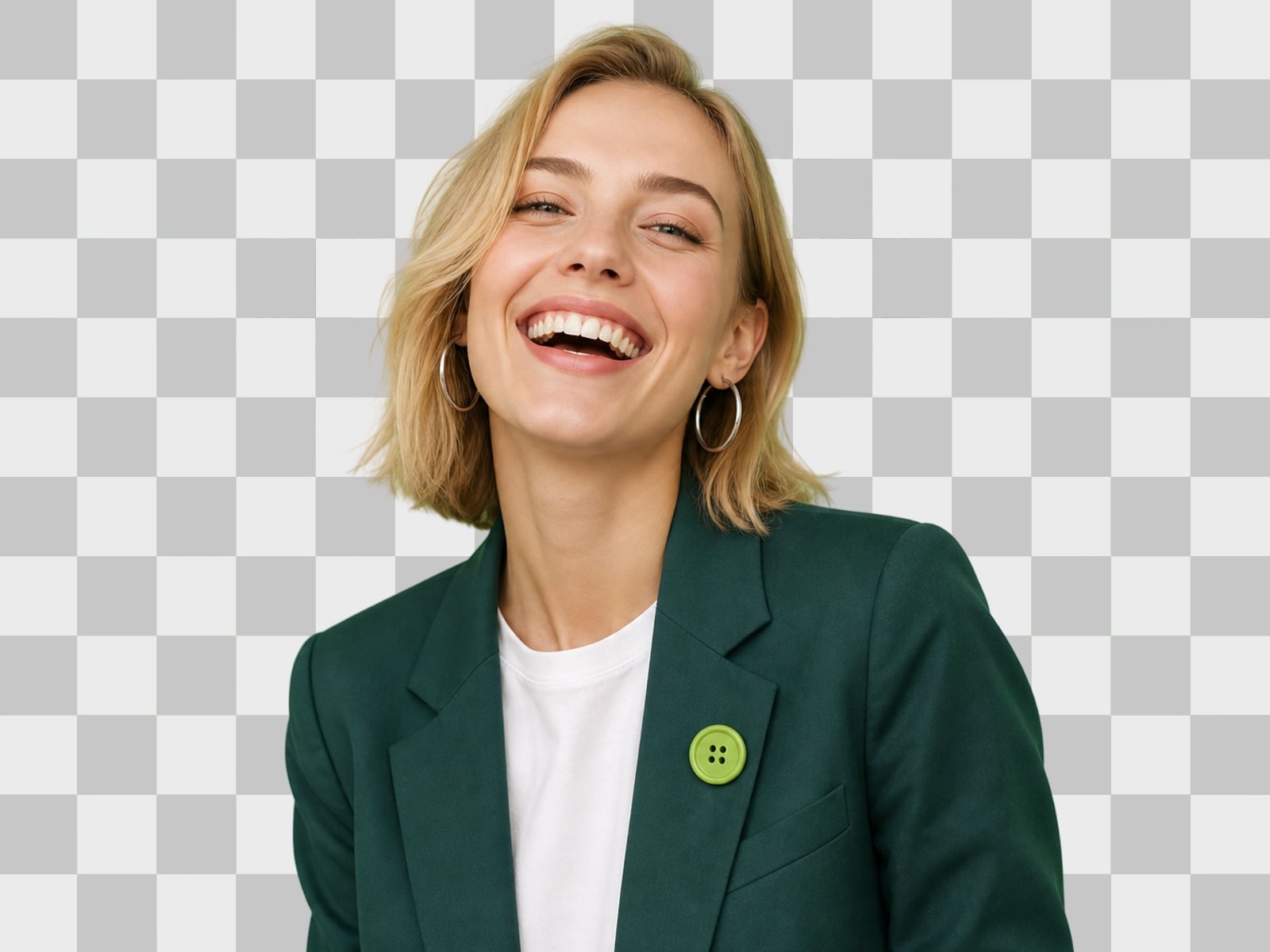
Precise Subject Cutout
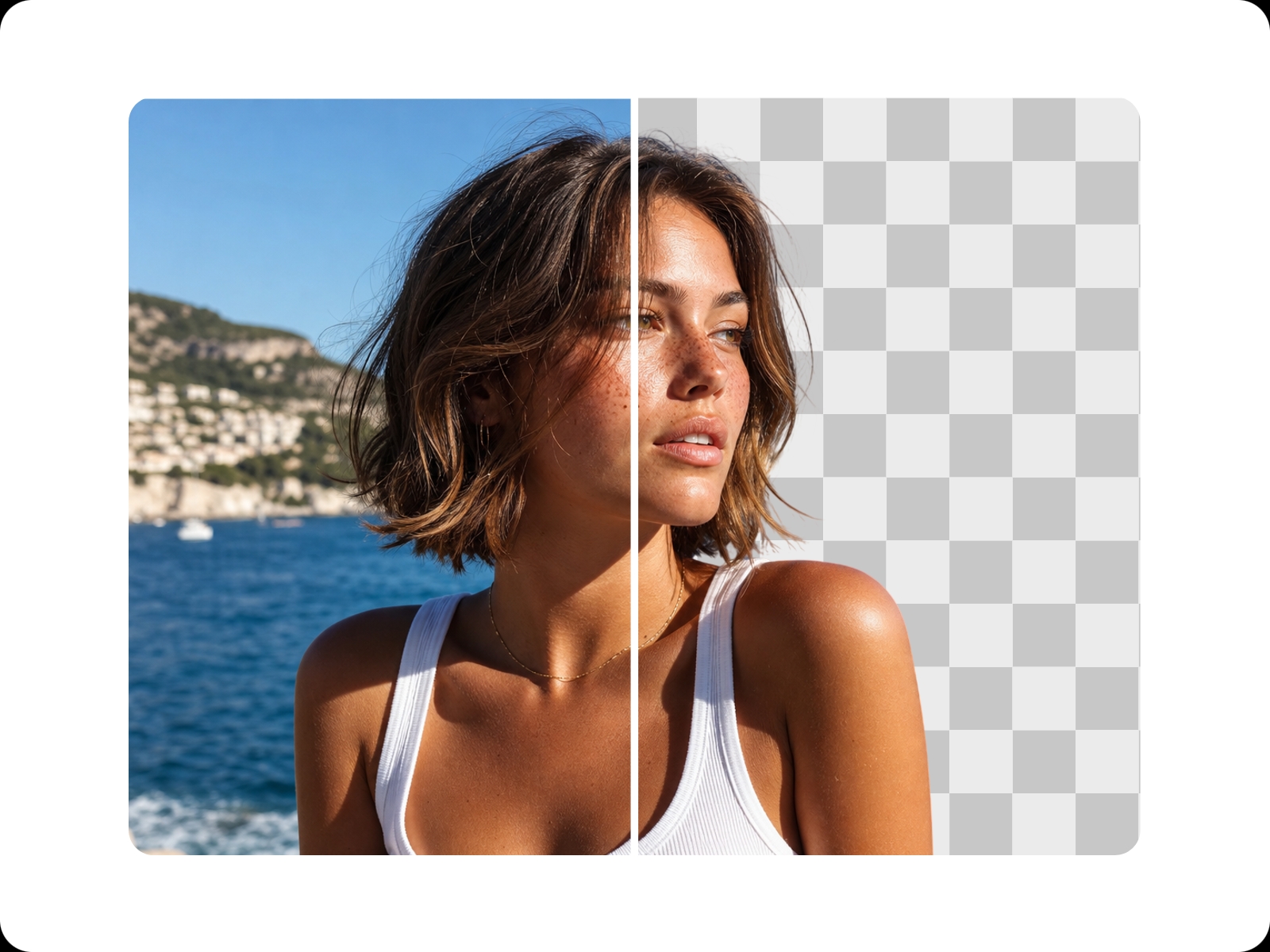
Automatically isolate people, objects, and details with clean, natural edges.


Cut out image backgrounds online in seconds with the background remover of Fotor. Automatically isolate the main subject, create transparent PNG images, and customize your cutouts for product photos, profile pictures, social media posts, and more.

Upload or drop your image here
Upload or drop your image here
99%
Seamless Image Cutout
4.5★
on Capterra
100%
Auto Workflow
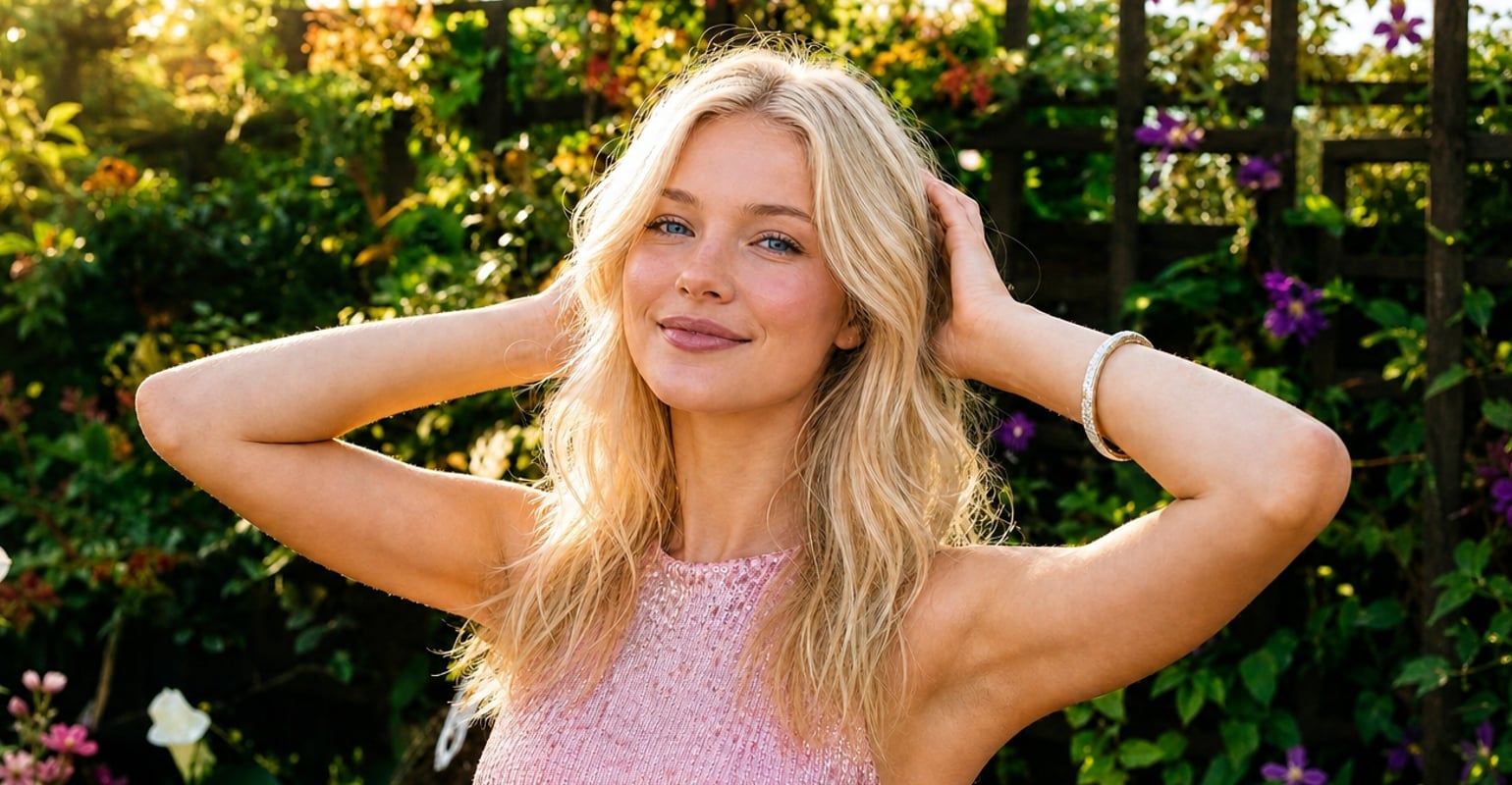
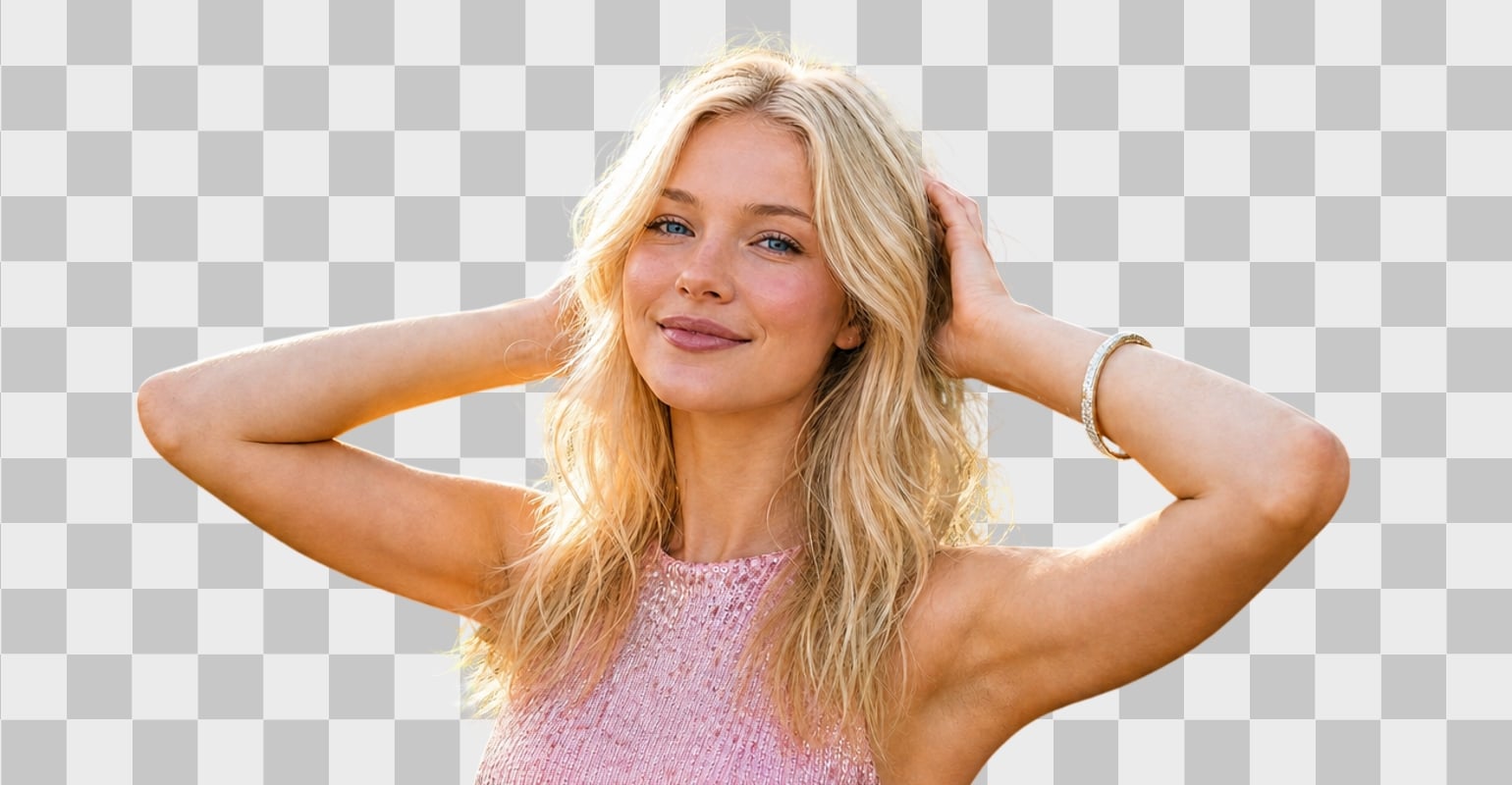
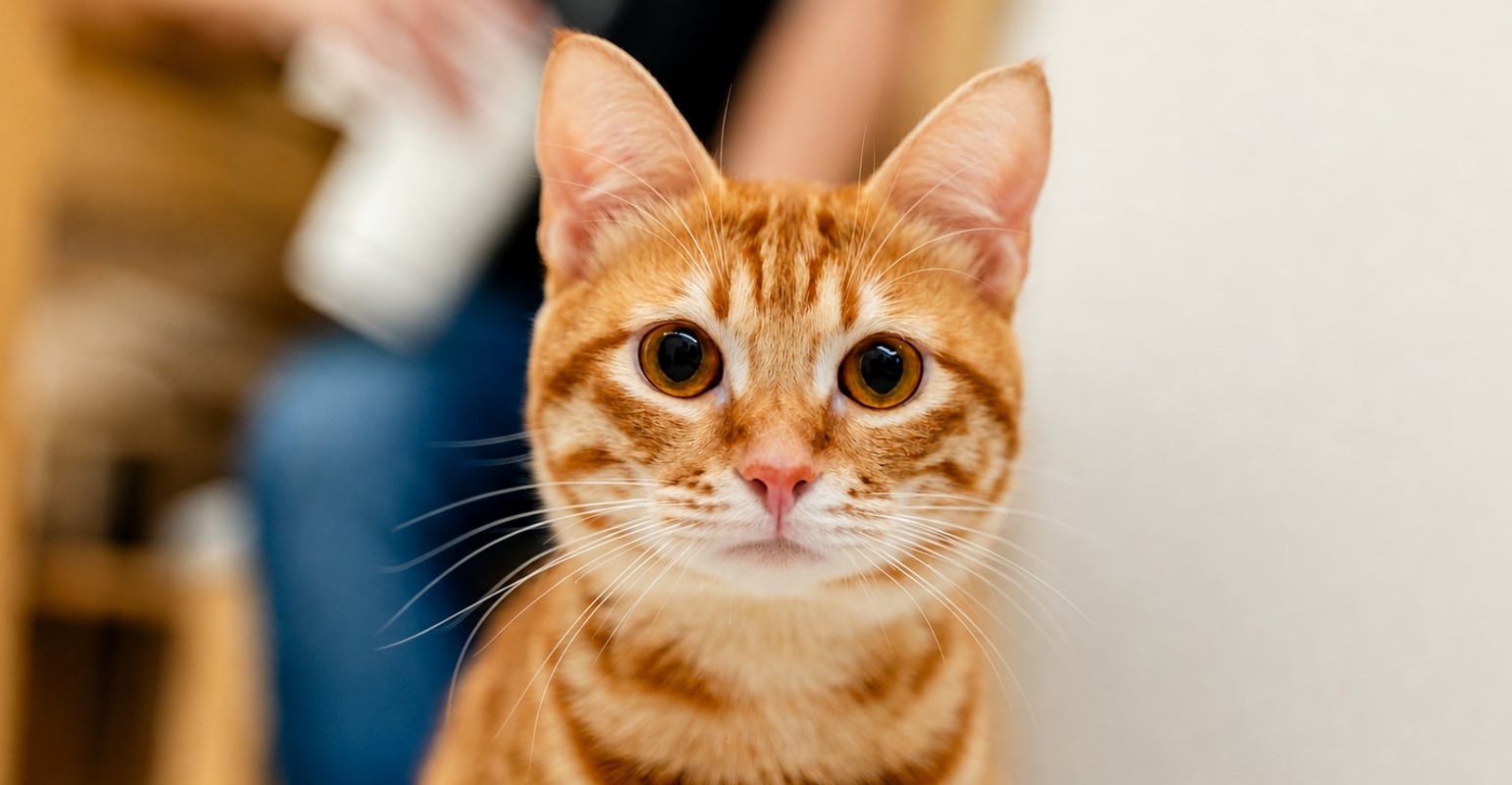
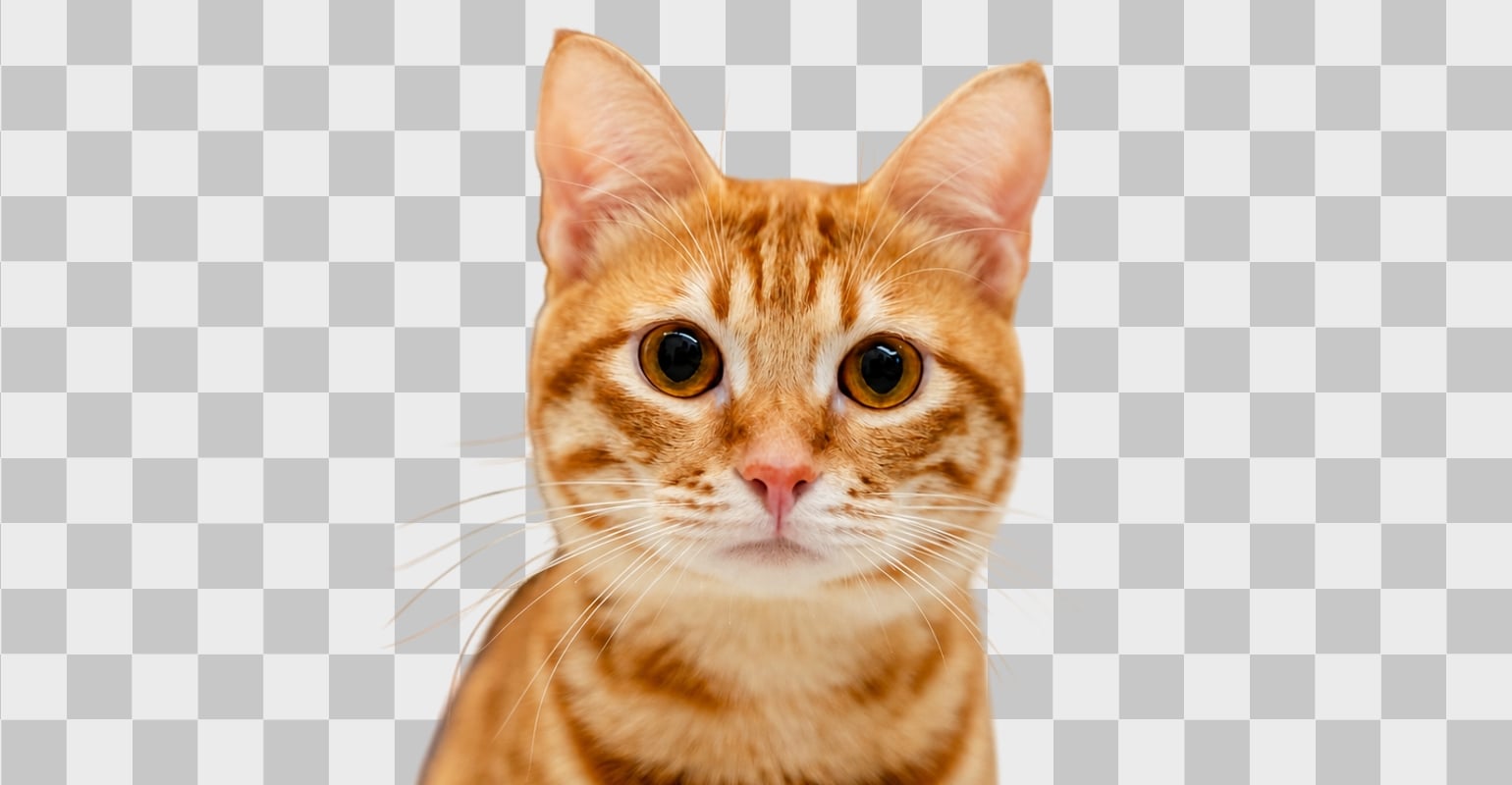

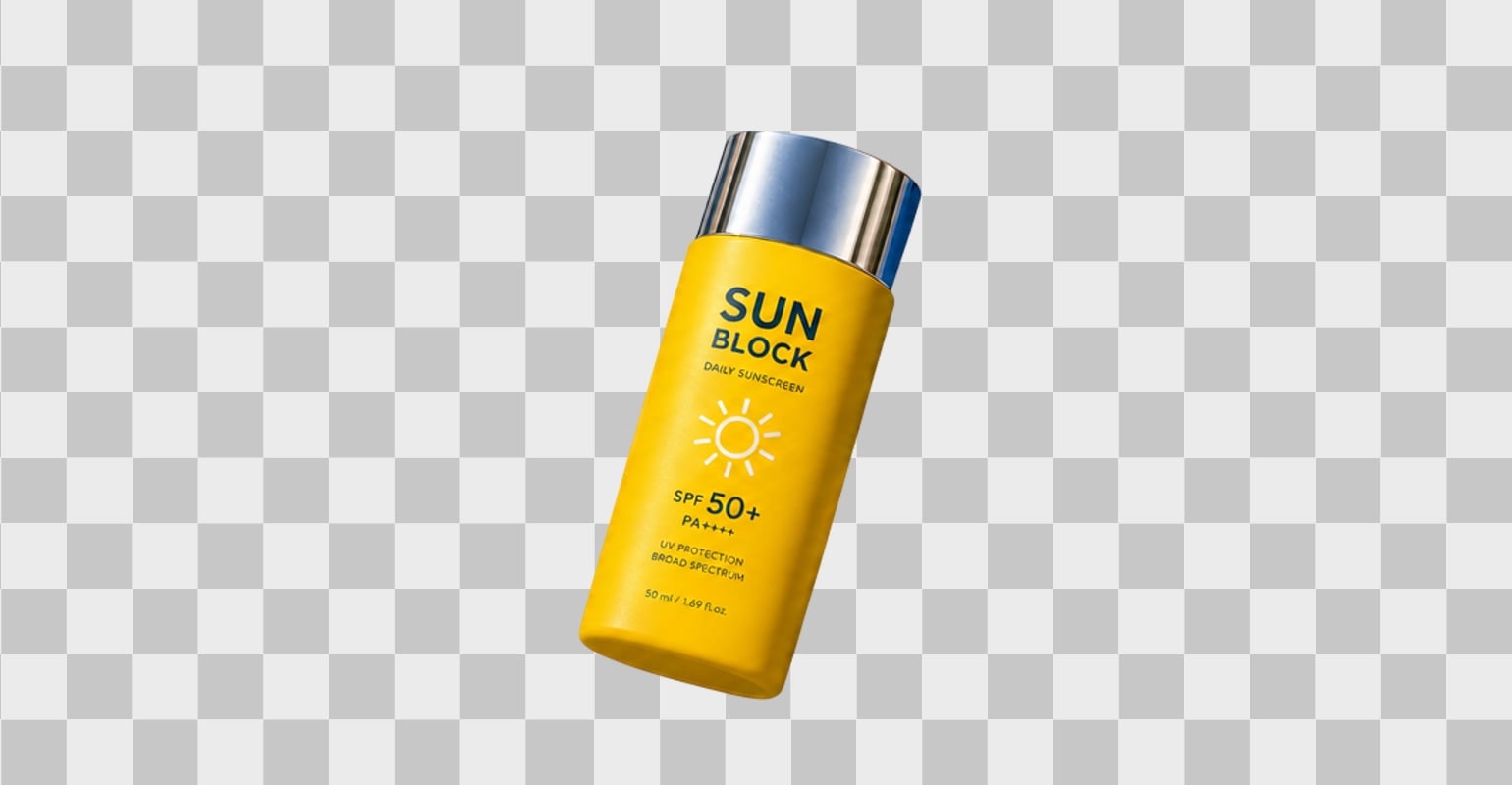
Automatically isolate people, objects, and details with clean, natural edges.
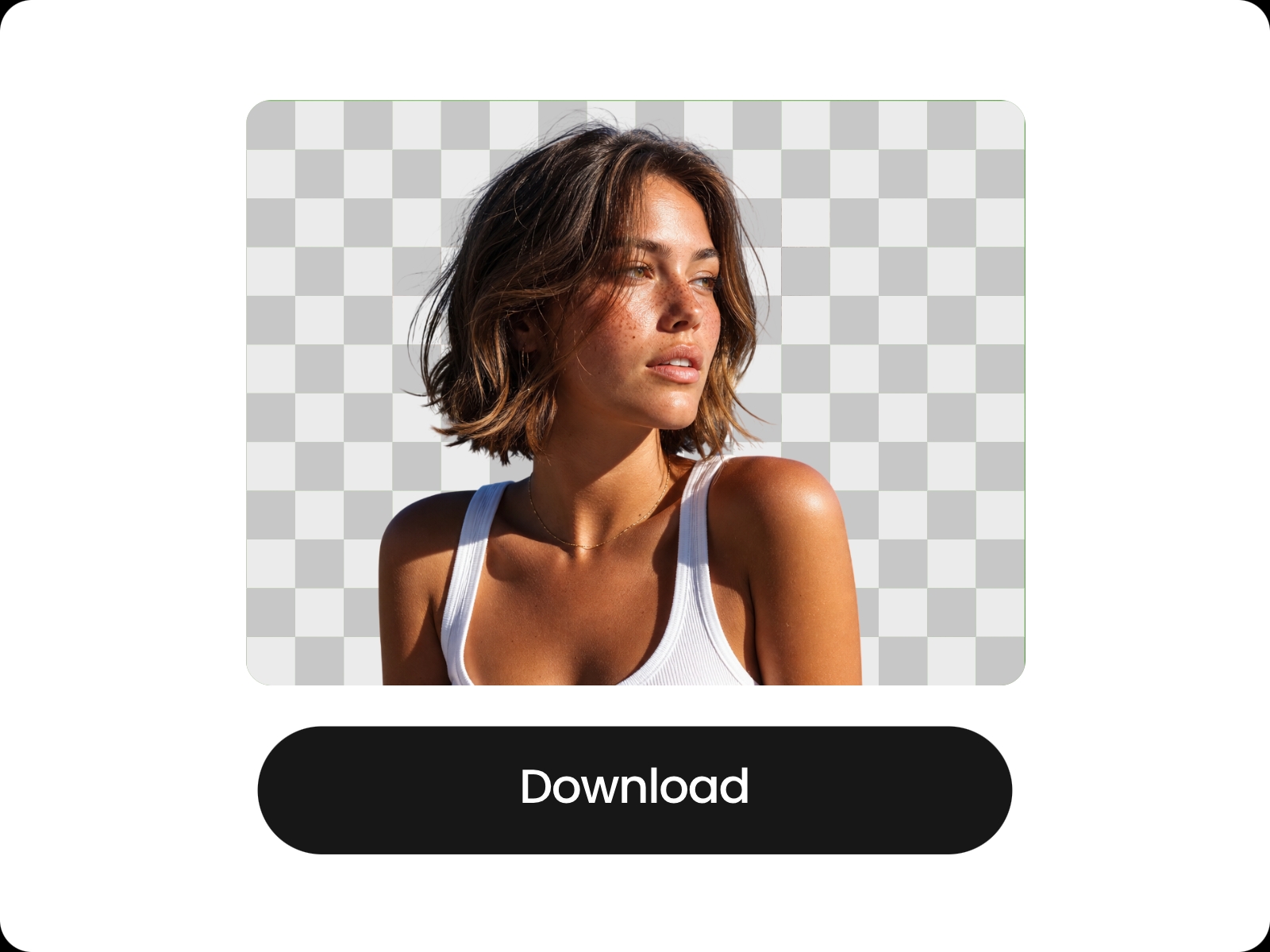
Create clean transparent images ready for editing, designs, and sharing.
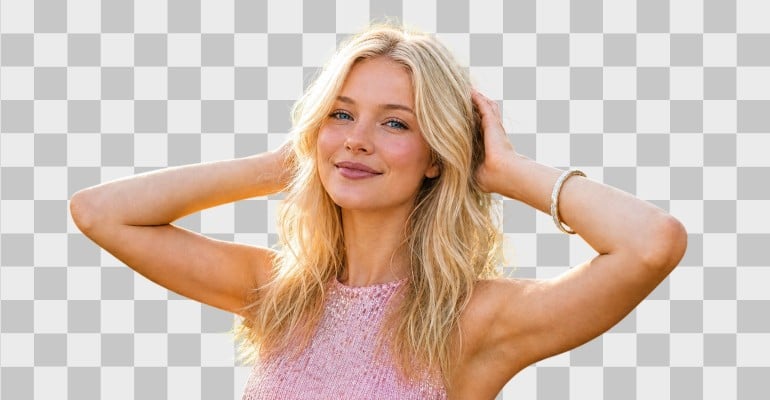
Use your cutouts for product photos, profiles, social posts, and more.
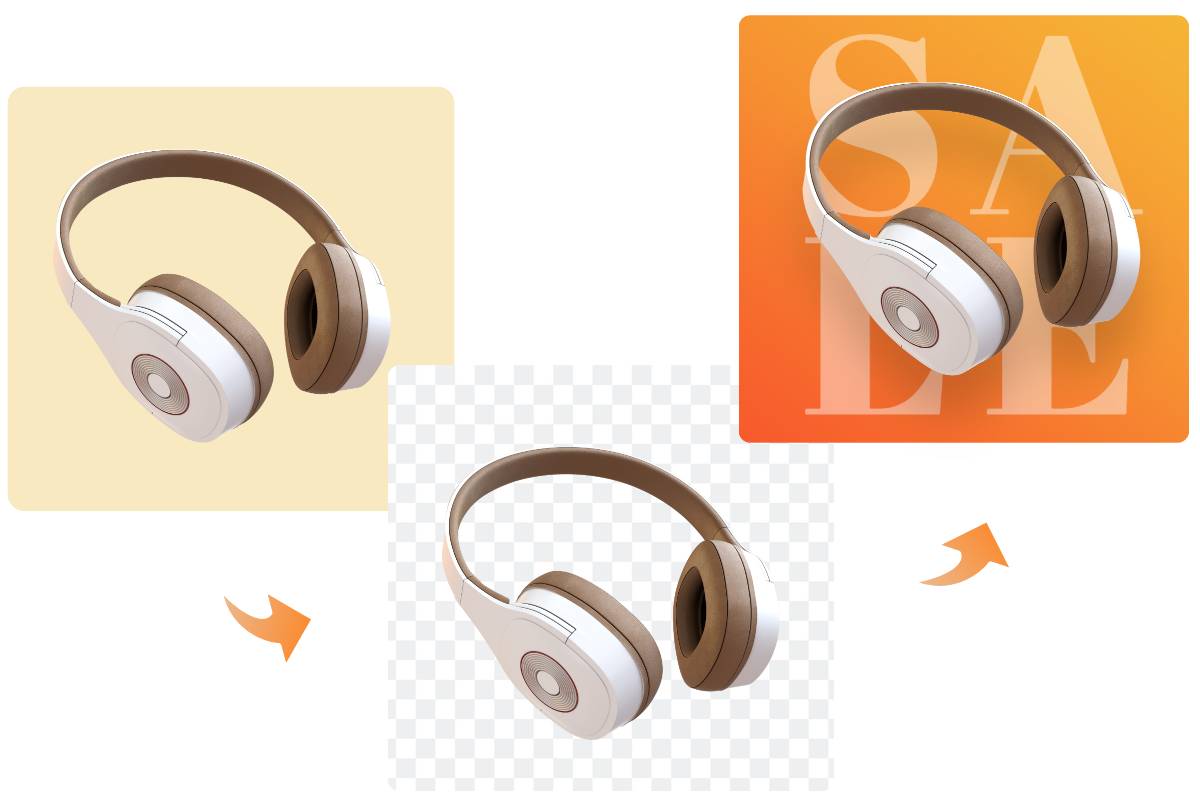
With the AI-powered cutout image tool in Fotor, create the most precise image cutout instantly. Beyond just a background remover, Fotor lets you seamlessly transition from a cutout to a complete redesign.
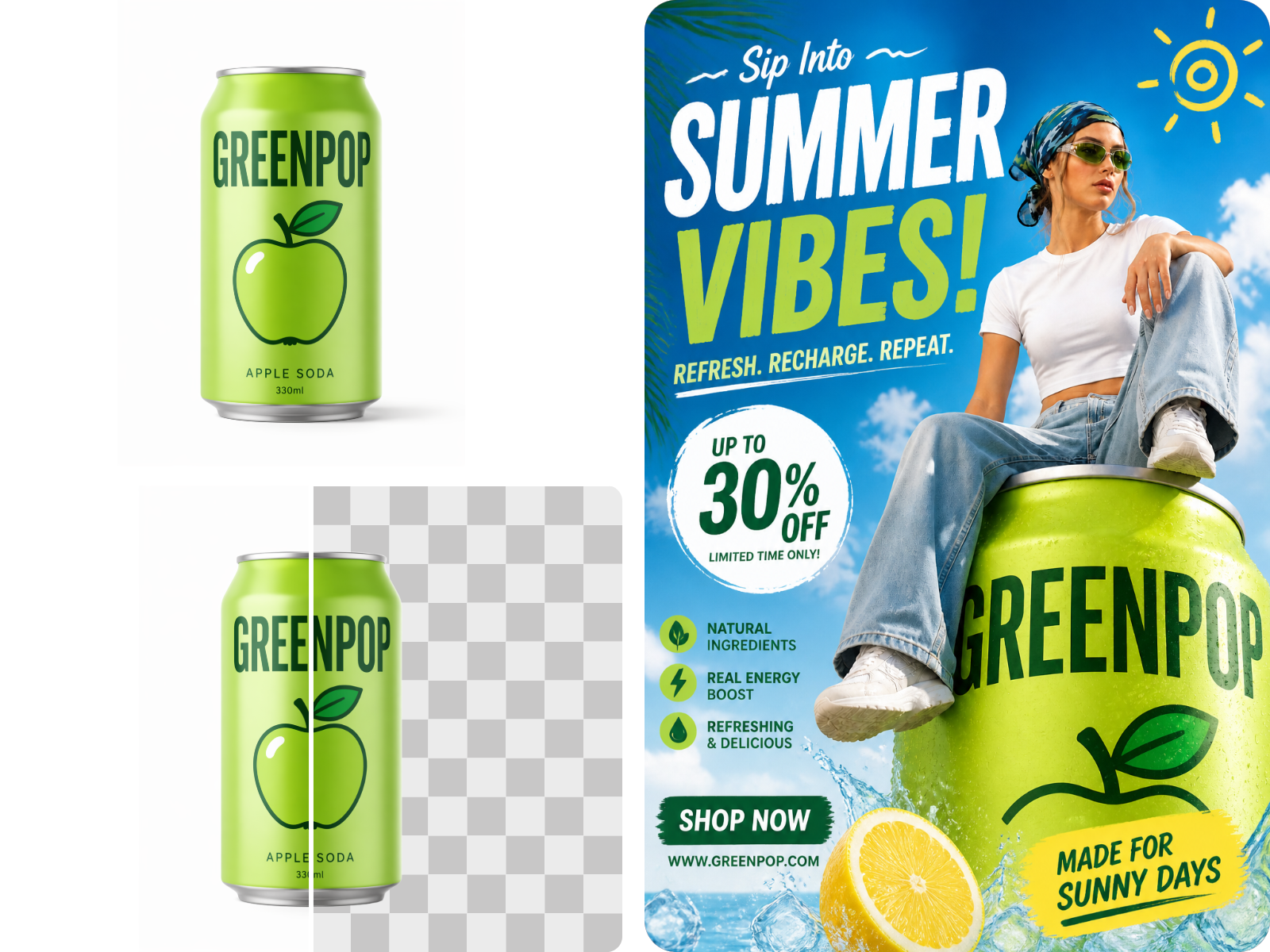
Use our vast library of graphic design elements to instantly place your cutout into a new AI generated background or a creative poster. Use your high-quality image cutout as custom stickers to elevate any visual project anytime.
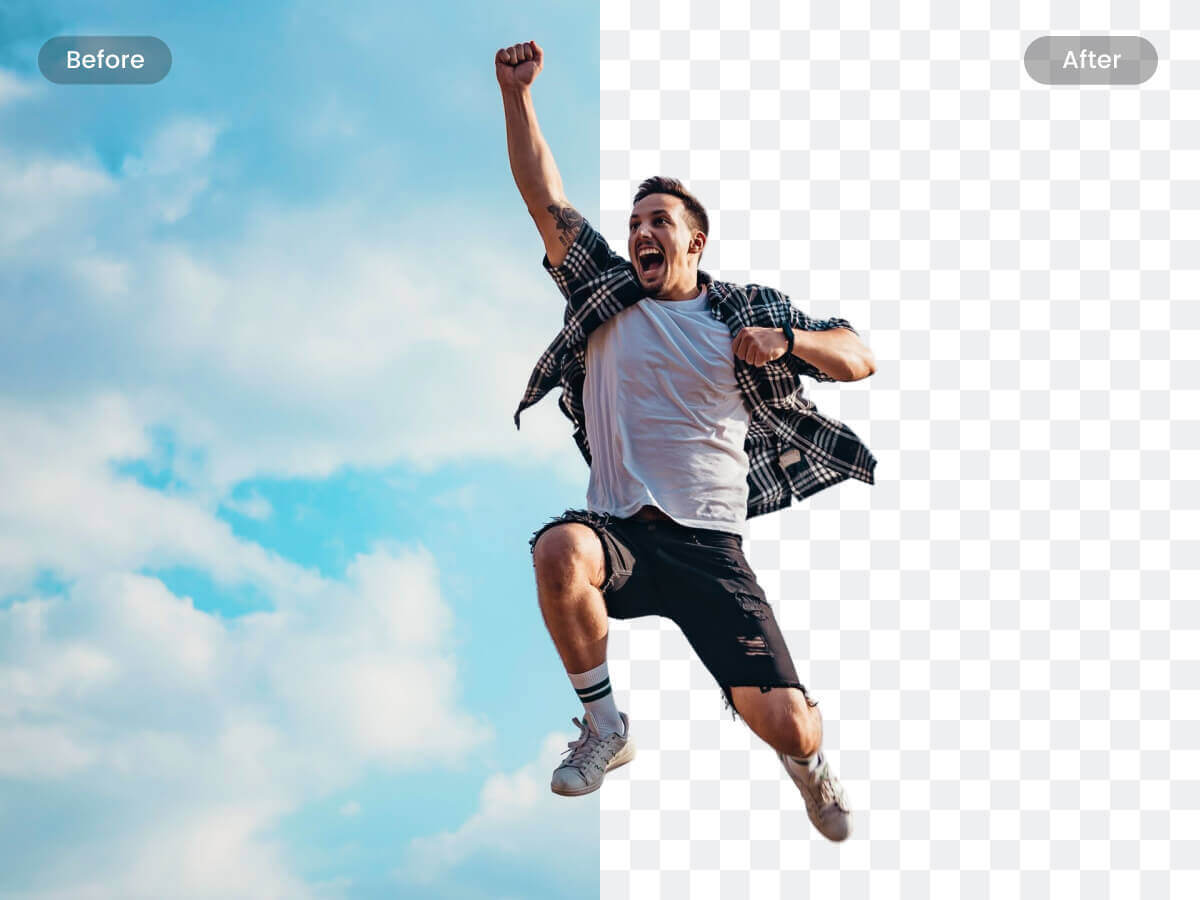
AI-enabled background remover gives you one-click power to remove the background of any photo online. Just drag and drop your photo to the cutout image tool of Fotor, and it will automatically detect and make a photo cutout in a flash.
With our cutout image tool, it's easy to handle hair, animal fur, or complex edges in a few seconds. Save your time and energy to make a high-quality transparent PNG, best for redesigns or adding a white background.
Cutting out the background from photos is a popular photo editing procedure for online marketplaces. Using the cutout image tool in Fotor, you can easily and quickly remove and replace background to make professional product photos. It also provides a set of editing tools to help you edit photo backgrounds- blur backgrounds, adjust lighting, cut out person from image, remove unwanted objects from backgrounds and more. Easily optimize your product images for the best impact.
Create engaging social media visuals by turning your cutout images into eye-catching posts, profile pictures, and creative content. Use Fotor to cut out portraits, products, or objects and enhance them with custom backgrounds, text, stickers, and design elements for Instagram, Facebook, Pinterest, LinkedIn profiles, dating profiles, and more.
After creating a cutout image, continue editing it in Fotor with flexible creative tools. Change photo backgrounds, apply effects, adjust colors, insert text, or combine your cutouts with other elements to create product visuals, social posts, and marketing graphics in one place.
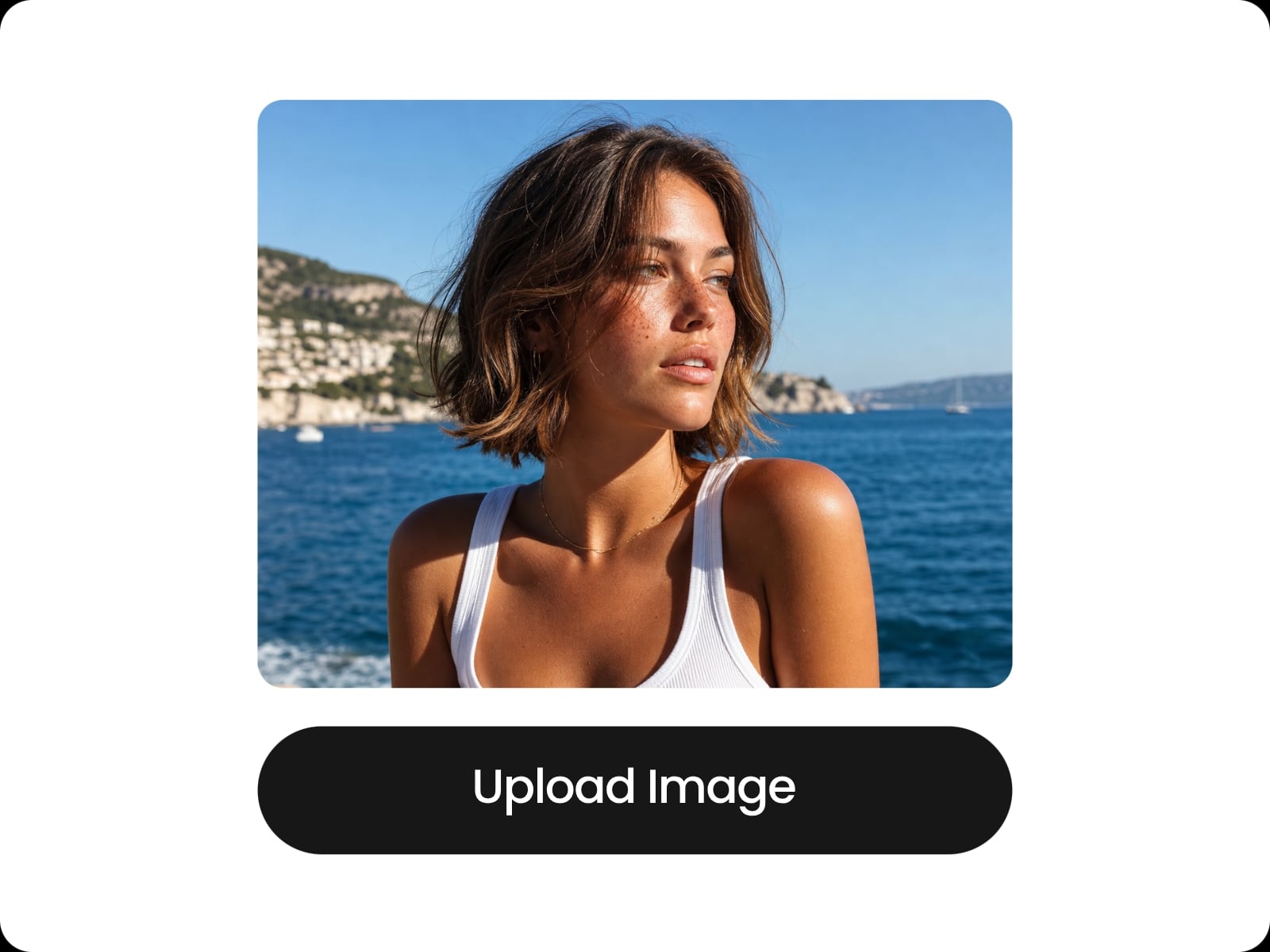
Upload the image you want to cut out or drag and drop the images to start removing background.
Fotor's cutout image tool allows you to make photo cut out with highly precision results. Not a single detail of the original image will be damaged.
Our image cutout tool interface is user-friendly for easy navigation and quick start.
Image cutout tool supports popular graphic formats like PNG and JPG.
Secure your privacy with SSL encryption and automatic deletion. Images are never used for training.
Cut out backgrounds from multiple images to accelerate your professional workflow and save valuable time.


Founded in 2009, Fotor has established itself as a leader in image-processing, now serves 600 million users worldwide as of July 2024. The Company delivers innovative image editing and design tools to over 200 countries and regions, including the U.S., Europe, Southeast Asia, and India.

"Fotor Photo Editor enhances the creation of my visual projects"
From the first use I liked the AI tools that besides simplifying photo editing also allow me to generate beautiful and professional looking images (it has a preview before finishing any project to adjust details). I like how interactive Fotor Photo Editor is by having implemented a daily incentive dynamic that motivates me to interact with the community and participate in different activities.

"A Versatile and User-Friendly Photo Editing Tool"
What I like best about Fotor Photo Editor is its user-friendly interface and extensive range of features. It provides powerful editing tools, a variety of filters, and seamless integration across different devices, making it convenient for both beginners and experienced users.