Remove Color from Image Online for Free
Remove color from images online in just a few clicks with Fotor’s free image color remover.
⚡No Signup ✅️Free ✨No Watermark
Click or drag an image here to edit
Click or drag an image here to edit


Fotor's AI Image Color Remover in Numbers


Precise and Auto Image Color Remover
Fotor's background remover is powered by advanced AI technology that accurately and automatically cuts out the background of your photo and handles hair, animal fur, or complex edges in a smooth cut.
Just upload or drag and drop your photos to our online background color remover, and you can easily get a perfectly transparent background photo in seconds.
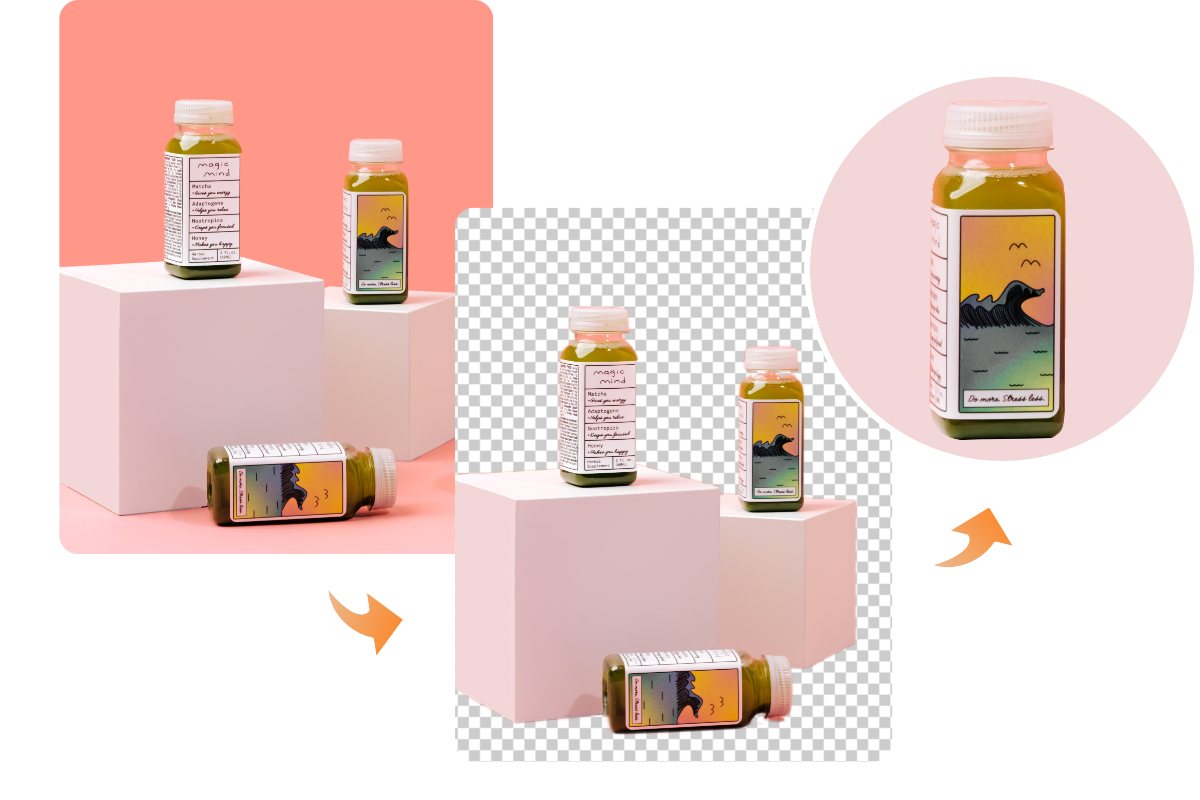
Remove Specific Color from Image in High Quality
Fotor's color eraser also allows you to remove or replace specific colors in your image. The AI identifies underlying color areas and removes them while preserving the original image quality and details.
You can also edit further by removing unwanted objects, text, or imperfections. High-resolution PNG and JPG downloads are supported.
What Can You Do After Removing Color from an Image?
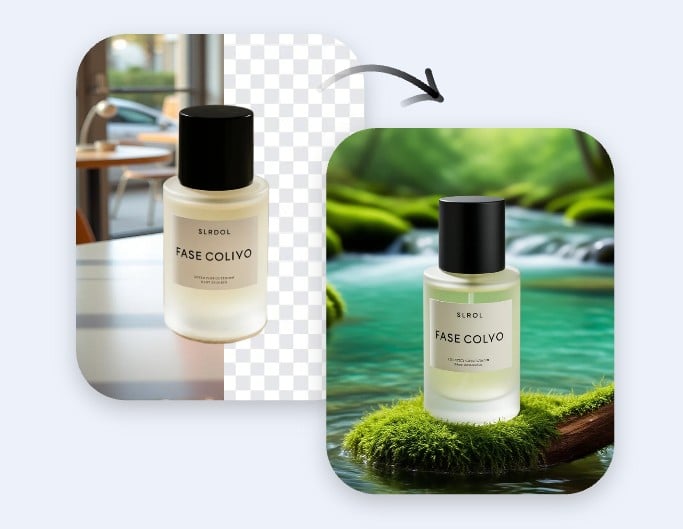
Eye-Catching Marketing Visuals from Clean Backdrop
Remove unwanted colors and place your subject on a clean background. Ideal for product images, ads, and banners that need to stand out and look more professional.
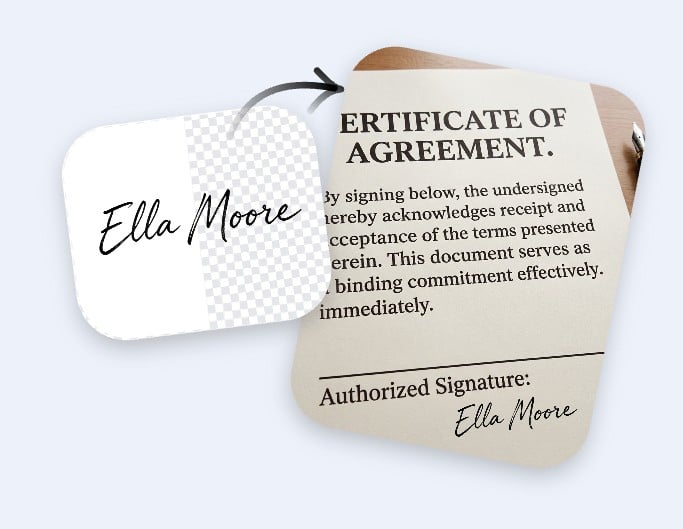
Transparent Signatures with Background Removed
Remove background color from signature images and export a clean, transparent file. Great for documents, contracts, and digital forms that require a professional finish.
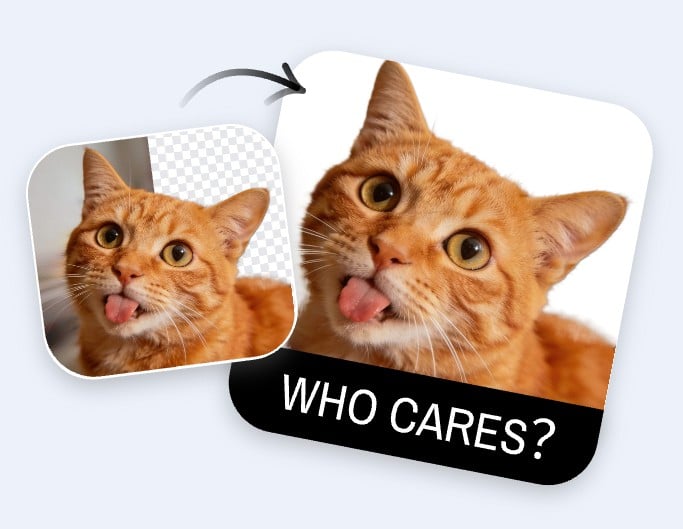
Playful Pet Stickers with Transparent Backgrounds
Remove backgrounds from pet photos and turn them into fun stickers. Create transparent images for messaging apps, social media, or personalized creative projects.

Professional Profile Pictures with Clean Backdrop
Remove or change background colors to create sharp, focused profile photos. Perfect for LinkedIn, resumes, or social platforms where a clean image improves first impressions.

Custom Backgrounds for Content Creation
Remove background colors and create clean, consistent visuals in seconds. Perfect for social media posts, thumbnails, and creative content that needs a polished, distraction-free look.
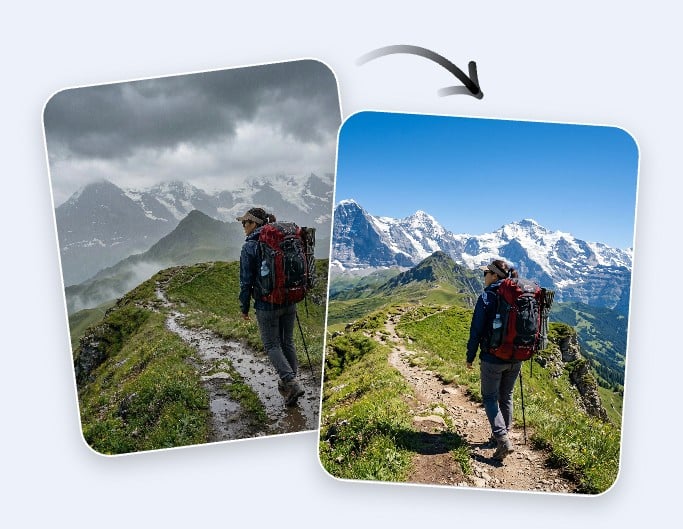
Enhanced Travel Photos with Better Scenery
Remove dull skies or messy backgrounds and replace them with better scenes. Instantly upgrade your travel photos without complex editing or time-consuming adjustments.
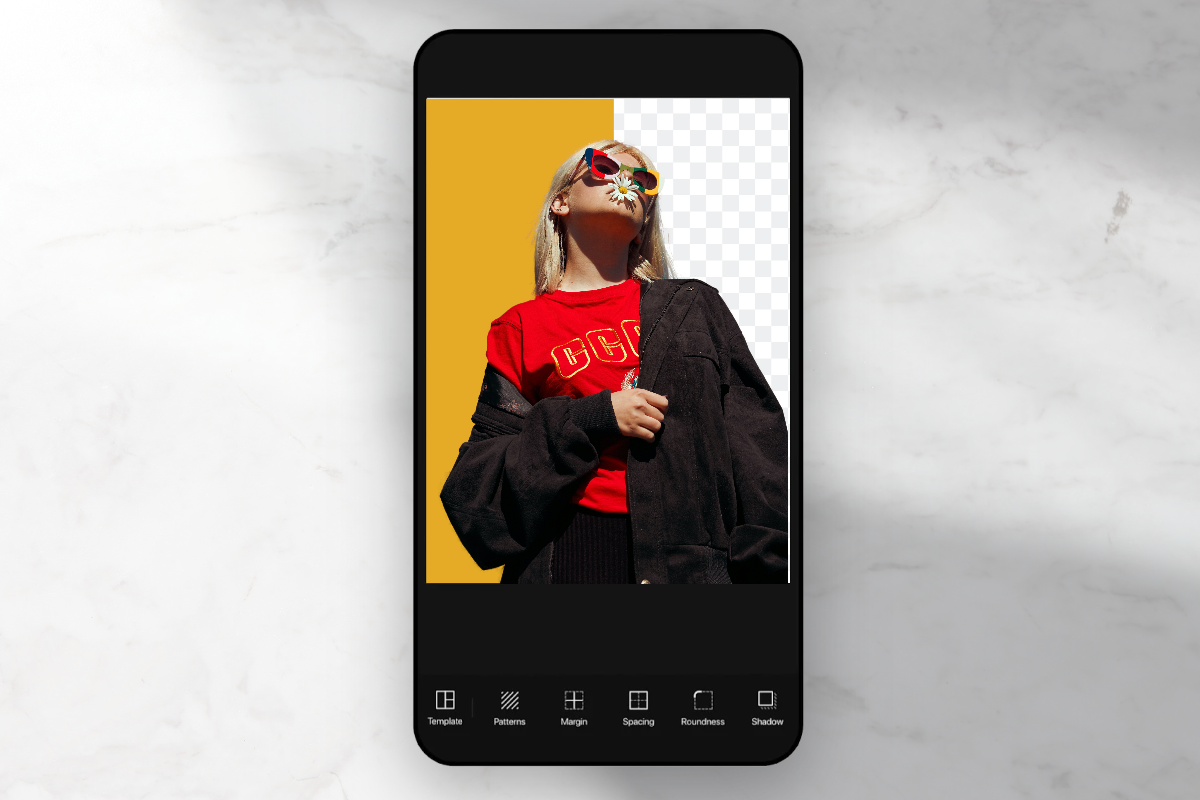
Free Image Color Remover on the Go
Fotor works seamlessly across desktop and mobile devices, so you can remove colors from images anytime, anywhere.
The mobile experience is just as fast and easy, with automatic processing that requires no technical skills. Try it directly in your browser or app.
Highlights of Fotor Image Color Remover
![Batch editor icon]()
Batch Processing
Fotor's image color remover supports batch removal from image colors at once to save time and improve efficiency.
![AI powerd anime generator]()
Precise Removal
Using an advanced algorithm, this color eraser delivers precise and accurate color removal while preserving intricate details and edges.
![Customization icon]()
Flexible Customization
After removing color from your image, you can replace or change the background color with diverse options to match different use cases.