Contrast Images: Free Online Photo Contrast Editor
Use our free online AI image contrast editor to contrast images effortlessly. Turn overexposed or low-contrast photos into clear, high-contrast images with AI in just one click. Increase image contrast or fix your dull, washed-out travel, product, portrait and social media visuals with Fotor.
Fotor trusted and loved by





Learn about Fotor's upload formats and requirements. See how we use your content in our Privacy Policy.
Discover Contrast Photography Examples with Fotor AI Contrast Enhancer
Adjust the contrast of any picture with our contrast editor to make it stand out.
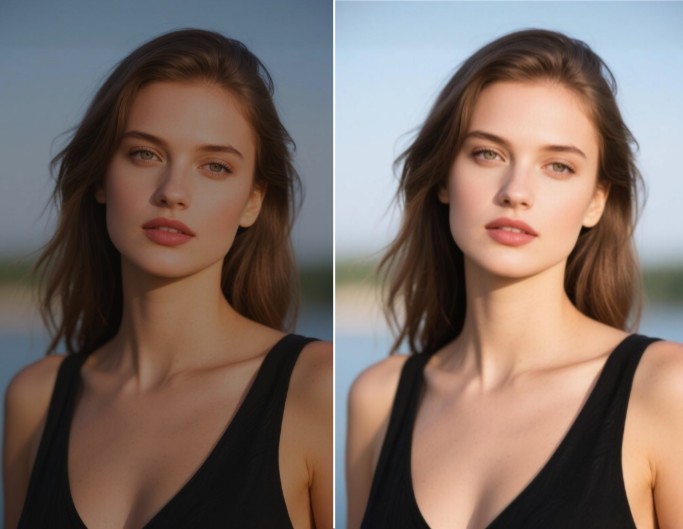
Contrast Portrait Photos
Effortlessly create high-contrast photos of your selfies, family, friends, colleagues, etc.
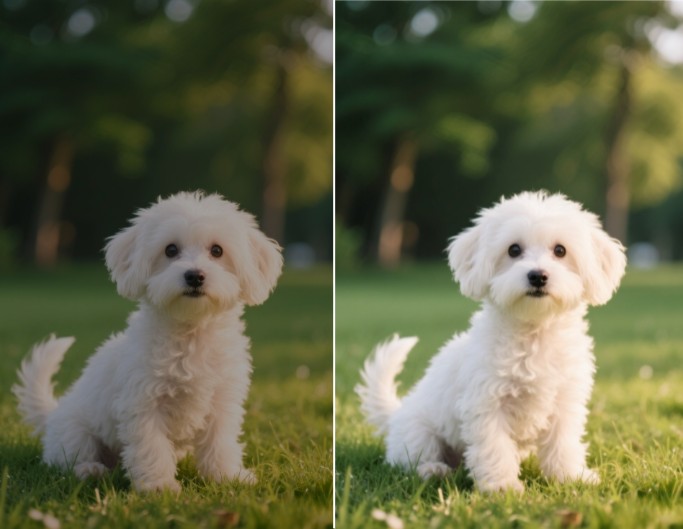
Contrast Animal Pictures
Adjust contrast to brighten the photo of your favorite pet or other animals and enjoy more of its details.
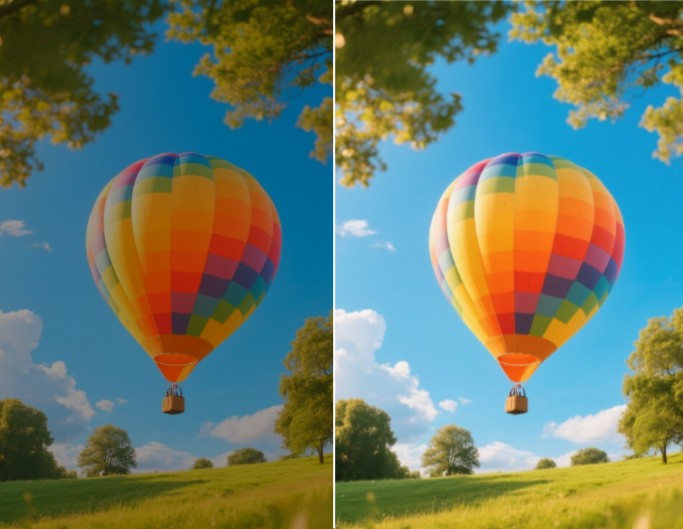
Contrast Landscape Images
Change the contrast of a landscape image to bring a new look and savor its beauty.
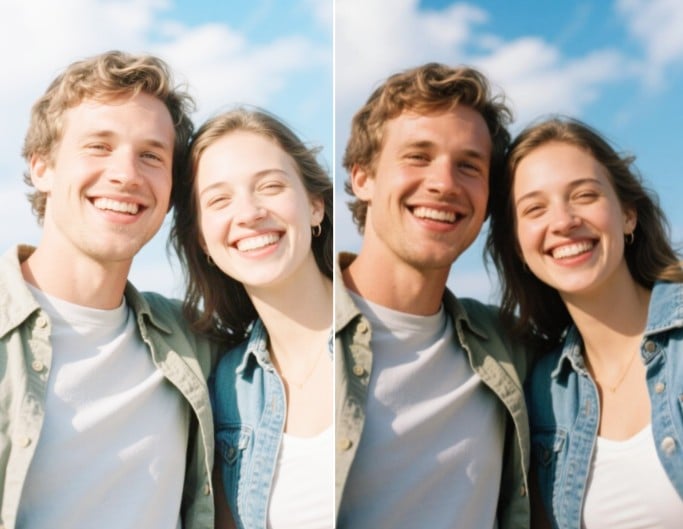
Contrast Group Photos
Transform your low-contrast group photos into high-contrast images in a flash, such as a couple, family union and company gathering photo.
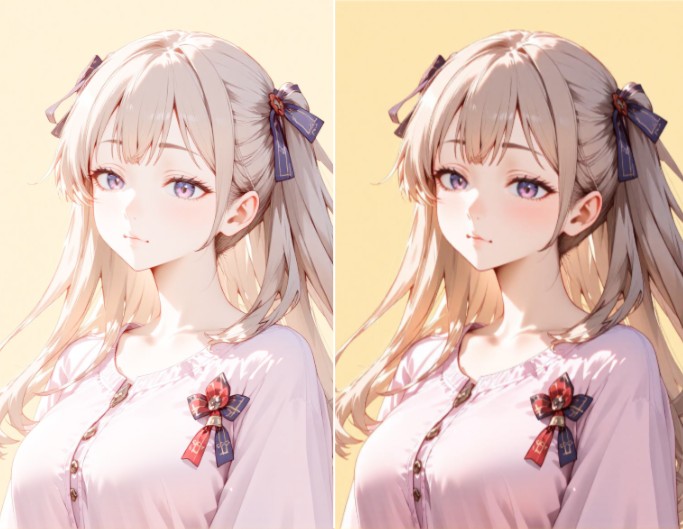
Contrast Cartoon/Anime Photos
Convert your cartoon to anime photos to high contrast to enhance their visual depth and improve their clarity.
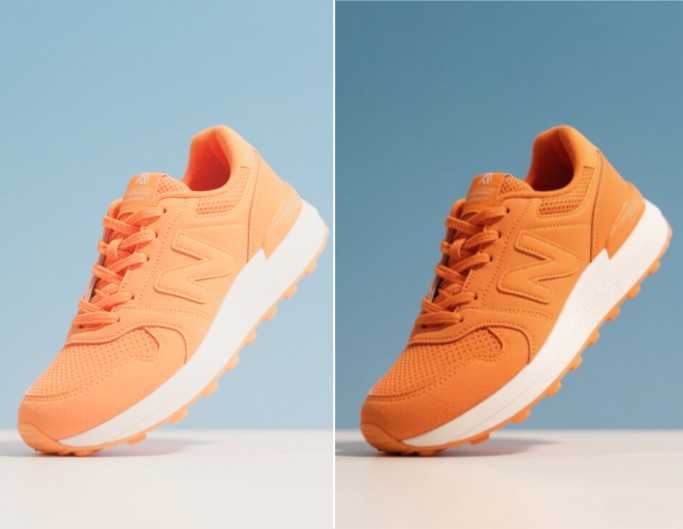
Contrast Product Pictures
Add contrast to your product or e-commerce visuals for better listings and sales boost.
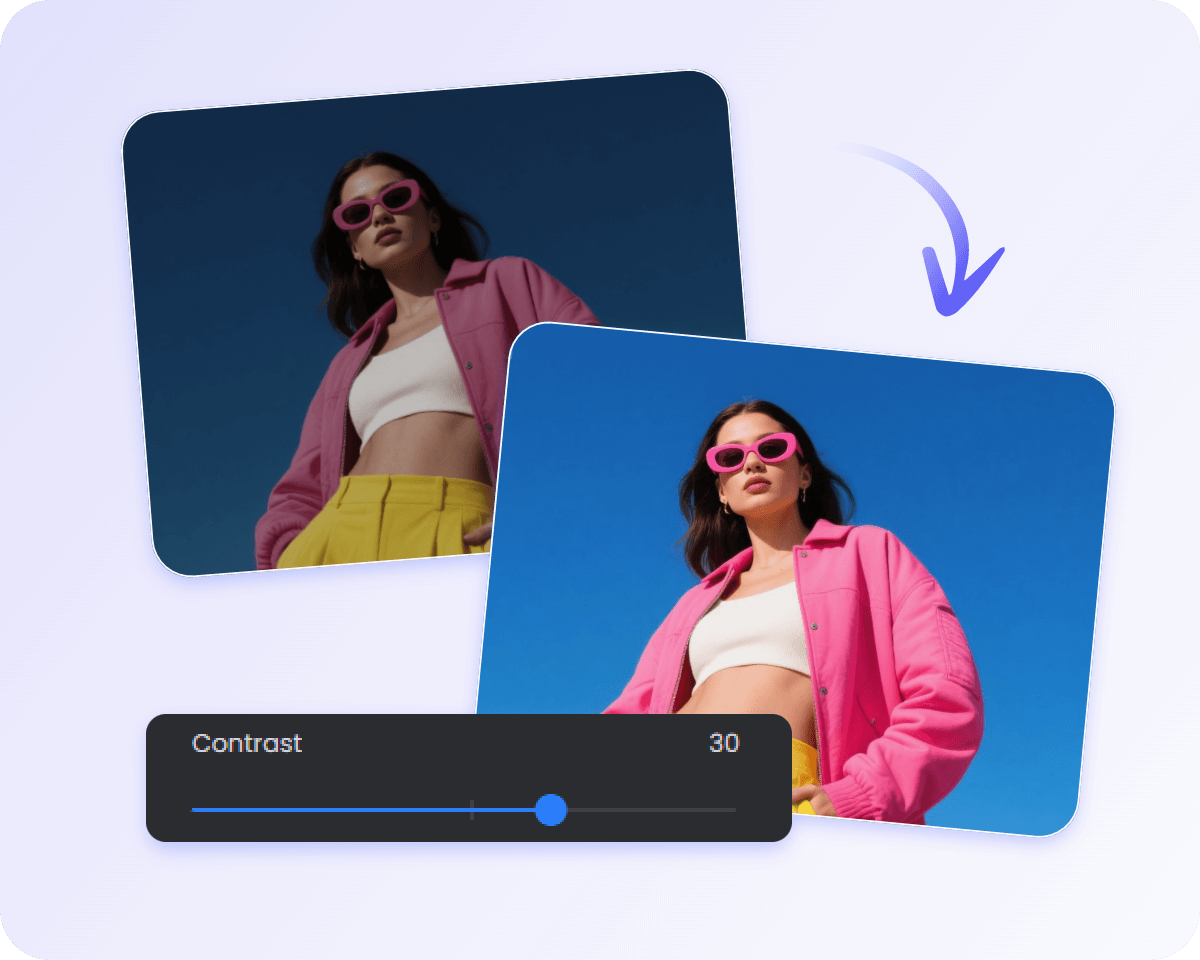
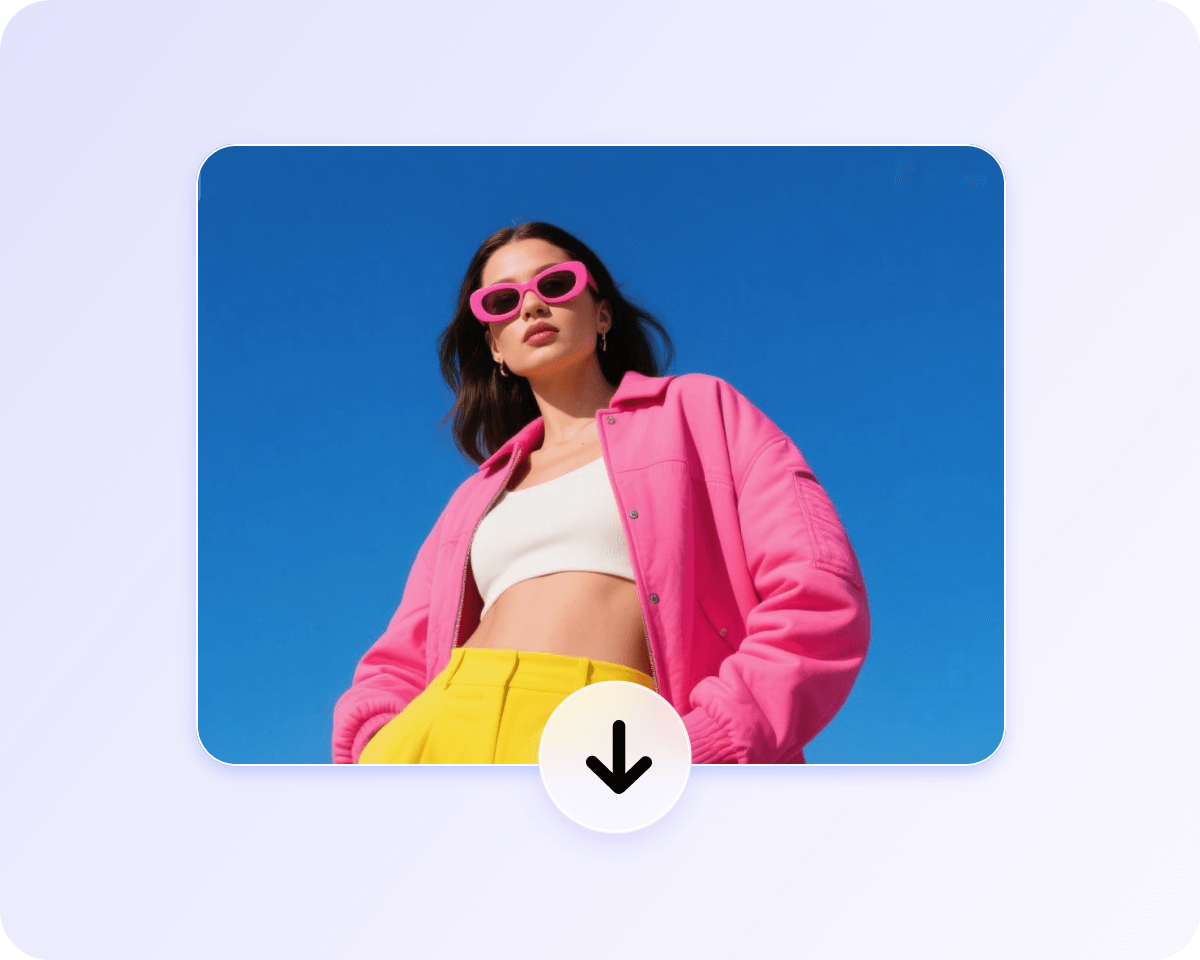
How to Adjust Image Contrast Online with Fotor?
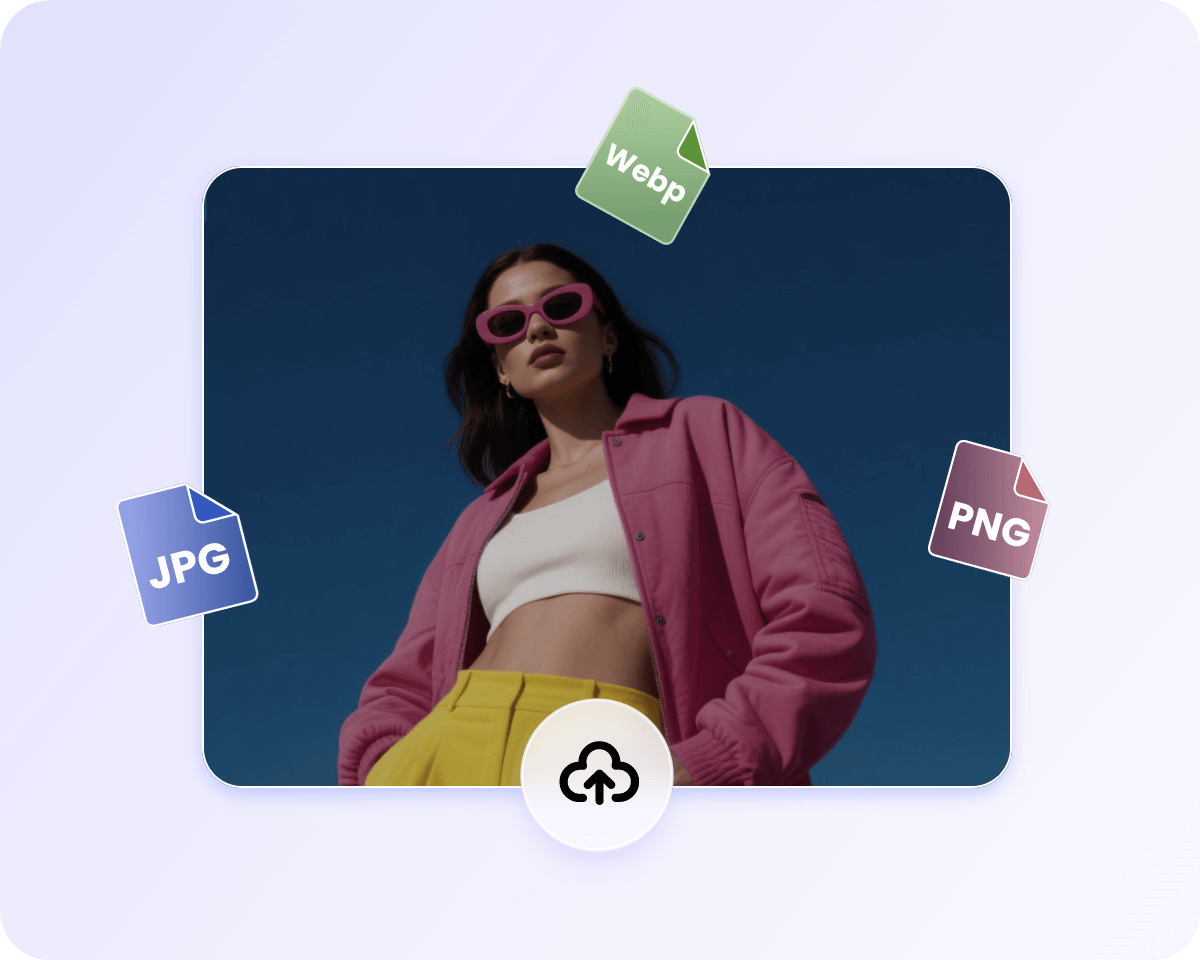
Upload Image
Access our image contrast changer and upload the image you want to adjust contrast.
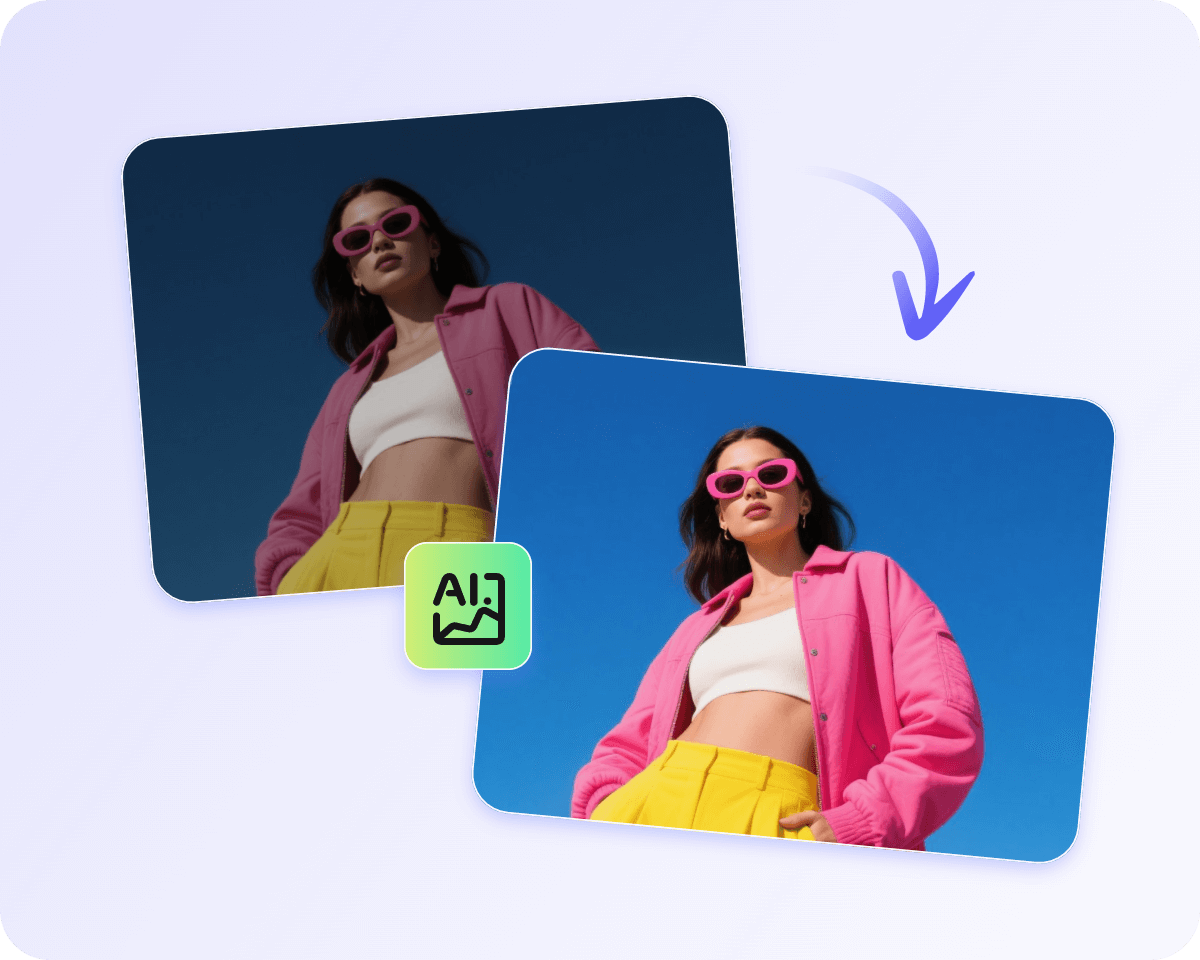
AI Contrast Enhancement
Manual Contrast Adjustment
Preview and Download
800M
Users
4.5★
on Capterra
1B+
Image, videos processing
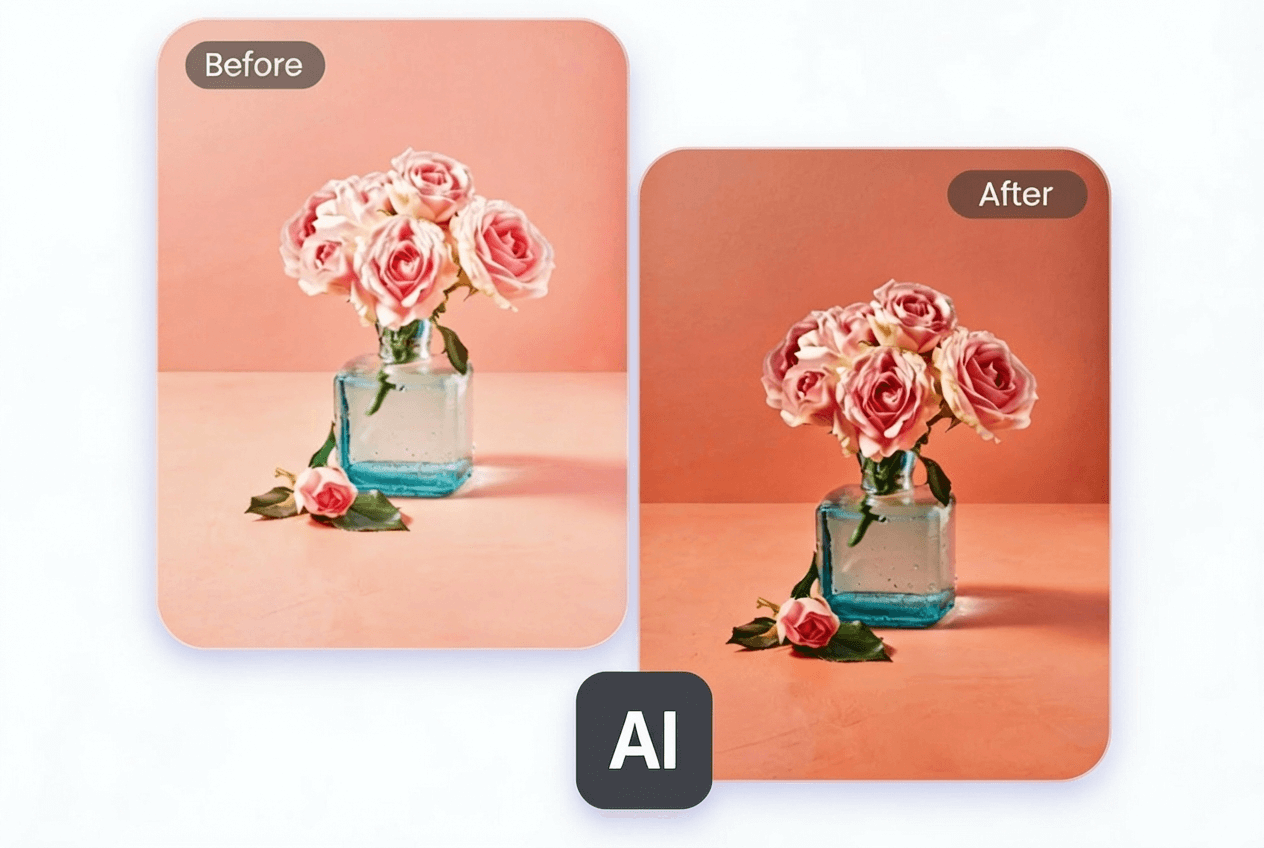
Strong AI Image Contrast Enhancement Technology
Unlike manual editing tools, our AI image contrast editor can automatically analyze your image's tonal structure, such as:
*Dynamic Range Optimization: Make shadows deeper and highlights more distinct.
*Adaptive Contrast Enhancement: Selectively adjust local areas to preserve image detail.
*Highlight and Shadow Recovery: Restore the dull or overexposed areas without damaging the fine parts of your uploaded photos.
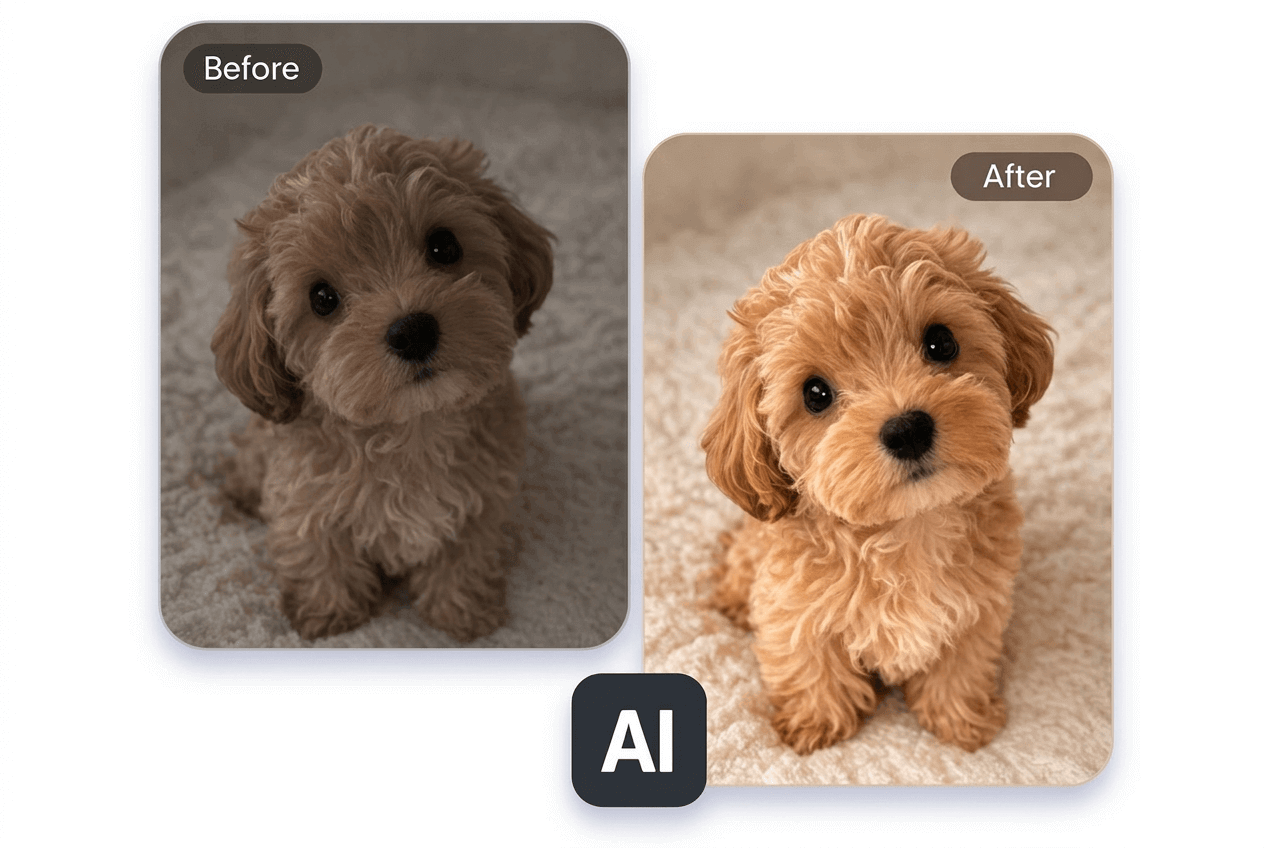
Fix Low Contrast, Overexposed or Washed out Images Instantly
Our AI contrast enhancer can restore their depth and texture automatically, making your photo look less dark, flat, overexposed and washed out to restore the hidden details.
*Fix Washed-Out Photos: restore natural tones and color depth of faded, detail-lost photos caused by strong sunlight.
*Brighten Dark or Flat Photos: Brings back shadow depth and texture of dull pictures taken in cloudy conditions or low light.
*Enhance Overexposed photos: Repair the imbalanced highlights and shadows to make them look more natural and recover lost details.
Contrast Images to Make Them Stand Out
Make image high contrast online with Fotor and apply your improved visuals to plenty of scenarios.
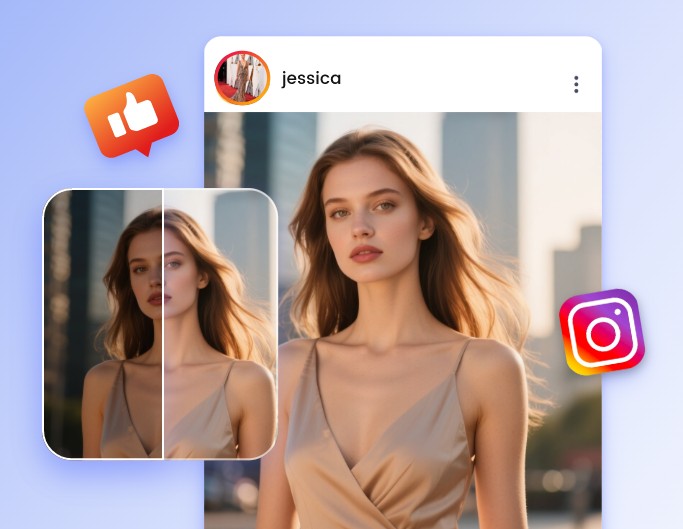
Enhance Social Media Visuals
Fix overposed portraits or skies in photos to make them more eye-catching and engagement boosting when posted on social media.

Correct Marketing Visuals
Change the contrast of your product images to make their texture more visible and information more readable.
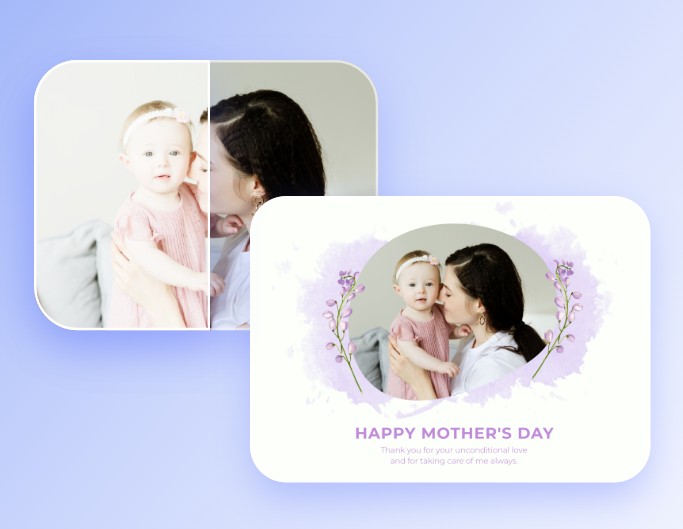
Fix AI-Generated Visuals
Use our contrast editor to make AI artwork look more realistic.
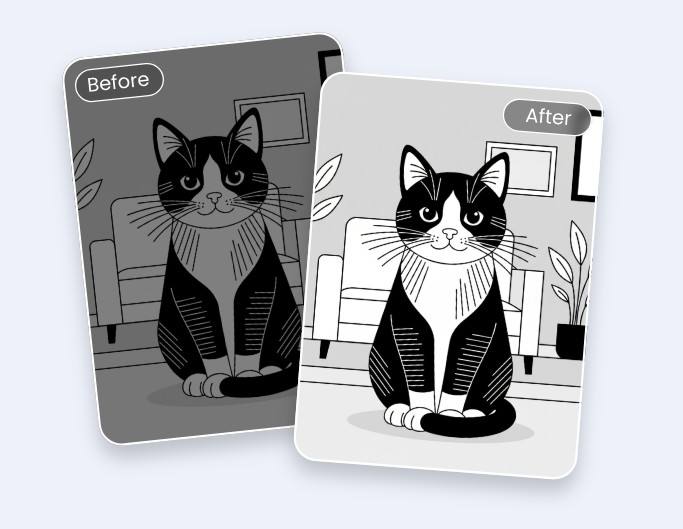
High Contrast Images for Baby
Our high-contrast image converter helps you create high-contrast black-and-white images or HD, vividly colored pictures suitable for newborns, which can encourage their vision development and focus.
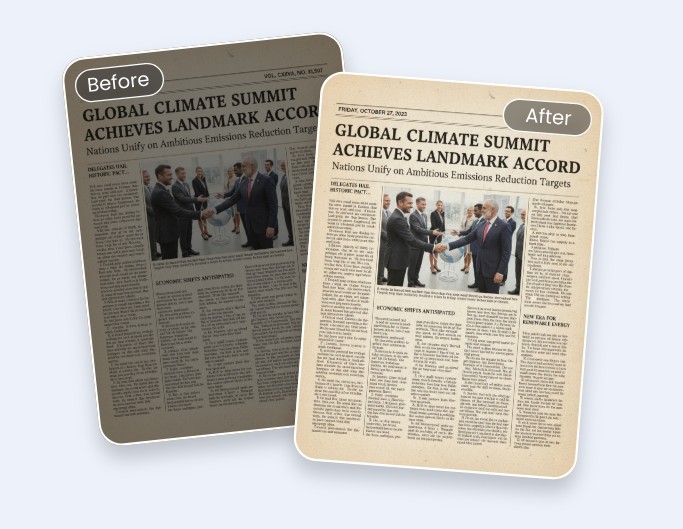
Increase Text Clarity
With our image contrast enhancer, you can conveniently change image contrast to make your text pop and readable, such as signatures, notes, etc., without compromising its original look.
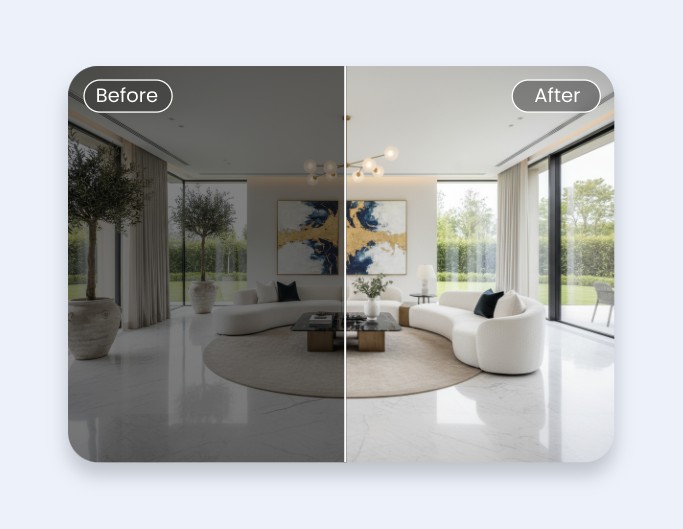
Restore Real-Estate Photos
Enhance the contrast of real-estate photos, digital or scanned, to restore lost details and present properties at their best.
Why Pick Fotor’s Image Contrast Editor?
![Easy to use icon]()
Easy and Fast
Our photo contrast editor boasts an intuitive interface and allows you to complete image contrast enhancement in seconds with one click. No complex editing skills are required.
![AI-driven enhancement icon]()
Powerful AI Technology
Fotor's powerful AI technology allows you to automatically enhance image contrast, including color correction, brightening, sharpening and more. So, even beginners will find it convenient and effortless to operate.
![Setting icon]()
Flexible Contrast Adjustment
A slider is equipped in our image contraster, enabling you to decrease or increase image contrast flexibly. You can get pictures with the custom contrast.
![HD photo editor]()
HD Contrasted Images
You will expect high-quality pics with adjusted contrast, which can be directly applied to your personal or professional projects.