Sketch to Image AI
Turn your sketches into high-quality digital artwork in seconds with Fotor’s sketch to image AI converter, and explore various styles like realistic, painting, anime, and more.
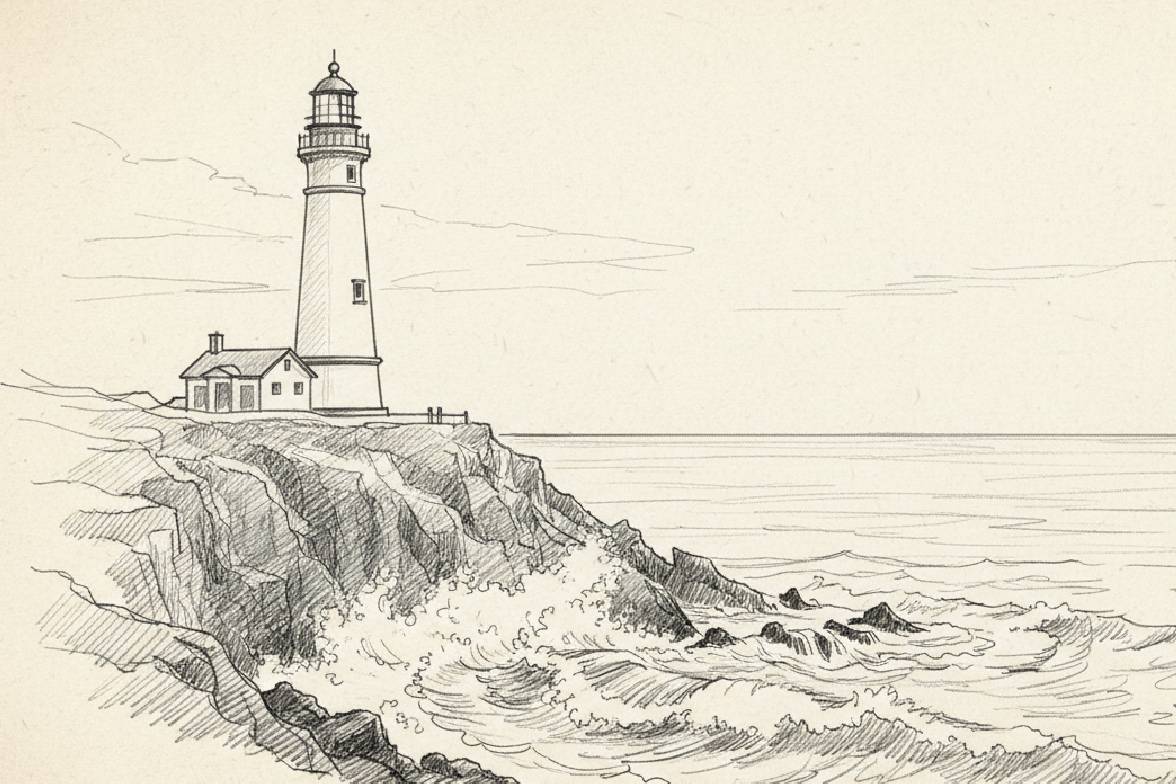
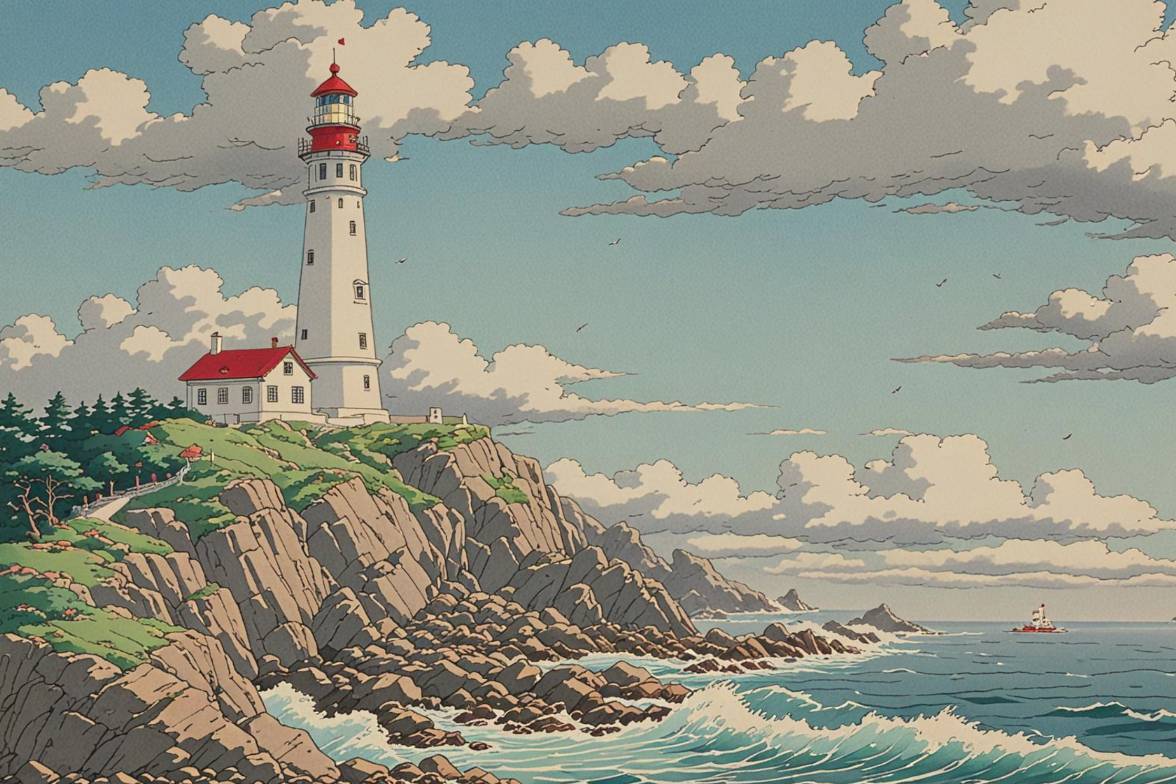
Drag image here or click to upload
Drag image here or click to upload


Brands That Trust Fotor





How to Convert Sketch to Image with AI
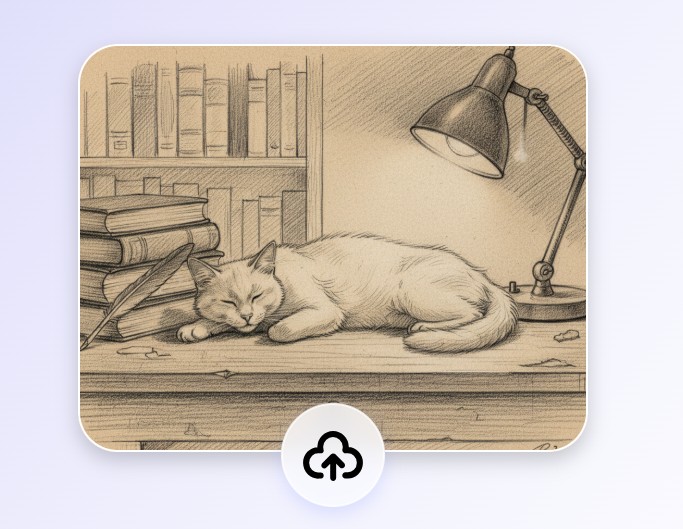
1. Upload Your Sketch
Drag, drop, or click “Upload Image” to upload your sketch—supported formats: JPG, PNG, WEBP, and more.
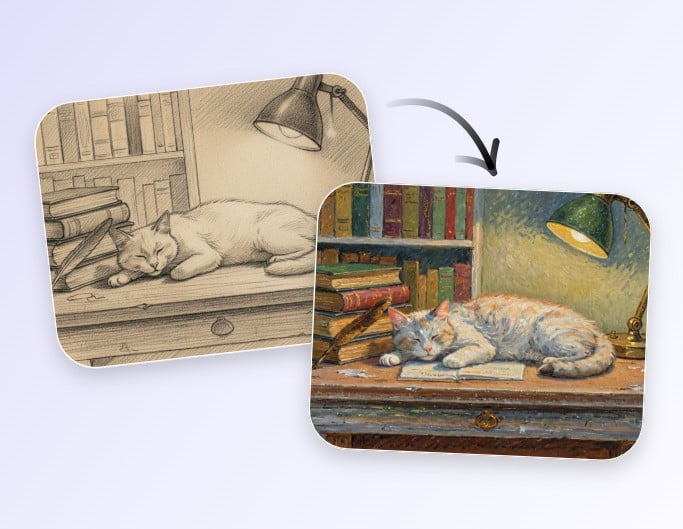
2. Convert Sketch to Image
Select your favorite style in our sketch to image AI tool and let our AI convert your sketch into a finished artwork.
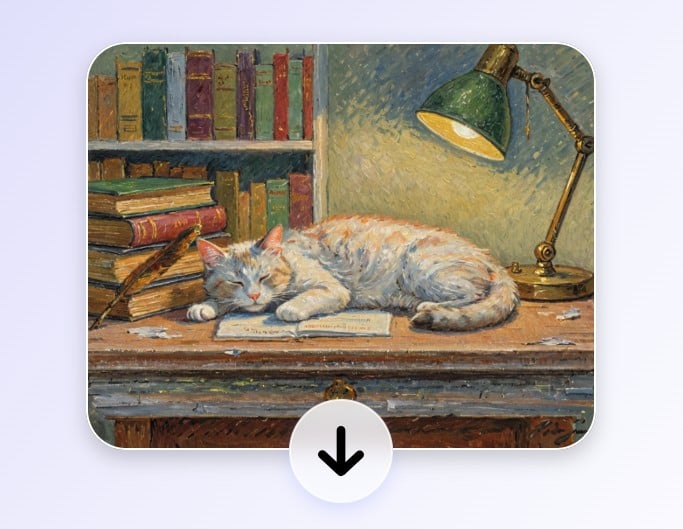
3. Download Your Image
Click “Download” to save your finished image without a watermark, or regenerate it if you want.
Let AI Turn Your Sketch into a Finished Painting
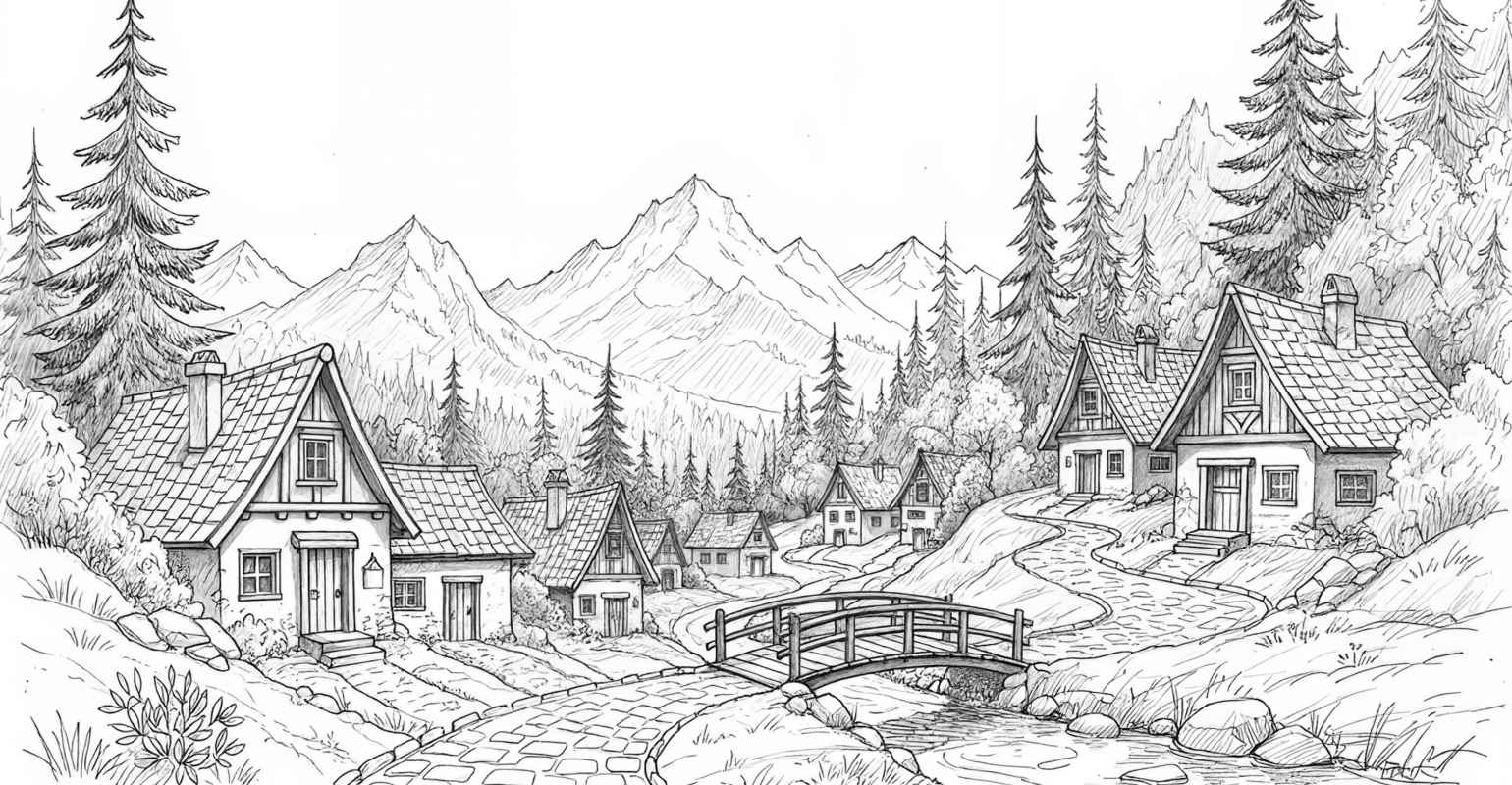
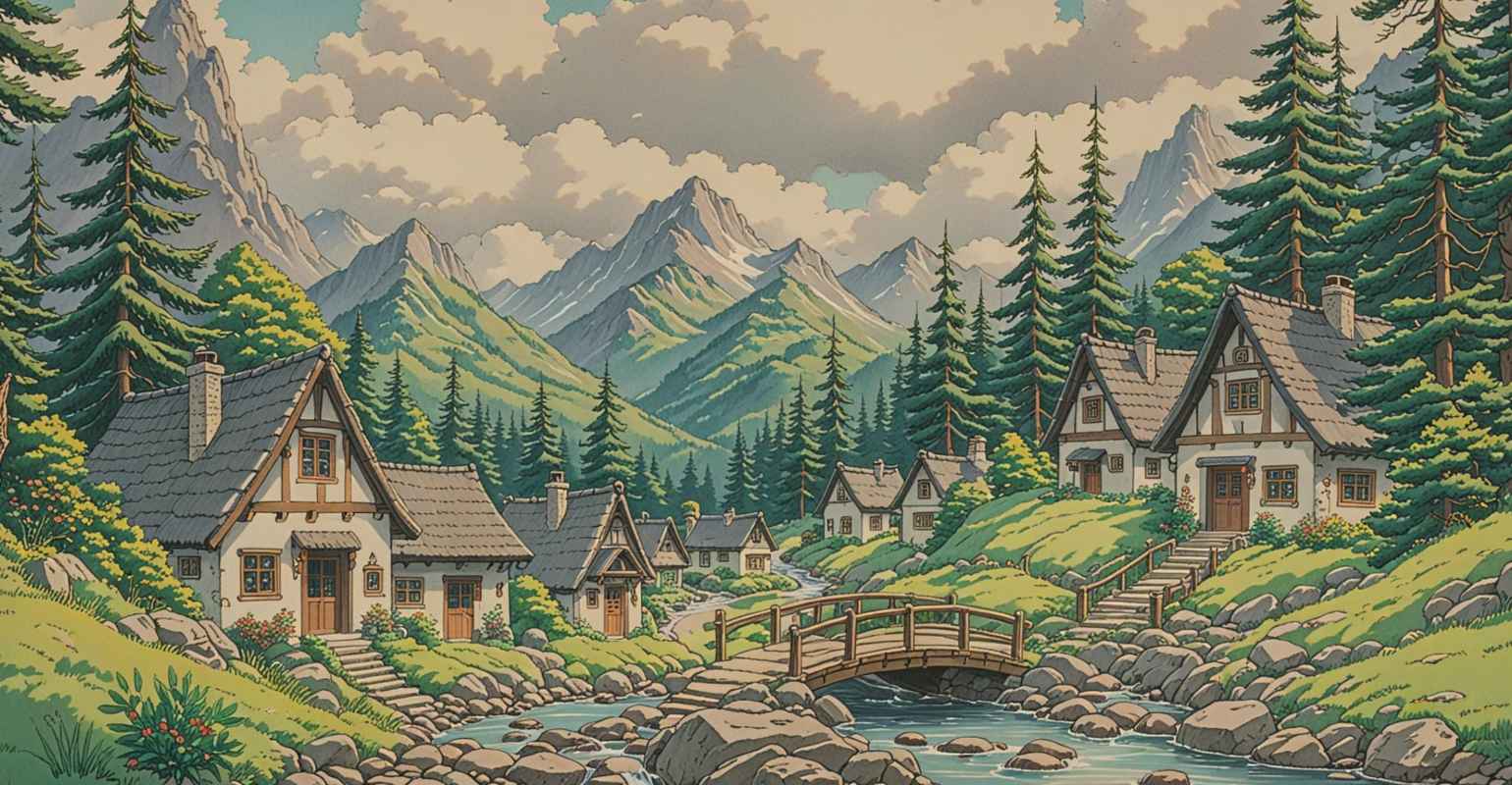
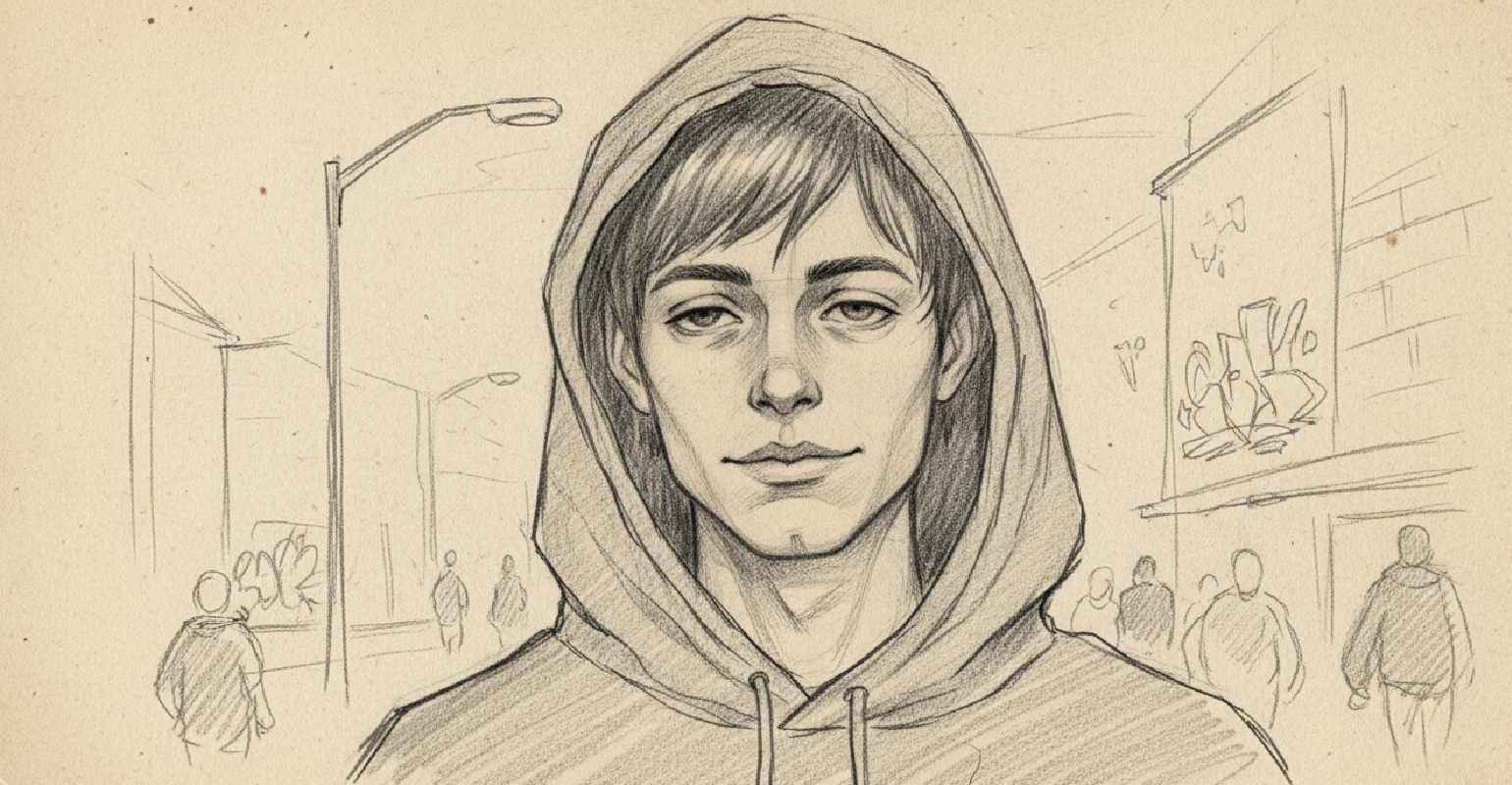
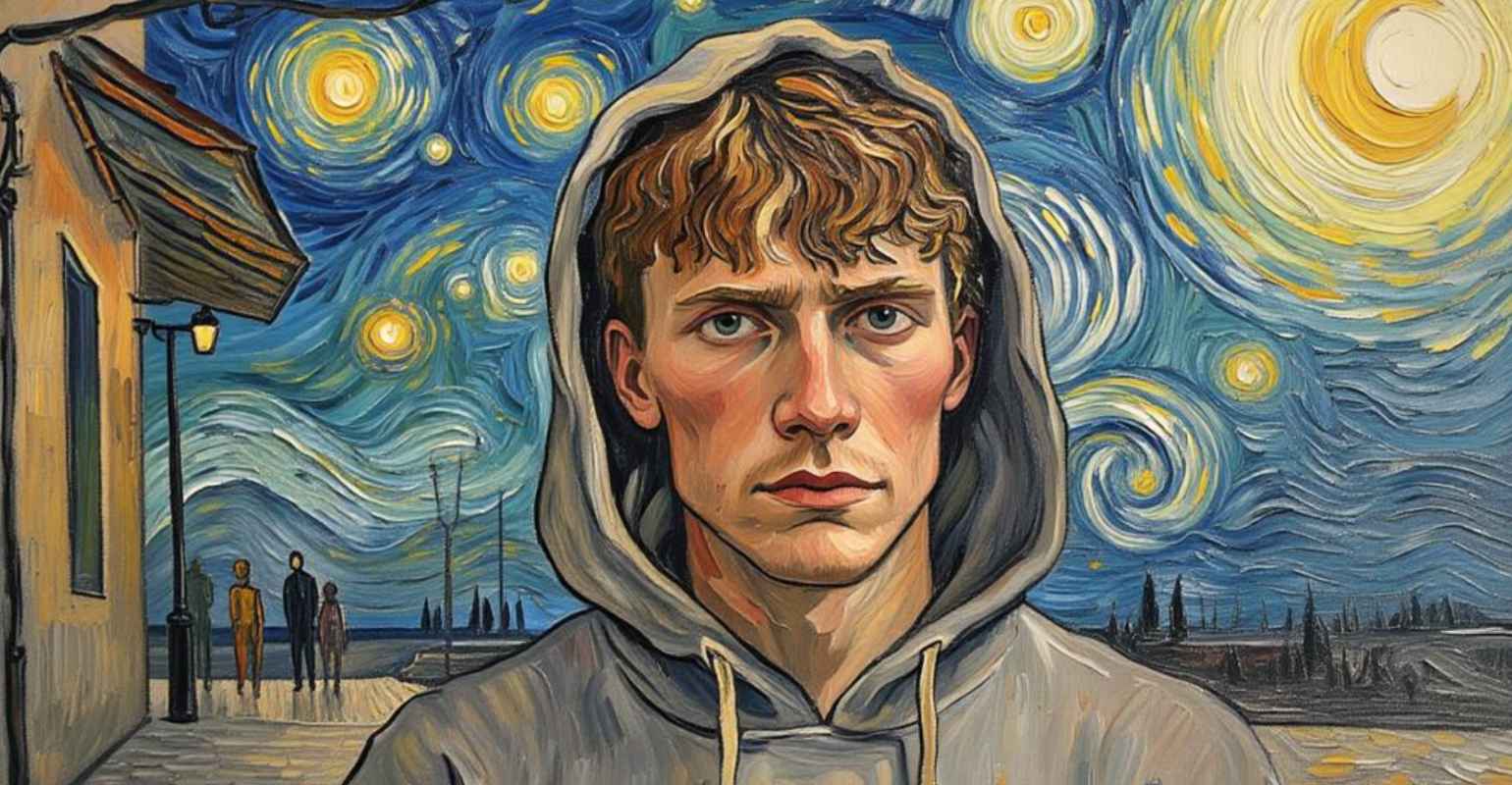
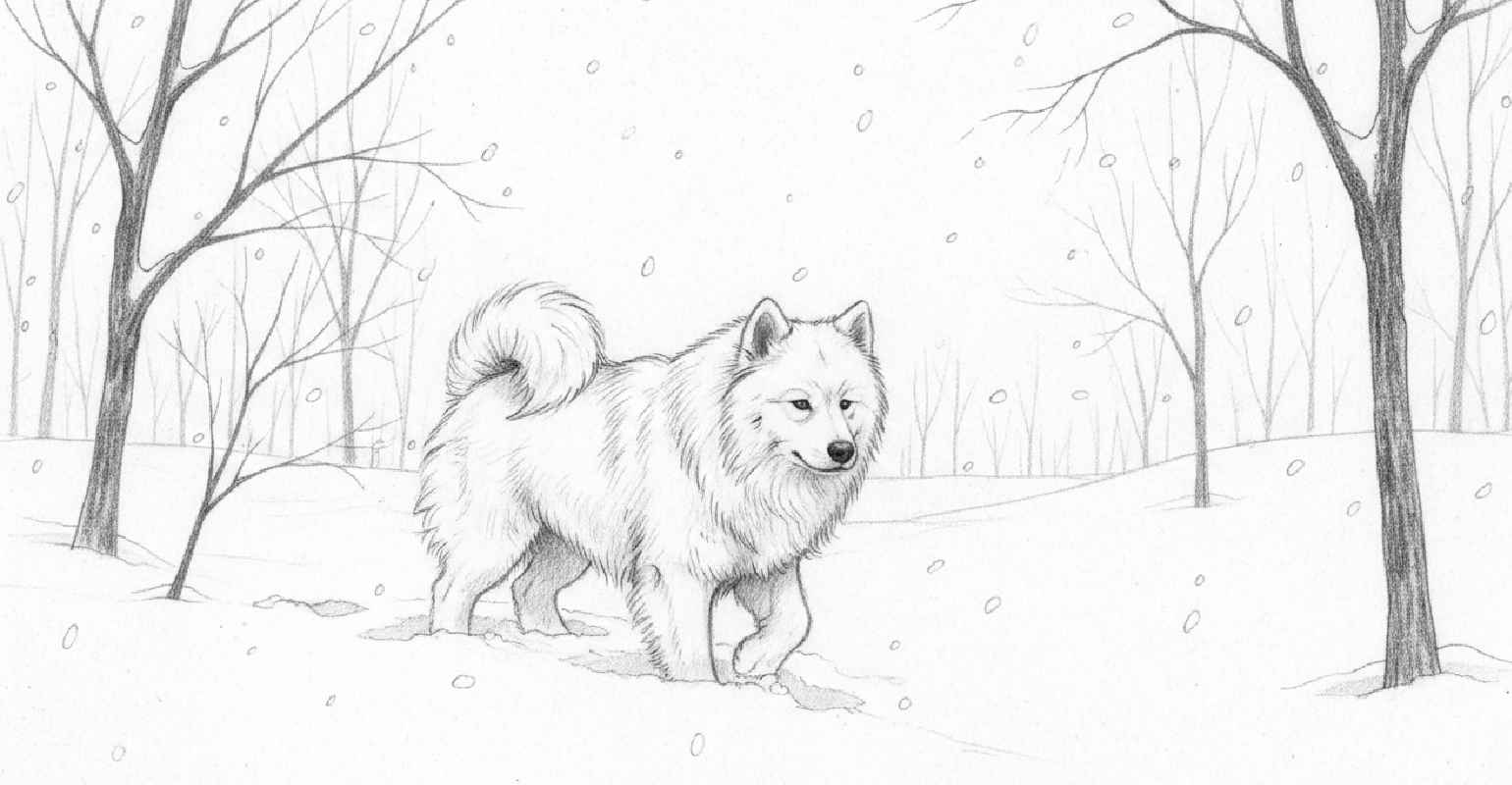
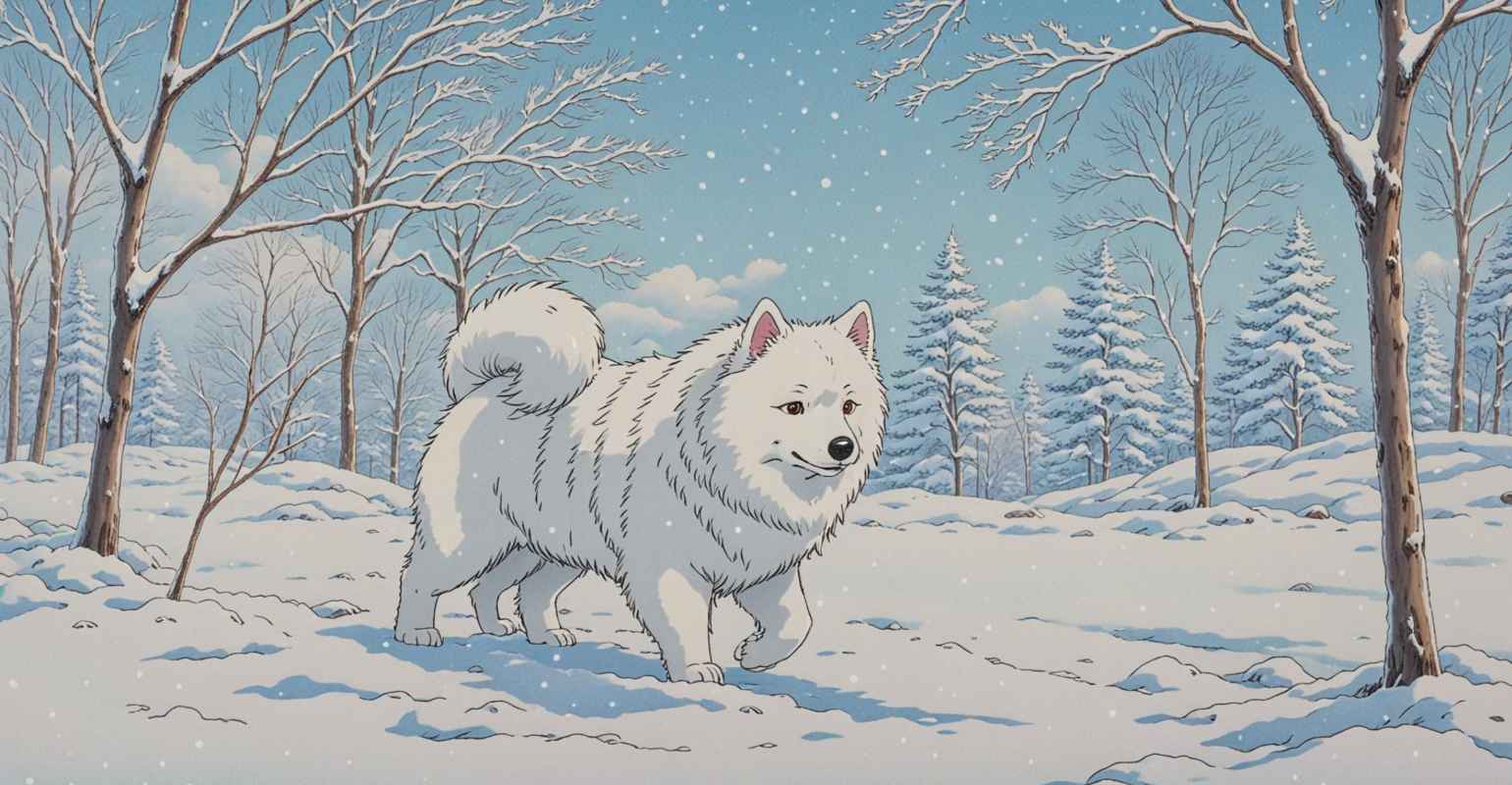
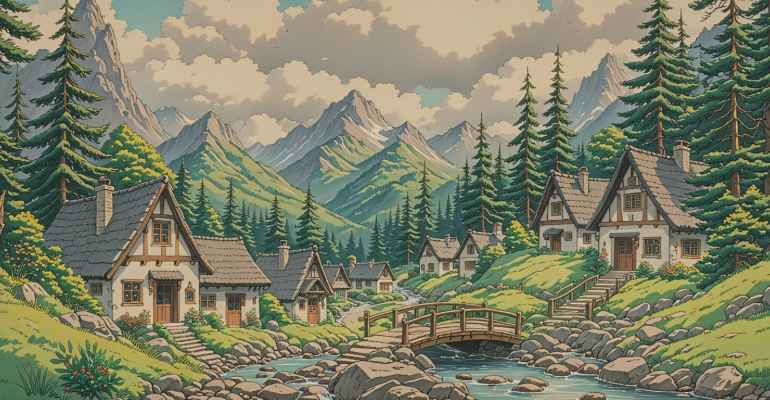
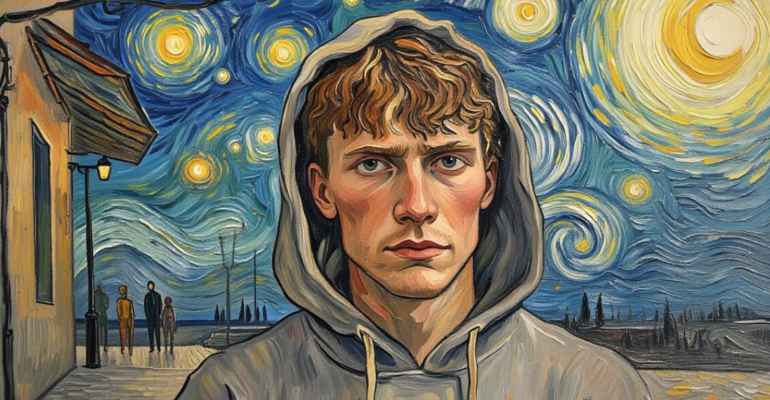
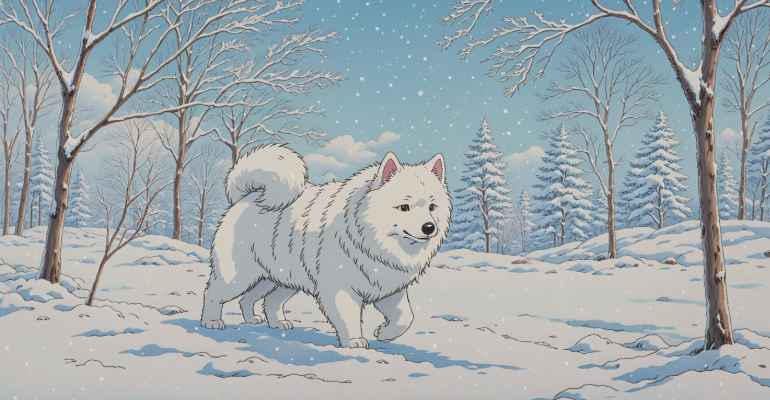
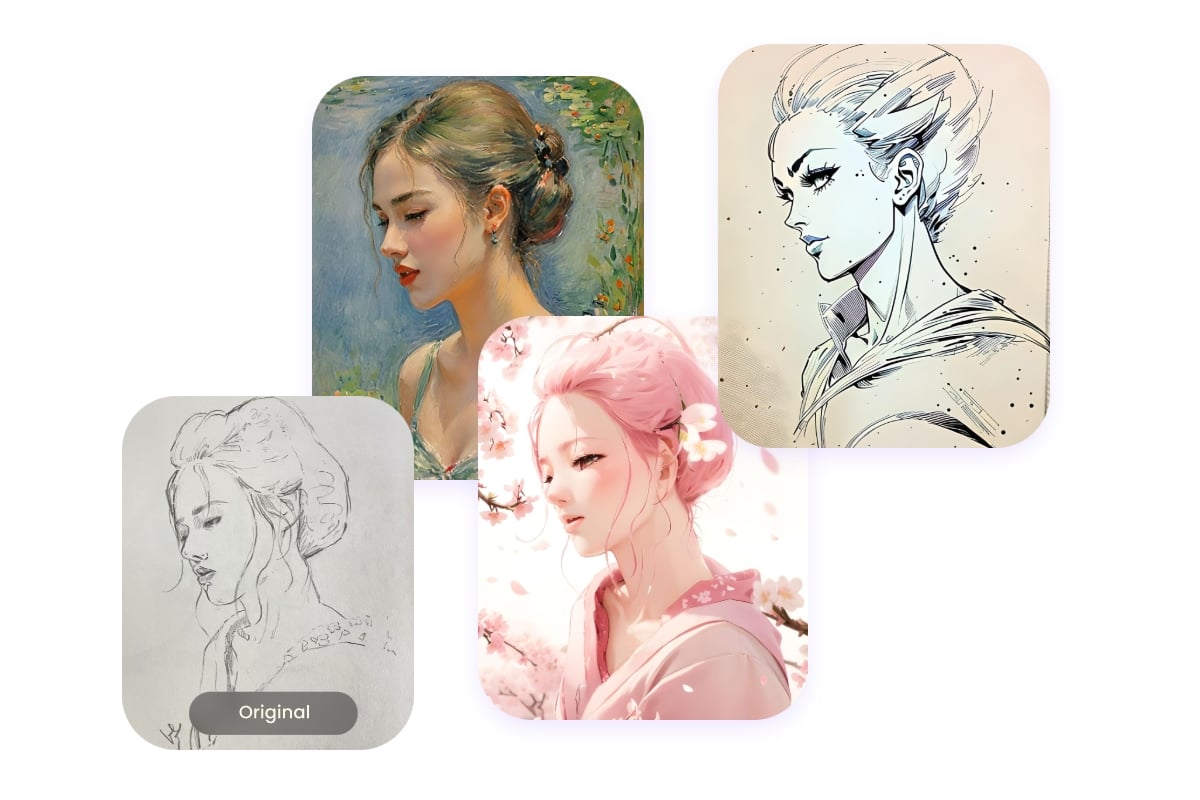
Convert Sketch to Different Painting Styles
Fotor’s AI sketch to image converter offers a wide range of painting styles, from classic watercolor, oil painting, and Pop Art to different artistic movements like realism, impressionism, and pointillism. You can also try styles inspired by famous artists such as Monet, Van Gogh, or Picasso. Choose your favorite style and bring your sketch to life.
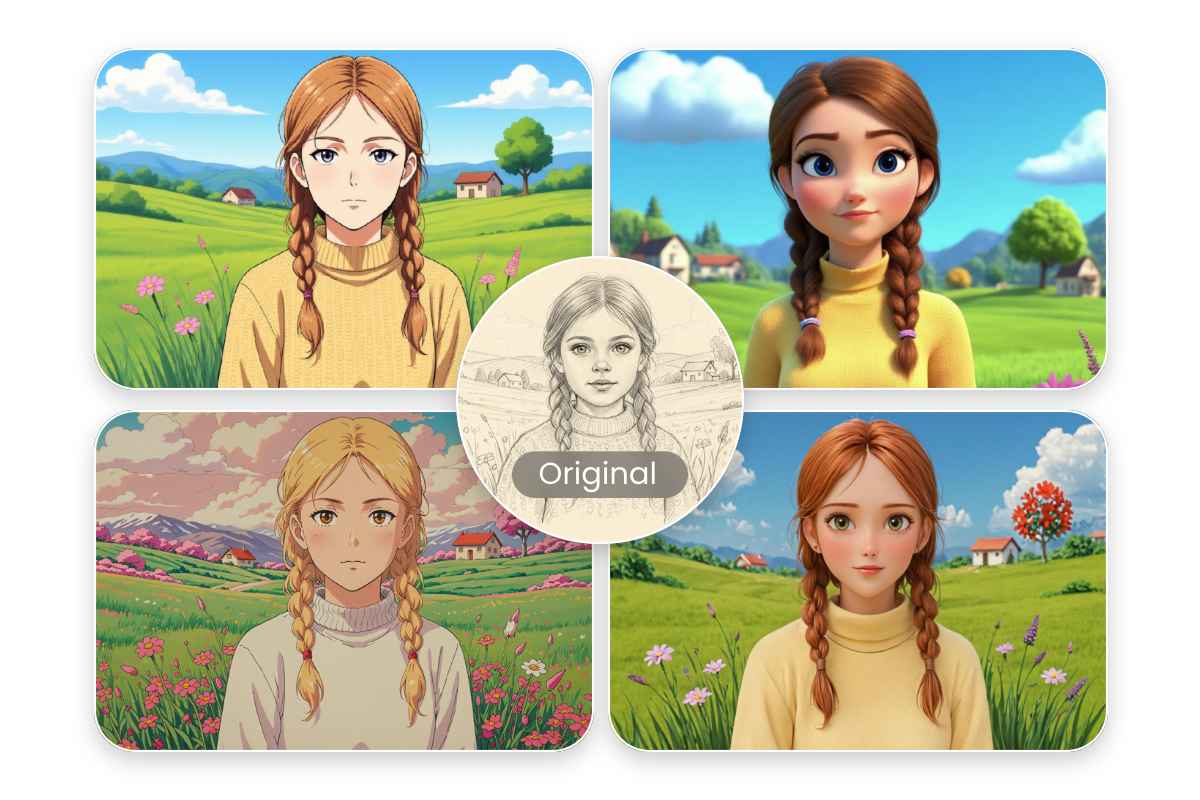
Discover More Styles for Your Drawing
Not only can you turn sketches into paintings, but Fotor’s drawing to image AI converter also offers a wide range of styles, bringing your drawings to life with vibrant colors. From realistic styles, cute anime, cartoon, pixel art, to 3D styles, freely explore endless creative possibilities.
Why Users Trust Fotor’s AI Sketch to Image Converter
![Easy to use icon]()
Easy to Use
No complex steps or professional skills required. Convert your sketch into a complete image in just a few clicks.
![High quality output]()
High-Quality Conversion
Maintain up to 98% of the original content and details while delivering natural and high-quality sketch-to-image results.
![Secure icon]()
Privacy & Security
Your uploaded images are processed securely and will not be stored or used without permission, ensuring your sketches and creations remain private.
![Cross devices icon]()
Cross-Device Support
Turn your sketches into images anytime, anywhere on desktop, tablet, or mobile.