Seedream 5.0 Lite AI Image Generator
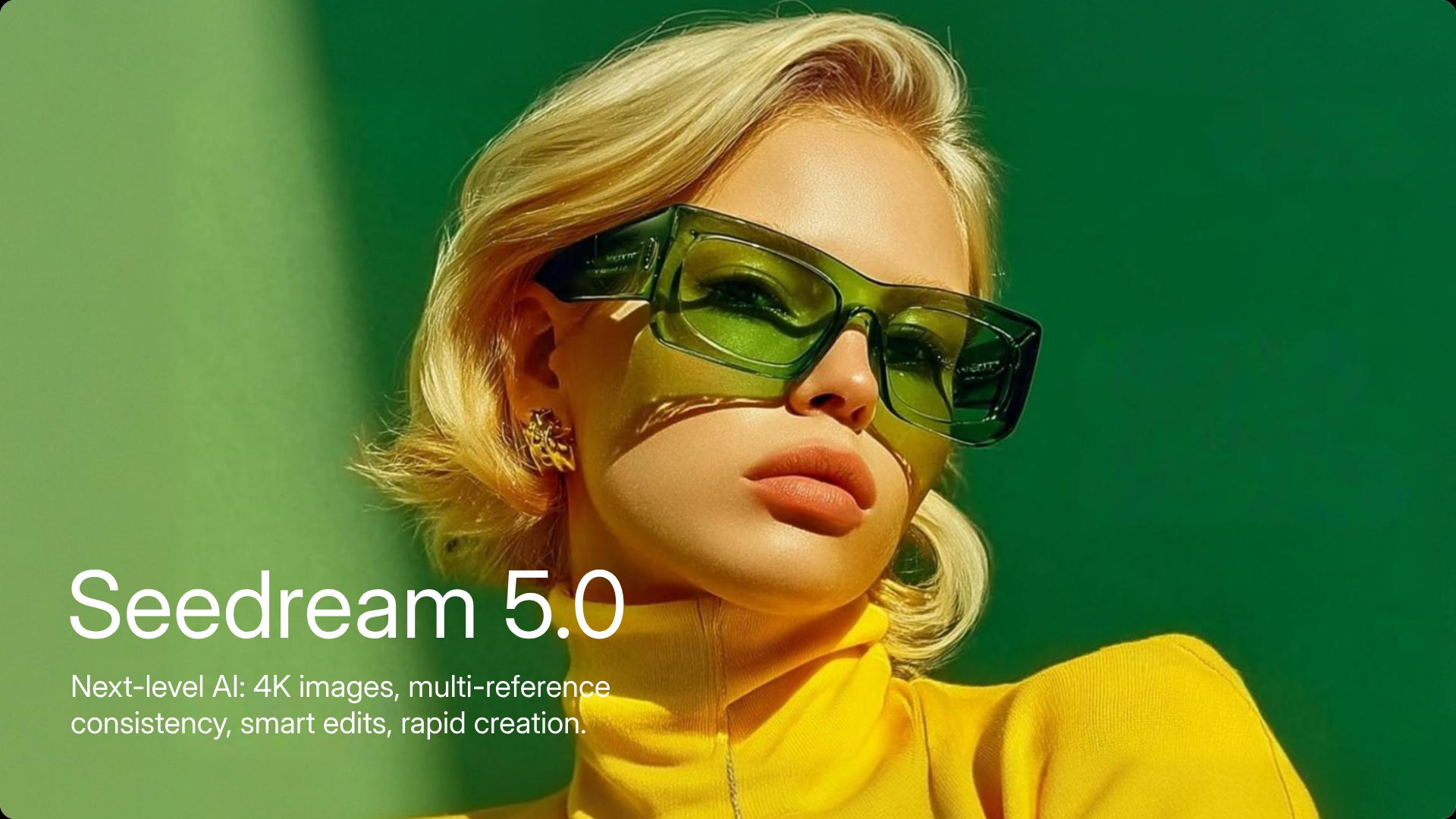
Seedream 5.0 by Bytedance is a native 4K AI image generator with advanced prompt reasoning and improved text rendering. Upload an image or enter a prompt to generate high-precision, consistent visuals online.
Seamless Seedream AI Multi-Image Input & Output
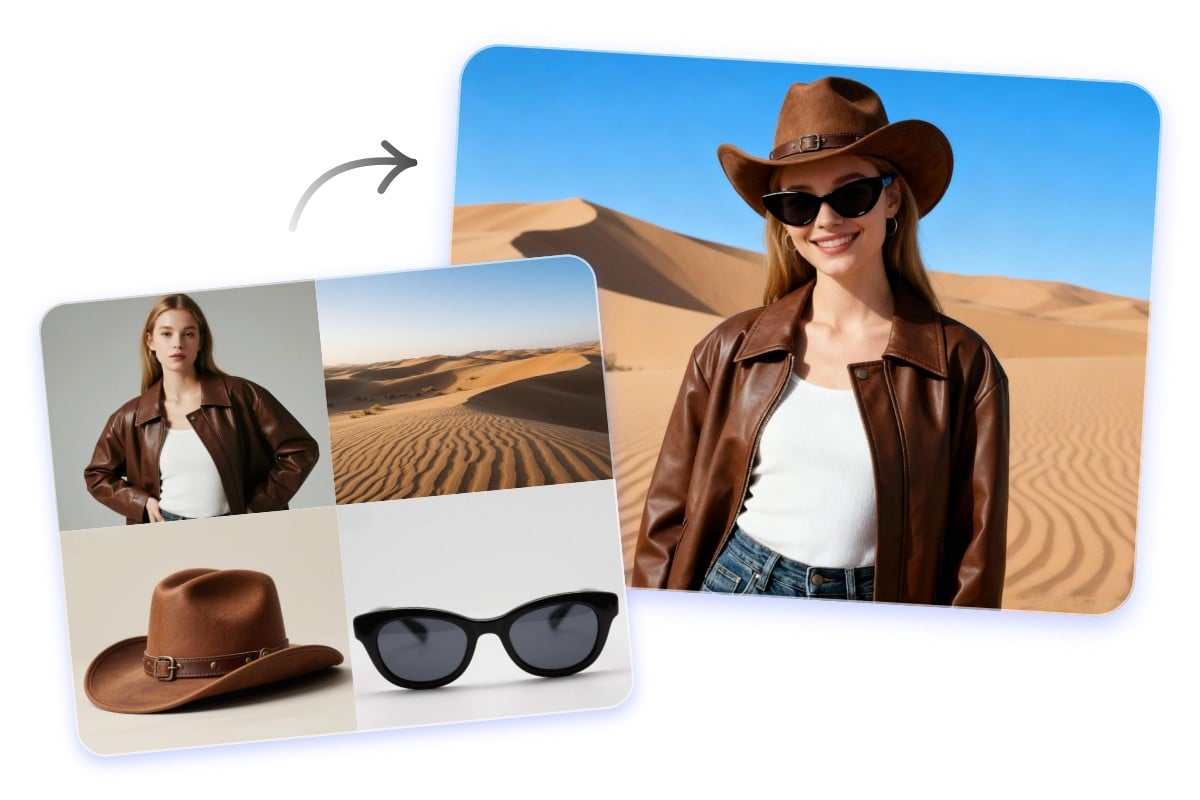
Seedream 5.0 supports uploading several images at once and generating multiple outputs in a single run with consistent visual features. You can provide two or more reference photos, and the Bytedance image model fuses their style, lighting, character features, and composition across every output.
Web-Connected Knowledge Integration
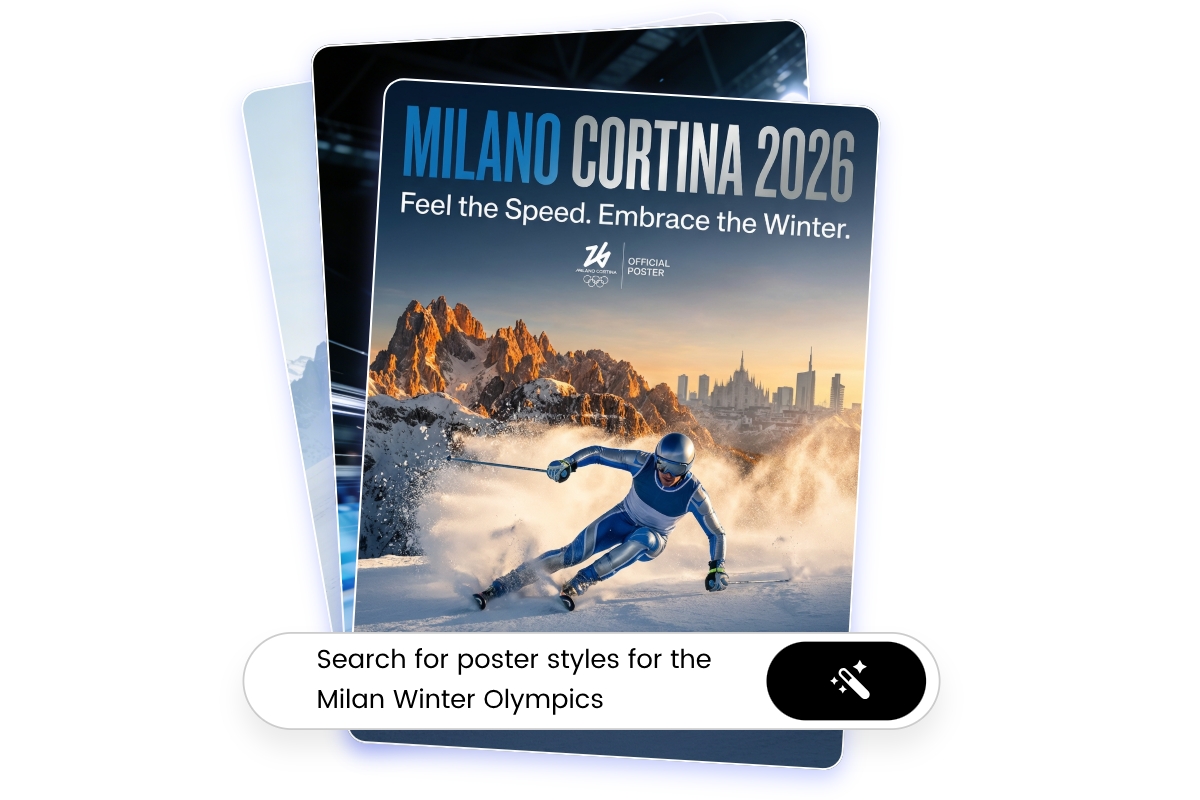
Seedream 5.0 Lite leverages web-connected knowledge to access broader, up-to-date information during image generation. By incorporating real-world context and current references, the model produces visuals that are more accurate and context-aware. This capability improves relevance for trending topics, contemporary design concepts, and detail-sensitive creative tasks.
A Series of Picture Through Image Combination
⭐ Click any picture to copy and paste the Seedream prompt for Seedream Image Generation ⭐
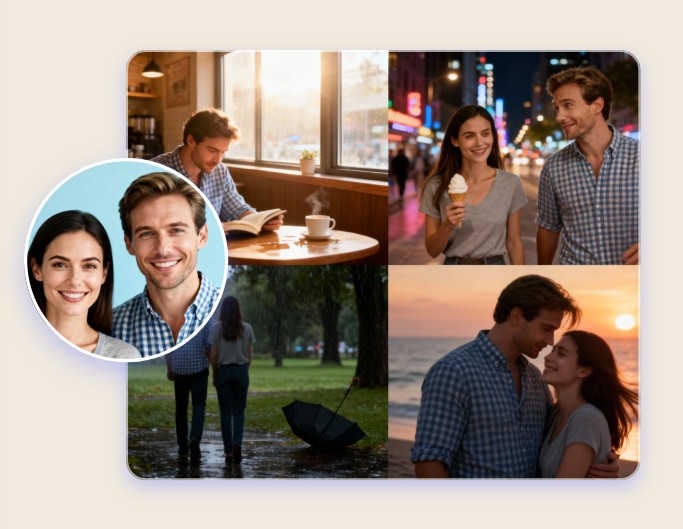
Create Cinematic Storyboard
Transform your photos into cinematic storyboard frames quickly using Seedream AI image generator.

Logo to Product Visuals
Convert flat logos into polished, realistic product visuals with the Seedream image model.
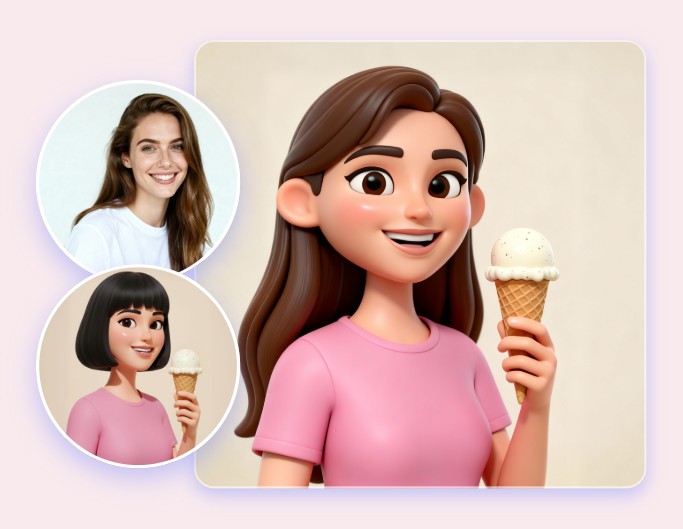
Image Style Fusion
Combine one image with another in style using Seedream AI photo prompts.
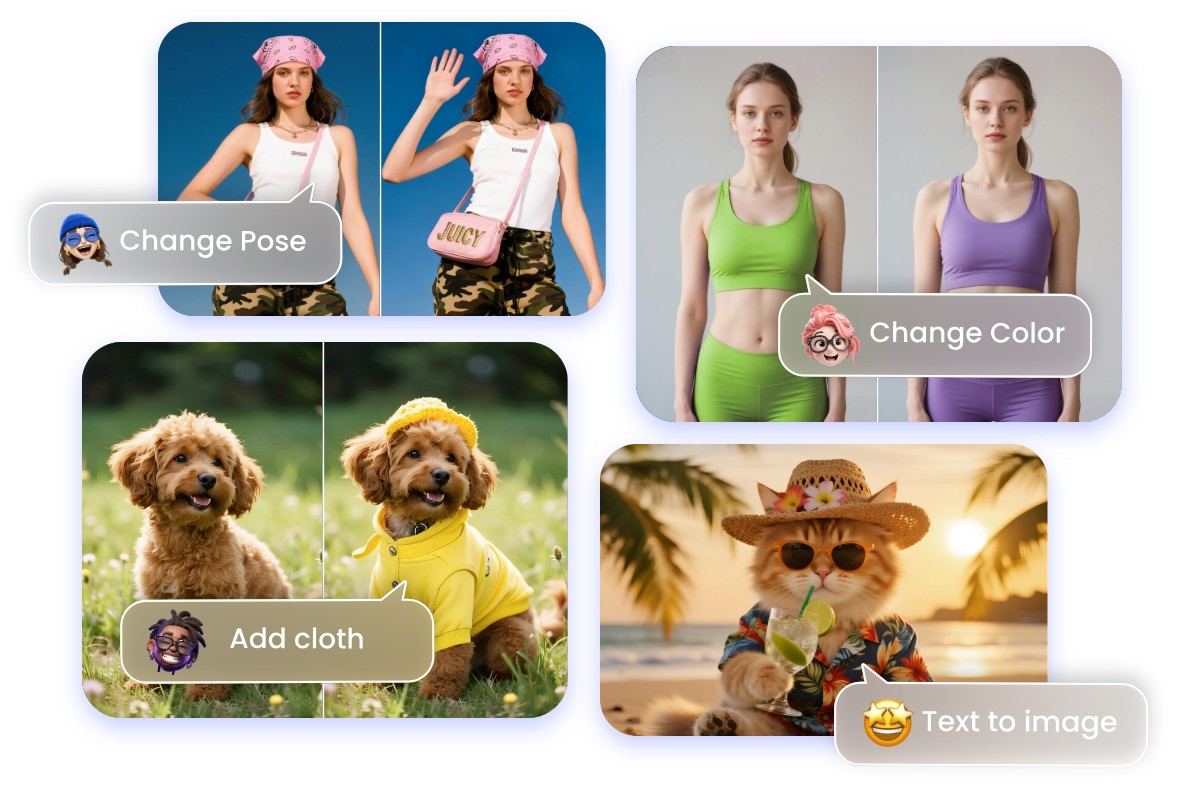
Accurate Seedream 5.0 Image Prompt with Natural Language
Seedream 5.0 Lite, the latest AI image generation model by Bytedance, delivers enhanced prompt understanding and visual reasoning. It accurately interprets complex, multi-step, and abstract instructions, improving intent recognition and logical consistency. This results in more precise AI image generation and editing aligned closely with user input.
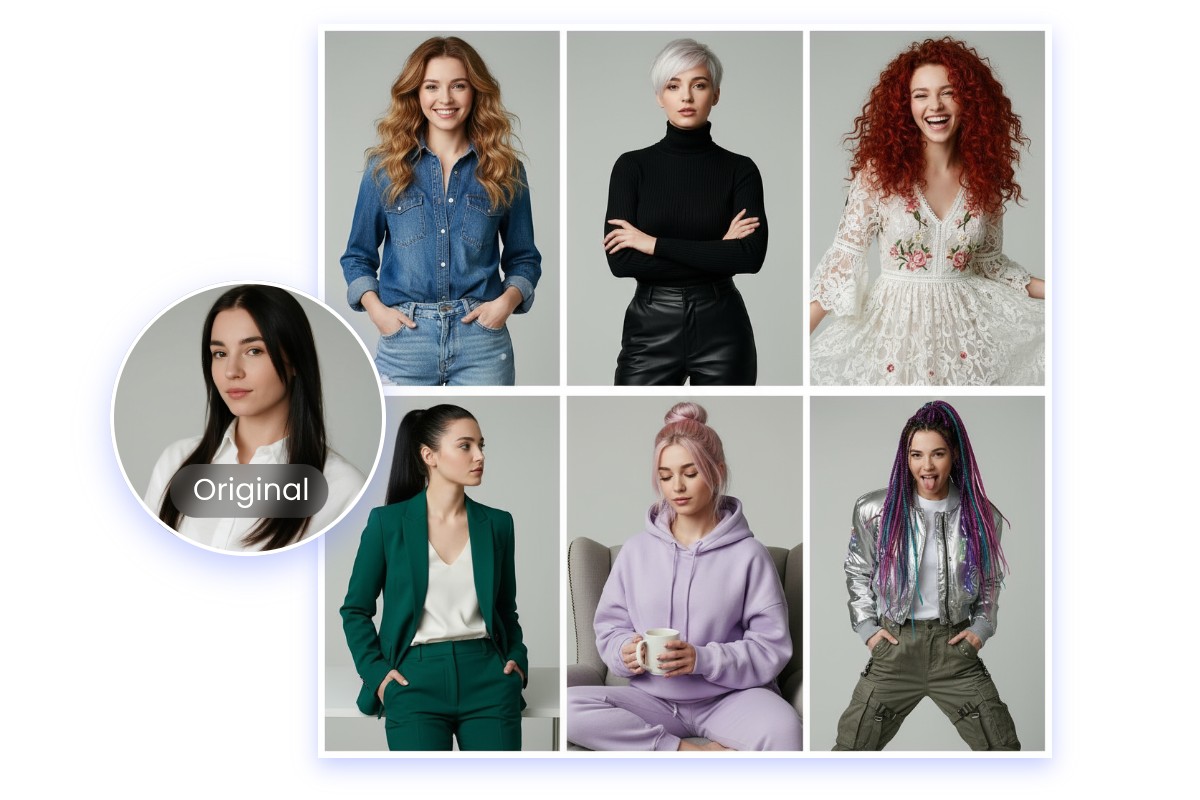
Keep Every Detail True to Your Original Image with Seedream 5.0
Seedream Bytedance image model excels at keeping the original’s personality intact. Character features stay recognizable even when you change style, lighting, or environment. Every edit or transformation preserves the fine details of your original image. You can trust Seedream 5.0 AI image generator to maintain authenticity.
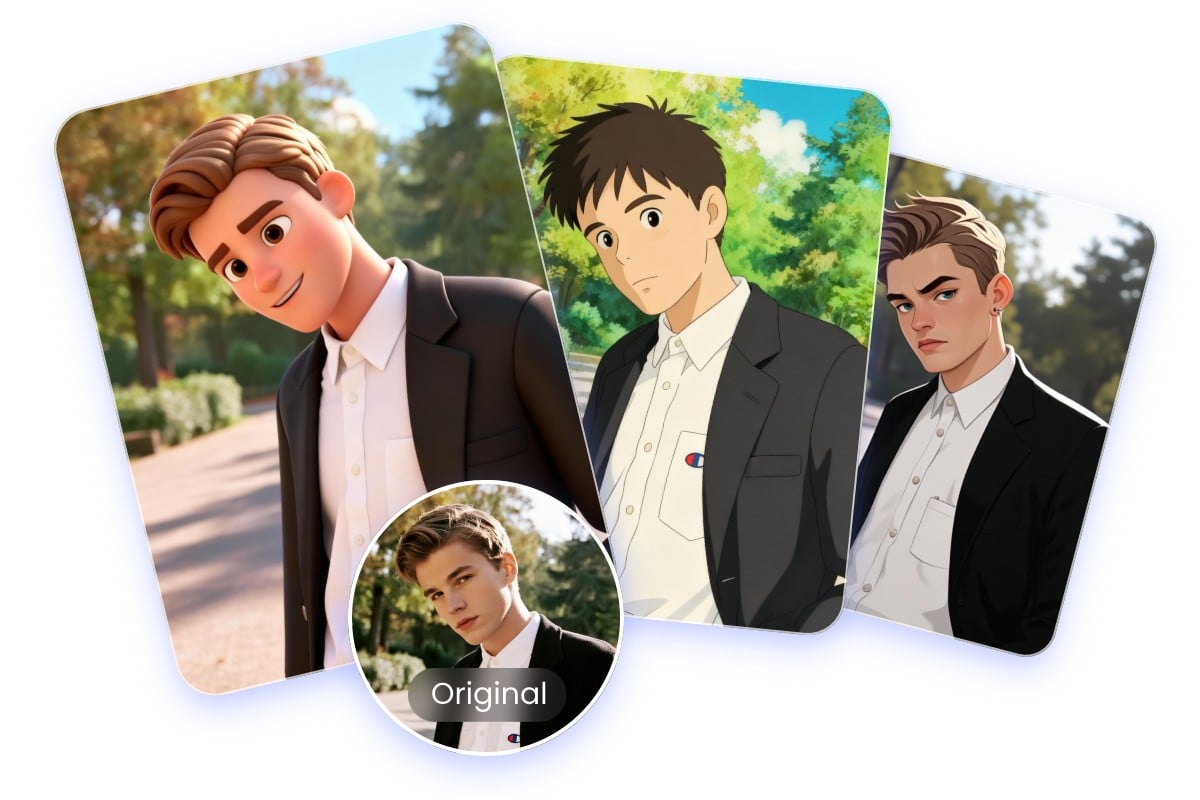
Advanced Style and Element Control
Seedream 5.0 Lite provides precise style control over textures, lighting, and composition across multiple images. Users can adjust visual elements interactively while the AI maintains consistency and logical coherence. Complex prompts are interpreted with reasoning, ensuring high-quality, stylistically refined, and context-aware image generation.
Explore Various Seedream 5.0 Image Editing and Generation
⭐ Click any picture to copy and paste the Seedream prompt for Seedream Image Generation ⭐
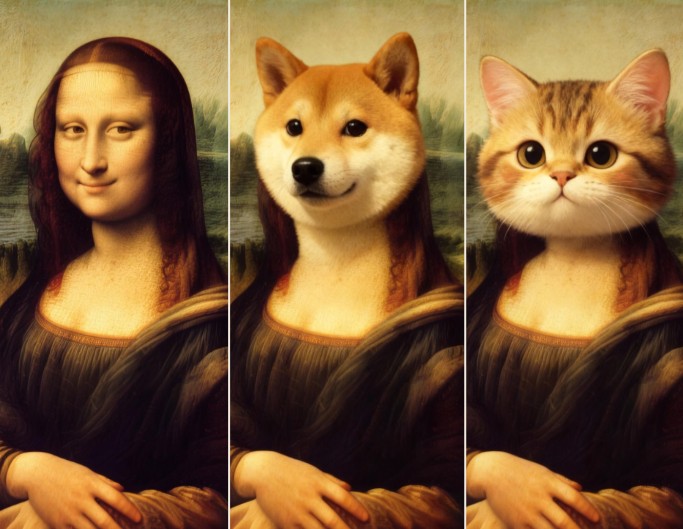
AI Image Replacer
Replace objects in your photos naturally and efficiently with Seedream 5.0 image generator.
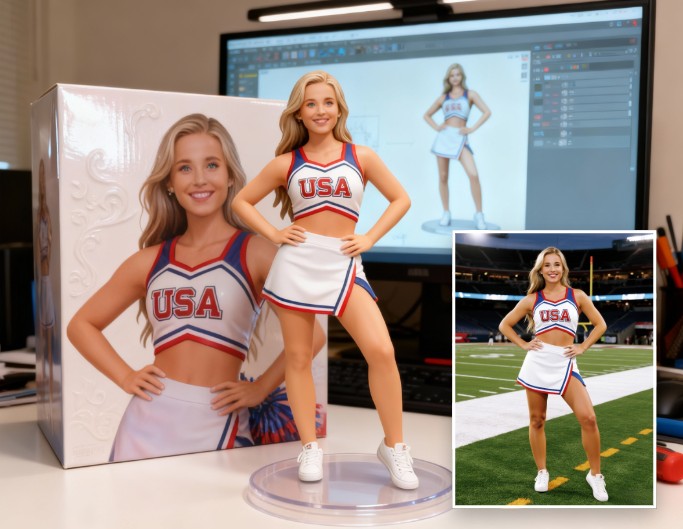
AI Action Figure
Turn photos into a collectible 3D action figurine with the Seedream AI image model.
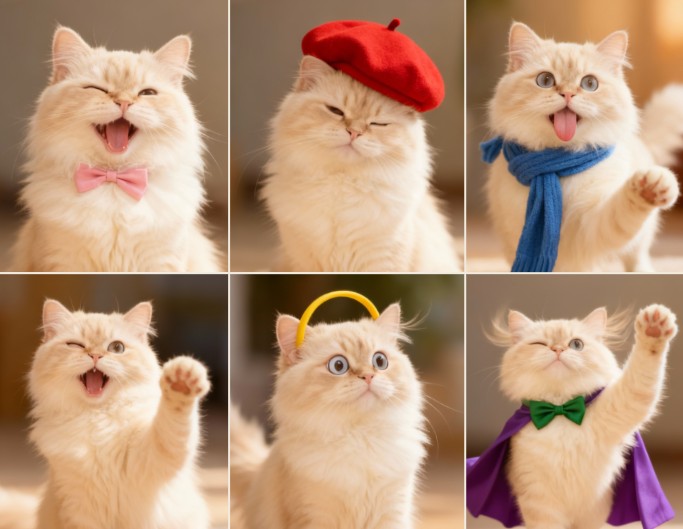
3x3 Photo Grid
Create a 3x3 grid pose effect from any photo using the Seedream image generator.
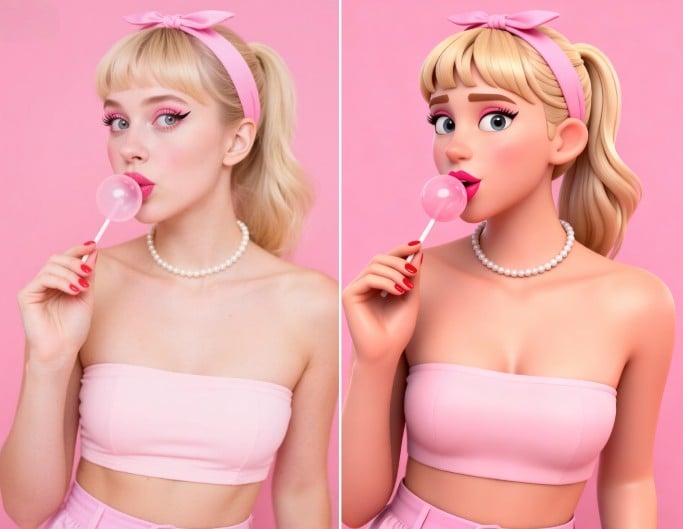
Convert 2D to 3D
Transform flat 2D images into 3D-style visuals with Seedream 5.0 AI.
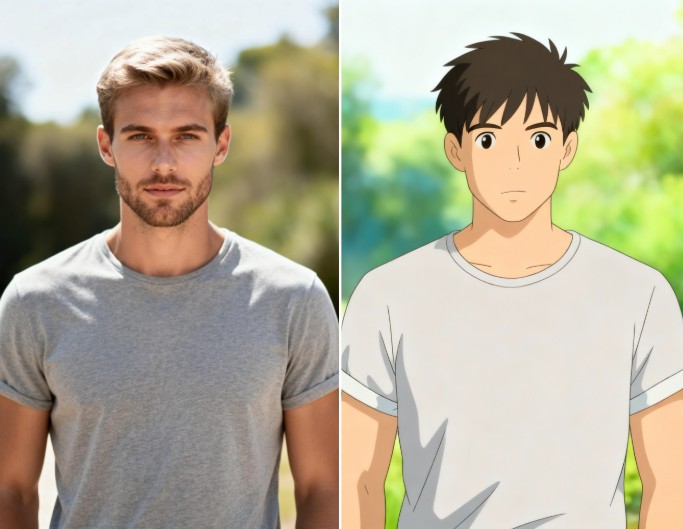
Photo to Studio Ghibli
Reimagine images in Studio Ghibli style using Seedream AI image generator.
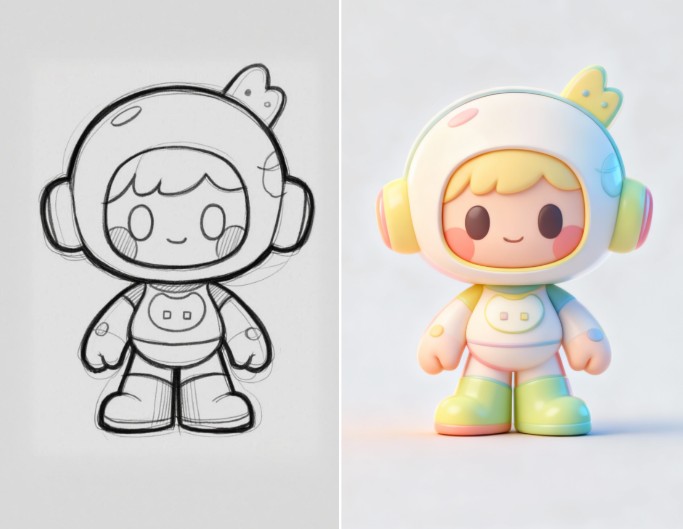
Sketch to Realistic Artwork
Convert sketches into realistic artwork with detail using the Seedream image model.
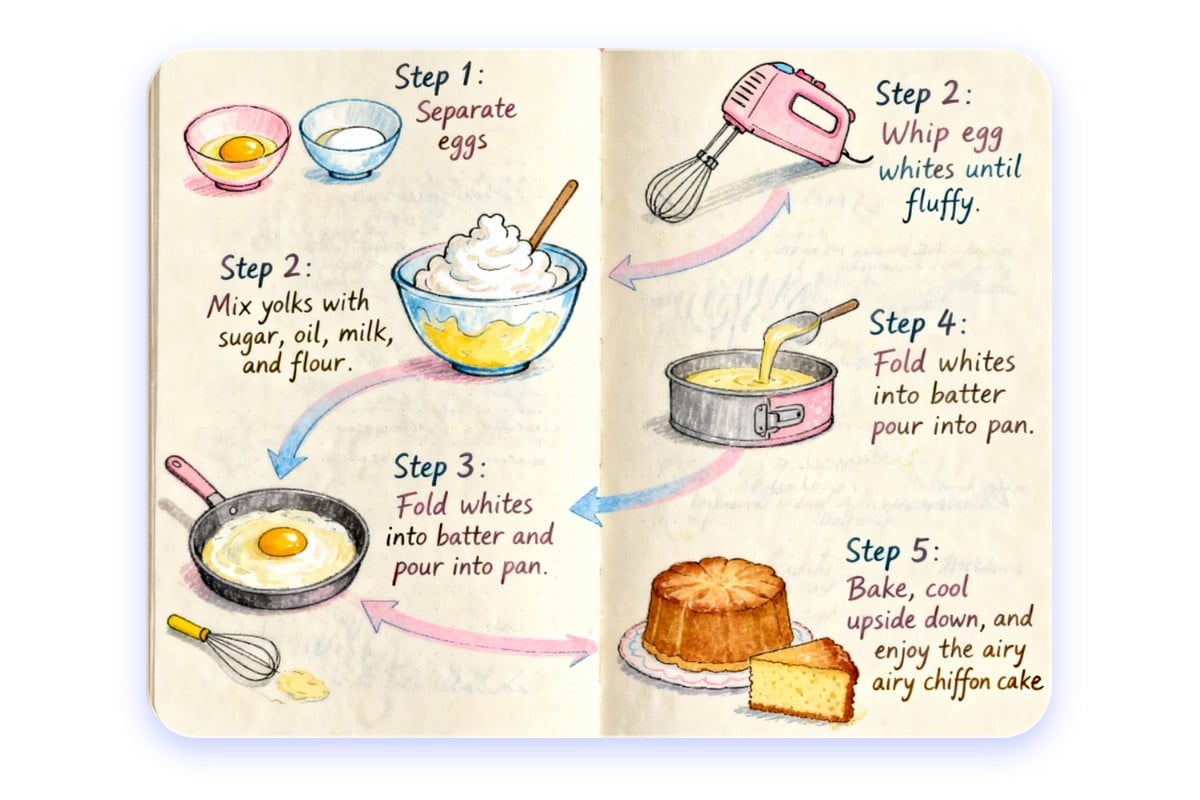
Seedream 5.0 Understands Your Image Prompts on a Deeper Level
Seedream 5.0 interprets your image prompt deeply. The Bytedance AI understands context, implicit meaning, and even more “expert-level” knowledge. No matter your AI photo prompt is vague or too technical, it uses its knowledge base to respond more intelligently and delivers better quality outputs for abstract or complex instructions.
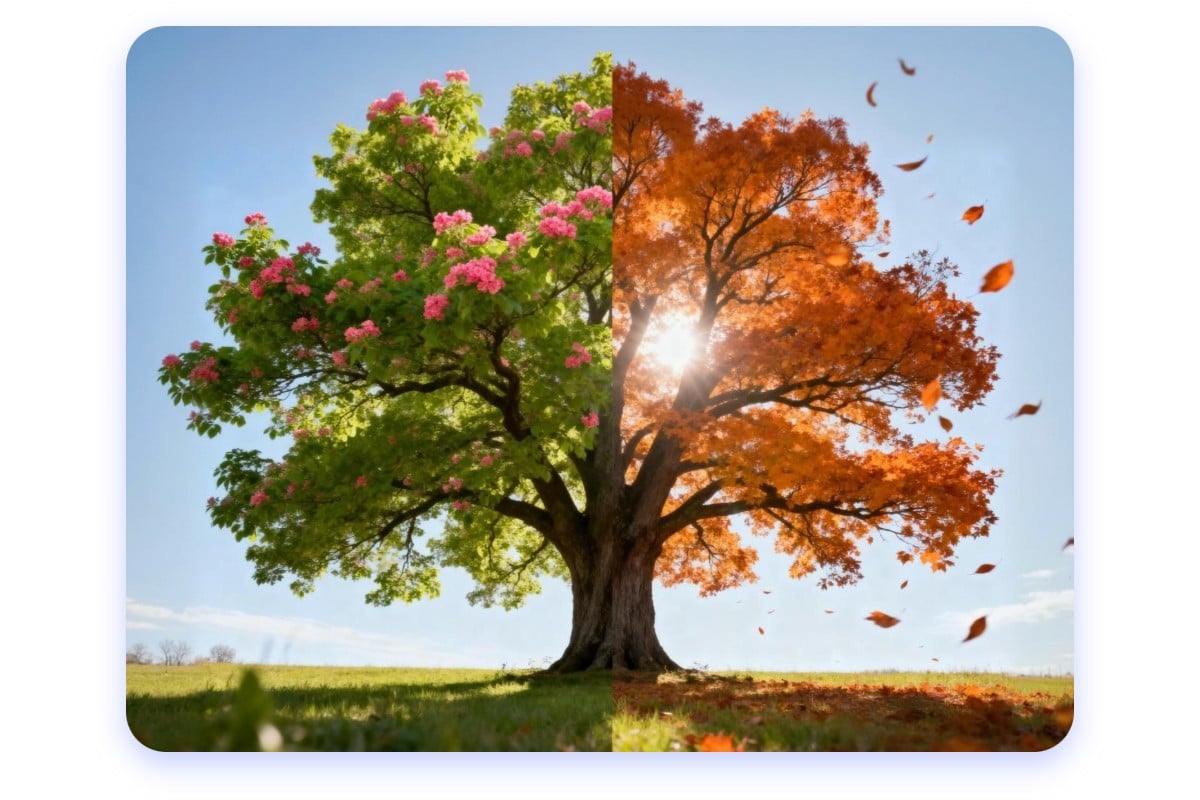
Seedream 5.0 AI Provides Smarter Predictions for Future-Ready Images
With Seedream 5.0 AI, you get images that can simulate scenes over time or across perspectives. Want to predict lighting changes at different hours, simulate movement or shifts, imagine future scenarios, or move through temporal or spatial transitions? Seedream image generator handles predictions, bridging gaps between what’s shown and what you imagine.
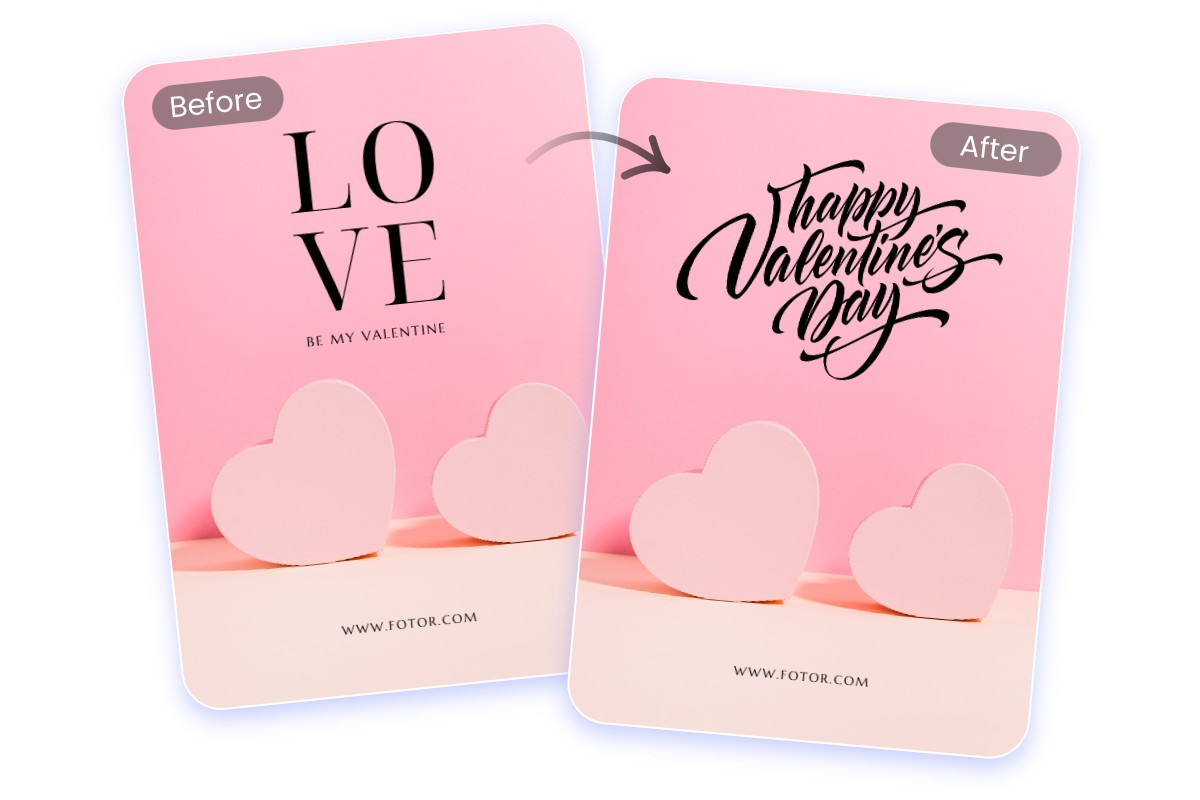
Bytedance Seedream 5.0 Edits Text in Images Clearly and Correctly
It’s easy for Seedream AI to edit text in images like signs, labels, subtitles with Bytedance Seedream photo prompts. If you ask to change or add text, it respects your order: proper alignment, fonts, sizes, and clarity. No weird artifacts or weirdly garbled letters. It understands context around text, so even complex text content comes out clean and professional.
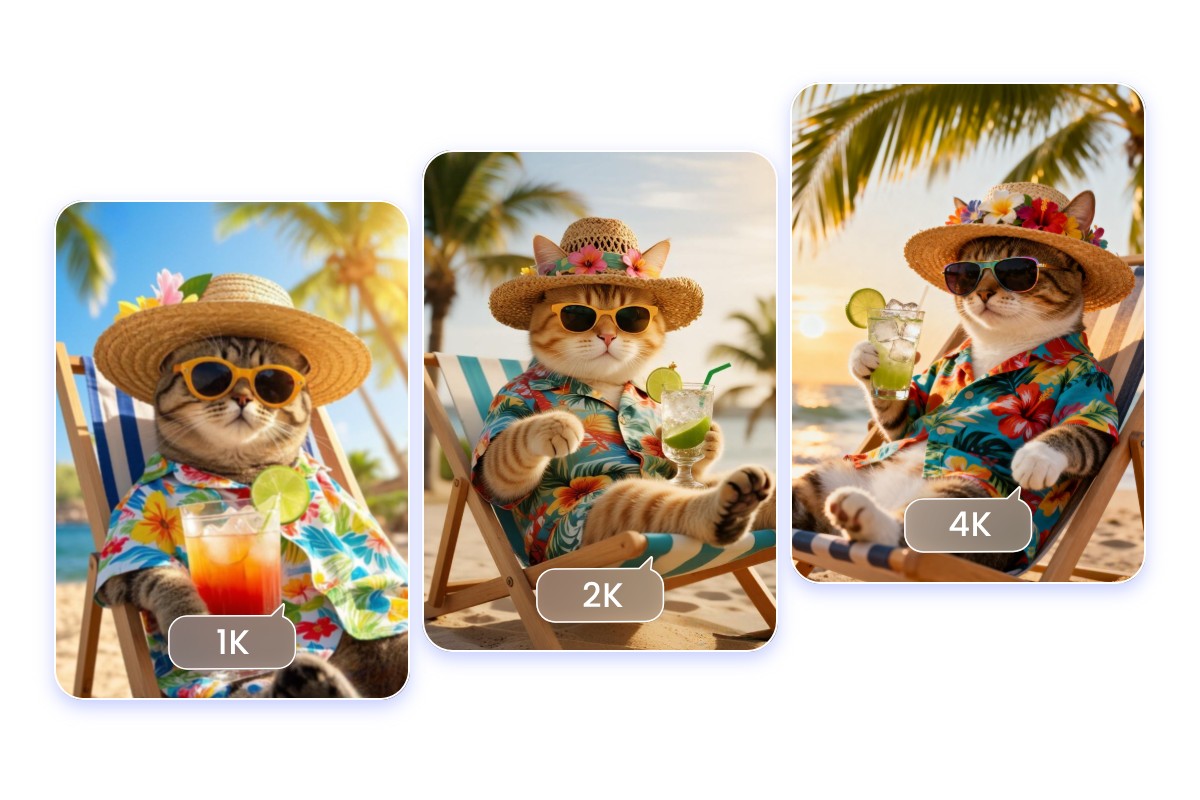
Seedream 5.0 AI Image Generator Creates Images in 4K
Seedream 5.0 AI image generator delivers images smoothly with minimal wait time. Bytedance Seedream AI image model lets you move quickly from idea to polished image, with 4K high resolution that gives room for cropping, printing, or further editing without loss. This speed keeps your creative flow smooth, so you never need to wait around.
How to Use Bytedance Seedream 5.0 Image Generator
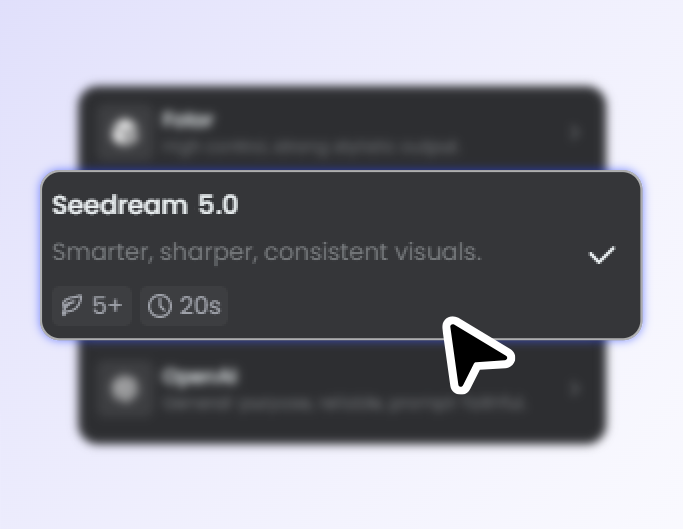
Step 1. Select Seedream 5.0 Lite Model
Make sure you pick the Seedream 5.0 AI image generator model.
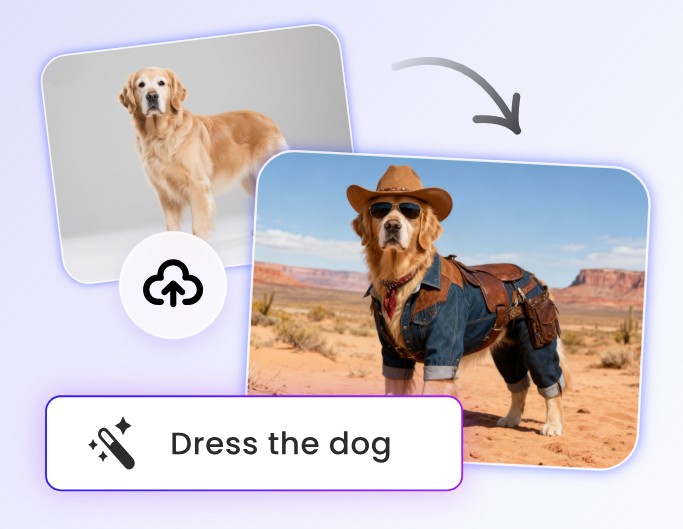
Step 2. Upload Your Photo and Prompt
Input your photos and the Seedream AI image prompt to get your picture edited.
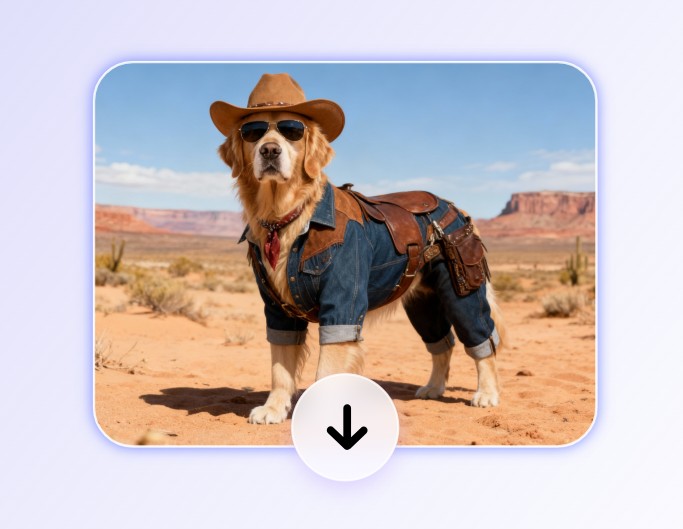
Step 3. Generate Seedream 5.0 AI Images
Tap Generate and see Bytedance Seedream AI image generator bring you the best image result.
Bytedance Seedream 5.0 Brightens Your Life
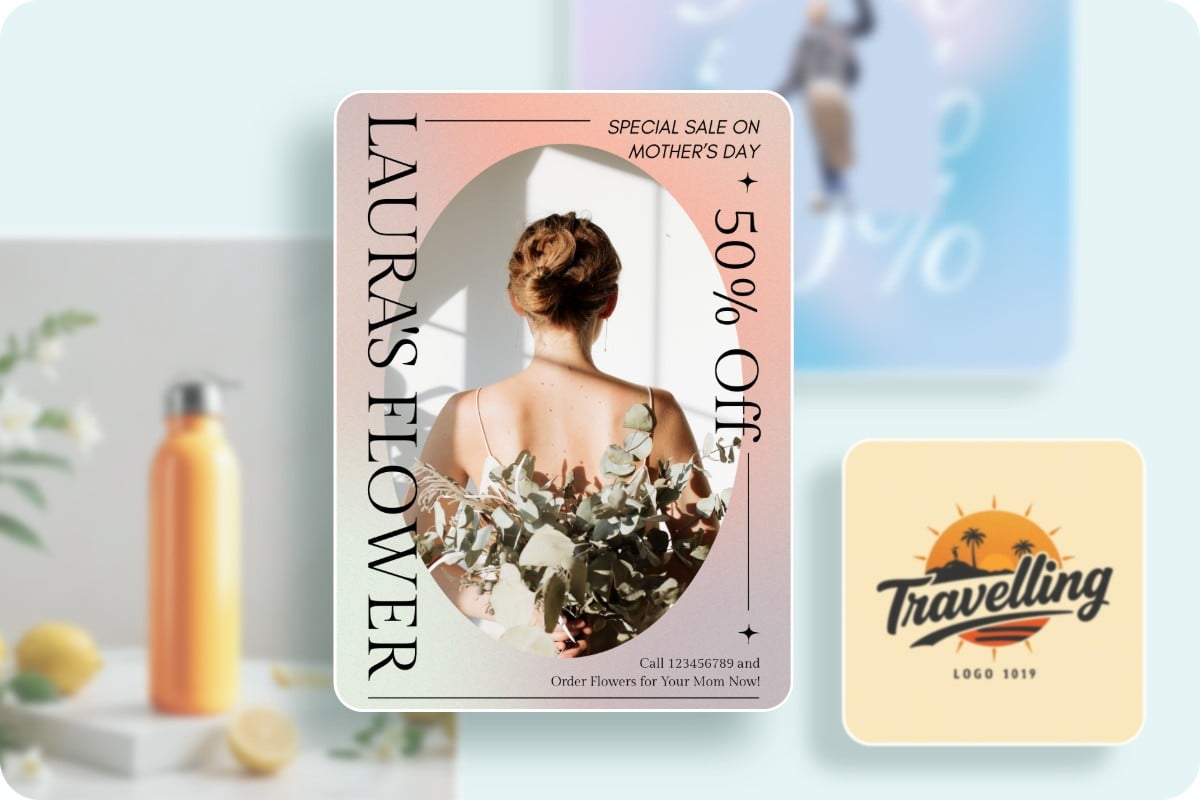
Create Stunning Marketing Posters Instantly for Branding
Seedream 5.0 enables marketers to swiftly generate high-resolution posters by transforming raw images into polished designs. Its advanced editing capabilities allow for easy text adjustments and layout refinements, ensuring brand consistency across campaigns. Perfect for eye-catching, professional promotional materials.
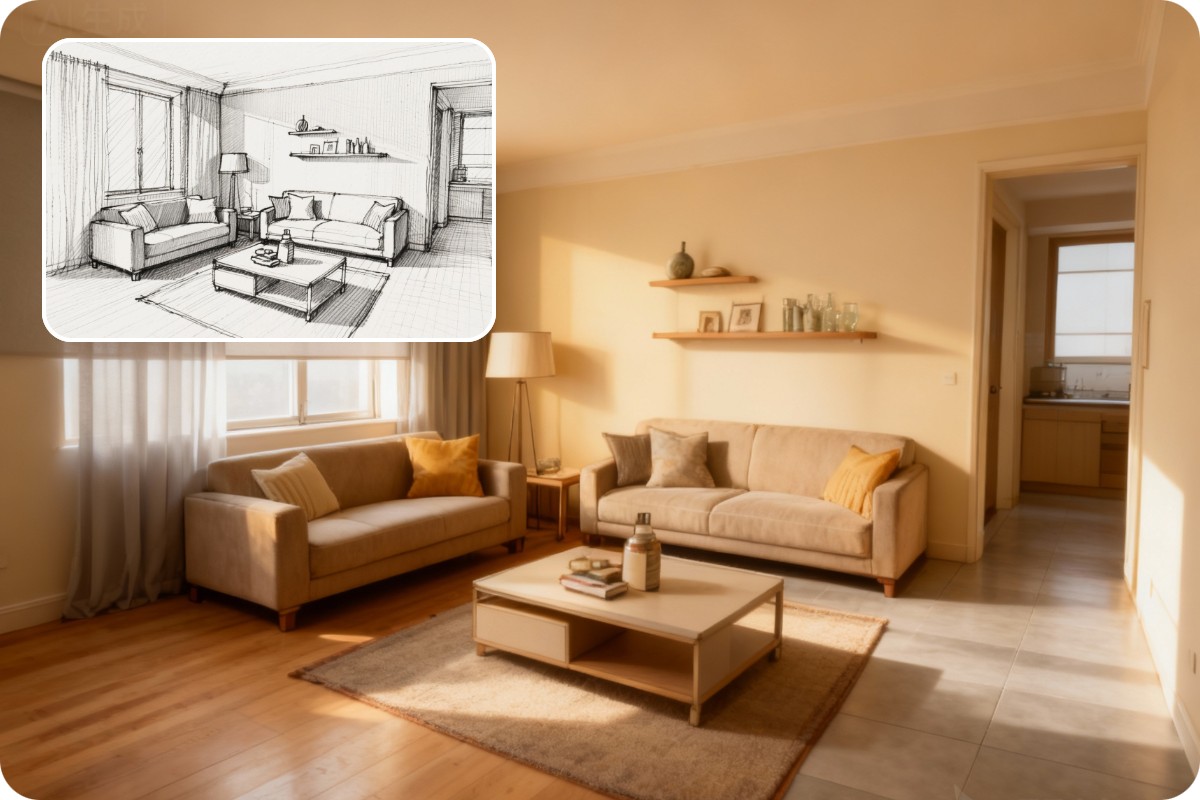
Turn Interior Design Sketches Into Realistic Visuals
Architects and interior designers can convert conceptual sketches or CAD drawings into lifelike 3D renderings. By uploading reference images and applying Seedream style transfers, users can visualize lighting, textures, and spatial details, making client presentations and design iterations faster and more impactful.
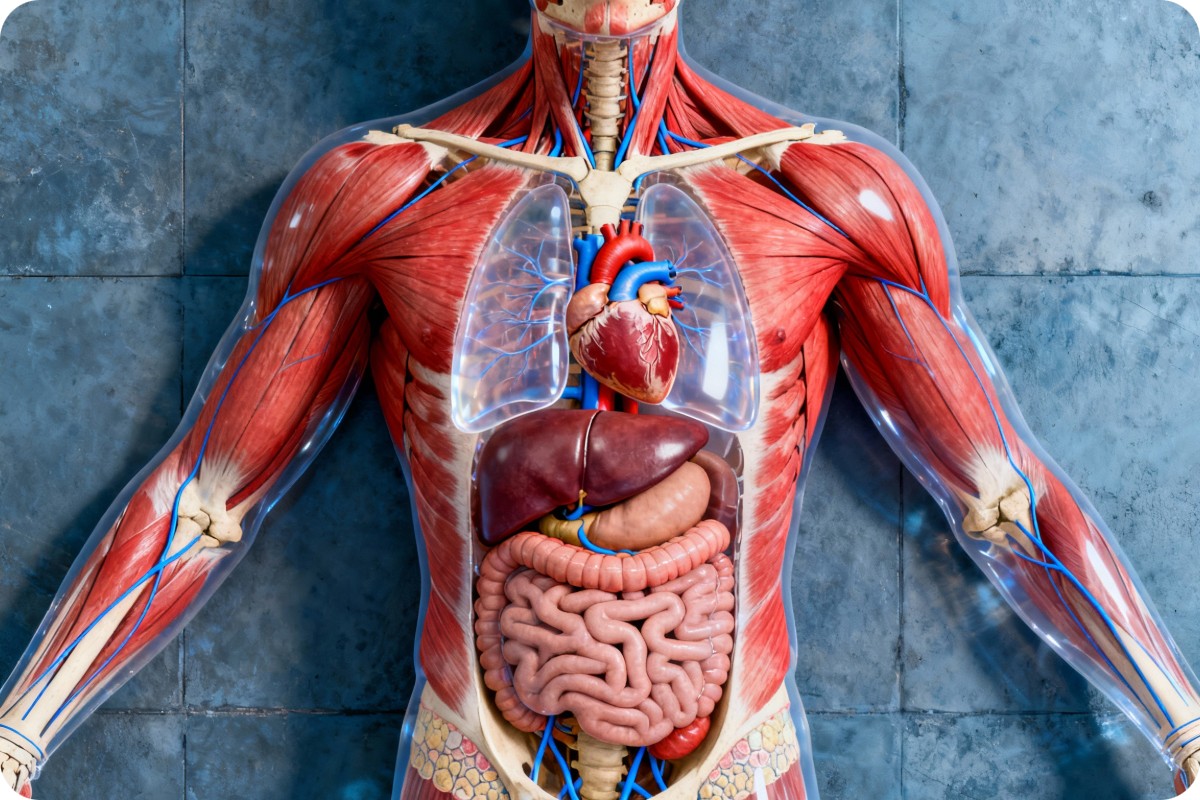
Generate Accurate Medical & Anatomical Illustrations
Medical professionals and educators can create detailed anatomical images from sketches or reference photos. Seedream AI image generator preserves anatomical accuracy while producing high-resolution outputs, making it ideal for educational materials, patient guides, and scientific visualizations.
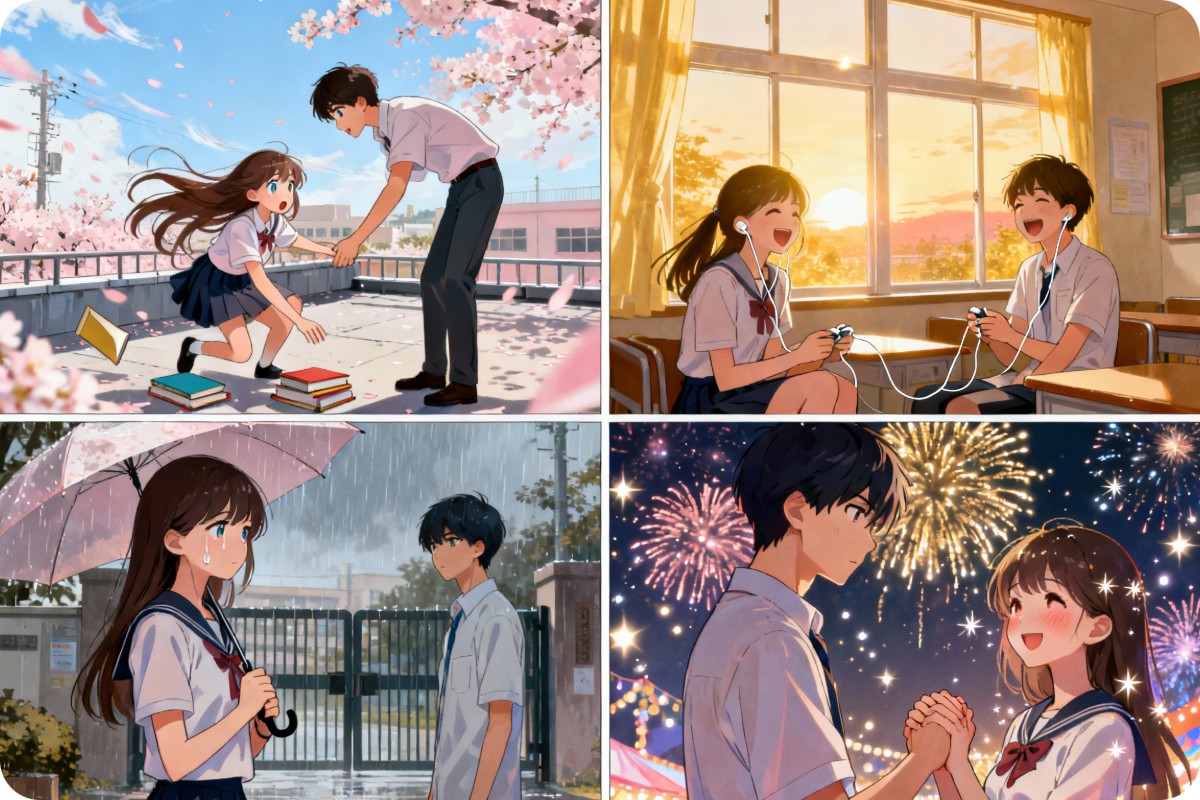
Bring Stories to Life with Comic & Storyboards
Comic artists and storyboard creators can transform scripts into visual sequences using Seedream 5.0. By inputting scene descriptions and character prompts, users generate storyboard frames that capture narrative essence, streamline creative workflow, and enhance storytelling efficiency.
Why Choose Bytedance Seedream 5.0?
![batch enhancement icon]()
Multi-image Input & Output
Upload multiple images and generate consistent outputs. Seedream 5.0 fuses style, lighting, and composition across all images.
![Built in photo editing tools]()
Advanced Prompt Understanding
Interpret complex or abstract prompts with reasoning, producing precise and context-aware AI image edits.
![Fotor free online image enhancer]()
No Watermark or Sign-up
Generate professional visuals instantly without registration or watermark restrictions.
![no sign-up or login icon]()
Multi-language Prompts
Seedream 5.0 accurately understands prompts in various languages for reliable image generation.
![Secure and private image processing]()
Fast Generation
Produce refined images quickly, supporting high-resolution outputs for creative projects.
![Export visuals in HD resolution for print or web]()
4K High Resolution
Create ultra-clear 4K visuals with improved textures, lighting, and style control for professional results.