Add Date to Photo Online for Free
Easily add date to photos online for free with Fotor's time stamp editor. Batch edit up to 50 images, customize timestamp styles, and export watermark-free. Time stamps your photos now!

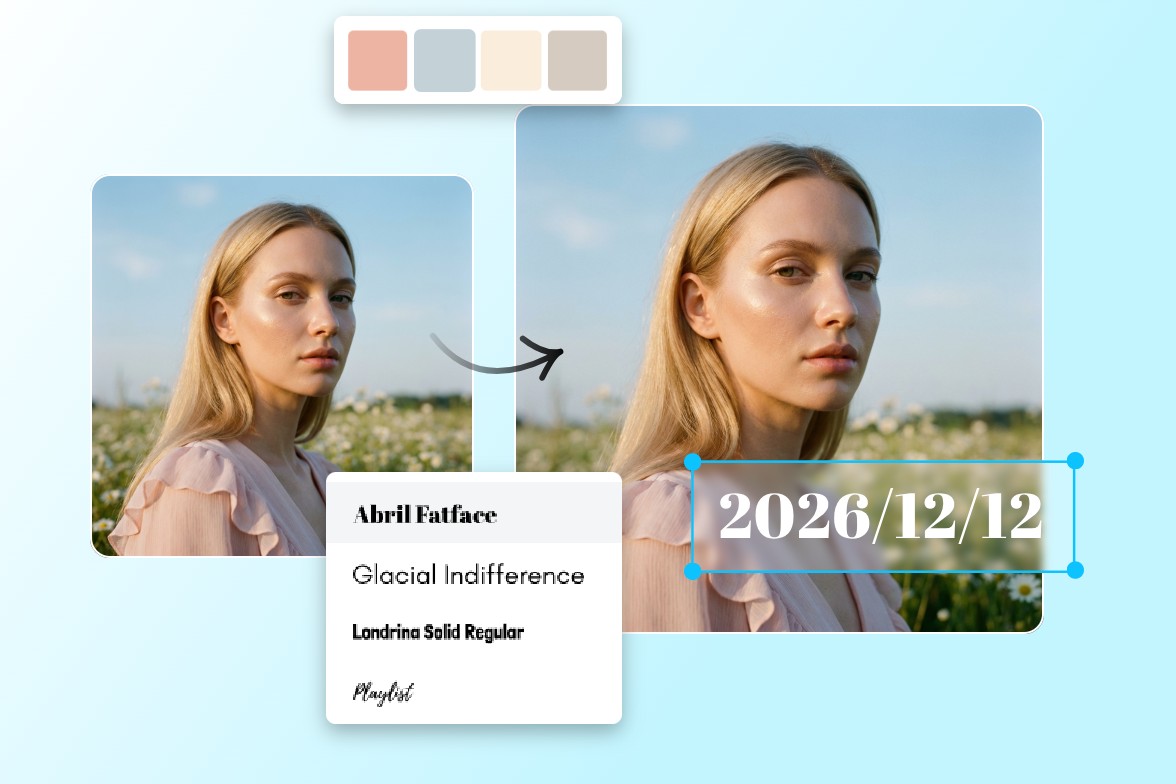
Click or drag an image here to edit
Click or drag an image here to edit


Fotor's Timestamp Editor in Numbers
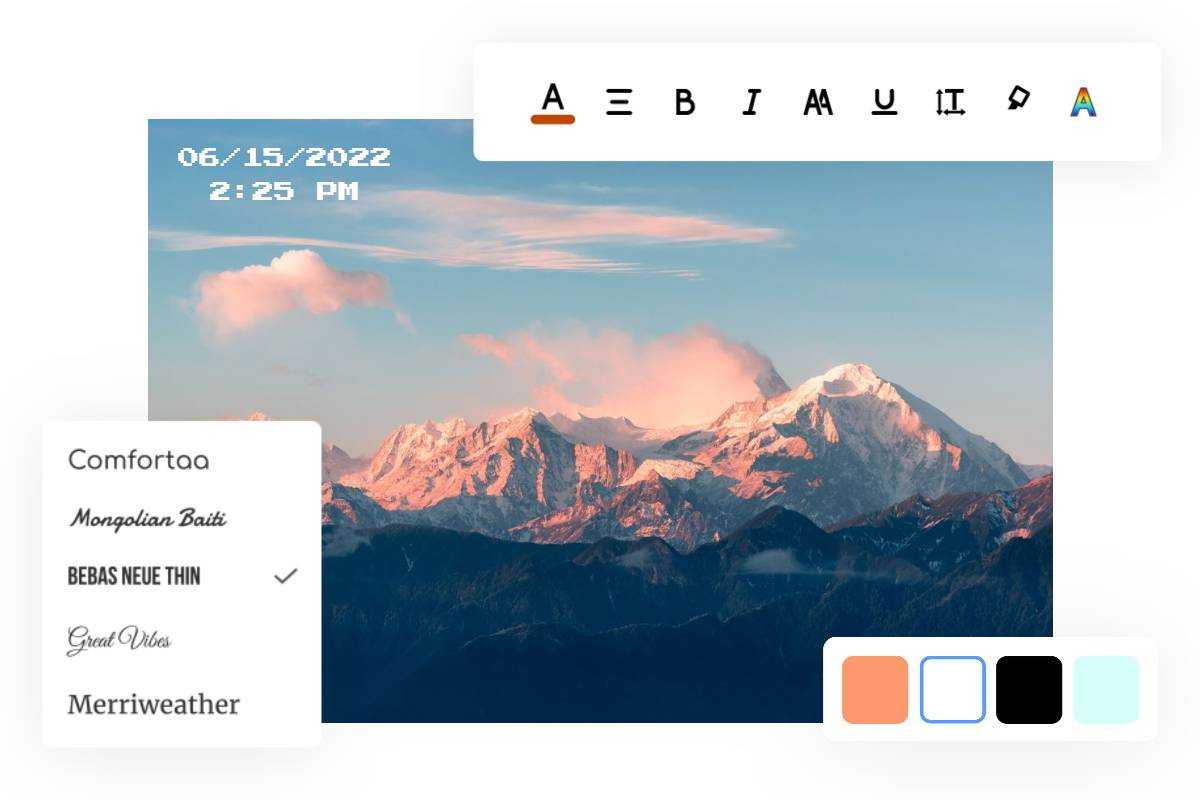
Freely Customize Date Stamp Layout, Size, Font, Colors
Fotor’s free online photo date stamper gives you the ability to adjust the format of the date stamp to make it more personalized and creative. With a wide range of stylish font styles, you can easily find a text combination that matches the aesthetic and themes of your photo. Additionally, you can use our photo editor to change the size, colors, opacity, and position of the date stamp to make it better fit your photo.
Add Date to Photos for Any Purpose
Adding dates to your photos makes it easier to organize them and keep track of when each moment was captured. With Fotor's free date stamper, you can quickly add timestamps to baby photos, wedding shots, travel pictures, work records, and more in just seconds.
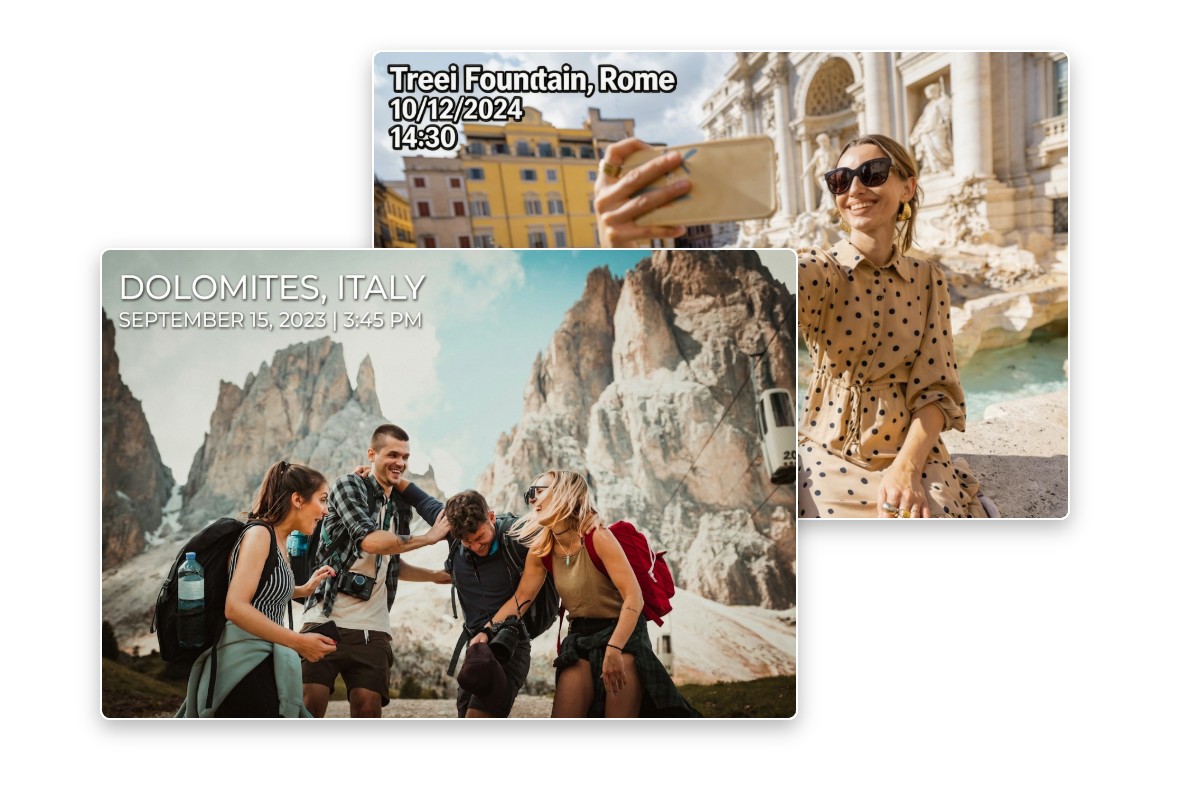
Travel & Memory Keeping
Add dates to travel photos to clearly document when and where each moment happened, perfect for albums, vlogs, or social sharing.
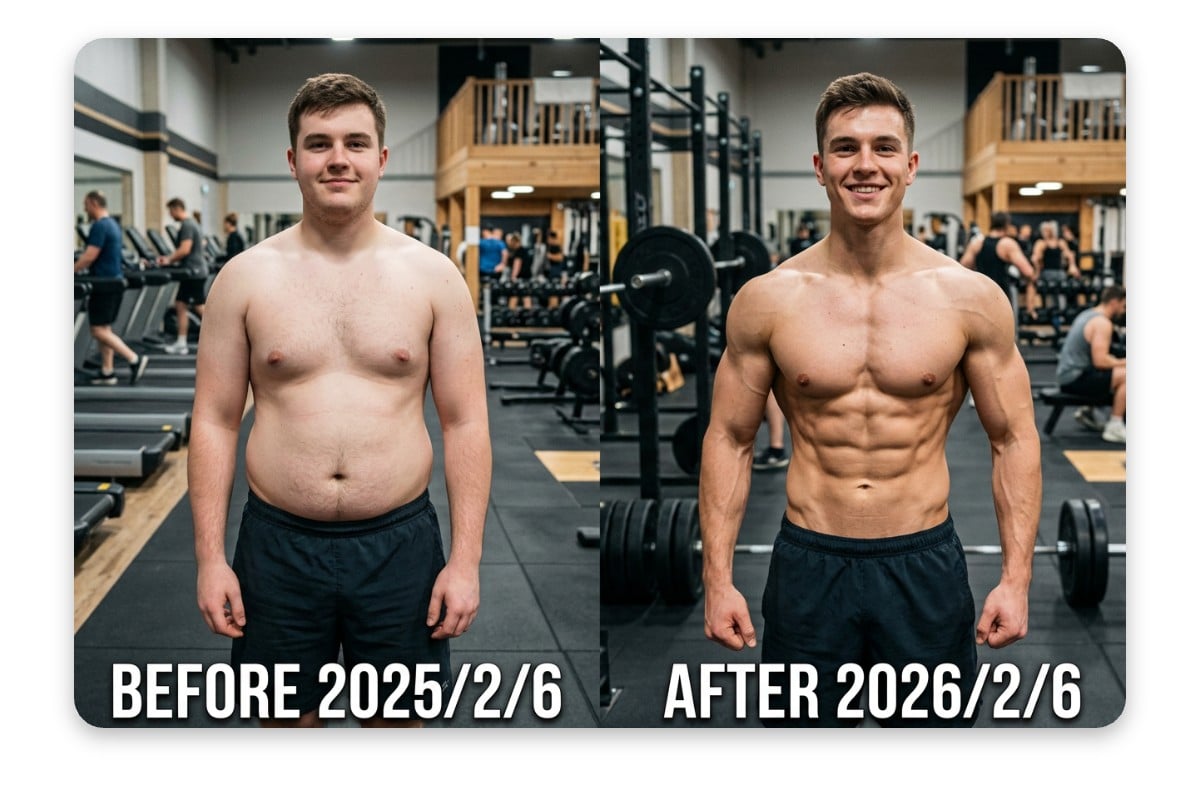
Before & After Comparisons
Add dates to before-and-after photos (fitness, skincare, and renovation) to clearly show progress over time.
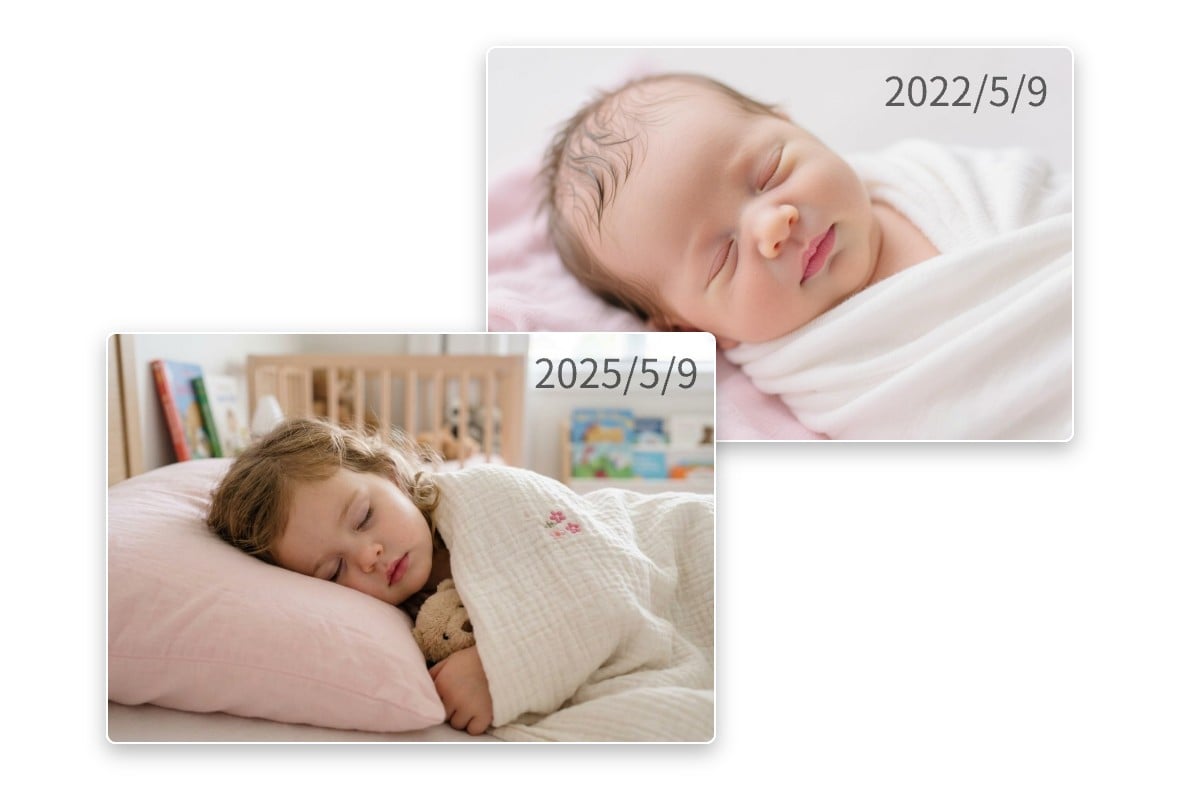
Baby Growth Tracking
Track your child's growth by adding dates to baby photos, milestones, and daily moments for a clear visual timeline.
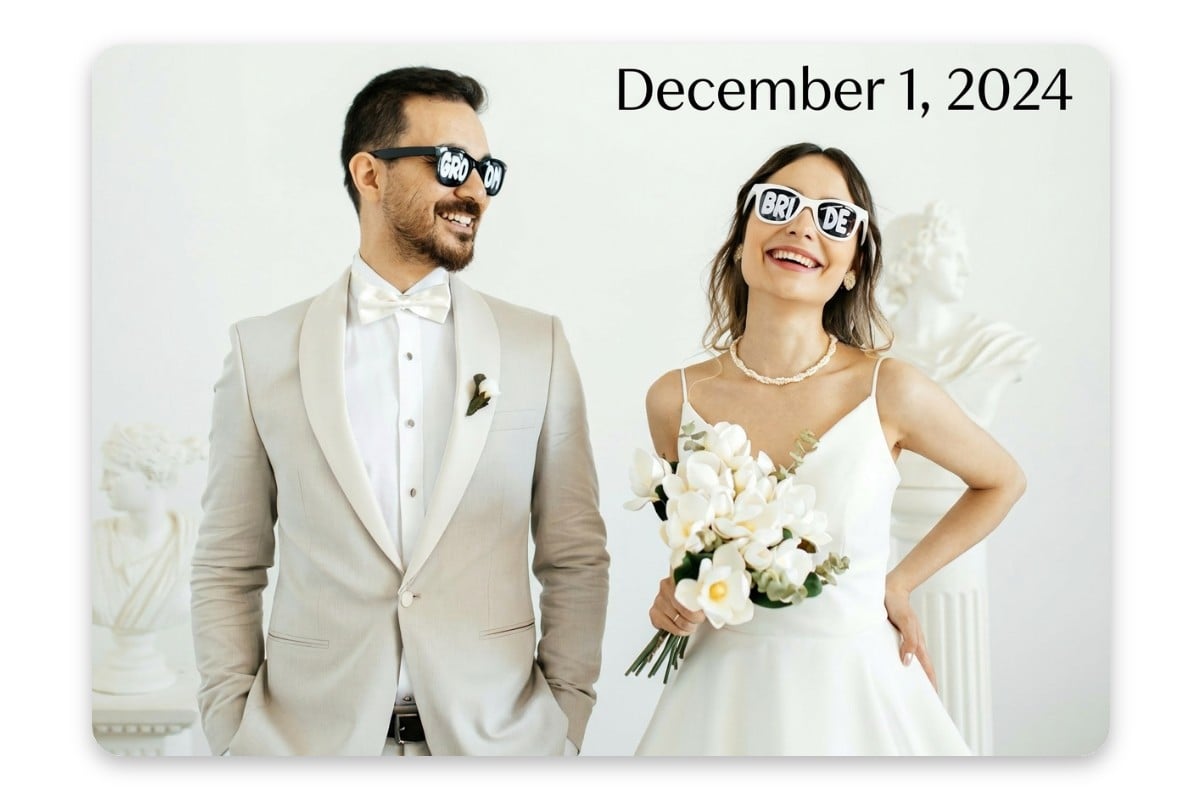
Event & Wedding Photography
Stamp dates on wedding, party, or event photos to preserve the timeline and make albums more meaningful.

Work Documentation
Add timestamps to photos for inspections, deliveries, construction progress, or incident records to keep verifiable documentation.

Content Creation & Storytelling
Add dates or timestamps to photos for social media, blogs, or reports to provide context and make your content more credible.
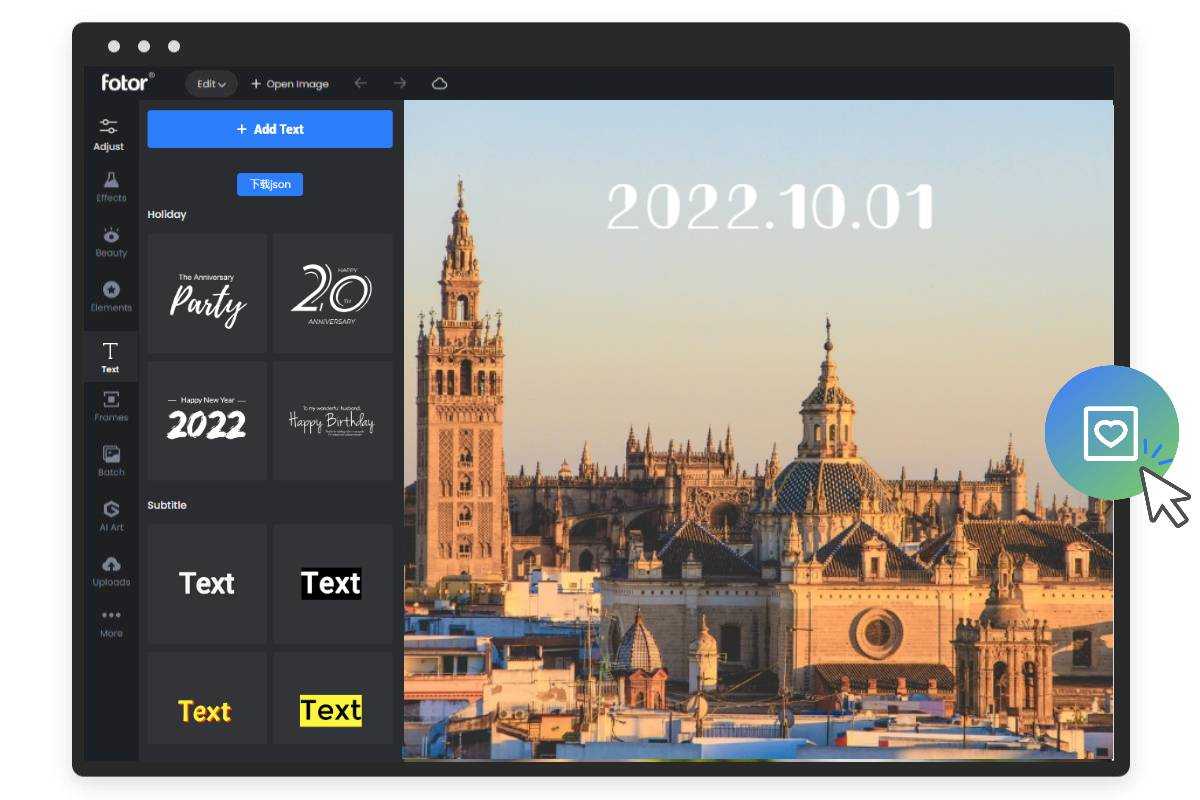
How to Add Date to Photo?
- Click "Upload Image" to open Fotor's online timestamp editor, and upload a photo you want to add a timestamp to. We supprt common formats like PNG, JPG, JPEG, WEBP, etc.
- Select the "Text" option from the menu on the left to bring up a text box on your photo.
- Just click the text box, add the date and time of the photo, and you're done! You can also change the layout, size, colors, fonts, transparency, and more of the date stamp.
- When you're finished time stamping your photo, save your timestamped photo in high-resolution JPG or PNG image file.
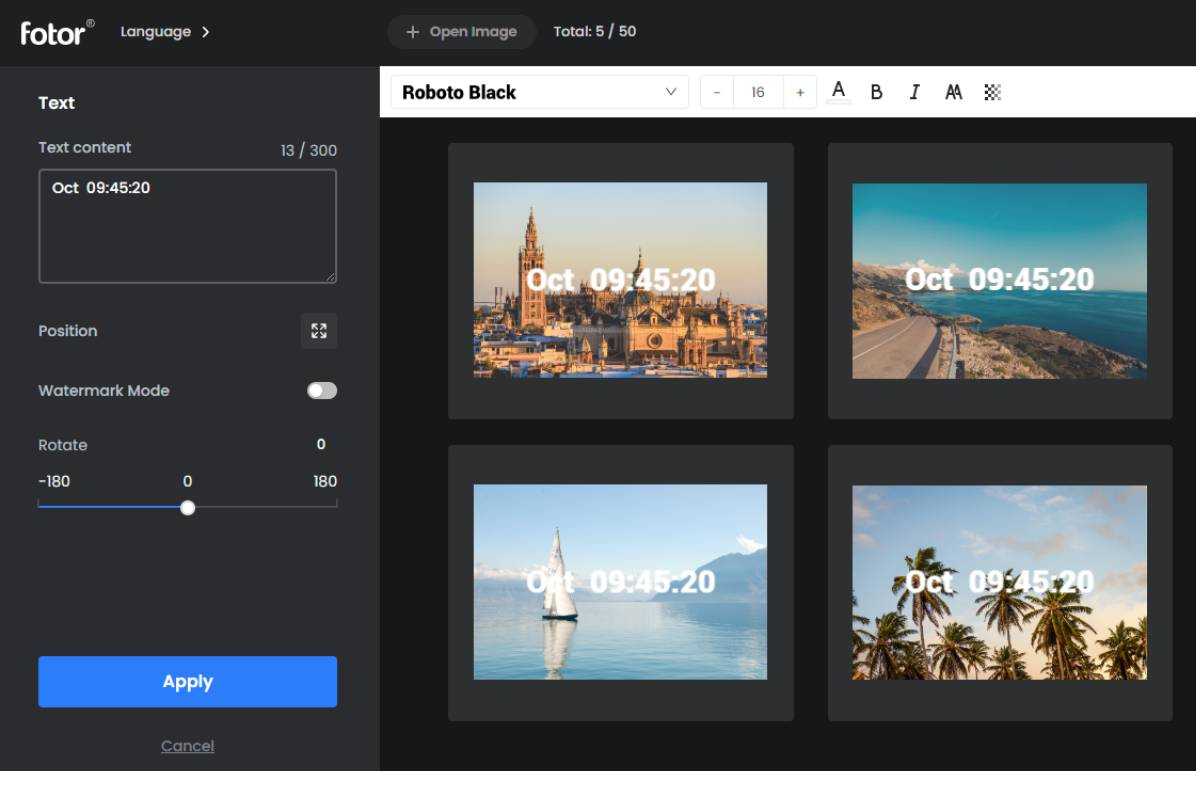
Batch Date Stamp Photos At Once
Need to add a date stamp on a bunch of photos? Fotor's photo date stamper lets you batch add time and date to photos, and download them in batches with just one click. It supports up to 50 photo uploads at one time, and there are nine preset datestamp positions for you to choose from. The convenience of batch processing saves you the headache of date stamping photos one by one.
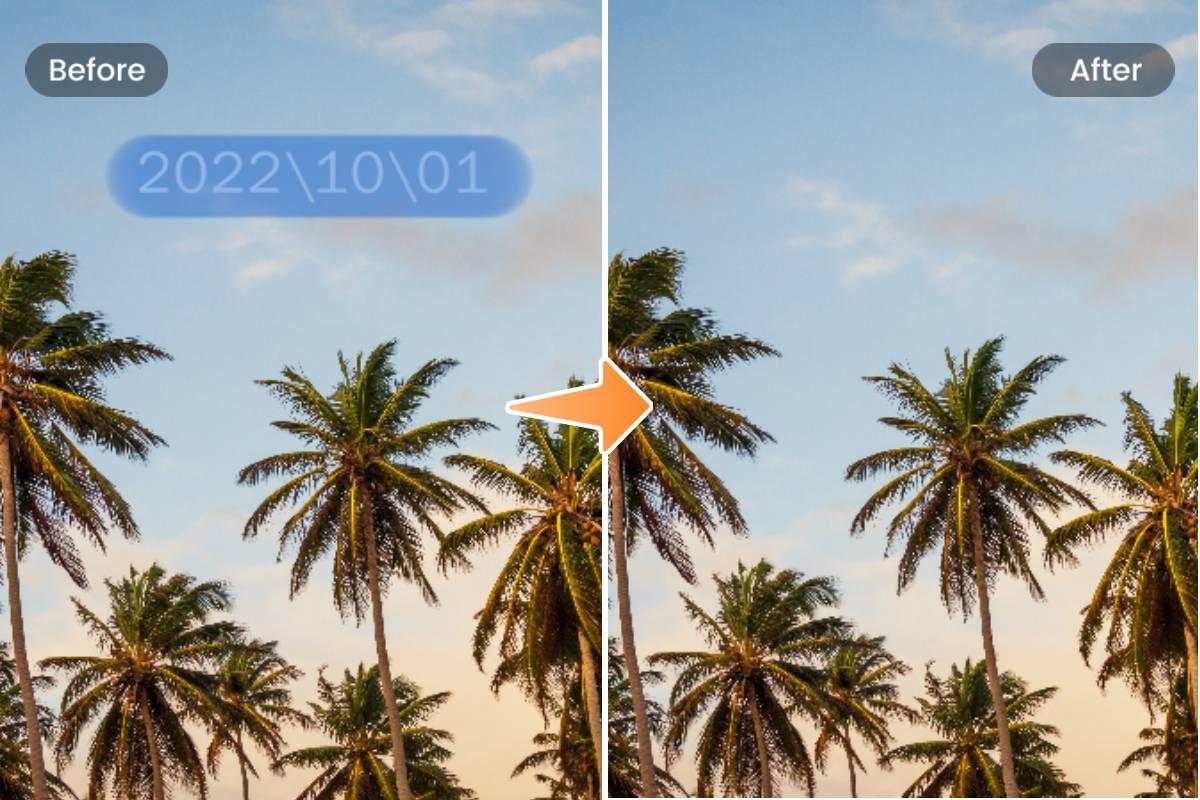
Remove Date Stamp from Photo at Any Time
Fotor’s photo date stamper isn’t just great for adding dates to photos. You can also use it to remove dates from photos. Just mark the date and time stamps on the photo, and Fotor will erase them. Moreover, you can use Fotor to remove unwanted objects from photos within seconds. Easily remove people, text, watermarks, and other distracting elements from photos.
Trusted by creators and loved by millions





Why Choose Fotor to Add Date to Photo?
![Easy to use icon]()
Free & Easy to Use
Add date and time stamps to your photos with no complex steps or editing experience required.
![High quality output]()
Watermark-Free Export
Fotor's timestamp generator lets you download clean, high-quality images without any watermark.
![Secure icon]()
Flexible Customization
Adjust font, size, color, opacity, and position to create a date stamp that fits your photo naturally.
![Batch anime generation]()
Batch Timestamping
Save time by adding timestamps to multiple photos in one click with preset layouts.