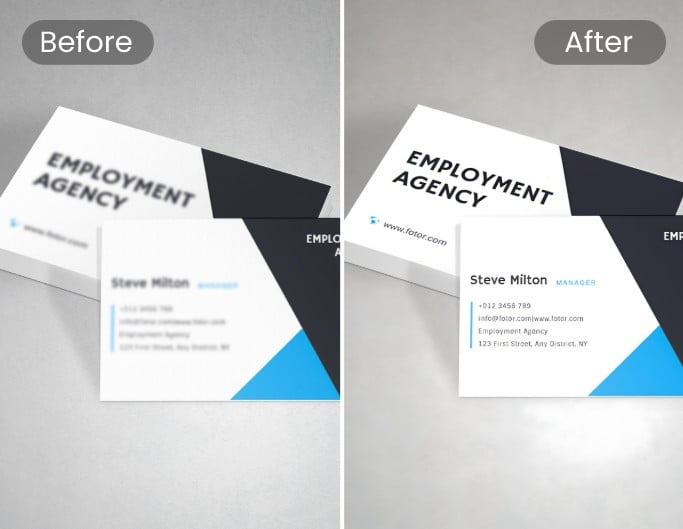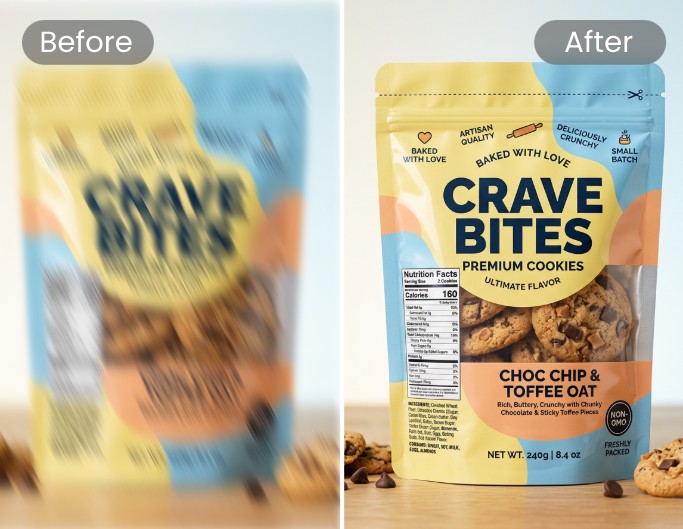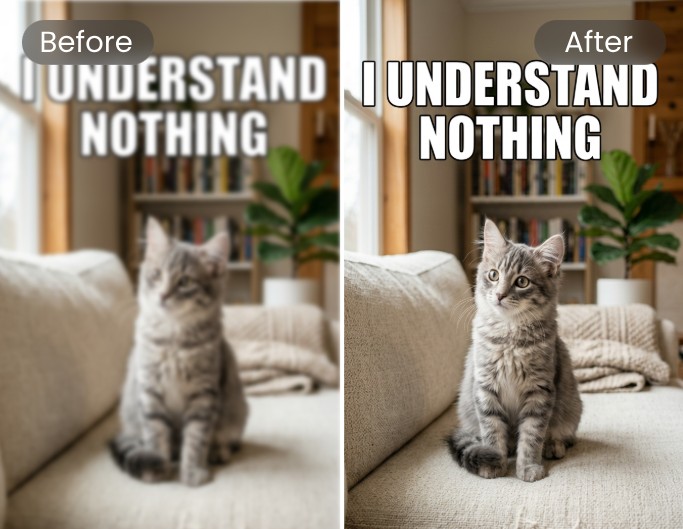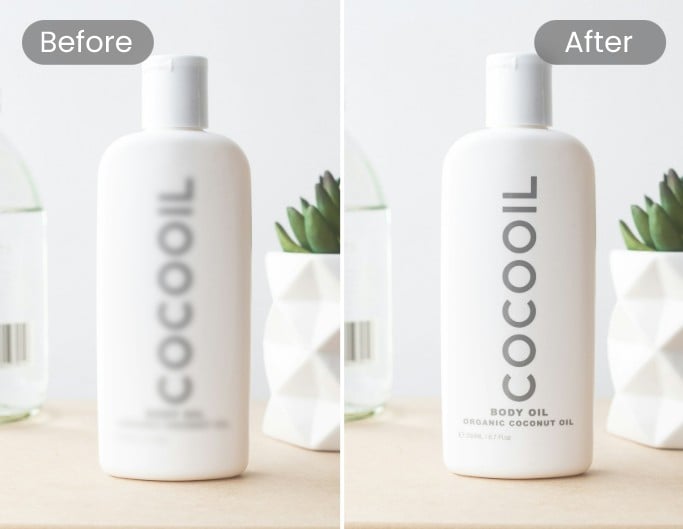
AI Text Unblurring
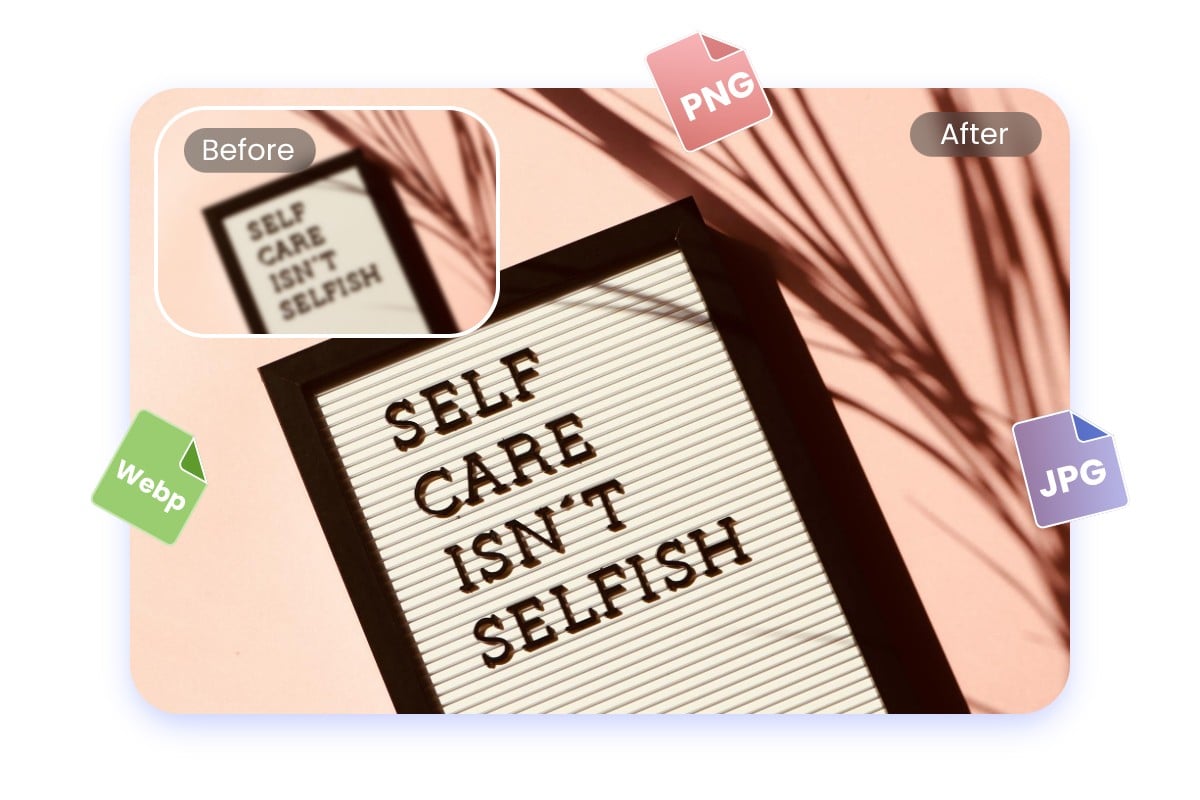
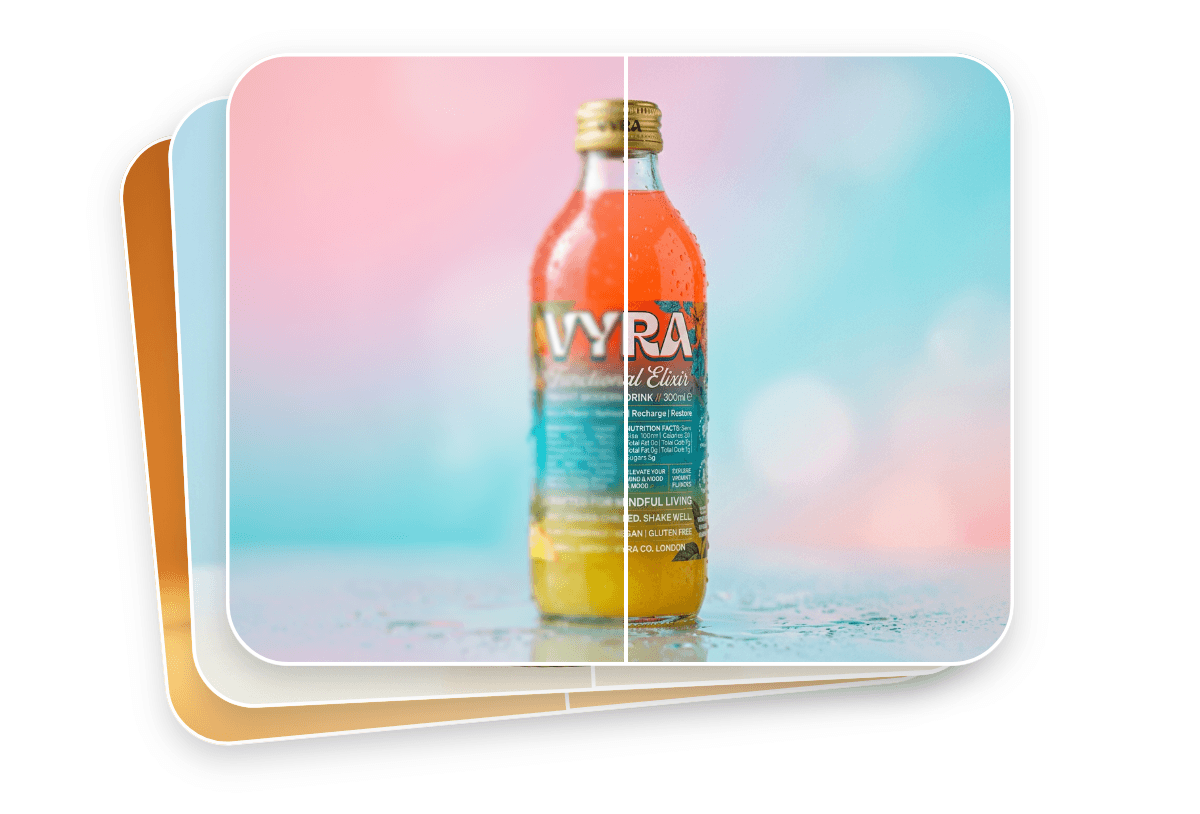
Powered by advanced AI technology, Fotor’s image text enhancer automatically analyzes and removes text blur in your images.


Unblur blurry text in your images online for free with Fotor’s AI image text enhancer. Easily enhance fuzzy, unreadable words into sharp, crystal-clear text in seconds. No manual editing required.
⭐ Deblur Motion-Shaken Text ⭐ Sharpen Out-of-Focus Words ⭐ Unblur Pixelated Screenshot Text
Powered by advanced AI technology, Fotor’s image text enhancer automatically analyzes and removes text blur in your images.
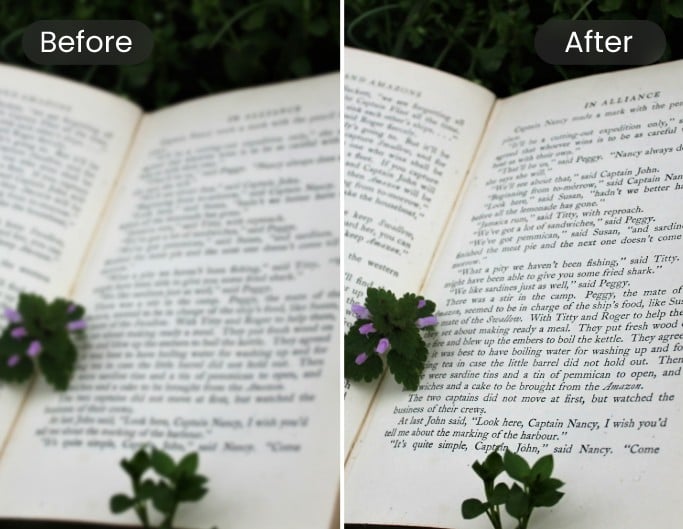
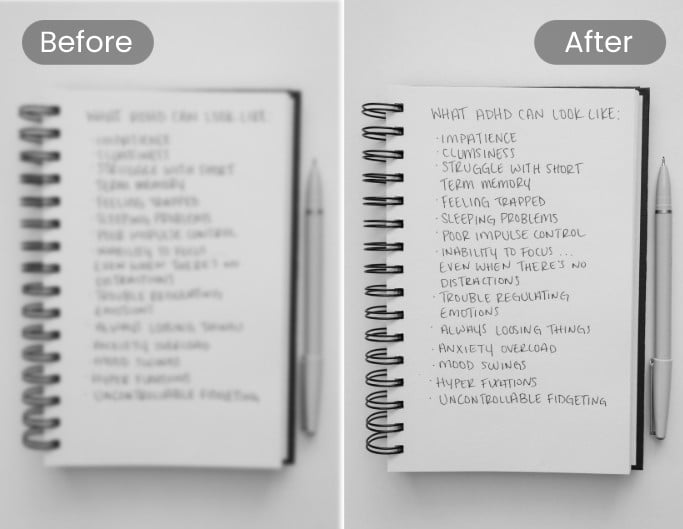
Instantly boost edge sharpness and contrast to turn faint, blurry text into high-resolution images ready for scanning, archiving, and printing.
Restore clarity whether the blur is caused by camera shake, poor focus, or low-resolution pixelation in your screenshots and documents.
Save time with our batch photo editor, allowing you to unblur text across up to 50 images simultaneously in seconds.
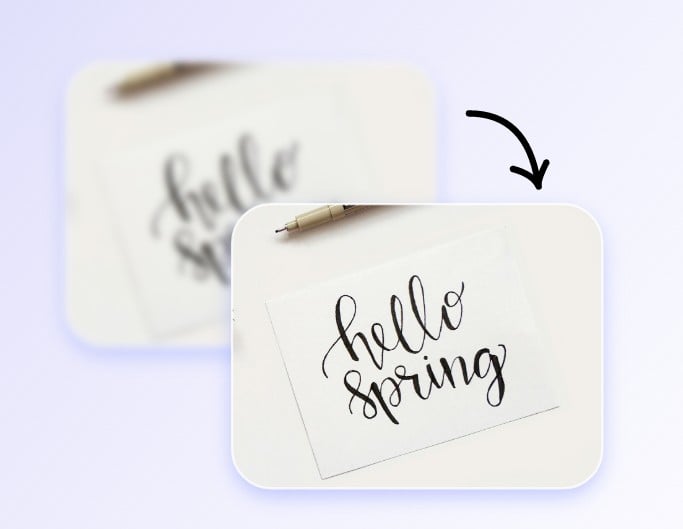
Drop or upload your image with blurry text directly on this page to get started with Fotor’s AI image text enhancer.
Our AI will automatically detect, debuff, and sharpen the fuzzy words in your image to instantly enhance text clarity.
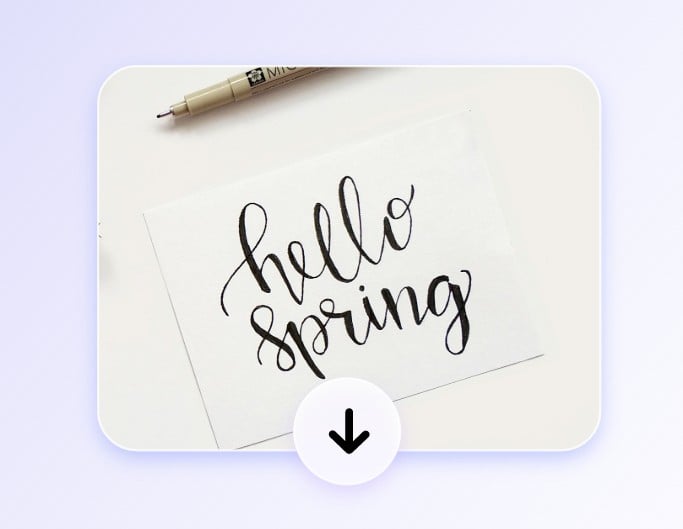
Preview the enhanced text image and download the high-quality text picture, perfect for printing, sharing, or document archiving.
Our image text enhancer is powered by advanced AI technology, so the blurred text in your image can be automatically fixed. Our text blur remover will intelligently identify areas that likely contain text, and enhance the contrast and edges in those regions. Then, it will restore missing details with its super-resolution model, making the text edges clearer and the text more readable. Try Fotor AI today to unblur images and instantly enhance text clarity.
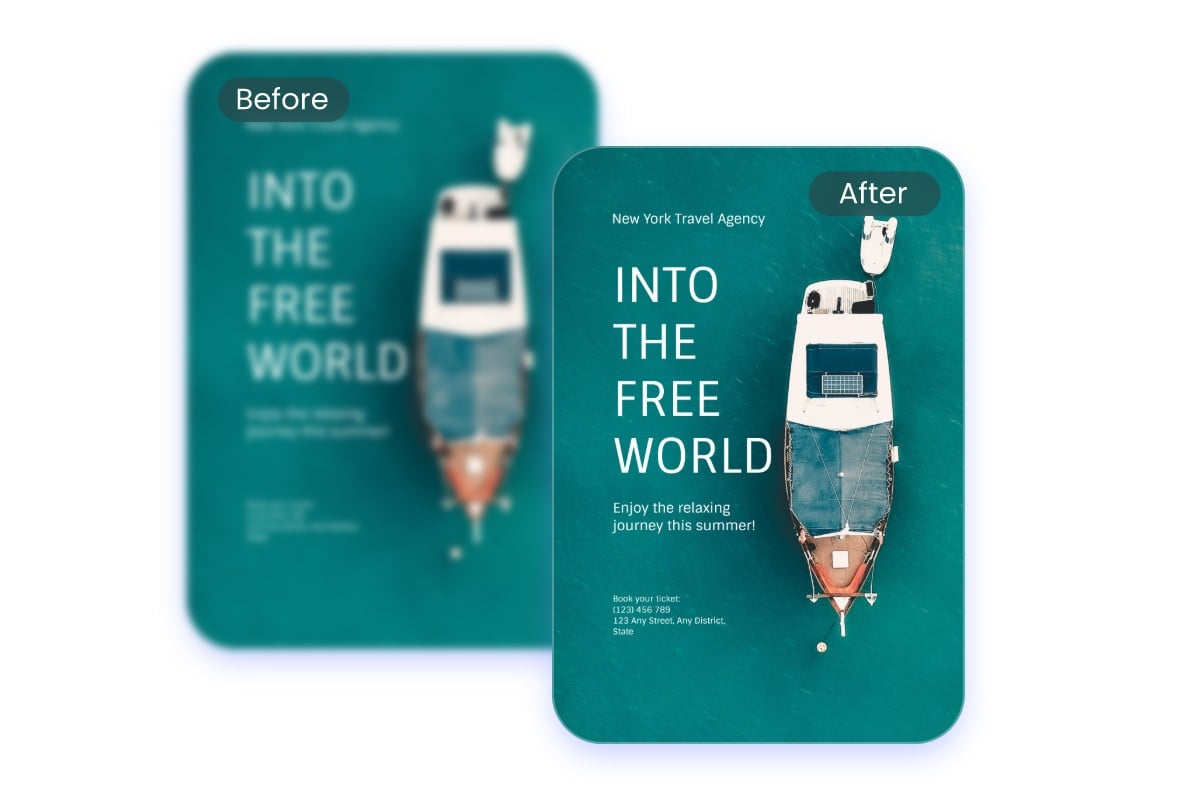
Blurry text can easily ruin the quality of your printouts. Fotor’s AI text enhancer is designed to unblur text from images effortlessly, making fuzzy words sharp and readable again. Whether you're working on promotional posters, business reports, or scanned receipts, it automatically enhances photo quality so you can get high-quality prints without the hassle of re-shooting or re-creating your files.
Fotor’s AI photo text enhancer makes it easy to unblur text image online free. It supports popular file formats, including JPG, JPEG, PNG, HEIC, HEIF, and WebP. Whether you are dealing with captured documents, chat history, presentations, or web page screenshots, the AI automatically sharpens blurry letters, boosts contrast, and restores missing details so every word is easy to read.
Manually unblurring text image by image is frustrating and time-consuming. Fotor’s AI text unblur supports batch image text enhancement to streamline your workflow. You can process up to 50 photos or document screenshots at once, allowing the AI to rapidly sharpen blurry words and boost clarity across all your files, saving you valuable time and effort.
Whether you need to read small text in photos or restore blurred details in important documents, our AI text blur remover easily fixes various types of blur and distortion to solve your problem.
No professional skills required. With just a few clicks, our AI text enhancer sharpens blurry images and delivers crisp text in seconds.
Your data privacy is guaranteed. We never store, share, or use your uploaded images for secondary purposes.
Accessible across Windows, Mac, iOS, and Android—allowing you to unblur image text anytime, on any device.
Export clean images without any forced watermarks or hidden branding for personal and commercial uses.

Saved my bacon at work! Our client sent a scanned contract that was completely pixelated and impossible to read. Fotor cleaned up the blurred print in seconds so I didn't have to ask them to resend it.

I took a photo of the whiteboard notes after class, but it was super blurry because of the lighting. This text enhancer sharpened the handwriting effortlessly—finally able to read my revision notes!

Surprisingly good for tiny text. I had a blurry digital receipt with very small order numbers, and Fotor made every line crisp and readable. Highly recommend!
Fotor’s AI image text enhancer is an online tool that restores blurry, pixelated, or low-resolution words in photos. Powered by Deep Learning-Powered Text Edge Reconstruction, it automatically analyzes font typography, recognizes character patterns, and reconstructs crisp, vector-like text edges for optimal readability.
Simply upload your photo to Fotor’s AI text blur remover. Our AI automatically repairs distorted strokes, reduces visual noise, and unblurs image text in seconds.
Fotor’s AI image text clearer supports all major image formats, including JPG, JPEG, PNG, HEIC, HEIF, and WEBP.
Yes! Fotor’s AI text enhancer is free to use. You can also subscribe to Fotor Pro to unlock more premium features.
It can unblur text affected by motion blur, out-of-focus blur, low-light blur, image compression noise, and pixelated low resolution.
It depends. If the image resolution is too low or severely compressed, some text may be beyond full recovery. However, you can always upload your images to our AI text blur remover to test the result for free.
Yes. Small fonts can be improved as the AI sharpens faint lines and increases image resolution. However, legibility ultimately depends on the quality and detail left in the original image.
Not always. Restored results depend on the blur severity and original photo quality. While the AI improves text clarity, extremely blurry or illegible characters may not be 100% accurately restored.
For the best results, we recommend using our Topaz or Topaz Generative modes over standard options. These advanced modes support up to 8× upscaling and allow you to fine-tune parameters like sharpening, denoising, creativity, and texture. With Topaz Generative, you can even enter prompts to help the AI accurately reconstruct heavily damaged text.
No. Our text unblurrer only restores and sharpens text clarity within the image—it does not extract text. If you need to convert image text into editable document format, please use Fotor’s AI OCR tool instead.
Yes. All files are encrypted in transit and will never be used for public AI training. You can manually delete your uploaded images anytime, or rely on our system to automatically purge them after a short retention period.