

Extract Text from Image with AI OCR
Extract text from images, screenshots, handwritten notes, and scanned documents with OCR in a few seconds. Say goodbye to tedious manual input and copy text from images with 99% accuracy using Fotor image text extractor.
Drag and drop your image here.
Drag and drop your image here.
How to Extract Text from an Image Online for Free?

1. Upload a Photo
Upload your image file. Fotor's free online image-to-text converter supports multiple file formats such as JPG, JPEG, PNG, and more.

2. Convert Image to Text
Fotor OCR tool will automatically analyze your image, recognize the characters, and generate well-aligned text in seconds.
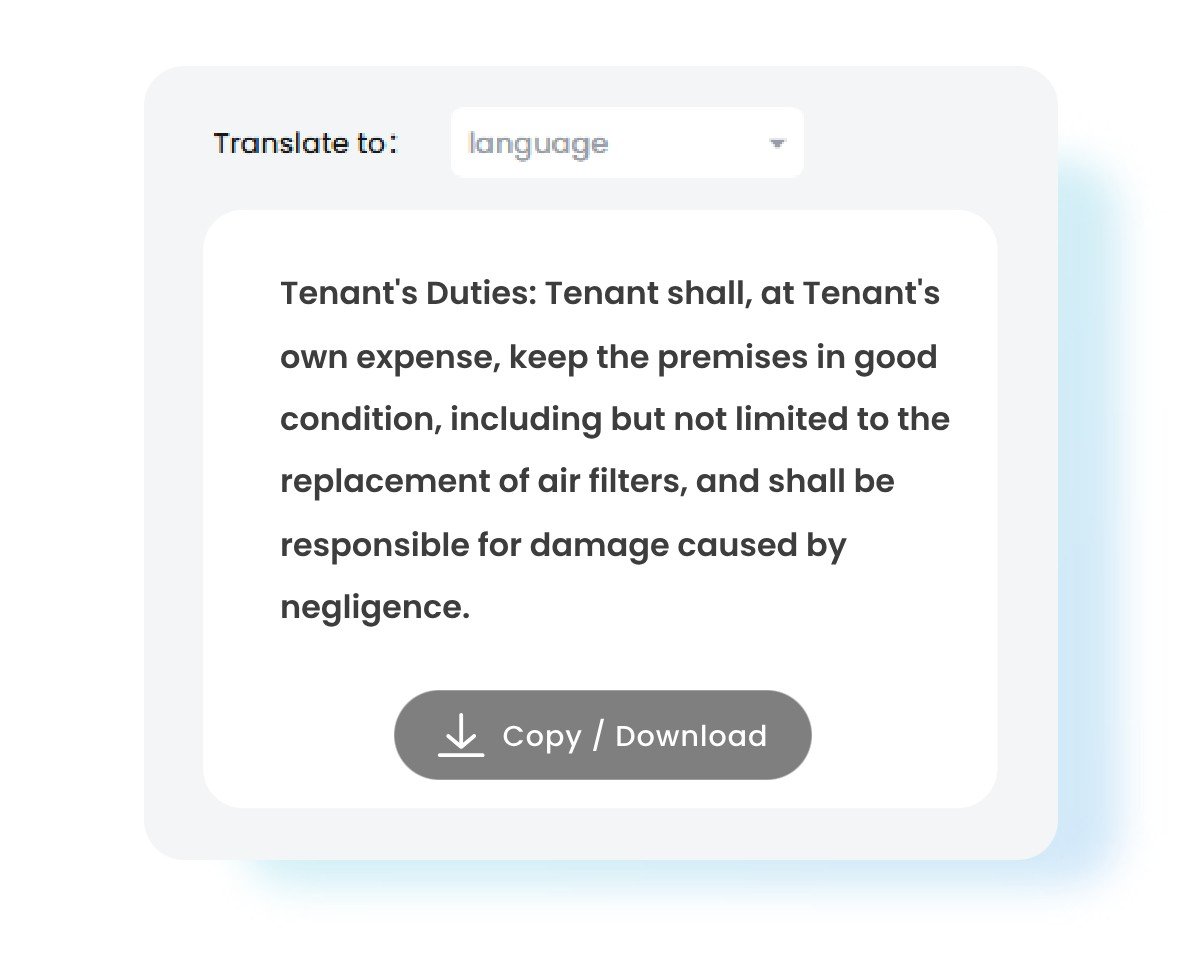
3. Grab Text from Image
The extracted text will appear in the text box. You can edit, copy, or download it for your documents, saving time on manual transcription.
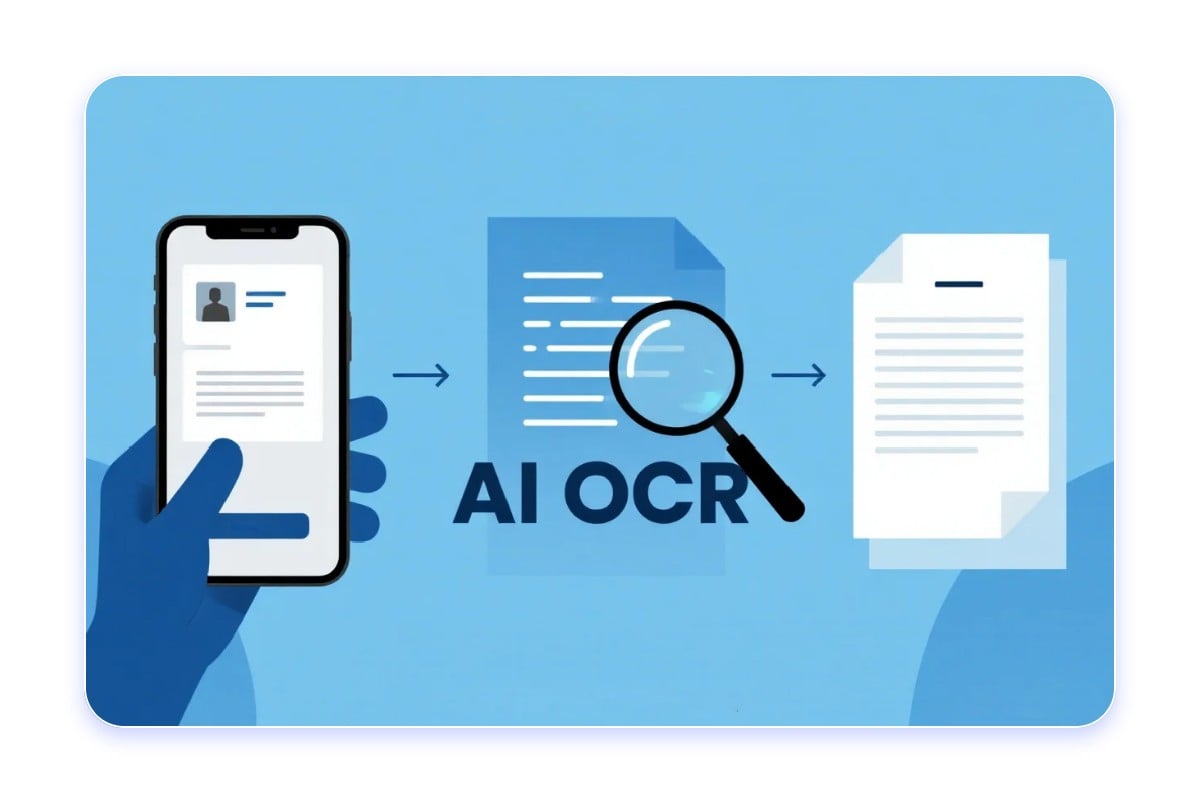
What is Image to Text Converter?
An image to text converter is a tool that uses Optical Character Recognition (OCR) technology to analyze images and extract text information contained, then converts it into digital, editable, and copyable formats.
A picture-to-text converter can scan and get text from multiple image types, such as photos, screenshots, and scanned documents, saving time and labour of manual typing.
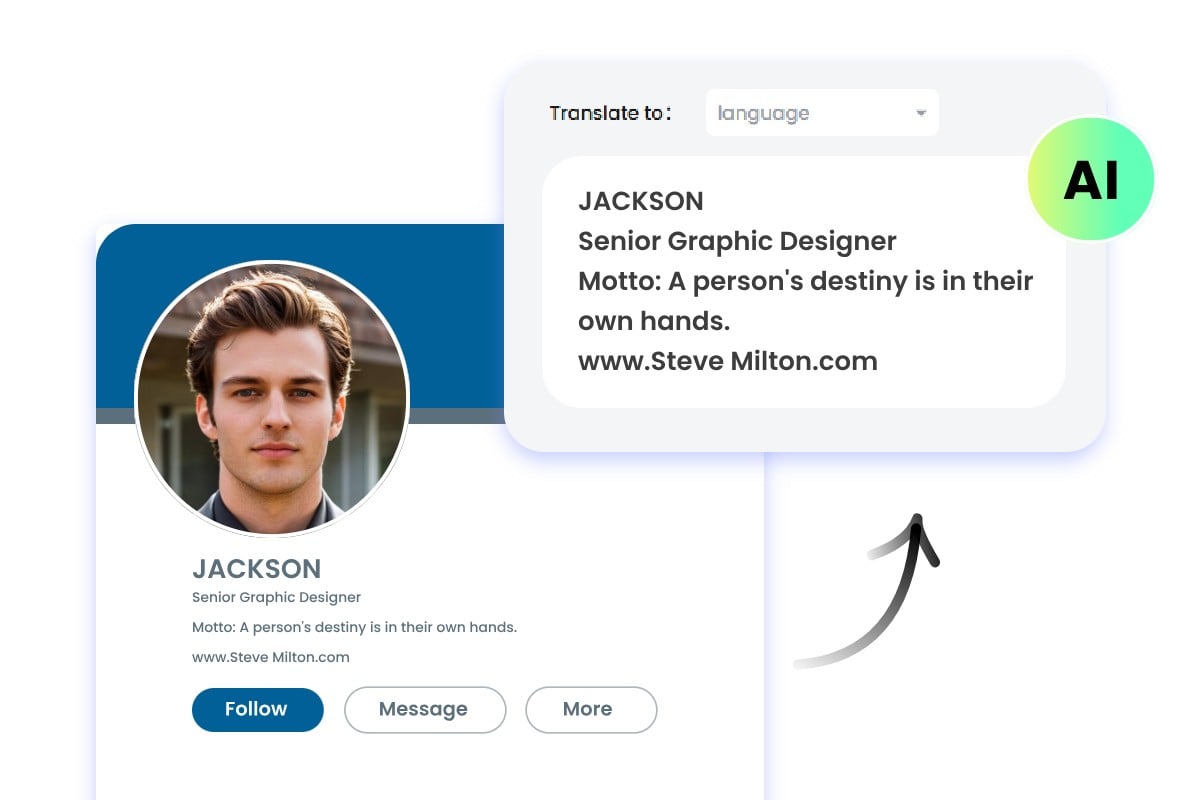
Accurately Grab Text from Images with AI OCR
Higher Accuracy
AI img-to-text tool uses deep learning models to better understand image context and recognize handwriting, complex backgrounds, low-res images, special fonts, and irregular characters.
Greater Adaptability
Our AI picture-to-text converter handles multilingual images and a variety of documents like posters, business cards, and resumes while easily adapting different image qualities and scenarios.
Semantic Understanding
The AI OCR tool goes beyond just recognizing text. Based on a massive training dataset, it can identify and match phrases and technical terms, correct spelling errors, and distinguish between letters and numbers.
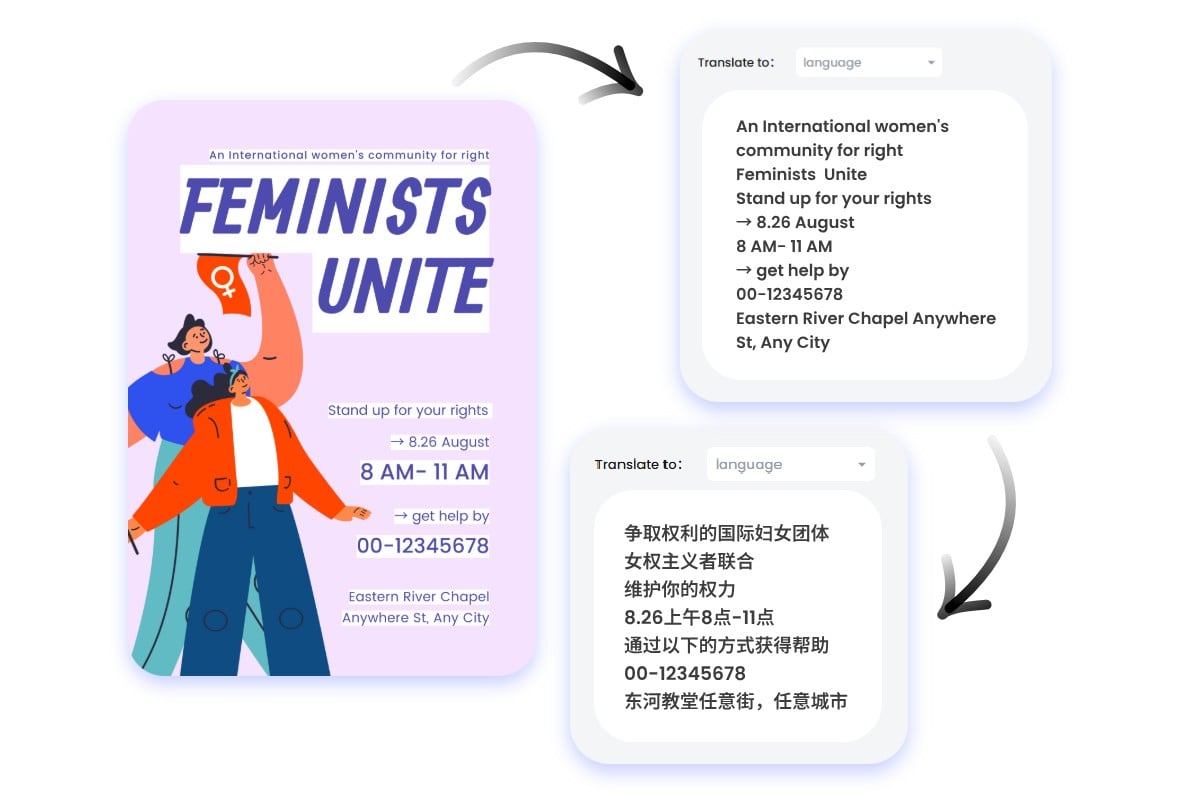
One-click, Multilingual Image Translator
Seamless Image Text Extraction and Translation
Fotor's AI image translator can extract and translate image text in one click, eliminating the need to switch between different programmes.
Multilingual OCR Tool
Our photo text translator can accurately recognizes and translates multiple languages, including English, Japanese, French, and more, helping images transcend language barriers so you can easily appreciate different cultures.
Accurate & High-quality Translation
Powered by advanced language translation models, Fotor accurately recognizes professional terms while also converting punctuation for high-quality results.
Convert Photo to Text from Various File Formats & Types
Get files from JPG, PNG, WebP, HEIC, HEIF, HTML, and various image formats. Easily extract text from images of different types, making information copyable and editable.
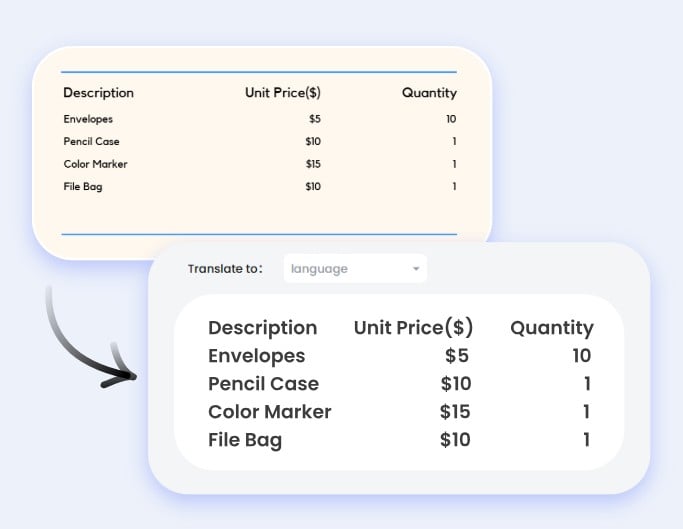
Scanned Documents to Text
Our picture to text converter uses advanced image enhancement to correct low-res, blurry, or shadowed scans. You can copy text from scanned documents accurately.

Screenshot Text Extractor
Fotor photo text extractor converts screenshots to text and filters out distracting visual noise such as UI elements and ads, providing you with clean, copyable text extraction.
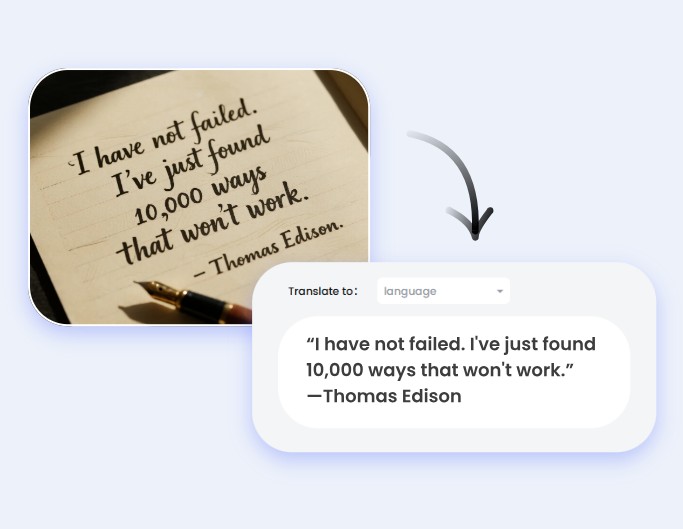
Handwriting Recognition
Our AI OCR can effortlessly convert handwritten notes to text. It identifies varied handwriting styles, interprets ligatures, and understands the context to ensure high accuracy.
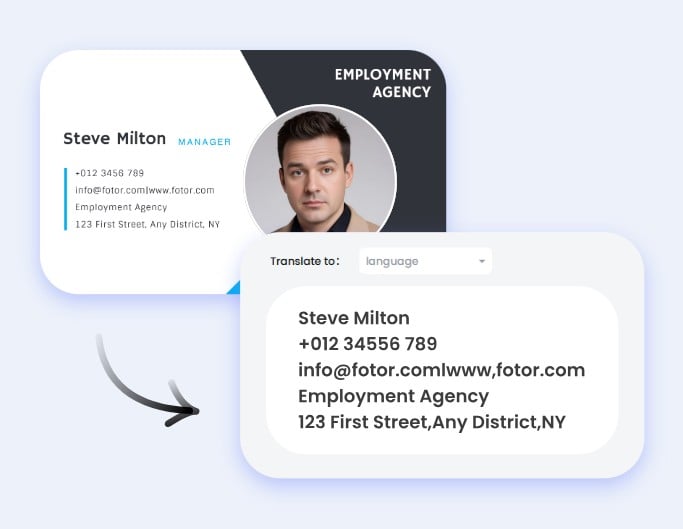
OCR Business Cards
Fotor's online free OCR tool can correctly differentiate between contact information fields, providing structured data for names, phone numbers, and emails.
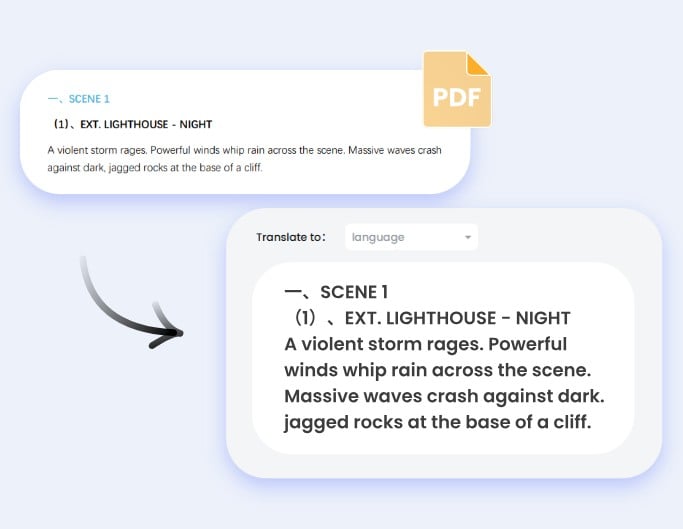
Convert PDF Images to Iext
Don't let multi-page PDFs slow you down. Our high-speed image to text converter extracts text from PDF images quickly and effortlessly, good at detecting text in multi-page PDFs.

Digitalize Product Images
Fotor corrects product images with curved surfaces and separates text from poor-contrast backgrounds, ensuring accurate text extraction.
圖片轉文字工具如何運作?
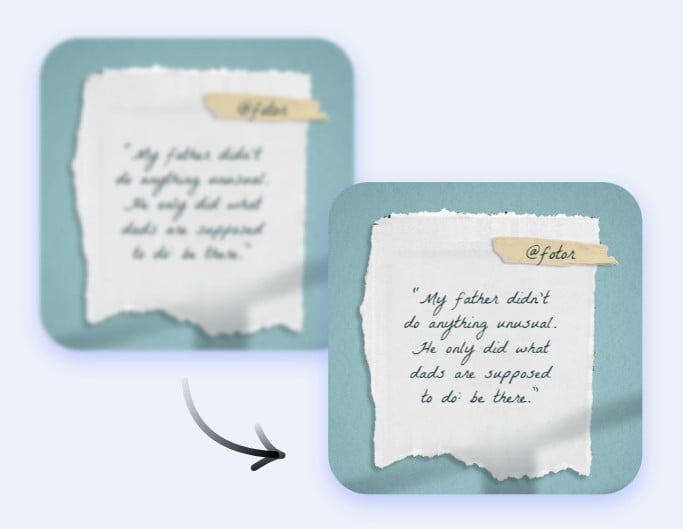
1. Image Analysis & Preprocessing
Fotor OCR tool first scans the uploaded picture to be read and then cleans it up. This can include correcting rotation or skew, unblurring text, adjusting contrast, and removing digital spots or shadows to make the text clearer.
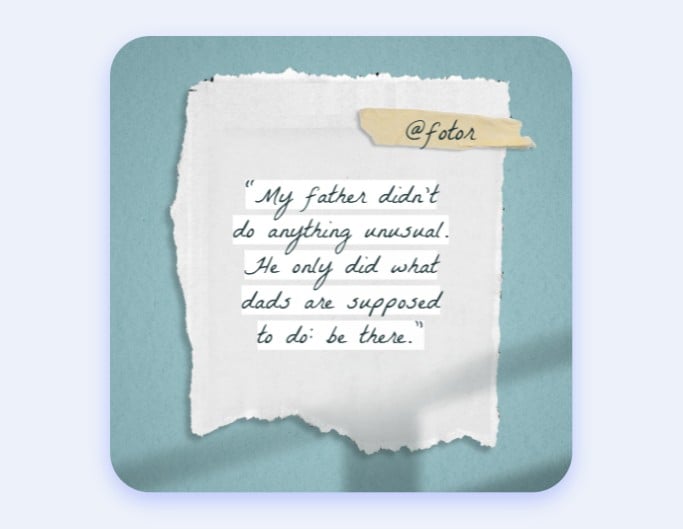
2. Text Detection, Recognition & Matching
The tool analyzes the image to locate areas that contain text, separates the text from backgrounds, identifies each character's features, and compares them to a machine learning database to recognize and match each character.
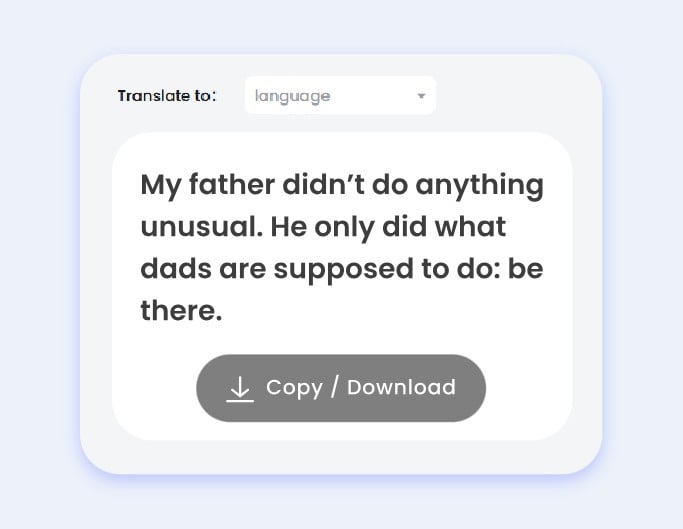
3. Text Reconstruction & Output
Finally, the tool corrects potential errors and reformats the text to better match the original document's layout and formatting. The final output is optimized, editable text that can be copied, searched, and saved.
Extract Text from Images for Various Use Cases
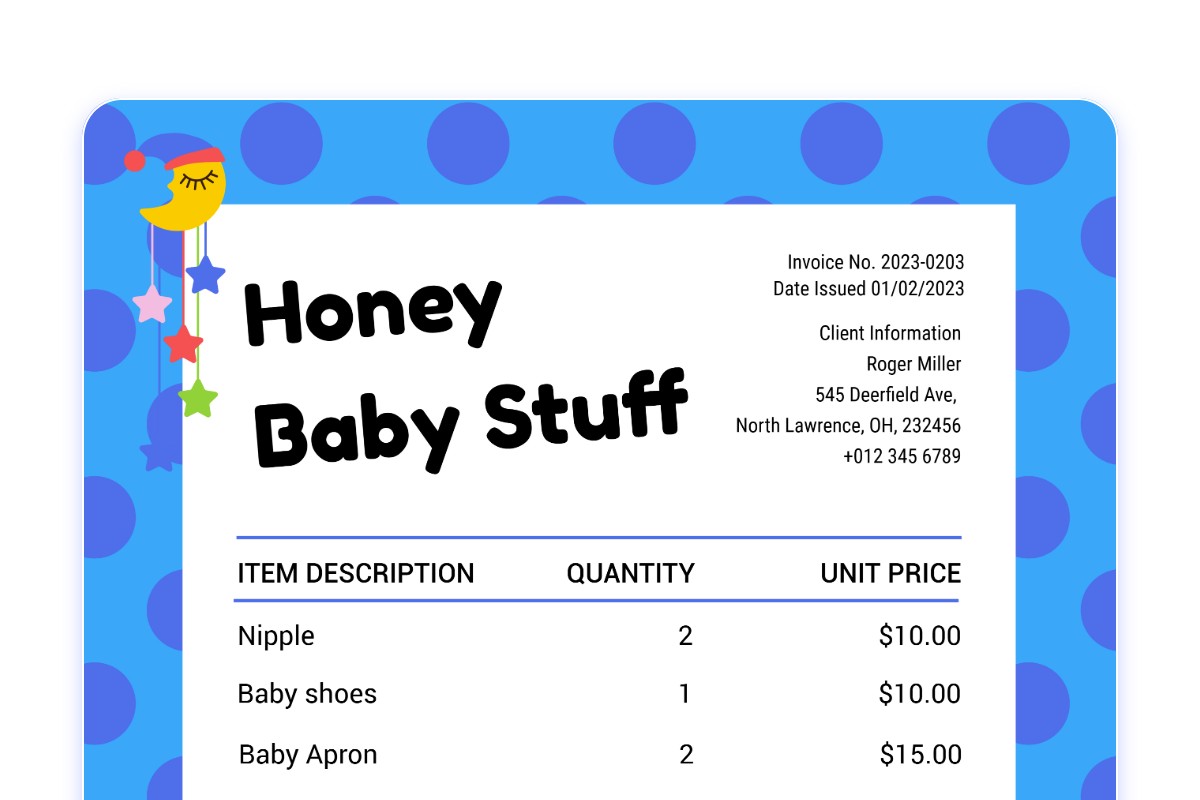
Data Extraction from E-commerce & Financial Documents
Streamline your e-commerce and finance businesses with Fotor AI image text grabber. Instantly extract text from scanned documents such as receipts, invoices, and paper documents.
Our tool makes it easy to track expenses, manage inventory, and handle paperwork with speed and accuracy. Free yourself from manual transcription to focus on business growth.

Instantly Digitize Educational Content
Revolutionize your study habits with Fotor pic-to-text converter. This tool effortlessly pulls text from photos of handwritten class notes, textbooks, and articles to create searchable and editable study guides.
It is perfect for students and teachers who want to digitize materials, making it easier to focus on tutorial content and organize, edit, and share information for a seamless study experience.

Effortlessly Convert Text from Everyday Materials
Detect and extract words from daily images with our AI OCR tool. Instantly capture and convert text from menus, street signs, or order information. Effortlessly digitize notes from a whiteboard or paper with the practical handwriting recognition feature. Easily pull contact details from banners, business cards, social media profiles, and more.
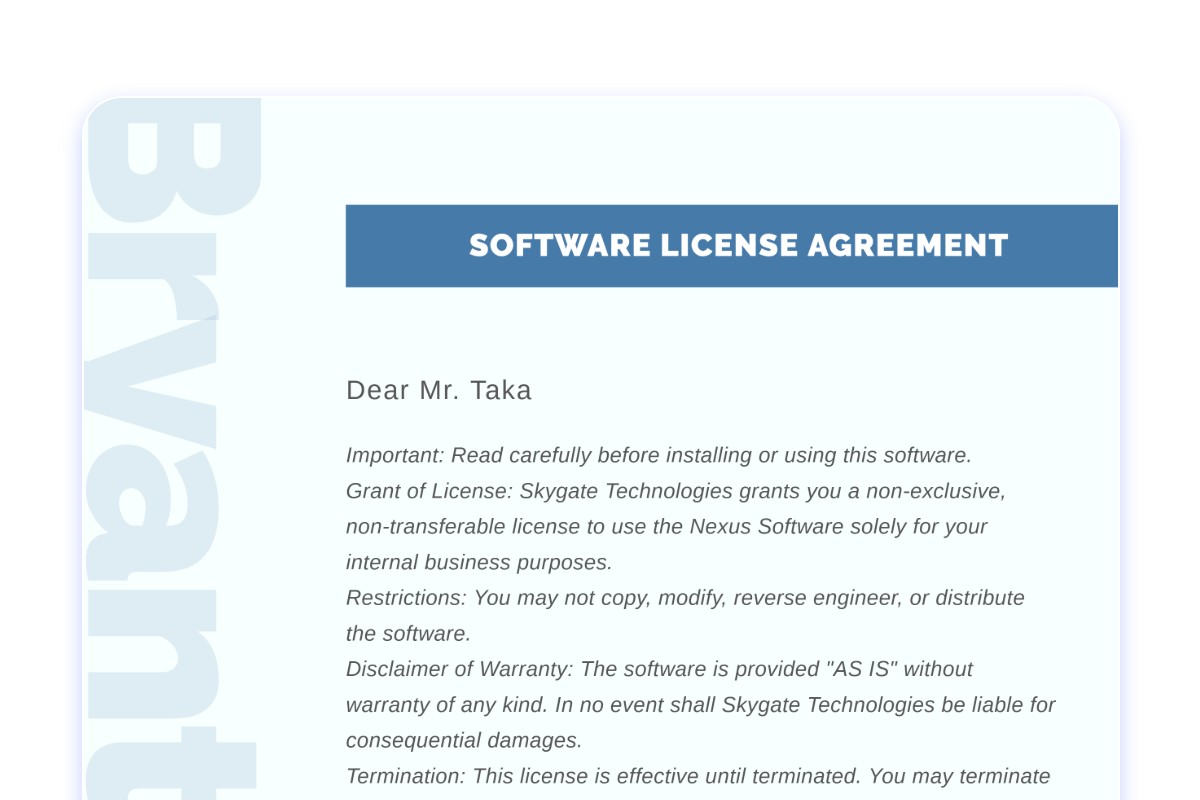
OCR for Secure & Efficient Legal Document Processing
Our OCR tool provides a reliable and secure way to digitize sensitive documents, from legal contracts to notarized papers. By converting these files into a searchable digital format, you can significantly reduce the time spent on manual review and archiving. Streamline your workflow while ensuring data integrity and easy access to critical information.
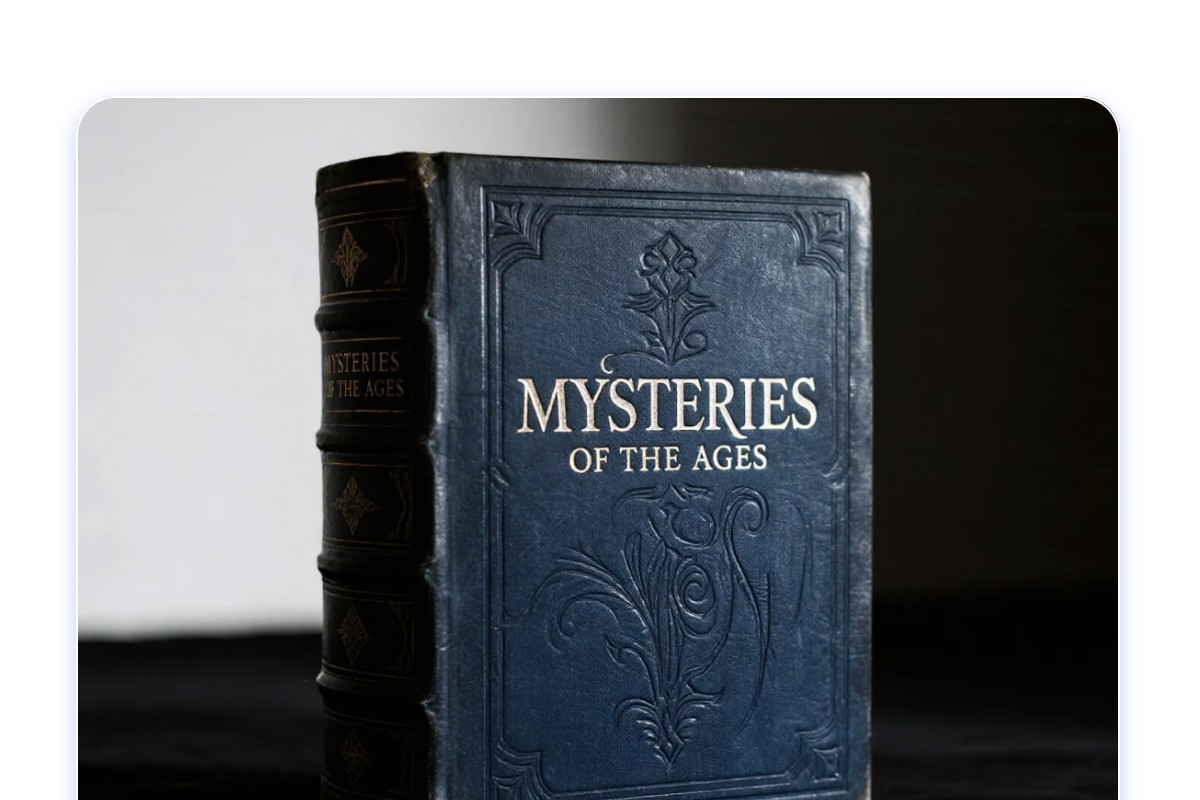
Digitize Archives & Manuscripts
Our tool specializes in converting fragile historical books, manuscripts, and old newspapers into a searchable digital format. It allows libraries and archives to create a digital repository, making valuable information easily discoverable for researchers and the public while preserving the integrity of the original materials.
Why Get Text from Images with Fotor?
![Accurate generation icon]()
High-Accuracy Recognition
Our advanced OCR engine delivers precise text recognition, even on complex documents, screenshots, and photos.
![Fast icon]()
Instant Conversion
Scan and extract text from images in a flash. Our tool processes images in seconds, boosting your work efficiency.
![Free icon]()
Free Image to Text
Extract words from images without costing a single penny. No watermarks or hidden costs.
![Private and safe icon]()
Safe & Private OCR
All uploaded images are automatically deleted from our database within 24 hours. Your information will not be stored or shared.





More Image & Text Tools
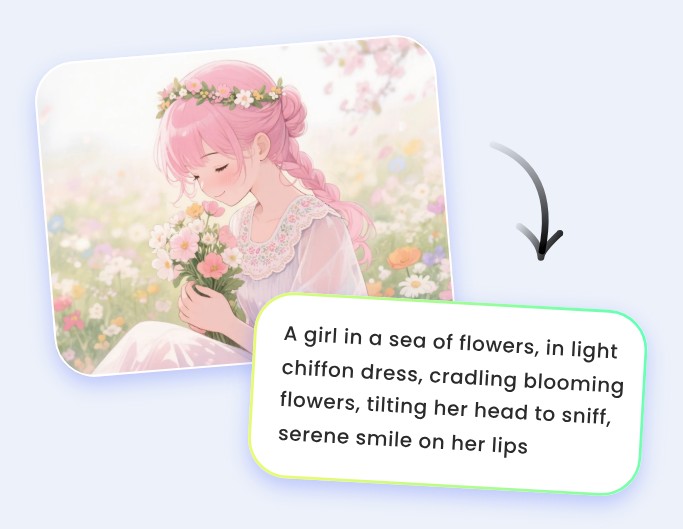
Image to Prompt
Easily generate a detailed text prompt from an image using our AI image prompt generator.
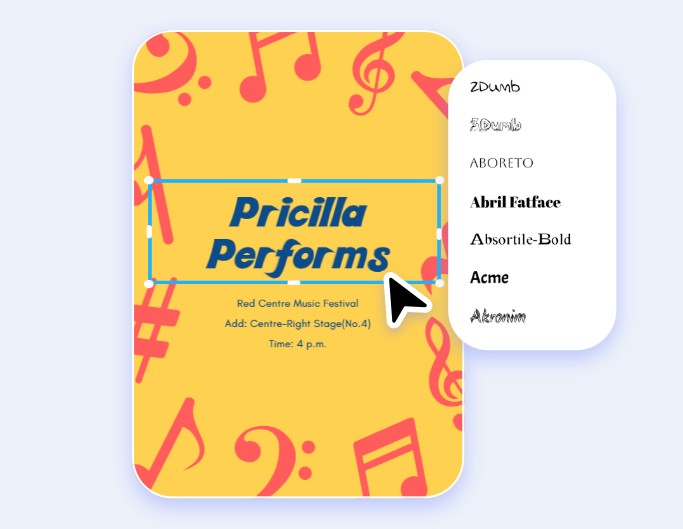
Edit Text in Image
Edit text in images online for free with our photo text editor. Add, remove, fix, or refine text instantly.
Remove Text from Image
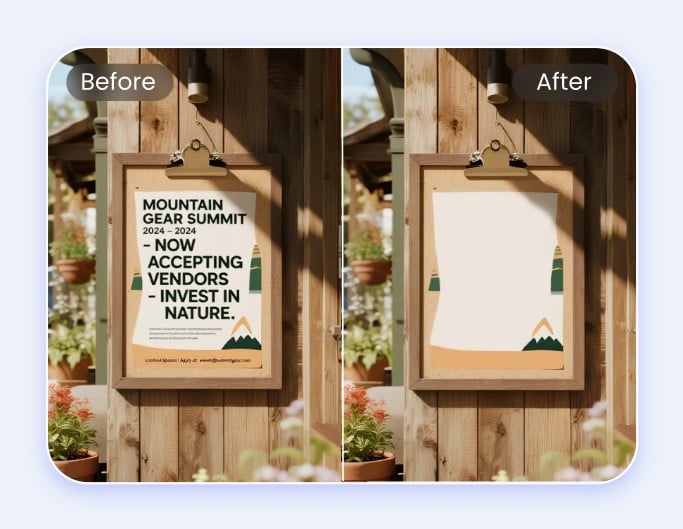
Remove any unwanted text or captions from images using Fotor's free online text remover.