Free AI Batch Image Enhancer Online
Fotor’s free AI batch image enhancer lets you easily enhance photo quality online in bulk. Instantly upscale multiple images by improving resolution, removing blur, sharpening, enhancing clarity, brightness, colors, and more—no sign-up, no watermarks.
Drag or click to upload images to start resizing.

Drop image here
Learn about Fotor's upload formats and requirements. See how we use your content in our Privacy Policy.
Fotor trusted and loved by





Learn about Fotor's upload formats and requirements. See how we use your content in our Privacy Policy.
How to Batch Enhance Photos with AI?
1. Batch Upload Photos
Upload multiple photos you want to enhance. We support JPG, JPEG, PNG, and other image formats.
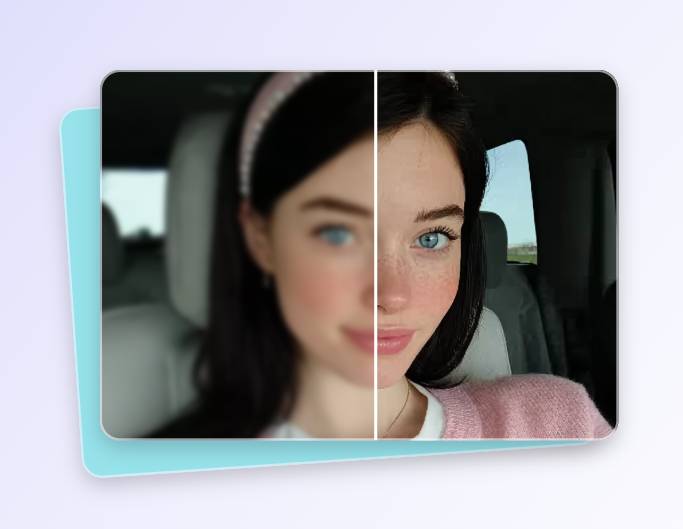
2. Batch Enhance Photos
Click “Generate” and our AI image enhancer will quickly enhance your photos in bulk.
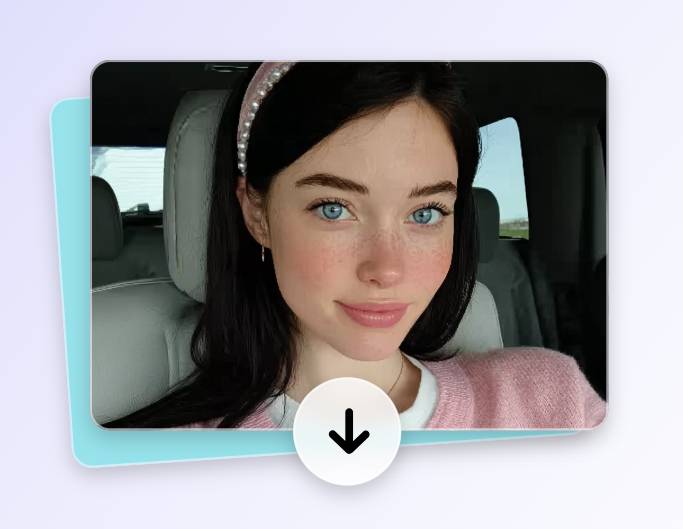
3. Batch Download Photos
Preview the enhanced images. Once you're satisfied, you can download them in bulk.
What We Have Accomplished
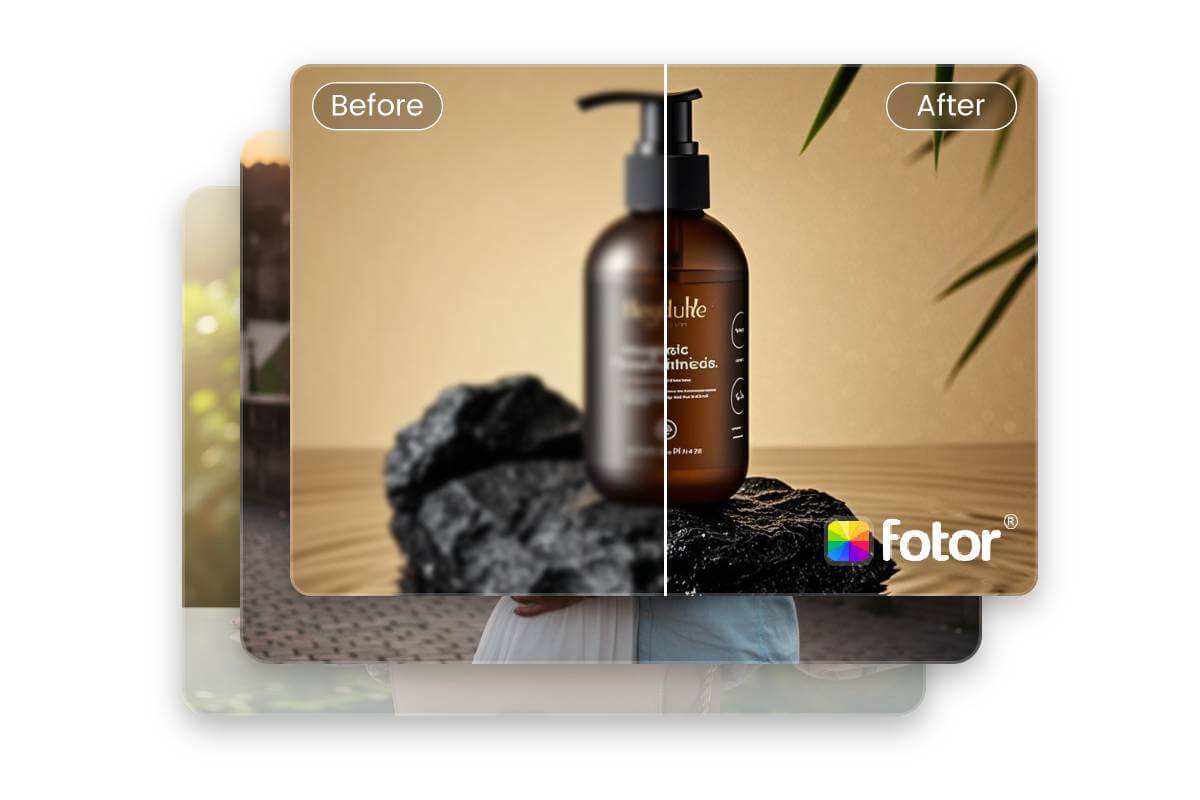
What Is Fotor’s AI Batch Image Enhancer?
Fotor’s best AI batch image enhancer is an AI-powered tool designed to enhance image quality in bulk. It can optimize multiple images at once by improving resolution, clarity, brightness, and colors, making it ideal for efficiently processing large numbers of photos.
What Can Batch Image Enhancement Do?
Our AI bulk image enhancer can optimize image quality in bulk across multiple dimensions. Whether it’s resolution, clarity, blur, sharpening, brightness, color, or other aspects, it can efficiently process multiple images at once, helping your photos achieve the best visual results.
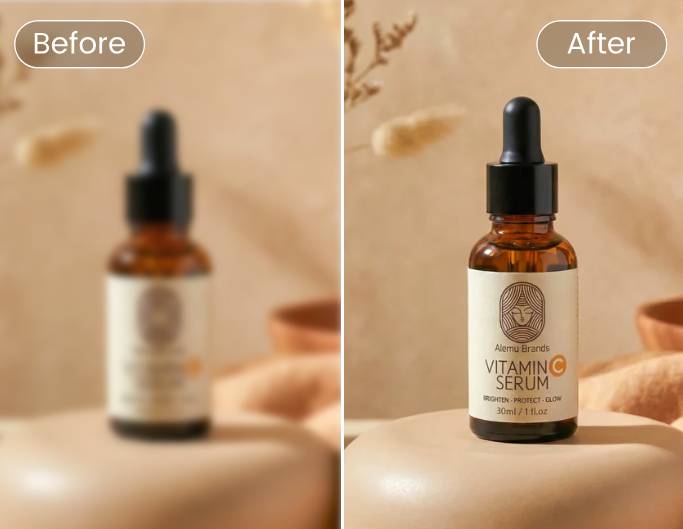
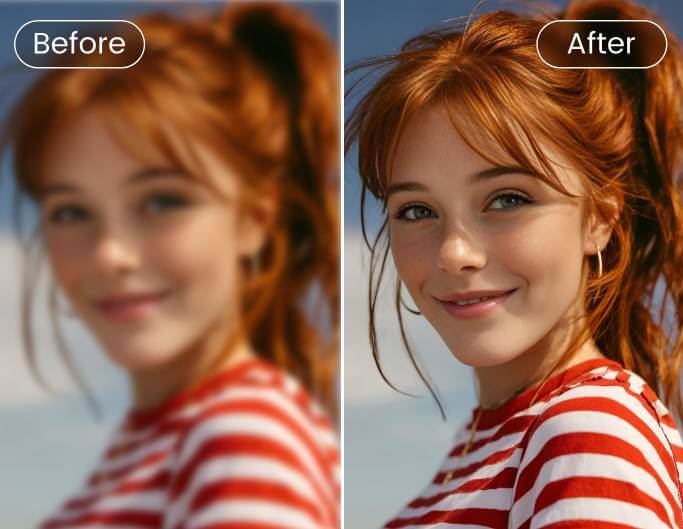
Bulk Unblur & Enhance Clarity
With our AI batch photo enhancer, you can optimize multiple images simultaneously, reducing blur and enhancing overall clarity to make each photo look its sharpest.
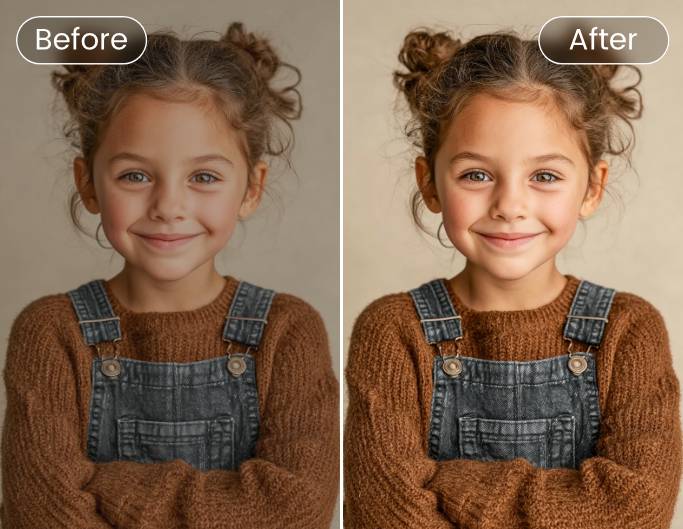
Batch Sharpen Images
Use Fotor’s batch image quality enhancer to sharpen images in bulk, intelligently enhancing edge details to make photo contours clearer and more defined.
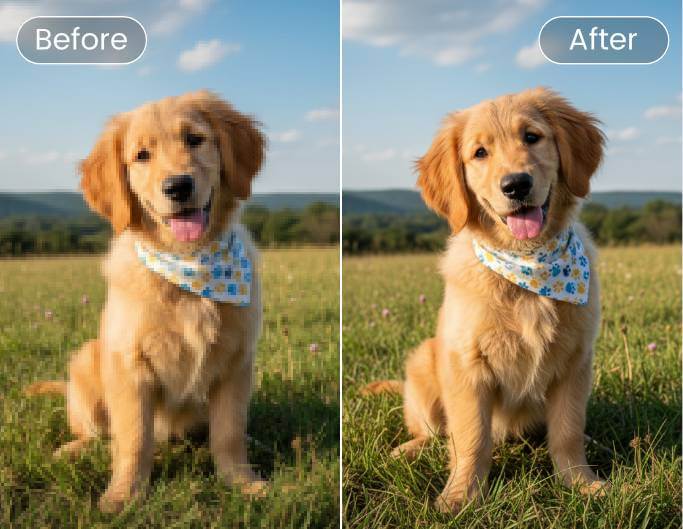
Bulk Unpixelate Images
With Fotor’s AI bulk photo enhancer, you can remove pixelation from multiple images at once, restoring low-resolution or compressed photos to smooth, natural-looking results.
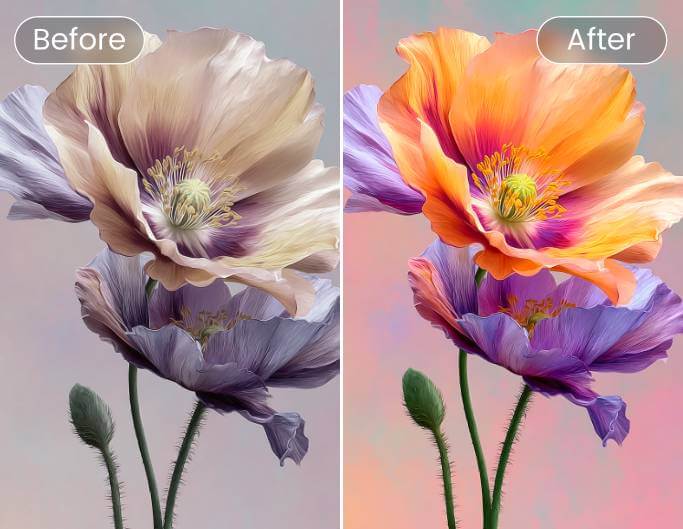
Batch Enhance Colors & Brightness
With our batch image enhancer, you can adjust the brightness and colors of multiple images at once, fixing dullness, overexposure, and uneven tones for more vibrant photos.
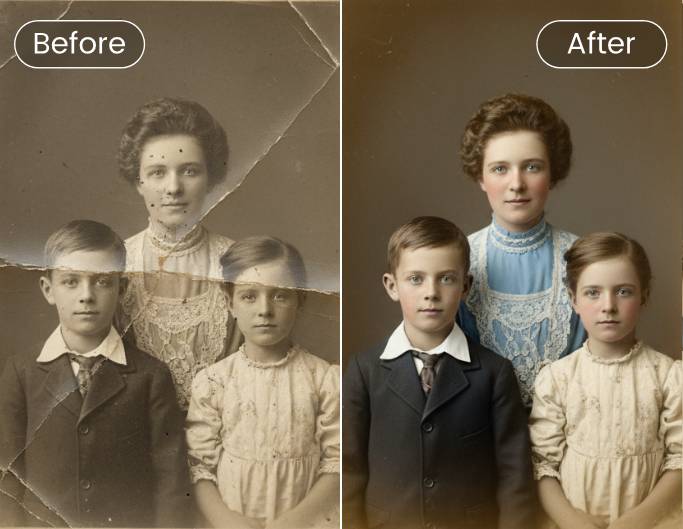
Bulk Restore Photos
With Fotor’s AI batch picture enhancer, you can repair minor scratches, blemishes, or small defects in multiple images at once, restoring them to a clean and natural look.
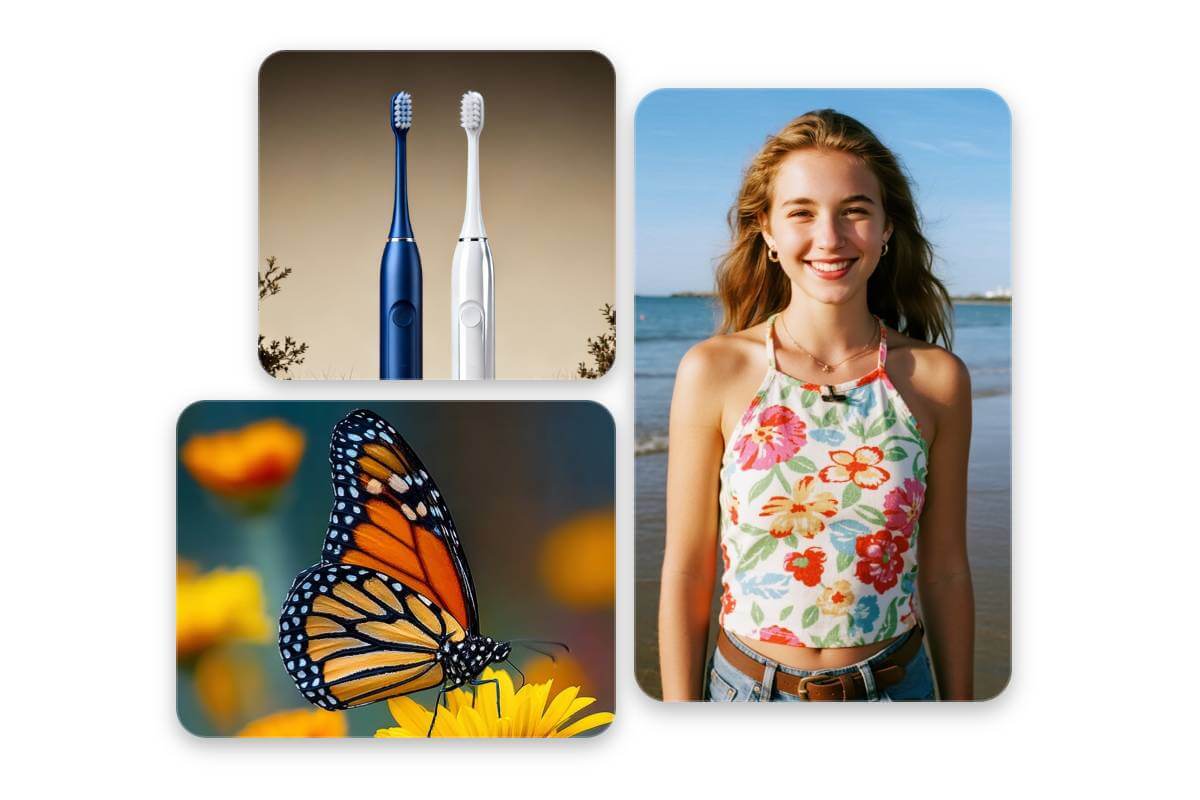
Bulk Enhance All Kinds of Photos with AI
Whether it’s selfies, group photos, ID photos, product shots, landscapes, night scenes, social media images, or even historical and old photos, our AI batch photo quality enhancer can enhance their quality at once, delivering stunning visual results for every picture.
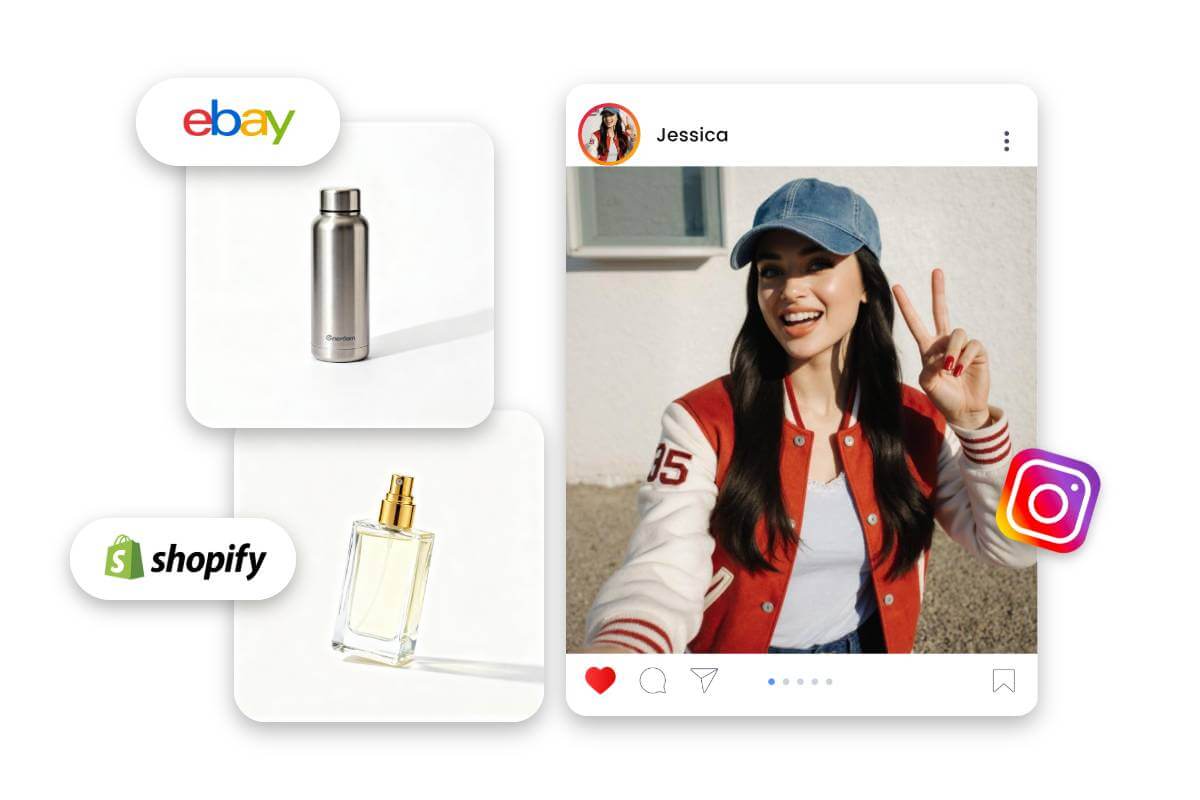
Batch Optimize Images for Any Purpose
Whether it’s for social media sharing, printing, advertising, e-commerce, personal design, data restoration, or historical research, our AI batch photo optimizer can enhance image quality in bulk with a single click, delivering ultra-high-definition results for every scenario.
Why Choose Fotor’s Free AI Batch Image Enhancer?
![no sign up icon]()
No Sign-Up
Quickly optimize multiple images in bulk with our AI batch photo enhancer; no sign-up or registration required.
![Secure and data safe]()
Privacy & Security
We strictly protect your data—all uploaded images are processed securely without being stored or shared.
![high-quality result icon]()
No Quality Loss
Enhancing photos in bulk with AI preserves all original quality and details, and supports high-quality downloads.
![no watermark icon]()
No Watermark
Batch enhancing your pictures adds no watermarks, providing you with a clean and efficient image enhancement experience.