Free Photo Collage Maker
Create mesmerizing photo collages online with Fotor’s free collage maker in seconds! Upload your images of precious memories and effortlessly transform them into a creative collage art piece using our designer-made collage templates!
· Free to use
· Preview without logging in.
· Export without watermark
· Customizable layouts and grids
Make a Collage of Unlimited Photos Online without Watermark
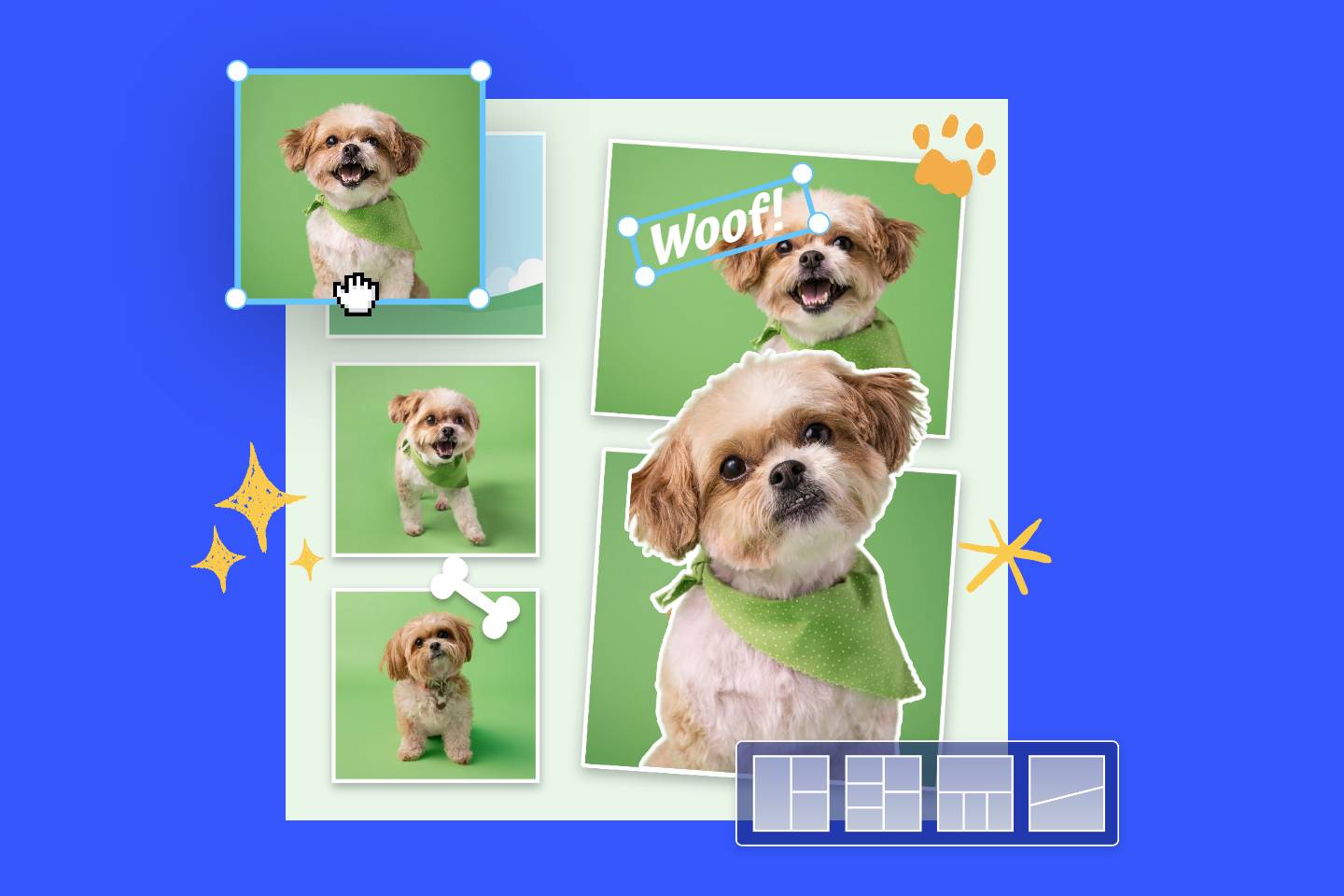
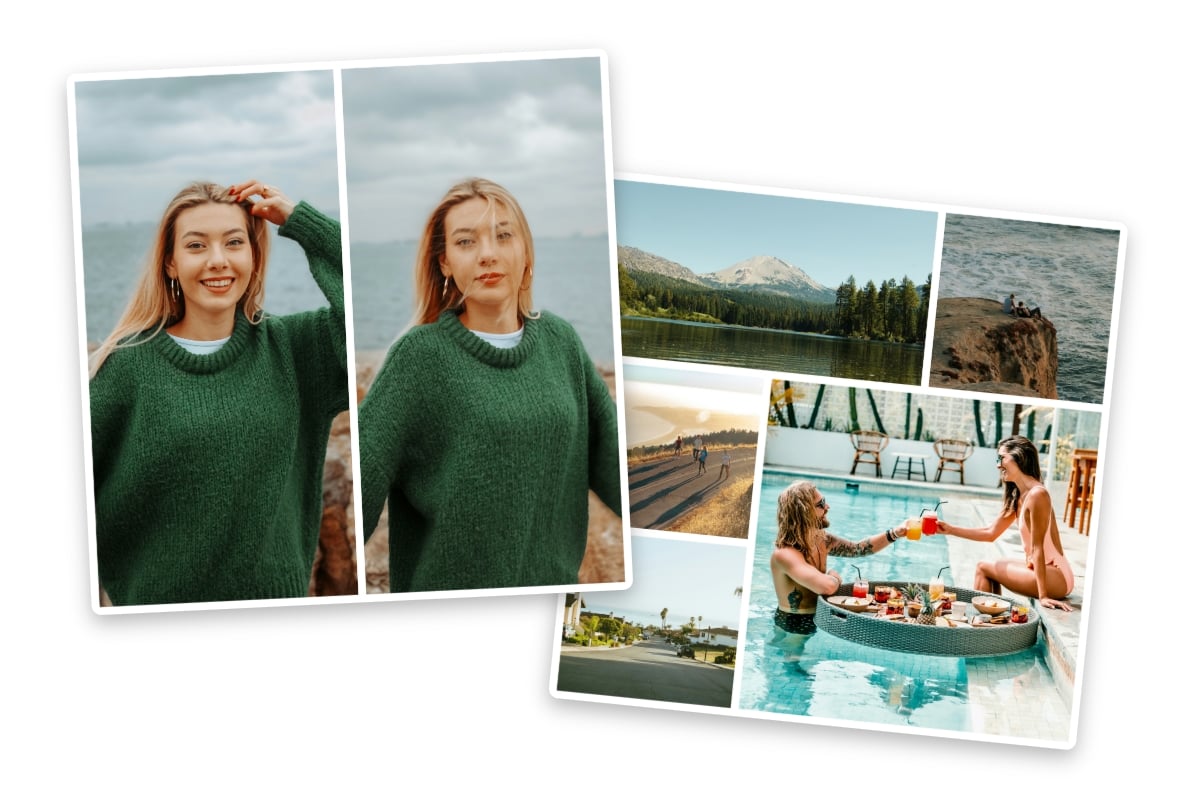
An image speaks a thousand words, while a collage of pictures narrates an entire tale. Whether you want to share your vacation, gathering, or celebration, consider creating a picture collage, skip the complicated software and try Fotor's easy-to-use, free online collage maker that supports unlimited photos. Just drop your photos, and Fotor will automatically arrange them seamlessly based on the number of pictures you upload. Whether you want to combine two photos or make a collage with over 30 pictures, we've got you covered. In just a few seconds, you'll have a stunning collage picture ready to share with your friends and family.
Create Unique Photo Collages with Templates
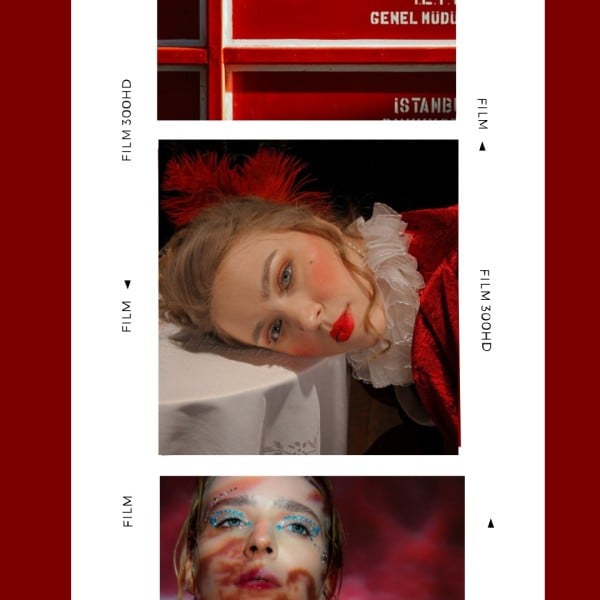
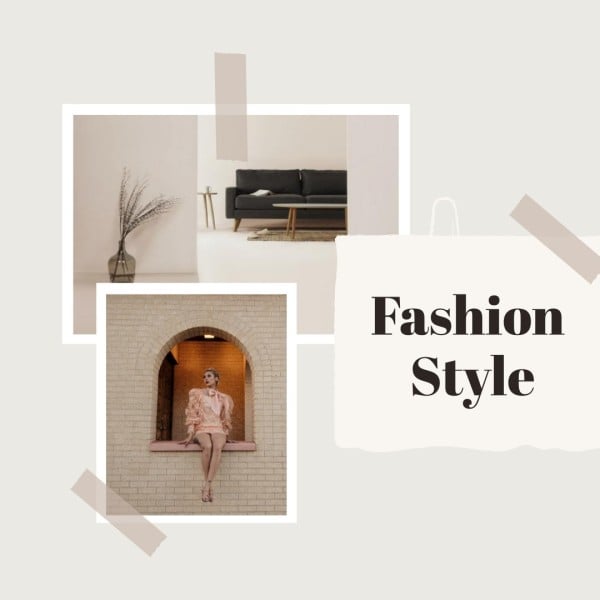
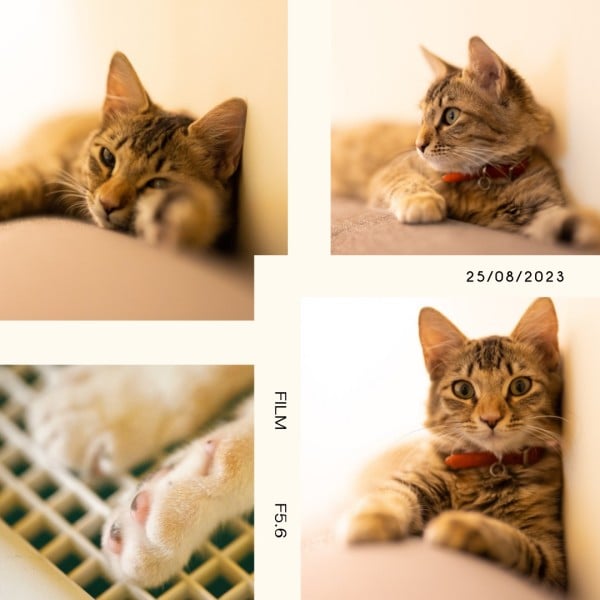
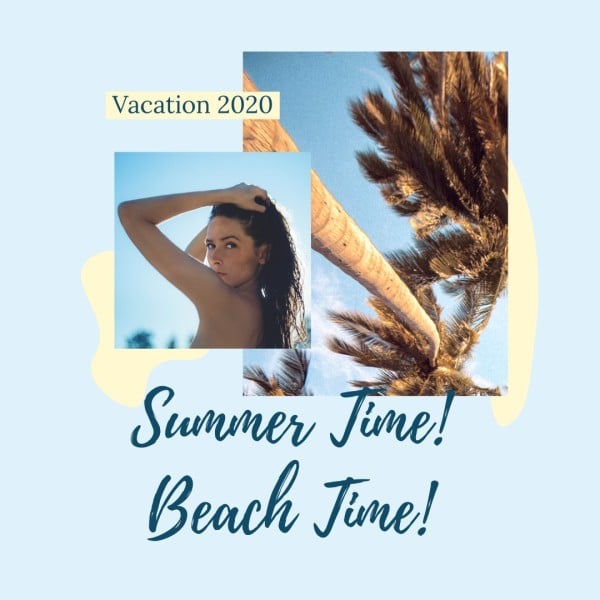
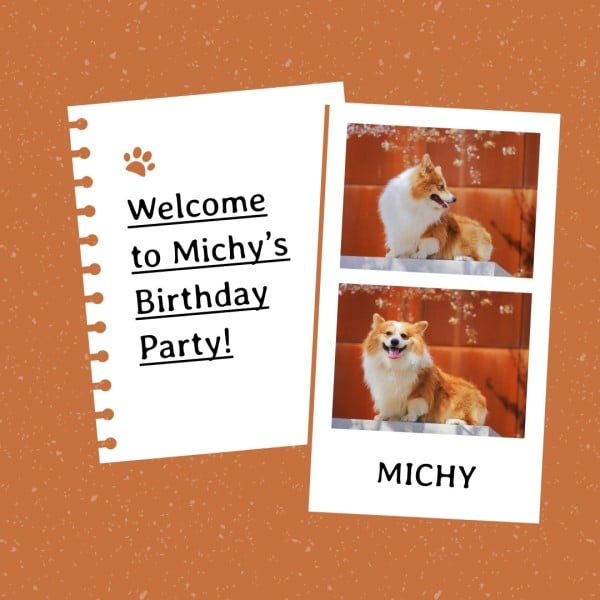
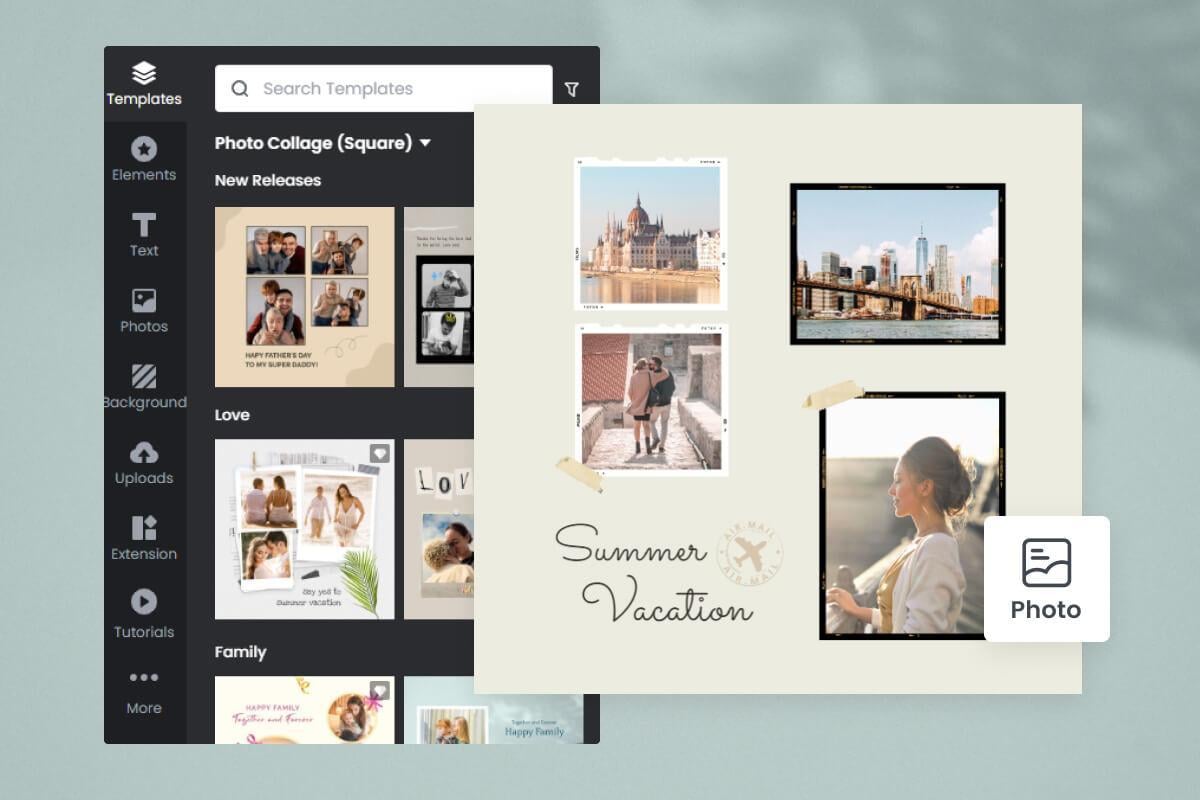
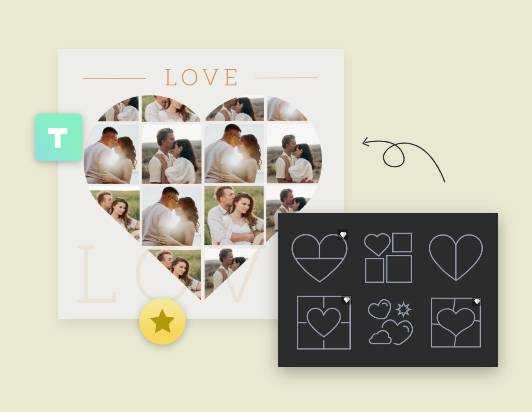
With our collage maker online, the possibilities for creating unique and visually appealing collages are truly endless. There are 2,000+ free preset collage templates to customize at your fingertips. To suit your needs, you can create collages from our stitching or grid templates, make poster collages, or start from scratch on a blank canvas. Choose from our expertly designed collage templates in various styles, themes, and grid shapes for social media posts, mood boards, and more. Gather your pictures and tell your story in a creative and unique way.
Desing Photo Collages with Customized Layouts
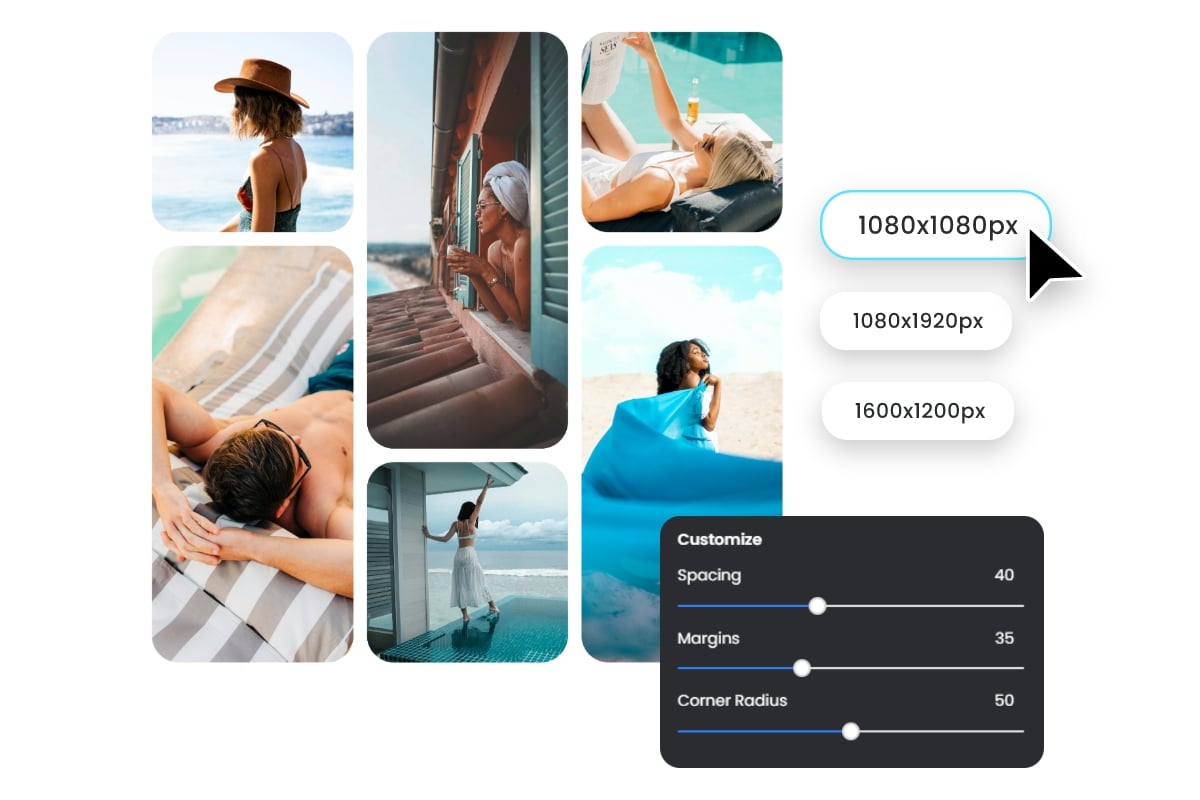
When creating collages with Fotor, you can customize the grid numbers as desired. We provide different grid layouts based on the quantity of your image. It is easy to find a template with 3 grids, 4 grids, or over 30 grids. The grid spacing, margin, corner radius, and BG color are at your disposal. Whether you want to make a 3 × 3, 4 × 5, or collage with irregular grid alignment, Fotor has got you covered. Additionally, our pic collage builder helps you design aesthetic collages with wider and more flexible custom options, such as resizing canvas to 9:16, 4:3, or 1:1, adding stickers and text for decoration, and generating image and text content with AI tools.
Enhance Your Collage Pictures to Perfection with AI
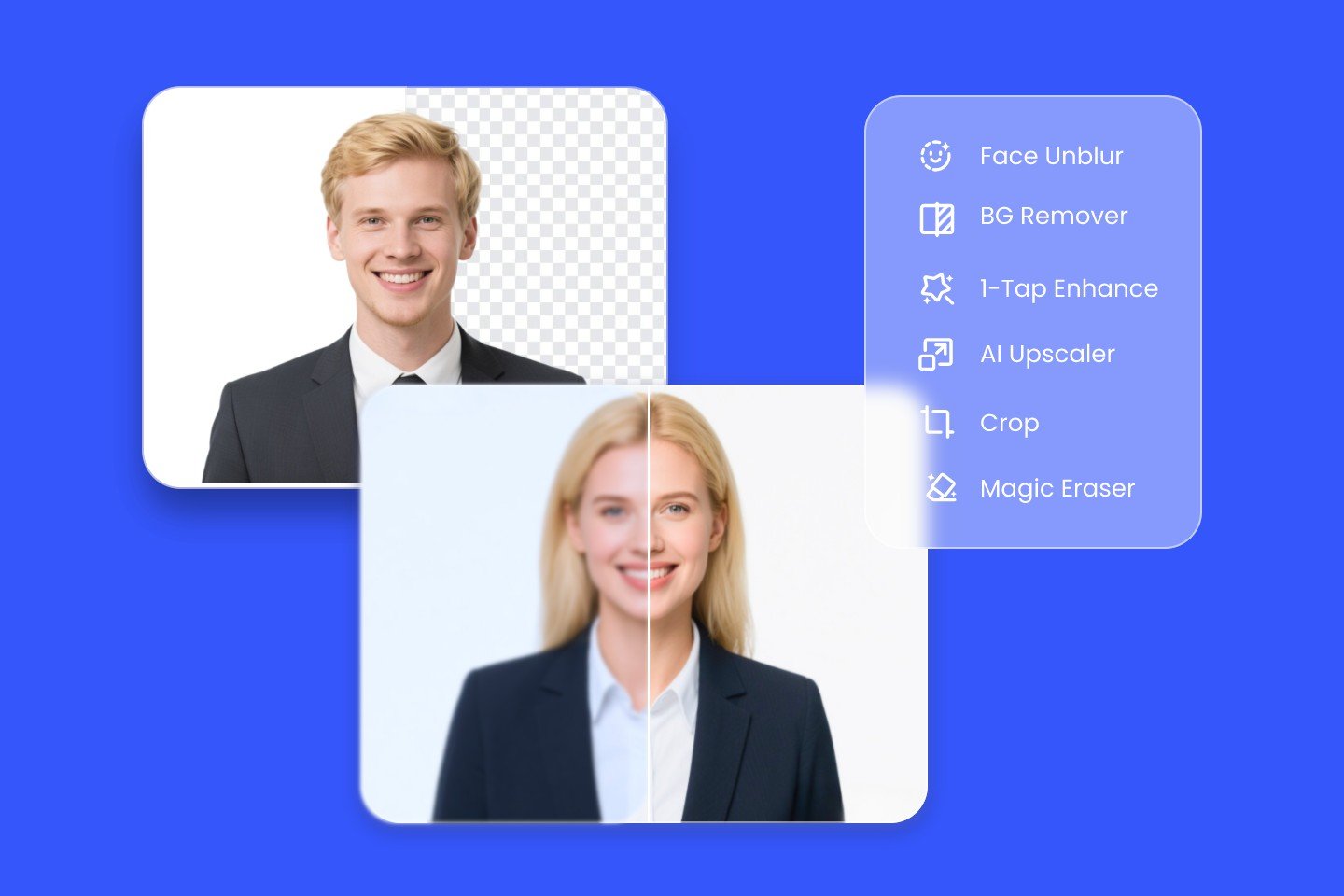
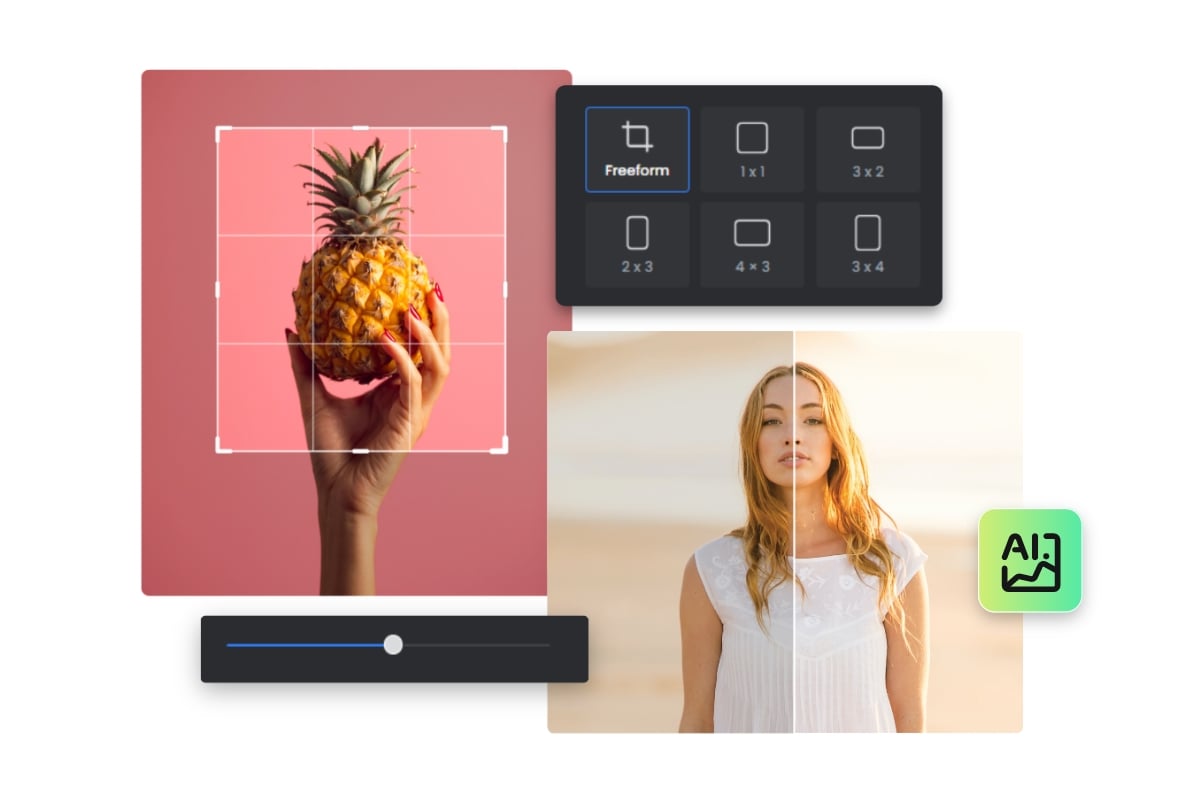
To achieve the maximum visual effect of your online photo collage, our photo collage maker integrates a powerful AI photo editor. With Fotor’s seamless AI photo editing tools, you can remove image backgrounds, retouch portrait images, and turn pictures into cartoons in one click. You can also crop, resize, replace images, change image transparency, adjust brightness, contrast, saturation, transparency, enhance image quality, and even add photo effects and filters. Click the photo of your image collage and edit it until you’re satisfied. Try it out to make every photo in your collage picture-perfect with our collage creator.
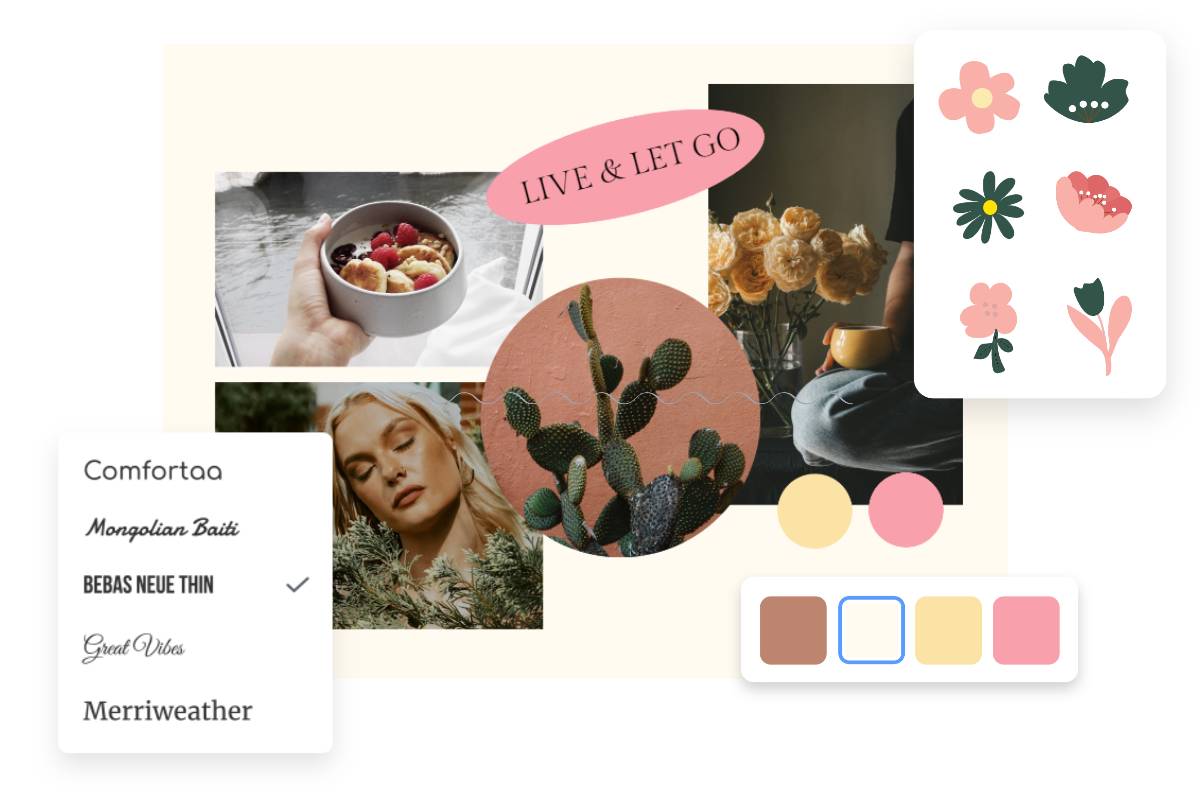
Customize Photo Collages With Text, Stickers, Backgrounds & More
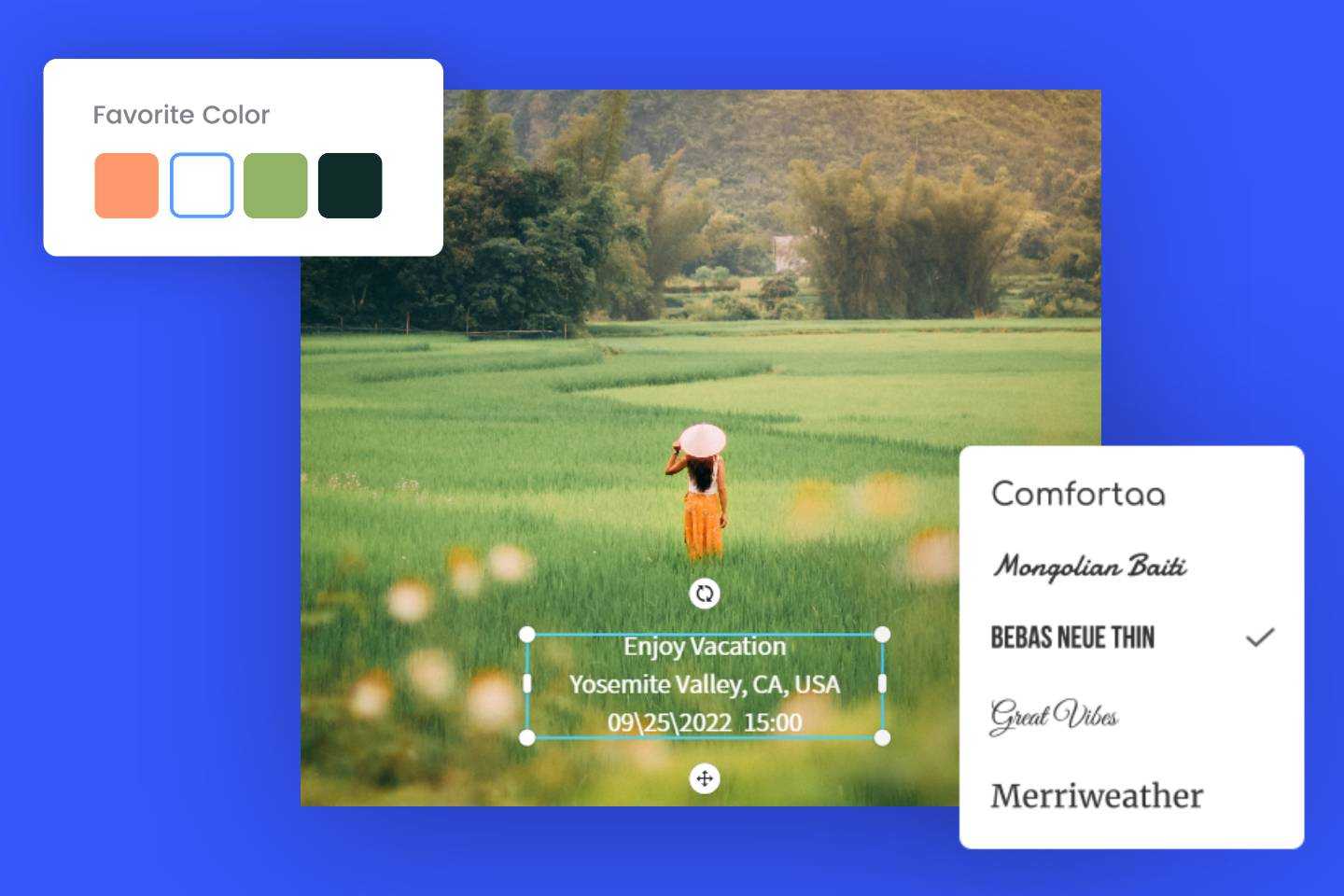
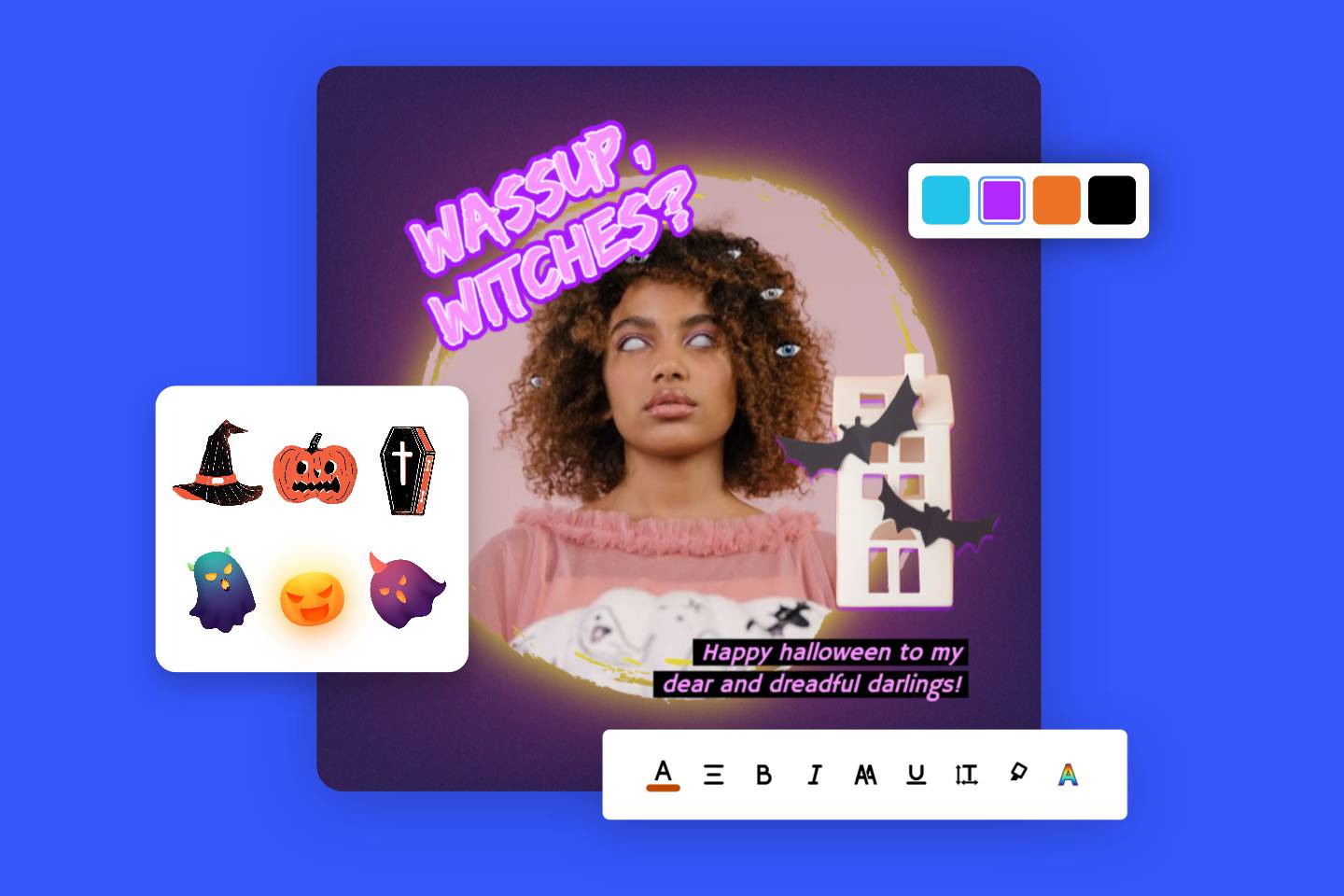
Create an appealing collage photo online with a personal touch to show your attitude. With a wide range of customization options, you can personalize every aspect of your collage photo online, including text, images, illustrations, stickers, backgrounds, and more. Add text to tell the story behind each photo. Enhance your collage with playful stickers, clipart, and doodles. Experiment with different backgrounds to set the mood that best represents your vision. Our intuitive collage maker tool makes it easy for anyone to create a personalized photo collage online for free in just a few simple clicks.
Collage Ideas to Kickstart Your Creativity
Share your photos in new ways! Whether you’re trying to tell a story or preserve happy moments, Fotor will help you create the perfect photo collage. You can design a unique and eye-catching collage for magazines, albums, favorite celebrities, anime characters, wallpapers, preppy art, and more. Get inspired with these great collage ideas and examples!
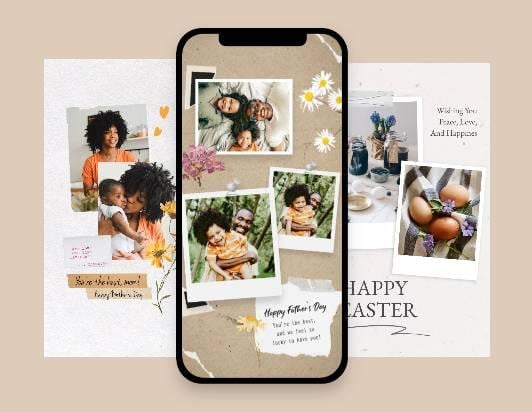


Side by Side Collage
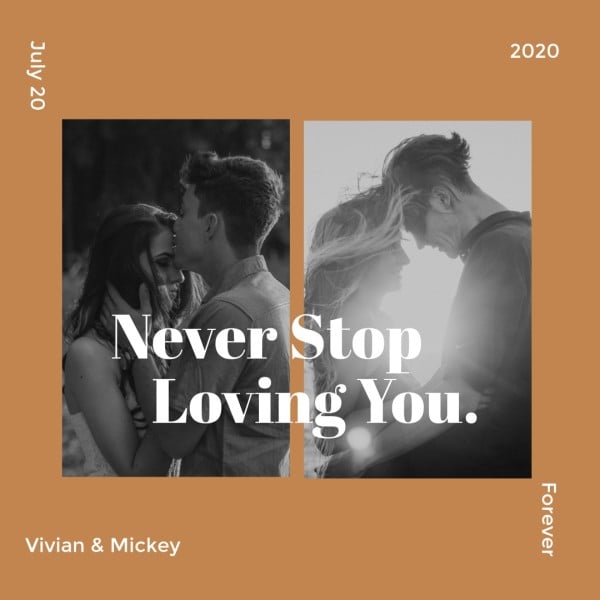
Effortlessly make side-by-side photo collages to showcase comparisons and progressions in a visually compelling way.
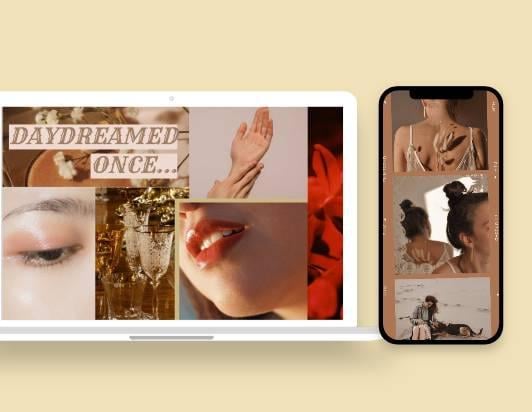
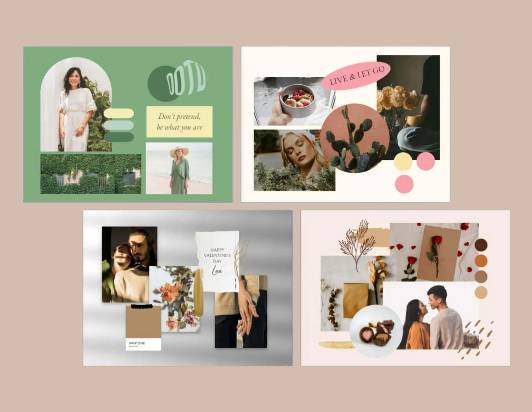
Mood Boards
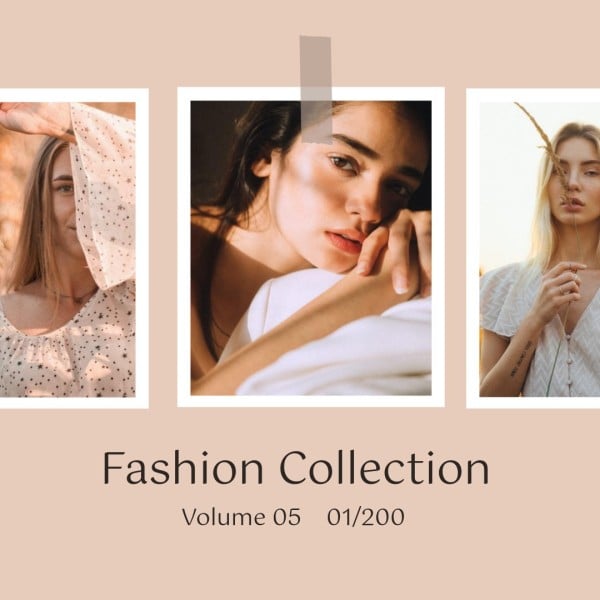
Design a digital mood board collage with your favorite images and color palettes to represent your personal style.
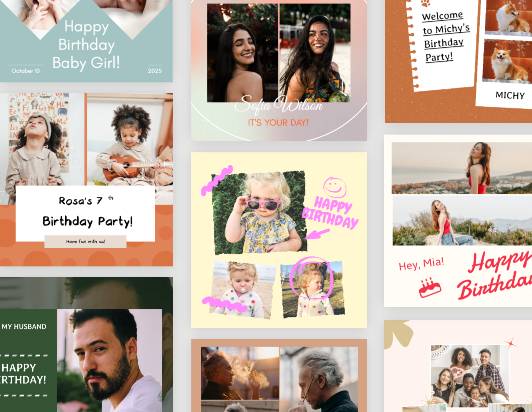

Christmas Collage
Create a Christmas collage to capture the festive spirit and preserve cherished memories.
The Best photo collage maker on iPhone/Android
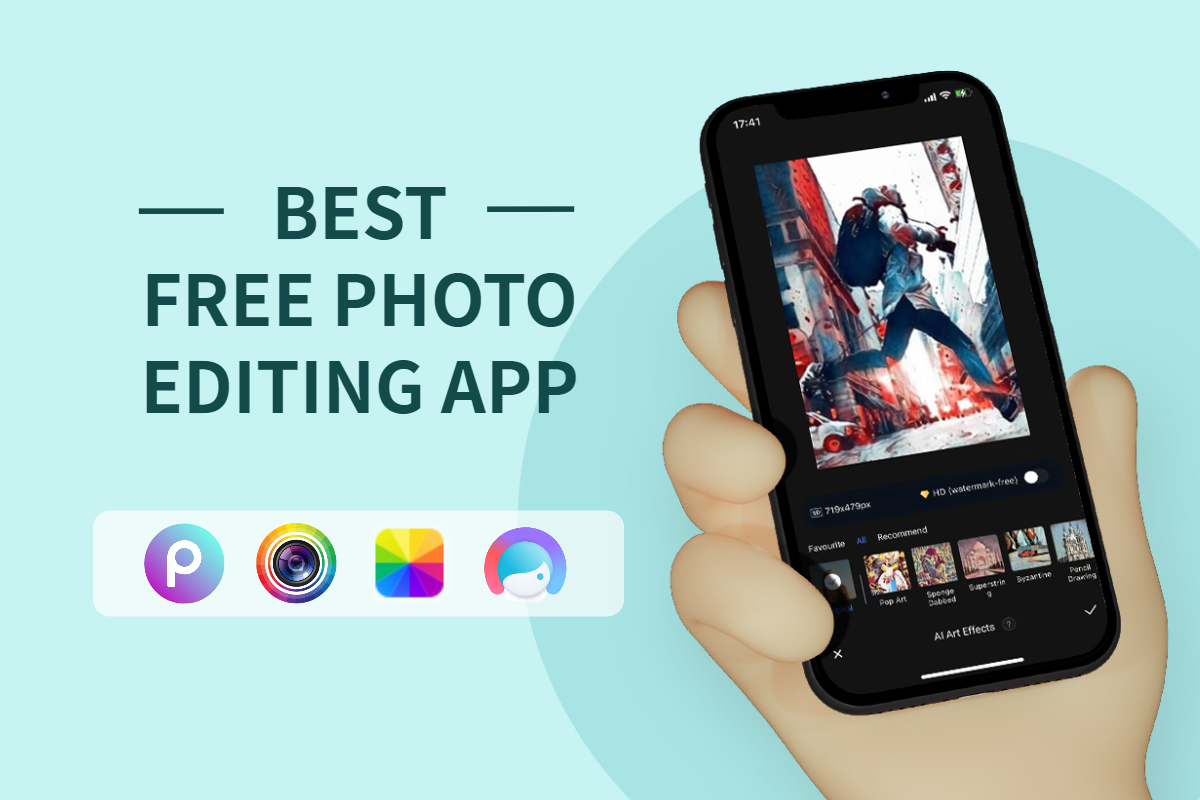
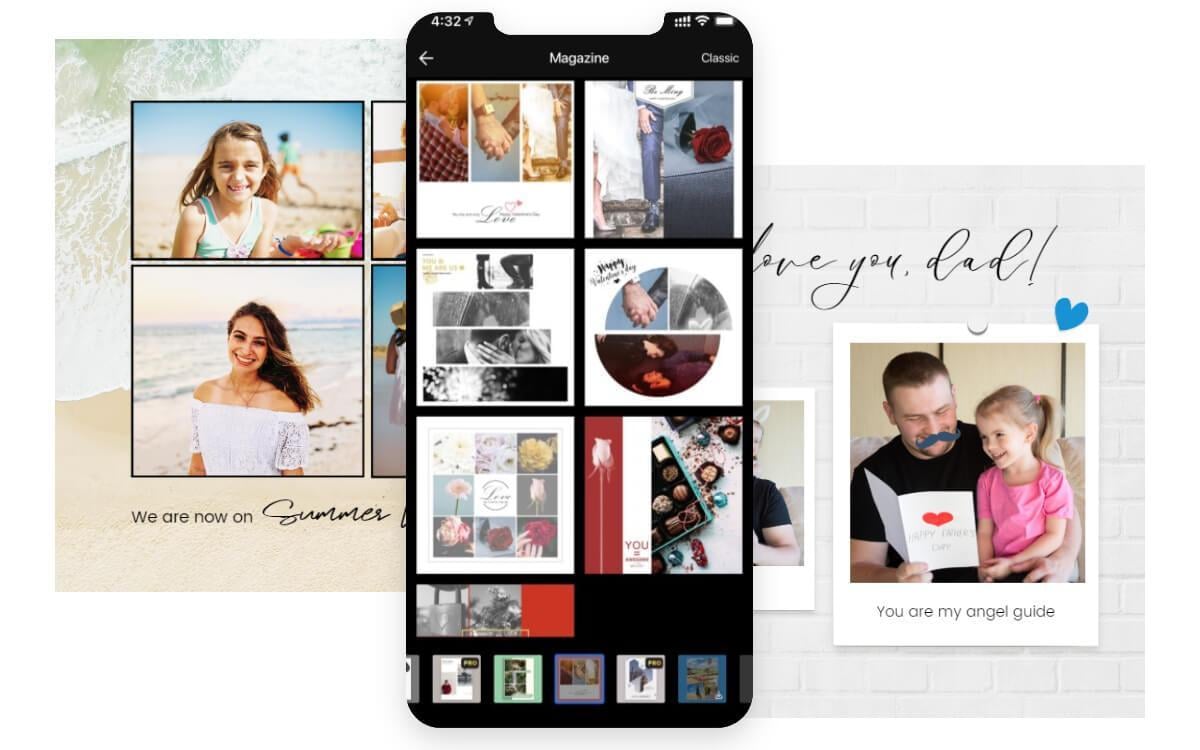
Fotor photo collage maker works not only on your web browser but also on mobile and desktop. Produce awesome photo collages no matter where you are and at any time. It’s convenient and flexible. You can access our online collage editor on PC, Mac, Android, and iOS operating systems as desired. Moreover, our collage maker app is free to use, gathering a comprehensive of image editing tools and providing you with a comfortable yet fun experience of collage making. Gather all of your favorite moments of the day in one place.
Why Choose Fotor to Make Photo Collages

Easy to Use
No editing skills needed. With an intuitive, drag-and-drop interface, you can easily add photos to create a collage.

High Quality
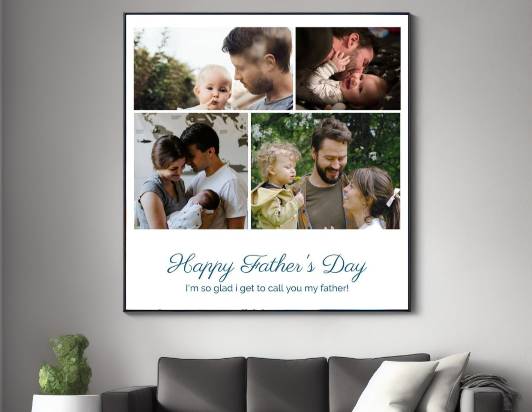
Save photo collages in high-resolution JPEG, PNG, and PDF. Perfect for printing as a poster or wall art.

Versatile Collage Templates
Create photo collage from a diverse library of preset collage templates and layouts for easy customization.
Browse Collage Templates Now
Kickstart your image collage making journey with Fotor’s well-crafted photo collage templates. Choose your favorite template, drop all your pictures, and experience the easiest collage maker ever!