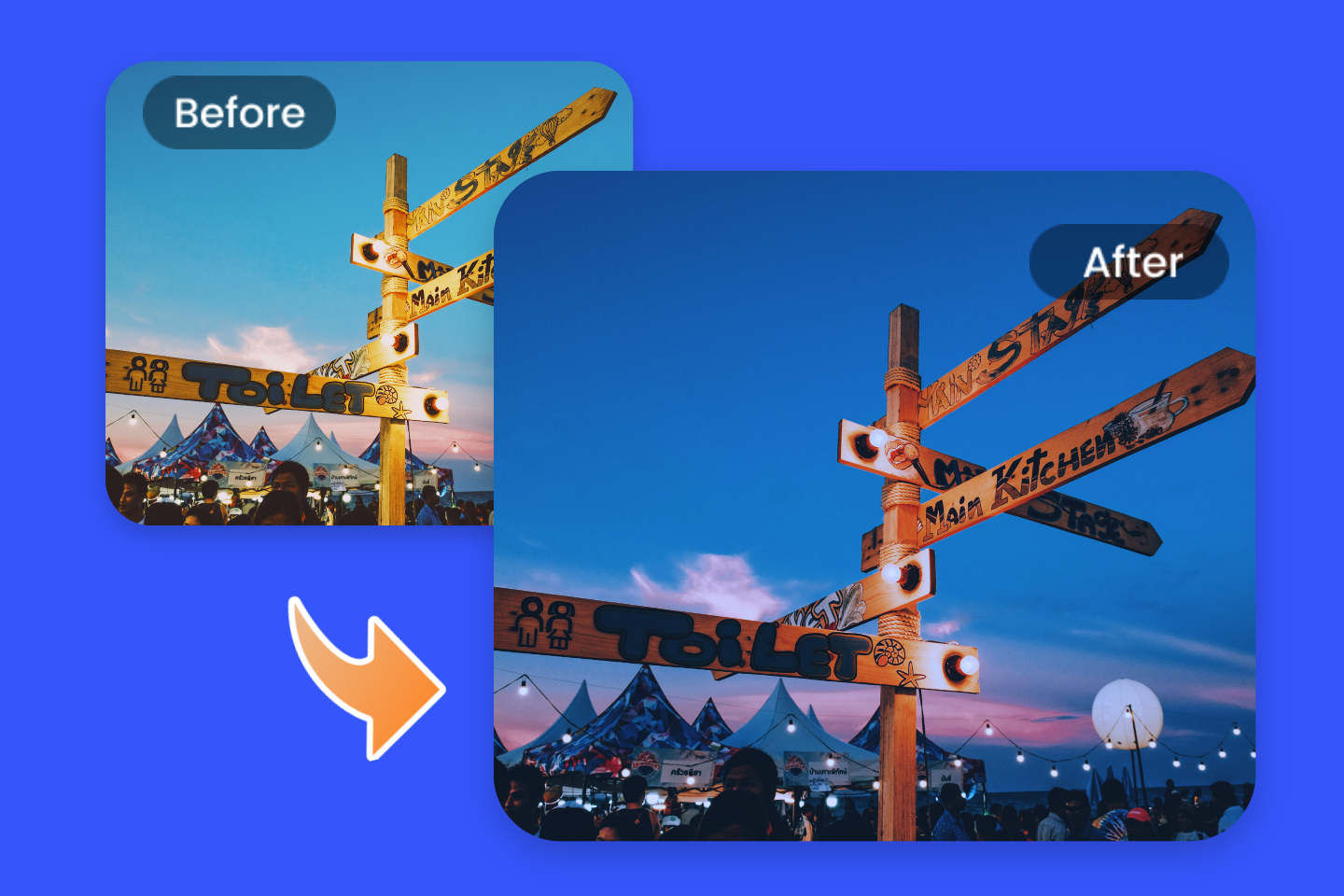
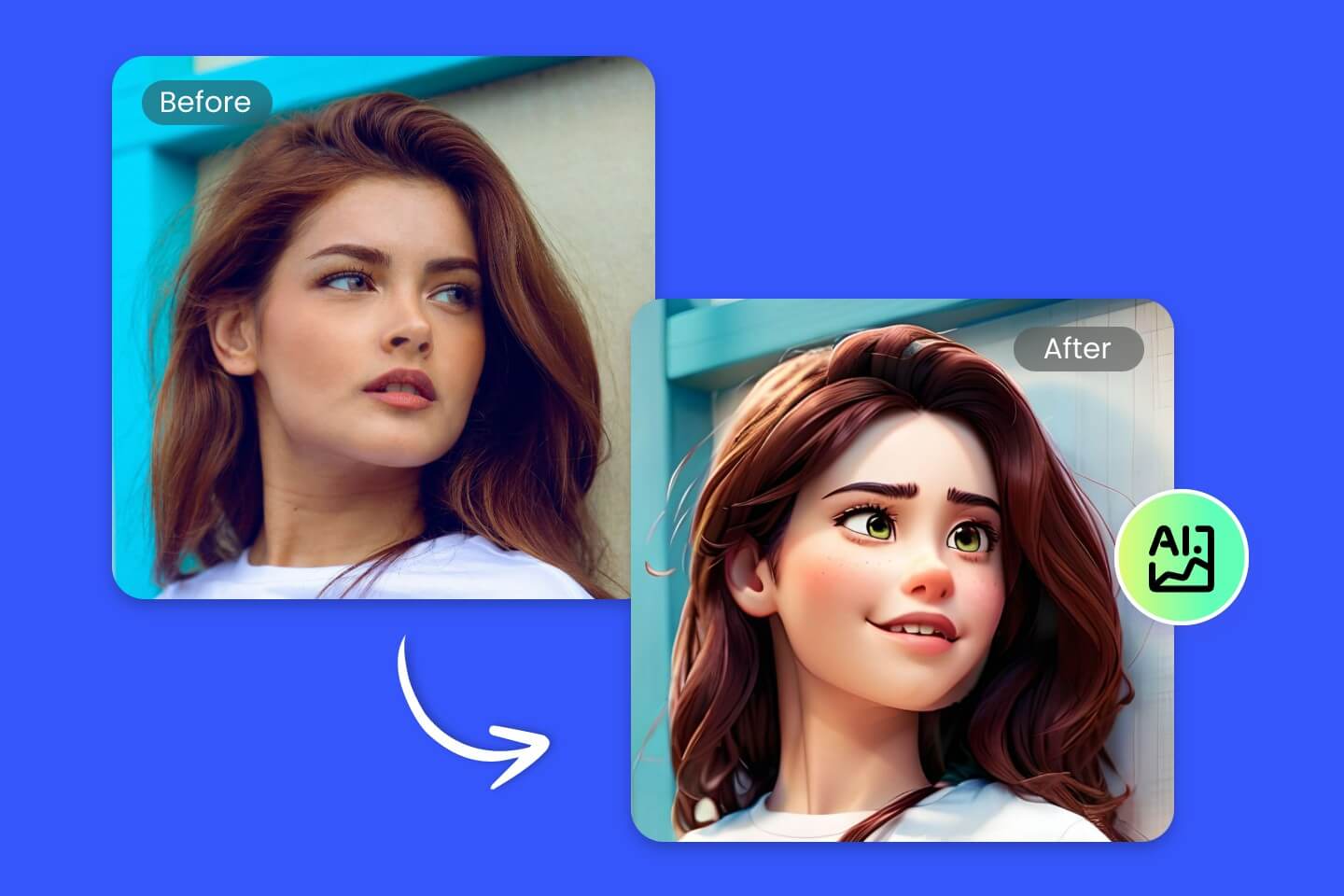
Photo to Anime Converter for AI Anime Art
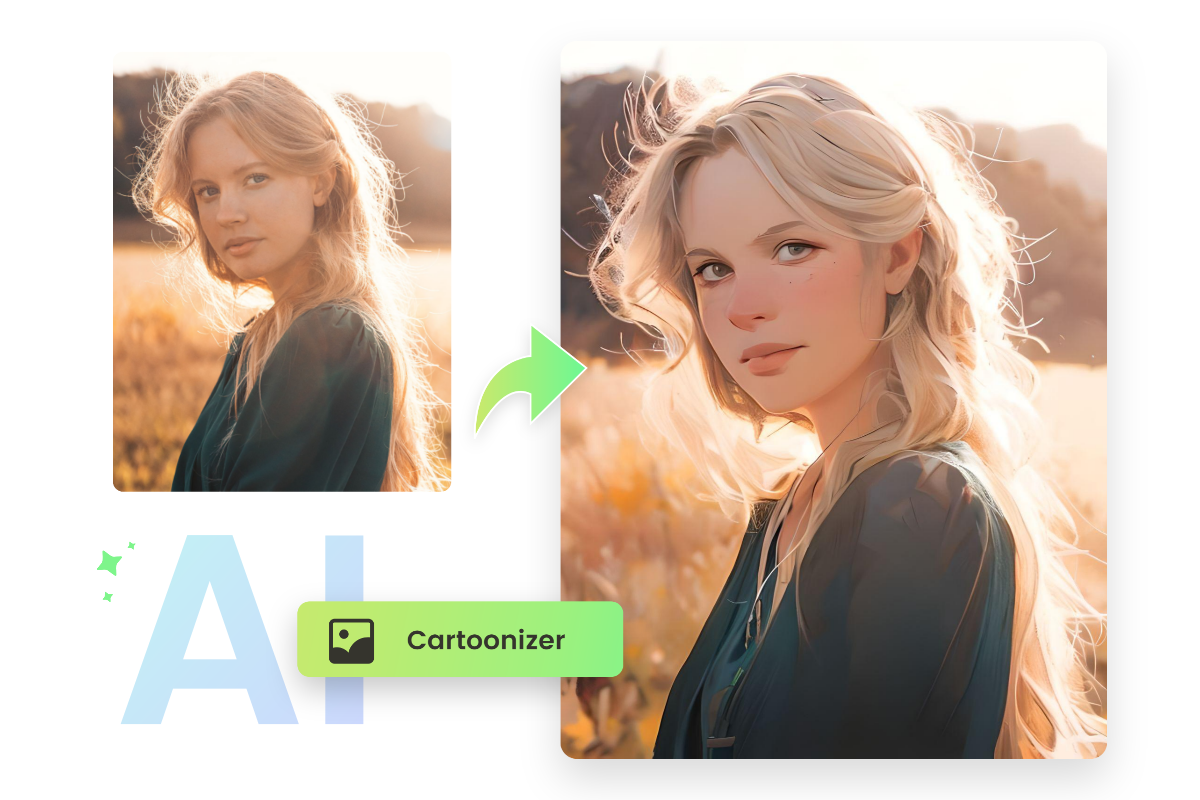
Upload your photo and instantly turn it into anime-style portraits, avatars, or cartoon characters. Choose from multiple anime filters to create profile pictures, social media avatars, or fun illustrations.
⭐️ Works with any photo ⭐️ Fast results in seconds ⭐️ Multiple anime styles to choose from ⭐️
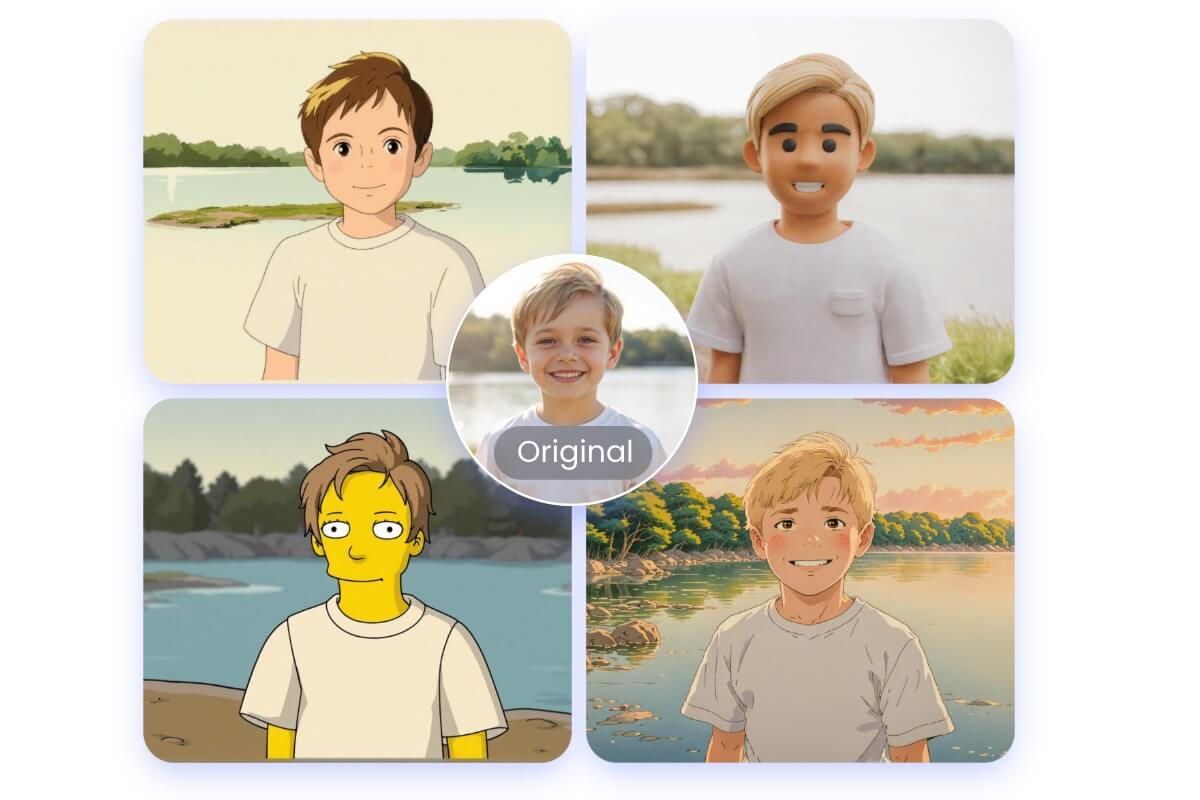
Drag image here or click to upload
Drag image here or click to upload


99%
Seamless Photo to Anime
4.5★
on Capterra
800M+
Global Creators
Turn Any Photo into Anime with Better Results
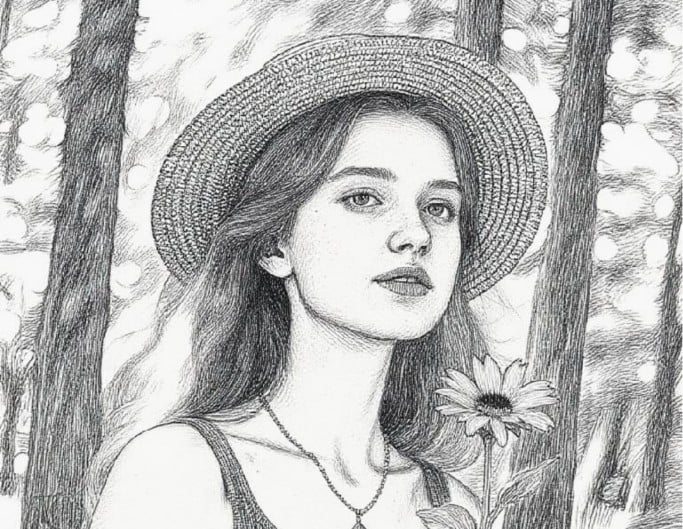
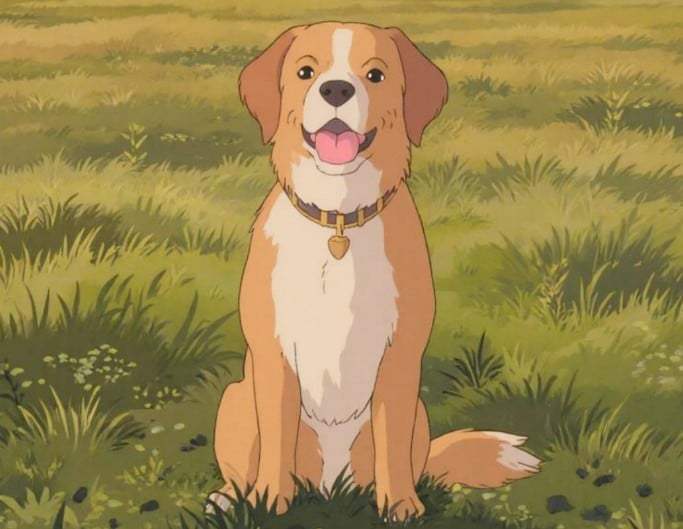
Turn your photo into anime instantly with this online photo to anime converter. Apply different anime filters to create anime-style portraits, avatars, or cartoon profile pictures from your selfies, pet photos, or everyday images. For better results, use clear photos with simple backgrounds to get sharper and more detailed anime images.

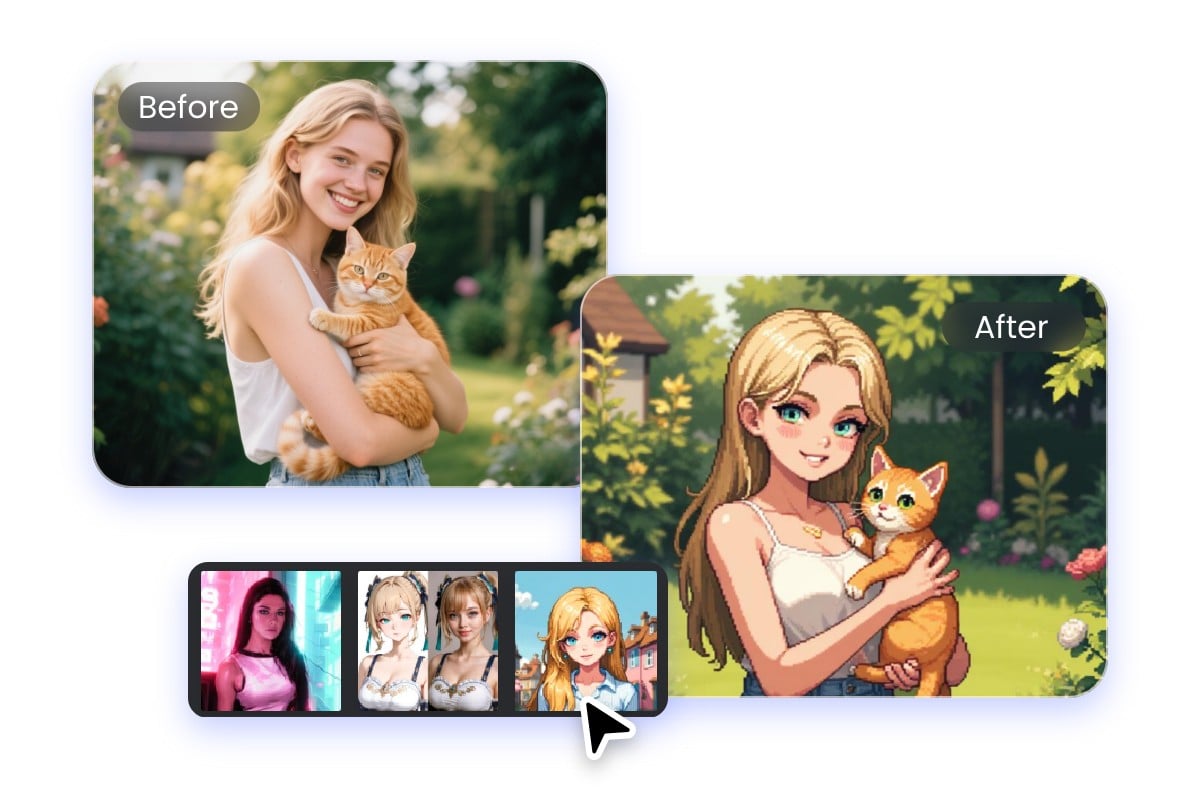
How to Convert Photo to Anime?
- Drag and drop the image you want to convert. Clear face photos work best for sharper anime portraits or avatars.
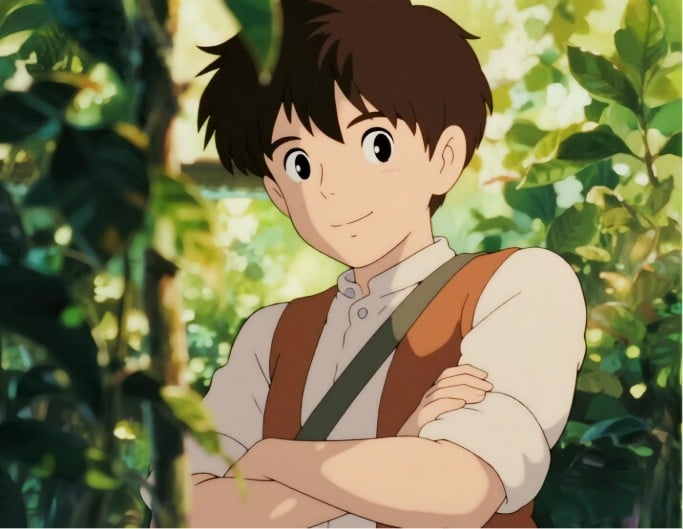
- Pick a style such as Chibi, Studio Ghibli, Manga, or Cyberpunk, then click Generate.
- Wait a few seconds for Fotor’s AI to transform your photo into anime.
- Review the result and download your anime picture. You can try again if you want a different style or effect.
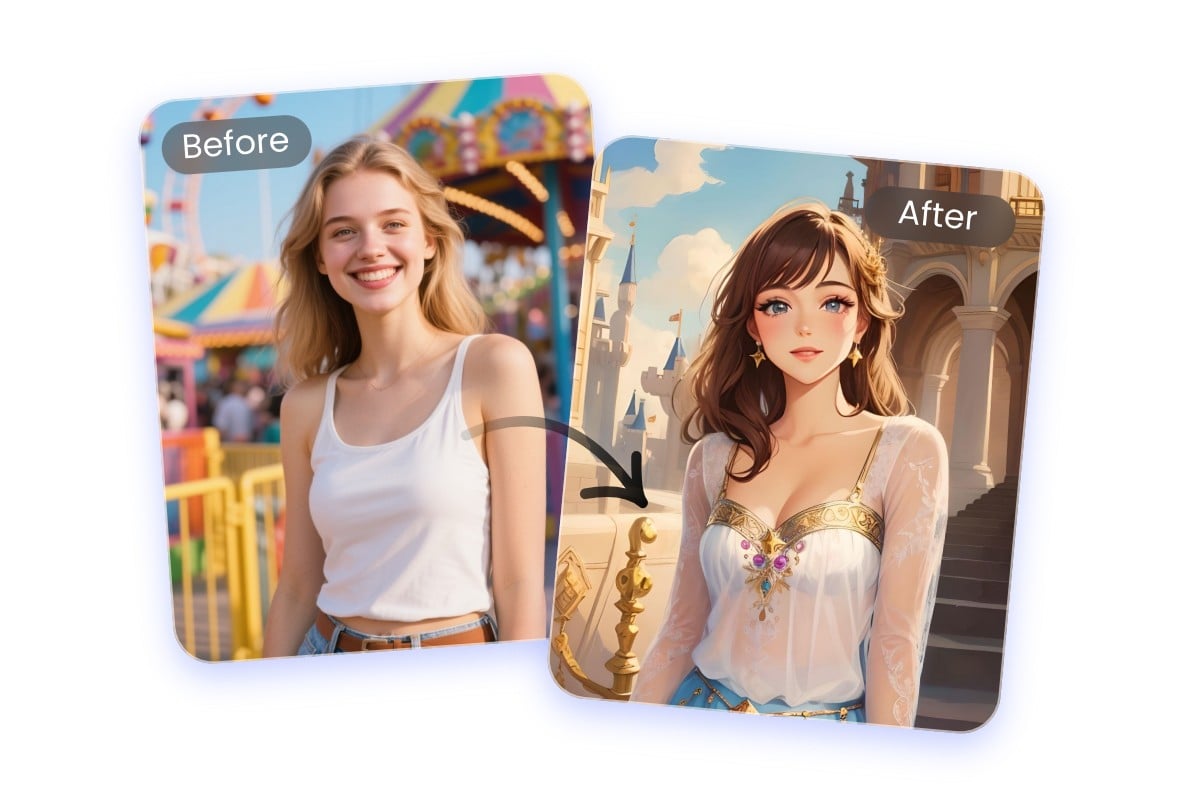
Convert Photo to Anime in a Snap
Creating anime AI art online is with Fotor’s image to anime converter. Drag and drop a selfie, portrait, or pet photo, and the tool will automatically apply an anime style. For best results, use clear images with simple backgrounds to get sharper anime portraits.
Various Anime Filter Styles in Pic to Anime Converter
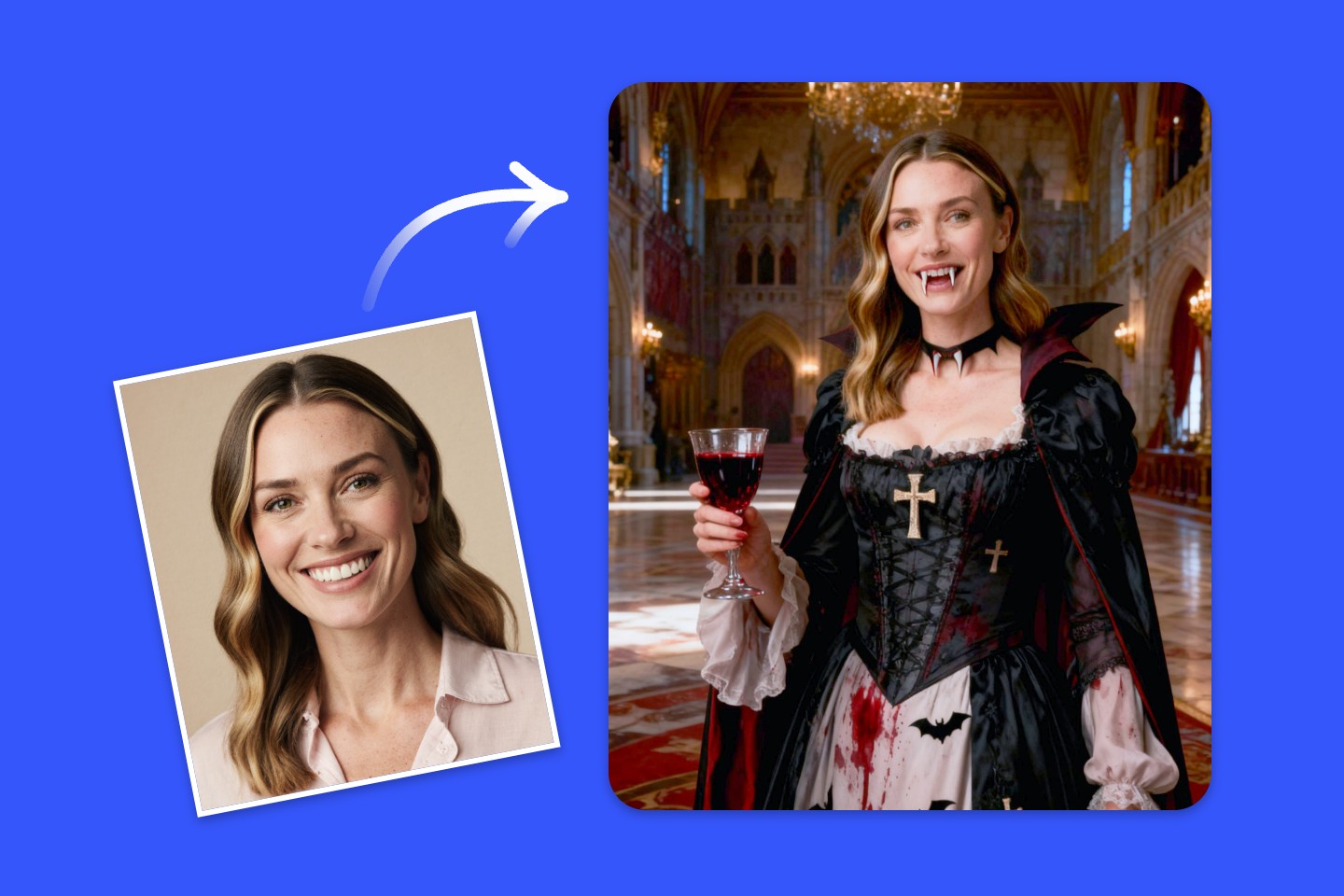
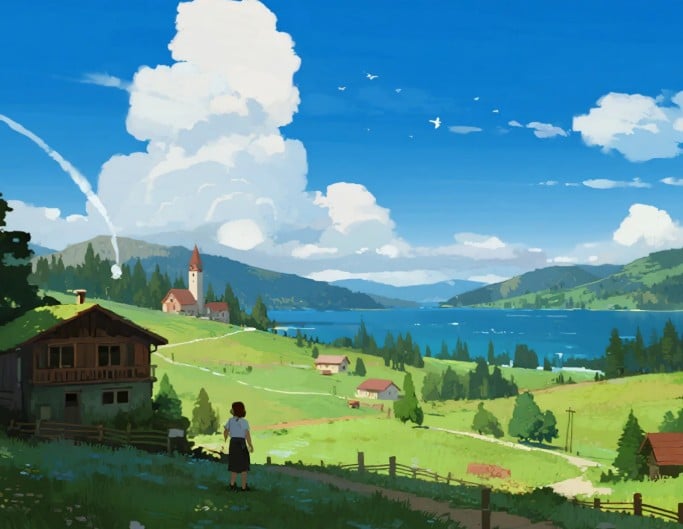
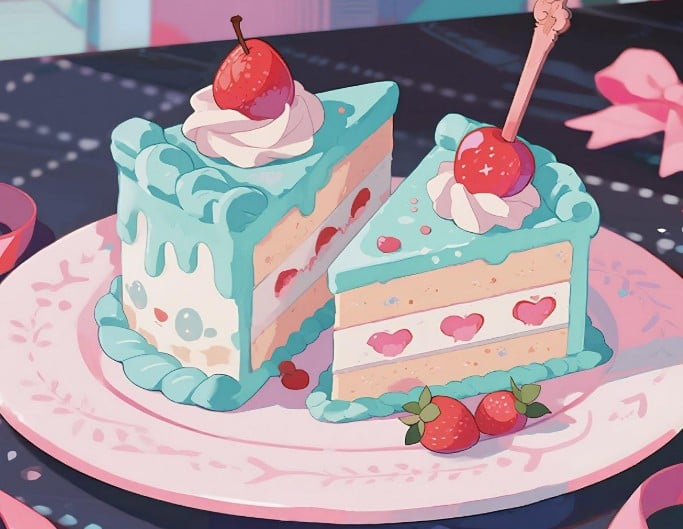
Fotor’s photo to anime converter offers a variety of anime filter styles to transform your images. Choose from Studio Ghibli, webtoon, manga, sketch, and more to create anime portraits, avatars, or creative anime art. Whether it’s selfies, pets, or landscapes, you can easily turn your photos into anime images that fit your style.
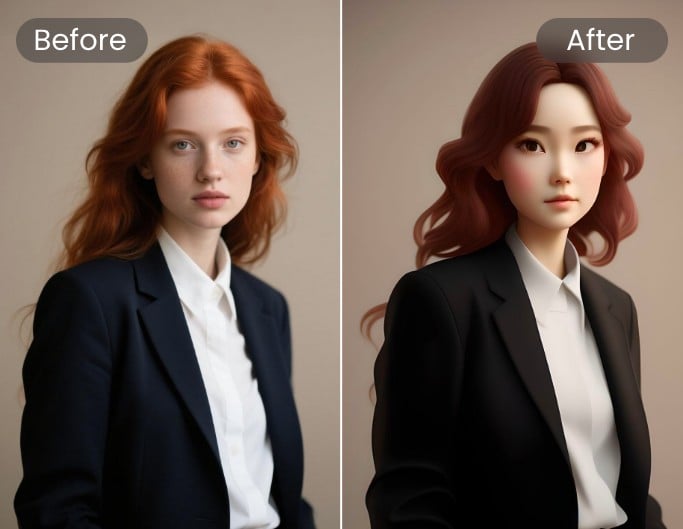
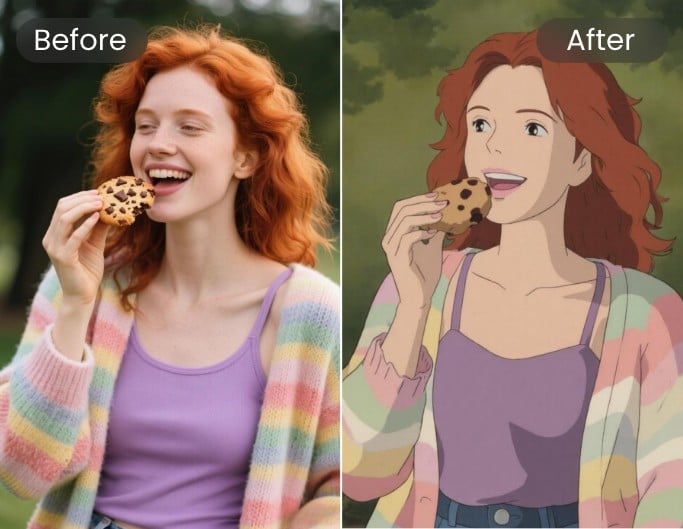
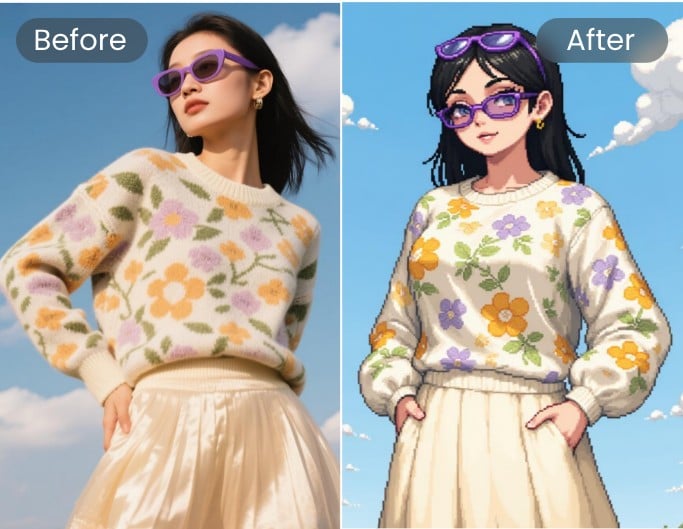
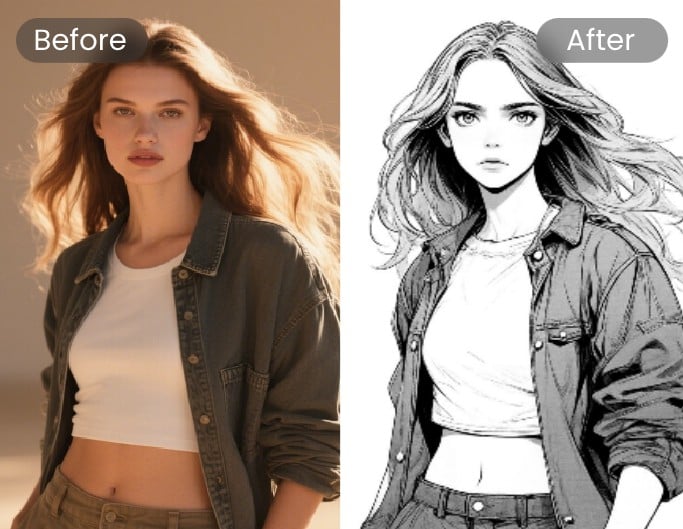
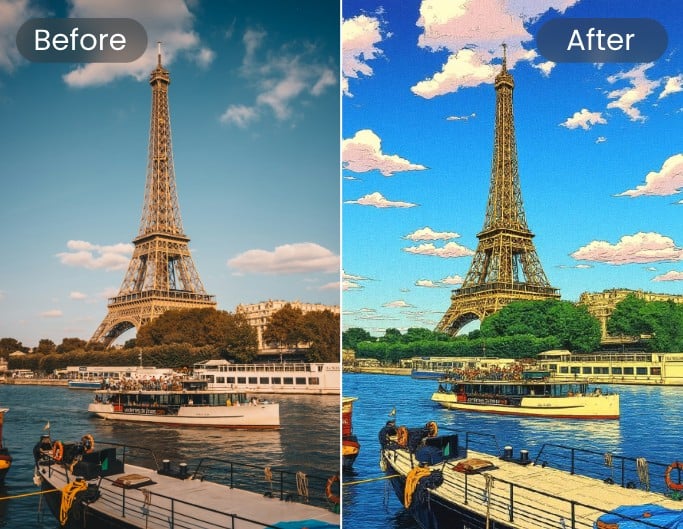
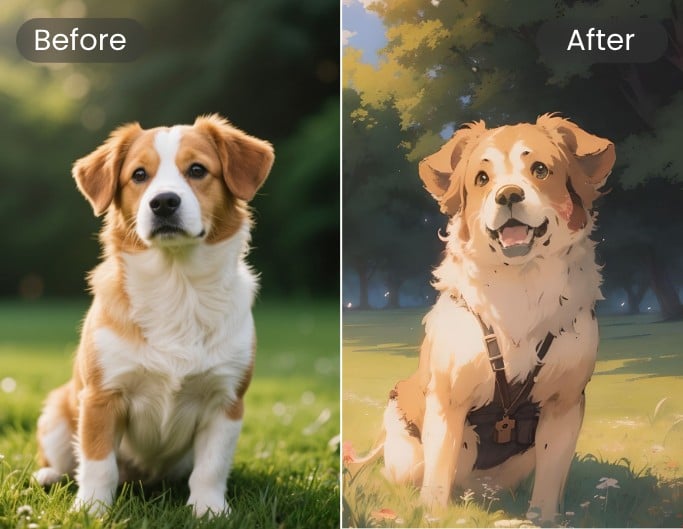
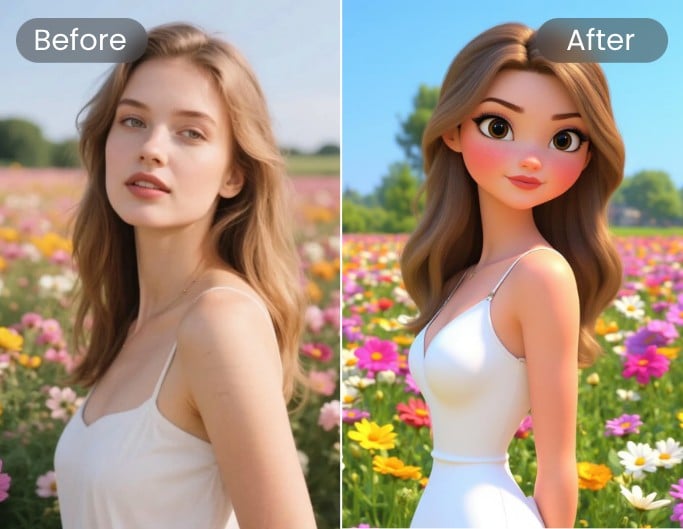
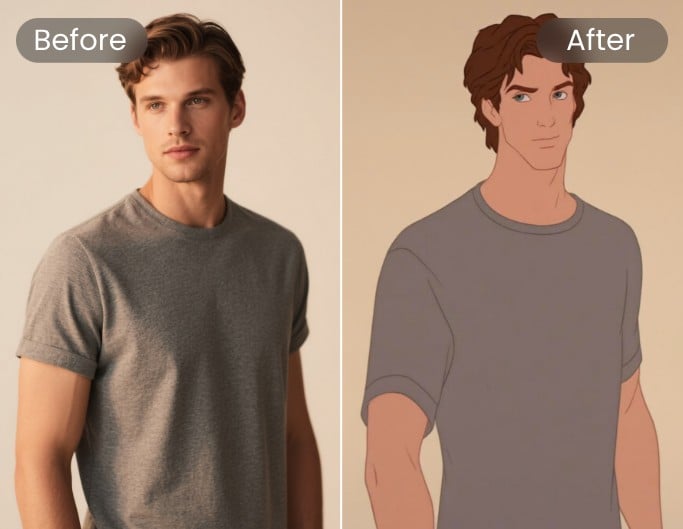
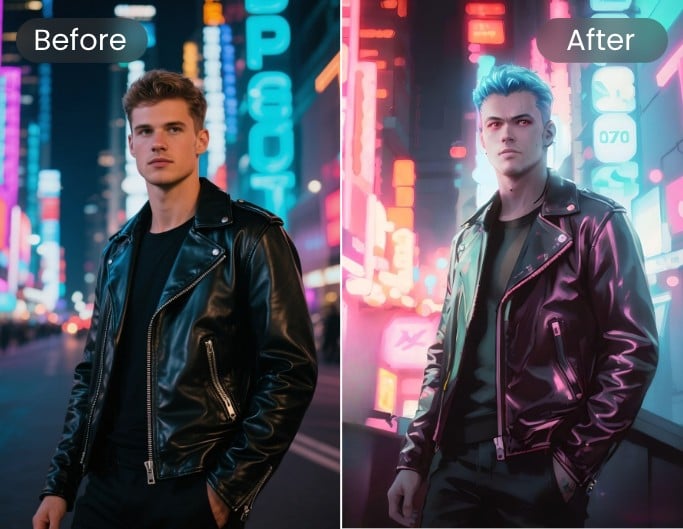
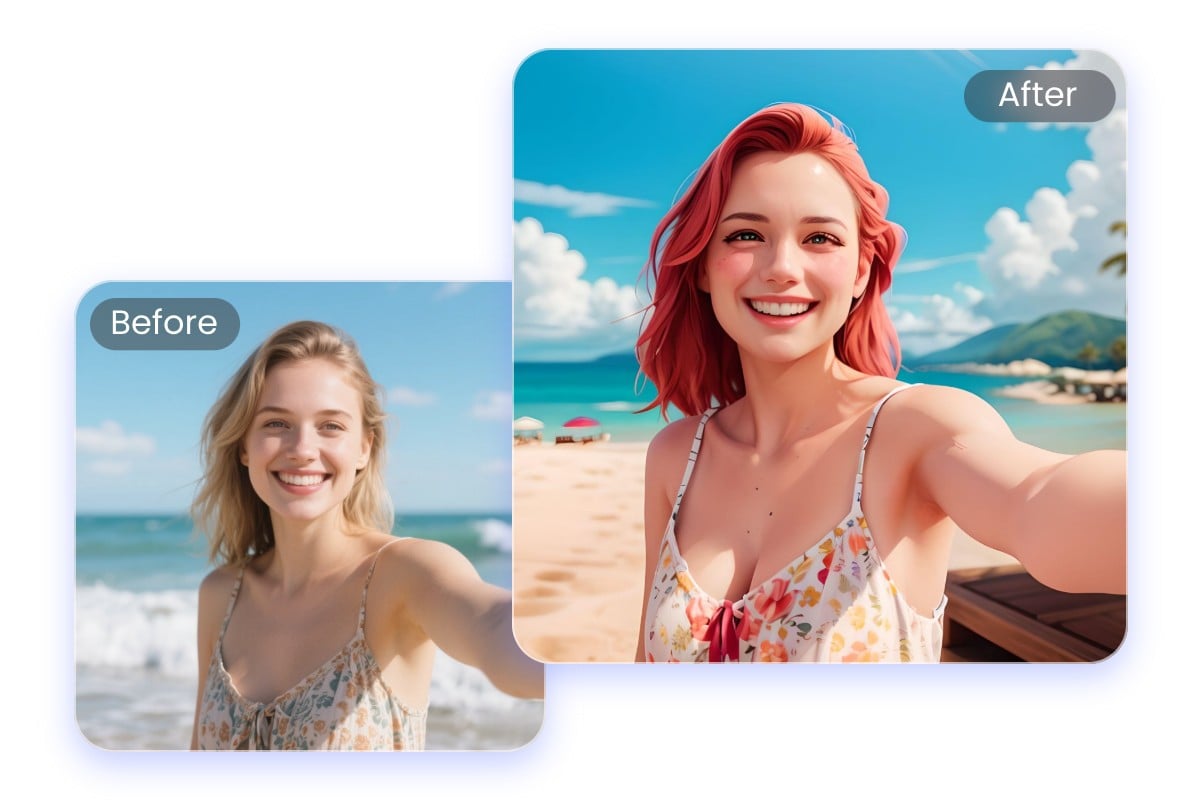
AI Anime Filter for Selfies
See yourself as an anime character with Fotor’s anime filter for selfies. Transform your selfie into a stylish anime portrait, ready to use as a profile picture or share on Instagram or TikTok. The filter keeps facial features clear for more realistic results.
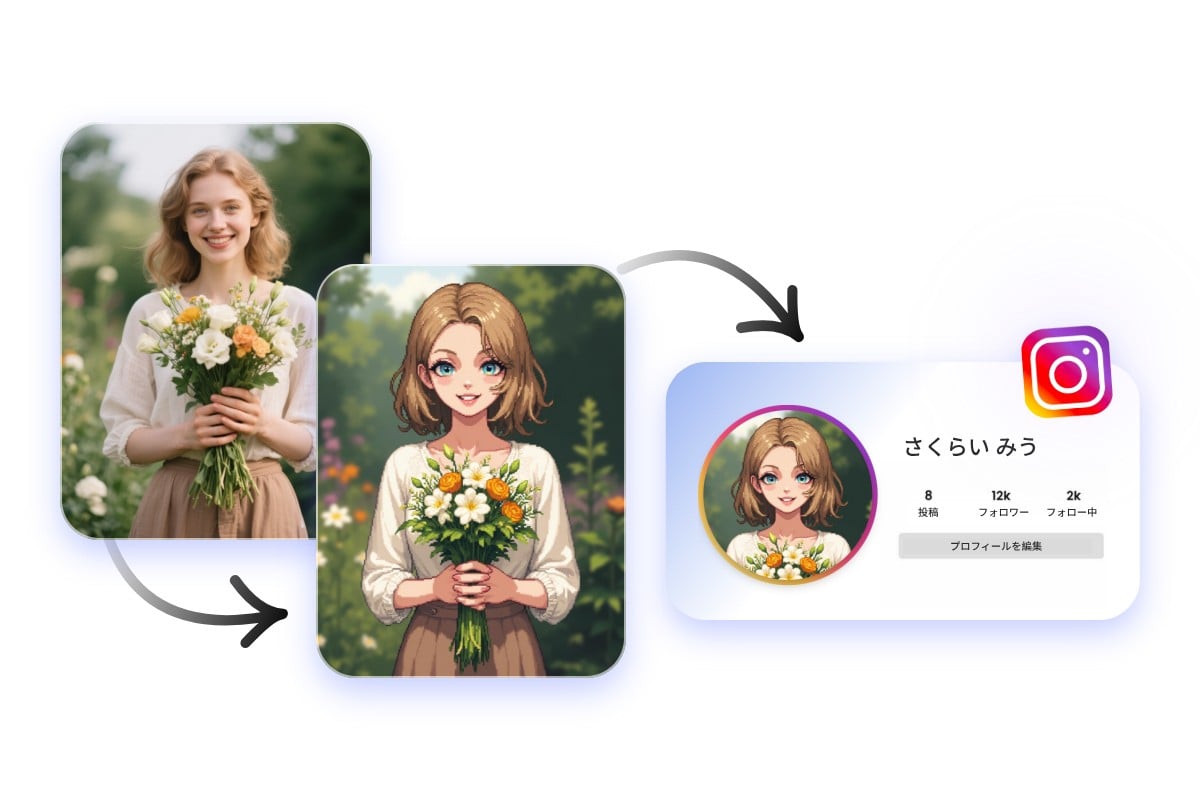
Create Anime Avatar with Online Anime Converter
Create a unique anime avatar with Fotor’s photo to anime converter. Perfect for social media profiles or streaming channels, this tool turns your photo into a recognizable anime avatar that stands out. Clear face photos produce the best results.
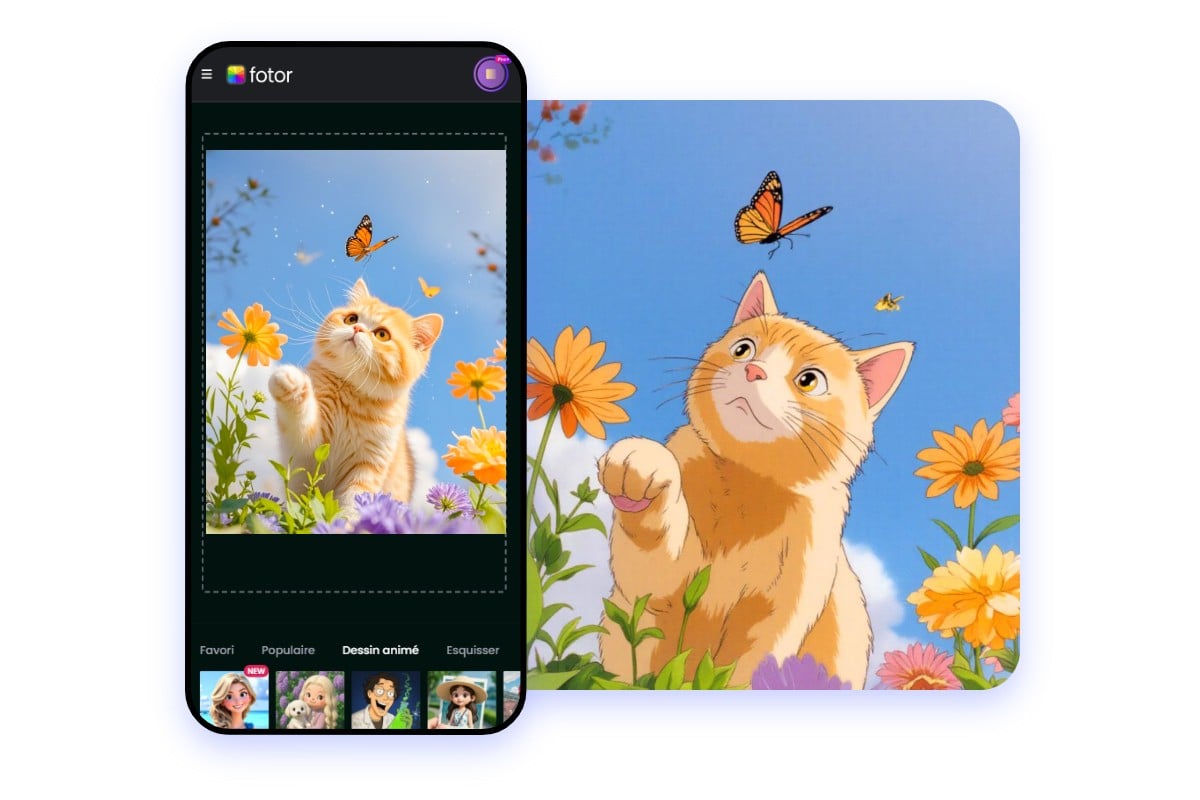
AI Anine Image Generator on the Go
Whenever you take a picture, you can turn photo into anime as long as you have Fotor app. Whether you want to make yourself an anime character or AI anime art, you can make it possible with Fotor's anime picture app. Download it now on any portable device you have and start using the anime filter for free!
Why Choose Photo to Anime Generator?
![Ai assisted icon]()
Easy AI Transformation
Our AI anime Converter is built on advanced AI algorithms, enabling you to generate delicate anime photos.
![Fast Generation]()
Fast and Consistent Results
Generate anime images in seconds with stable quality across different styles and photo types.
![Work on Any Device]()
Easy to Use on Any Device
Create anime images directly in your browser or mobile, with no setup required anytime, anywhere.
![Preserve image quality icon]()
Clean, High-Quality Outputs
Get clear anime images with preserved details, suitable for avatars, social media, or creative projects.




Global Trusted Creators' Reviews


Founded in 2009, Fotor has established itself as a leader in image-processing, now serves 600 million users worldwide as of July 2024. The Company delivers innovative image editing and design tools to over 200 countries and regions, including the U.S., Europe, Southeast Asia, and India.

"Fotor Photo Editor enhances the creation of my visual projects"
From the first use I liked the AI tools that besides simplifying photo editing also allow me to generate beautiful and professional looking images (it has a preview before finishing any project to adjust details). I like how interactive Fotor Photo Editor is by having implemented a daily incentive dynamic that motivates me to interact with the community and participate in different activities.

"A Versatile and User-Friendly Photo Editing Tool"
What I like best about Fotor Photo Editor is its user-friendly interface and extensive range of features. It provides powerful editing tools, a variety of filters, and seamless integration across different devices, making it convenient for both beginners and experienced users.