Free Online HEIC Converter
Fotor’s best free HEIC converter lets you easily convert HEIC to JPG, PNG, JPEG, or WebP online. Upload your HEIC files from any device to quickly batch convert them without losing any quality.
Drag or click to upload your images here to start converting

Drop image here
This site is protected by reCAPTCHA and the Google Privacy Policy and Terms of Service apply.
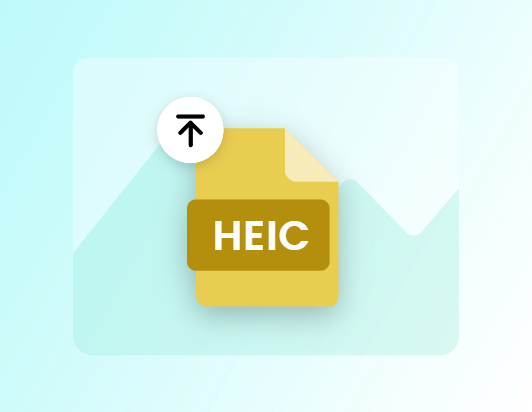
Easily Convert HEIC to JPG & PNG
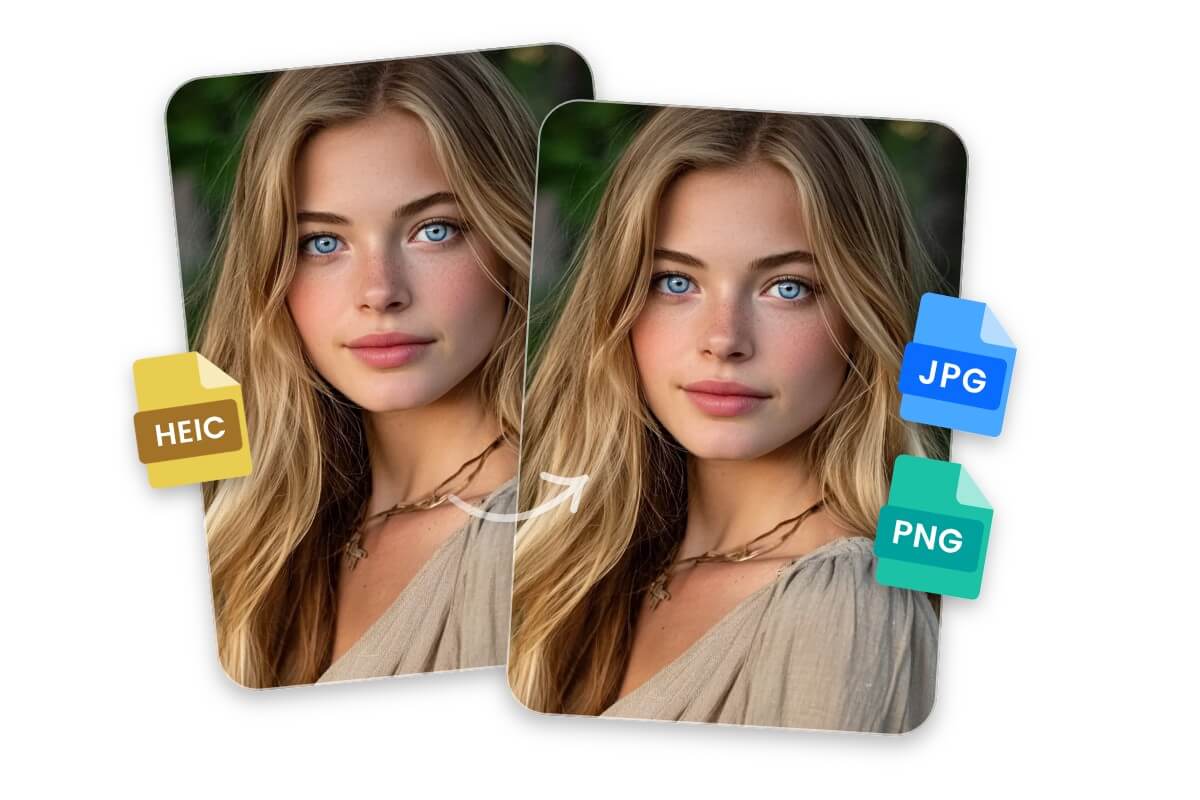
JPG and PNG are widely supported image formats, while HEIC files can be hard to open on many devices or apps.
With our HEIC converter, you can automatically and easily convert HEIC files to JPG or PNG in one click, making them ready to view, share, and edit across all devices.
Efficiently Turn HEIC Files into WebP Images
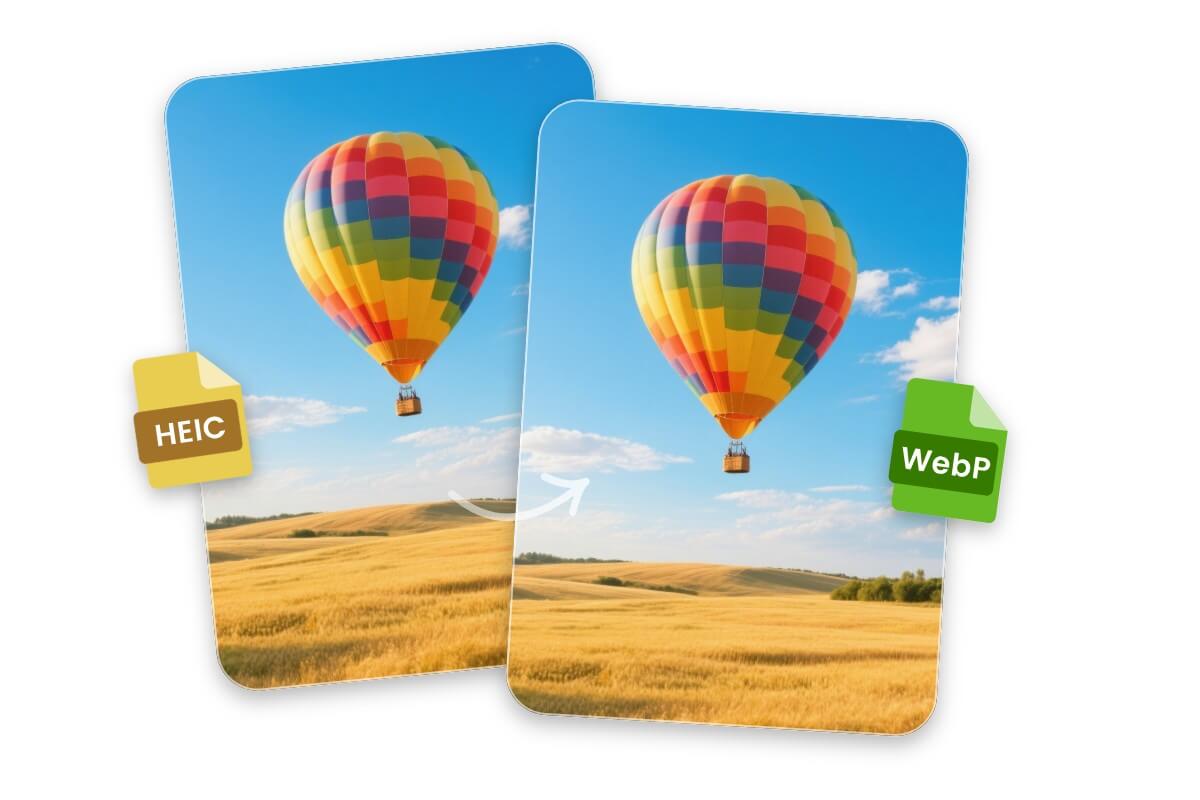
HEIC files can take up a lot of space and may not work well on some devices, while WebP keeps high quality with a much smaller file size.
With Fotor’s HEIC file converter, you can automatically batch convert HEIC files to WebP in one click. The resulting images are smaller, load faster, and remain high quality.
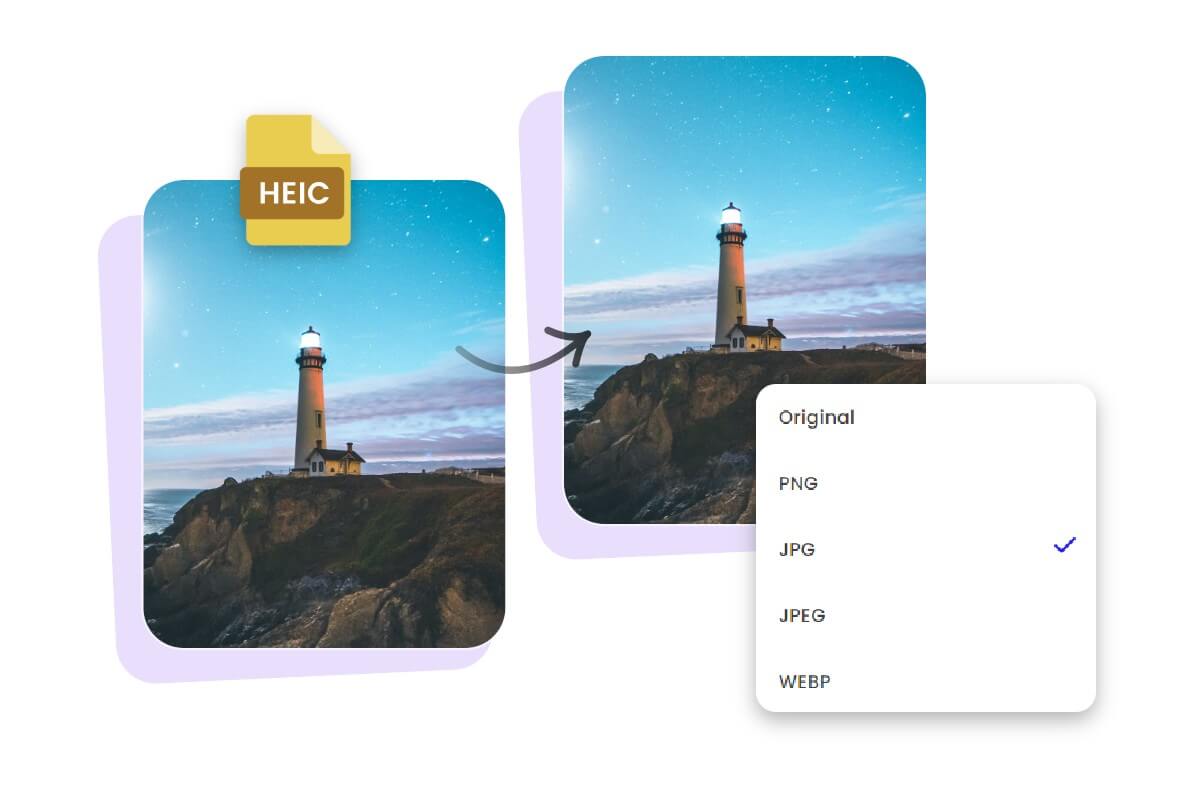
Fast & Automatic HEIC Batch Conversion
Want to process multiple HEIC files at once? With our batch HEIC converter, you can quickly convert HEIC images in bulk, saving time and making the whole process effortless.
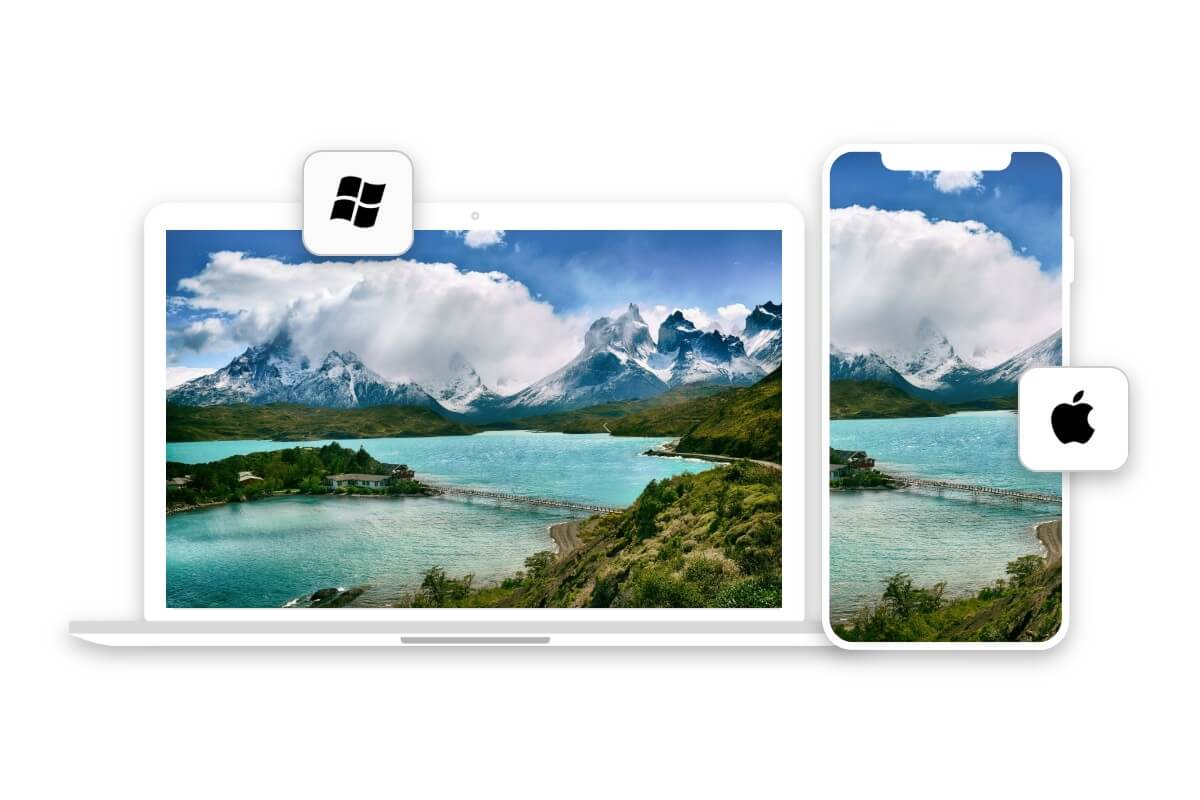
HEIC Conversion Across All Devices
Whether you’re on a browser, Windows or Mac desktop, or iOS or Android mobile, our HEIC converter works seamlessly across all systems. You don’t need to worry about device limitations, and you can convert your images anytime, anywhere.
Why Choose Fotor's HEIC Converter?

Time-Saving
Convert multiple HEIC files at once, quickly and efficiently.

Easy to Use
No complicated steps, just upload and convert in a few clicks.

Safe & Secure
Your HEIC files are protected throughout the entire conversion process.

No Watermark
Download your converted images without any watermark.