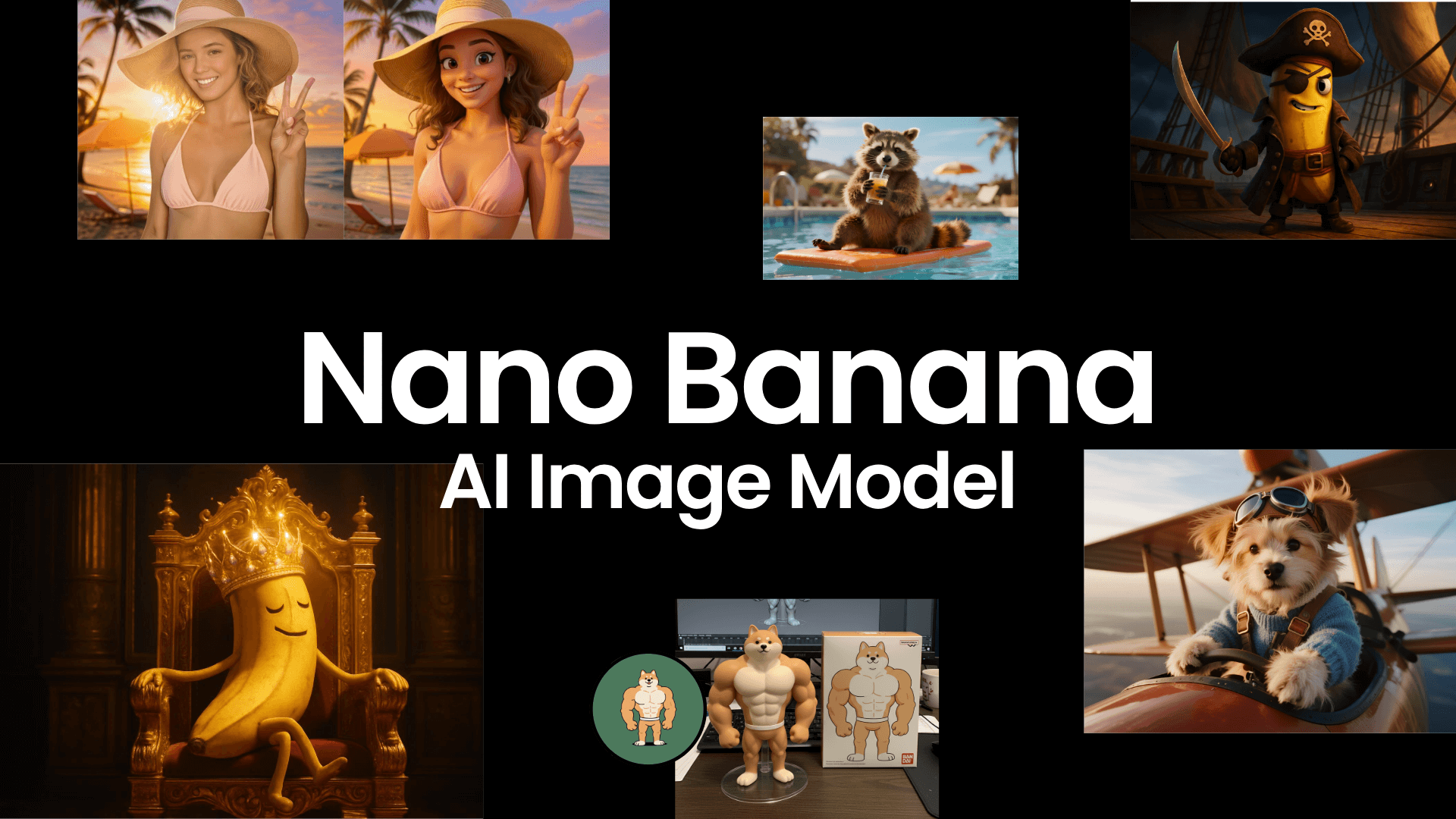
Free Qwen Image AI Generator Online
Experience advanced AI image generation and editing with trendy and powerful Qwen Image AI model. Try our free online Qwen Image AI generator and editor to bring your creativity to life and create your own stunning images.
How to Use Qwen Image AI Generator and Editor?
- Go to Fotor’s AI image generator and switch to the Qwen model AI image generator and editor.
- Enter a prompt or text description in the text box to describe the image you want to create.
- If you are not satisfied with the result, click “Remix” to regenerate.
- You can also upload an image and tell the AI in text how you want to edit it.
- Once the image is generated or edited, you can download the AI-generated image in high quality or continue exploring other features for further optimization.
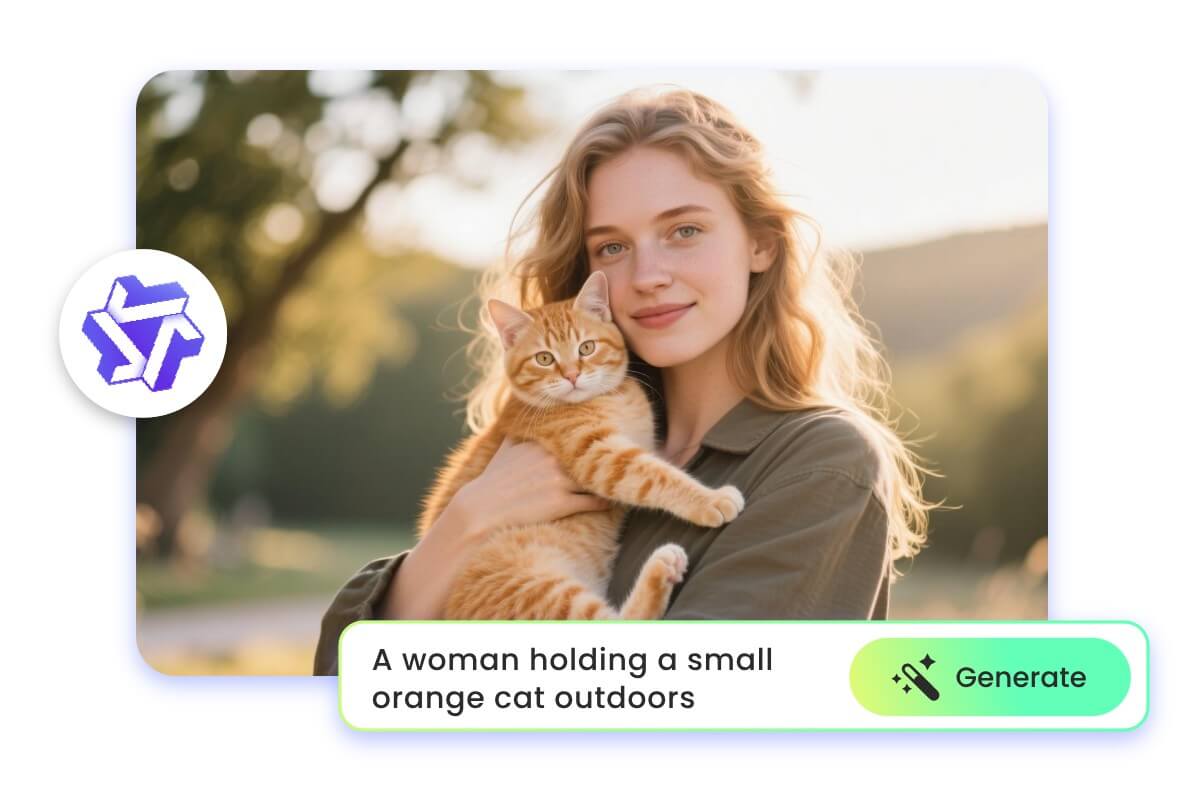
Generate AI Images from Prompts with Qwen AI
The Qwen‑Image‑Edit‑2509 AI model is an advanced multimodal model that enables fast generation of high-quality images from text prompts. Simply enter a prompt describing the image you want, and the AI will intelligently analyze your words to instantly create AI-generated images with rich details and diverse styles. No professional skills are needed, making image creation more efficient and flexible.
Multiple Ways to Create Images with Qwen Model
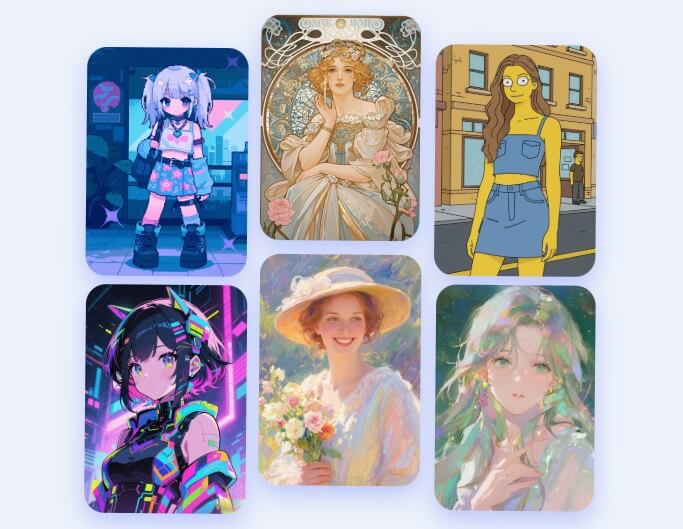
Multiple Styles
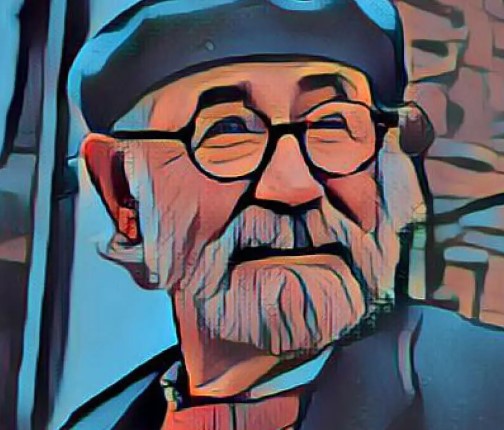
The Qwen model supports AI art generation in multiple styles, such as photography, anime, digital art, cartoon, and more.
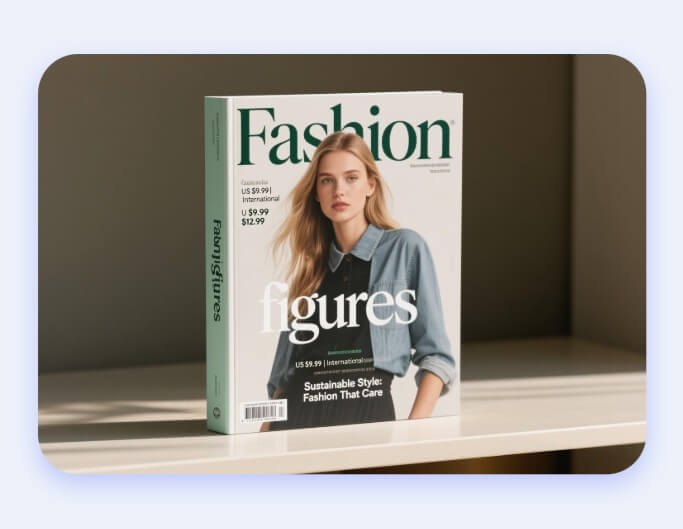
Image with Text
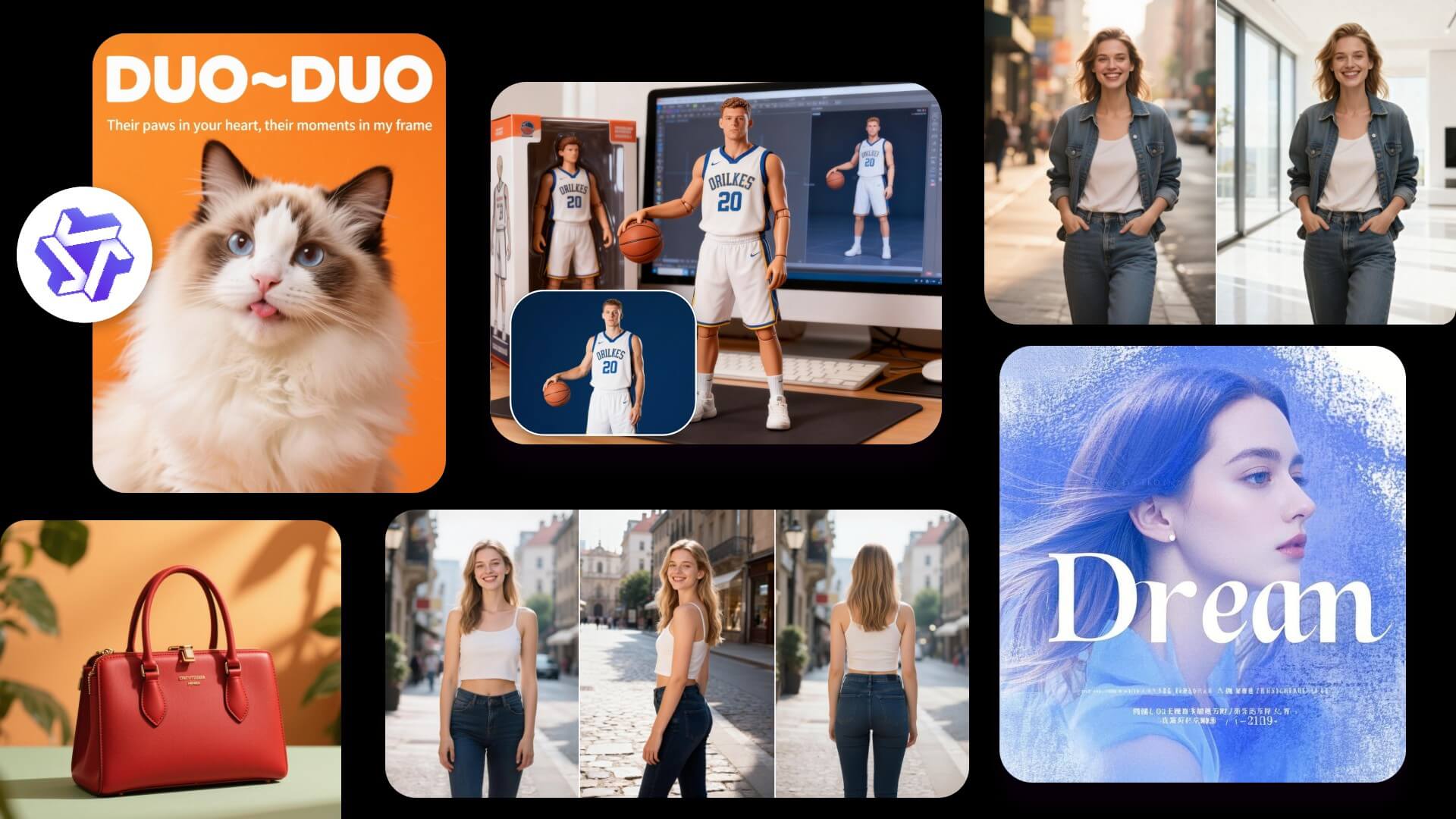
The Qwen image generation model features the ability to create images with text and supports multilingual recognition.
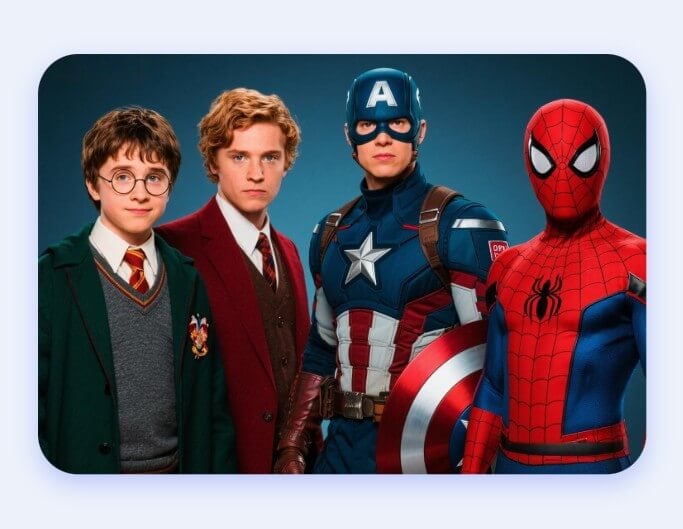
Multi-Character Image
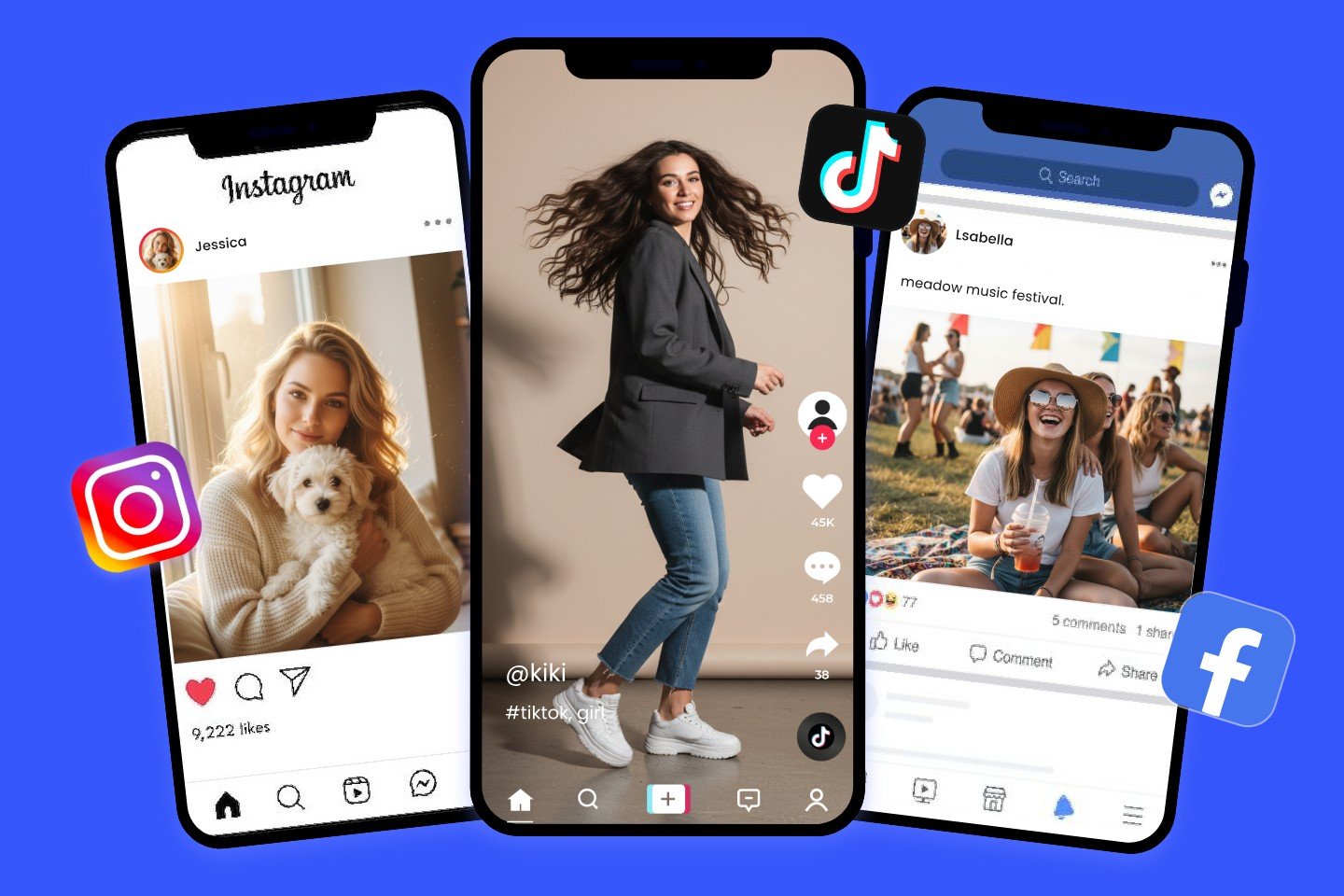
The Qwen image model has powerful multi-character generation capabilities, allowing it to generate multiple characters in the same scene while maintaining realistic and natural details for each character.
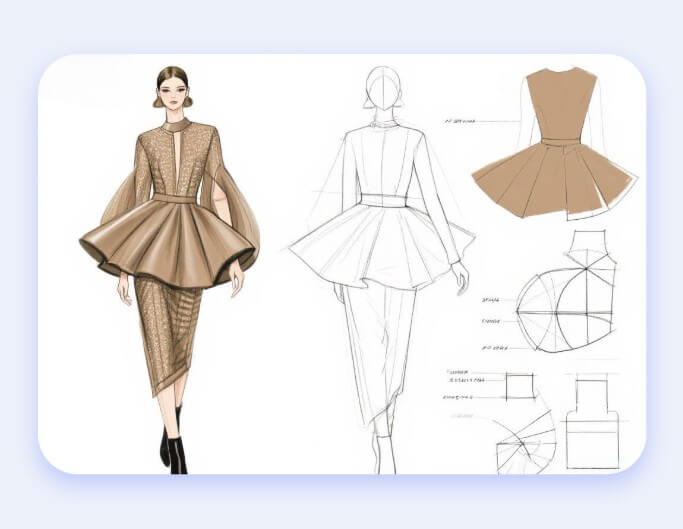
Design Generation
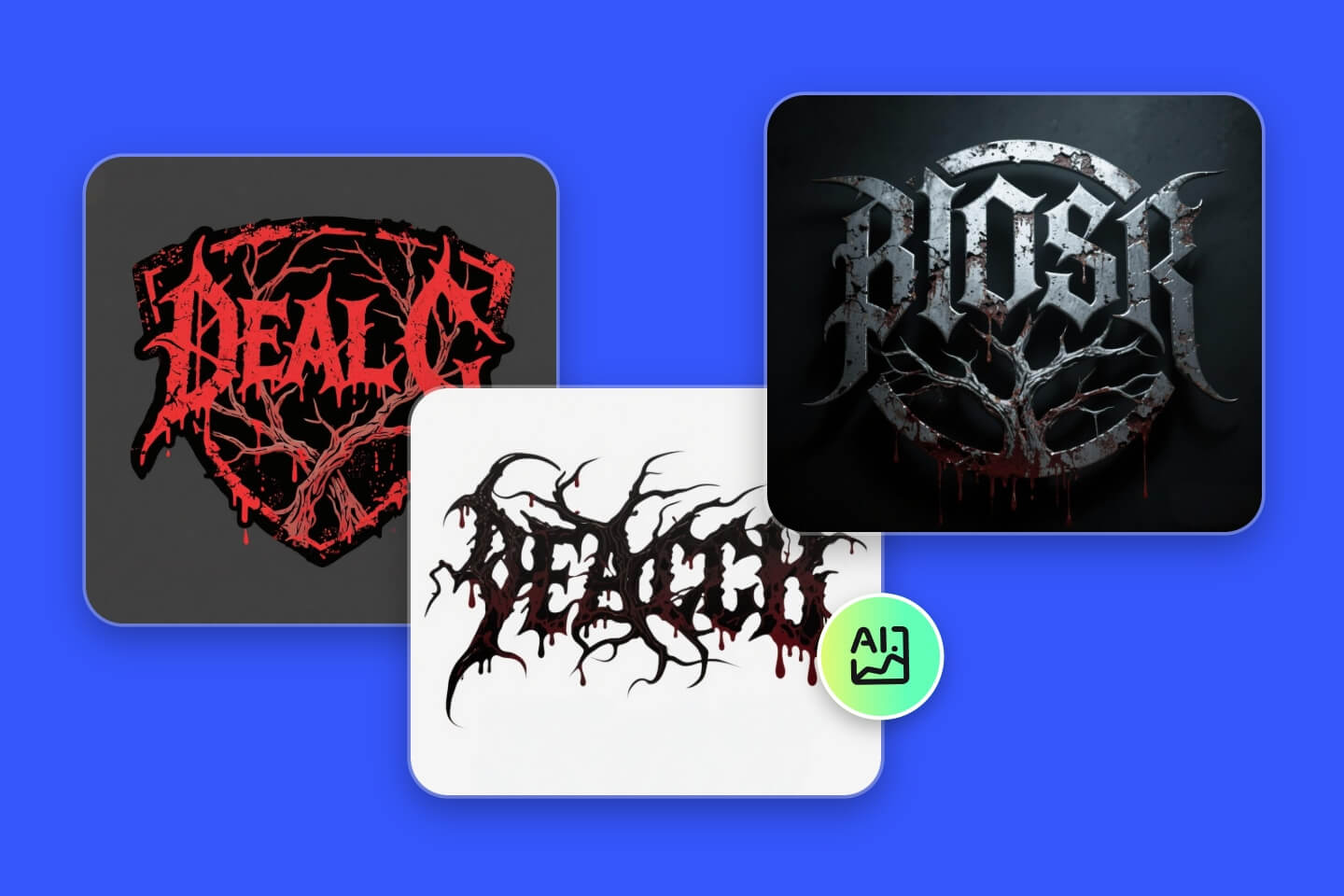
The Qwen AI model is especially suitable for generating AI design, such as logos, fonts, artistic text, icons, watermarks, and more.
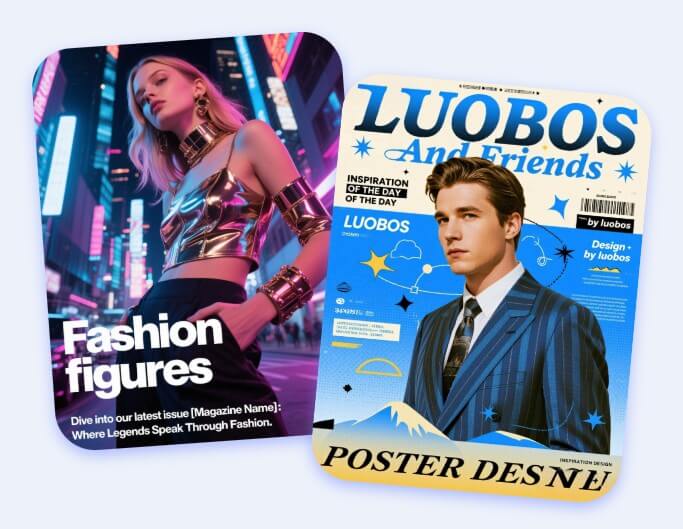
Poster Creation
Qwen AI’s powerful text and image integration capabilities make it outstanding in poster creation, allowing it to quickly generate creative and visually appealing posters.
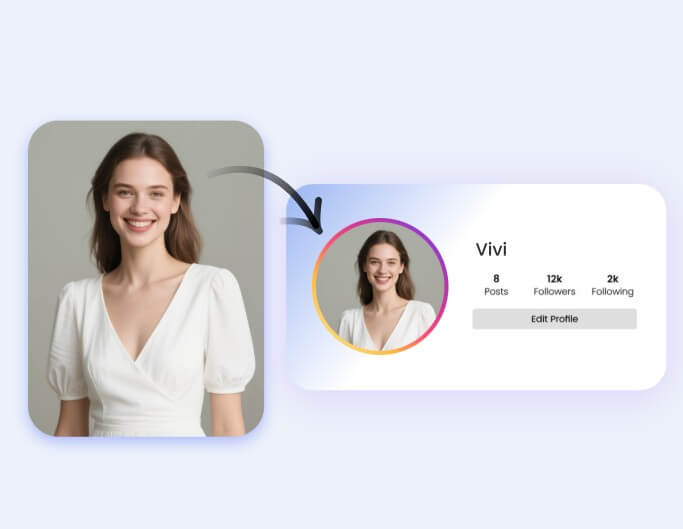
Avatar Generation
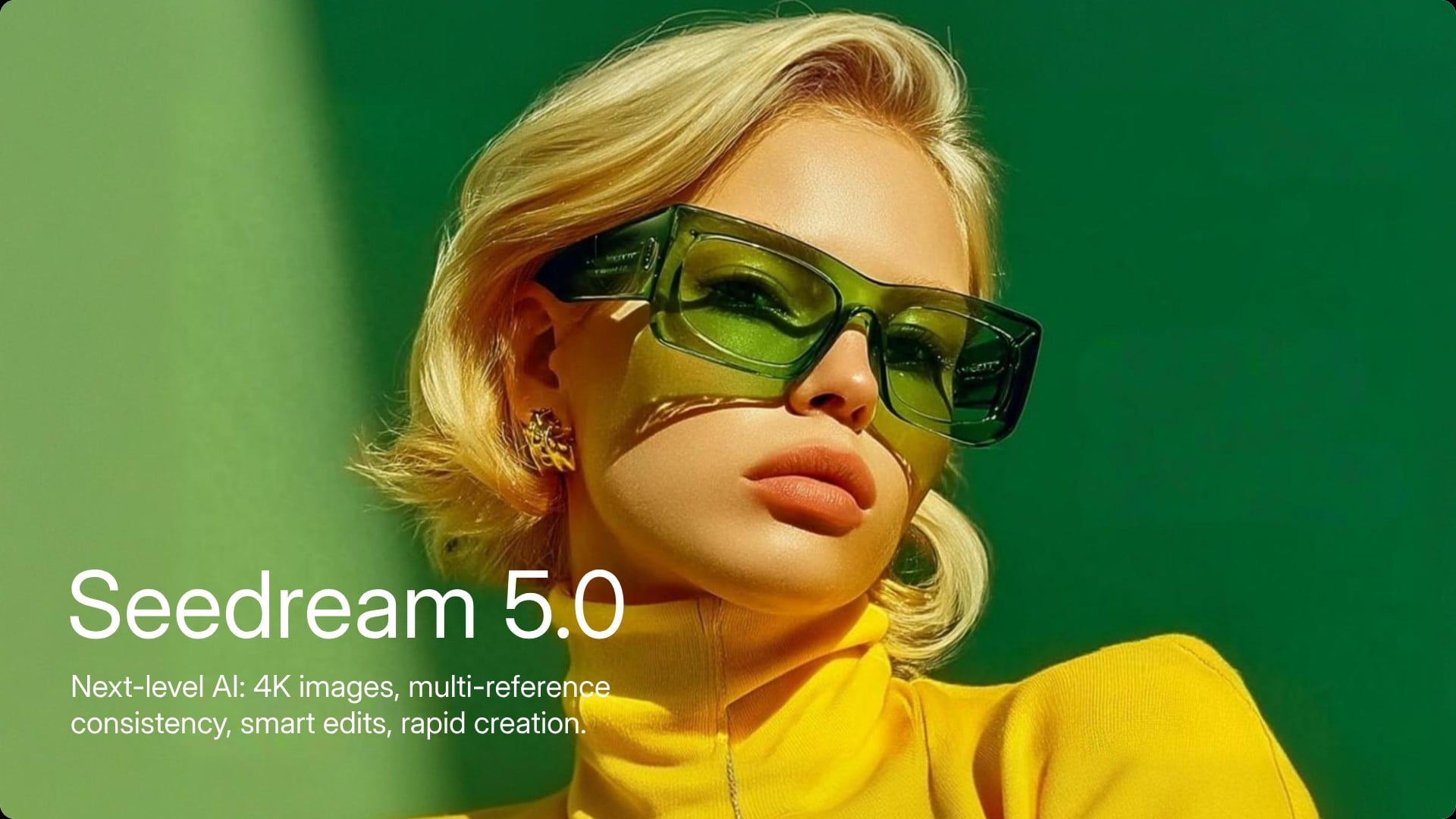
The Qwen AI image generator supports various types of avatars and ID photos, providing diverse and high-quality avatar generation solutions.
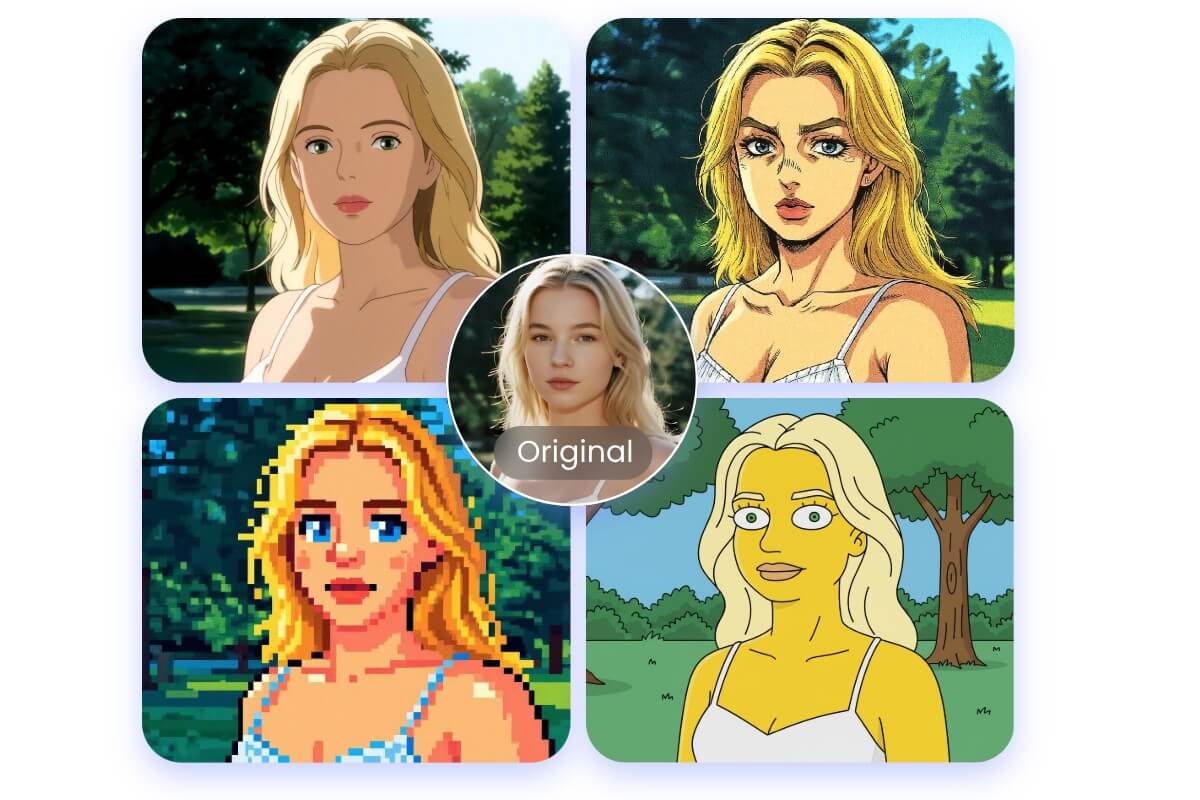
Intuitive Qwen Image-to-Image AI Generator
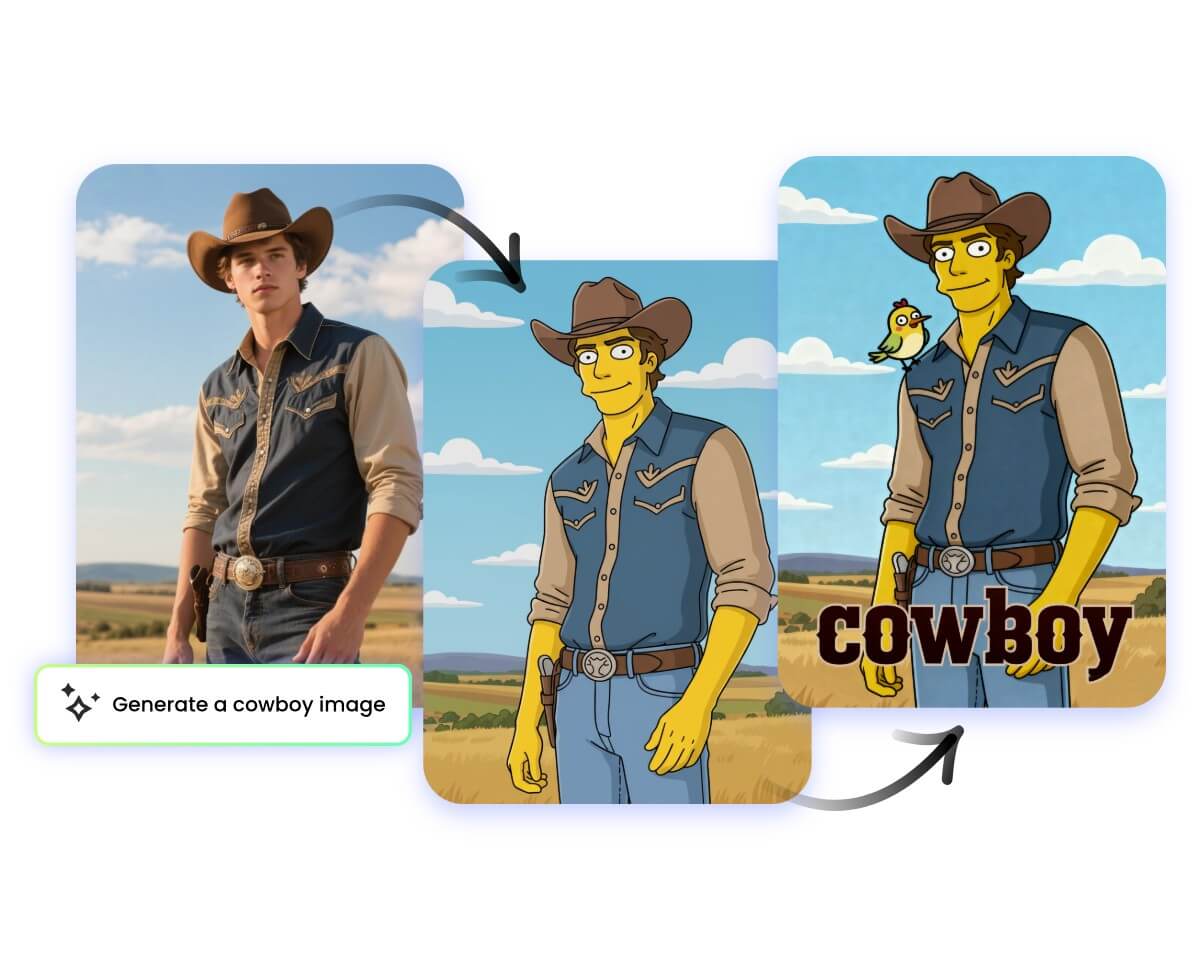
Not limited to text-to-image generation, the Qwen Image-to-Image AI Generator, based on the Qwen AI model, also allows you to transform existing images into entirely new creations with ease. Simply upload a photo and enter a text description to guide the AI in applying various creative edits, particularly changing the image’s style, resulting in uniquely styled and innovative new photos.
Trendy Ways to Transform Images with Qwen
The Qwen image model, as an innovative and fun model, offers not only the ability to transform image styles in image-to-image generation but also lets you explore more exciting and trendy ways to create.
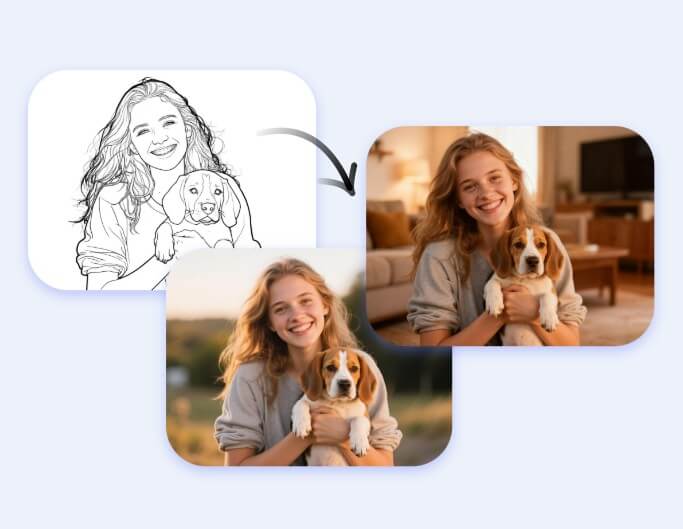
Reference to Image
Upload a reference image, and the Qwen Image-to-Image AI Generator will create a new artwork based on its content and style, preserving details while adding a unique touch.
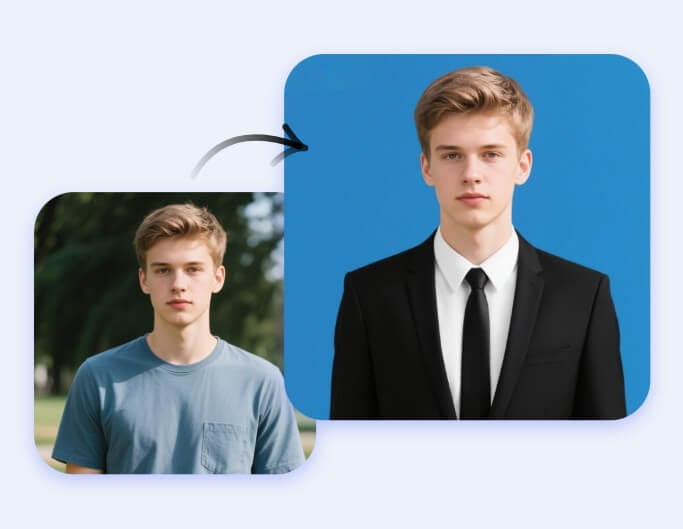
Profile Picture
Based on the original portrait, generate a personalized profile picture from the uploaded image, perfectly suited for ID photos, resumes, business cards, or creative uses.
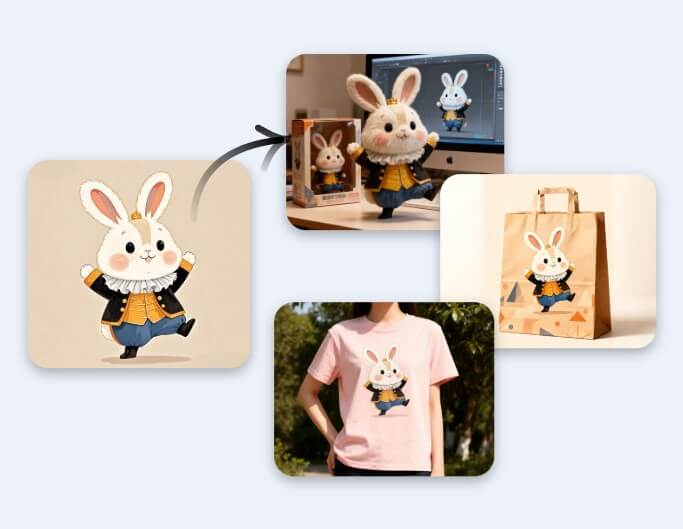
Creative Goods
Transform reference images into designs for creative goods, such as custom posters, cultural products, packaging designs, and more, adding greater commercial value.
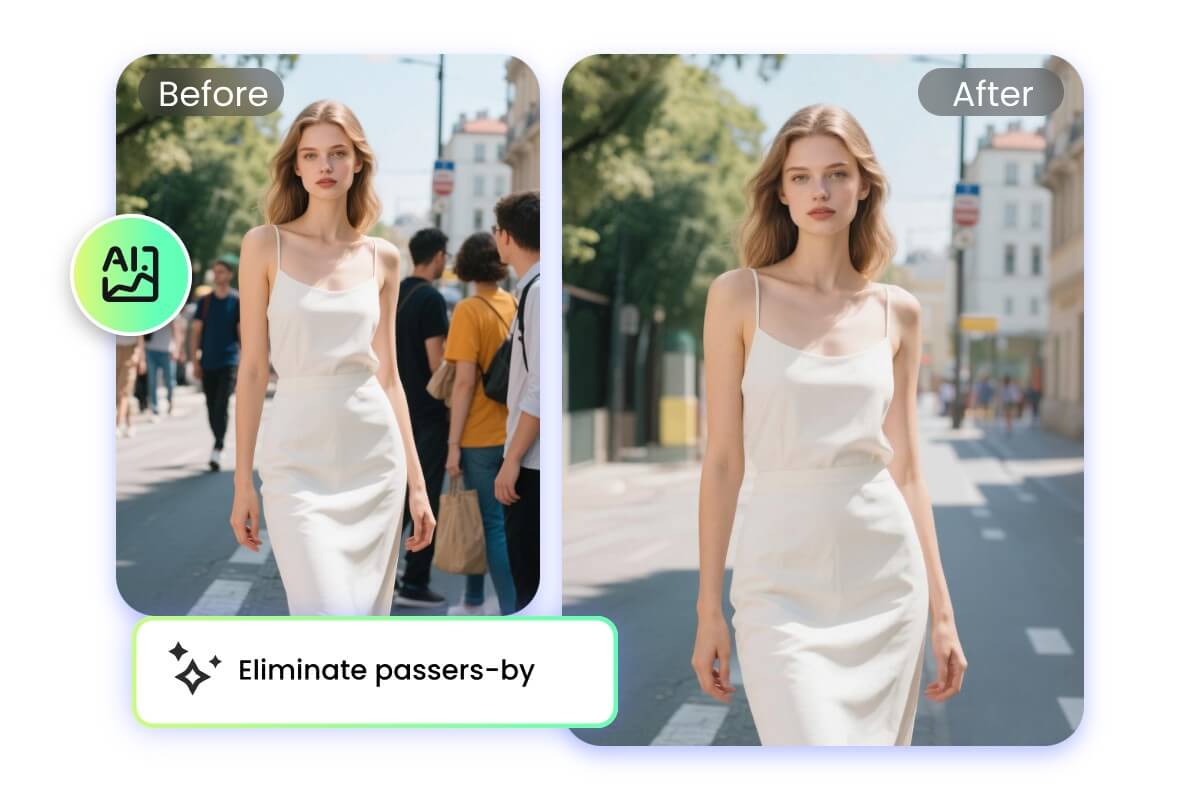
Qwen AI Image Editor with Semantic Editing
Traditional image editing is already out of date. Now, the Qwen AI image editor is equipped with advanced semantic editing capabilities that can intelligently recognize image content and understand user editing needs. You only need to upload an image, and Qwen AI can, while preserving the original image details, quickly deliver high-quality edits based on your instructions and requirements.
Semantic Editing Methods with Qwen‑Image‑Edit‑2509
Based on the powerful Qwen-Image-Edit-2509, break the limits of traditional image editing, making your edits more flexible, diverse, and creative. Unlock your creativity now.
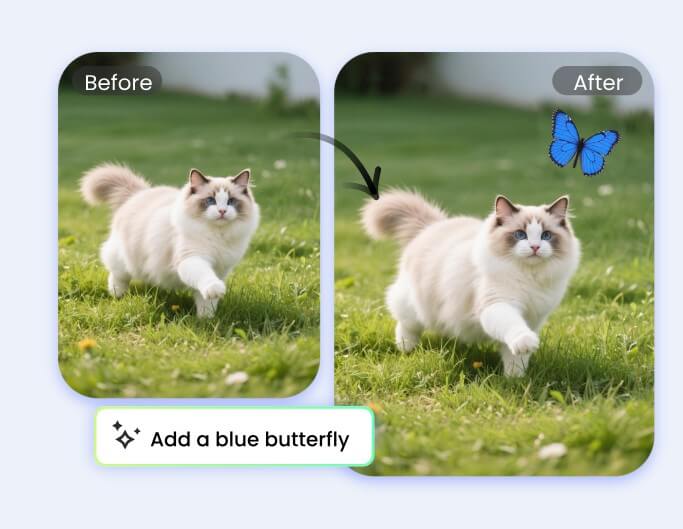
Insert Objects
Easily add new objects to your images. Qwen‑Image‑Edit‑2509 intelligently blends them with the original style for a natural, realistic look.
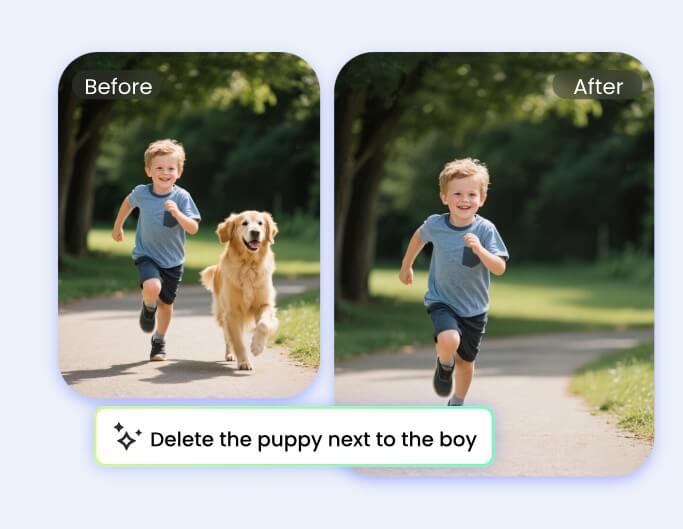
Remove Objects
With the help of the Qwen AI editor, you can easily remove unwanted objects and elements from an image using simple text descriptions, while keeping the original scene intact.
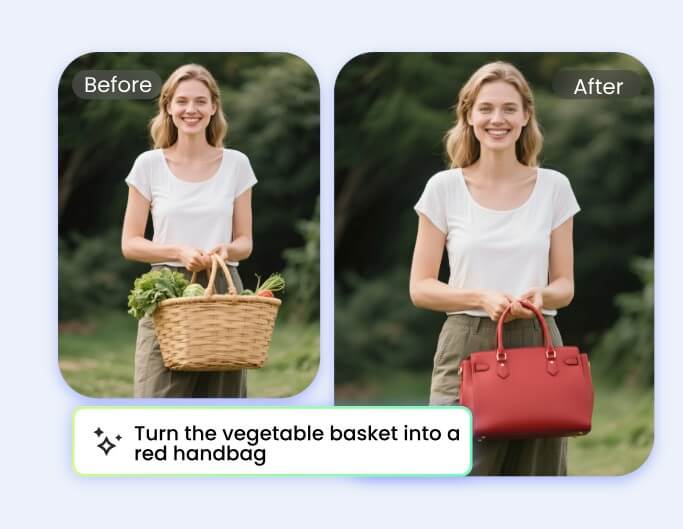
Redraw Objects
Redraw and replace specific objects in your image with style and detail adjustments, meeting diverse creative needs.
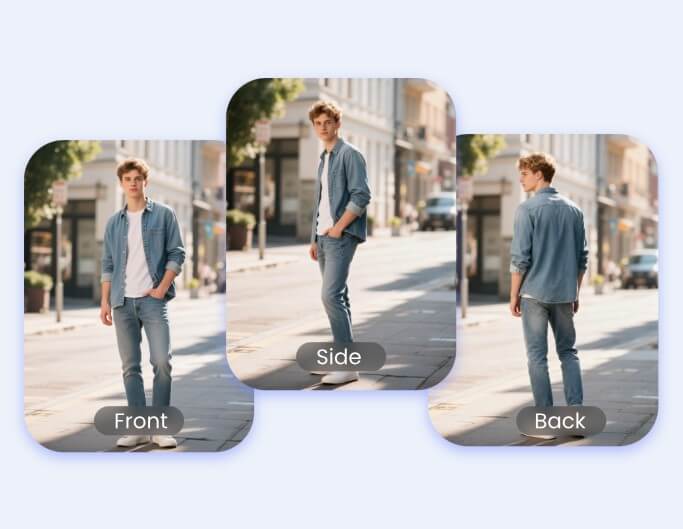
Change Perspective
The Qwen AI editing model can intelligently adjust the perspective of people, objects, and scenes in an image, providing you with a completely new visual experience.
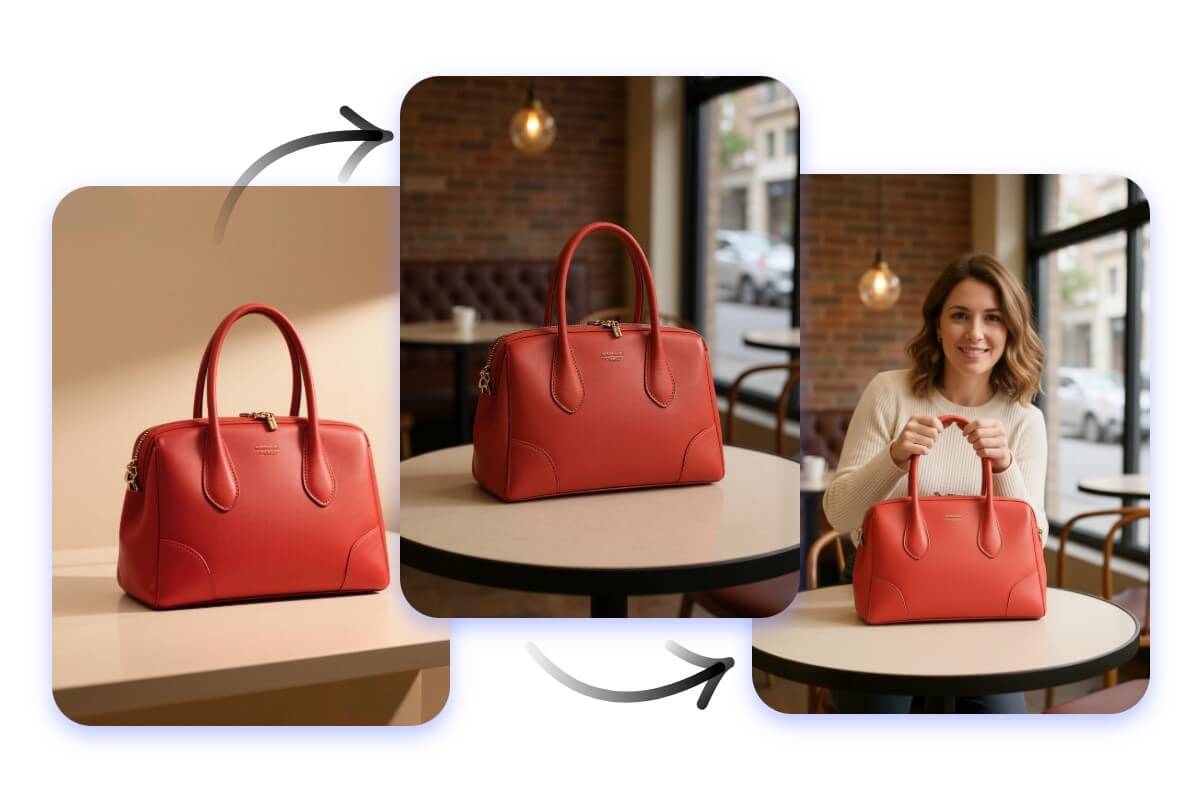
Smart Product Image Editing with Qwen AI Editor
With the support of the Qwen image editor, product image editing becomes smarter and more efficient. With just a text description, you can not only place plain products into real-life scenes, but also add text and other elements to product images. You can even generate models for the products, making them more vivid and enhancing visual appeal and marketing effectiveness.
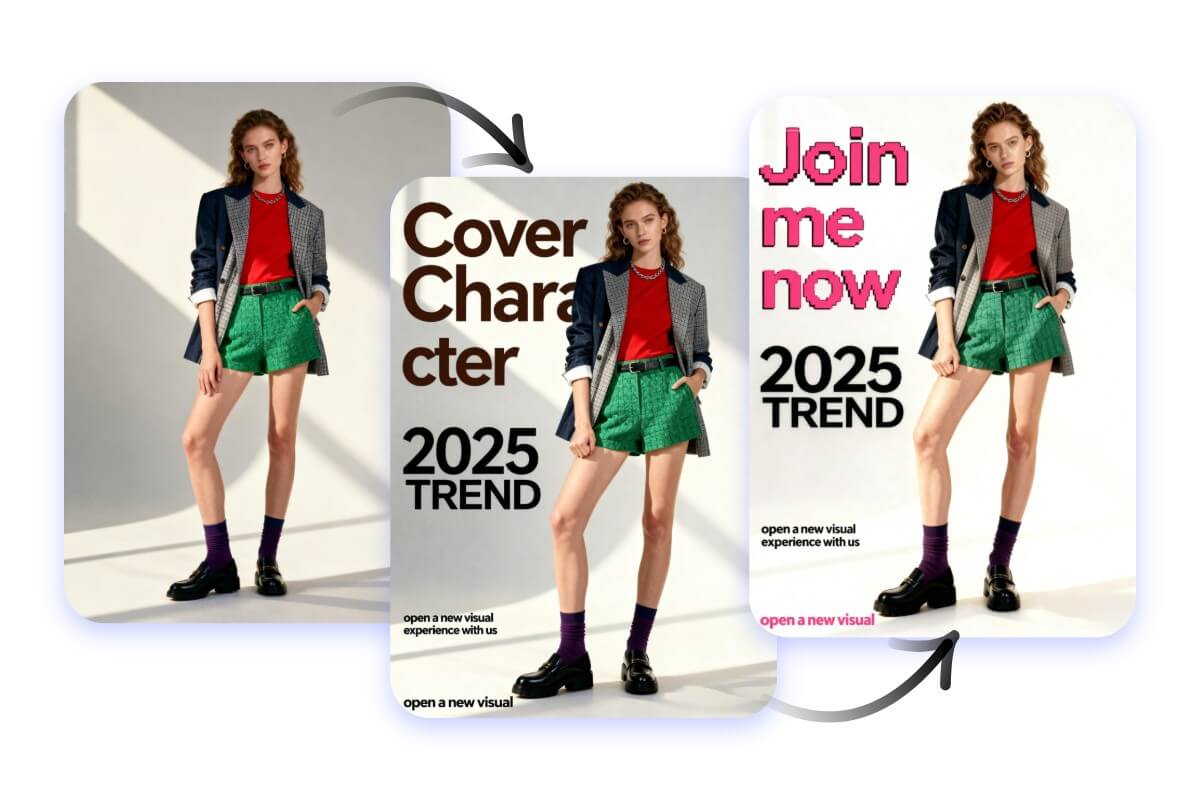
Advanced Text Editing for Images with Qwen
With the powerful text and image editing capabilities of Qwen, editing text in images becomes simpler and more creative. You can easily add, modify, or design text on images, change fonts, colors, and styles, and even perform text correction and creative layout. This meets the needs of various scenarios such as posters, advertisements, calligraphy, cards, and more.
Smart Background Editing with Qwen AI Model
With the intelligent Qwen AI model, background editing is no longer complicated. Whether removing backgrounds, replacing them, or generating creative AI scenes, our AI can accurately recognize image content and process it quickly while preserving image quality, making backgrounds better suited to your creative needs.
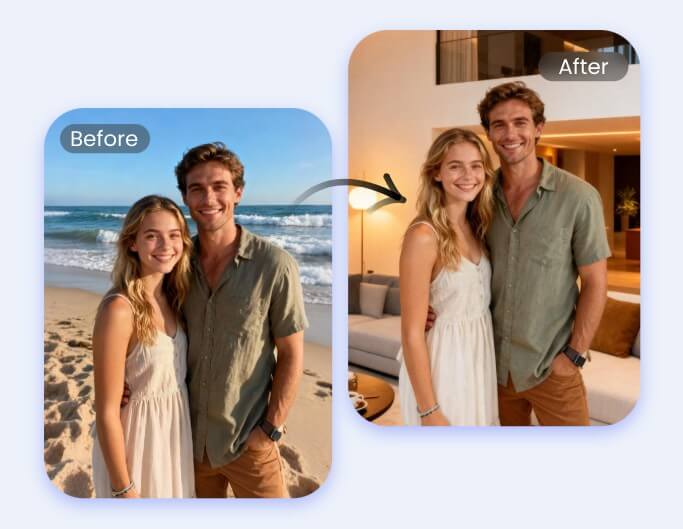
Remove & Replace Background
Easily remove and change image backgrounds with new scenes, supporting various styles and environments to give your images a fresh look.
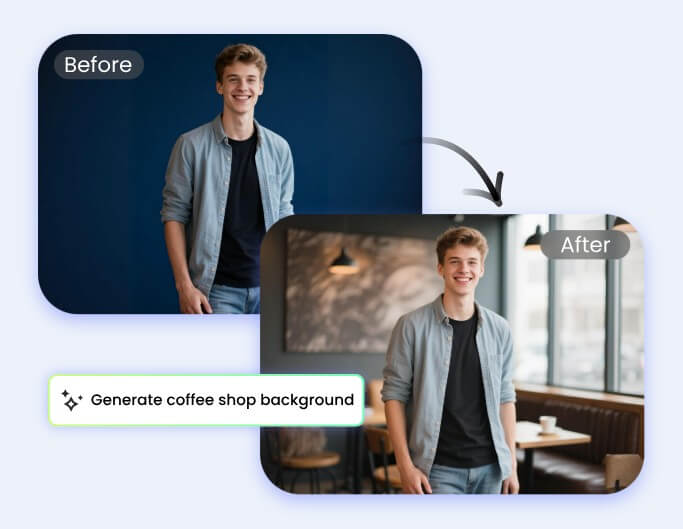
AI Background Generation
Generate unique backgrounds with AI, bringing creative and personalized visual effects to your images.
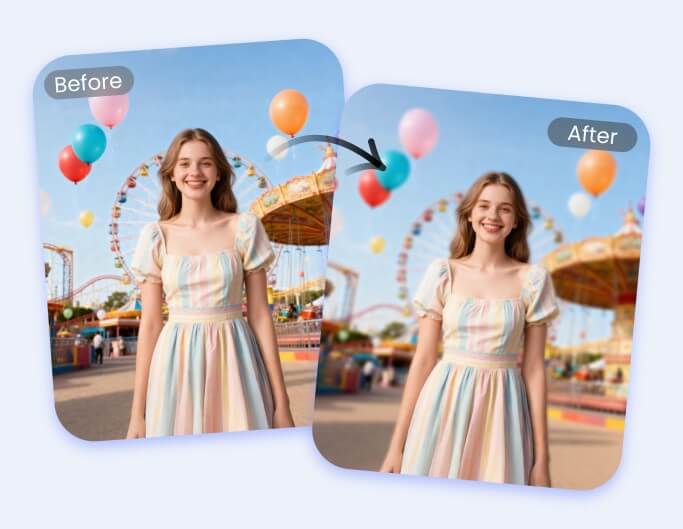
Background Blur & Defocus
Intelligently blur or defocus backgrounds to make the subject stand out, enhancing image quality and professionalism.
High-Fidelity Portrait Editing with Qwen Editor
The Qwen AI editor excels in portrait editing, allowing you to complete edits with just a simple description while preserving facial features, achieving high fidelity and realistic restoration.

Virtual Clothes Try-On with Qwen Model
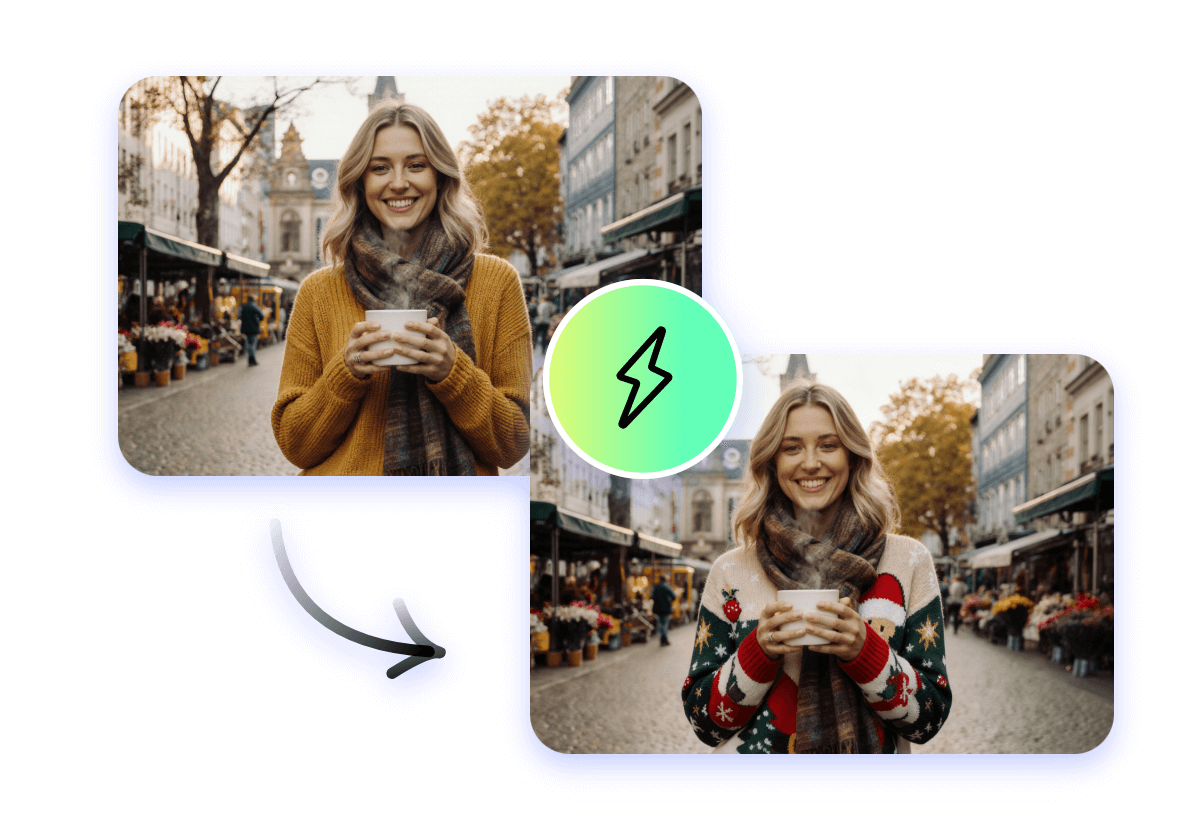
The intelligent portrait feature of the Qwen model allows you to change clothing in an image without in-person try-ons. Simply upload a photo and enter a description, and the AI will automatically change the clothing style, color, and material, enabling effortless fashion creation and personalized presentation.

Expression Change with Qwen AI Model
The Qwen AI model features powerful facial expression recognition and face generation capabilities. With just a simple text description, it can quickly adjust a person’s expression. Whether it’s smiling, surprised, or serious, the AI can accurately restore the expression, enhancing the emotional expression and visual impact of the image.
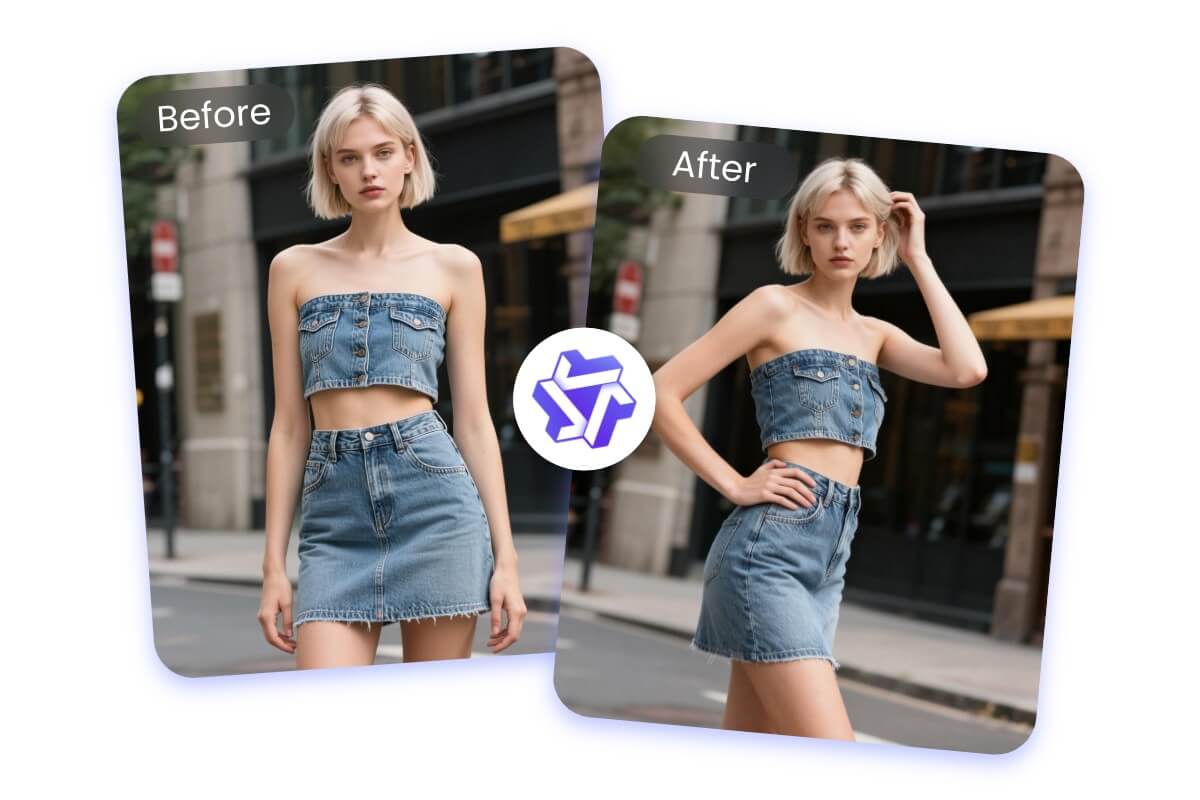
Pose Change with Qwen AI Photo Editor
With the Qwen AI photo editor, you can easily change the pose of people, objects, virtual characters, or other subjects without complex manual work. The AI intelligently analyzes the original image and adjusts the pose, making the scene more vivid and natural, widely applicable in photography, advertising, and creative design.

Hairstyle Change with Qwen AI Image Editor
The Qwen AI image editor offers a diverse hairstyle change feature. By uploading a photo and entering requirements, the AI can design different styles, colors, and lengths of hairstyles while preserving the subject’s features, meeting creative, fashion, and professional needs.
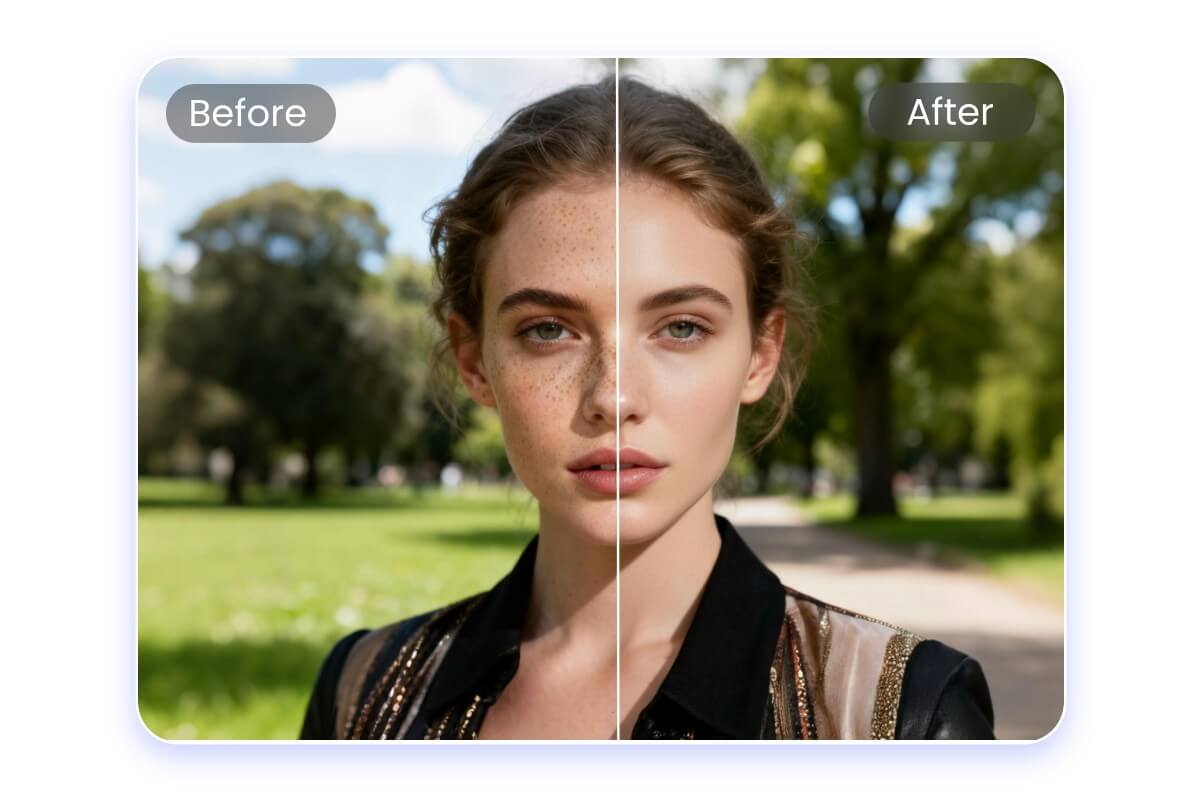
Photo Retouch with Qwen AI Picture Editor
The Qwen AI image editor offers high-fidelity portrait retouching capabilities, enabling detailed optimization of people and scenes. Whether it’s body reshaping, wrinkle removal, makeup application, restoration, or lighting adjustments, the AI can efficiently deliver results, making your photos more refined and professional.
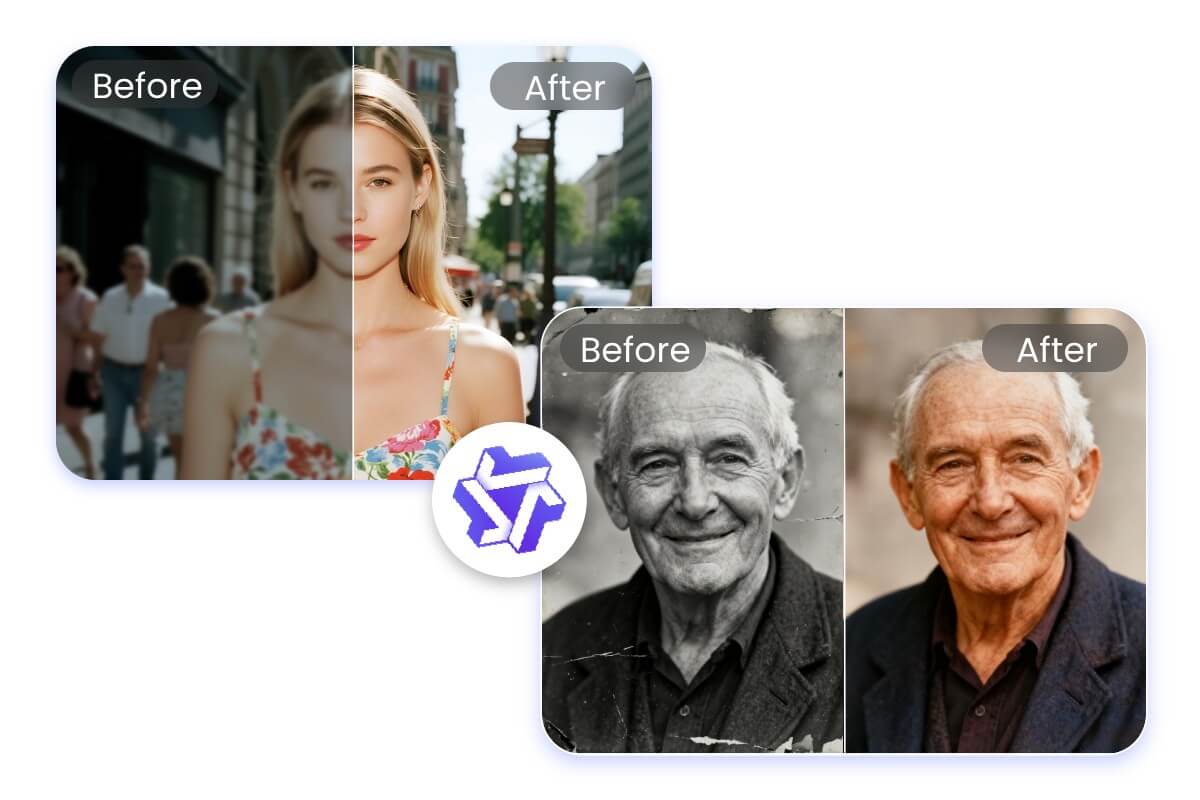
Enhance Image with Qwen Image AI
The capabilities of Qwen Image AI go far beyond this. With just a description, the AI can intelligently enhance your images. It can improve quality, restore old photos, or add color to black and white or faded pictures. Each image is revitalized with new life and visual texture, meeting diverse needs for creation and restoration.
Why Choose Qwen Image AI Generator in Fotor?
![easy to use icon]()
Easy to Use
No professional skills or complicated steps are required. AI can generate and edit images for you with just one click.
![Ai assisted icon]()
Advanced AI Model
Powered by the advanced Qwen AI model, it can deeply analyze your text descriptions and deliver intelligent image generation and editing.
![studio quality icon]()
High-Quality Result
Ensures no loss of quality for uploaded images while generating high-quality results, with support for high-resolution downloads.
![no watermark icon]()
No Watermark
No watermarks are added to generated or edited images, keeping your creations clean and distraction-free.