Free AI Body Editor: Reshape Your Physique Naturally
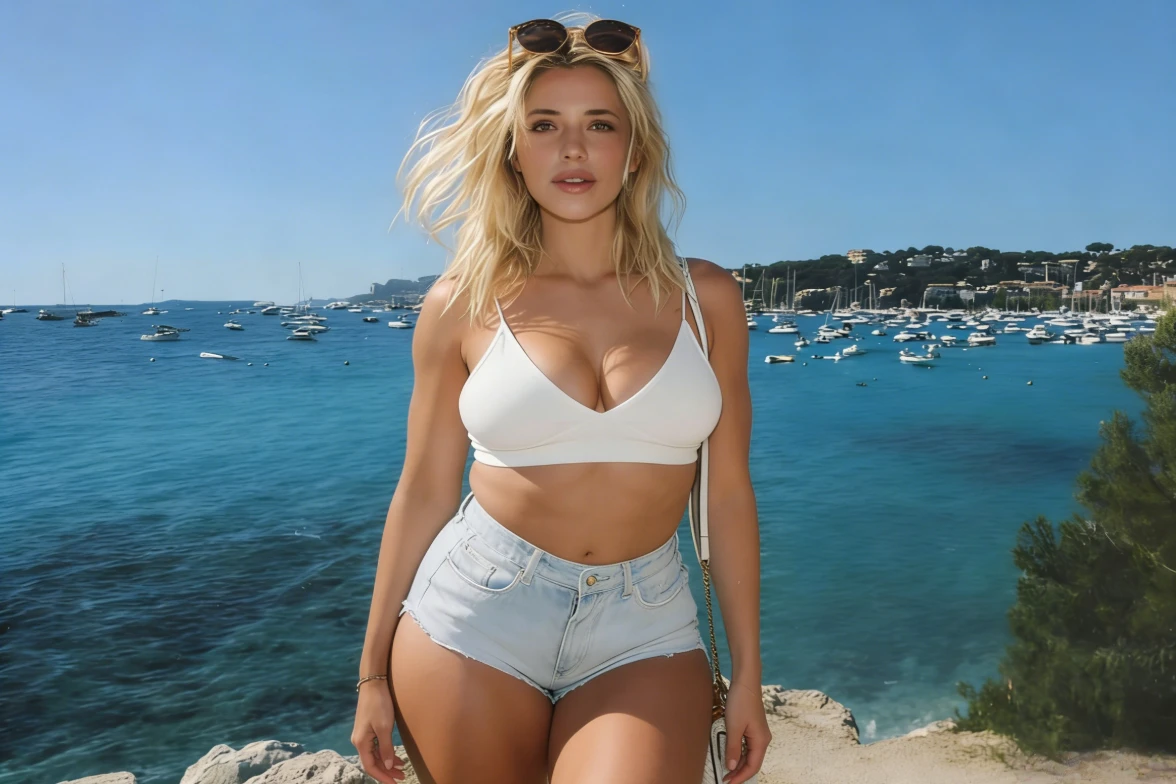
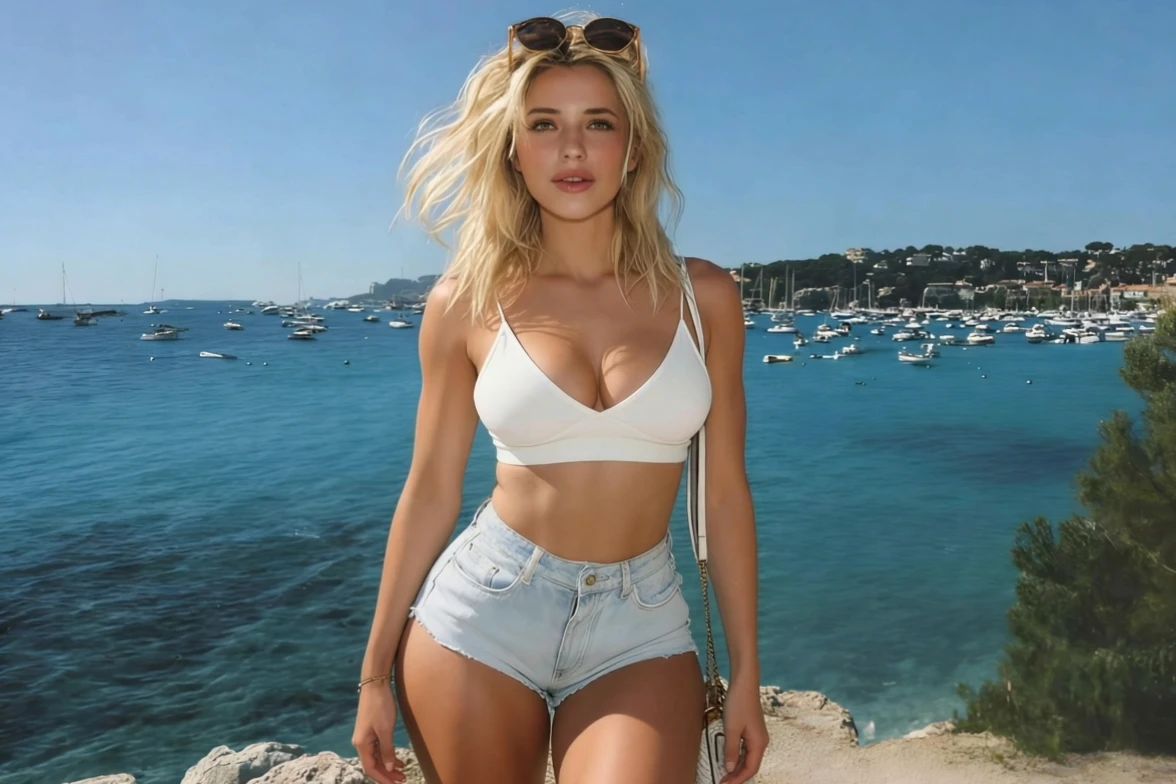
Reshape your body directly in a photo with fotor’s free online body editor . Slim your photo, refine your silhouette, lengthen your legs, and adjust other body proportions while keeping the result natural. Use the reshape tool to make precise changes without unwanted background distortion.
Drag image here or click to upload
Drag image here or click to upload
![natural body reshaping]()
Natural Body Reshaping
Adjust your waist, arms, legs, and curves while keeping your proportions and overall look natural.
![targeted body editing]()
Targeted Body Editing
Fine-tune specific areas like your waist, arms, legs, hips, and shoulders instead of reshaping your entire body.
![background safe result]()
Background-Safe Results
Reshape your body while keeping the surrounding background and photo details looking natural.


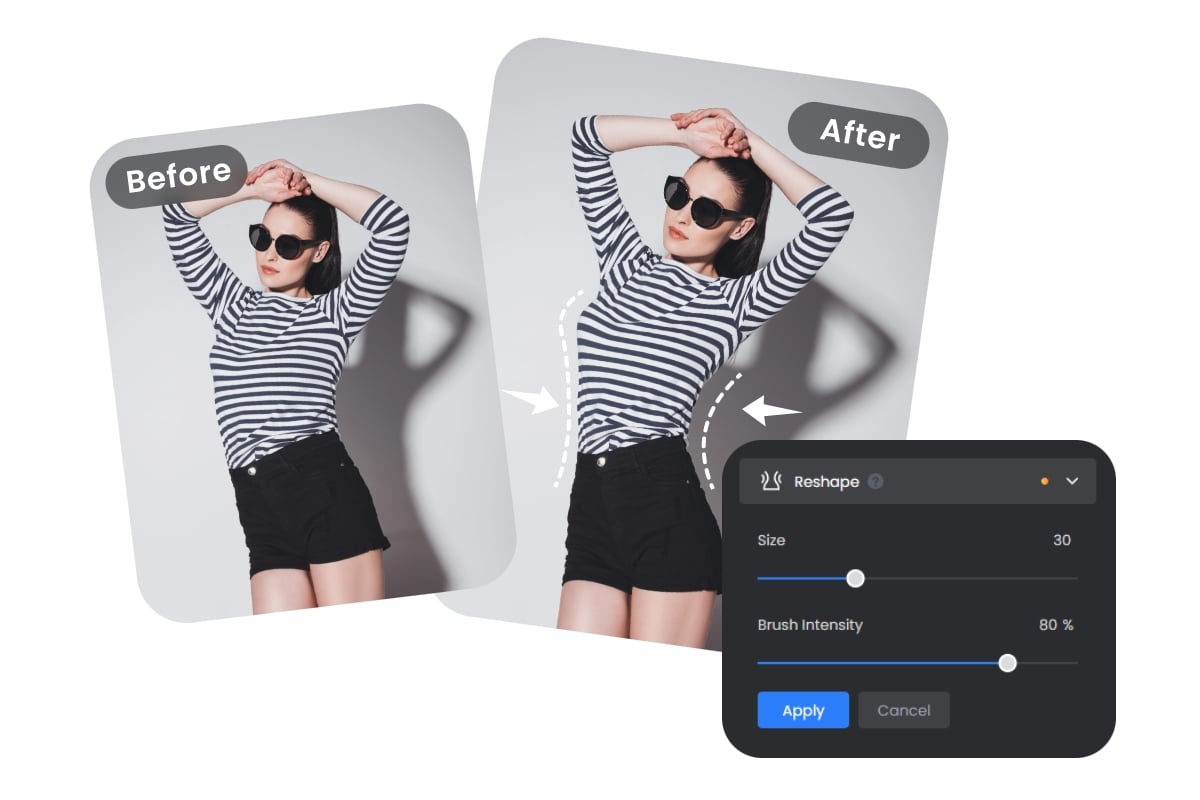
Reshape Different Parts of Your Body
Fotor's body shape editor lets you make targeted adjustments to different parts of your body. Use the free slim photo editor to resize your waist, refine your arms, lengthen your legs, or adjust your hips and curves to create the proportions you want. You can control the size and intensity of the reshape brush to keep changes subtle and natural.
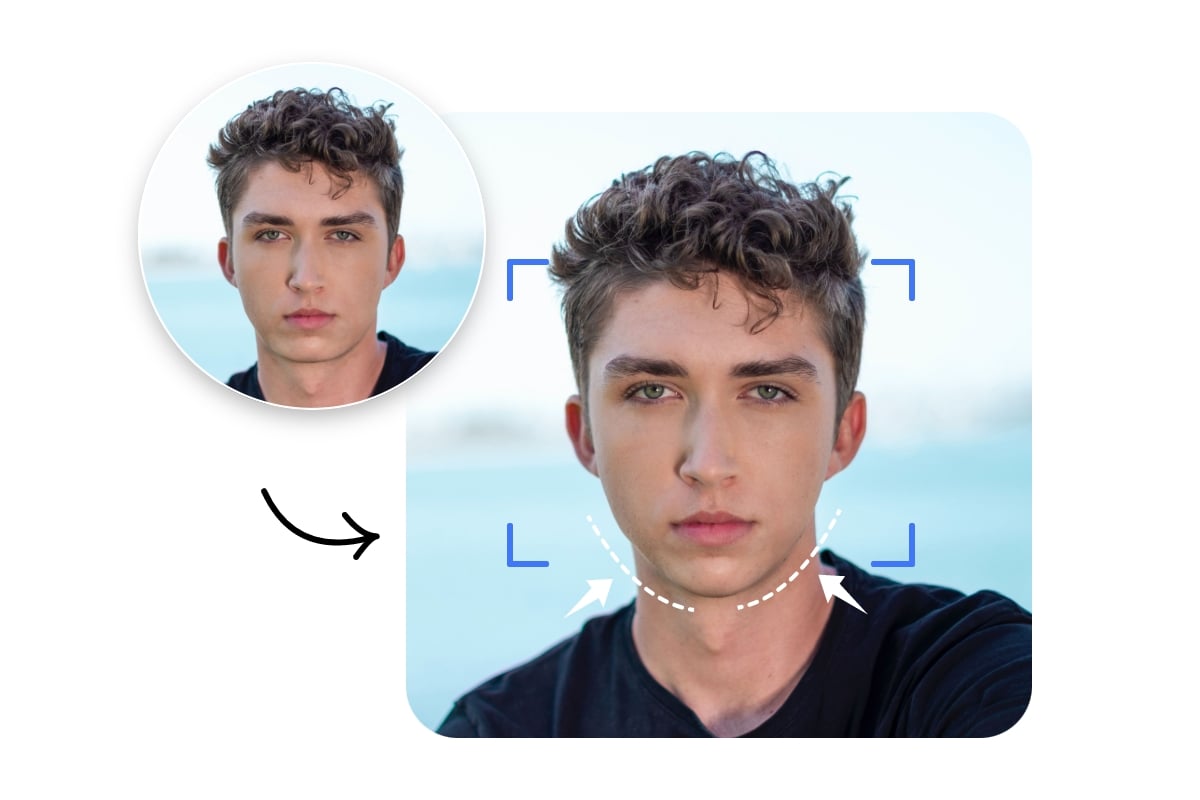
Easy Face & Body Reshaping
Fotor's free online body editor lets you adjust specific areas of your face or body with a simple reshape brush. Slim your photo, refine your silhouette, or resize facial features while keeping the rest of the photo natural. Adjust the brush size and intensity to control each change, especially when working near straight lines or detailed backgrounds to resize the entire image.
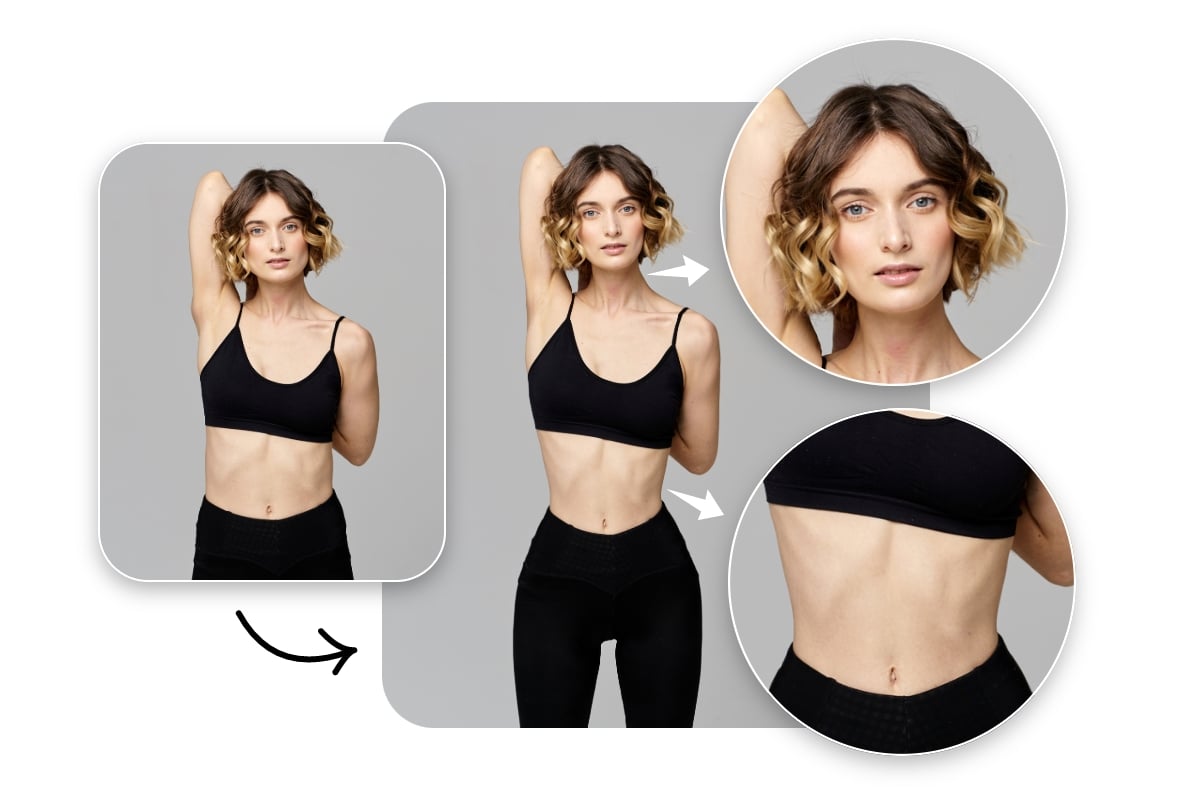
Refine Your Photos with Details
Details are important for perfect images. Our free online body and face reshape editor allows you to fine-tune every detail of your face by improving cheek contours, enhancing your jawline, or brightening your eyes to achieve your ideal look. Adjust your waistline, sculpt muscles, and optimize breast contours for vibrant photos that showcase your best self.
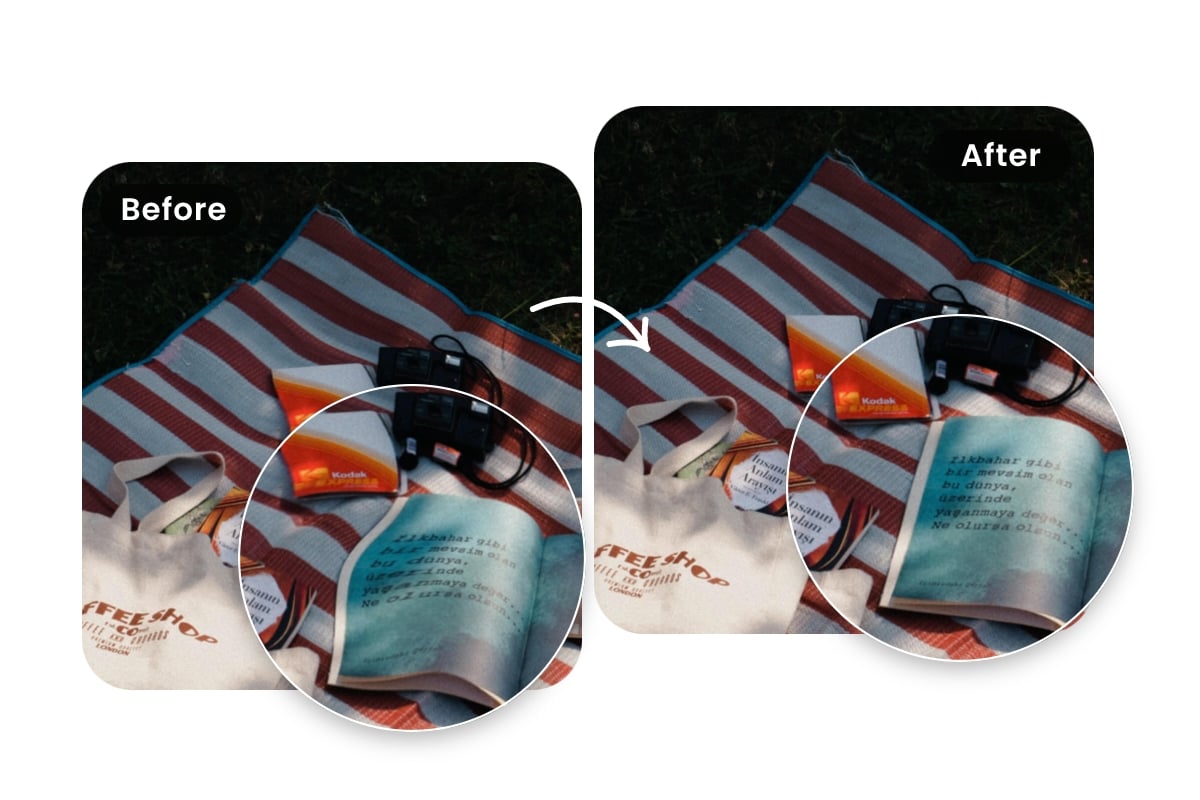
Fix Body Shape & Photo Proportion Issues
Shooting angles, lighting, posture, and perspective can sometimes make your body look different from how it does in real life. Fotor's reshape photo editor lets you make targeted adjustments to your body shape and proportions, helping correct issues caused by perspective or an unflattering angle without re-editing the entire photo.
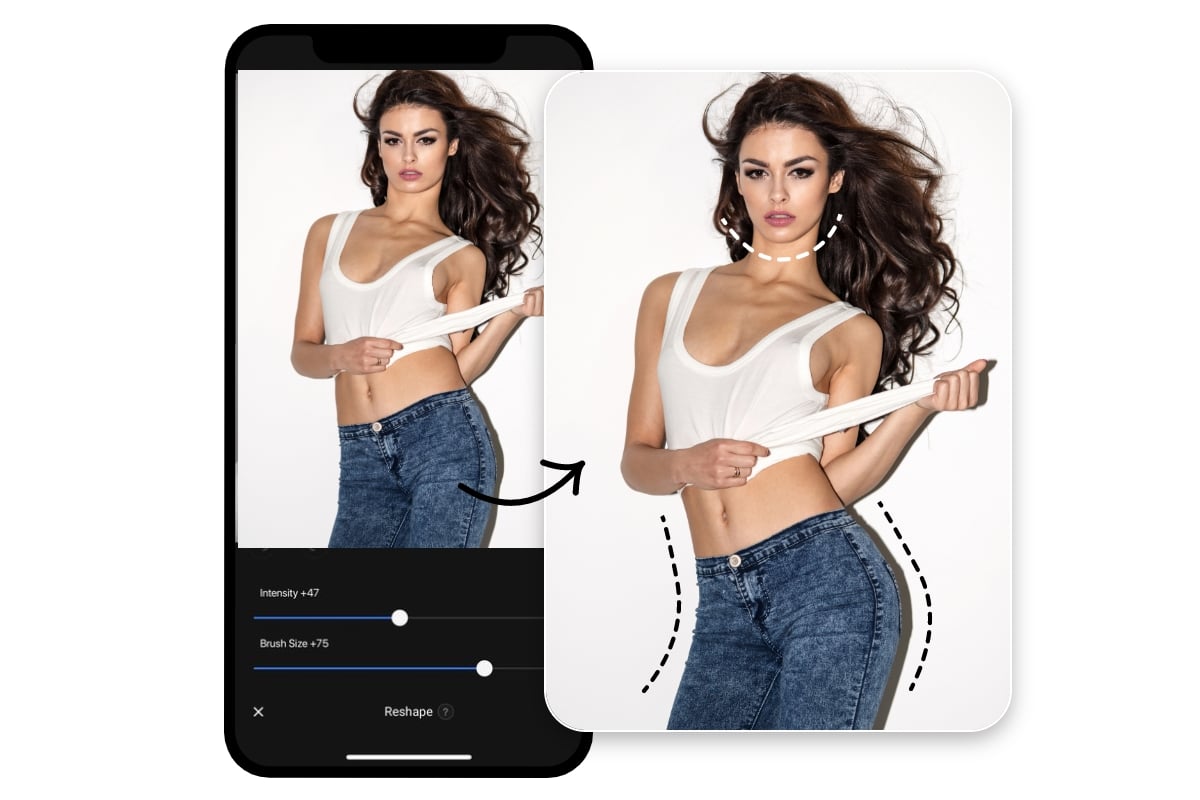
Body & Face Reshape Editor on Mobile
Fotor’s body editor is also available on mobile, giving you a convenient way to use the reshape editor App on iOS and Android. Adjust your body shape, refine facial features, and save your edited photos directly from your phone.
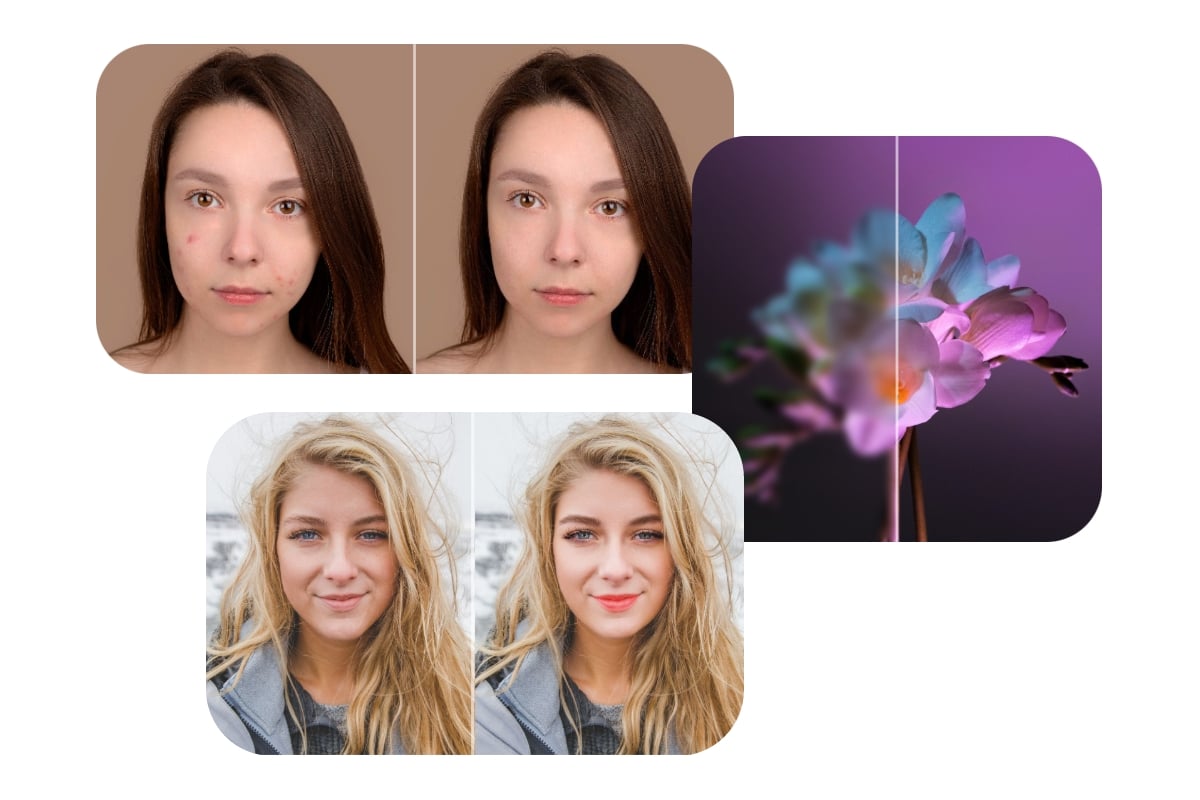
Enhance Your Photos Beyond Body Reshaping
Body reshaping is just one way to refine a photo. Fotor also includes photo retouching tools for smoothing skin, removing wrinkles, applying makeup, and enhancing photo details. Use these tools alongside the body editor when you want to make additional adjustments to a portrait.
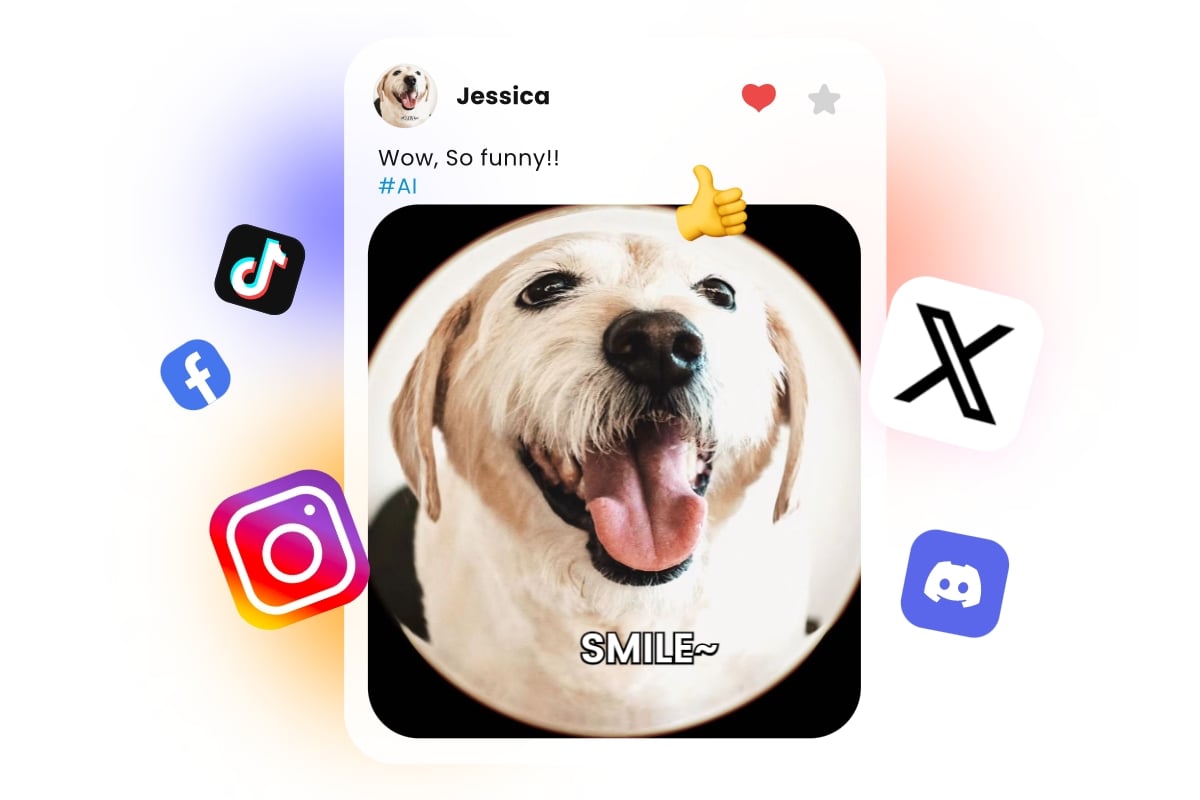
Create Better Social Media Photos
Use Fotor as a free slim photo editor when a small adjustment can make a portrait look more balanced. Refine your waist, arms, legs, or overall body shape before sharing photos on Instagram, TikTok, and other social platforms.
Why Choose Our Body & Face Reshape Editor
![high-quality result icon]()
High-Quality Output
No quality loss throughout the entire process. Export and download your photos in high resolution.
![No watermark icon]()
No Watermarks
No watermarks will appear during the reshaping process or when exporting images.
![Security icon]()
Data Security Assurance
High level of protection of your personal information and data security throughout the process.