Add Emoji to Photo Online for Free
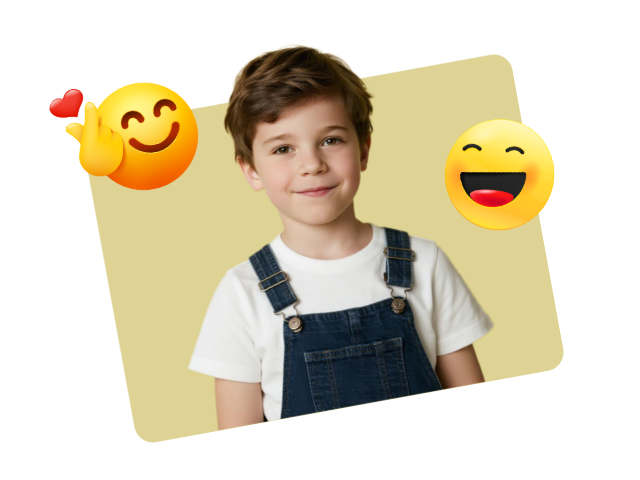
Add emoji to photo online for free with Fotor's emoji photo editor. Explore a wide range of photo emoji from various facial expressions and gestures, to symbols and animals. Use our tool to add emoji to image to make engaging social media posts or showcase your personality.

Learn about Fotor's upload formats and requirements. See how we use your content in our Privacy Policy.
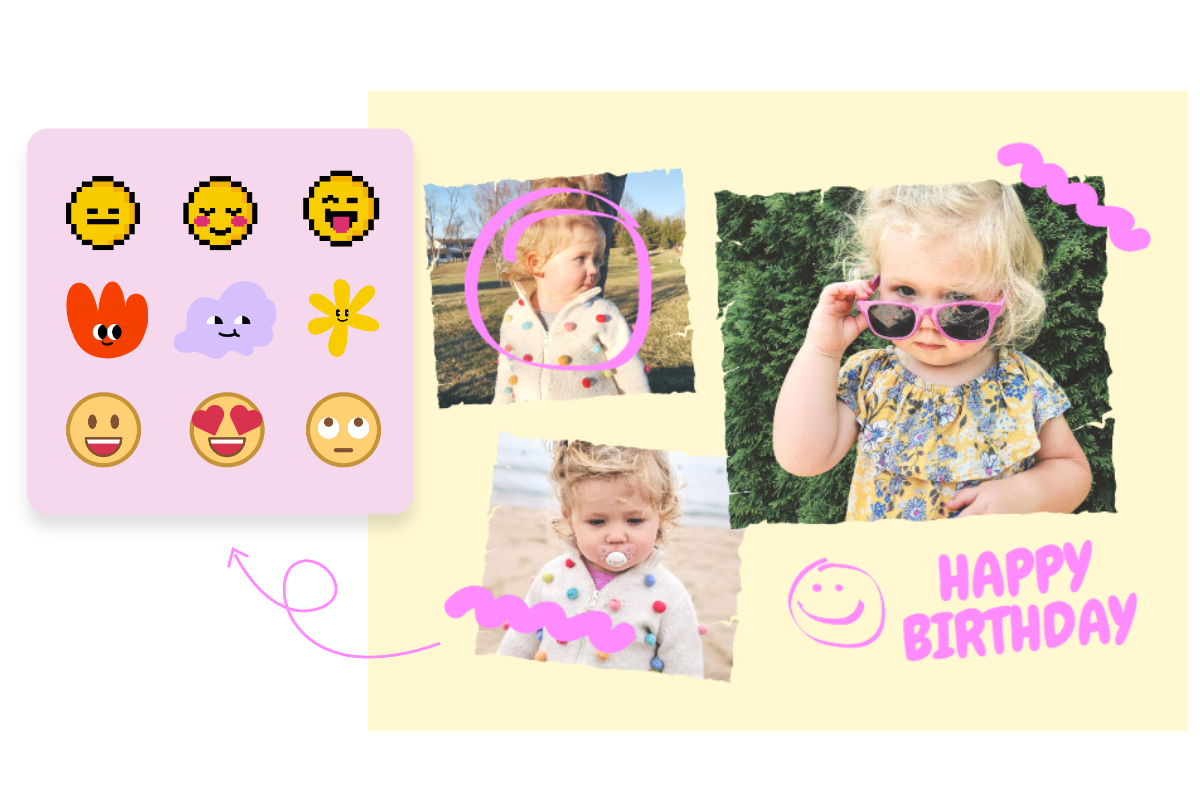
Explore a Vast Collection of Photo Emojis
Browse our diverse library and add emoji to image to suit every occasion, every need. Try facial expressions like smiles, gestures like high five, and animals like cat. You can also add a festival vibe with Christmas and Halloween emojis. Put emoji on picture to create social media posts, decorate your photos, or prank on your friends.
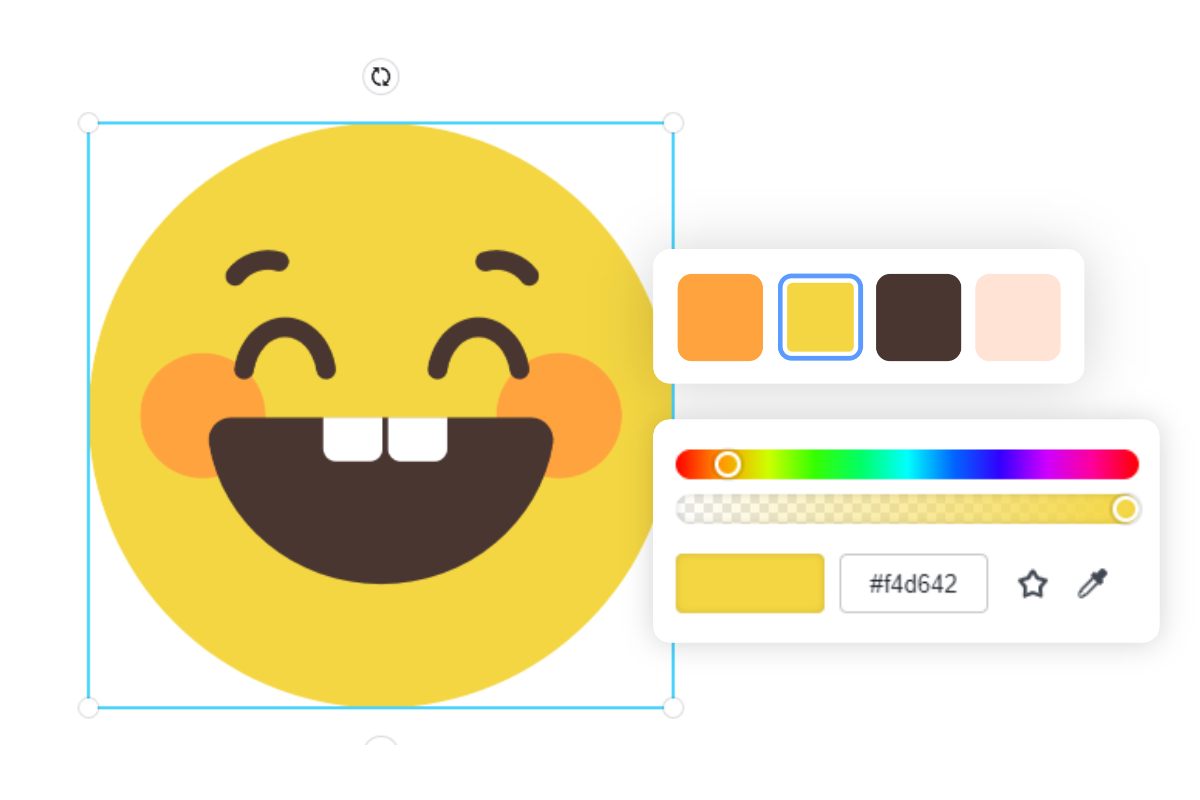
Customize the Emojis on Your Photo
Our emoji photo editor lets you edit and customize the emojis you add. Easily customize the color, size, and transparency on the top toolbar. Our editor also allows you to move, resize, rotate, flip, and duplicate emojis to suit your needs.
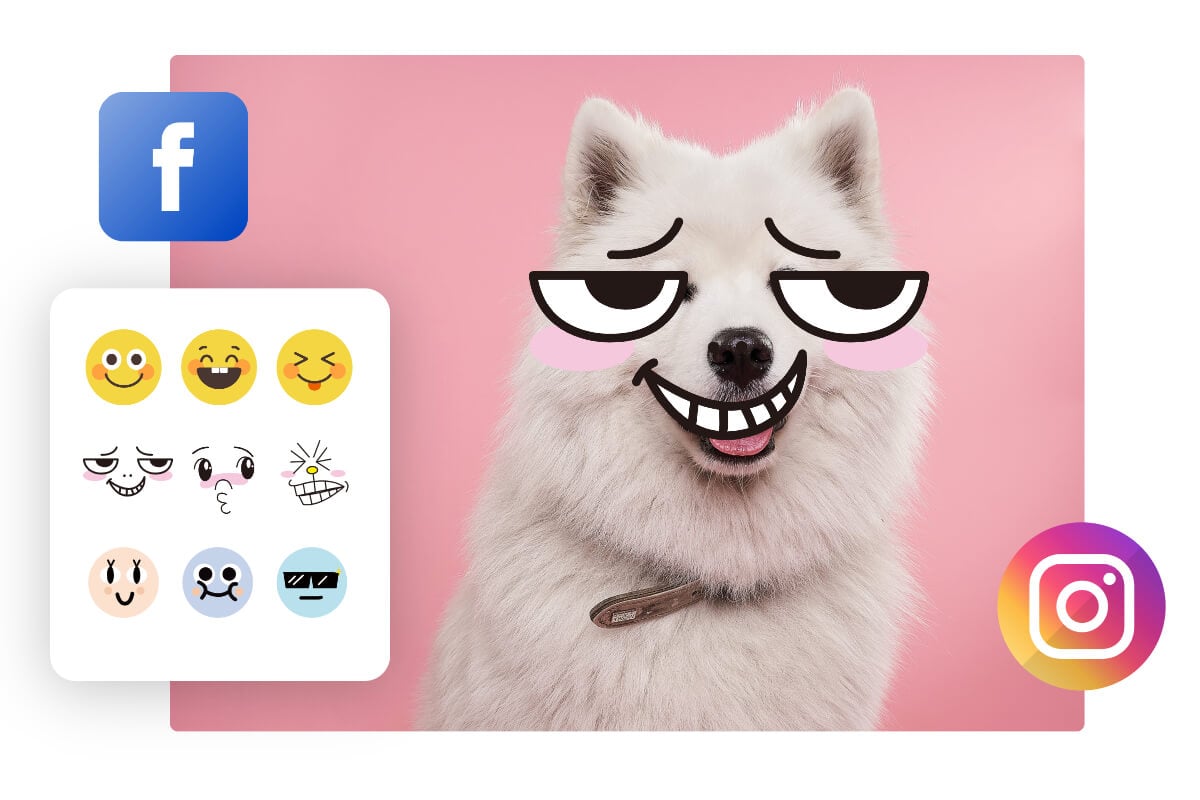
Emoji Photo Editor for Any Use Case
Social Media Post: Add emoji to photos to make them more relatable, expressing your emotions and personality.
Privacy Protection: Use emojis to mask sensitive details like faces or backgrounds without spoiling the photo.
Meme Creation: Turn ordinary photos into memes using trending emojis. Create viral-ready memes in seconds.
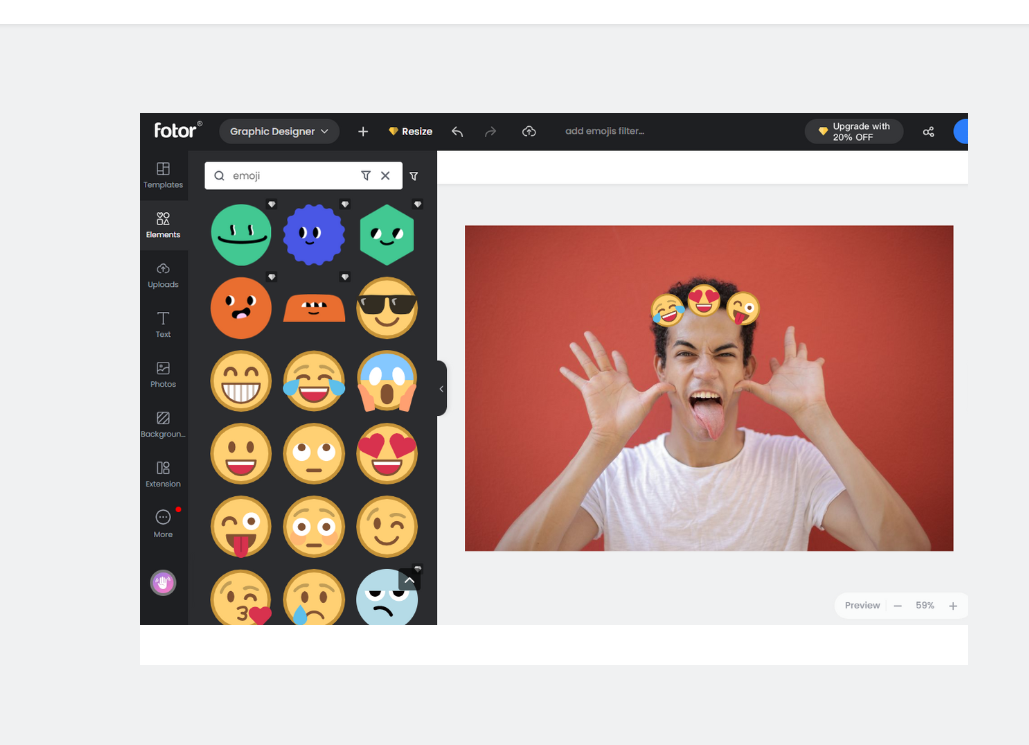
How to Add Emoji to Photo?
- Upload Your Photo: Drop or click to upload the image you want to edit.
- Select Emojis You Like: Browse the collection in the left-hand panel and click to add as many emojis as you like to your photo.
- Customize the Emoji: Effortlessly move, resize, rotate, and flip the emoji. Use the settings in the top toolbar to adjust colors and opacity.
- Preview and Download: Preview your design and download it as a high-quality JPG or PNG file.
Tips to Better Put Emoji on Photo

Change Color
Express your emotions through color. Use eye-catching hues to make your emojis pop.

Drop Shadow
Create depth by adding a soft shadow to your emoji to improve the visual appeal of the whole image.

Rotate & Flip
Rotate and flip the emoji clipart to any angle so it can seamlessly merge into the image.

Adjust Transparency
Adjust the transparency or opacity of an emoji to maintain a balanced and harmonious look.