





















AI Tattoo Generator
Create your tattoo ideas with Fotor AI tattoo generator free online. Input a prompt or upload a picture to make unique tattoo designs, pick styles, and use the tattoo simulator to see how ink looks on your skin before you decide.





Experience AI Tattoo Design in Various Styles
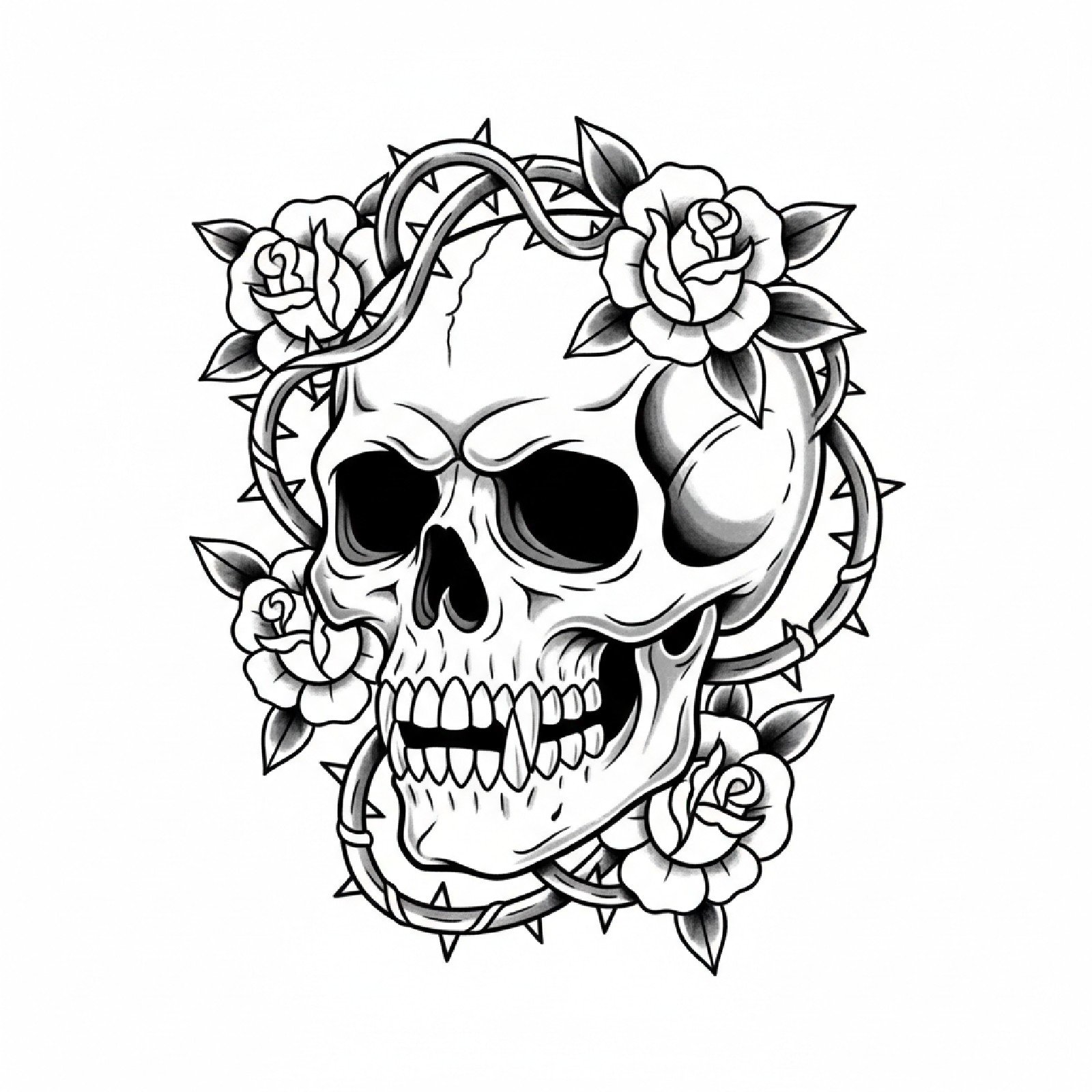
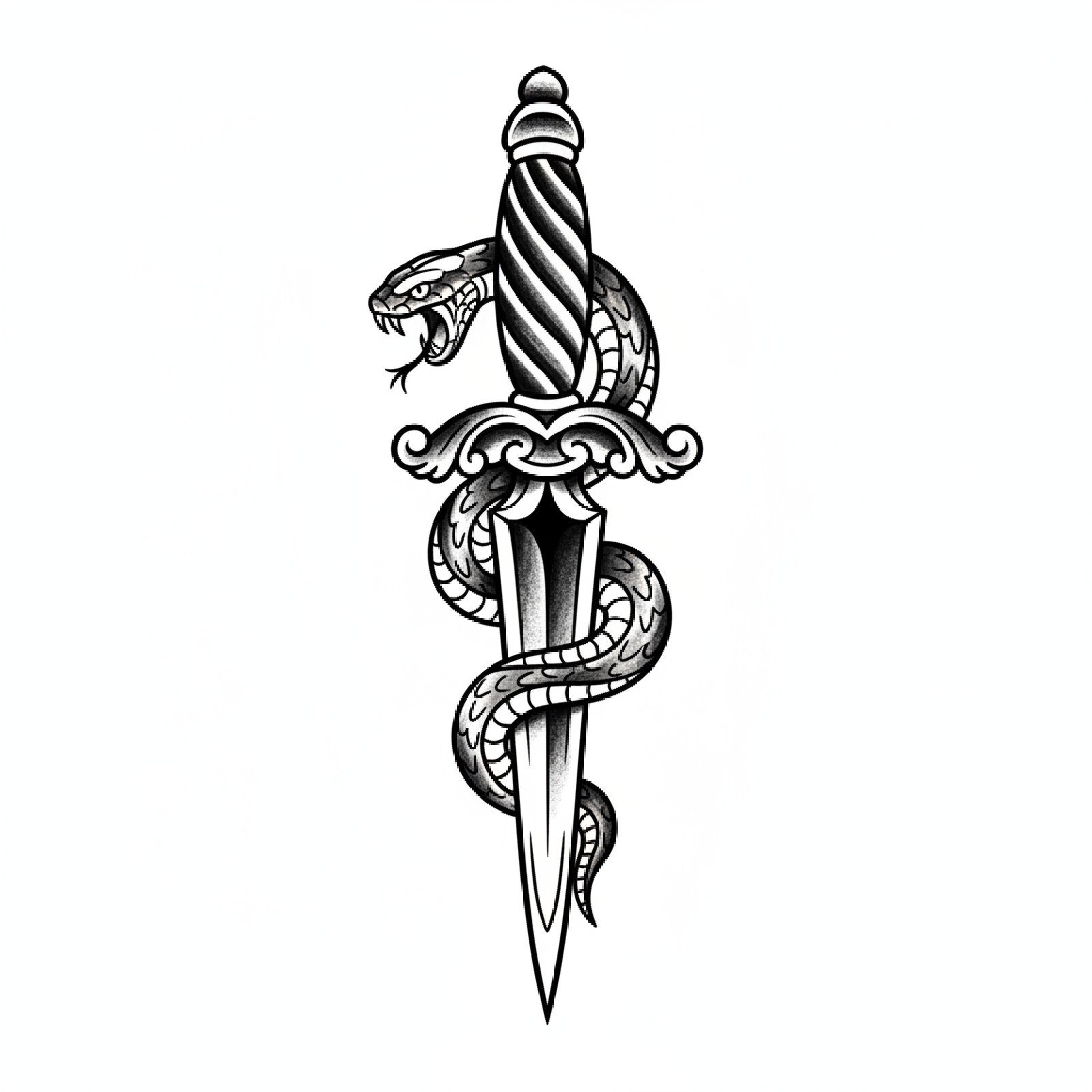
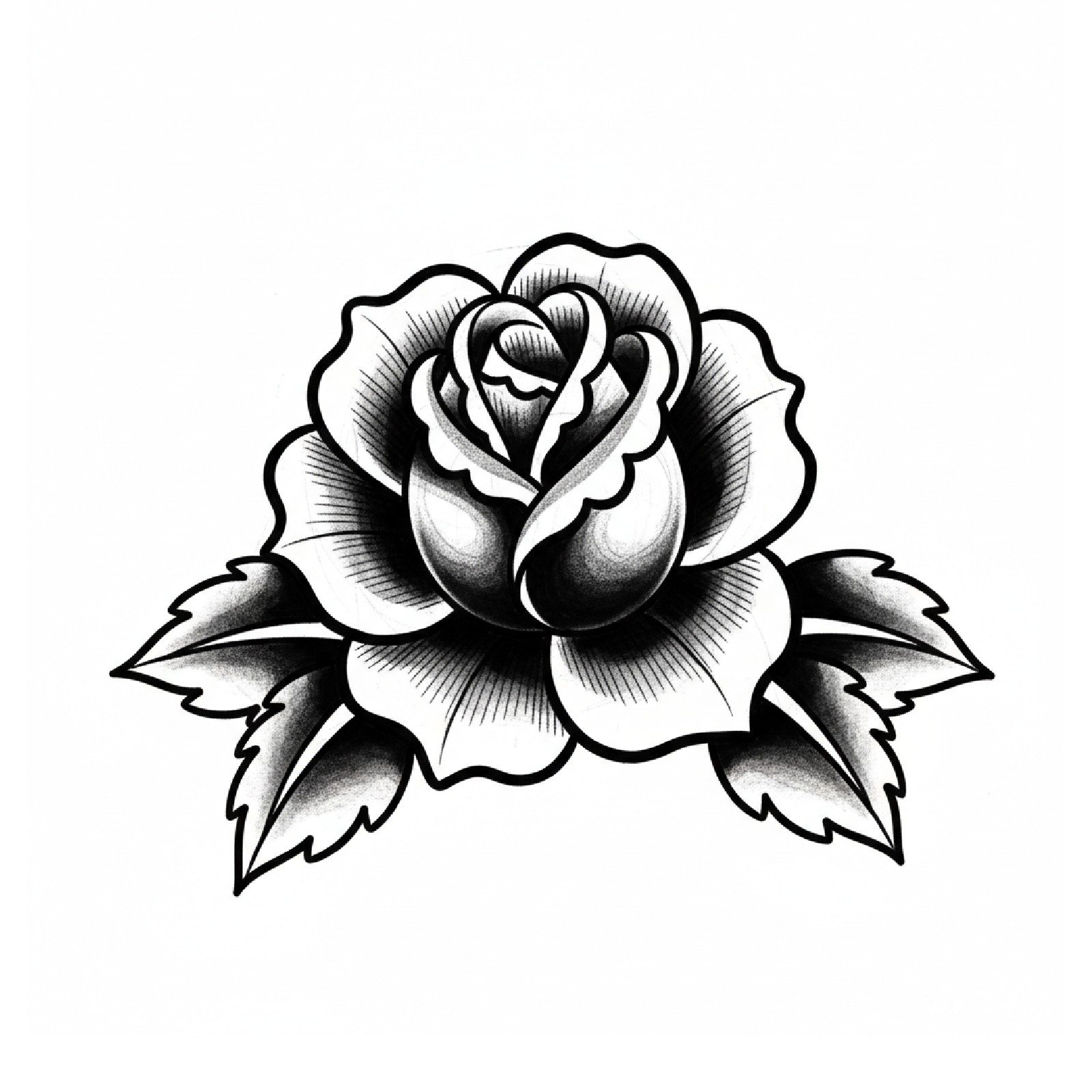
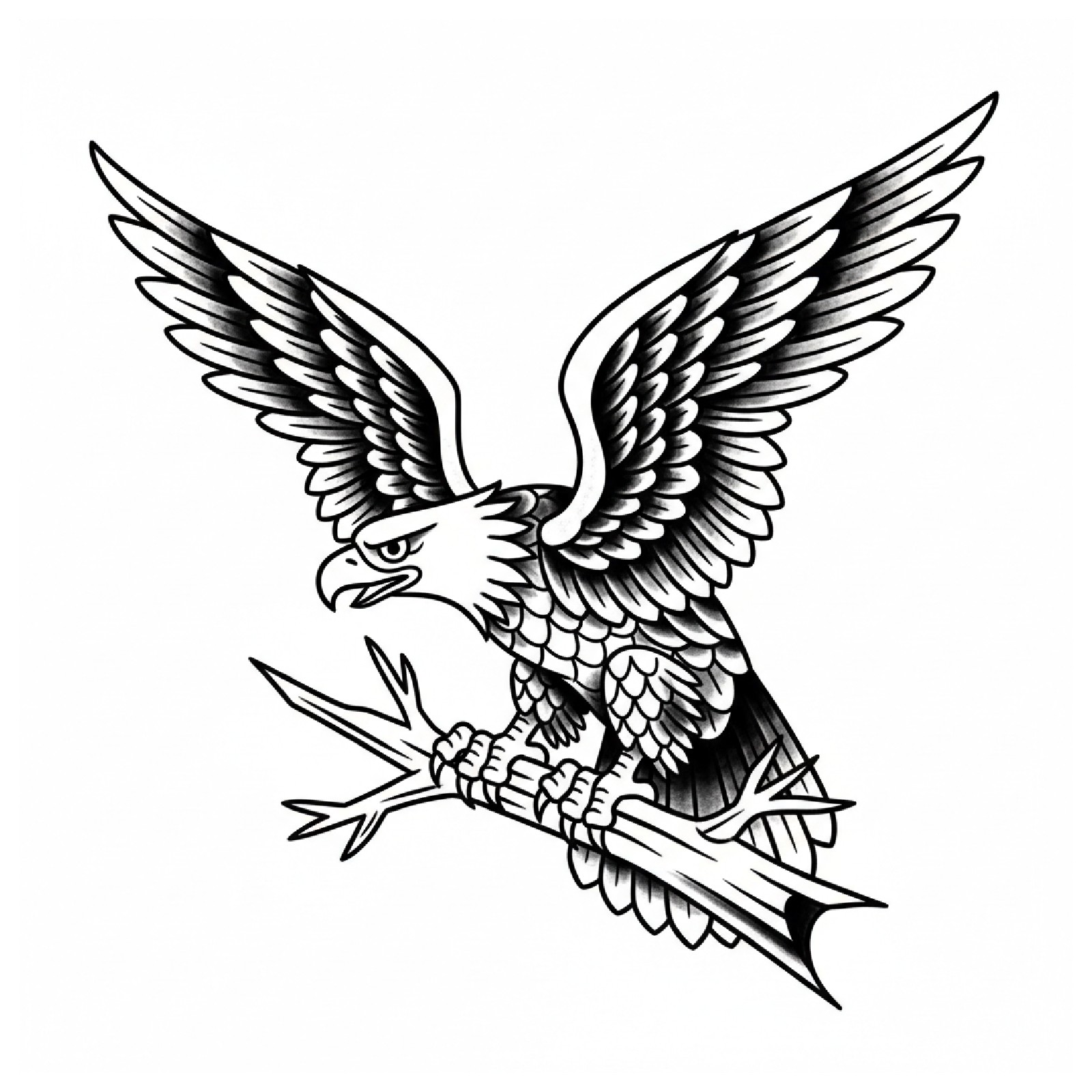
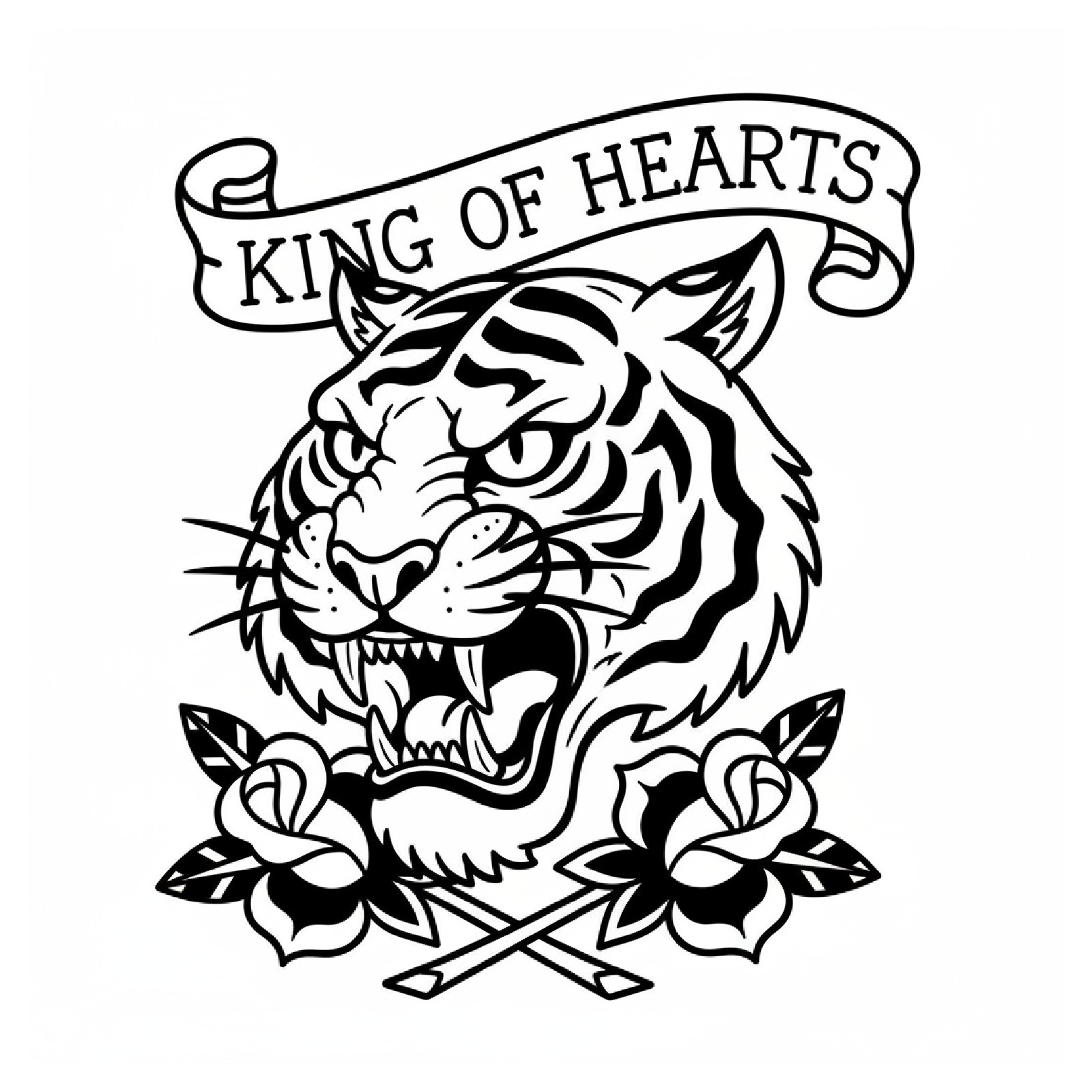
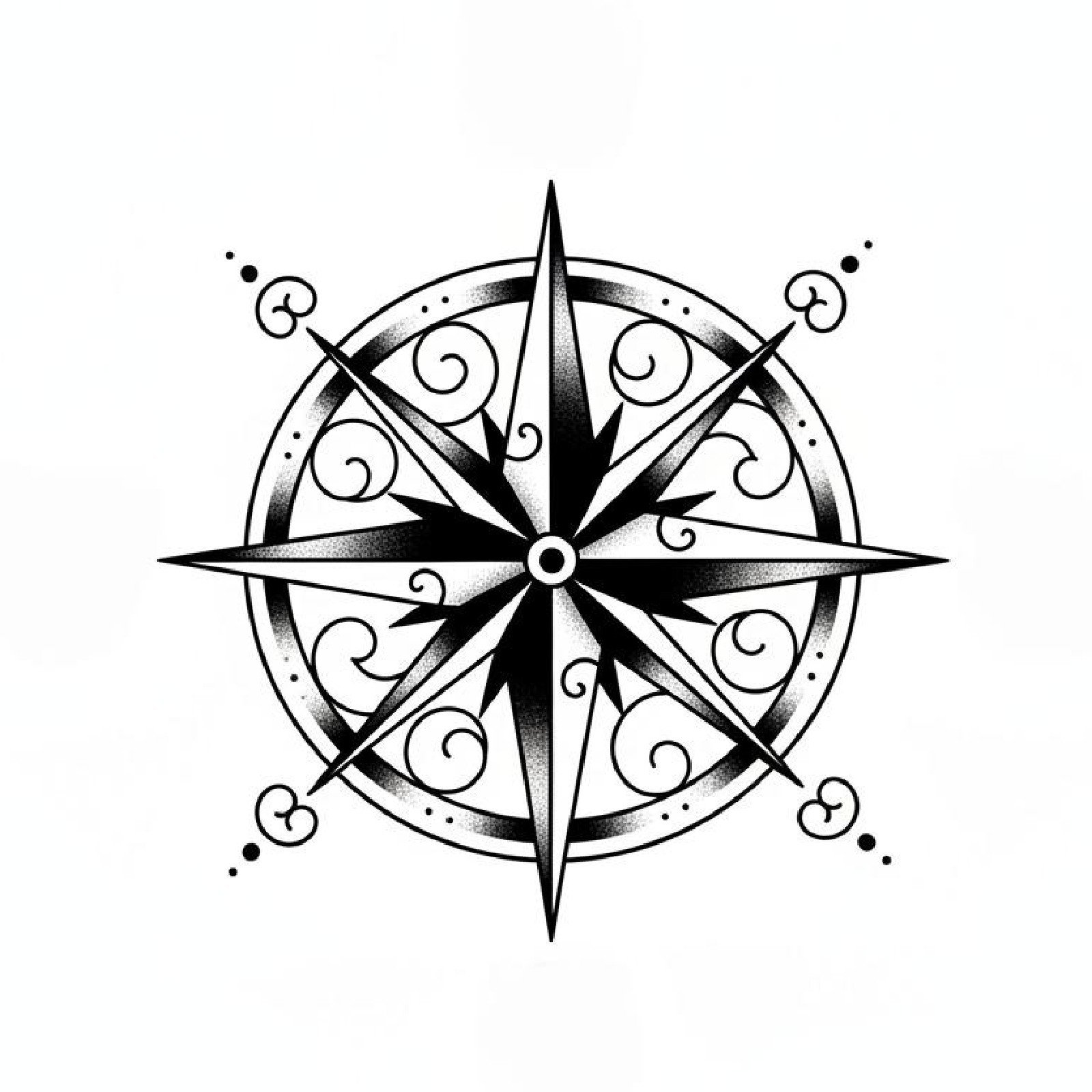
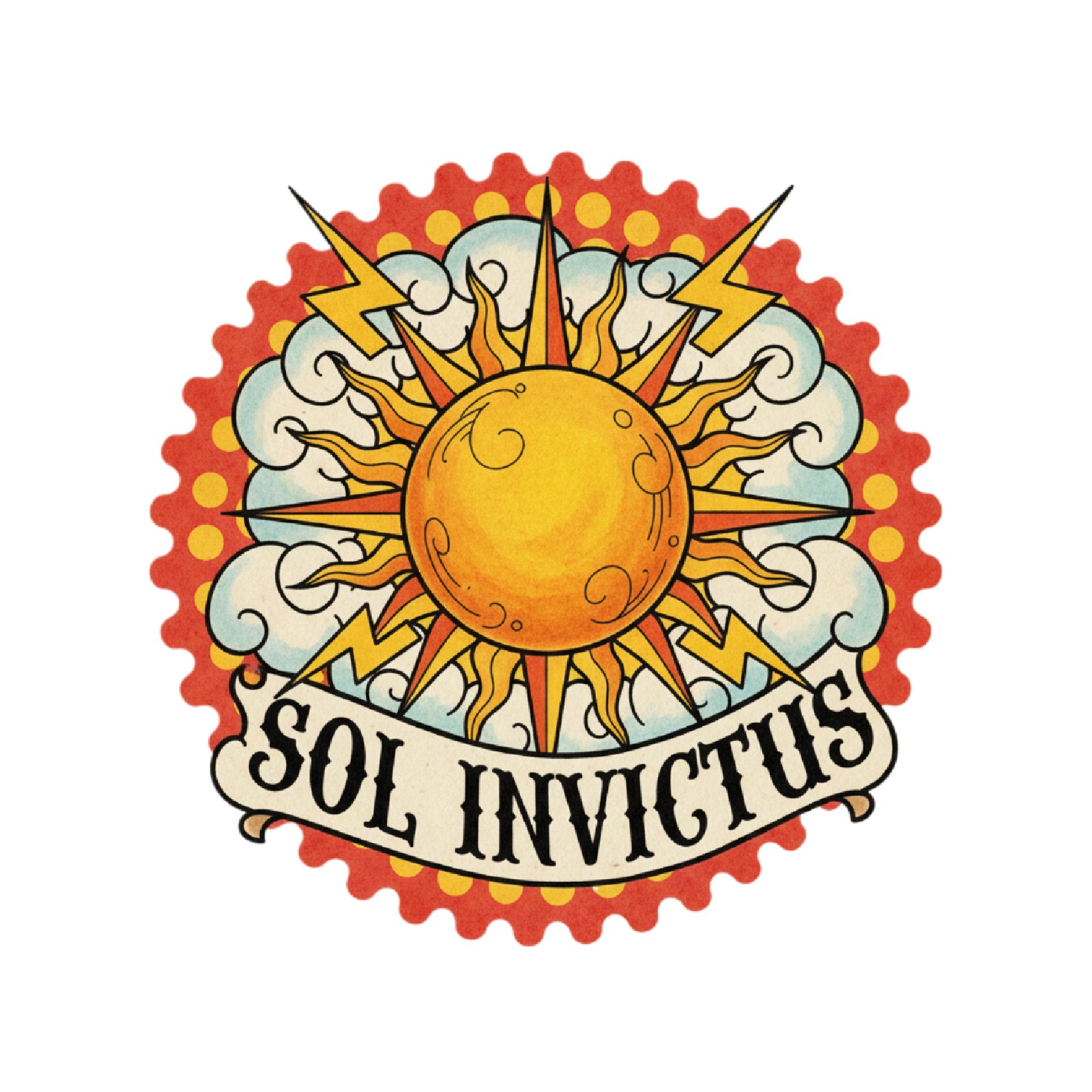
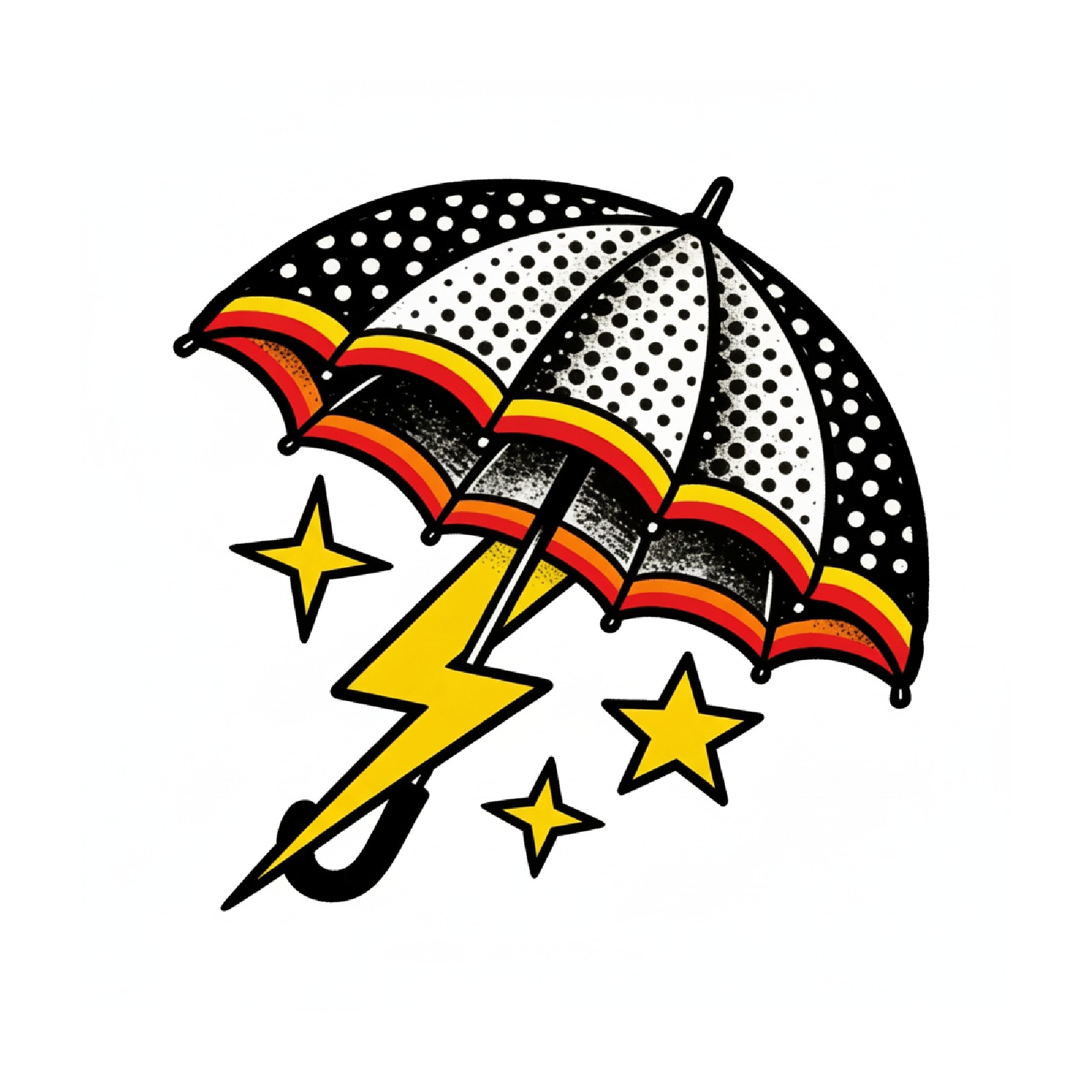
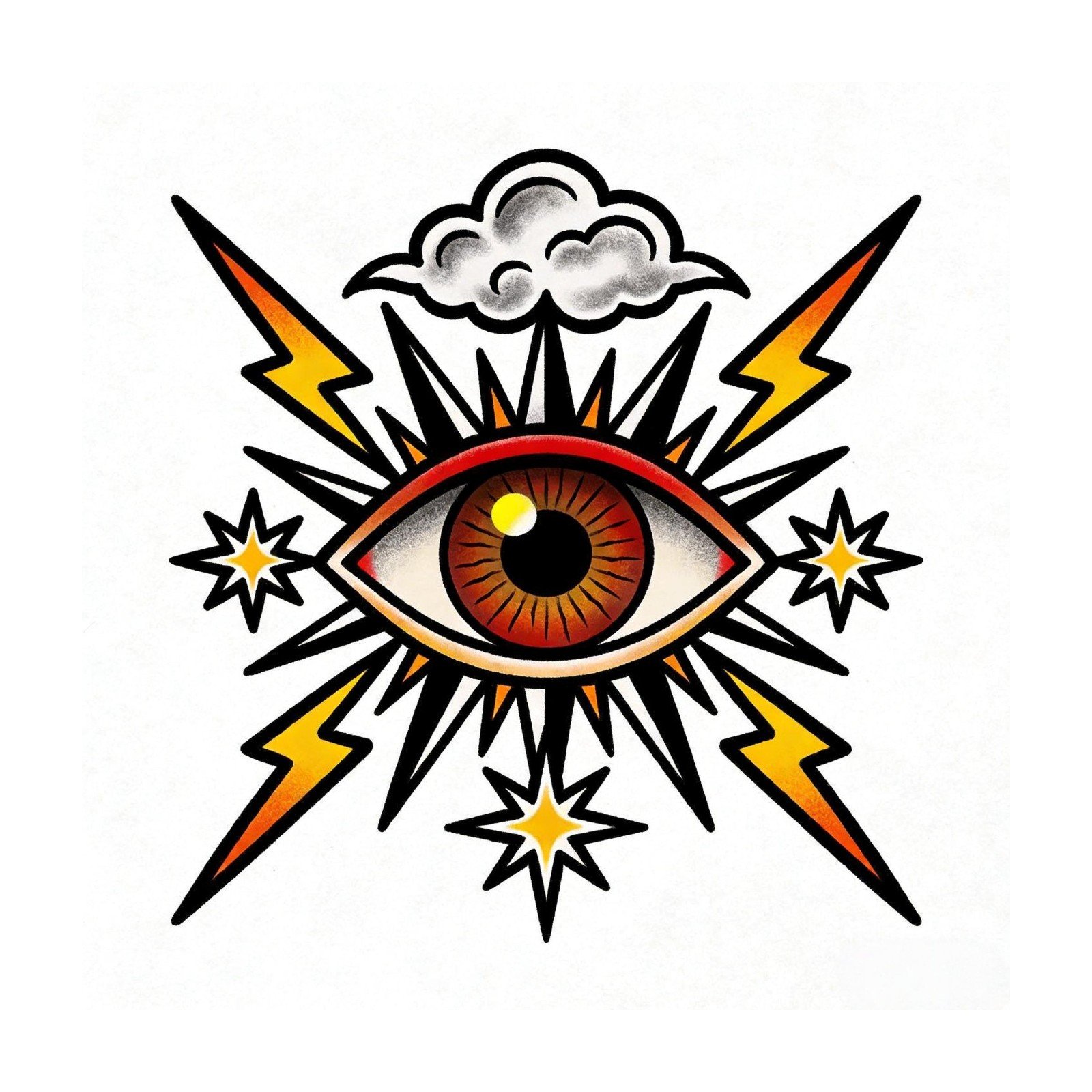
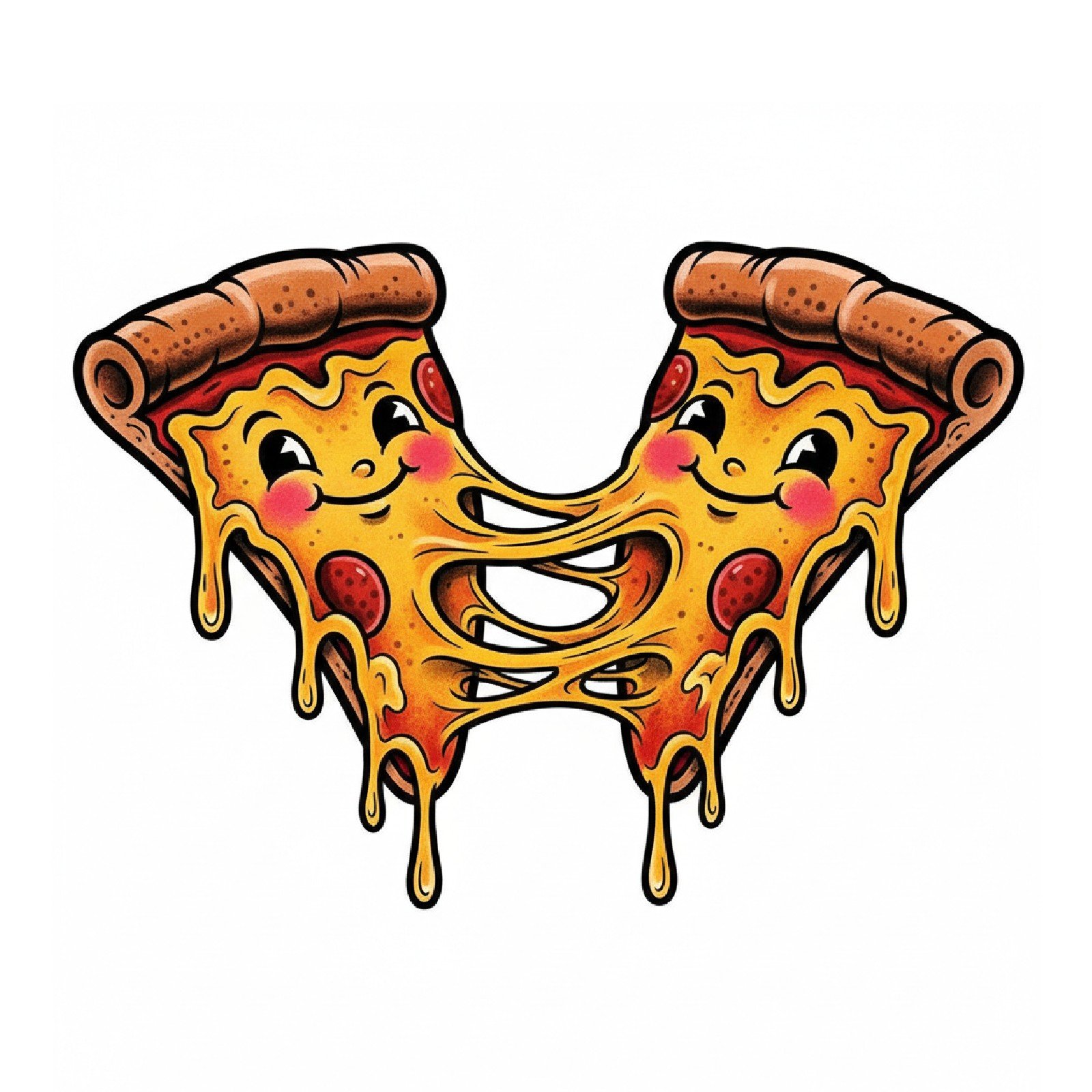
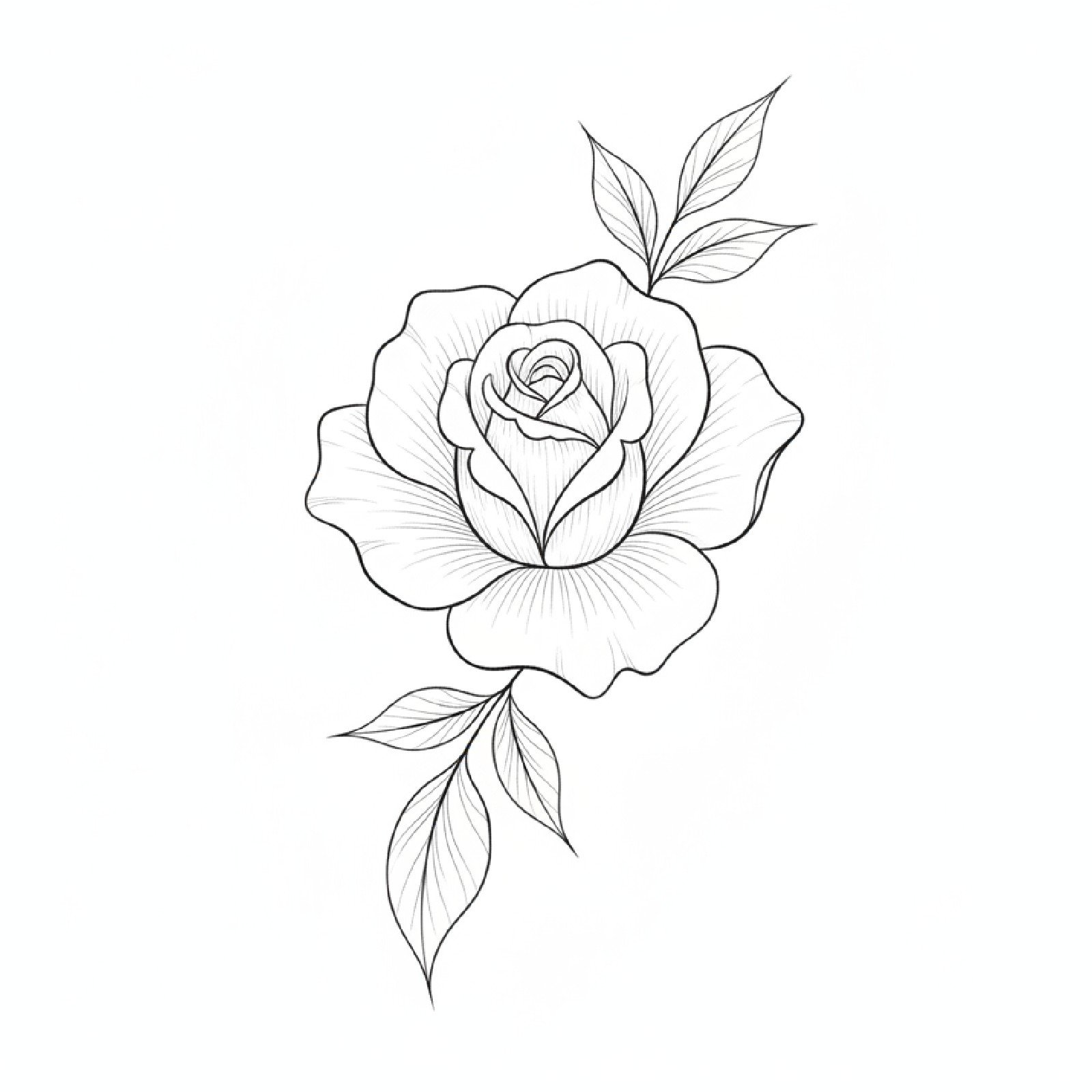
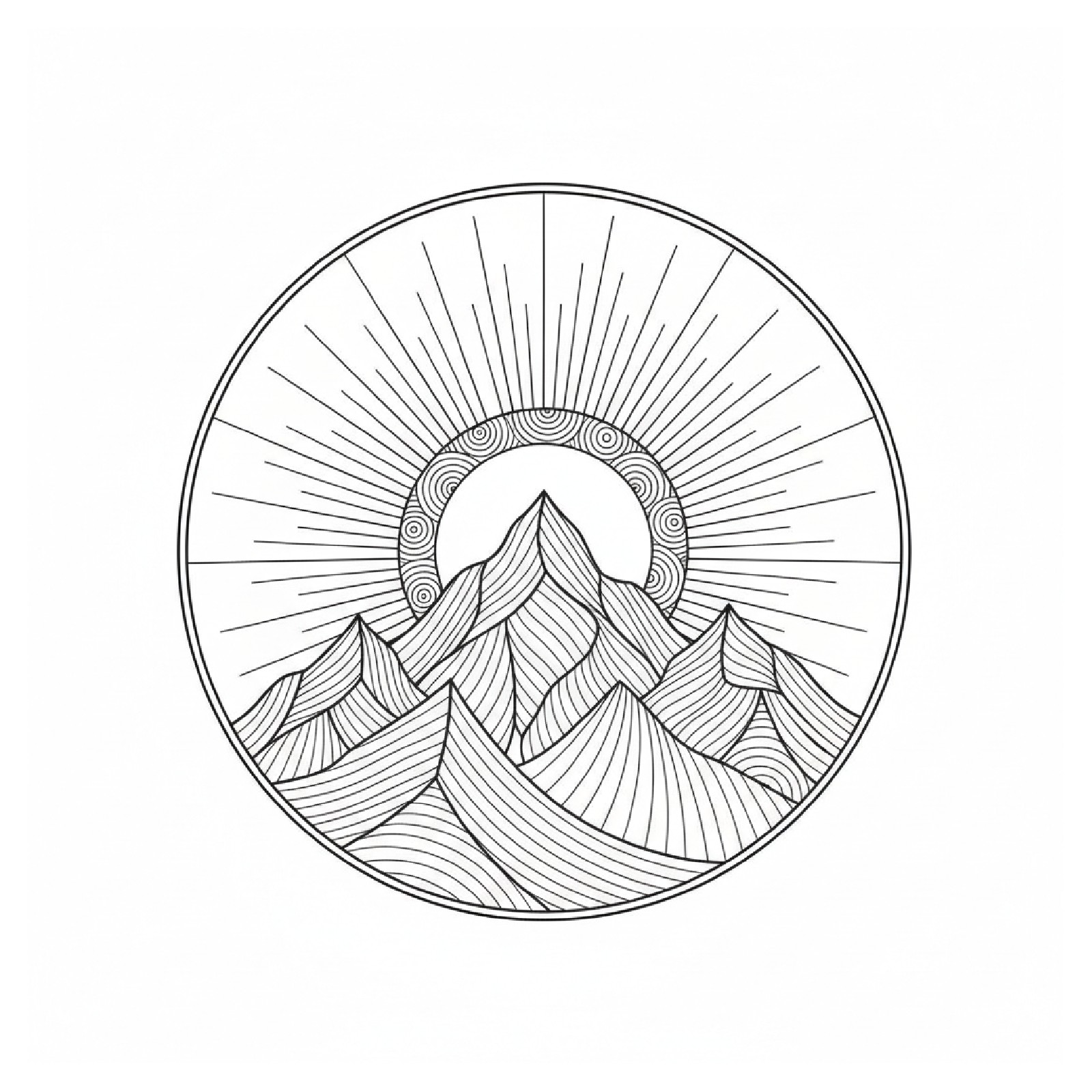
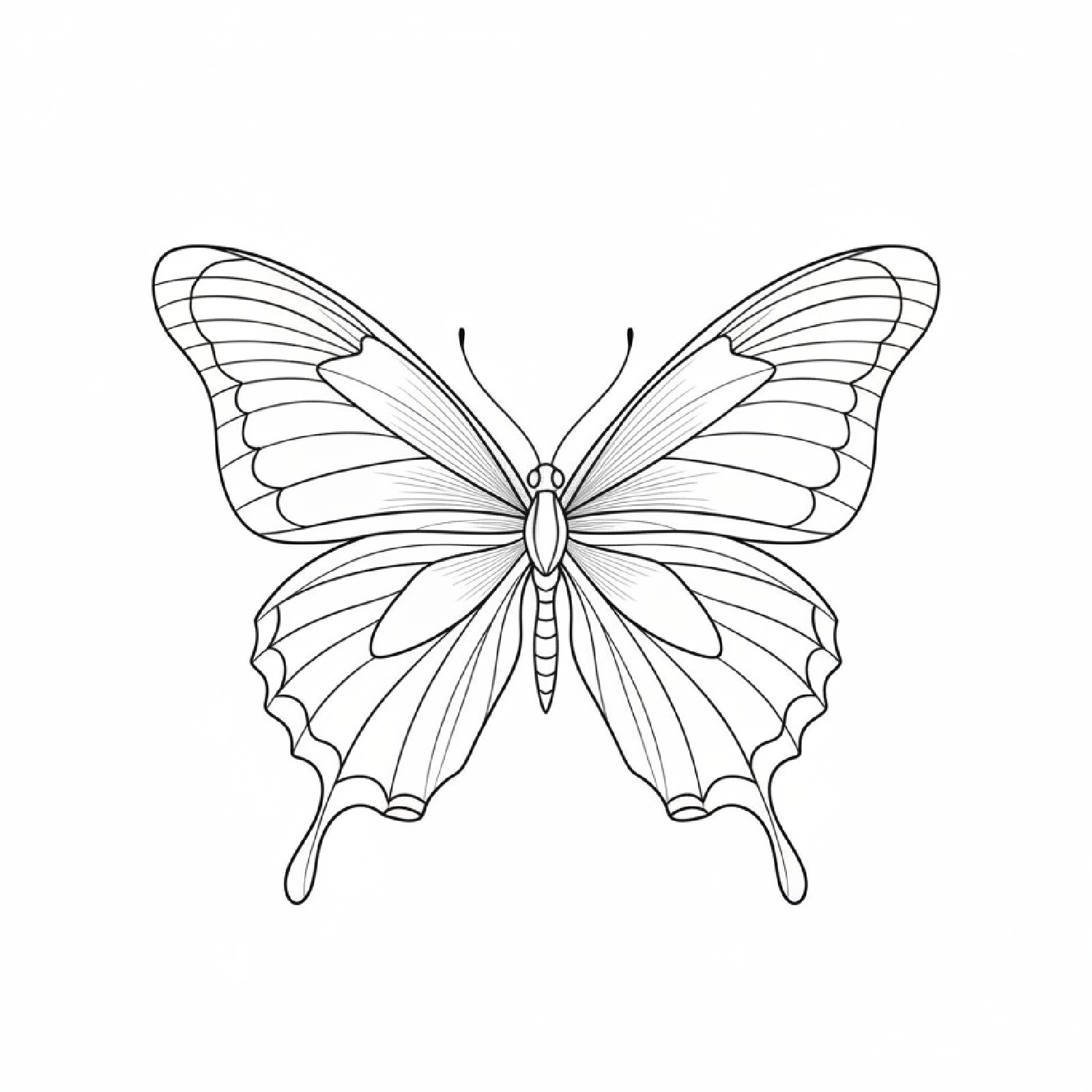
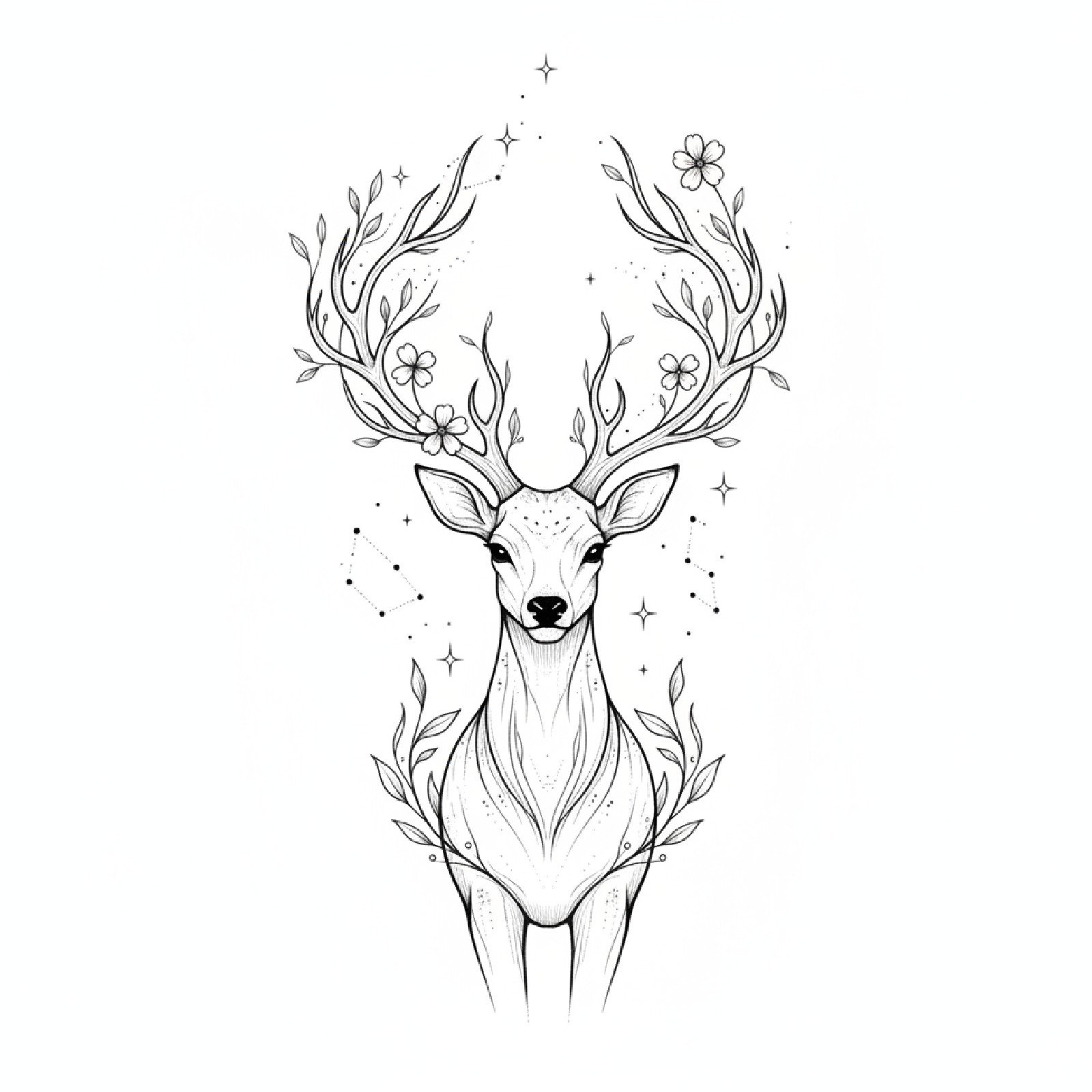
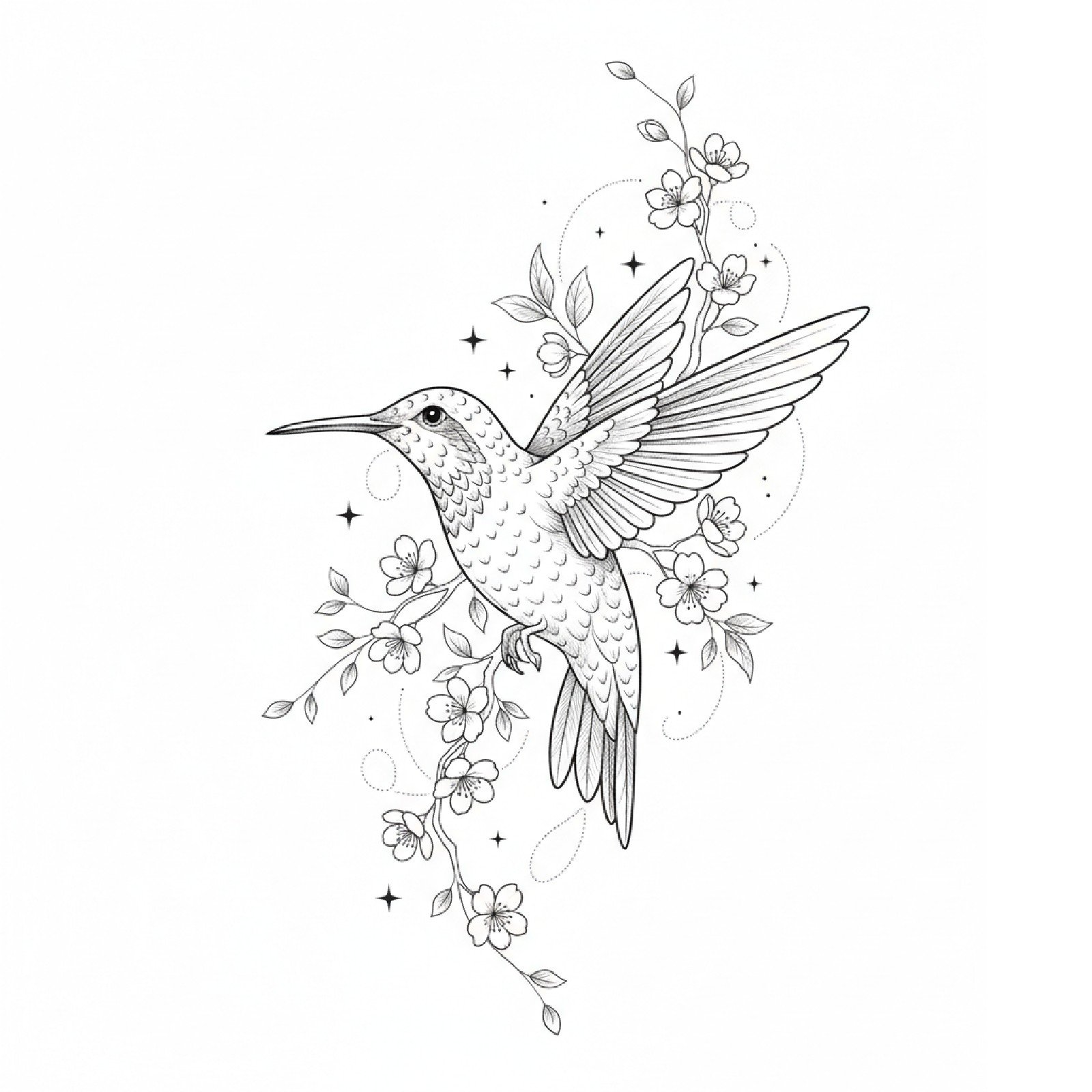
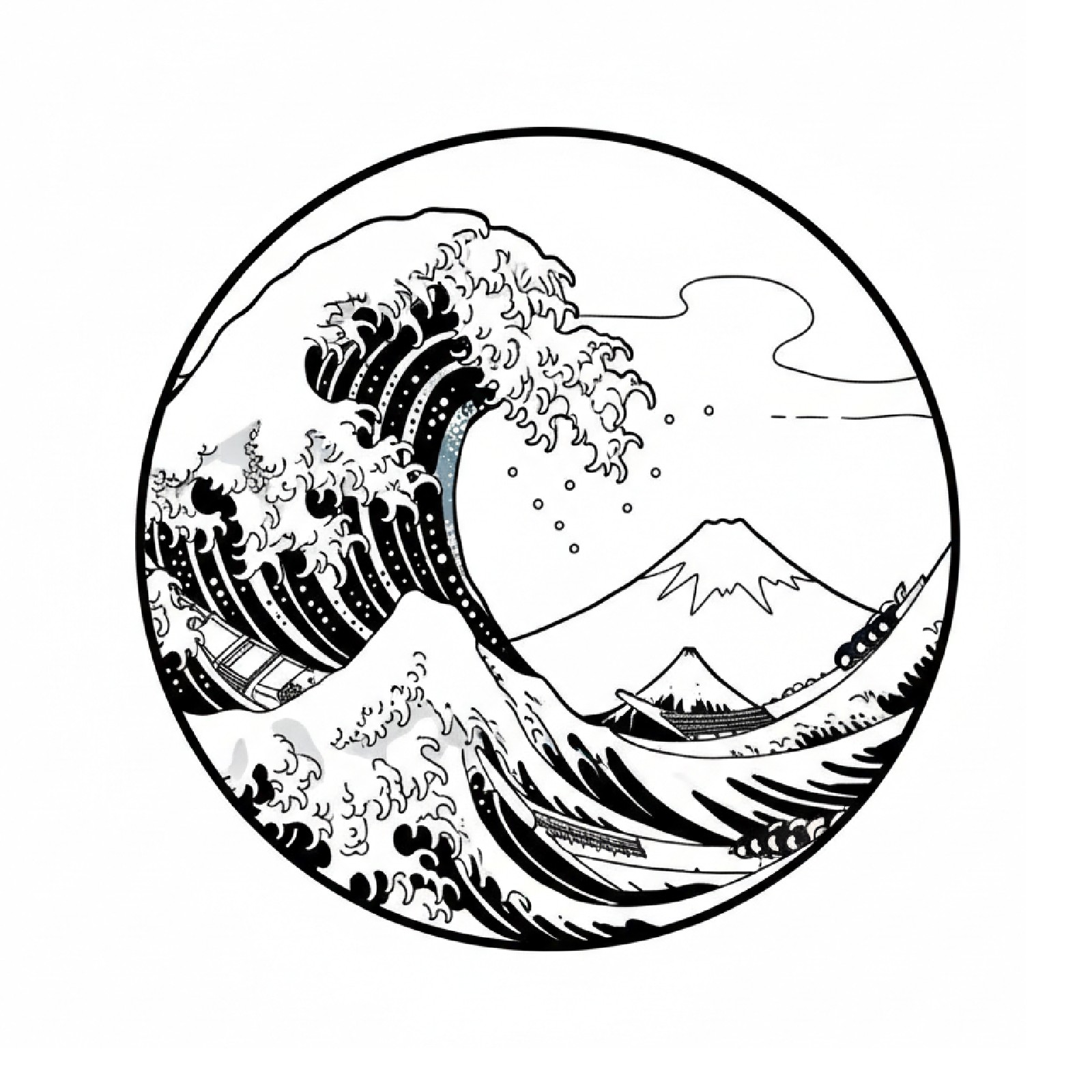
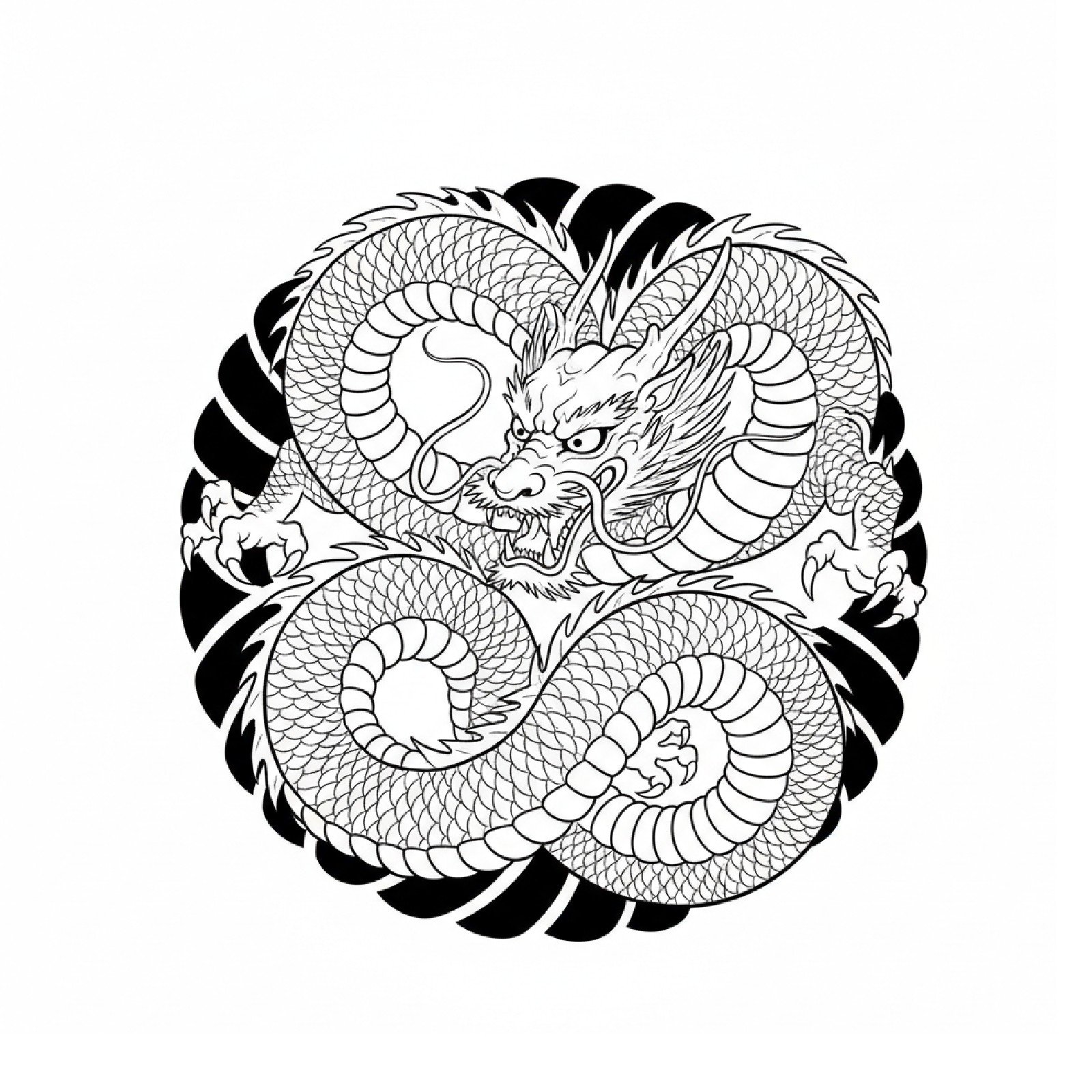
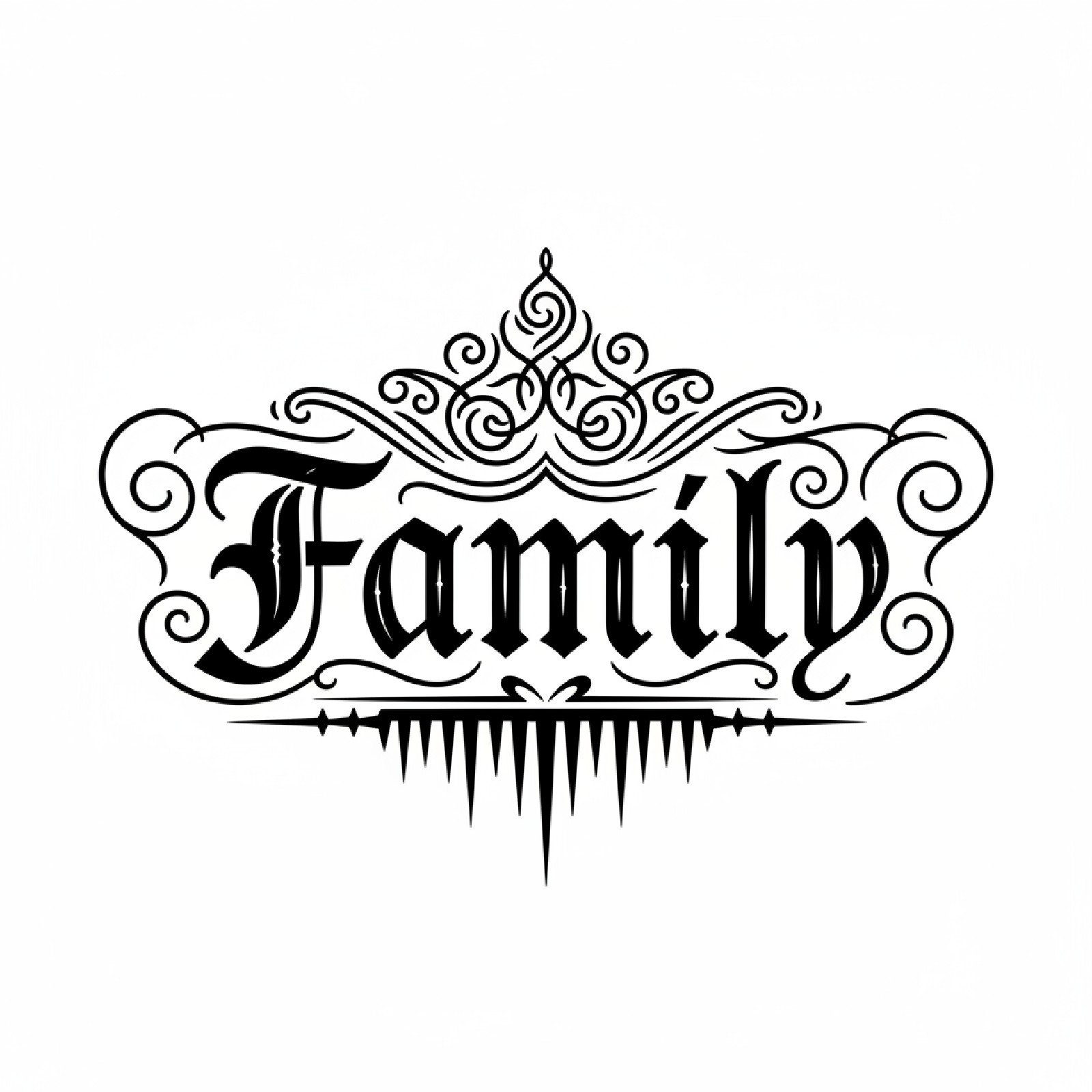
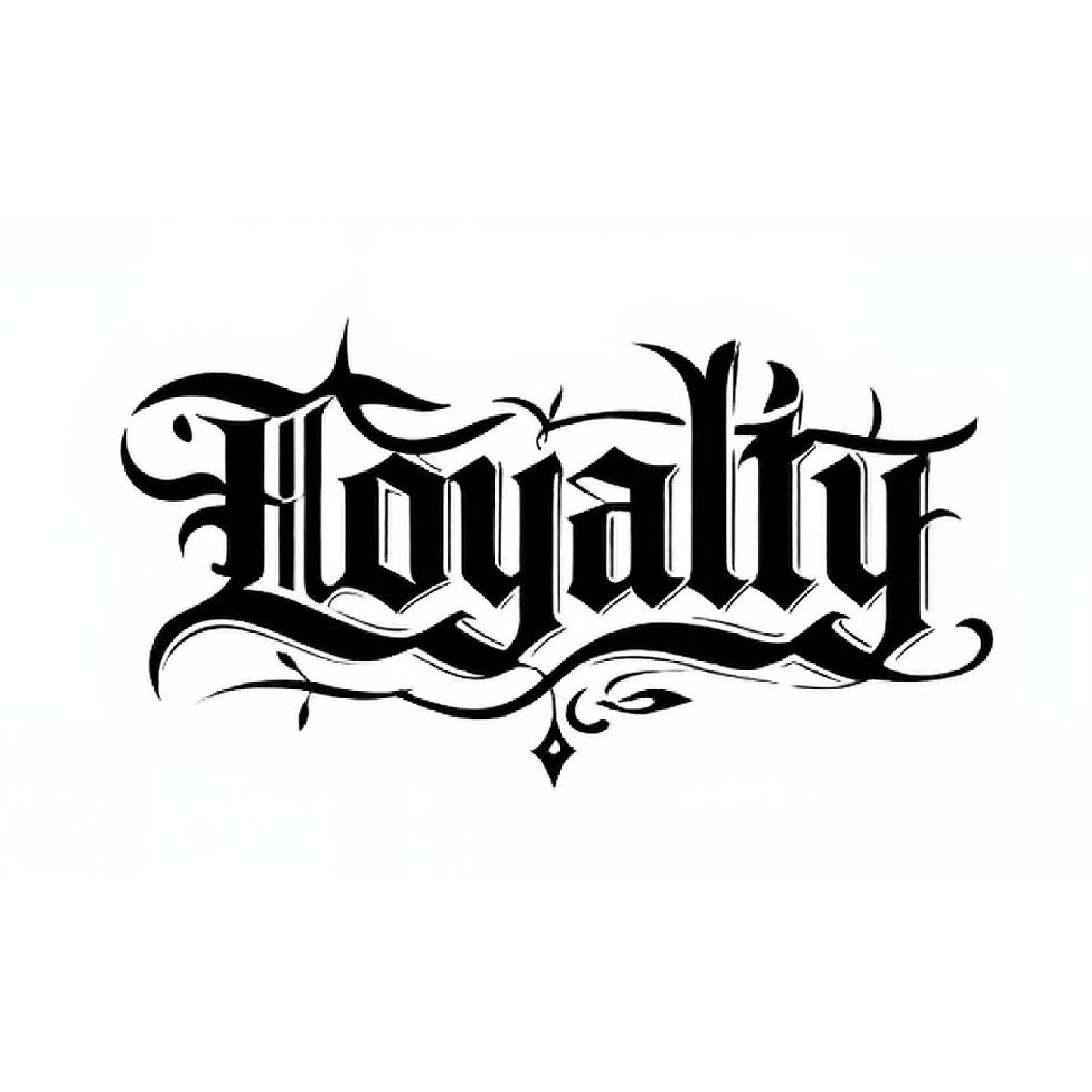
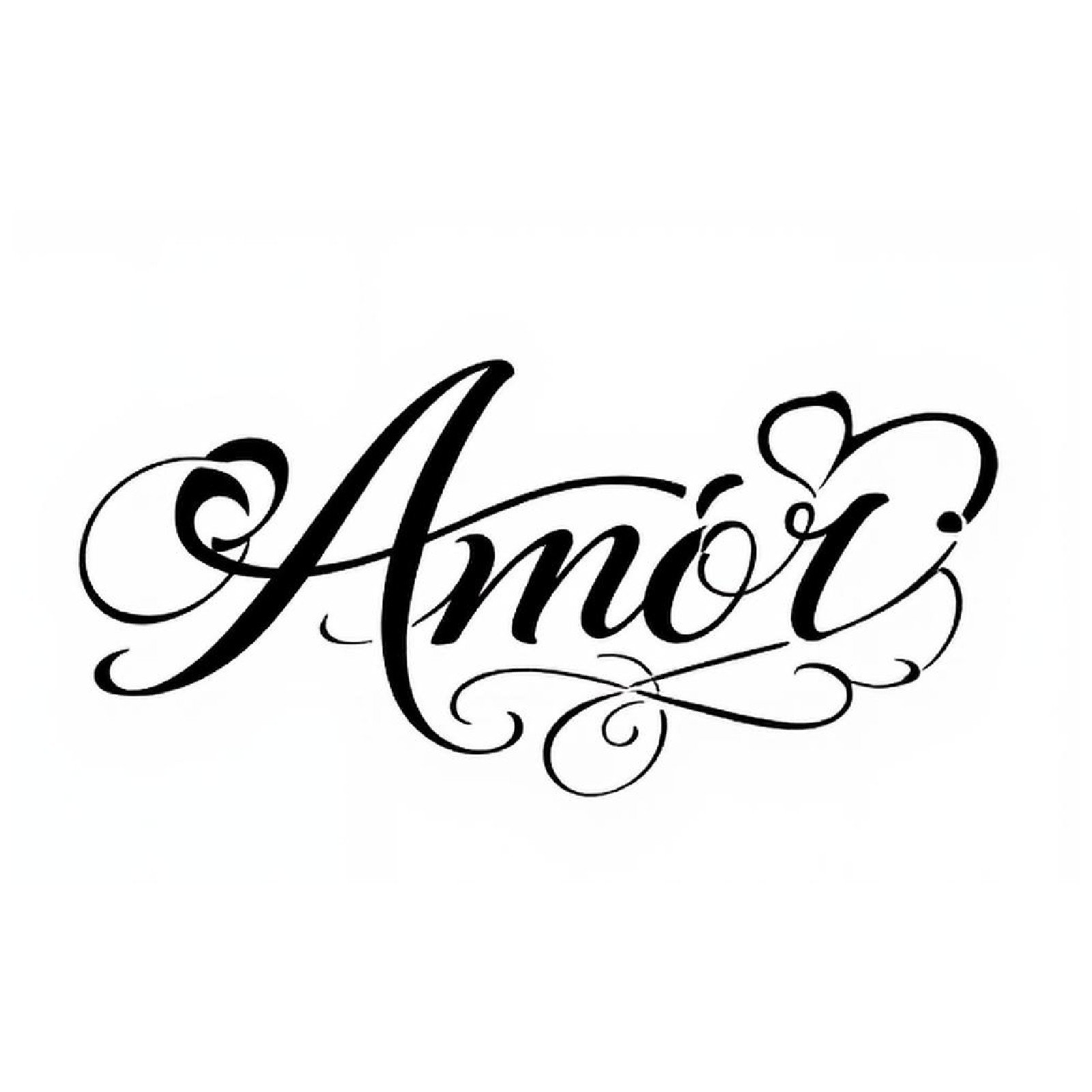
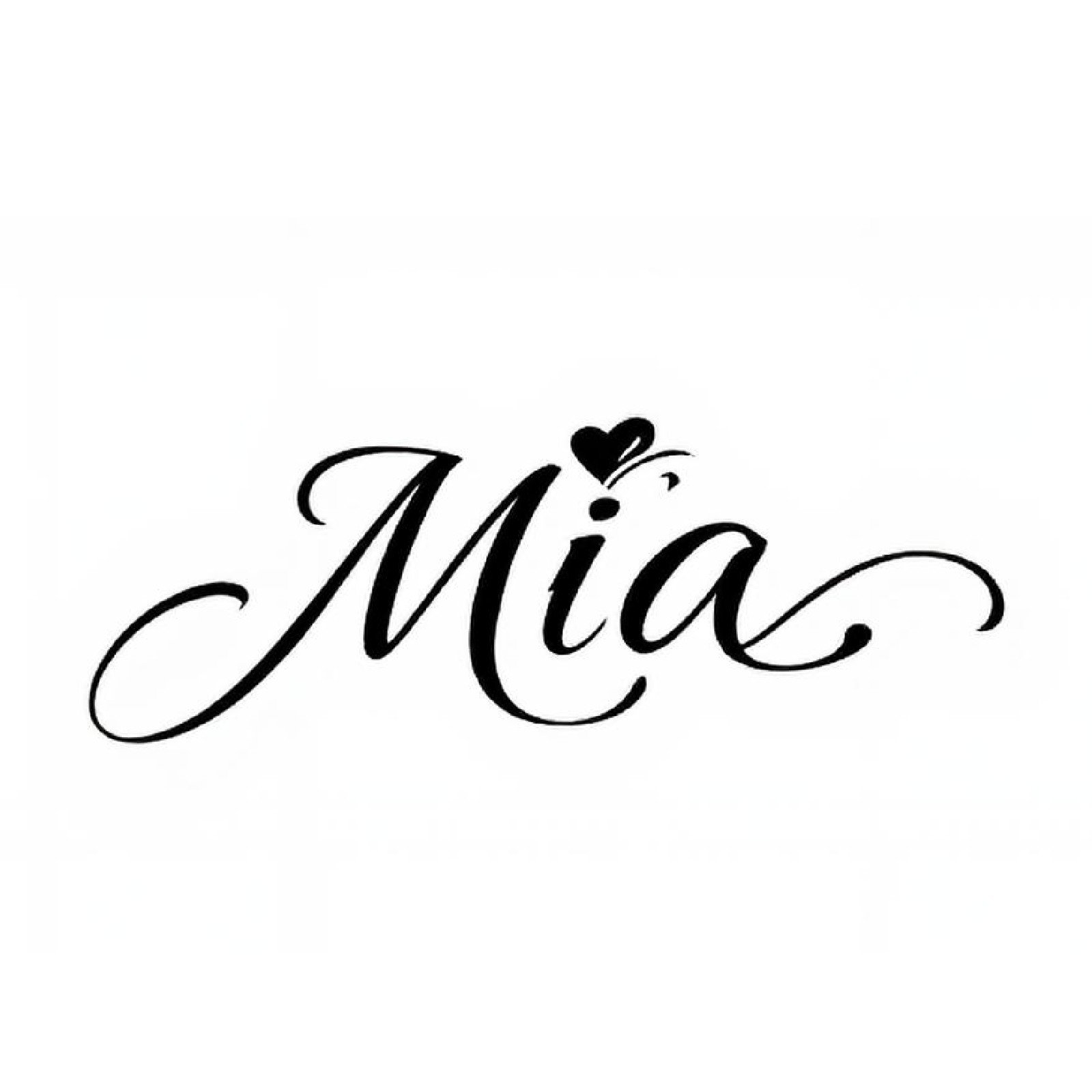
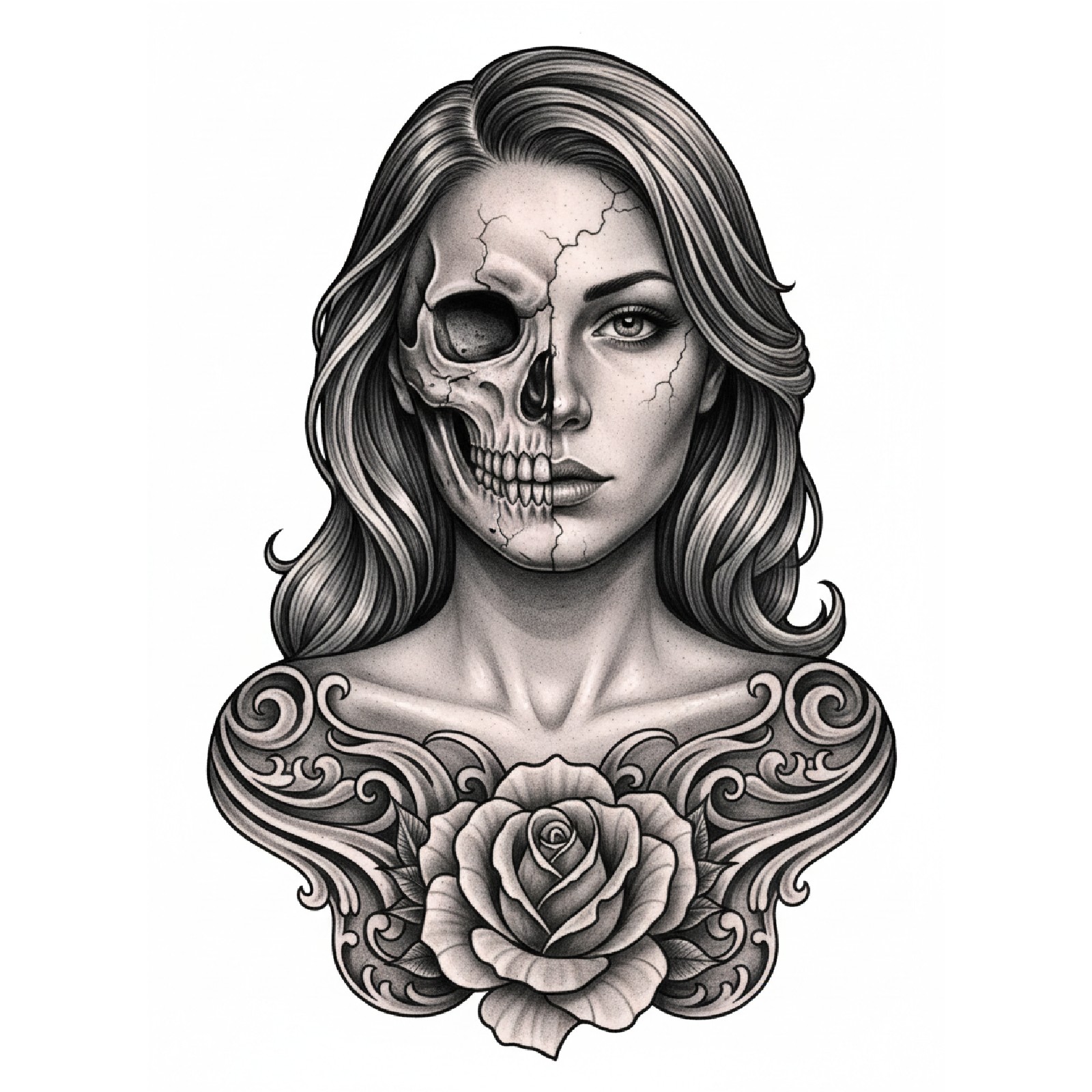
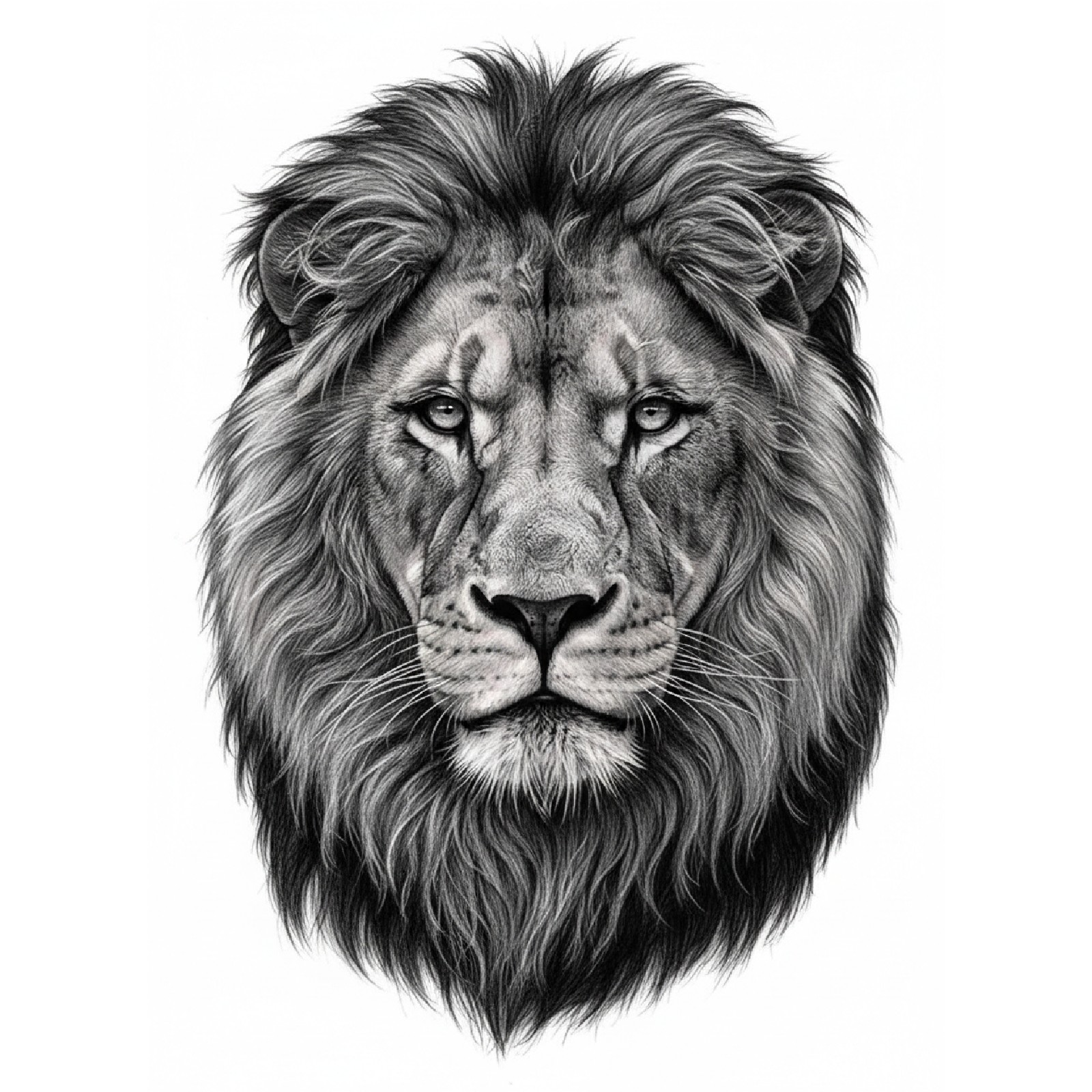
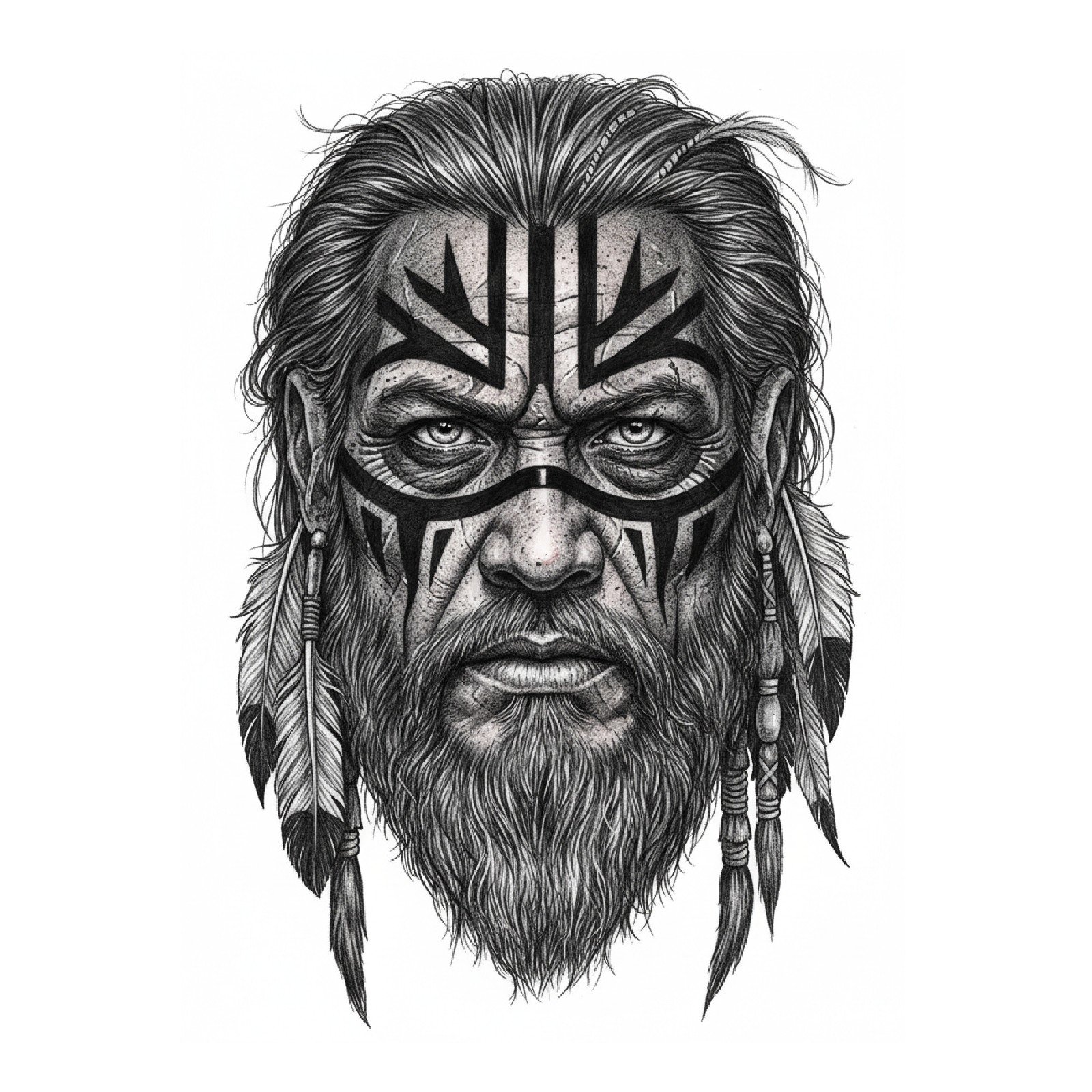
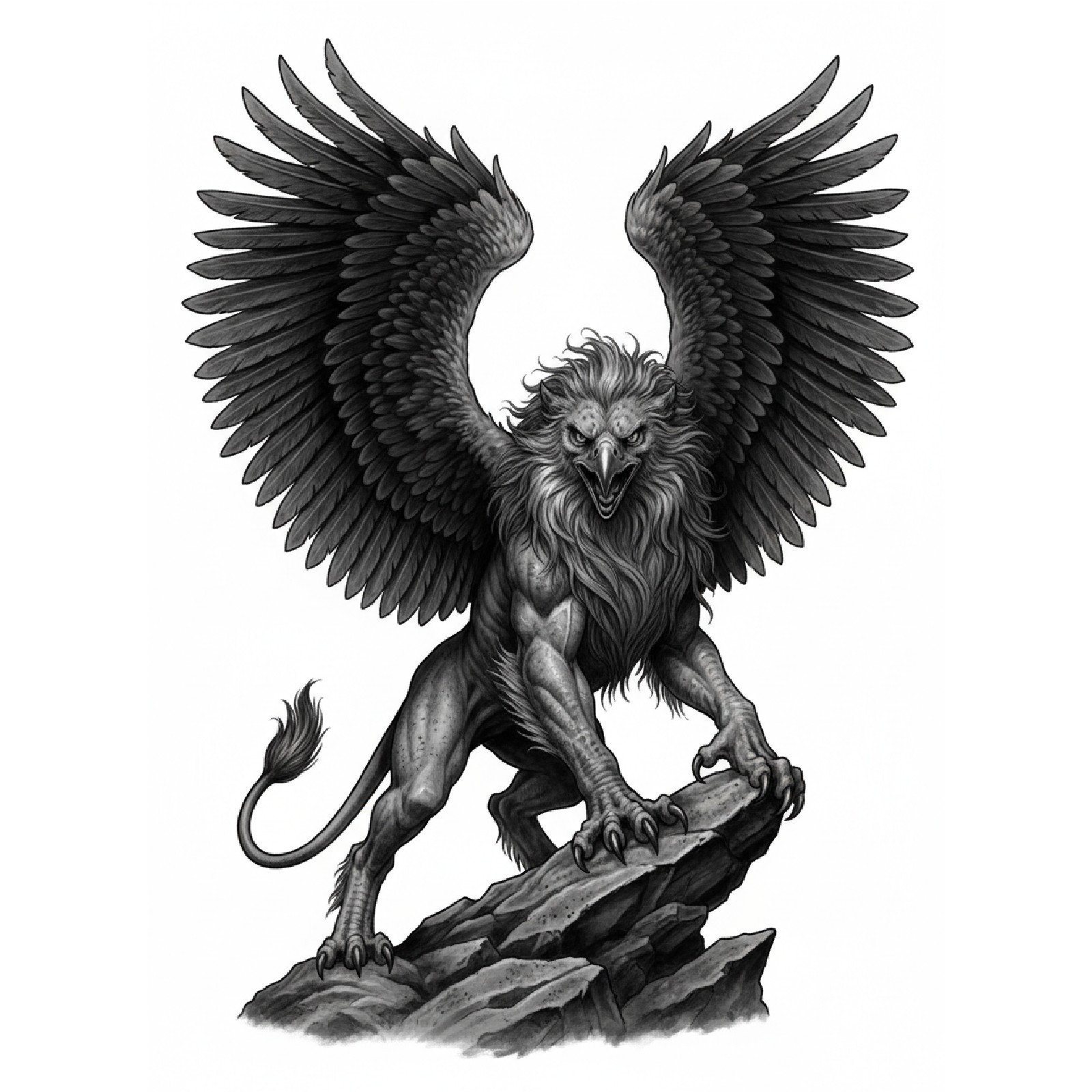
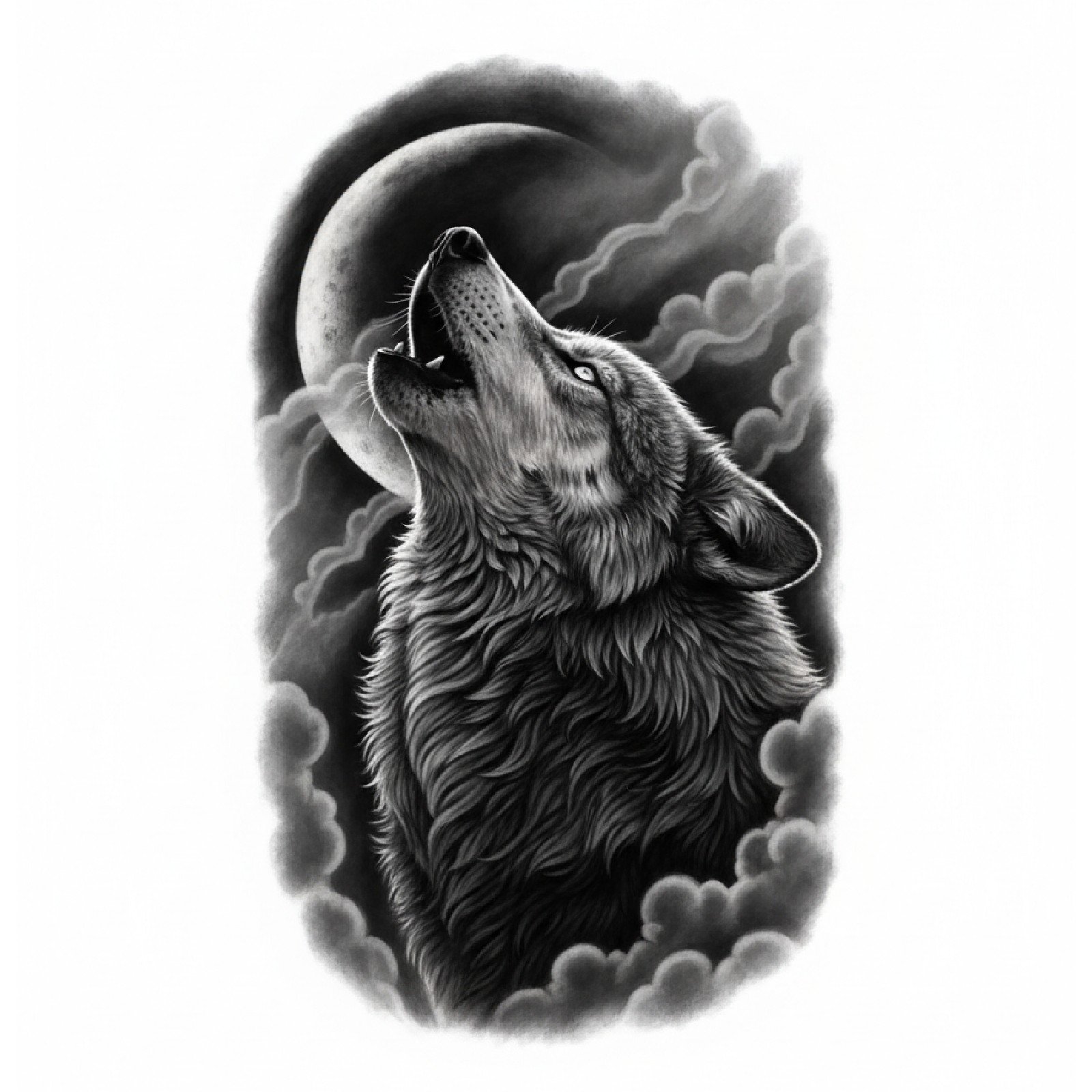
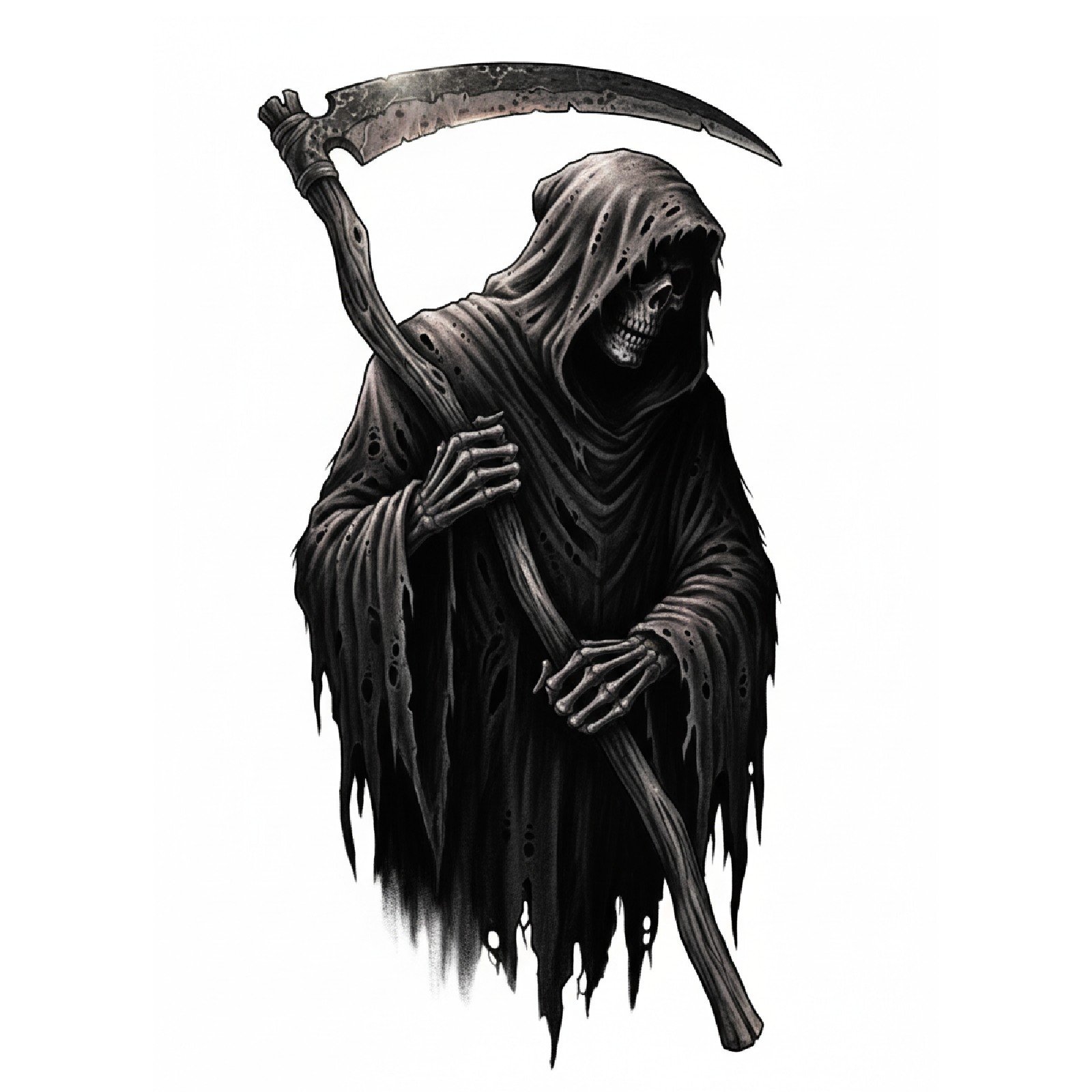
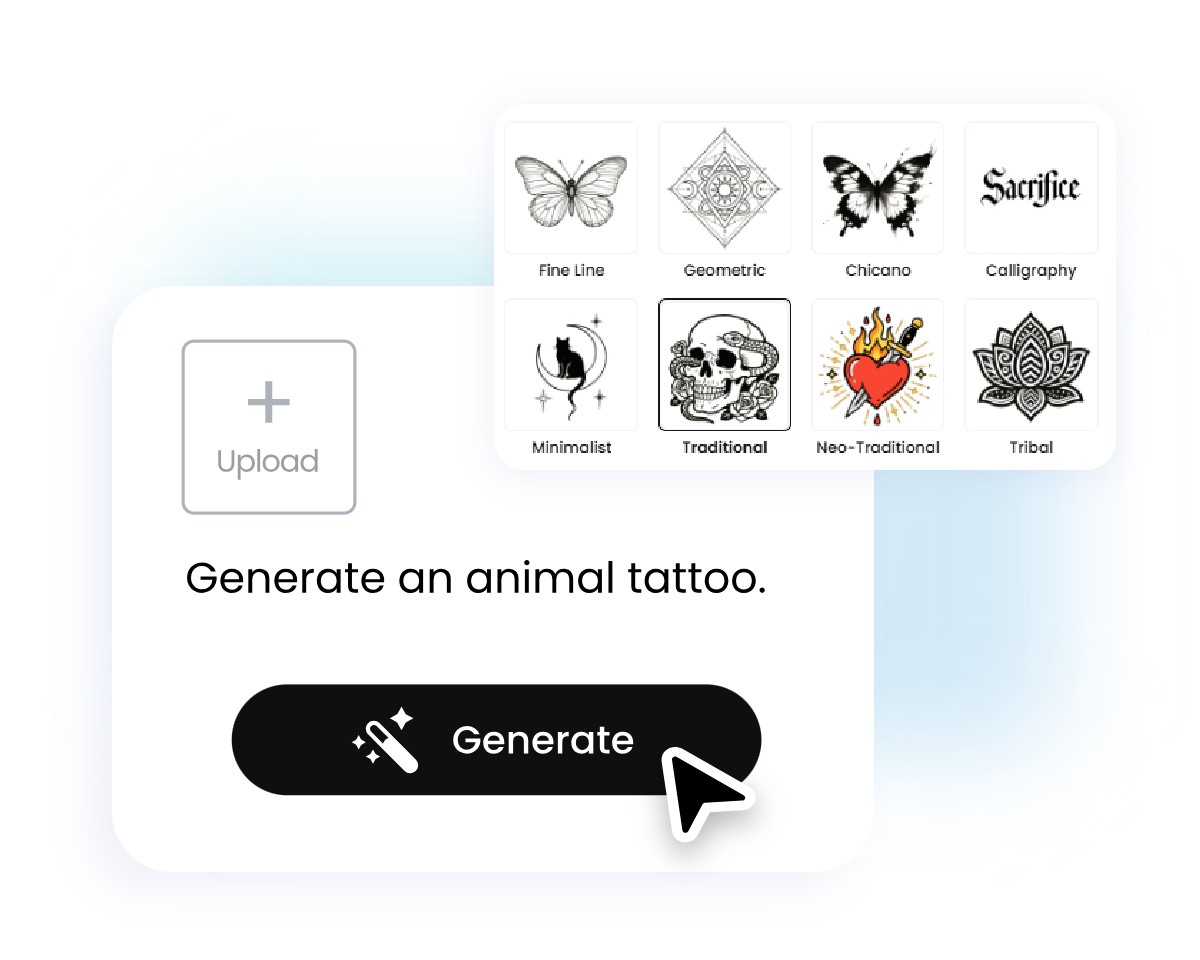
Fotor AI tattoo generator online lets you explore many tattoo art styles and generate high-quality designs from text or photo prompts. Choose from fine line, traditional, geometric, watercolor, realism, minimalist, tribal, Japanese, dotwork, or custom art generated just for you.









How to Create and Try Your AI Tattoo in 4 Simple Steps?
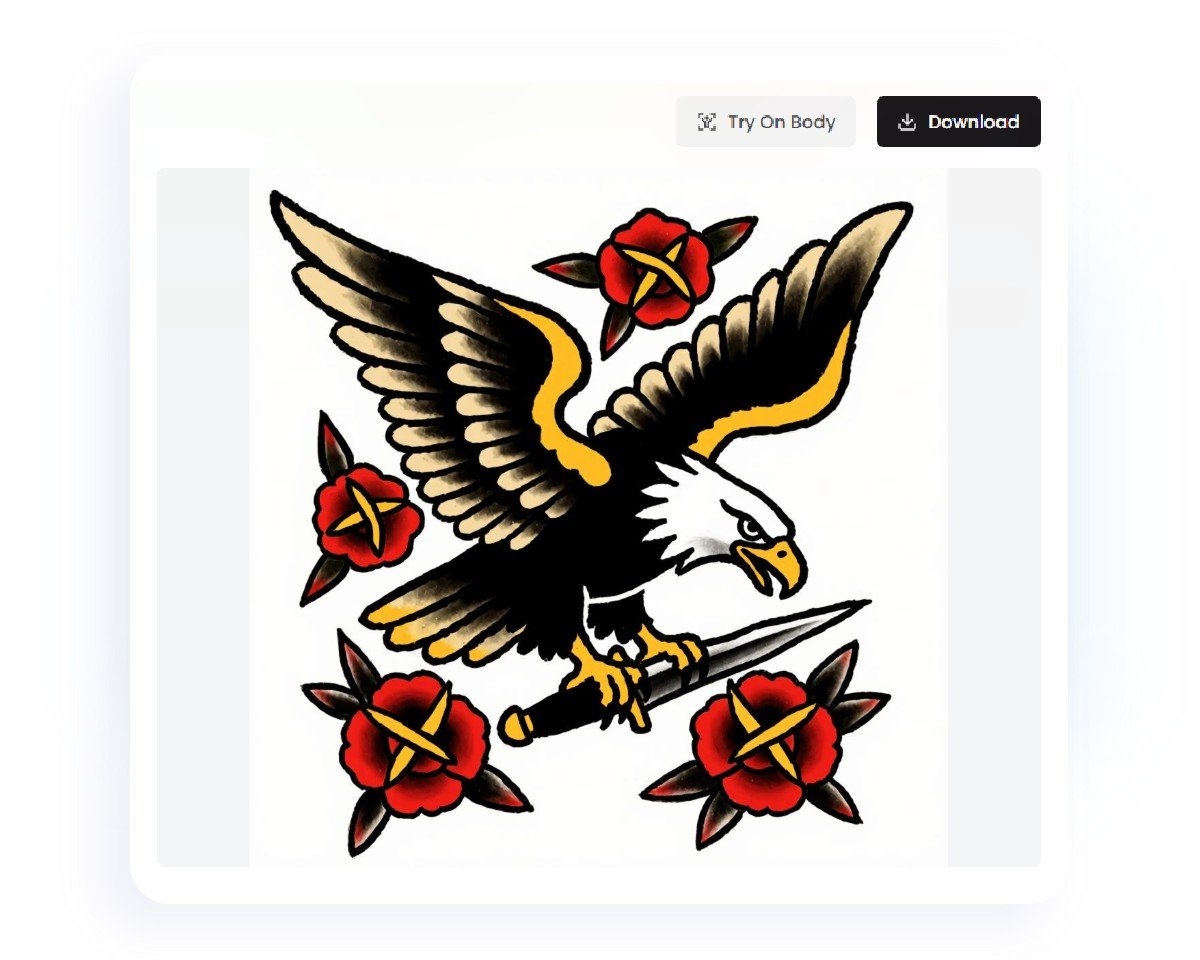
Input Your Idea
Enter a text prompt or upload an image, pick a style, and click the generate button.
Generate and Preview
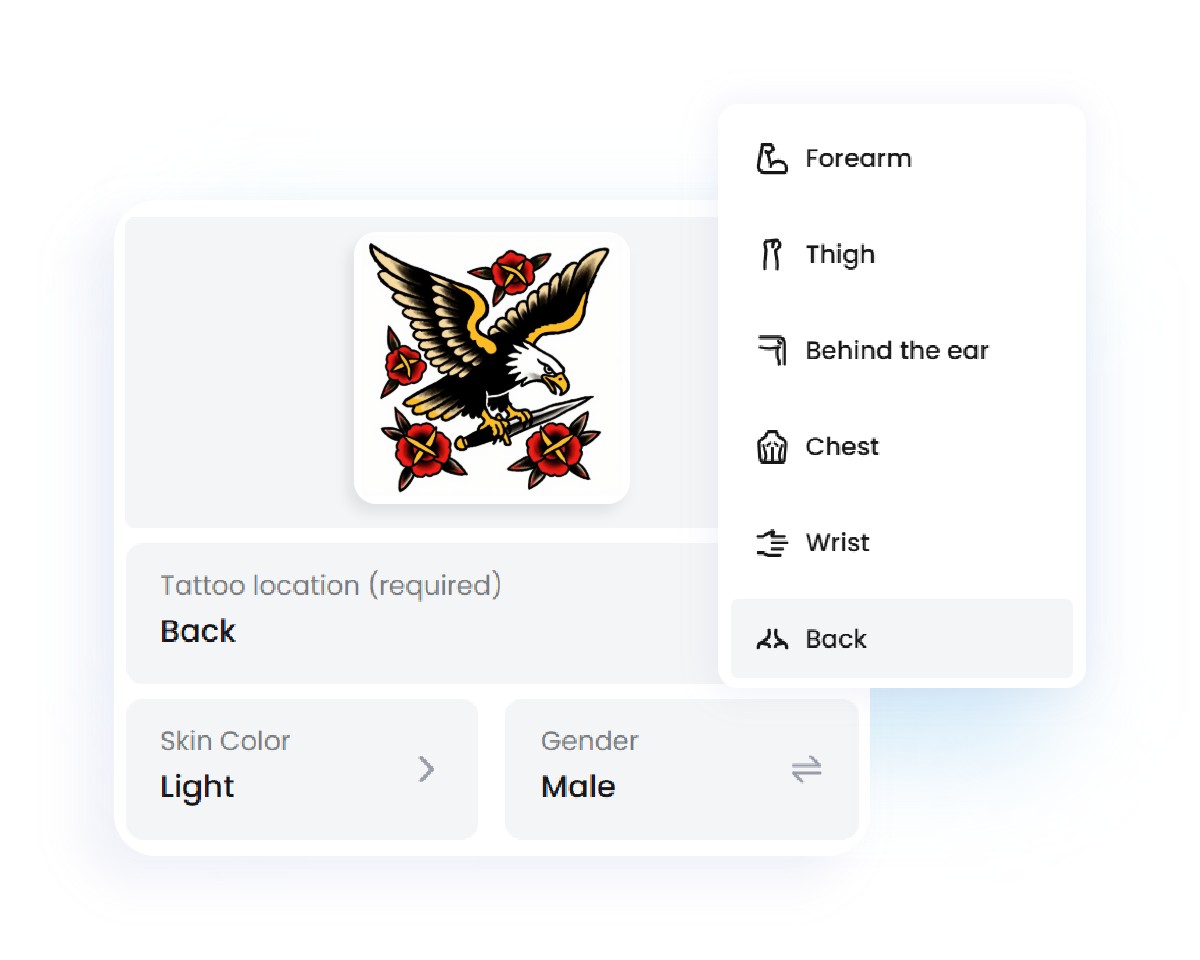
Customize Placement
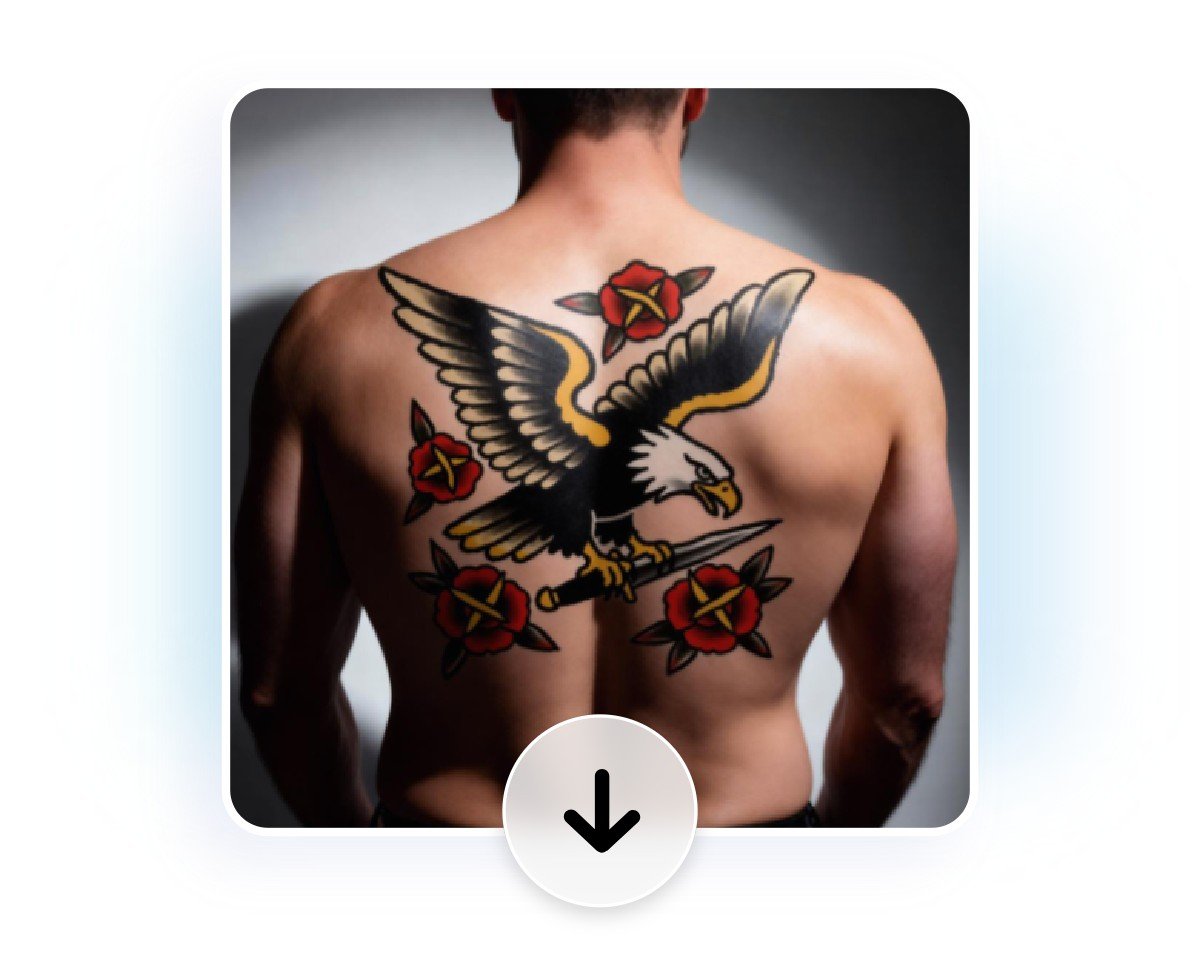
Final Preview and Download
Generate Custom Tattoo Designs from Text Prompts
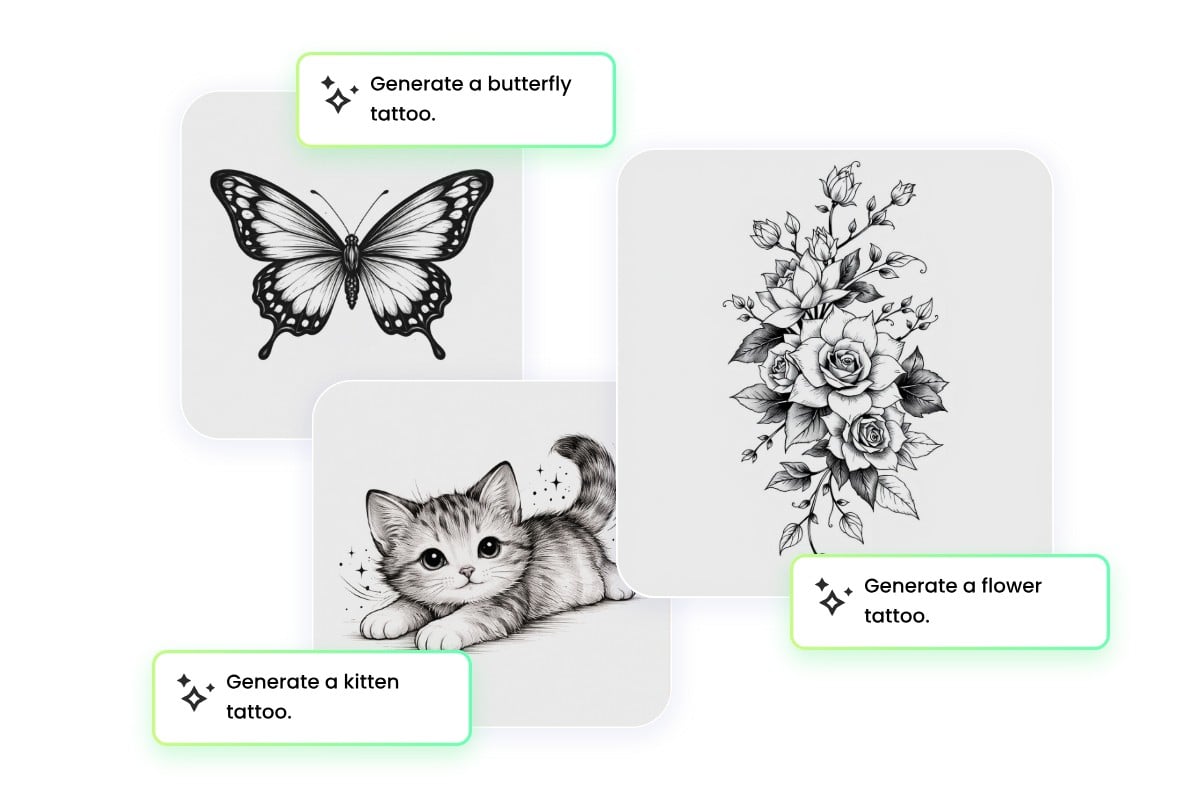
With Fotor AI tattoo generator free online, you can create custom tattoo designs in seconds just by typing a description of what you want. Whether it’s a dragon tattoo, a flower tattoo, or a complex sleeve tattoo generator idea, the tattoo creator instantly creates detailed AI image designs. Even beginners can explore endless AI tattoo ideas without needing drawing skills. Refine, virtually try on, download, or generate multiple variations with this tattoo AI generator to find your perfect design.
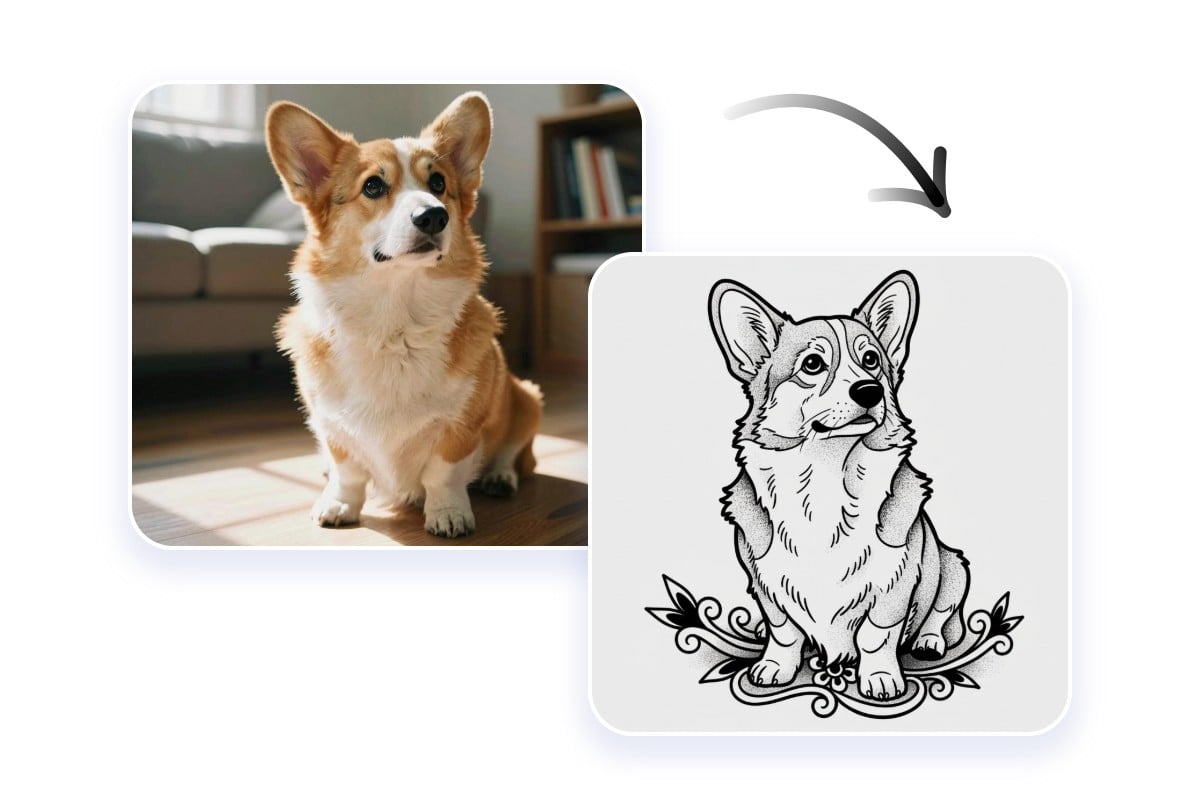
Convert Uploaded Images into Tattoo‑Ready Artwork
Transform your photos, sketches, or reference images into professional-looking tattoo designs using our tattoo generator AI. The free tattoo AI generator retains the main shapes and lines from your upload while adapting them to realistic tattoo styles. This feature is perfect for anyone who wants to turn personal pictures into tattoos, make an image-to-image conversion, test different styles, or create a tattoo idea generator workflow with high-quality, AI-generated results.
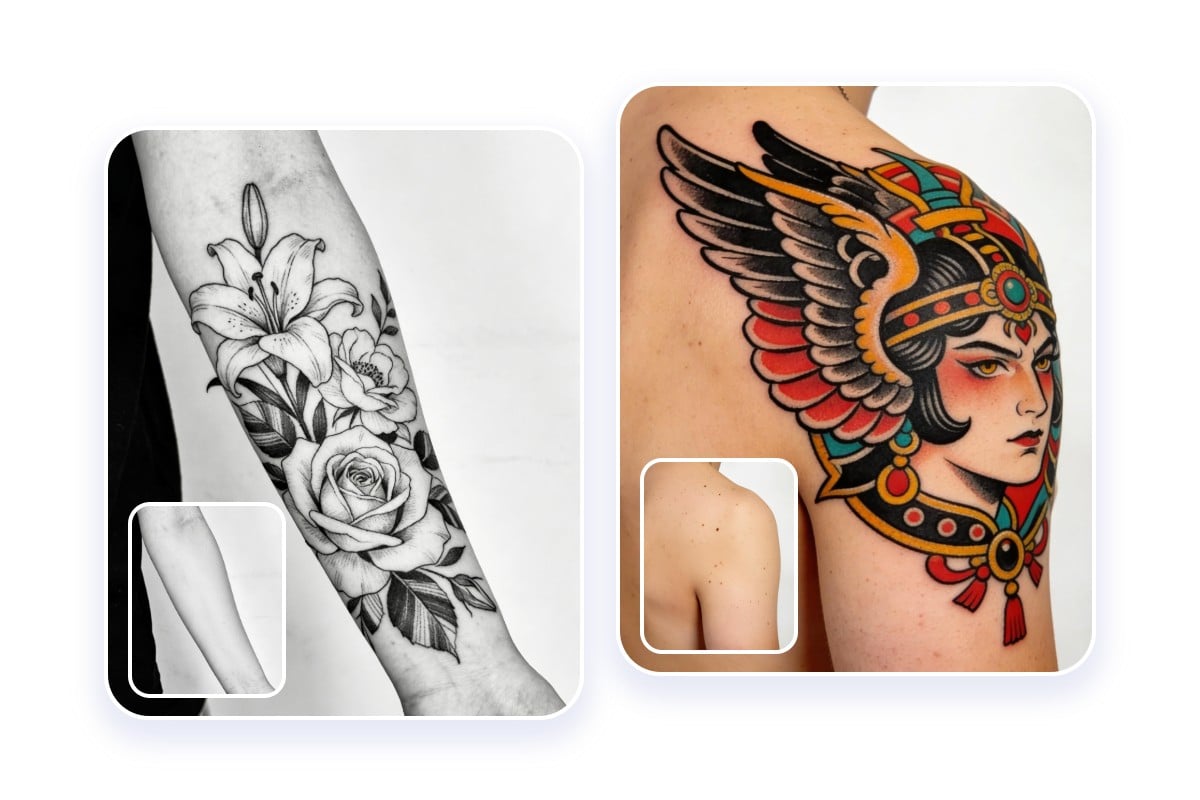
Virtual Tattoo Try-on with AI Simulator Preview
Fotor free AI tattoo simulator allows you to see how any design looks on your body before committing to ink. Upload a tattoo image and try it on forearm, chest, thigh, back, wrist, and behind the ear. Skin color and gender options are also available. With this tattoo try on feature, you can test multiple AI generated tattoo designs, compare styles to match your ideal effect. It’s a safe and realistic way to preview your tattoo before visiting the artist.
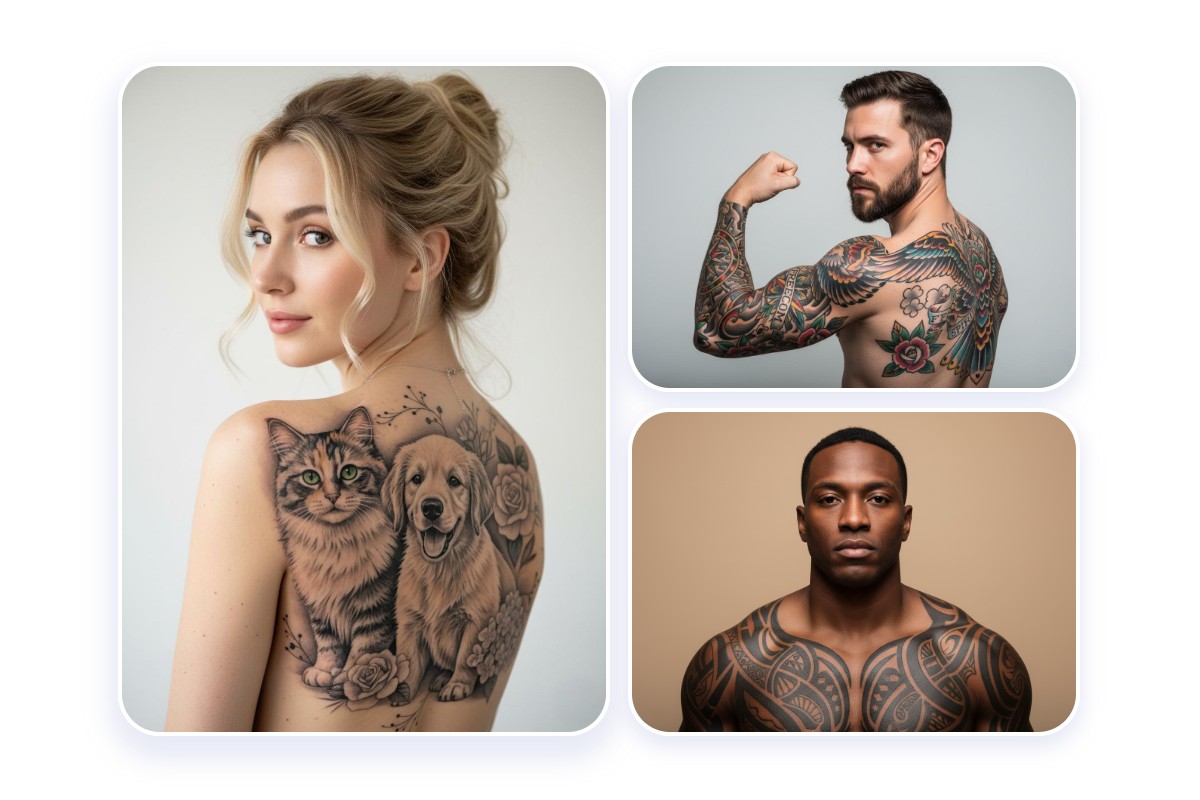
AI Tattoo Designs for Every Age, Skin Color & Style
This AI tattoo generator online is designed for all ages, genders, and skin colors. Create tattoos that suit different skin tones, body types, and personal tastes. Whether you want a subtle tattoo for your first ink, a bold sleeve, or AI-generated tattoo designs that reflect your culture or personality, this tool offers flexibility. Everyone can experiment with styles and placements to ensure the design feels truly unique and tailored to them.
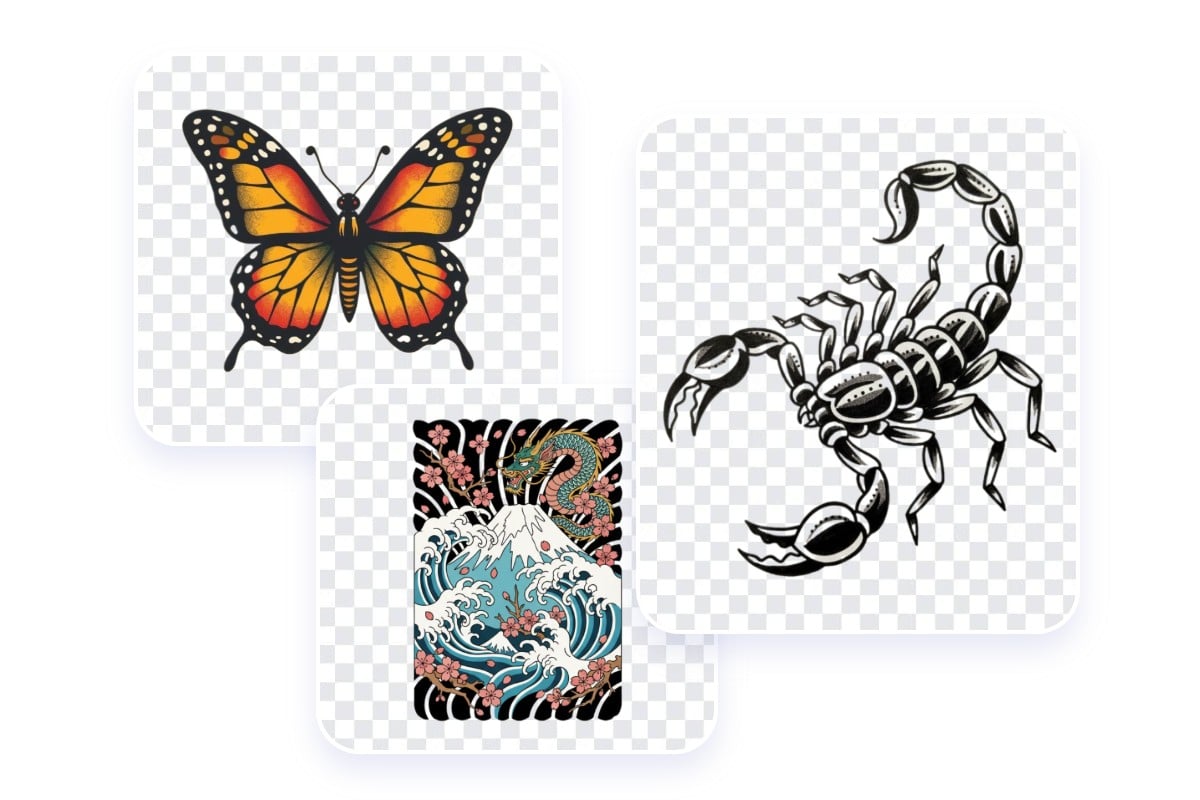
Wide Style Range with Customization Options
Choose from a broad range of tattoo styles using Fotor tattoo design generator. Explore minimalist, fine line, watercolor, ambigram, geometric, birthday flower, realism, traditional, or custom styles. Adjust details like line thickness, color, or composition using text prompts to create your own unique tattoo. The tattoo AI generator free online gives you control over every aspect of your design, helping you generate countless AI tattoo ideas.
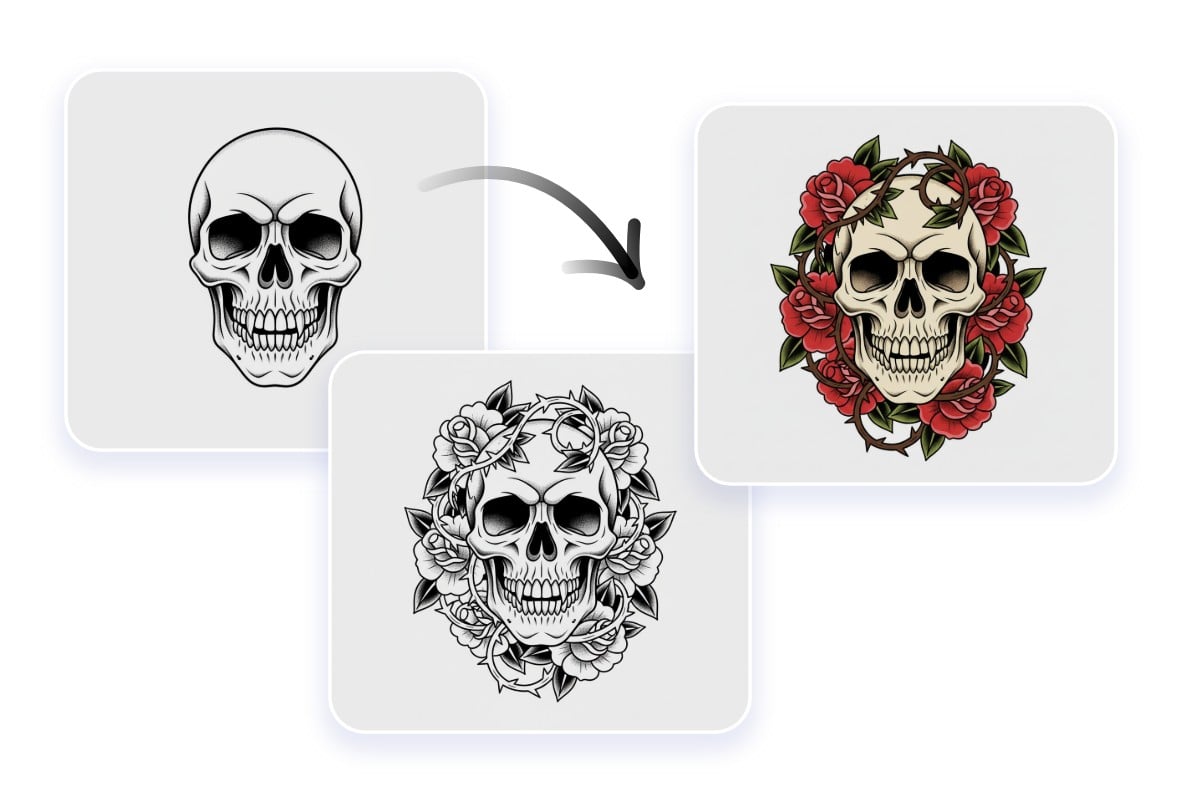
Enhance Uploaded Tattoos with Detail Refinement
If you already have a tattoo sketch or concept, Fotor AI tattoo maker can enhance it by refining lines, improving shading, and emphasizing details. Upload your design and let the free AI tattoo generator optimize it for clarity, style, and content. This feature works for creating polished versions of rough ideas, developing multiple variations, or simply testing how different styles and placements would look using Fotor AI tattoo simulator and virtual tattoo try-on tool.
Why Choose Fotor AI Tattoo Generator?

Easy to Use
Creating tattoos is simple, type, upload, or pick a style and generate instantly.

100% Free to Use
All features, including AI tattoo generator and simulator, are completely free online, no sign up.

No Watermark
Download your AI-generated tattoos without watermarks for professional-looking results every time.

Mobile Available
Access the tattoo generator on any device, including smartphones and tablets, anytime.