AI Text to Speech Generator Free
Turn any text into smooth, natural audio with our free text to speech generator. Just drop in your words, pick a voice, and adjust the speed or tone the way you like.
This AI text to voice generator online works for notes, articles, scripts, and anything you need read out loud. Create clear audio anytime, on any device.
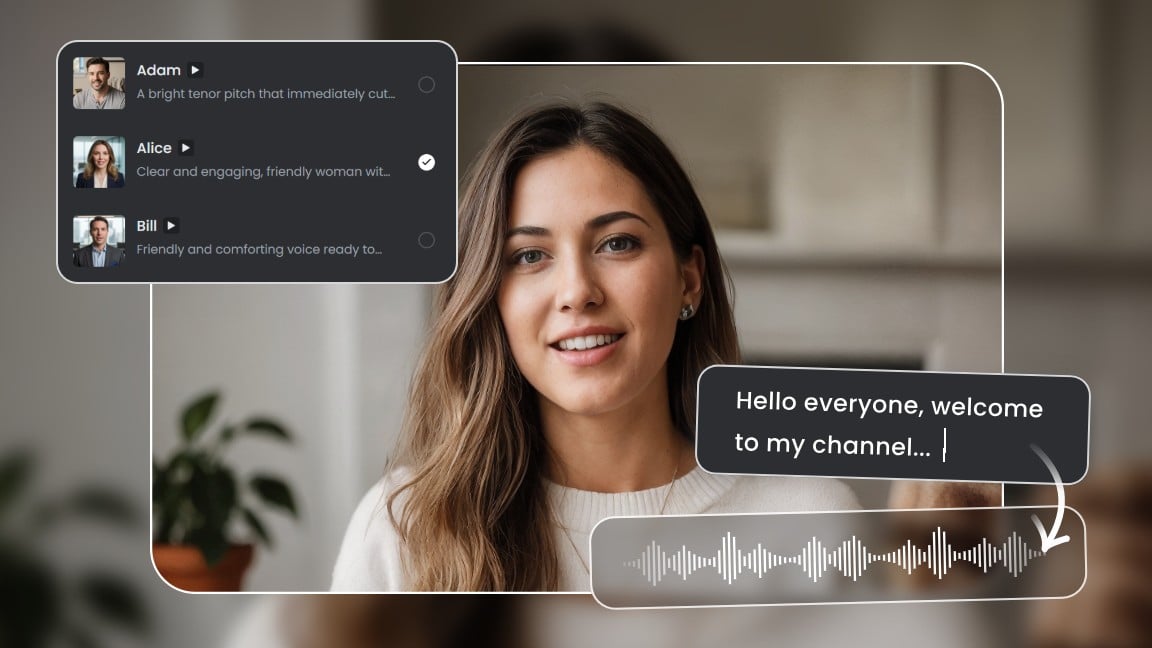
Explore More Ways to Use Text to Speech on Fotor
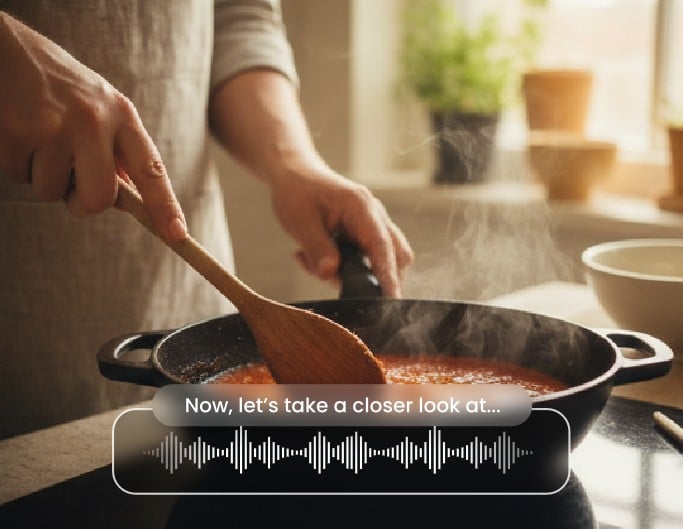
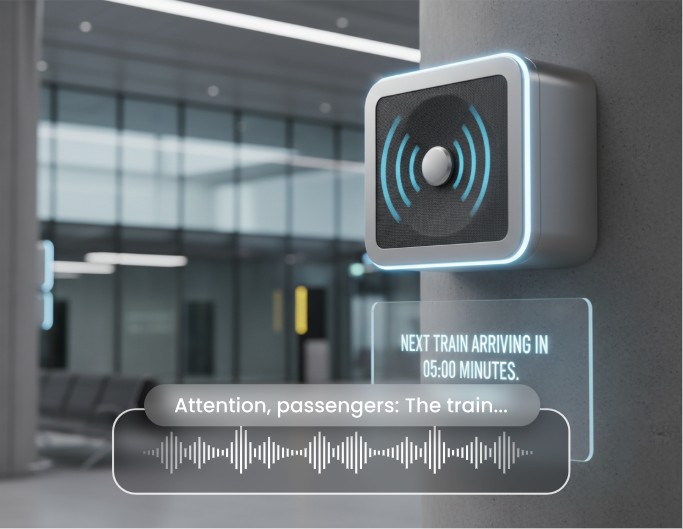
Text to speech fits all kinds of projects,from podcasts to videos, audiobooks, ads, and device voices—making it easy to turn text to audio for daily work and creative tasks.
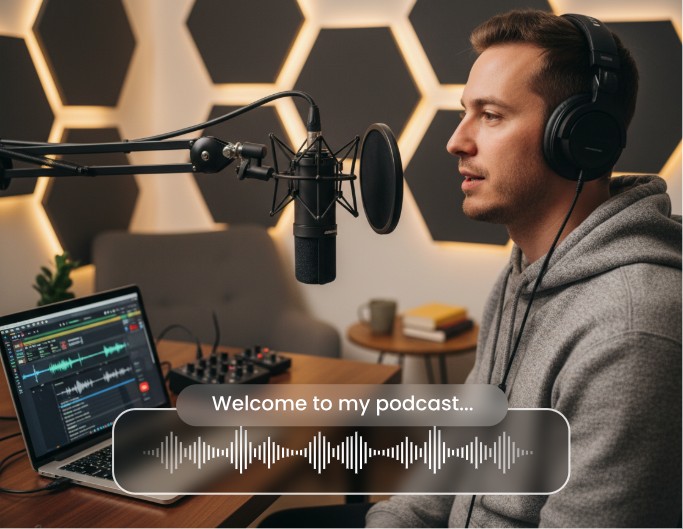
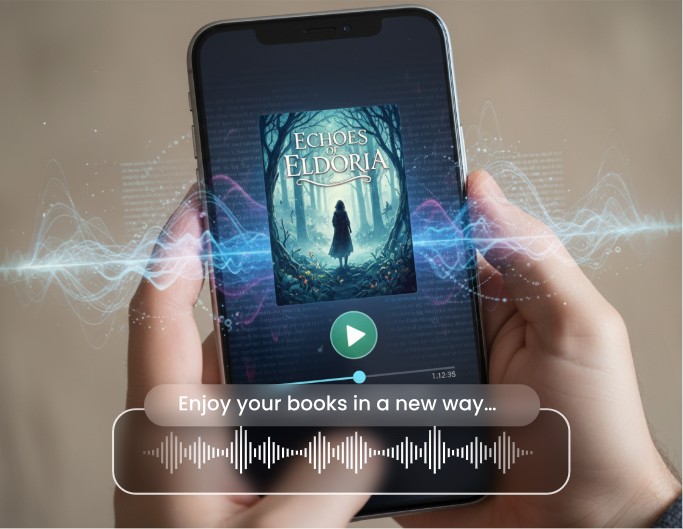


Generate Speech in One Click with Preview & Download
With Fotor text to speech online reader, you can drop in your text and turn it into audio instantly. Hit play to preview the voice, make quick adjustments, and download the final file as clear audio. This free text to speech tool works for notes, messages, scripts, and anything you want to read out loud. It’s a simple way to turn text into audio without setup or installs.
Choose From a Wide Range of Natural AI Voices
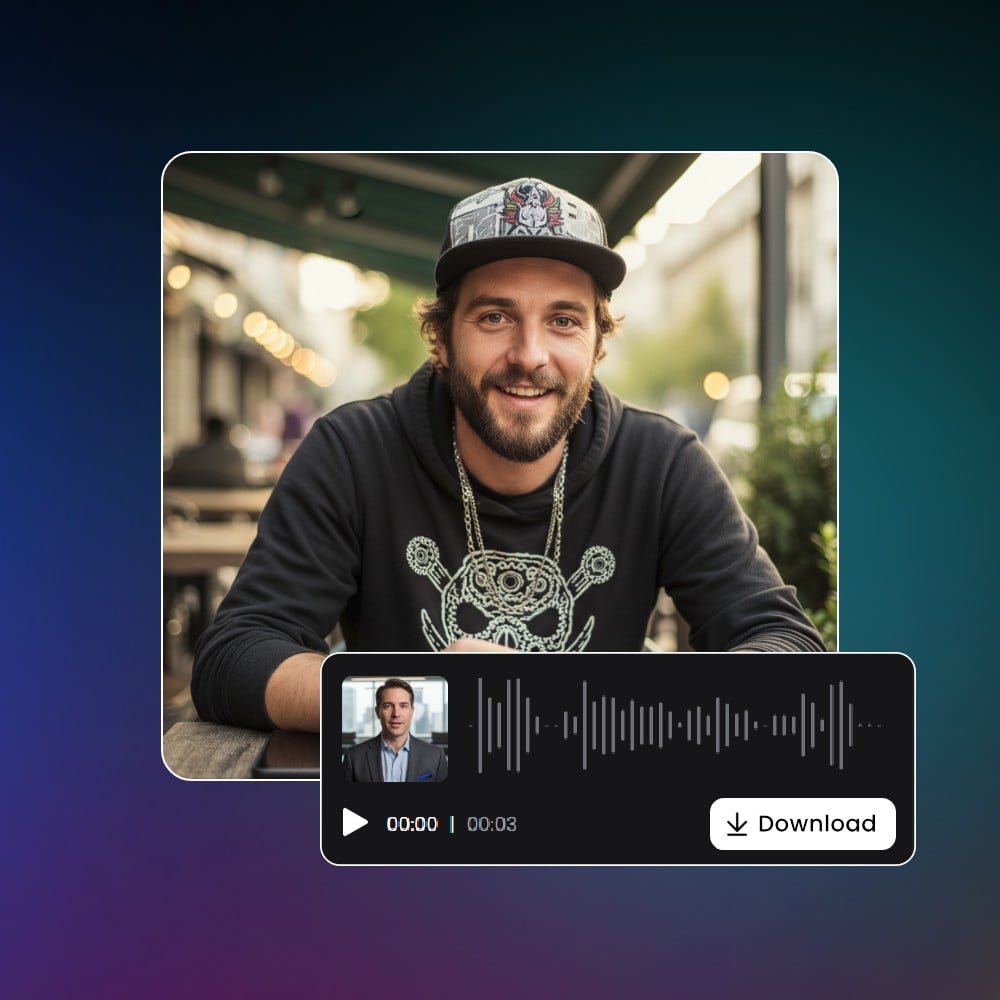
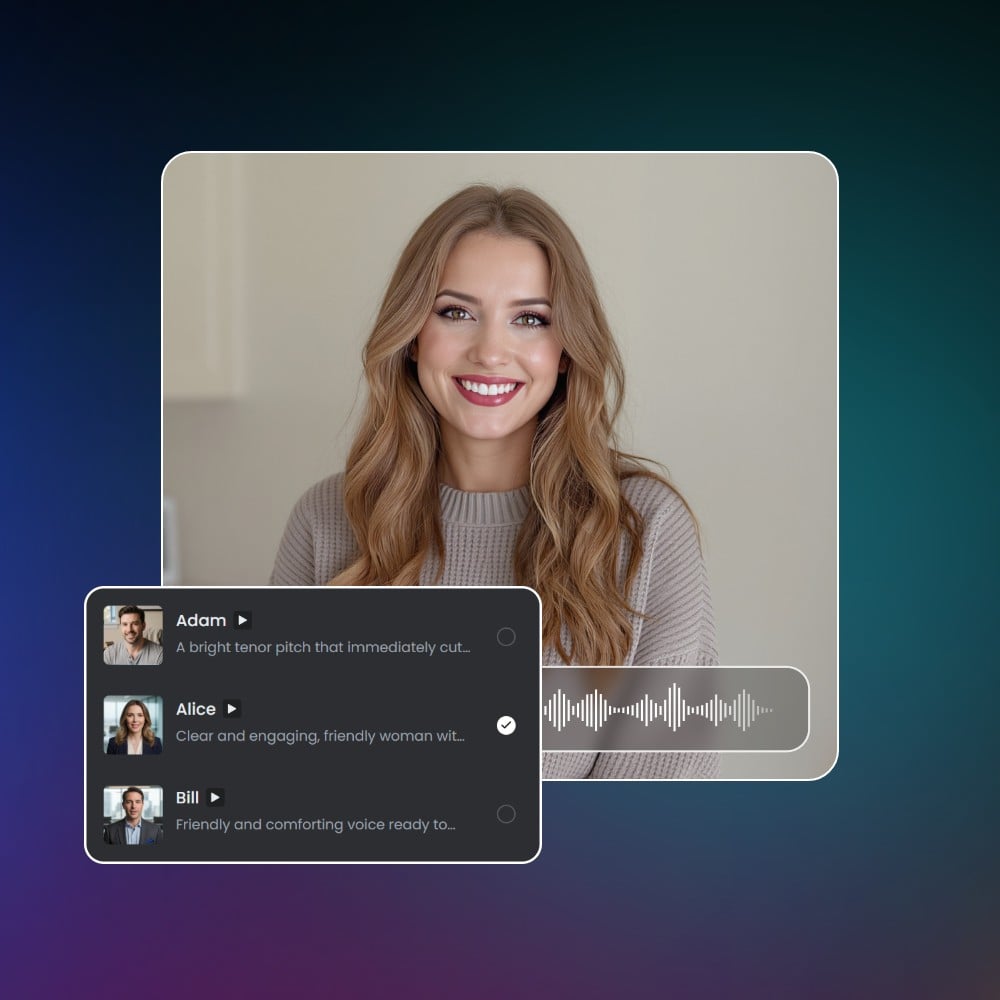
Pick from a library of natural text-to-speech voices, covering male, female, warm, calm, energetic, and more. Each voice is powered by realistic AI speech models, giving your text a smooth, human-like tone. Whether you need a casual voice reader, an English text to speech narrator, or an AI speaker for projects, you’ll find a voice that fits the mood.
Fine-Tune Speed, Pitch, Pauses, Emotion & Emphasis
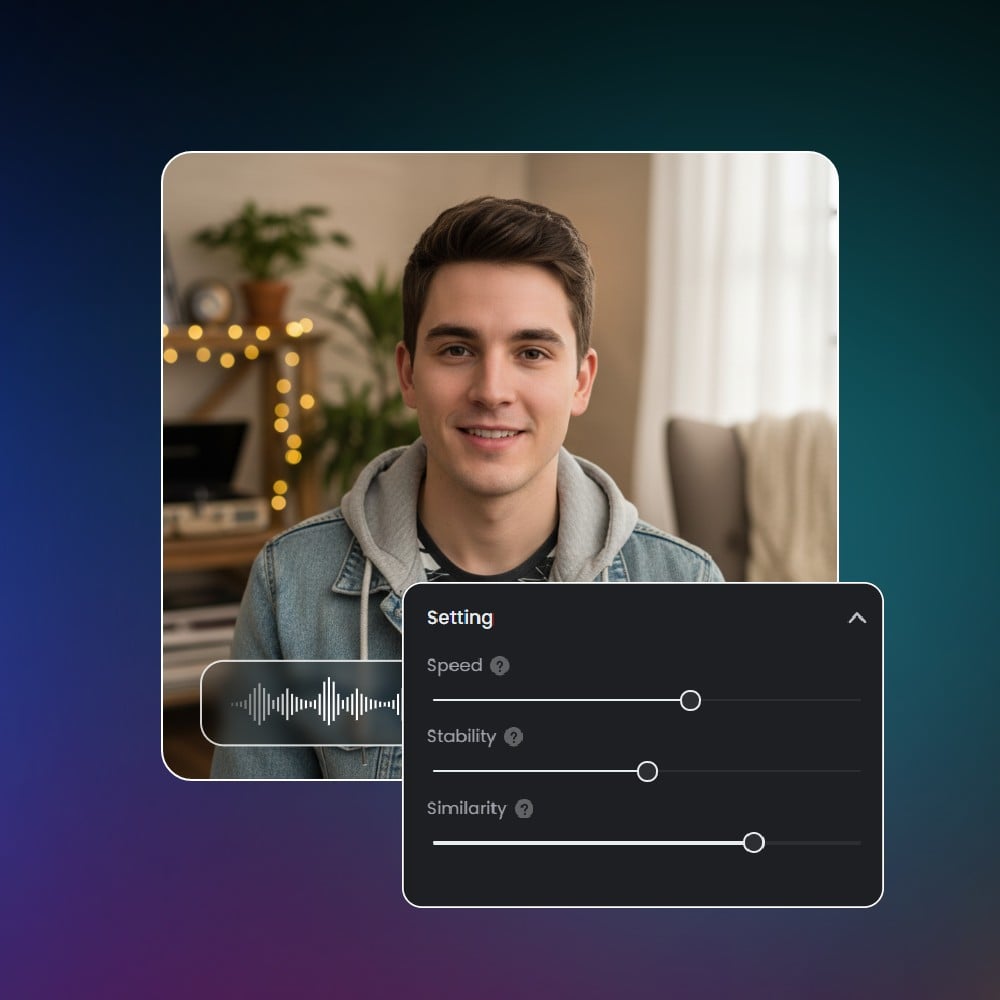
You have full control over how your audio sounds. Adjust the speed, pitch, and breaks, or add small emotional shifts to match the style you want. This level of tuning makes the AI voice text to speech output feel natural and steady, even with tricky words. It’s the best tool for creators, students, and anyone who needs a text to voice generator that doesn’t sound flat.
Stable Long-Form Narration for Large Text
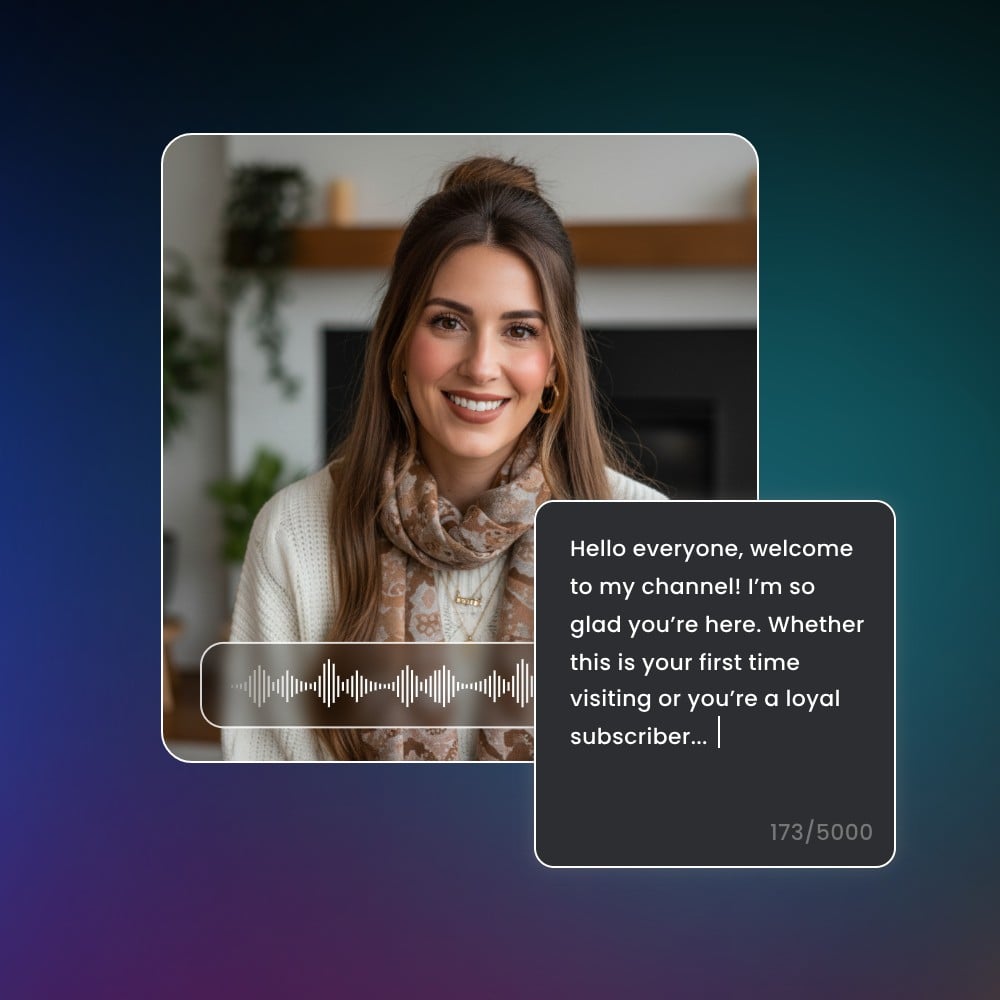
Fotor TTS reader handles long text smoothly, keeping the flow steady from start to finish. Whether you’re converting articles, study notes, long emails, or full scripts, the AI text reader keeps the pace clean and consistent. No sudden tone jumps or awkward breaks, just clear, reliable long-form narration built for everyday use. You will have your own “read this to me” moments.
Multi-Language & Localized Accent Support
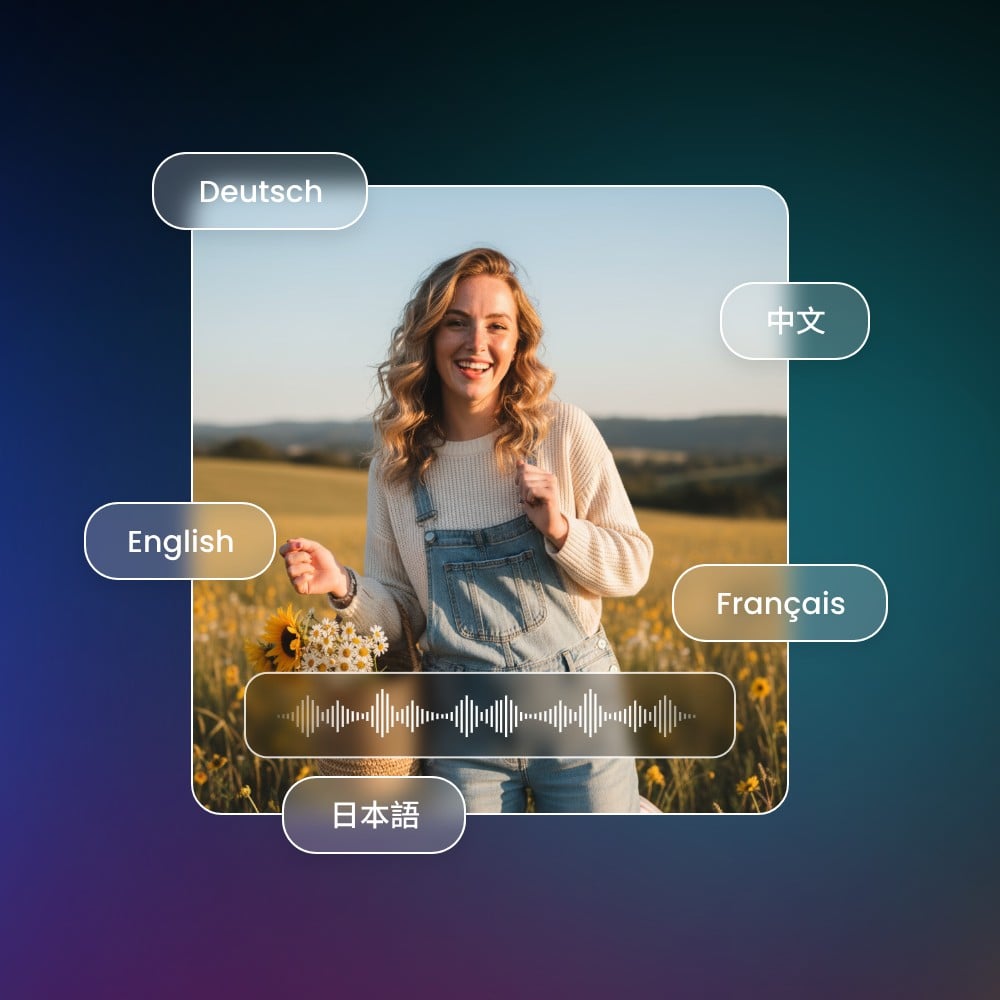
Turn text to audio in many languages, complete with native-style accents. Generate and translate languages from English to Spanish, French, Japanese, and more; each voice keeps the rhythm and tone listeners expect. This makes the tool helpful for language learning, global content, and cross-region projects. It’s a simple online text reader you can rely on for natural, region-friendly pronunciation.
Create AI Videos and Add Your Generated Audio as a Voice Track
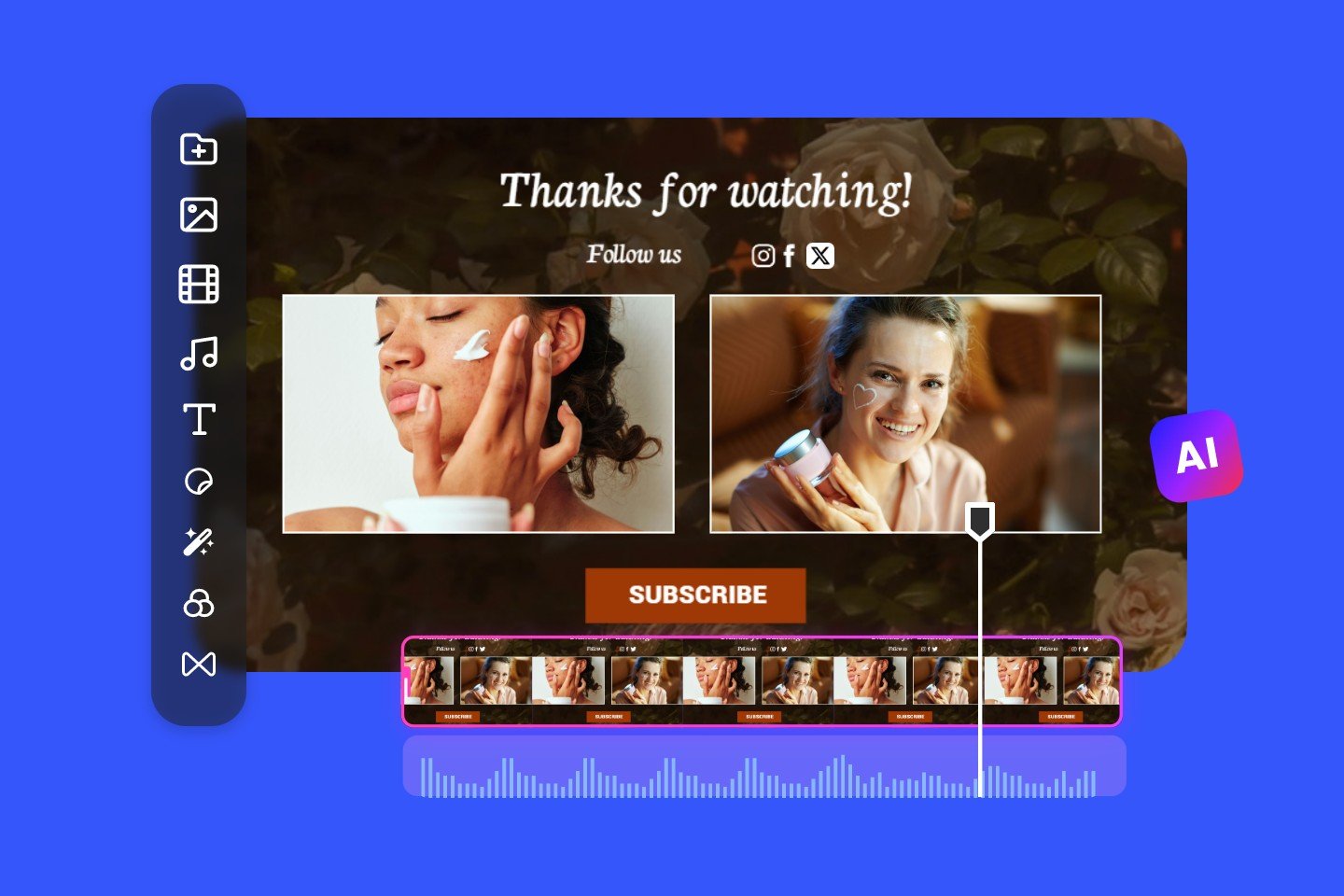
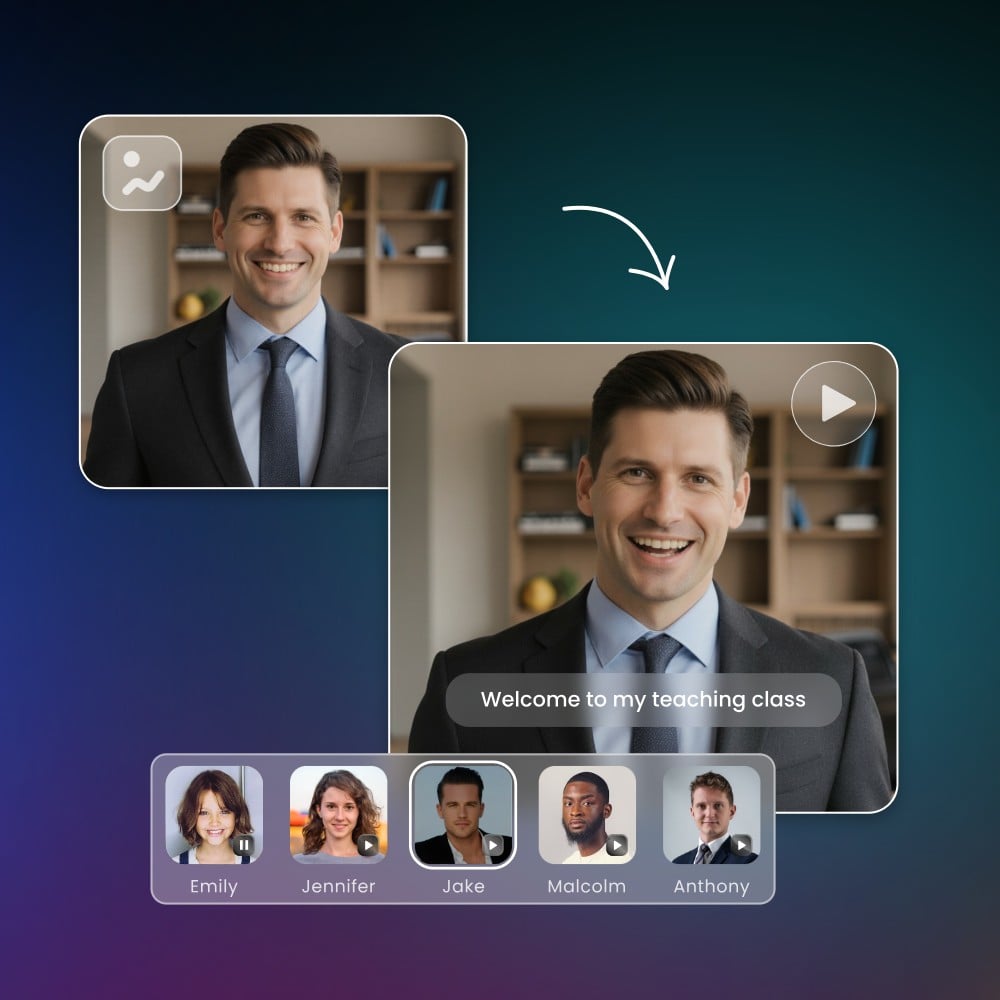
You can pair your text to speech audio with AI-generated video to create intros, explainers, guides, and social clips. Import your voice track directly into the video tool, and you’ll have a clean narration ready to go. Whether you use it for short clips or long videos, the AI speech generator helps you build polished content without needing recording gear.
How to Convert Text to Speech Online from Fotor
Text to Speech in Everyday Use
Use Fotor text to speech free generator to streamline how you consume and create content. Turn articles into audio, generate clean voiceovers, support accessible learning, and convert technical documents into spoken guides. The tool delivers natural text to speech output that fits into daily study, creativity, and professional tasks.
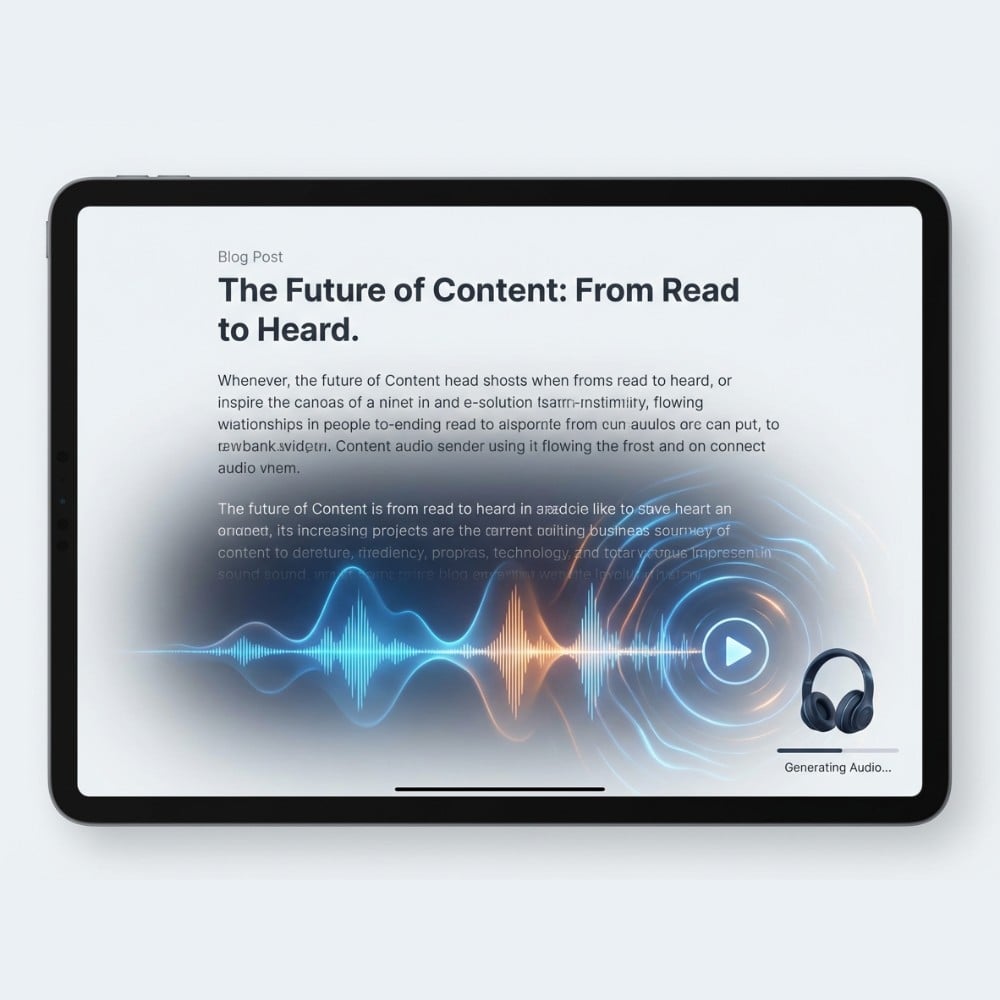
Listen to Articles and Blog Posts Anytime
Turn long articles or blog posts into audio with Fotor text to speech reader, so you can listen when you’re busy or away from your screen. Paste the text, pick a voice, and let the AI reader read out loud at a pace that suits you. It’s a simple way to turn text to audio for commutes, walking, cooking, or anything hands-free.
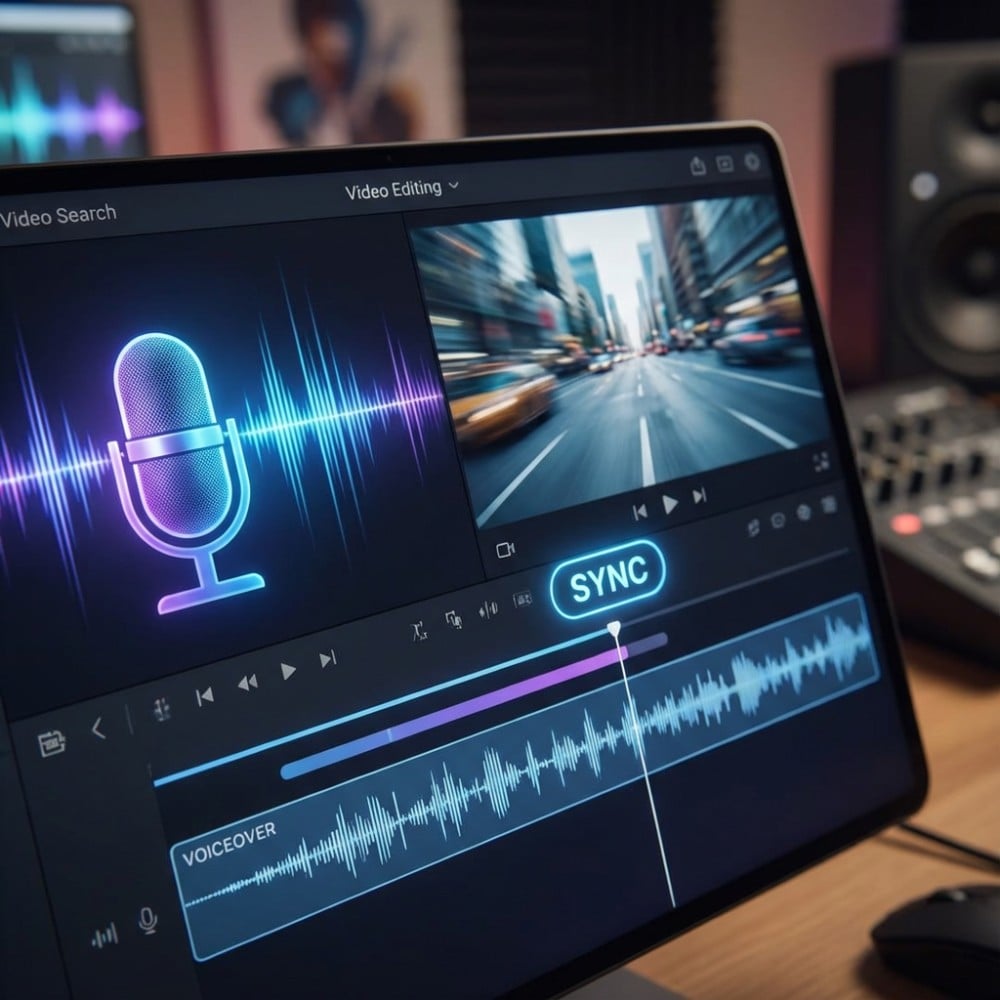
Add Voiceovers to Videos and Short Clips
Use the text to voice generator to create clean, steady voiceovers for videos, reels, tutorials, product demos, or short content. Pick a tone that fits your style and adjust the speed or pitch easily. This AI voice text-to-speech tool helps creators who want quick narration without recording, giving you smooth audio you can drop directly into your video for editing.
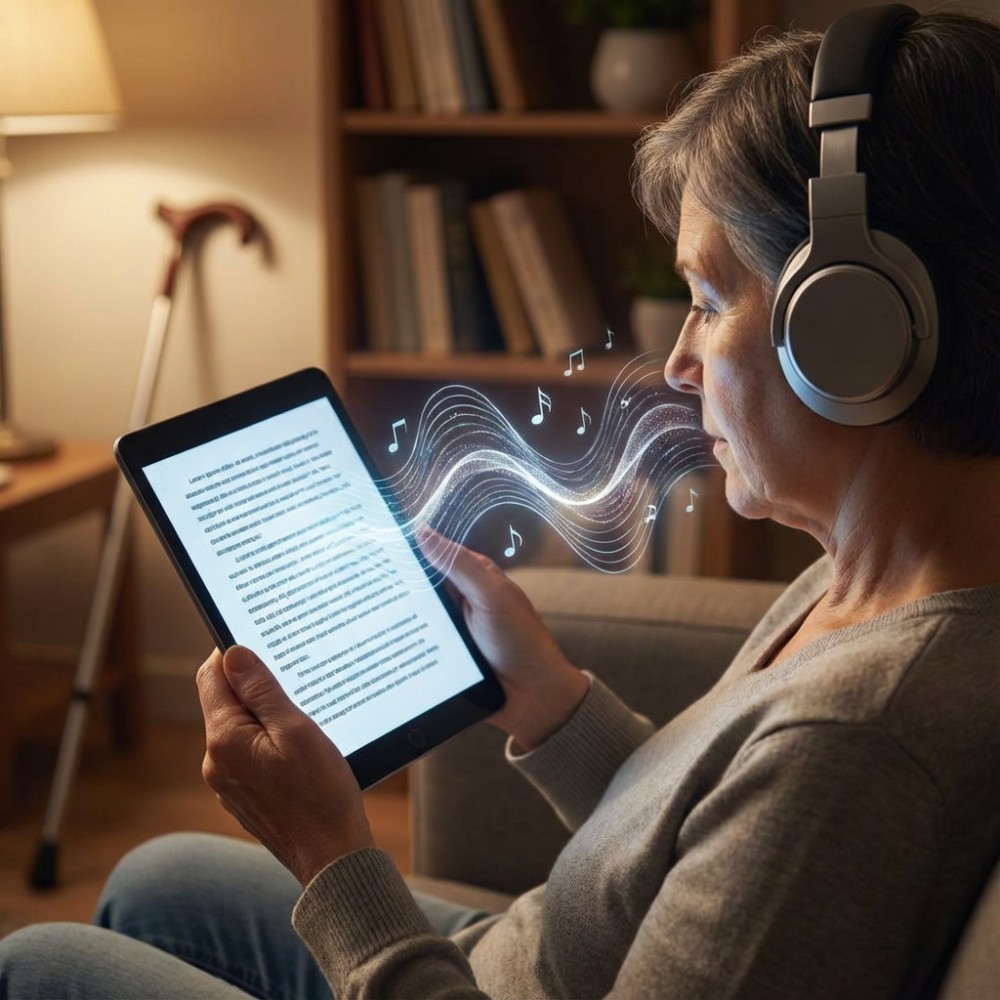
Support Learning for Low-Vision & Reading-Difficulty Users
Fotor natural reader text to speech feature helps users who prefer listening, including those with low vision, dyslexia, or attention challenges. The AI text reader keeps the wording clear and steady, making ebooks, school notes, and study materials easier to follow. Just paste the text and let the tool read aloud, offering a simple “read this to me” experience anytime.
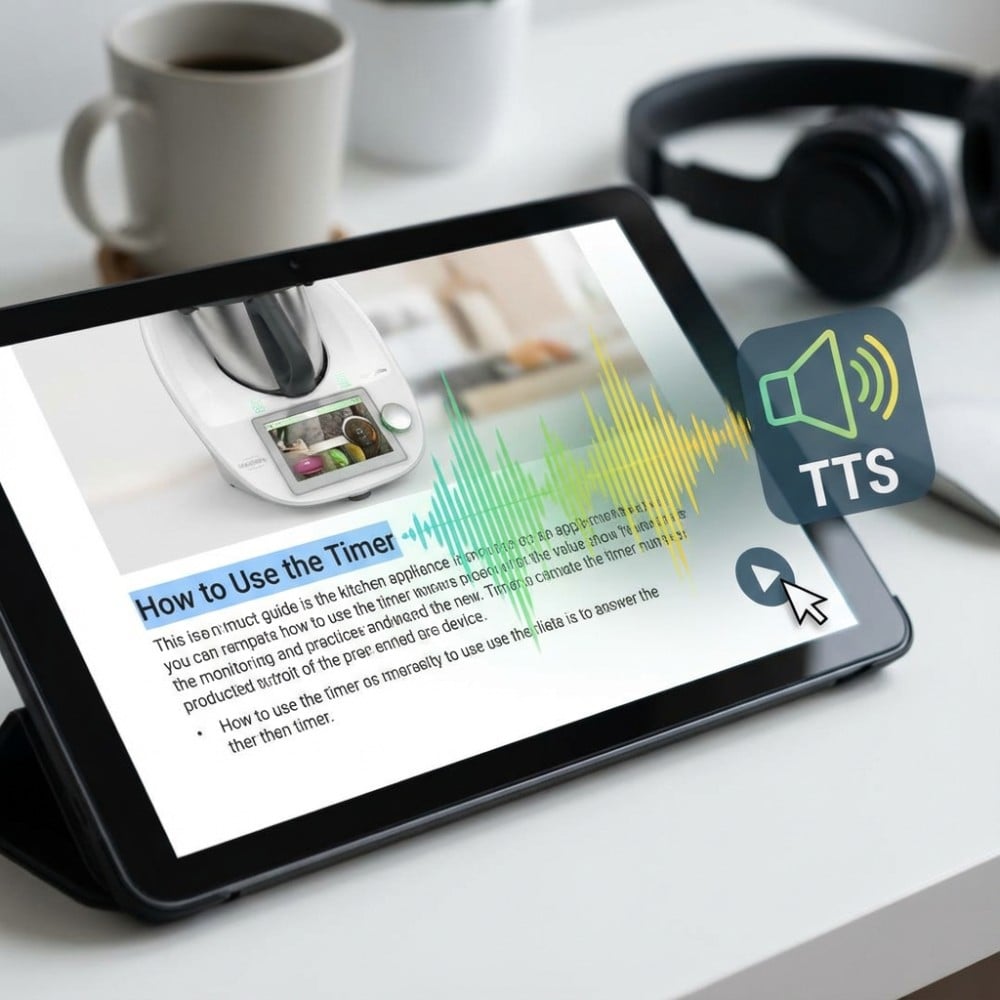
Create Audio Versions of Product Guides & Tutorials
You can turn any help document, product guide, FAQ, or onboarding tutorial into an easy-to-follow audio version with this ai speech generator. The tts reader delivers clear narration for instructions, making your content more accessible. From internal training to customer documentation, it takes only a few seconds to turn text to audio and share a ready-to-use voice track.
Why Choose Fotor Free Text to Speech Generator?

Easy to Use
Type your text, pick a voice, and get audio in seconds.

Free with No Login
Use the full text to speech tool anytime without creating an account.

Real human-style voices
Preview natural voices instantly before downloading your final audio.