AI Storyboard Generator Online for Free
Use Fotor's AI storyboard generator to transform a script into stunning panels if you can't draw. Visualize ideas with our storyboard creator.
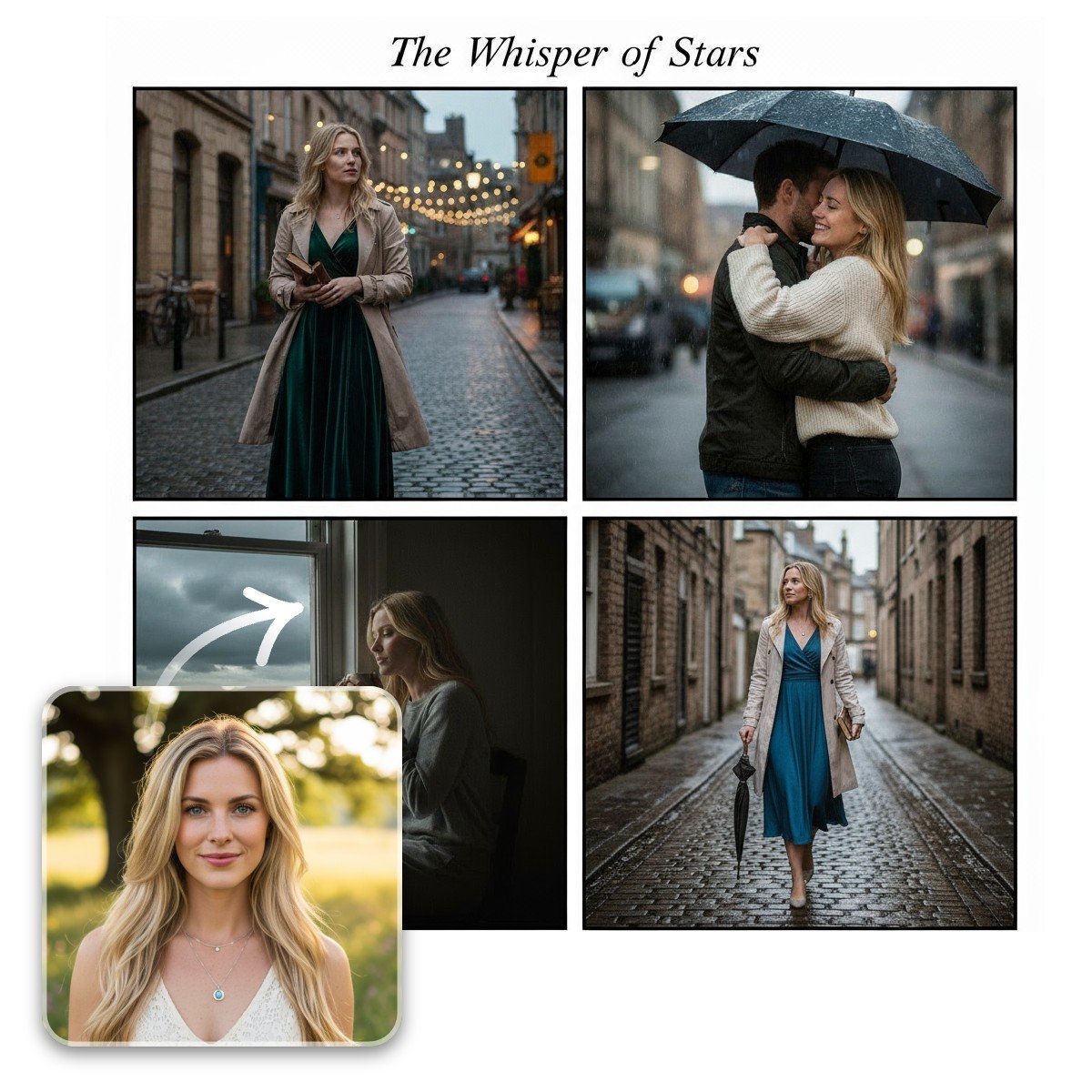
How to Make a Storyboard with AI?
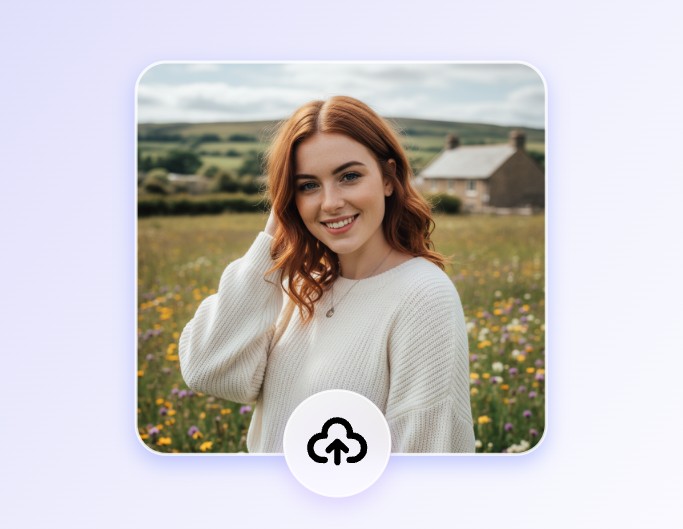
Step One. Upload an image
Click the "Reference Image" block above to upload pictures. You can upload one or two images.
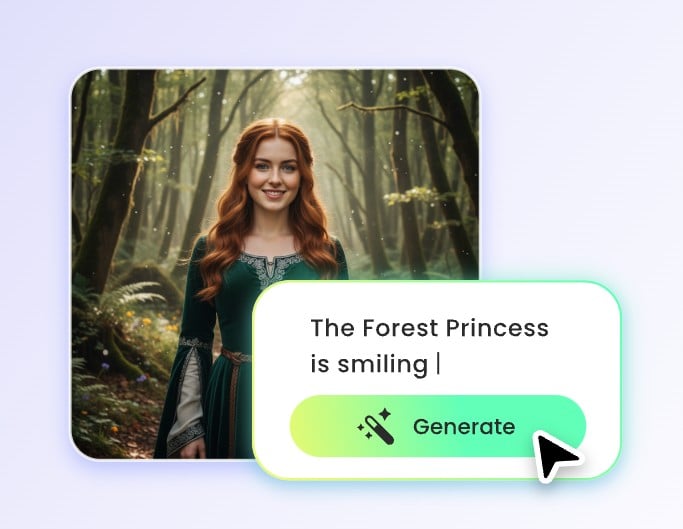
Step Two. Enter a text
Type in your script in the "Main Prompt" block. You can use the prompt we've prepared for you, or start from scratch. When you're ready, click "Generate".
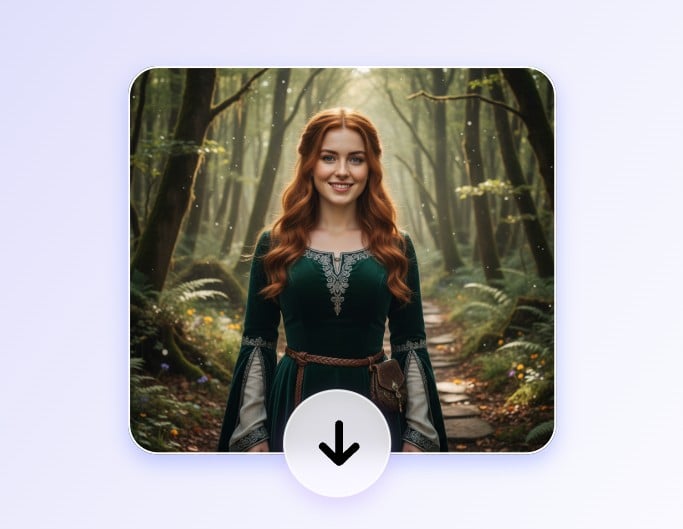
Step Three. Download for free
Your storyboard panels will be ready in seconds. Download them online for free. The results are ready to be shared.
Have Fun with Our Preset Prompts and Get Free Storyboard
⭐Click any of the images to get started.⭐
If you don't know where to start, try the following preset scripts.
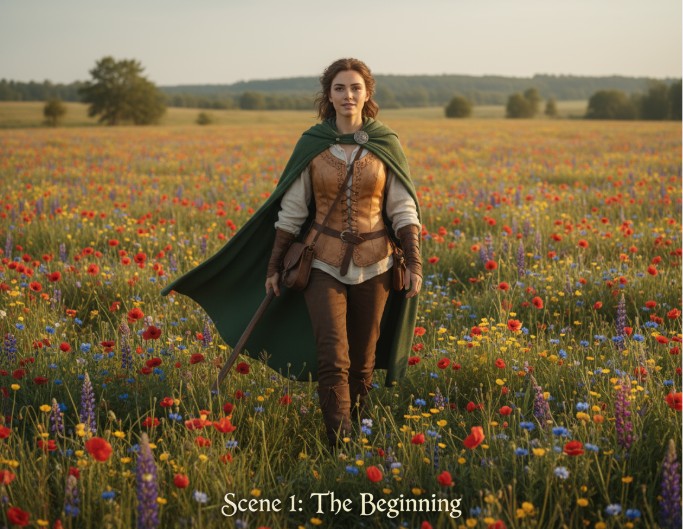
Scene 1: The Beginning
⭐Click to use built-in prompts.⭐
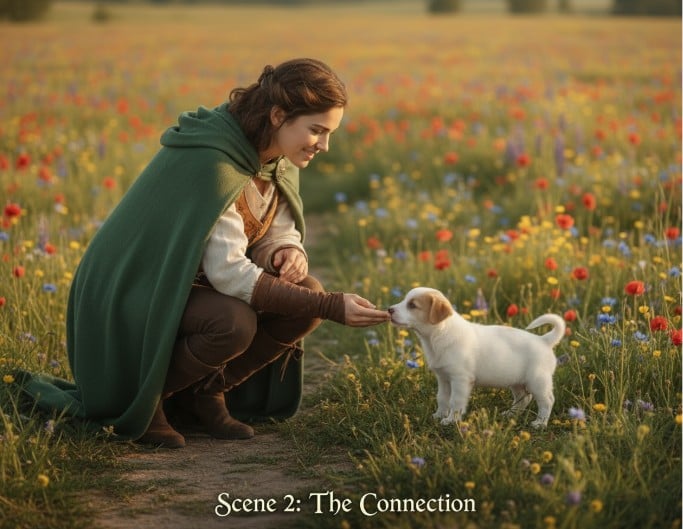
Scene 2: The Connection
⭐Click to use built-in prompts.⭐
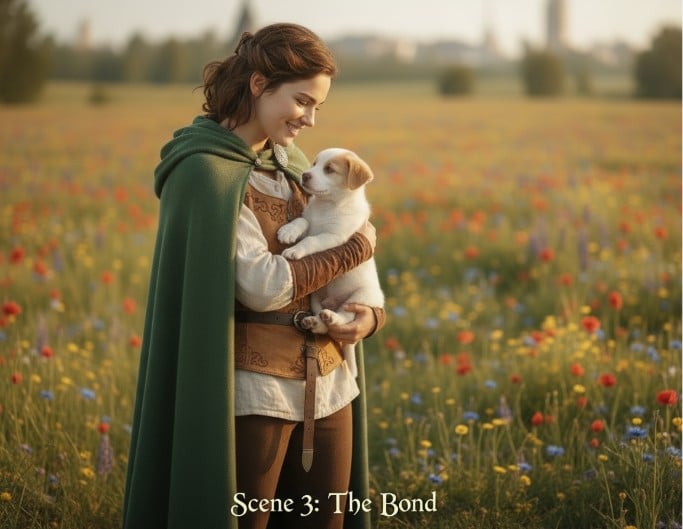
Scene 3: The Bond
⭐Click to use built-in prompts.⭐
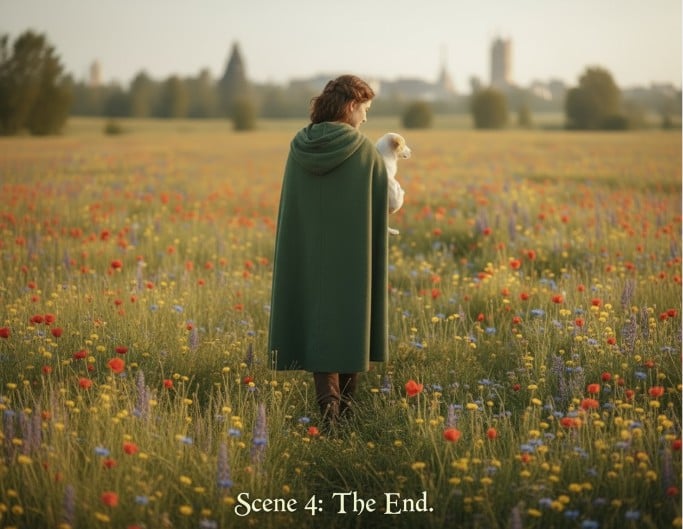
Scene 4: The End
⭐Click to use built-in prompts.⭐
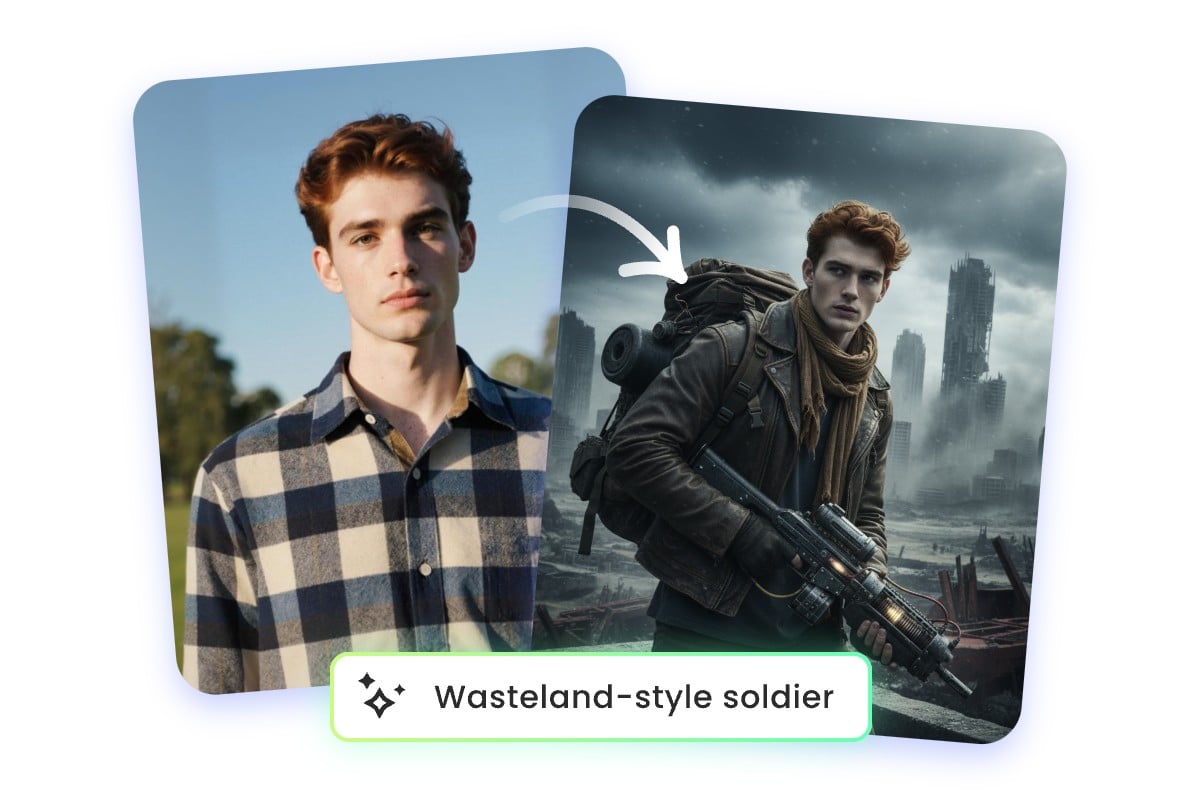
Create Storyboards from Photos and Text with AI Storyboard Generator
Use Fotor's AI storyboard generator to turn photos and scripts into storyboards. No drawing or animation skills are required. All it takes is a reference image and a story. It’s a fast and intuitive.
Our AI-powered storyboard maker is perfect for filmmakers, animators, or social media content creators. Try the free AI Storyboard generator, whether you’re planning a short film, comic, or presentation.
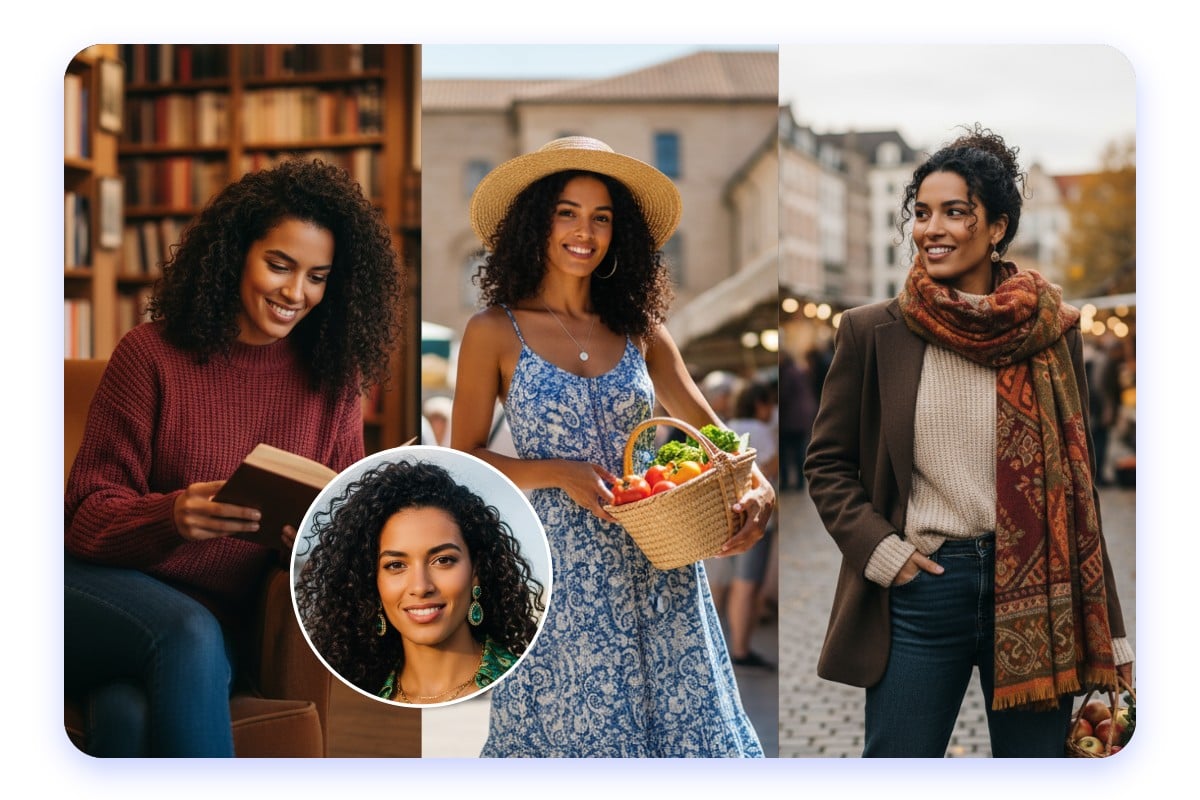
Maintain Character Consistency Across Every Visual Storyboard
In Fotor's AI-generated storyboards, your character’s face, hairstyle, and outfit details remain the same, even when you switch to different themes or styles. For example, your hero can appear as a knight in a fantasy world, a space explorer in a sci-fi setting, but still look like the same character.
This consistency helps your story feel more connected and professional. Use our website storyboard AI to build smooth visual transitions between scenes and maintain audience recognition.
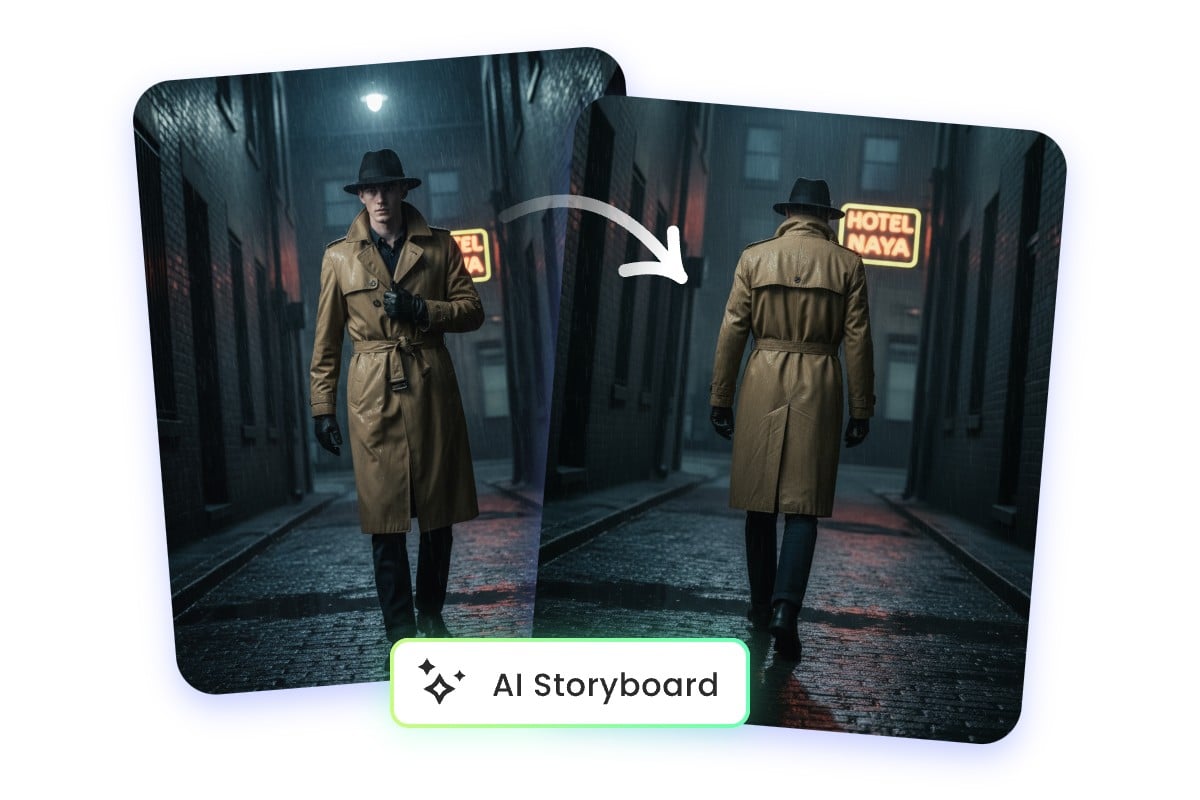
Generate Multiple Camera Views Using the Storyboard Creator
Use Fotor's storyboard creator to change camera views at will. Upload a character photo and enter text, and you can get shots from any angle, like front, side, or back. The storyboarding AI automatically adjusts lighting, proportions, and perspective.
Changing camera angles is essential in storytelling. Use our storyboard maker to plan dynamic transitions or show character movement between scenes. Explore new perspectives without reshooting or redrawing.
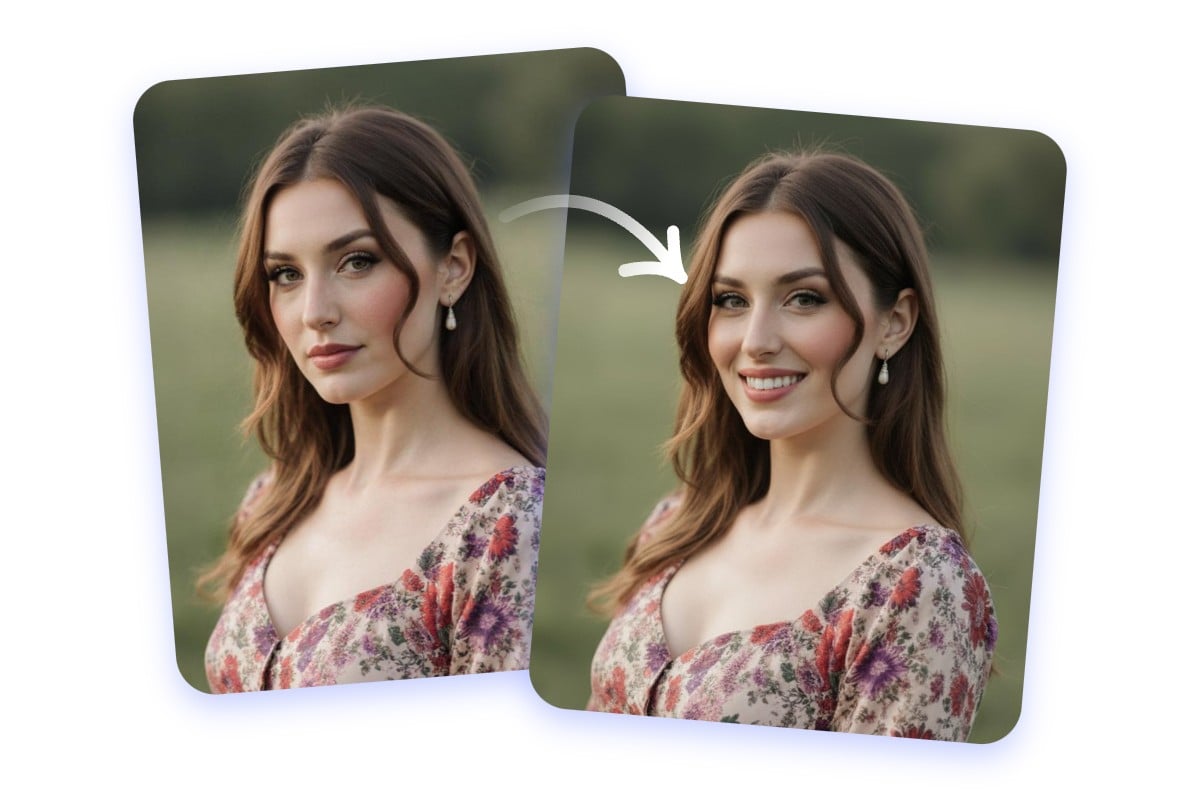
Transform Character Moods with the Storyboard Maker
Use Fotor's storyboard maker to change facial expression of your character immediately. Say your needs in simple words like “smile,” “look surprised,” or “show determination.” The AI for storyboarding can perfectly understand everyday language.
Let our AI storyboard generator help you when you want to adjust a character’s expression to reflect dialogue, tension, or reaction shots in your storyboard.
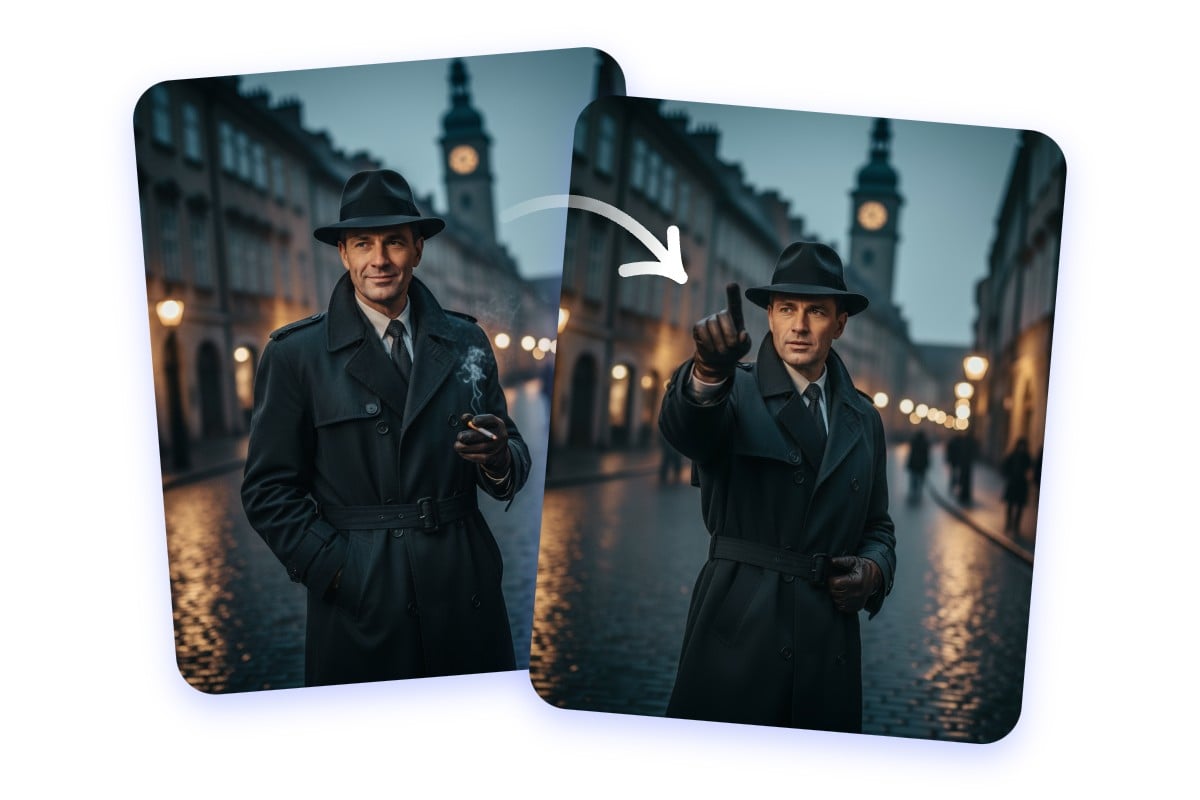
Direct Every Pose with the AI Storyboard Generator
Change image poses with Fotor's AI storyboard generator from script. Turn a standing fantasy warrior into a battle-ready stance, or shift a sitting ninja into a fighting motion.
Poses are essential for dynamic storytelling or visual variety in storyboard scenes. Whether you’re producing fantasy sequences, action scenes, or cinematic visuals, use Fotor to create a storyboard with a character pose that you exactly want.
Why Choose Fotor's Storyboard Generator?
![no sign up icon]()
Edit through Conversation
Our AI understands everyday language. Just tell it what you want; no coding or prompt crafting skills needed.
![Realistic icon]()
Character Consistency
Fotor's storyboarding AI can keep characters' features like facial and clothing details consistent across scenes.
![AI-driven enhancement icon]()
Advanced AI Models
Fotor's AI image generator has access to the most advanced AI models like Gemini Nano Banana, Flux Kontent, Qwen, and more.